Flat Ethernet Cables
Upgrade your home or office network with our selection of flat Ethernet cables. Designed to provide a fast and reliable connection without the bulk of traditional round cables, flat Ethernet cables are perfect for routing under carpets, along walls, or behind furniture with ease. Whether you're setting up a gaming station, home office, or multimedia entertainment system, these sleek and flexible cables offer high-speed data transfer and seamless connectivity for all your devices. Browse our range of flat Ethernet cables in various lengths and colors to find the perfect match for your networking needs.
Sort
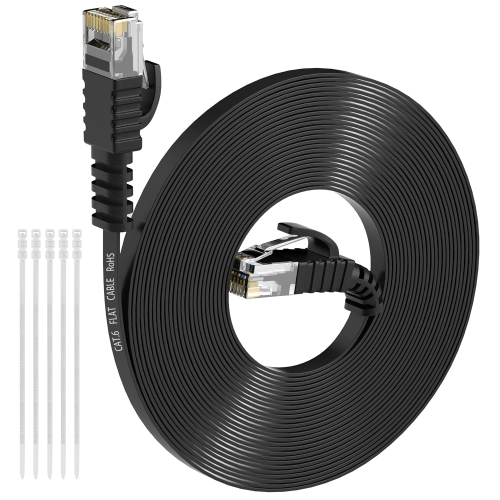
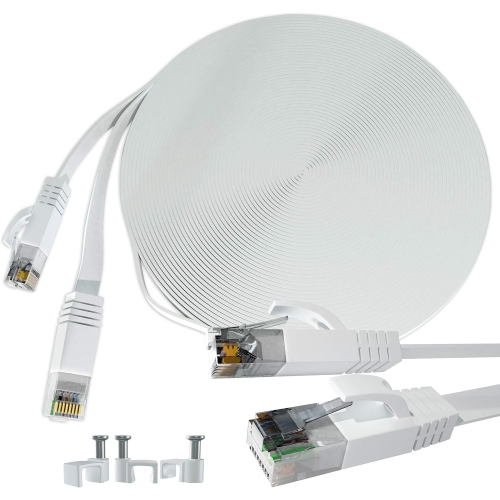
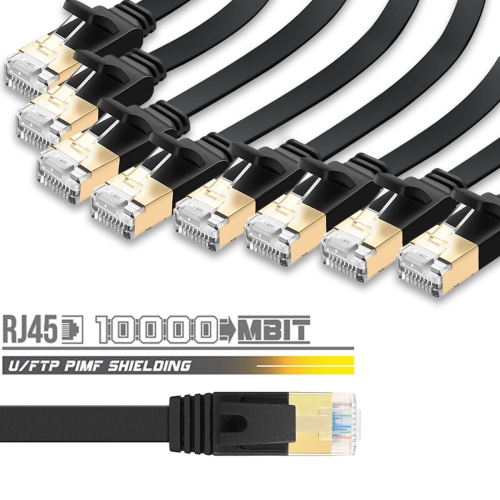
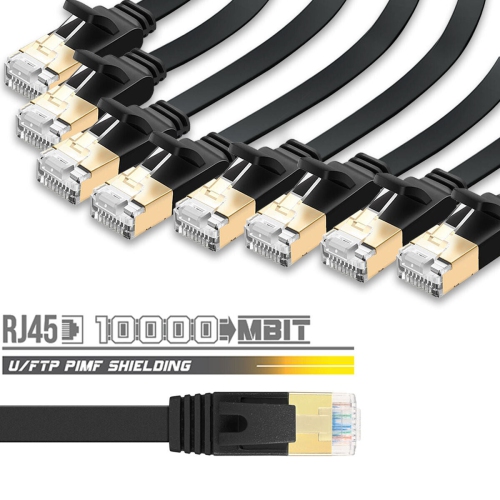
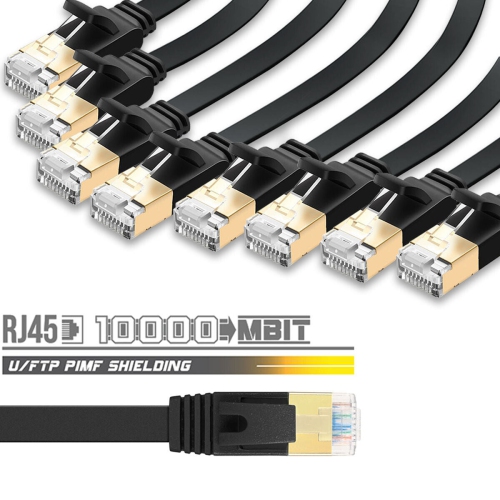
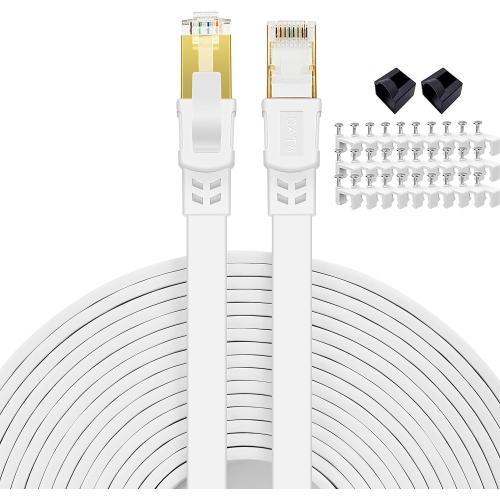
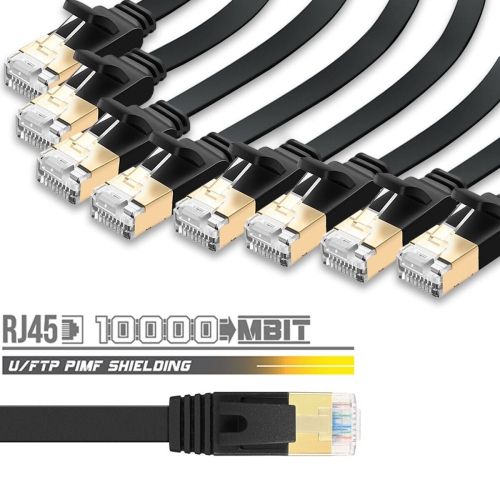
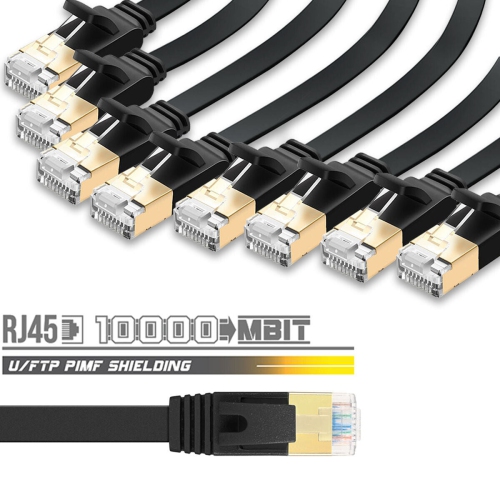
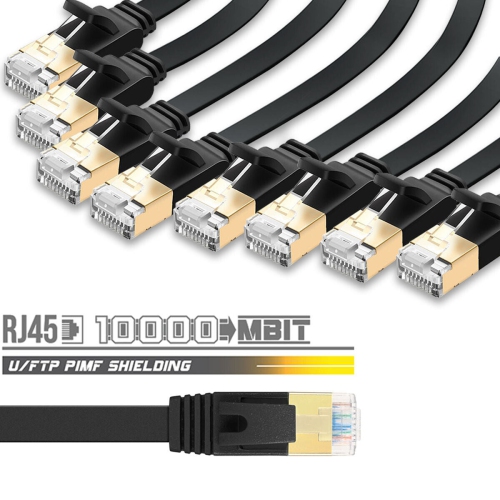
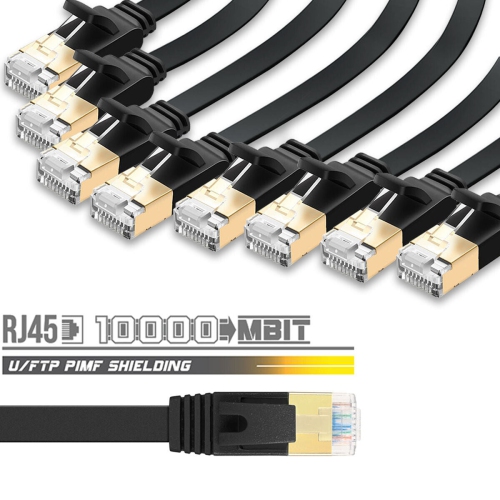
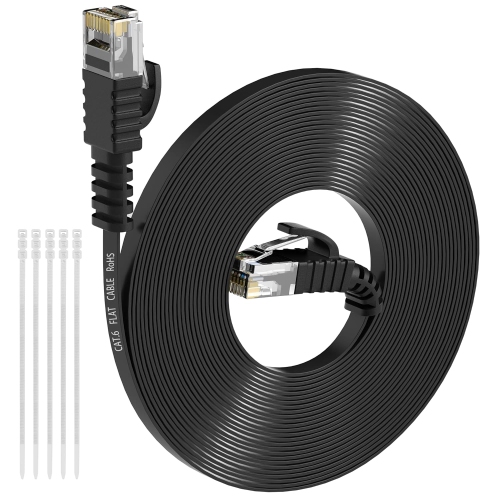
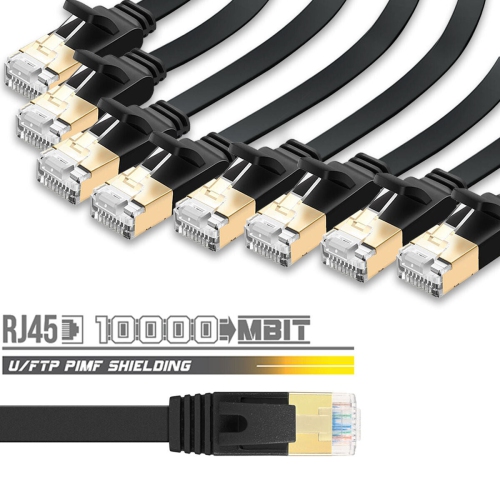
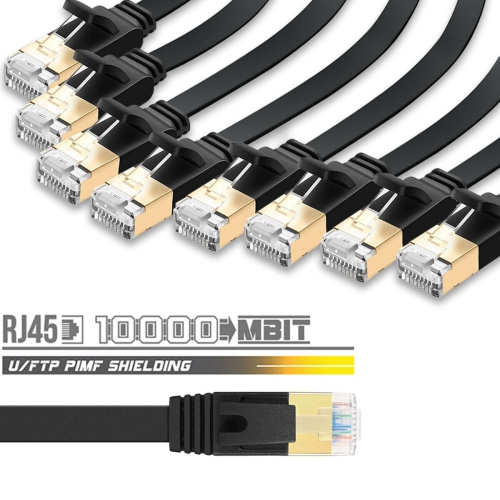
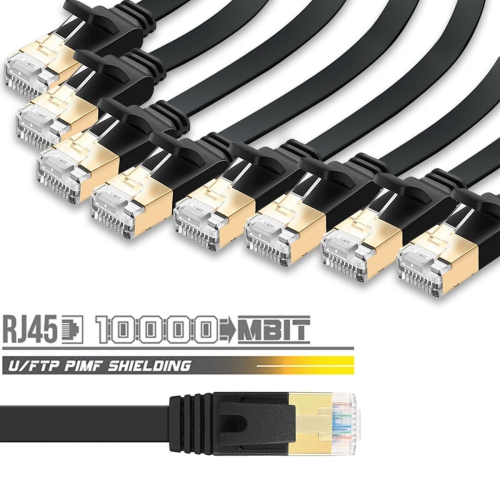
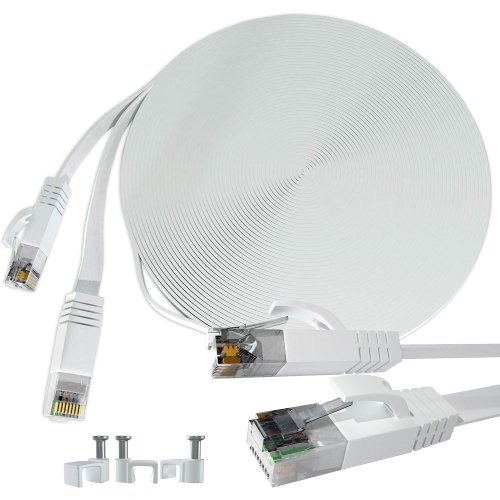
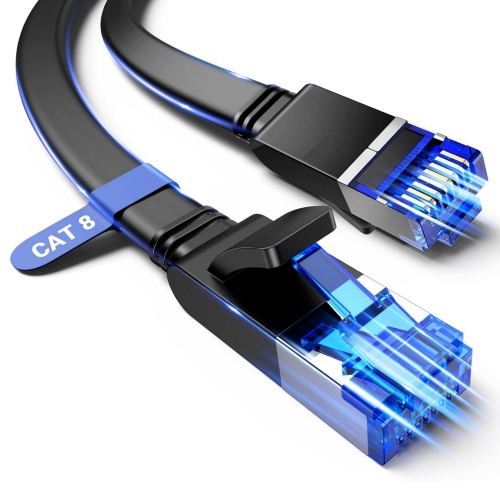
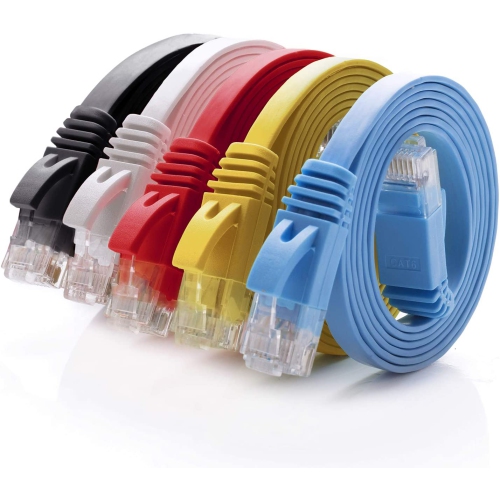
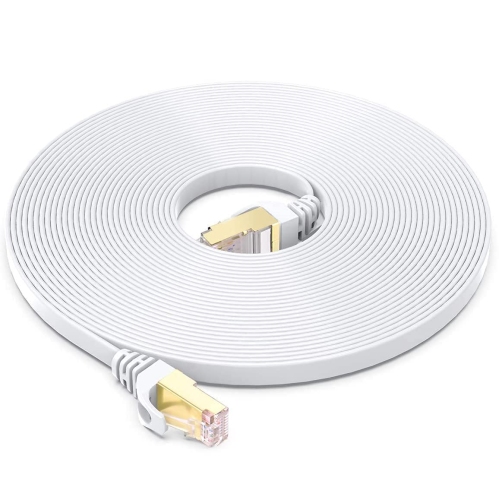
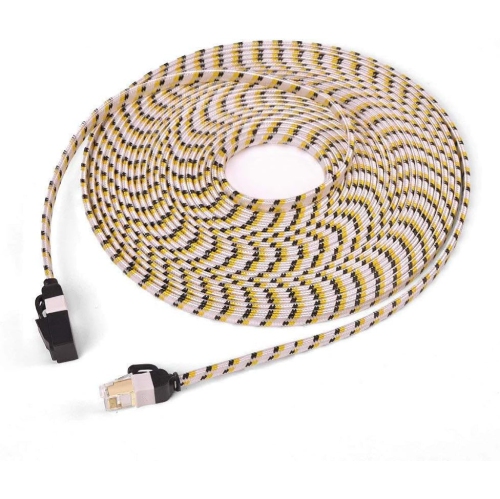
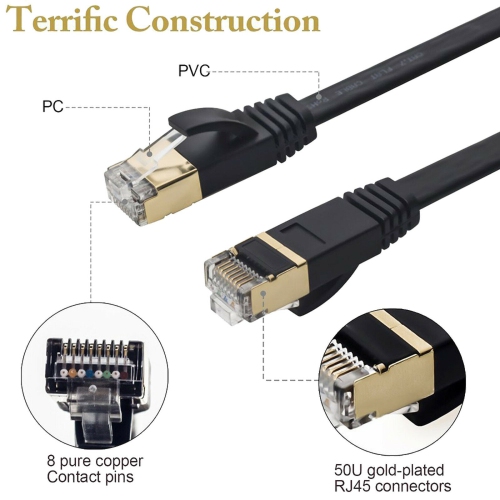
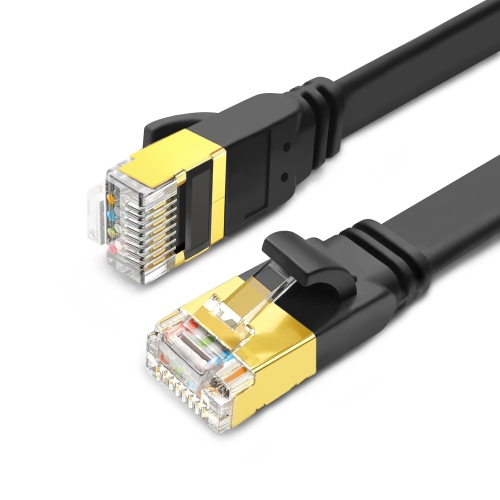
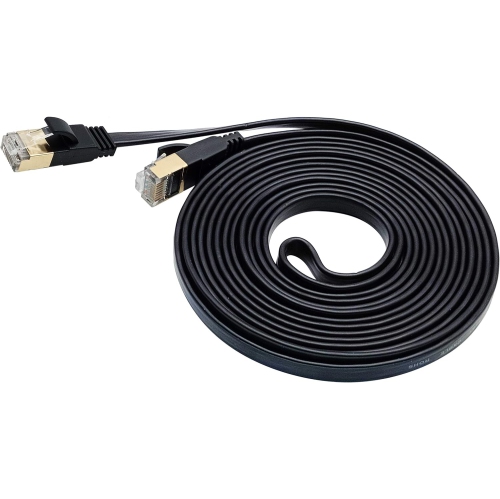
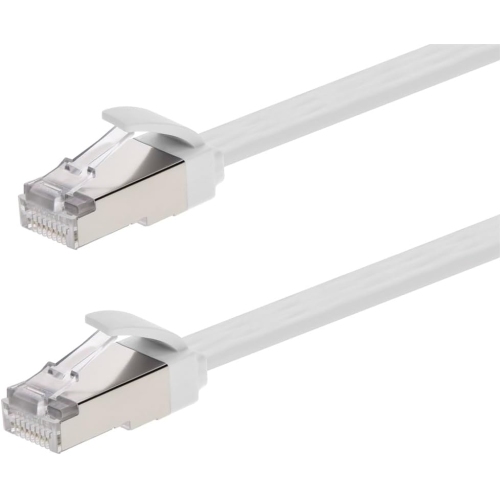
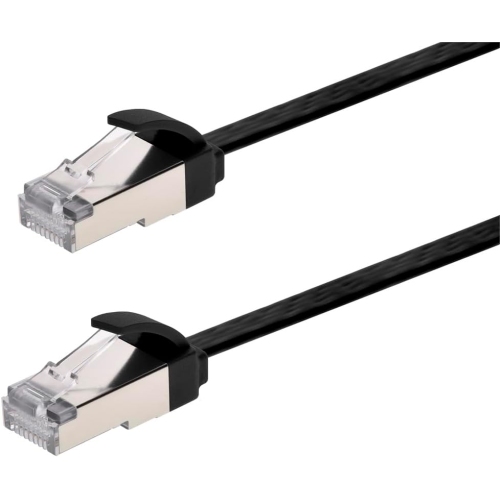
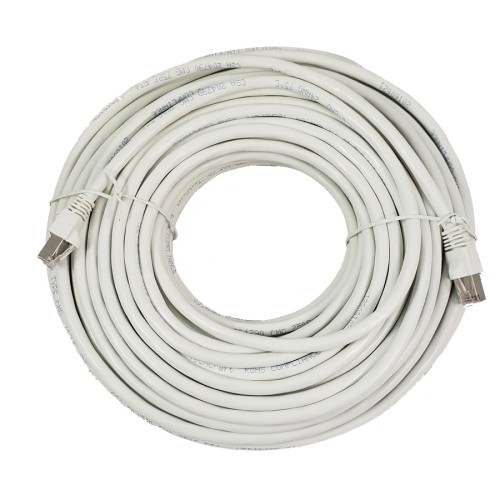
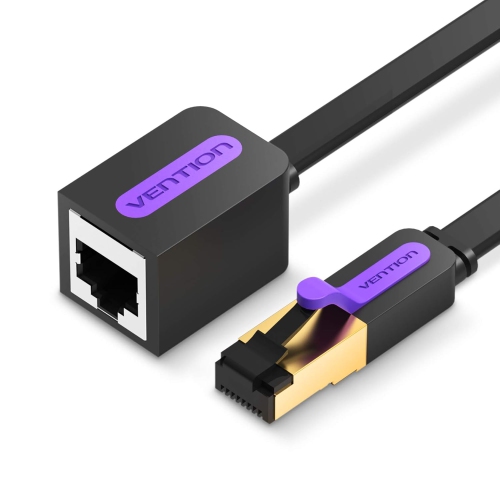
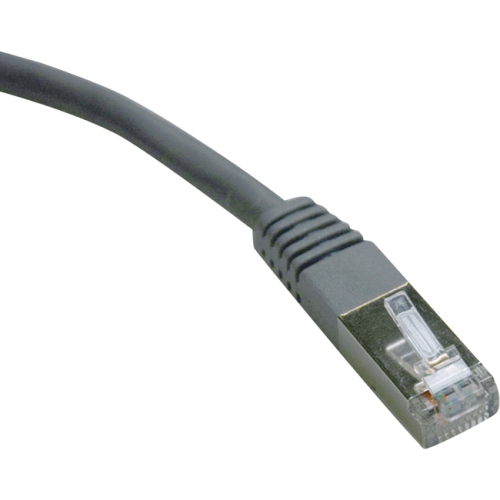
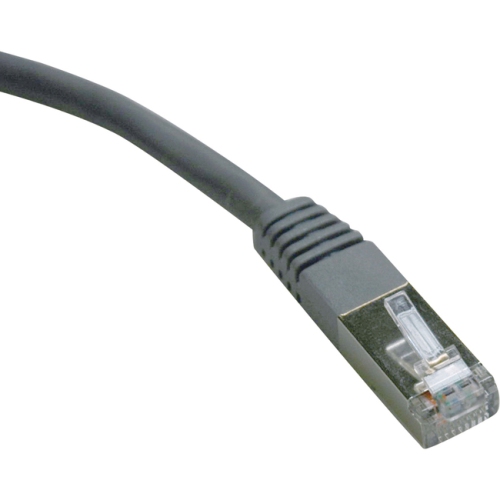
![BLUE-JAY Flat Stp Cat7 Ethernet Cable [Ul Listed] 50Ft 75Ft 100Ft for In-Wall/outdoor](https://multimedia.bbycastatic.ca/multimedia/products/500x500/163/16376/16376119.jpeg)

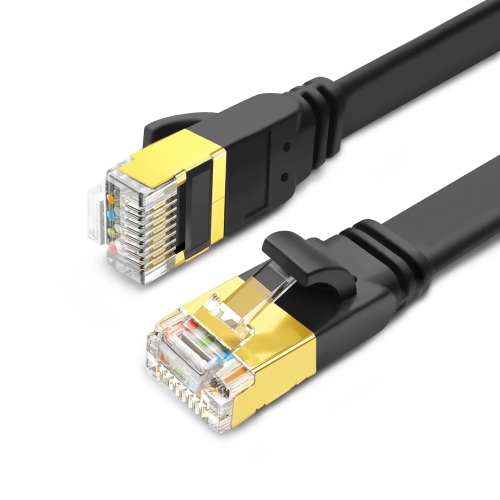
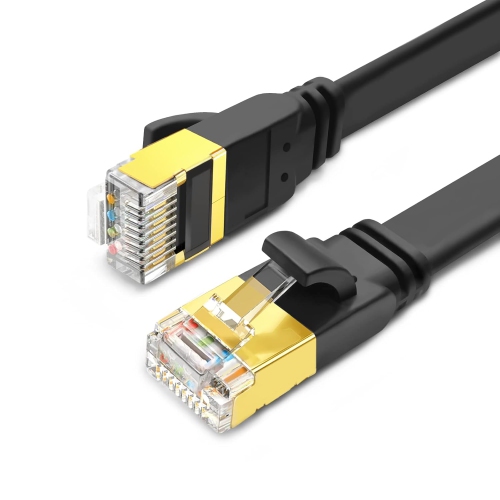
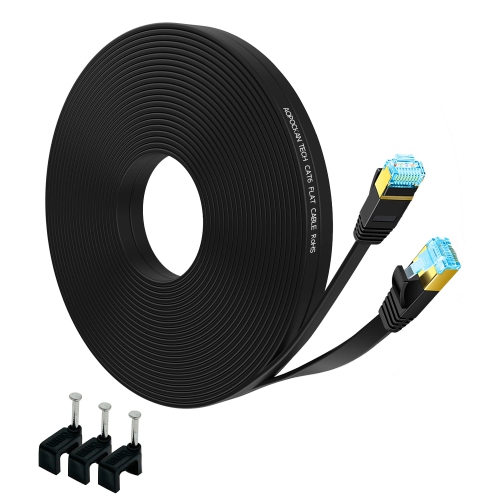
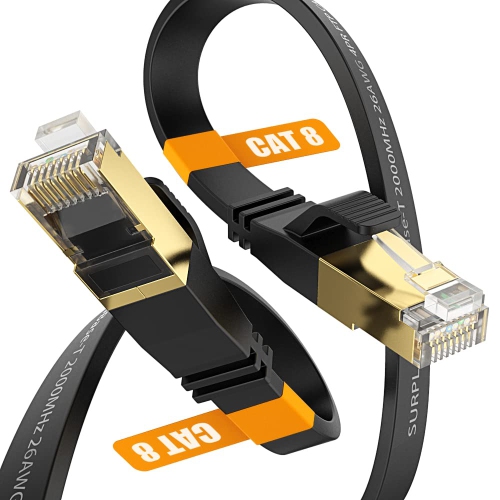
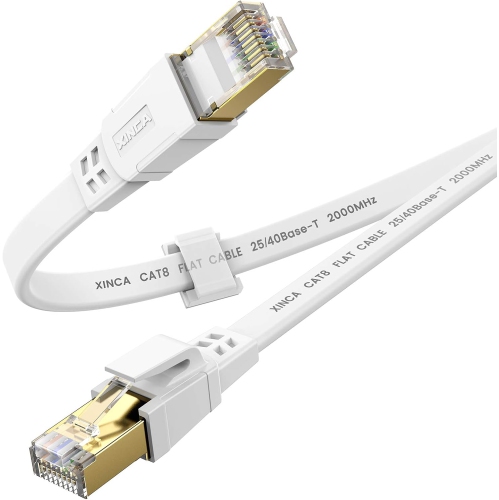
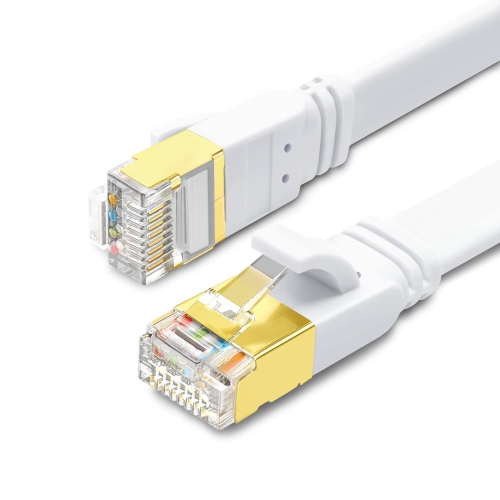
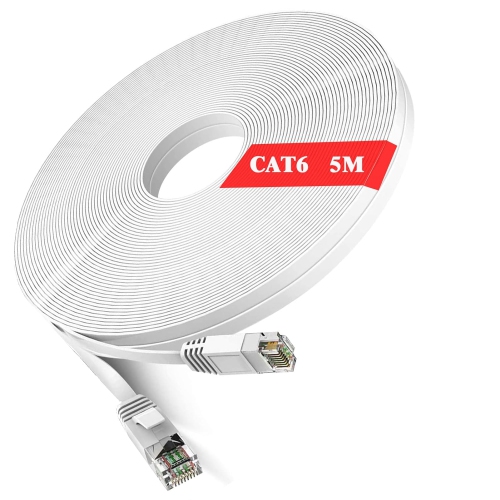
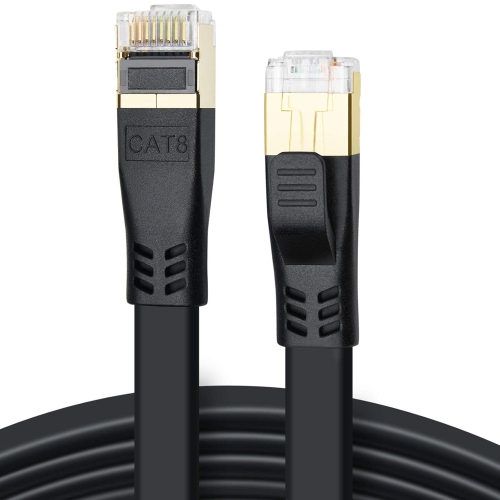
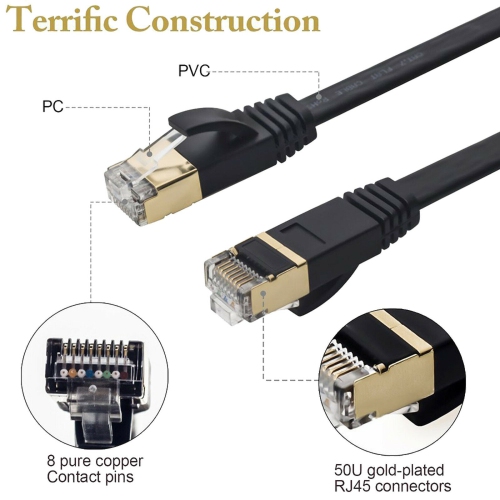
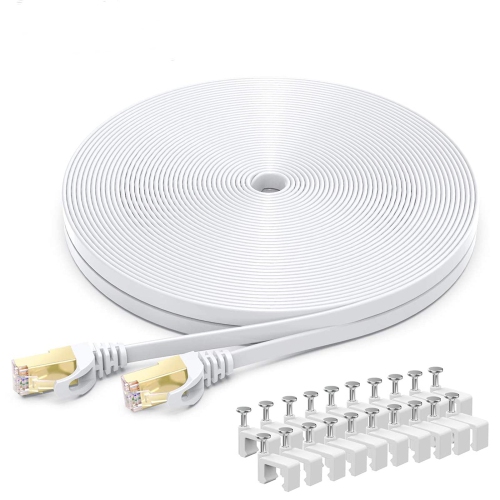
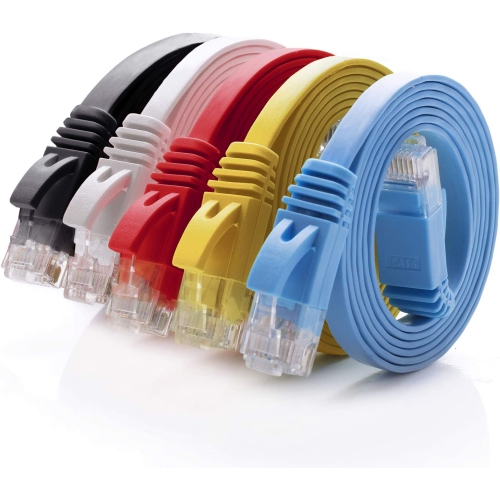
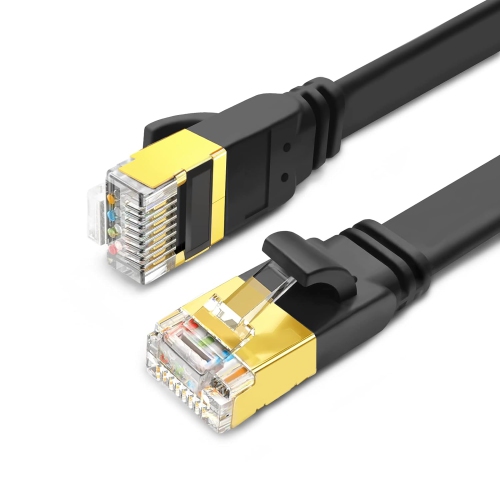
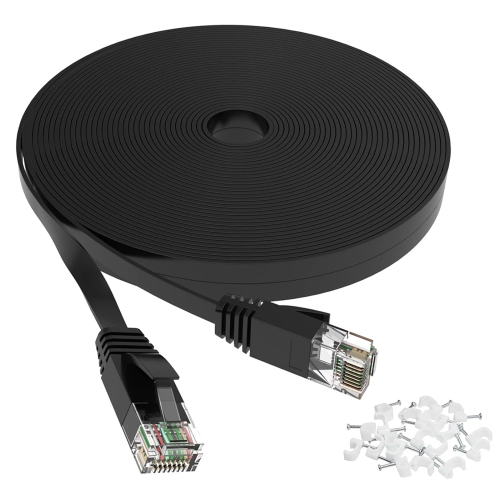

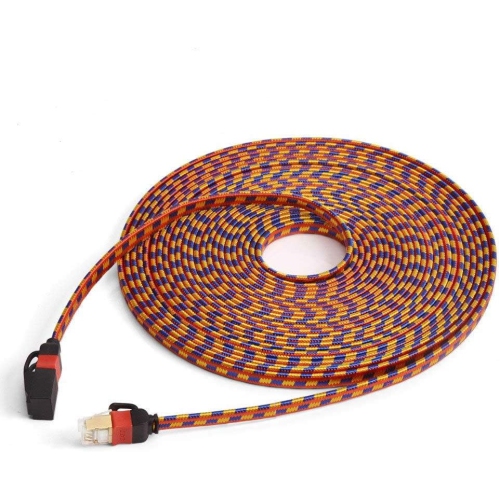
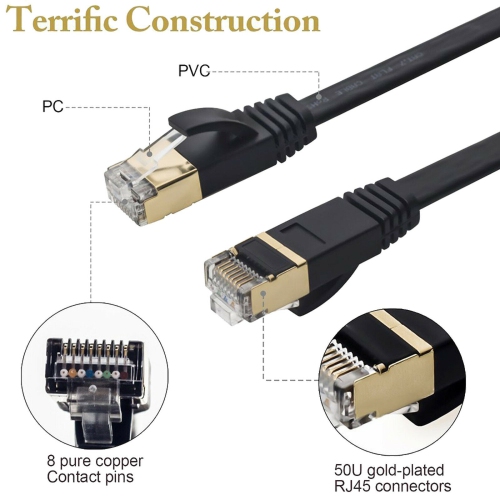
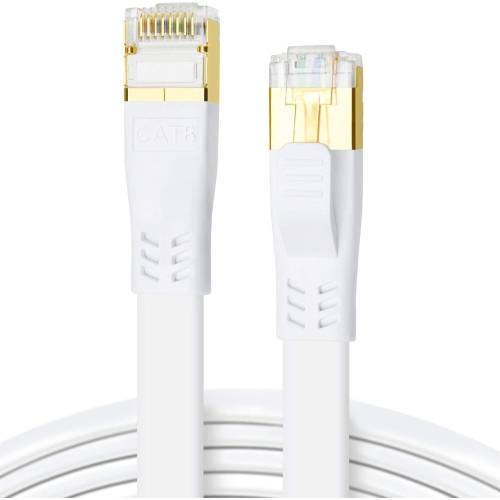
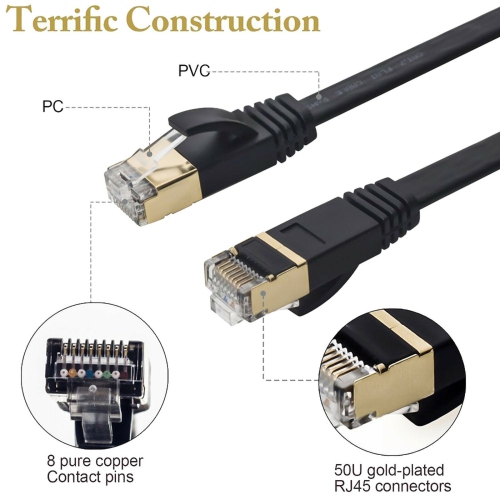
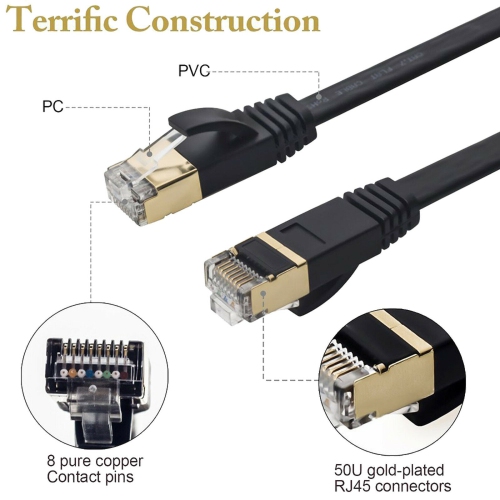
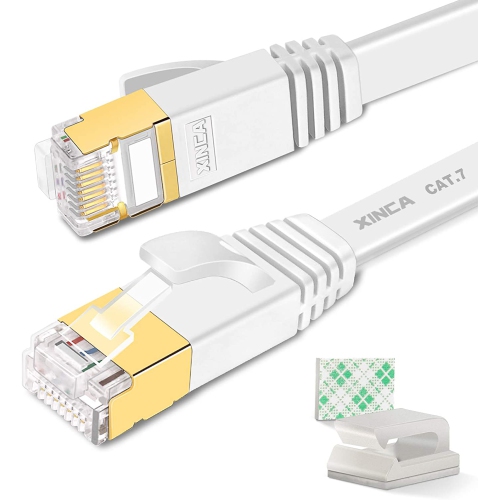

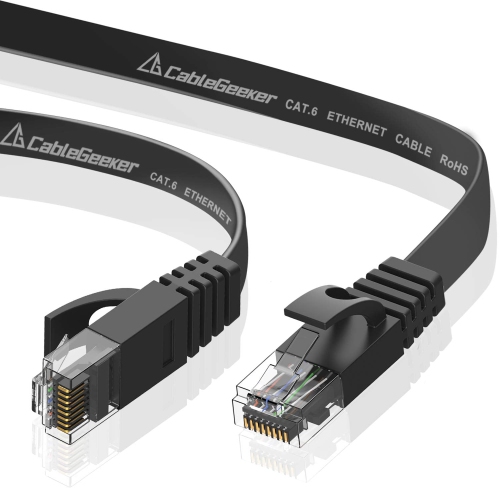
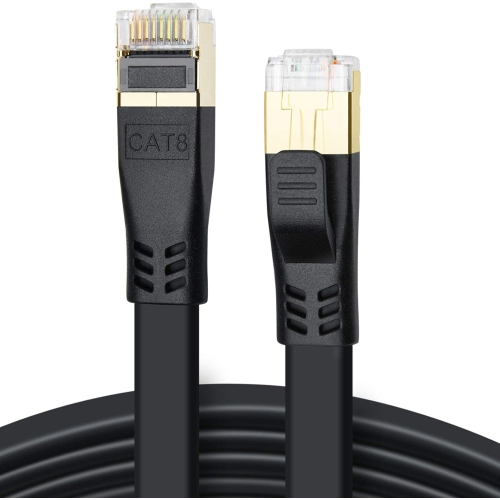
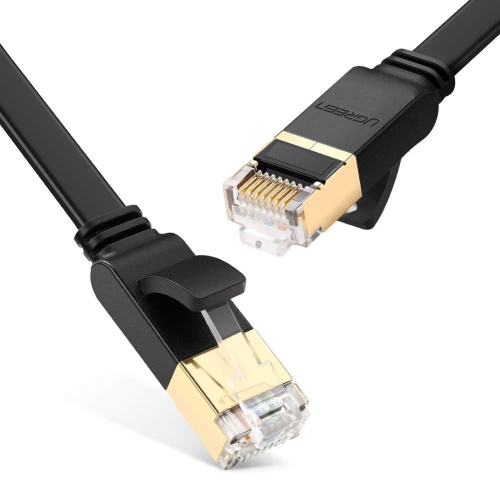
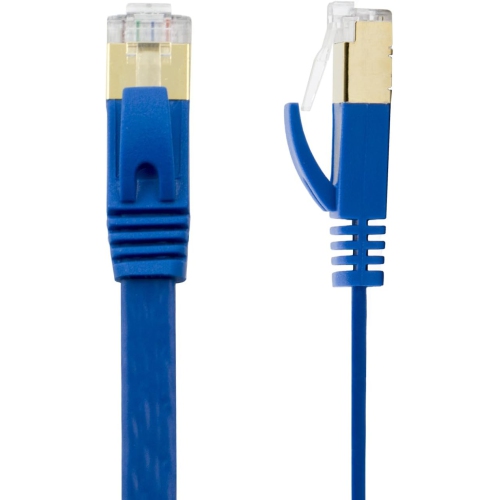
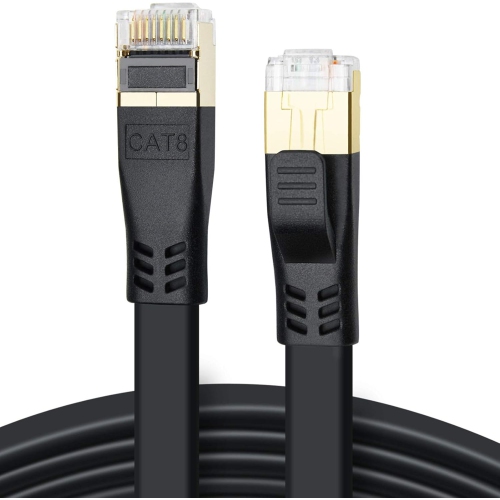
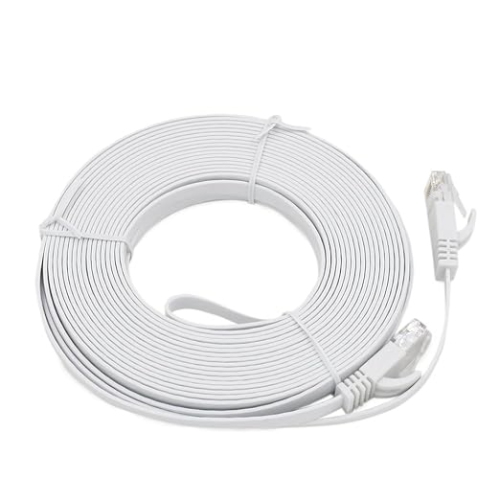
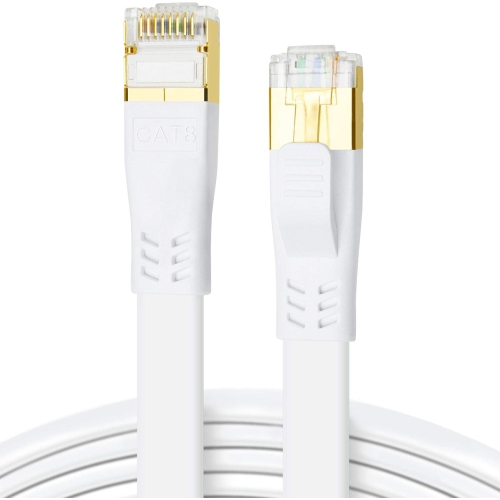
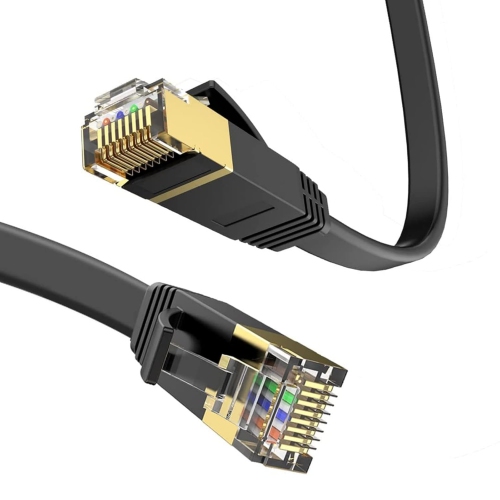
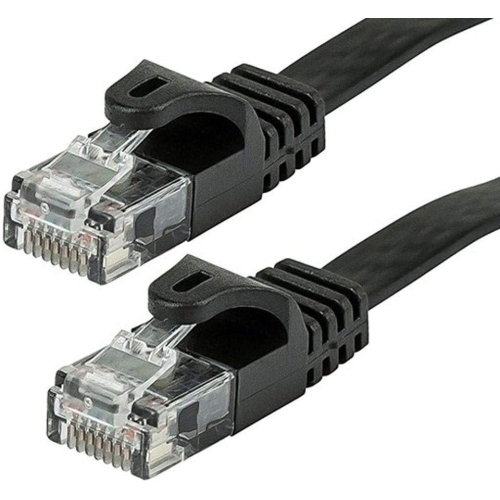

![GENERIC Flat Cat 7 Ethernet Cable, [50Ft / 15M] Internet Network LAN High Speed [10GBps / 600Mhz] Rj45 Computer Cord](https://multimedia.bbycastatic.ca/multimedia/products/500x500/166/16603/16603093.jpeg)
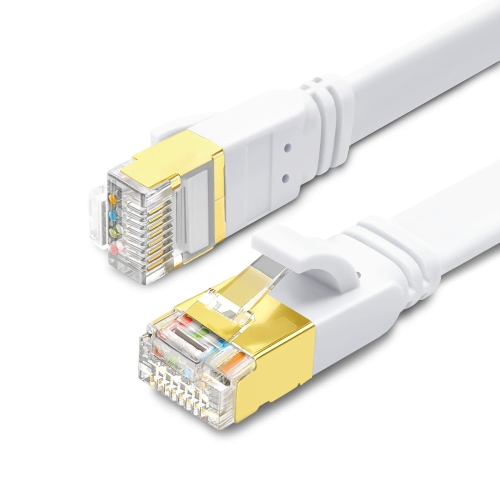
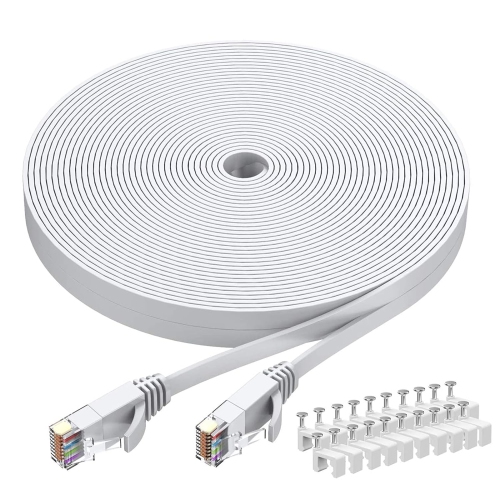
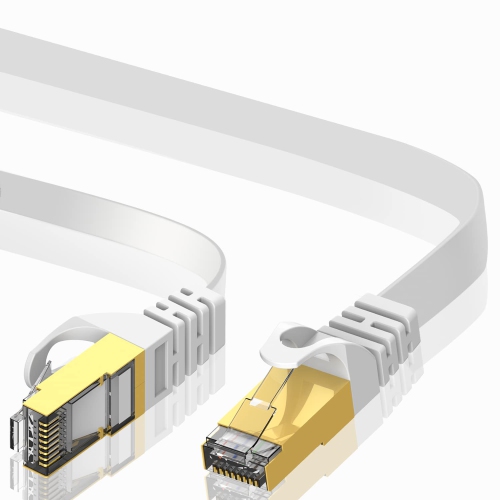
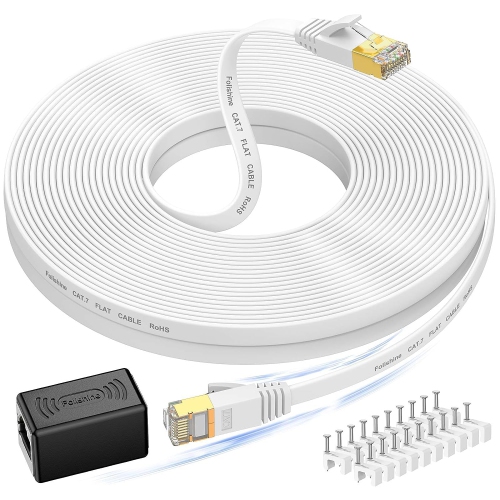
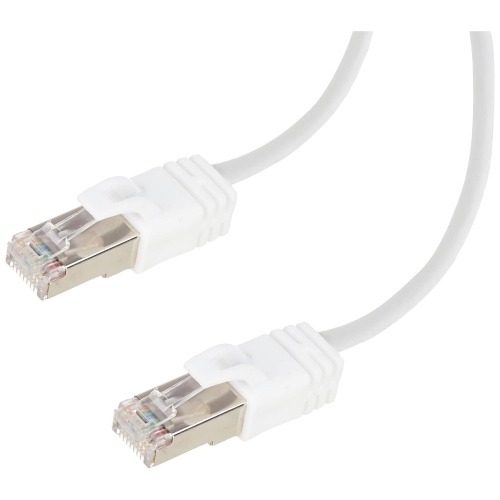
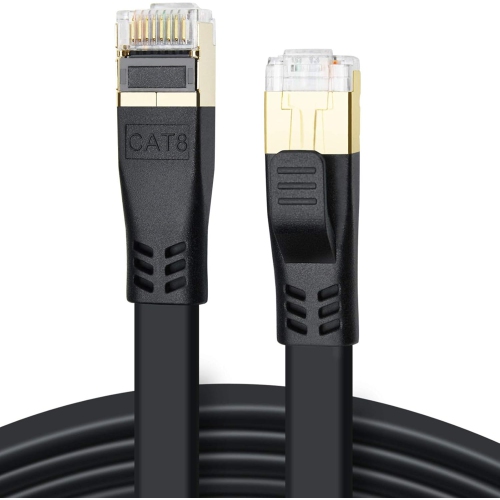
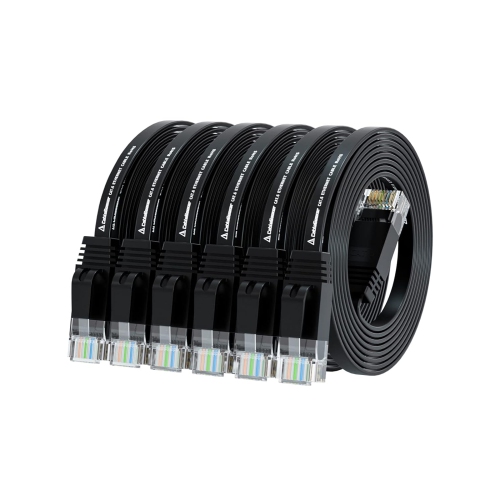
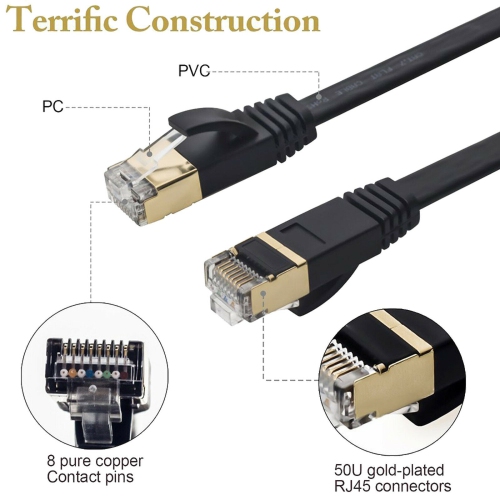
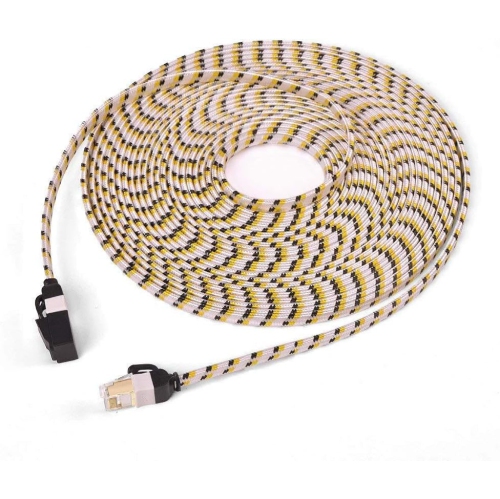
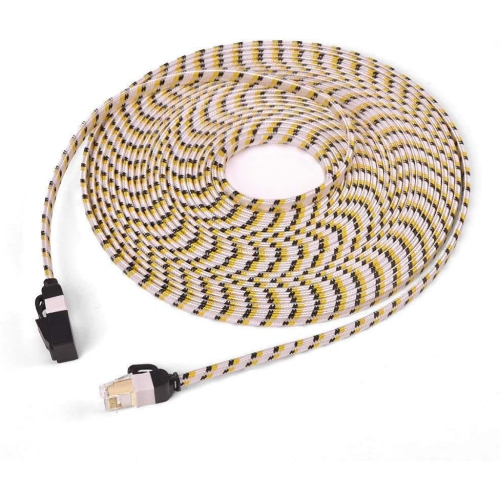
![GENERIC Flat Cat 7 Ethernet Cable, [50Ft / 15M] Internet Network LAN High Speed [10GBps / 600Mhz] Rj45 Computer Cord](https://multimedia.bbycastatic.ca/multimedia/products/500x500/196/19603/19603044.jpeg)
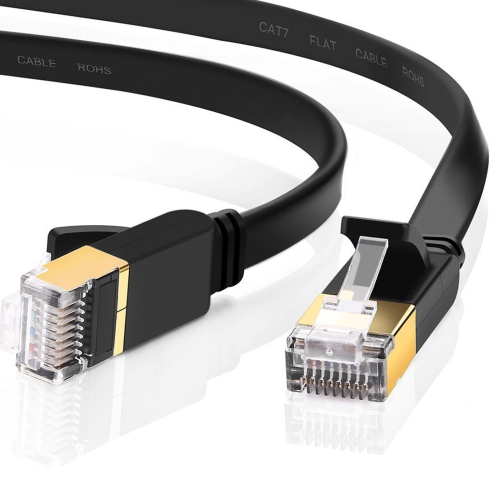
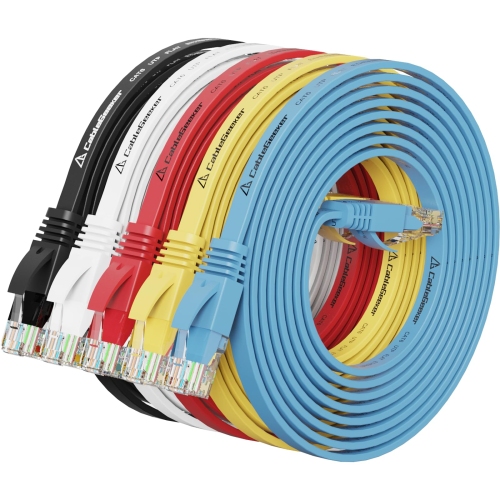
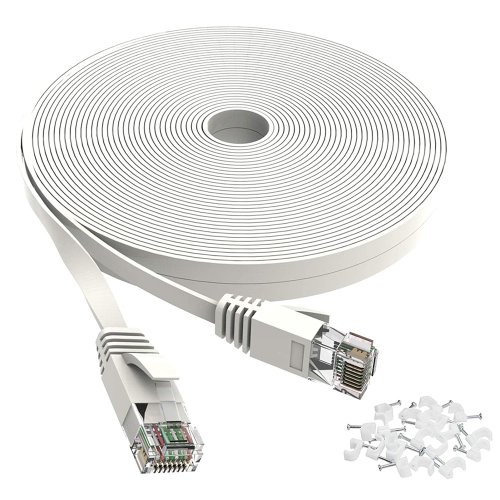
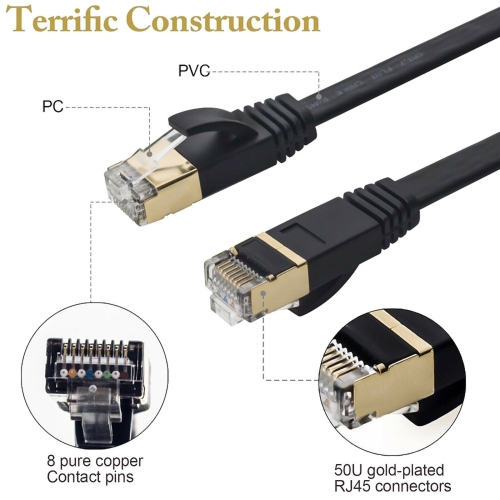
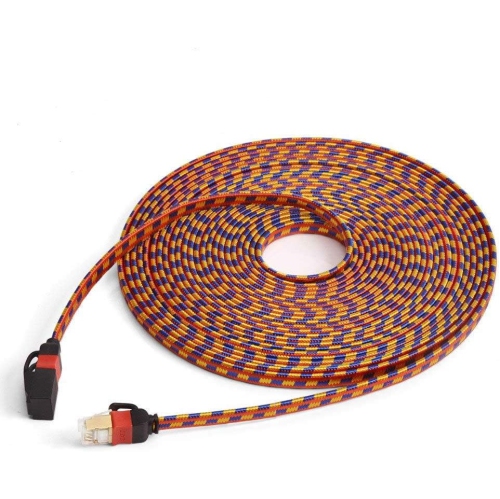
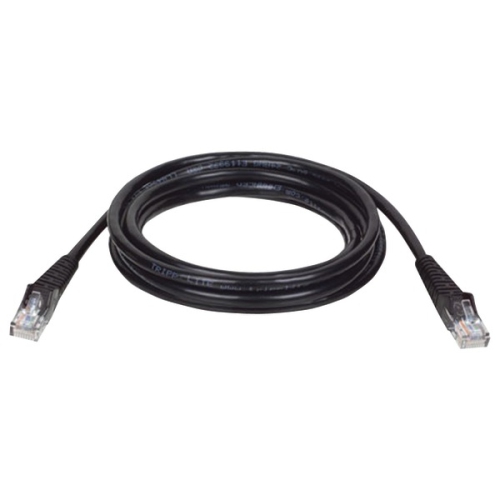
![GENERIC Flat Cat 7 Ethernet Cable, [10Ft / ] Internet Network LAN High Speed [10GBps / 600Mhz] Rj45 Computer Cord](https://multimedia.bbycastatic.ca/multimedia/products/500x500/166/16603/16603038.jpeg)
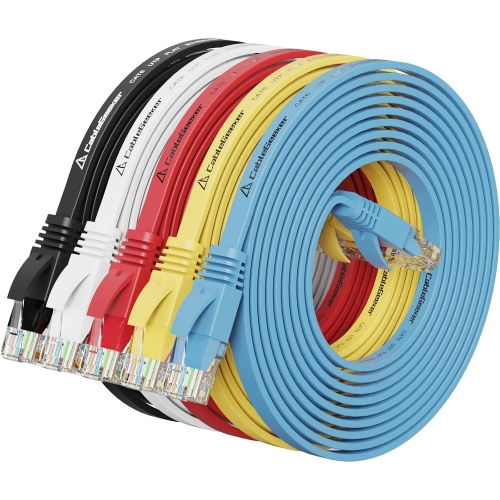
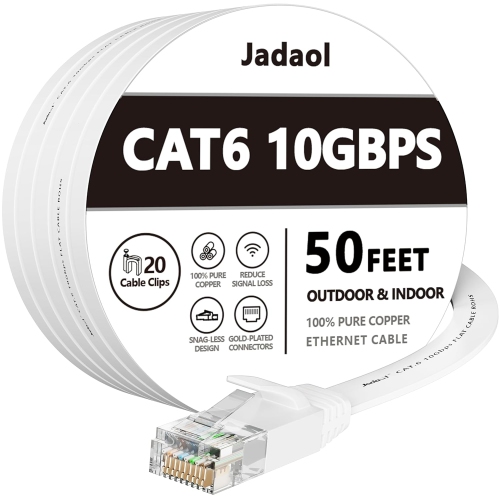
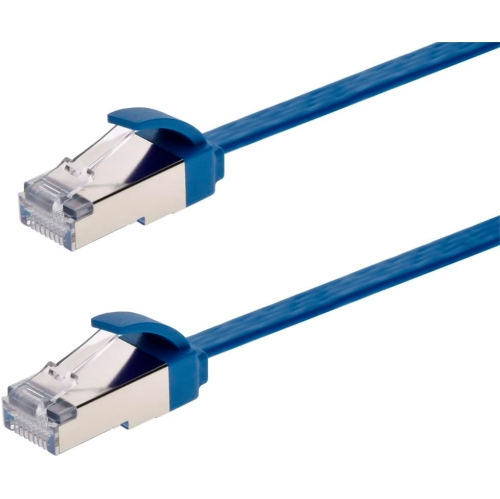
![GENERIC Flat Cat 7 Ethernet Cable, [16Ft / 5M] Internet Network LAN High Speed [10GBps / 600Mhz] Rj45 Computer Cord](https://multimedia.bbycastatic.ca/multimedia/products/500x500/196/19603/19603173.jpeg)
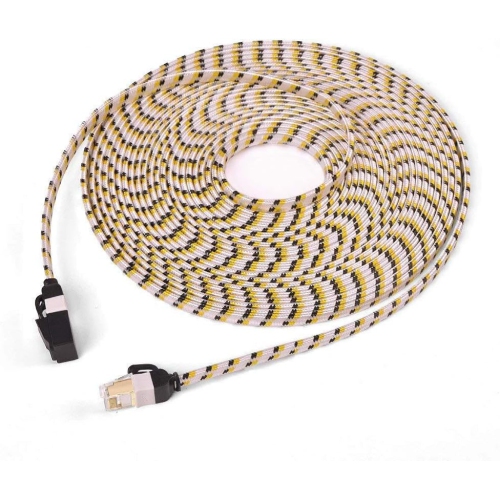
![UNKNOWN Flat Cat 7 Ethernet Cable, [16Ft / 5M] Internet Network LAN High Speed [10GBps / 600Mhz] Rj45 Computer Cord](https://multimedia.bbycastatic.ca/multimedia/products/500x500/181/18143/18143771.jpeg)
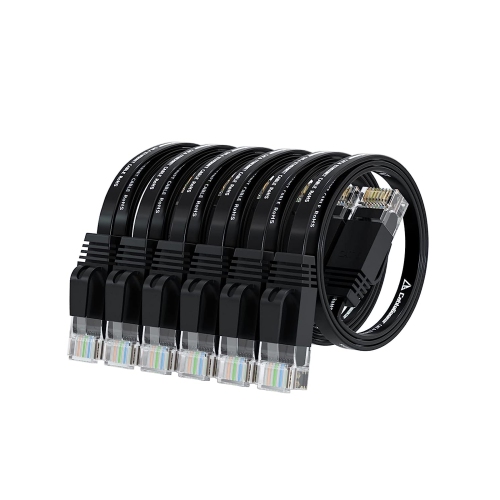
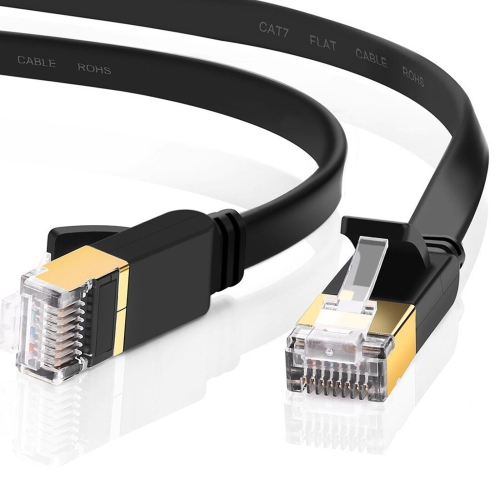
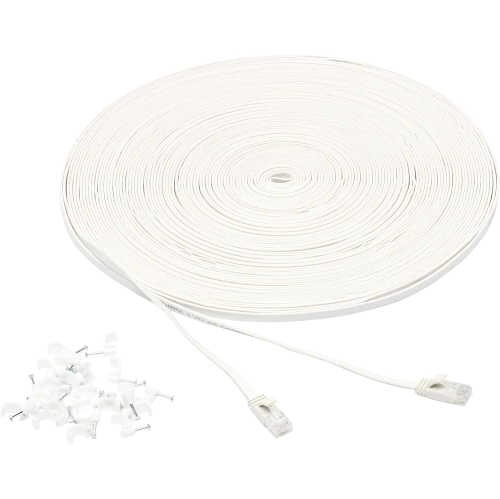
![UNKNOWN Flat Cat 7 Ethernet Cable, [50Ft / 15M] Internet Network LAN High Speed [10GBps / 600Mhz] Rj45 Computer Cord](https://multimedia.bbycastatic.ca/multimedia/products/500x500/181/18142/18142967.jpeg)

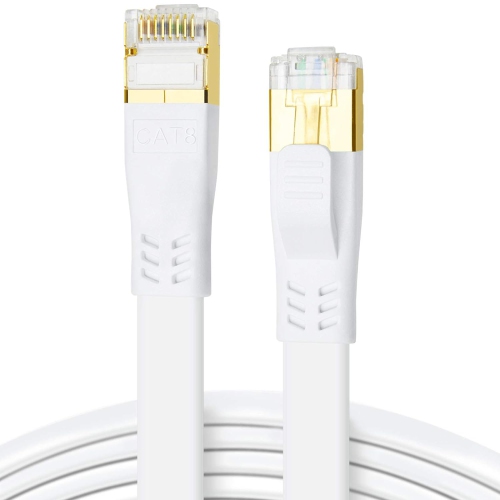
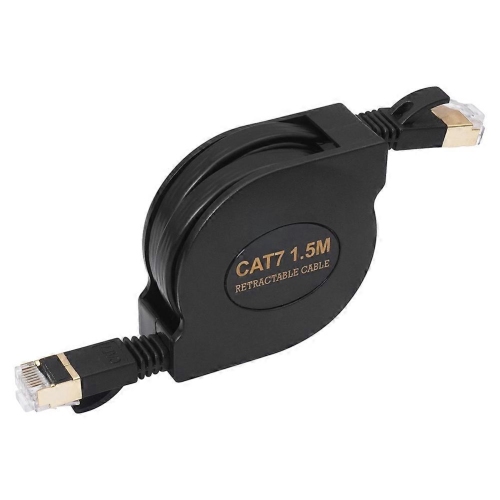
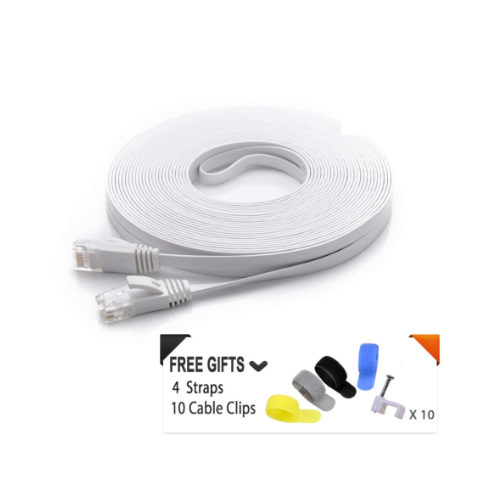
![UNKNOWN Flat Cat 7 Ethernet Cable, [3Ft / 1M] Internet Network LAN High Speed [10GBps / 600Mhz] Rj45 Computer Cord](https://multimedia.bbycastatic.ca/multimedia/products/500x500/181/18142/18142901.jpeg)
![GENERIC Flat Cat 7 Ethernet Cable, [3Ft / 1M] Internet Network LAN High Speed [10GBps / 600Mhz] Rj45 Computer Cord](https://multimedia.bbycastatic.ca/multimedia/products/500x500/195/19585/19585172.jpeg)

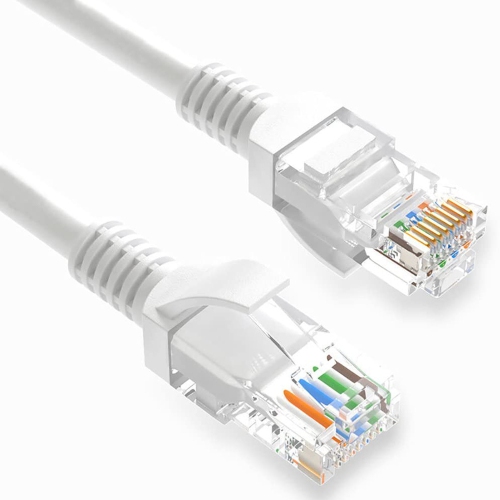
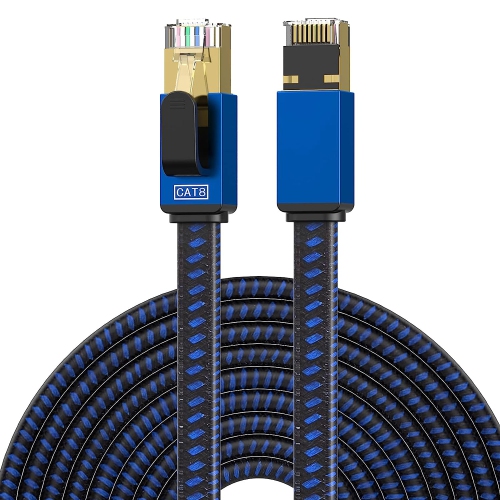
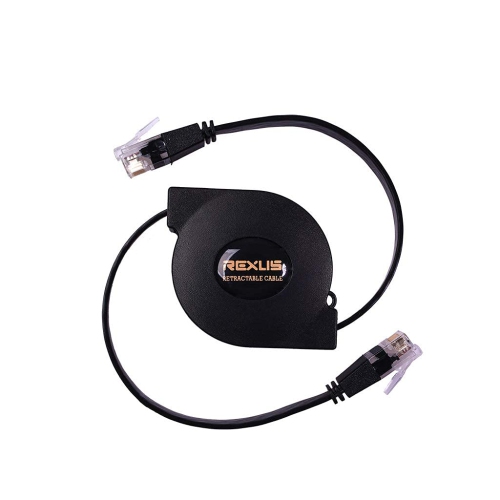
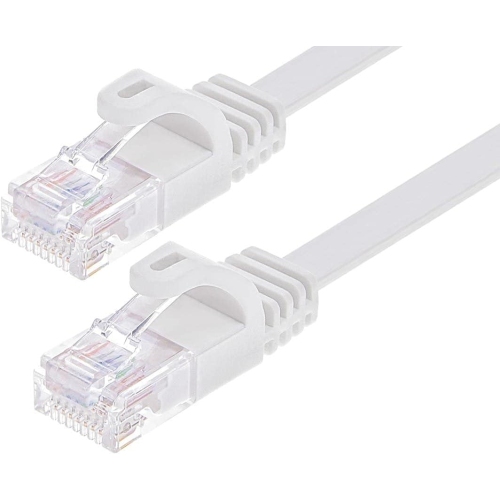
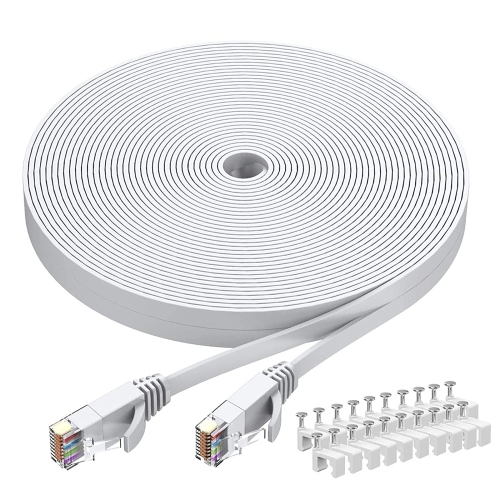
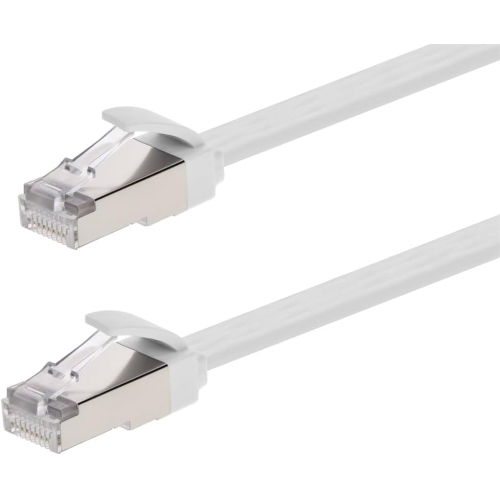
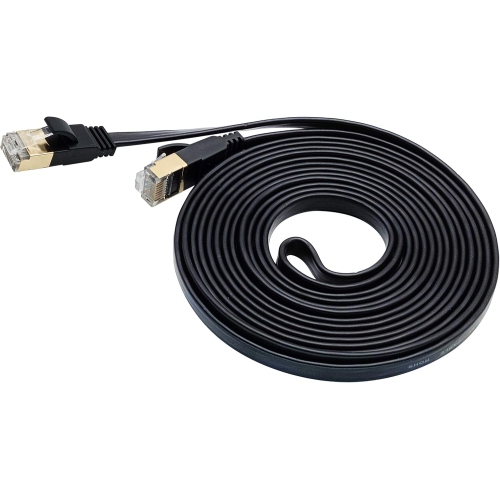
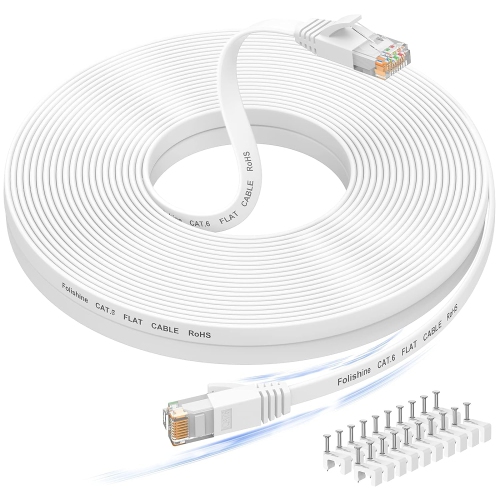
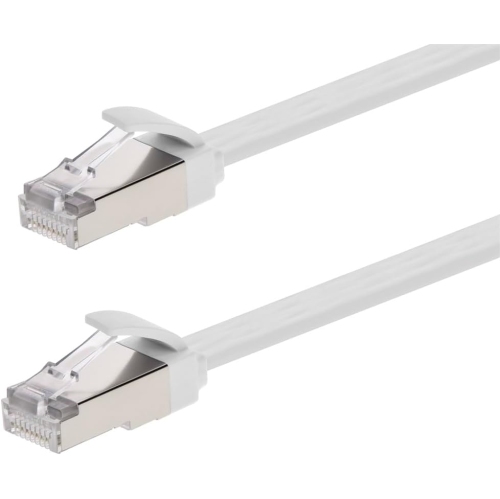
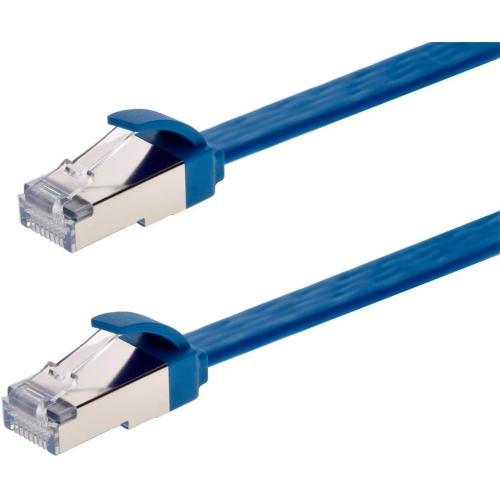
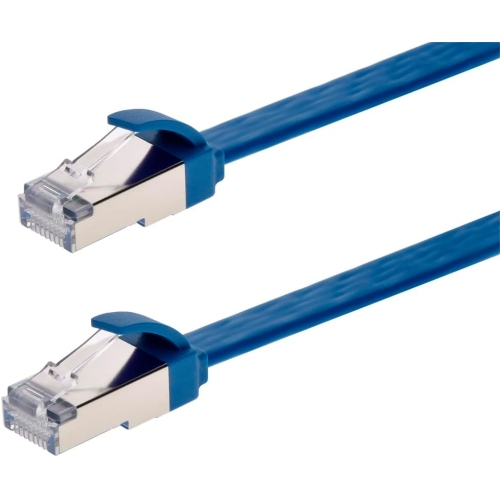
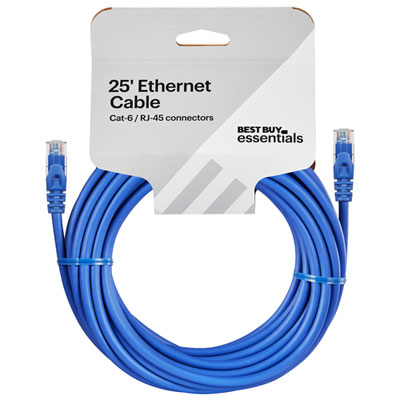
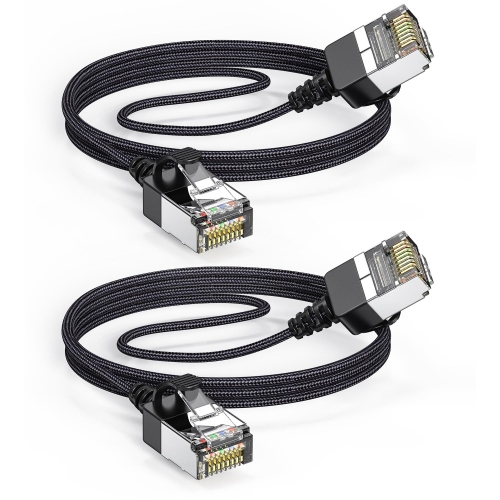
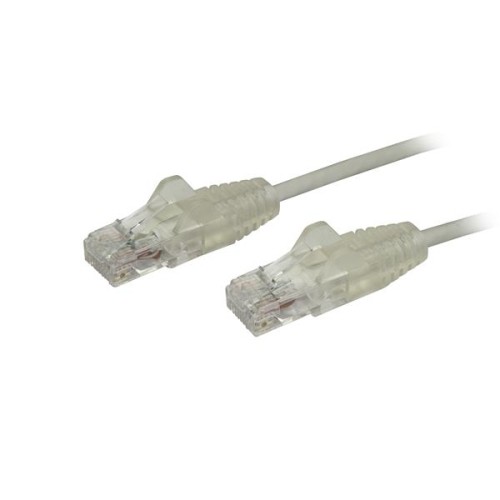

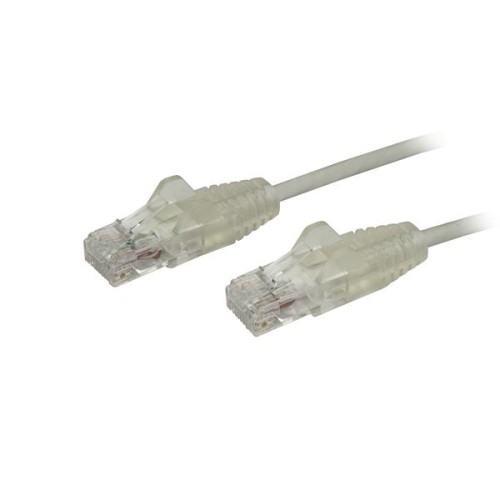
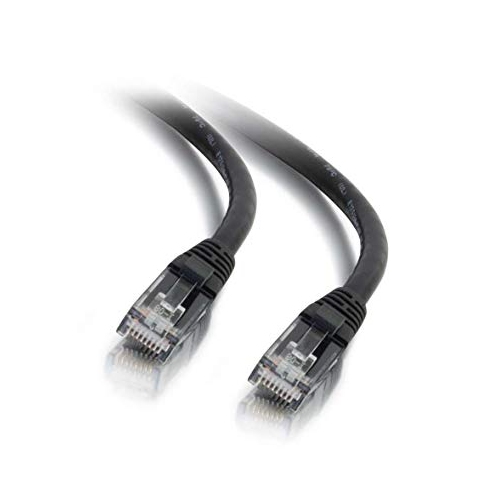
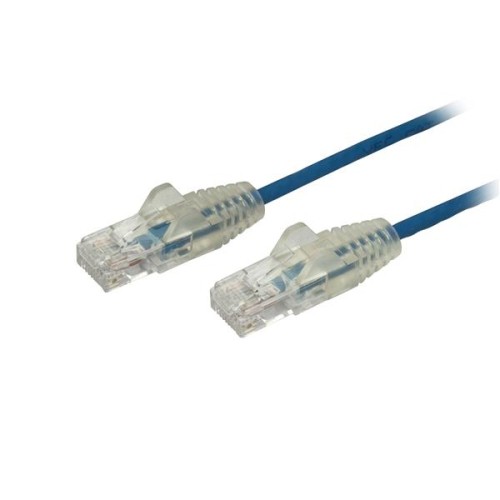
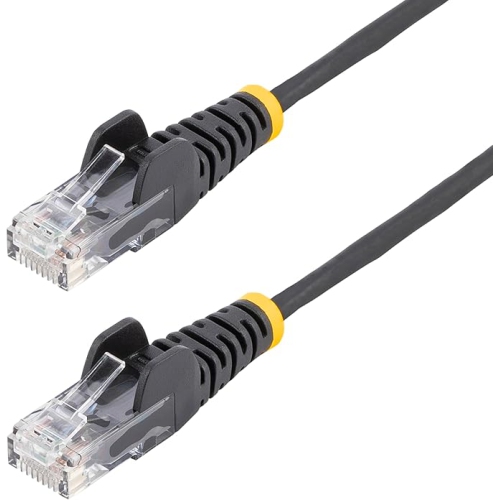
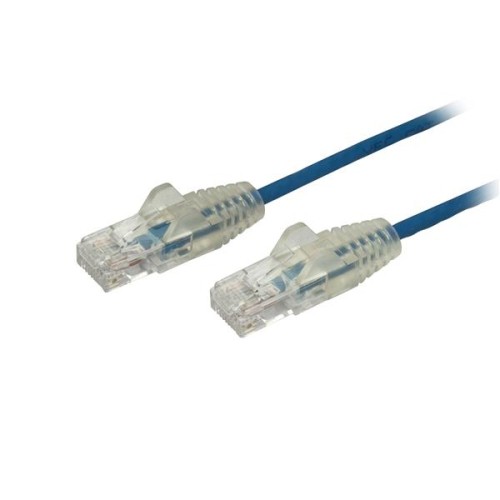
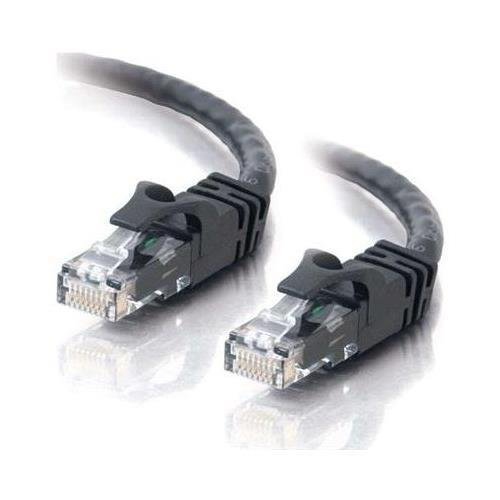
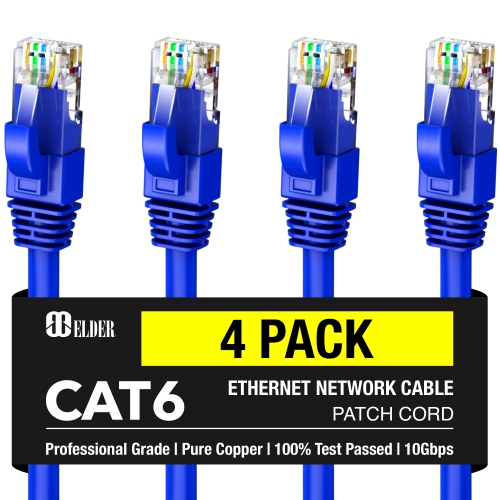
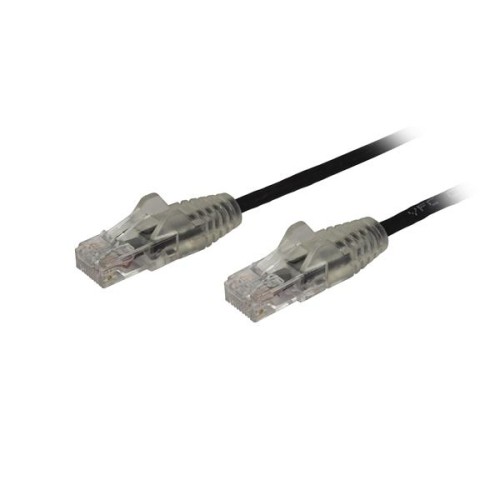
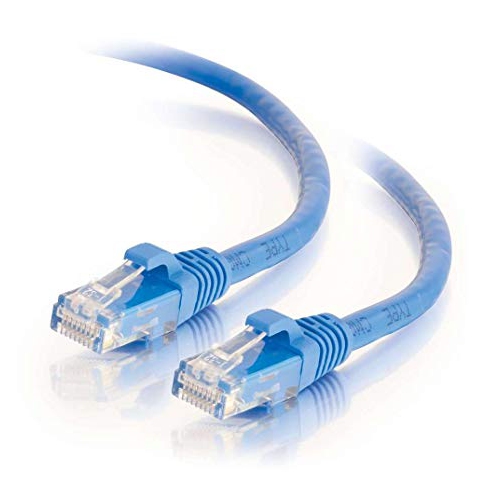

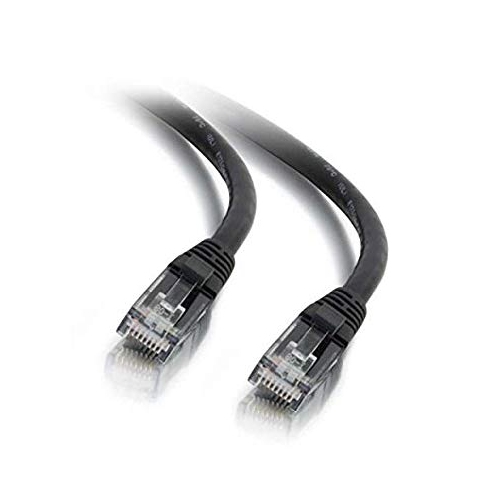
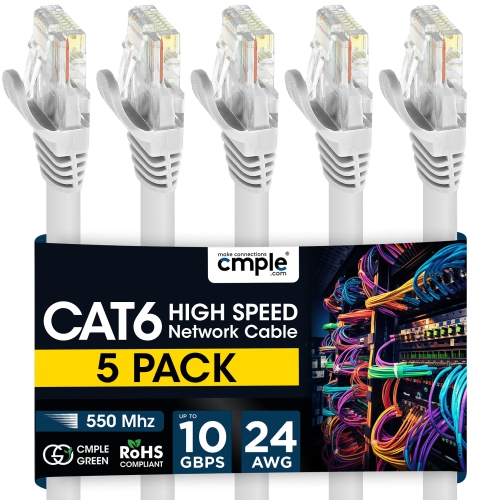
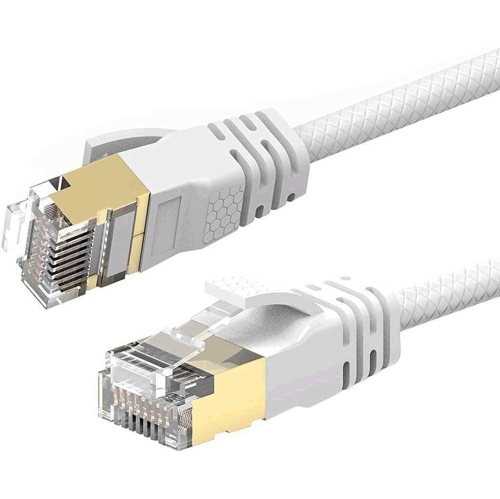
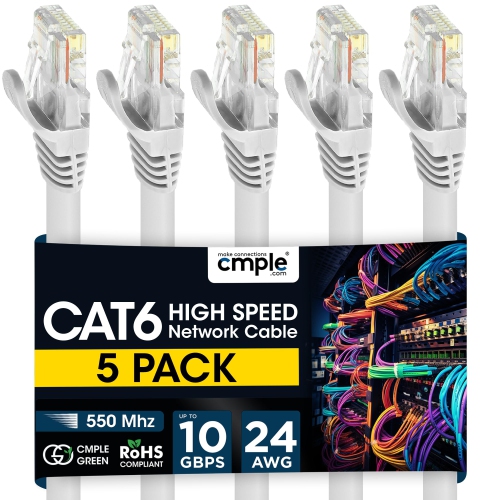
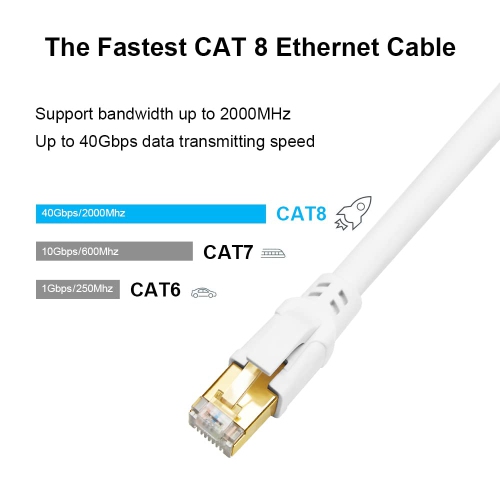
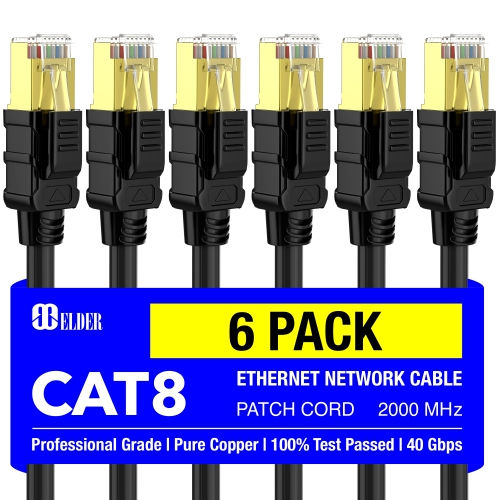
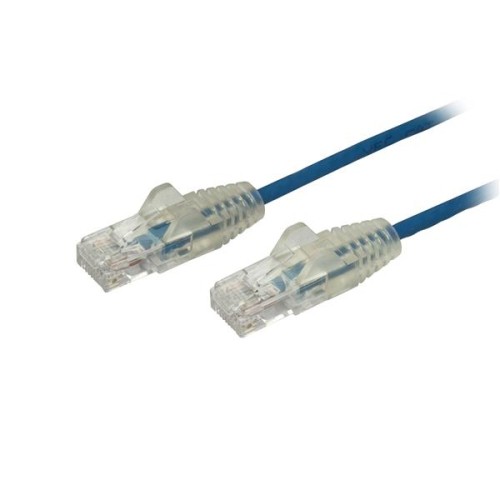
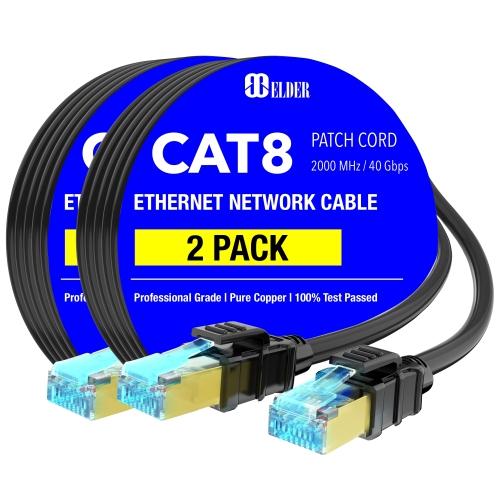
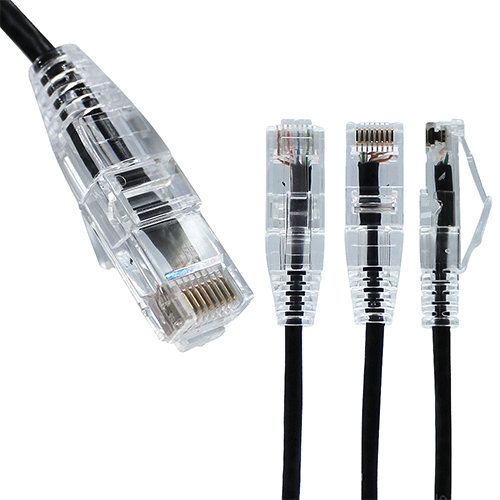
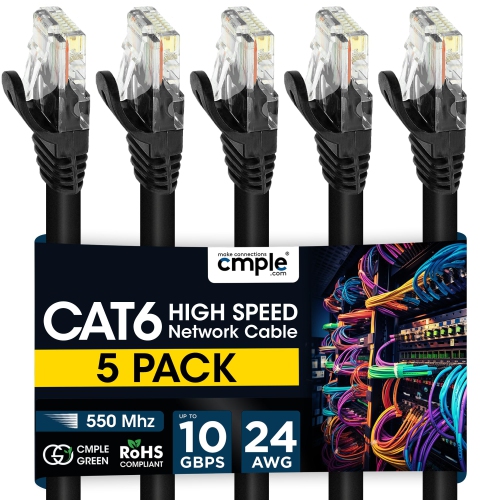
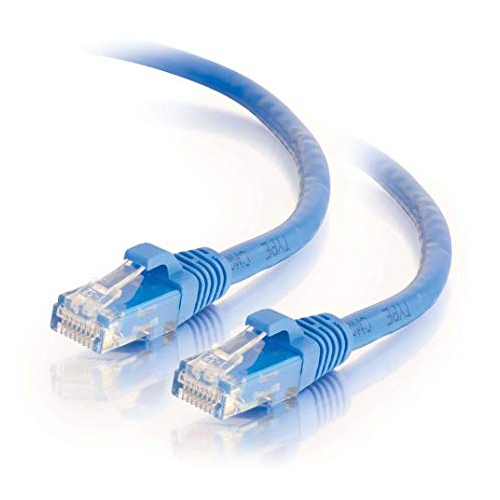
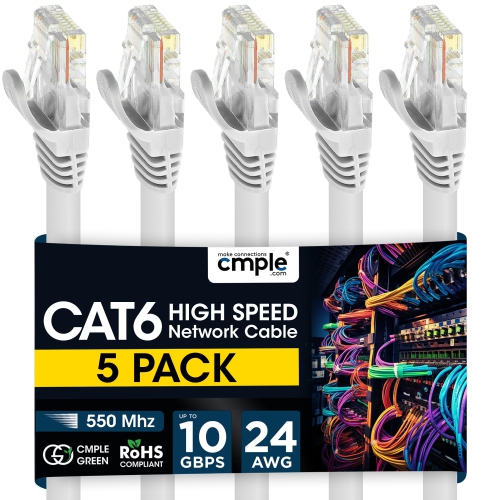
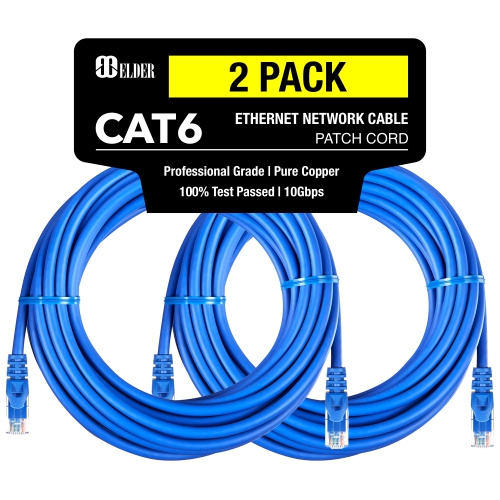
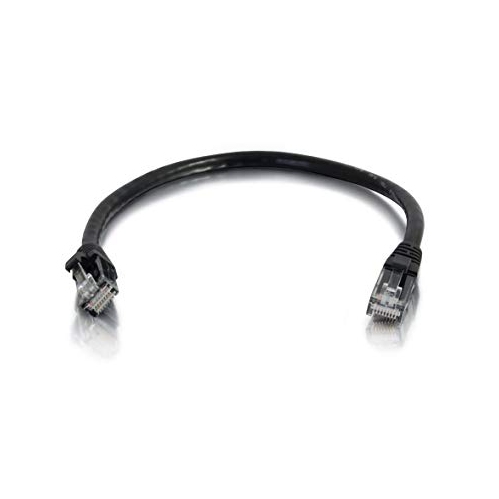
Slim routing for reliable connections in compact spaces
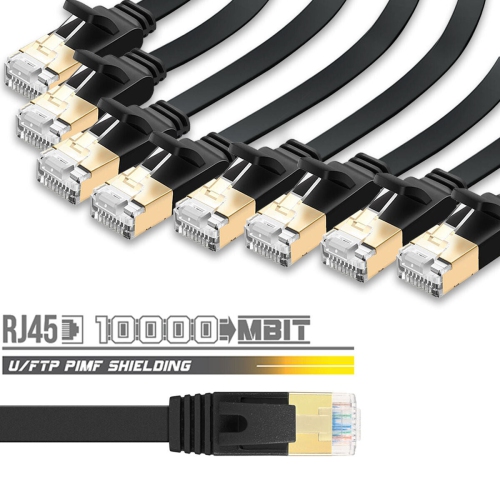
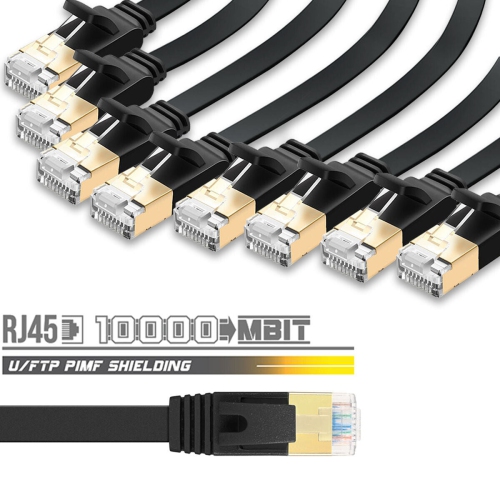
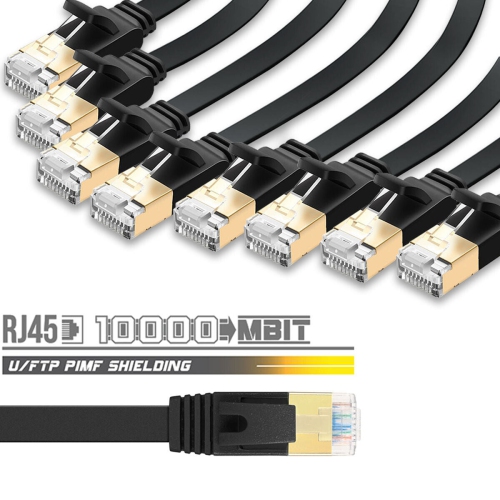
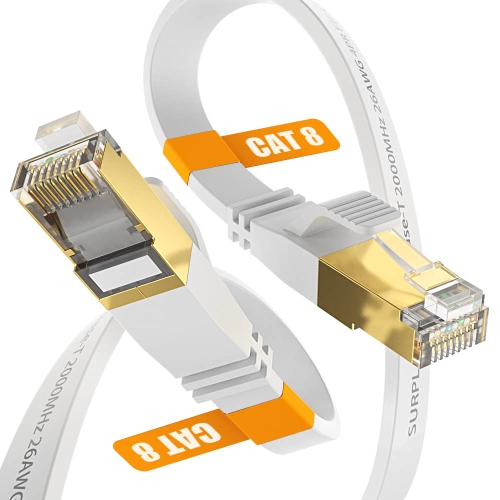
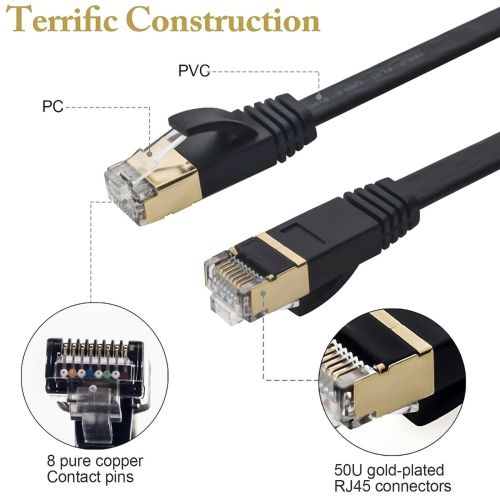
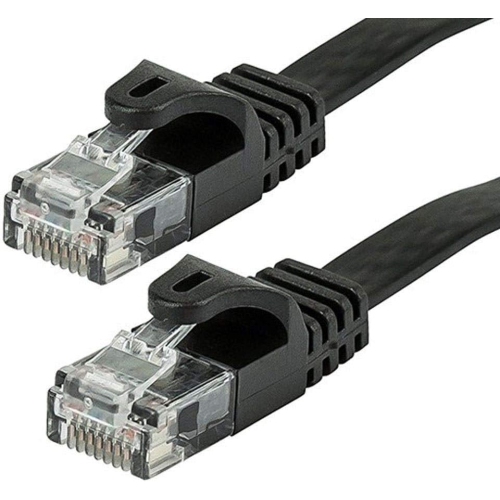
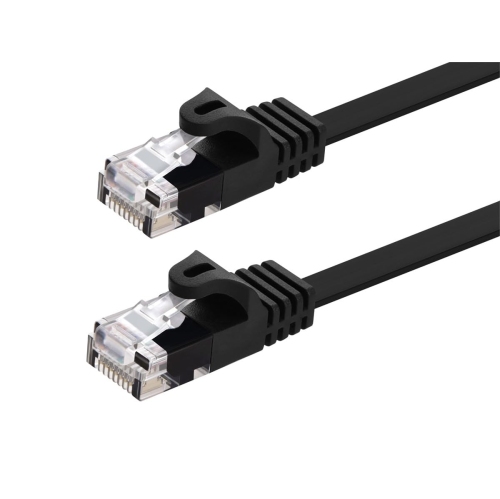
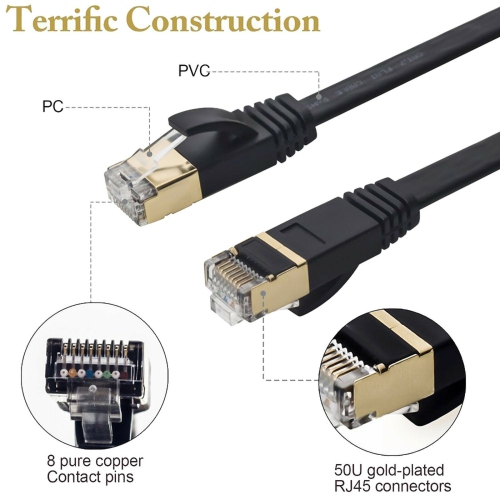
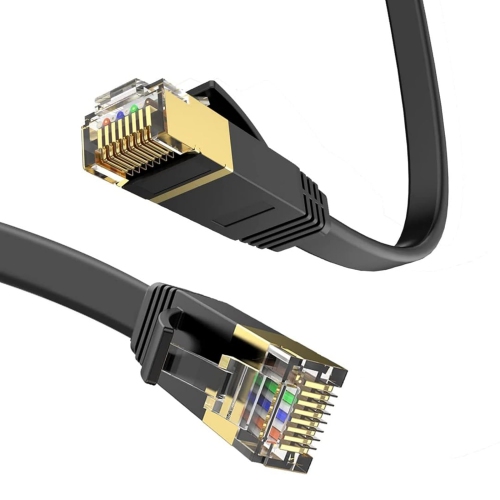
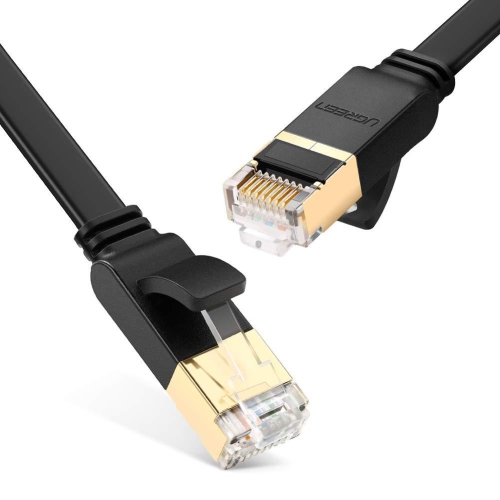
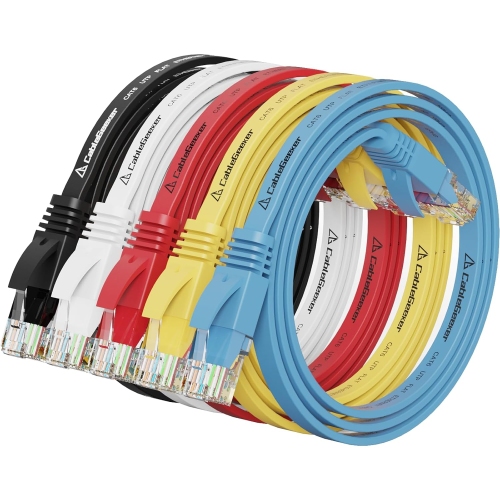
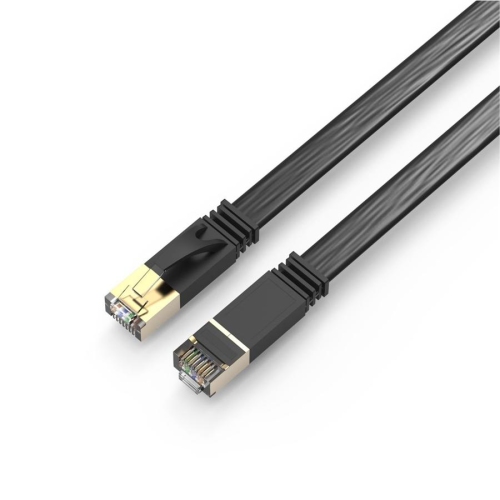
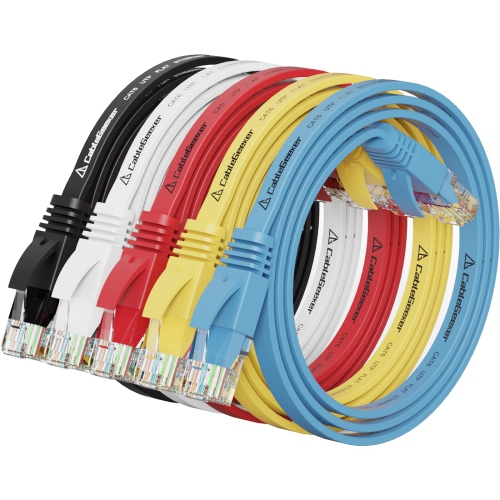
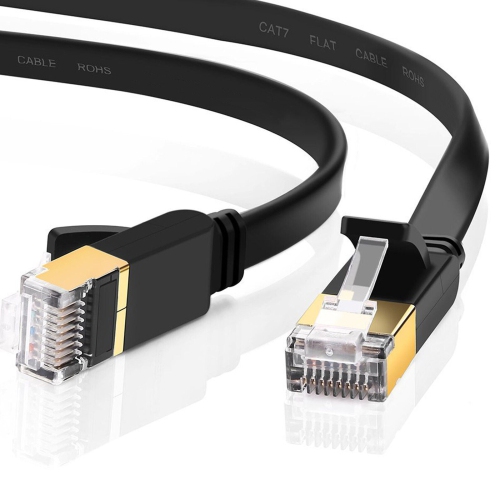
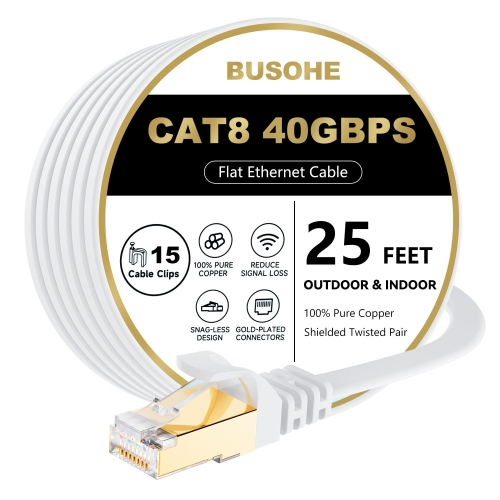
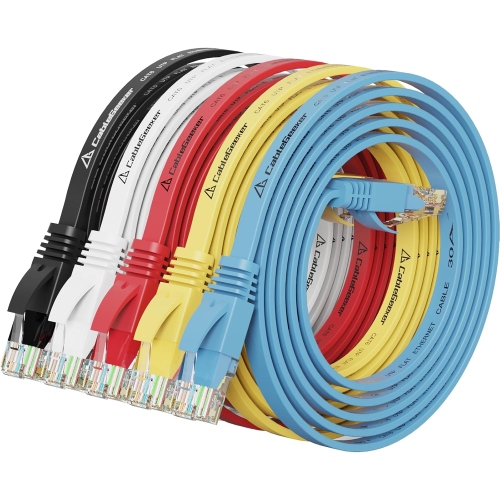
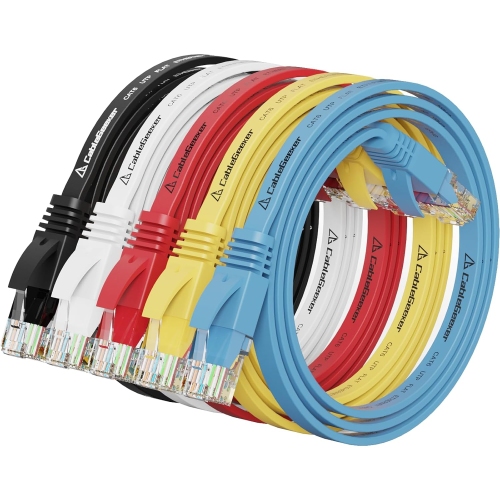
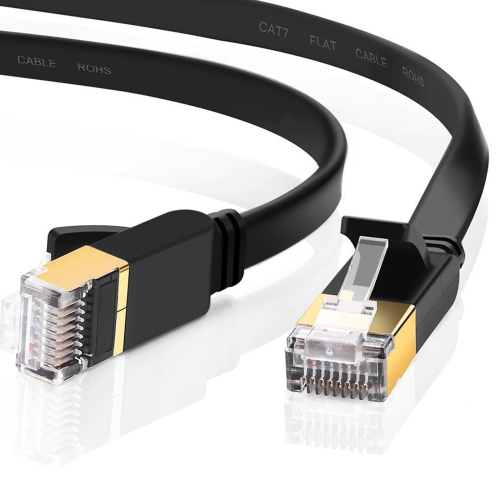
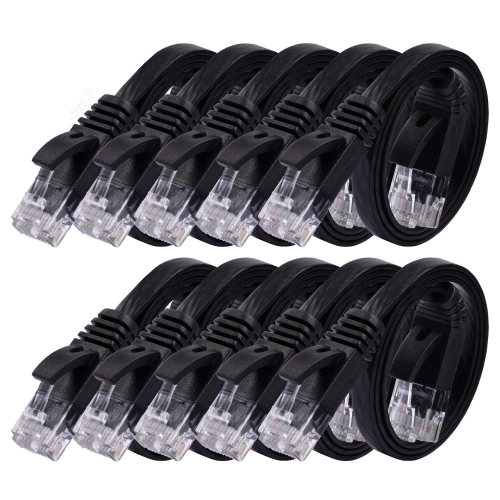
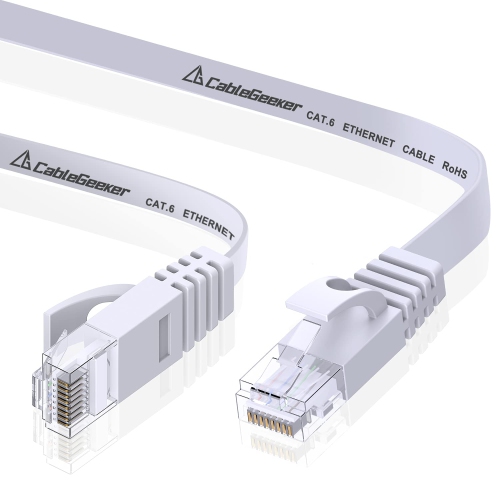
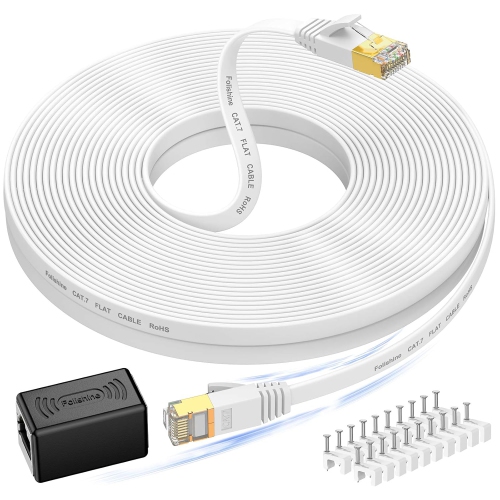
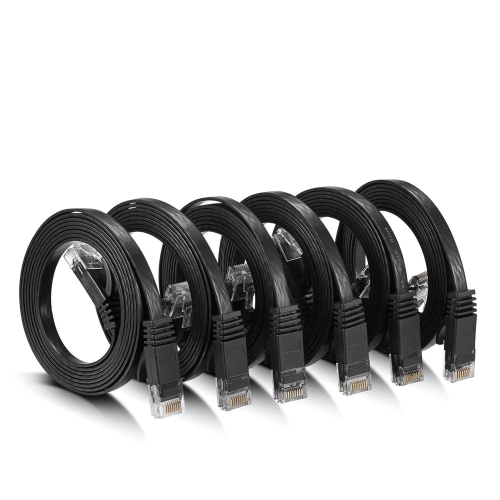
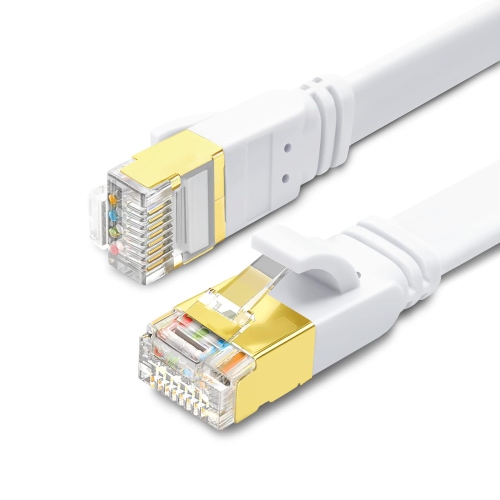
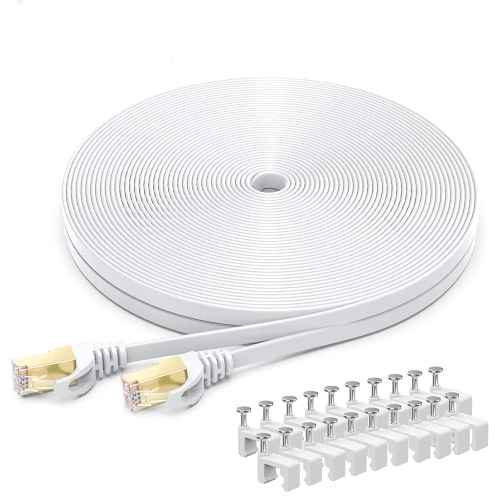
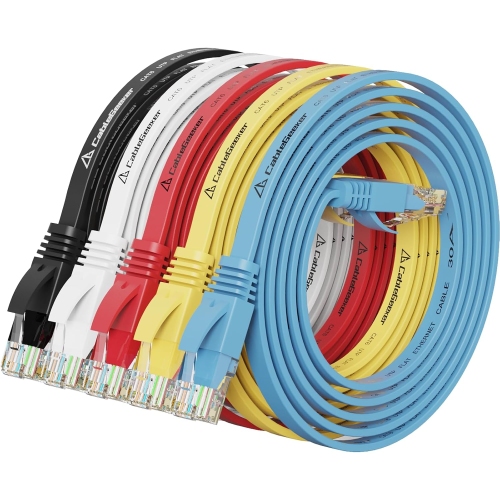
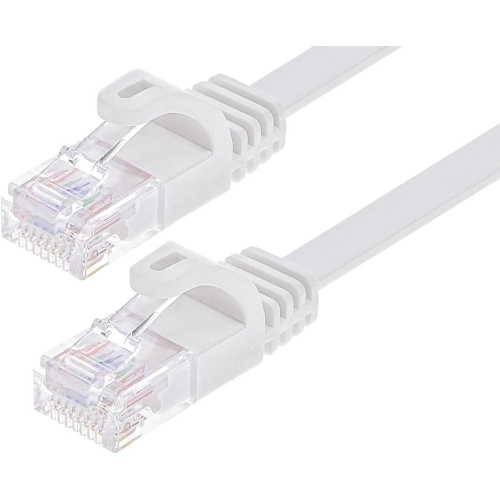
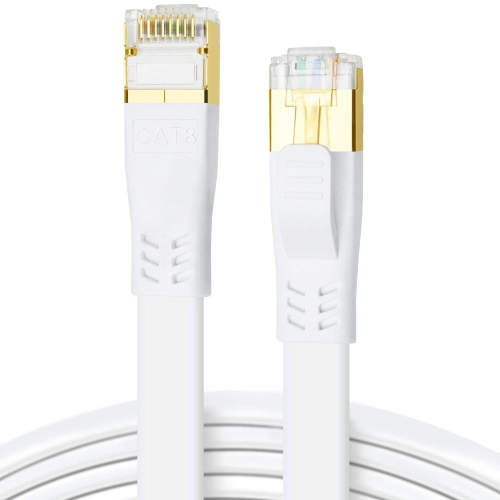
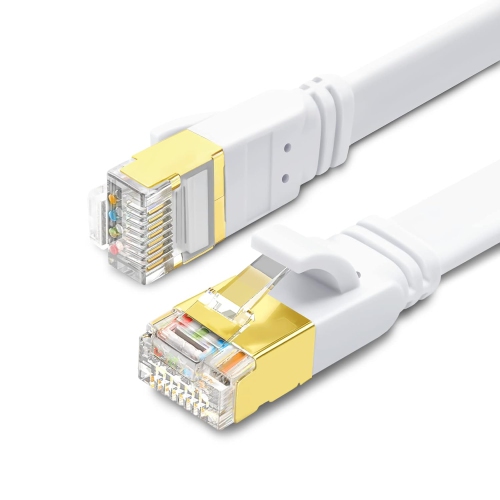
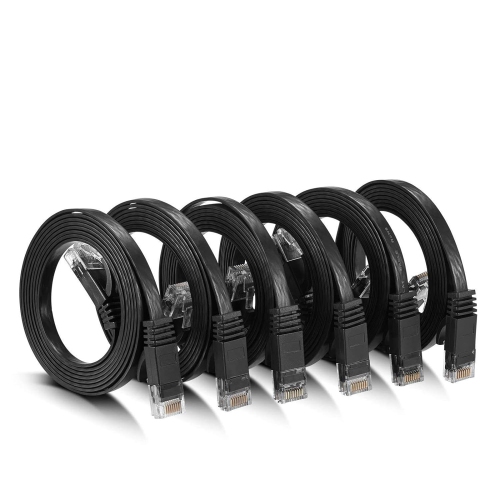
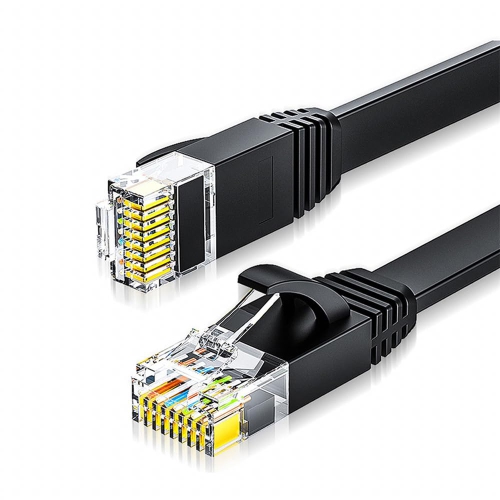
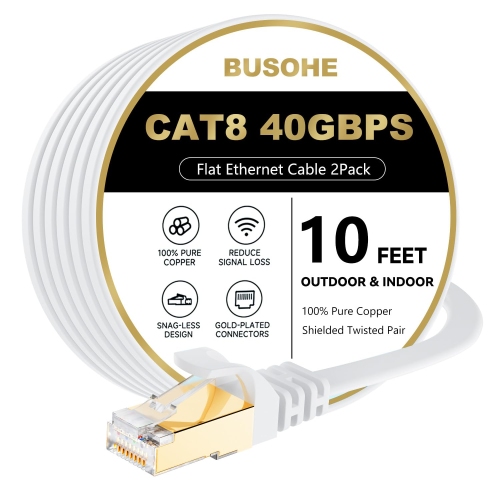
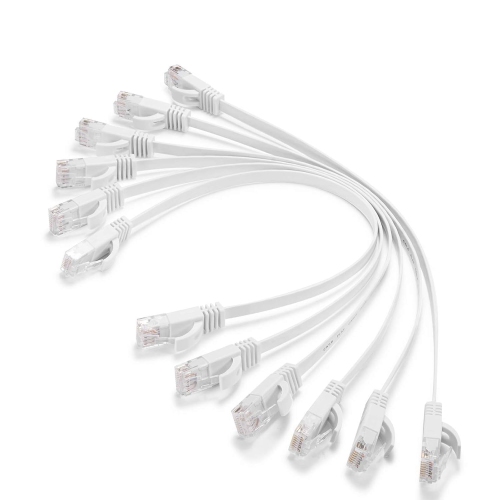
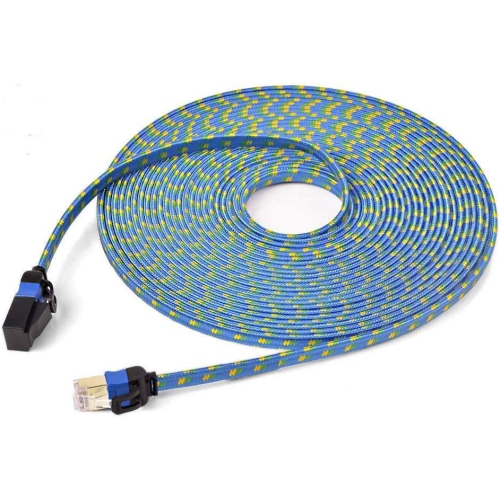
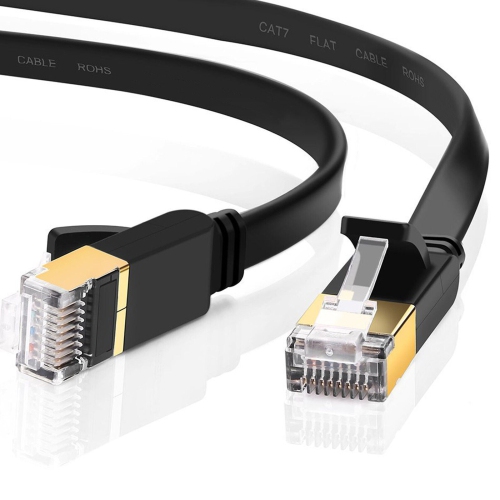
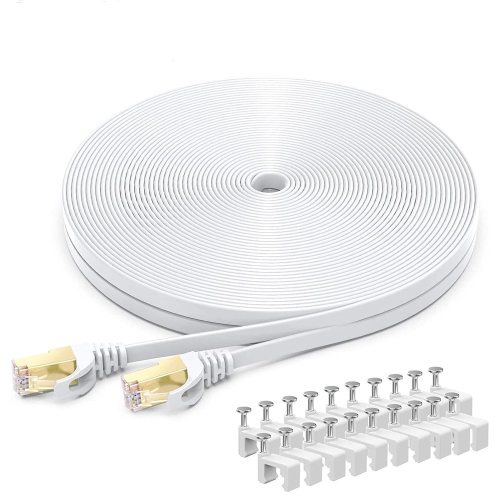
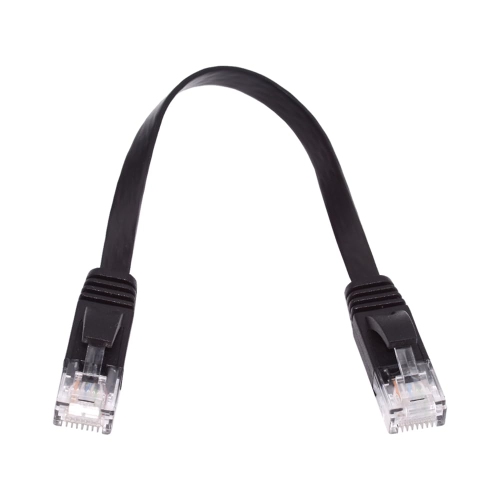
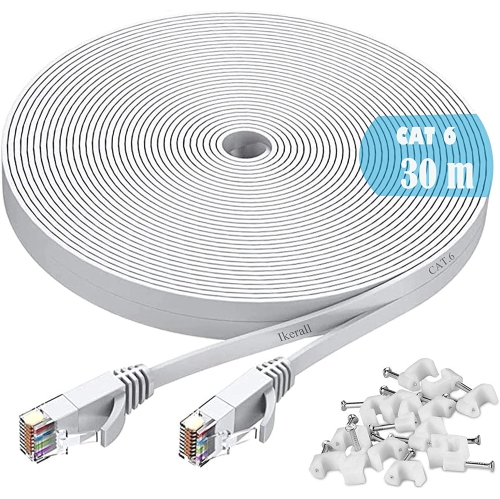
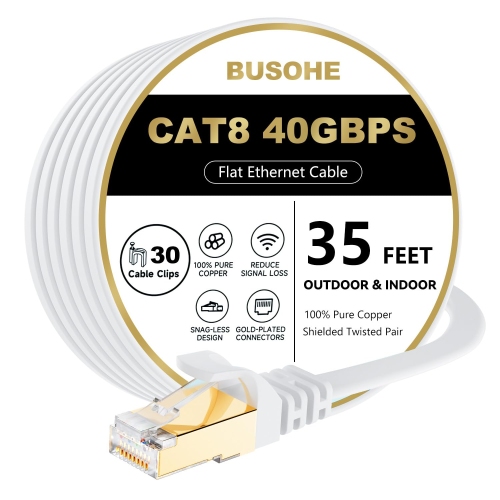
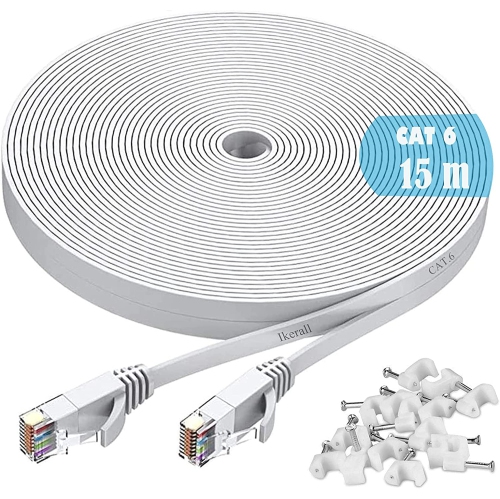
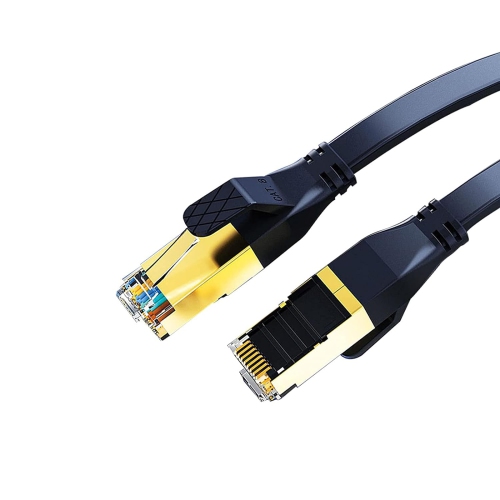
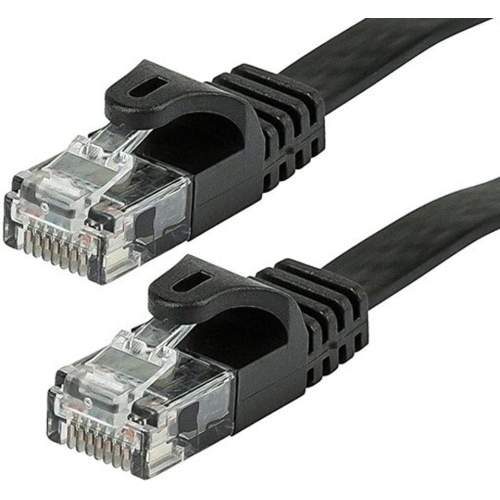
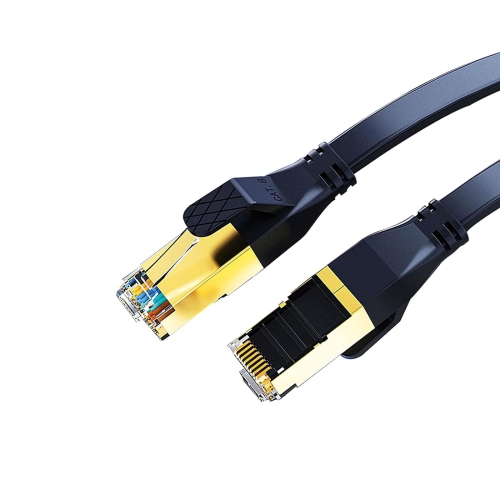
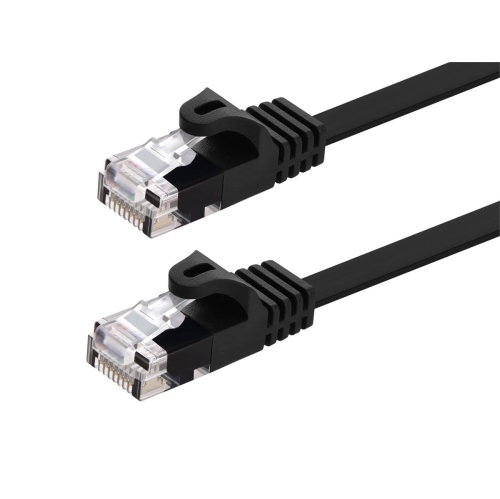
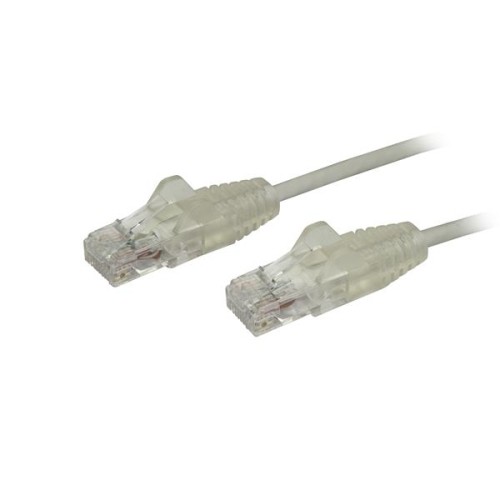
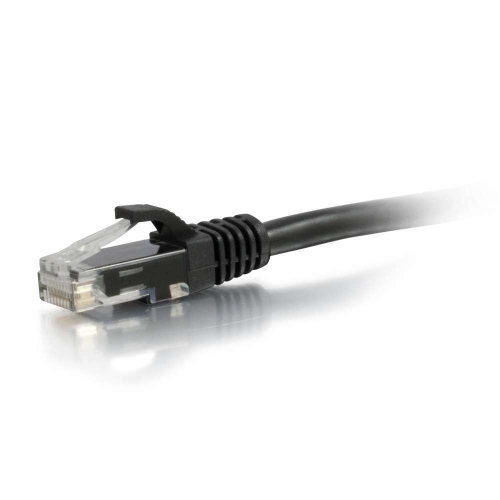
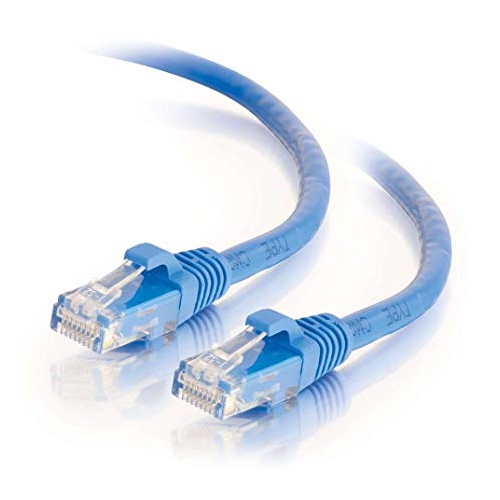
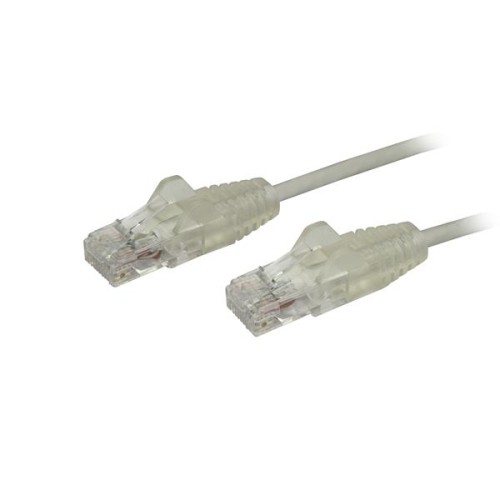
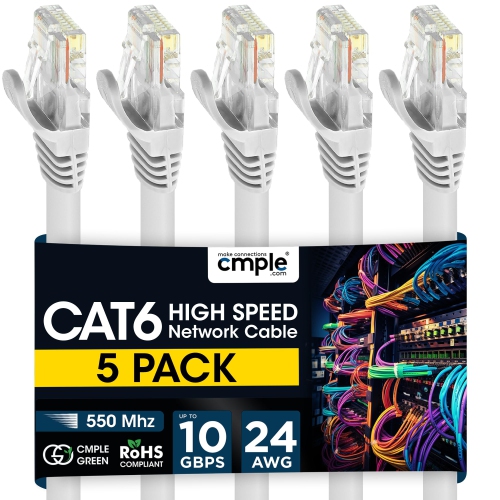
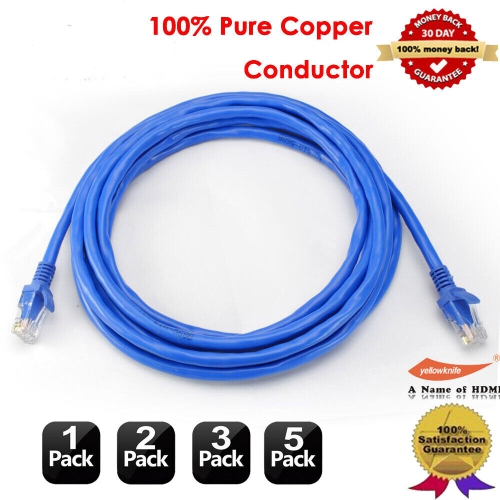
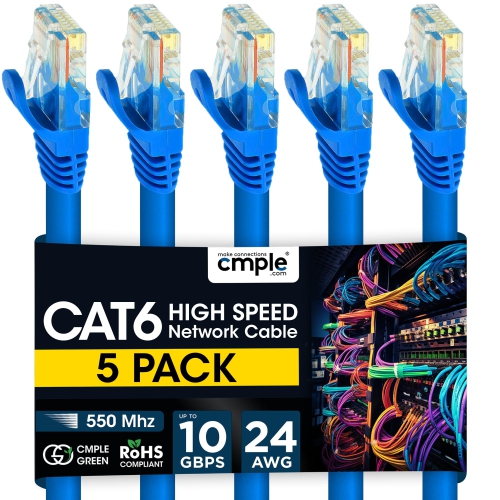
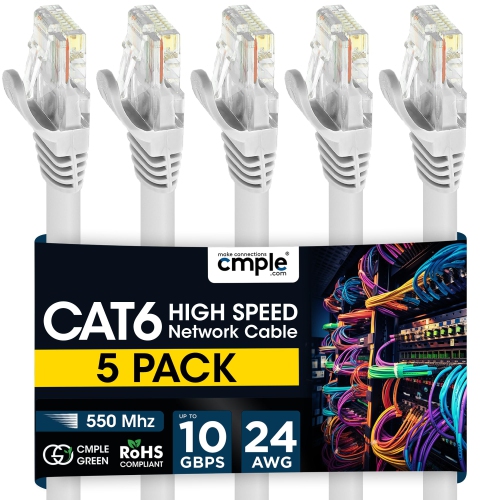
Flat Ethernet cables are designed for situations where a wired network connection needs to stay discreet, flexible, and easy to route. Their slim, ribbon-like shape can slide beneath a rug, follow the edge of a baseboard, pass under a door, or tuck behind a desk without creating the raised ridge associated with a traditional round cable. This makes them especially useful in bedrooms, living rooms, home offices, dorm rooms, and entertainment areas where furniture and foot traffic leave little room for bulky wiring. A flat cable can connect a router to a nearby computer, smart TV, game console, streaming device, printer, network switch, or other Ethernet-enabled equipment while helping the room maintain a tidy appearance. They are also convenient when rearranging a workspace during the cooler months, when more time may be spent indoors and a reliable connection is useful for work, study, video calls, gaming, and entertainment. Many people choose a flat Ethernet cable for a short run across a room or along a wall because it bends more easily around corners and is less prone to forming the stubborn loops and knots that can develop in thicker cables. If an especially slim profile is the main priority, shoppers may also wish to explore Ultra Slim Ethernet Cables for additional options suited to compact setups. Flat Ethernet cables can also make practical gifts for someone moving into a first apartment, setting up a home office, building a gaming station, or upgrading a media centre. They are small, easy to store, and useful in many homes, making them a thoughtful addition to a technology-focused gift basket without requiring detailed knowledge of the recipient’s equipment.
When choosing a flat Ethernet cable, start by considering the distance between the networking equipment and the device. Measure the route rather than relying only on the straight-line distance: a cable running around a desk, along a wall, or behind a cabinet needs extra length for gentle bends and connector access. Avoid selecting a cable so short that it pulls on the ports, but also avoid excessive slack that may collect behind furniture or become a tripping hazard. The cable’s category and rated performance are also important. For many everyday home connections, a suitable category cable can support standard gigabit networking for activities such as streaming high-definition video, browsing, online learning, file sharing, and multiplayer gaming. A higher-rated cable may be appropriate for newer networking equipment or faster multi-gigabit service, provided the router, switch, computer, and other connected devices support those speeds as well. Check the specifications for the cable and compare them with the capabilities of the network hardware rather than assuming that a cable alone will increase internet speed. It is also worth checking connector compatibility; most household wired networks use familiar Ethernet ports, but the cable should still have the correct connectors for each device. Colour can be a practical consideration as well. A cable that blends with a wall, floor, desk, or entertainment unit may be less noticeable, while a contrasting colour can make connections easier to identify when several cables are grouped together. For a home office, a longer flat cable can help place a computer or docking station where lighting and seating are most comfortable. In a family room, it can connect a console or television to a router without running a prominent line across the floor. In a student room or shared home, its flexible profile can make temporary arrangements easier to change as furniture moves.
Flat Ethernet cables are best suited to short and moderate indoor runs where ease of routing and a low-profile appearance matter. Their internal conductors often sit in a flatter, more parallel arrangement than the twisted pairs used in many round Ethernet cables. Over long distances, or in areas with substantial electromagnetic interference from power cables, appliances, motors, or other equipment, this construction can be more susceptible to signal disruption and crosstalk. A flat cable may therefore be a less suitable choice for a long permanent run through walls, a demanding multi-gigabit network, a server area, or a location surrounded by many electrical sources. In those situations, a properly specified round cable, particularly one designed with shielding and stronger protection, may provide better signal integrity and physical resilience. Installation also affects performance and service life. Keep the cable away from sharp folds, tight bends, heavy furniture, rolling chair wheels, and door hinges, and avoid pinching it beneath a table leg or repeatedly stepping on the same section. Although the flat design is easy to conceal, it should not be forced into a crease or compressed for long periods. Use a gentle route with enough room around corners, and leave the connectors free from sideways strain. For a typical connection between nearby devices, these precautions are simple to follow and can help maintain a dependable wired link. Flat Ethernet cables bring a practical balance of convenience, neat routing, and reliable performance to many everyday setups, especially when a wireless connection is inconsistent or when a stable connection is preferred for work, streaming, gaming, and connected entertainment.
When choosing a flat Ethernet cable, start by considering the distance between the networking equipment and the device. Measure the route rather than relying only on the straight-line distance: a cable running around a desk, along a wall, or behind a cabinet needs extra length for gentle bends and connector access. Avoid selecting a cable so short that it pulls on the ports, but also avoid excessive slack that may collect behind furniture or become a tripping hazard. The cable’s category and rated performance are also important. For many everyday home connections, a suitable category cable can support standard gigabit networking for activities such as streaming high-definition video, browsing, online learning, file sharing, and multiplayer gaming. A higher-rated cable may be appropriate for newer networking equipment or faster multi-gigabit service, provided the router, switch, computer, and other connected devices support those speeds as well. Check the specifications for the cable and compare them with the capabilities of the network hardware rather than assuming that a cable alone will increase internet speed. It is also worth checking connector compatibility; most household wired networks use familiar Ethernet ports, but the cable should still have the correct connectors for each device. Colour can be a practical consideration as well. A cable that blends with a wall, floor, desk, or entertainment unit may be less noticeable, while a contrasting colour can make connections easier to identify when several cables are grouped together. For a home office, a longer flat cable can help place a computer or docking station where lighting and seating are most comfortable. In a family room, it can connect a console or television to a router without running a prominent line across the floor. In a student room or shared home, its flexible profile can make temporary arrangements easier to change as furniture moves.
Flat Ethernet cables are best suited to short and moderate indoor runs where ease of routing and a low-profile appearance matter. Their internal conductors often sit in a flatter, more parallel arrangement than the twisted pairs used in many round Ethernet cables. Over long distances, or in areas with substantial electromagnetic interference from power cables, appliances, motors, or other equipment, this construction can be more susceptible to signal disruption and crosstalk. A flat cable may therefore be a less suitable choice for a long permanent run through walls, a demanding multi-gigabit network, a server area, or a location surrounded by many electrical sources. In those situations, a properly specified round cable, particularly one designed with shielding and stronger protection, may provide better signal integrity and physical resilience. Installation also affects performance and service life. Keep the cable away from sharp folds, tight bends, heavy furniture, rolling chair wheels, and door hinges, and avoid pinching it beneath a table leg or repeatedly stepping on the same section. Although the flat design is easy to conceal, it should not be forced into a crease or compressed for long periods. Use a gentle route with enough room around corners, and leave the connectors free from sideways strain. For a typical connection between nearby devices, these precautions are simple to follow and can help maintain a dependable wired link. Flat Ethernet cables bring a practical balance of convenience, neat routing, and reliable performance to many everyday setups, especially when a wireless connection is inconsistent or when a stable connection is preferred for work, streaming, gaming, and connected entertainment.
Top selling and popular products
-
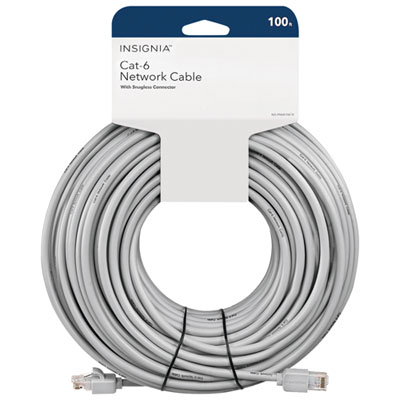 Your price for this item is $49.95
 -
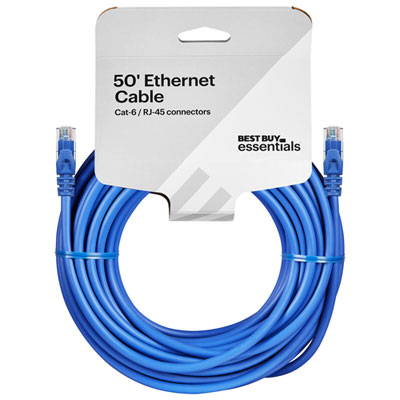 Your price for this item is $24.99
 -
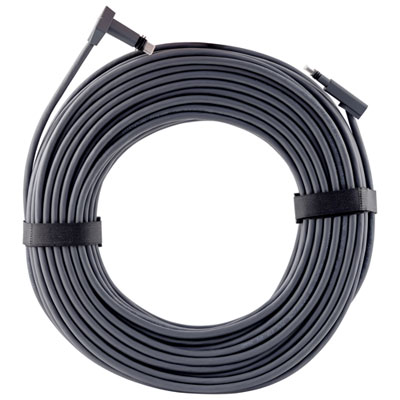 Your price for this item is $164.99
 -
 Your price for this item is $31.37
 -
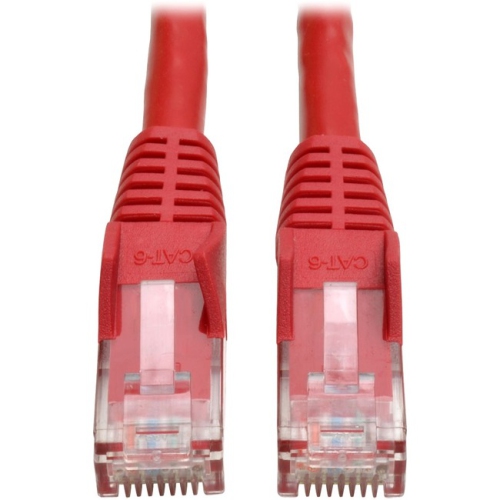 Your price for this item is $79.68
 -
 Your price for this item is $57.68
 -
 Your price for this item is $50.99
 -
 Your price for this item is $57.68
Discover more categories related to Flat Ethernet Cables
Top Collections:
Pokemon Centers, Kindle Devices, Best Cameras for Sports Photography, Pokémon 30th Celebration Cards, Apple iPhones 16, Canon G7X Cameras, iPhone 15 Apple, Flip Phones, Samsung Galaxy Phones, Alarm Clock
Some products may be subject to Environmental Handling Fees
(EHF) depending on your province.
Learn more about EHFs.