Flat HDMI Cables
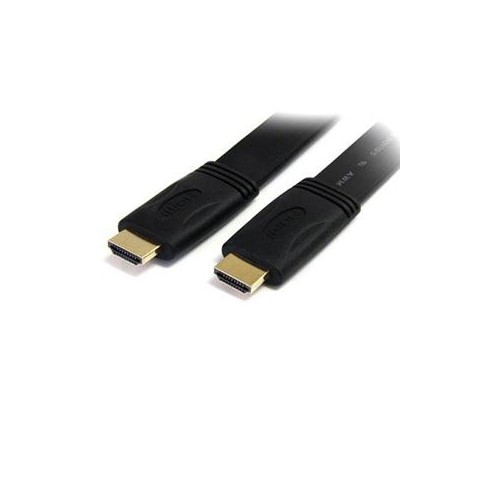
Upgrade your home theater setup with our selection of flat HDMI cables. These sleek and versatile cables are designed to deliver stunning high-definition video and audio signals, ensuring a seamless viewing experience. Whether you're connecting your TV to a gaming console, Blu-ray player, or streaming device, our flat HDMI cables provide reliable performance and eliminate the hassle of tangled wires. With various lengths to choose from, you can easily find the perfect cable to fit your needs. Transform your entertainment system with our high-quality flat HDMI cables today.
Sort
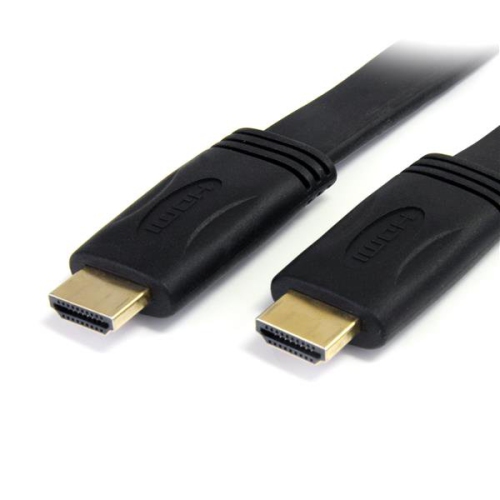
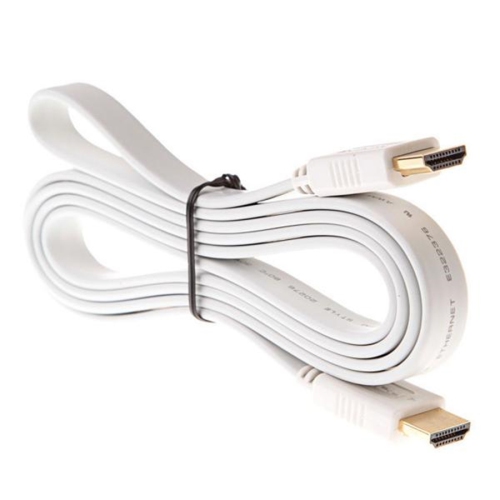
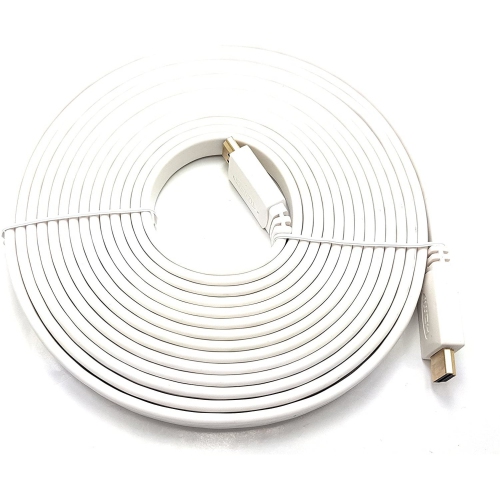
![V-MAX [2 Pack]High Speed Flat HDMI to HDMI Cable 5M In White](https://multimedia.bbycastatic.ca/multimedia/products/500x500/156/15667/15667174.jpg)
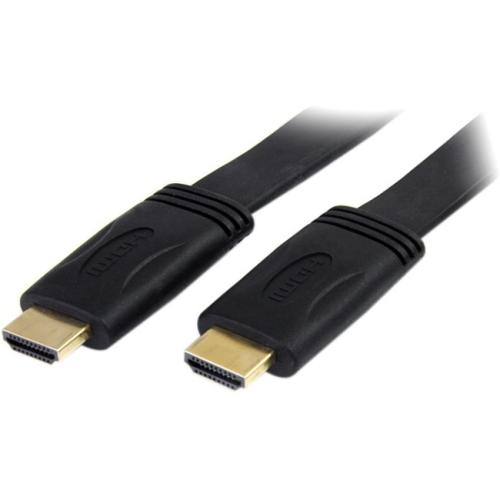
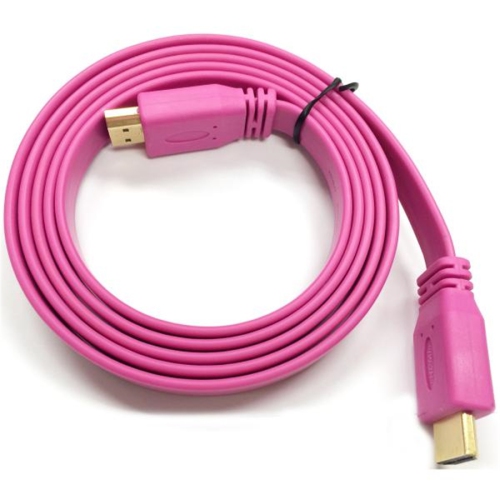


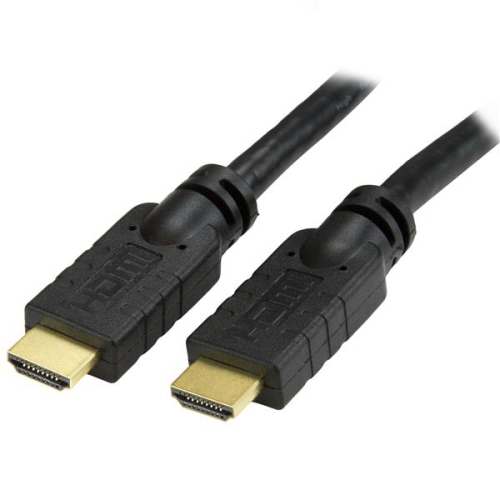
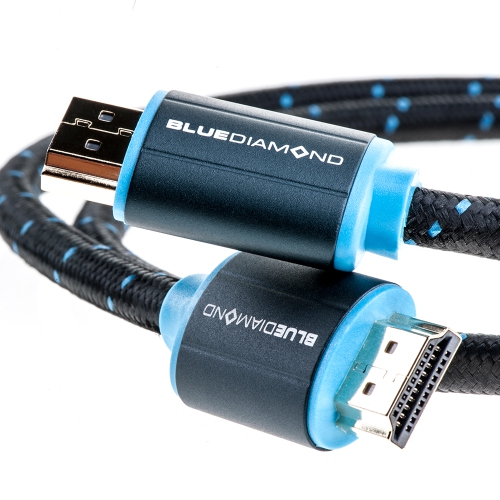
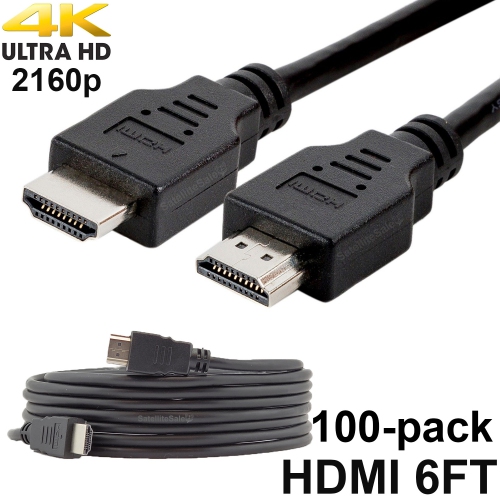
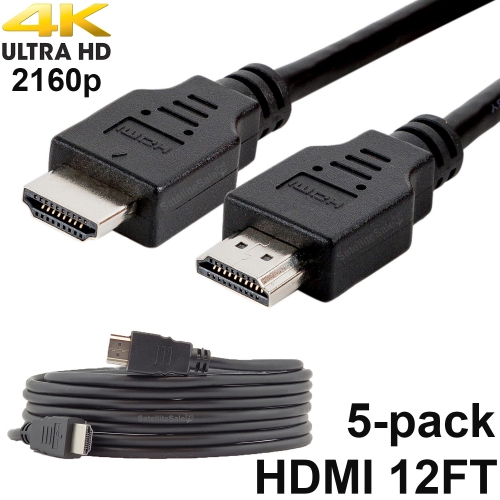




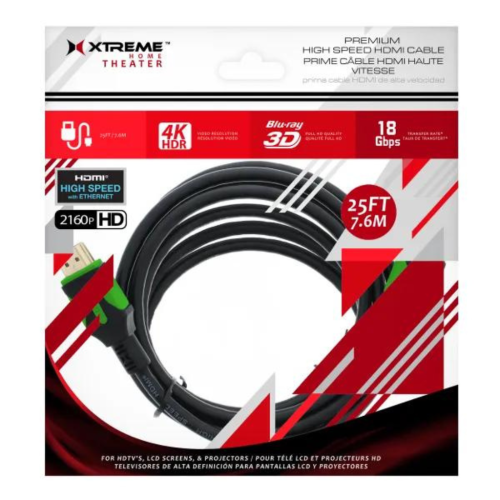
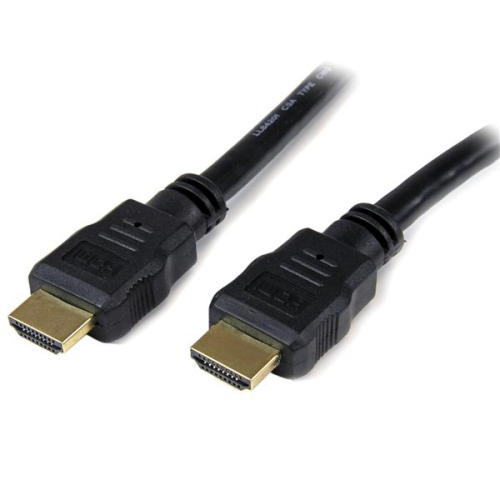
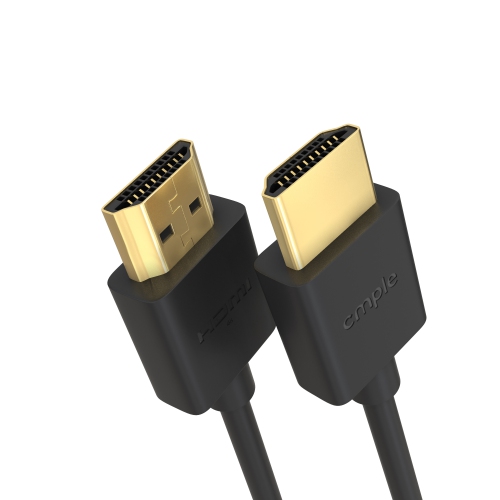
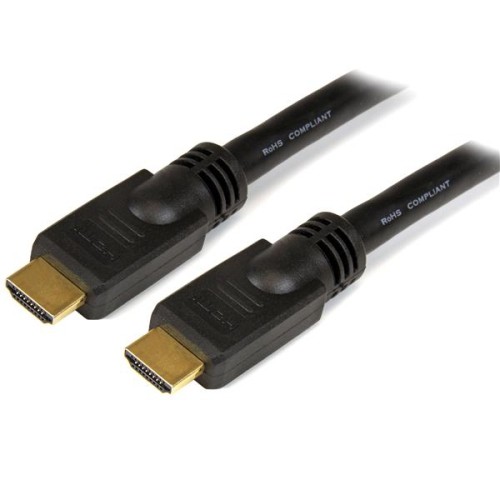



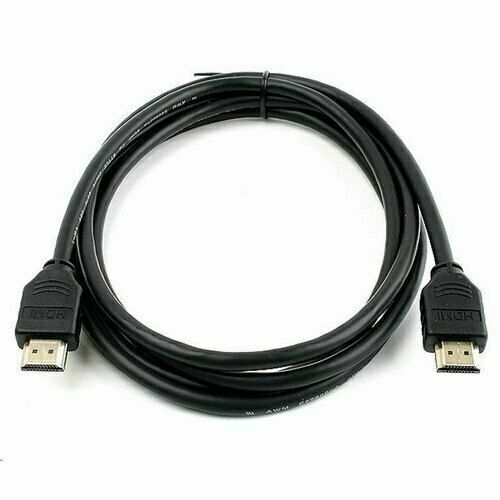
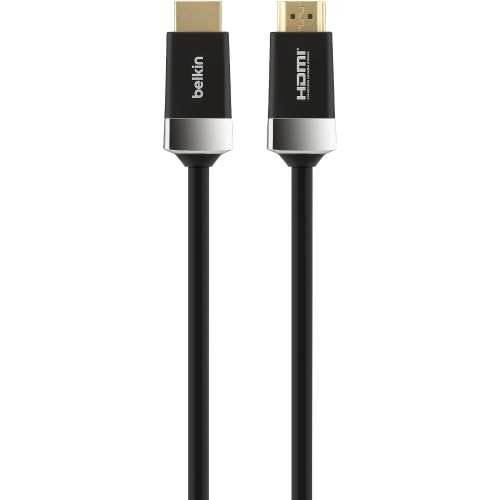
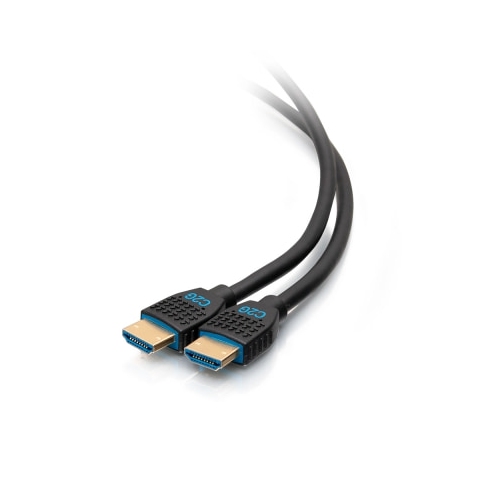
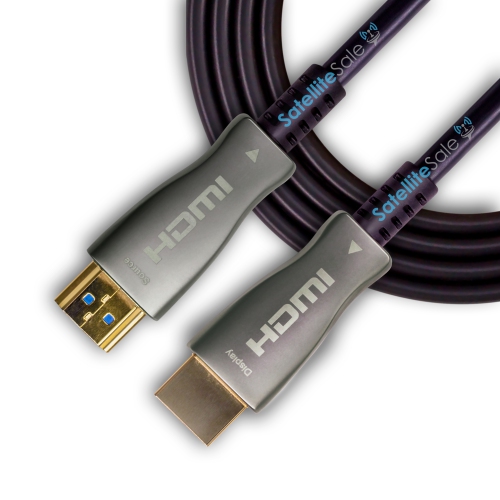
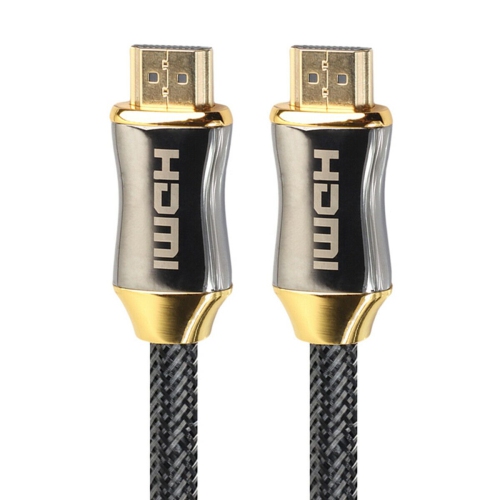
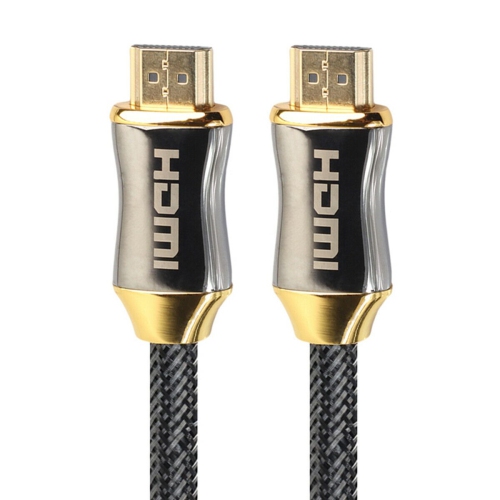
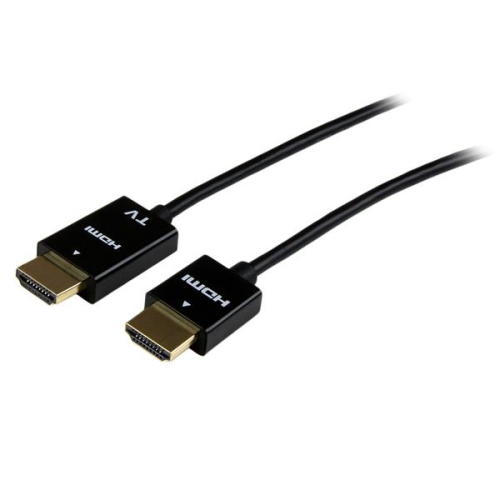
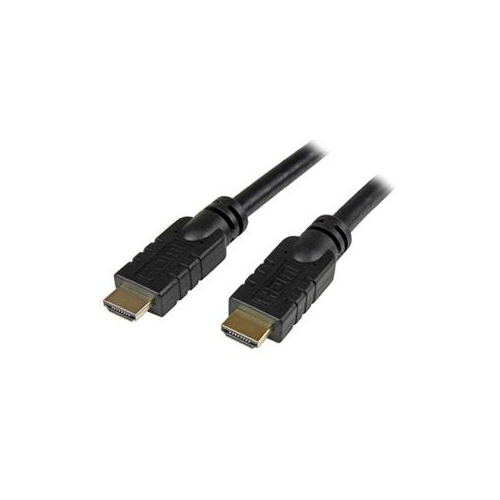
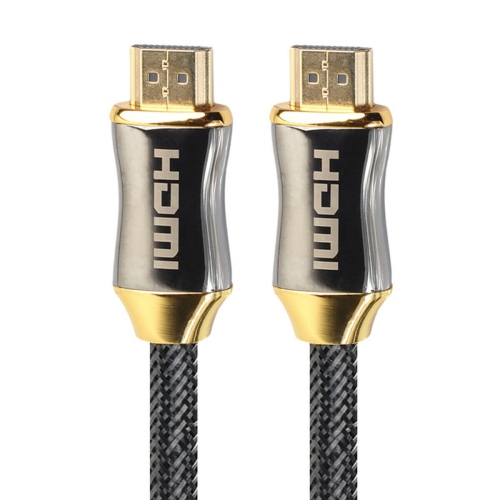
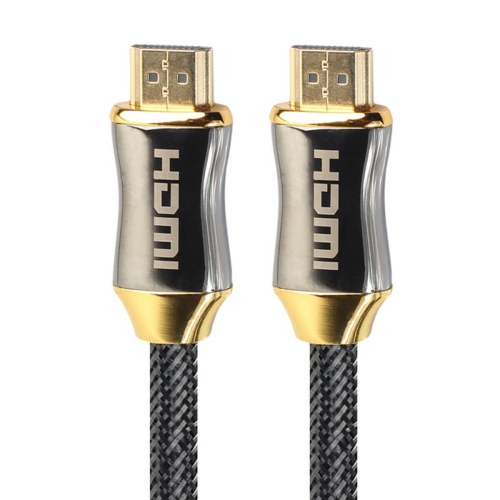
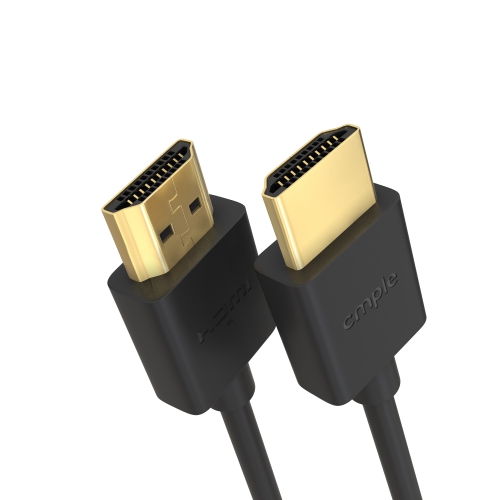

![UGREEN [2Pack] HDMI Cable 3Ft Metal Connector Case With Nylon Braid Support 3D](https://multimedia.bbycastatic.ca/multimedia/products/500x500/153/15341/15341096.jpeg)
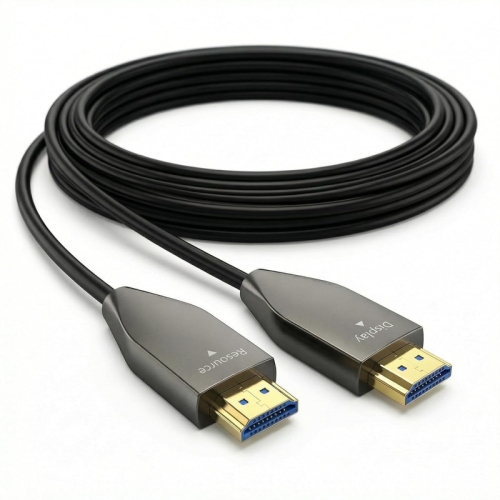
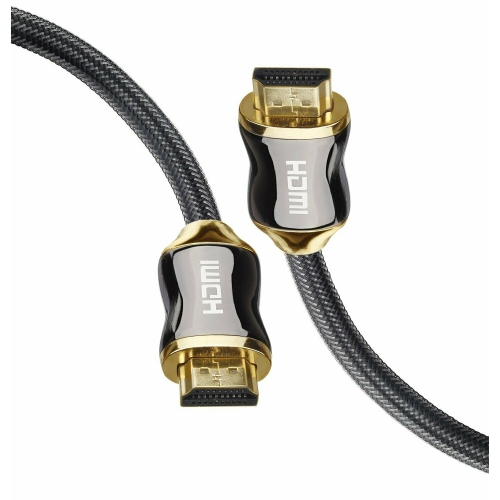
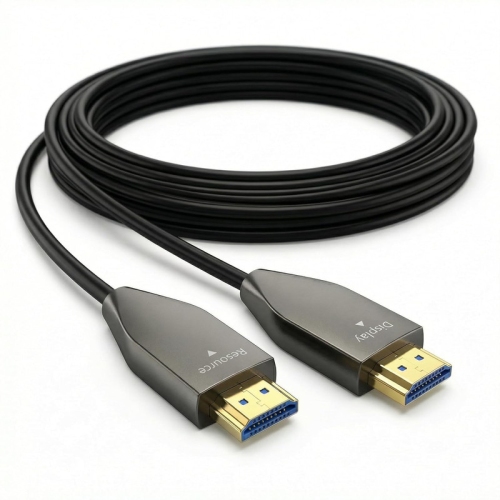
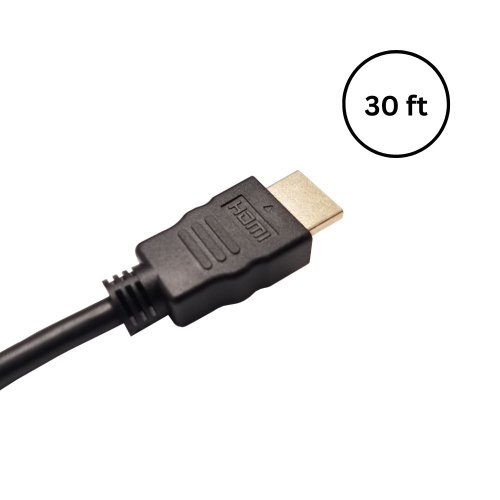
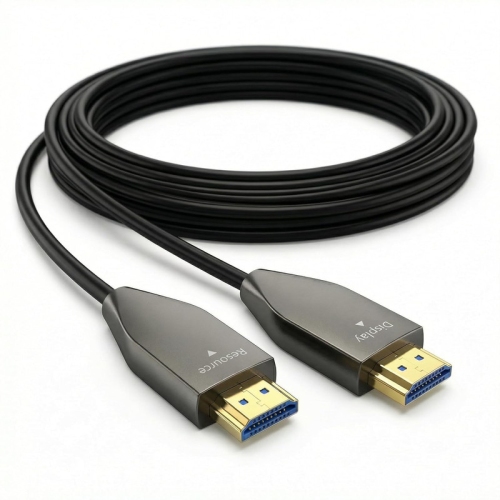
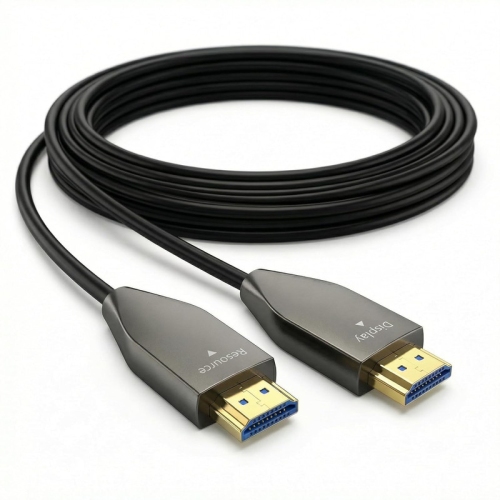
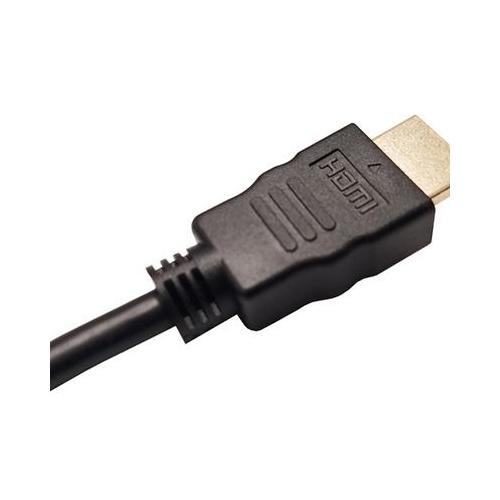
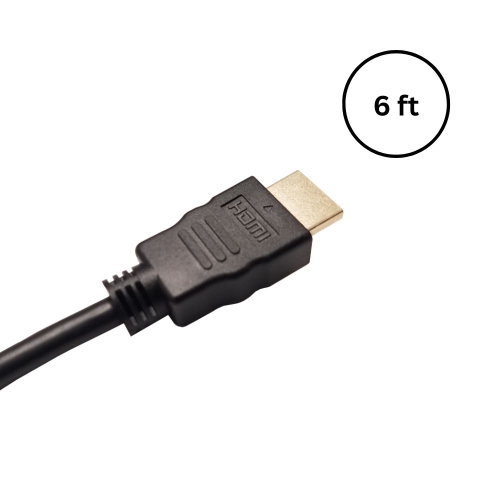
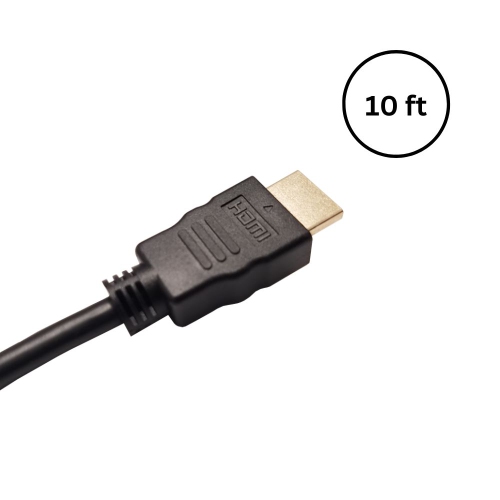
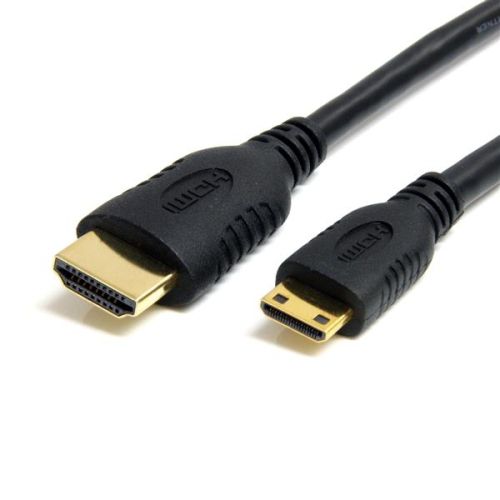
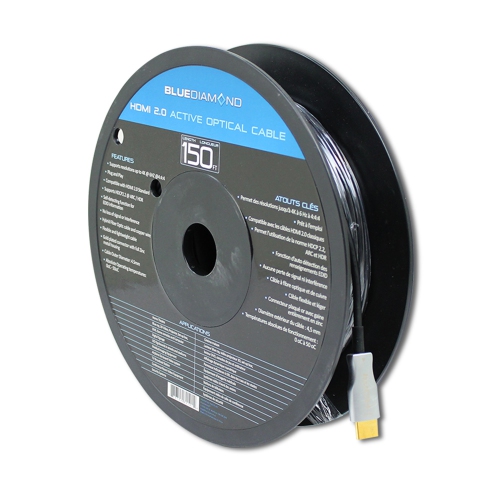
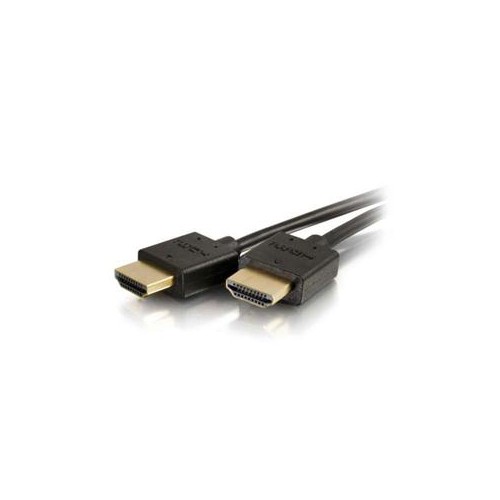
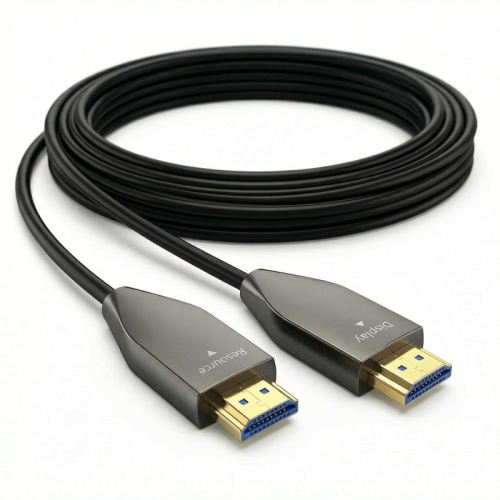

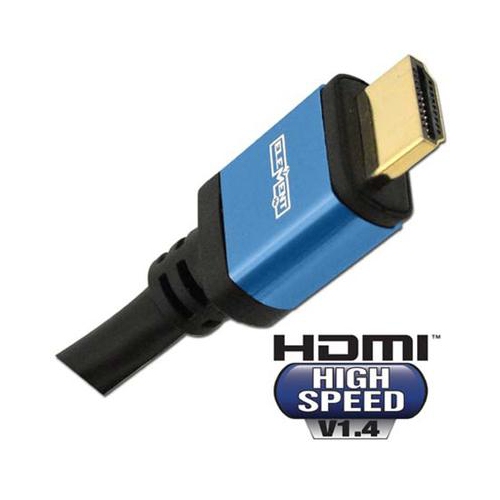
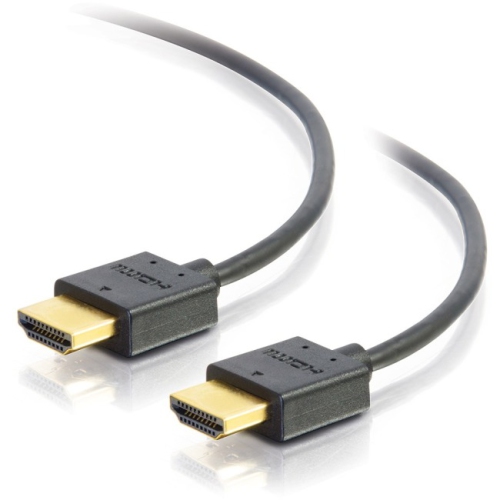
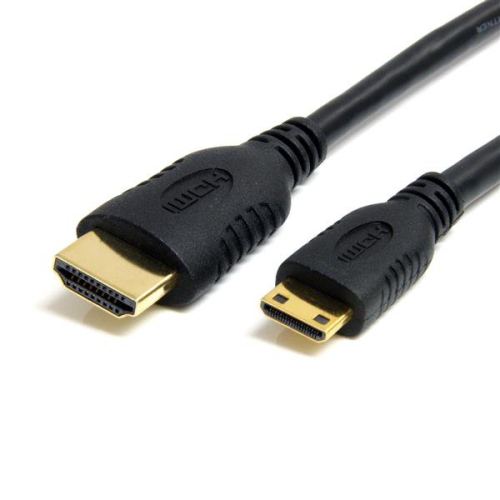
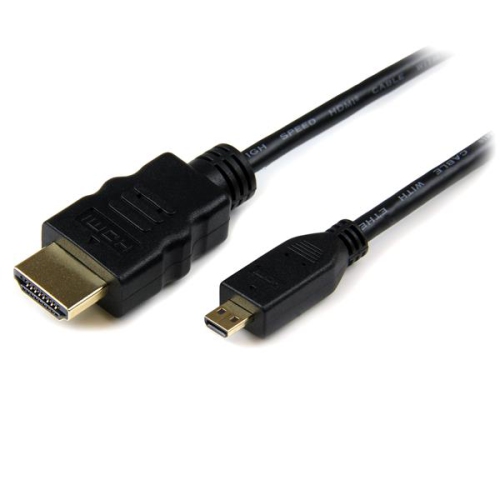
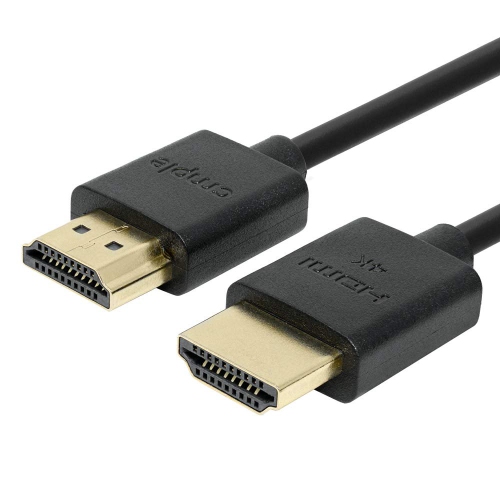
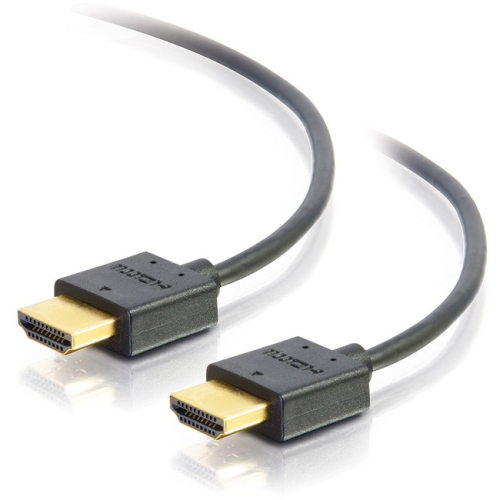
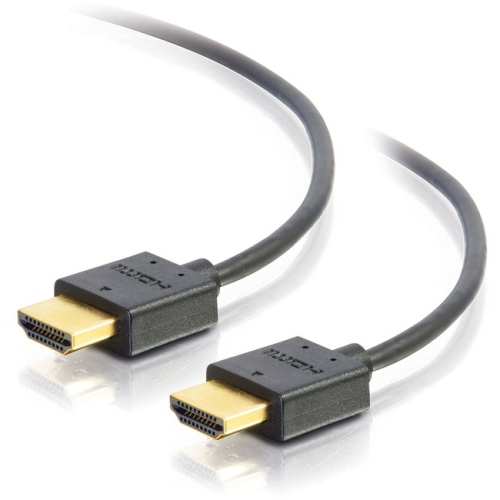


Neater cable routing without compromising picture or sound
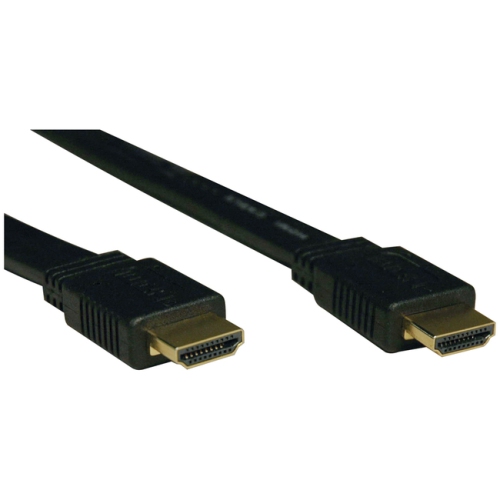
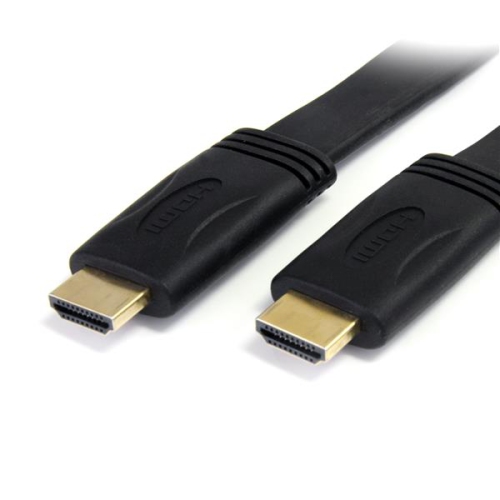
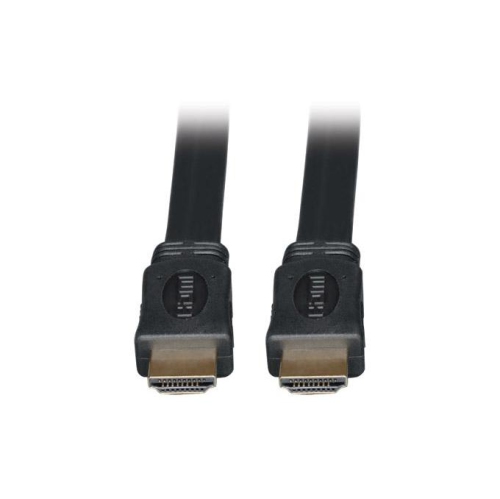
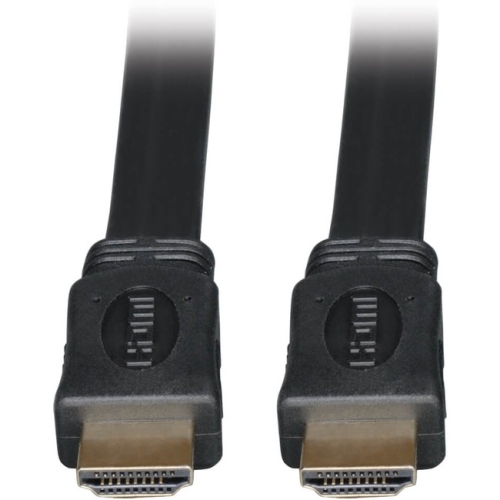
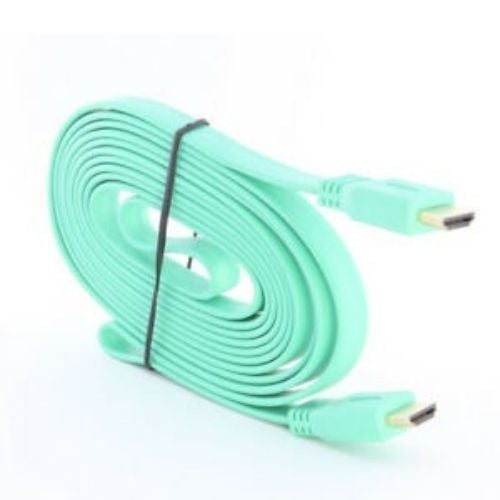
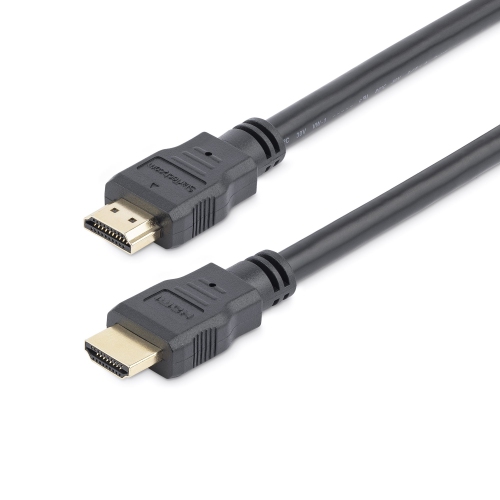
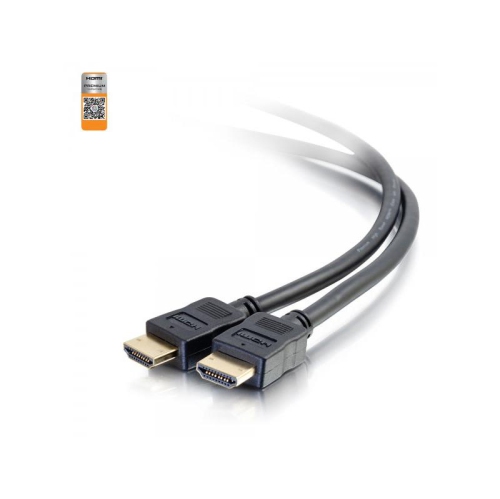
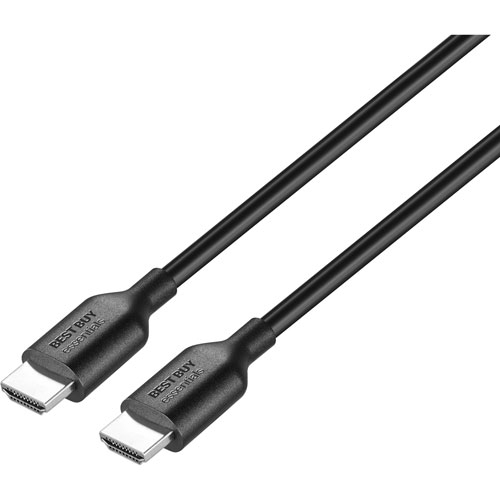
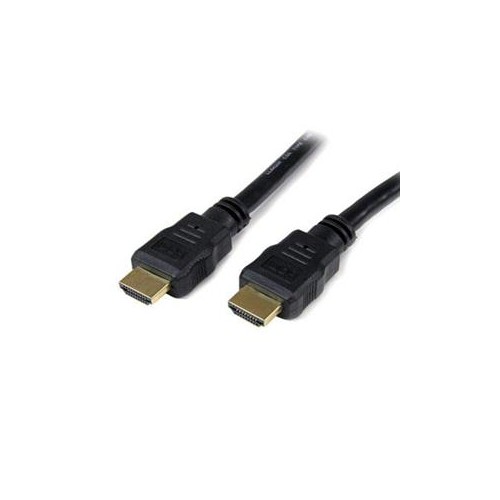
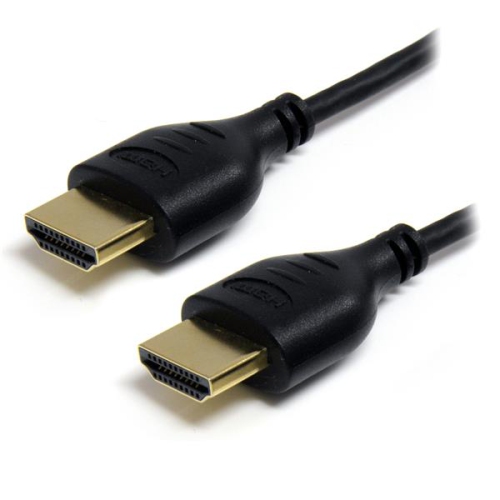
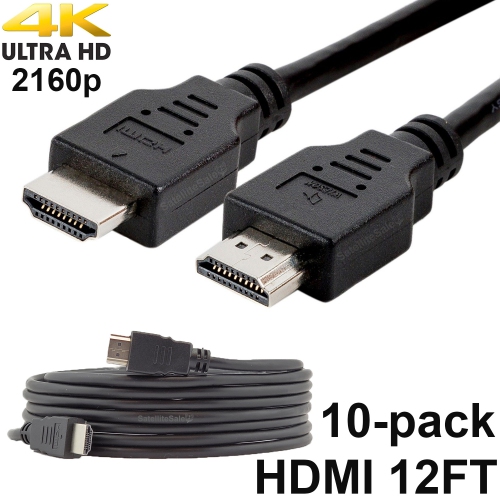
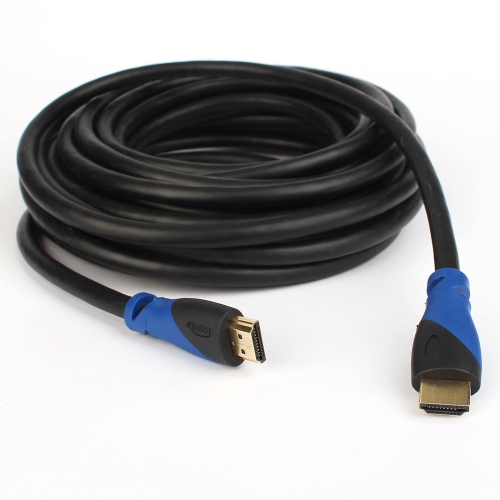
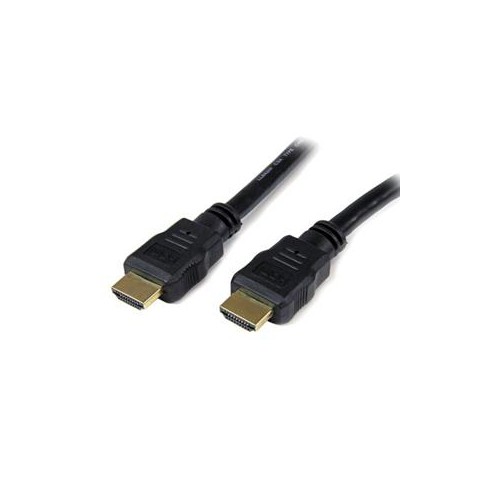
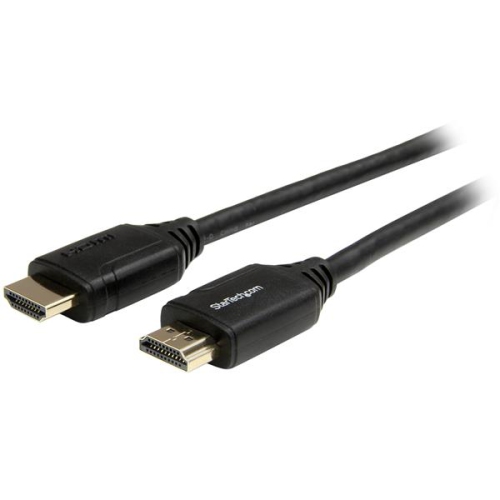
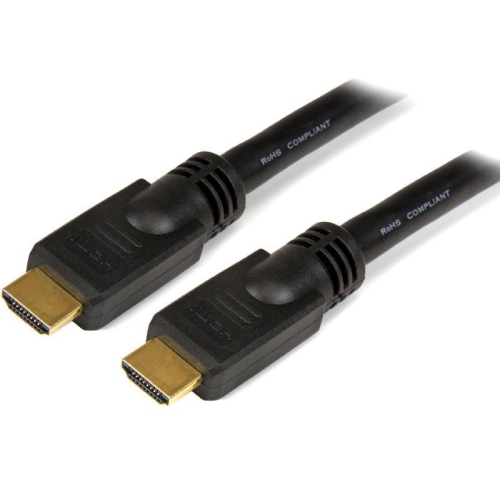
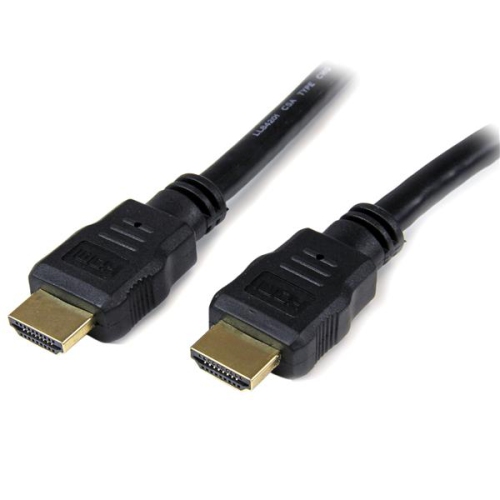
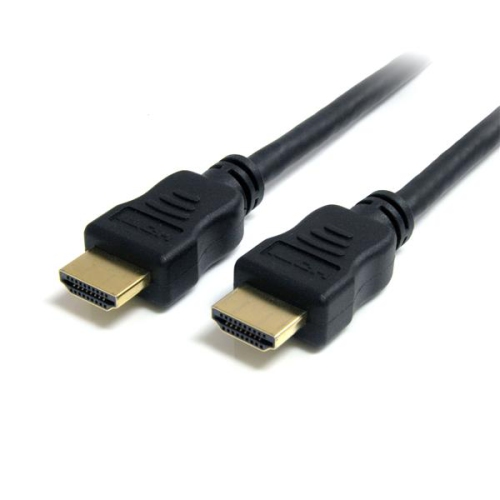
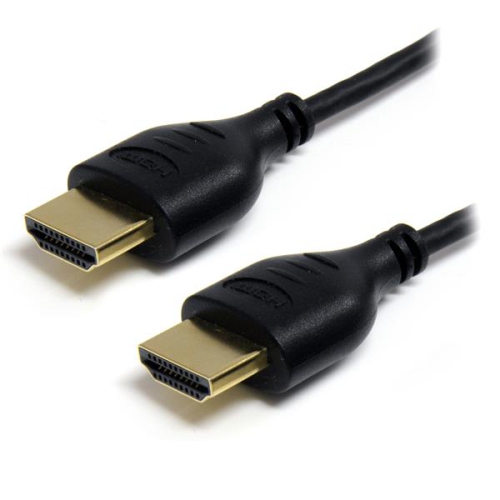
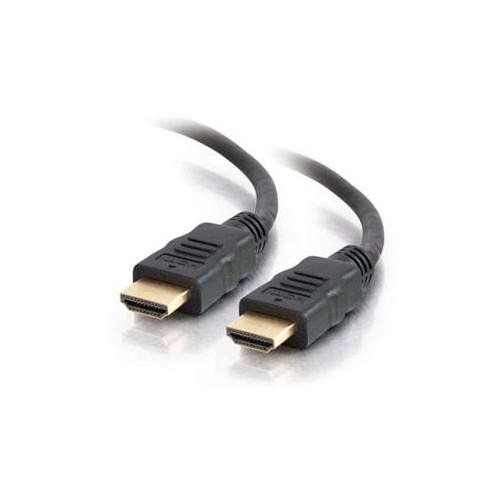
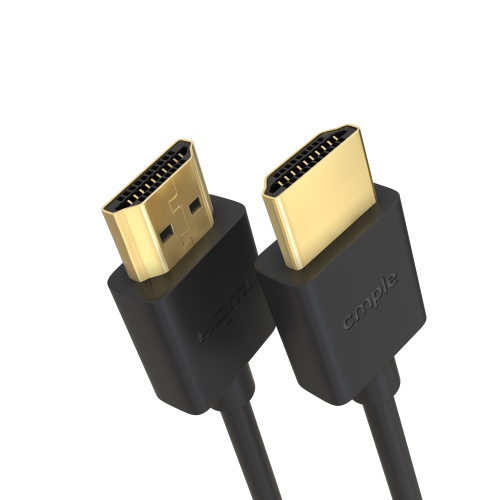
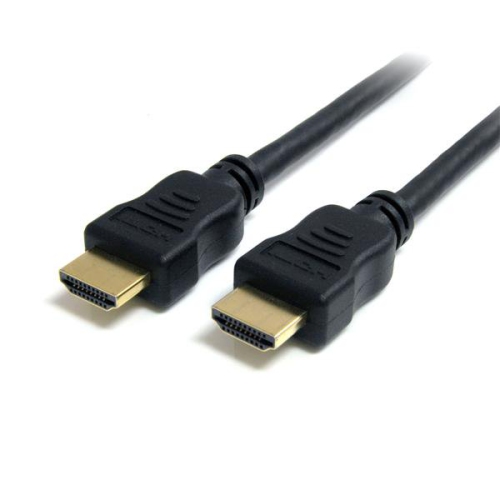
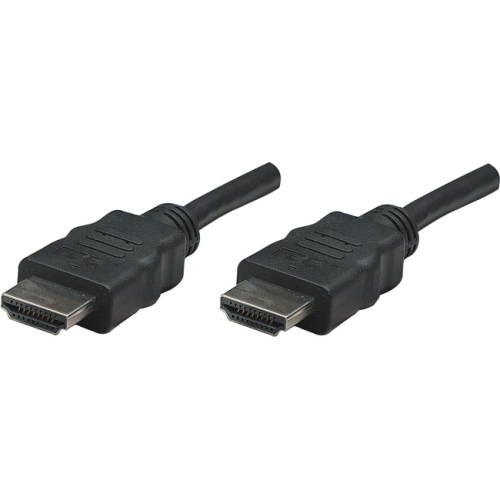
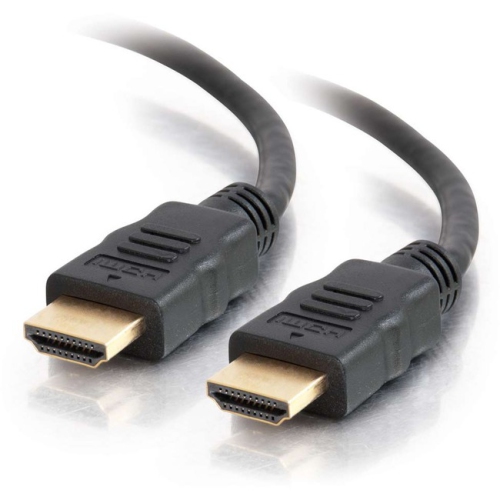
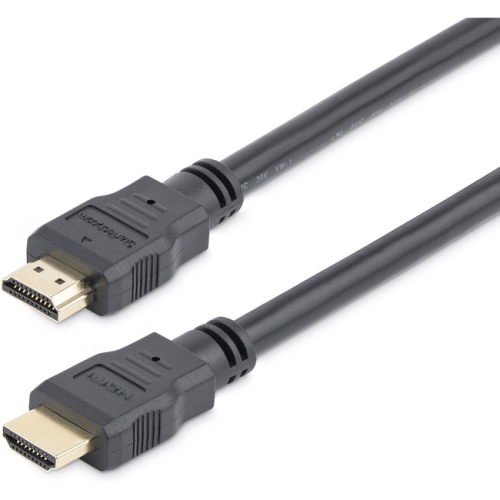
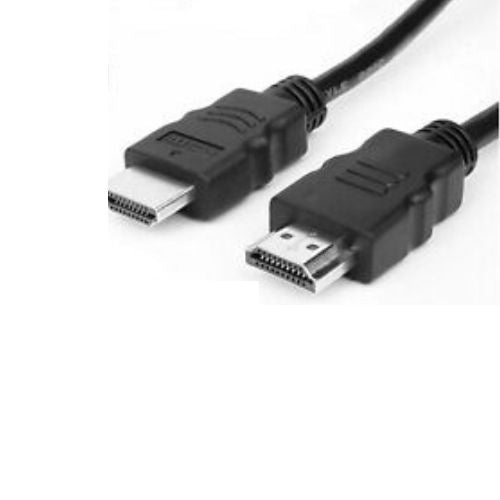
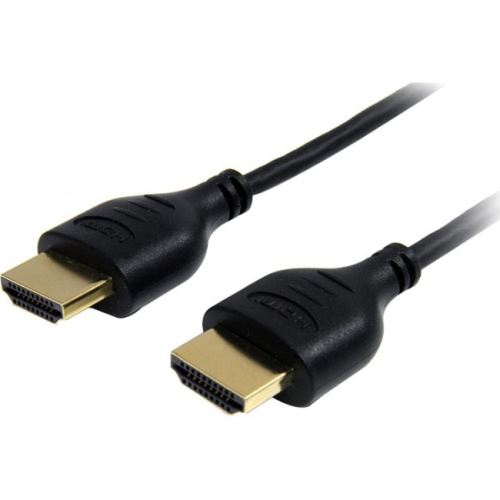
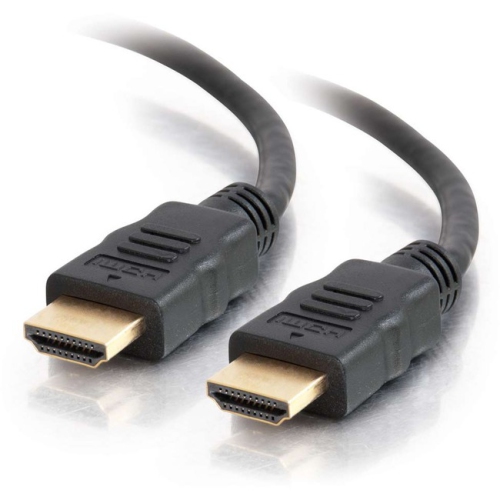
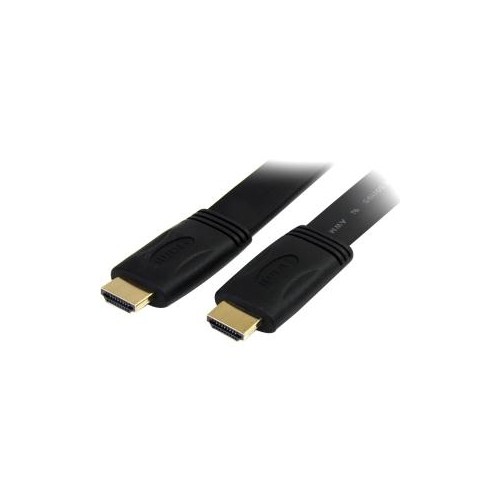
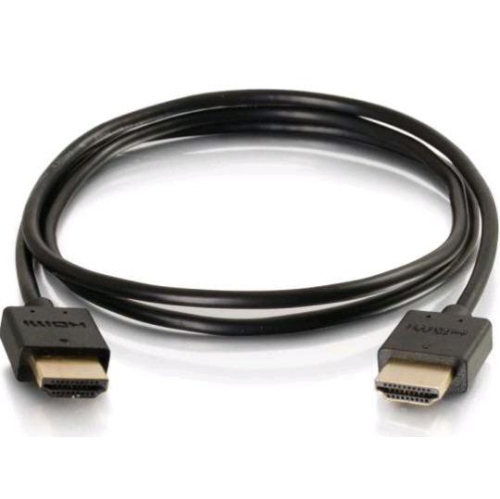
Flat HDMI cables are a practical choice for connecting televisions, monitors, projectors, streaming devices, game consoles, Blu-ray players, soundbars, AV receivers and computers when a standard round cable creates too much bulk. Their thin, ribbon-like design can sit neatly against a wall, baseboard or piece of furniture, making them especially useful in entertainment centres with limited clearance. A flat profile can also make it easier to route a cable behind a wall-mounted TV, along the back of a desk or around the edge of a room without creating a large loop. For many households, the result is a cleaner-looking setup with fewer cables pressing against the back of a display or catching on nearby objects. Flat HDMI cables are available in a range of lengths, so it is helpful to measure the path between the source device and the display before choosing one. Include enough length to reach comfortably around corners and allow a little extra slack for moving equipment, but avoid excessive cable that may need to be coiled behind the TV. A short cable can work well between a streaming player and a television, while a longer option may be more suitable for a projector, wall-mounted display or console positioned across the room. Since HDMI connections are directional only in certain specialized designs, most standard passive cables can be connected at either end; however, checking the labels and specifications is still a good habit, particularly when choosing a cable for a longer run.
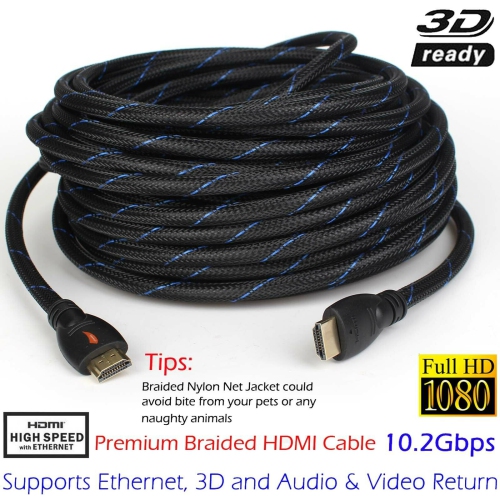
When selecting flat HDMI cables, match the cable’s capabilities with the equipment in your setup rather than relying on appearance alone. Look for support for the video resolution and refresh rate you plan to use, such as Full HD, 4K or 8K, and check the stated bandwidth when connecting a gaming console, gaming PC or high-performance monitor. A cable that works well for a basic television signal may not provide the bandwidth needed for 4K at a high refresh rate, HDR content or advanced gaming features such as variable refresh rate and automatic low-latency mode. If you are connecting a soundbar or AV receiver, compatibility with Audio Return Channel (ARC) or enhanced Audio Return Channel (eARC) can help carry audio from the TV to the audio system through a single HDMI connection. It is also worth checking support for features such as HDR formats, 3D video or Ethernet over HDMI when those functions are part of your equipment. Cable length can influence performance, particularly over longer distances. Shorter passive flat HDMI cables are often suitable for common living room and office connections, while longer runs may call for a cable specifically designed to maintain signal quality over greater distances. For particularly long routes, compare the specifications carefully and consider Active Hdmi Cables when a powered signal solution is appropriate. Build quality also matters: reinforced connectors, strain relief and a flexible jacket can make installation easier and help the cable withstand regular adjustments. Although a flat cable bends more readily than a round cable in some directions, it should not be sharply folded, pinched behind furniture or twisted at the connector. Leave a gentle curve at each end so the HDMI ports are not placed under unnecessary pressure.
Flat HDMI cables suit a wide range of people and spaces. They can help a renter arrange a television without making a prominent cable bundle along the wall, while a family room may benefit from a discreet connection between a console and a display used during gaming nights or movie viewing. They are also useful in home offices where a laptop dock, desktop computer or second monitor needs to connect without adding another thick cable to an already crowded desk. A flat HDMI cable can make a thoughtful gift for someone setting up a new television, upgrading a gaming area, moving into a new home or creating a compact media space for the cooler months. Before purchasing, confirm the HDMI port type on each device, the required length and whether the connection will pass through a wall, under a rug or behind a mounted display. Cables placed under carpets or rugs should be routed carefully to reduce pressure, heat buildup and trip hazards, and they should not be used inside a wall unless the cable is specifically rated and installed according to local requirements. For an exposed route, clips or cable channels can help keep the cable secure along a baseboard, while a gentle path behind furniture can prevent sharp bends. Keeping the cable away from pinch points and leaving room for ventilation around connected equipment can also make the entire setup easier to maintain. Whether it is used for everyday television viewing, high-resolution gaming, presentations or a home cinema arrangement, a properly selected flat HDMI cable provides a tidy connection while helping your devices deliver the picture and sound features they are designed to support.
When selecting flat HDMI cables, match the cable’s capabilities with the equipment in your setup rather than relying on appearance alone. Look for support for the video resolution and refresh rate you plan to use, such as Full HD, 4K or 8K, and check the stated bandwidth when connecting a gaming console, gaming PC or high-performance monitor. A cable that works well for a basic television signal may not provide the bandwidth needed for 4K at a high refresh rate, HDR content or advanced gaming features such as variable refresh rate and automatic low-latency mode. If you are connecting a soundbar or AV receiver, compatibility with Audio Return Channel (ARC) or enhanced Audio Return Channel (eARC) can help carry audio from the TV to the audio system through a single HDMI connection. It is also worth checking support for features such as HDR formats, 3D video or Ethernet over HDMI when those functions are part of your equipment. Cable length can influence performance, particularly over longer distances. Shorter passive flat HDMI cables are often suitable for common living room and office connections, while longer runs may call for a cable specifically designed to maintain signal quality over greater distances. For particularly long routes, compare the specifications carefully and consider Active Hdmi Cables when a powered signal solution is appropriate. Build quality also matters: reinforced connectors, strain relief and a flexible jacket can make installation easier and help the cable withstand regular adjustments. Although a flat cable bends more readily than a round cable in some directions, it should not be sharply folded, pinched behind furniture or twisted at the connector. Leave a gentle curve at each end so the HDMI ports are not placed under unnecessary pressure.
Flat HDMI cables suit a wide range of people and spaces. They can help a renter arrange a television without making a prominent cable bundle along the wall, while a family room may benefit from a discreet connection between a console and a display used during gaming nights or movie viewing. They are also useful in home offices where a laptop dock, desktop computer or second monitor needs to connect without adding another thick cable to an already crowded desk. A flat HDMI cable can make a thoughtful gift for someone setting up a new television, upgrading a gaming area, moving into a new home or creating a compact media space for the cooler months. Before purchasing, confirm the HDMI port type on each device, the required length and whether the connection will pass through a wall, under a rug or behind a mounted display. Cables placed under carpets or rugs should be routed carefully to reduce pressure, heat buildup and trip hazards, and they should not be used inside a wall unless the cable is specifically rated and installed according to local requirements. For an exposed route, clips or cable channels can help keep the cable secure along a baseboard, while a gentle path behind furniture can prevent sharp bends. Keeping the cable away from pinch points and leaving room for ventilation around connected equipment can also make the entire setup easier to maintain. Whether it is used for everyday television viewing, high-resolution gaming, presentations or a home cinema arrangement, a properly selected flat HDMI cable provides a tidy connection while helping your devices deliver the picture and sound features they are designed to support.
Top selling and popular products
-
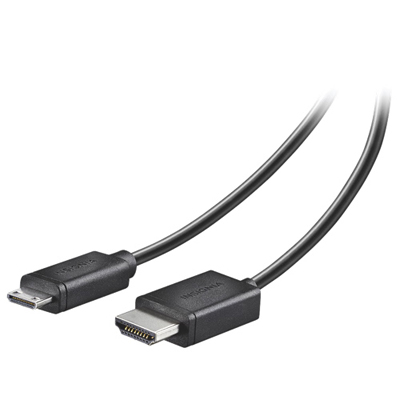 Your price for this item is $24.95
 -
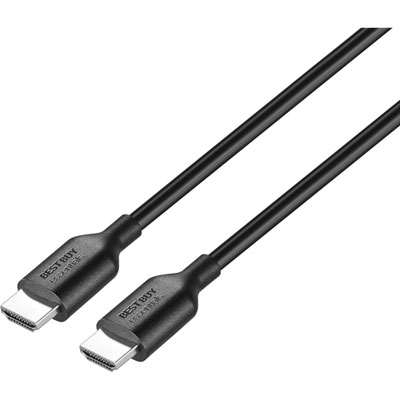 Your price for this item is $9.99
 -
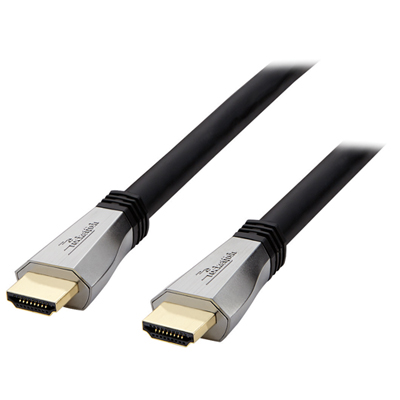 Your price for this item is $119.99
 -
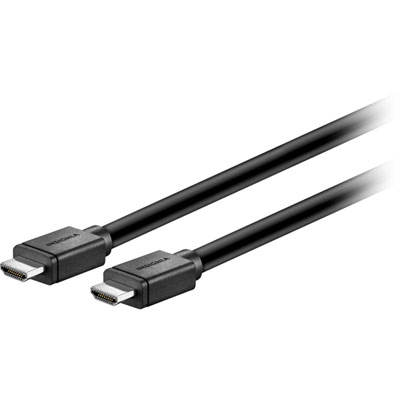 Your price for this item is $129.99
 -
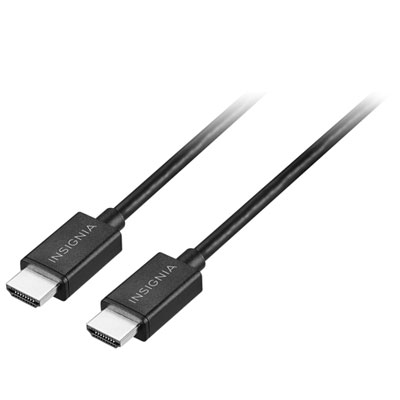 Your price for this item is $19.99
 -
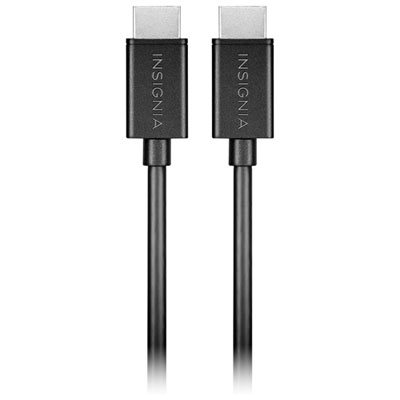 Your price for this item is $29.99
 -
![BDA / POWER A HDMI Cable Ps5 10 Ft [Power A]](https://multimedia.bbycastatic.ca/multimedia/products/500x500/176/17616/17616431.jpeg) Your price for this item is $59.99
Your price for this item is $59.99 -
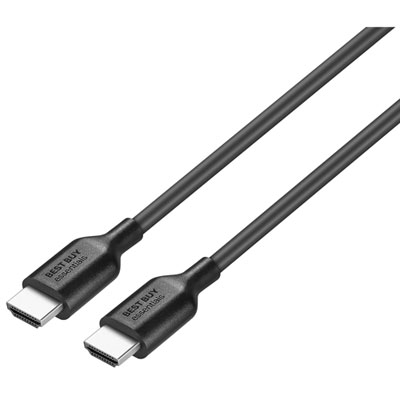 Your price for this item is $19.99
Discover more categories related to Flat HDMI Cables
Top Collections:
Pokemon Centers, Kindle Devices, Best Cameras for Sports Photography, Pokémon 30th Celebration Cards, Apple iPhones 16, Canon G7X Cameras, iPhone 15 Apple, Flip Phones, Samsung Galaxy Phones, Alarm Clock
Some products may be subject to Environmental Handling Fees
(EHF) depending on your province.
Learn more about EHFs.