G Sync Compatible Monitors
Upgrade your gaming experience with our selection of G-Sync-compatible monitors. Designed to deliver smooth and tear-free gameplay, these monitors are perfect for gamers looking to immerse themselves in their favorite titles. With cutting-edge technology and stunning visuals, you can take your gaming sessions to the next level. Explore our range of G-Sync-compatible monitors and elevate your gaming setup today.
Sort
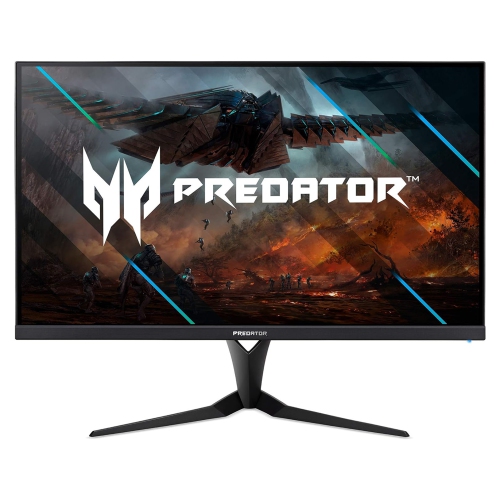
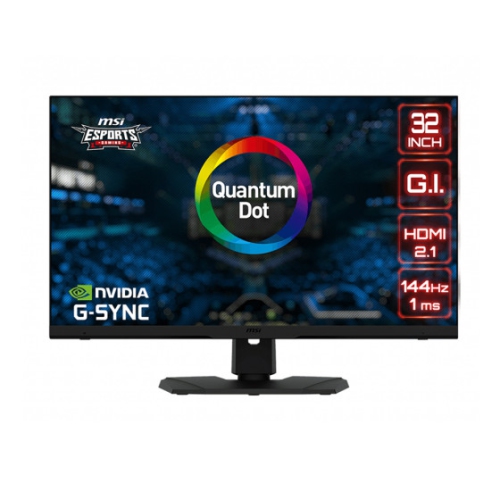
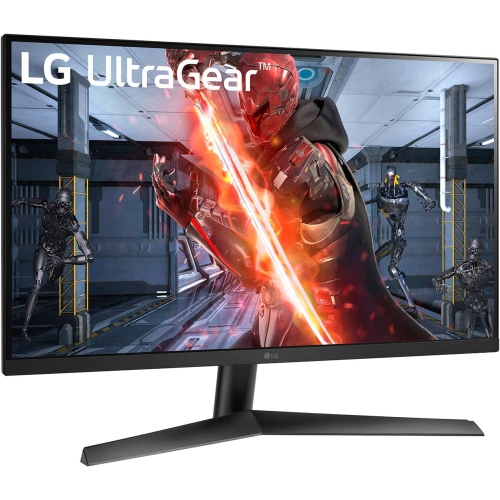


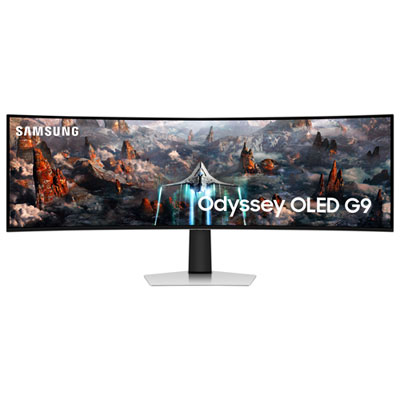
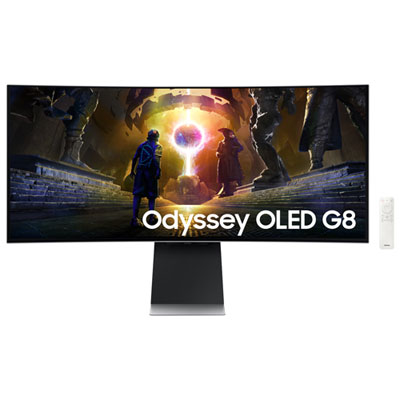
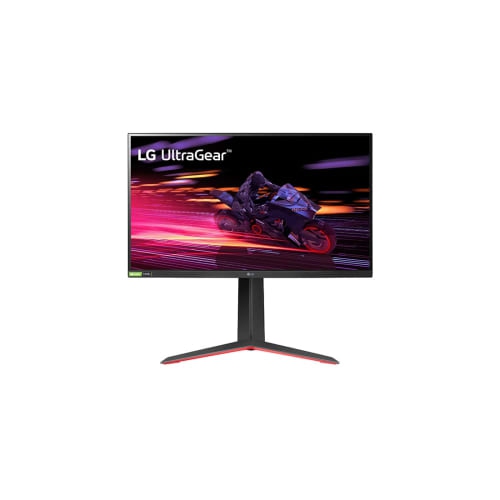
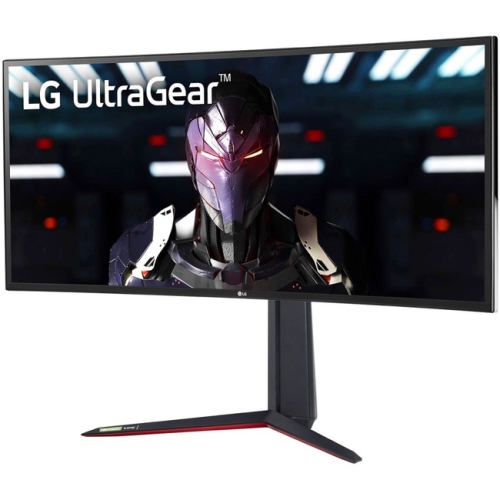
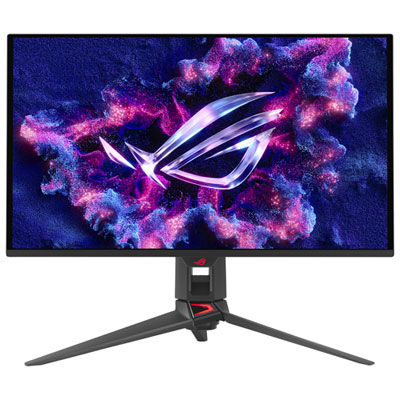
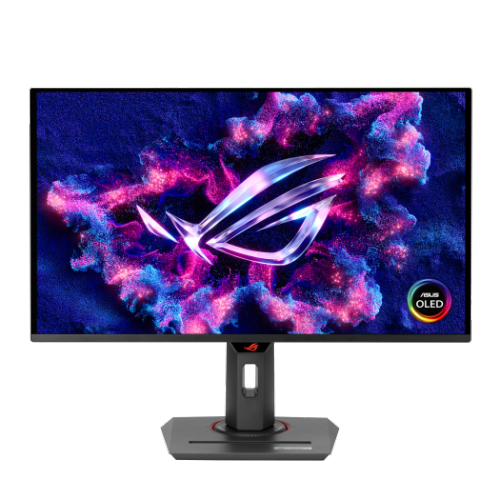
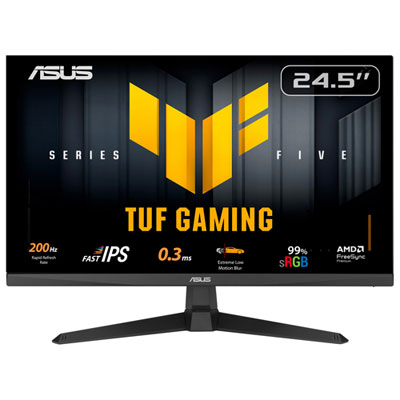
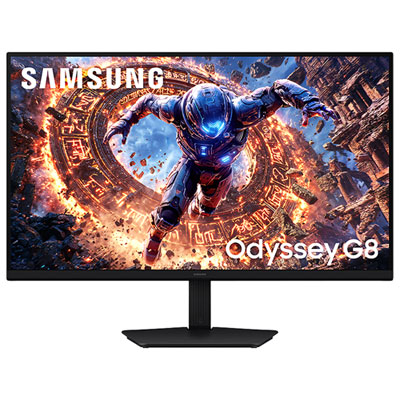
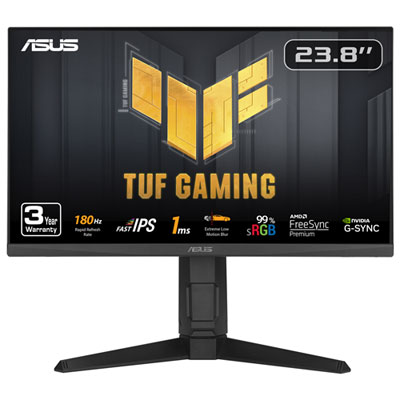
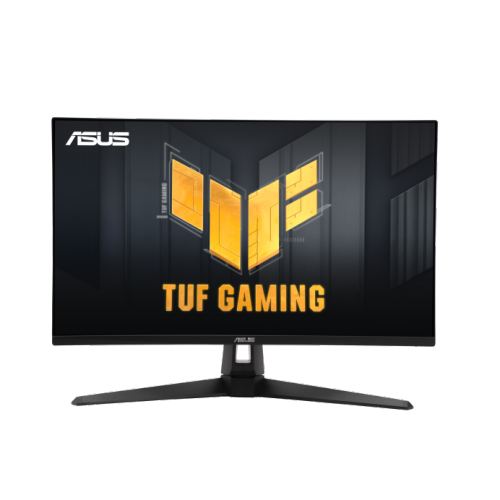
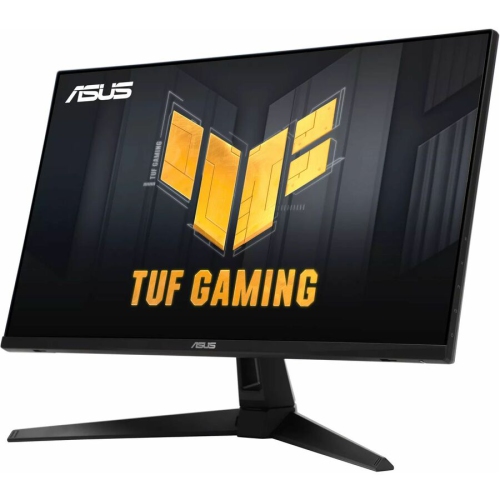
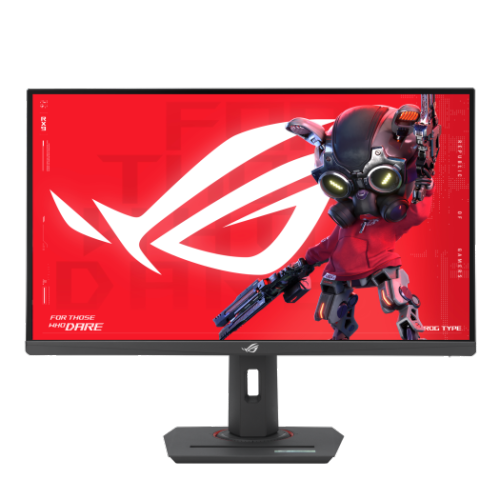
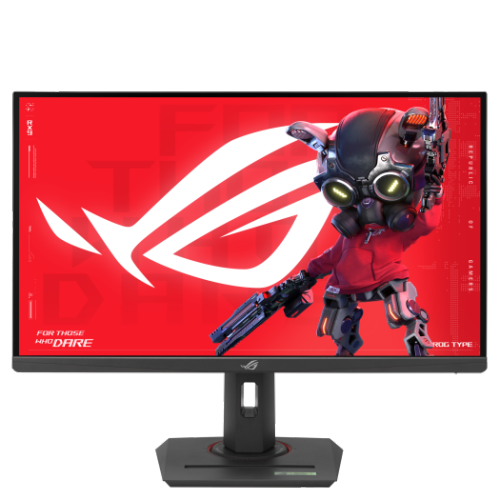
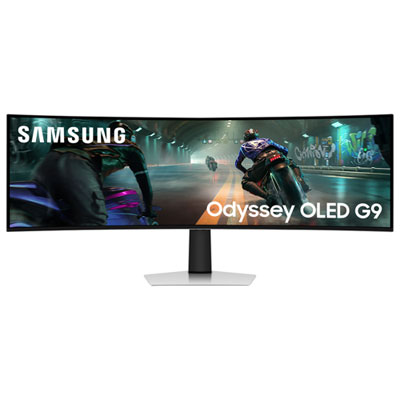
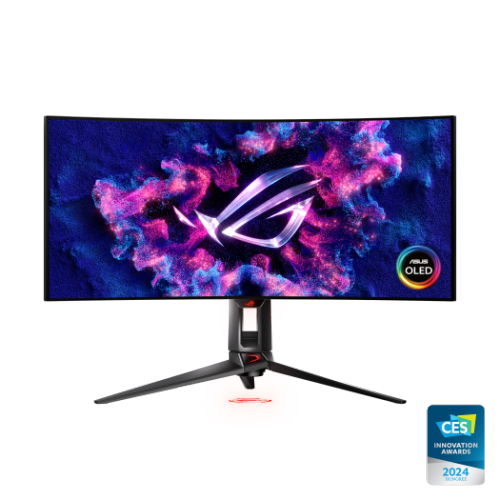
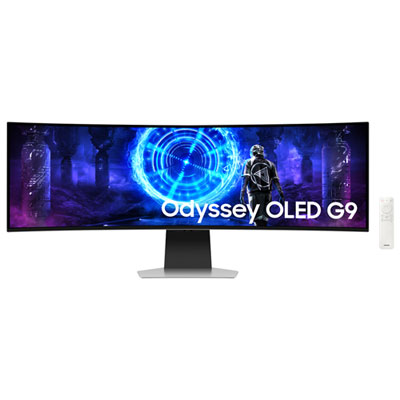
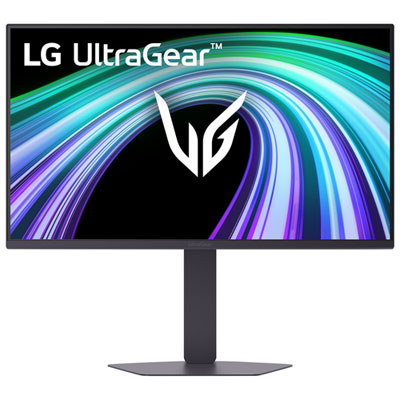
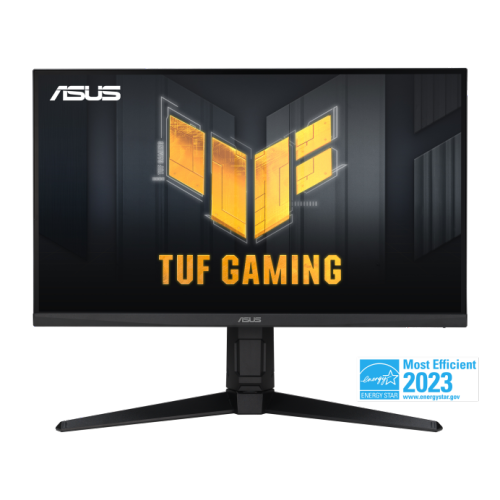
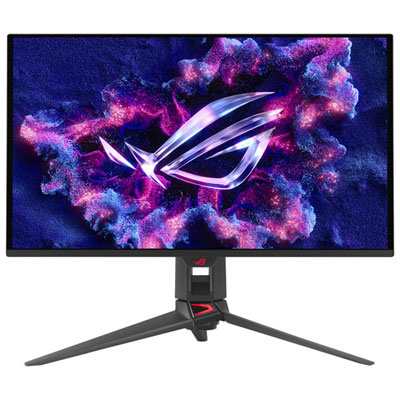
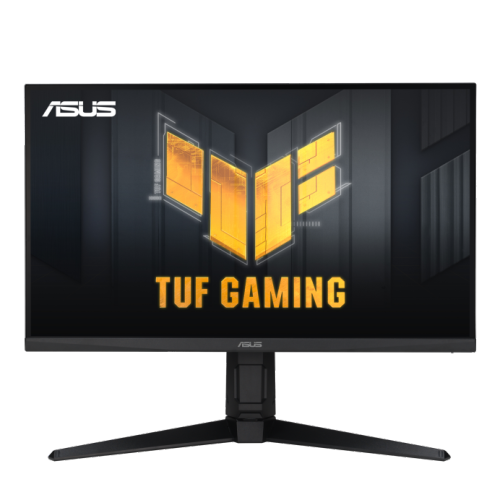

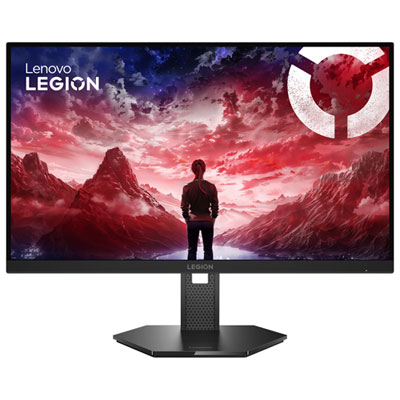
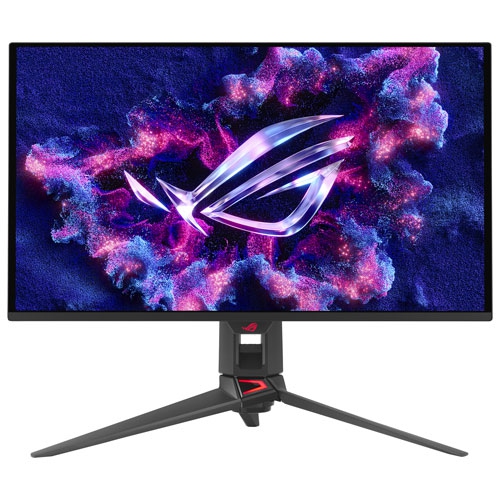
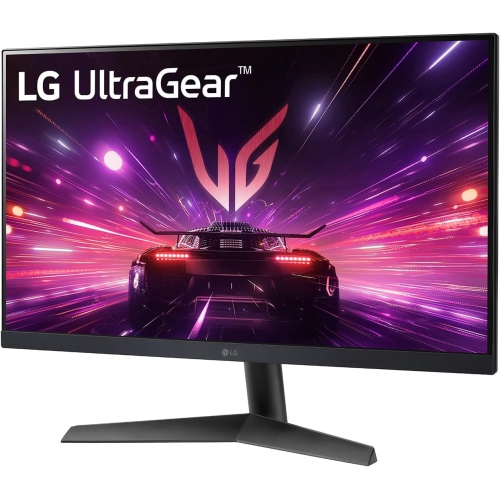
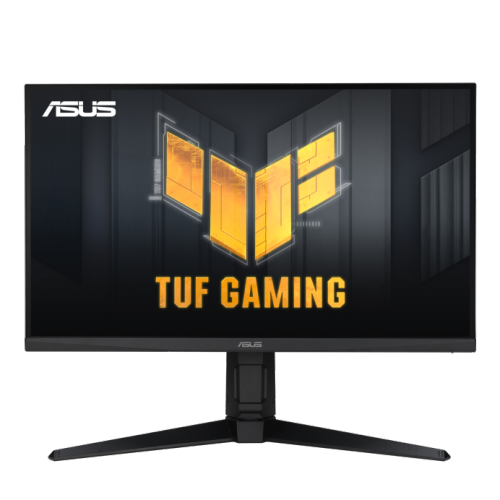


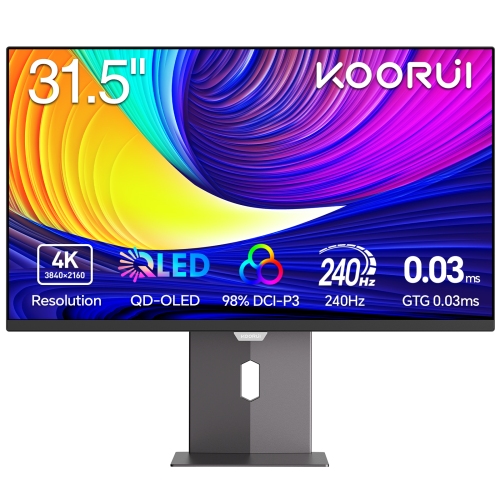
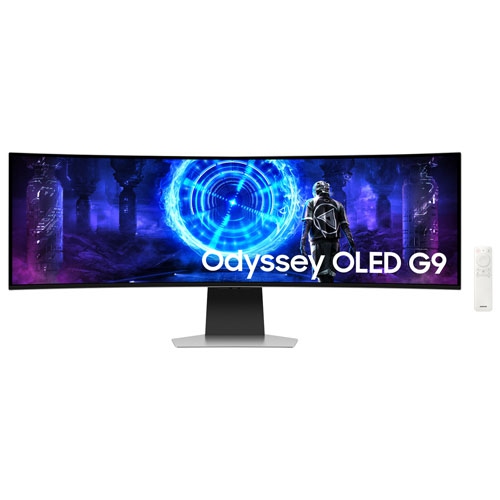
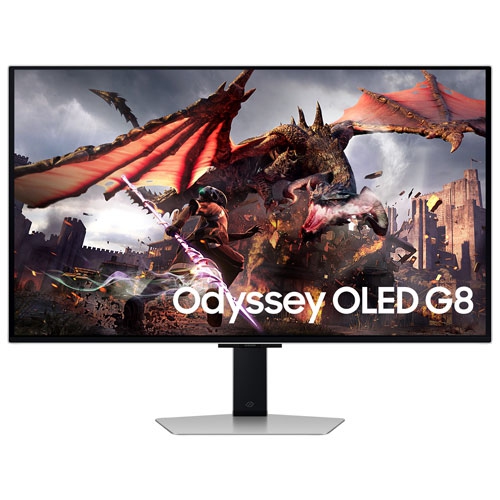
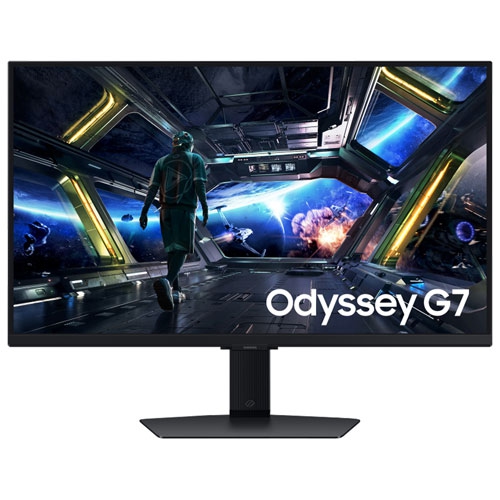
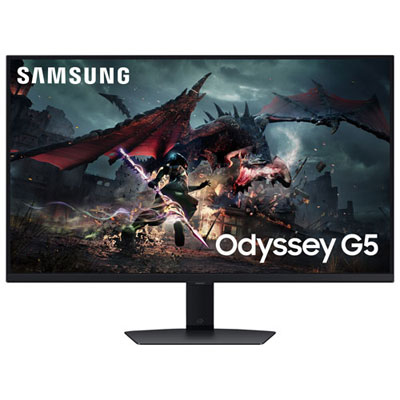
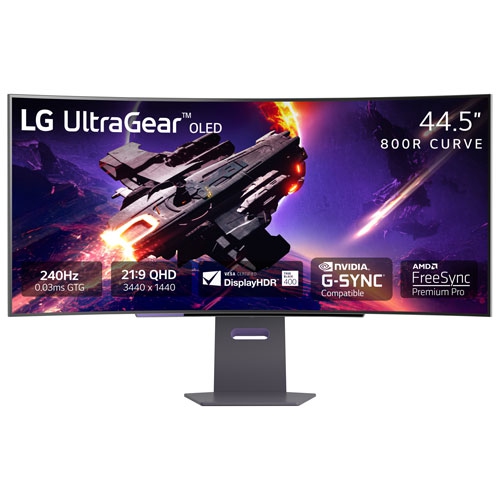
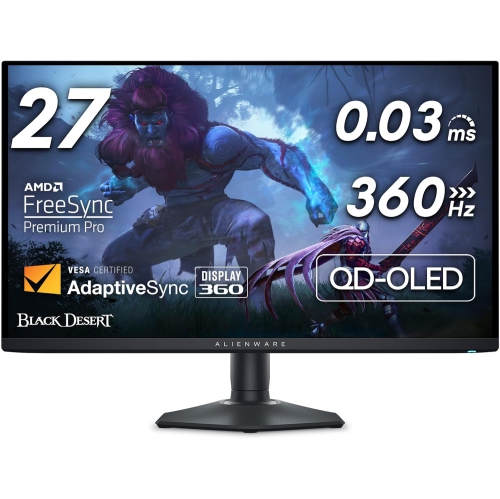
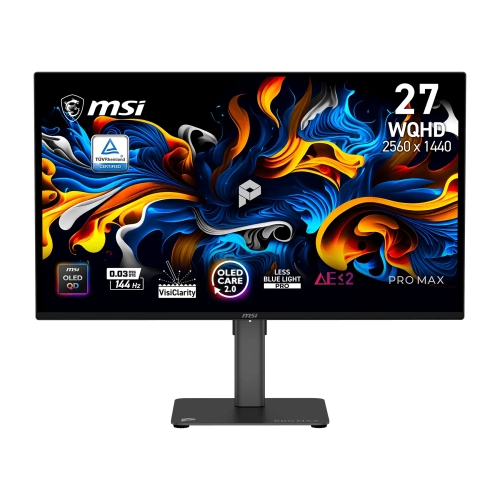
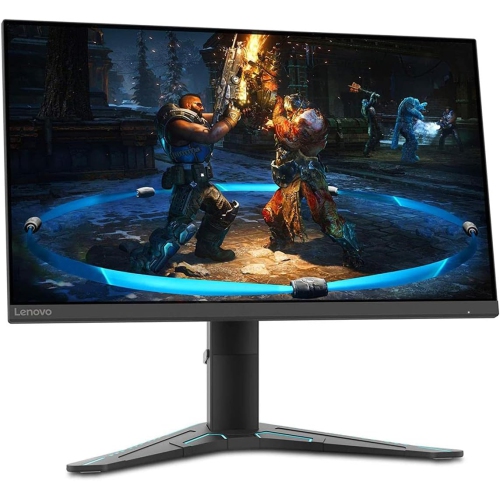
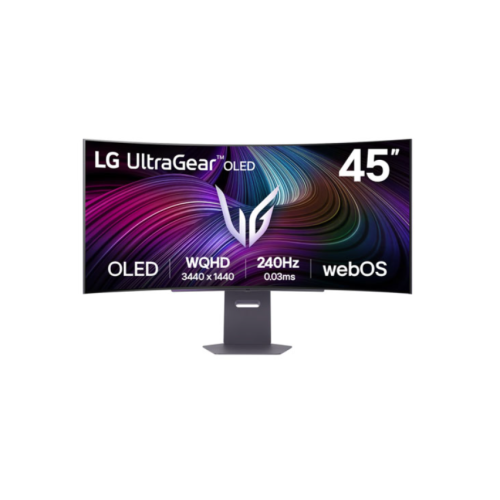
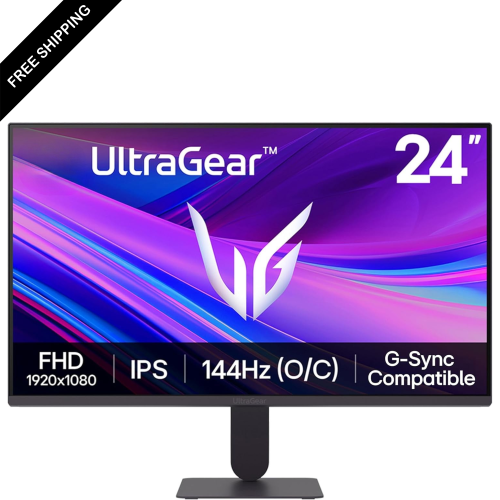
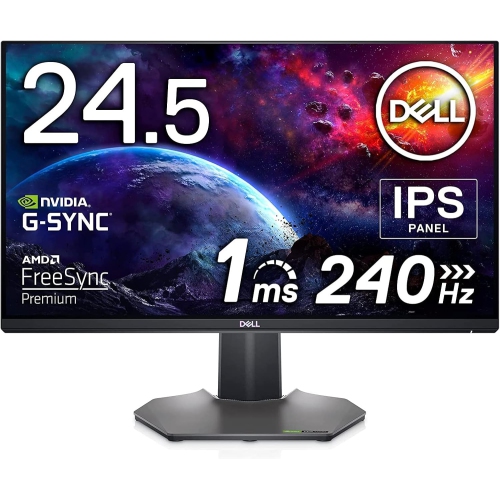
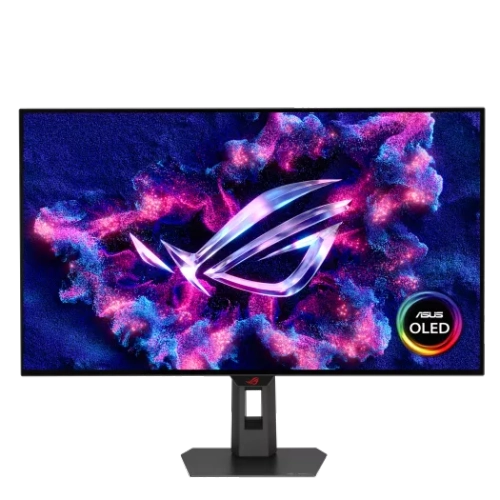
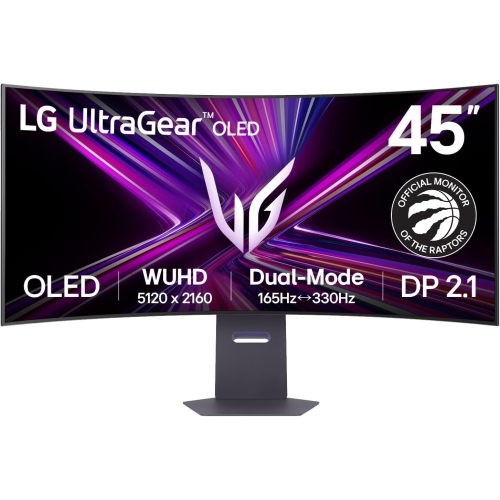
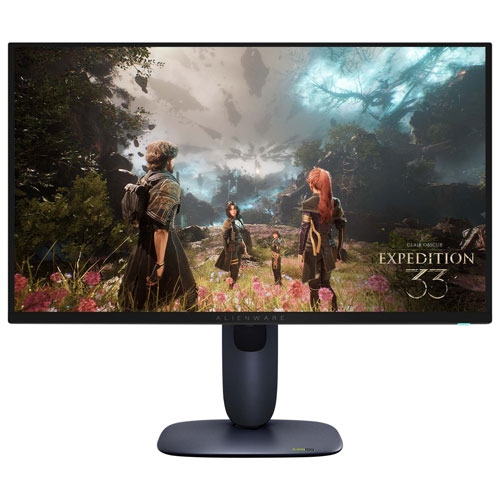

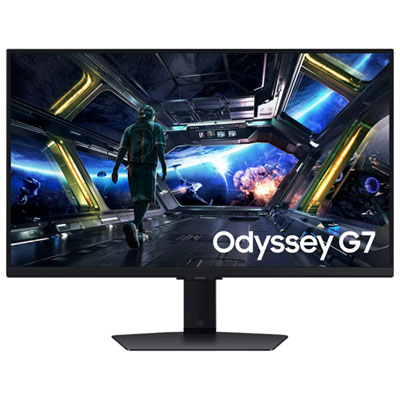
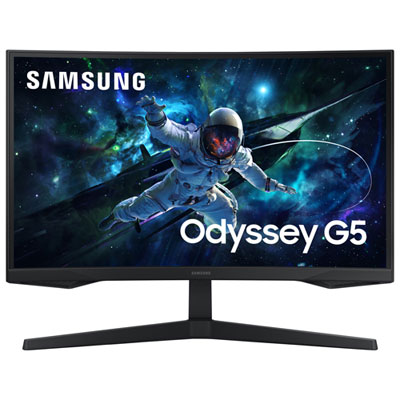

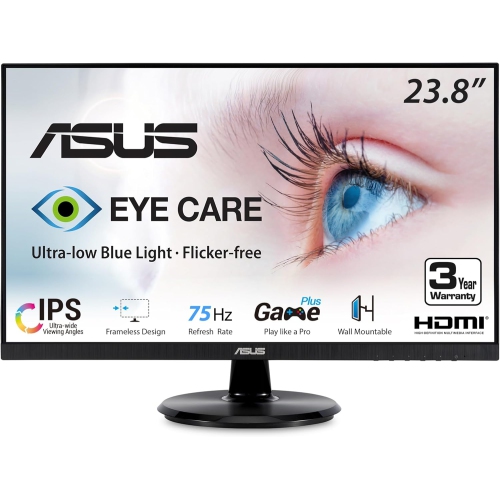
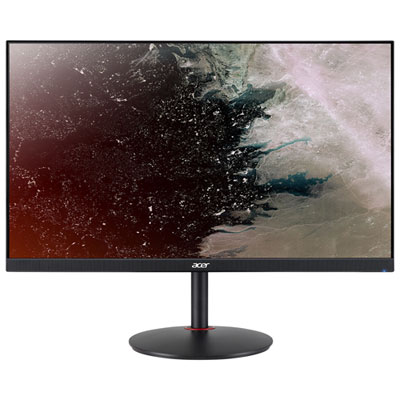
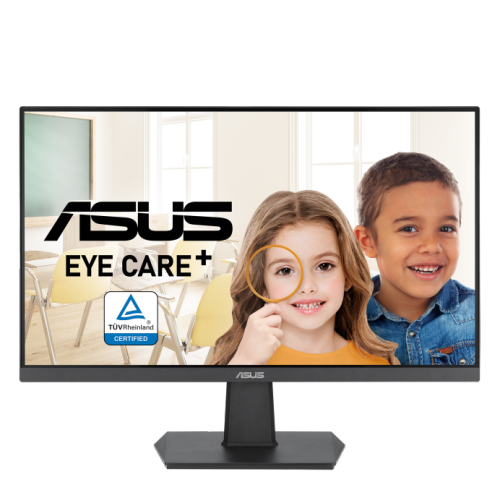
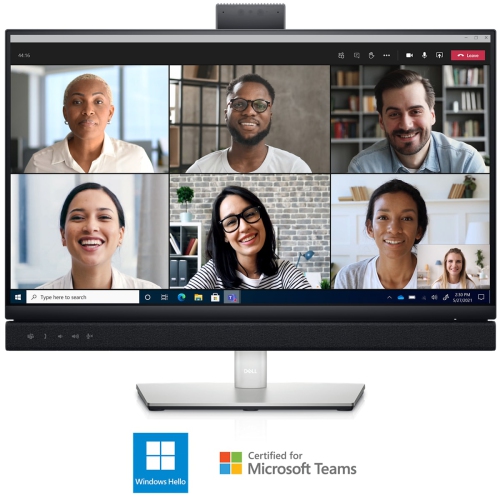
Smoother gameplay starts with matching refresh rates
G-Sync Compatible monitors are designed to make gaming feel smoother by coordinating the display’s refresh rate with the frame rate produced by a compatible graphics card. Instead of refreshing at one fixed speed while the computer sends frames at another, variable refresh rate technology allows the screen to adjust more dynamically. This can reduce screen tearing, where parts of two frames appear at once, as well as stuttering that may occur when frame delivery is uneven. G-Sync Compatible certification indicates that a display has been tested to provide a dependable baseline variable refresh rate experience with supported GeForce graphics cards, without requiring a proprietary hardware module inside the monitor. For players who spend long evenings exploring open-world games, competing in fast multiplayer matches, or simply want smoother movement through everyday applications, this added coordination can make the screen feel more responsive and comfortable. Compatibility generally depends on the graphics card, monitor firmware, operating system settings, and the cable or connection being used, so it is worth checking the technical specifications before choosing a display. DisplayPort is commonly required with GeForce 10-series graphics cards and newer, while HDMI 2.1 may be needed for some newer graphics cards and higher-resolution setups. Once connected, variable refresh rate may need to be enabled in the monitor’s on-screen menu and in the computer’s display or graphics settings. A G-Sync Compatible monitor can also be a practical choice for a shared gaming space, a student’s desk, or a home office that serves as a workstation by day and an entertainment setup after work. Many models support other adaptive sync standards as well, which can provide flexibility if the computer is upgraded or used with a different graphics platform in the future.
Choosing among G-Sync Compatible monitors starts with matching resolution, screen size, refresh rate, and graphics performance. A 1080p display can be a sensible option for an entry-level gaming computer, compact desk, or setup where high frame rates matter more than fine image detail. A 1440p monitor offers a noticeable step up in sharpness while remaining easier to drive than 4K, making it a popular middle ground for detailed games, creative projects, streaming, and multitasking. A 4K monitor delivers the clearest image of the three, but it generally benefits from a more powerful graphics card and may require compromises in settings or frame rate in demanding games. Screen size affects how immersive the display feels and how much desk space it occupies; a smaller panel can suit a narrow workspace, while a larger screen can make maps, timelines, spreadsheets, and split-screen layouts easier to view. Refresh rate is equally important. A 144Hz or 165Hz monitor can make camera movement and cursor motion appear much smoother than a standard 60Hz display, while 240Hz and higher refresh rates are intended for players with hardware capable of producing very high frame rates. A fast refresh rate is most useful when paired with a responsive panel and a suitable graphics card, so a higher number alone should not determine the purchase. IPS panels are often selected for their balanced colour reproduction and wide viewing angles, while other panel types may appeal to shoppers who prioritize contrast, speed, or a particular style of gaming. Check response-time specifications carefully, since advertised figures can vary by setting, and look for a monitor that maintains clear motion without excessive ghosting or distracting overshoot. Brightness, contrast, HDR support, matte or glossy screen coating, and colour coverage can also influence how games, films, photographs, and documents appear. For a comfortable long-term setup, consider height adjustment, tilt, swivel, pivot support, VESA mounting, built-in speakers, headphone connections, and the number and placement of available ports. A USB hub can help keep accessories connected, while multiple video inputs make it easier to switch between a gaming computer, laptop, or console.
G-Sync Compatible monitors can suit a wide range of people beyond dedicated competitive players. They may be a thoughtful gift for someone building a first gaming setup, upgrading a study area, or replacing an older office display that feels sluggish during scrolling and video playback. A teenager may appreciate a high-refresh screen for multiplayer games, while a university student or remote worker may value the same monitor for smoother window movement, clearer text, and extra space for research or coursework. For a shared household, a versatile display can serve as a gaming screen during leisure time and a productive workstation during the day. Before purchasing, compare the monitor’s native resolution with the computer’s graphics capabilities, confirm the required connection standard, and make sure the included cable can support the desired resolution and refresh rate. Consider the desk depth as well: a large screen positioned too close can feel overwhelming, while a smaller display placed at a comfortable distance may be easier to use for extended sessions. Adaptive sync ranges are also worth reviewing, since they indicate the frame-rate window in which variable refresh rate operates. Features such as low-blue-light modes, flicker reduction, an adjustable stand, and a comfortable viewing height can make a meaningful difference during long gaming, study, or work sessions. Those interested in a more enveloping desktop layout can also explore G Sync Curved Monitors, which may wrap the image more naturally around the viewer. During the cooler months, a well-equipped desk can become a favourite place for gaming, creative work, streaming, and staying connected indoors. The right G-Sync Compatible monitor brings these activities together with smoother motion, flexible performance, and a display that fits the available space, computer hardware, and everyday routine.
Choosing among G-Sync Compatible monitors starts with matching resolution, screen size, refresh rate, and graphics performance. A 1080p display can be a sensible option for an entry-level gaming computer, compact desk, or setup where high frame rates matter more than fine image detail. A 1440p monitor offers a noticeable step up in sharpness while remaining easier to drive than 4K, making it a popular middle ground for detailed games, creative projects, streaming, and multitasking. A 4K monitor delivers the clearest image of the three, but it generally benefits from a more powerful graphics card and may require compromises in settings or frame rate in demanding games. Screen size affects how immersive the display feels and how much desk space it occupies; a smaller panel can suit a narrow workspace, while a larger screen can make maps, timelines, spreadsheets, and split-screen layouts easier to view. Refresh rate is equally important. A 144Hz or 165Hz monitor can make camera movement and cursor motion appear much smoother than a standard 60Hz display, while 240Hz and higher refresh rates are intended for players with hardware capable of producing very high frame rates. A fast refresh rate is most useful when paired with a responsive panel and a suitable graphics card, so a higher number alone should not determine the purchase. IPS panels are often selected for their balanced colour reproduction and wide viewing angles, while other panel types may appeal to shoppers who prioritize contrast, speed, or a particular style of gaming. Check response-time specifications carefully, since advertised figures can vary by setting, and look for a monitor that maintains clear motion without excessive ghosting or distracting overshoot. Brightness, contrast, HDR support, matte or glossy screen coating, and colour coverage can also influence how games, films, photographs, and documents appear. For a comfortable long-term setup, consider height adjustment, tilt, swivel, pivot support, VESA mounting, built-in speakers, headphone connections, and the number and placement of available ports. A USB hub can help keep accessories connected, while multiple video inputs make it easier to switch between a gaming computer, laptop, or console.
G-Sync Compatible monitors can suit a wide range of people beyond dedicated competitive players. They may be a thoughtful gift for someone building a first gaming setup, upgrading a study area, or replacing an older office display that feels sluggish during scrolling and video playback. A teenager may appreciate a high-refresh screen for multiplayer games, while a university student or remote worker may value the same monitor for smoother window movement, clearer text, and extra space for research or coursework. For a shared household, a versatile display can serve as a gaming screen during leisure time and a productive workstation during the day. Before purchasing, compare the monitor’s native resolution with the computer’s graphics capabilities, confirm the required connection standard, and make sure the included cable can support the desired resolution and refresh rate. Consider the desk depth as well: a large screen positioned too close can feel overwhelming, while a smaller display placed at a comfortable distance may be easier to use for extended sessions. Adaptive sync ranges are also worth reviewing, since they indicate the frame-rate window in which variable refresh rate operates. Features such as low-blue-light modes, flicker reduction, an adjustable stand, and a comfortable viewing height can make a meaningful difference during long gaming, study, or work sessions. Those interested in a more enveloping desktop layout can also explore G Sync Curved Monitors, which may wrap the image more naturally around the viewer. During the cooler months, a well-equipped desk can become a favourite place for gaming, creative work, streaming, and staying connected indoors. The right G-Sync Compatible monitor brings these activities together with smoother motion, flexible performance, and a display that fits the available space, computer hardware, and everyday routine.
Top selling and popular products
-
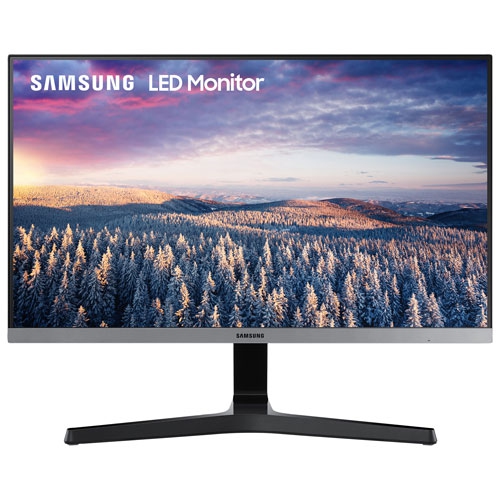 Your price for this item is $279.97
 -
 Your price for this item is $275
 -
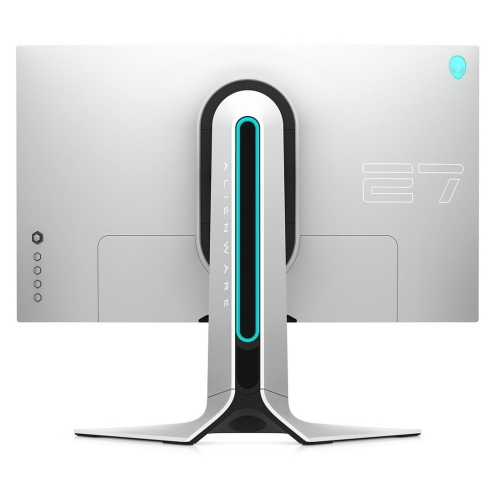 Your price for this item is $299
 -
 Your price for this item is $559.68
 -
 Your price for this item is $209.99
 -
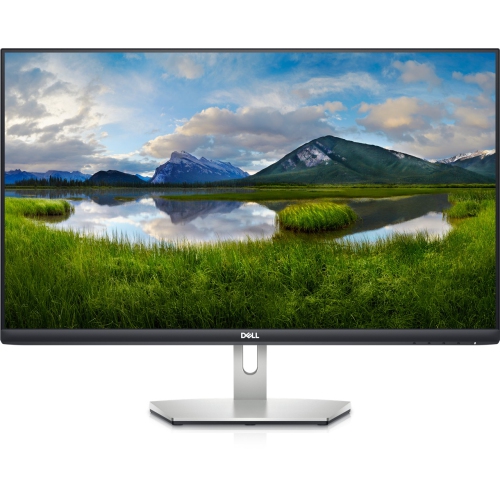 Your price for this item is $239.99
 -
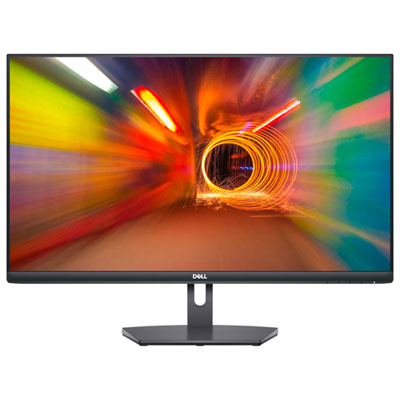 Your price for this item is $179.95
 -
 Your price for this item is $3299.99
Discover more categories related to G Sync Compatible Monitors


Top Collections:
Pokemon Centers, Kindle Devices, Best Budget Office Chairs, Apple iPhones 16, Best Laptops for Writers, iPhone 15 Apple, Canon G7X Cameras, Refurbished Apple Laptops, Alarm Clock, Motorola Razr Phones
Some products may be subject to Environmental Handling Fees
(EHF) depending on your province.
Learn more about EHFs.