Gaming Setup Accessories
Enhance your gaming experience with our wide selection of top-notch gaming setup accessories. Whether you're a casual gamer or a seasoned pro, these must-have additions will take your gameplay to the next level. From high-performance gaming keyboards and precision mice to immersive headsets and ergonomic chairs, we have everything you need to create the ultimate gaming oasis. Elevate your skills, enhance your comfort, and dominate the virtual world with our carefully curated collection of gaming setup accessories.
Sort
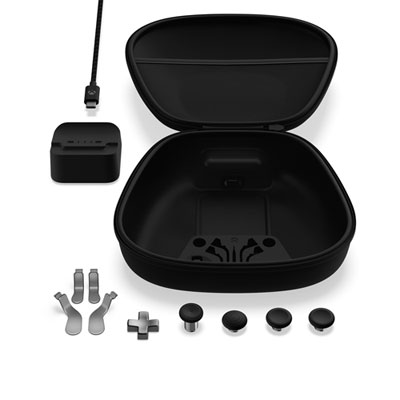
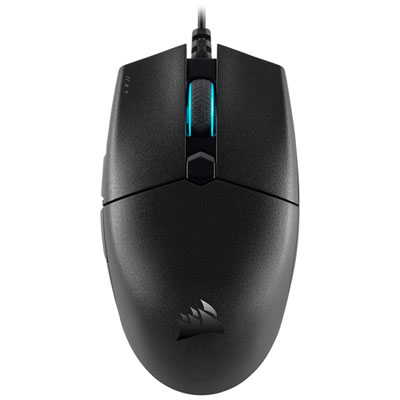
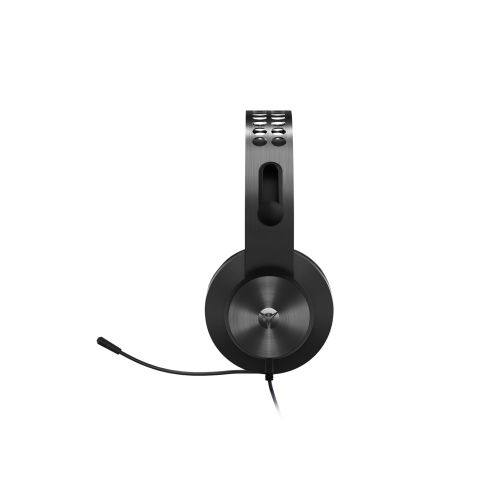
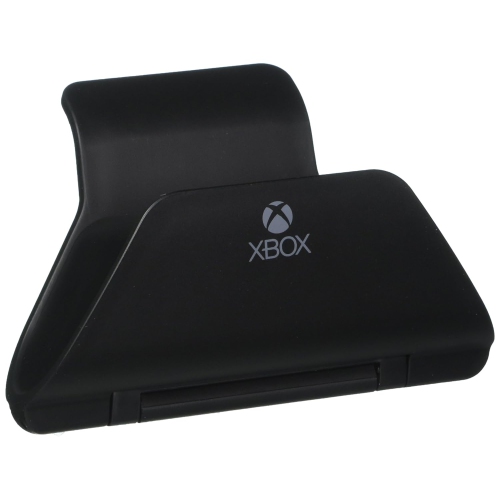
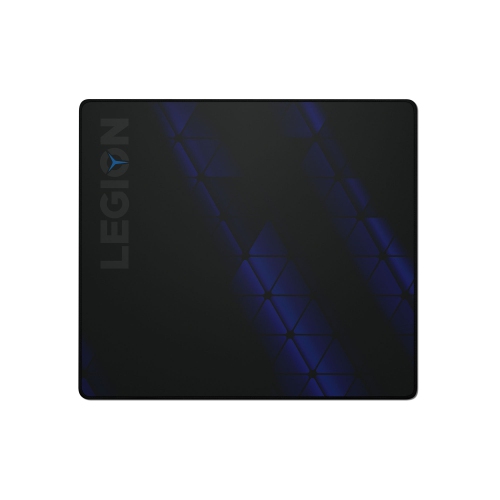


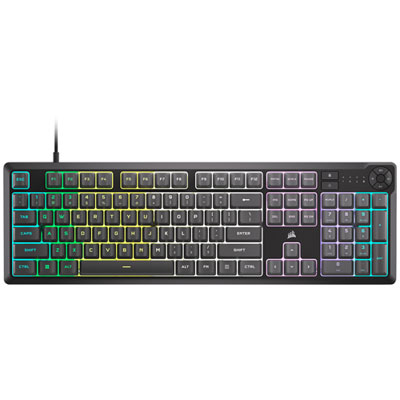
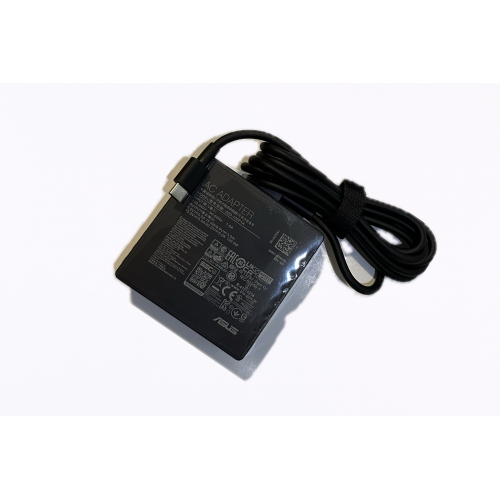

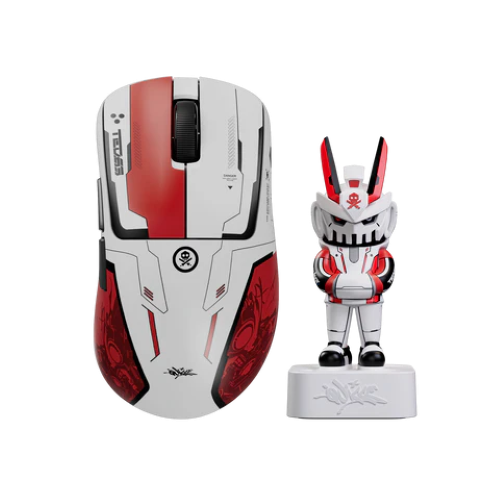
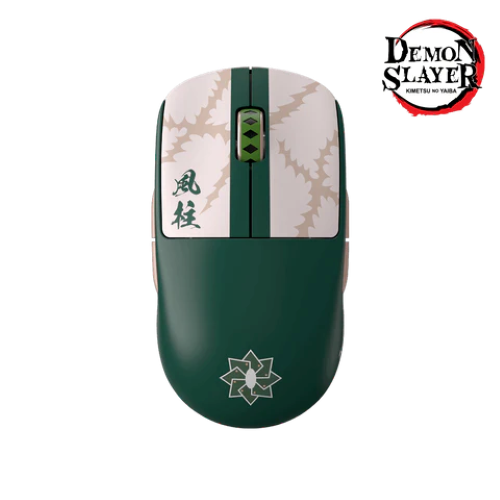

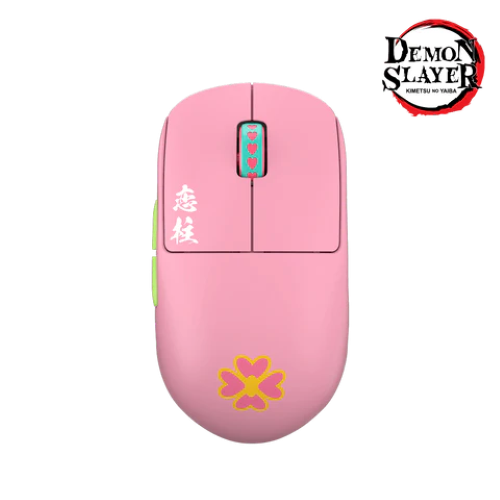
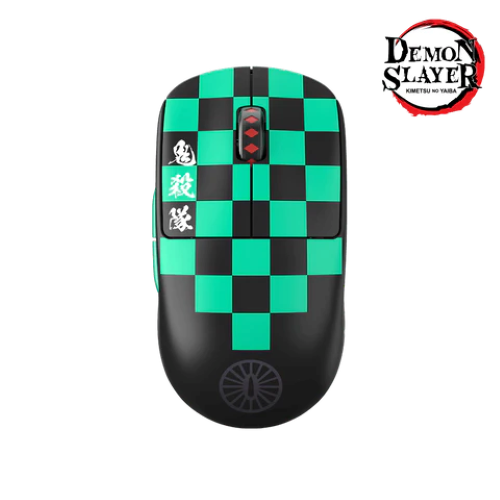
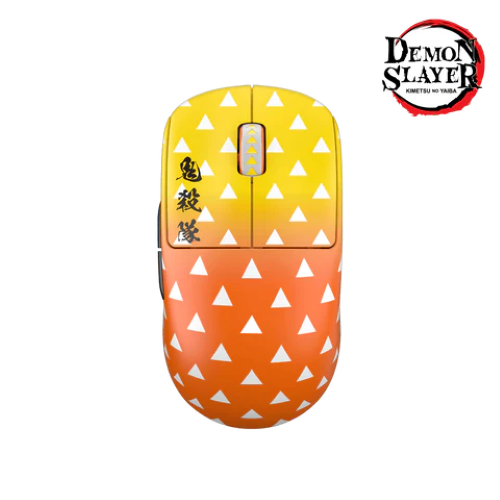
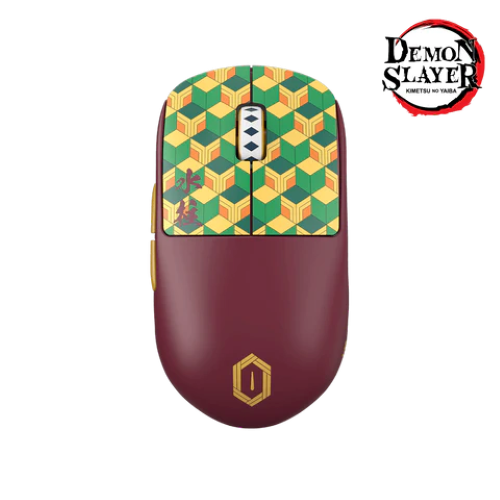
![CONTROLLER GEAR : Star Wars Squadrons Wireless Controller And Pro Charging Stand Bundle [Xbox Series X Accessory]](https://multimedia.bbycastatic.ca/multimedia/products/500x500/198/19881/19881713.jpeg)
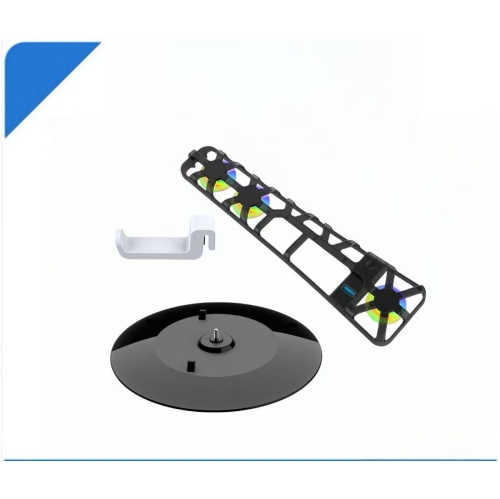
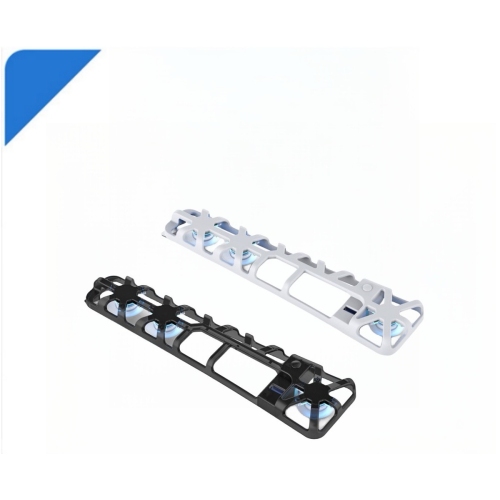
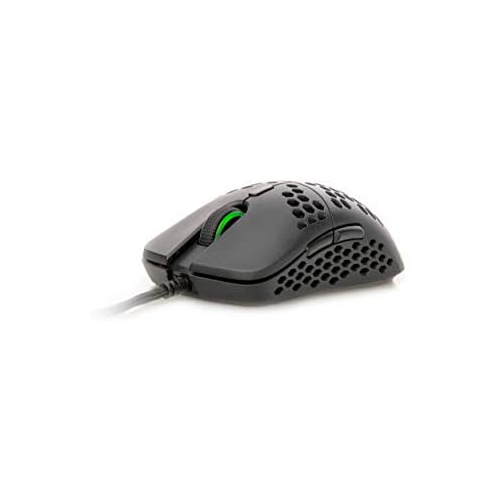
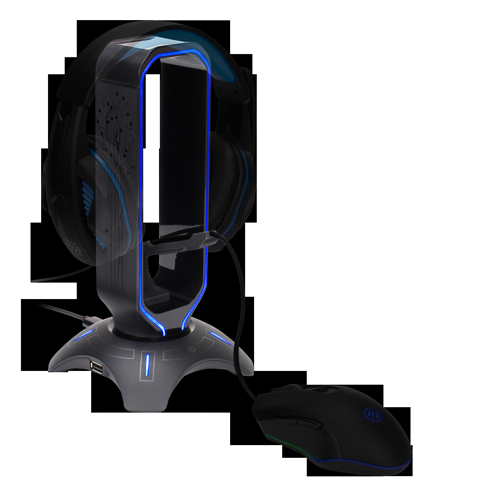
![STEELSERIES Rival 105 Wired Gaming Mouse [PC Accessory]](https://multimedia.bbycastatic.ca/multimedia/products/500x500/165/16590/16590941.jpeg)

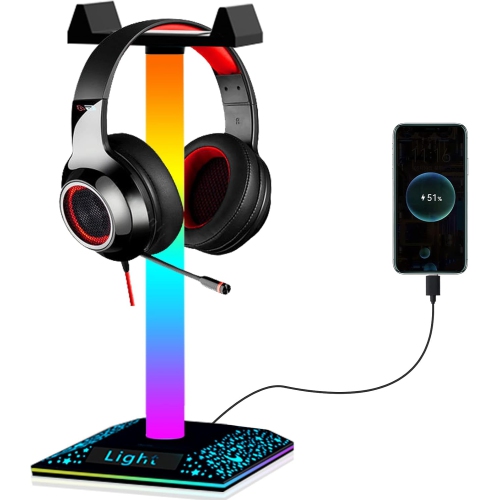

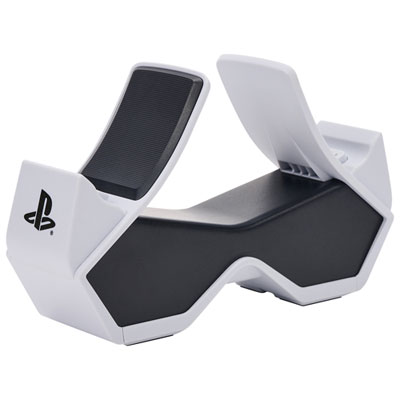
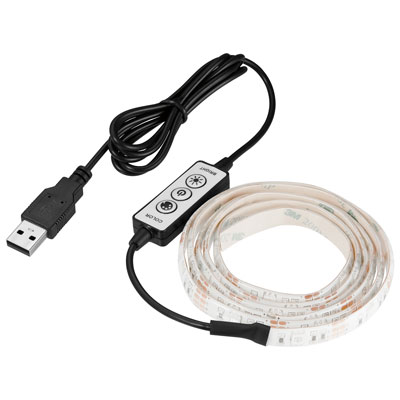
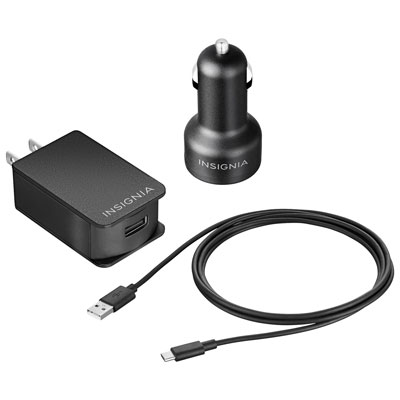
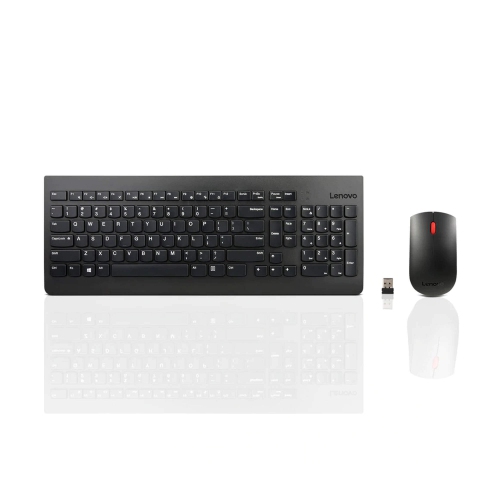
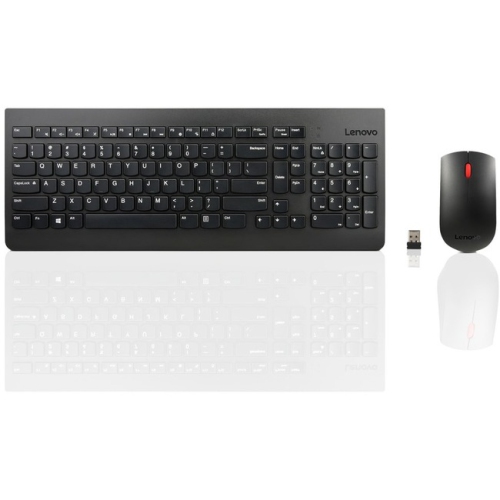
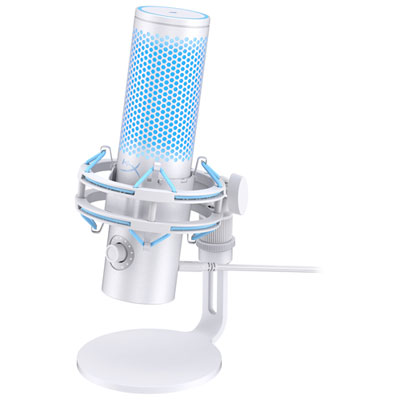
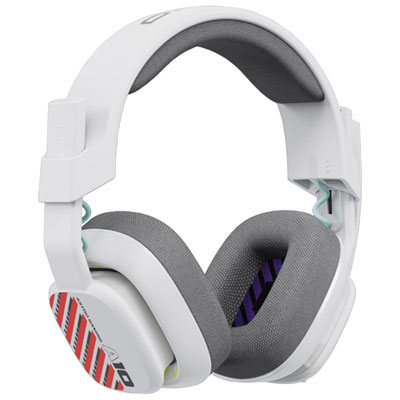
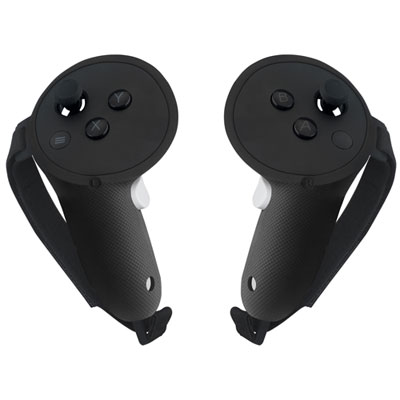
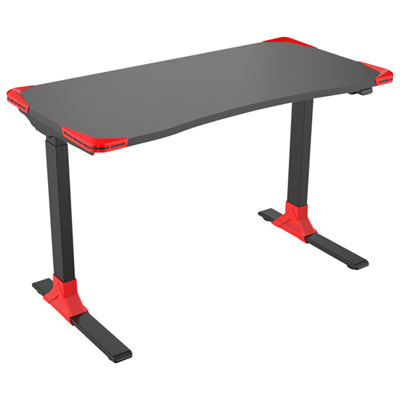
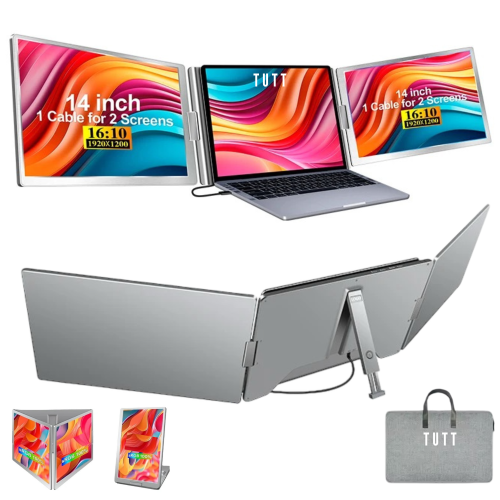
![BROOK GAMING : Wingman Converter Xb 3 [Electronics]](https://multimedia.bbycastatic.ca/multimedia/products/500x500/193/19384/19384291.jpeg)
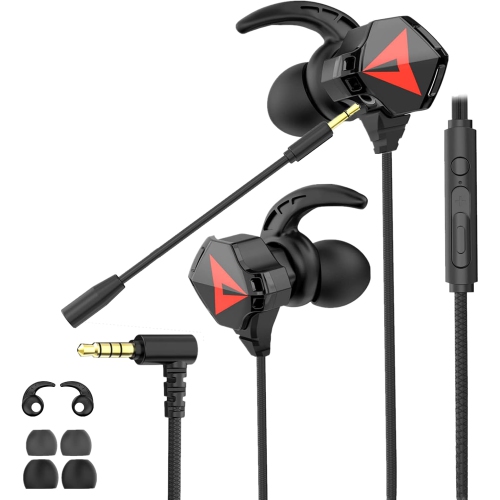
![PROGAMR Astrapro Gaming Controller for Nintendo Switch, Android, Iphone, & PC Computer [Cross-Platform Accessory]](https://multimedia.bbycastatic.ca/multimedia/products/500x500/165/16590/16590549.jpeg)

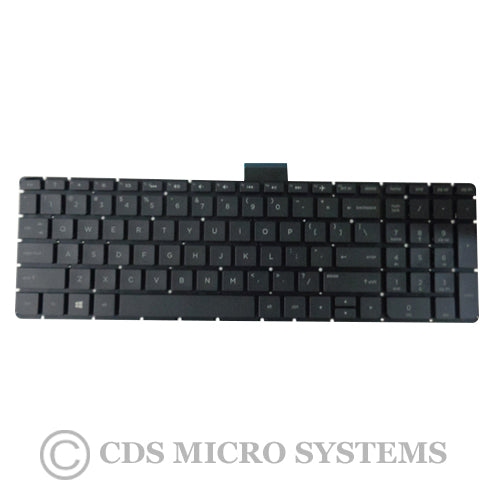
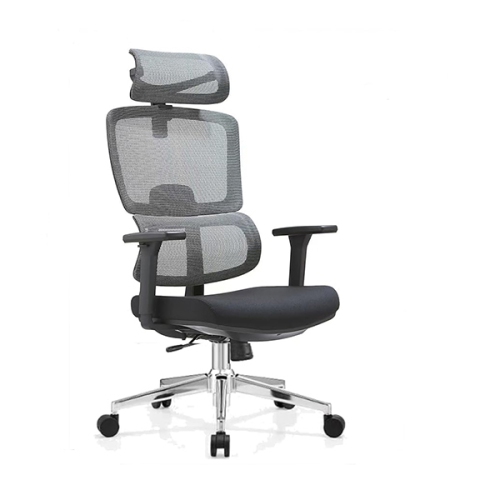
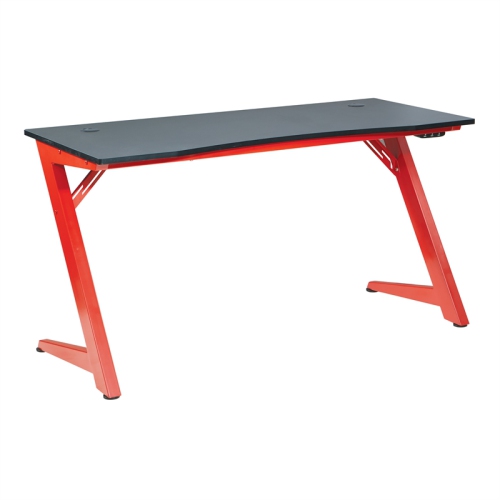
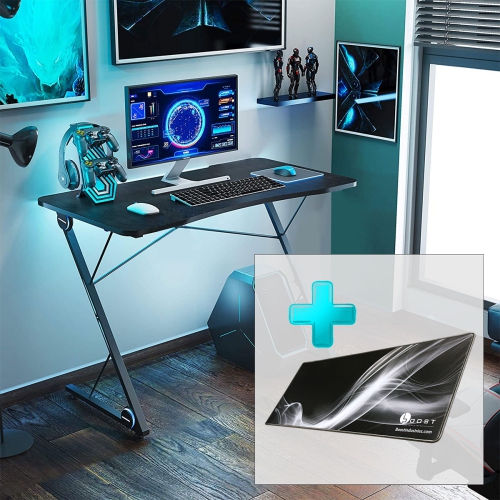
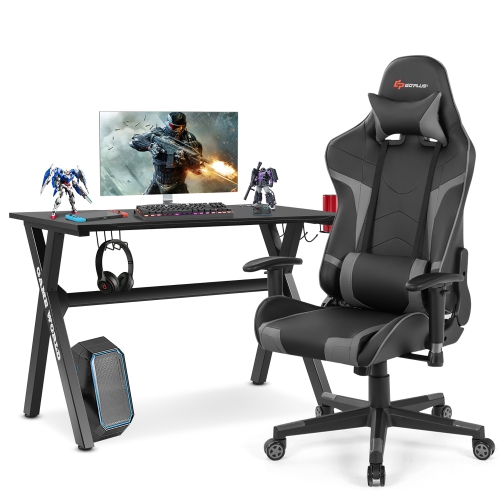

Small upgrades that make gaming spaces more comfortable and functional
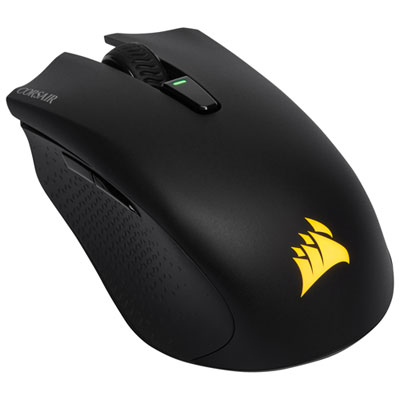
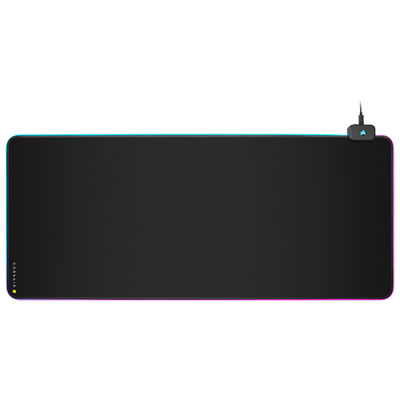
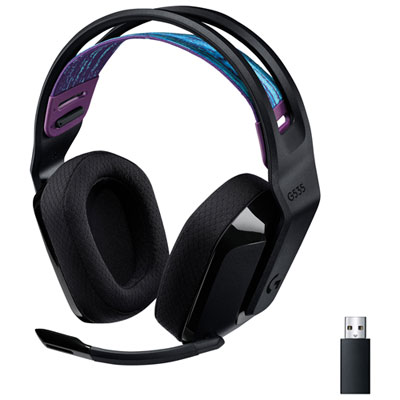
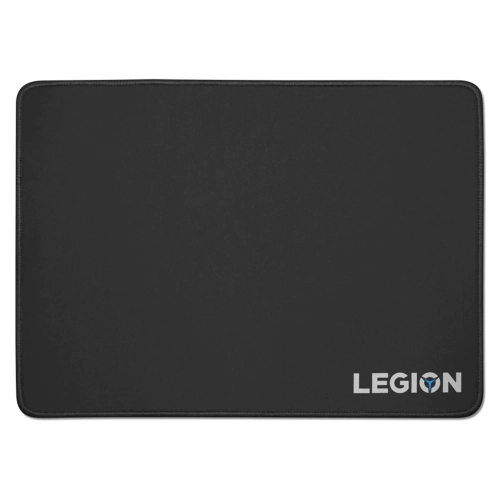
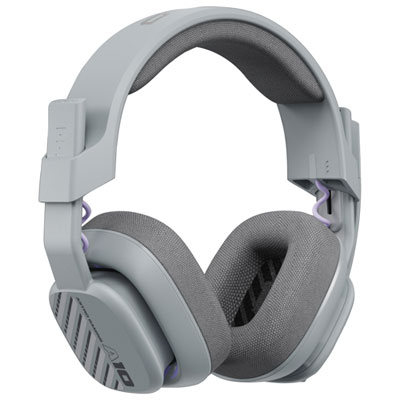
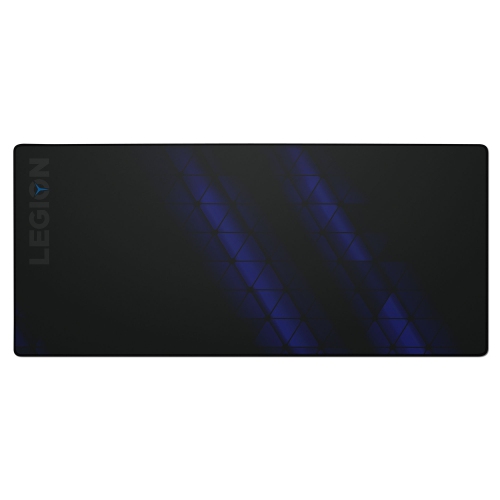
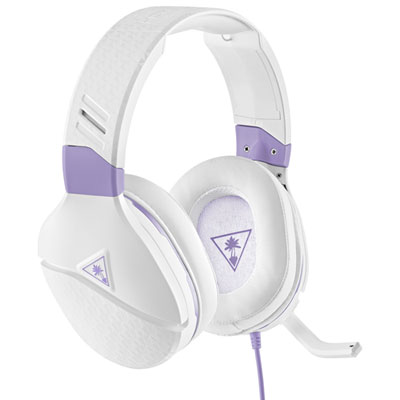
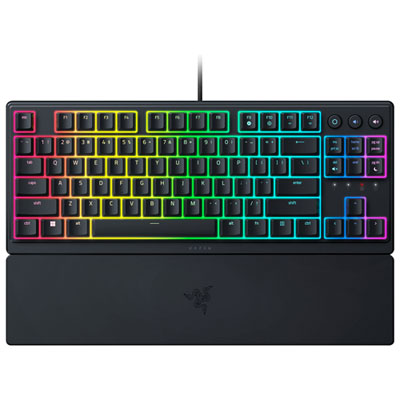
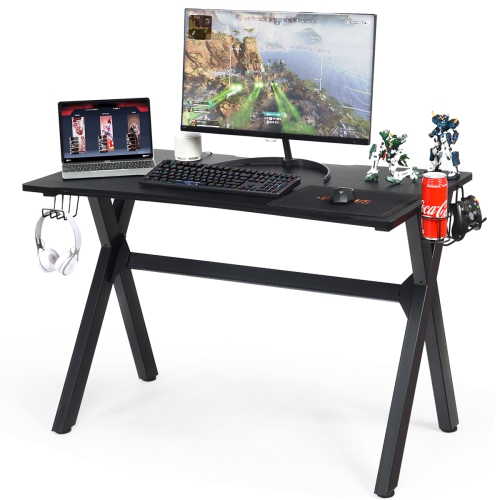
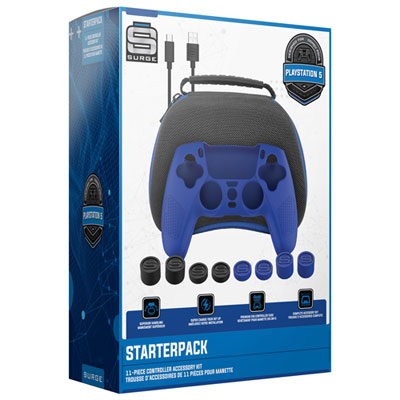
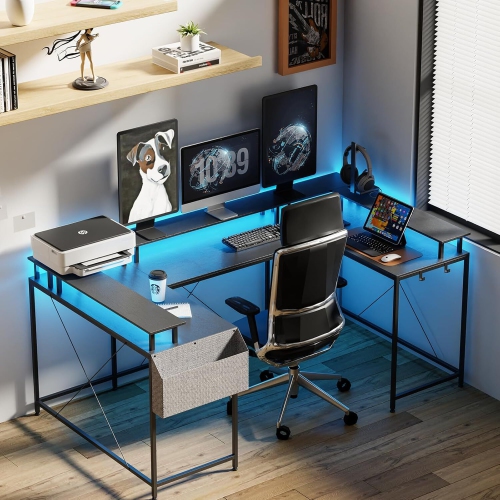
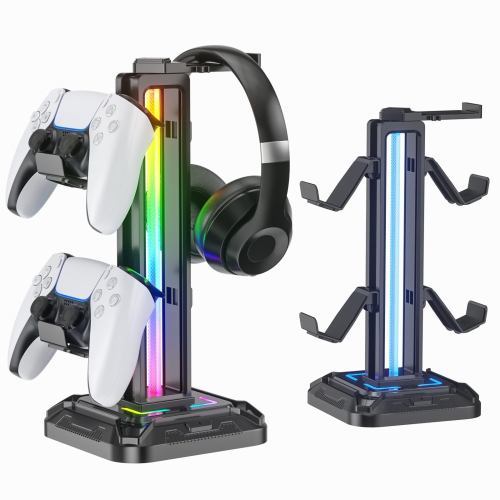
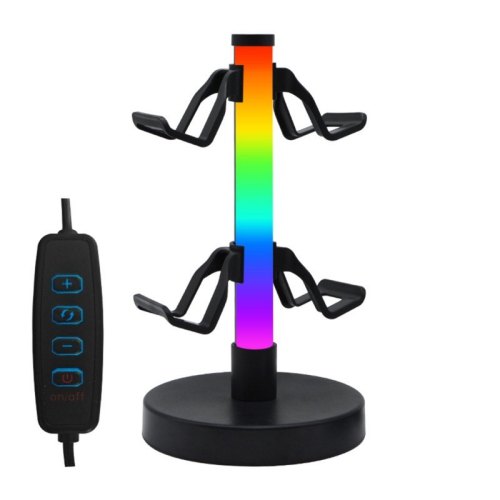
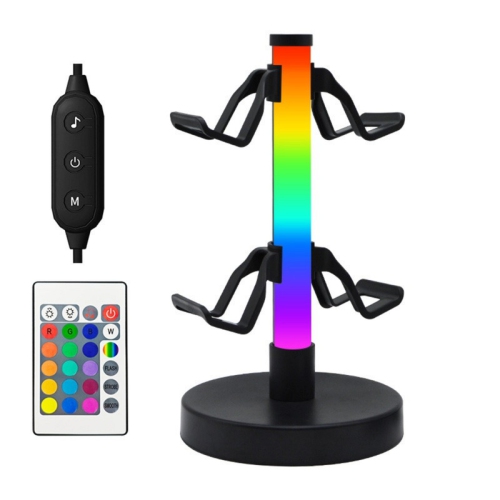
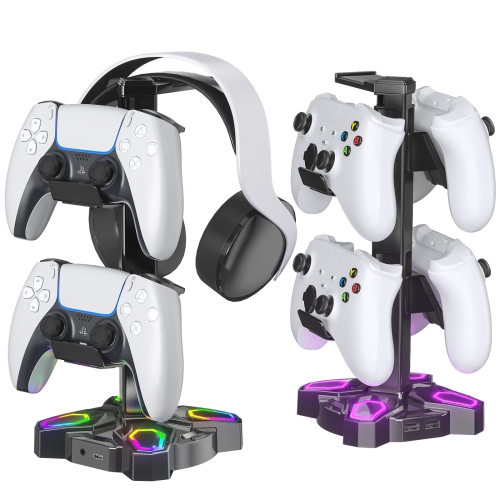
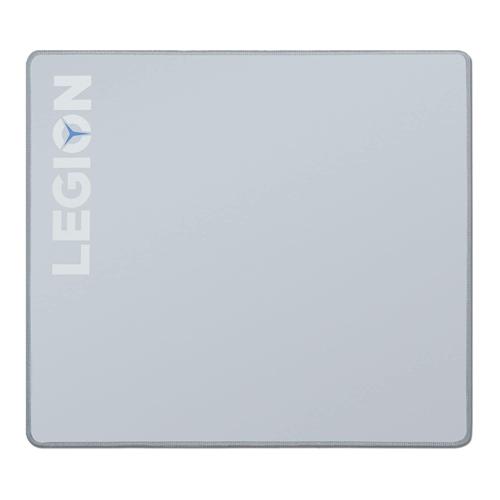
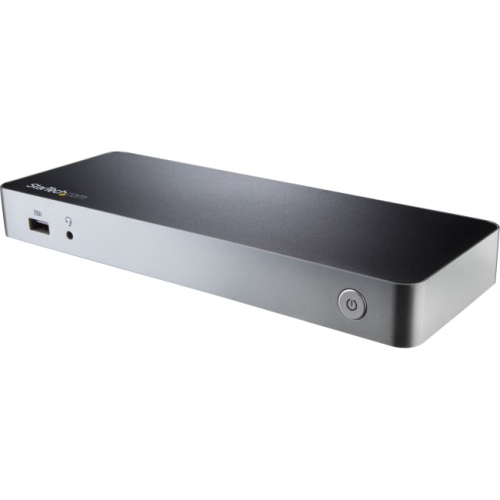
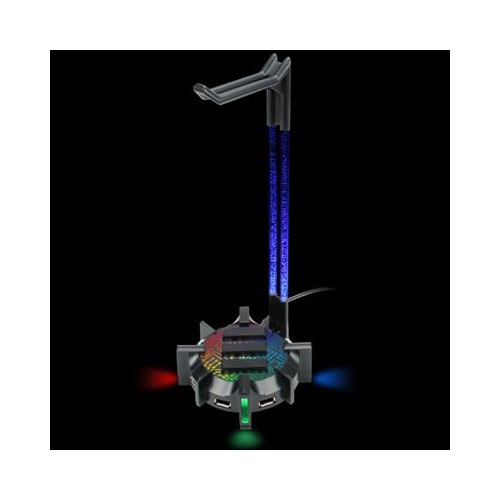
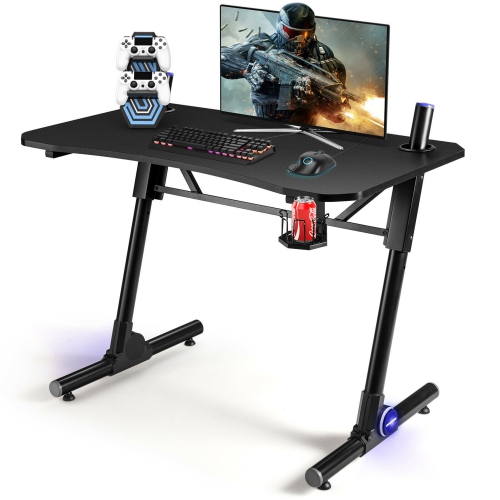
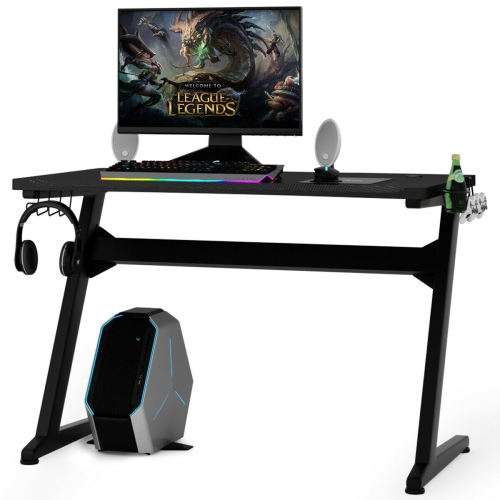
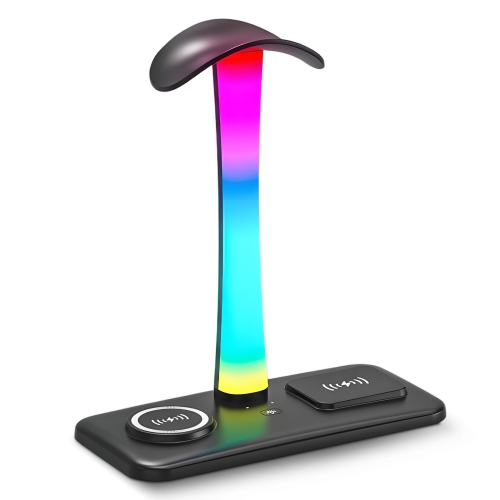
Gaming setup accessories can make a meaningful difference to the way a desk feels, functions, and fits into everyday play. Rather than replacing a computer or console, these additions help refine the space around it, improving comfort, organization, accessibility, and immersion. An extended desk mat can provide a consistent surface for a keyboard and mouse while helping keep smaller items from shifting during fast-paced games. Some players prefer a firm, uncovered desktop, while others appreciate the smoother glide and visual cohesion of a larger mat. Wrist rests offer another simple way to improve comfort, particularly for people who spend long sessions gaming, studying, working, or chatting with friends. Cushioned, gel-filled, or firm support can suit different preferences, but the most important consideration is whether the height lines up naturally with the keyboard and keeps the wrists in a relaxed position. Headset stands and controller stands help keep frequently used gear off the desk surface and within easy reach, while models with charging functions or USB connections can reduce the number of loose cables around a gaming station. These accessories are useful for PC players, console players, and anyone who switches between platforms. They can also make thoughtful gifts for students, new PC builders, streamers, and family members who are spending more time indoors during the cooler months. A small improvement, such as giving a controller a dedicated home or creating a more comfortable place to rest the hands, can make the entire setup feel more personal and easier to use.
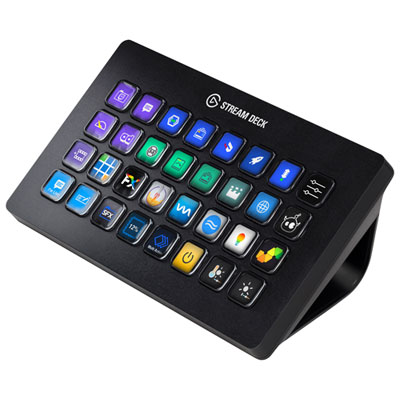
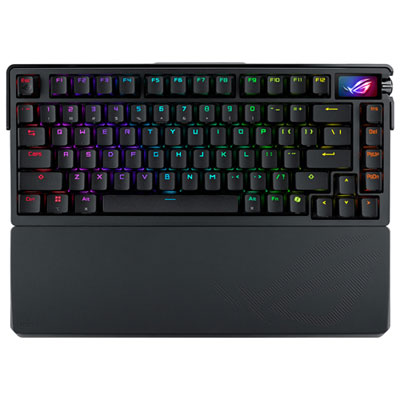
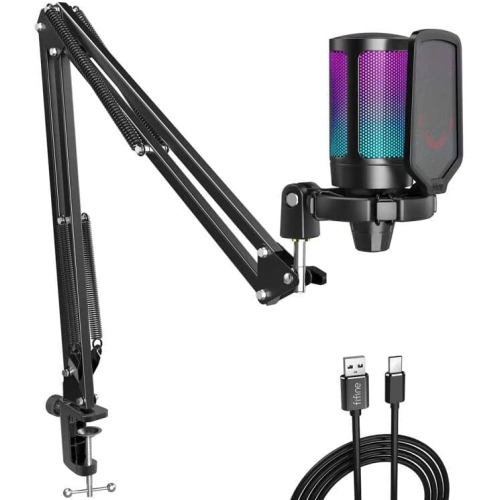
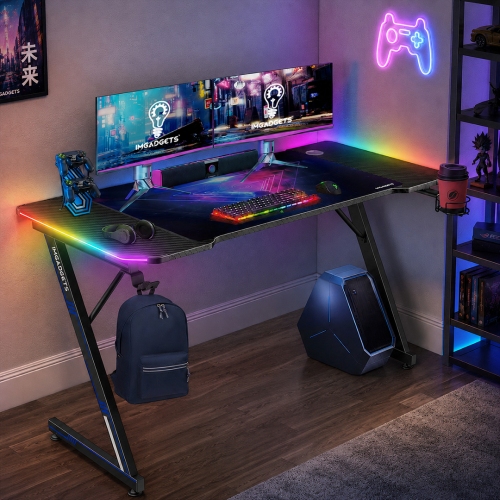
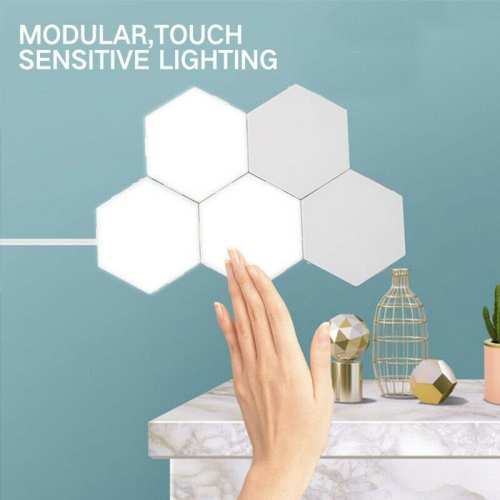
Lighting and control accessories can add both practical function and a sense of occasion to a gaming space. LED light strips, light bars, and modular panels can provide soft backlighting behind a monitor or along the rear edge of a desk, helping separate the screen from a dark wall and giving the room a more finished appearance. Adjustable brightness and colour settings are useful for moving between daytime play, evening sessions, and non-gaming activities such as watching films or completing homework. Lighting placed behind the display is generally more comfortable than a bright source aimed directly at the eyes, and keeping glare off the screen can help preserve a clear picture. Programmable macro pads are another popular choice for players and creators who want quick access to common actions. Depending on the model and software, individual keys may be assigned to launch an application, adjust audio, mute a microphone, change a scene, activate a shortcut, or control connected lighting. This can be especially helpful for streamers, content creators, and anyone who regularly manages several applications while playing. When selecting an accessory, check compatibility with the operating system, console, software, and connection type. It is also worth considering desk space, cable length, available ports, lighting controls, and whether the accessory can be adjusted without interrupting gameplay. For more ways to arrange and personalize a play space, browse Gaming Room Accessories.
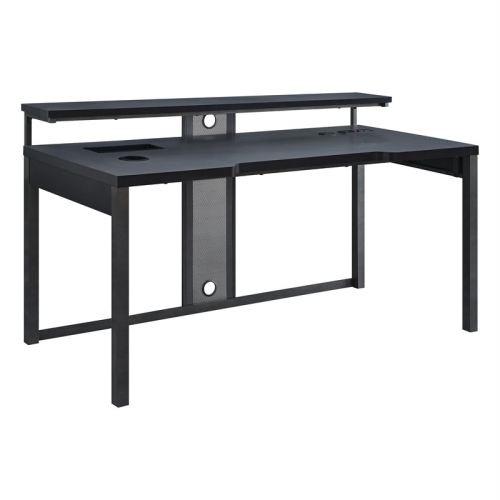
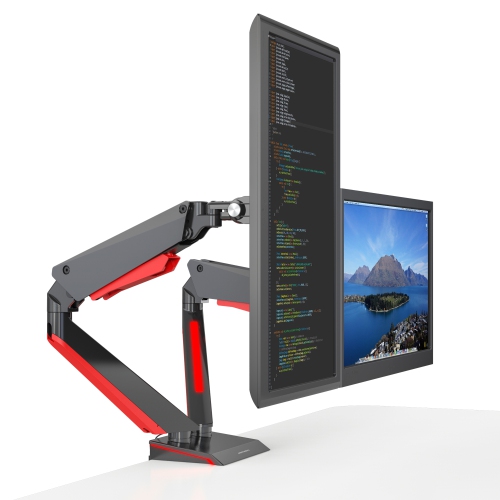
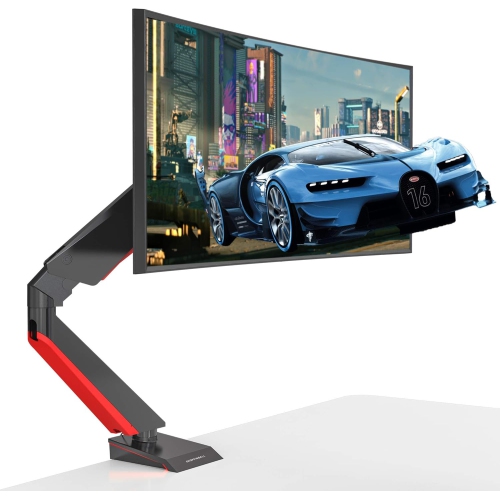
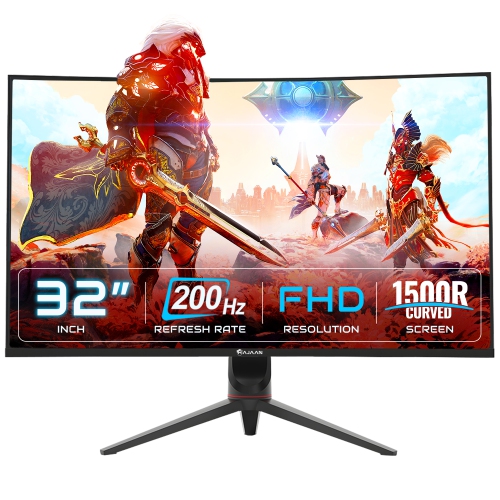
The best gaming setup accessories are the ones that solve a real point of friction in the space. If the desk feels crowded, cable clips, sleeves, trays, and under-desk organizers can guide wires away from the hands and create clearer routes to power and connected devices. If audio gear is constantly being moved aside, a stand can keep it upright and ready for the next session. If the mouse repeatedly reaches the edge of a small pad, a larger surface may provide more room for sweeping movements. Monitor stands and arms can also help free up desk space and position a display at a more comfortable height, although the screen’s weight, mounting pattern, and desk construction should be checked before purchase. For console setups, storage for controllers, remotes, charging cables, and games can make a shared living room easier to reset after play. For PC setups, a footrest, supportive chair cushion, keyboard support, or under-desk accessory can make long sessions feel less demanding. Consider the recipient’s platform, play style, desk size, preferred colours, and existing connections when choosing a gift. A competitive player may value surface area and quick access to controls, while a casual player may prefer a cleaner desk and softer lighting. A streamer may benefit from shortcut controls and audio organization, whereas someone building a first setup may appreciate practical accessories that establish a reliable routine. During the transition from warmer days to cooler evenings, gaming spaces often become gathering points for multiplayer sessions, creative projects, and relaxed downtime. Thoughtfully selected accessories help keep those spaces comfortable, tidy, and ready for whatever comes next, whether that means a short after-school match, a late-night cooperative campaign, or a weekend session with friends.
Lighting and control accessories can add both practical function and a sense of occasion to a gaming space. LED light strips, light bars, and modular panels can provide soft backlighting behind a monitor or along the rear edge of a desk, helping separate the screen from a dark wall and giving the room a more finished appearance. Adjustable brightness and colour settings are useful for moving between daytime play, evening sessions, and non-gaming activities such as watching films or completing homework. Lighting placed behind the display is generally more comfortable than a bright source aimed directly at the eyes, and keeping glare off the screen can help preserve a clear picture. Programmable macro pads are another popular choice for players and creators who want quick access to common actions. Depending on the model and software, individual keys may be assigned to launch an application, adjust audio, mute a microphone, change a scene, activate a shortcut, or control connected lighting. This can be especially helpful for streamers, content creators, and anyone who regularly manages several applications while playing. When selecting an accessory, check compatibility with the operating system, console, software, and connection type. It is also worth considering desk space, cable length, available ports, lighting controls, and whether the accessory can be adjusted without interrupting gameplay. For more ways to arrange and personalize a play space, browse Gaming Room Accessories.
The best gaming setup accessories are the ones that solve a real point of friction in the space. If the desk feels crowded, cable clips, sleeves, trays, and under-desk organizers can guide wires away from the hands and create clearer routes to power and connected devices. If audio gear is constantly being moved aside, a stand can keep it upright and ready for the next session. If the mouse repeatedly reaches the edge of a small pad, a larger surface may provide more room for sweeping movements. Monitor stands and arms can also help free up desk space and position a display at a more comfortable height, although the screen’s weight, mounting pattern, and desk construction should be checked before purchase. For console setups, storage for controllers, remotes, charging cables, and games can make a shared living room easier to reset after play. For PC setups, a footrest, supportive chair cushion, keyboard support, or under-desk accessory can make long sessions feel less demanding. Consider the recipient’s platform, play style, desk size, preferred colours, and existing connections when choosing a gift. A competitive player may value surface area and quick access to controls, while a casual player may prefer a cleaner desk and softer lighting. A streamer may benefit from shortcut controls and audio organization, whereas someone building a first setup may appreciate practical accessories that establish a reliable routine. During the transition from warmer days to cooler evenings, gaming spaces often become gathering points for multiplayer sessions, creative projects, and relaxed downtime. Thoughtfully selected accessories help keep those spaces comfortable, tidy, and ready for whatever comes next, whether that means a short after-school match, a late-night cooperative campaign, or a weekend session with friends.
Top selling and popular products
-
 Your price for this item is $59.99
 -
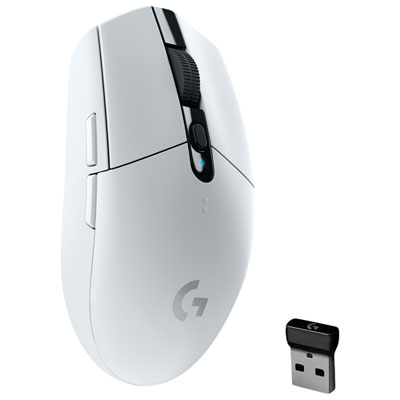 Your price for this item is $69.99
 -
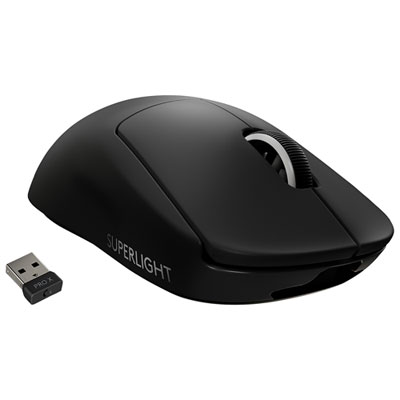 Your price for this item is $199.99
 -
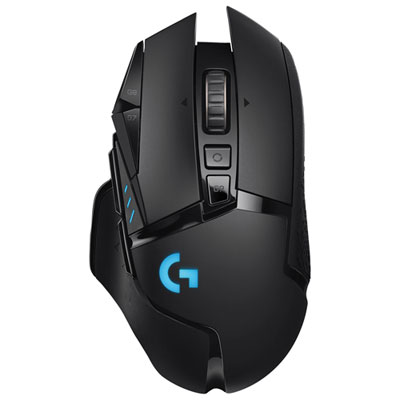 Your price for this item is $149.99
 -
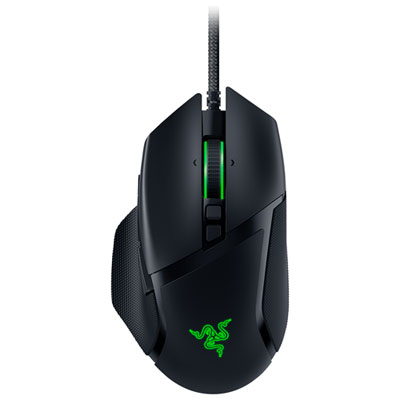 Your price for this item is $47.99
 -
 Your price for this item is $39.99
 -
 Your price for this item is $95.98
 -
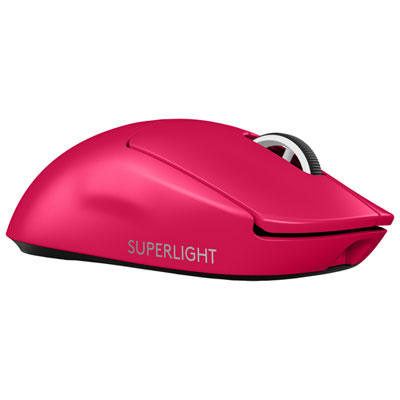 Your price for this item is $219.99
Discover more categories related to Gaming Setup Accessories
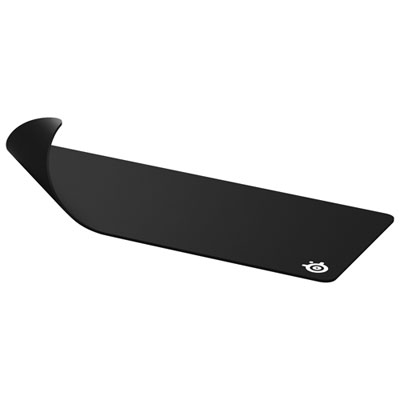
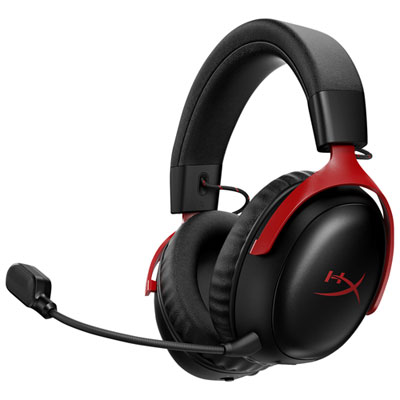
Top Collections:
Pokemon Centers, Kindle Devices, Best Budget Office Chairs, Apple iPhones 16, Best Laptops for Writers, iPhone 15 Apple, Canon G7X Cameras, Refurbished Apple Laptops, Alarm Clock, Motorola Razr Phones
Some products may be subject to Environmental Handling Fees
(EHF) depending on your province.
Learn more about EHFs.