Gigabit Ethernet Wireless Routers
Gigabit Ethernet Wireless Routers offer a seamless way to connect multiple devices for fast and reliable internet access throughout your home or office. With advanced networking capabilities, these routers are designed to support high-speed connections and stable performance for streaming, gaming, and working online. Explore a wide selection of Gigabit Ethernet Wireless Routers to find the ideal solution for enhancing your network and keeping all your devices connected efficiently.
Sort
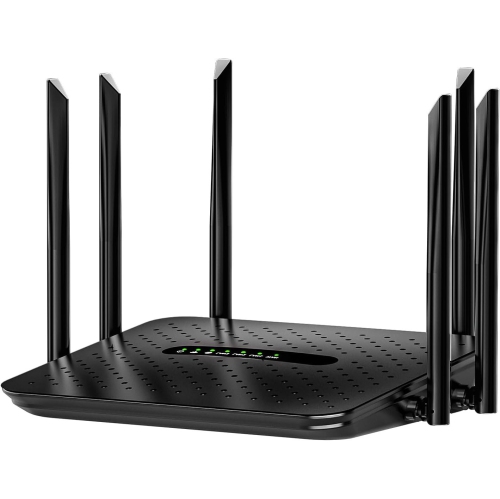
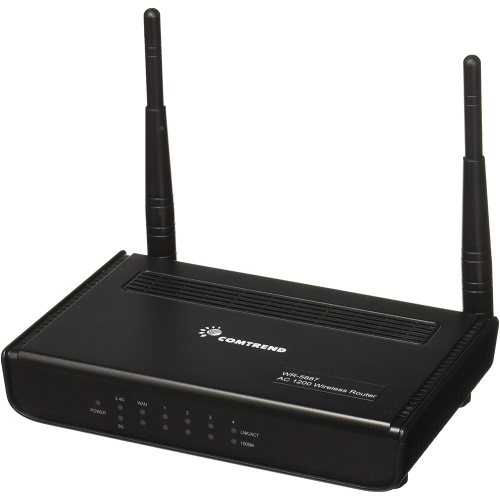
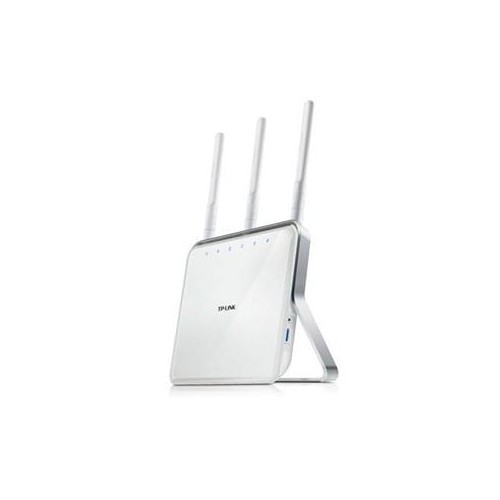
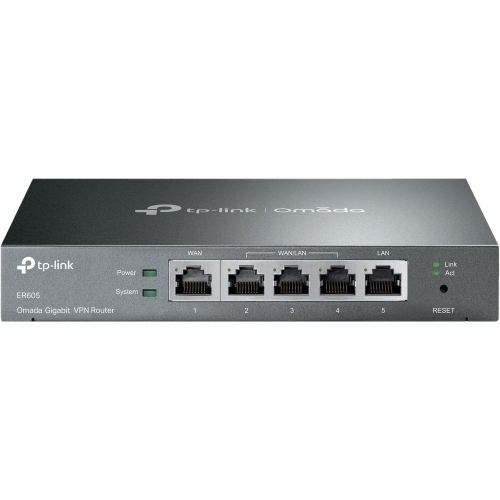
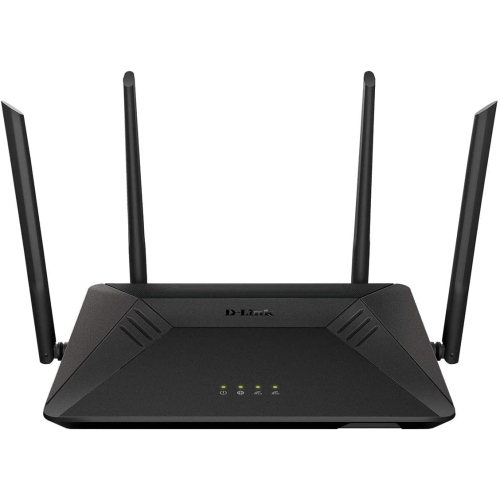
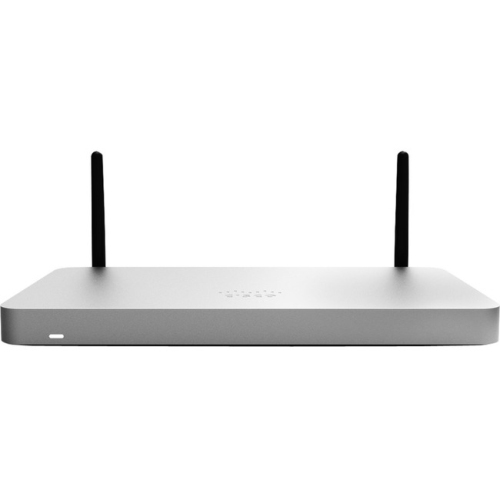
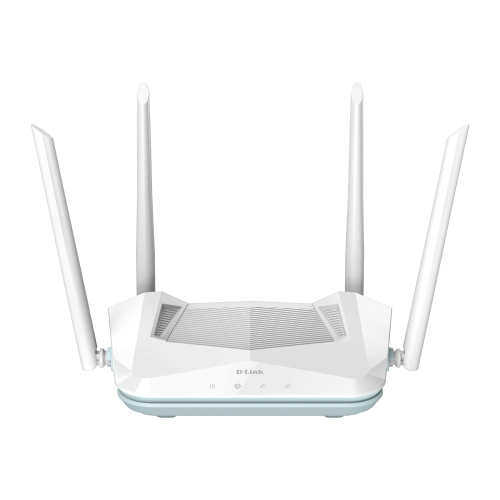
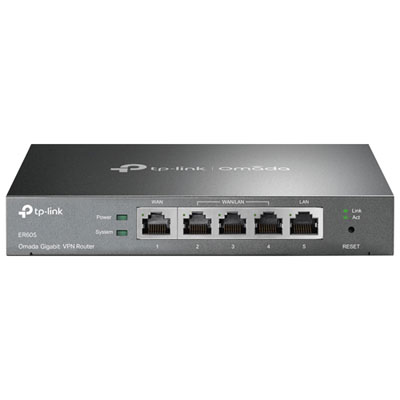
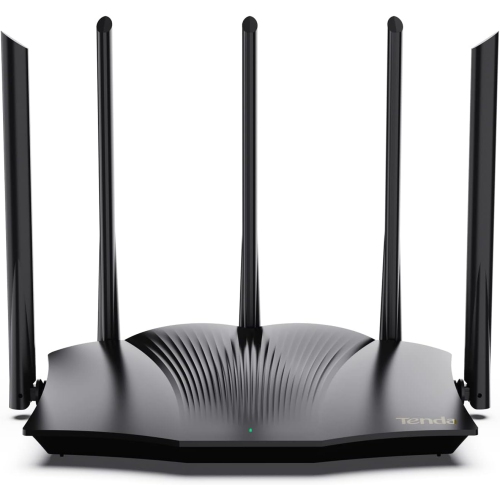
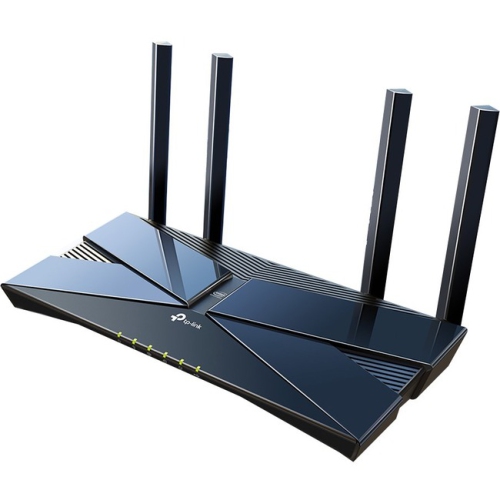
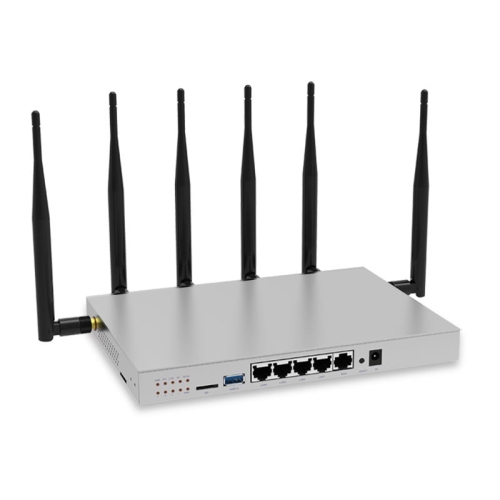
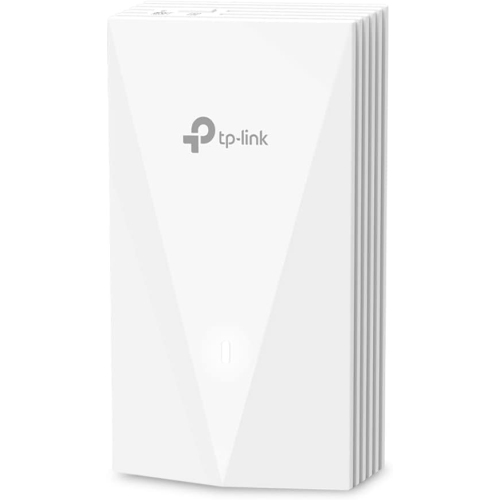
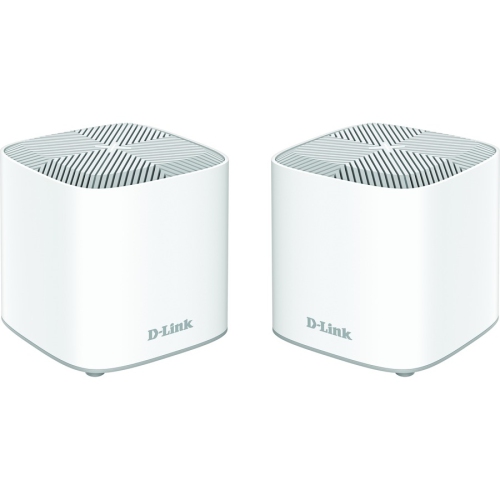
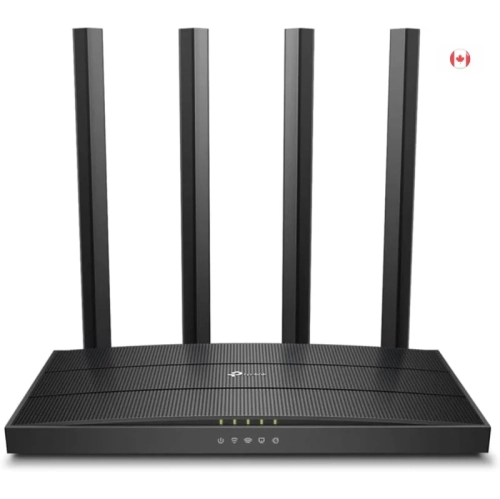
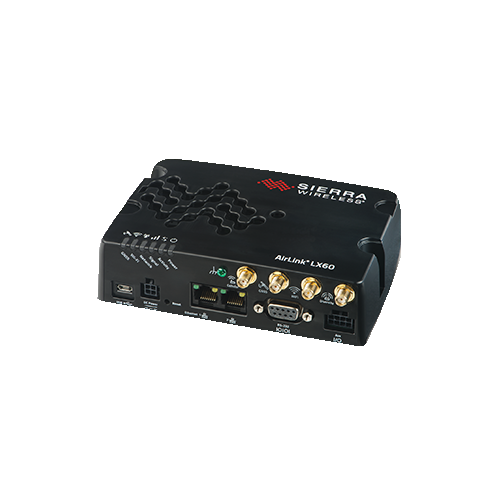

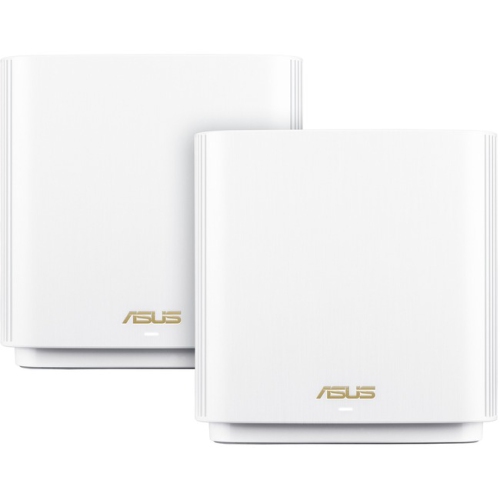
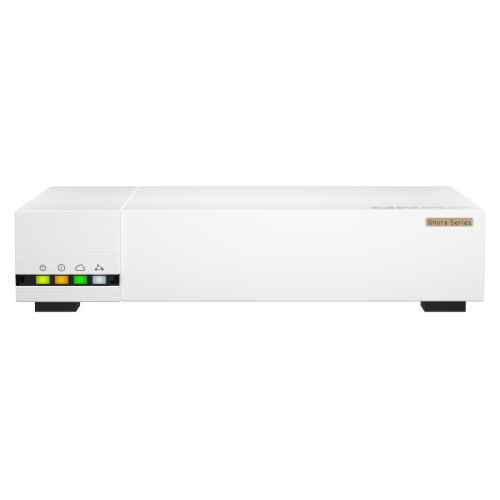
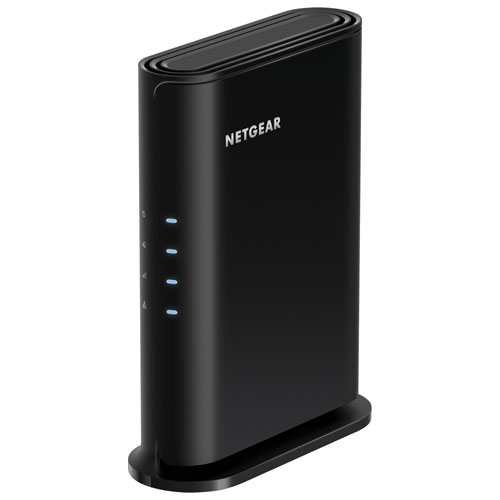
Wired speed and Wi-Fi flexibility under one roof
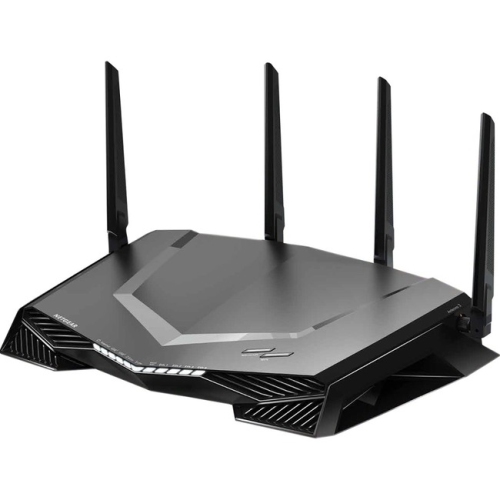
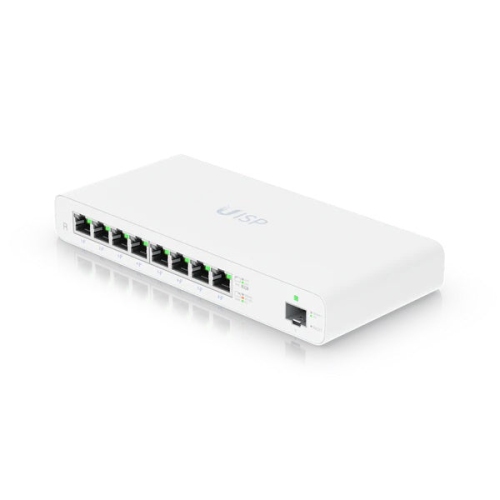
Gigabit Ethernet wireless routers combine Wi-Fi connectivity for mobile devices with wired Ethernet connections rated at 1 gigabit per second (Gbps). They suit homes where laptops, phones, smart TVs, game consoles, and connected accessories share an internet connection, with the option to plug stationary equipment directly into the router. A wired connection can provide consistent performance for a desktop computer in a home office, a console beside the television, or a network storage device used for large files. Wi-Fi keeps tablets, phones, and other portable devices connected without a cable trailing across the room. The distinction between wired and wireless speed matters: a gigabit Ethernet port describes the connection through that port, not the speed every wireless device will receive. Actual performance depends on the internet plan, modem or fibre terminal, router capabilities, connected device, cables, and network traffic. Internet downloads through a gigabit port generally fall below its headline rate because some capacity is used to carry networking information. Local transfers between compatible wired devices can also benefit from gigabit connections, even when the internet plan is slower. Port specifications deserve attention because the internet-facing WAN port and the device-facing LAN ports serve different purposes, and their supported speeds may differ. Multi-gigabit ports provide additional capacity for compatible equipment or internet service above 1 Gbps, while ordinary gigabit ports remain useful for many household connections. The number of LAN ports also affects how many devices can connect directly before a separate Ethernet switch is needed. Cat 5e or higher-rated Ethernet cabling in good condition generally supports gigabit connections within standard distance limits. Port layouts, Wi-Fi standards, and connection capacity are useful points of comparison across Gigabit Speed Routers, especially in homes where several people stream, work, and play at the same time.
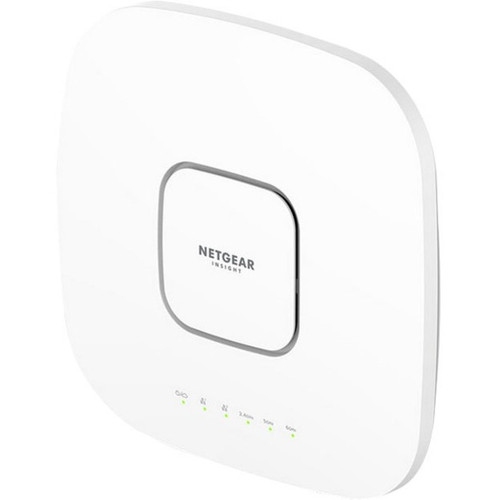
Wireless capability shapes how these routers fit into everyday life. Wi-Fi 6 supports features designed to use wireless capacity more efficiently when compatible devices share a network. Wi-Fi 6E adds access to the 6 GHz band, while Wi-Fi 7 introduces further capabilities that can benefit supported devices and configurations. A newer standard does not automatically make an older phone or laptop operate at the router’s maximum advertised speed. Those headline figures often combine theoretical rates across multiple bands rather than describing a single device’s connection. Dual-band routers typically provide 2.4 GHz and 5 GHz connections; tri-band designs add another band, with the exact arrangement varying by model. The 2.4 GHz band generally reaches farther but has less capacity and often faces more interference, while higher-frequency bands can offer greater throughput at shorter distances. A television close to the router and a tablet used behind several walls may therefore have very different connections. Floor plans, masonry, metal ductwork, large appliances, and neighbouring wireless networks all influence coverage. A central, open position on a shelf often serves a home better than a router tucked behind a television or shut inside a cabinet. For larger homes, long layouts, or multiple storeys, mesh-capable routers can work with compatible nodes to extend coverage under one network name. Compatibility matters because mesh components are not universally interchangeable. Wired backhaul, where supported, links nodes with Ethernet and leaves more wireless capacity available for devices. Wireless backhaul avoids those cable runs, although its performance depends on the connection between nodes. These differences become noticeable in familiar situations: a video call from an upstairs room, a film streaming in the living room, and a large download running at a desk. A router suited to that mix balances coverage, device capacity, and wired connectivity rather than relying on a single advertised speed.
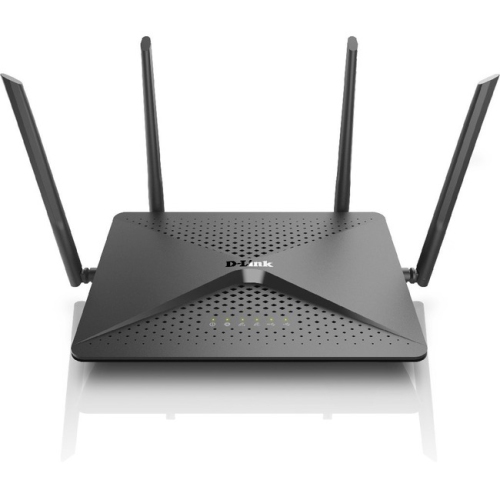
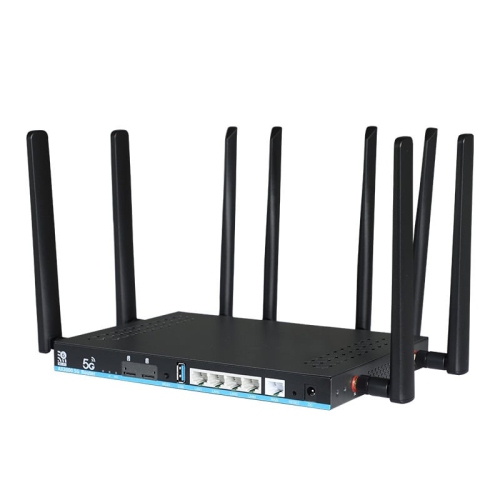
Physical design, software features, and ongoing support round out the practical differences between gigabit Ethernet wireless routers. Compact housings can fit neatly on a shelf, while larger designs may need more room for antennas, ventilation, and cable connections. External antennas can make placement more flexible on some models, but antenna count alone does not establish coverage or performance. Clear space around ventilation openings helps heat escape, and keeping the router away from spills, heavy dust, and tightly packed equipment supports reliable operation. A soft, dry cloth is generally appropriate for exterior cleaning, with the manufacturer’s care directions taking precedence. Easily accessible ports and a stable base are useful when several cables connect at the back, particularly on a narrow desktop or media unit. Everyday usability also depends on the management tools. App-based setup can simplify common tasks, while browser-based controls may offer more detailed settings for households with specific networking needs. Features vary, but guest networks, parental controls, device grouping, and traffic management can help organize a busy household connection. A guest network can provide visitors with internet access while limiting access to household devices, depending on its configuration. Quality of Service settings can prioritize selected traffic when a connection is busy, although they do not increase the speed supplied by the internet provider. Security features such as WPA3, where supported by connected devices, and straightforward firmware updates help protect the network over time. Published support information is worth considering alongside hardware specifications. Compatibility with the existing modem or fibre terminal matters too, particularly when an internet provider’s gateway already includes routing functions. Some setups use bridge mode or an access point configuration to avoid unnecessary layers of routing, subject to provider and equipment support. For students sharing a rental, households with several screens, remote workers moving large files, or players who prefer a wired console connection, the most suitable router combines dependable coverage with the ports and controls that match daily use.
Top selling and popular products
-
 Your price for this item is $189.99
-
 Your price for this item is $189.99
-
 Your price for this item is $219
-
 Your price for this item is $899.99
-
 Your price for this item is $299.99
-
 Your price for this item is $139.99
-
 Your price for this item is $499.99
-
 Your price for this item is $349.99
Discover more categories related to Gigabit Ethernet Wireless Routers

Top Collections:
Best Black Friday Deals This Year, Best Black Friday Deals On Electronics, Kindle Devices, Pokemon Centers, Best Black Friday Deals On Apple Products, Best Cameras for Sports Photography, Dyson Airwrap, Pokémon 30th Celebration Cards, Apple iPhone 17 Pro, Canon G7X Cameras
Some products may be subject to Environmental Handling Fees
(EHF) depending on your province.
Learn more about EHFs.