Gigabit Speed Routers
Experience seamless connectivity and fast internet performance with a gigabit speed router. Perfect for busy households, home offices, and entertainment setups, these routers are designed to handle multiple devices and high-bandwidth activities with ease. Whether you're streaming, gaming, or working from home, a gigabit speed router helps ensure your network runs smoothly and efficiently. Explore a wide variety of options to find the right fit for your needs and enjoy reliable, high-speed Wi-Fi throughout your space.
Sort
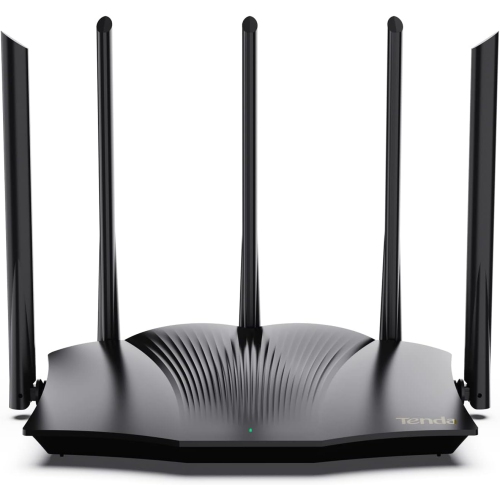
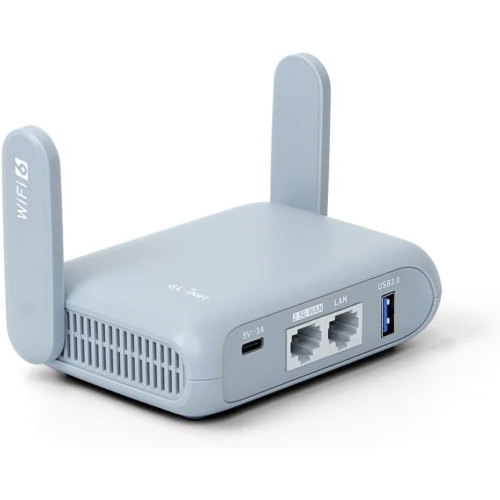
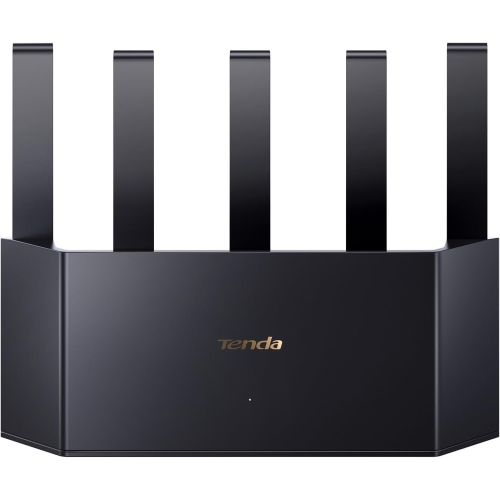
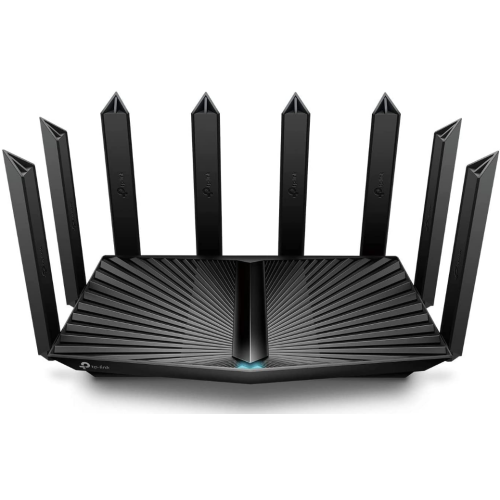
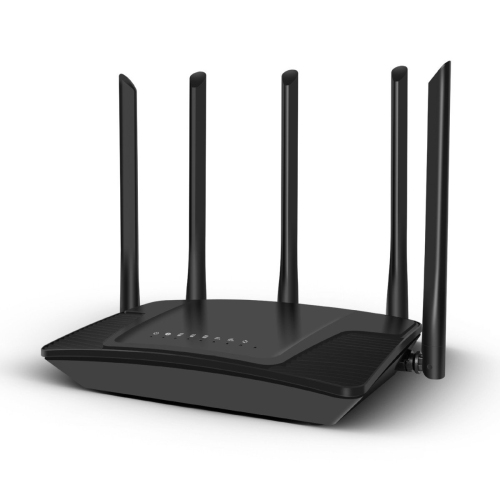
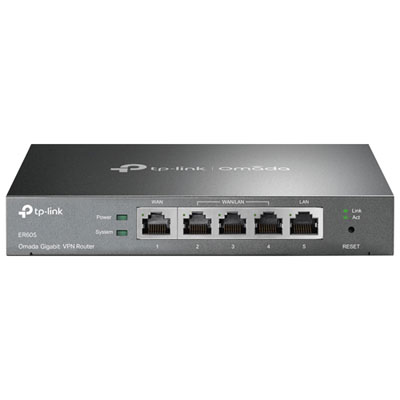
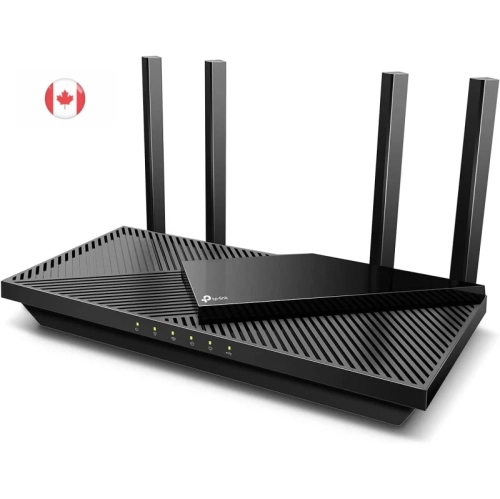
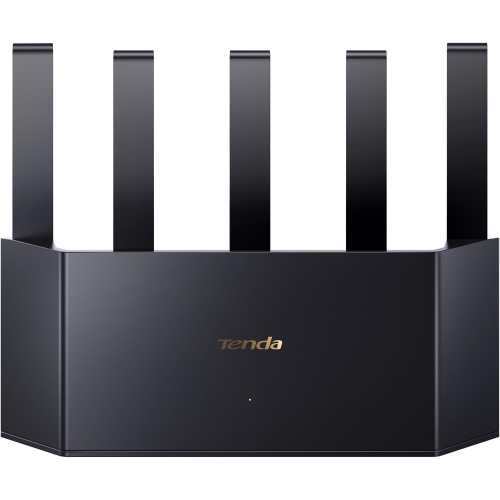
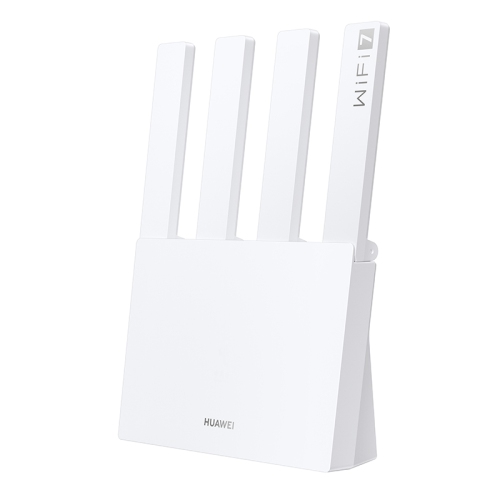
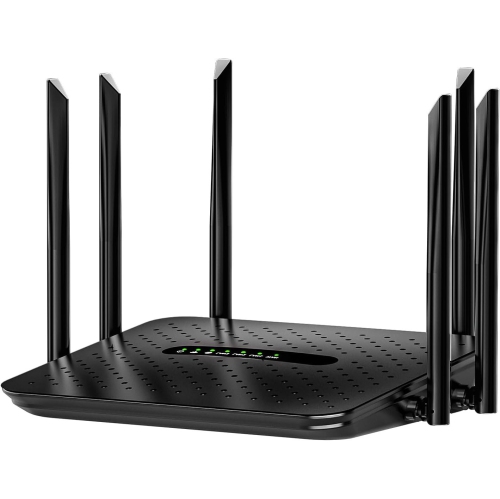
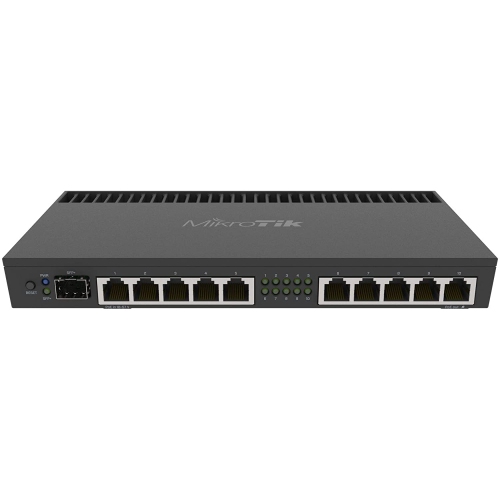
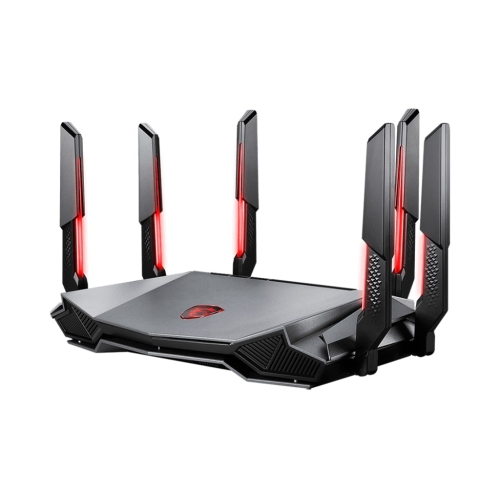
What gigabit connections mean for a busy household
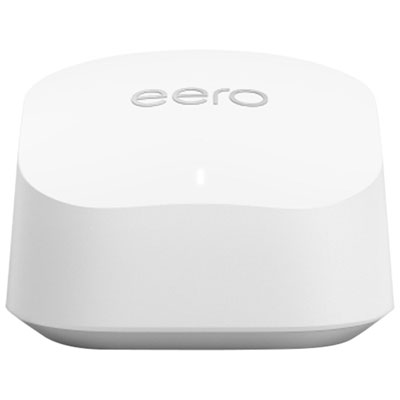
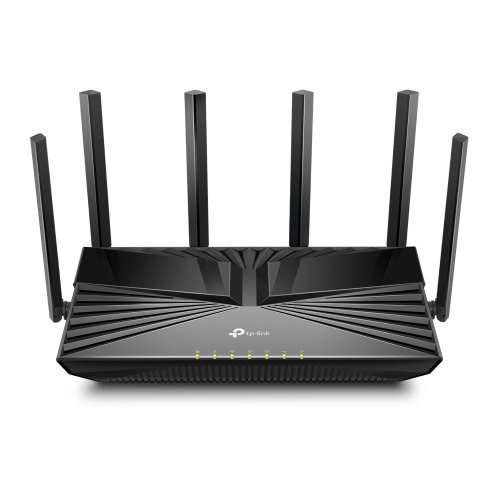
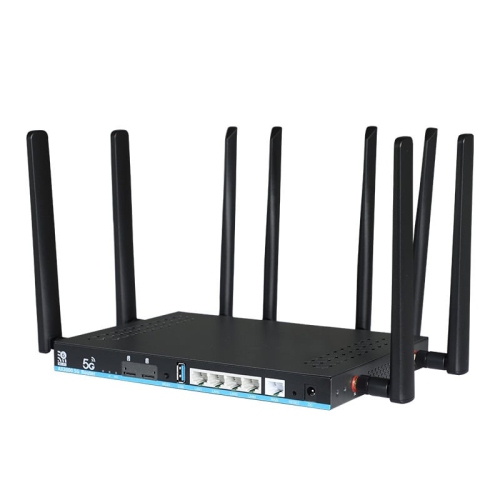
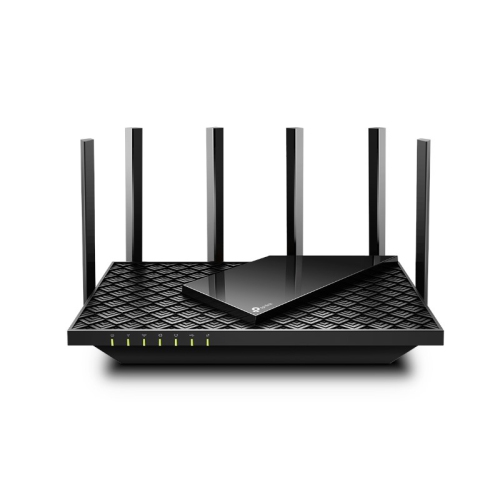
Gigabit speed routers connect household devices to the internet and to one another, with Gigabit Ethernet ports supporting wired link rates of up to 1 gigabit per second (1 Gbps). They are a practical match for homes where streaming, video calls, gaming, and large file transfers happen at the same time. A television playing a 4K film, a laptop uploading a presentation, and a console downloading a game all place different demands on the same connection. A capable router helps manage that traffic, although the internet plan still sets the overall limit for traffic travelling outside the home. Gigabit Ethernet describes the wired connection; it does not guarantee that every connected device will receive gigabit internet speeds over Wi-Fi. Wireless results depend on the router, the receiving device, distance, interference, and the layout of the space. Even a wired gigabit connection delivers less than its headline rate for actual data transfers because some capacity is used by networking protocols. Under favourable conditions, a wired speed test on a gigabit internet plan may reach roughly 940 Mbps, but results vary with equipment and service conditions. Advertised wireless speeds also need context: a combined rating across multiple bands is not the speed a single phone or laptop can necessarily achieve. For internet plans above 1 Gbps, faster-than-gigabit WAN and LAN ports help prevent the router’s wired connections from becoming the limiting factor, provided the modem or fibre terminal and connected equipment also support those rates. Gigabit speed routers sit within the broader category of Gigabit Ethernet Wireless Routers, bringing wired connectivity and wireless access together in one device. Their value is as much about handling everyday household activity consistently as it is about reaching a high number on a speed test.
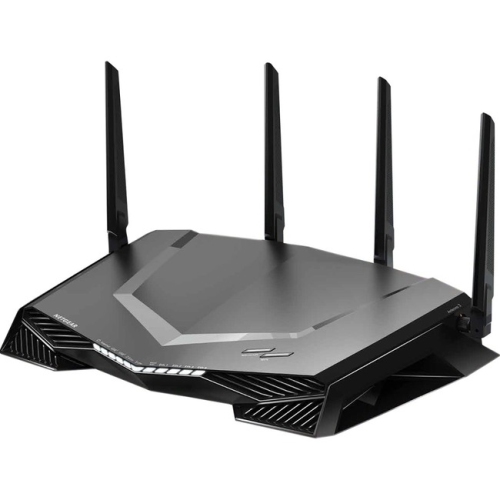
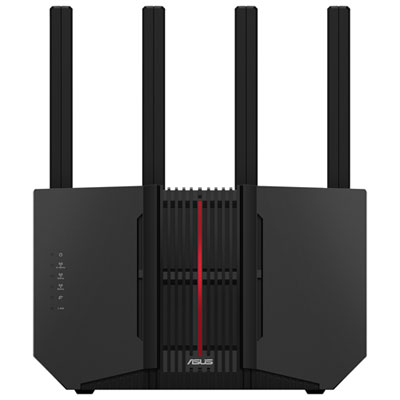
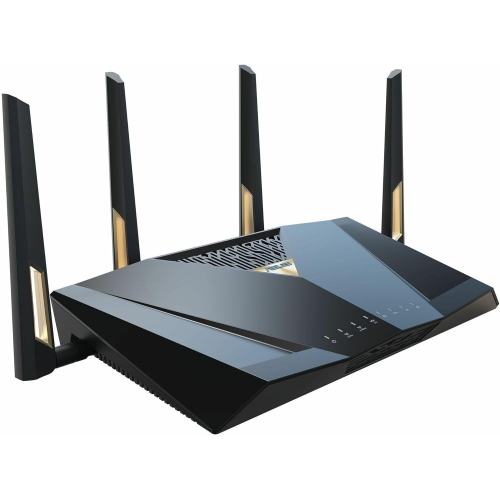
The right combination of connections and coverage depends on how a home is used. Wired Ethernet is well suited to a desktop computer, gaming console, network storage device, or television that stays in one place. It generally provides more consistent latency and throughput than a wireless connection affected by neighbouring networks or obstacles. The number of LAN ports matters when several devices share a desk or entertainment centre, while the WAN port connects the router to the internet source. Multi-gigabit ports can support faster local transfers as well as higher-speed internet service, although the rest of the connection must support the same capability. For wireless devices, different frequency bands serve different needs. The 2.4 GHz band generally reaches farther but faces more congestion and offers lower peak speeds, while 5 GHz can provide faster connections at shorter distances. Routers supporting 6 GHz add another option for compatible devices, with performance still affected by walls and placement. Wi-Fi 6, Wi-Fi 6E, and Wi-Fi 7 describe different wireless capabilities; the benefits available to a particular device depend on what both ends of the connection support. A compact apartment may be served well by one centrally placed router, whereas a long floor plan or a home with several storeys may benefit from a compatible mesh system. Mesh units extend coverage rather than increasing the speed supplied by the internet plan, and a wired connection between units can help preserve capacity for household devices. Physical fit matters, too. Most housings are plastic, with ventilation openings and either internal or external antennas. A router needs a stable, open position with room around its vents, not a crowded drawer or a spot hidden behind metal furniture. Durable cable connections, accessible ports, and a shape that fits the intended shelf can make everyday use simpler. Exterior care is usually limited to gentle dusting according to the manufacturer’s directions, without blocking vents or letting moisture enter the housing.
Everyday usability becomes especially important once a router is supporting work, entertainment, and connected household devices around the clock. Clear setup tools can make it easier to name the network, create a strong password, and see which devices are connected. Many routers offer app-based controls, browser-based settings, or both, though some features may require an account or a separate subscription. Support for modern security features, including WPA3 where compatible, helps protect wireless connections, while ongoing firmware updates address faults and security vulnerabilities. Older devices may need compatibility settings, so a household with a mixture of recent laptops and older smart plugs has different requirements from one using only newer equipment. Guest networking gives visitors internet access without sharing the main network password, and supported isolation settings can keep guest devices separate from other equipment. Parental controls may include schedules or content filters, but their scope varies and they do not replace supervision. Traffic-prioritization features can help a video meeting or online game remain responsive when other devices are busy; they cannot create additional internet capacity. For someone working from home, reliable coverage at the actual desk may matter more than the highest advertised wireless rating. For a household that frequently moves large photo libraries between computers and network storage, port speeds and local network performance take on greater importance. Compatibility with the existing modem or fibre terminal also matters, especially when an internet provider’s gateway already includes routing and Wi-Fi. Depending on the setup, bridge mode or access point mode can help avoid running two routing layers unnecessarily. A familiar network name can simplify reconnecting devices during a replacement, but passwords and security settings still deserve attention. Across these different uses, a well-matched gigabit speed router provides the connections, coverage, and controls that suit the space and the people sharing it, without relying on headline speed alone.
Top selling and popular products
-
 Your price for this item is $189.99
-
 Your price for this item is $189.99
-
 Your price for this item is $219
-
 Your price for this item is $899.99
-
 Your price for this item is $299.99
-
 Your price for this item is $139.99
-
 Your price for this item is $499.99
-
 Your price for this item is $349.99
Discover more categories related to Gigabit Speed Routers

Top Collections:
Best Black Friday Deals This Year, Best Black Friday Deals On Electronics, Kindle Devices, Pokemon Centers, Best Black Friday Deals On Apple Products, Best Cameras for Sports Photography, Dyson Airwrap, Pokémon 30th Celebration Cards, Apple iPhone 17 Pro, Canon G7X Cameras
Some products may be subject to Environmental Handling Fees
(EHF) depending on your province.
Learn more about EHFs.