Gigabit Wireless Access Points
Gigabit Wireless Access Points deliver high-speed internet connectivity and enhanced network performance for homes, offices, and businesses. Designed to support multiple devices and demanding applications, these access points are ideal for creating a reliable wireless network environment. Whether upgrading an existing setup or building a new one, Gigabit Wireless Access Points provide the flexibility and coverage needed to keep everyone connected seamlessly. Explore a range of options to find the perfect solution for your networking needs.
Sort


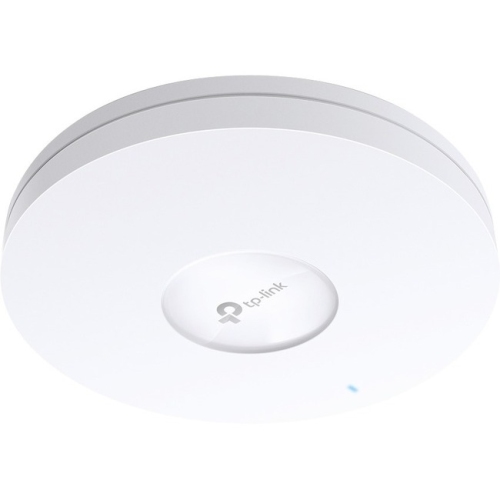
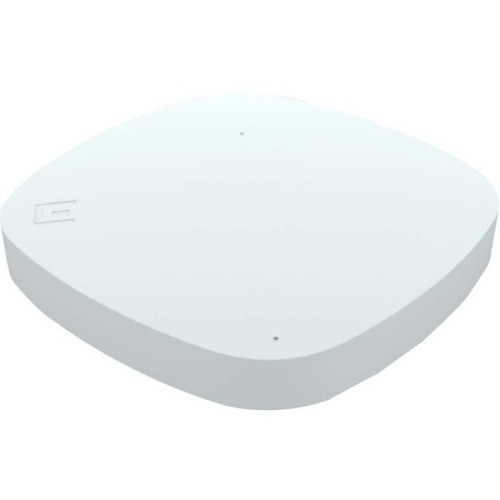

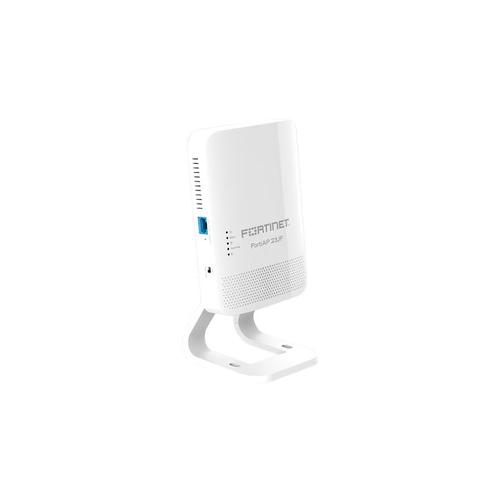

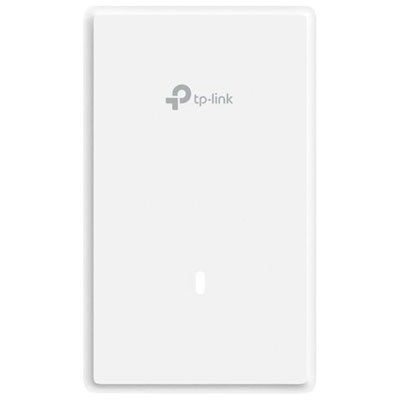
How wired connections extend Wi-Fi beyond your router
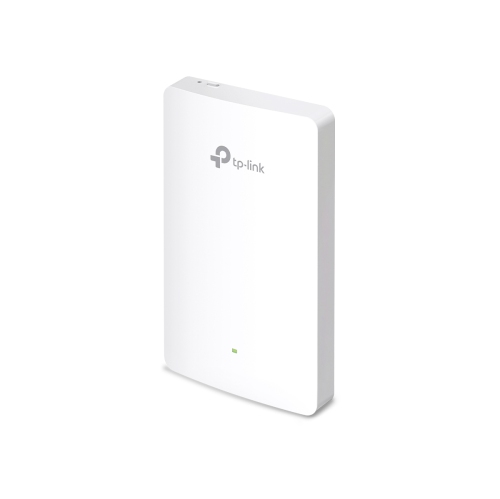
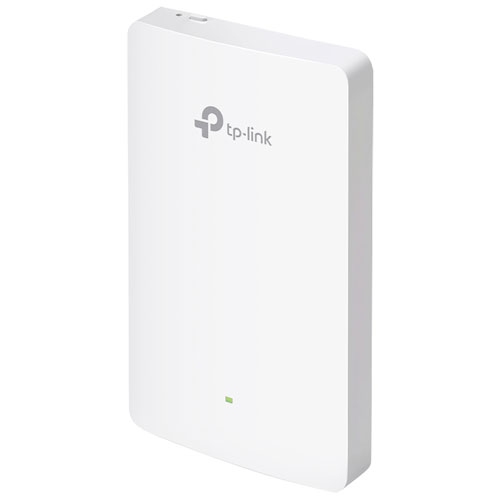
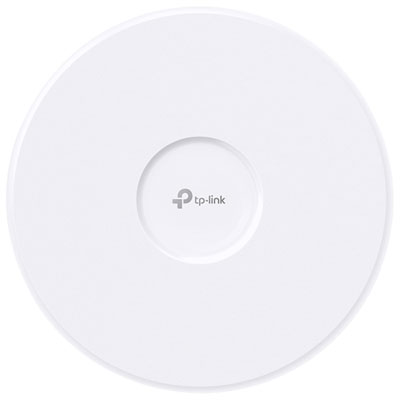
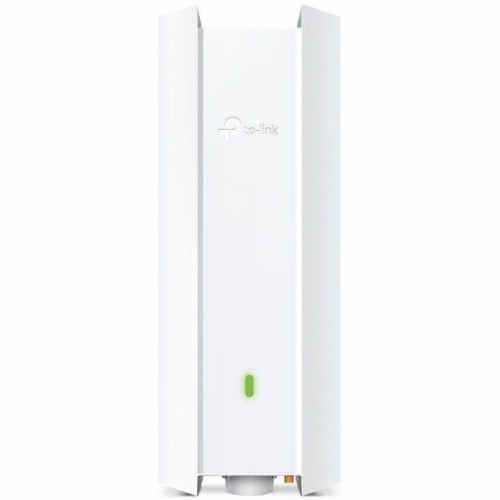
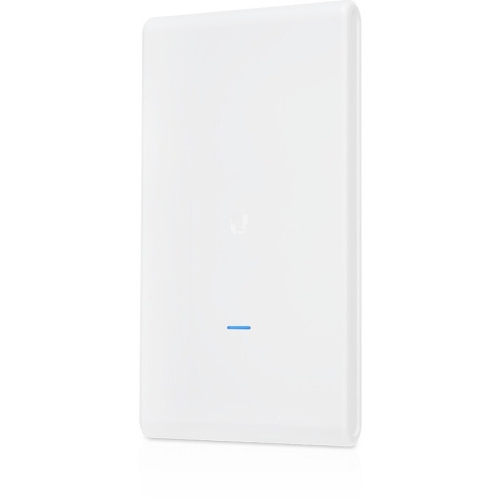
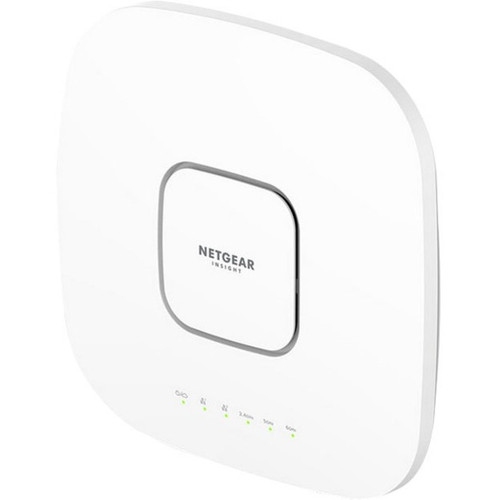
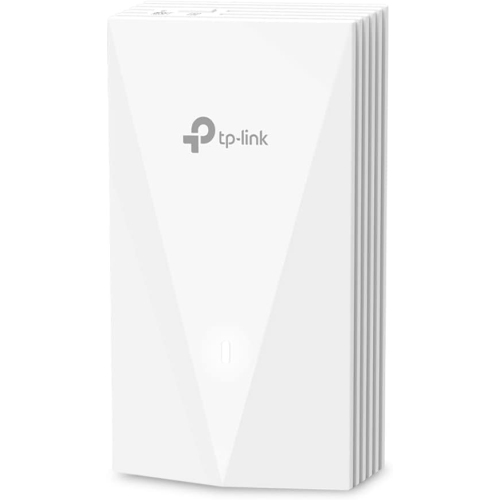
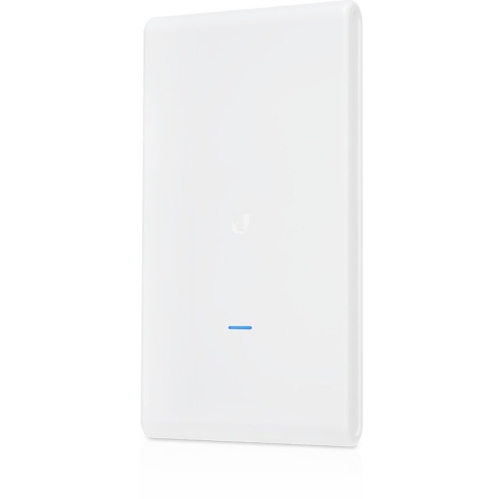
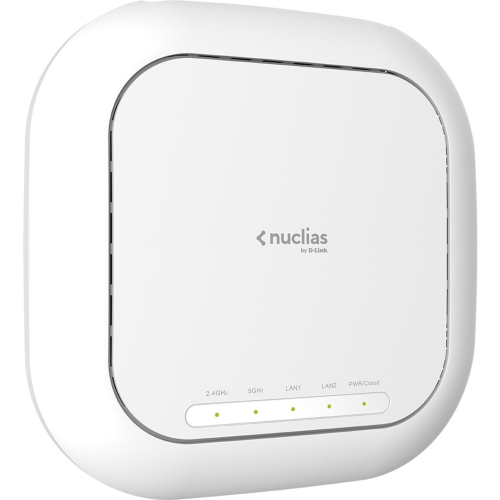
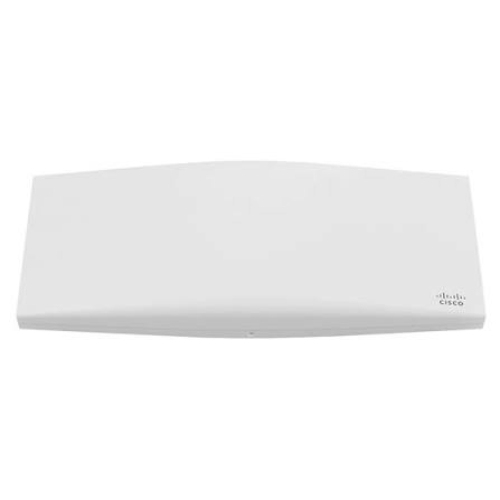
A gigabit wireless access point is a network device that connects to a wired router or switch through an Ethernet port capable of 1 Gbps and provides Wi-Fi access for compatible devices. Its wired connection carries traffic between wireless devices and the rest of the local network, making it a practical way to add coverage where an Ethernet cable can reach. The gigabit label describes the Ethernet connection; it does not guarantee that a phone, laptop, or internet download will reach gigabit speeds. Actual performance depends on the wireless standard, signal strength, connected devices, network traffic, and internet service. For local file transfers, the speed of the storage device and other wired connections also matters. In a home with a router near the front entrance, an access point farther along the main floor can bring Wi-Fi closer to a home office or family room without relying on a repeated wireless signal. In an office, several access points can serve meeting rooms, workstations, and shared spaces using the same wired network. Unlike a wireless range extender, an access point with wired backhaul does not need a wireless link to carry traffic back to the router. This can reduce competition for wireless airtime, although it does not eliminate interference or guarantee a particular speed. An access point usually works alongside a router rather than replacing it: the router manages connections between networks, while the access point connects wireless devices to the local network. Gigabit Ethernet Wireless Routers combine routing and Wi-Fi functions and may suit a simpler setup; separate access points allow wireless coverage to be positioned independently of the main router. That flexibility is useful for households with multiple floors, small businesses with separate work areas, and anyone extending an existing wired network.
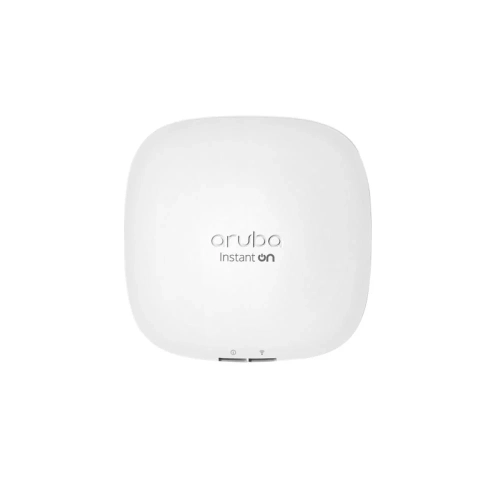
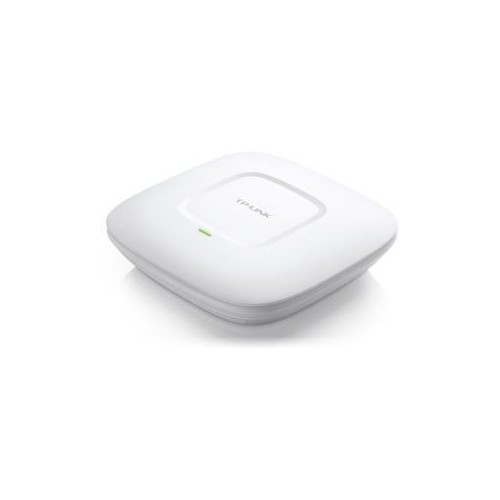
Wireless capabilities help distinguish gigabit access points that otherwise look similar on a specification sheet. The Wi-Fi generation, supported frequency bands, antenna design, and radio configuration all influence how an access point serves connected devices. A gigabit Ethernet port alone does not reveal those capabilities. Wi-Fi 6, for example, includes features that can make more efficient use of wireless airtime when compatible devices share a busy network. Support for 2.4 GHz remains useful for many smart home accessories and devices farther from the access point, while 5 GHz can offer more capacity at shorter distances. Access points supporting 6 GHz add another band for compatible devices, but that support is not universal and should not be assumed from the gigabit label. Walls, floors, metal shelving, and neighbouring networks affect coverage, so advertised coverage figures are best understood as estimates rather than a promise for every room. A ceiling-mounted access point near the centre of a floor may distribute its signal more effectively than one tucked behind a filing cabinet, though antenna patterns and mounting recommendations vary. For a household balancing video calls, streaming, and game downloads, the number of active devices and their traffic patterns matter more than the number of devices merely connected. A small office uploading large files has different demands from a shop using Wi-Fi mainly for payment terminals and occasional browsing. Multiple access points can spread those demands across a larger space, provided their placement, channels, and wired connections are planned together. Using the same network name across access points can make movement between rooms more convenient, but seamless roaming is not automatic: device behaviour and support for roaming features both matter. The combined wireless speed advertised across several bands also differs from the speed available to a single device. Traffic crossing a shared gigabit uplink remains limited by that connection, even when the access point’s combined radio ratings are higher.
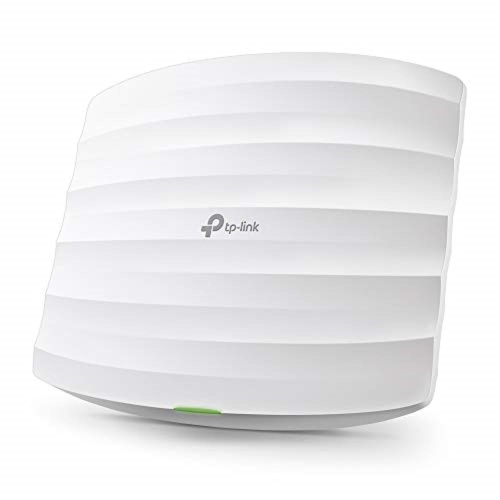
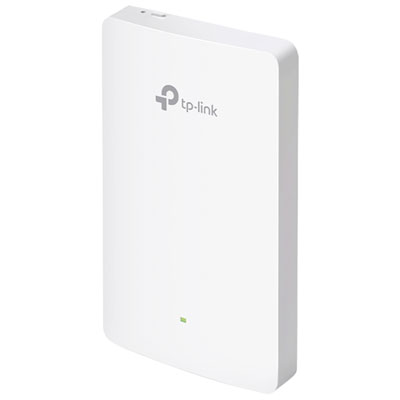
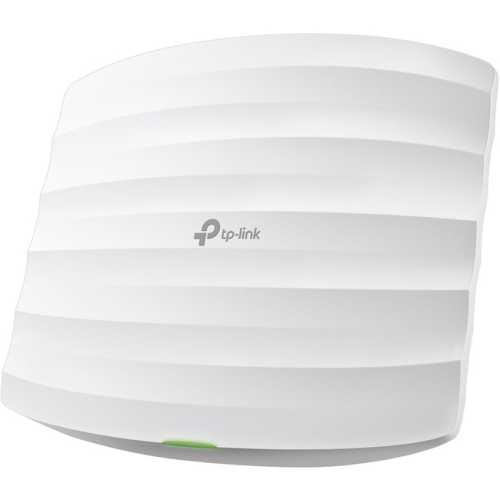
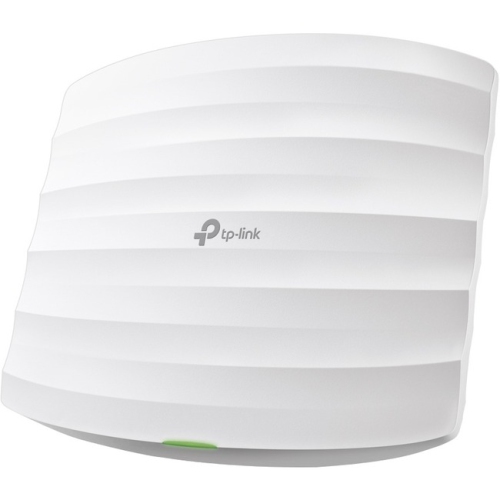
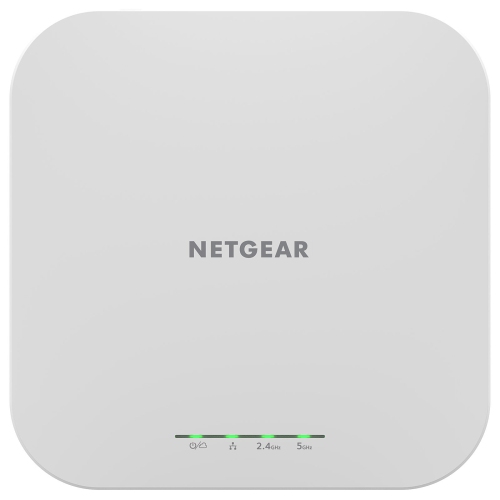
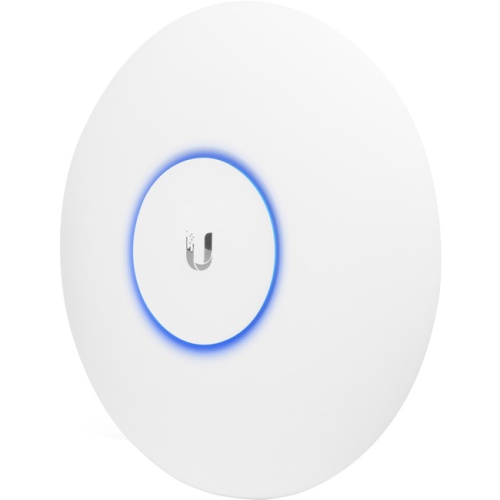
Physical design, power requirements, and management features determine how comfortably an access point fits into everyday use. Low-profile housings can sit discreetly against a ceiling, while wall-mounted designs may suit a room with an existing Ethernet outlet. Dimensions, port position, indicator lights, and mounting hardware deserve attention where the device will remain visible or cable access is tight. Plastic housings are common, and some designs use metal components to help dissipate heat; material alone is not a reliable measure of durability or wireless performance. Secure mounting, unobstructed ventilation, and installation within the manufacturer’s specified operating conditions are more useful considerations. Power over Ethernet, often shortened to PoE, allows a compatible Ethernet cable connection to carry both data and electrical power, reducing the need for an electrical outlet beside the access point. Compatibility still matters: the access point’s required PoE standard and power level must match the supplying switch or injector, and proprietary passive PoE should not be treated as interchangeable with standards-based PoE. Some designs use a separate power adapter instead, and included accessories vary. Properly terminated Cat 5e or Cat 6 cabling supports standard gigabit Ethernet runs of up to 100 metres, including patch cables, making an existing wired connection a useful starting point. Beyond installation, management options range from a local interface to centralized control for several access points. Some management platforms require an account or ongoing internet access, which can affect suitability for a particular network. For a home, straightforward settings and accessible firmware updates may be the priority; for a business, guest network isolation, supported VLANs, and consistent settings across several access points can be more important. Security features such as WPA3 require compatible client devices, while ongoing firmware support helps address vulnerabilities over time. Routine care is generally simple: keep ventilation openings clear, remove surface dust as directed, and avoid spraying cleaning liquid onto the housing or ports. With suitable placement, compatible power, and manageable settings, gigabit wireless access points can provide a dependable wireless connection to an existing wired network.
Top selling and popular products
-
 Your price for this item is $189.99
-
 Your price for this item is $189.99
-
 Your price for this item is $219
-
 Your price for this item is $899.99
-
 Your price for this item is $299.99
-
 Your price for this item is $139.99
-
 Your price for this item is $499.99
-
 Your price for this item is $349.99
Discover more categories related to Gigabit Wireless Access Points

Top Collections:
Best Black Friday Deals This Year, Best Black Friday Deals On Electronics, Kindle Devices, Pokemon Centers, Best Black Friday Deals On Apple Products, Best Cameras for Sports Photography, Dyson Airwrap, Pokémon 30th Celebration Cards, Apple iPhone 17 Pro, Canon G7X Cameras
Some products may be subject to Environmental Handling Fees
(EHF) depending on your province.
Learn more about EHFs.