Graphic Design Tools
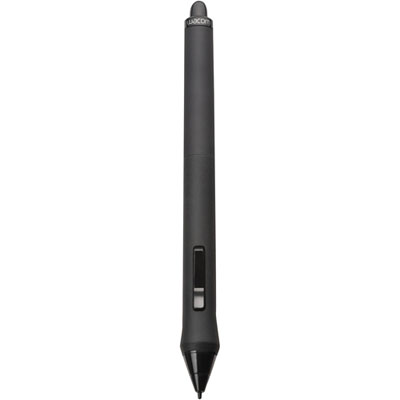
Enhance your creativity and bring your design visions to life with our wide range of graphic design tools. Whether you're a professional designer or a hobbyist, we have everything you need to take your projects to the next level. From high-quality drawing tablets and stylus pens to powerful graphic design software, our collection is carefully curated to meet the diverse needs of every creative mind. With these innovative tools at your fingertips, unleash your imagination and create stunning visuals that leave a lasting impression. Explore our selection of graphic design tools and elevate your artistic journey today.
Sort


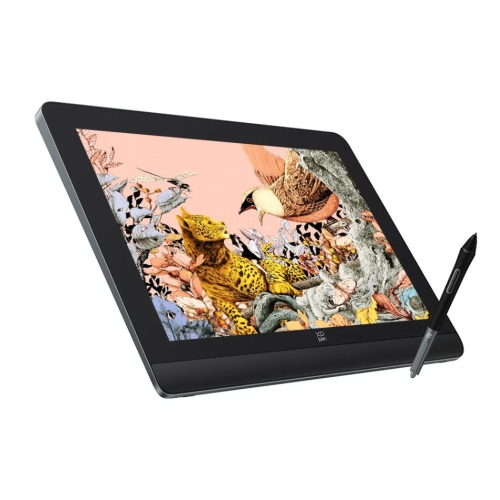
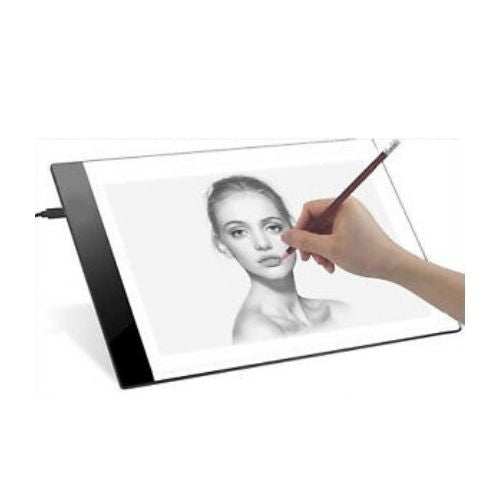
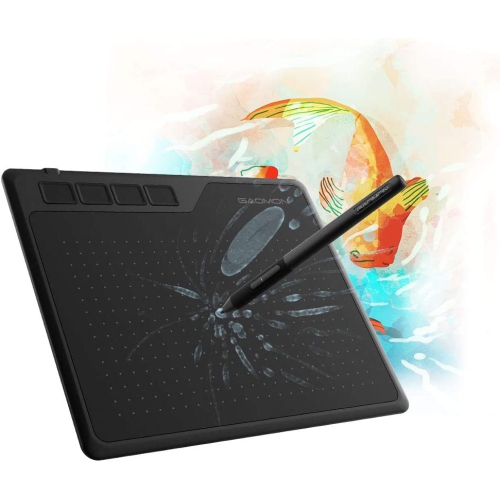
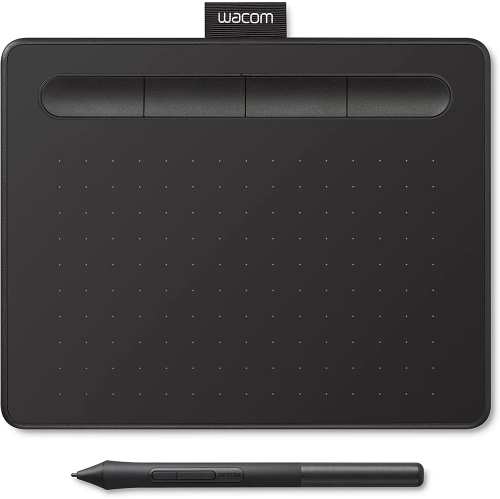
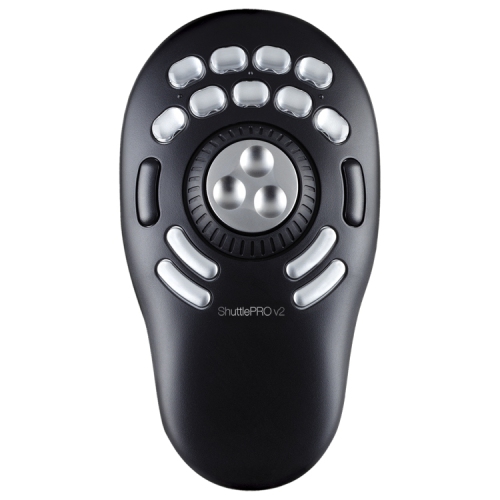
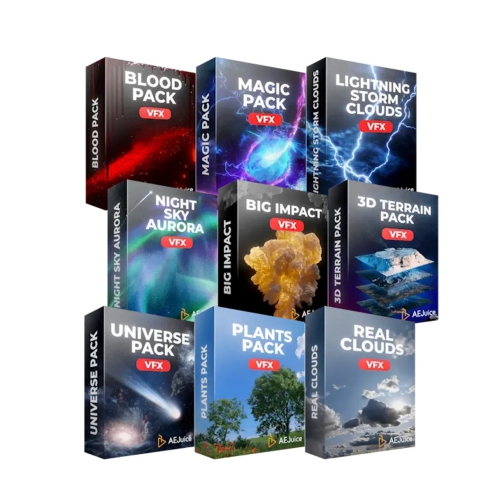
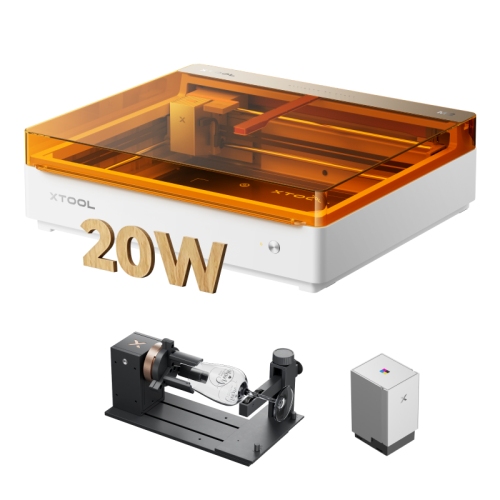
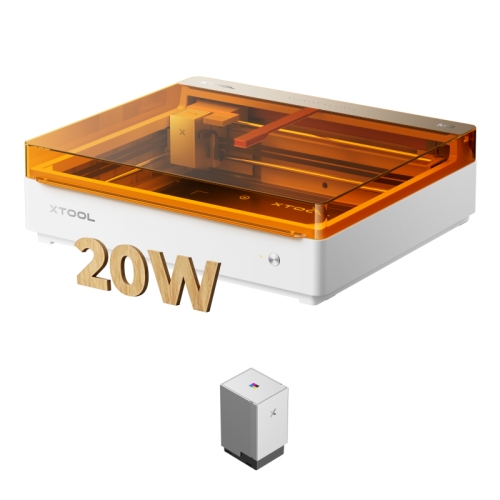

The right tools support every stage of visual creation
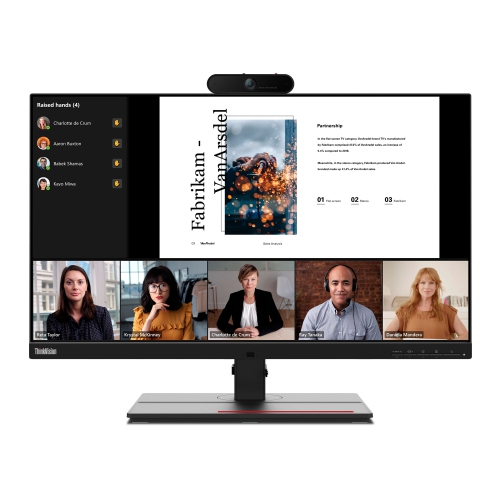
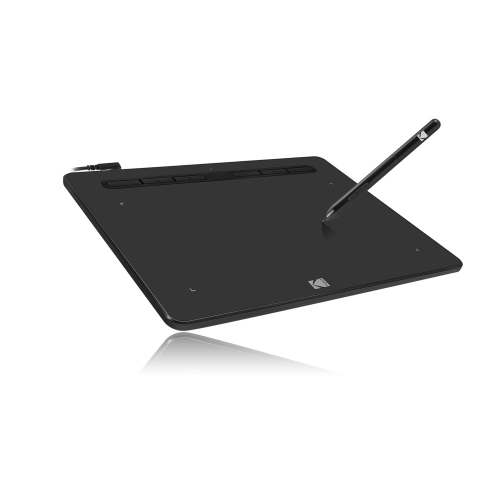
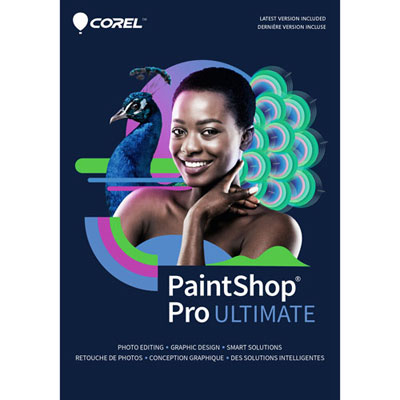
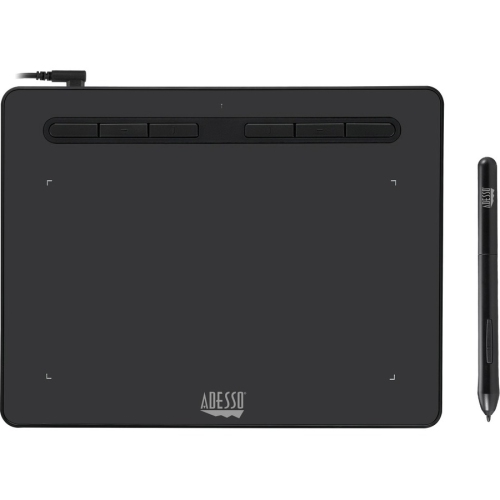
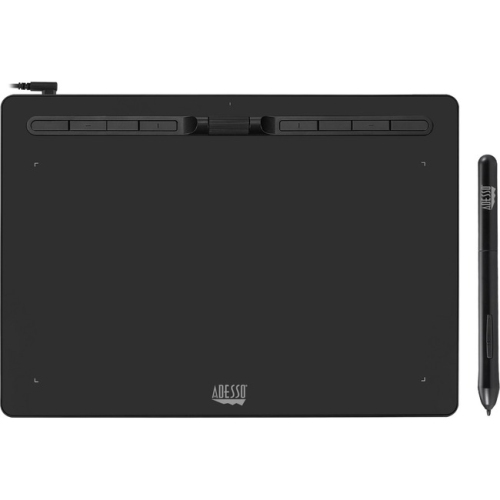
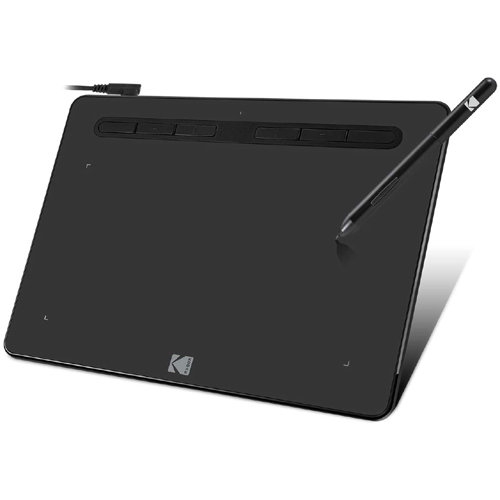
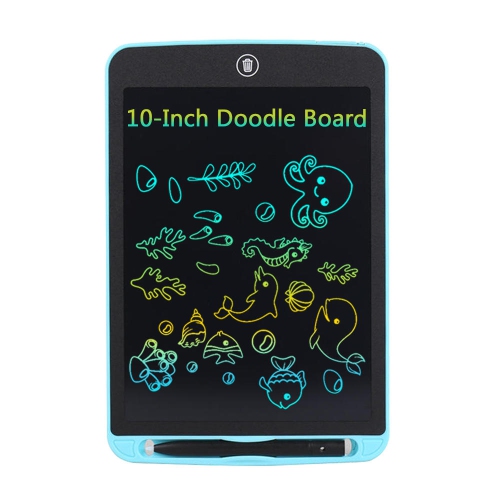
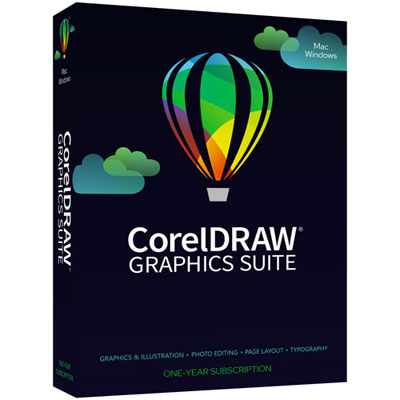
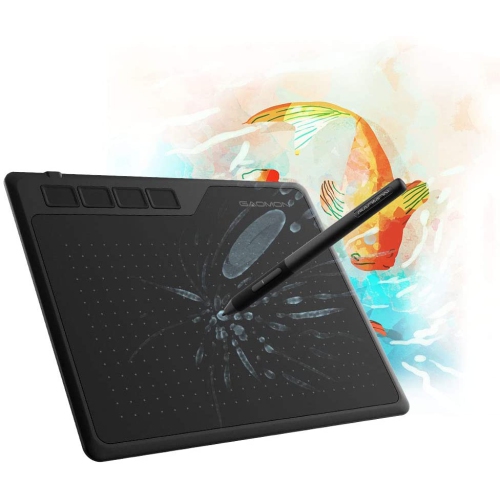
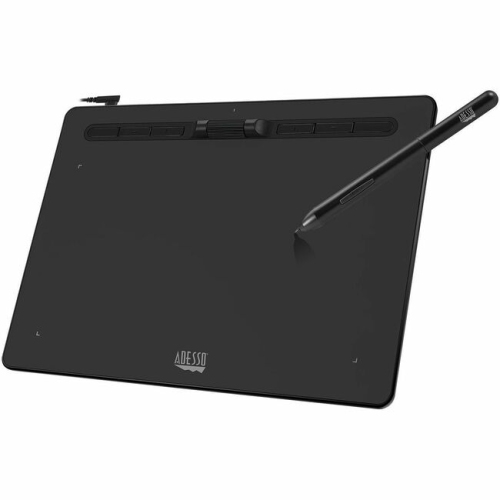
Graphic design tools bring together the hardware, software, accessories, and creative resources used to turn an idea into a finished visual. They can support everything from a simple event invitation or social media post to a complete brand identity, product package, presentation, website mockup, or multi-page publication. The right setup depends on the kind of work being created and the way a person prefers to work. A photo editor is well suited to adjusting colour, removing distractions, combining images, and creating digital artwork made from pixels, while a vector design application is better for logos, icons, lettering, diagrams, and illustrations that need to stay crisp at different sizes. Layout programs help arrange text and images across brochures, menus, reports, and other documents, and interface design platforms can help shape app screens, websites, wireframes, and interactive prototypes. Some graphic design tools run directly in a web browser, making them convenient for shared projects and quick edits, while other options are installed on a computer and offer more advanced controls for detailed, professional work. People who enjoy drawing with a stylus may also want to explore Tools for Digital Drawing for equipment that makes digital sketching, painting, and illustration feel more natural. Together, these categories make it easier to find a creative setup that suits a particular workflow rather than forcing every project into the same format.
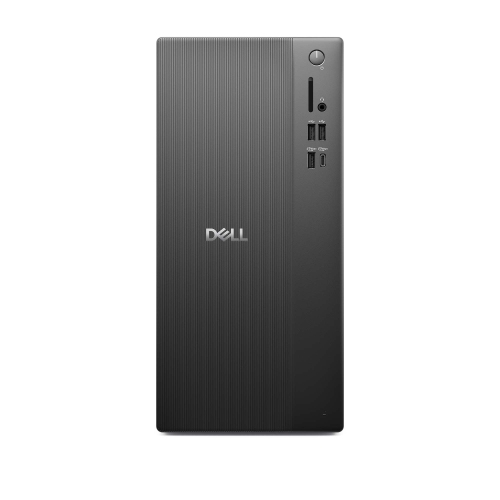
When comparing graphic design tools, start with the work that will happen most often. A student building a portfolio may value an affordable, approachable platform with templates, tutorials, and an uncluttered interface, while a freelance designer may need precise controls, layered files, colour management, file compatibility, and the ability to move smoothly between several applications. A small business owner preparing menus, promotional graphics, or online announcements may appreciate simple drag-and-drop controls and reusable layouts that keep visual elements consistent. For collaborative teams, cloud storage, commenting, version history, and shared editing can save time when several people are reviewing the same project from different locations. File formats are another important consideration: raster files are useful for photographs and screen graphics, vector files are ideal for artwork that may be enlarged, and print projects often require high-resolution exports with carefully managed colour settings. Computer performance also matters. Large images, layered compositions, animation, and complex illustrations can place heavier demands on processing power, memory, and storage, so a responsive computer can make the creative process feel less interrupted. A comfortable display, accurate colour, a full-size keyboard, and a mouse or stylus with dependable control can be just as valuable as the main application. Before choosing, it helps to consider whether the work will be done at a desk, in a classroom, at a studio, or while travelling, along with whether files need to be opened on more than one device.
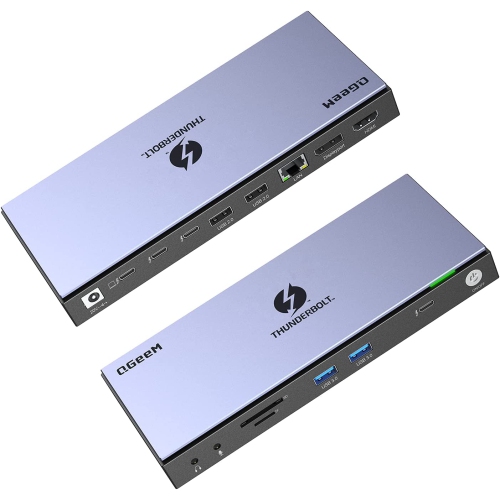
Graphic design tools can be thoughtful gifts for creative people at many stages of their lives. They may suit a secondary-school student experimenting with illustration, a college learner developing presentation and layout skills, or a friend who spends evenings making invitations, posters, digital collages, and personal projects. They can also be useful for photographers, crafters, streamers, content creators, educators, community groups, and anyone who regularly communicates through images. A beginner may benefit from a tool with guided features and ready-made starting points, while an experienced creator may prefer a more flexible setup that allows detailed customization and a faster workflow. Accessories can make the experience more comfortable and personal: a pressure-sensitive stylus can support expressive lines, a larger or additional display can provide room for layers and reference material, and an external storage solution can help organize working files, fonts, photographs, and exported projects. During the cooler months, graphic design can be an enjoyable indoor activity, whether that means practising new lettering techniques at a kitchen table, preparing a family photo book, or refining a portfolio beside a warm desk lamp. The most useful choice is one that matches the recipient’s interests, experience, devices, and creative goals, giving them practical room to experiment while leaving space for their style to develop.
When comparing graphic design tools, start with the work that will happen most often. A student building a portfolio may value an affordable, approachable platform with templates, tutorials, and an uncluttered interface, while a freelance designer may need precise controls, layered files, colour management, file compatibility, and the ability to move smoothly between several applications. A small business owner preparing menus, promotional graphics, or online announcements may appreciate simple drag-and-drop controls and reusable layouts that keep visual elements consistent. For collaborative teams, cloud storage, commenting, version history, and shared editing can save time when several people are reviewing the same project from different locations. File formats are another important consideration: raster files are useful for photographs and screen graphics, vector files are ideal for artwork that may be enlarged, and print projects often require high-resolution exports with carefully managed colour settings. Computer performance also matters. Large images, layered compositions, animation, and complex illustrations can place heavier demands on processing power, memory, and storage, so a responsive computer can make the creative process feel less interrupted. A comfortable display, accurate colour, a full-size keyboard, and a mouse or stylus with dependable control can be just as valuable as the main application. Before choosing, it helps to consider whether the work will be done at a desk, in a classroom, at a studio, or while travelling, along with whether files need to be opened on more than one device.
Graphic design tools can be thoughtful gifts for creative people at many stages of their lives. They may suit a secondary-school student experimenting with illustration, a college learner developing presentation and layout skills, or a friend who spends evenings making invitations, posters, digital collages, and personal projects. They can also be useful for photographers, crafters, streamers, content creators, educators, community groups, and anyone who regularly communicates through images. A beginner may benefit from a tool with guided features and ready-made starting points, while an experienced creator may prefer a more flexible setup that allows detailed customization and a faster workflow. Accessories can make the experience more comfortable and personal: a pressure-sensitive stylus can support expressive lines, a larger or additional display can provide room for layers and reference material, and an external storage solution can help organize working files, fonts, photographs, and exported projects. During the cooler months, graphic design can be an enjoyable indoor activity, whether that means practising new lettering techniques at a kitchen table, preparing a family photo book, or refining a portfolio beside a warm desk lamp. The most useful choice is one that matches the recipient’s interests, experience, devices, and creative goals, giving them practical room to experiment while leaving space for their style to develop.
Top selling and popular products
-
 Your price for this item is $49.99
 -
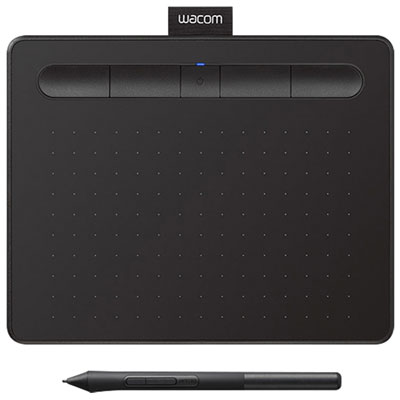 Your price for this item is $139.99
 -
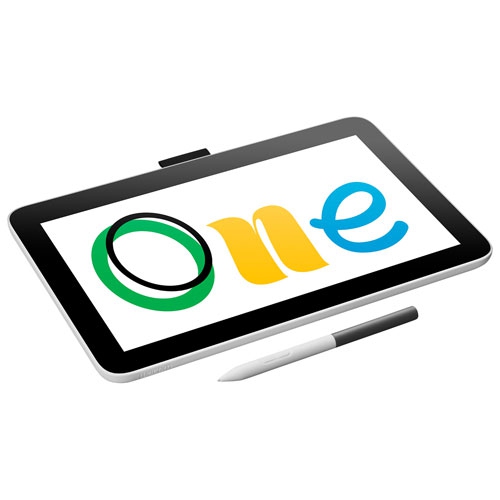 Your price for this item is $409.99
 -
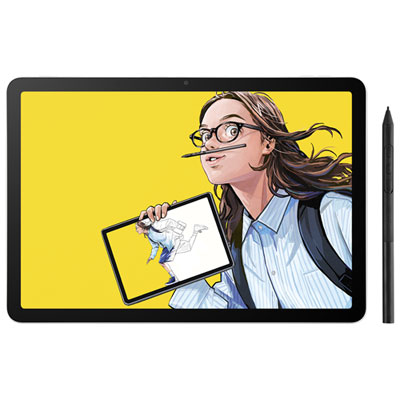 Your price for this item is $699.99
 -
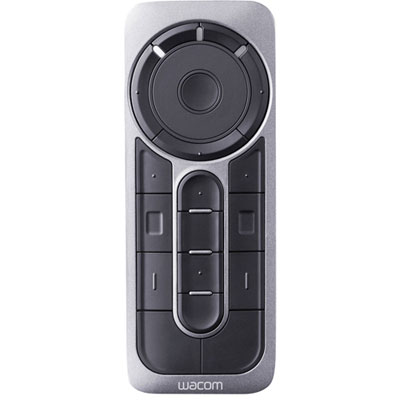 Your price for this item is $139.99
 -
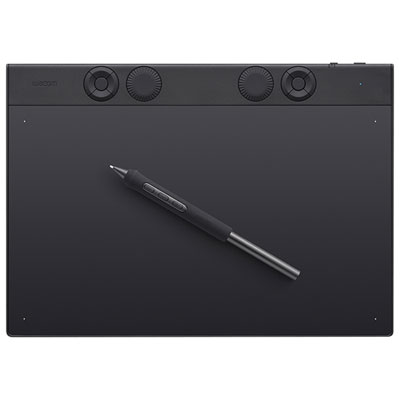 Your price for this item is $439.99
 -
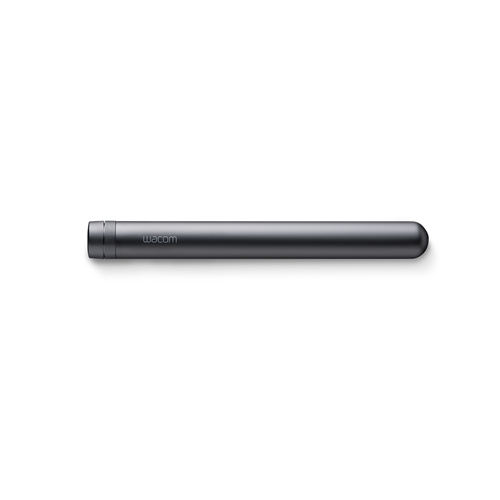 Your price for this item is $120
 -
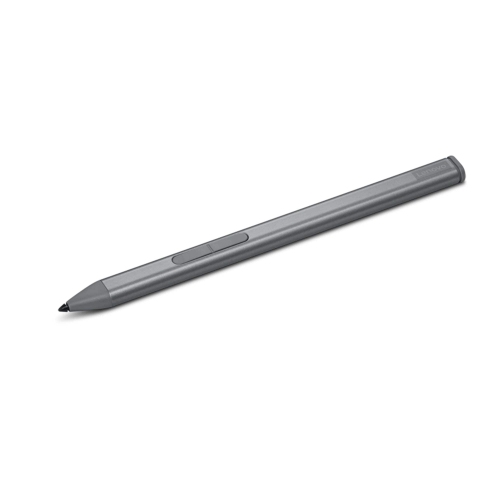 Your price for this item is $64.99
Discover more categories related to Graphic Design Tools
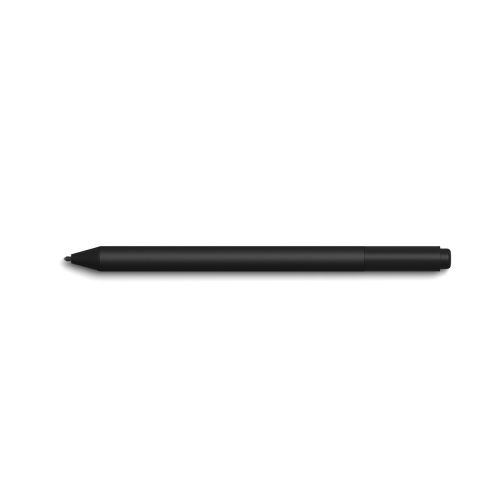
Top Collections:
Pokemon Centers, Kindle Devices, Best Budget Office Chairs, Apple iPhones 16, Best Laptops for Writers, iPhone 15 Apple, Canon G7X Cameras, Refurbished Apple Laptops, Alarm Clock, Motorola Razr Phones
Some products may be subject to Environmental Handling Fees
(EHF) depending on your province.
Learn more about EHFs.