HDMI Motherboards
Looking to upgrade your computer's performance and enhance your multimedia experience? Look no further than HDMI motherboards. These powerful components provide a seamless connection between your computer and high-definition displays, delivering crystal-clear visuals and immersive audio. Whether you're a gamer, content creator, or simply someone who enjoys watching movies in stunning detail, HDMI motherboards are essential for unlocking the full potential of your system.
Sort



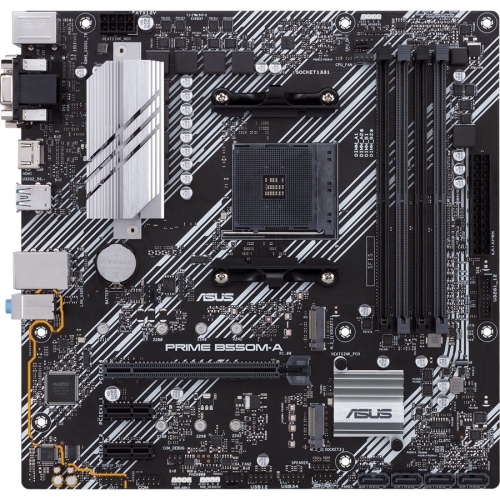
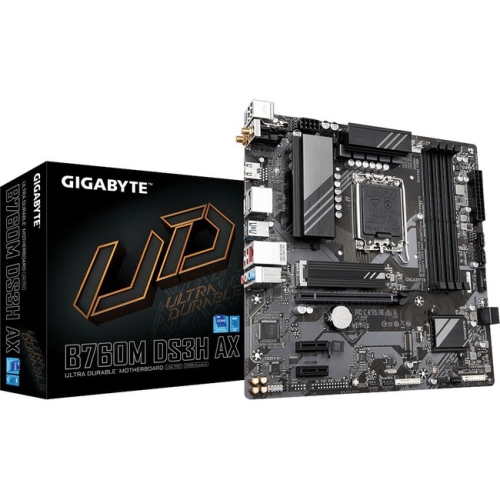
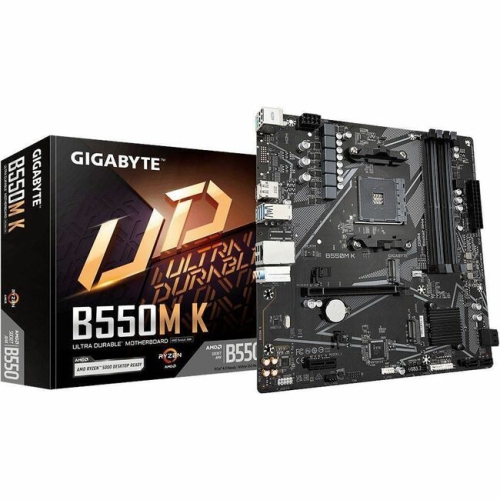
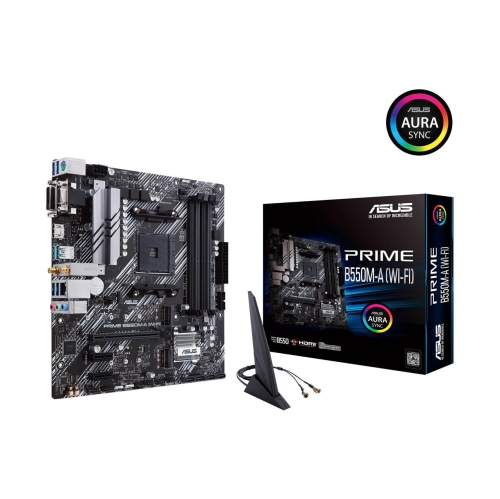
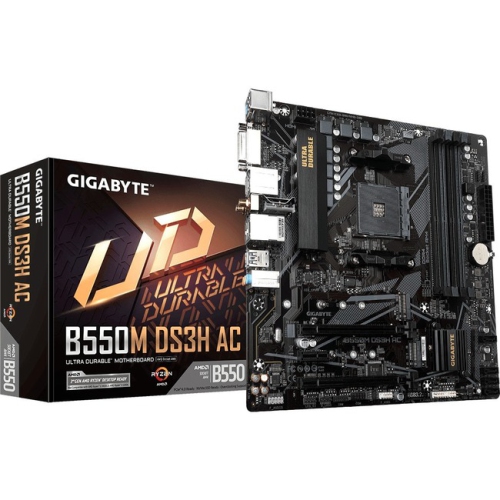
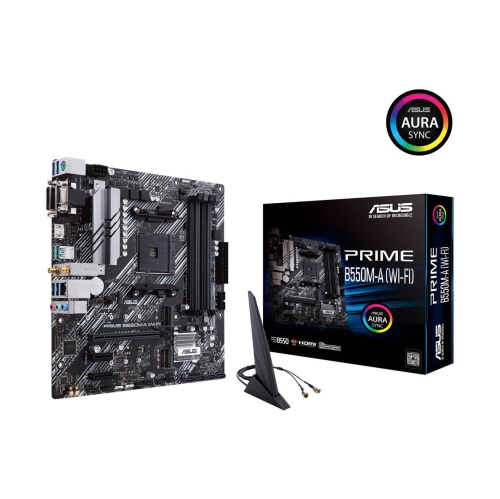
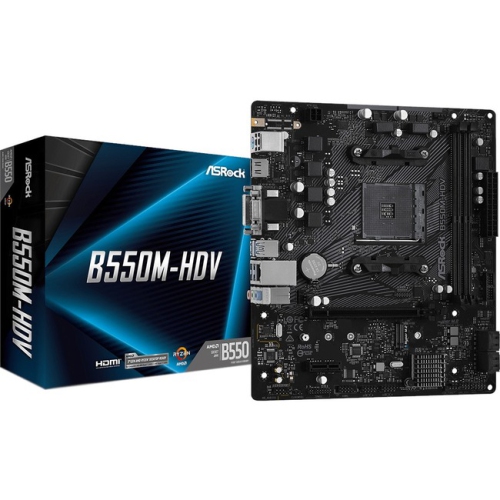
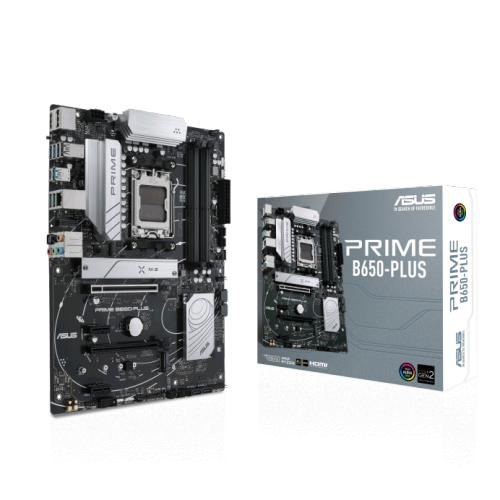
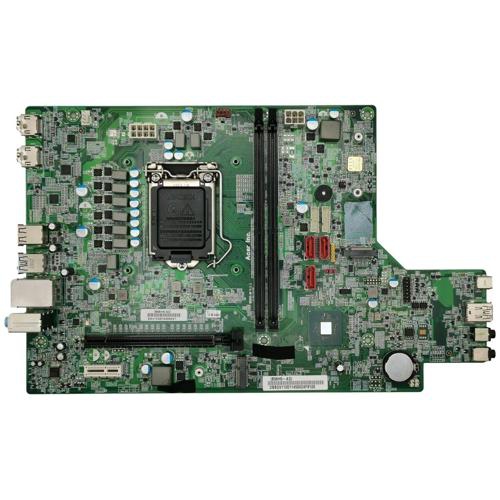

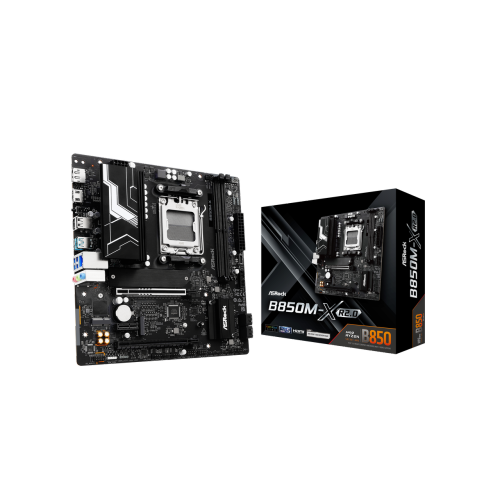
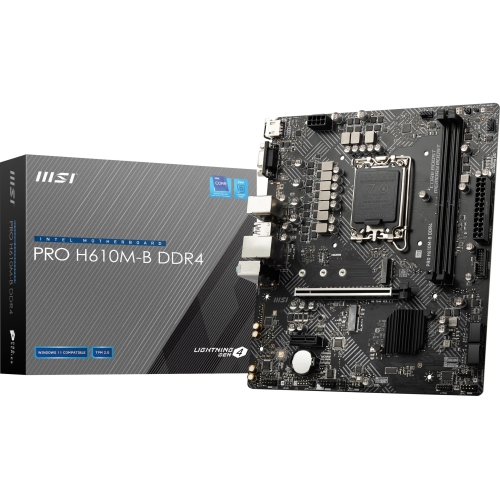
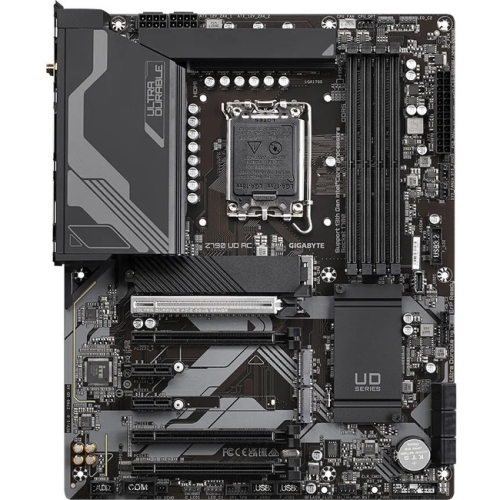
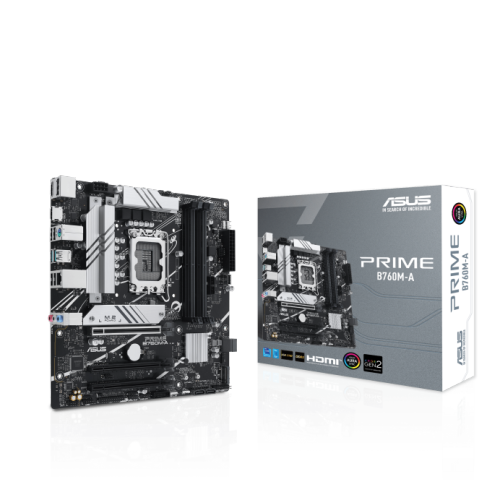
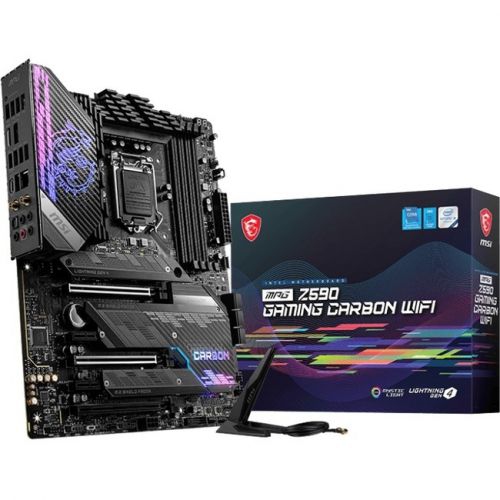
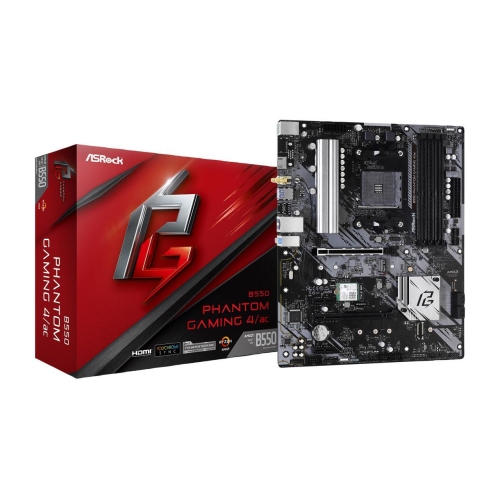
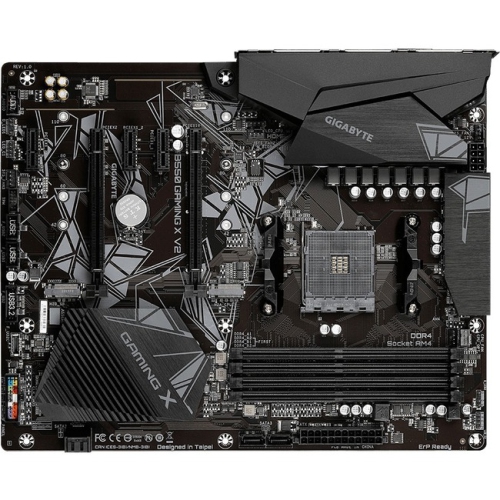
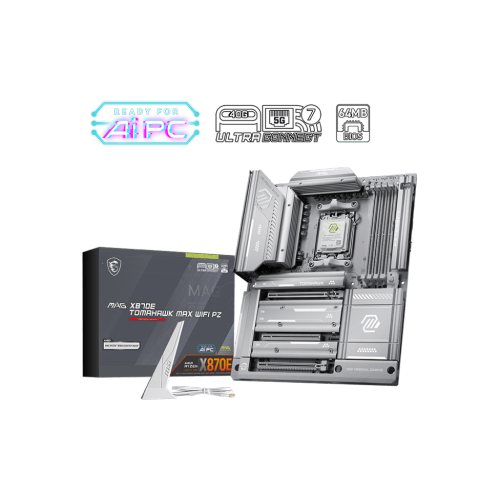
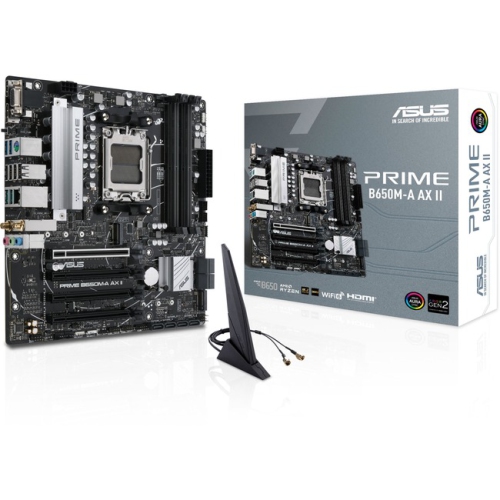
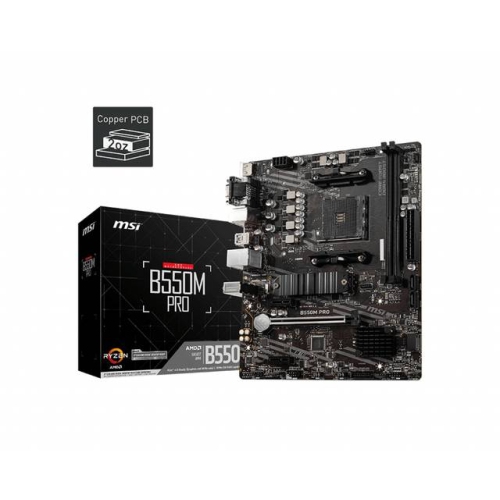
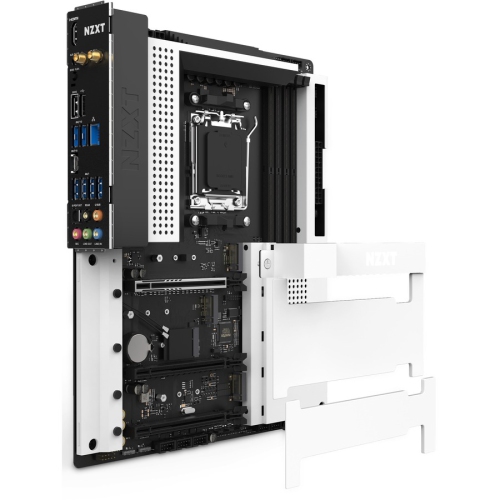
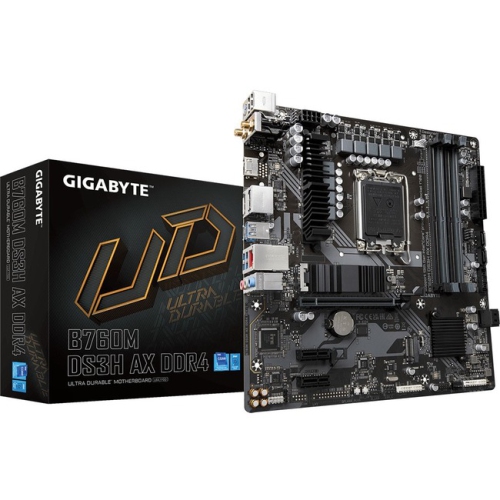
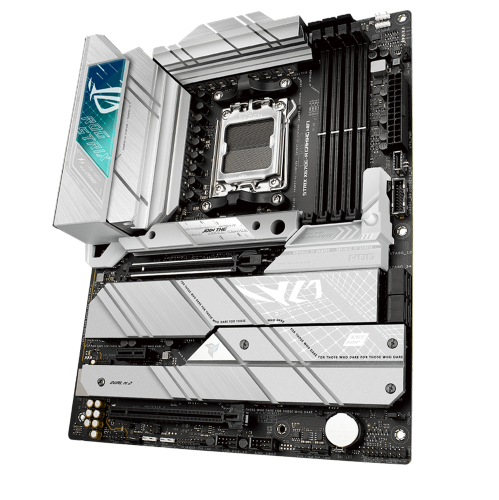
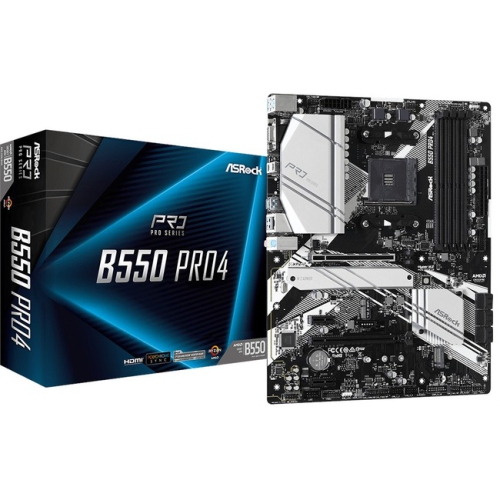

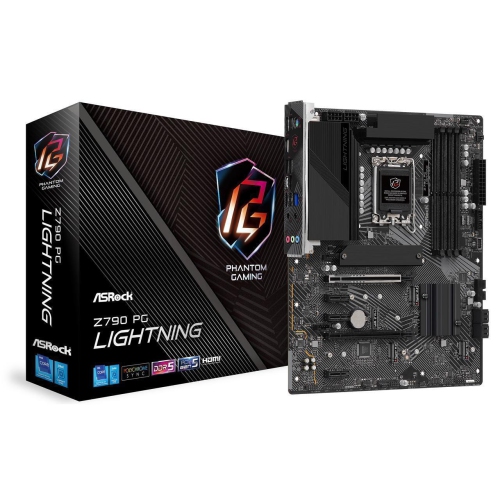


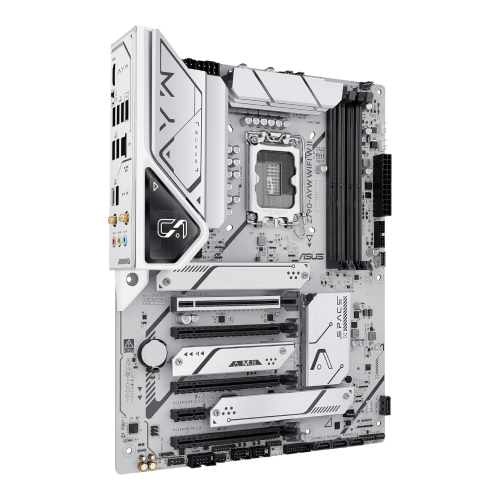

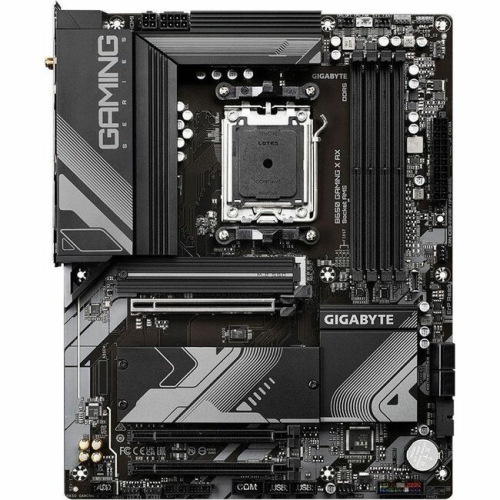
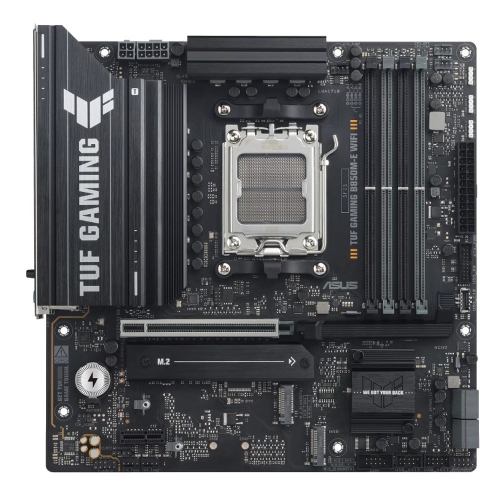
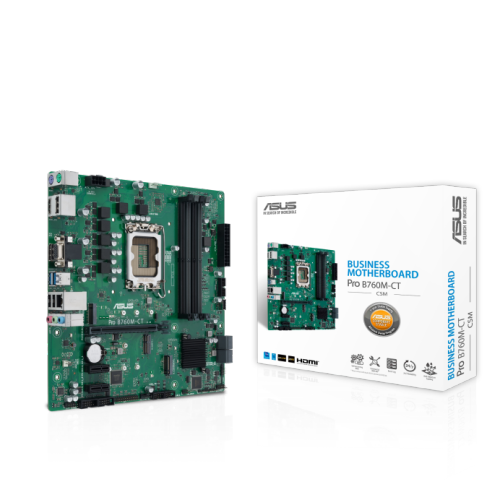
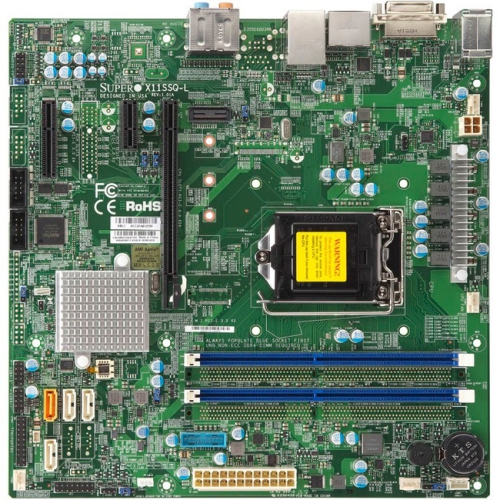
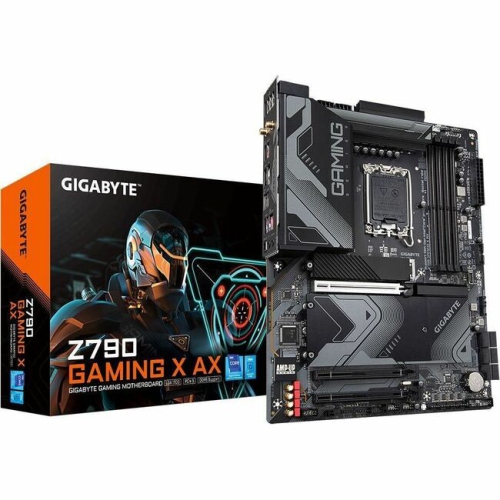
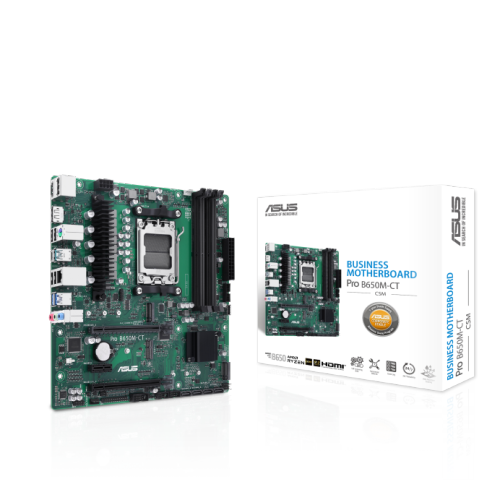
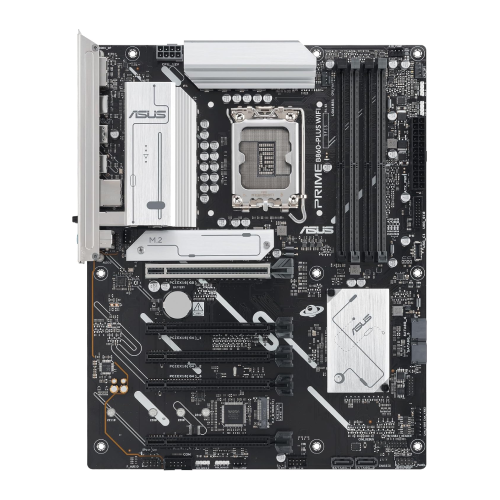
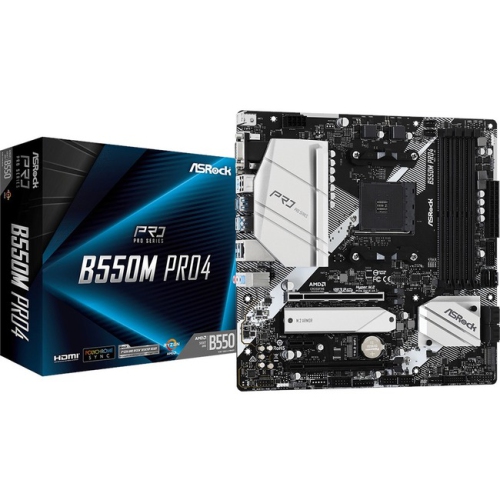
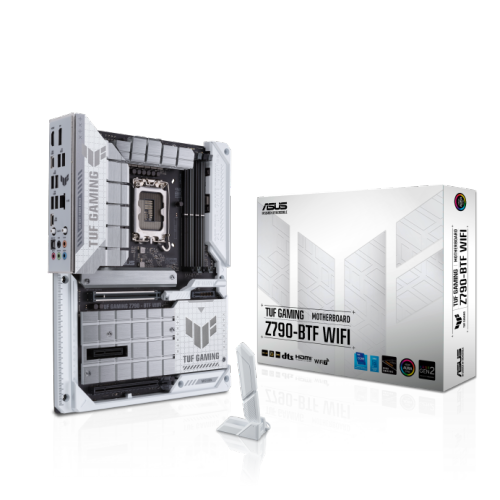
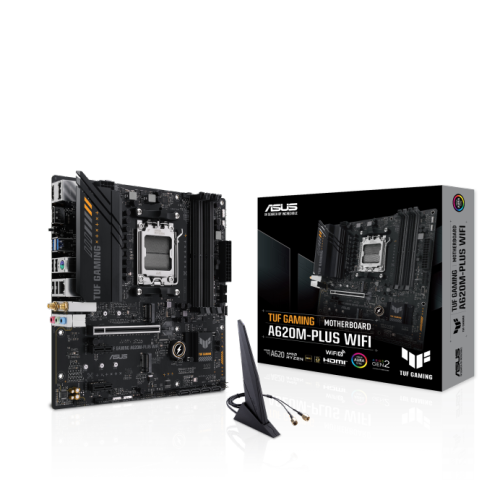
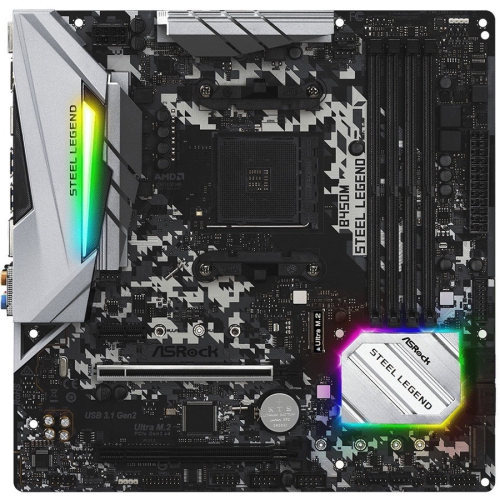
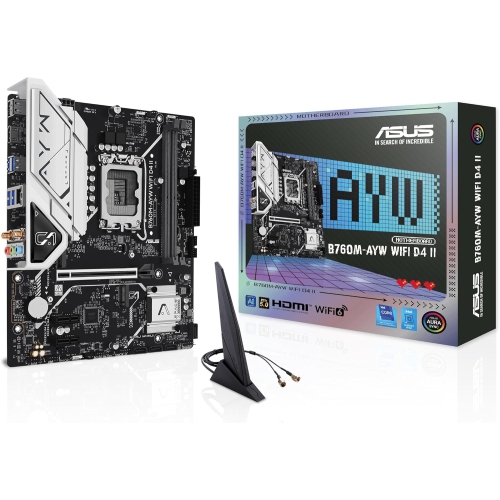

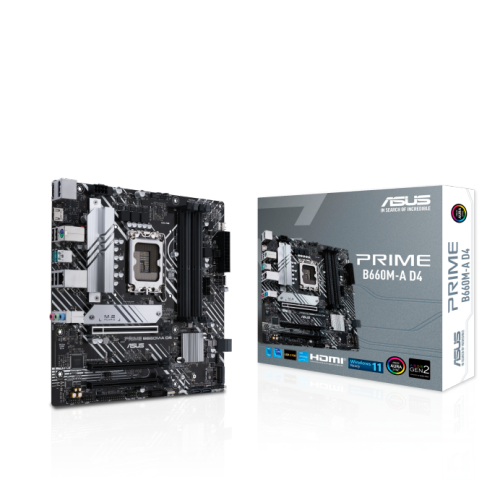
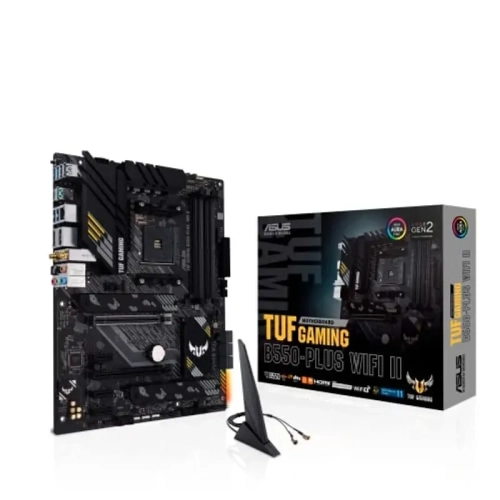
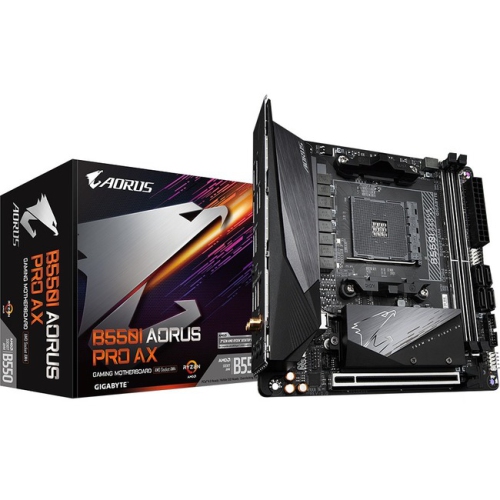
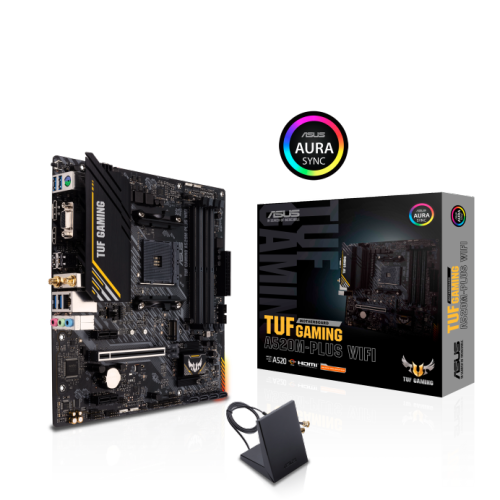
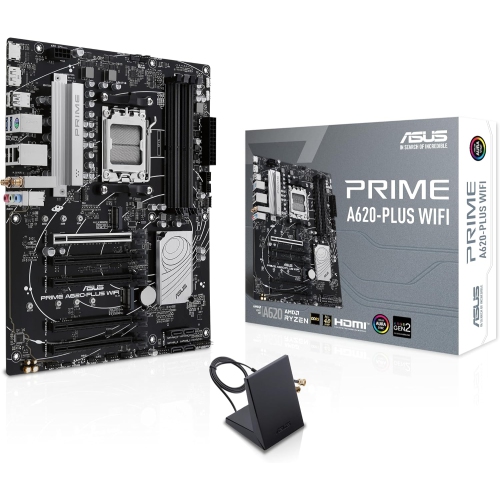
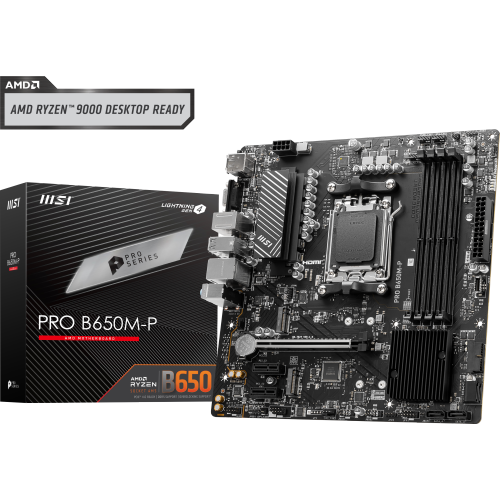
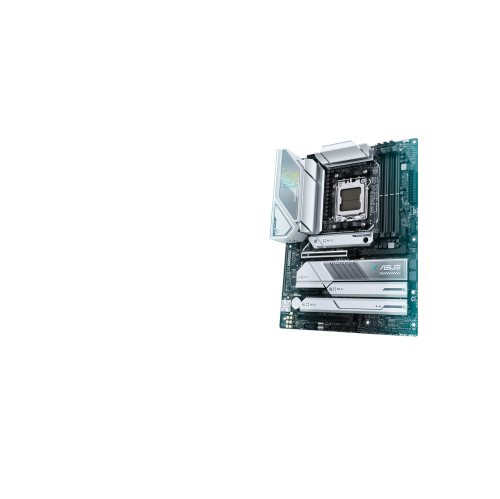
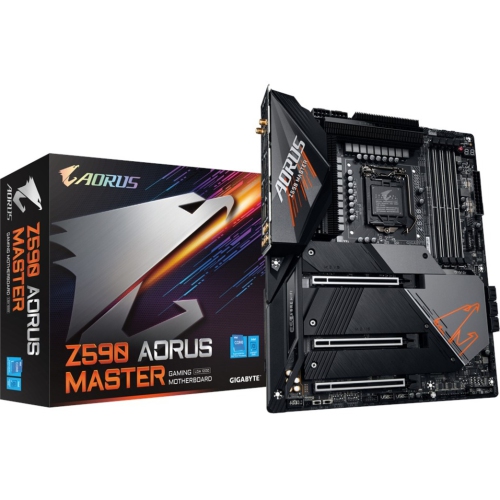
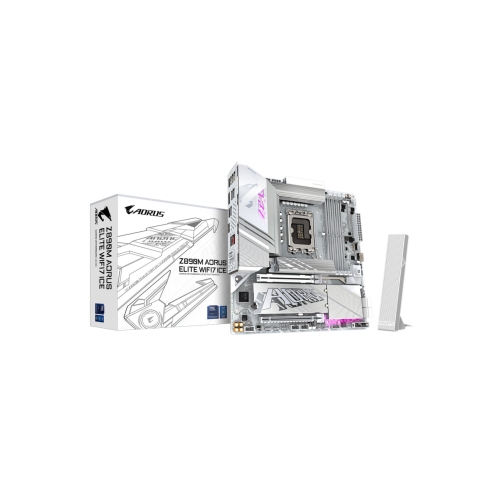
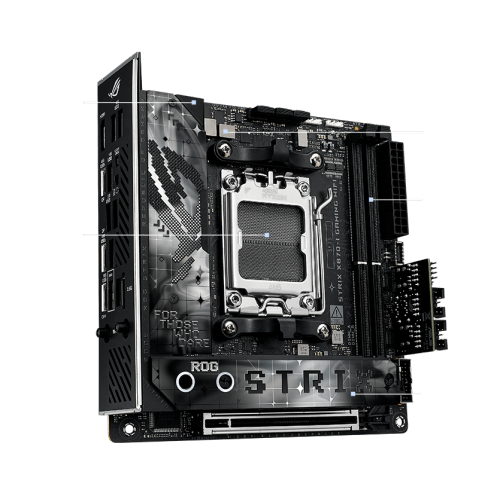



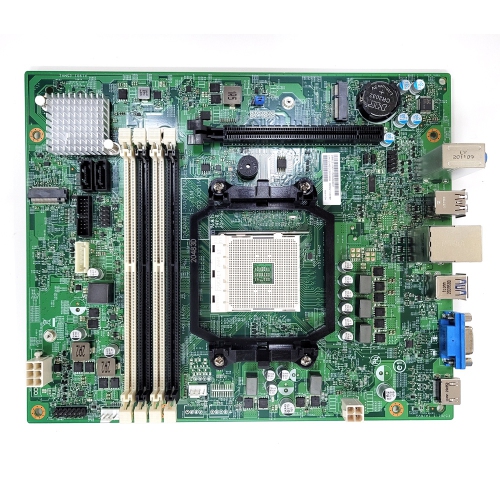
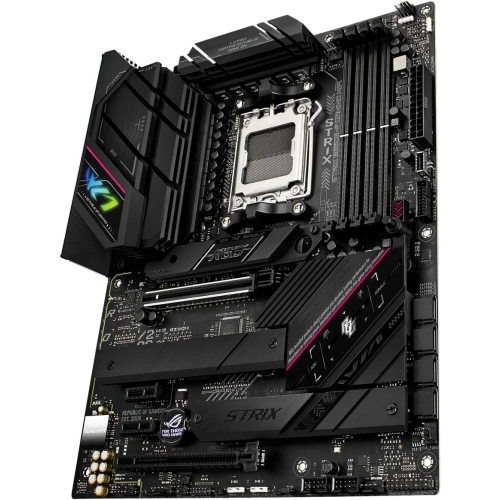
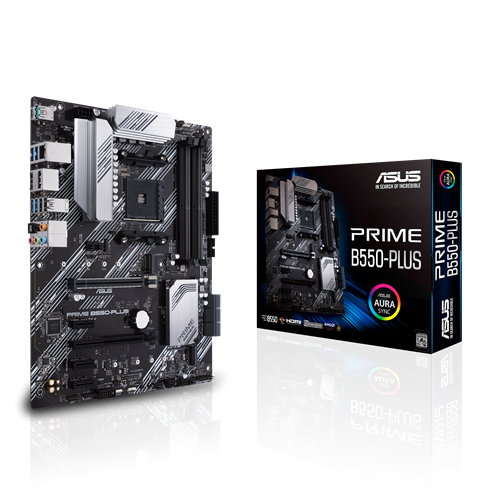
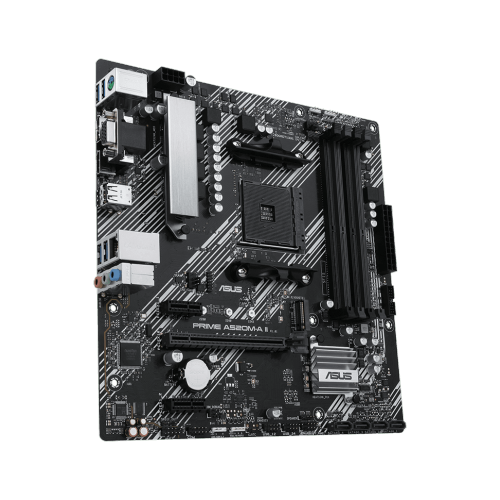
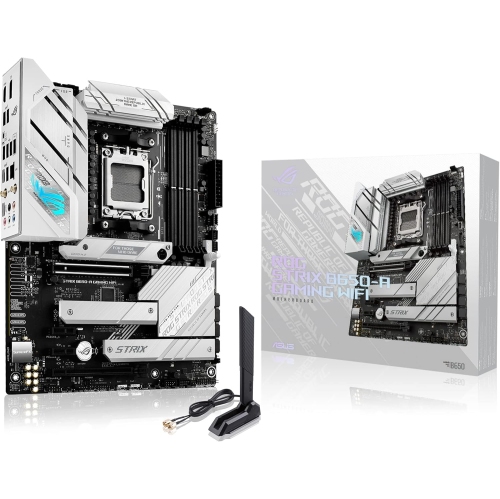
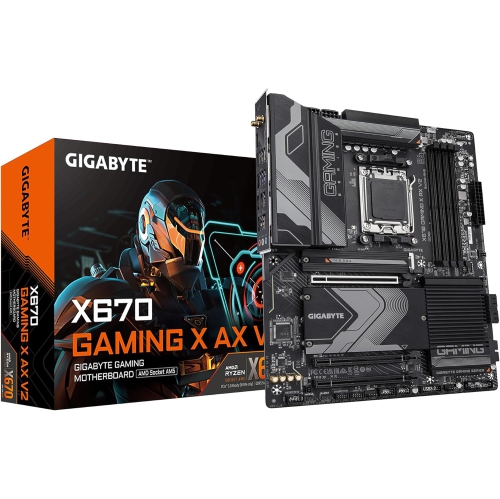
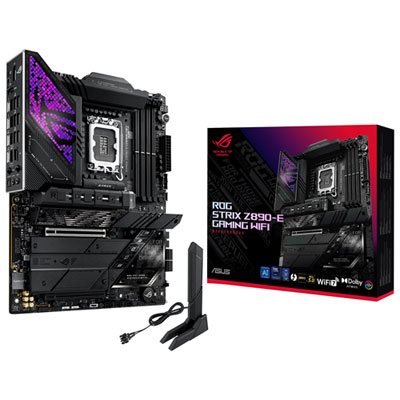
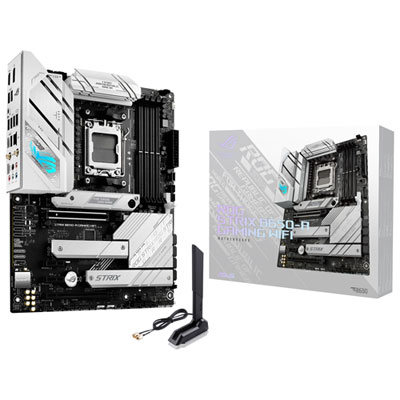

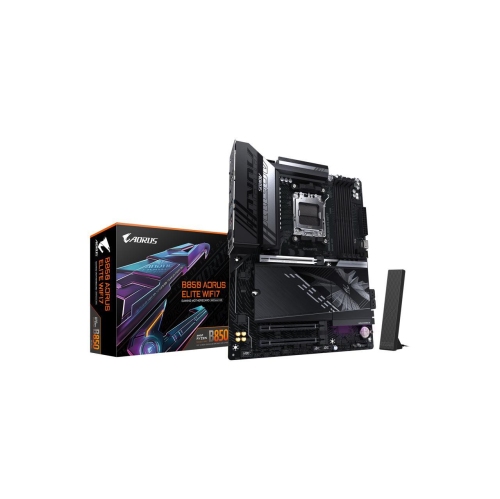
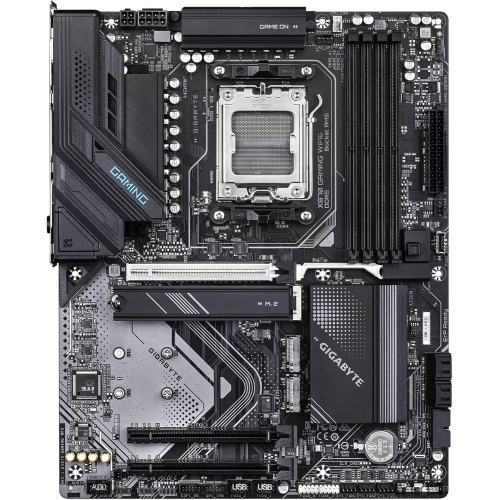
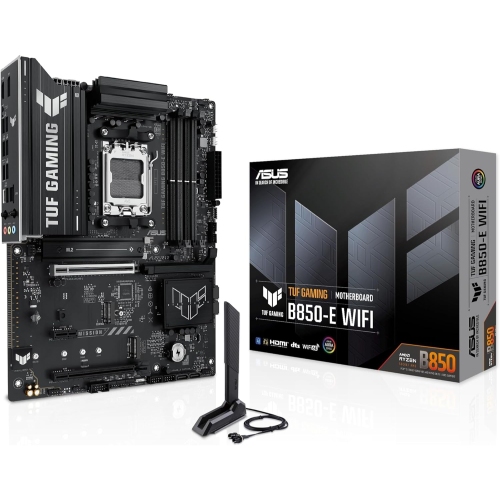
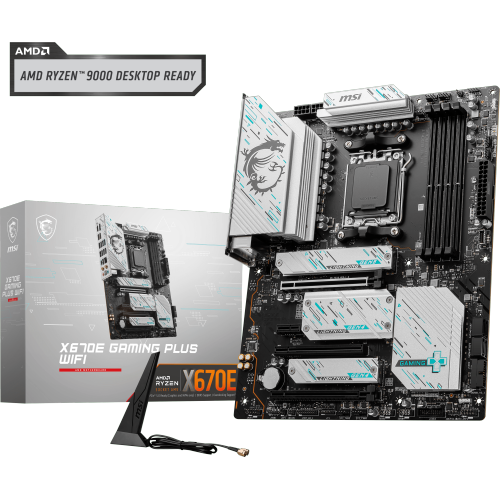
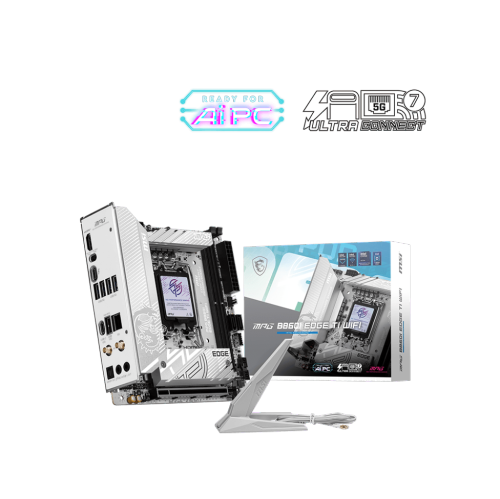
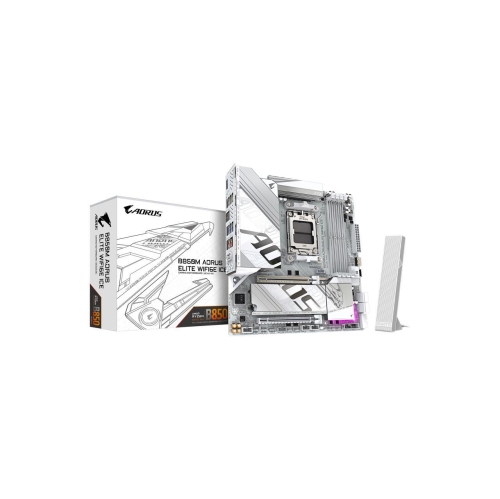

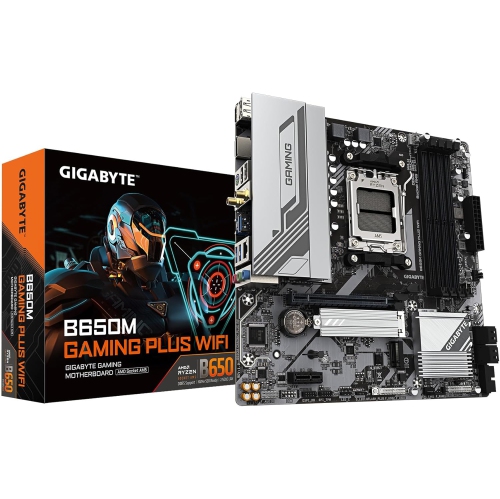
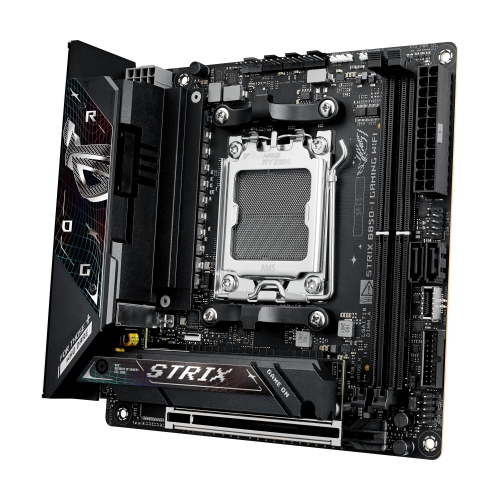
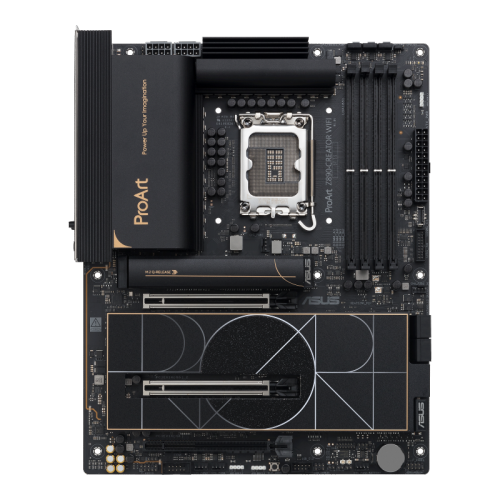
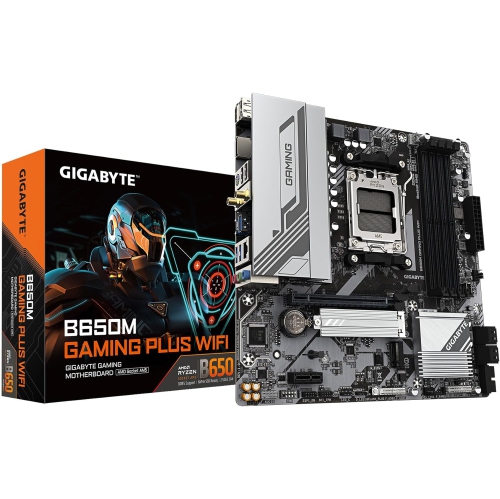
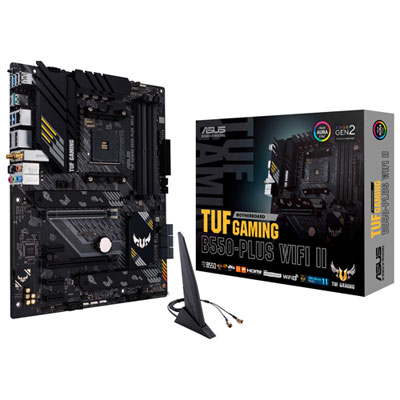
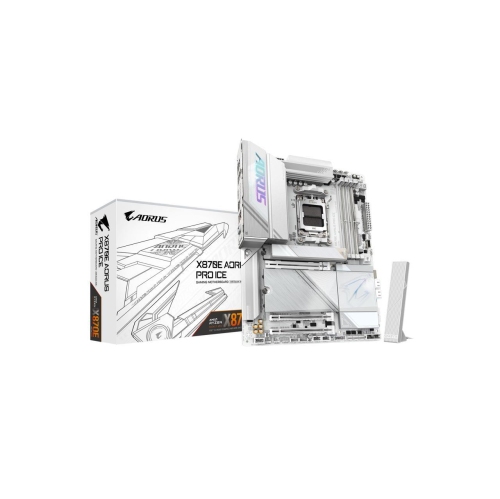
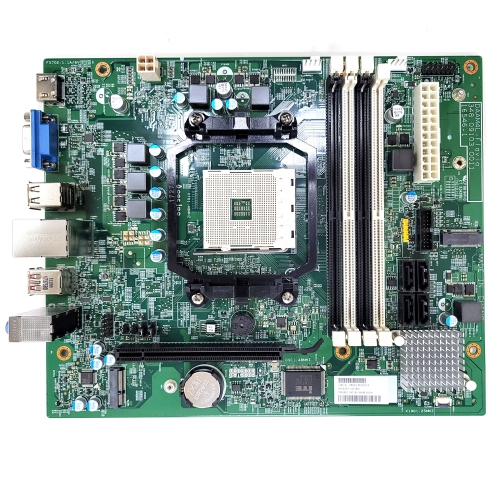
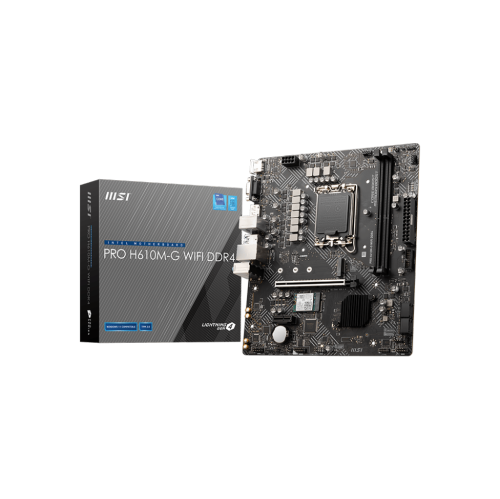
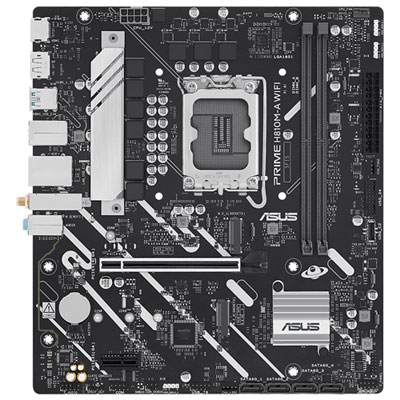
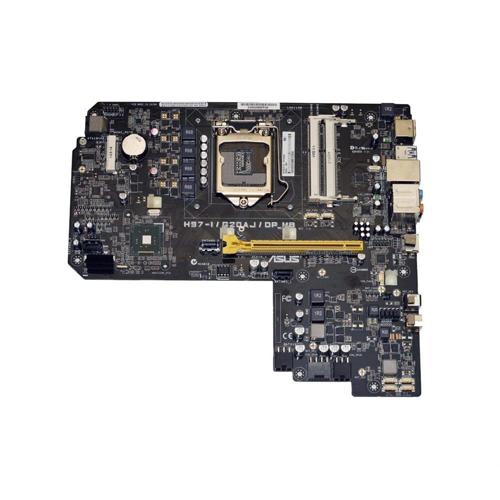



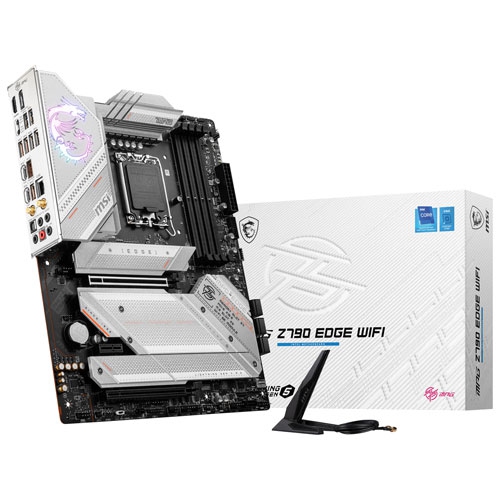
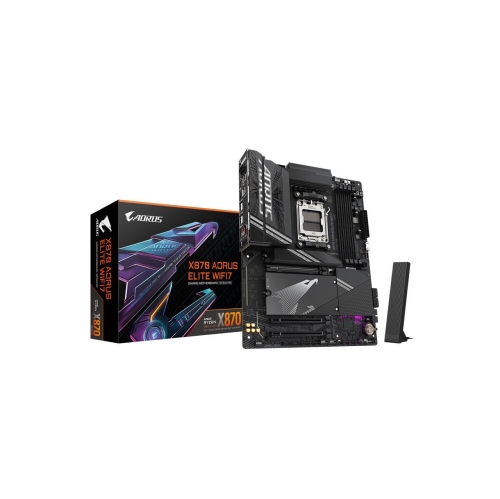
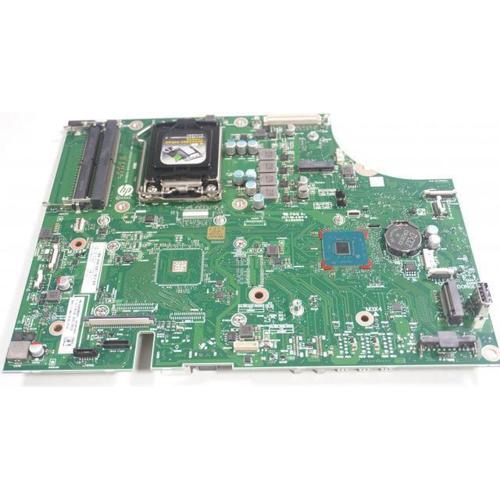
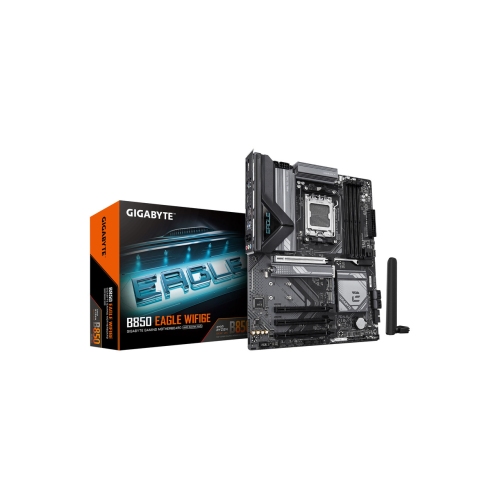
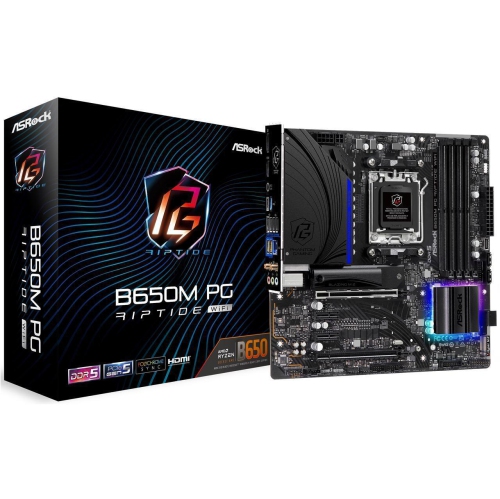
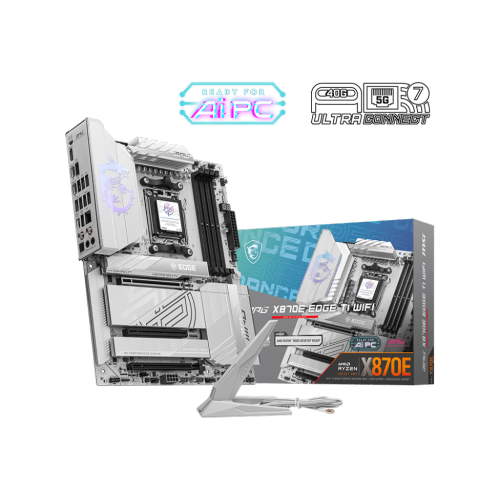
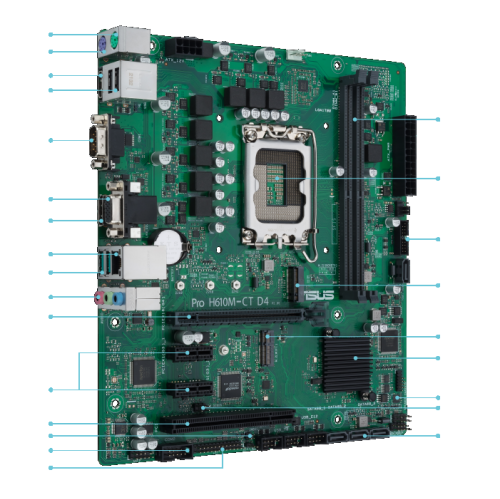
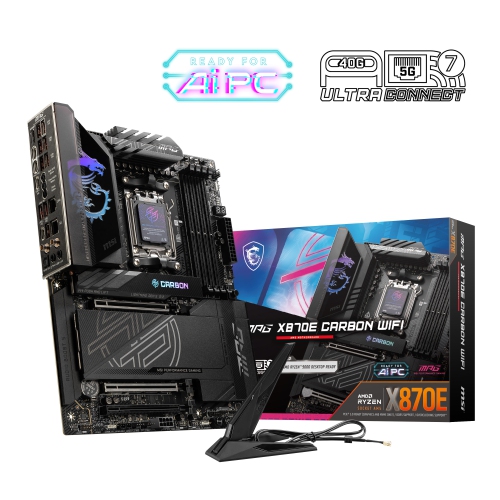

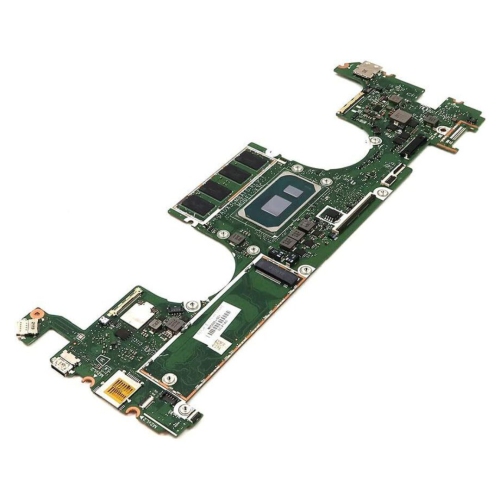
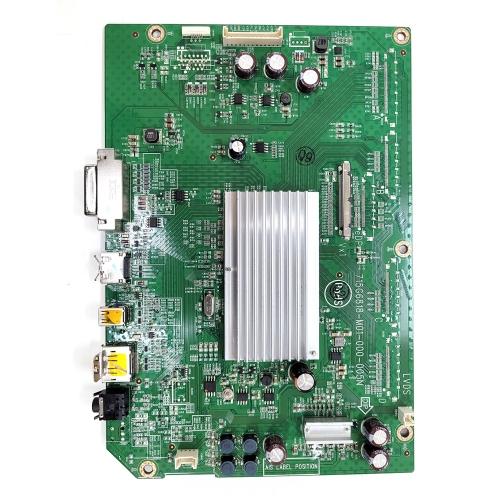

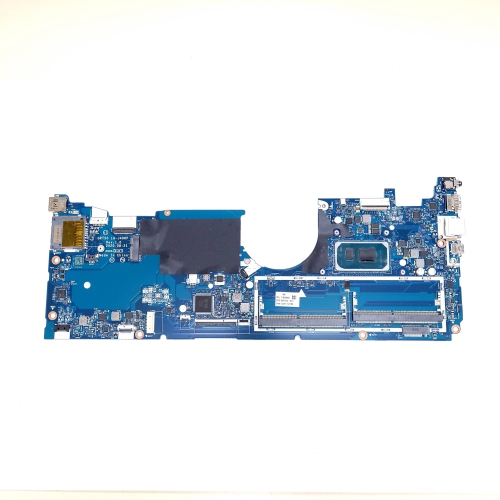
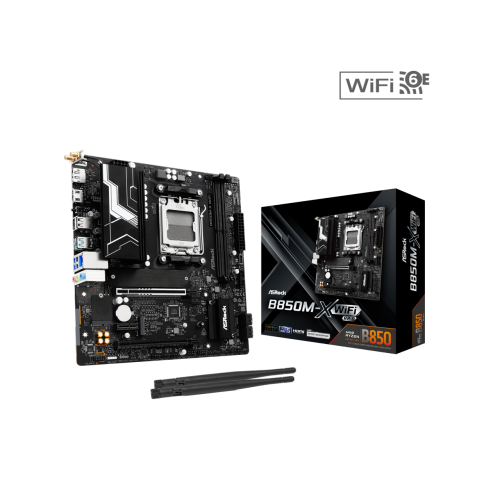


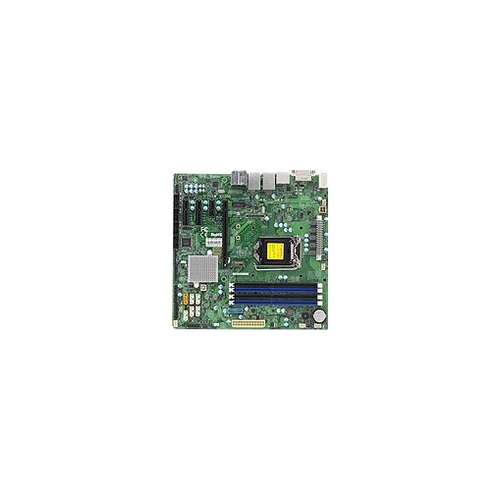
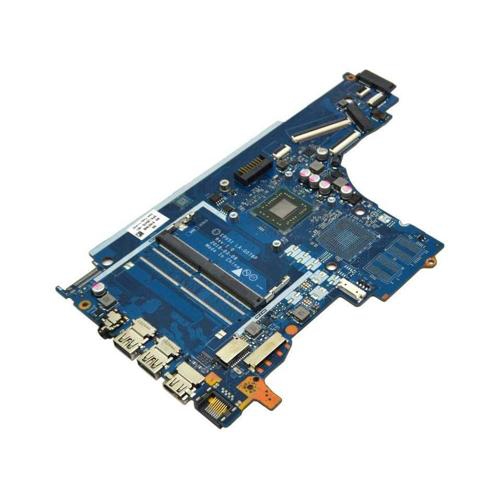
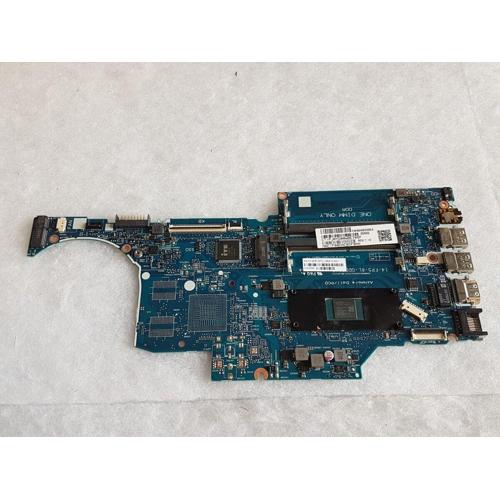
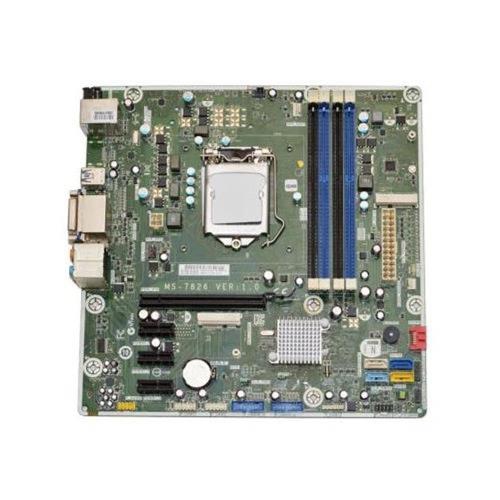
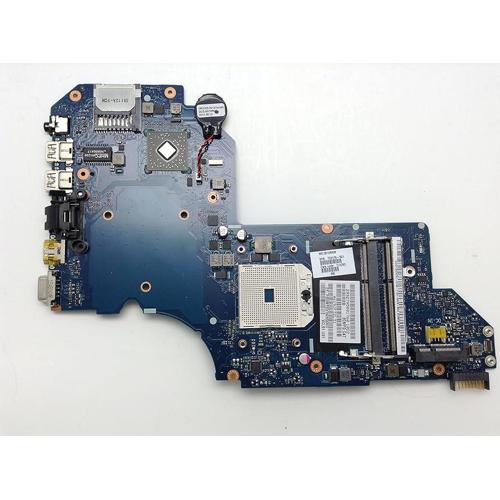
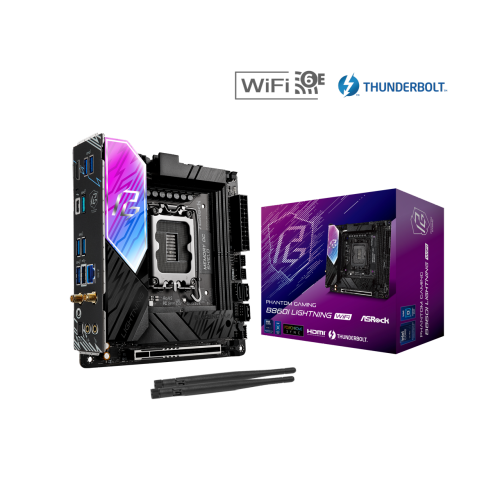
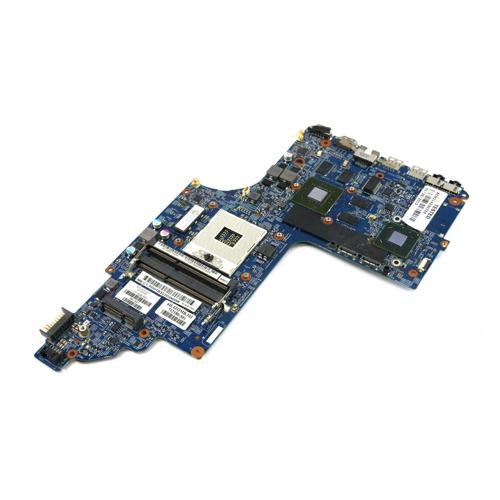
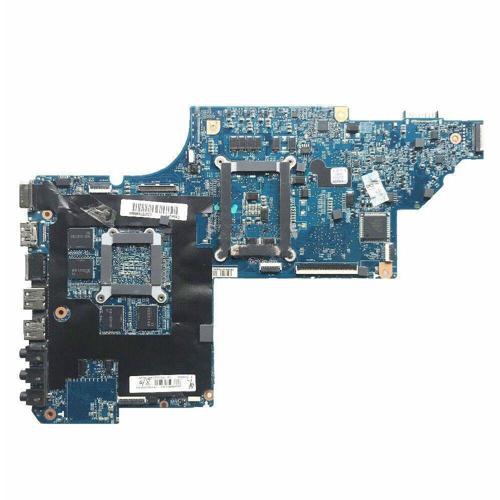
Why motherboard HDMI output depends on your processor
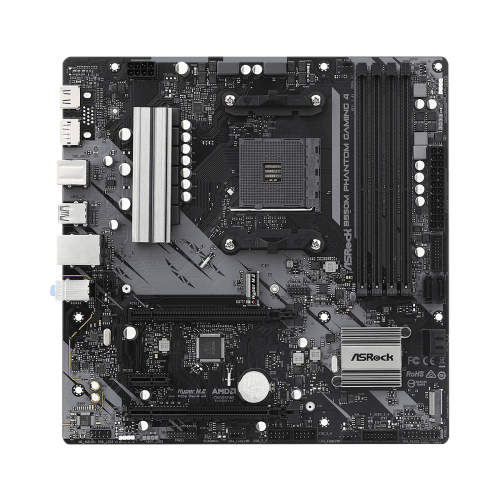
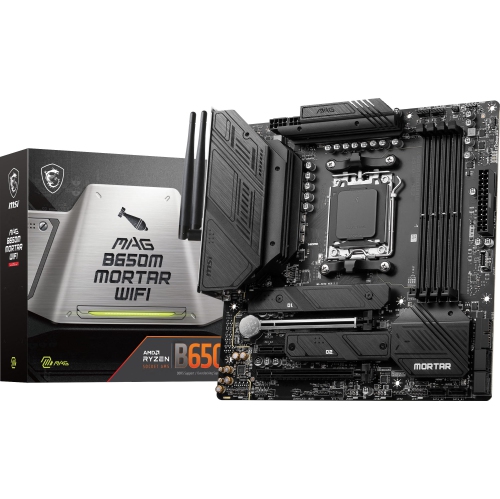
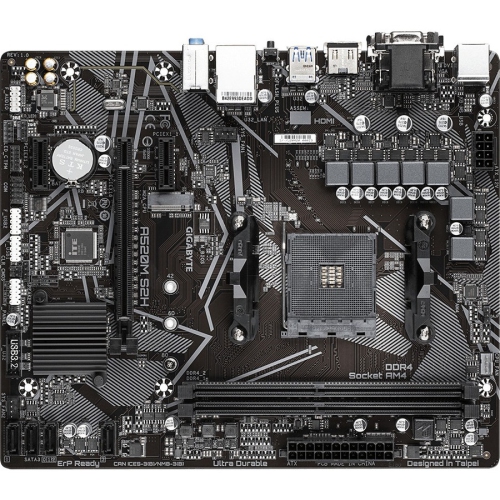
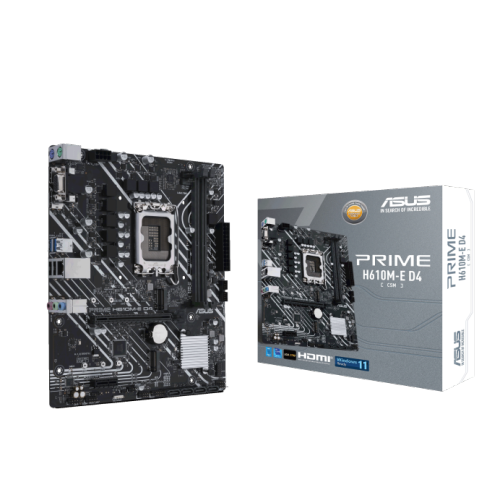
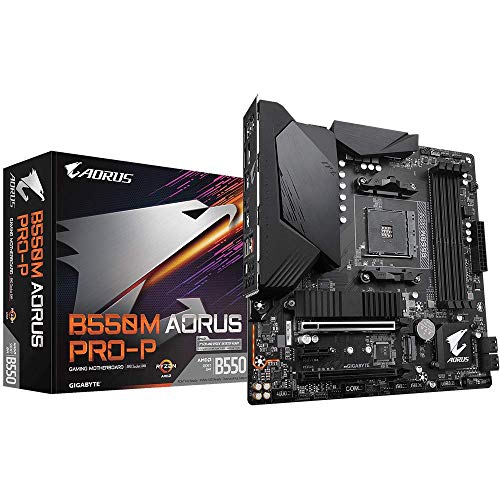
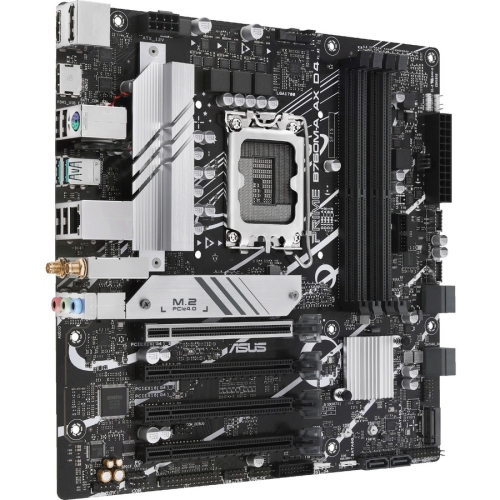
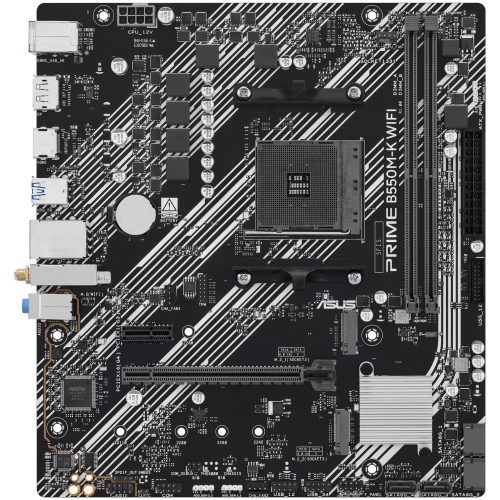
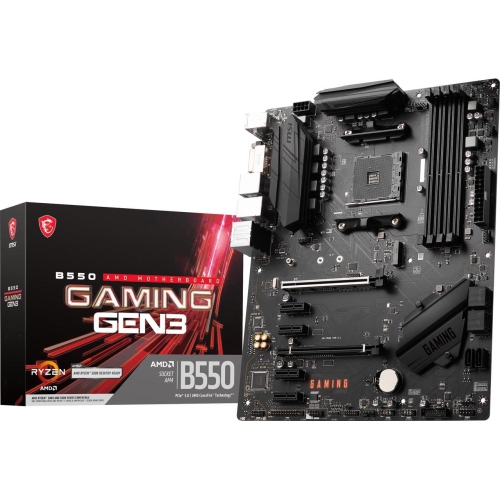
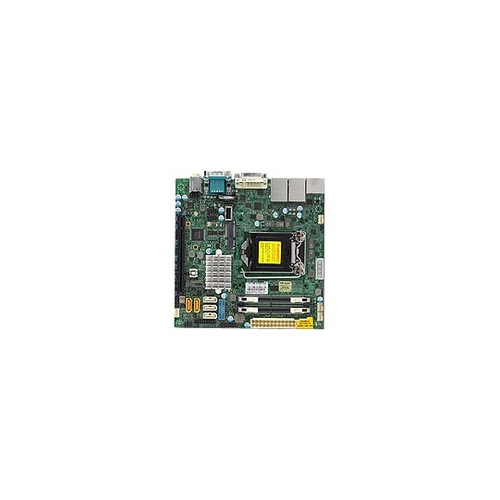
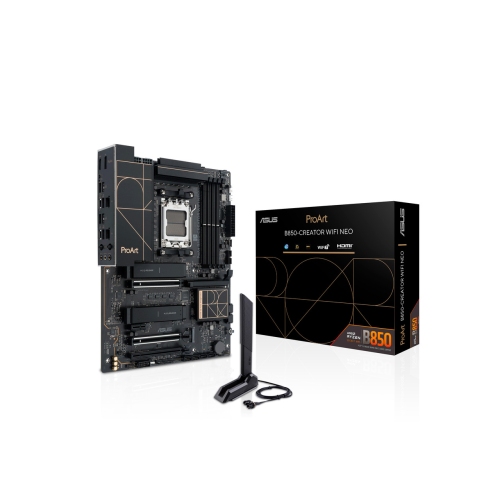
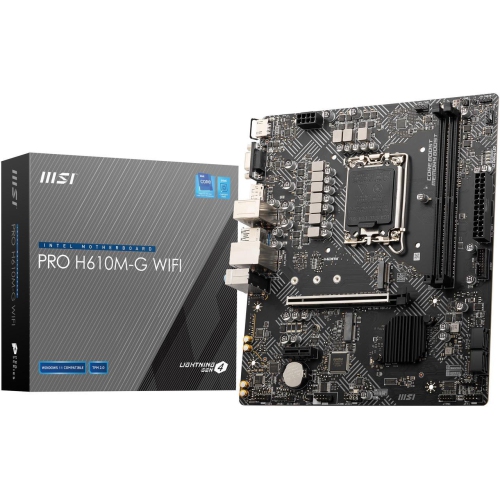
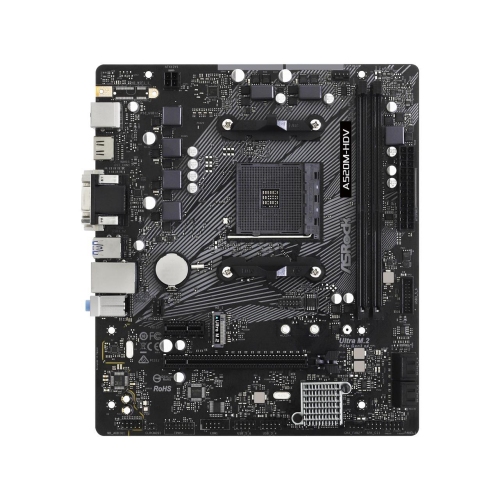
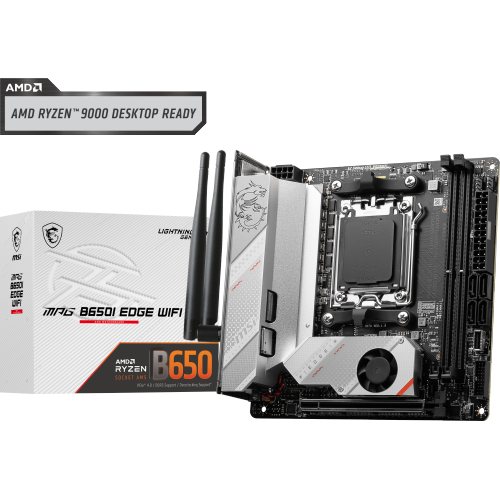
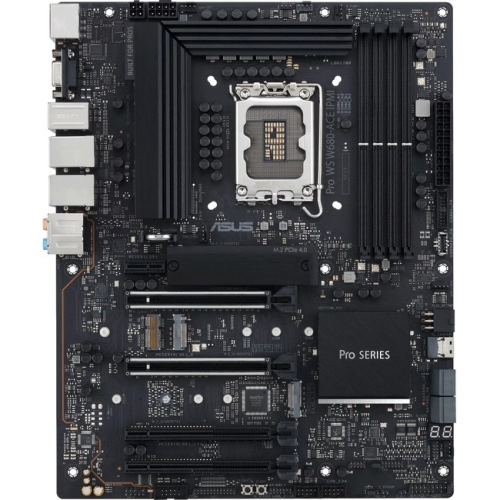
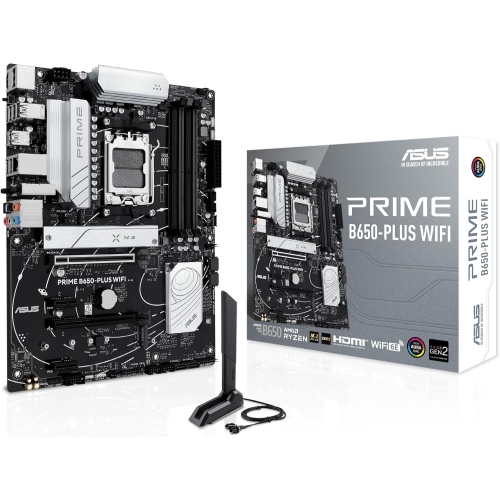
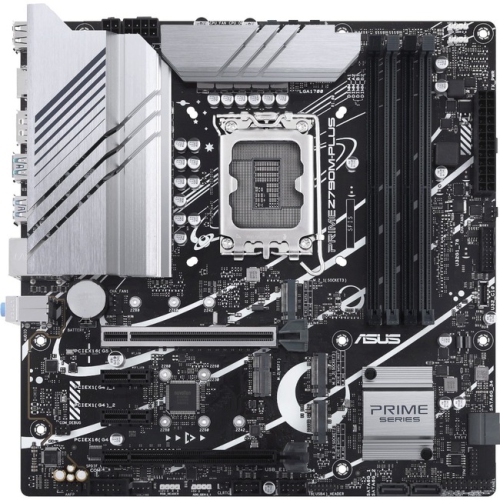
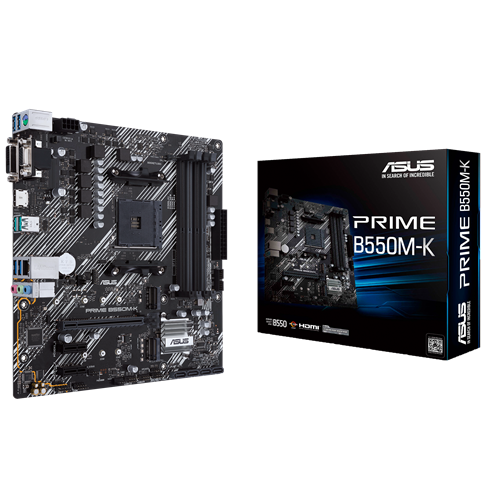
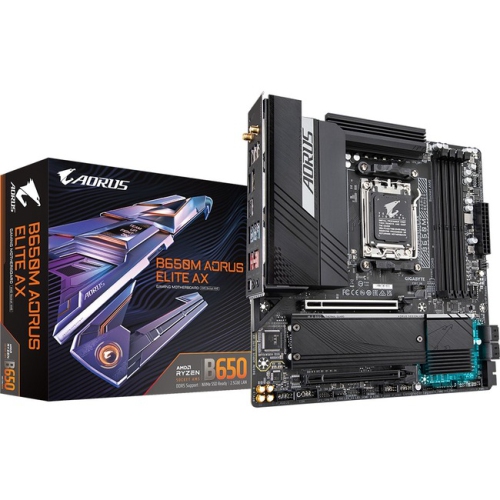
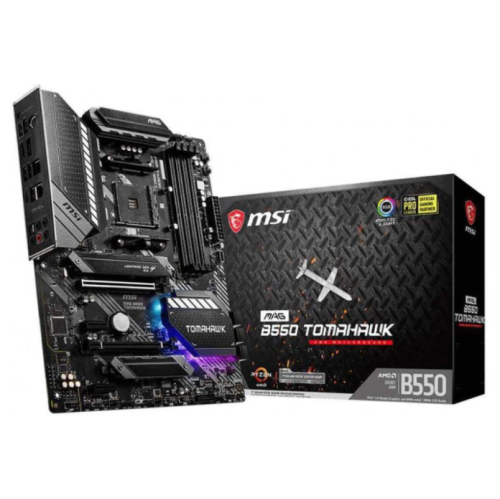
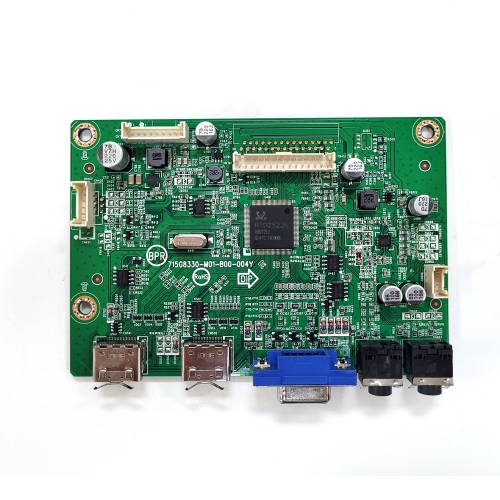
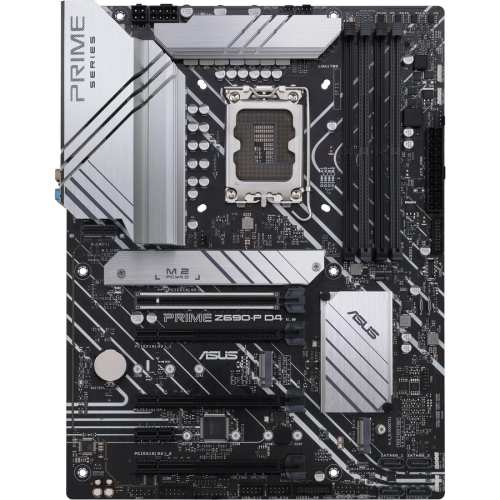
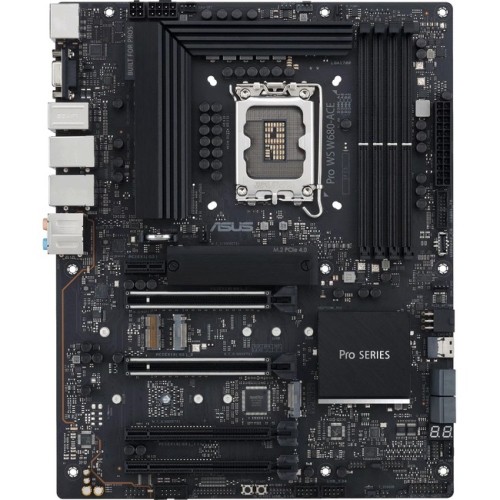
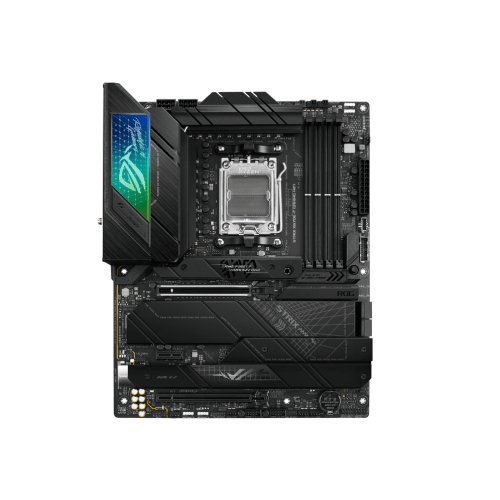
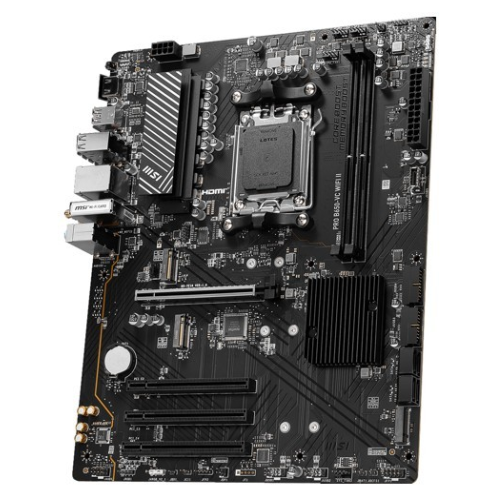
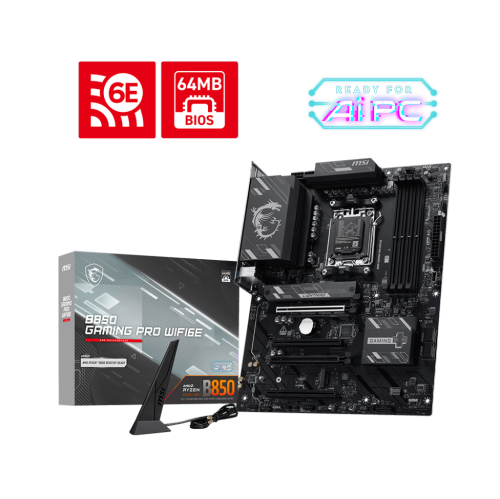
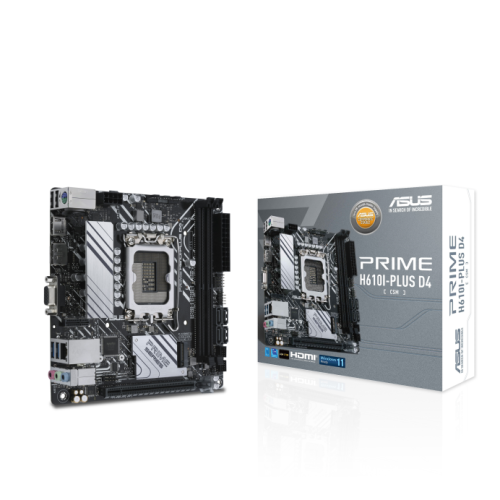
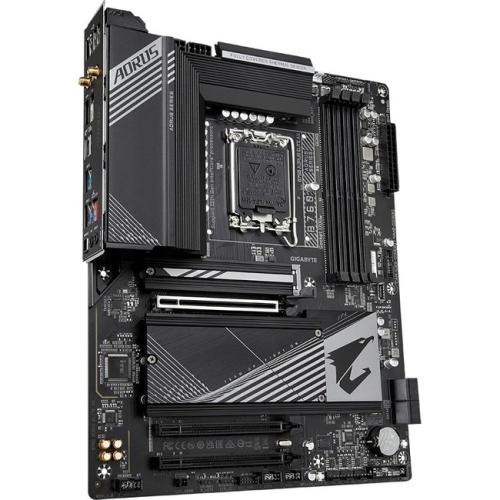
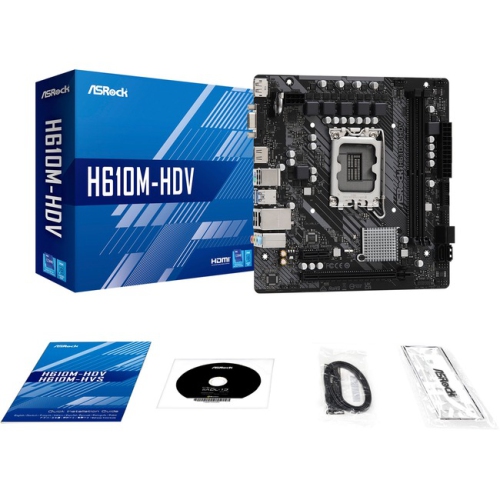
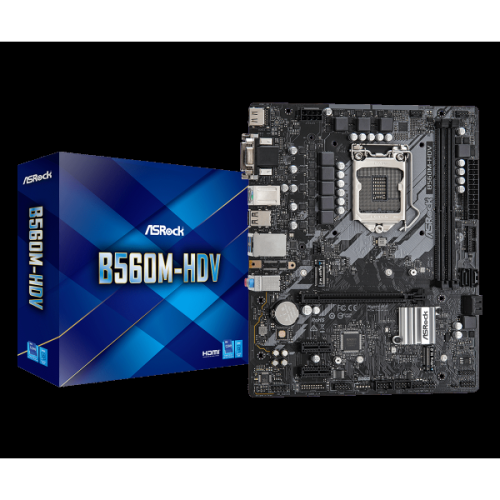
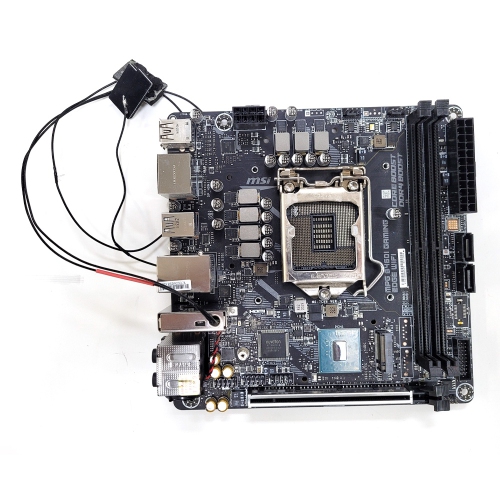
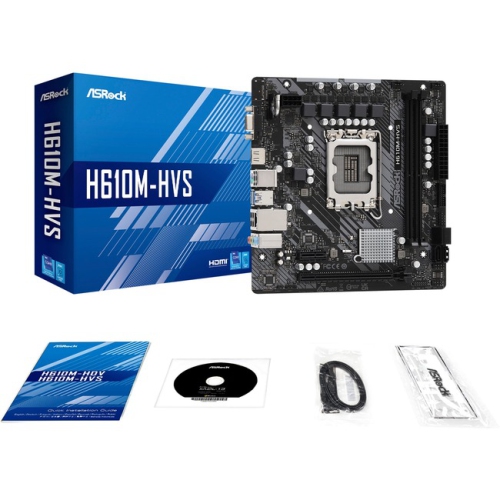
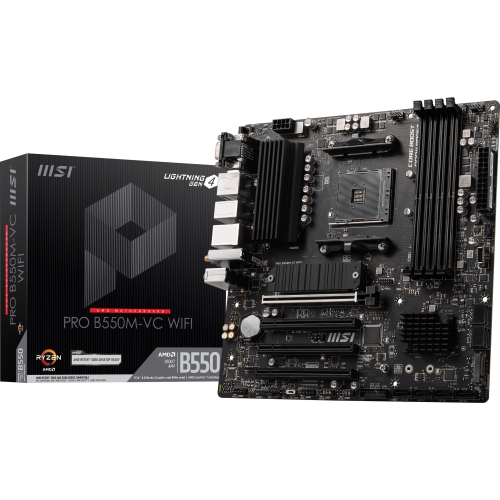
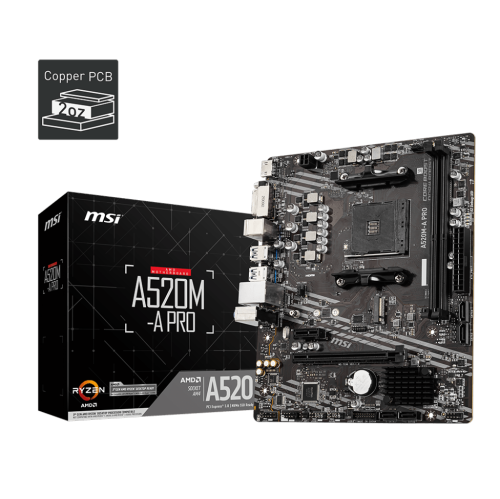
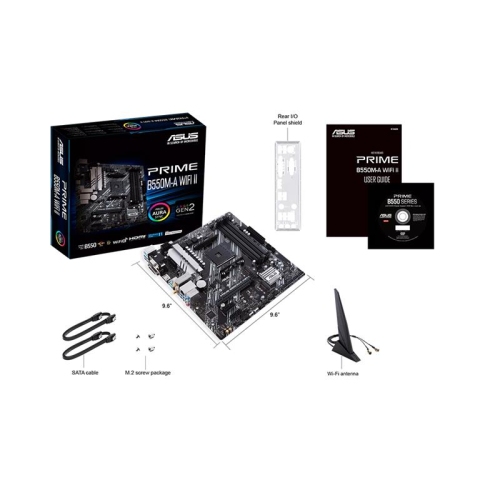
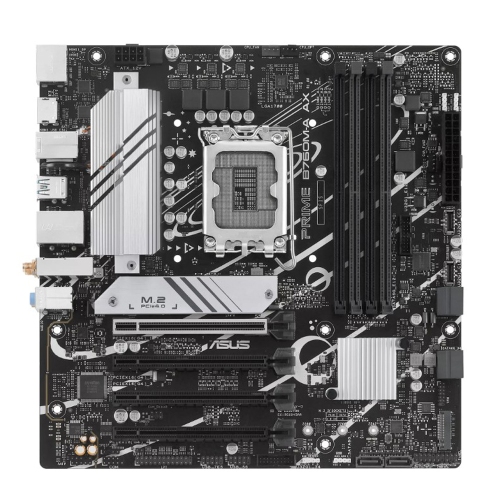
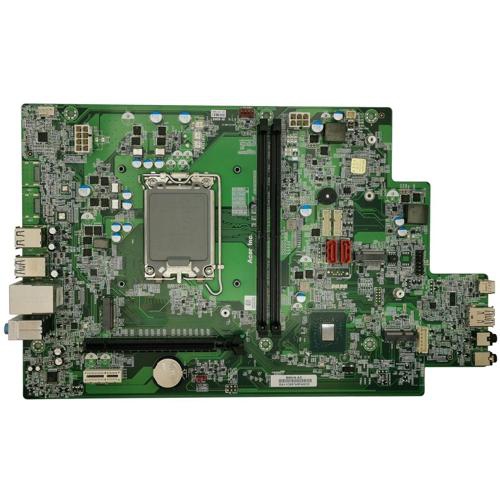
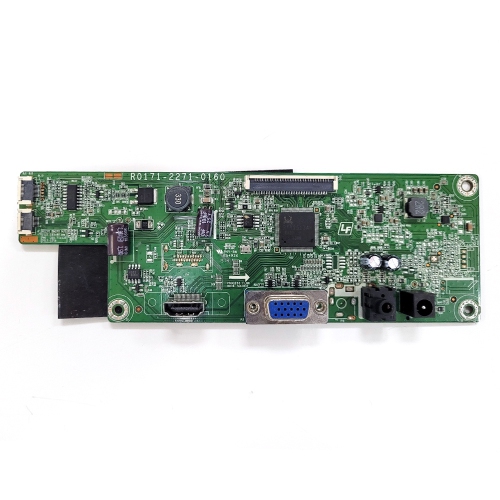
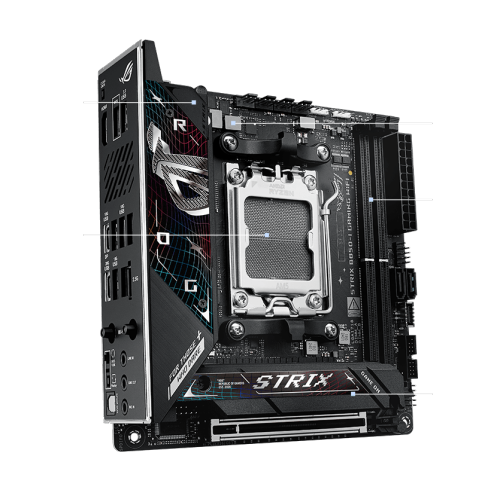
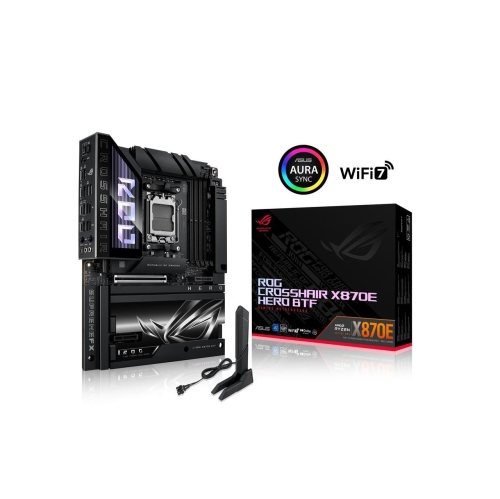
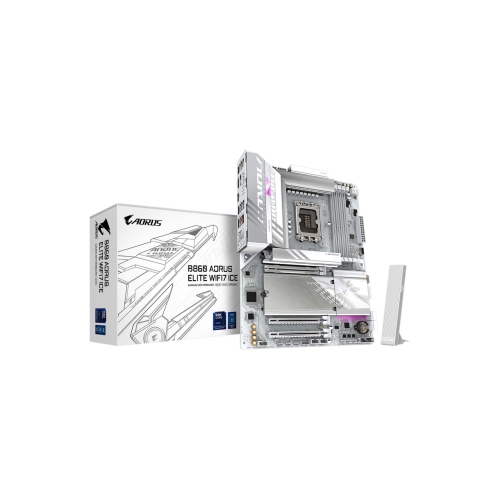
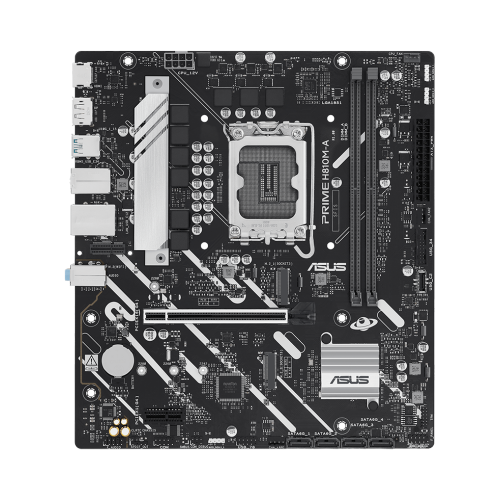
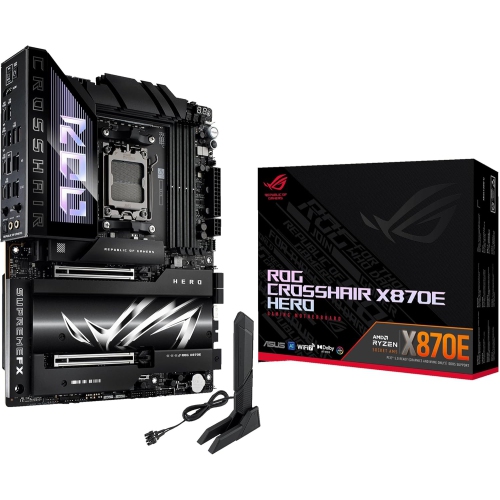
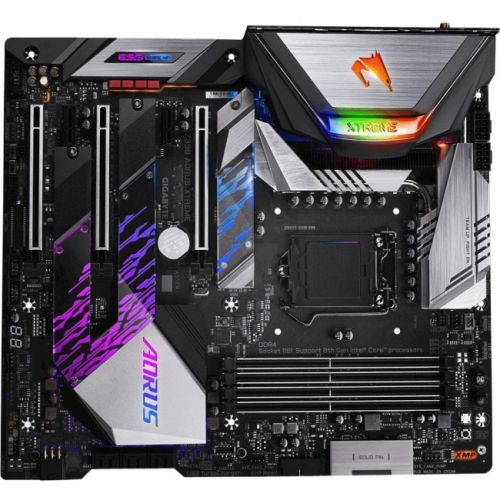
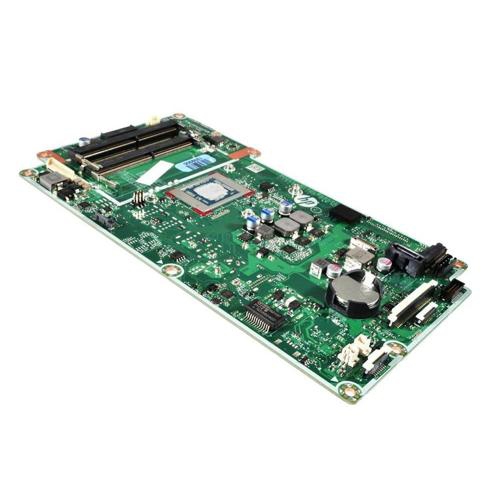
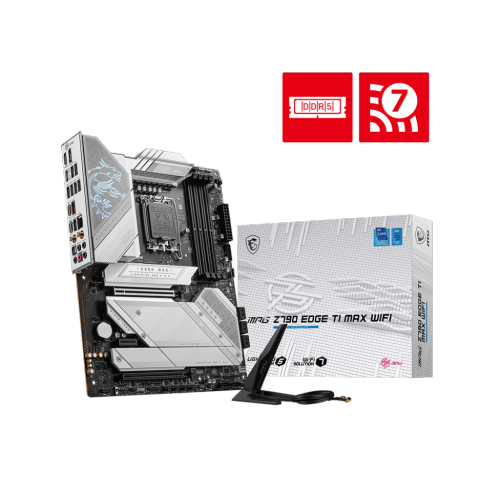
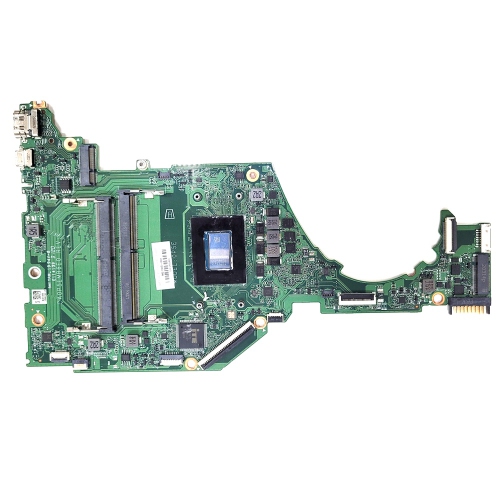
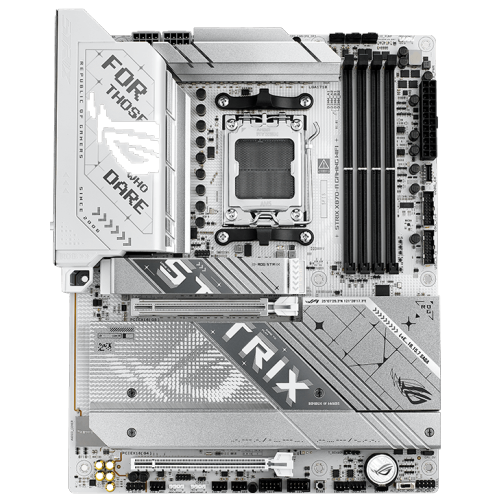
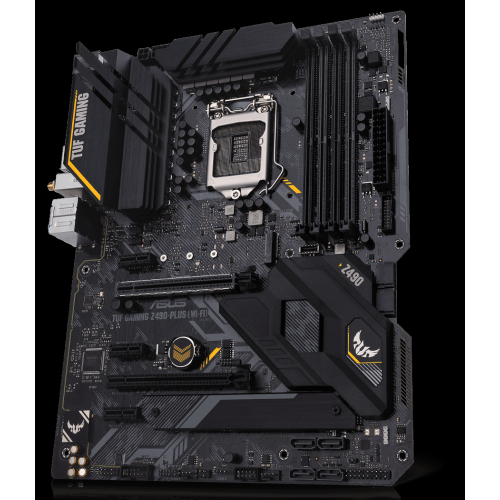
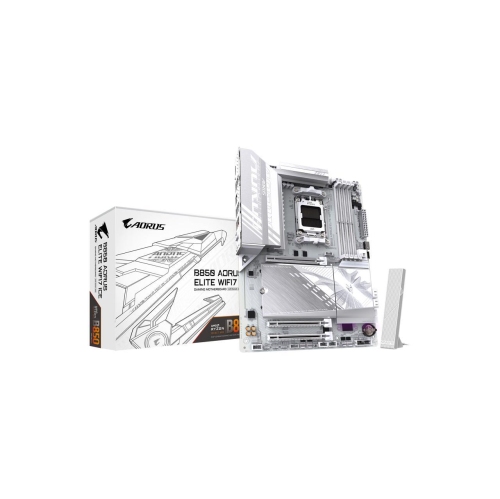
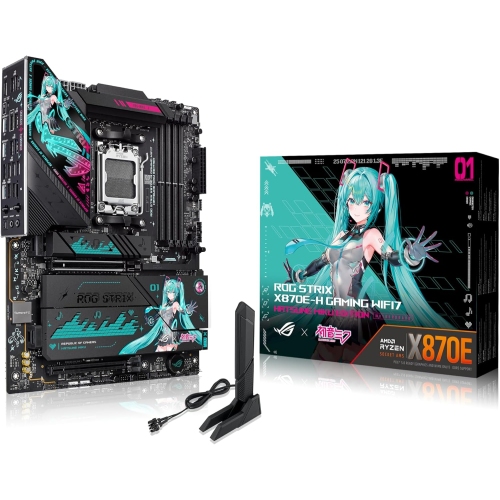
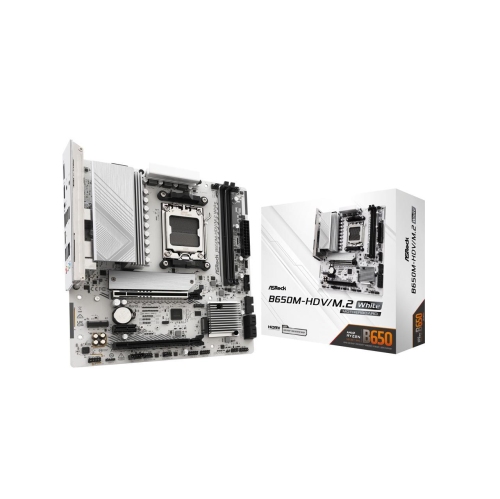
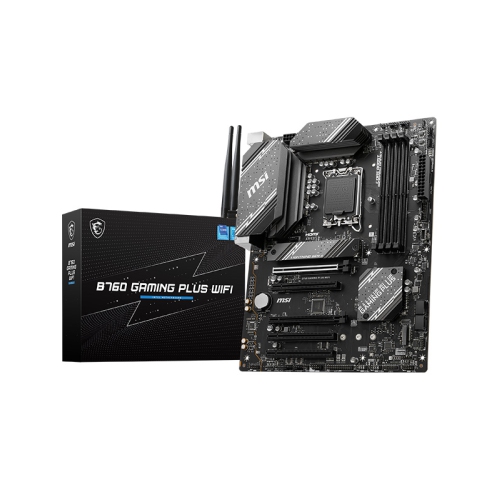
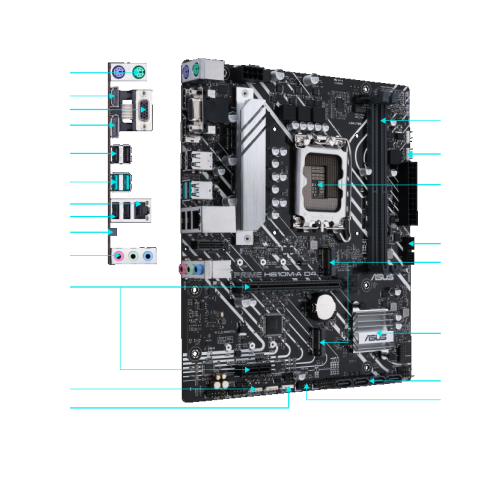
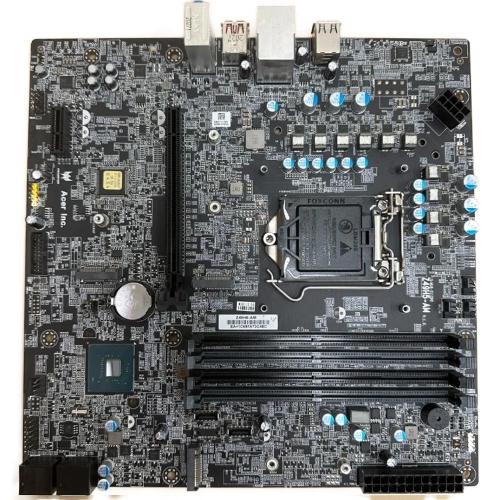
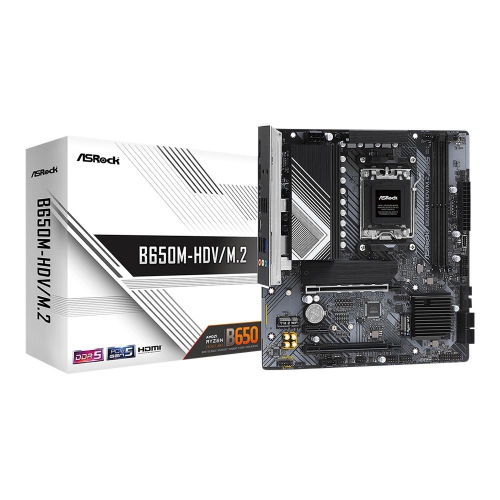
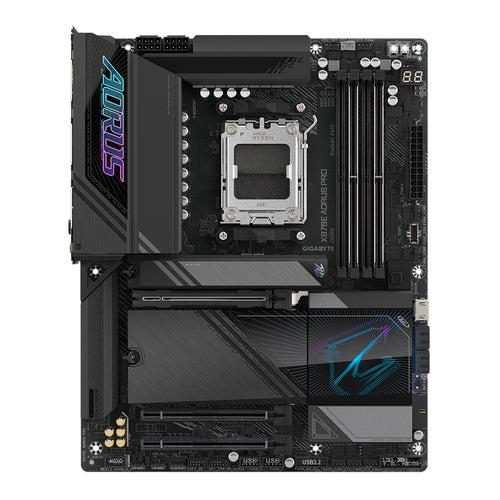
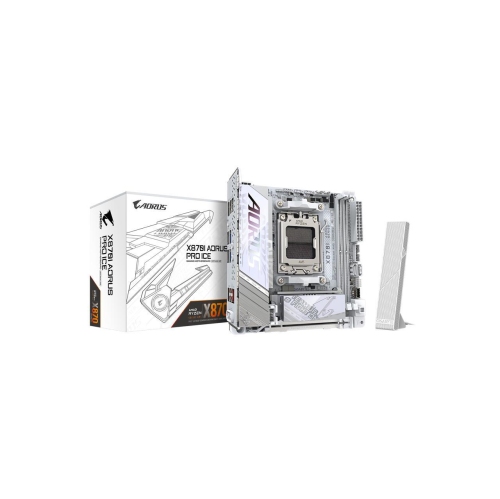
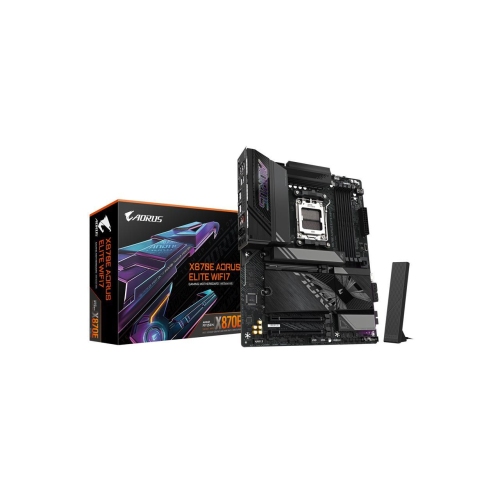
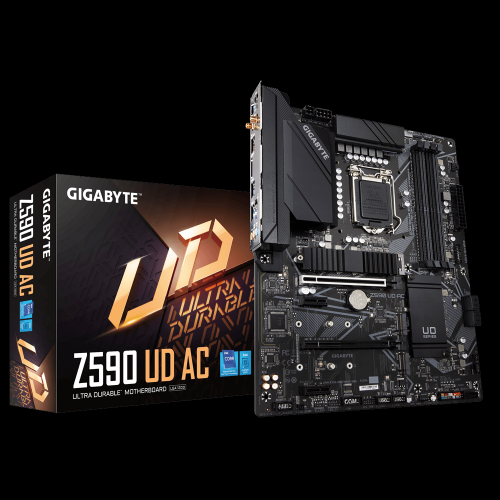
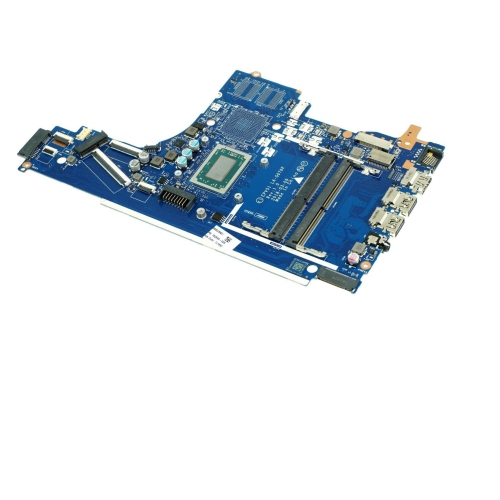
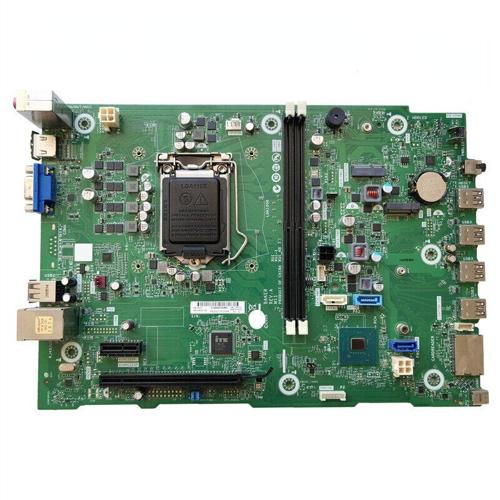
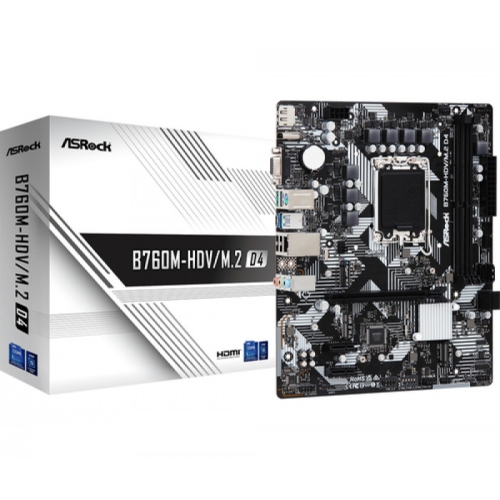
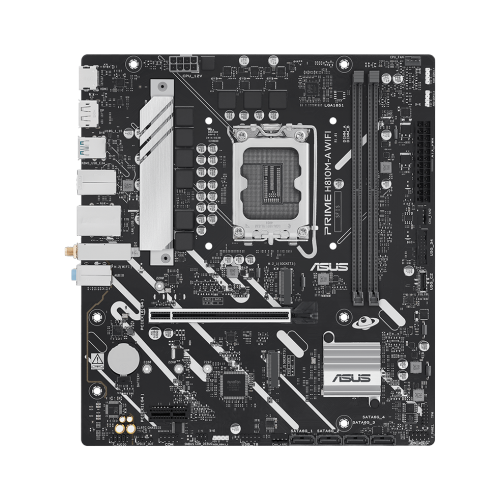
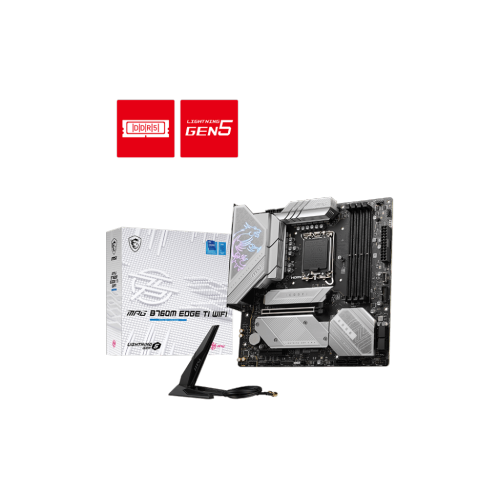
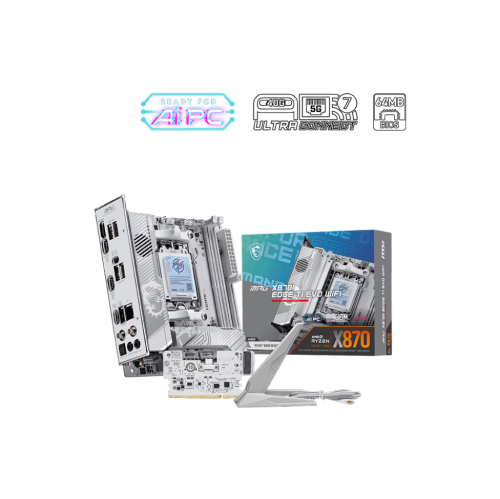
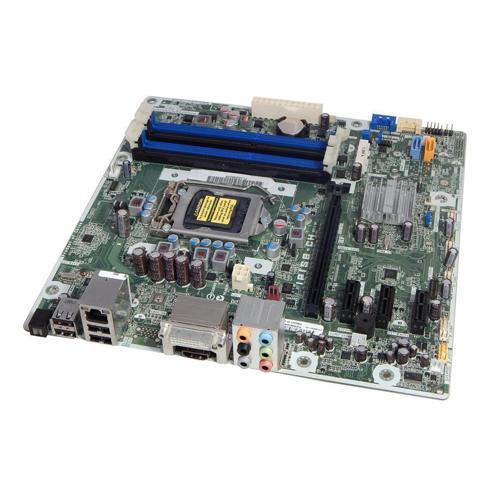
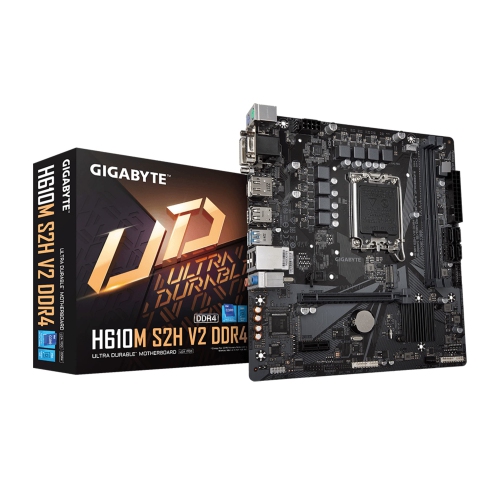
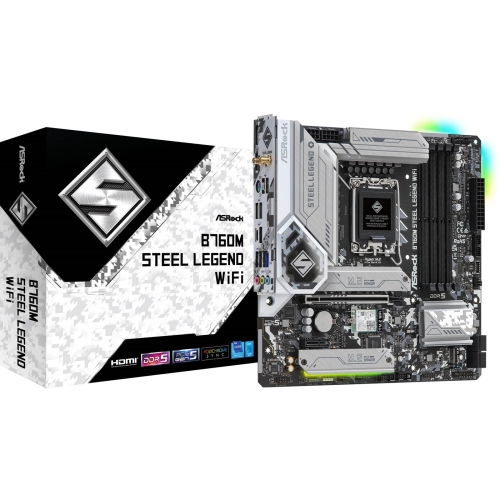
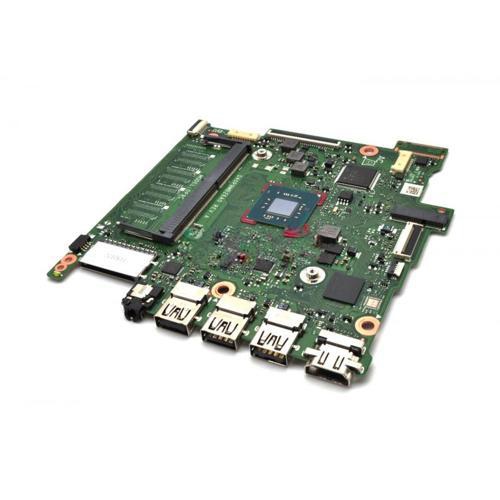
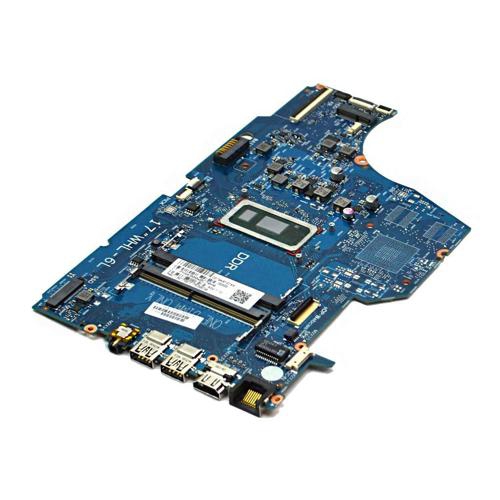
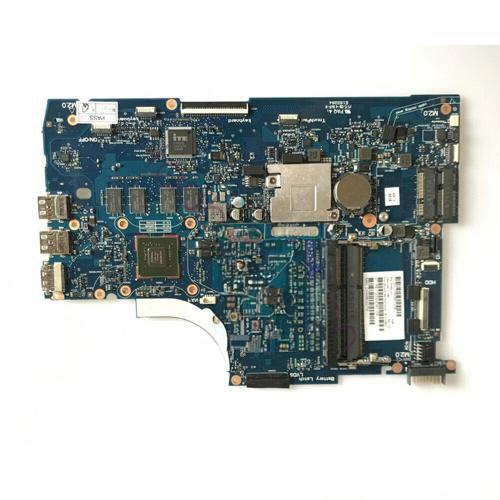
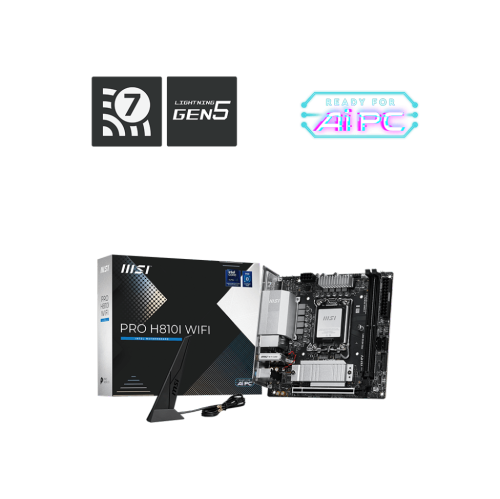
HDMI motherboards are desktop computer motherboards with an HDMI output on the rear connection panel, providing a way to send digital video and audio to a compatible monitor, television, or receiver. In a typical desktop PC, the motherboard’s HDMI port relies on integrated graphics in a supported processor; the connector itself does not generate a picture. A processor without integrated graphics generally cannot send a video signal through that port, even when the motherboard has an HDMI socket. That distinction matters when choosing parts for a new computer or replacing the main board in an existing system. The processor’s graphics capabilities and the motherboard’s processor support information are more useful than the presence of an HDMI connector alone. For a computer using a dedicated graphics card, the monitor normally connects directly to the graphics card’s HDMI or other display output, rather than the motherboard. The card’s video signal is not ordinarily routed through the motherboard’s HDMI port. Some systems can use integrated and dedicated graphics together, but this depends on hardware support and firmware settings. With the right processor, an HDMI-equipped motherboard can suit a straightforward home office desktop, a shared family computer, or a compact media PC connected to a television. Everyday tasks such as writing documents, joining video calls, browsing the web, and watching videos often work well with suitable integrated graphics, without requiring a separate graphics card. Gaming, video editing, and other graphics-heavy applications have different demands, so their requirements still need to shape the overall build. An HDMI connection makes the display hookup convenient, but it does not determine the computer’s processing speed, gaming performance, or ability to handle demanding software. Those qualities depend on the processor, memory, graphics hardware, and the rest of the system working together.
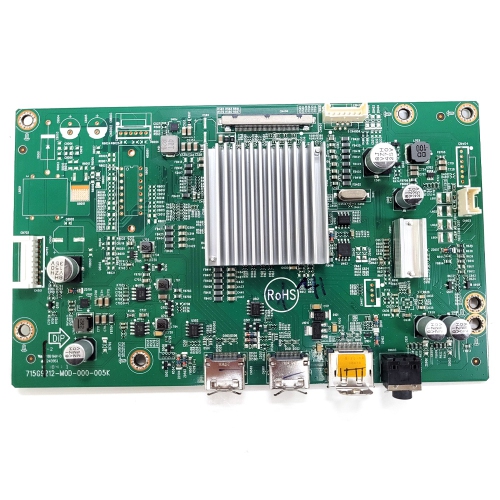
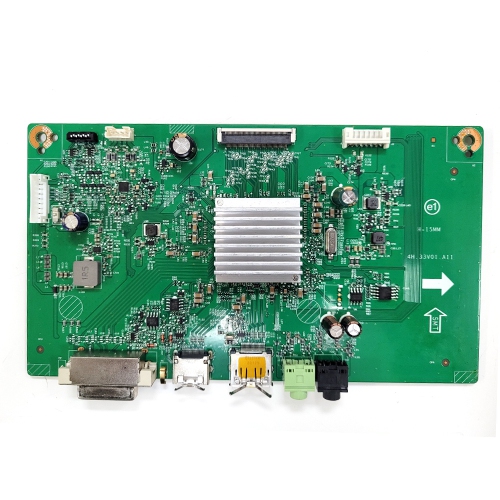
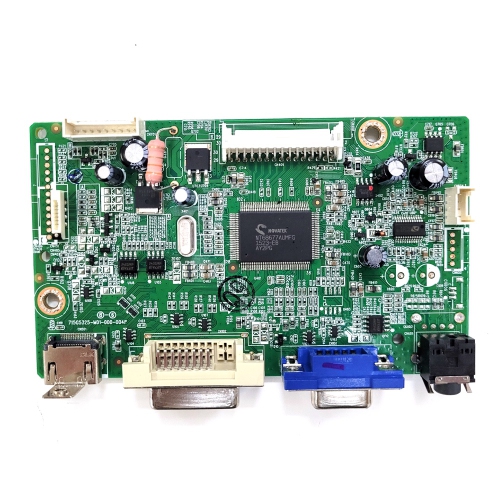
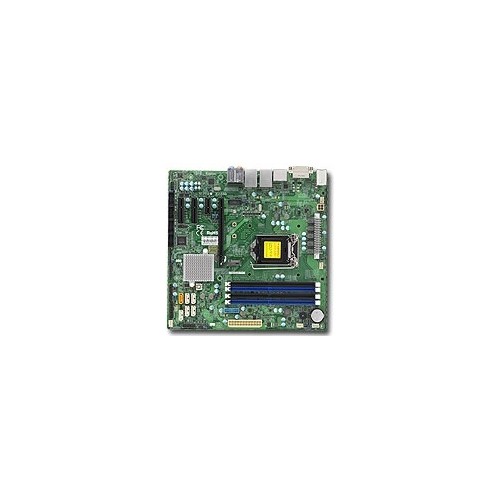
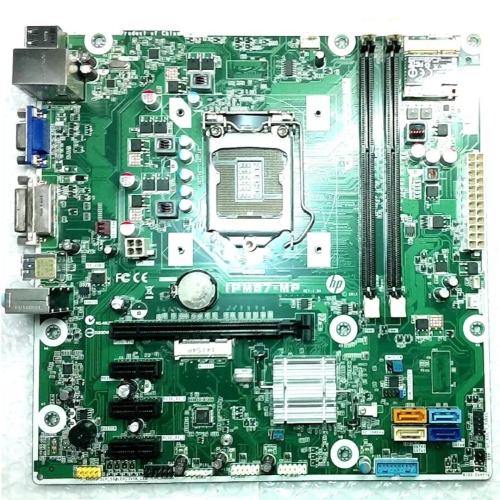
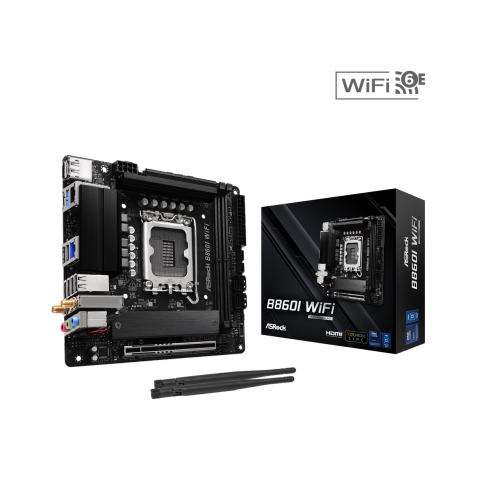
Compatibility extends beyond the display port, starting with the processor socket, chipset, and supported firmware version. A processor that physically fits a socket is not automatically supported by every motherboard using that socket, and some combinations require a firmware update before the computer can start. Memory compatibility is equally specific: DDR4 and DDR5 use different slots and are not interchangeable, while supported capacities and speeds vary by board and processor. The motherboard’s dimensions also need to match the computer case and leave practical room for the intended components. ATX boards generally offer more space for expansion, micro-ATX boards balance a smaller footprint with useful connectivity, and Mini-ITX boards suit compact builds where every connector and cable route deserves attention. These sizes do not, by themselves, establish performance or quality; a smaller board can still be a capable foundation for the right system. Inside the case, the position of the main graphics slot, storage connectors, fan headers, and power sockets affects how comfortably everything fits. A large graphics card may cover an adjacent expansion slot, while a compact case can limit cooler height or access to connectors along the board’s edge. Storage support also deserves attention, including the number and type of M.2 sockets and SATA connections, since some boards share bandwidth between certain connections. Outside the case, USB ports, wired networking, optional Wi-Fi, and audio connections help determine how easily a keyboard, webcam, headset, and other peripherals fit into daily use. The board itself typically combines a layered fibreglass circuit board with copper pathways, soldered components, and metal connectors. Heatsinks over power-delivery components or storage sockets can help manage heat where fitted, although their appearance alone is not a measure of durability. A sensible match between the board’s power delivery, the processor, and the case’s airflow matters more than decorative covers or lighting.
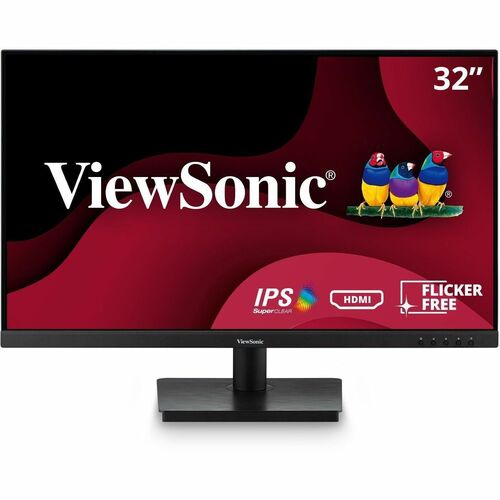
Display compatibility brings these choices back to the HDMI connection. The maximum resolution and refresh rate depend on the motherboard’s stated output capabilities, the processor’s integrated graphics, the display, and the cable connecting them. An HDMI version number on its own does not confirm that every possible feature is supported. A setup intended to show a detailed spreadsheet at 4K and 60 Hz needs support for that combination throughout the connection, while a high-refresh-rate gaming screen may require capabilities beyond those of a particular motherboard output. HDR, colour depth, and audio support can also vary, making the published specifications important for matching the computer to its screen. The range of HDMI Computer Monitors provides options for different desk layouts and viewing needs, but the motherboard and processor still determine what signal can reach the display. Multiple screens require particular attention: the presence of several video sockets does not necessarily mean every socket can operate simultaneously at its maximum settings. For a home office with documents on one screen and a video meeting on another, supported display combinations matter more than simply counting ports. Physical placement matters, too. Enough clearance behind the case allows the HDMI plug to sit securely without a sharp cable bend or constant sideways pressure on the socket. During assembly or maintenance, disconnected power, appropriate static precautions, and correctly positioned case standoffs help protect the board from avoidable damage. Supporting the board properly and avoiding excessive force when seating components can reduce strain around slots and connectors. Dust removal and unobstructed airflow also contribute to dependable operation over time. An HDMI-equipped motherboard can make a thoughtful gift for an experienced PC builder, but it is best matched to a known parts list rather than chosen on the display connection alone. Whether the goal is a quiet work desktop, a living-room computer, or a flexible base for later upgrades, the most useful choice is a board whose processor support, physical fit, display capabilities, and everyday connections suit the complete system.
Top selling and popular products
-
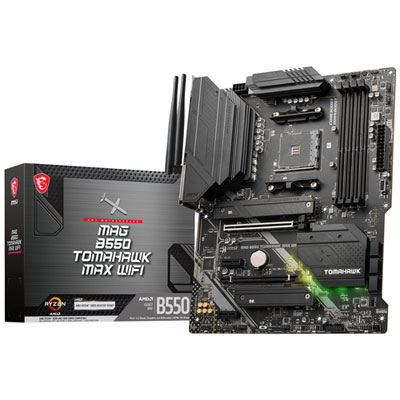 Your price for this item is $224.95
-
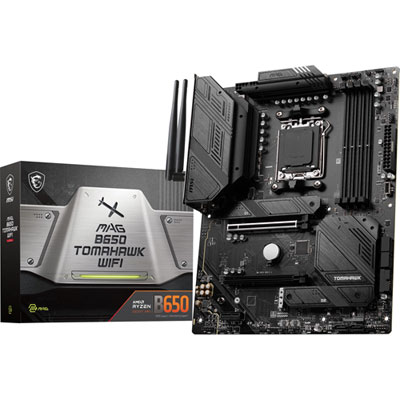 Your price for this item is $199.99
-
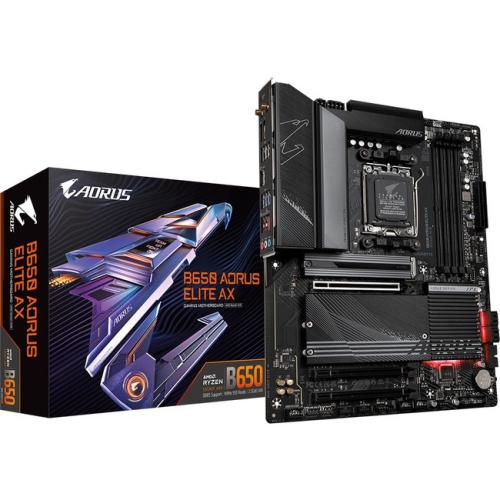 Your price for this item is $331.68
-
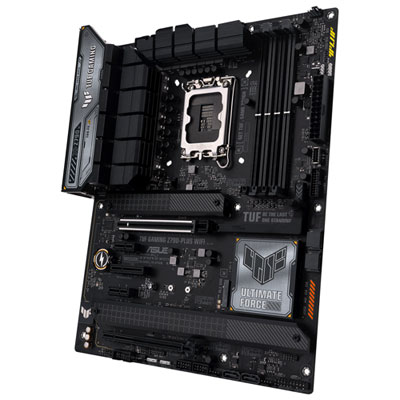 Your price for this item is $349.99
-
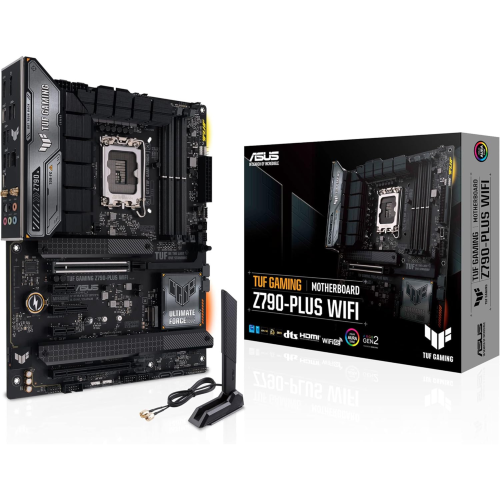 Your price for this item is $361
-
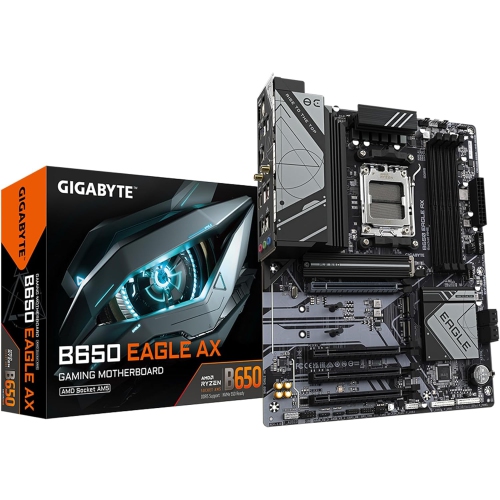 Your price for this item is $172.99
-
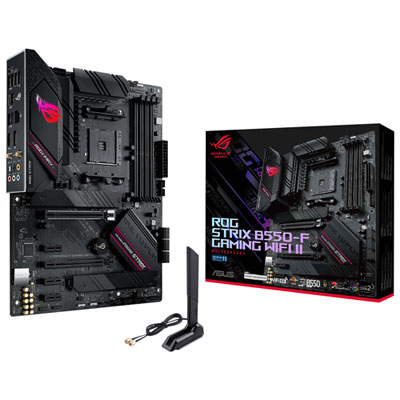 Your price for this item is $259.99
-
 Your price for this item is $587.68
Discover more categories related to HDMI Motherboards
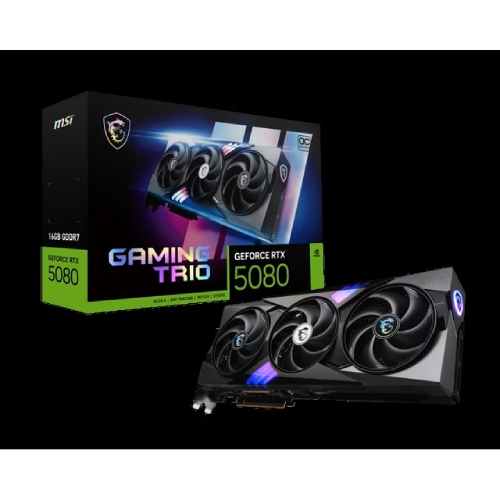
Top Collections:
Best Black Friday Deals This Year, Best Black Friday Deals On Electronics, Kindle Devices, Dyson Airwrap, Best Cameras for Sports Photography, Best Budget Office Chairs, Canon G7X Cameras, PS5 Pro Consoles, Best Black Friday Deals On Apple Products, XBOX One S Consoles
Some products may be subject to Environmental Handling Fees
(EHF) depending on your province.
Learn more about EHFs.