High End Tablets
High End Tablets offer an exceptional blend of performance, style, and versatility for users who demand the best in portable technology. Whether you're looking to enhance your productivity, enjoy immersive entertainment, or elevate your creative projects, these premium tablets deliver a superior experience. Explore a wide selection of High End Tablets designed to meet the needs of professionals, students, and tech enthusiasts alike. Find the perfect device to match your lifestyle and unlock new possibilities with advanced features and cutting-edge design.
Sort
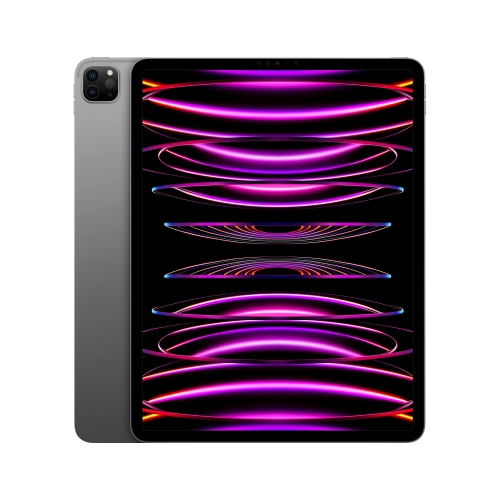
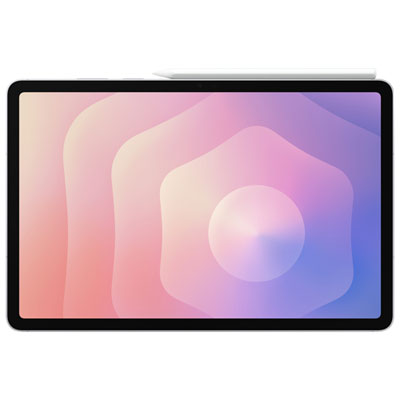

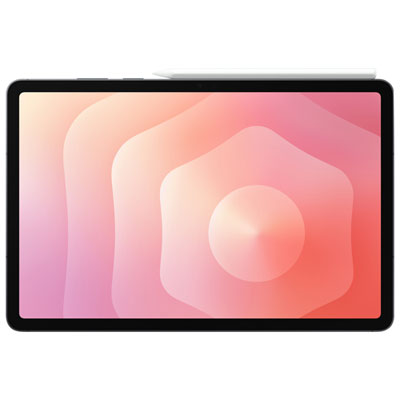
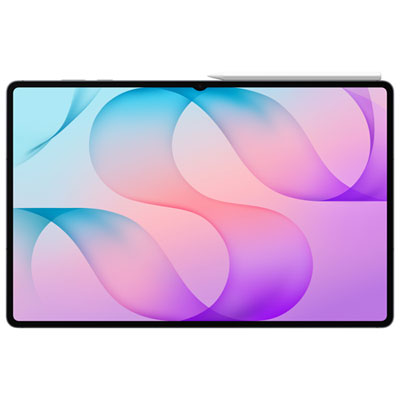
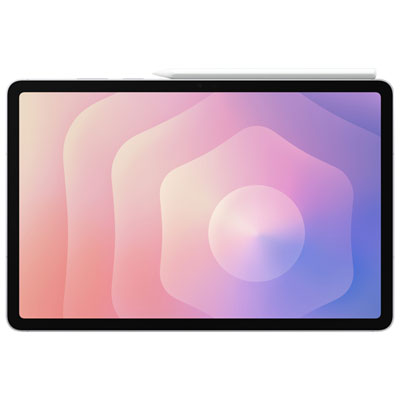
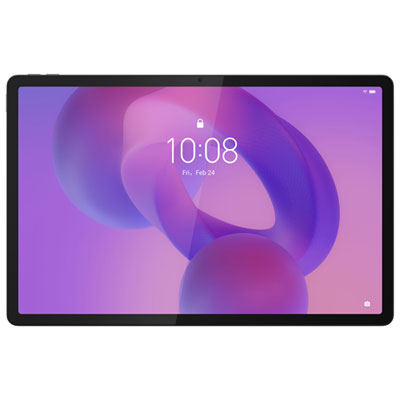
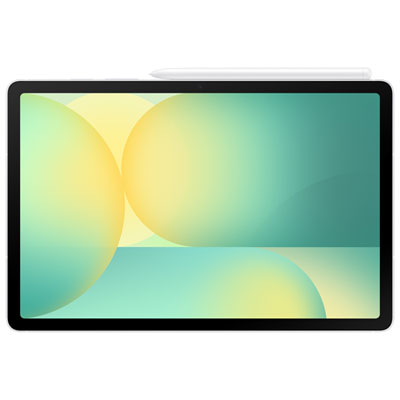
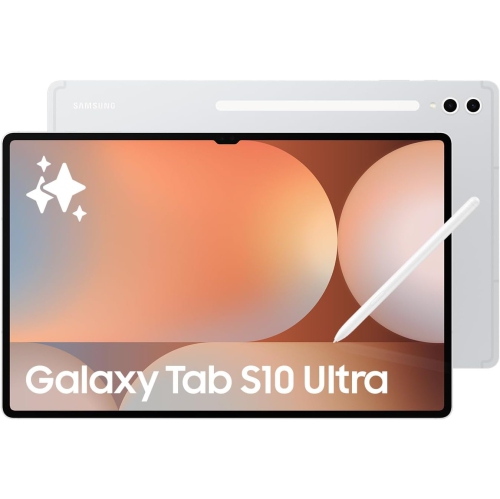




There’s more to tablet performance than processing power
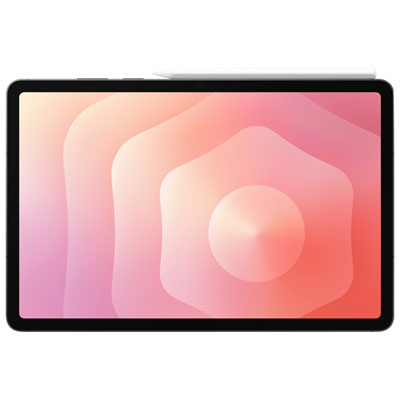
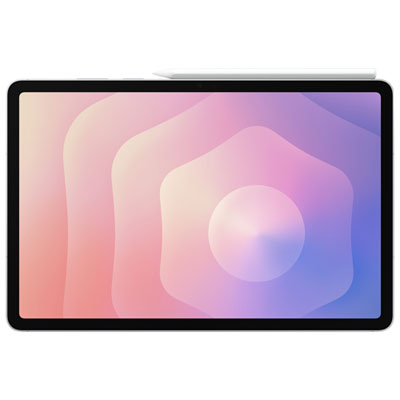
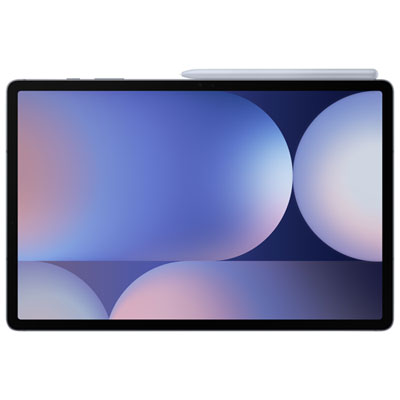
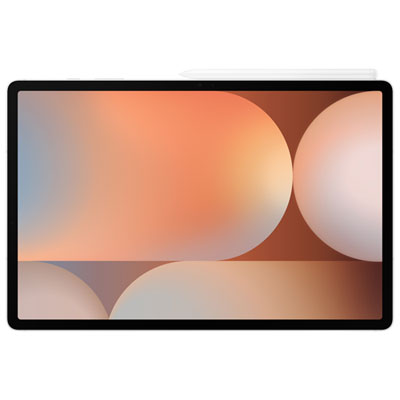
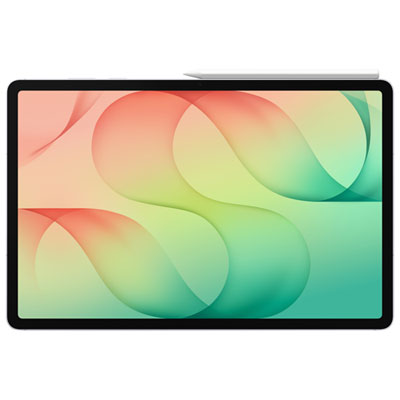
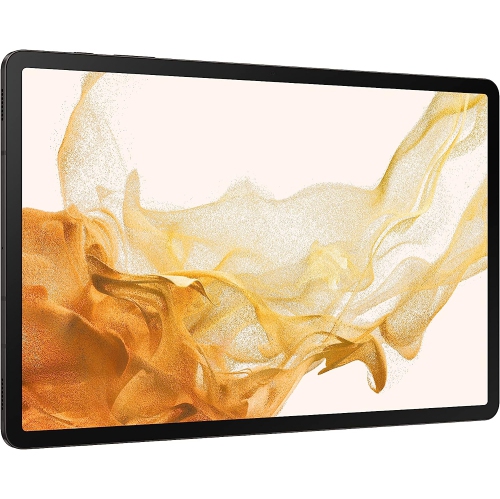
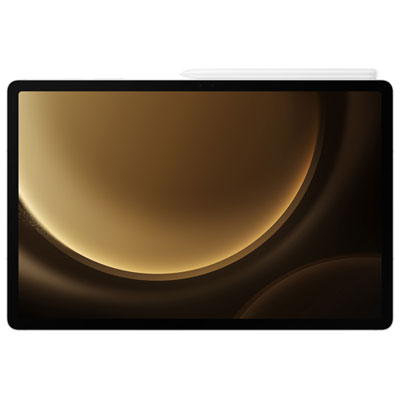
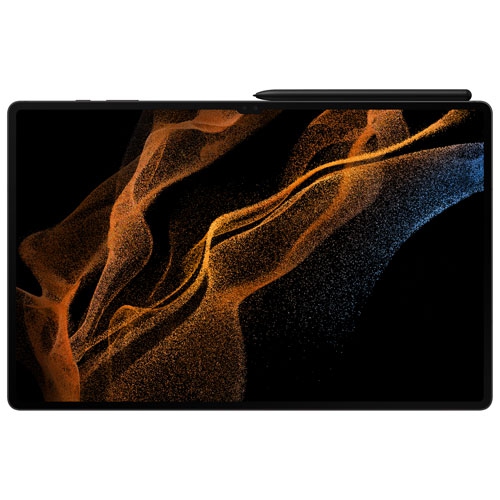
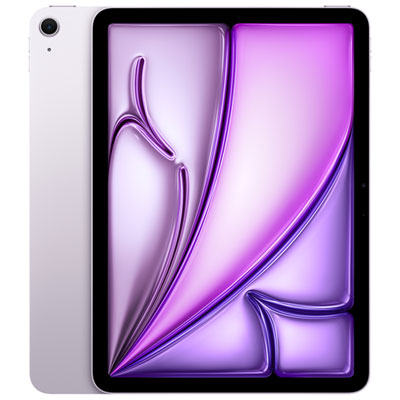
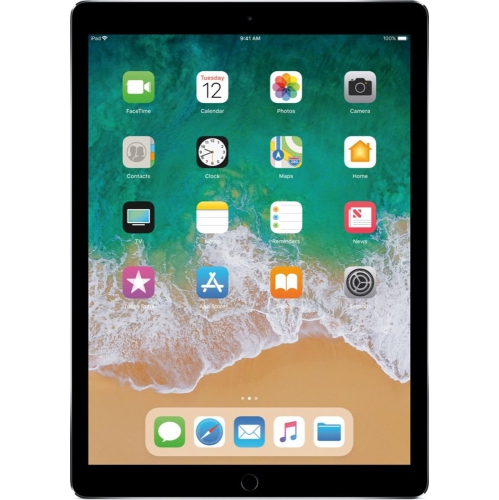
High-end tablets combine powerful processors, high-quality displays and versatile accessory support in portable devices built for demanding everyday use. They suit people who want more room and capability than a phone offers without always reaching for a laptop, whether that means reviewing a presentation on the train, sketching at a kitchen countertop or watching a film after work. Their appeal extends beyond speed: a responsive touchscreen, clear speakers, reliable wireless connections and a comfortable design all contribute to how enjoyable a tablet feels over years of use. Display technology is an important distinction within this category. OLED screens can deliver deep blacks and strong contrast, while advanced LCD screens can offer excellent brightness and colour accuracy; actual image quality depends on the panel and its calibration, not simply its technology label. Higher refresh rates can make scrolling, animation and compatible pen input appear smoother, while resolution and text clarity matter for reading research papers, sheet music or densely formatted documents. Screen size also shapes the experience. A smaller tablet is easier to hold for an extended reading session, whereas a larger display gives a spreadsheet, drawing canvas or pair of side-by-side apps more breathing room. Thin profiles and metal bodies can give high-end tablets a substantial, polished feel, but weight distribution, edge shape and the thickness added by a case are just as relevant to comfort. A device that feels manageable in a bag may be less comfortable held above a sofa for an hour. For photographers, illustrators and anyone working with visual material, colour accuracy and app support deserve as much attention as a vivid picture. For entertainment, contrast, speaker placement and headphone connectivity help shape the experience. These qualities make high-end tablets useful across work, study and leisure, rather than limiting them to a single task.
Performance becomes most noticeable when several tasks compete for attention. A capable processor and sufficient memory help a tablet move between a video meeting, a large document and a browser full of research without frequent interruptions. Creative work adds different demands: editing high-resolution photos, arranging multiple video clips or painting with detailed brushes can require more processing power and storage than streaming or reading. Storage capacity matters not only for installed apps but also for downloaded films, large project files and offline reference material. Memory card support is not universal, and access to files on an external drive depends on the tablet’s ports, software and drive compatibility. The operating system is equally important because it determines which apps are offered, how files are managed and what multitasking looks like in practice. Anyone interested in that platform can explore High Performance Android Tablets for devices suited to a broad range of connected tasks. Across platforms, familiar app names do not always mean identical features: a tablet version of a creative or office program may differ from its desktop counterpart. That distinction is particularly relevant for specialized work involving complex spreadsheets, plug-ins or precise document formatting. Connectivity also affects daily usefulness. Wi-Fi supports home, campus and office connections, while models with cellular capabilities can provide mobile data access with a compatible carrier plan. USB-C connections may support charging, storage, accessories or external displays, although the connector’s appearance alone does not establish its capabilities. Battery life varies with screen brightness, video calls, games, network use and other workloads, so light reading and video editing place very different demands on the same device. Clear microphones and a well-positioned front camera matter for remote meetings and lessons, while supported accessibility features, adjustable text sizes and compatible input devices can make regular use more comfortable.
Accessories can turn a high-end tablet from a handheld screen into a more flexible workspace, provided they are compatible with the exact model. A keyboard case can make writing an assignment or replying to a long email more comfortable, and a stable stand can hold the display at a useful angle during a video call. Trackpad and mouse support can help with selecting text or moving between windows, though the experience still depends on the operating system and individual apps. For handwritten notes and creative work, an active stylus can provide finer control than a fingertip. Pressure sensitivity, tilt response, palm rejection and charging methods vary, and not every pen works with every tablet. A student annotating lecture slides may value comfortable handwriting and easy file organization, while an illustrator may need consistent line control and support for a particular drawing app. Protection and care are practical considerations for any of these routines. Glass displays and slim bodies benefit from a fitted case, especially when a tablet travels beside keys, cables or other hard objects. A case with raised edges can help shield the screen from contact with a flat surface, but no case makes a device immune to damage. A compatible screen protector may reduce surface wear, although its finish can change reflections and the feel of pen input. Routine cleaning is generally straightforward: follow the manufacturer’s directions, use a soft, lint-free cloth and keep moisture away from openings. Charging ports and accessory connections also benefit from careful handling rather than forcing a cable or connector into place. For a gift recipient, the best fit depends on existing devices, preferred apps and intended use as much as technical specifications. A keen reader, frequent traveller, university student and digital artist may each appreciate a different balance of screen space, portability and input options. The lasting value of a high-end tablet comes from that fit: enough capability for demanding tasks, with the comfort and simplicity to remain useful for everyday ones.
Performance becomes most noticeable when several tasks compete for attention. A capable processor and sufficient memory help a tablet move between a video meeting, a large document and a browser full of research without frequent interruptions. Creative work adds different demands: editing high-resolution photos, arranging multiple video clips or painting with detailed brushes can require more processing power and storage than streaming or reading. Storage capacity matters not only for installed apps but also for downloaded films, large project files and offline reference material. Memory card support is not universal, and access to files on an external drive depends on the tablet’s ports, software and drive compatibility. The operating system is equally important because it determines which apps are offered, how files are managed and what multitasking looks like in practice. Anyone interested in that platform can explore High Performance Android Tablets for devices suited to a broad range of connected tasks. Across platforms, familiar app names do not always mean identical features: a tablet version of a creative or office program may differ from its desktop counterpart. That distinction is particularly relevant for specialized work involving complex spreadsheets, plug-ins or precise document formatting. Connectivity also affects daily usefulness. Wi-Fi supports home, campus and office connections, while models with cellular capabilities can provide mobile data access with a compatible carrier plan. USB-C connections may support charging, storage, accessories or external displays, although the connector’s appearance alone does not establish its capabilities. Battery life varies with screen brightness, video calls, games, network use and other workloads, so light reading and video editing place very different demands on the same device. Clear microphones and a well-positioned front camera matter for remote meetings and lessons, while supported accessibility features, adjustable text sizes and compatible input devices can make regular use more comfortable.
Accessories can turn a high-end tablet from a handheld screen into a more flexible workspace, provided they are compatible with the exact model. A keyboard case can make writing an assignment or replying to a long email more comfortable, and a stable stand can hold the display at a useful angle during a video call. Trackpad and mouse support can help with selecting text or moving between windows, though the experience still depends on the operating system and individual apps. For handwritten notes and creative work, an active stylus can provide finer control than a fingertip. Pressure sensitivity, tilt response, palm rejection and charging methods vary, and not every pen works with every tablet. A student annotating lecture slides may value comfortable handwriting and easy file organization, while an illustrator may need consistent line control and support for a particular drawing app. Protection and care are practical considerations for any of these routines. Glass displays and slim bodies benefit from a fitted case, especially when a tablet travels beside keys, cables or other hard objects. A case with raised edges can help shield the screen from contact with a flat surface, but no case makes a device immune to damage. A compatible screen protector may reduce surface wear, although its finish can change reflections and the feel of pen input. Routine cleaning is generally straightforward: follow the manufacturer’s directions, use a soft, lint-free cloth and keep moisture away from openings. Charging ports and accessory connections also benefit from careful handling rather than forcing a cable or connector into place. For a gift recipient, the best fit depends on existing devices, preferred apps and intended use as much as technical specifications. A keen reader, frequent traveller, university student and digital artist may each appreciate a different balance of screen space, portability and input options. The lasting value of a high-end tablet comes from that fit: enough capability for demanding tasks, with the comfort and simplicity to remain useful for everyday ones.
Top selling and popular products
-
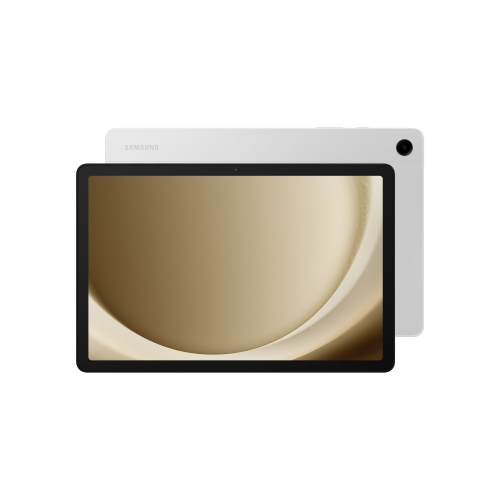 Your price for this item is $499.99
-
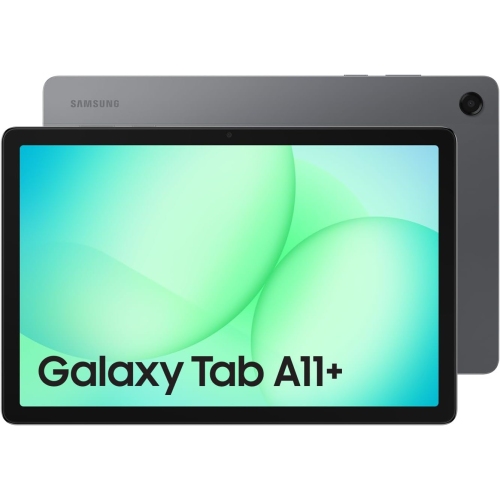 Your price for this item is $363.99
-
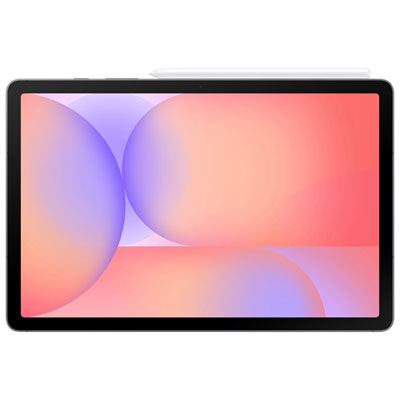 Your price for this item is $579.99
-
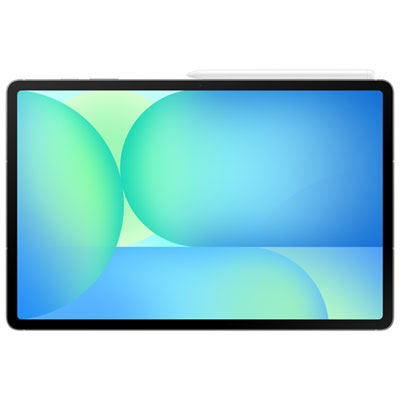 Your price for this item is $979.99
-
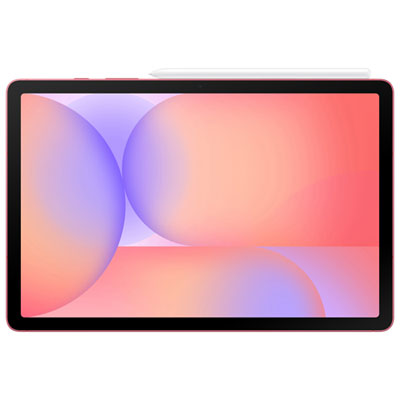 Your price for this item is $579.99
-
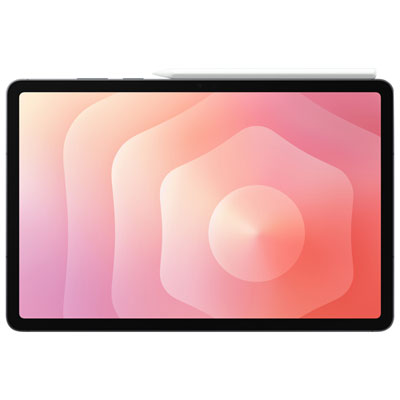 Your price for this item is $1399.99
-
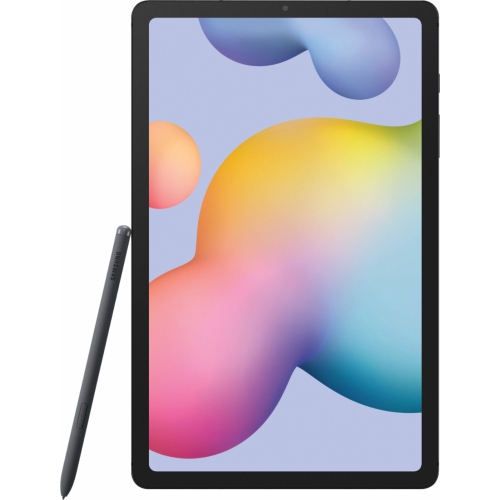 Your price for this item is $699.99
-
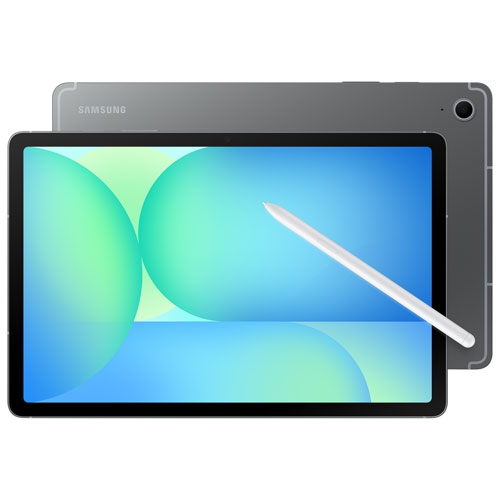 Your price for this item is $624.95
Discover more categories related to High End Tablets
Top Collections:
Pokemon Centers, Pokémon 30th Celebration Cards, Best Budget Office Chairs, Kindle Devices, Best Cameras for Sports Photography, Canon G7X Cameras, Best Black Friday Deals On Electronics, Best Laptops for Writers, iPhone 15 Apple, Jackery Power Stations
Some products may be subject to Environmental Handling Fees
(EHF) depending on your province.
Learn more about EHFs.