High Performance Back to School Tablets
Find high-performance back-to-school tablets for taking notes, reading course materials, and managing assignments. Compare processing power, screen size, battery life, and storage to find a tablet that fits your workload, and check keyboard and stylus compatibility if you plan to type essays or write notes by hand.















FAQ
Look for a capable processor, ample memory, multitasking options and support for the apps your courses require. Keyboard compatibility, stylus support and accessible file management are also worth considering. Check your school’s technology requirements before choosing a tablet.
iPadOS, Android and Windows offer options for schoolwork, but app availability and functionality vary. Some courses require desktop software or browser extensions that may not run on every tablet. Confirm compatibility with your learning platform, exam software and required applications.
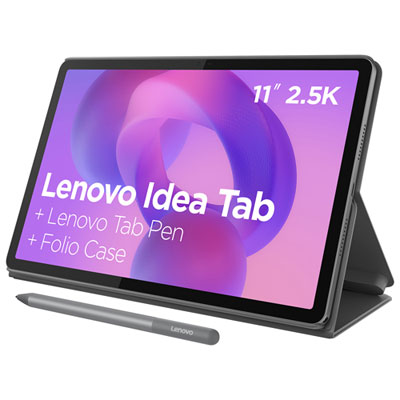
Common accessories include keyboard cases for typing, compatible styluses for handwritten notes, stands for desk use and headphones for online classes. Some tablets also support mice, external keyboards and USB hubs. Check the tablet’s accessory compatibility, as connector types and stylus support differ.
Tablets commonly include Wi-Fi for internet access and Bluetooth for compatible accessories. Some models offer cellular connectivity with a separate mobile data plan. USB connections vary by model, so check support for external drives, displays or other peripherals you plan to use.
Most tablets include a file management app and support cloud storage services for organising assignments, readings and presentations. You can often download files for offline access, though availability depends on the app and account settings. Check which file formats your courses use and whether your chosen apps support opening, editing and exporting them.
Top selling and popular products
Discover more categories related to High Performance Back to School Tablets

Some products may be subject to Environmental Handling Fees (EHF) depending on your province. Learn more about EHFs.