High Performance PC Cooling Fans
High Performance PC Cooling Fans are essential for maintaining optimal temperatures and ensuring smooth operation during intense computing sessions. Designed to support demanding tasks such as gaming, content creation, and multitasking, these fans help protect your components by promoting efficient airflow within your system. Explore a wide selection of High Performance PC Cooling Fans to find the perfect fit for your desktop setup and keep your hardware running at its best.
Sort
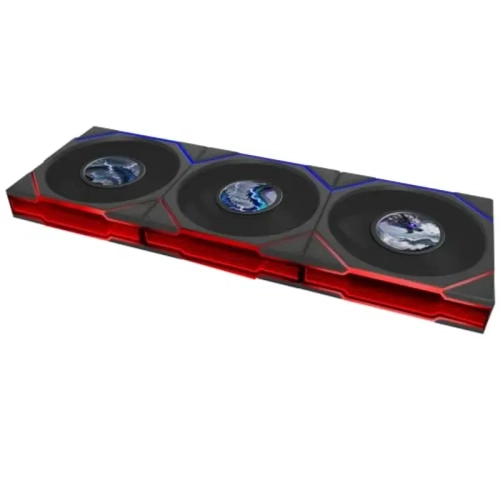
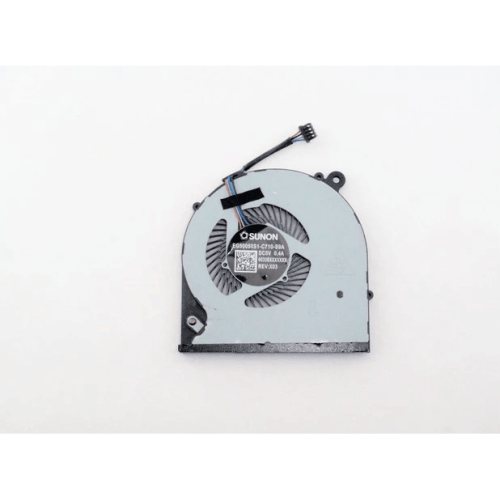
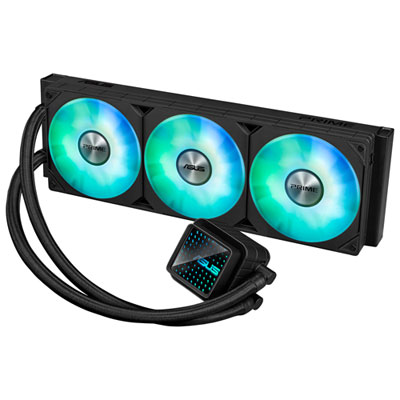
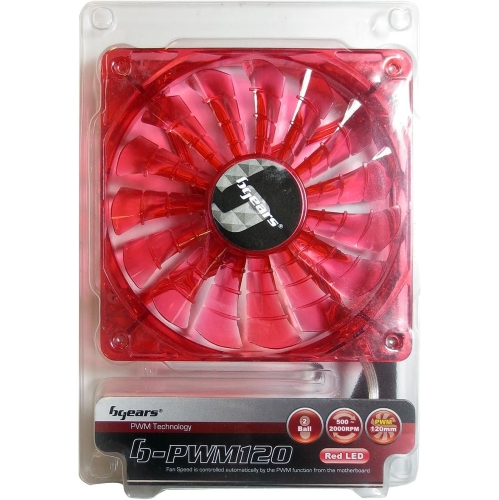
Effective PC cooling takes more than faster fans
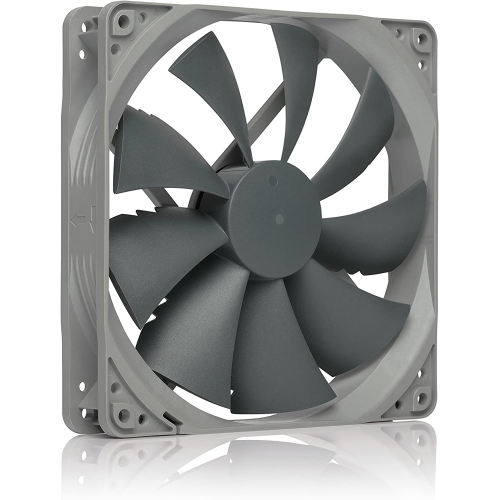
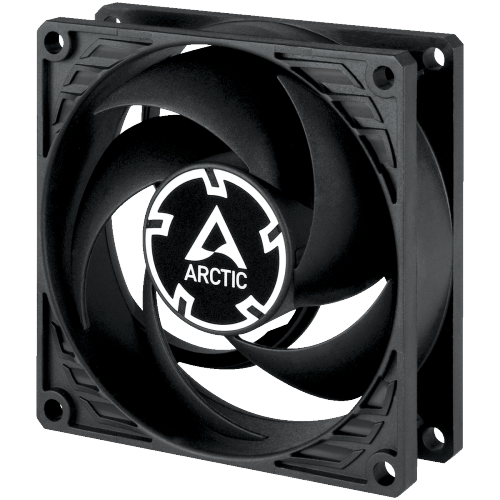
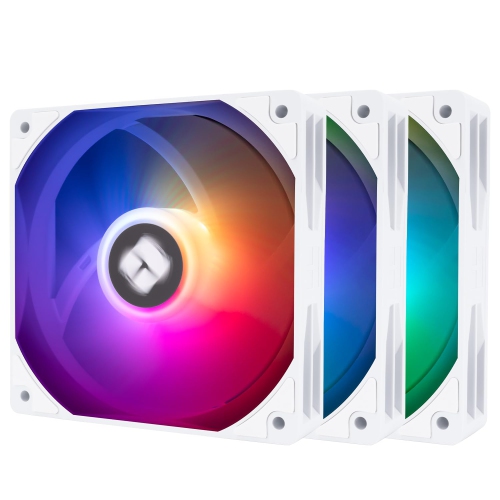
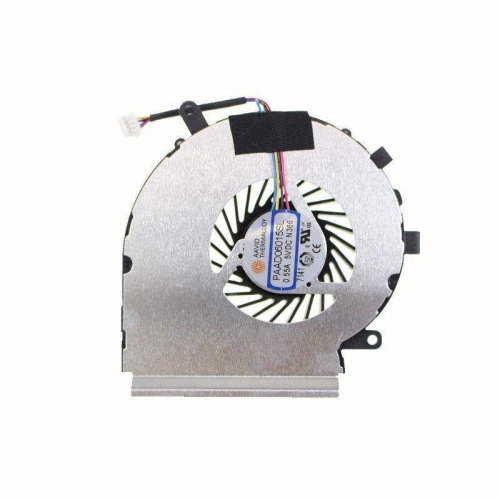
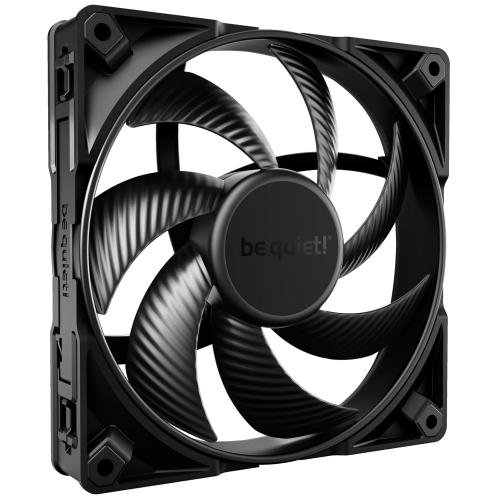
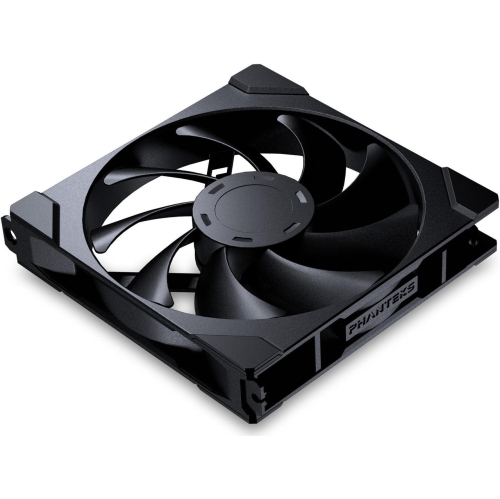
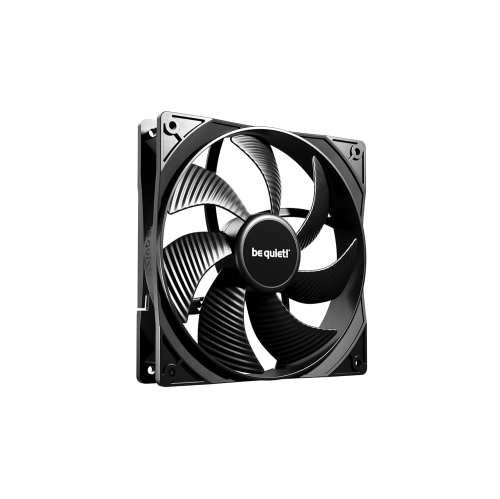
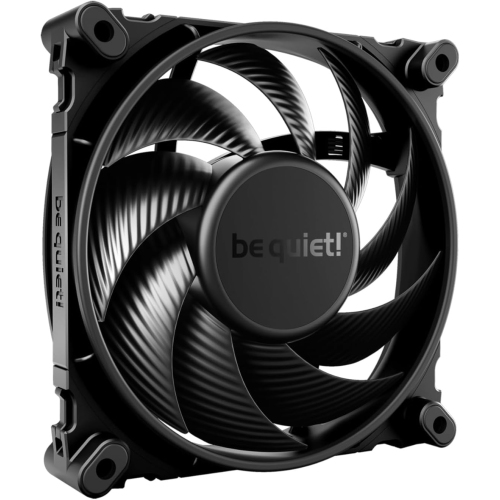
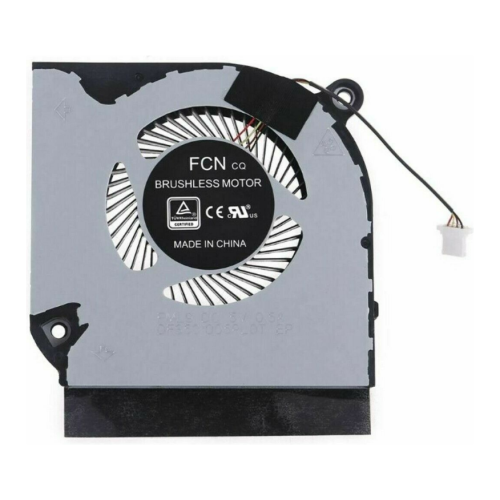
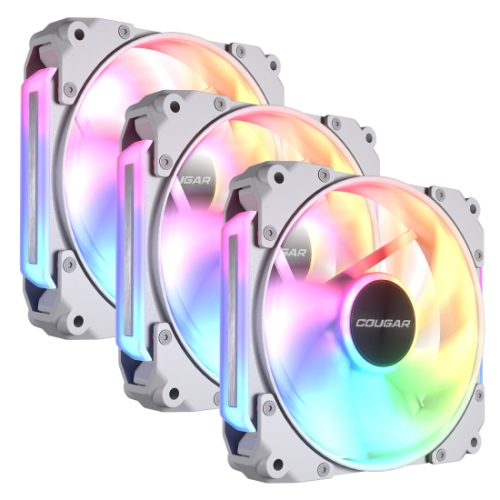
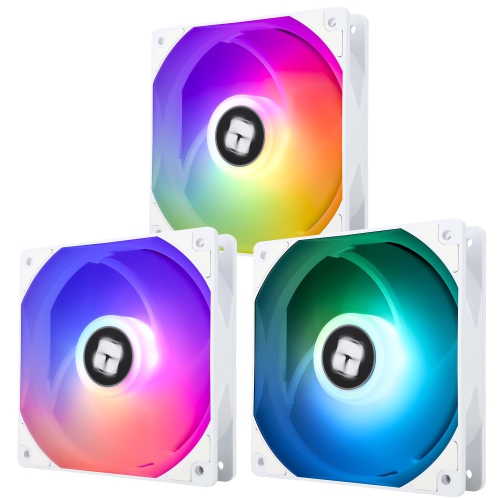
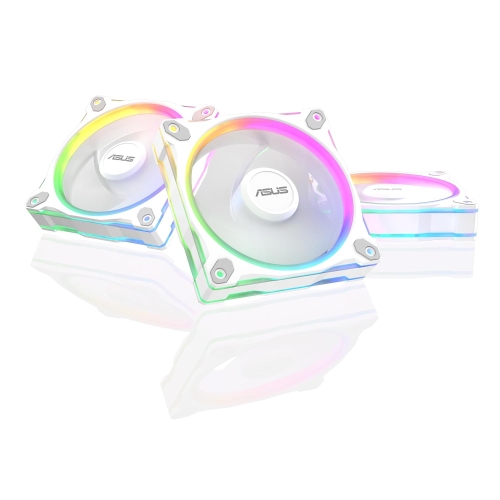
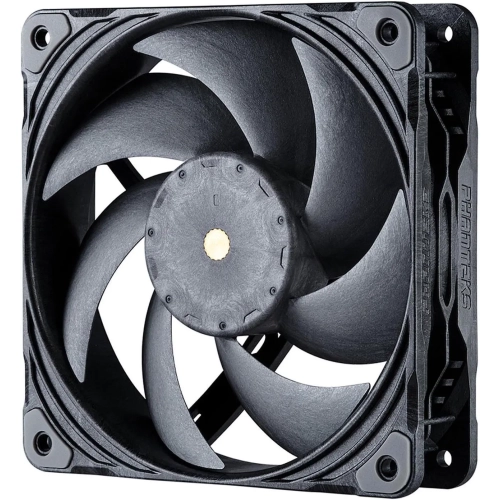
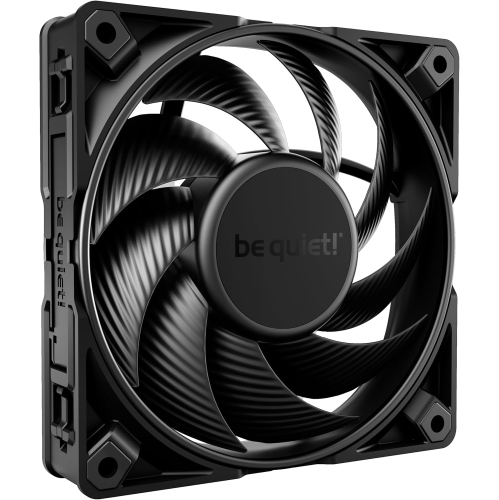
High performance PC cooling fans move air through a computer case or cooling assembly to carry heat away from components during demanding use. Their performance depends on more than speed: airflow, static pressure, noise, and placement all affect how well a fan works in a particular build. Airflow, commonly measured in cubic feet per minute (CFM), describes the volume of air a fan moves. Static pressure, commonly measured in millimetres of water (mmH2O), describes its ability to overcome resistance from radiator fins, heatsinks, dust filters, and closely spaced front panels. Fans designed for high airflow are well suited to relatively open case ventilation, while pressure-focused designs are useful where air must pass through a restriction. Many PC fans balance both characteristics, making them suitable for several positions within the same system. Maximum airflow and maximum static pressure ratings describe different test conditions, so neither number alone captures real-world cooling performance. A gaming desktop running a demanding title, a workstation rendering a detailed scene, and a computer processing a long video export can all benefit from steady airflow that helps limit heat buildup around working components. Effective case ventilation supplies cooler intake air and gives warmed air a clear route out, supporting the CPU cooler, graphics card cooler, and other components rather than replacing their cooling systems. In many tower cases, front or bottom intake fans work alongside rear or top exhaust fans, although the most effective arrangement depends on the enclosure. A solid front panel, crowded drive cage, or dense filter can make airflow more difficult even when several fans are installed. More fans do not automatically produce a better result; a clear airflow path and suitable fan characteristics matter more than filling every mounting position. For performance-focused builds, the goal is controlled, consistent heat removal without unnecessary noise. That balance is especially valuable for a desktop that handles intensive tasks but also sits close to a microphone, a shared workspace, or a quiet listening area.
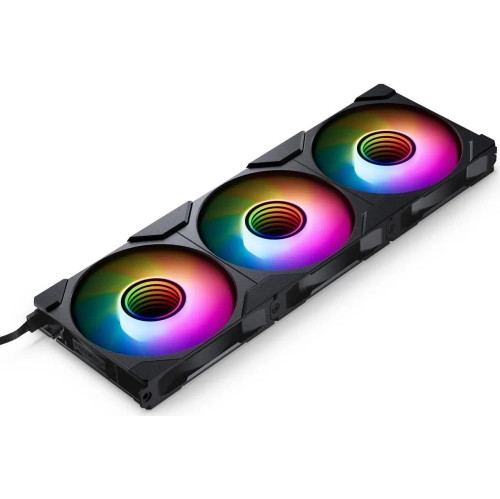
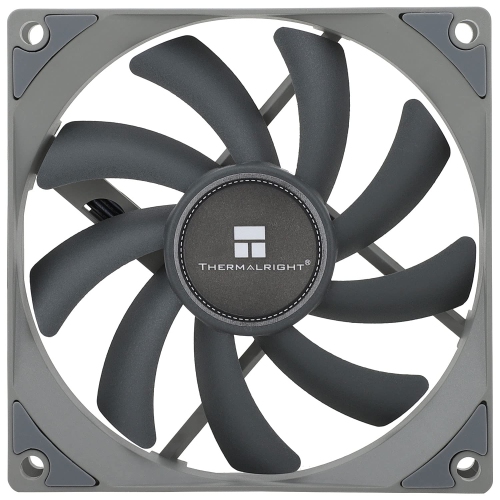
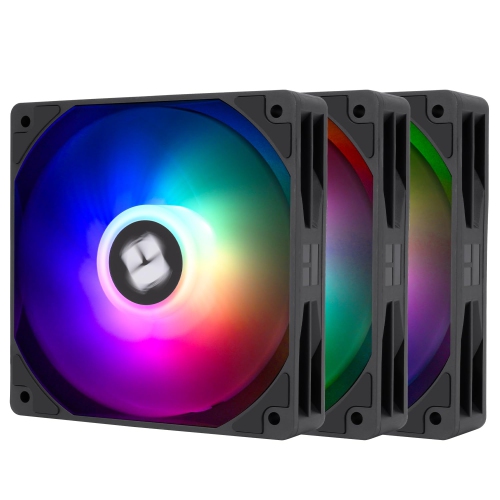
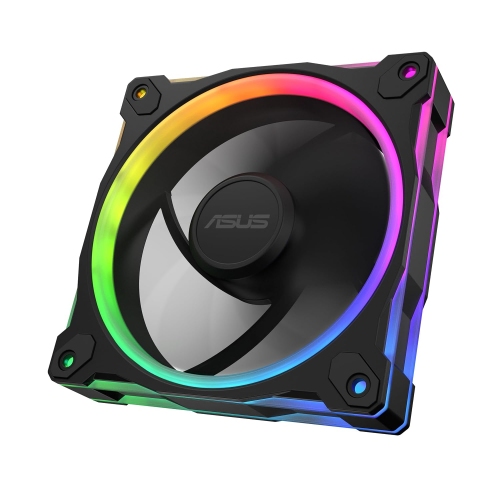
Physical fit and electrical compatibility shape how cooling fans integrate into a PC. Common case fan sizes include 120 mm and 140 mm, but the mounting holes, frame thickness, and available clearance must also match the installation position. A larger fan can sometimes move the required air at a lower rotational speed, although blade design, restrictions, and the operating speed all influence the result. The High Performance 120mm Fans collection focuses on a widely used format for case ventilation, tower heatsinks, and compatible liquid-cooling radiators. Even within that size, a slim frame and a thicker frame can serve different needs. Compact cases may have limited space between a fan and the graphics card, while radiator installations need enough room for the combined thickness of the radiator, fans, and nearby components. Screw length also matters on radiators, where unsuitable mounting hardware can damage the assembly. Connection type affects control as well as installation. Four-pin PWM fans allow a compatible motherboard or controller to adjust speed through a pulse-width modulation signal, while three-pin fans typically rely on voltage adjustment when supported by the connected header. The motherboard’s control options and each header’s current limit determine how multiple fans can be connected safely; splitters and powered hubs have their own requirements. Lighting connections are separate from motor control, and a fan’s lighting plug is not interchangeable with its power connector. Five-volt addressable RGB and twelve-volt RGB systems also use different electrical standards. For a coordinated build, cable length, connector placement, and access behind the motherboard tray can be just as important as colour or lighting effects. Fans with clearly marked airflow direction make it easier to understand how each position contributes to the overall layout. These practical details are particularly relevant when replacing an existing fan, adding radiator airflow, or fitting a powerful desktop into a smaller enclosure.
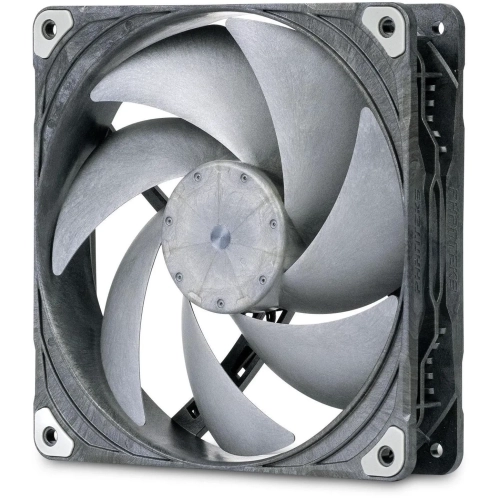
Materials and construction influence how a cooling fan feels, sounds, and holds up through repeated use. Moulded plastic frames and blades are common because they can provide low weight and precise shapes, while reinforced designs may add rigidity. Blade shape, tip clearance, and frame geometry influence airflow and sound, but appearance alone does not establish performance. Bearing construction is another important distinction: sleeve, ball, and fluid dynamic designs have different operating characteristics, and manufacturer specifications can clarify expected service life and mounting considerations. Published lifespan figures are estimates under stated test conditions, not a promise that every fan will last the same length of time. Rubber mounting pads or vibration-isolating fasteners can reduce vibration transferred into a case panel, though they cannot eliminate the sound of moving air. Acoustic quality matters alongside a decibel rating: a smooth rush of air may be less distracting than a noticeable hum or changing pitch. Noise specifications are most useful when test conditions are comparable, and everyday sound levels depend heavily on operating speed. Speed control allows compatible fans to run gently during lighter tasks and respond more strongly as component temperatures rise. A gradual response can be more comfortable at a desk than frequent, abrupt speed changes. For gaming systems, creative workstations, and compact desktop builds, this flexibility helps match cooling behaviour to the workload. Ongoing care is straightforward but important, since accumulated dust restricts airflow and can disturb blade balance. With the computer shut down and disconnected from power, accessible filters and fan surfaces can be cleaned according to the equipment manufacturer’s instructions; holding blades still during compressed-air cleaning helps prevent uncontrolled spinning. Cables kept clear of blades prevent contact noise and wear, while secure mounting helps avoid rattles. Whether the preferred look is understated black, bright white, or adjustable lighting behind a windowed panel, a well-matched fan combines practical fit, dependable control, and airflow suited to the system’s layout.
Top selling and popular products
-
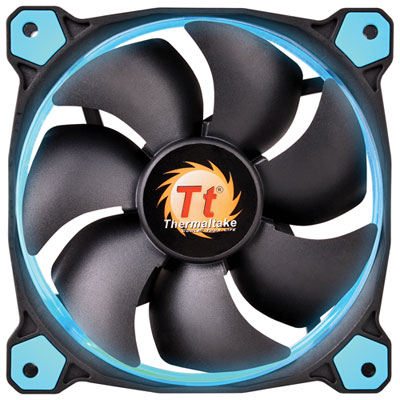 Your price for this item is $19.99
-
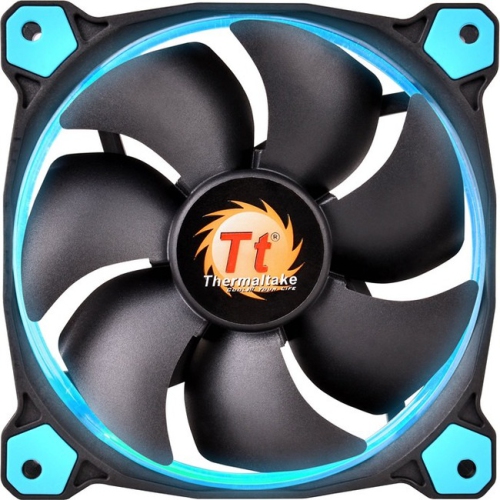 Your price for this item is $48.68
-
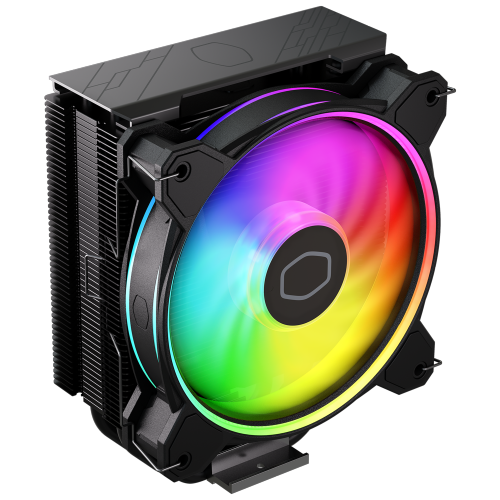 Your price for this item is $61.68
-
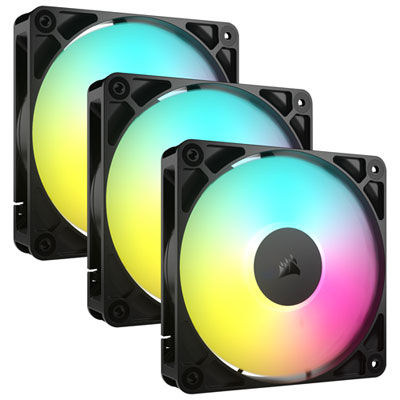 Your price for this item is $74.99
-
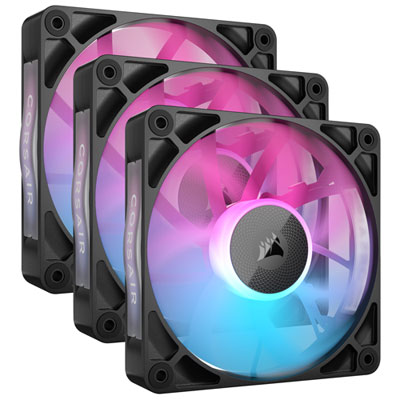 Your price for this item is $139.95
-
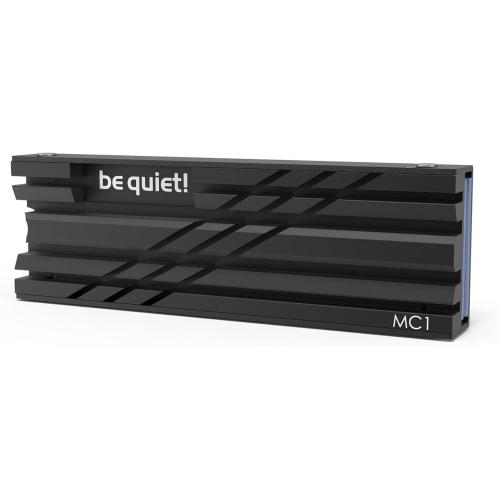 Your price for this item is $37.68
-
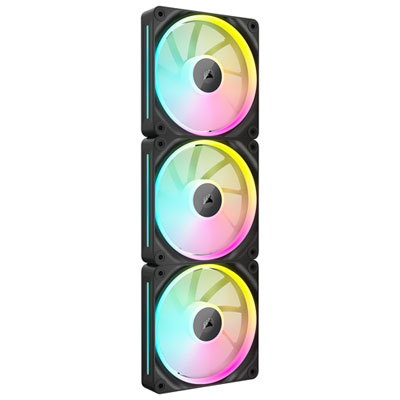 Your price for this item is $179.95
-
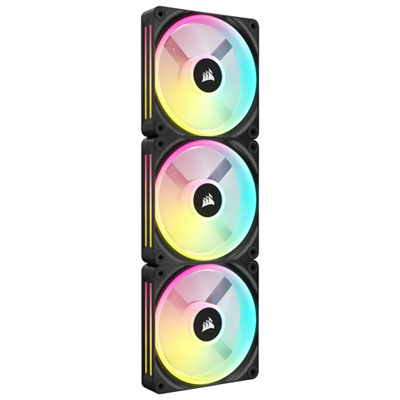 Your price for this item is $149.97
Discover more categories related to High Performance PC Cooling Fans
Top Collections:
Best Black Friday Deals This Year, Best Black Friday Deals On Electronics, Kindle Devices, Pokemon Centers, Best Black Friday Deals On Apple Products, Best Cameras for Sports Photography, Dyson Airwrap, Pokémon 30th Celebration Cards, Apple iPhone 17 Pro, Canon G7X Cameras
Some products may be subject to Environmental Handling Fees
(EHF) depending on your province.
Learn more about EHFs.