High Performance Case Fans
High Performance Case Fans are essential for anyone looking to optimize airflow and maintain ideal temperatures inside their computer system. Whether you're building a new PC or upgrading your current setup, these fans help keep components running smoothly during intensive tasks like gaming, video editing, or multitasking. Explore a wide selection of High Performance Case Fans designed to fit various case sizes and performance needs, making it easy to find the right solution for your desktop. Enhance your system's cooling efficiency and enjoy reliable operation with options tailored for both enthusiasts and everyday users.
Sort
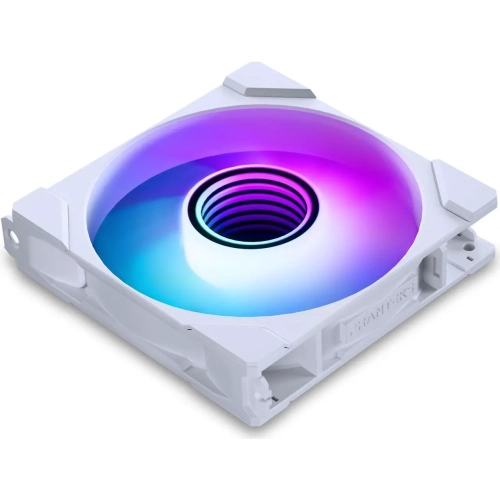
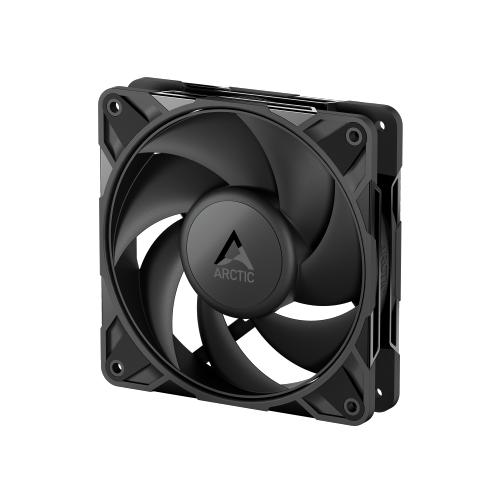
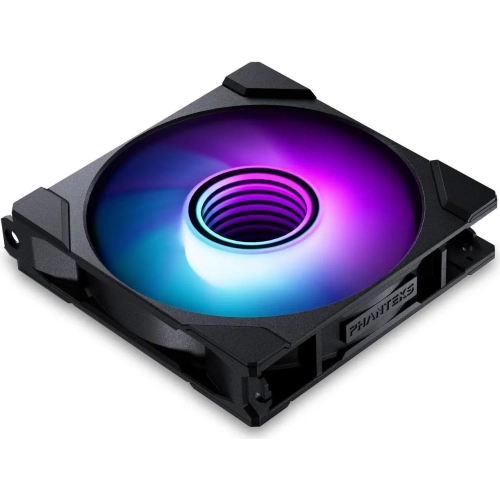
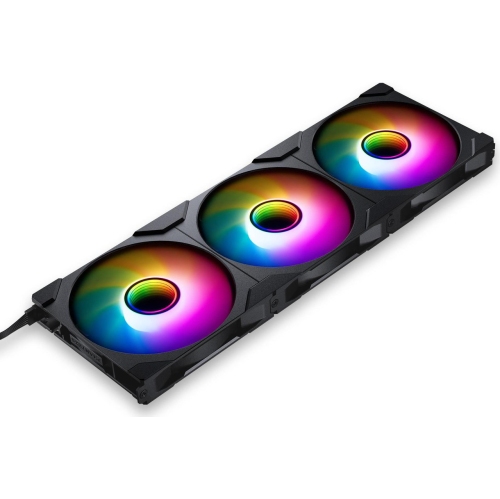
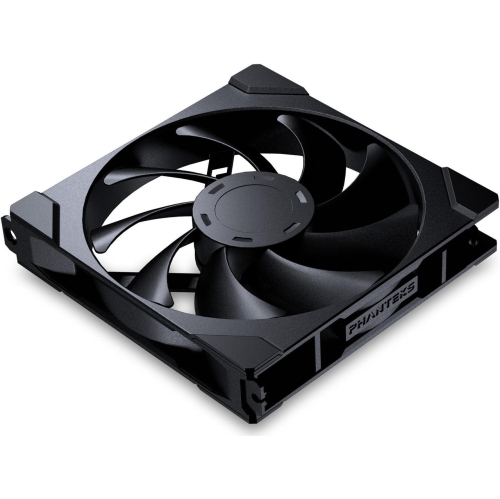
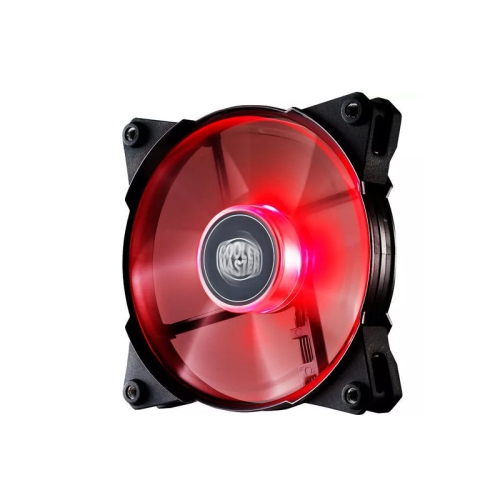
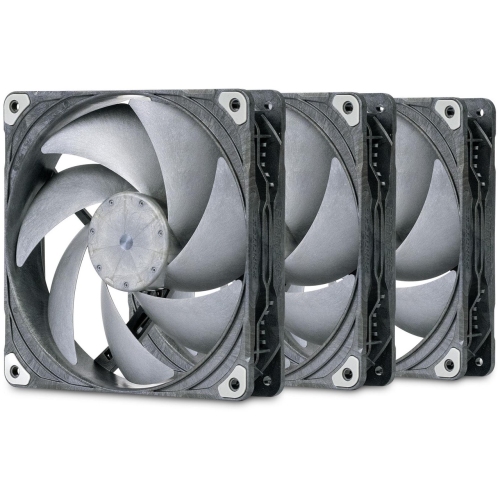
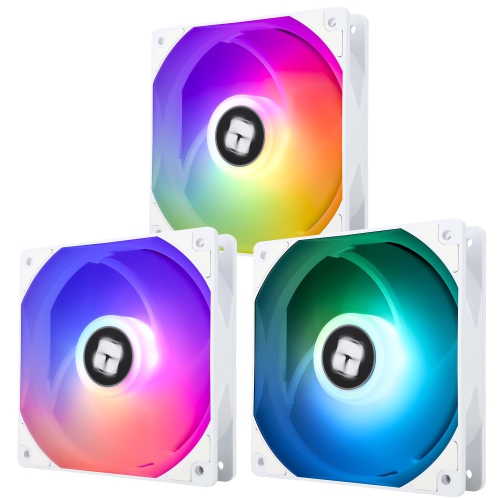
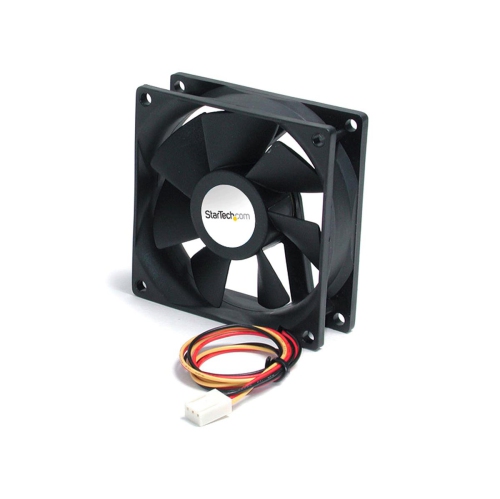
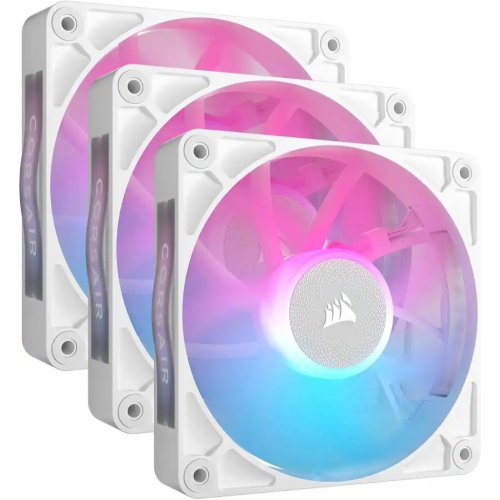
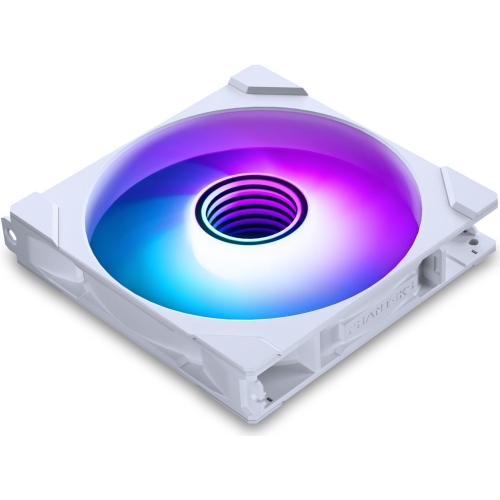
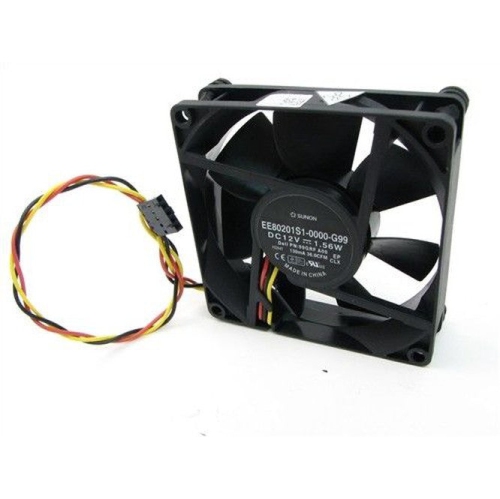
Better PC cooling takes more than faster fans
High-performance case fans help move warm air out of a desktop computer and bring fresh air across components that generate heat, including the graphics card, processor cooler, memory and storage. Their value comes from balancing useful airflow, resistance to obstructions and sound levels rather than simply reaching the highest possible speed. For a gaming PC running a demanding title, a workstation rendering a detailed scene or a desktop handling long video exports, steady case airflow supports the cooling hardware already attached to those components. Airflow is commonly expressed in cubic feet per minute, or CFM, while static pressure describes a fan’s ability to move air against resistance. An open exhaust position generally places fewer restrictions on airflow than an intake behind a fine dust filter, a closely spaced front panel or a liquid-cooling radiator. Pressure-focused designs are particularly useful in those restricted positions, although many fans provide a practical balance for several mounting locations. Maximum airflow and maximum static pressure describe different operating conditions, so neither figure alone tells the whole story. Published sound levels also need context: measurements can vary with testing distance, fan speed and installation, and a smooth, low-pitched hum may be less distracting than a sharper tone with a similar decibel rating. Rotational speed, measured in RPM, helps describe the operating range but is not a complete measure of cooling performance. Blade shape, frame design, motor control and the space around the fan all influence the result. A fan that performs well at moderate speeds can suit a shared home office, while additional speed headroom may be useful during sustained workloads. For shoppers comparing options within the broader category, High Performance PC Cooling Fans offers another relevant way to explore cooling for desktop builds. The strongest match is a fan whose airflow characteristics suit its mounting position and whose sound profile remains comfortable during everyday use.
Physical fit matters just as much as performance specifications. Common case fan sizes include 120 mm and 140 mm, but the case’s supported mounting pattern, available clearance and component layout determine what will actually fit. A larger fan can sometimes deliver comparable airflow at a lower rotational speed, provided the case supports it and the surrounding panel allows air to pass freely. Frame thickness deserves attention, too: a 30 mm fan needs more clearance than a common 25 mm design, which can matter beside a radiator, tall memory modules, motherboard heatsinks or a long graphics card. On a radiator, the combined depth of the radiator and fans must fit within the chassis, and mounting screws need to match the hardware requirements to avoid damage. Moulded plastic frames and blades are common, while some performance-oriented designs use liquid-crystal polymer blades for stiffness and dimensional stability. Material choice can help maintain precise blade geometry, but it does not replace good motor design, balanced construction or a suitable airflow path. Fluid dynamic, hydraulic and ball-bearing designs each have their own operating characteristics, with expected service life and permitted mounting orientation depending on the particular construction. Bearing specifications and warranty terms provide more useful context than a broad claim of durability alone. Rubber corner pads or other vibration-isolating mounts can reduce the transfer of vibration into a metal case panel, especially when the chassis sits on a desktop near the listener. Inside the case, intake and exhaust placement should create a clear route for air rather than leave fans working against one another. Front or lower intakes paired with rear or upper exhaust positions are common arrangements, though the best layout depends on the case. A slight intake bias can help limit dust entering through unfiltered gaps when incoming air passes through filters. Fan count alone does not establish that balance, because filters, grilles and differing fan speeds affect how much air actually moves.
Control options shape how high-performance case fans behave throughout the day. Four-pin pulse-width modulation, usually called PWM, allows compatible motherboard headers or controllers to adjust fan speed through a dedicated control signal. Three-pin fans generally use voltage-based speed control where supported. A broad usable speed range can make the same cooling setup unobtrusive during document work and more assertive during a lengthy gaming session. Some combinations support a stopped-fan mode at low loads, but that feature depends on both the fan and its controller; reliable restart behaviour and adequate airflow still matter. Fan curves can follow an appropriate temperature sensor, with gradual response settings helping prevent distracting bursts of speed during brief workload spikes. Splitters, powered hubs and linked fan connections can simplify a build with several fans, provided the electrical load stays within the relevant header or controller limits. Lighting has separate compatibility requirements: a three-pin 5 V addressable RGB connection is not interchangeable with a four-pin 12 V RGB connection, and neither should be confused with the fan’s motor connector. Unlit designs suit understated workstations, while adjustable lighting can highlight a windowed case without changing the basic cooling requirements. Cable length, connector access and room behind the motherboard tray also affect how neatly the system comes together. Long-term care is straightforward but worthwhile. With the computer shut down and disconnected from power, removable filters can be cleaned according to the case manufacturer’s directions and allowed to dry fully before refitting. Dust on fan blades and grilles can be removed carefully, holding the blades still rather than letting compressed air spin them freely. Cables should remain secured away from moving blades, and persistent rattling or grinding deserves investigation rather than a higher speed setting. For an experienced builder, a first-time PC assembler or someone upgrading a well-used desktop, a well-matched fan setup brings together dependable airflow, manageable noise and a tidy installation that remains easy to maintain.
Top selling and popular products
-
 Your price for this item is $19.99
-
 Your price for this item is $48.68
-
 Your price for this item is $61.68
-
 Your price for this item is $74.99
-
 Your price for this item is $139.95
-
 Your price for this item is $37.68
-
 Your price for this item is $179.95
-
 Your price for this item is $149.97
Discover more categories related to High Performance Case Fans

Top Collections:
Best Black Friday Deals This Year, Best Black Friday Deals On Electronics, Kindle Devices, Pokemon Centers, Best Black Friday Deals On Apple Products, Best Cameras for Sports Photography, Dyson Airwrap, Pokémon 30th Celebration Cards, Apple iPhone 17 Pro, Canon G7X Cameras
Some products may be subject to Environmental Handling Fees
(EHF) depending on your province.
Learn more about EHFs.