High Performance 120mm Fans
High Performance 120mm Fans deliver the airflow and cooling power needed to keep your system running smoothly, whether you’re building a gaming rig or upgrading your current setup. Designed for enthusiasts who demand optimal temperature control and reliable performance, these fans are an essential component for desktops and workstations alike. Explore a wide selection of High Performance 120mm Fans to find the ideal solution for maintaining peak efficiency and protecting your valuable hardware.
Sort
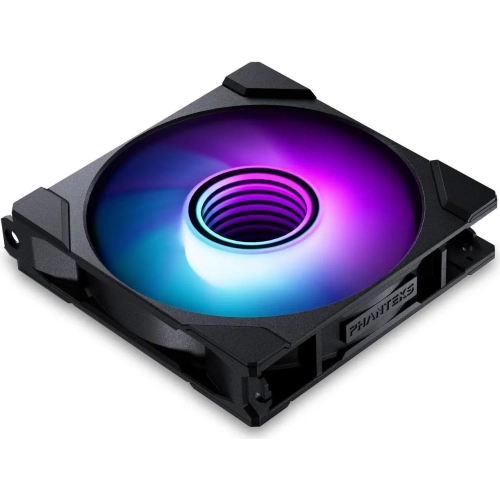
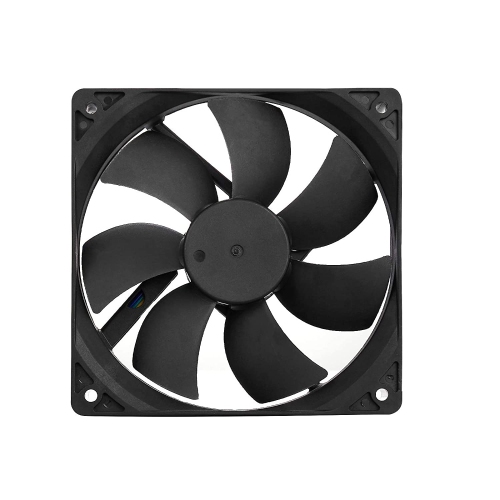
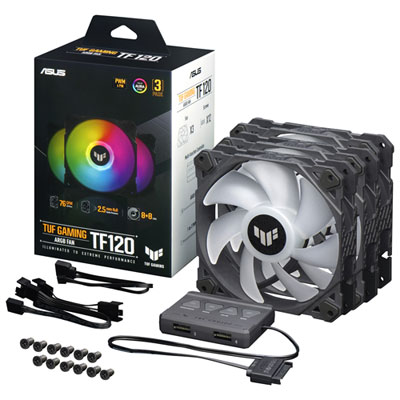
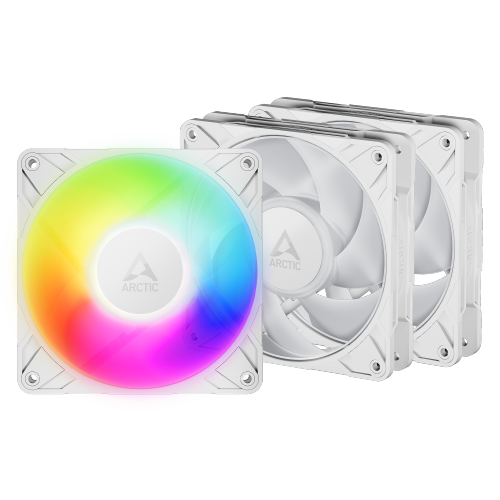
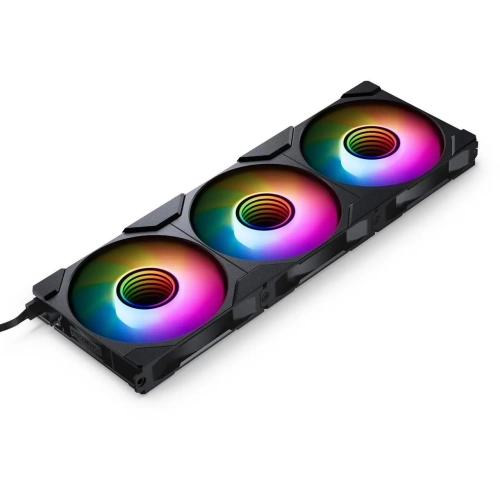
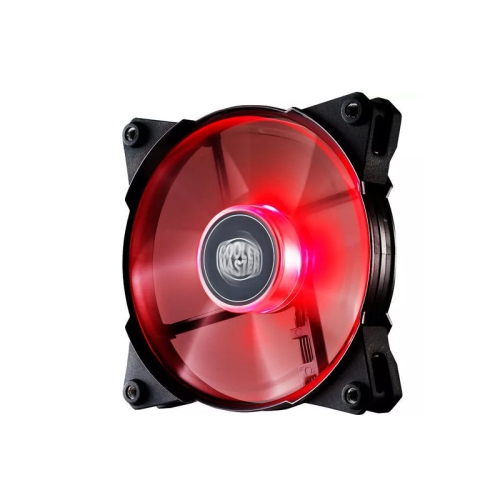
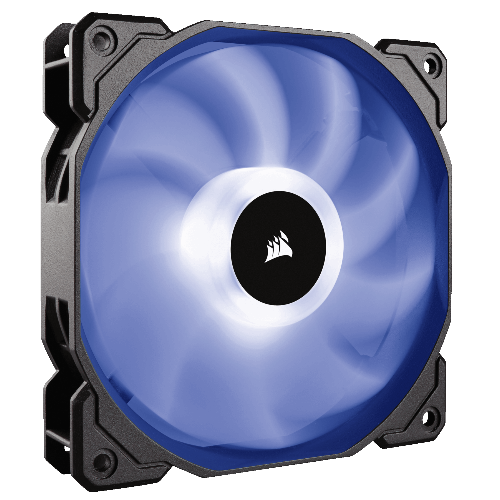
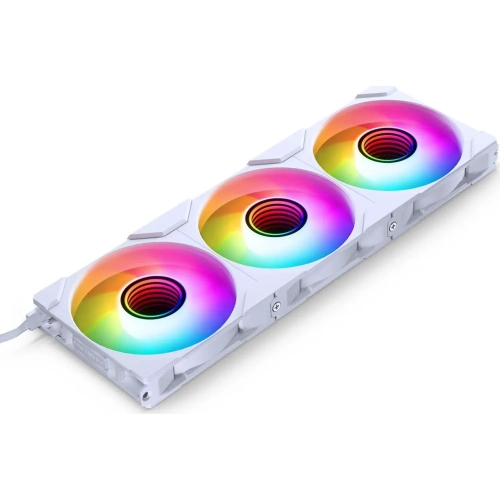
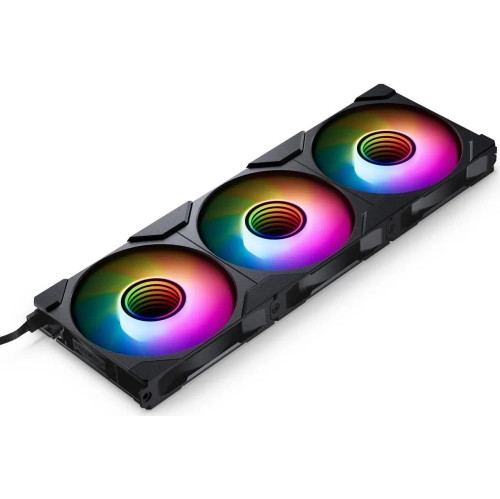
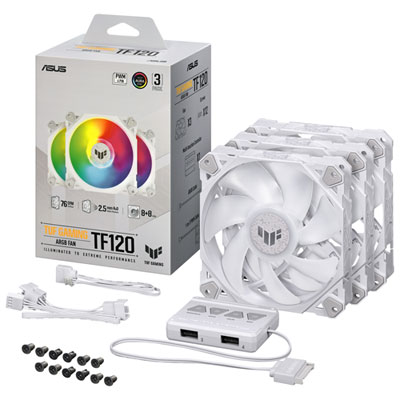
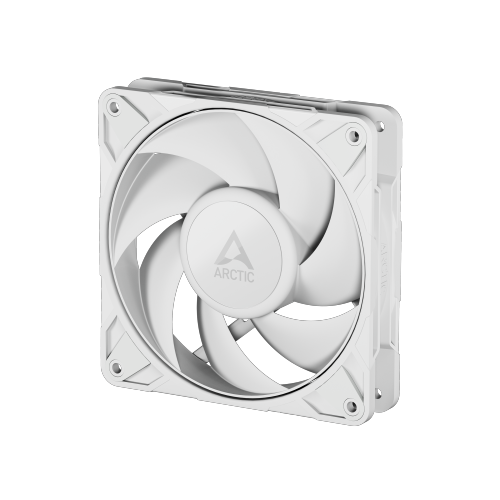
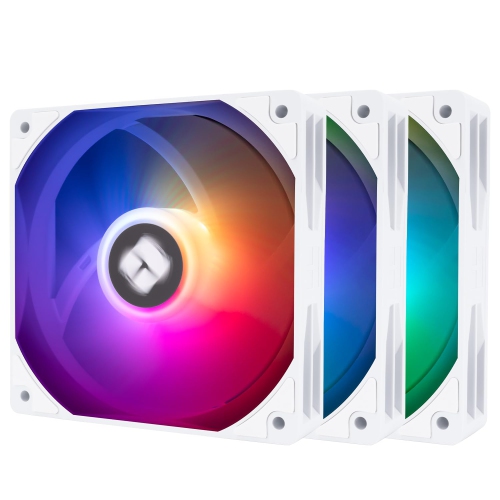
Effective PC cooling takes more than fan speed
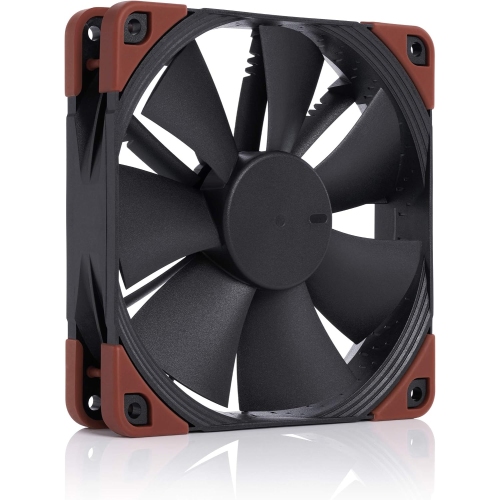
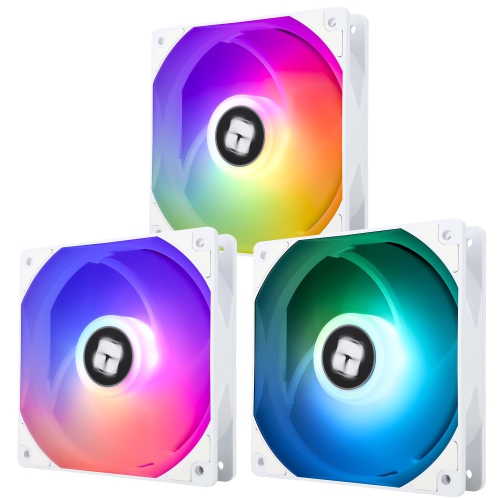
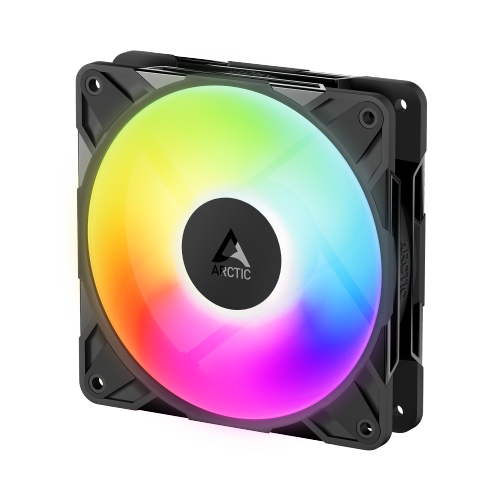
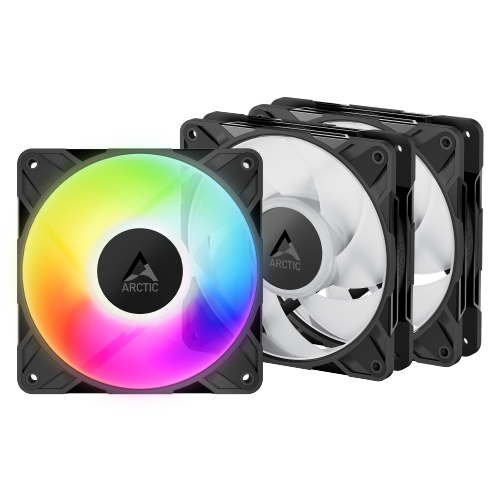
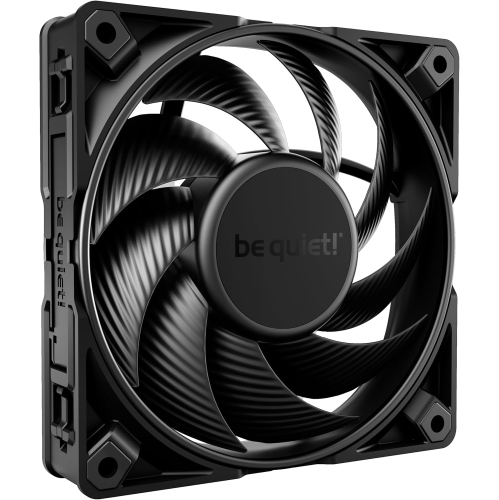
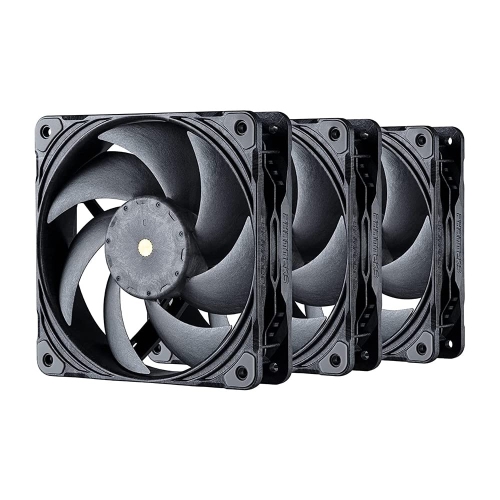
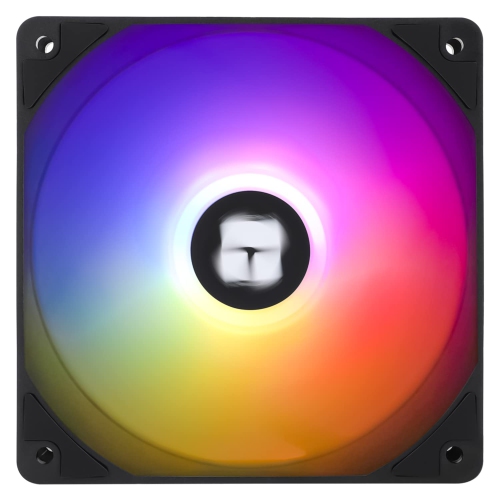
High-performance 120mm fans move air through desktop PC cases, heatsinks, and liquid-cooling radiators, helping carry heat away from components during demanding workloads. The 120mm measurement generally refers to the width and height of the fan frame, not the diameter of the blades, making this a common format for gaming computers, creative workstations, and compact builds with compatible mounting points. Performance depends on more than maximum rotational speed. Blade shape, frame design, motor control, and the gap between the blade tips and housing all influence how effectively a fan moves air and how it sounds in use. Airflow, often expressed in cubic feet per minute, describes the volume of air moved, while static pressure describes the fan’s ability to push air against resistance. An open case exhaust position places different demands on a fan than a radiator with closely spaced fins or an intake behind a dense dust filter. Pressure-focused designs are particularly useful where those obstacles would otherwise restrict airflow; less restrictive mounting positions may benefit more from strong airflow at moderate speeds. Neither specification alone tells the whole story, and maximum airflow and maximum static pressure figures do not represent simultaneous operating conditions. For someone rendering a detailed scene, compiling software, or playing a demanding game, effective cooling means moving air through the areas that need it rather than simply running every fan at full speed. A clear intake path toward the graphics card and an exhaust route away from the processor can be more useful than adding fans without considering airflow direction. Depending on the case layout, 120mm models can work alongside other High Performance PC Cooling Fans to support a coordinated intake and exhaust arrangement. The most suitable combination balances airflow, resistance, and acoustics for the hardware inside the case.
Physical compatibility matters just as much as cooling specifications. Many standard 120mm PC fans have a frame approximately 25mm thick, but slim and thicker designs also exist, so a matching width does not guarantee a trouble-free fit. Space between a radiator and motherboard, clearance beside tall memory modules, and room behind a front panel can all affect which frame depth works. Mounting-hole positions, cooler clips, and screw requirements also need to match the case or cooling assembly. A slim fan can solve a tight clearance problem, although its cooling characteristics may differ from those of a full-depth model. On a radiator, screw length is especially important because an overly long screw can damage the cooling channels beneath the mounting holes. Airflow arrows on the housing, where provided, help identify direction; blade appearance alone is not a reliable indicator across every design. Electrical connections introduce another set of considerations. Four-pin pulse-width modulation, or PWM, fans typically allow a compatible motherboard header to adjust speed through a dedicated control signal, while three-pin fans generally rely on voltage-based speed control. Compatibility and adjustment range depend on both the fan and the header settings. Minimum operating speed, reliable starting behaviour, and support for stopping completely can matter as much as maximum RPM in a computer that spends much of its time on light tasks. A splitter or hub can connect several fans, but the combined current draw must remain within the rating of the header or powered hub. Lighting connections are separate from motor connections on many illuminated fans, and common 5V three-pin addressable RGB and 12V four-pin RGB systems are not interchangeable. Cable length and connector placement also affect how neatly a build comes together. Routing cables away from blade openings prevents contact, while leaving enough access around connectors makes later cleaning or component changes easier. A well-fitted fan should sit securely without forcing the frame against nearby parts or placing unnecessary strain on its wiring.
Materials and construction influence how a 120mm fan holds up over repeated use. Rigid moulded frames help maintain alignment, while blade materials ranging from reinforced plastics to liquid crystal polymers can support stable blade shapes at higher speeds. Material choice alone does not establish performance; blade geometry, balance, and manufacturing precision remain important. Bearing systems also affect durability and sound. Fluid dynamic bearings are designed to support smooth rotation with low friction, while ball-bearing designs can suit demanding operating conditions, though their acoustic character may differ. Expected service life depends on operating conditions and the manufacturer’s testing assumptions, so a quoted lifespan is not a guarantee for every installation. Anti-vibration pads or compatible isolating mounts can reduce the transfer of motor vibration into a case panel, but they cannot eliminate the sound of moving air. Published noise ratings are most useful when considered alongside test conditions and fan speed; a low maximum noise figure does not describe every tone a listener may notice. In a recording workspace or a desktop positioned close to the user, a faint hum, clicking sound, or repeated change in speed can be more distracting than steady airflow. Fan curves that respond gradually to changing workload can help avoid unnecessary surges, provided cooling remains sufficient for the components. Dust care is equally practical: buildup on filters, blades, and heatsink fins restricts airflow and can make fans work harder. Cleaning with the computer shut down and disconnected from power, using a soft brush or carefully controlled compressed air while holding the blades still, helps remove dust without overspinning the rotor. Sealed bearings generally do not need user-applied lubricant. Grinding, persistent rattling, or unreliable starting can indicate wear or an obstruction rather than a need for a faster speed setting. These details make high-performance 120mm fans relevant to PC builders, gamers, designers, and anyone refining a noisy desktop. They can also make a thoughtful gift for a computer enthusiast when the recipient’s mounting space, connector requirements, and preference for lighting or understated styling are known.
Top selling and popular products
-
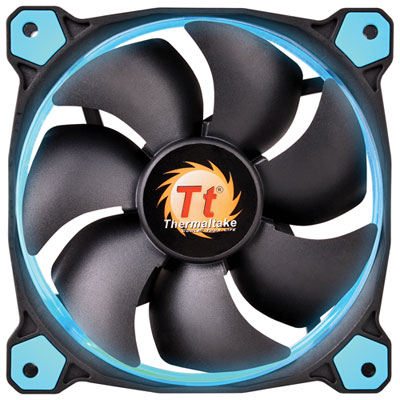 Your price for this item is $19.99
-
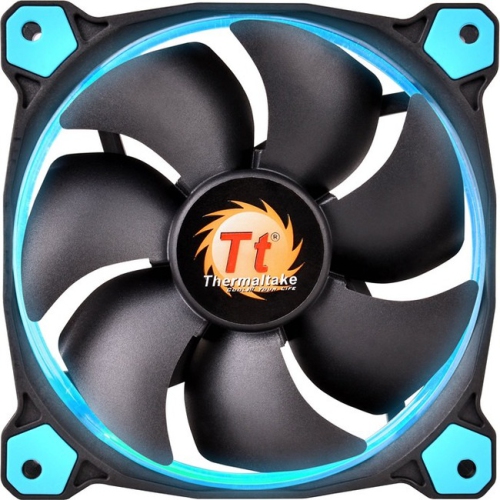 Your price for this item is $48.68
-
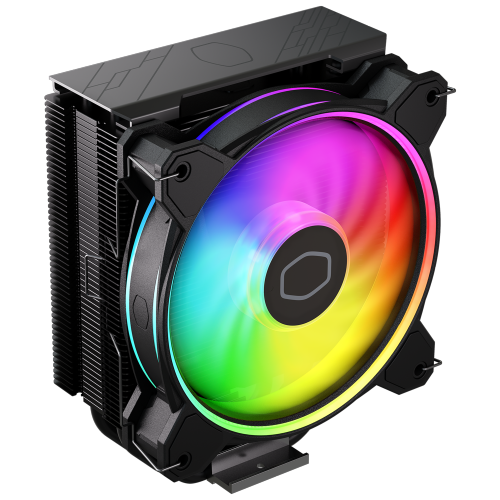 Your price for this item is $61.68
-
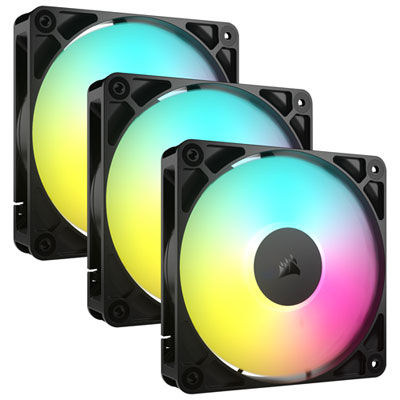 Your price for this item is $74.99
-
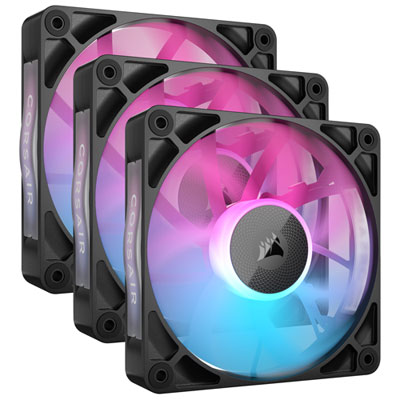 Your price for this item is $139.95
-
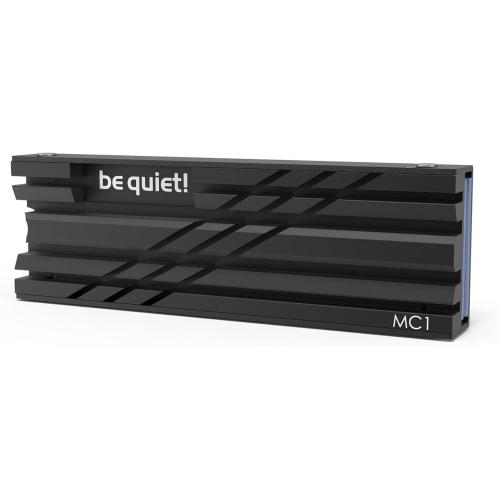 Your price for this item is $37.68
-
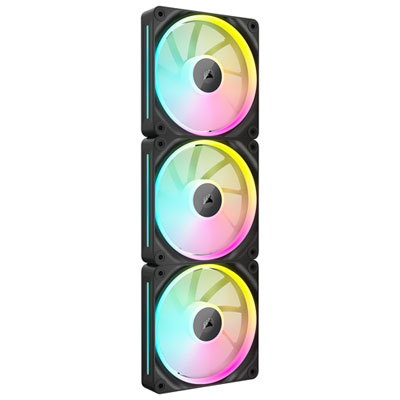 Your price for this item is $179.95
-
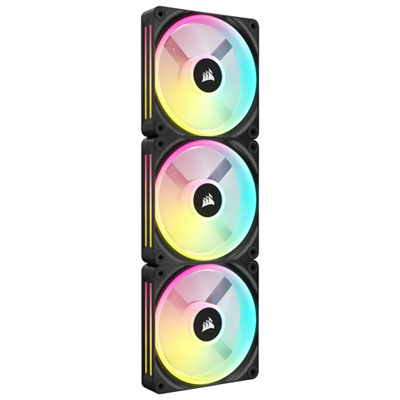 Your price for this item is $149.97
Discover more categories related to High Performance 120mm Fans
Top Collections:
Best Black Friday Deals This Year, Best Black Friday Deals On Electronics, Kindle Devices, Pokemon Centers, Best Black Friday Deals On Apple Products, Best Cameras for Sports Photography, Dyson Airwrap, Pokémon 30th Celebration Cards, Apple iPhone 17 Pro, Canon G7X Cameras
Some products may be subject to Environmental Handling Fees
(EHF) depending on your province.
Learn more about EHFs.