High Performance Wireless Access Points
High Performance Wireless Access Points deliver reliable connectivity and enhanced coverage for homes, offices, and large venues. Designed to support multiple devices and demanding network environments, these access points help maintain smooth online experiences whether you’re working, streaming, or gaming. Explore a range of High Performance Wireless Access Points to find the ideal solution for boosting your wireless network’s efficiency and reach.
Sort

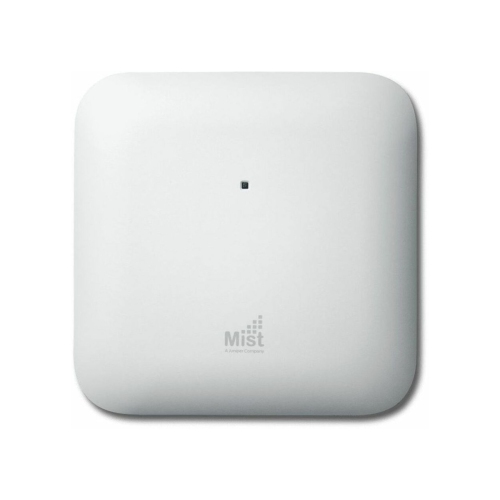
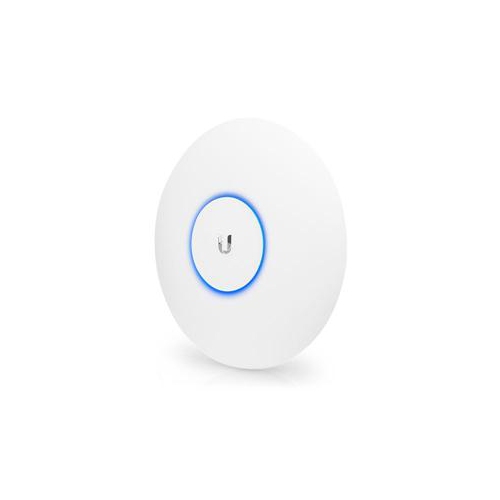


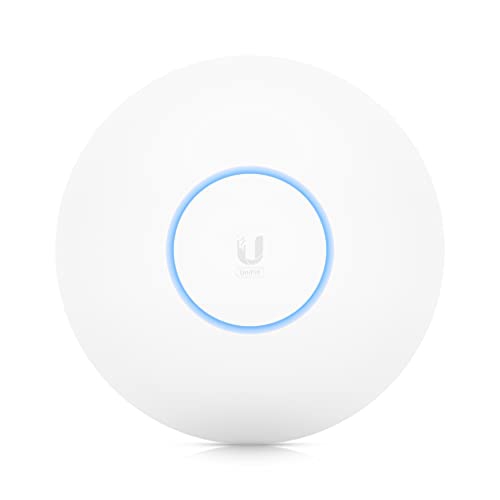
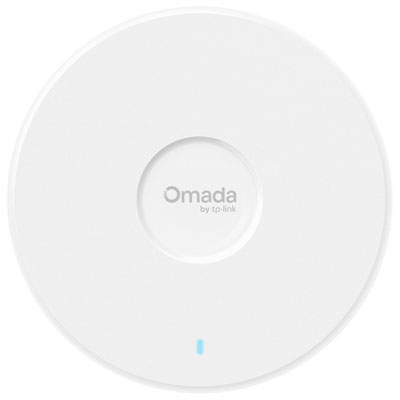


Why busy Wi-Fi networks need more than speed
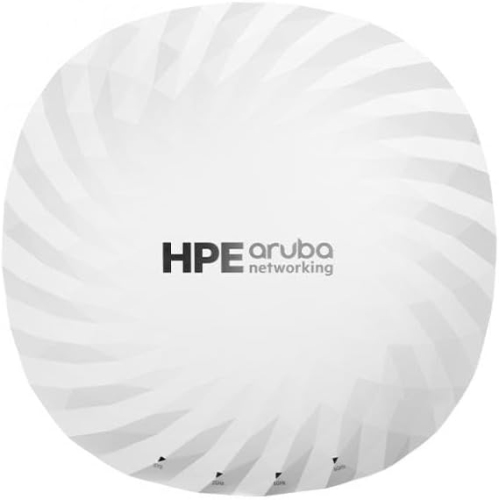
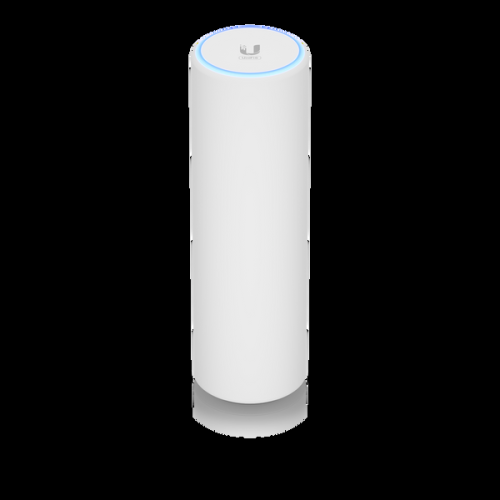
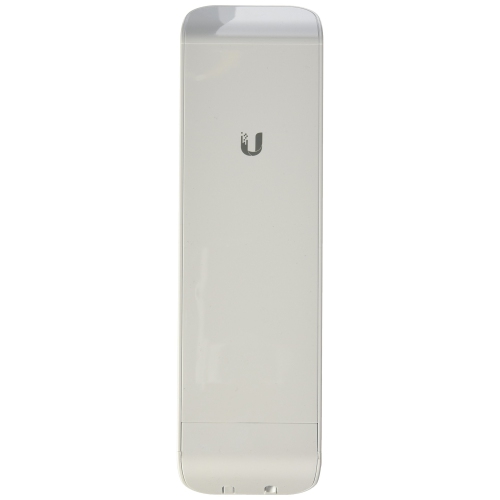
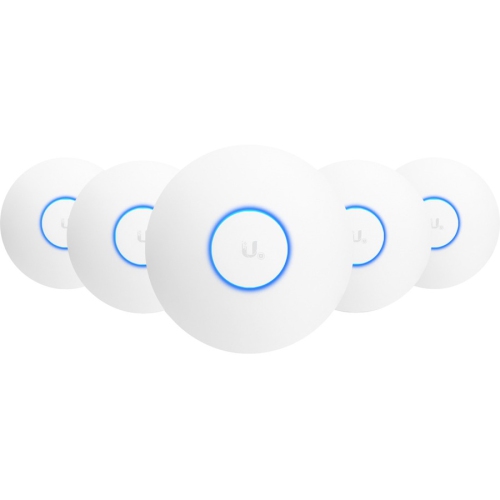
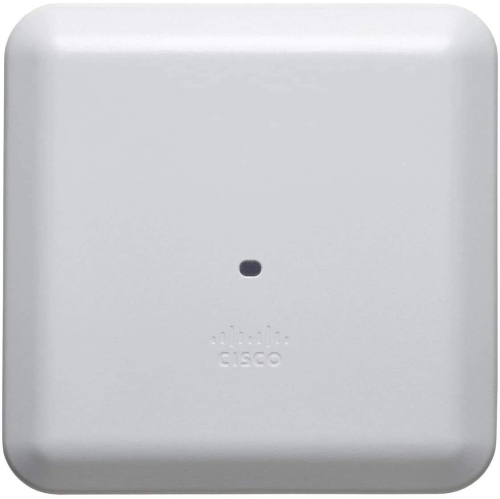
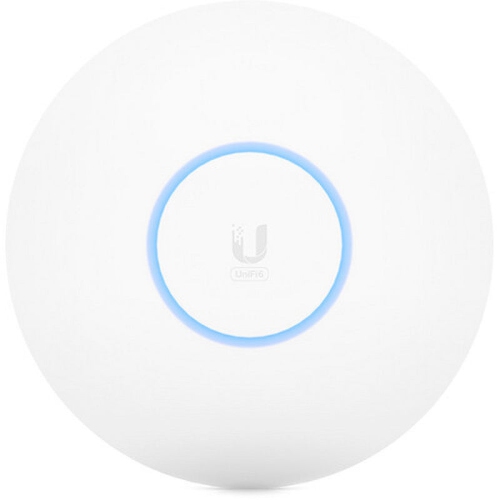
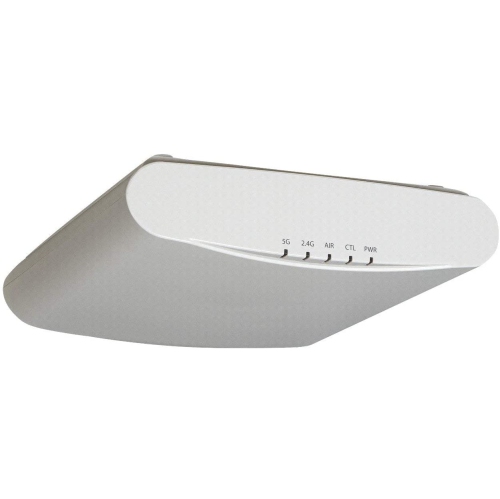
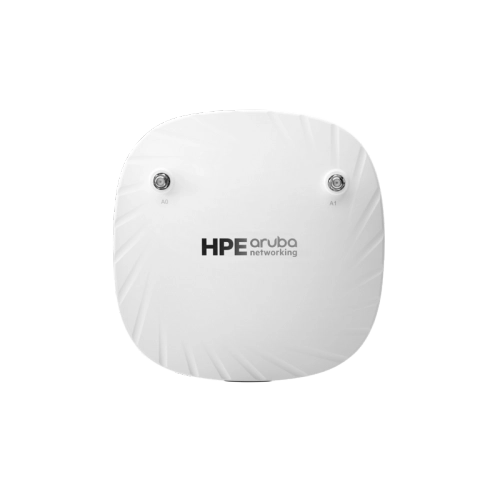
High-performance wireless access points connect Wi-Fi devices to a wired network, providing wireless coverage and capacity for spaces where many people or demanding applications share the same connection. Unlike a wireless router, an access point typically relies on a separate router or gateway for internet routing and firewall functions. Its primary job is to handle wireless connections efficiently, whether that means keeping video meetings clear in a busy office, supporting handheld scanners across a warehouse or serving laptops throughout a large home. Performance involves more than the largest speed figure on the specification sheet. Radio design, supported Wi-Fi standards, channel capacity, Ethernet connections and client-device compatibility all contribute to the experience. Wi-Fi 6 introduces technologies such as orthogonal frequency-division multiple access, commonly called OFDMA, which can help share airtime more efficiently among compatible devices. Wi-Fi 6E adds access to the 6 GHz band, providing additional spectrum for devices that support it. Wi-Fi 7 can offer further capabilities, including multi-link operation and wider channels, depending on the access point, connected devices and permitted operating conditions. Dual-band access points generally serve the 2.4 GHz and 5 GHz bands, while tri-band designs may also include 6 GHz. The 2.4 GHz band remains useful for many connected sensors and older devices, while 5 GHz and 6 GHz can provide more capacity for compatible laptops, phones and other demanding clients. Advertised wireless speeds usually represent theoretical rates, often combined across multiple radios; they are not a promise of that speed on a single device or internet connection. In a meeting room filled with laptops, phones and a video conferencing system, efficient handling of simultaneous traffic can matter more than a headline throughput number. Supported client counts also need context: hundreds of connected devices do not necessarily mean hundreds can run bandwidth-heavy applications at once. Actual capacity depends on traffic patterns, signal quality, interference and the capabilities of each connected device.
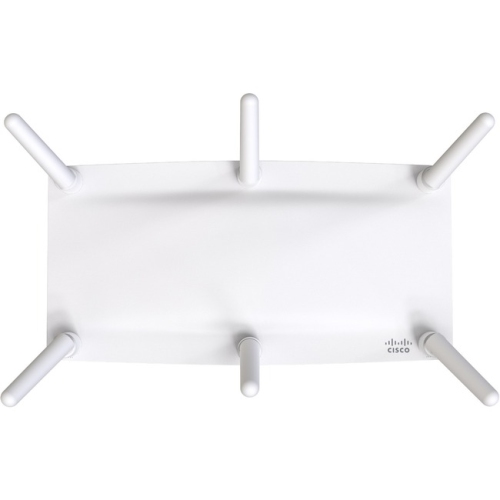
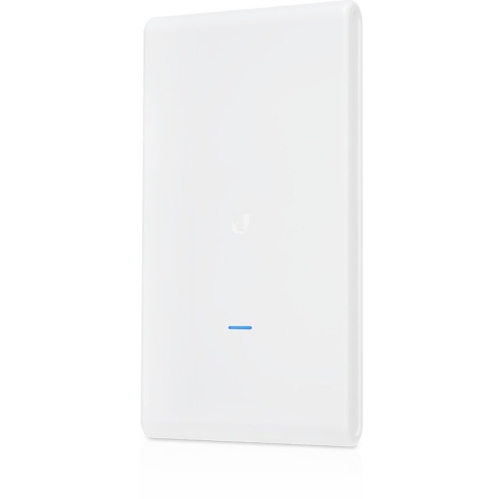
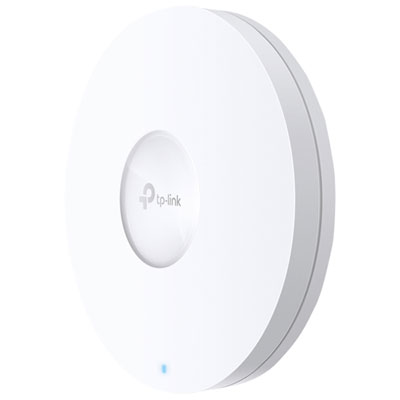
The physical layout of a space has a direct effect on how well high-performance wireless access points work. A ceiling-mounted unit in an open office has a different coverage pattern from a wall-mounted unit serving a corridor and adjoining rooms. Concrete walls, metal shelving, elevator shafts and enclosed utility spaces can weaken or redirect signals, so there is no dependable universal coverage figure based only on floor area. A warehouse full of shelving may need carefully planned placement even when its total device count is modest, while a compact training room can require substantial capacity because dozens of people connect at the same time. Antenna design and mounting orientation help determine where wireless coverage reaches; placing a unit inside a cabinet or behind large metal objects can undermine otherwise capable hardware. Higher-frequency connections, especially on 6 GHz, generally face greater limitations through walls, making placement important for consistent service. Wired connections matter just as much. Gigabit Ethernet may suit many installations, while 2.5, 5 or 10 Gigabit Ethernet uplinks can provide additional headroom where supported by the access point, switch and cabling. A faster wireless radio cannot remove a bottleneck elsewhere in the network. Power over Ethernet, or PoE, allows compatible equipment to receive data and electrical power through one Ethernet cable, reducing the need for a nearby electrical outlet. Power requirements vary: some access points use PoE+, while more demanding designs may require PoE++ to enable their full feature set. The switch needs both the appropriate standard and enough total power capacity for all connected equipment. Housings may use rigid plastic, metal components or a combination of materials, with mounting hardware designed for particular surfaces. Indoor hardware belongs in suitable indoor locations unless it carries an appropriate outdoor rating. Durability also depends on secure installation, unobstructed ventilation and care that follows the manufacturer’s directions, such as gentle exterior cleaning without introducing liquid into ports or vents.
Management and security features distinguish access points designed for straightforward coverage from those intended for more complex networks. A small office may value a clear setup interface and a separate guest network, while a larger organization may need centralized configuration, performance monitoring and consistent settings across multiple locations. The features associated with Enterprise Wireless Access Points are particularly relevant when several floors, busy shared spaces or multiple sites require coordinated administration. Controller-based and cloud-managed platforms can bring settings and monitoring into a common interface, although supported functions and operating requirements differ. Compatibility with an existing management platform matters because access points from different systems do not automatically share advanced controls. Security capabilities may include WPA3, enterprise authentication and support for network segmentation through virtual local area networks, or VLANs. These features can help separate staff laptops, visitor devices and connected equipment when the surrounding network is configured appropriately. A guest network in a reception area, for example, can provide internet access without giving visitors access to internal business resources. Multiple network names alone do not guarantee that separation; the switch, router and access point settings need to work together. For people moving between rooms, roaming assistance can help compatible devices transition between access points, but the device itself still influences when a connection changes. Wireless mesh can extend coverage where Ethernet runs are impractical, though wireless backhaul shares radio resources and may deliver different results from a wired connection. Ongoing firmware support, accessible mounting and useful troubleshooting information contribute to long-term usability, especially when an access point is installed above a busy work area. For home offices, studios, shops and shared workplaces, the strongest match is an access point whose capacity, coverage pattern, power needs and management features fit the actual network. That fit helps support everyday tasks, from a clear client presentation to reliable payment processing, without treating a maximum speed rating as the whole story.
Top selling and popular products
-
 Your price for this item is $189.99
-
 Your price for this item is $189.99
-
 Your price for this item is $219
-
 Your price for this item is $899.99
-
 Your price for this item is $299.99
-
 Your price for this item is $139.99
-
 Your price for this item is $499.99
-
 Your price for this item is $349.99
Discover more categories related to High Performance Wireless Access Points

Top Collections:
Best Black Friday Deals This Year, Best Black Friday Deals On Electronics, Kindle Devices, Pokemon Centers, Best Black Friday Deals On Apple Products, Best Cameras for Sports Photography, Dyson Airwrap, Pokémon 30th Celebration Cards, Apple iPhone 17 Pro, Canon G7X Cameras
Some products may be subject to Environmental Handling Fees
(EHF) depending on your province.
Learn more about EHFs.