High Resolution Monitors
The best computer monitors are the ones that help you get your work done. Whether you're a designer, a photographer, or an editor, you need a display that can handle the details and colors of your work. And if you're doing any sort of video editing, you'll want to make sure your monitor can keep up with the footage flying by on the screen. Here are some of our favorite monitors for almost any task.
Sort
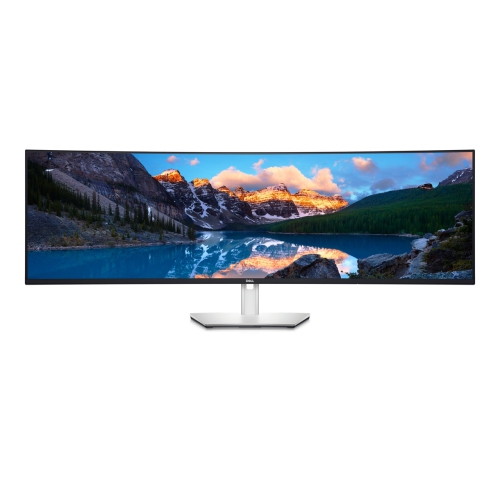

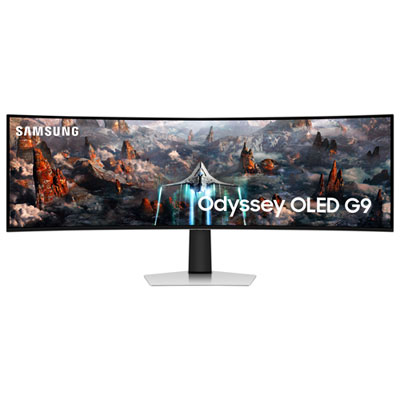
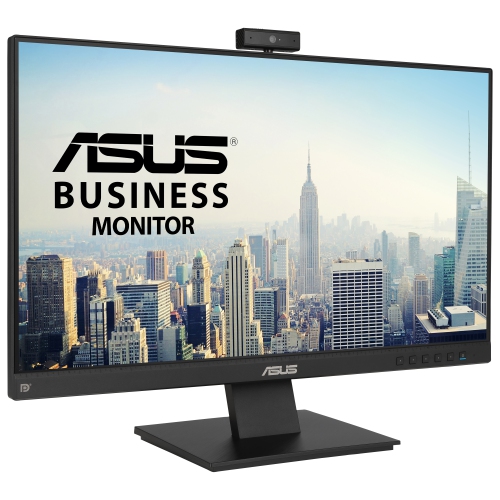
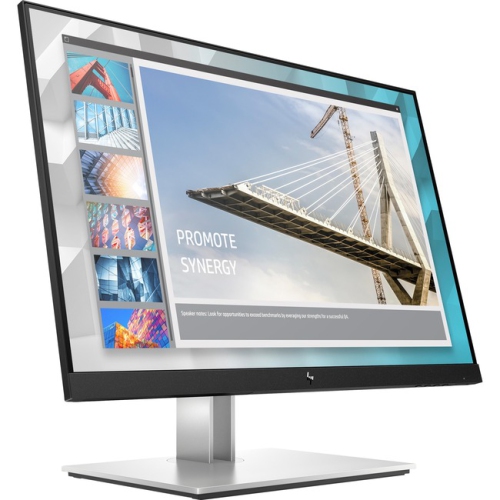
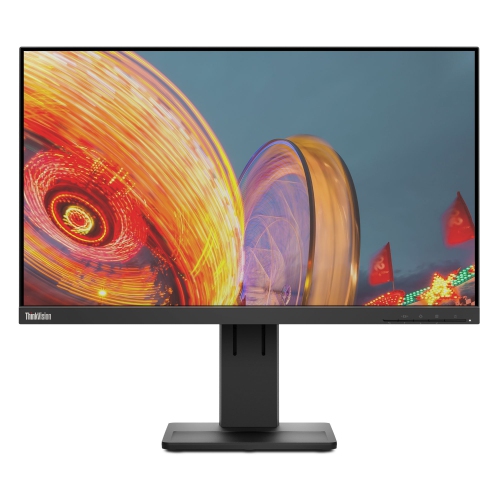
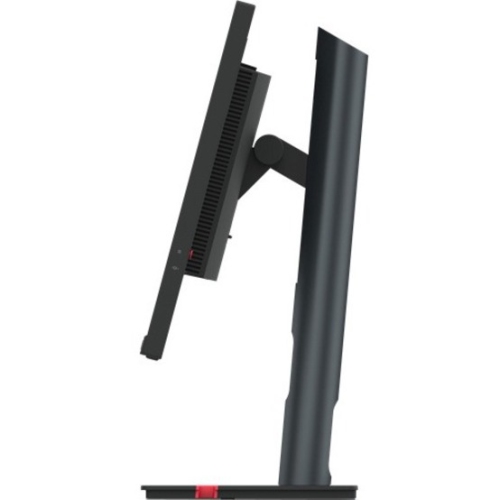
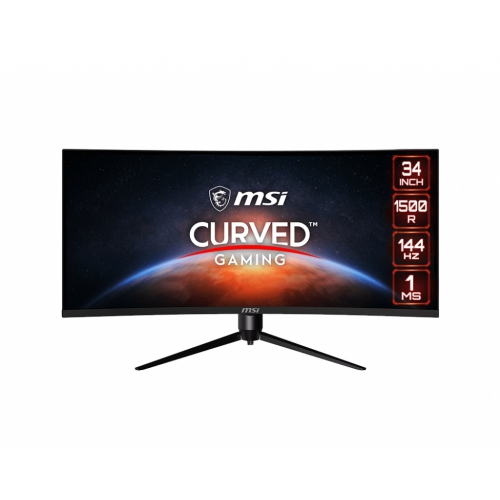
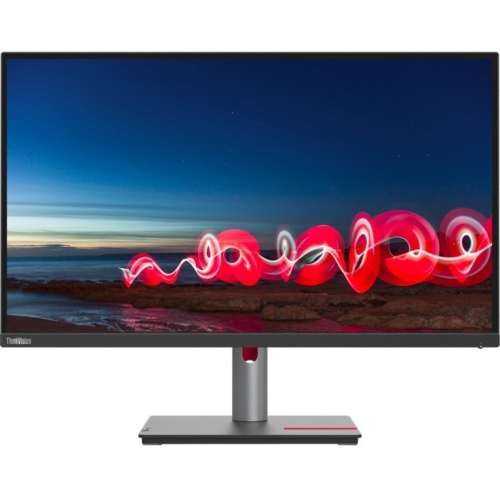
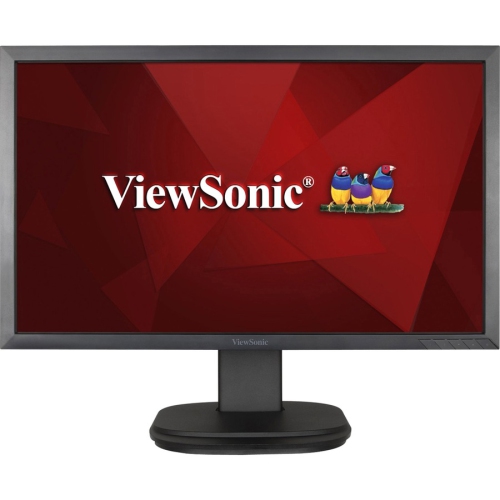
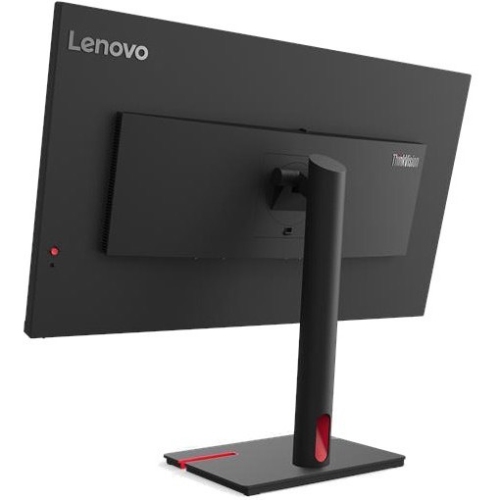
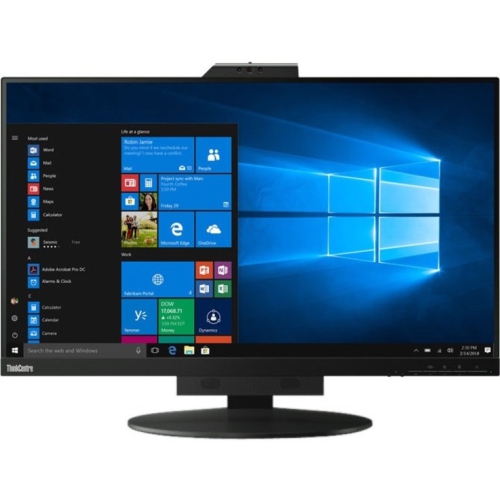
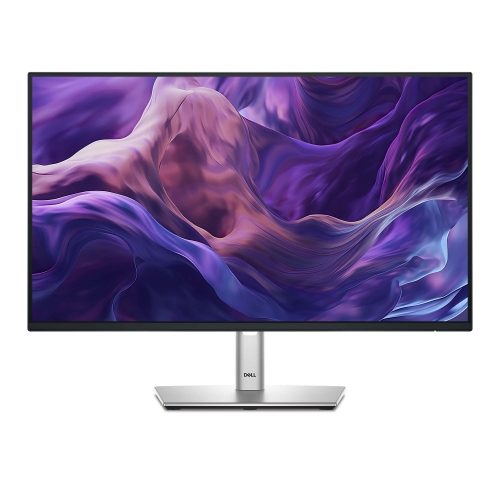

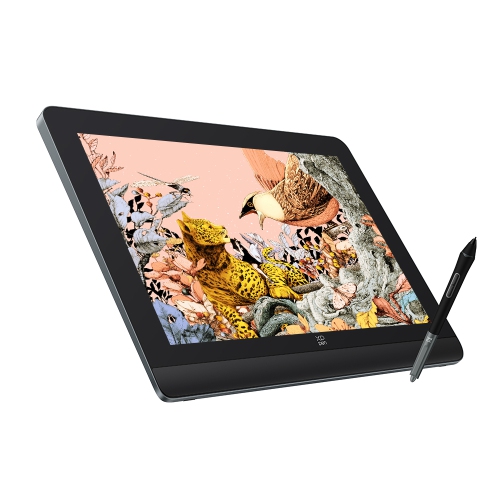
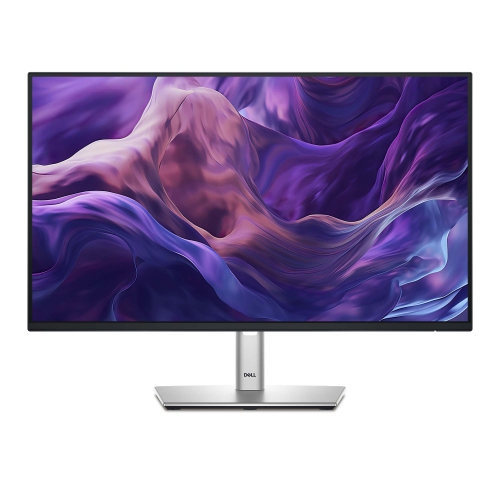
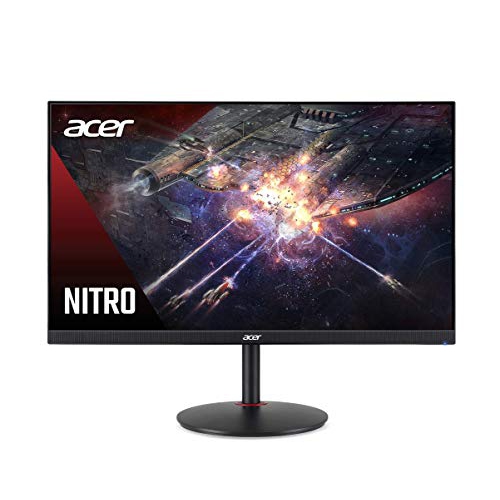
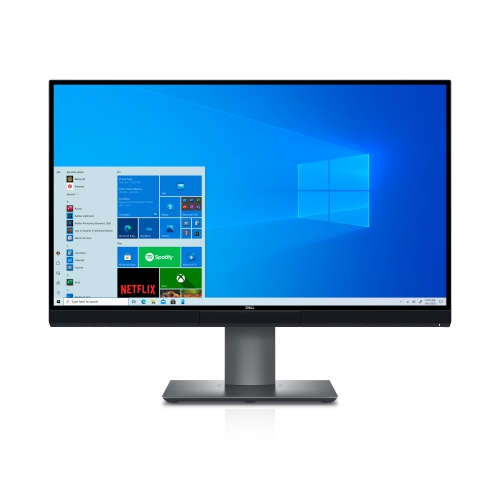
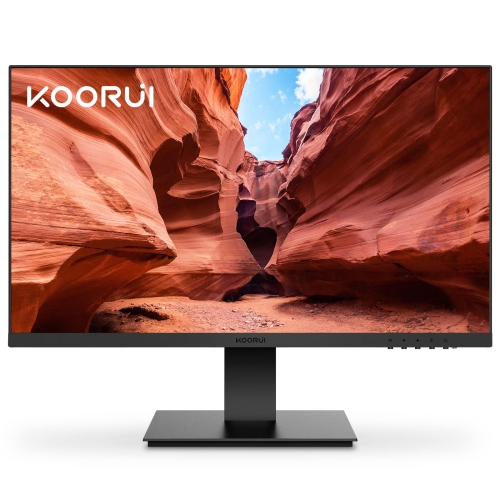
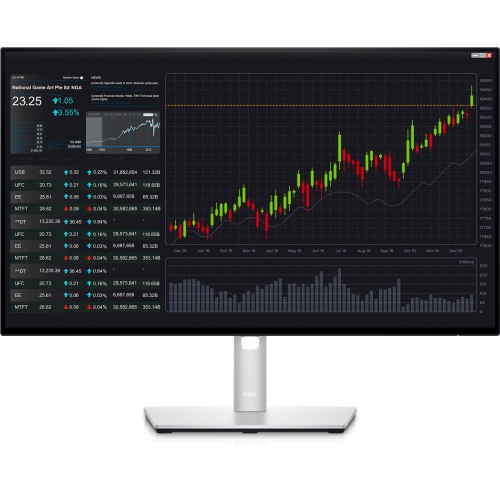

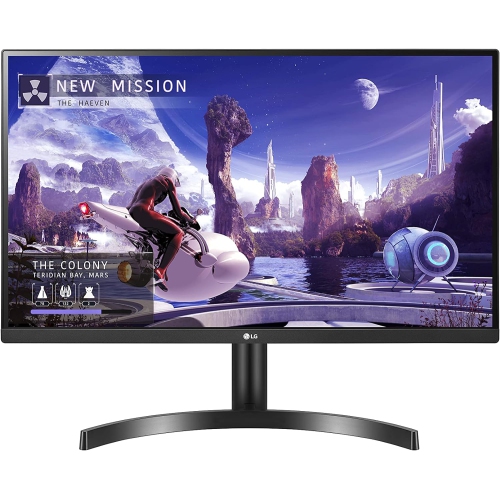
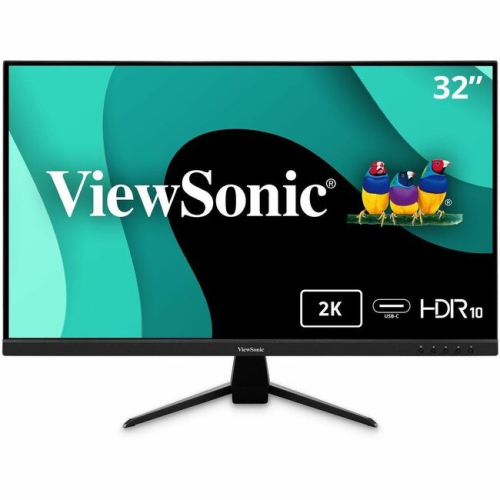
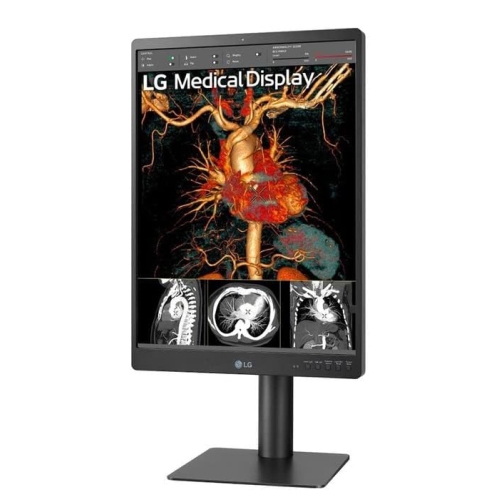
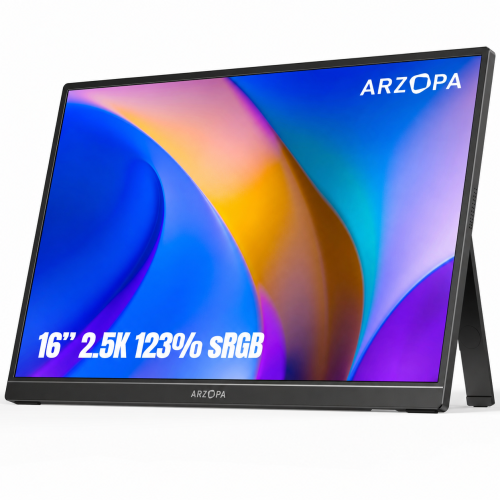
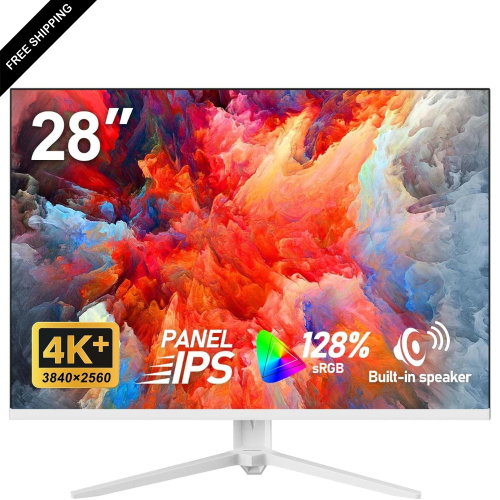
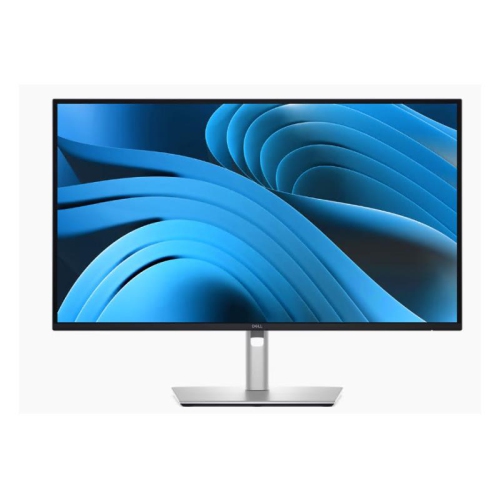
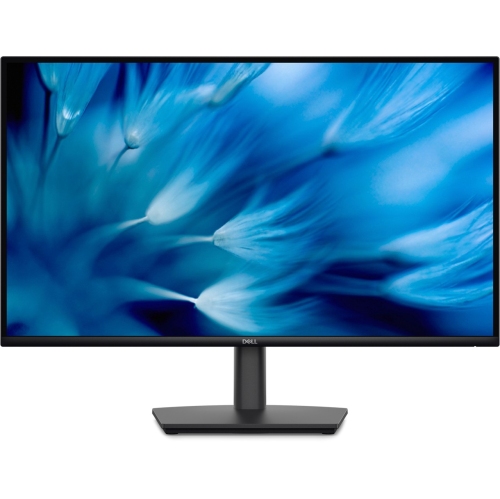


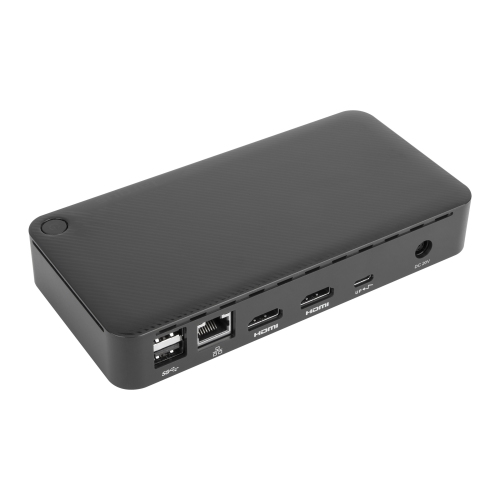
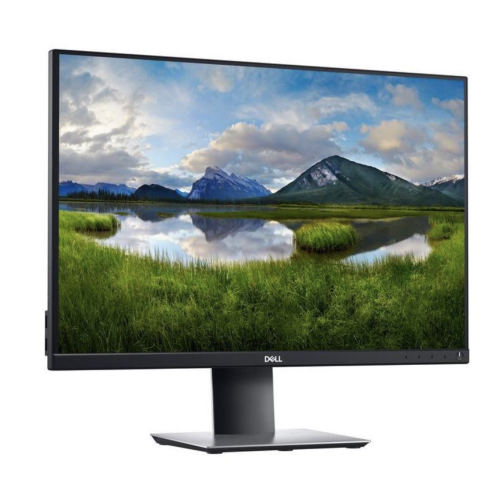
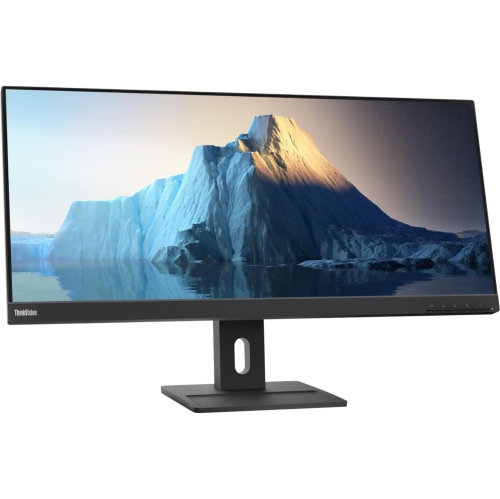
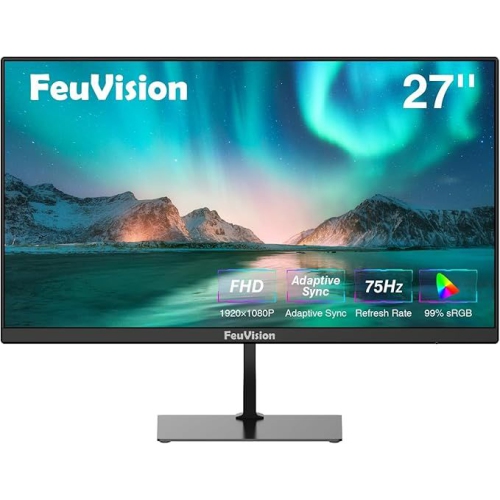
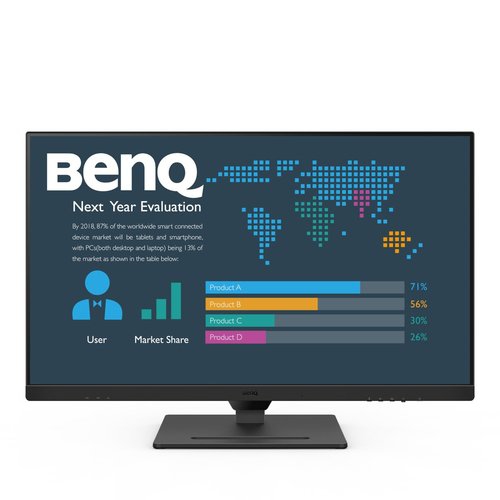
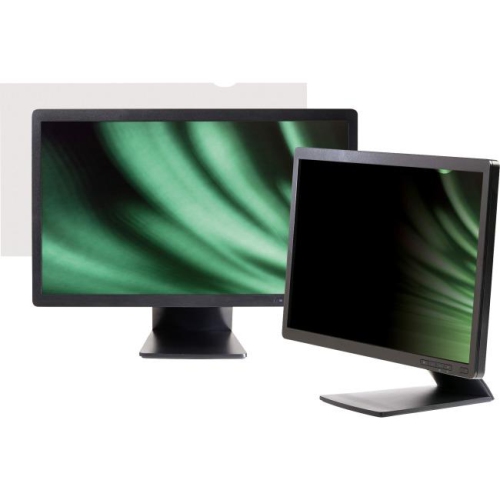

Sharper displays bring clearer detail and more usable desk space
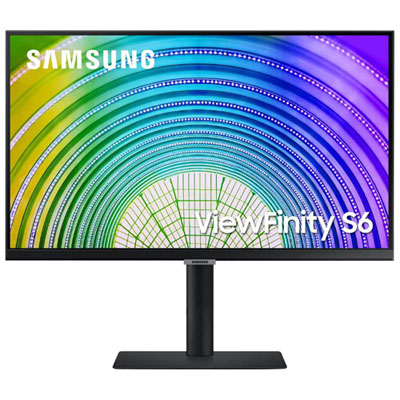
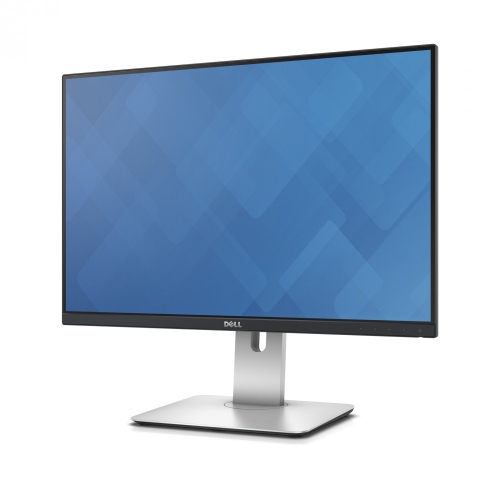
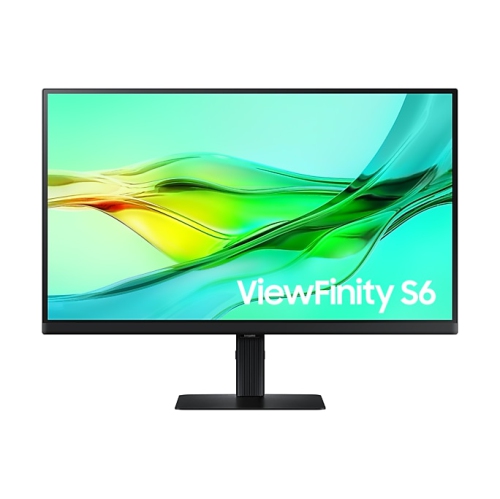
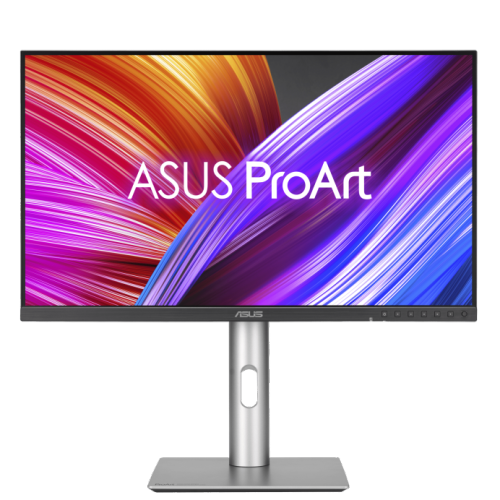
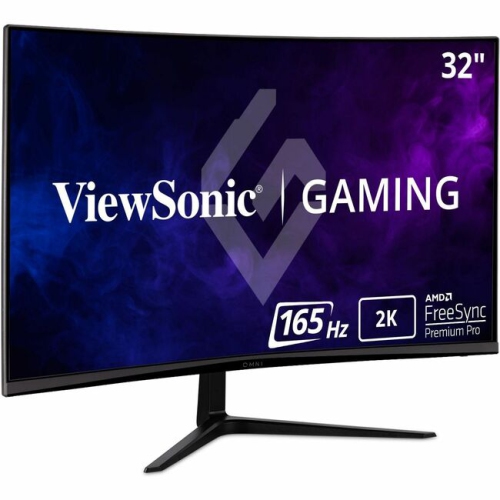
High resolution monitors bring more detail, clarity, and usable space to the desk, making them a practical choice for work, entertainment, gaming, and creative projects. A sharper display can make small text easier to read, keep fine lines looking clean, and show photographs, video, illustrations, and game environments with greater definition. For many people, 1440p, also called QHD or 2560 × 1440, is a comfortable step up from standard 1080p. It offers a noticeably clearer image while leaving room for windows, documents, spreadsheets, and browser tabs on a mid-sized screen, particularly around 27 inch. A 4K UHD monitor displays 3840 × 2160 pixels, or four times the pixel count of 1080p, and is well suited to 27 inch to 32 inch screens where extra detail and workspace can be appreciated without making everything feel cramped. Higher-resolution displays can be especially helpful for photographers, video editors, designers, architects, programmers, and anyone who spends long stretches examining fine details. They can also make a home office feel more inviting: a crisp document, a detailed map, or a finely rendered presentation can be easier to follow when the image remains sharp from corner to corner. For broader views, ultrawide monitors provide a panoramic canvas that can accommodate several applications side by side, while 5K and 6K displays offer very high pixel density for professional image work, detailed timelines, large design files, and other demanding tasks. If a generous physical viewing area is the priority, explore Big Screen Monitors alongside high resolution options to compare screen size and clarity together.
Choosing the right high resolution monitor starts with matching the display to the way it will be used. For office work, studying, coding, or managing multiple projects, resolution, screen size, text clarity, and ergonomic adjustment are often more important than the fastest refresh rate. A height-adjustable stand, tilt and swivel controls, a comfortable viewing position, and a matte or low-glare finish can make a meaningful difference when the workday stretches from a bright morning into the cooler months. For creative work, look for a resolution that shows fine detail clearly, along with strong colour coverage, accurate colour reproduction, useful brightness, and a panel that keeps tones consistent across the screen. Editors working with high-resolution photographs or video may appreciate 4K, 5K, or 6K displays because the extra pixels can reveal subtle texture and allow a project to be viewed at a useful scale while keeping editing controls visible. Ultrawide formats can be valuable for arranging a timeline, preview window, media library, and tools without constantly switching between them. Gamers should consider resolution alongside refresh rate, response time, adaptive synchronization, input connections, and the graphics capability of the computer or console. A 1440p monitor can be a strong balance between image detail and smooth performance, while 4K can deliver a more richly defined picture when paired with hardware that can drive it effectively. Some high-end gaming displays combine 4K resolution with refresh rates as high as 240 Hz and very fast response times, which can help fast-moving scenes look fluid and reduce visible blur when supported by the rest of the setup. Curved screens may suit wide or ultrawide layouts by keeping the edges within a more natural field of view, though a flat panel may be preferable for precise design work or a desk shared with other people.
It is also worth checking the connections and everyday features before choosing a display. HDMI and DisplayPort are common options for computers and consoles, while USB-C can be convenient for compatible laptops, especially when one cable can carry video, data, and power. Built-in USB hubs, speakers, headphone outputs, picture-by-picture modes, and multiple input ports can reduce desk clutter and make it easier to switch between a work computer, personal laptop, and gaming system. Consider the available desk depth, the distance from the seating position, and whether the monitor will be mounted on an arm or placed on its stand. A very large or very high-resolution screen can be impressive, but it should still fit comfortably within the viewing area and match the capabilities of the connected device. High resolution monitors can make thoughtful gifts for students setting up a study space, remote workers refreshing a home office, creators building a photo or video workstation, or gamers looking to bring more detail and room to their favourite experiences. They are also useful for shared households, where one display may move from online classes and spreadsheets to streaming, photo browsing, or a family gaming session. During warmer seasons and throughout the cooler months, a well-chosen monitor can become the dependable centre of a desk: clear enough for focused work, spacious enough for multitasking, and detailed enough to make digital content feel more immersive. Consider resolution, size, panel characteristics, refresh rate, compatibility, and adjustability together so the display feels natural to use every day rather than simply impressive at first glance.
Choosing the right high resolution monitor starts with matching the display to the way it will be used. For office work, studying, coding, or managing multiple projects, resolution, screen size, text clarity, and ergonomic adjustment are often more important than the fastest refresh rate. A height-adjustable stand, tilt and swivel controls, a comfortable viewing position, and a matte or low-glare finish can make a meaningful difference when the workday stretches from a bright morning into the cooler months. For creative work, look for a resolution that shows fine detail clearly, along with strong colour coverage, accurate colour reproduction, useful brightness, and a panel that keeps tones consistent across the screen. Editors working with high-resolution photographs or video may appreciate 4K, 5K, or 6K displays because the extra pixels can reveal subtle texture and allow a project to be viewed at a useful scale while keeping editing controls visible. Ultrawide formats can be valuable for arranging a timeline, preview window, media library, and tools without constantly switching between them. Gamers should consider resolution alongside refresh rate, response time, adaptive synchronization, input connections, and the graphics capability of the computer or console. A 1440p monitor can be a strong balance between image detail and smooth performance, while 4K can deliver a more richly defined picture when paired with hardware that can drive it effectively. Some high-end gaming displays combine 4K resolution with refresh rates as high as 240 Hz and very fast response times, which can help fast-moving scenes look fluid and reduce visible blur when supported by the rest of the setup. Curved screens may suit wide or ultrawide layouts by keeping the edges within a more natural field of view, though a flat panel may be preferable for precise design work or a desk shared with other people.
It is also worth checking the connections and everyday features before choosing a display. HDMI and DisplayPort are common options for computers and consoles, while USB-C can be convenient for compatible laptops, especially when one cable can carry video, data, and power. Built-in USB hubs, speakers, headphone outputs, picture-by-picture modes, and multiple input ports can reduce desk clutter and make it easier to switch between a work computer, personal laptop, and gaming system. Consider the available desk depth, the distance from the seating position, and whether the monitor will be mounted on an arm or placed on its stand. A very large or very high-resolution screen can be impressive, but it should still fit comfortably within the viewing area and match the capabilities of the connected device. High resolution monitors can make thoughtful gifts for students setting up a study space, remote workers refreshing a home office, creators building a photo or video workstation, or gamers looking to bring more detail and room to their favourite experiences. They are also useful for shared households, where one display may move from online classes and spreadsheets to streaming, photo browsing, or a family gaming session. During warmer seasons and throughout the cooler months, a well-chosen monitor can become the dependable centre of a desk: clear enough for focused work, spacious enough for multitasking, and detailed enough to make digital content feel more immersive. Consider resolution, size, panel characteristics, refresh rate, compatibility, and adjustability together so the display feels natural to use every day rather than simply impressive at first glance.
Top selling and popular products
-
 Your price for this item is $299
 -
 Your price for this item is $599
 -
 Your price for this item is $94.99
 -
 Your price for this item is $329.99
 -
 Your price for this item is $499
 -
 Your price for this item is $265.99
 -
 Your price for this item is $1299.97
 -
 Your price for this item is $249.99
Discover more categories related to High Resolution Monitors


Top Collections:
Pokemon Centers, Kindle Devices, Best Budget Office Chairs, Apple iPhones 16, Best Laptops for Writers, iPhone 15 Apple, Canon G7X Cameras, Refurbished Apple Laptops, Alarm Clock, Motorola Razr Phones
Some products may be subject to Environmental Handling Fees
(EHF) depending on your province.
Learn more about EHFs.