High Speed Usb Printer Cables
High speed USB printer cables are essential for connecting your printer to your computer or other devices, ensuring efficient data transfer and reliable performance. Whether you’re setting up a home office, upgrading your workspace, or simply replacing an existing cable, choosing the right connection can make a noticeable difference in everyday printing tasks. Explore a wide selection of high speed USB printer cables designed to support your printing needs and keep your workflow running smoothly.
Sort
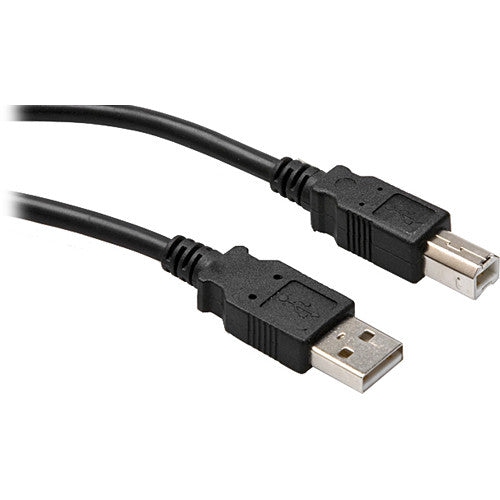
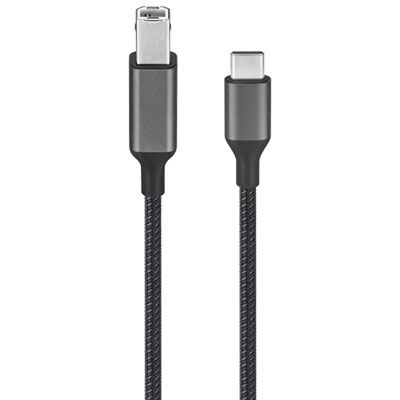
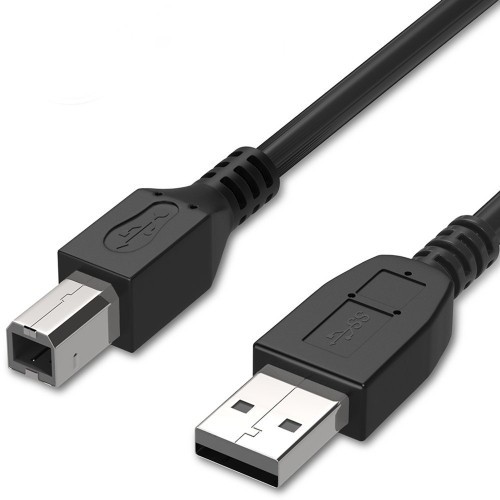
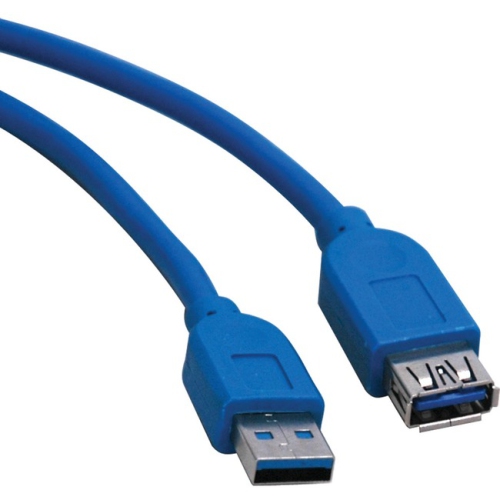
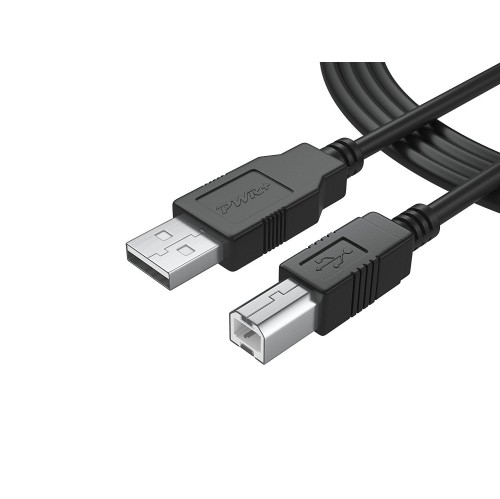
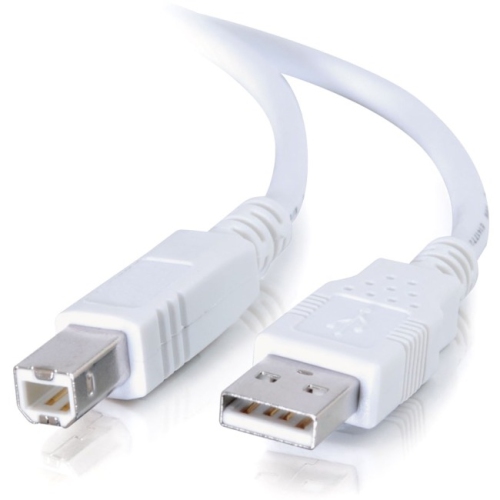
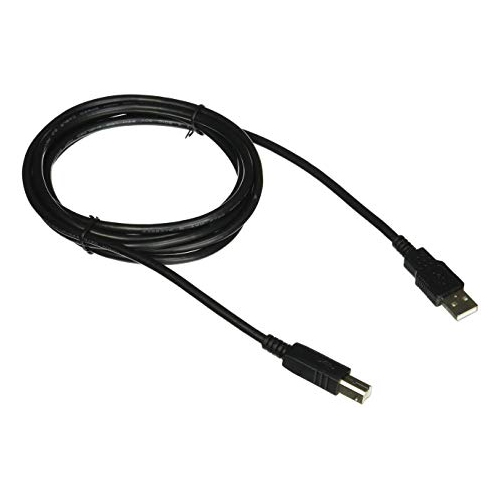
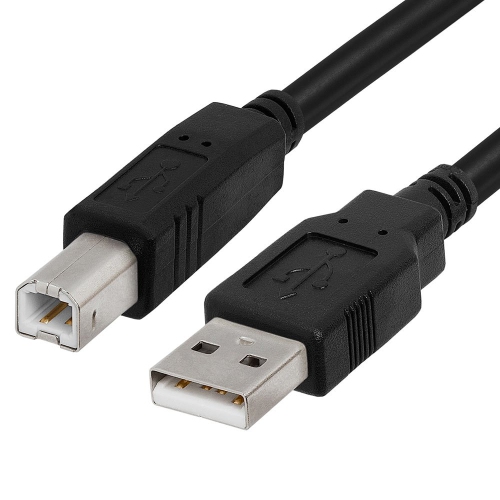
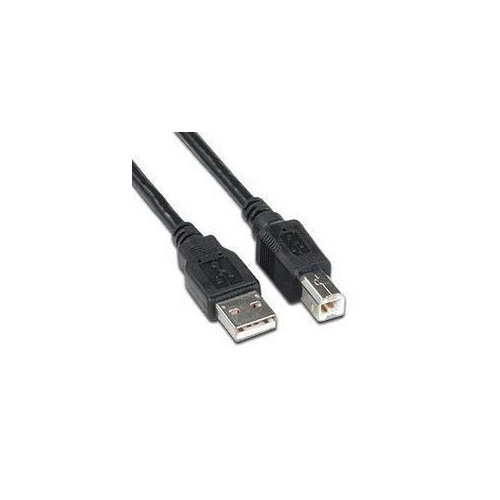
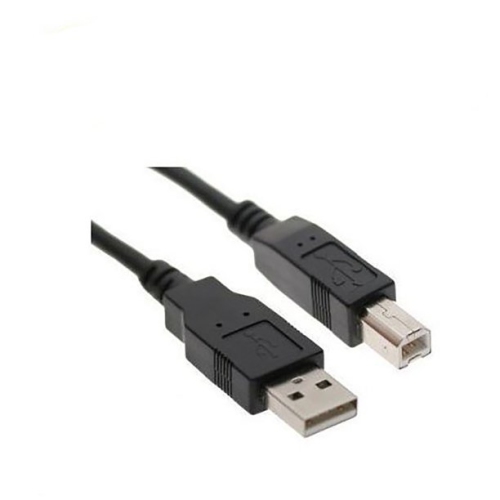
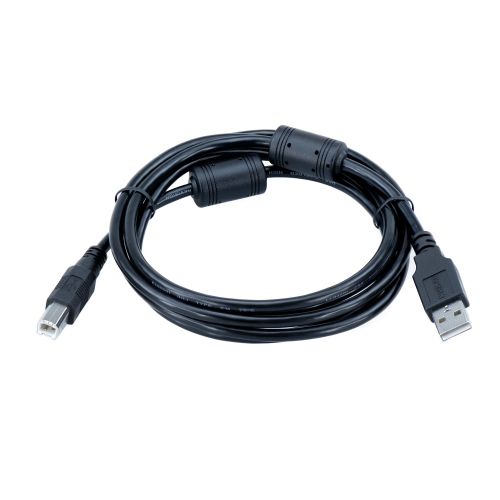
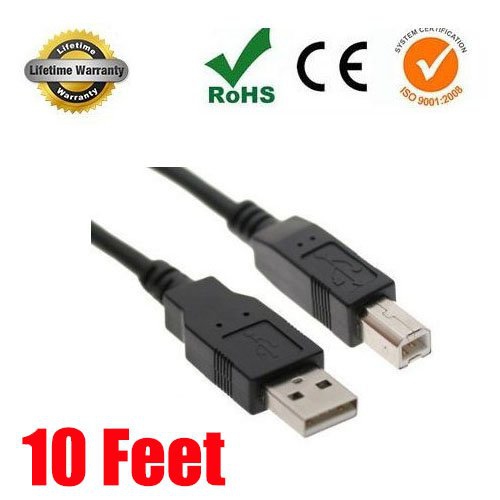
Reliable wired connections for everyday printing and scanning
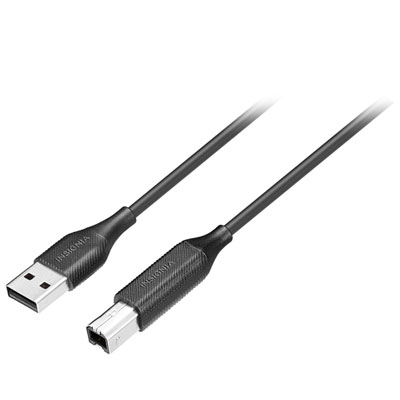
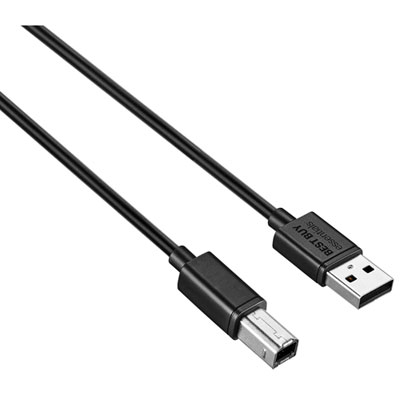
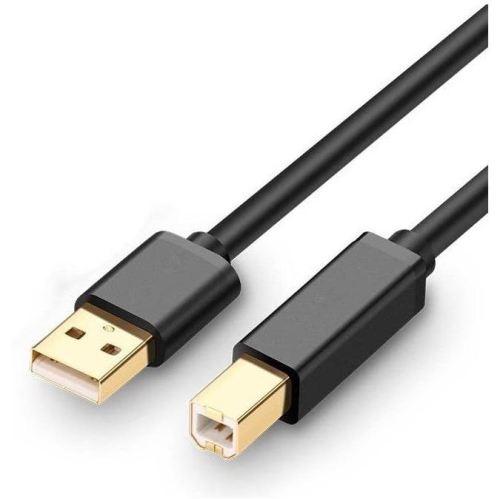
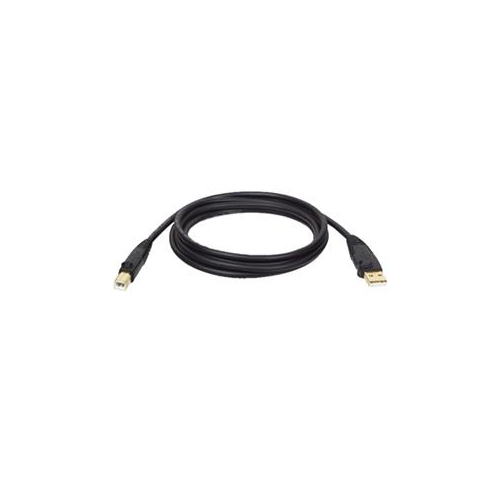
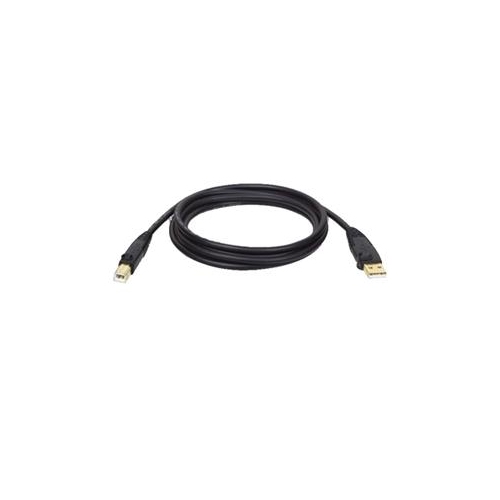
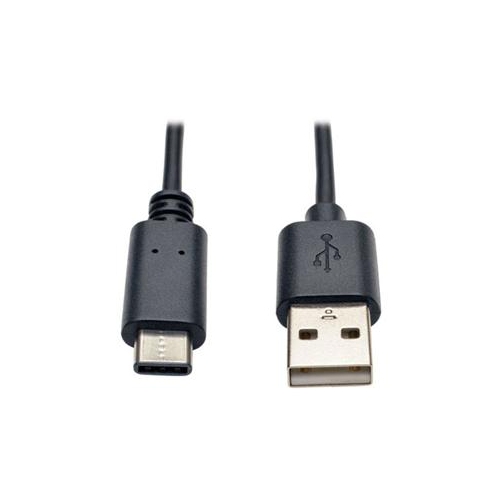
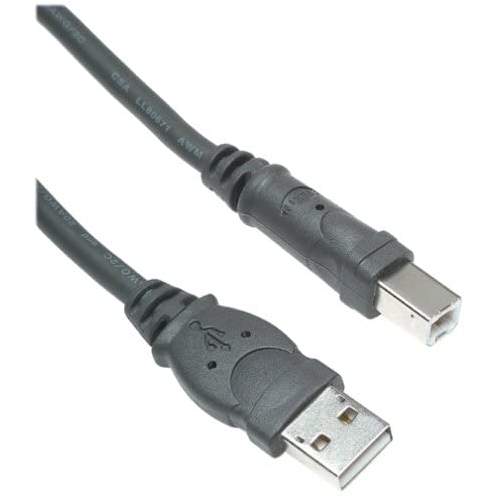
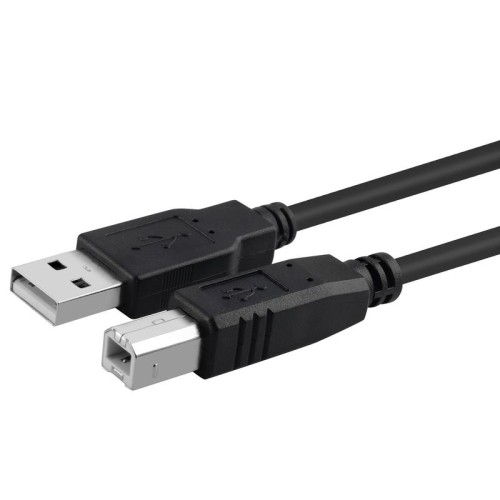
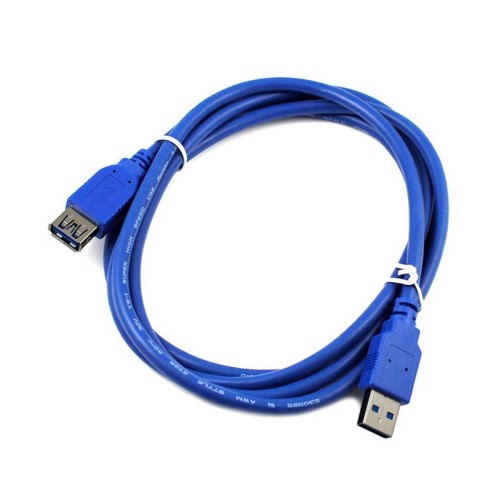
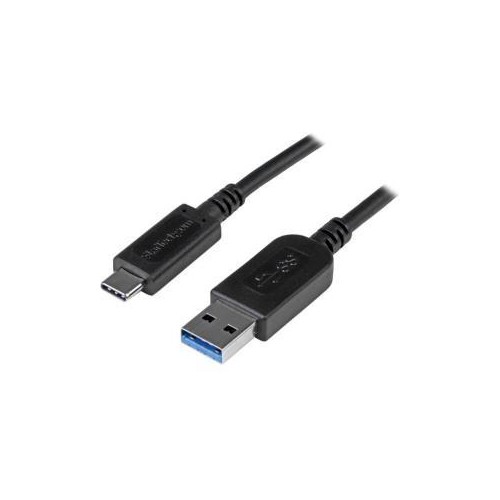
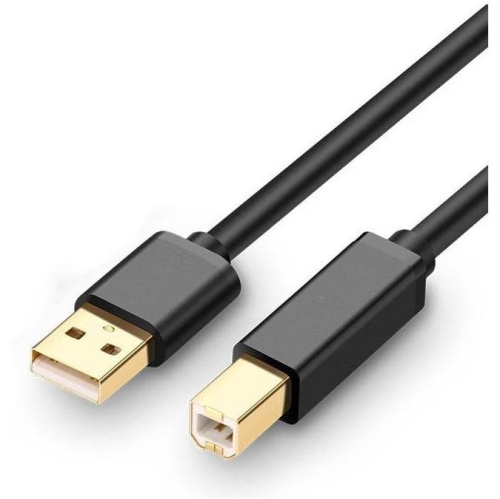
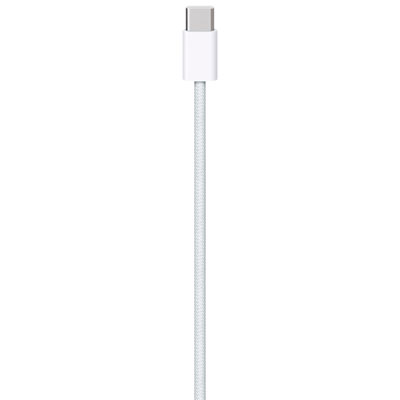
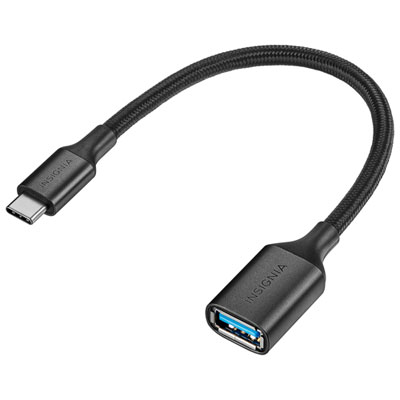
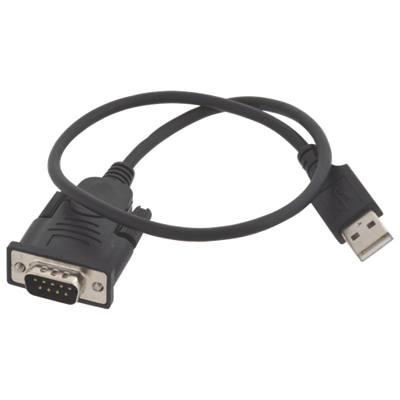
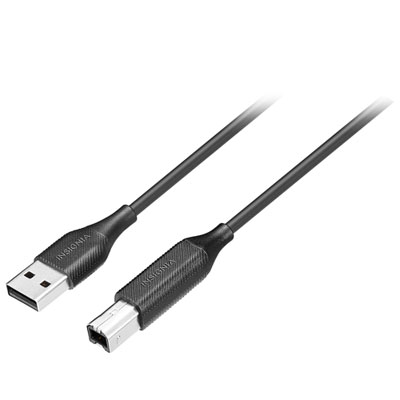
High speed USB printer cables provide a dependable connection between a computer and a compatible printer, scanner, multifunction printer, label printer, or other USB-B-equipped device. Most printer cables in this category use the USB 2.0 standard, which supports data transfer speeds of up to 480 Mbps under ideal conditions. That bandwidth is well suited to everyday printing and scanning, including text documents, school assignments, invoices, recipes, shipping labels, forms, and colour images. A stable wired connection can be especially useful when a printer sits beside a home office computer, at the end of a workbench, or in a shared family workspace where a wireless connection may be inconvenient. Unlike power cords, printer cables carry data between two devices, so the connector shape at each end matters. The most familiar configuration is USB-A to USB-B: the rectangular USB-A plug connects to a computer or laptop, while the squarer USB-B plug connects to the printer. Some newer laptops and desktop computers use USB-C ports instead, making a USB-C to USB-B cable a practical choice for connecting a modern computer to a printer with a traditional USB-B port. Before choosing a cable, check the port on the computer as well as the port on the printer. A cable that fits securely at one end may not be compatible with the other, and an inexpensive adapter can add another connection point that may be less convenient than selecting the correct cable type from the outset. It is also worth confirming the printer’s specifications, particularly when setting up older equipment or replacing a cable that has been misplaced.
Cable length is another important consideration. A short cable can keep a compact desk tidy when the printer is positioned directly beside a laptop or desktop tower, while a longer cable can reach across a desk, behind a monitor, or from a computer to a printer on a nearby shelf. Extra length can be helpful, but excessive cable can become tangled around chair legs, storage bins, or other accessories. Measure the route between the computer and printer, allowing enough room for gentle bends rather than sharp folds. A cable that is too tightly stretched can put strain on its connectors, while one that is much longer than necessary may be harder to organize. For small work areas or equipment placed close together, Short USB Cables can be a useful option for reducing clutter. Look for a well-finished outer jacket, securely moulded connector housings, and plugs that slide smoothly into the ports without excessive looseness. Foil and braid shielding can help reduce interference and signal disruption, which may be useful when the cable runs near power cords, monitors, docking stations, or other electronics. Gold-plated contacts are designed to resist corrosion and support consistent contact over time, although correct connector fit and careful handling remain just as important. A cable with clear labelling can also make installation easier, particularly when several USB cables are connected behind a desktop computer. When setting up a printer, connect the cable firmly at both ends, turn on the printer, and allow the computer to recognize the device before beginning a print job. If the printer is not detected, check that the cable is fully inserted, try another compatible USB port, and confirm that the printer is powered on. USB 2.0 printer cables are generally backward compatible with earlier USB standards, though actual performance depends on the connected devices and their ports. They are intended for direct, reliable connections rather than extending a wireless network, and they do not replace the printer’s separate power cable.
These cables are useful for students preparing assignments at a kitchen table, home-based professionals printing invoices and shipping paperwork, photographers producing occasional prints, and families sharing one printer between several computers. They can also be handy in a small business, reception area, classroom, workshop, or temporary office where a direct connection makes setup straightforward. A spare cable is a practical addition to a home office drawer because the original may be moved with a printer, damaged during a relocation, or left behind when equipment is rearranged. It can also be a thoughtful accessory for someone setting up a new computer, printer, or study space, especially when the printer is supplied without a suitable data cable or when the recipient is moving from a computer with a USB-A port to one with USB-C. During the cooler months, when more work, study, and household administration may take place indoors, a reliable printer connection can make routine tasks feel less interrupted: a document can be sent from a laptop on the desk, a return label can be printed near the entryway, or a stack of school pages can be produced without moving equipment around the room. When comparing options, prioritize the correct connector combination, an appropriate length, USB 2.0 high-speed support, sturdy construction, and shielding suited to the placement of the cable. Remember that transfer speed is only one part of the experience; printer output time also depends on the printer itself, the file size, the computer, the operating system, and the type of document being produced. A suitable high speed USB printer cable should fit naturally into the workspace, connect securely, and provide a consistent path for sending data from the computer to the printer.
Cable length is another important consideration. A short cable can keep a compact desk tidy when the printer is positioned directly beside a laptop or desktop tower, while a longer cable can reach across a desk, behind a monitor, or from a computer to a printer on a nearby shelf. Extra length can be helpful, but excessive cable can become tangled around chair legs, storage bins, or other accessories. Measure the route between the computer and printer, allowing enough room for gentle bends rather than sharp folds. A cable that is too tightly stretched can put strain on its connectors, while one that is much longer than necessary may be harder to organize. For small work areas or equipment placed close together, Short USB Cables can be a useful option for reducing clutter. Look for a well-finished outer jacket, securely moulded connector housings, and plugs that slide smoothly into the ports without excessive looseness. Foil and braid shielding can help reduce interference and signal disruption, which may be useful when the cable runs near power cords, monitors, docking stations, or other electronics. Gold-plated contacts are designed to resist corrosion and support consistent contact over time, although correct connector fit and careful handling remain just as important. A cable with clear labelling can also make installation easier, particularly when several USB cables are connected behind a desktop computer. When setting up a printer, connect the cable firmly at both ends, turn on the printer, and allow the computer to recognize the device before beginning a print job. If the printer is not detected, check that the cable is fully inserted, try another compatible USB port, and confirm that the printer is powered on. USB 2.0 printer cables are generally backward compatible with earlier USB standards, though actual performance depends on the connected devices and their ports. They are intended for direct, reliable connections rather than extending a wireless network, and they do not replace the printer’s separate power cable.
These cables are useful for students preparing assignments at a kitchen table, home-based professionals printing invoices and shipping paperwork, photographers producing occasional prints, and families sharing one printer between several computers. They can also be handy in a small business, reception area, classroom, workshop, or temporary office where a direct connection makes setup straightforward. A spare cable is a practical addition to a home office drawer because the original may be moved with a printer, damaged during a relocation, or left behind when equipment is rearranged. It can also be a thoughtful accessory for someone setting up a new computer, printer, or study space, especially when the printer is supplied without a suitable data cable or when the recipient is moving from a computer with a USB-A port to one with USB-C. During the cooler months, when more work, study, and household administration may take place indoors, a reliable printer connection can make routine tasks feel less interrupted: a document can be sent from a laptop on the desk, a return label can be printed near the entryway, or a stack of school pages can be produced without moving equipment around the room. When comparing options, prioritize the correct connector combination, an appropriate length, USB 2.0 high-speed support, sturdy construction, and shielding suited to the placement of the cable. Remember that transfer speed is only one part of the experience; printer output time also depends on the printer itself, the file size, the computer, the operating system, and the type of document being produced. A suitable high speed USB printer cable should fit naturally into the workspace, connect securely, and provide a consistent path for sending data from the computer to the printer.
Top selling and popular products
-
 Your price for this item is $39.99
 -
 Your price for this item is $24.99
 -
 Your price for this item is $19.99
 -
 Your price for this item is $29.99
 -
 Your price for this item is $29.99
 -
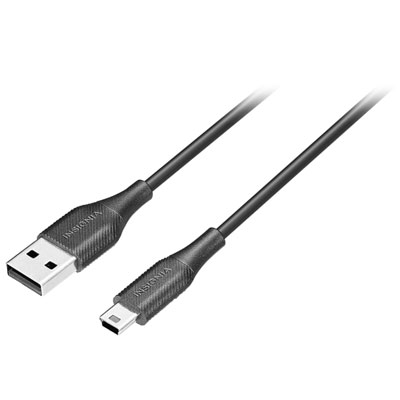 Your price for this item is $19.99
 -
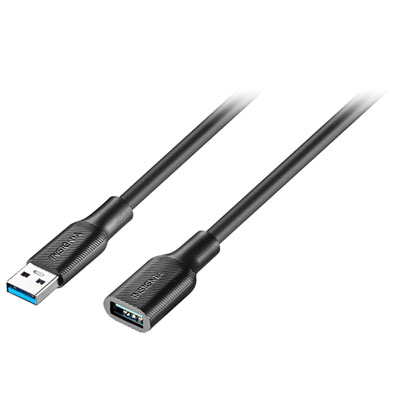 Your price for this item is $24.99
 -
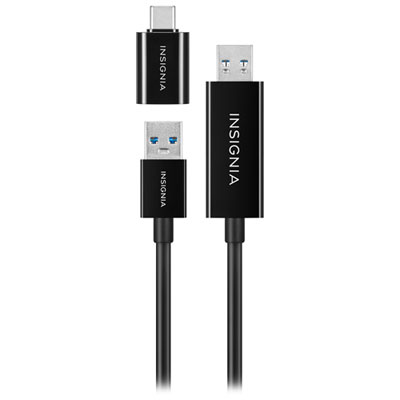 Your price for this item is $44.97
Discover more categories related to High Speed Usb Printer Cables
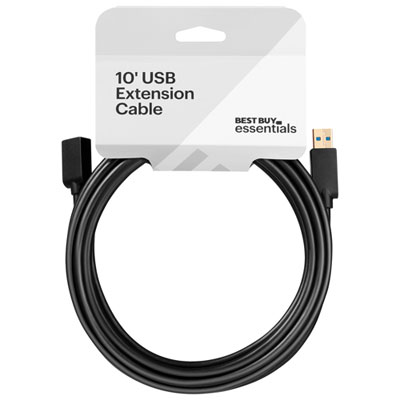
Top Collections:
Pokemon Centers, Kindle Devices, Best Budget Office Chairs, Apple iPhones 16, Best Laptops for Writers, iPhone 15 Apple, Canon G7X Cameras, Refurbished Apple Laptops, Alarm Clock, Motorola Razr Phones
Some products may be subject to Environmental Handling Fees
(EHF) depending on your province.
Learn more about EHFs.