Printer Extension Cables
Printer Extension Cables offer a convenient solution for connecting your printer to your computer or other devices when standard cables fall short. Ideal for home offices, businesses, and classrooms, these cables help you set up your workspace with greater flexibility. Whether you need extra length to reach across the room or want to organize your setup more efficiently, Printer Extension Cables provide the versatility you need for seamless printing connections. Explore a variety of options to find the perfect fit for your printing requirements.
Sort
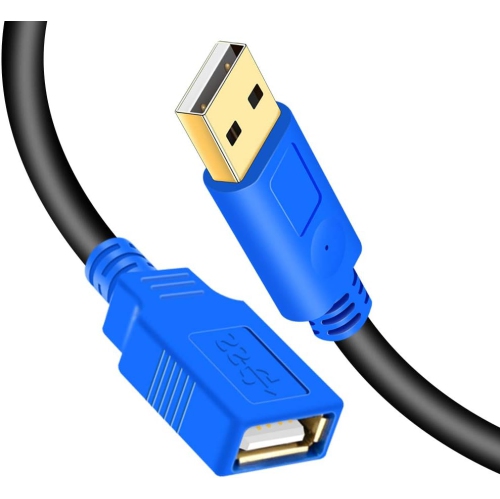
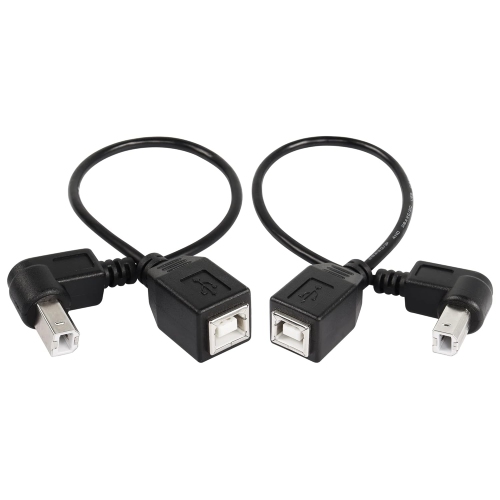
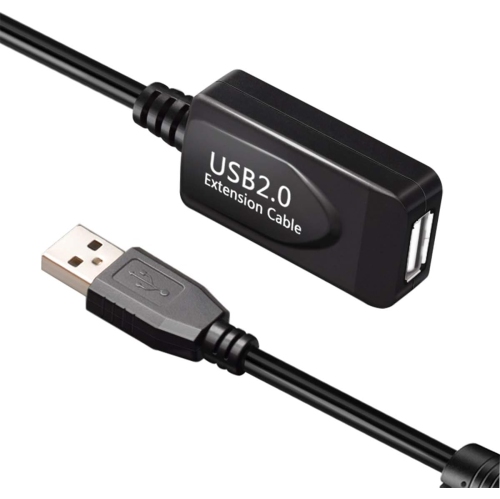
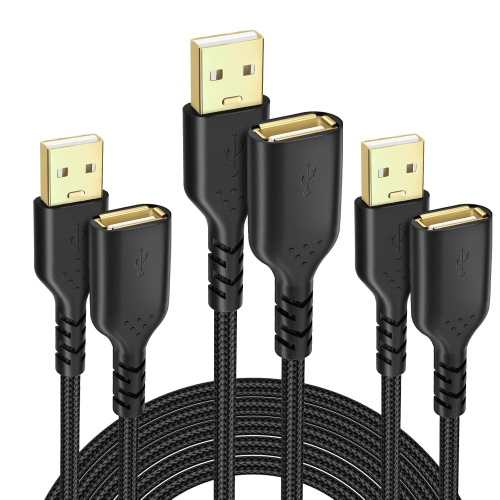
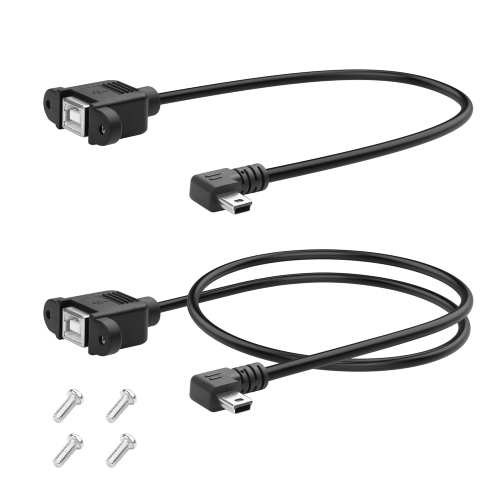
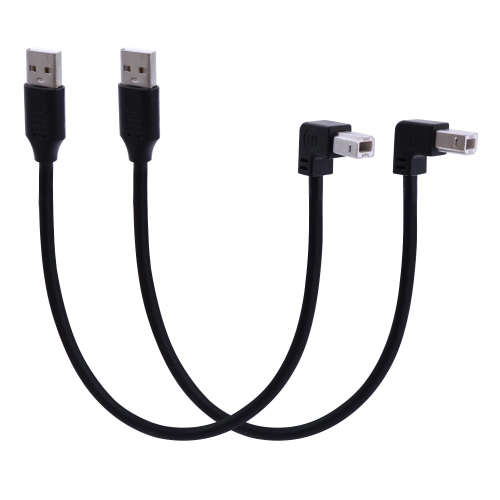
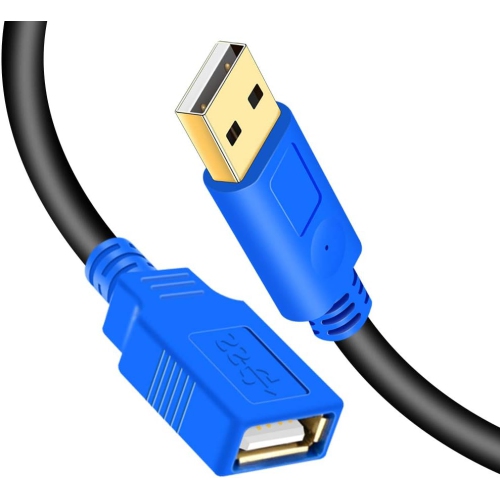
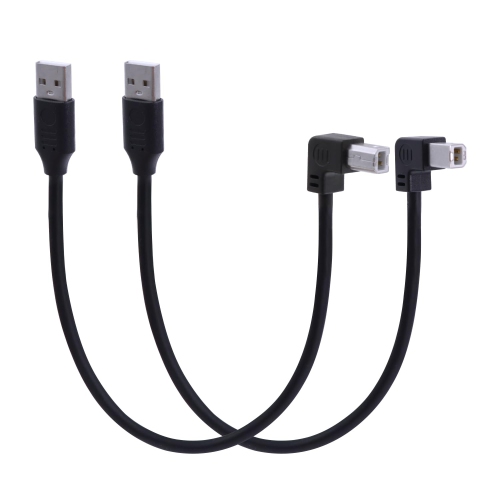
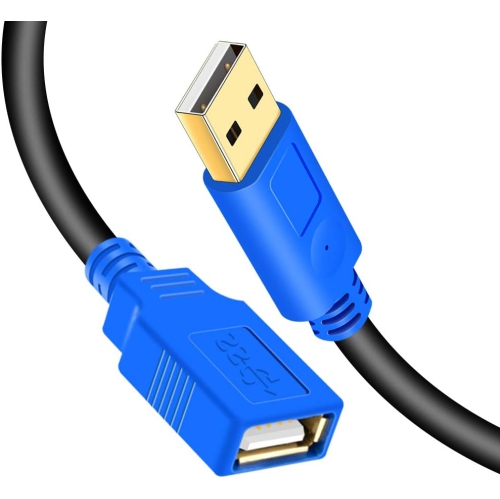
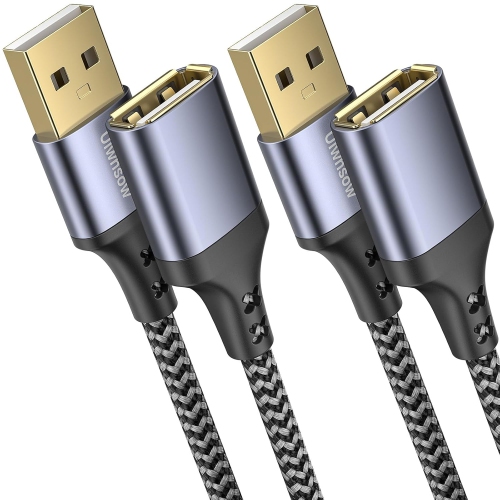
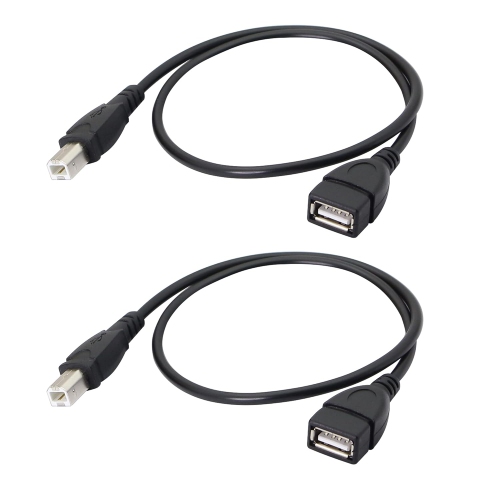

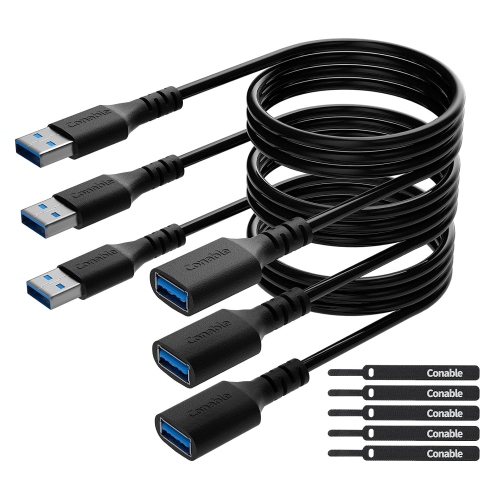
Extra reach starts with the right printer connection
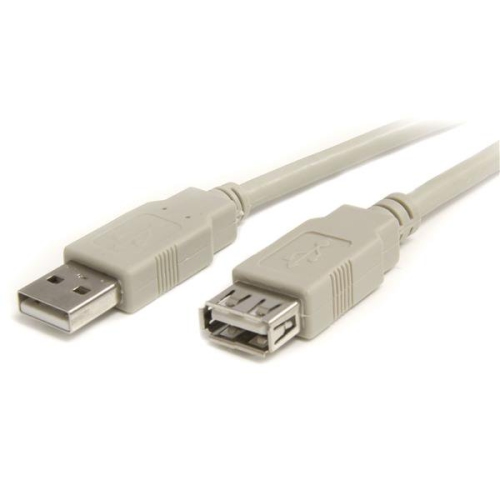
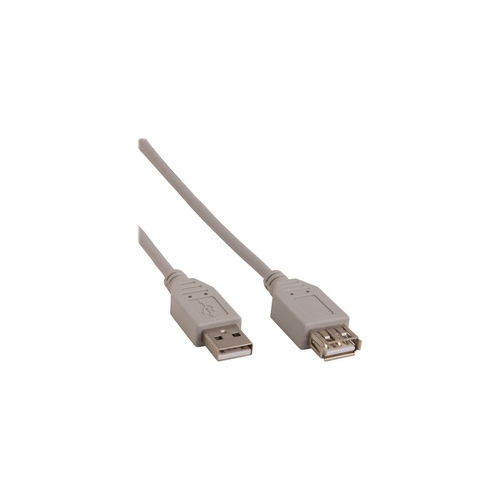
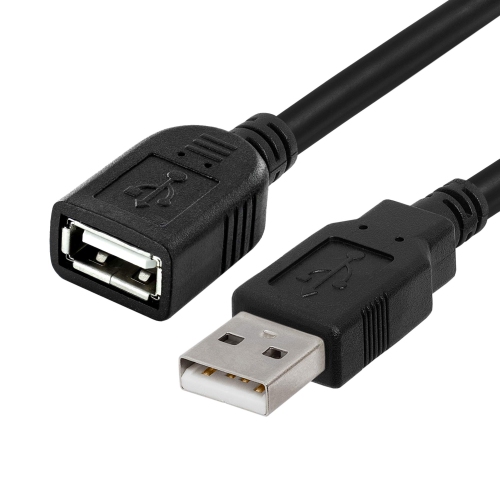
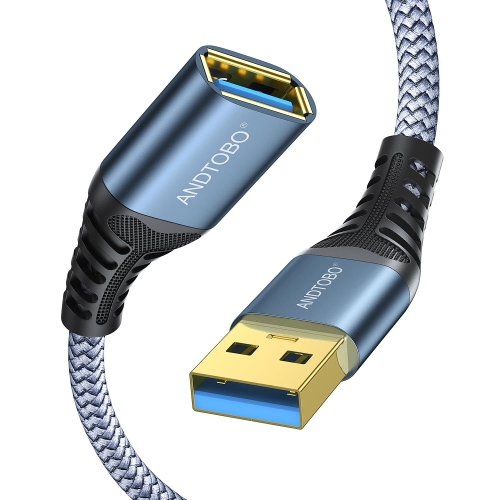
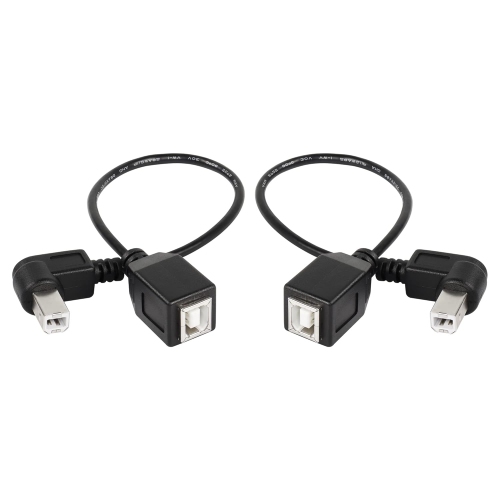
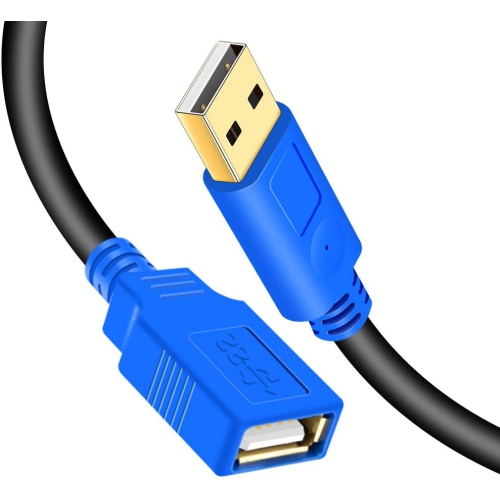
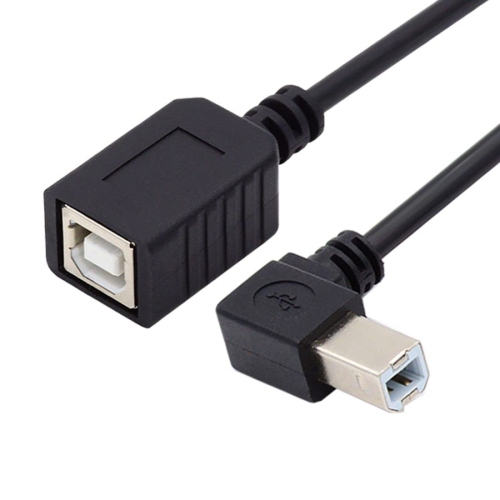
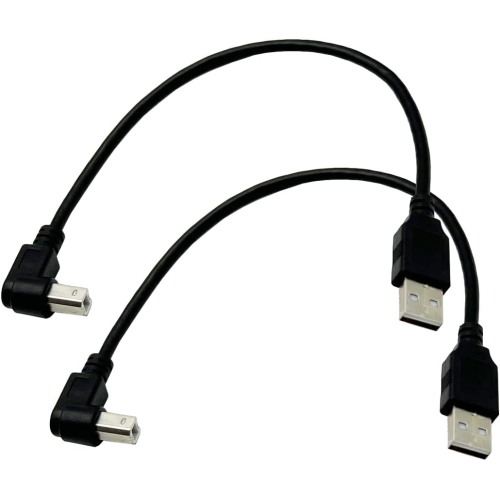
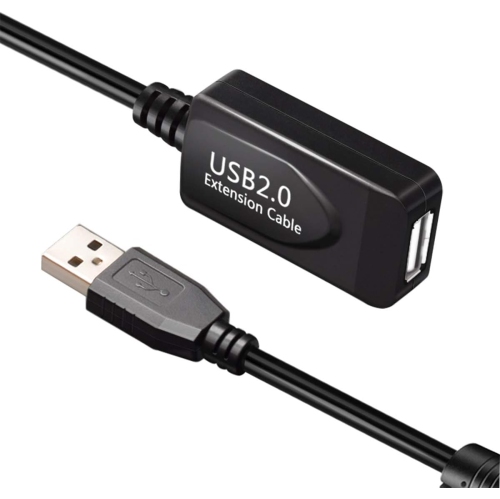
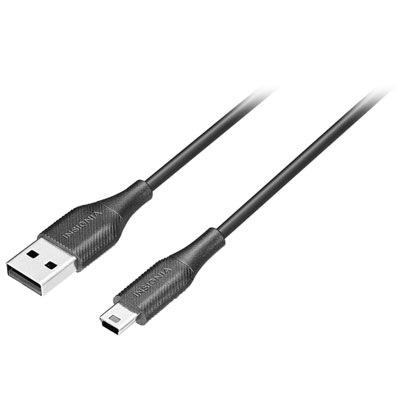
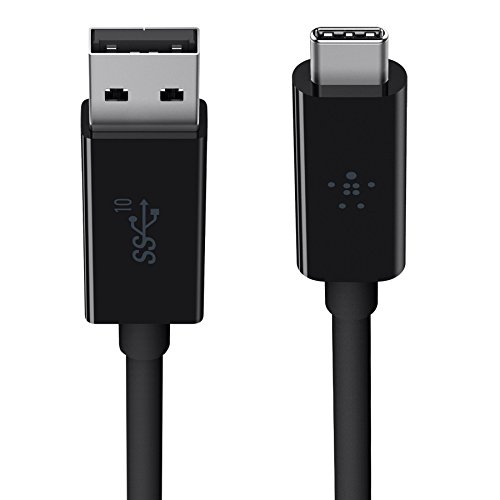
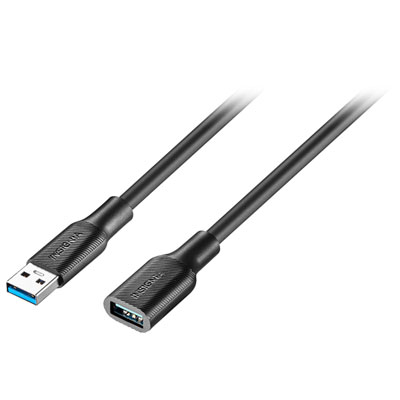
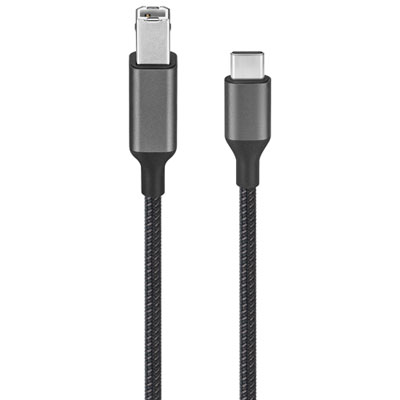
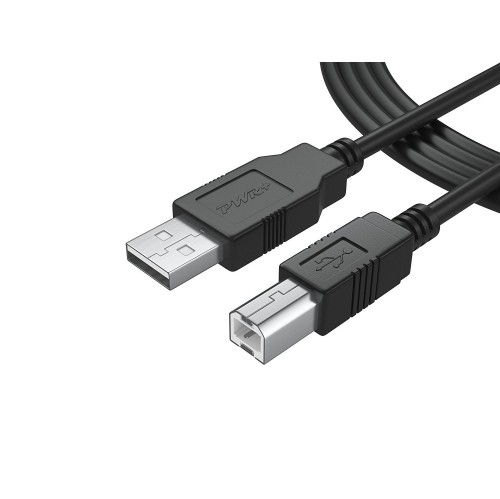
Printer extension cables give a wired printer connection extra reach when the most practical place for the printer is not directly beside the computer. A printer on a side cabinet, a label printer behind a reception desk, or a multifunction printer on a separate work surface can all benefit from a cable arrangement that leaves room for paper trays, document feeders, and everyday movement. The main distinction is between extending the data connection and extending the power connection: a USB extension carries information between devices, while a power extension carries electricity. These connections are not interchangeable, even when both are needed for the same setup. For many printers, the familiar data cable has a rectangular USB-A connector at the computer end and a squarer USB-B connector at the printer end. A USB-A male-to-female extension typically fits between the computer and that existing printer cable, adding distance without replacing the printer-side connector. A longer USB-A-to-USB-B cable, by contrast, replaces the original cable rather than extending it. That difference matters when matching connections, particularly with laptops that have USB-C ports or printers that use another connector type. Connector shape, male or female ends, and support for USB data transfer all need to match the equipment involved; a charging-only cable cannot carry a print job. Compatibility also extends beyond whether the plugs physically fit. The printer’s connection requirements, the computer’s ports, and any dock or adapter in between determine whether the complete arrangement will work as intended. An extension does not add wireless printing or change which computers can access a printer. Its purpose is more straightforward: creating enough reach for a dependable wired connection while allowing the equipment to sit where it is comfortable to use. This makes printer extension cables relevant to home offices, student workspaces, reception areas, and small businesses where furniture placement does not always line up neatly with computer ports.
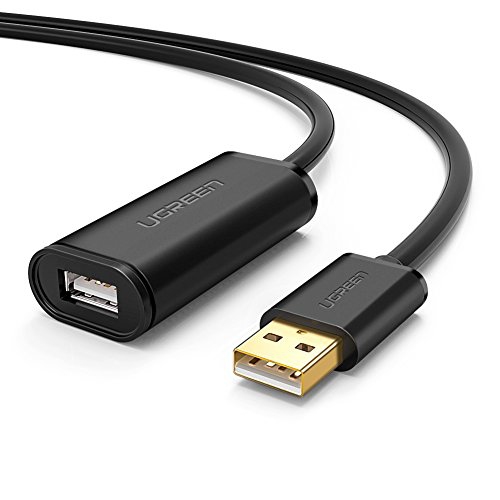
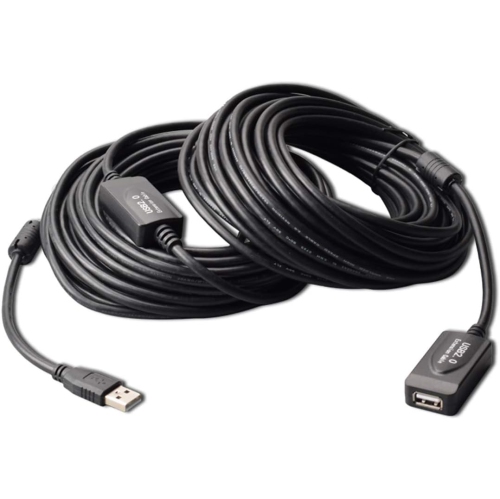
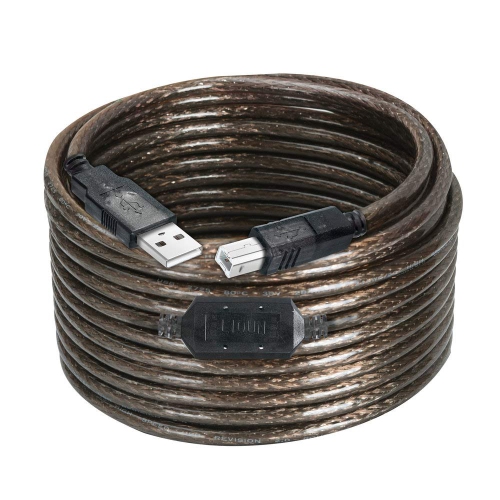
Length is one of the most important considerations because the entire cable run affects a USB connection, not just the added extension. A common limit for a passive USB 2.0 printer connection is 5 metres of total cable length, counting both the original lead and the extension. The printer and cable specifications take priority, and some arrangements may need a shorter run. A passive extension simply carries the signal through additional cable; it does not refresh that signal along the way. An active USB extension uses built-in electronics to support a longer connection within its stated limits, although compatibility with the printer, computer, and any intervening equipment still matters. Some active arrangements require additional power, so their installation needs can differ from those of a short passive lead. Extra length also does not increase printing speed or upgrade a printer to a newer USB standard. For a printer placed just beyond the reach of its existing cable, a modest extension can be more practical than leaving several metres coiled beneath the desk. Measuring along the intended route, including the drop behind furniture and enough slack to access ports, gives a more useful length than measuring straight across an open space. Cable construction contributes to how well that arrangement holds up to ordinary use. Copper conductors carry the signal, shielding helps limit electrical interference, and an outer jacket protects the internal wiring from everyday contact. Flexible jackets can be easier to route around furniture, while reinforced strain relief helps reduce stress where the cable enters each connector. A braided covering may resist surface wear, but it does not by itself establish data performance or suitability for a particular distance. Snug, properly aligned connectors and clear connection specifications matter more than an elaborate exterior, especially where the cable will remain tucked behind a cabinet for long periods.
Everyday usability also depends on how the extension fits into the workspace. A printer needs clearance for opening covers, removing paper jams, changing ink or toner, and pulling out trays without tugging on the cable. Gentle bends and a little slack at each end help accommodate those movements, while clips or reusable cable ties can keep the run away from chair wheels and foot traffic. Tight bundles, sharp bends, pinched sections behind furniture, and tension on a laptop port can all place unnecessary stress on the connection. In a shared office, a clearly routed cable is also easier to identify when equipment moves or a computer is replaced. For related connection options across a workplace, explore Printer Cables for Offices. Home users may value the same practical details when a printer shares space with homework, household paperwork, or a desktop computer used by several people. Multifunction devices add another consideration: the connection needs to support the device’s intended USB functions, including scanning where applicable, rather than merely fitting its socket. If a printer becomes unreliable after an extension is added, testing it with the original cable connected directly to the computer can help isolate whether the added cable path is involved. Care is generally straightforward: disconnect by holding the connector rather than pulling the cord, keep plugs dry and free of debris, and replace cables with damaged jackets or loose ends. Power extensions require separate attention to electrical ratings, connector type, and the printer manufacturer’s instructions. Laser printers can have substantial power demands, and some manufacturers specify a direct wall connection, so extending power should never be assumed suitable simply because a plug fits. Matching the extension to the actual connection, distance, and daily routine helps keep the finished setup tidy, accessible, and suited to regular printing.
Top selling and popular products
-
 Your price for this item is $39.99
-
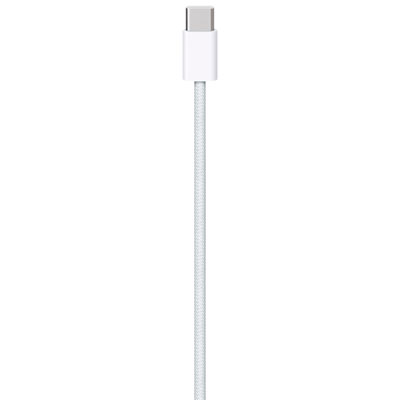 Your price for this item is $24.99
-
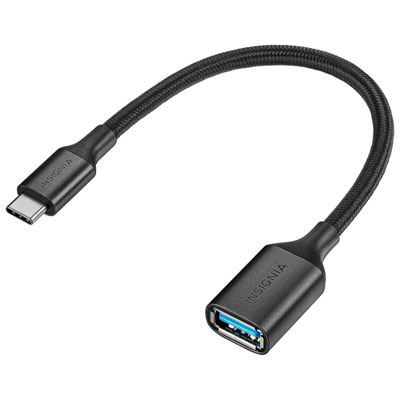 Your price for this item is $19.99
-
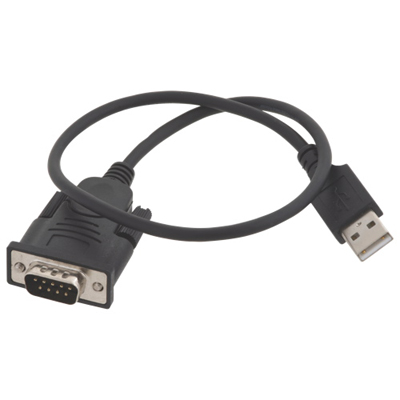 Your price for this item is $29.99
-
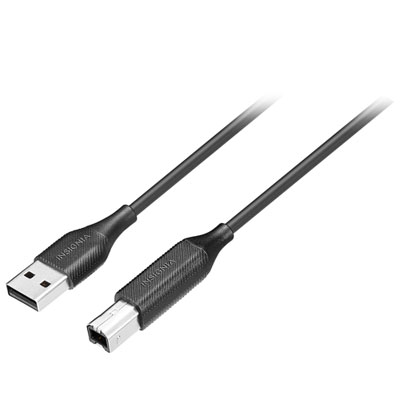 Your price for this item is $29.99
-
 Your price for this item is $19.99
-
 Your price for this item is $31.99
-
 Your price for this item is $24.99
Discover more categories related to Printer Extension Cables
Top Collections:
Best Black Friday Deals This Year, Best Black Friday Deals On Electronics, Kindle Devices, Pokemon Centers, Best Black Friday Deals On Apple Products, Best Cameras for Sports Photography, Dyson Airwrap, Pokémon 30th Celebration Cards, Apple iPhone 17 Pro, Canon G7X Cameras
Some products may be subject to Environmental Handling Fees
(EHF) depending on your province.
Learn more about EHFs.