HP Compaq Elite 8300
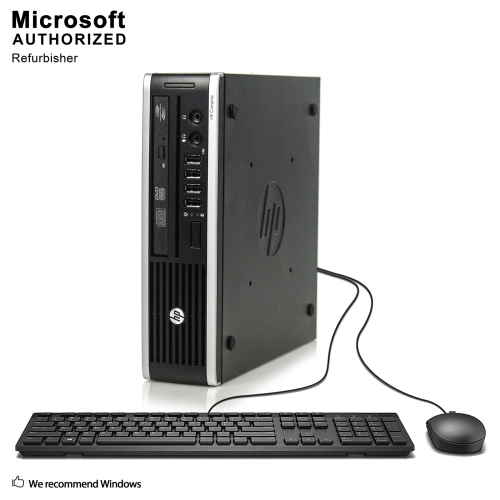
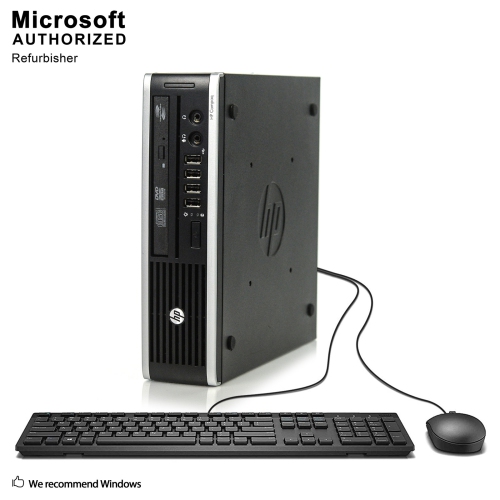
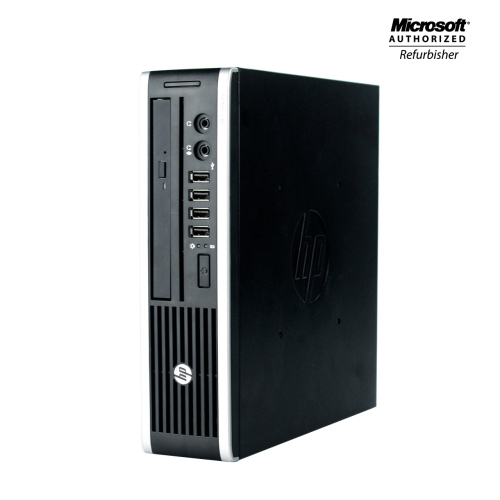
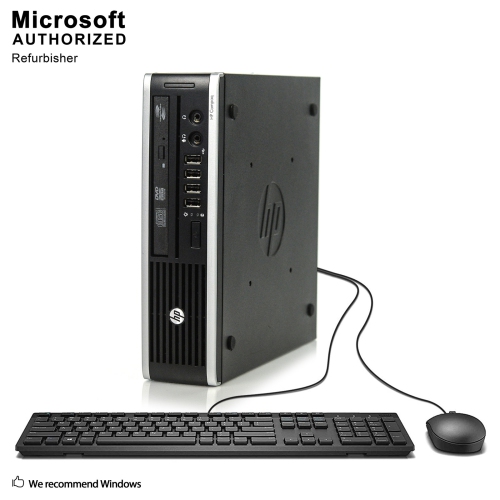
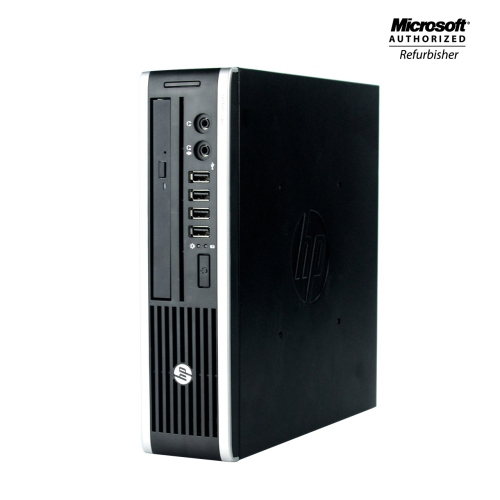
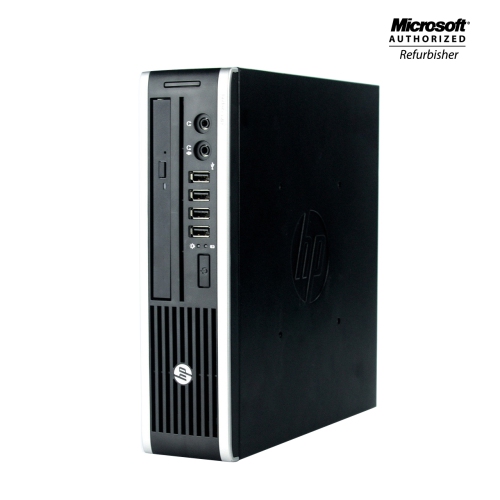
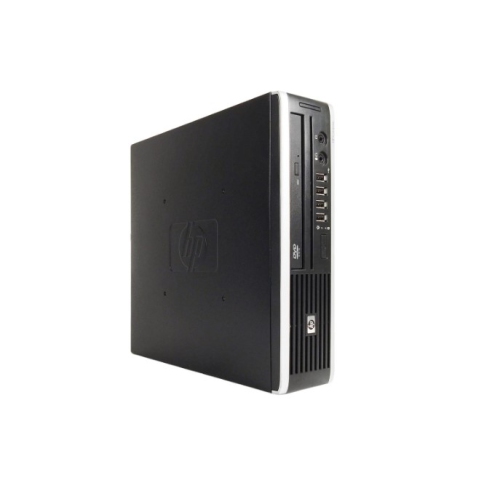
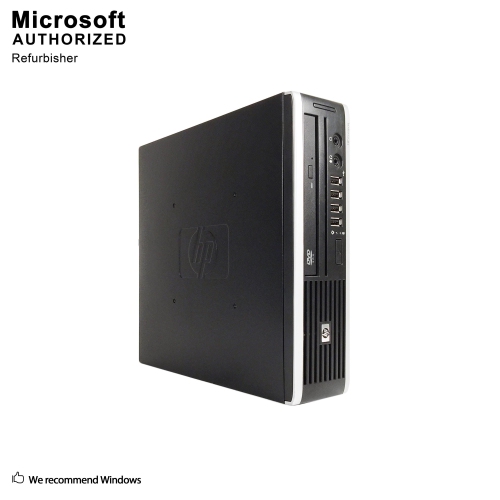
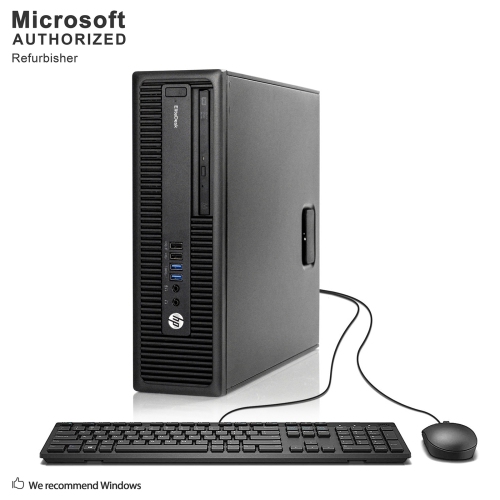
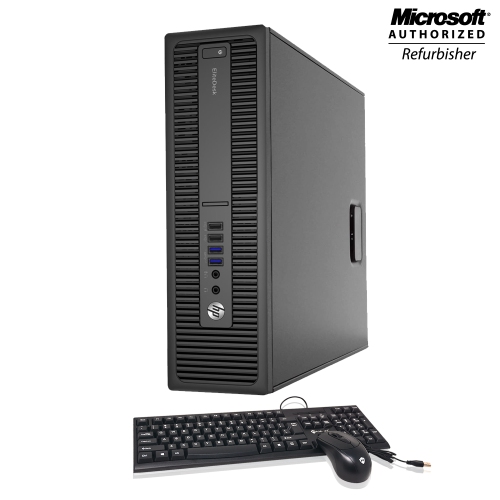
The HP Compaq Elite 8300 delivers reliable performance for a variety of computing needs, making it a popular choice for both home and office environments. Designed to handle everyday tasks with ease, this desktop offers dependable functionality and flexibility. Whether you’re setting up a workstation or looking for an efficient solution for your workspace, the HP Compaq Elite 8300 provides the tools you need to stay productive and organized. Explore available options to find the right fit for your requirements.
Sort

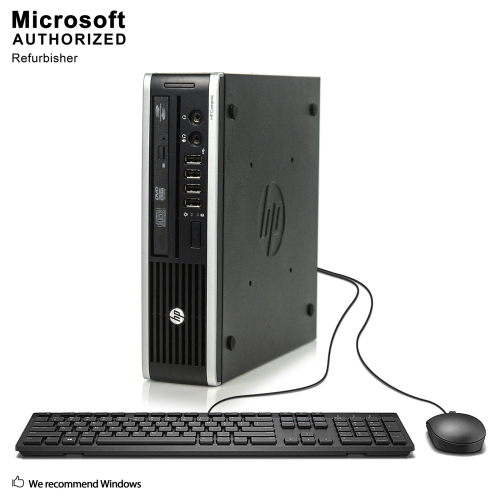
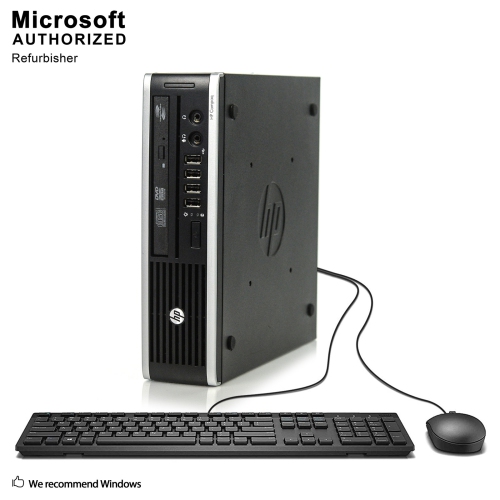
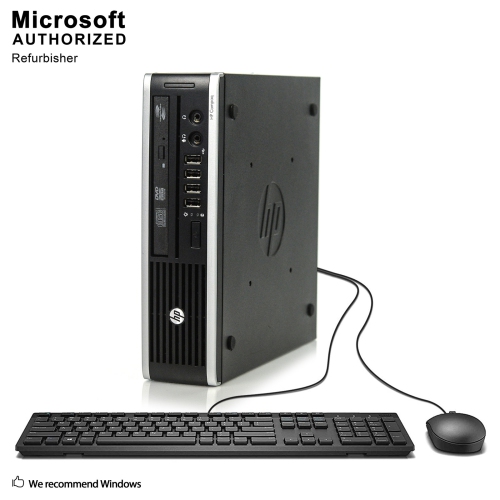
Where older business desktops still fit in everyday work
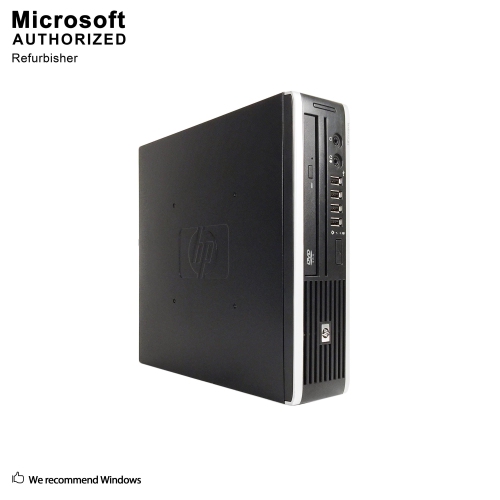
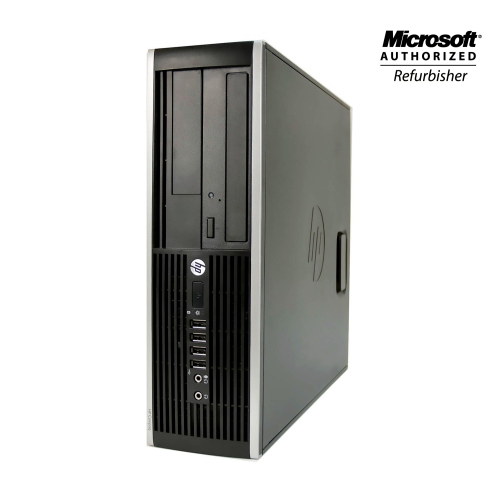
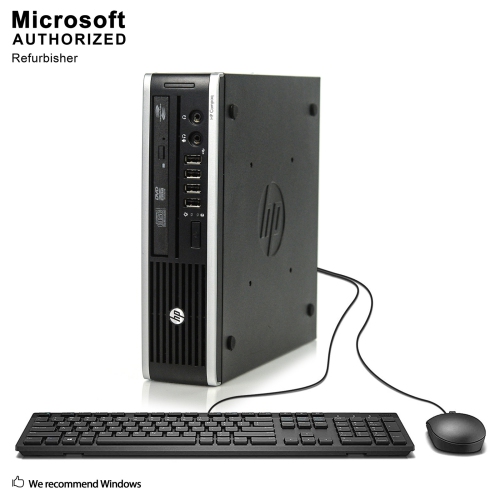
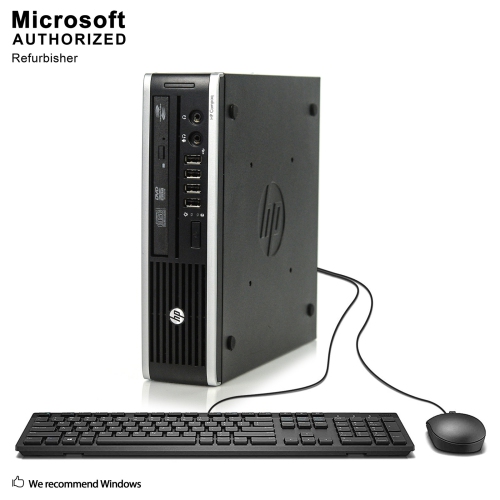
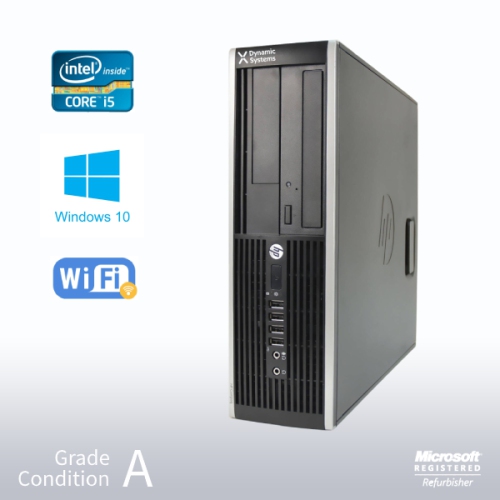
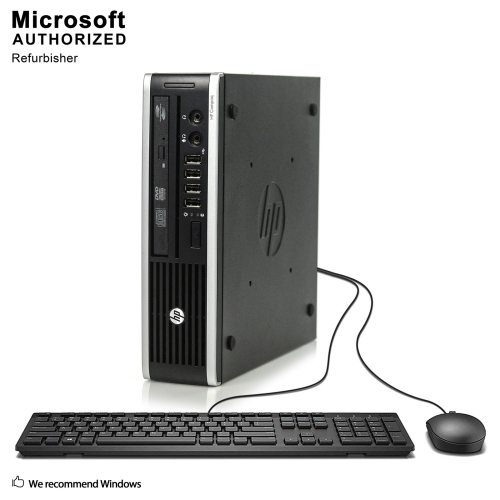
Business-class desktop computers from the early 2010s were built around practical office needs: a dependable workstation, straightforward connections, and a chassis that could fit beneath a desk or beside a monitor. Systems in this category commonly use third-generation processors, DDR3 memory, and integrated graphics, with configurations that differ in processing power, storage, and physical size. They remain relevant to clearly defined tasks such as writing documents, maintaining simple spreadsheets, viewing saved photos, or running compatible business software. Their suitability for web browsing and connected work depends on the installed operating system, browser support, and the demands of the websites involved. A desktop used to type invoices and print shipping labels has different requirements from one expected to handle video editing or a busy video meeting alongside several applications. Typical original configurations included 4GB or 8GB of memory and a mechanical hard drive, while refurbished configurations may have additional memory or a solid-state drive. Those differences matter in everyday use: a solid-state drive can make startup and application loading feel more responsive, while sufficient memory helps when switching between documents and browser tabs. Neither change turns an older processor into a modern workstation, but both can influence how comfortable the computer feels within its intended role. Integrated graphics are generally better suited to ordinary desktop applications and basic media playback than demanding games, complex 3D work, or graphics-heavy creative projects. For a student working on assignments, an adult organizing household records, or a small business maintaining a dedicated administrative station, the most useful configuration is one matched to the actual software and peripherals involved. The age of the underlying platform is important context, even when the casing looks tidy and the storage has been upgraded. Refurbishment describes work performed on an existing computer; it does not change the generation of its processor or guarantee compatibility with newer software.
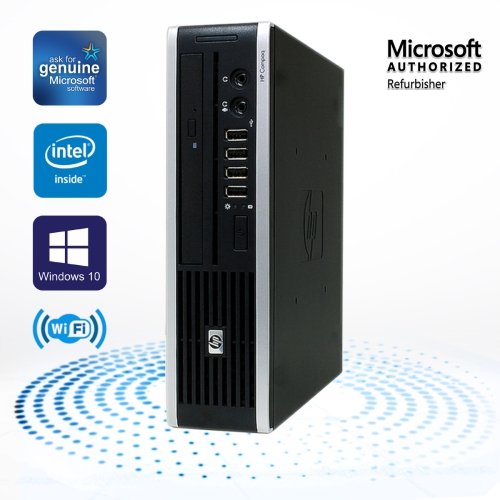
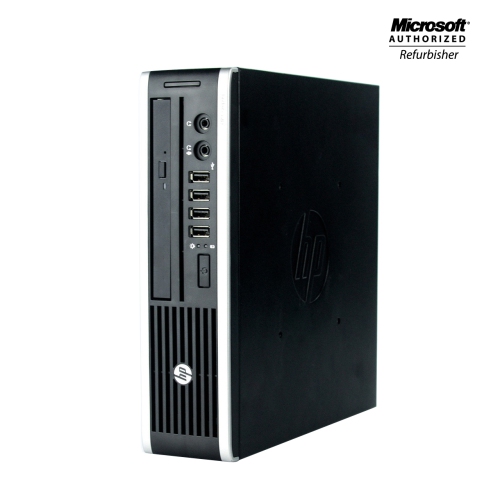
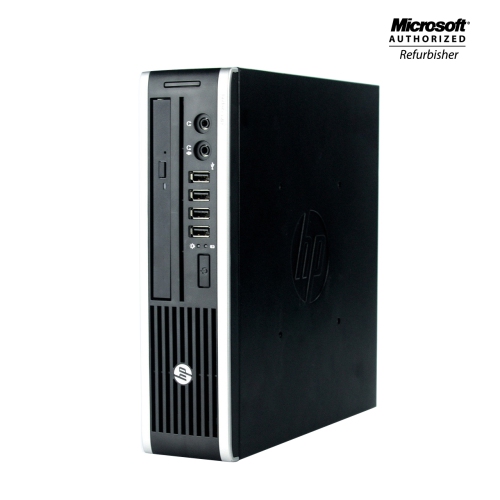
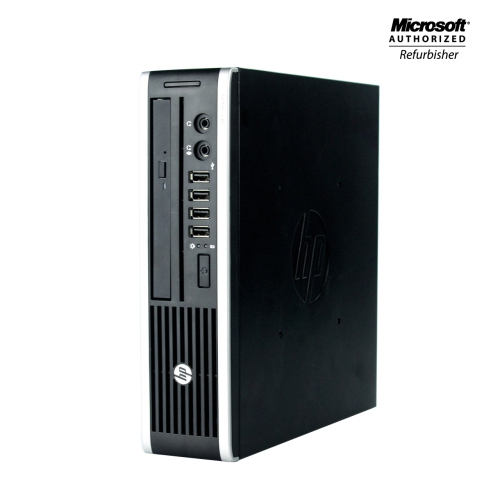
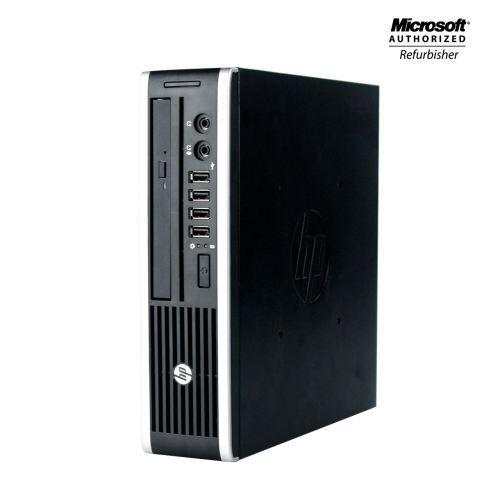
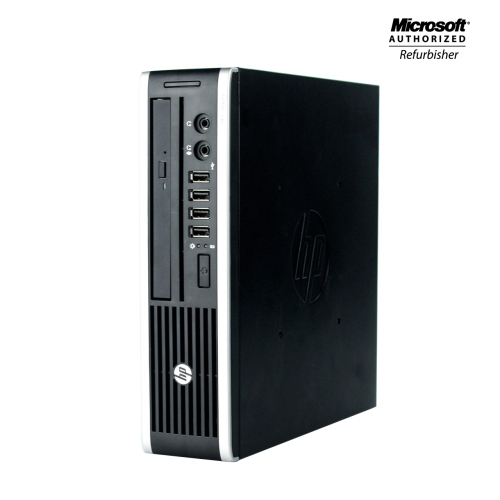
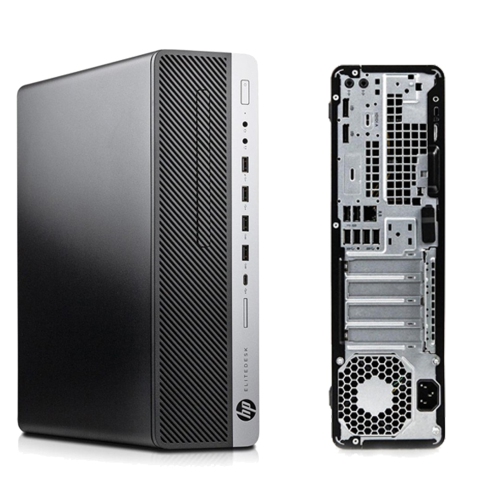
Physical format shapes how an older business desktop fits into a workspace and what can be changed inside it. Small form factor cases take up less room than a microtower, making them practical for a narrow desk, a shared study area, or a workstation where paperwork already occupies much of the surface. A microtower generally provides more internal space, though the number of drive bays, expansion slots, and supported components still depends on its design. All-in-one formats combine the display and computer in a single assembly, reducing the number of separate pieces on the desk but introducing different service and upgrade considerations. Conventional desktop chassis typically combine a metal frame with plastic front panels, favouring rigidity and access over decorative finishes. Scratches on a refurbished case may be cosmetic, while loose connectors, damaged ports, or an unreliable power button can affect daily use. The condition description, testing details, and warranty terms help distinguish surface wear from functional concerns. Fit also includes ventilation and cable clearance: a compact case still needs unobstructed vents, and plugs at the rear require enough space to avoid sharply bent cables. Depending on the configuration, connections may include USB 2.0, USB 3.0, DisplayPort, VGA, Ethernet, and separate audio sockets. These connections can accommodate familiar office equipment, but a monitor’s input must match the computer’s output or use a suitable adapter. Support for more than one display depends on the graphics configuration and available outputs, not simply on the presence of several sockets. A wired Ethernet connection can provide straightforward network access at a fixed desk; Wi-Fi and Bluetooth should not be assumed unless they are explicitly listed. The same applies to speakers, a webcam, a keyboard, and a mouse. A desktop intended for remote lessons or video calls may need additional peripherals even when the computer itself meets the application’s requirements. Shoppers comparing another business-desktop family can also explore HP EliteDesk 800 G2 Desktops, with attention to the differences in processor generation, case size, connections, and software compatibility.
Long-term usefulness depends as much on support and condition as on the headline specifications. An installed operating system is not necessarily one that still receives security updates, and an older processor may fall outside the official requirements of newer operating systems. For a computer used to access email, personal accounts, or business records, supported software and a clear update path are essential considerations. Compatibility also extends to printers, scanners, accessibility tools, and any specialist application that gives the desktop its purpose. An older machine can be useful for a compatible offline task, but that is a different role from a connected workstation handling sensitive information. Upgrade potential deserves similarly realistic expectations. Memory must match the supported type, capacity, and slot arrangement, while a storage upgrade requires the correct interface, mounting arrangement, and power connection. Small form factor cases often restrict expansion cards to low-profile designs, and the power supply can limit which graphics cards are suitable. A larger case does not automatically remove those constraints, since proprietary connectors and motherboard layouts may still affect compatibility. Moving to a faster processor within the same generation can provide a modest benefit in some applications, but it does not remove the broader limits of an ageing platform. Storage health, fan operation, and the quality of any refurbishment work can matter more than a small difference in processor speed. Routine care is straightforward: keep drinks away from the case, leave vents clear, and remove dust using methods appropriate to the hardware, with the system shut down and unplugged before cleaning. Important files also need a separate backup, whether the internal drive is mechanical or solid state. For a shared household computer, separate user accounts can help keep documents organized, while an accessible desk position makes connecting a headset or removable drive less awkward. As a gift, this kind of desktop is most appropriate when the recipient’s applications, monitor, and connectivity needs are already understood. Its strongest role is a well-defined workstation with compatible software, suitable accessories, and clear expectations about what older business hardware can comfortably handle.
Physical format shapes how an older business desktop fits into a workspace and what can be changed inside it. Small form factor cases take up less room than a microtower, making them practical for a narrow desk, a shared study area, or a workstation where paperwork already occupies much of the surface. A microtower generally provides more internal space, though the number of drive bays, expansion slots, and supported components still depends on its design. All-in-one formats combine the display and computer in a single assembly, reducing the number of separate pieces on the desk but introducing different service and upgrade considerations. Conventional desktop chassis typically combine a metal frame with plastic front panels, favouring rigidity and access over decorative finishes. Scratches on a refurbished case may be cosmetic, while loose connectors, damaged ports, or an unreliable power button can affect daily use. The condition description, testing details, and warranty terms help distinguish surface wear from functional concerns. Fit also includes ventilation and cable clearance: a compact case still needs unobstructed vents, and plugs at the rear require enough space to avoid sharply bent cables. Depending on the configuration, connections may include USB 2.0, USB 3.0, DisplayPort, VGA, Ethernet, and separate audio sockets. These connections can accommodate familiar office equipment, but a monitor’s input must match the computer’s output or use a suitable adapter. Support for more than one display depends on the graphics configuration and available outputs, not simply on the presence of several sockets. A wired Ethernet connection can provide straightforward network access at a fixed desk; Wi-Fi and Bluetooth should not be assumed unless they are explicitly listed. The same applies to speakers, a webcam, a keyboard, and a mouse. A desktop intended for remote lessons or video calls may need additional peripherals even when the computer itself meets the application’s requirements. Shoppers comparing another business-desktop family can also explore HP EliteDesk 800 G2 Desktops, with attention to the differences in processor generation, case size, connections, and software compatibility.
Long-term usefulness depends as much on support and condition as on the headline specifications. An installed operating system is not necessarily one that still receives security updates, and an older processor may fall outside the official requirements of newer operating systems. For a computer used to access email, personal accounts, or business records, supported software and a clear update path are essential considerations. Compatibility also extends to printers, scanners, accessibility tools, and any specialist application that gives the desktop its purpose. An older machine can be useful for a compatible offline task, but that is a different role from a connected workstation handling sensitive information. Upgrade potential deserves similarly realistic expectations. Memory must match the supported type, capacity, and slot arrangement, while a storage upgrade requires the correct interface, mounting arrangement, and power connection. Small form factor cases often restrict expansion cards to low-profile designs, and the power supply can limit which graphics cards are suitable. A larger case does not automatically remove those constraints, since proprietary connectors and motherboard layouts may still affect compatibility. Moving to a faster processor within the same generation can provide a modest benefit in some applications, but it does not remove the broader limits of an ageing platform. Storage health, fan operation, and the quality of any refurbishment work can matter more than a small difference in processor speed. Routine care is straightforward: keep drinks away from the case, leave vents clear, and remove dust using methods appropriate to the hardware, with the system shut down and unplugged before cleaning. Important files also need a separate backup, whether the internal drive is mechanical or solid state. For a shared household computer, separate user accounts can help keep documents organized, while an accessible desk position makes connecting a headset or removable drive less awkward. As a gift, this kind of desktop is most appropriate when the recipient’s applications, monitor, and connectivity needs are already understood. Its strongest role is a well-defined workstation with compatible software, suitable accessories, and clear expectations about what older business hardware can comfortably handle.
Top selling and popular products
-
 Your price for this item is $1599
 -
 Your price for this item is $1299.99
 -
 Your price for this item is $1629.79
 -
 Your price for this item is $1459.79
 -
 Your price for this item is $929
 -
 Your price for this item is $2299.99
 -
 Your price for this item is $1076.55
 -
 Your price for this item is $1839
Discover more categories related to HP Compaq Elite 8300
Top Collections:
Pokemon Centers, Kindle Devices, Best Budget Office Chairs, Canon G7X Cameras, Apple iPhones 16, Samsung Galaxy Phones, Refurbished Apple Laptops, Laptops for Students, iPhone 15 Apple, Budget Smartphones
Some products may be subject to Environmental Handling Fees
(EHF) depending on your province.
Learn more about EHFs.