HP EliteDesk 800 G2 Desktops
Upgrade your workspace with the HP EliteDesk 800 G2 Desktop, designed to deliver reliable performance for both home and office environments. Explore a range of configurations to find the perfect fit for your computing needs, whether you're handling everyday tasks or managing more demanding workloads. The HP EliteDesk 800 G2 Desktop offers versatility and dependability, making it a smart choice for those seeking efficiency and productivity in a compact form factor. Discover options that align with your requirements and experience seamless operation with this trusted desktop solution.
Sort

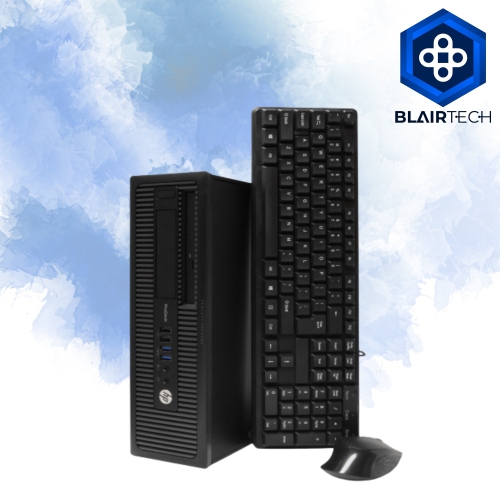
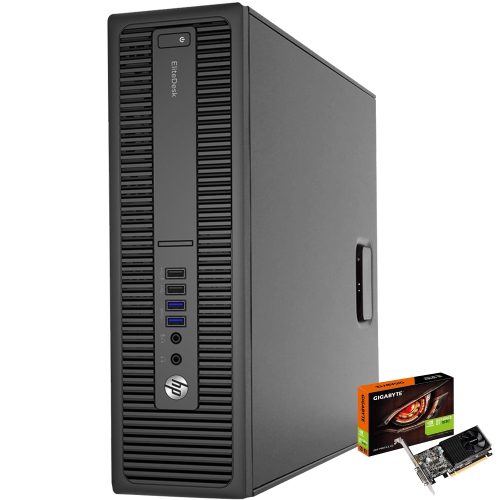
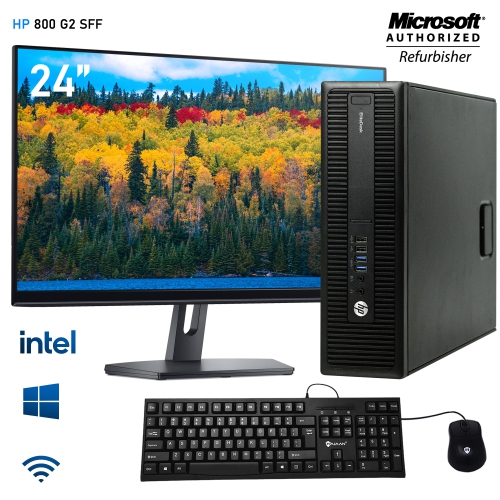
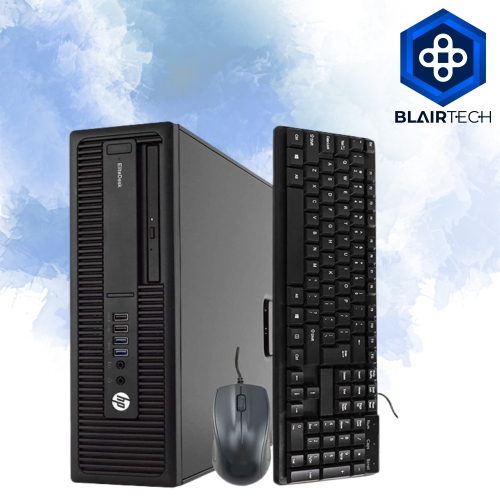
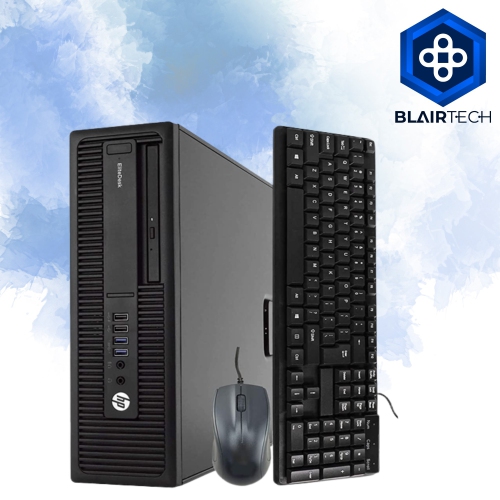
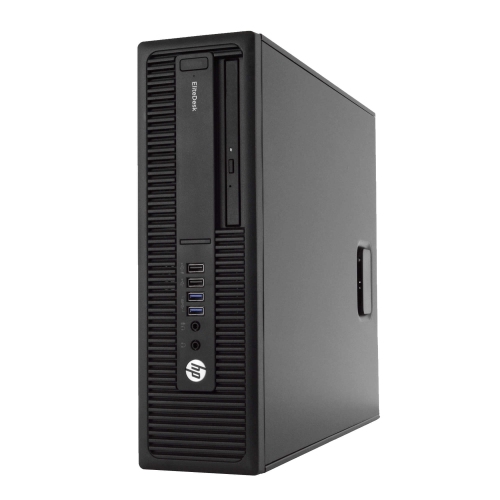
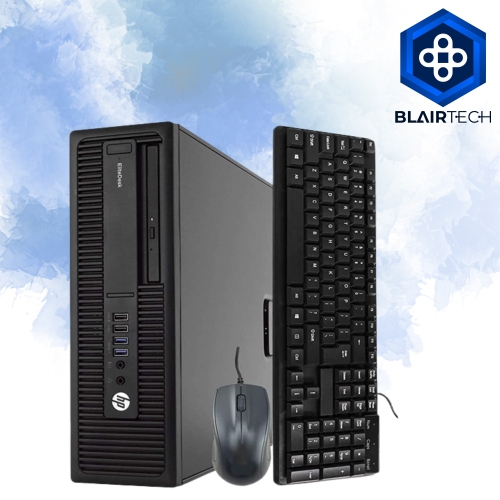
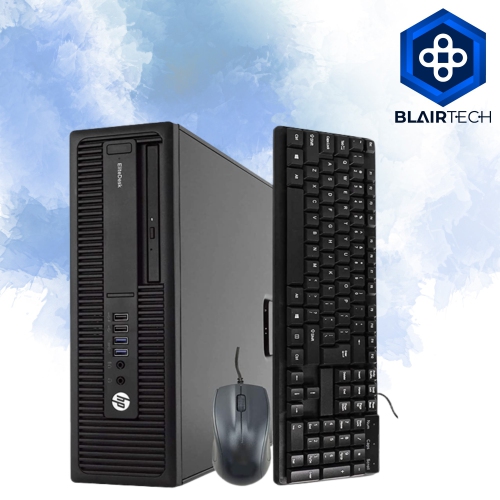
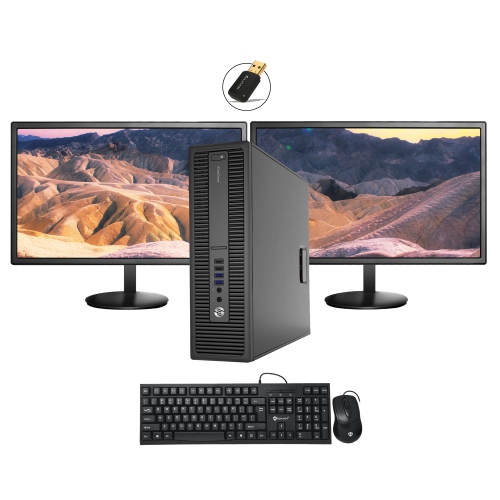
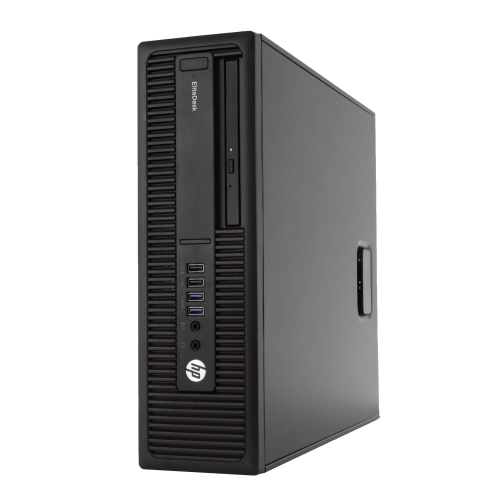
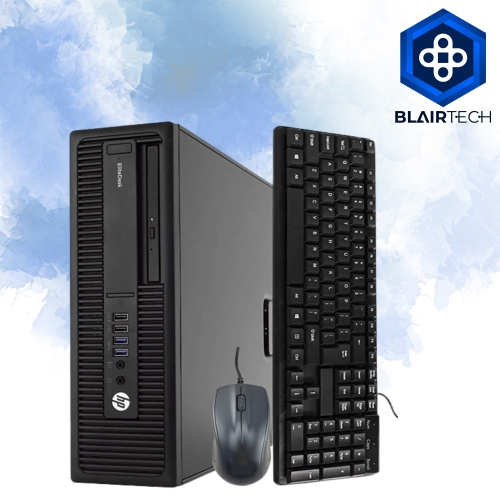
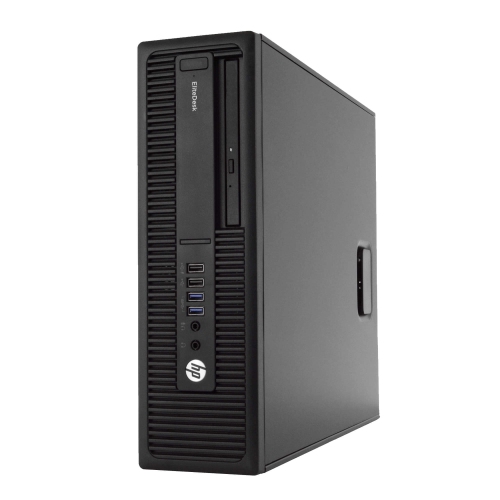
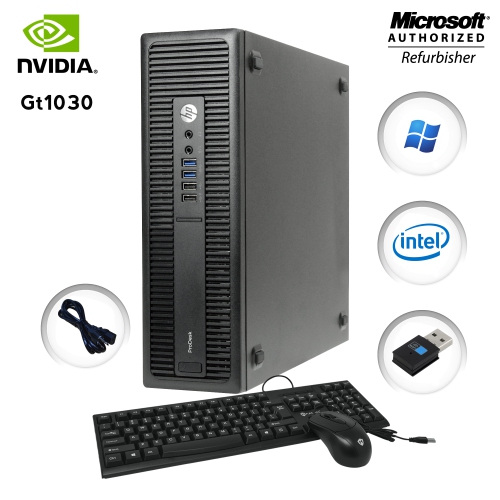
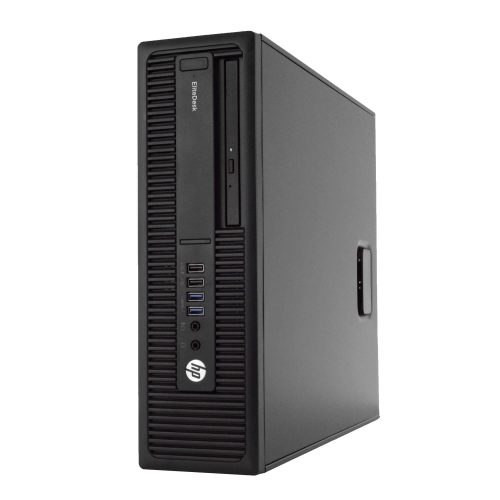
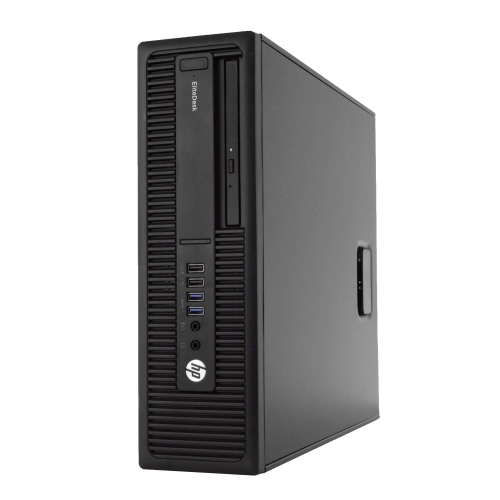
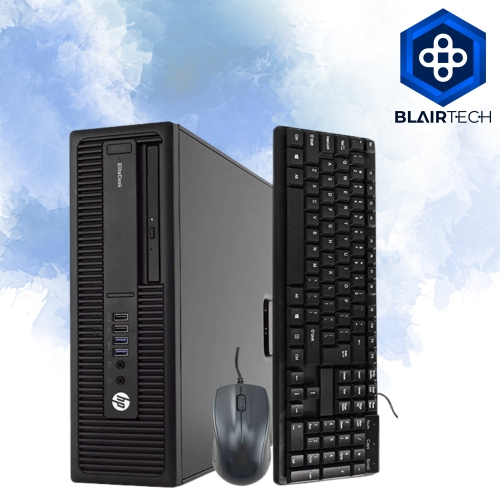
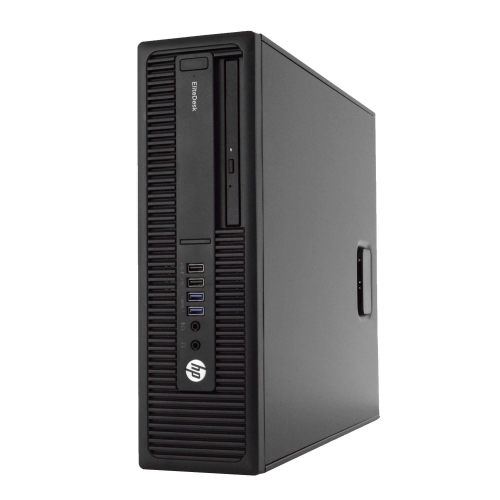
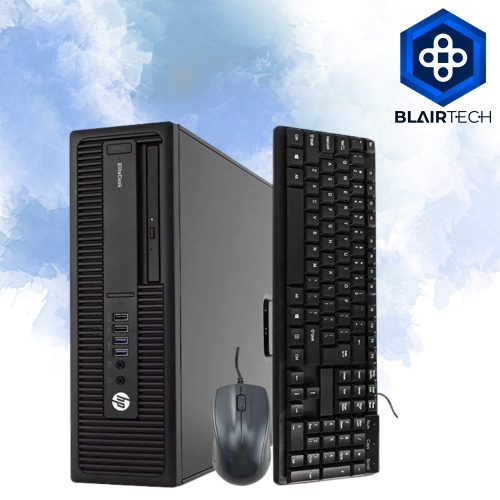
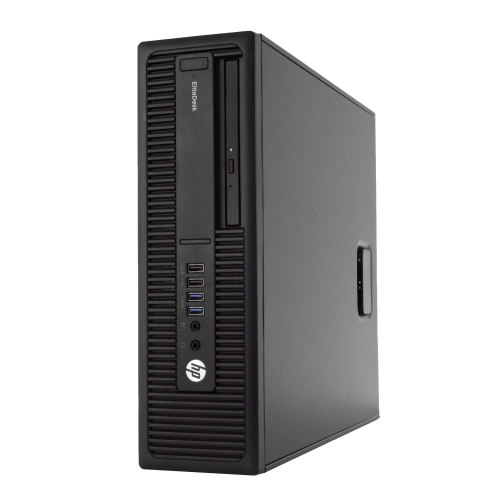
Flexible business computing for compact desks and workspaces
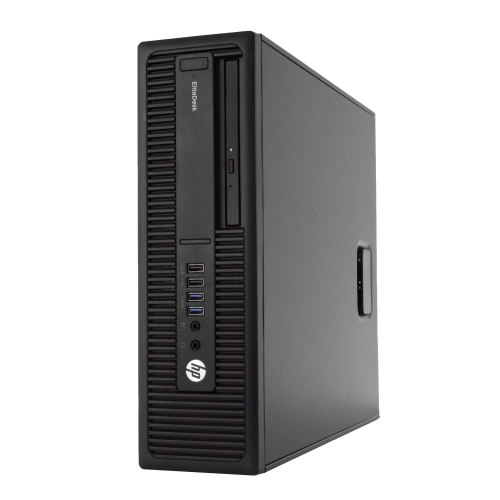
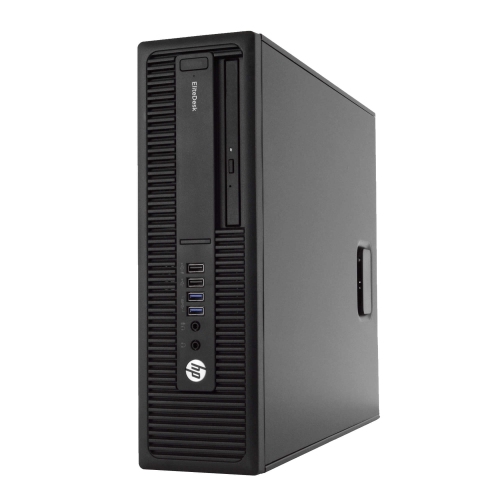
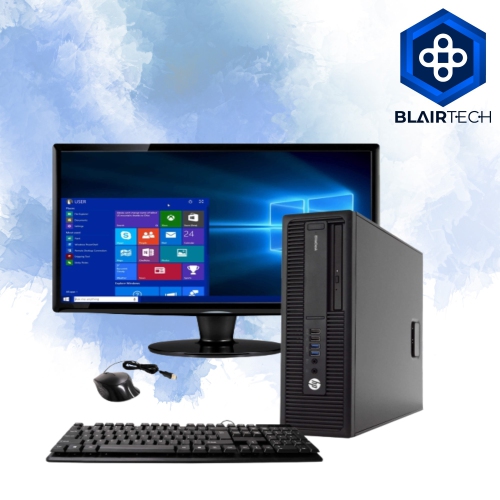
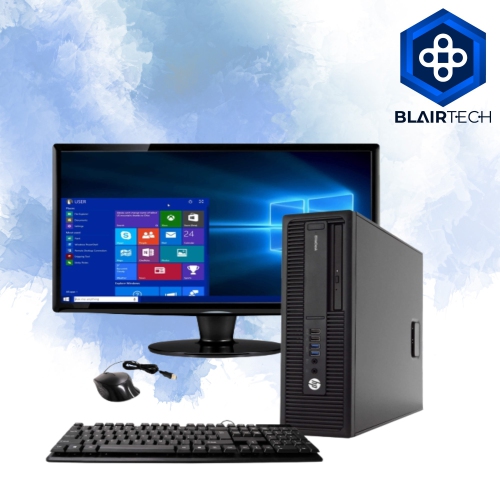
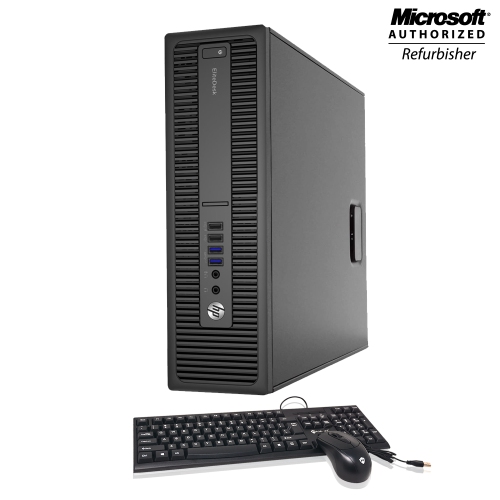
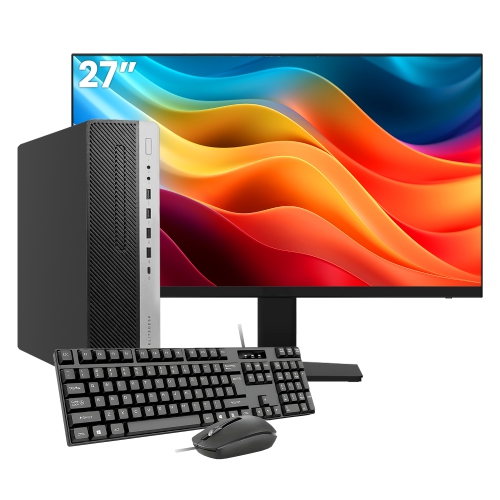
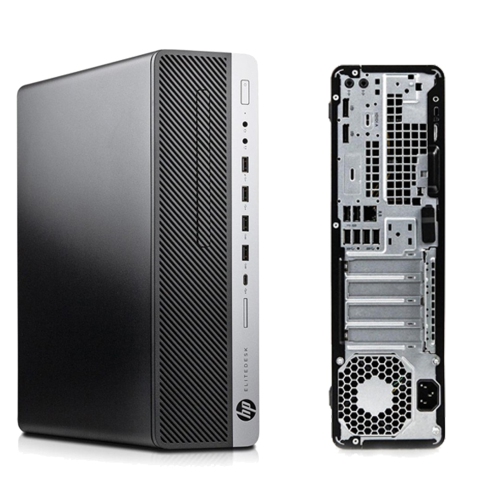
The HP EliteDesk 800 G2 desktop collection is suited to shoppers looking for capable business computers in practical, space-conscious designs. These systems are commonly available in Mini, Small Form Factor (SFF), and Tower configurations, giving you flexibility when planning a home office, study area, reception desk, or shared workspace. Mini models are convenient for compact desks and can often be placed behind a monitor or on a shelf, while SFF designs provide a little more room for expansion without taking up the floor space of a full tower. Tower versions are a better fit when you prefer easier access to internal components, additional storage options, or more room for future upgrades. Across these formats, the emphasis is generally on dependable everyday performance rather than flashy styling. Their understated appearance can blend into a professional office, a family computer area, or a quiet corner used for remote work, online learning, household paperwork, and entertainment. Refurbished business desktops can also be an appealing way to equip a small company, community group, or home-based business with several matching computers while keeping the purchase focused on useful features.
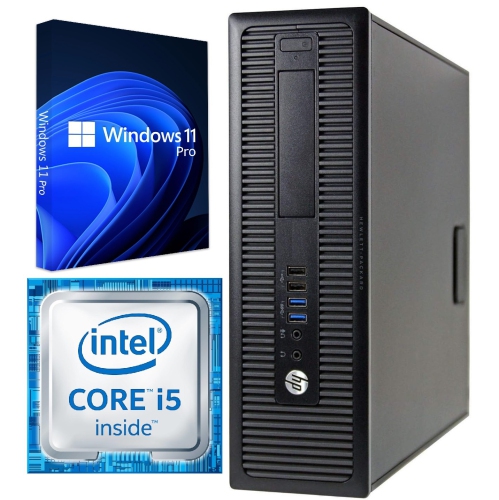
When comparing systems in this category, start with the processor, memory, storage, operating system, and physical size. Many configurations use sixth-generation desktop processors, with common options spanning Core i5 and Core i7 performance levels. An i5-class processor is generally well suited to web browsing, email, document creation, video calls, bookkeeping, point-of-sale tasks, and streaming, while an i7-class configuration may be preferable for heavier multitasking, larger spreadsheets, photo adjustments, or running several applications at once. Memory can range from 8GB to 32GB of DDR4 RAM, and the right amount depends on how you work. Eight gigabytes can handle basic computing, but 16GB offers more breathing room when numerous browser tabs, communication tools, and office applications are open together. Larger memory capacities can be useful for demanding multitasking or specialized software, provided the chosen configuration and motherboard support the desired upgrade. Solid-state storage is another important consideration. Capacities may range from approximately 240GB to 1TB, with larger drives offering more space for applications, documents, photos, and downloaded media. An SSD can also make everyday tasks feel more responsive, helping the computer start up, open programs, and retrieve files with less waiting than older mechanical storage. Before ordering, check whether the desktop includes the storage capacity you need, since upgrading later may involve opening the case, moving files, or reinstalling software. Also review the included operating system and its support requirements. Some refurbished units ship with Windows 10 Pro, while others may be configured with Windows 11 Pro. Sixth-generation processors may not meet every official Windows 11 hardware requirement, particularly the requirement for TPM 2.0, so verify compatibility and support details instead of assuming that an upgrade will be available. A licensed operating system, the correct power cable, built-in networking, display outputs, and a suitable keyboard and mouse can make a meaningful difference to the overall value of a desktop purchase.
These desktops can serve a wide range of people. A student may use a Mini model for research, assignments, video lectures, and file organization without surrendering much desk space. Someone working from home may appreciate the dependable layout of a business desktop for video meetings, shared documents, scheduling, and a second monitor. Families can use one in a common area for applications, school portals, printing, budgeting, and streaming, while small offices may choose several systems with similar specifications to simplify setup and maintenance. They can also make thoughtful gifts for a recent graduate, a family member setting up a home office, or anyone who needs a more comfortable workstation than a small laptop screen can provide. Before giving one as a gift, consider the recipient’s monitor, connection type, wireless accessories, and software needs; a desktop may require separate peripherals and may not include built-in wireless connectivity in every configuration. Check the available USB ports, display connections, Ethernet support, audio jacks, and internal expansion options to ensure the computer will work with existing equipment. Refurbished units may show minor cosmetic wear, and specifications can vary between listings, so review the condition, included accessories, warranty coverage, return policy, and exact configuration carefully. A Mini system is easy to tuck beside a monitor, an SFF model offers a balanced mix of compact design and serviceability, and a Tower can be the most suitable choice for users who value expansion. With the right processor, memory, storage, operating system, and form factor, these business-class desktops can provide a practical workstation for daily computing during the cooler months and well beyond.
When comparing systems in this category, start with the processor, memory, storage, operating system, and physical size. Many configurations use sixth-generation desktop processors, with common options spanning Core i5 and Core i7 performance levels. An i5-class processor is generally well suited to web browsing, email, document creation, video calls, bookkeeping, point-of-sale tasks, and streaming, while an i7-class configuration may be preferable for heavier multitasking, larger spreadsheets, photo adjustments, or running several applications at once. Memory can range from 8GB to 32GB of DDR4 RAM, and the right amount depends on how you work. Eight gigabytes can handle basic computing, but 16GB offers more breathing room when numerous browser tabs, communication tools, and office applications are open together. Larger memory capacities can be useful for demanding multitasking or specialized software, provided the chosen configuration and motherboard support the desired upgrade. Solid-state storage is another important consideration. Capacities may range from approximately 240GB to 1TB, with larger drives offering more space for applications, documents, photos, and downloaded media. An SSD can also make everyday tasks feel more responsive, helping the computer start up, open programs, and retrieve files with less waiting than older mechanical storage. Before ordering, check whether the desktop includes the storage capacity you need, since upgrading later may involve opening the case, moving files, or reinstalling software. Also review the included operating system and its support requirements. Some refurbished units ship with Windows 10 Pro, while others may be configured with Windows 11 Pro. Sixth-generation processors may not meet every official Windows 11 hardware requirement, particularly the requirement for TPM 2.0, so verify compatibility and support details instead of assuming that an upgrade will be available. A licensed operating system, the correct power cable, built-in networking, display outputs, and a suitable keyboard and mouse can make a meaningful difference to the overall value of a desktop purchase.
These desktops can serve a wide range of people. A student may use a Mini model for research, assignments, video lectures, and file organization without surrendering much desk space. Someone working from home may appreciate the dependable layout of a business desktop for video meetings, shared documents, scheduling, and a second monitor. Families can use one in a common area for applications, school portals, printing, budgeting, and streaming, while small offices may choose several systems with similar specifications to simplify setup and maintenance. They can also make thoughtful gifts for a recent graduate, a family member setting up a home office, or anyone who needs a more comfortable workstation than a small laptop screen can provide. Before giving one as a gift, consider the recipient’s monitor, connection type, wireless accessories, and software needs; a desktop may require separate peripherals and may not include built-in wireless connectivity in every configuration. Check the available USB ports, display connections, Ethernet support, audio jacks, and internal expansion options to ensure the computer will work with existing equipment. Refurbished units may show minor cosmetic wear, and specifications can vary between listings, so review the condition, included accessories, warranty coverage, return policy, and exact configuration carefully. A Mini system is easy to tuck beside a monitor, an SFF model offers a balanced mix of compact design and serviceability, and a Tower can be the most suitable choice for users who value expansion. With the right processor, memory, storage, operating system, and form factor, these business-class desktops can provide a practical workstation for daily computing during the cooler months and well beyond.
Top selling and popular products
-
 Your price for this item is $1599
 -
 Your price for this item is $1299.99
 -
 Your price for this item is $1629.79
 -
 Your price for this item is $1459.79
 -
 Your price for this item is $879
 -
 Your price for this item is $2299.99
 -
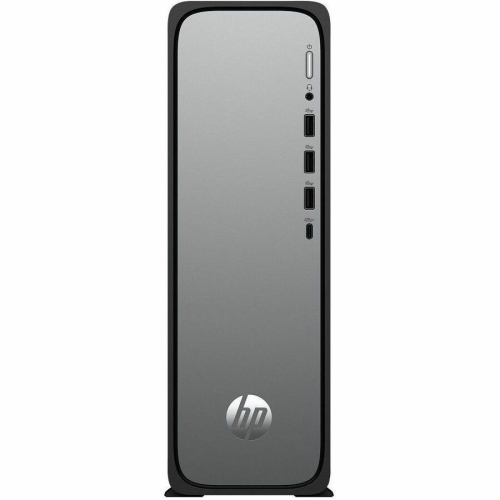 Your price for this item is $1076.55
 -
 Your price for this item is $1839
Discover more categories related to HP EliteDesk 800 G2 Desktops
Top Collections:
Pokemon Centers, Best Cameras for Sports Photography, Kindle Devices, Samsung Galaxy Phones, Canon G7X Cameras, Pokémon 30th Celebration Cards, Refurbished Apple Laptops, iPhone 15 Apple, Laptops for Students, Budget Smartphones
Some products may be subject to Environmental Handling Fees
(EHF) depending on your province.
Learn more about EHFs.