HP EliteDesk 800 G4
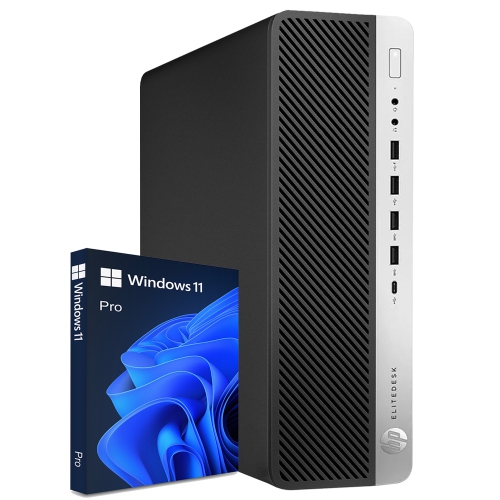
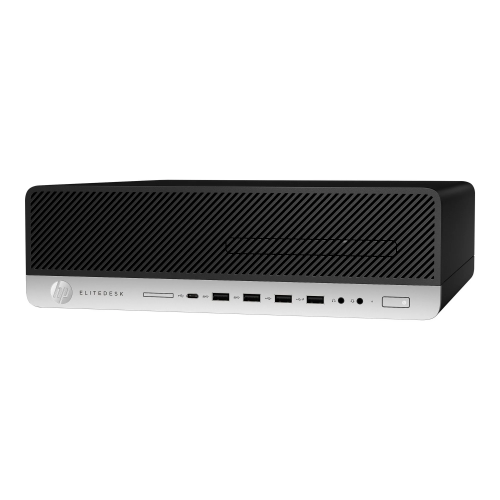
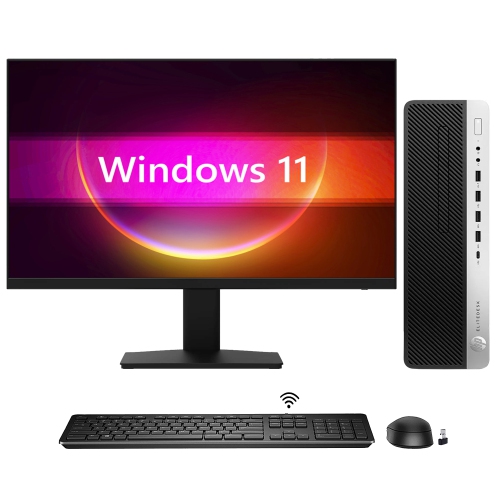
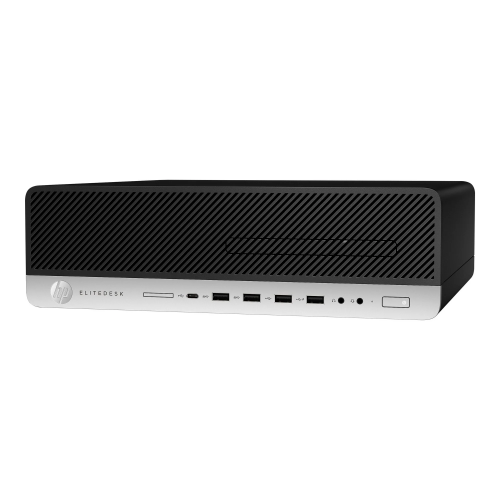
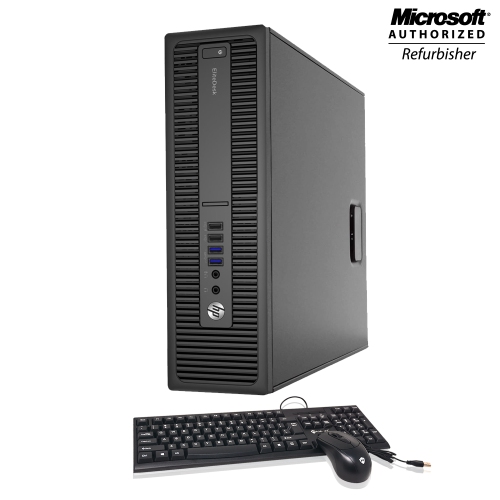
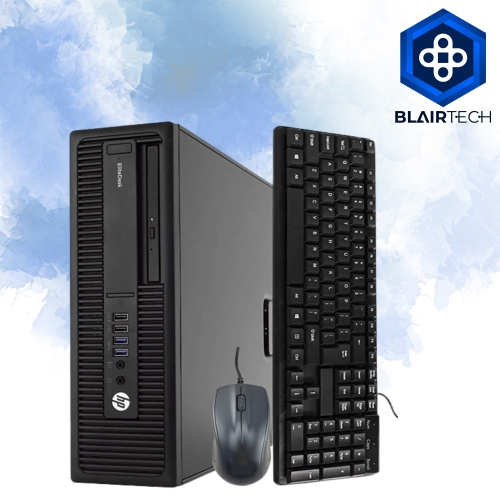
Discover the HP EliteDesk 800 G4, a versatile desktop solution designed to meet the demands of modern workspaces. Whether you're upgrading your office or setting up a reliable workstation at home, the HP EliteDesk 800 G4 offers dependable performance and streamlined design. Explore a range of configurations to find the right fit for your productivity needs and enjoy seamless computing for everyday tasks.
Sort

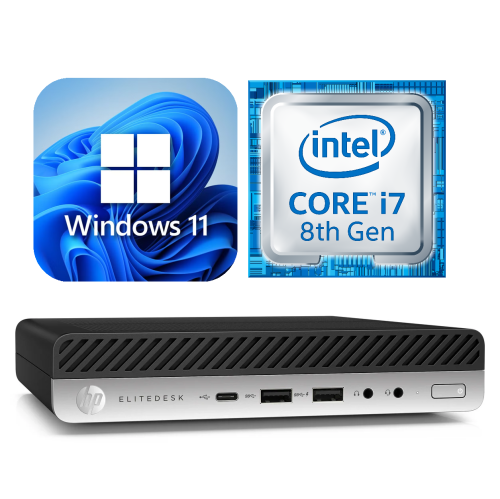
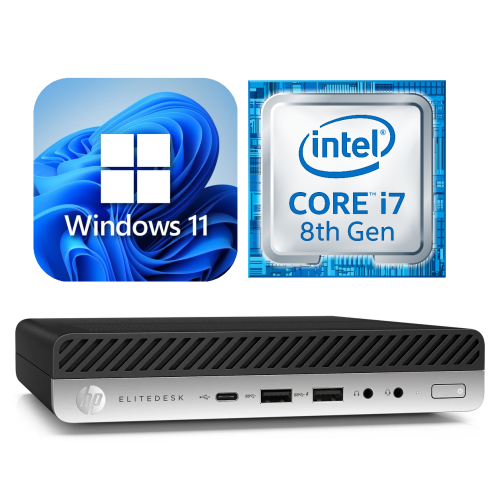
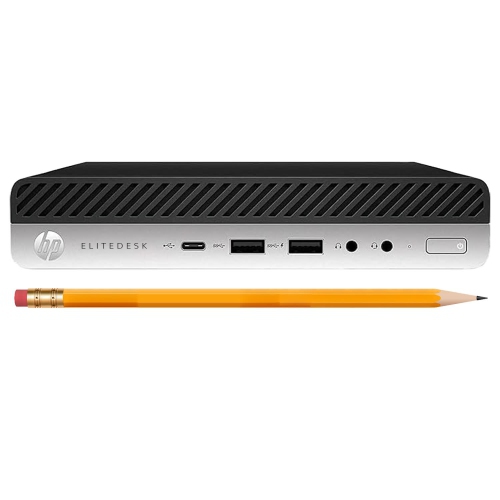
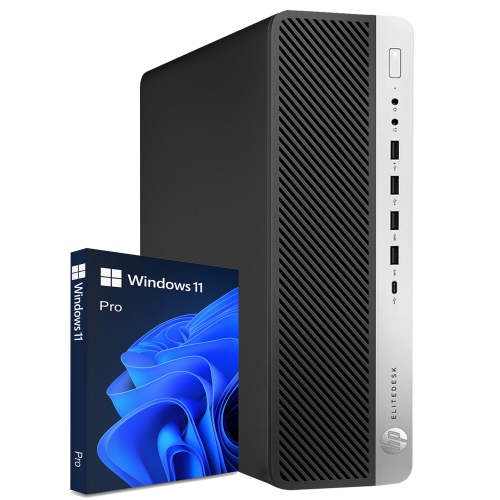

Business desktops that balance desk space and expansion
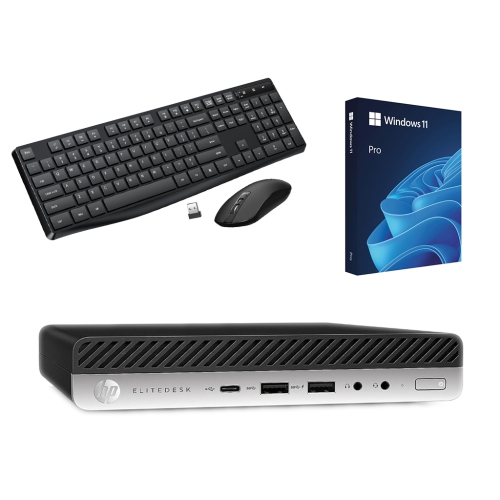
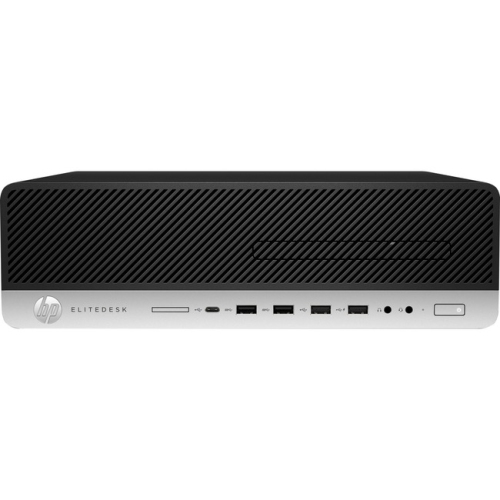
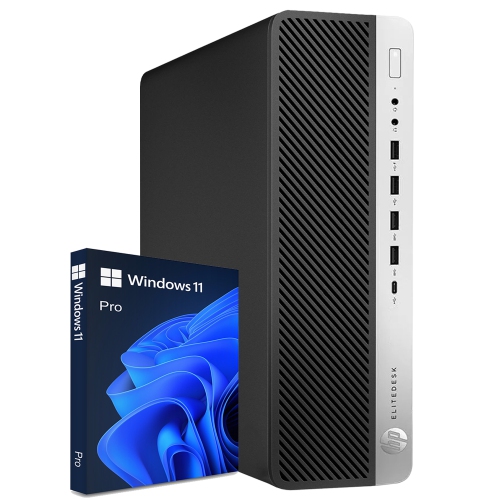
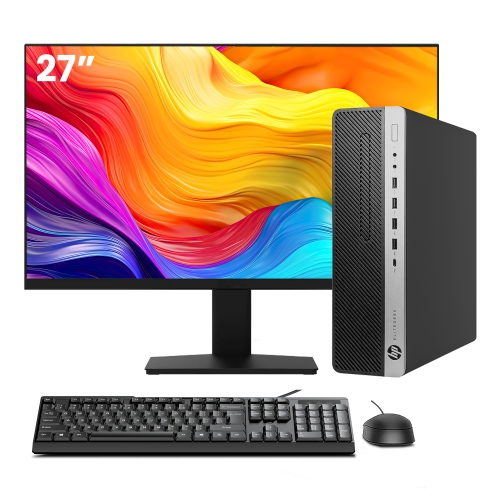
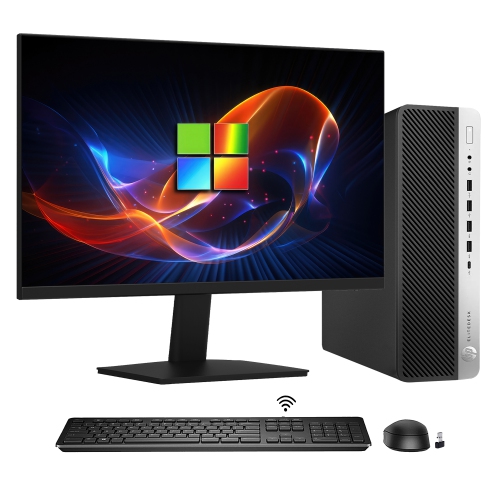
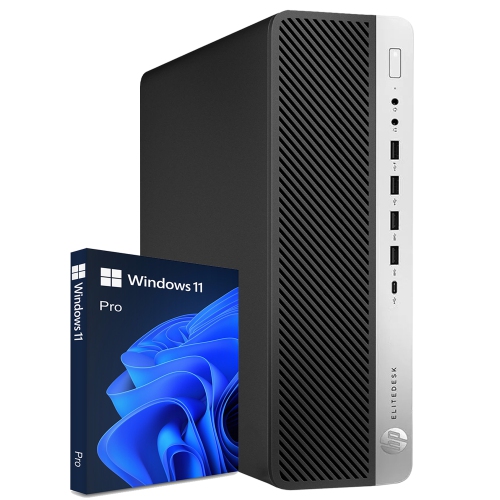
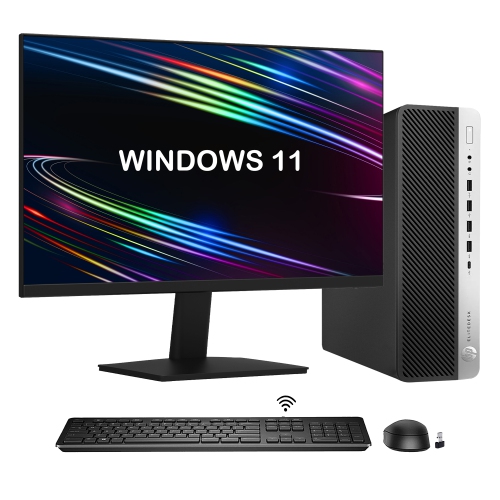
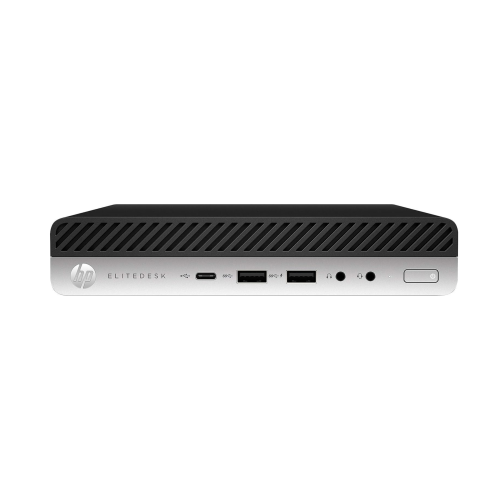
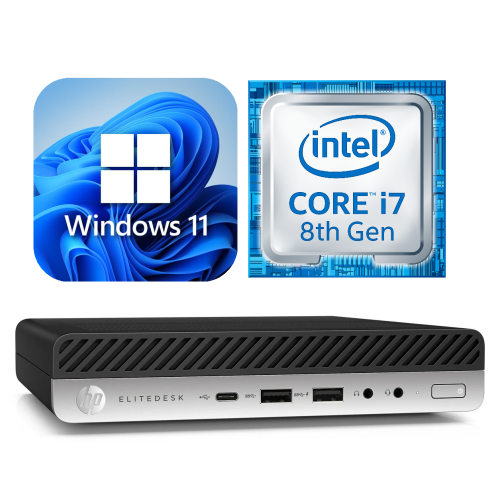
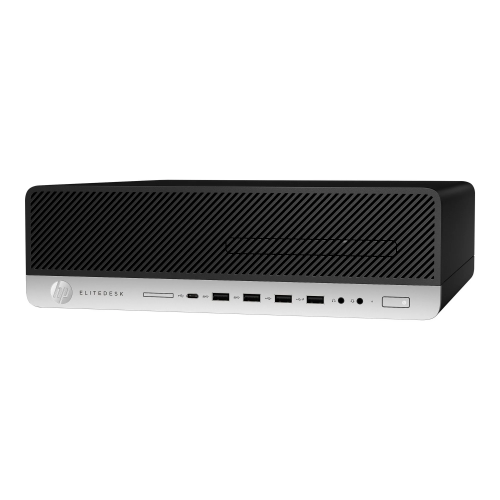
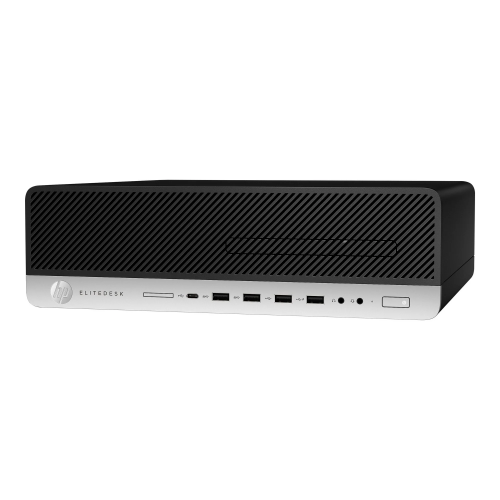
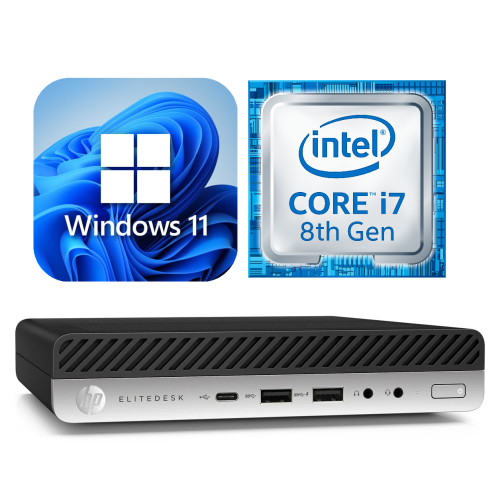
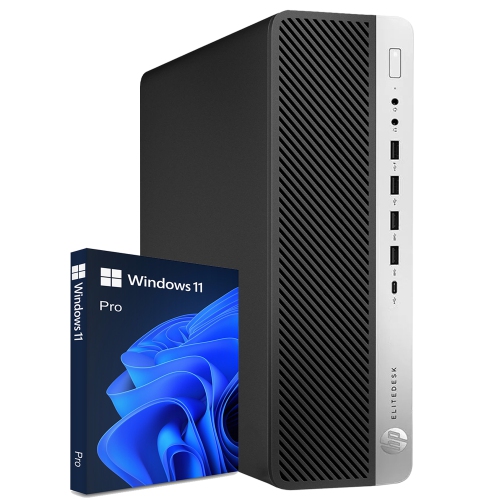
Business-class desktop computers bring the practical features of an office workstation to home offices, study spaces, reception desks, and shared work areas. This category centres on modular desktop designs, with tower, small form factor, and desktop mini formats serving different needs. A tower offers more internal space for compatible components, while a small form factor chassis keeps the footprint manageable without giving up every expansion option. A desktop mini takes up considerably less room and can suit a narrow desk or a compatible mounting bracket behind a monitor. The distinction matters in everyday use: a computer beside a filing cabinet has different space constraints from one supporting a busy front counter or sitting beneath a student’s desk. Eighth-generation desktop platforms typically pair business-oriented processors with DDR4 memory, providing a foundation for word processing, spreadsheets, browser-based applications, video meetings, and general administrative work. Actual performance depends on the installed processor, memory, storage, and software rather than the chassis name alone. A configuration used for email and invoicing may have very different requirements from one running large spreadsheets alongside several browser windows and a remote meeting. These desktops are particularly relevant to people who already have a monitor, keyboard, and mouse and want a dedicated computer that stays connected at a fixed workstation. They can also suit a household where several people share a computer for homework, appointments, and document management. Integrated graphics are generally suited to office applications, video playback, and compatible display setups; demanding 3D work, modern games, and complex video projects require closer attention to graphics capability. Business-class construction emphasizes service access and practical layouts, but the exact features vary by size and configuration. For browsing across earlier desktop generations, HP EliteDesk 800 G2 offers a related category to explore, with processor generation, connections, and operating system compatibility remaining important distinctions.
Memory and storage have a noticeable influence on how a desktop feels throughout a working day. With enough memory, a document, accounting application, and collection of browser tabs can remain open with less reliance on slower temporary storage. A configuration with 16GB of RAM can be a practical fit for everyday multitasking, while heavier workloads may benefit from more, provided the particular system supports it. Maximum memory capacity, the number of slots, and the type of module required differ between chassis designs, so expansion potential should come from the specifications for the exact configuration. Desktop mini systems commonly use compact memory modules rather than the larger modules found in many towers and small form factor computers. Storage deserves the same attention. A solid-state drive generally makes startup, application launches, and file access more responsive than a mechanical hard drive. Supported NVMe M.2 drives use a compact internal format, while SATA storage may provide another option where the chassis has the necessary bay, connector, and mounting hardware. A listing that describes solid-state storage does not necessarily identify its interface, and an empty space inside a case does not guarantee that everything needed for another drive is included. Capacity also affects everyday convenience: text documents take relatively little room, but photo libraries, recorded meetings, and large project folders can accumulate quickly. Connections shape the workstation just as much as internal specifications. Multiple monitors can make it easier to keep a reference document beside a spreadsheet, but the available video outputs, supported resolutions, and display limits need to match that arrangement. Monitor cables and adapters may be necessary when the computer and display use different connectors. Wired Ethernet can provide a straightforward network connection at a permanent desk, while Wi-Fi and Bluetooth should only be assumed when explicitly listed. Front-facing USB ports are useful for frequently connected accessories, and rear ports help keep permanent keyboard, mouse, and printer cables out of the way. For online meetings, a separate webcam, microphone, headset, or speakers may be needed to complete the setup.
Physical condition, included components, and software support are especially important when considering a refurbished business desktop. Refurbishment can involve inspection, testing, cleaning, and replacement of faulty components, but the work performed and the condition grading vary by seller. Cosmetic marks on a case are different from damaged connectors, missing feet, or a loose power socket, and a clear condition description helps set expectations. These computers commonly combine metal chassis structures with plastic front panels or trim, materials chosen for practical handling and access rather than decorative display. A sturdy enclosure is useful in a shared office, although it does not reveal the health of the storage drive or the remaining life of a fan. Warranty terms, included accessories, and the stated testing process provide more useful context than appearance alone. Power arrangements also vary: compact systems may require an external adapter, whereas larger desktops often house the power supply internally. The correct power equipment matters, particularly if a computer will later receive compatible upgrades. Operating system details deserve equal care. An installed system should be properly licensed and suitable for the applications being used, with eligibility for ongoing security updates checked rather than inferred from the processor generation. Compatibility with a newer operating system can depend on the exact processor, firmware settings, and security hardware. Business security and management features also vary, and their usefulness depends on configuration and software support. Day-to-day care is straightforward: leave ventilation openings unobstructed, keep liquids away from the case, and follow the manufacturer’s cleaning instructions with the computer switched off and disconnected. A desktop tucked into a closed cabinet needs adequate clearance for airflow, while one beneath a desk should be protected from foot traffic and strained cables. Internal upgrades call for compatible parts, careful handling, and appropriate precautions against static discharge. Tower systems usually offer more flexibility than smaller formats, but expansion slots, card dimensions, power capacity, and drive fittings still impose limits. Alongside regular file backups, these practical details help a business desktop remain a dependable place to write, organize, communicate, and manage everyday tasks.
Memory and storage have a noticeable influence on how a desktop feels throughout a working day. With enough memory, a document, accounting application, and collection of browser tabs can remain open with less reliance on slower temporary storage. A configuration with 16GB of RAM can be a practical fit for everyday multitasking, while heavier workloads may benefit from more, provided the particular system supports it. Maximum memory capacity, the number of slots, and the type of module required differ between chassis designs, so expansion potential should come from the specifications for the exact configuration. Desktop mini systems commonly use compact memory modules rather than the larger modules found in many towers and small form factor computers. Storage deserves the same attention. A solid-state drive generally makes startup, application launches, and file access more responsive than a mechanical hard drive. Supported NVMe M.2 drives use a compact internal format, while SATA storage may provide another option where the chassis has the necessary bay, connector, and mounting hardware. A listing that describes solid-state storage does not necessarily identify its interface, and an empty space inside a case does not guarantee that everything needed for another drive is included. Capacity also affects everyday convenience: text documents take relatively little room, but photo libraries, recorded meetings, and large project folders can accumulate quickly. Connections shape the workstation just as much as internal specifications. Multiple monitors can make it easier to keep a reference document beside a spreadsheet, but the available video outputs, supported resolutions, and display limits need to match that arrangement. Monitor cables and adapters may be necessary when the computer and display use different connectors. Wired Ethernet can provide a straightforward network connection at a permanent desk, while Wi-Fi and Bluetooth should only be assumed when explicitly listed. Front-facing USB ports are useful for frequently connected accessories, and rear ports help keep permanent keyboard, mouse, and printer cables out of the way. For online meetings, a separate webcam, microphone, headset, or speakers may be needed to complete the setup.
Physical condition, included components, and software support are especially important when considering a refurbished business desktop. Refurbishment can involve inspection, testing, cleaning, and replacement of faulty components, but the work performed and the condition grading vary by seller. Cosmetic marks on a case are different from damaged connectors, missing feet, or a loose power socket, and a clear condition description helps set expectations. These computers commonly combine metal chassis structures with plastic front panels or trim, materials chosen for practical handling and access rather than decorative display. A sturdy enclosure is useful in a shared office, although it does not reveal the health of the storage drive or the remaining life of a fan. Warranty terms, included accessories, and the stated testing process provide more useful context than appearance alone. Power arrangements also vary: compact systems may require an external adapter, whereas larger desktops often house the power supply internally. The correct power equipment matters, particularly if a computer will later receive compatible upgrades. Operating system details deserve equal care. An installed system should be properly licensed and suitable for the applications being used, with eligibility for ongoing security updates checked rather than inferred from the processor generation. Compatibility with a newer operating system can depend on the exact processor, firmware settings, and security hardware. Business security and management features also vary, and their usefulness depends on configuration and software support. Day-to-day care is straightforward: leave ventilation openings unobstructed, keep liquids away from the case, and follow the manufacturer’s cleaning instructions with the computer switched off and disconnected. A desktop tucked into a closed cabinet needs adequate clearance for airflow, while one beneath a desk should be protected from foot traffic and strained cables. Internal upgrades call for compatible parts, careful handling, and appropriate precautions against static discharge. Tower systems usually offer more flexibility than smaller formats, but expansion slots, card dimensions, power capacity, and drive fittings still impose limits. Alongside regular file backups, these practical details help a business desktop remain a dependable place to write, organize, communicate, and manage everyday tasks.
Top selling and popular products
-
 Your price for this item is $1599
 -
 Your price for this item is $1299.99
 -
 Your price for this item is $1629.79
 -
 Your price for this item is $1459.79
 -
 Your price for this item is $929
 -
 Your price for this item is $2299.99
 -
 Your price for this item is $1076.55
 -
 Your price for this item is $1839
Discover more categories related to HP EliteDesk 800 G4

Top Collections:
Pokemon Centers, Kindle Devices, Best Budget Office Chairs, Canon G7X Cameras, Apple iPhones 16, Samsung Galaxy Phones, Refurbished Apple Laptops, Laptops for Students, iPhone 15 Apple, Budget Smartphones
Some products may be subject to Environmental Handling Fees
(EHF) depending on your province.
Learn more about EHFs.