HP ProDesk 400 G4
Discover the HP ProDesk 400 G4, designed to deliver reliable performance for a variety of business and home office needs. With its versatile configuration options and user-friendly design, the HP ProDesk 400 G4 makes it easy to tackle everyday tasks efficiently. Explore a selection of models that offer the flexibility and dependability essential for productivity in any workspace. Find the right HP ProDesk 400 G4 to support your workflow and enhance your computing experience.
Sort


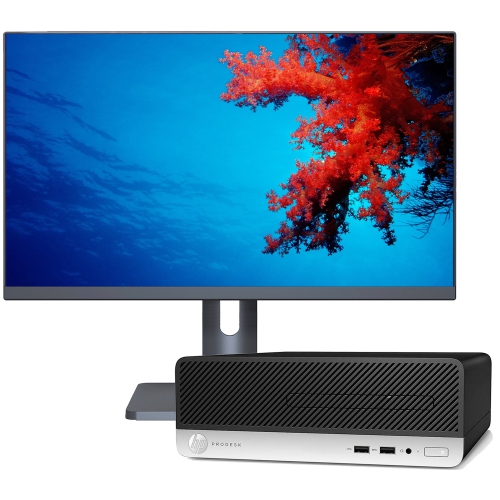
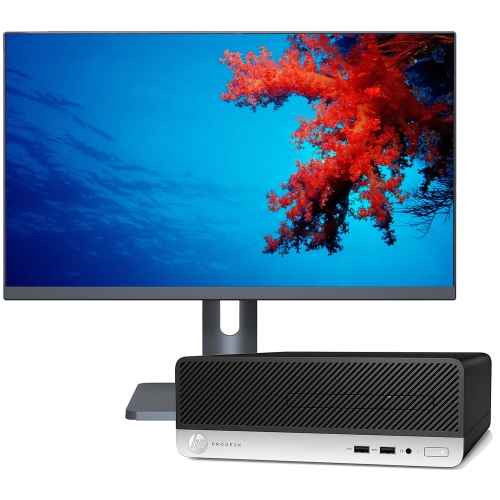
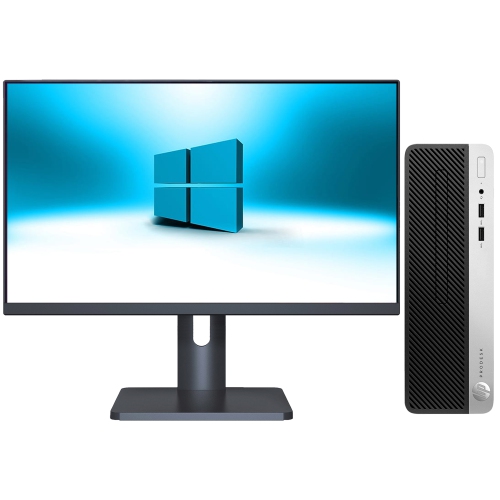
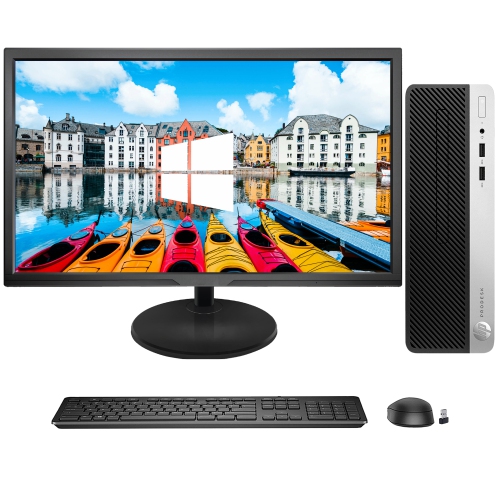
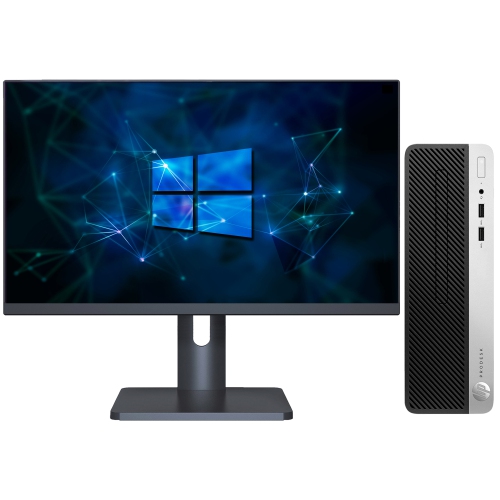
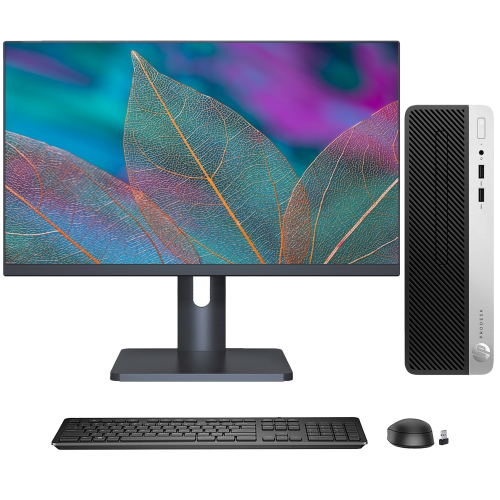

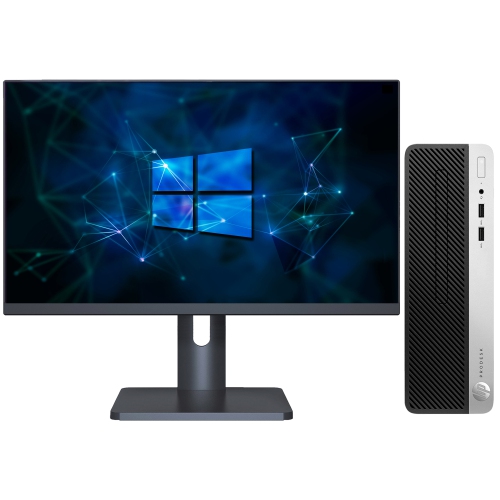
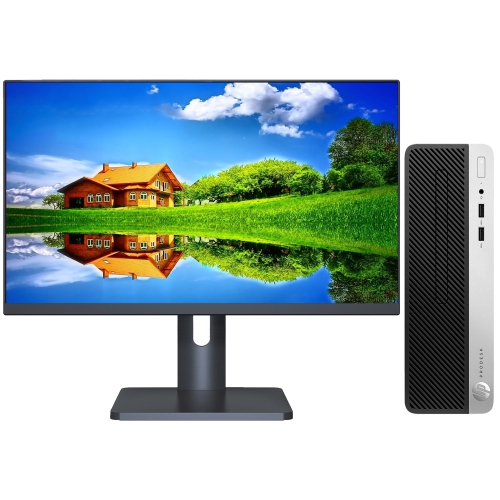
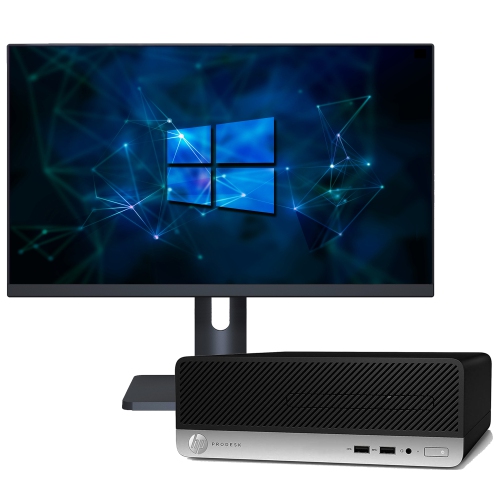
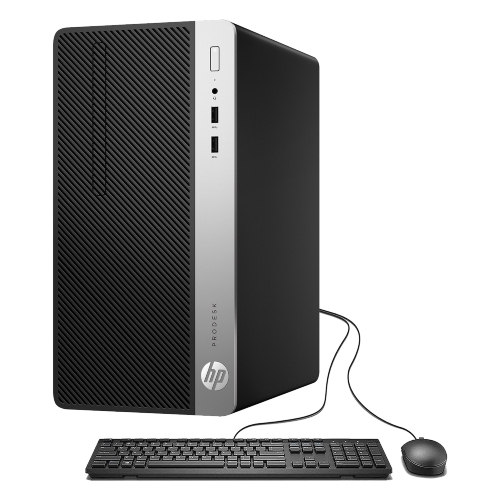
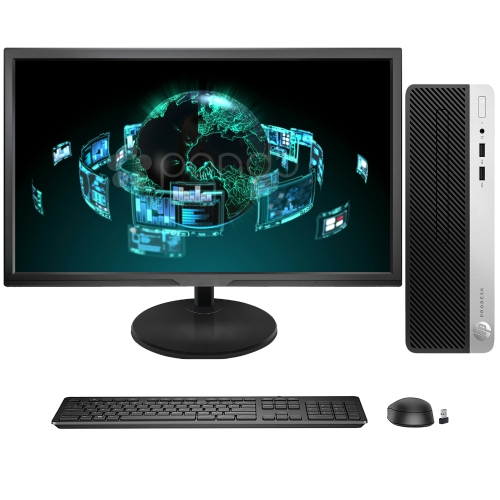
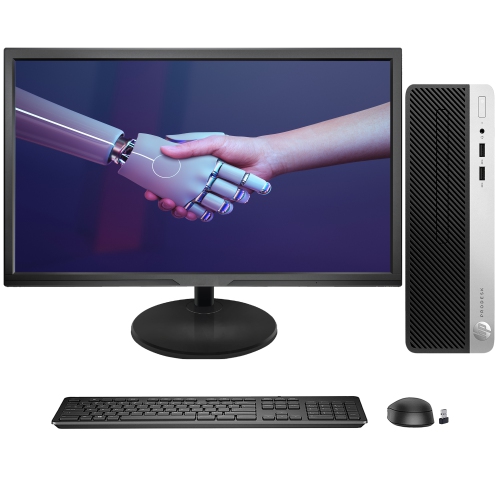
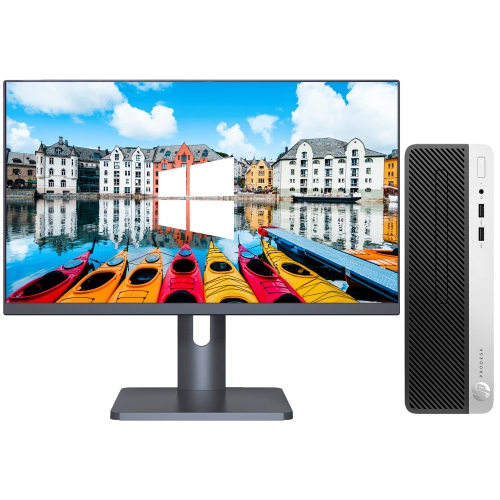
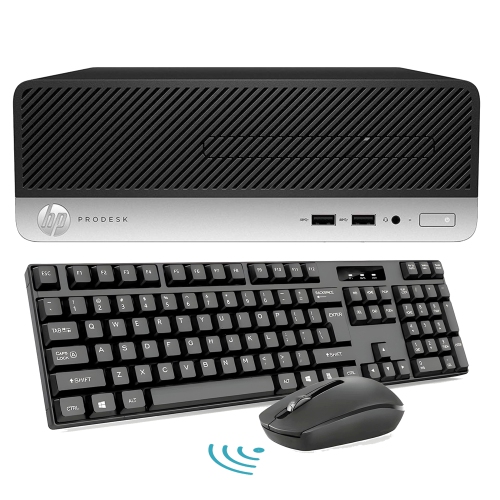
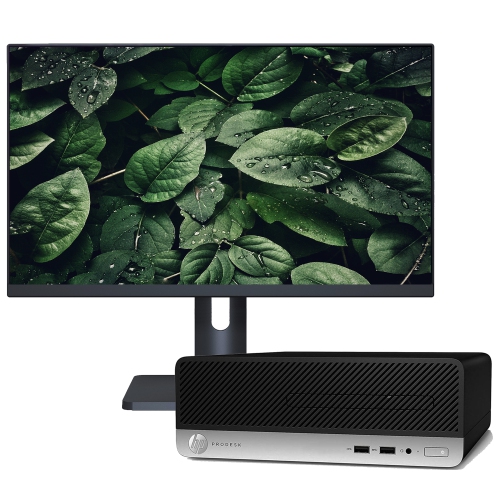
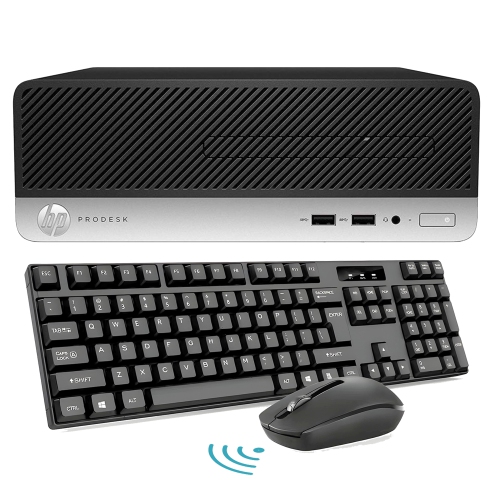
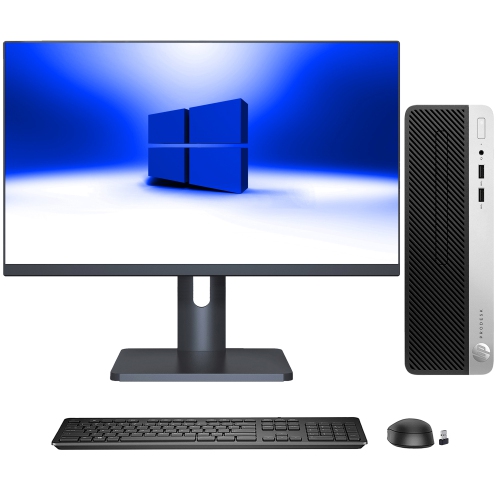

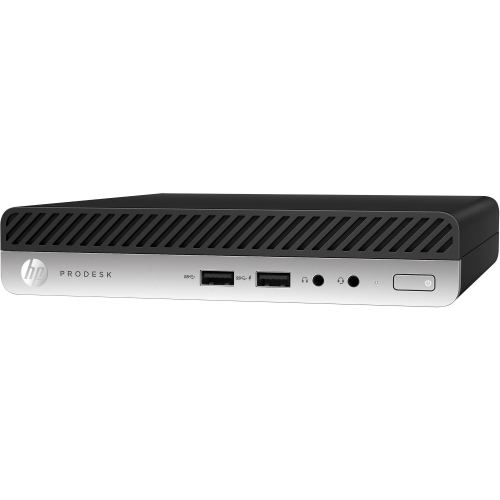
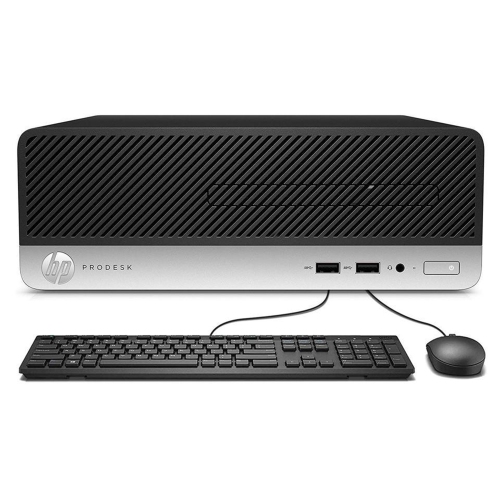

Everyday office computing without the full-size tower
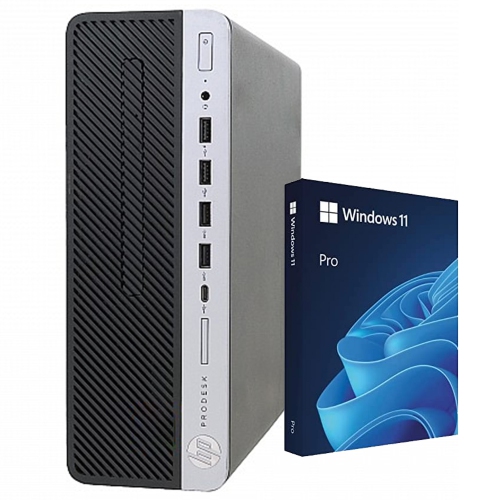
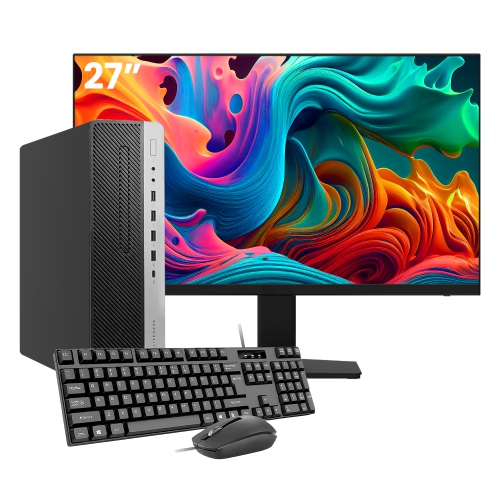
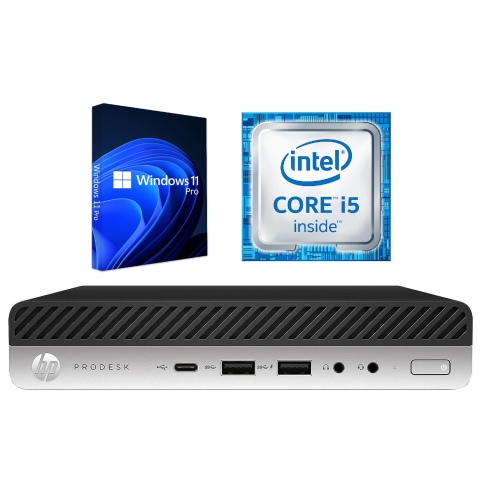
Compact business desktops bring everyday computing into spaces where a full-size tower can feel unnecessarily bulky. Their appeal is straightforward: a dedicated computer for documents, spreadsheets, email, browser-based applications, and video meetings, with a practical footprint and familiar connections for office accessories. A small form factor desktop and a desktop mini can serve similar purposes, but their physical layouts are different enough to matter on a crowded desk. Small form factor cases generally leave more room for internal drives and certain expansion cards, while mini designs place a greater emphasis on saving space. A mini may fit neatly beside a monitor or attach to a compatible mounting bracket; a small form factor system may sit beneath the desk or alongside a filing cabinet, provided its vents remain clear. Neither description alone establishes the processor generation, memory capacity, or display connections, so the detailed configuration matters more than the case label. Even closely related business desktops can use different components, power supplies, and mounting arrangements. Their cases commonly combine a metal chassis with plastic front panels, creating a practical structure suited to repeated daily use. On a reception counter, that compact shape leaves room for paperwork and a payment terminal. In a home office, it helps separate the working area from the rest of the room without requiring a large workstation. Students can use this type of computer for research, assignments, and online learning, while a shared household setup can handle forms, correspondence, and family administration. These are primarily productivity machines rather than dedicated gaming systems or high-end creative workstations. Integrated graphics can be suitable for ordinary desktop applications and video playback, but demanding games, complex three-dimensional work, and intensive video editing call for closer attention to graphics capability and software requirements. For someone furnishing a permanent study corner or replacing an ageing office computer, the strongest fit is often a system that handles familiar tasks comfortably and connects to the equipment already in use.
Day-to-day responsiveness depends on the balance between the processor, memory, and storage rather than any single specification. Processor generation and the exact processor model help explain capability more accurately than a broad family name, particularly when comparing compact machines from different years. Some mini desktops use lower-power processors that suit their smaller cooling systems, while larger cases may accommodate different processor options. Installed memory influences how comfortably a computer handles several applications at once. An 8 GB configuration may suit lighter document work and browsing, while 16 GB can provide more breathing room for a video meeting running alongside a spreadsheet, email, and multiple browser tabs. Higher memory capacities can be useful for heavier workloads, but supported limits, memory type, and slot layout depend on the exact system. A stated maximum is not the same as the amount installed, and a machine with both slots occupied may require replacement modules rather than a simple addition. Storage deserves similar attention. A solid-state drive usually makes startup, application launches, and file access feel quicker than a traditional hard drive. A 256 GB drive can be workable for office applications and a modest collection of local files, while larger photo libraries, downloaded media, and substantial project folders need more space. Cloud storage and external drives can help with file management, although neither removes the need for a sensible backup routine. Physical connections also shape how a desktop fits into an existing setup. Monitor compatibility depends on the actual video outputs and supported display arrangements, not simply on how many sockets appear on the rear panel. A two-screen workspace may need particular cables or adapters. Front USB ports are convenient for a headset or removable drive, while rear connections help keep a keyboard, mouse, printer, and other regularly attached accessories tidy. Wired networking can provide a steady connection at a fixed desk. Wi-Fi and Bluetooth should be confirmed separately, since compact size does not mean either feature is built in. For remote meetings, a webcam, microphone, and speakers or headset may also be needed.
Condition, software support, and everyday care are especially important when comparing older business desktops or refurbished computers. Refurbishment describes a process, not a uniform cosmetic standard, so details about testing, component changes, case wear, and warranty coverage deserve attention. Light marks on a side panel may have little bearing on daily use, whereas a damaged port, missing drive bracket, or unsuitable power adapter can affect how the computer functions. Included accessories vary, and a mini desktop may rely on an external adapter with a specific power rating and connector. An operating system being installed does not, by itself, establish that it still receives routine security updates or meets the requirements of a newer release. Hardware eligibility, software licensing, and support status all matter for a machine used to access email, banking, customer information, or work accounts. Business-oriented security features also differ between configurations, so encryption support and other protections should be verified rather than assumed. For a computer that will spend long hours beneath a desk, airflow is a practical durability concern. A hard, stable surface, space around the ventilation openings, and distance from thick carpet help the cooling system do its job. Dust can collect around vents over time; cleaning should follow the manufacturer's instructions, with the system shut down and disconnected before exterior care. Liquids should stay away from openings, and internal maintenance is best left to someone comfortable with the relevant service procedures. Expansion plans need the same attention to fit: a compact case may require low-profile cards, specific drive fittings, or memory modules that differ from those used in a larger tower. The HP ProDesk 400 G5 page offers a related desktop comparison, with processor details, case dimensions, connections, and installed components providing useful points of reference. Whether the computer is intended for a small office, a student's desk, or a shared home workspace, those practical details help distinguish a machine that merely fits the space from one that fits the daily routine.
Day-to-day responsiveness depends on the balance between the processor, memory, and storage rather than any single specification. Processor generation and the exact processor model help explain capability more accurately than a broad family name, particularly when comparing compact machines from different years. Some mini desktops use lower-power processors that suit their smaller cooling systems, while larger cases may accommodate different processor options. Installed memory influences how comfortably a computer handles several applications at once. An 8 GB configuration may suit lighter document work and browsing, while 16 GB can provide more breathing room for a video meeting running alongside a spreadsheet, email, and multiple browser tabs. Higher memory capacities can be useful for heavier workloads, but supported limits, memory type, and slot layout depend on the exact system. A stated maximum is not the same as the amount installed, and a machine with both slots occupied may require replacement modules rather than a simple addition. Storage deserves similar attention. A solid-state drive usually makes startup, application launches, and file access feel quicker than a traditional hard drive. A 256 GB drive can be workable for office applications and a modest collection of local files, while larger photo libraries, downloaded media, and substantial project folders need more space. Cloud storage and external drives can help with file management, although neither removes the need for a sensible backup routine. Physical connections also shape how a desktop fits into an existing setup. Monitor compatibility depends on the actual video outputs and supported display arrangements, not simply on how many sockets appear on the rear panel. A two-screen workspace may need particular cables or adapters. Front USB ports are convenient for a headset or removable drive, while rear connections help keep a keyboard, mouse, printer, and other regularly attached accessories tidy. Wired networking can provide a steady connection at a fixed desk. Wi-Fi and Bluetooth should be confirmed separately, since compact size does not mean either feature is built in. For remote meetings, a webcam, microphone, and speakers or headset may also be needed.
Condition, software support, and everyday care are especially important when comparing older business desktops or refurbished computers. Refurbishment describes a process, not a uniform cosmetic standard, so details about testing, component changes, case wear, and warranty coverage deserve attention. Light marks on a side panel may have little bearing on daily use, whereas a damaged port, missing drive bracket, or unsuitable power adapter can affect how the computer functions. Included accessories vary, and a mini desktop may rely on an external adapter with a specific power rating and connector. An operating system being installed does not, by itself, establish that it still receives routine security updates or meets the requirements of a newer release. Hardware eligibility, software licensing, and support status all matter for a machine used to access email, banking, customer information, or work accounts. Business-oriented security features also differ between configurations, so encryption support and other protections should be verified rather than assumed. For a computer that will spend long hours beneath a desk, airflow is a practical durability concern. A hard, stable surface, space around the ventilation openings, and distance from thick carpet help the cooling system do its job. Dust can collect around vents over time; cleaning should follow the manufacturer's instructions, with the system shut down and disconnected before exterior care. Liquids should stay away from openings, and internal maintenance is best left to someone comfortable with the relevant service procedures. Expansion plans need the same attention to fit: a compact case may require low-profile cards, specific drive fittings, or memory modules that differ from those used in a larger tower. The HP ProDesk 400 G5 page offers a related desktop comparison, with processor details, case dimensions, connections, and installed components providing useful points of reference. Whether the computer is intended for a small office, a student's desk, or a shared home workspace, those practical details help distinguish a machine that merely fits the space from one that fits the daily routine.
Top selling and popular products
-
 Your price for this item is $1599
 -
 Your price for this item is $1299.99
 -
 Your price for this item is $1629.79
 -
 Your price for this item is $1459.79
 -
 Your price for this item is $929
 -
 Your price for this item is $2299.99
 -
 Your price for this item is $1076.55
 -
 Your price for this item is $1839
Discover more categories related to HP ProDesk 400 G4
Top Collections:
Pokemon Centers, Kindle Devices, Best Budget Office Chairs, Canon G7X Cameras, Apple iPhones 16, Samsung Galaxy Phones, Refurbished Apple Laptops, Laptops for Students, iPhone 15 Apple, Budget Smartphones
Some products may be subject to Environmental Handling Fees
(EHF) depending on your province.
Learn more about EHFs.