HP Elitedesk 800 Mini Desktops
Discover the perfect blend of performance and compact design with mini desktops that cater to both your professional and personal computing needs. These space-saving powerhouses pack impressive capabilities into a sleek, small form factor, making them an ideal choice for home offices, corporate environments, or any setting where space is at a premium. Enjoy seamless multitasking, efficient processing, and robust connectivity options that help streamline your workflow and enhance productivity. Whether you're tackling complex projects or enjoying multimedia entertainment, these mini desktops are designed to deliver reliable performance in a stylish package.
Sort
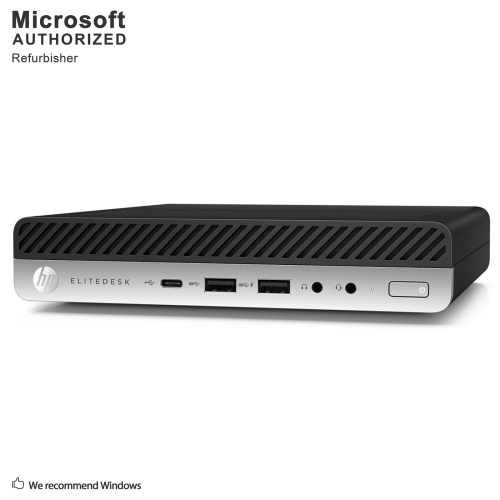
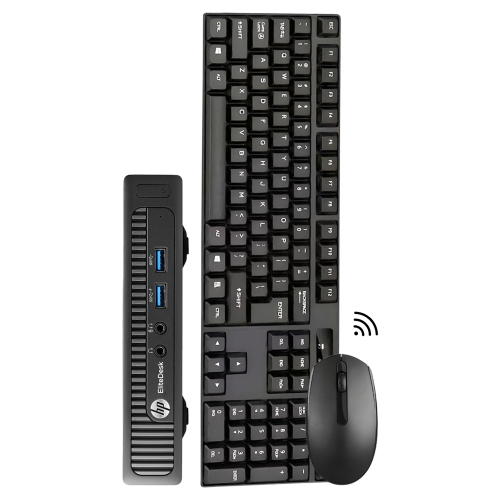
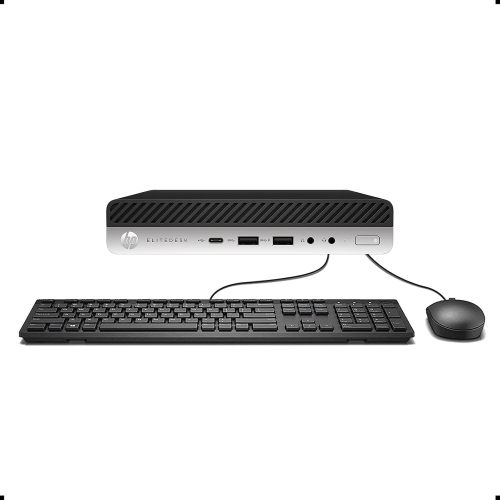
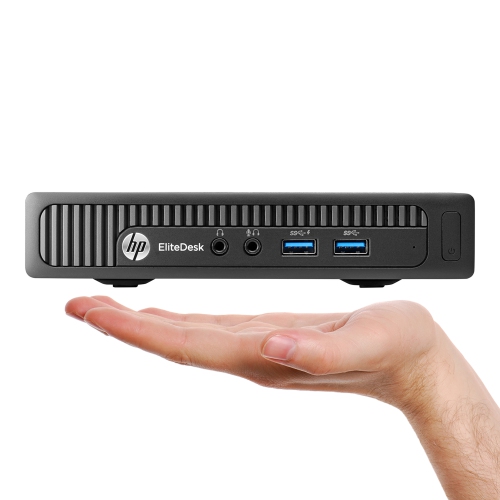
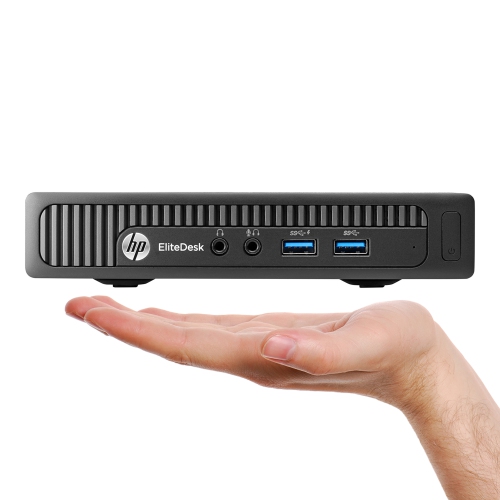
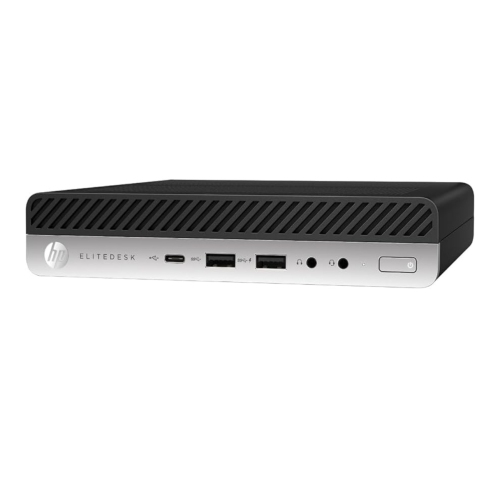
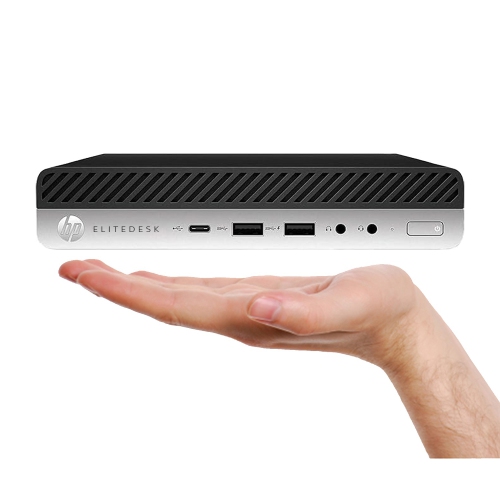
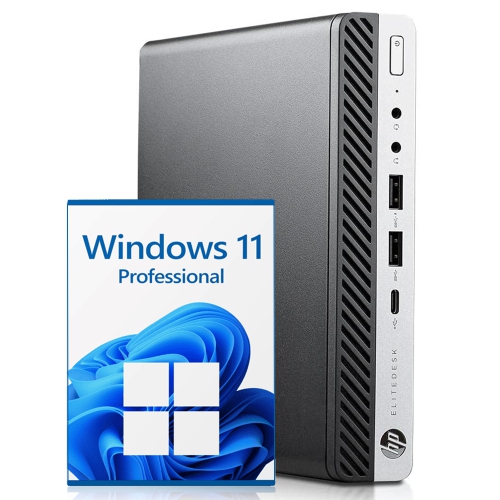
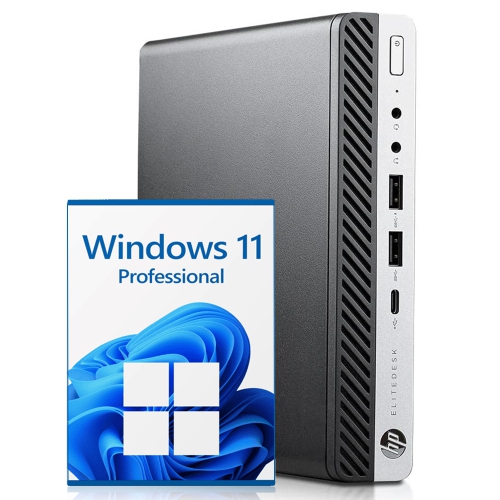
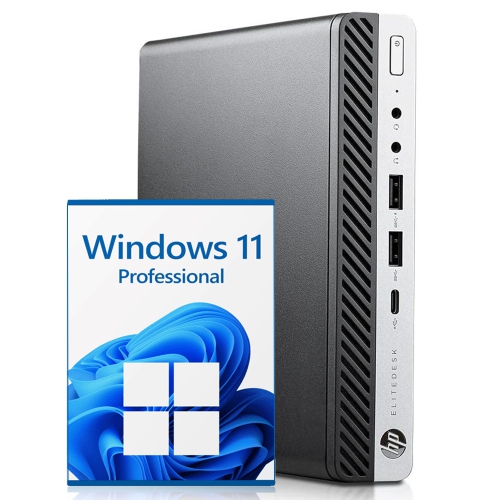
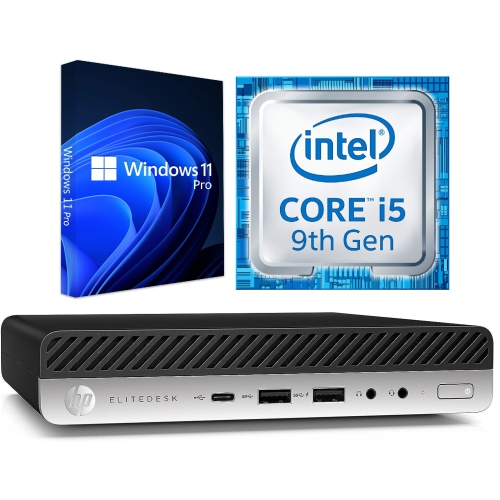
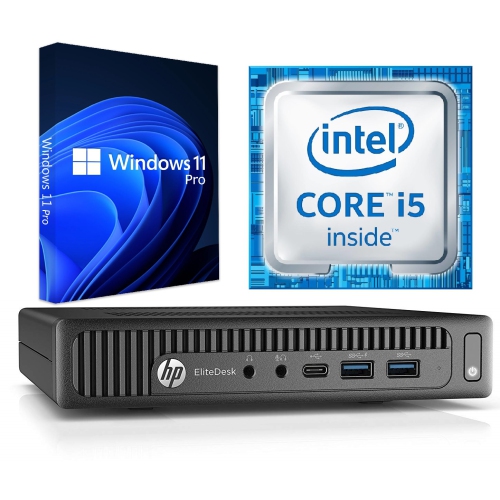
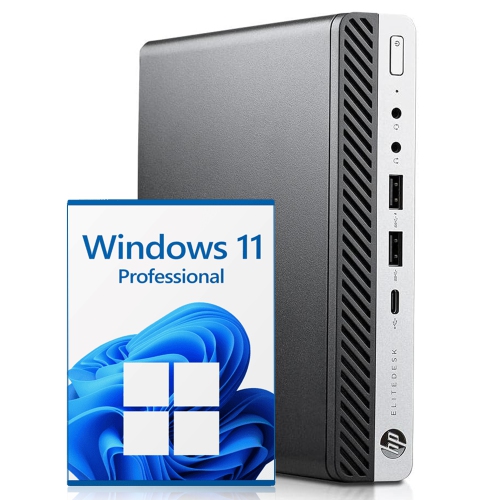

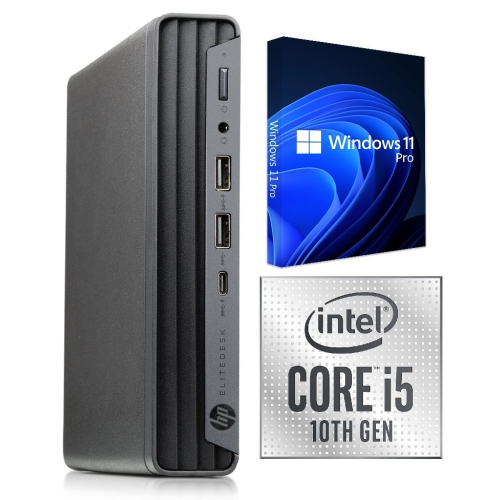
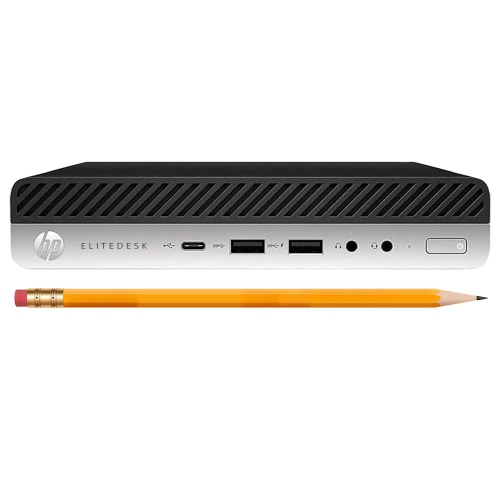
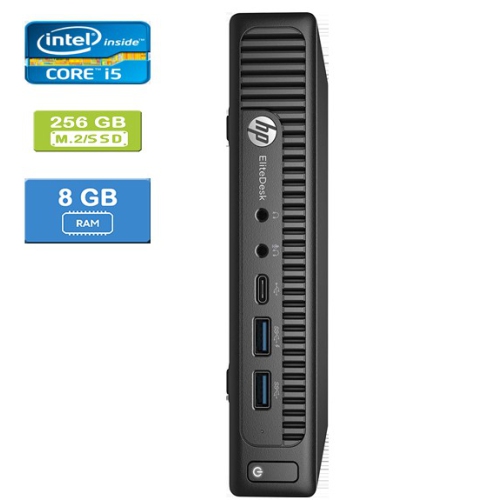
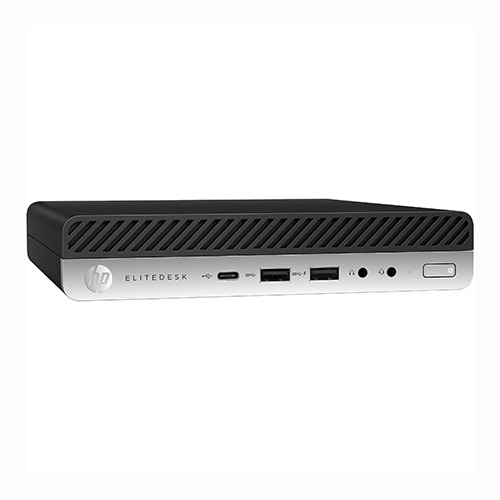
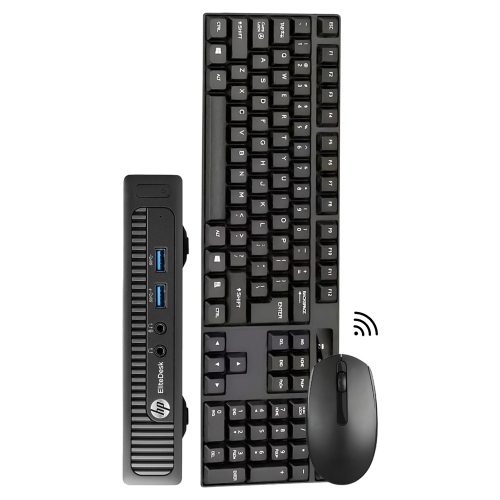
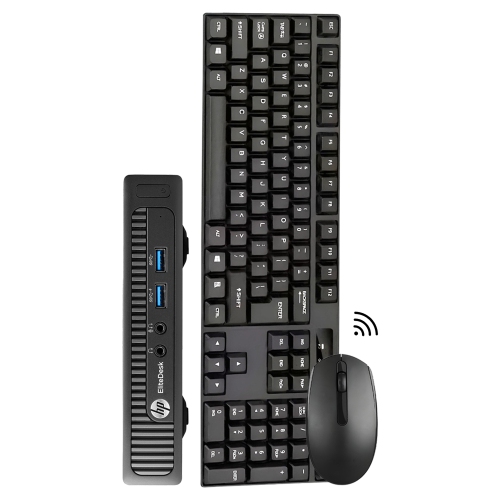
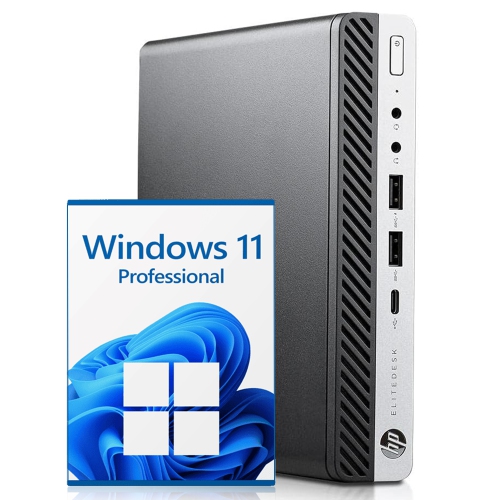

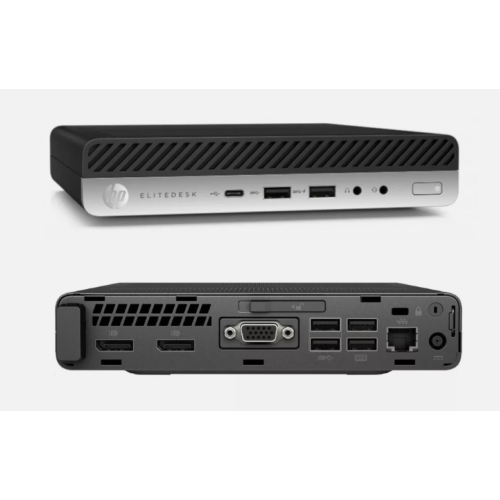
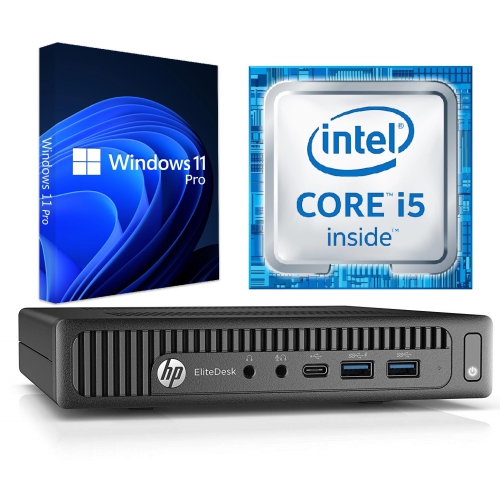
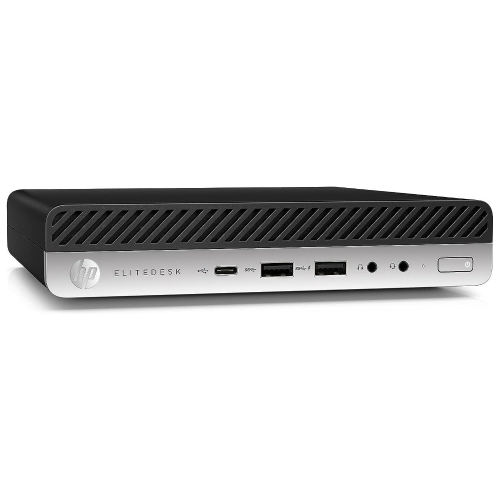
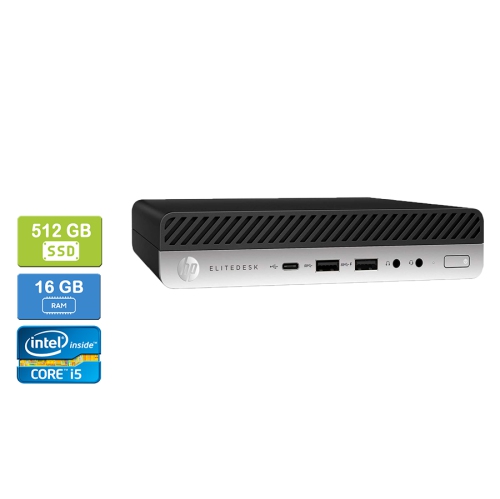
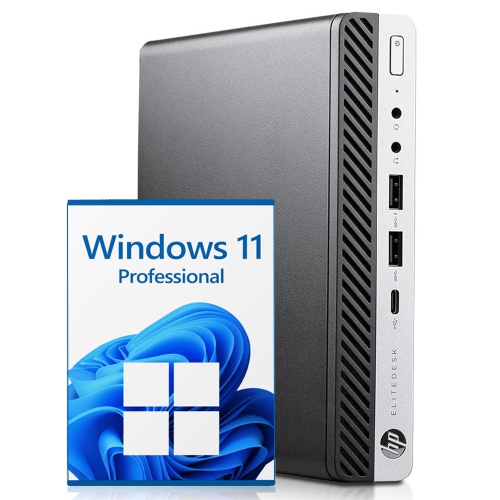
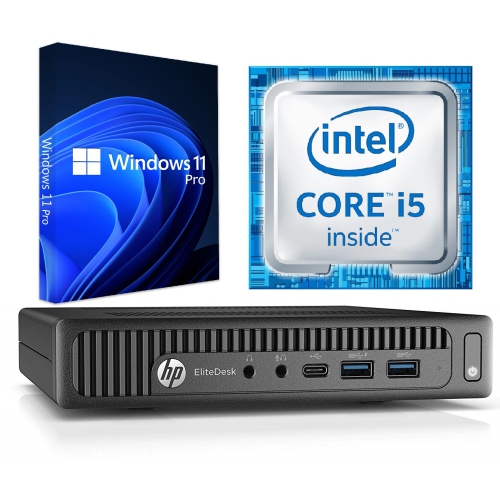
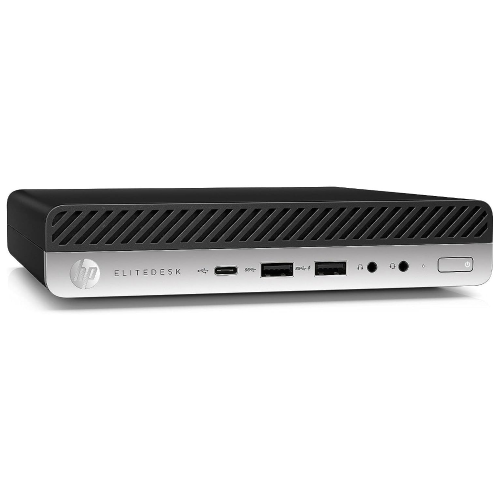
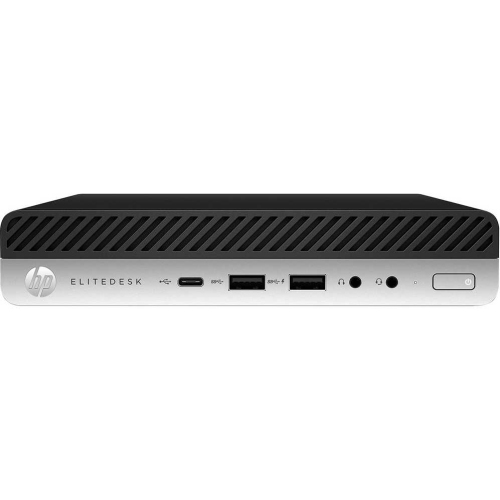
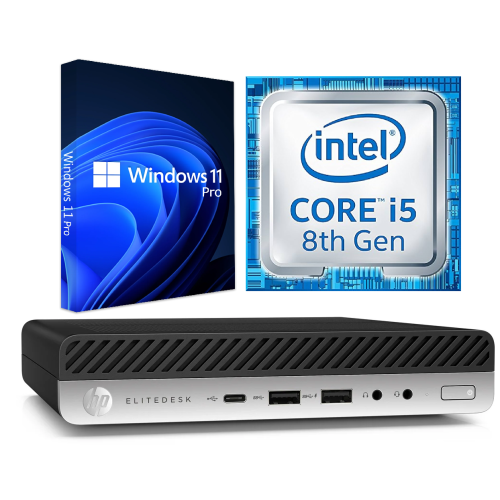
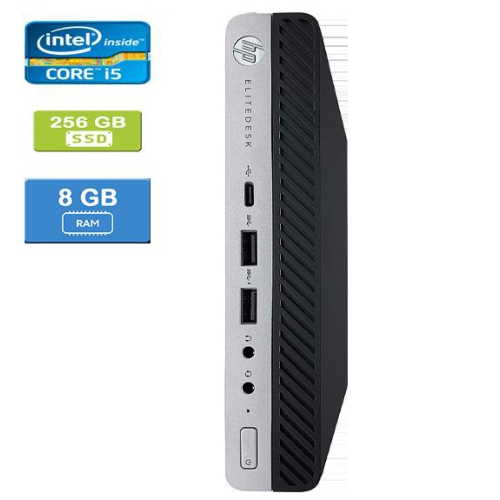
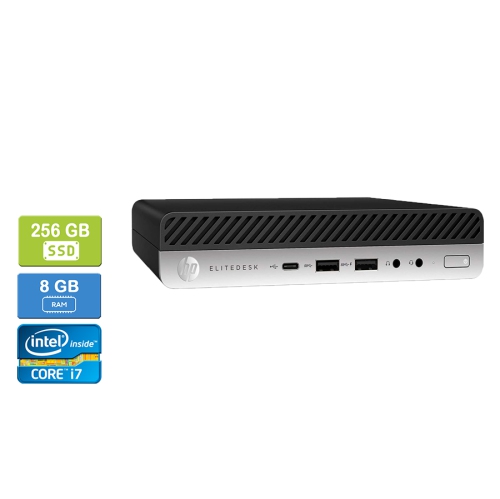
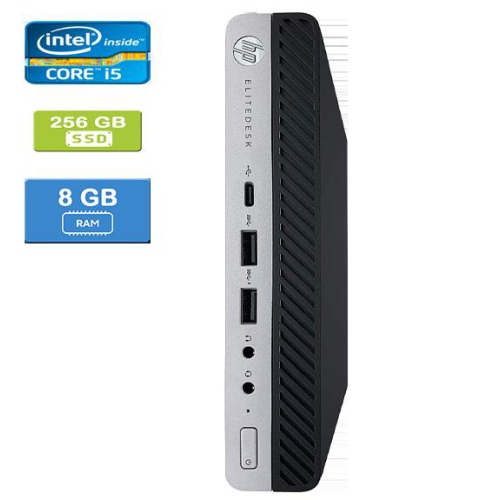
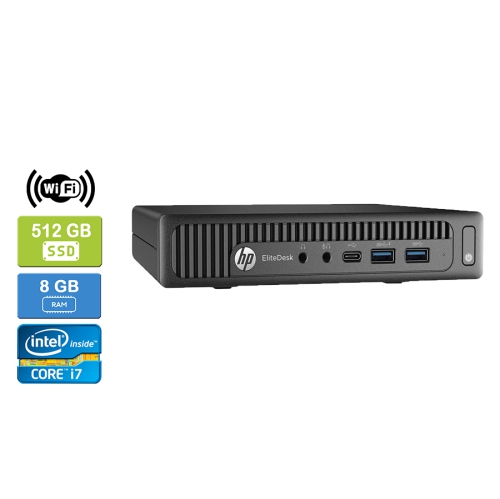
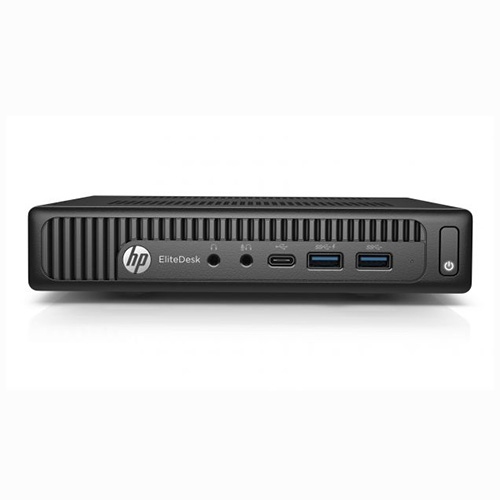
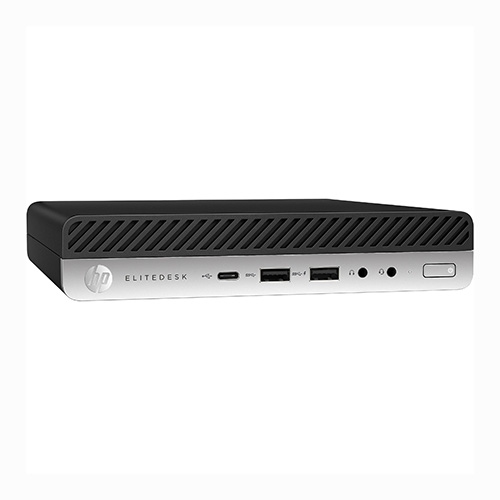
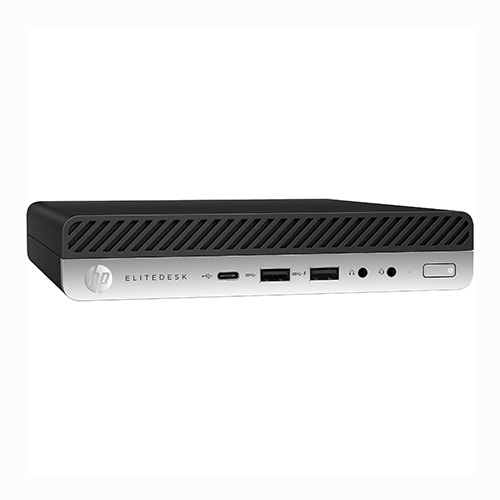
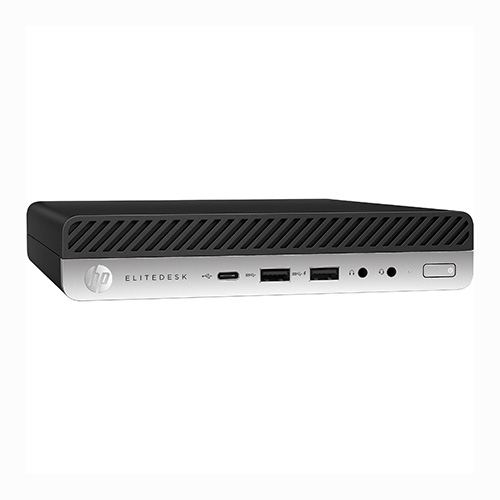
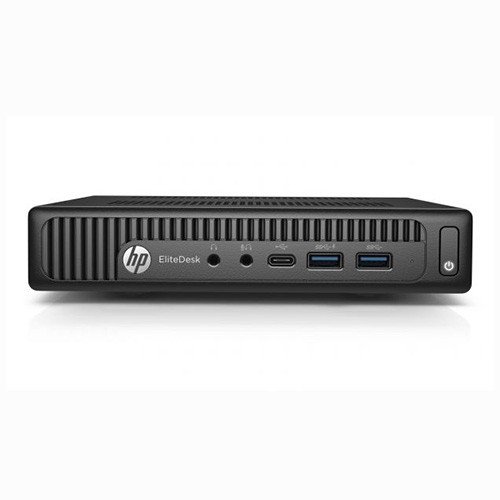
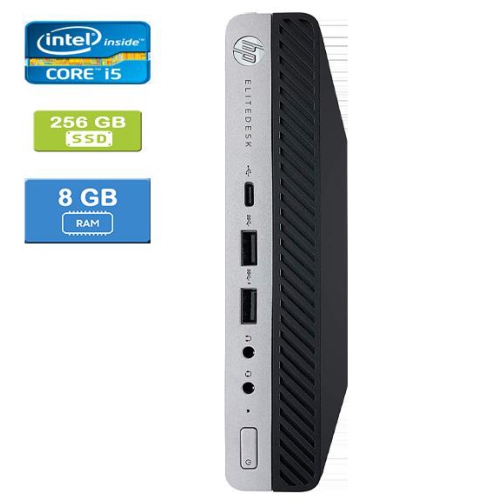
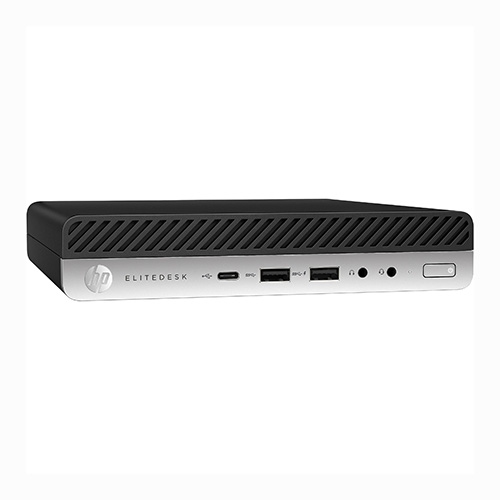
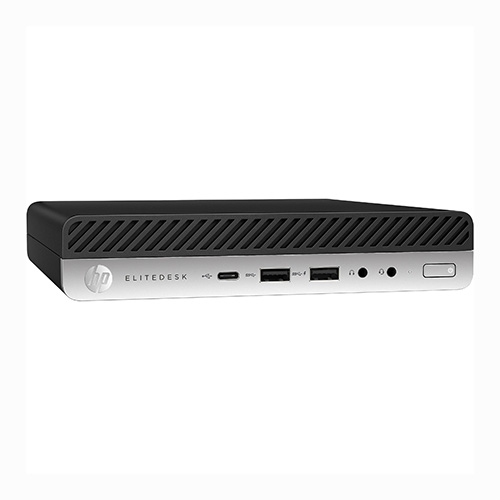
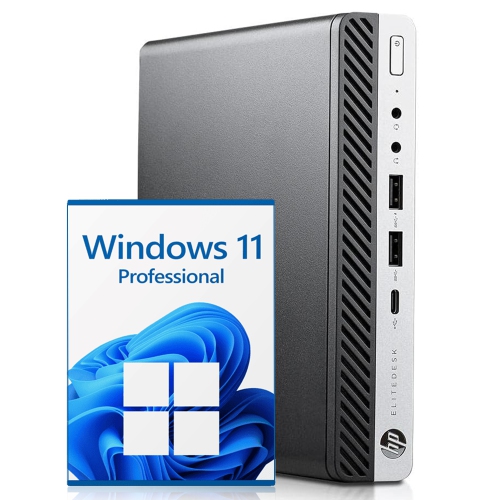
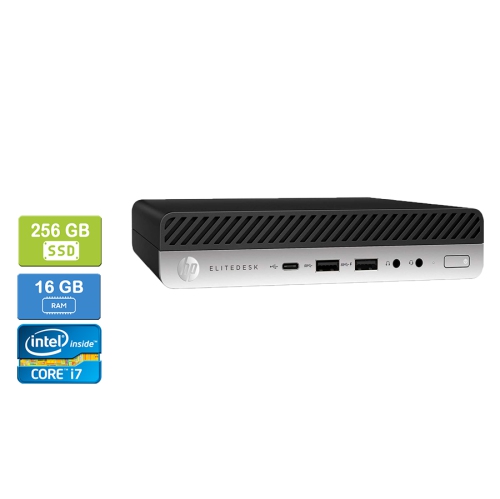
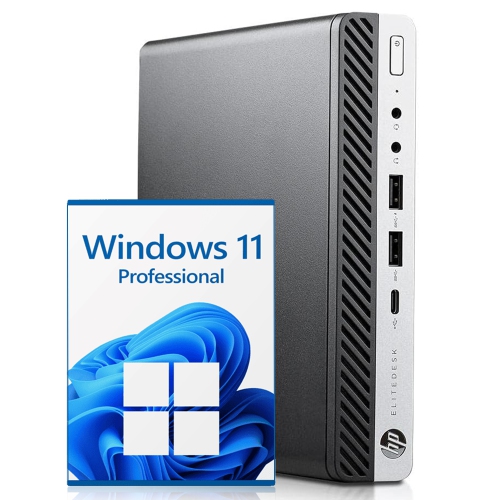
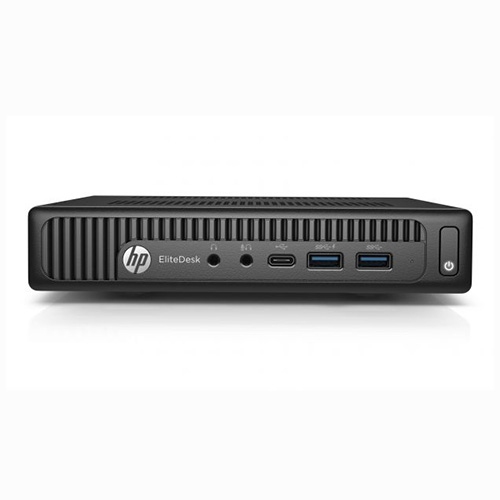
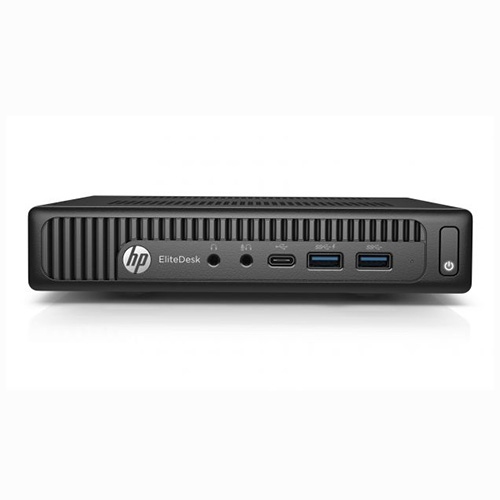
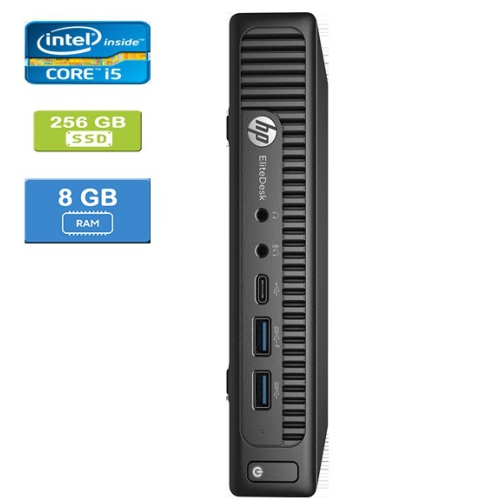
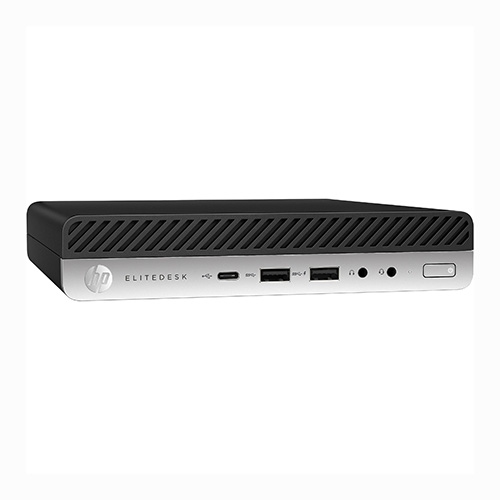
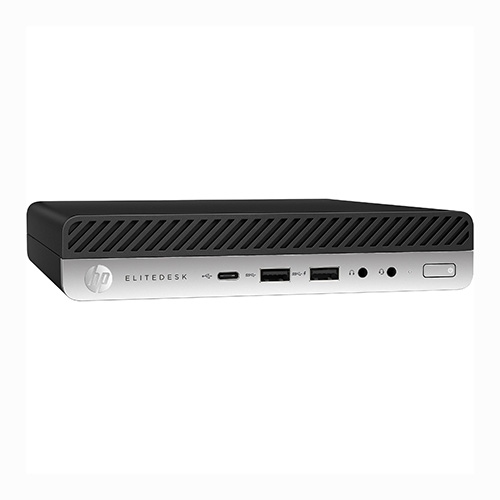
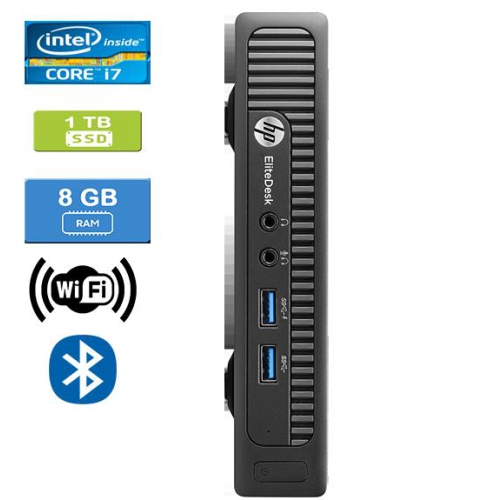
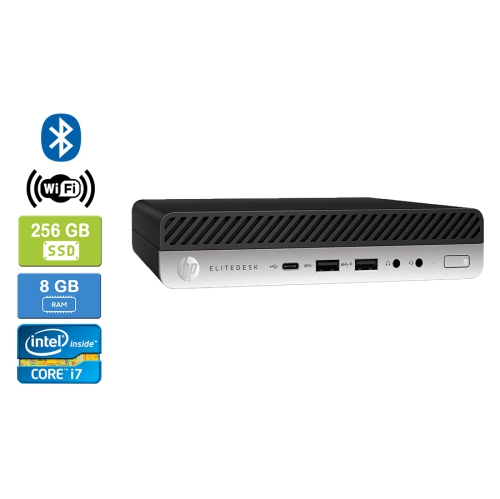
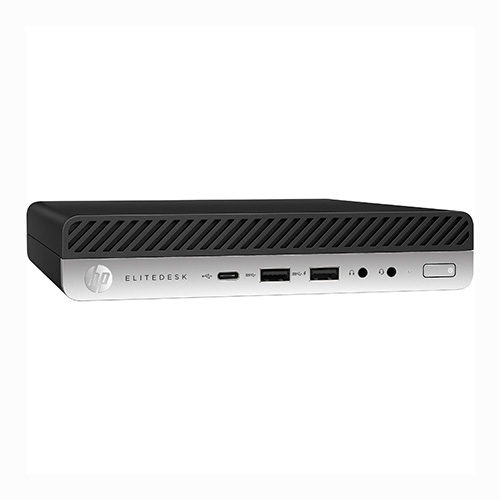
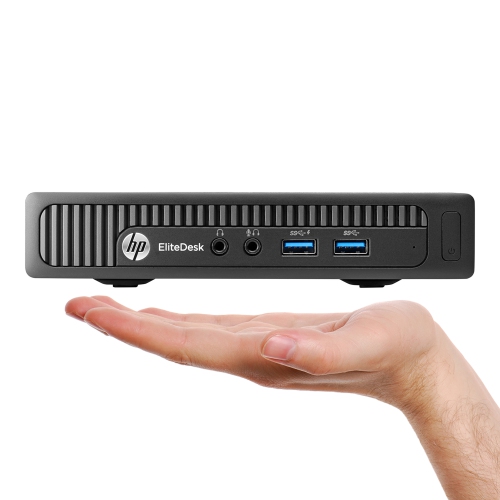
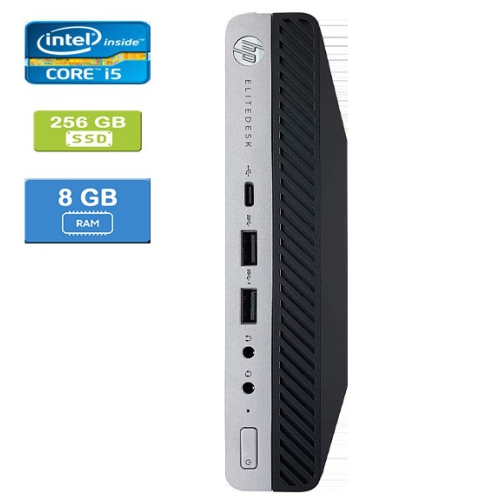
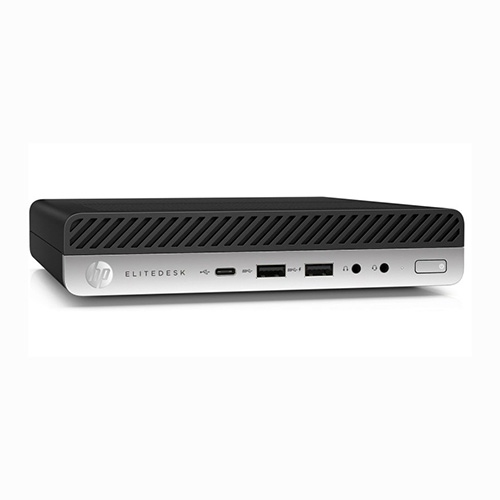
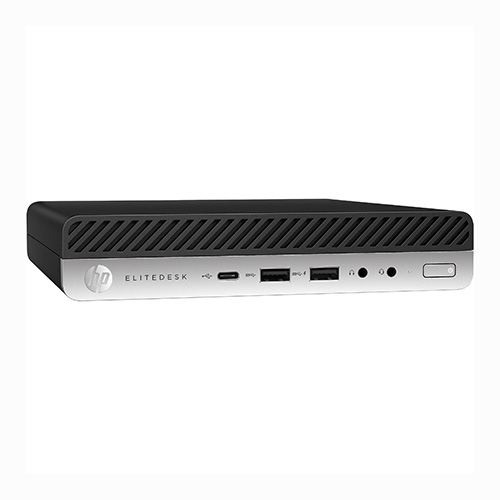
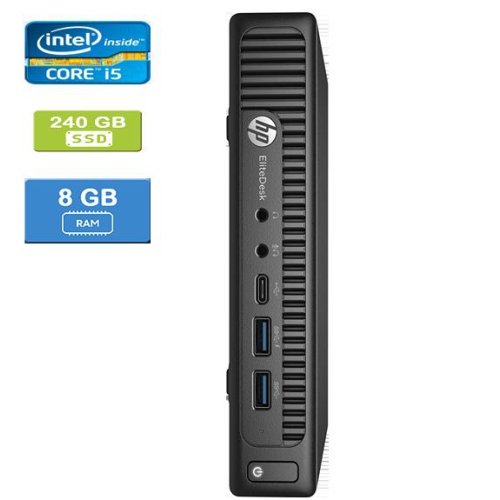
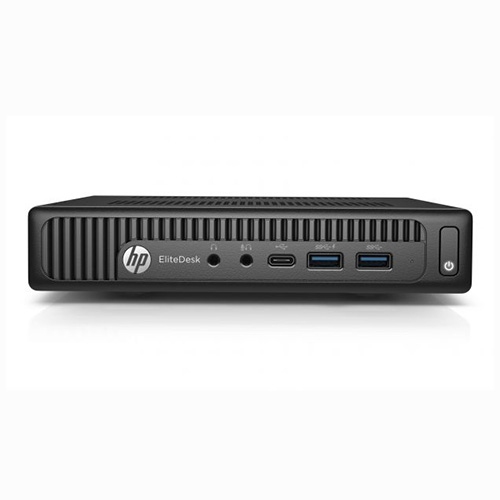
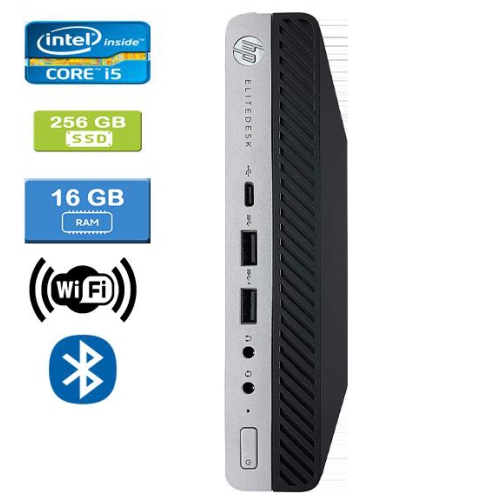
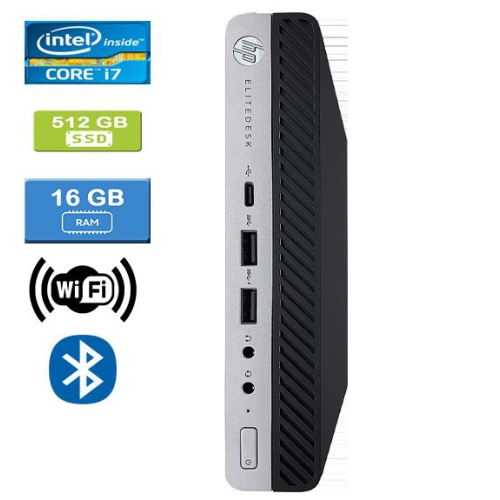
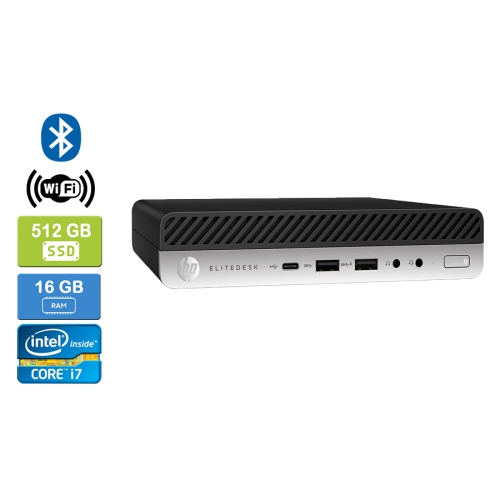
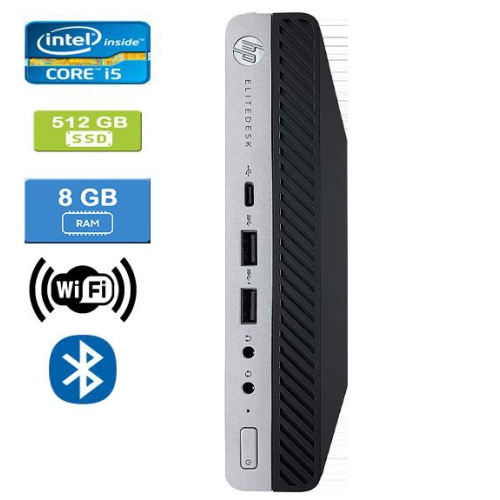
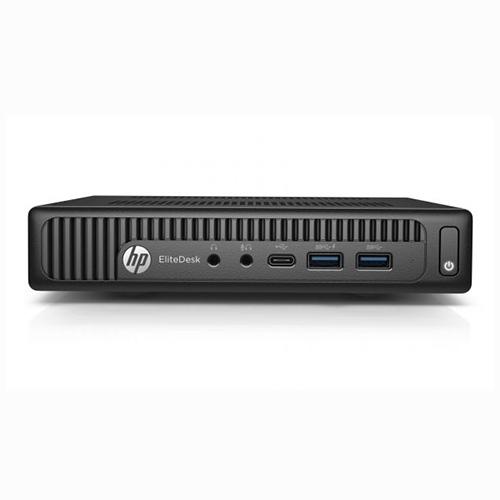
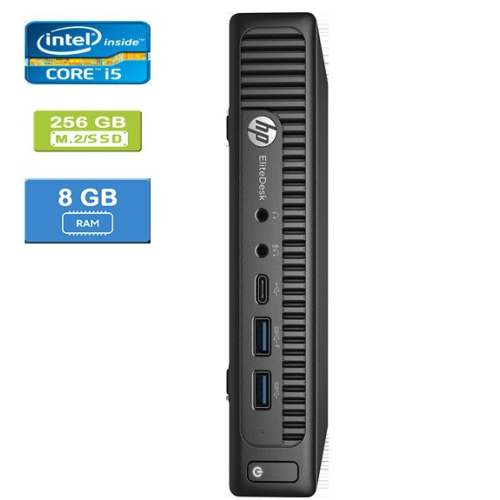
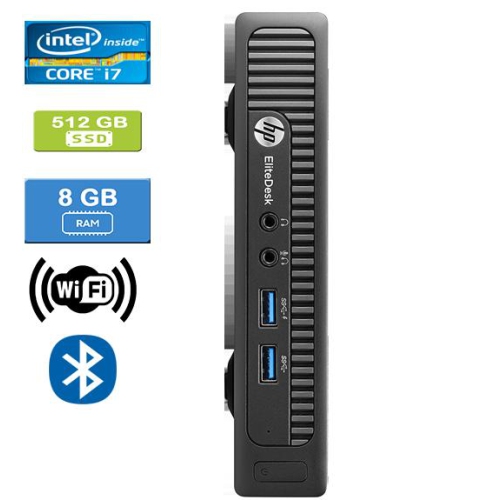
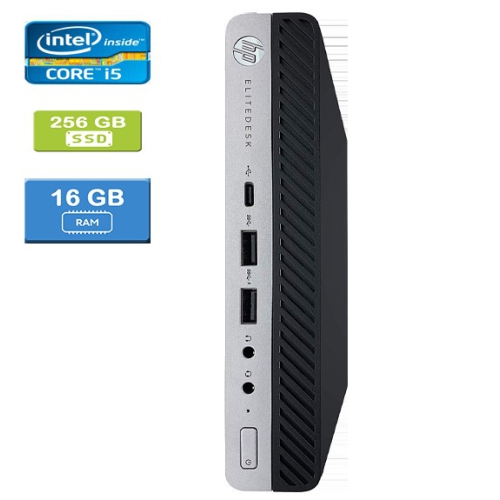
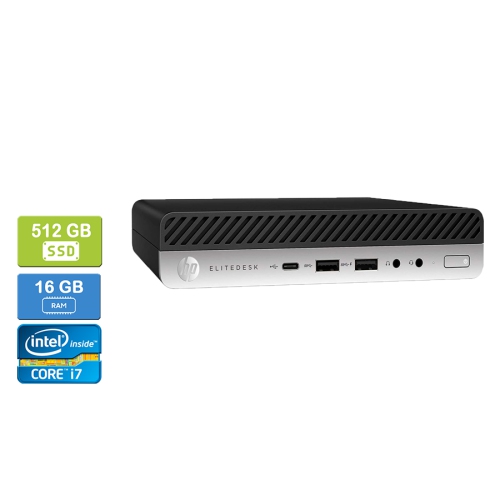
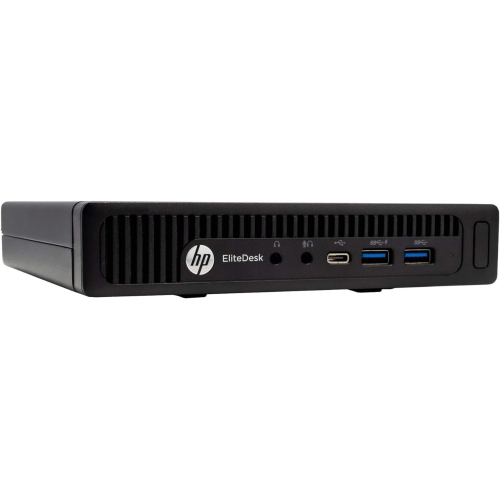
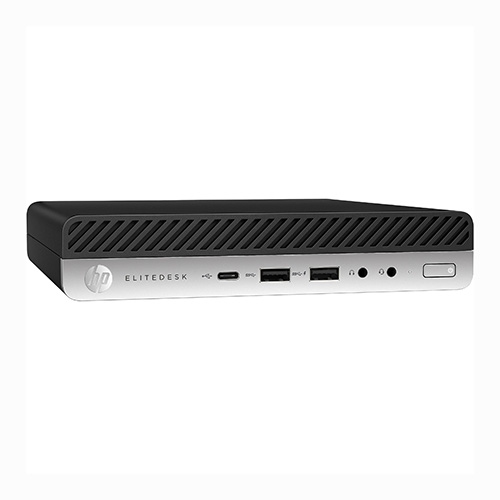
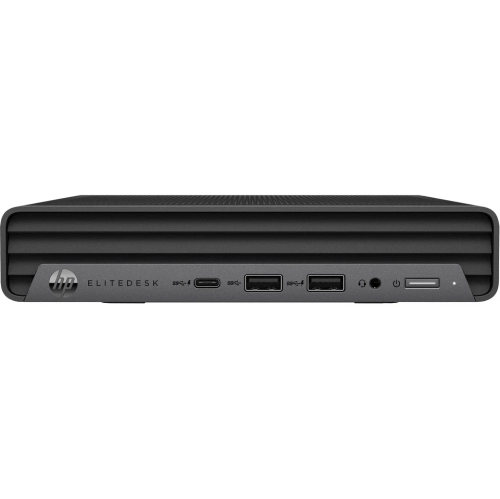
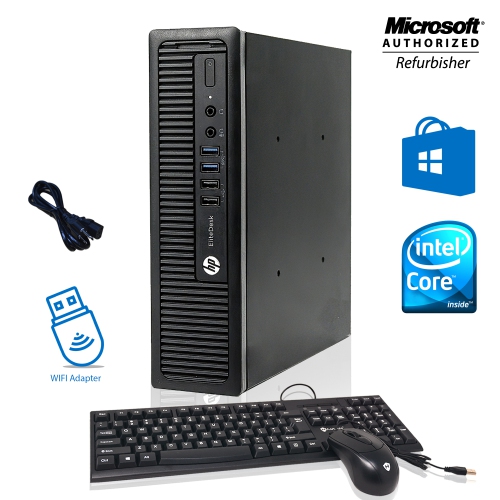
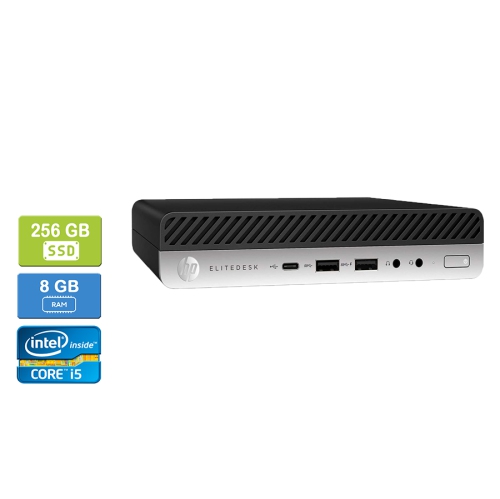
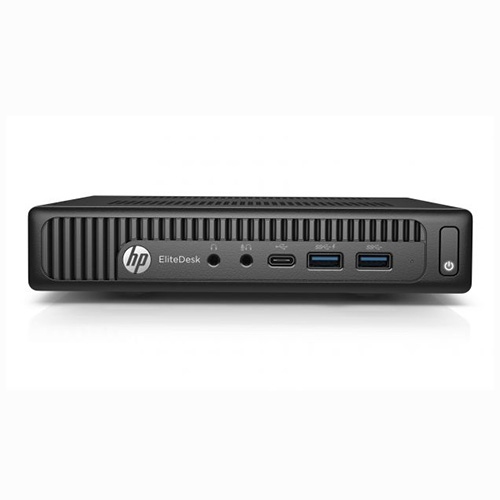
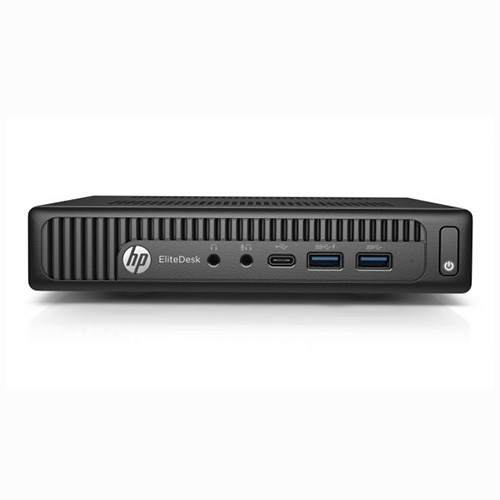
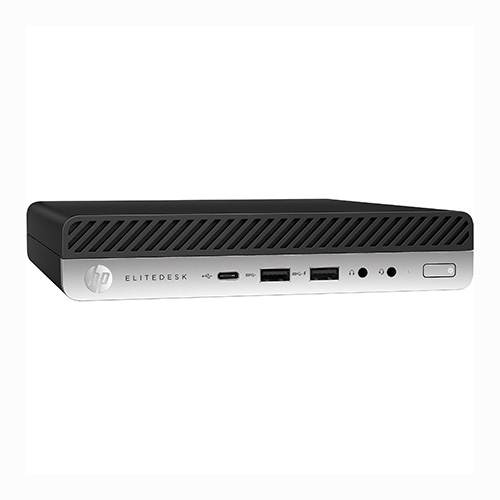
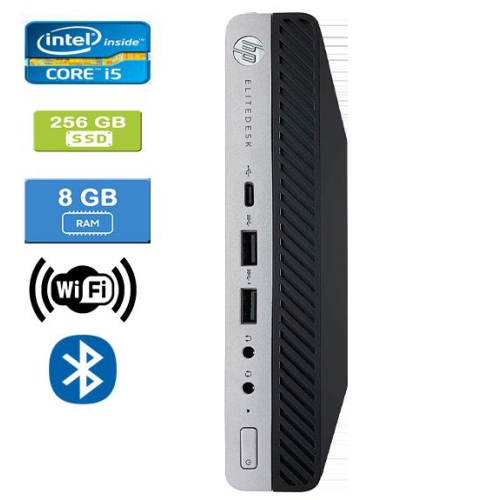
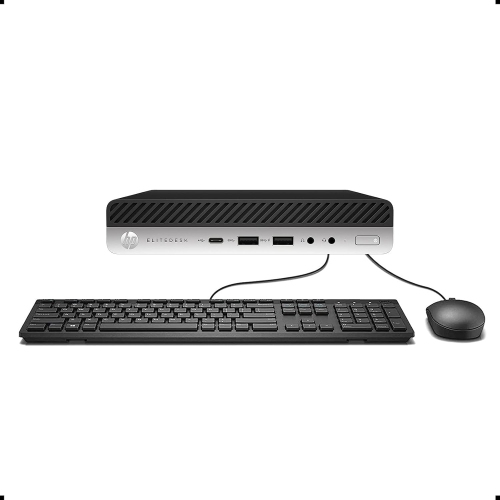
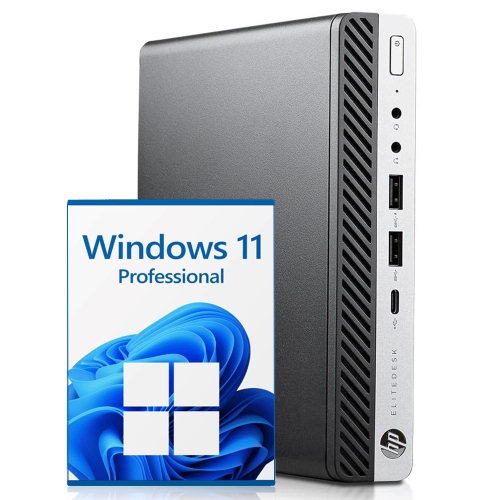
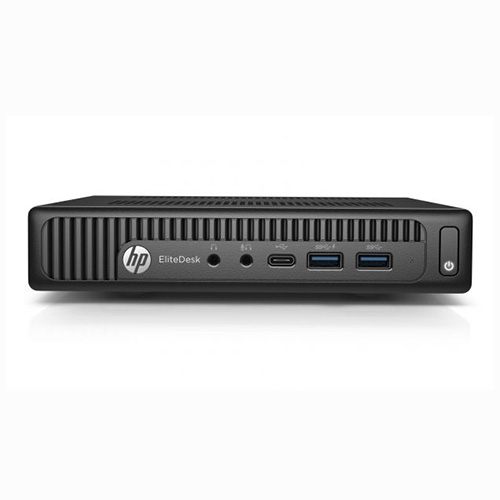
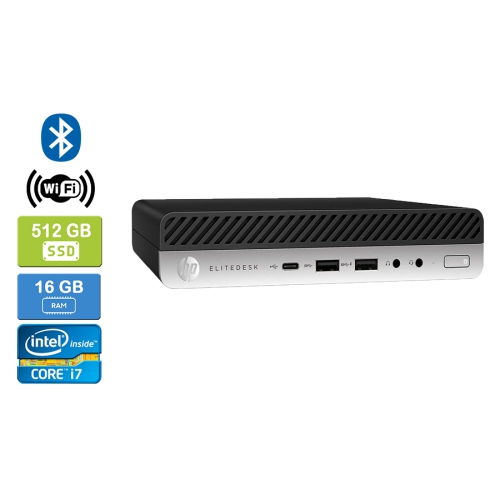
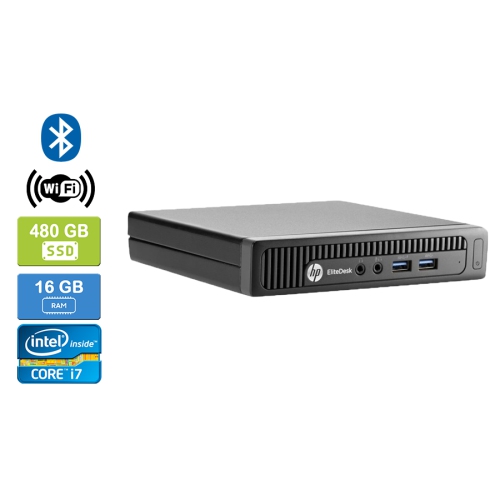
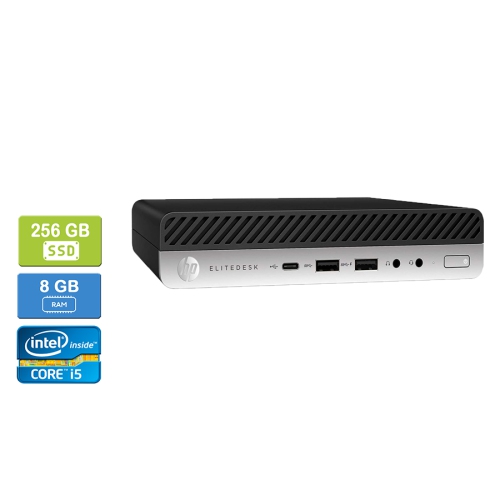
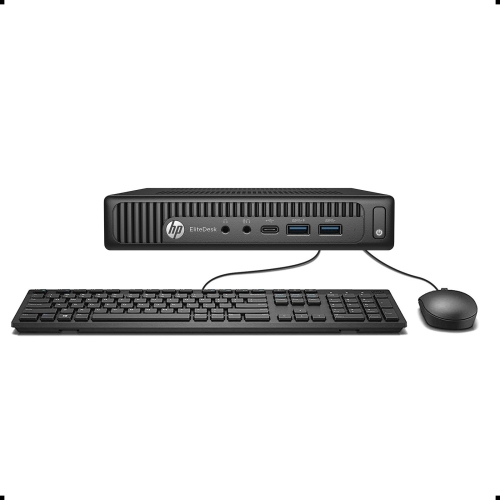
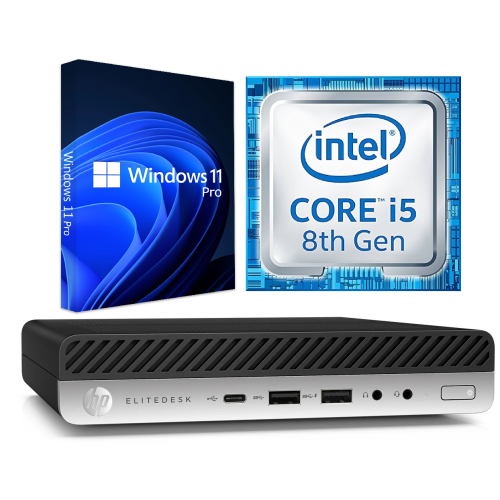
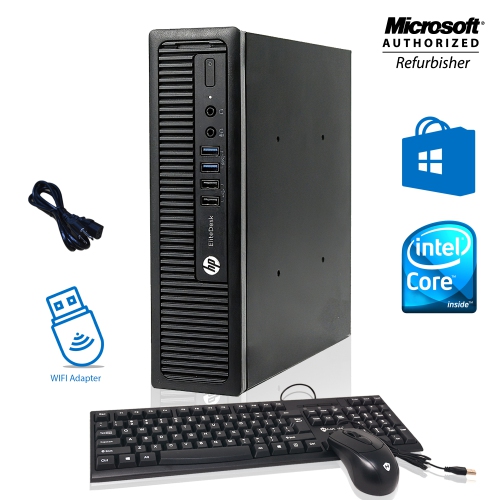
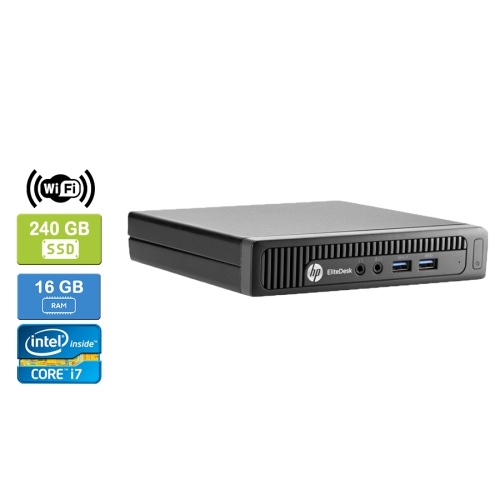
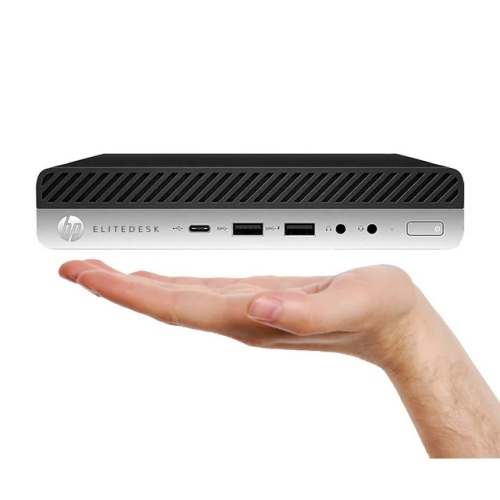
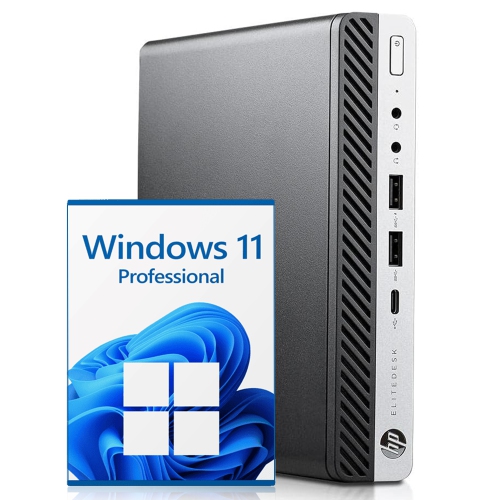
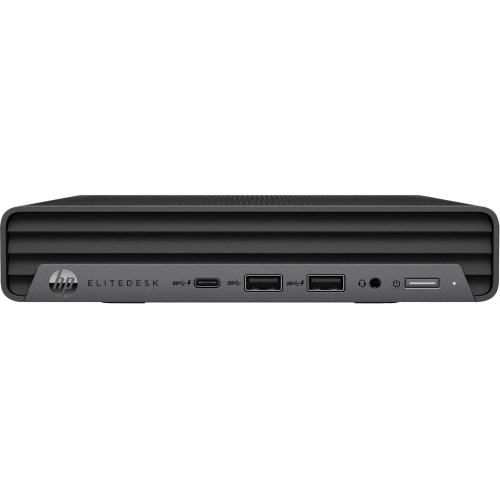
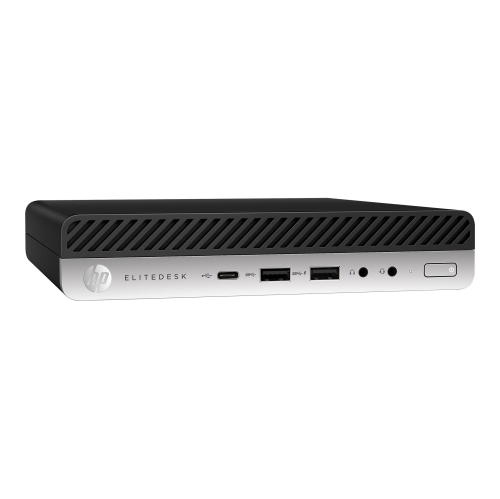
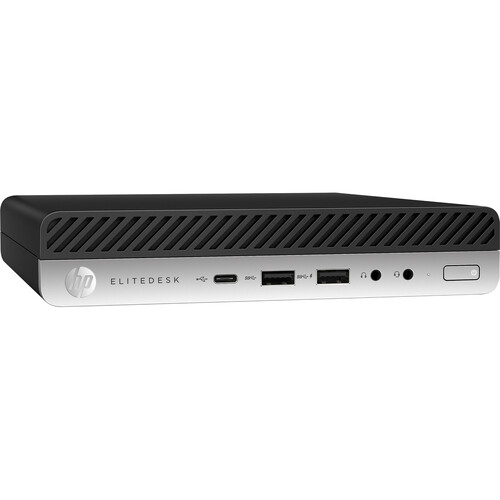
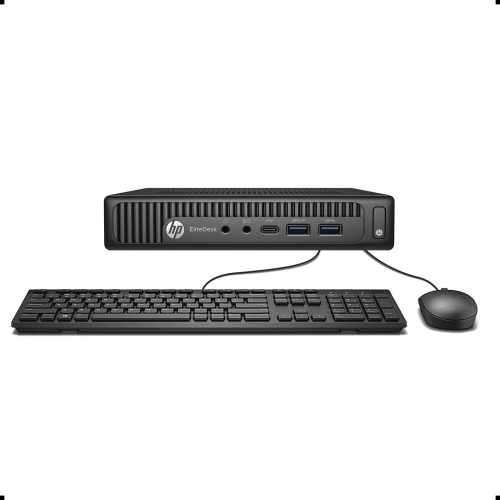
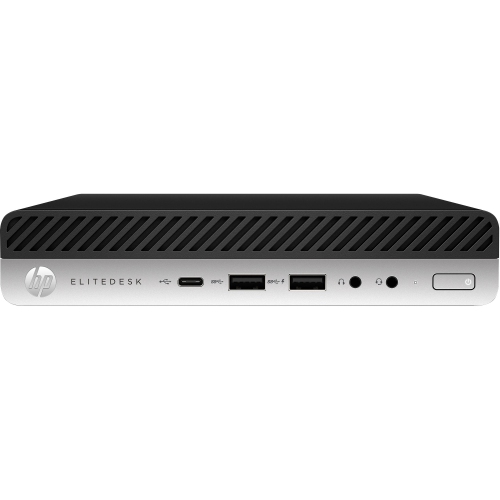
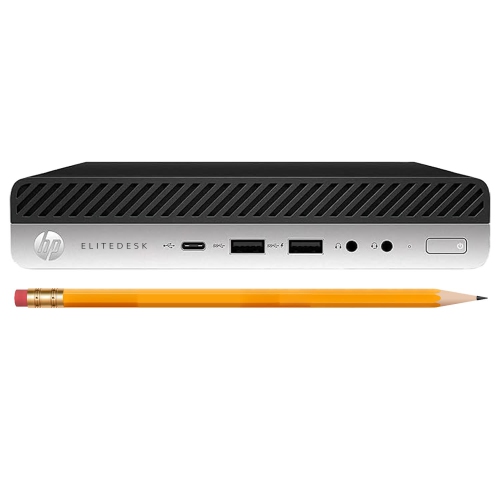
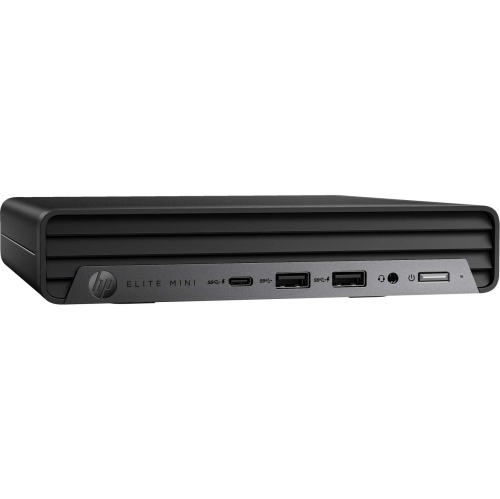
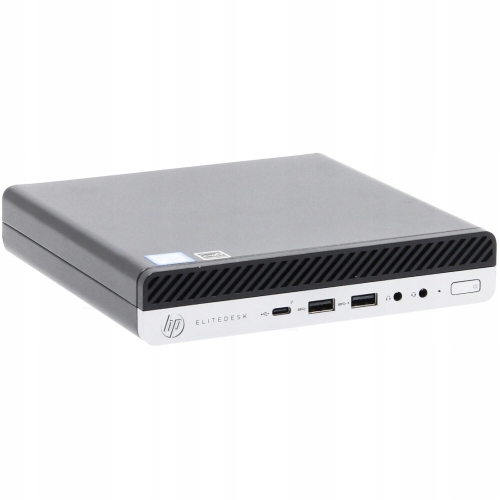
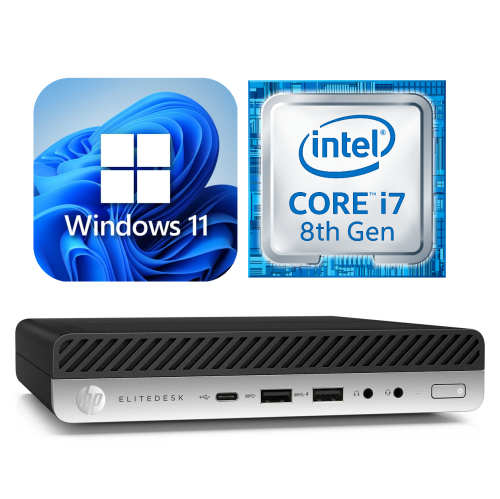
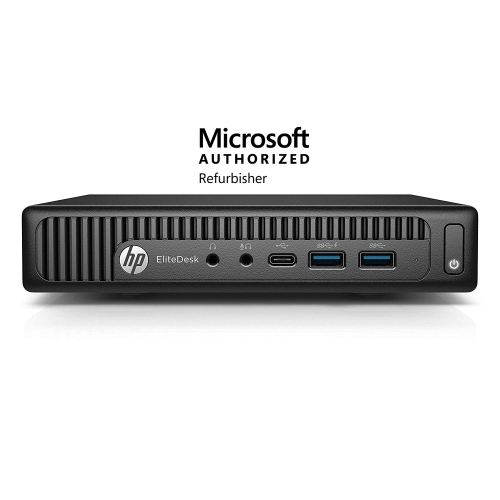
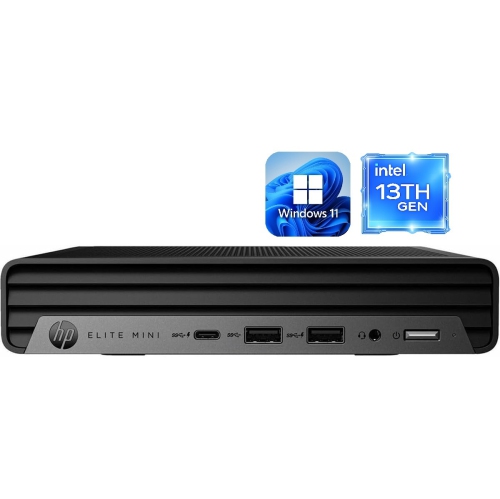
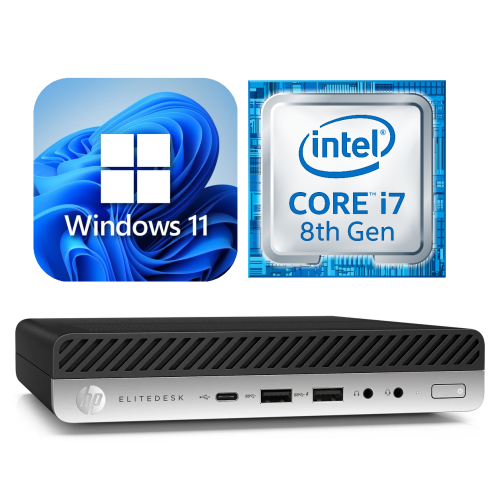
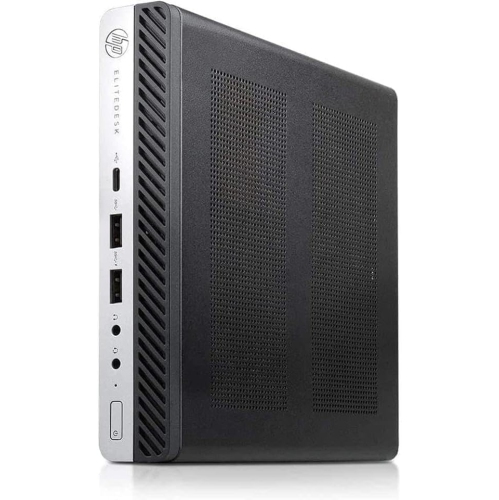
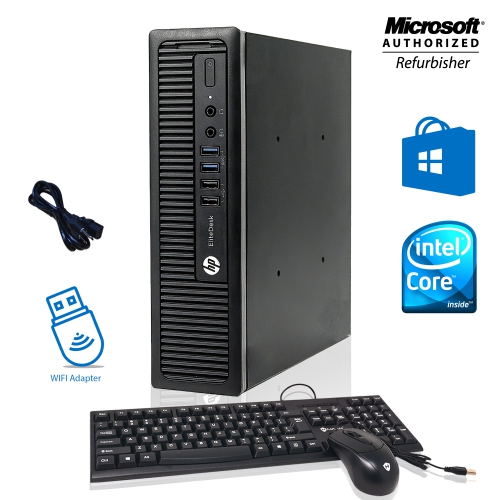
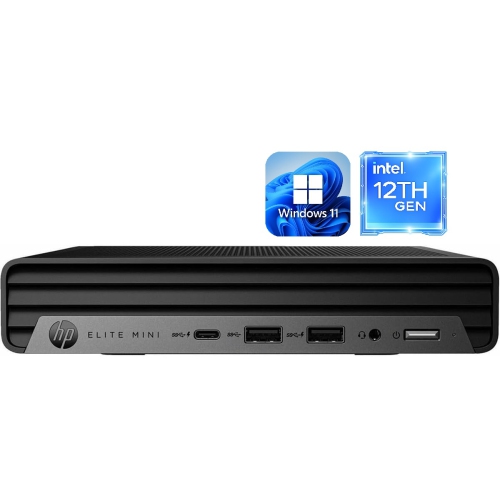
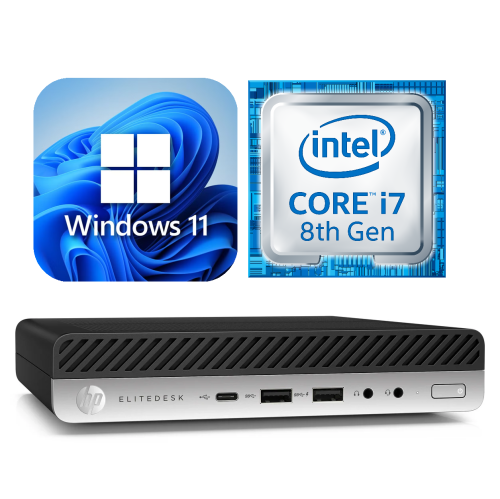
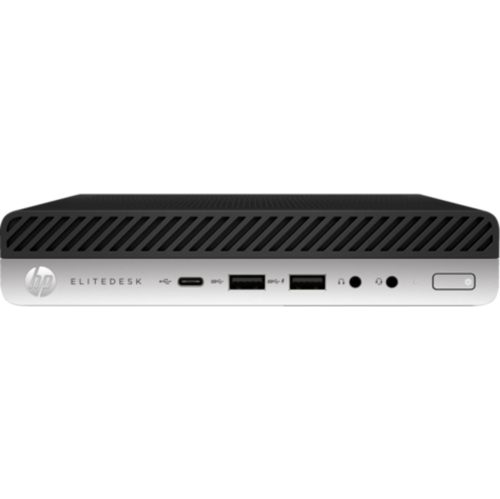
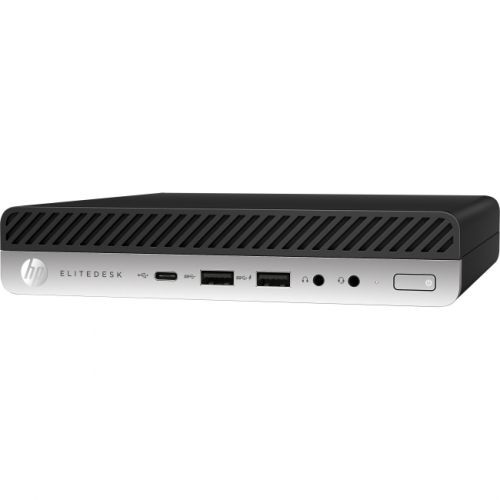
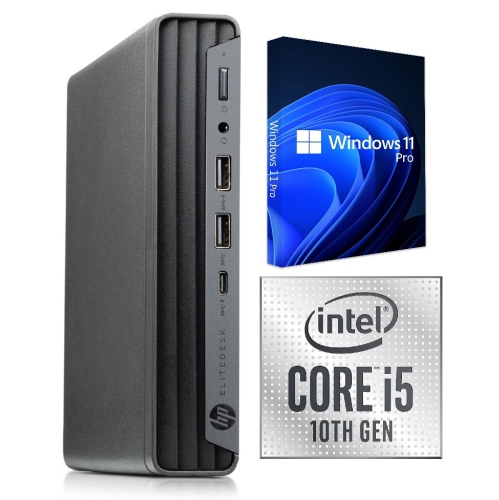
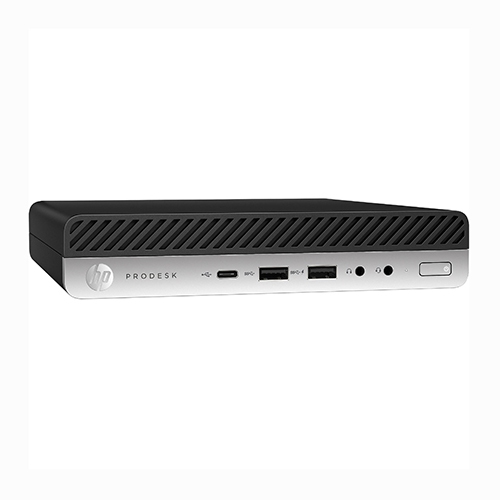
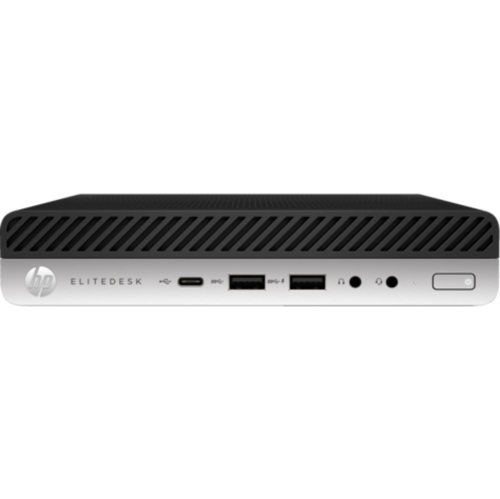
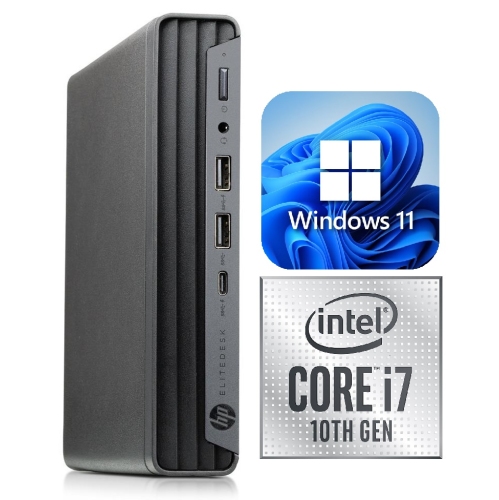
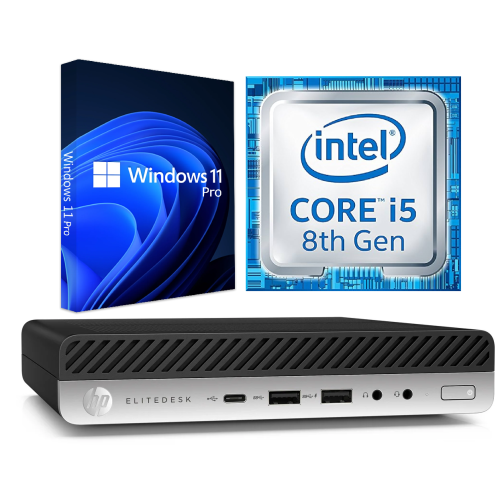
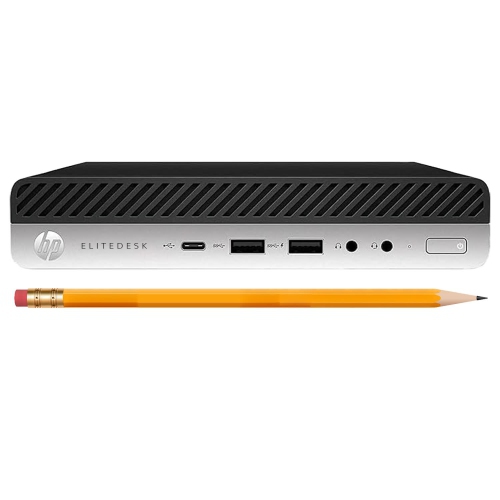

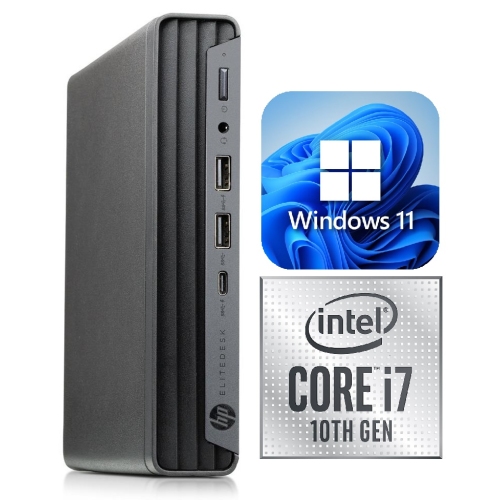
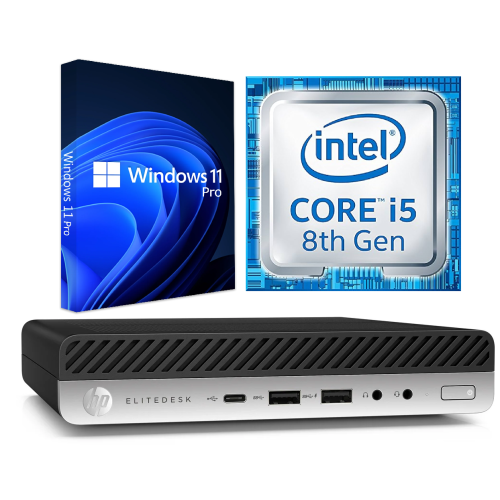
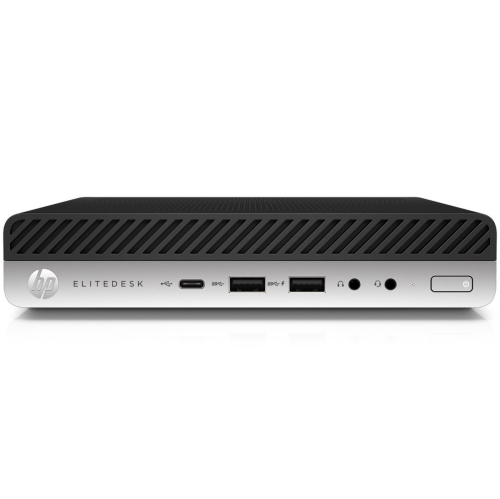
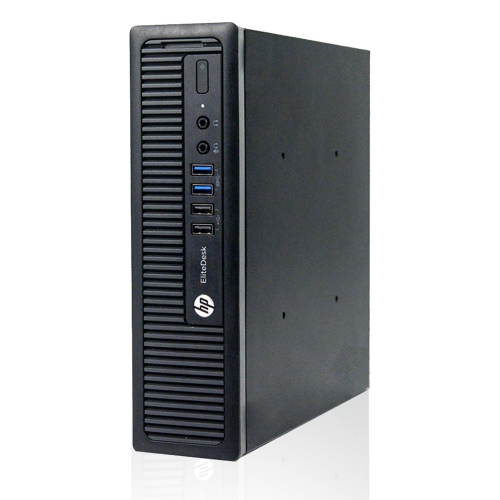
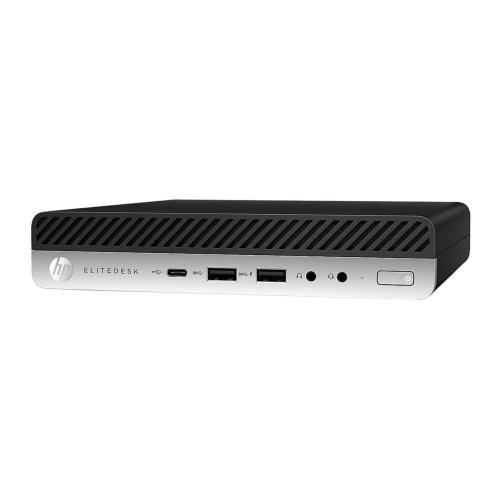
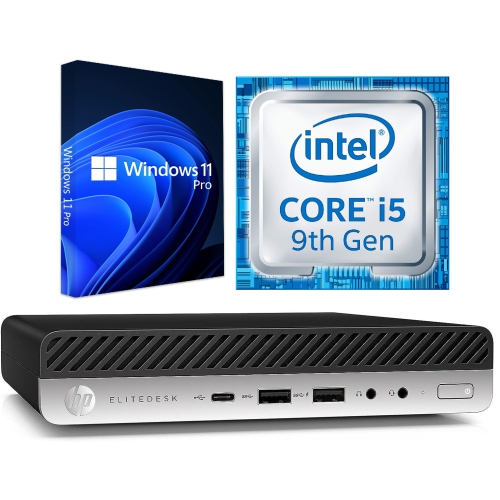
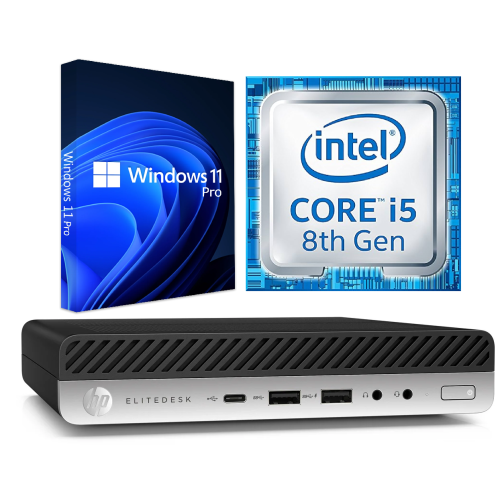
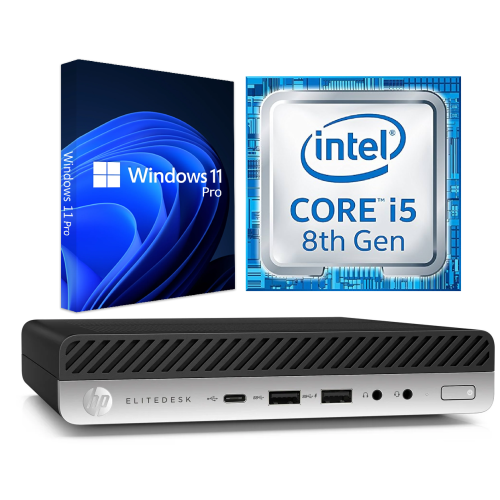
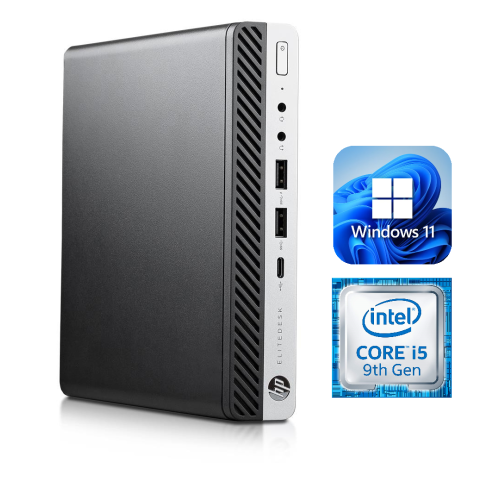
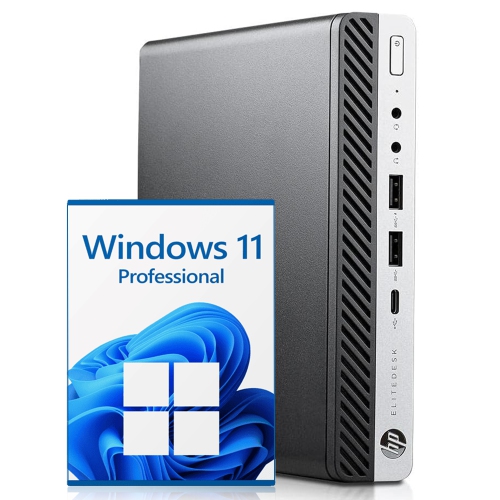
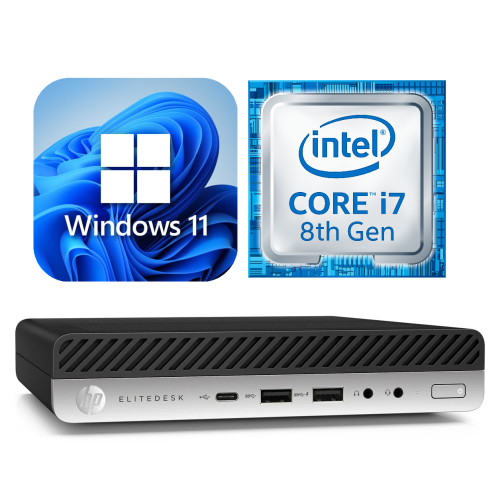
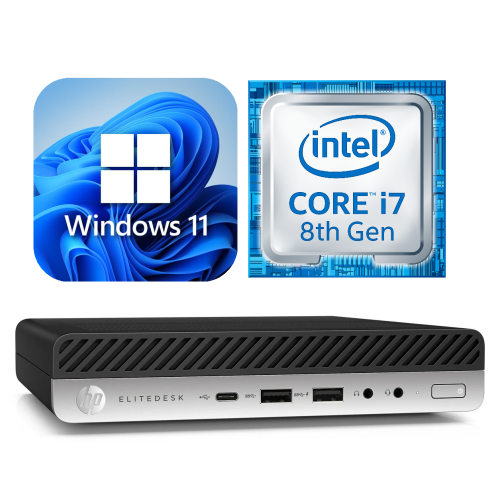
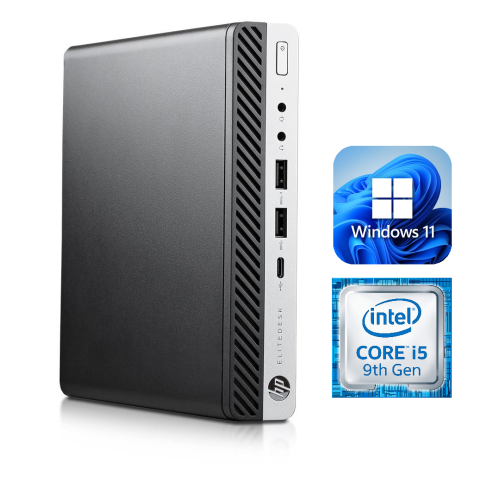
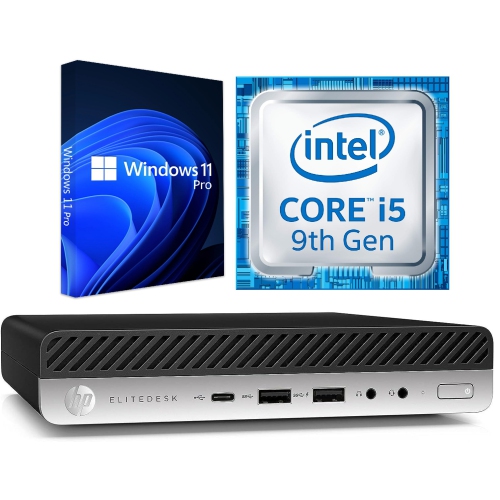
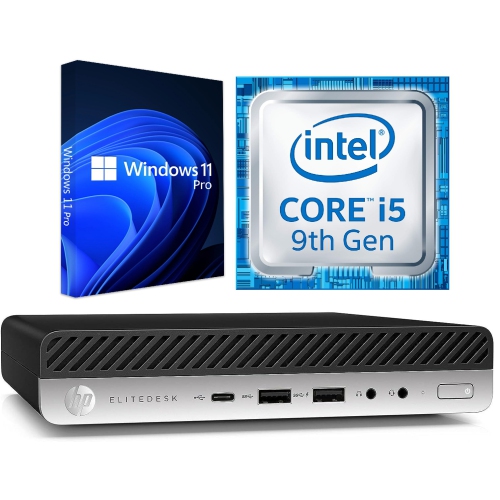
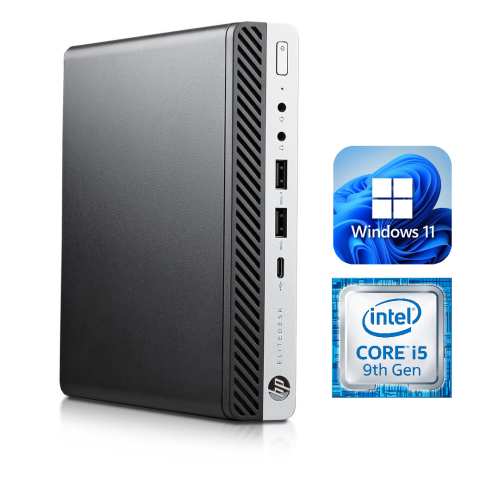

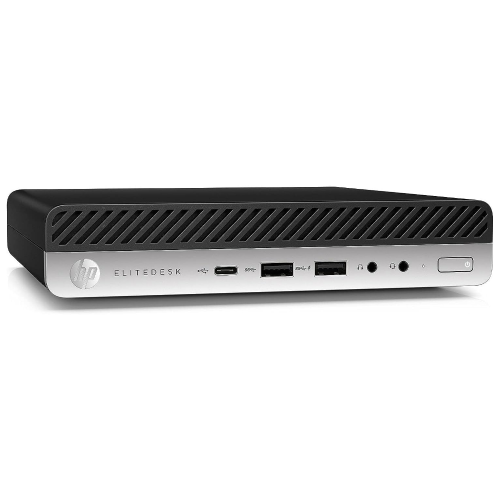
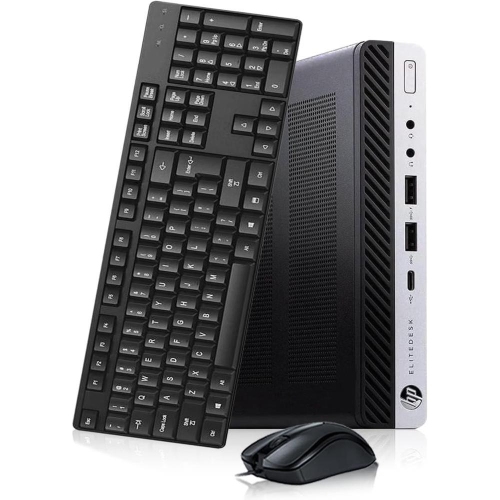
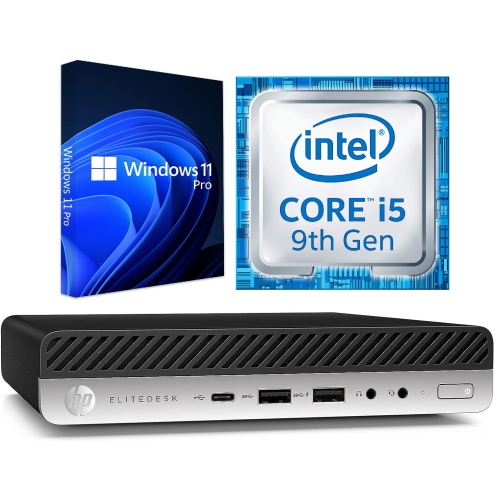
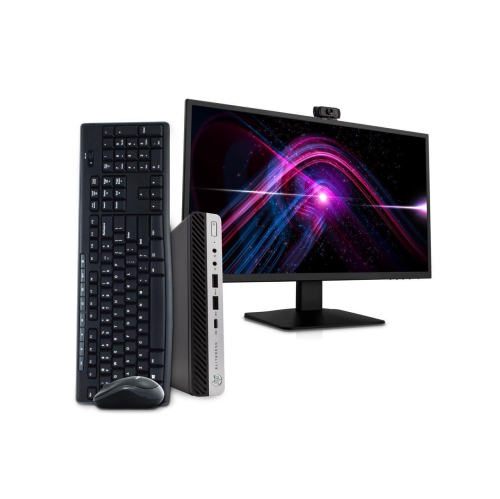
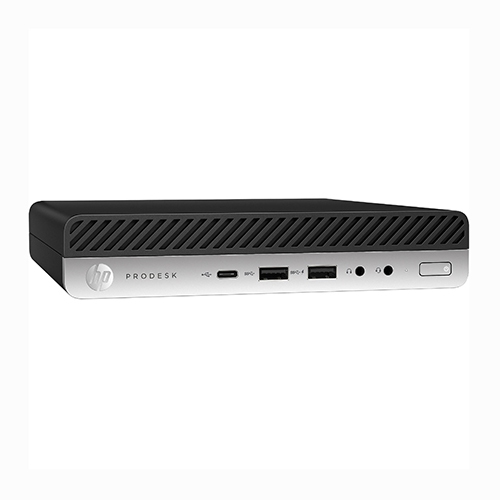
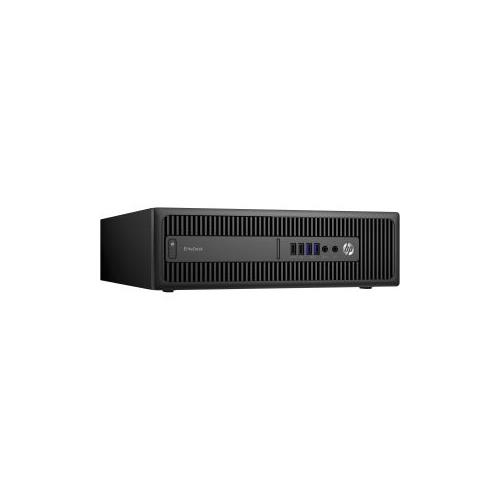
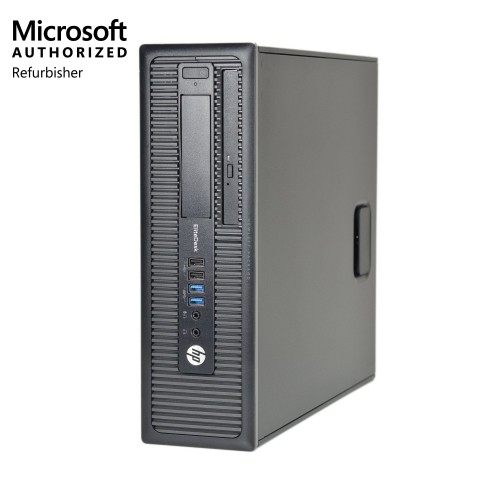
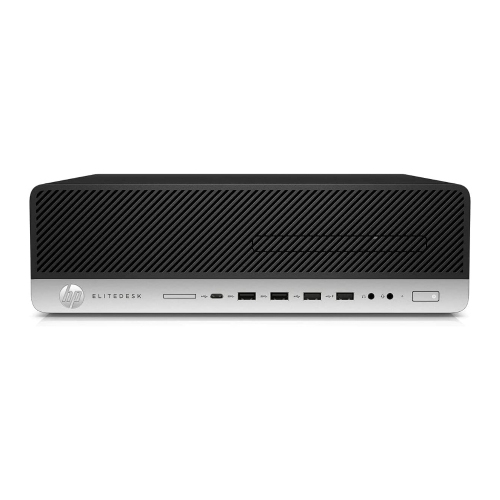
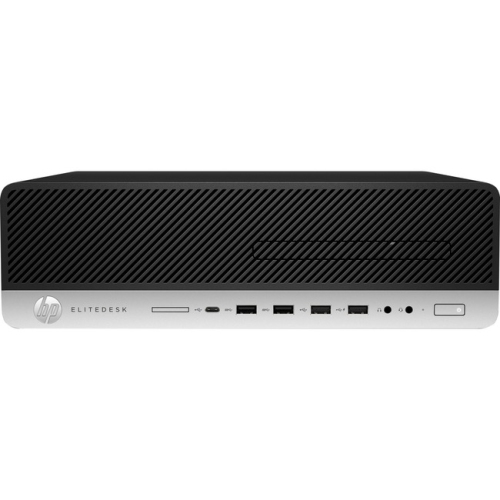
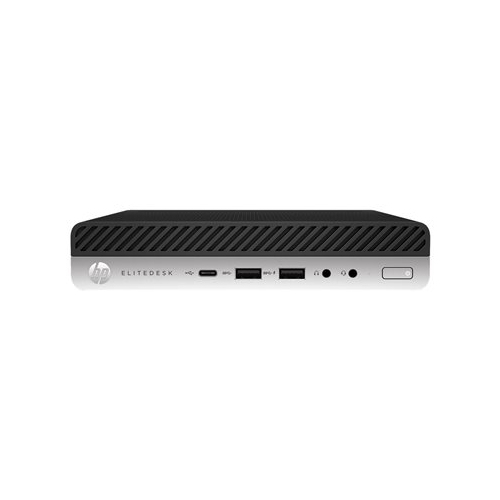
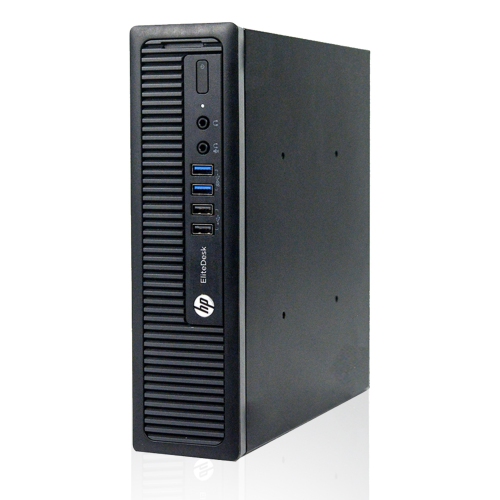
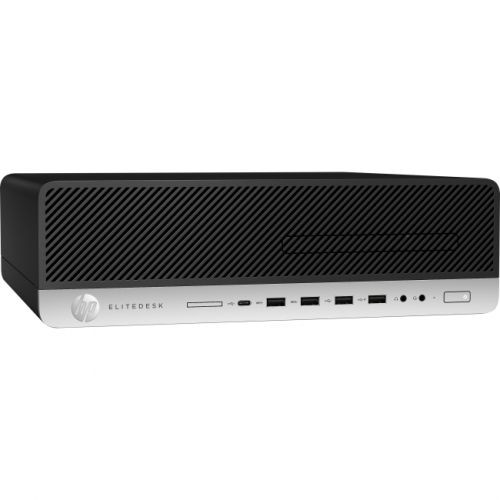
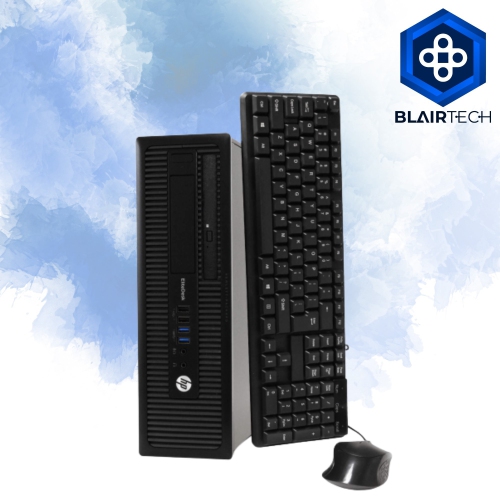
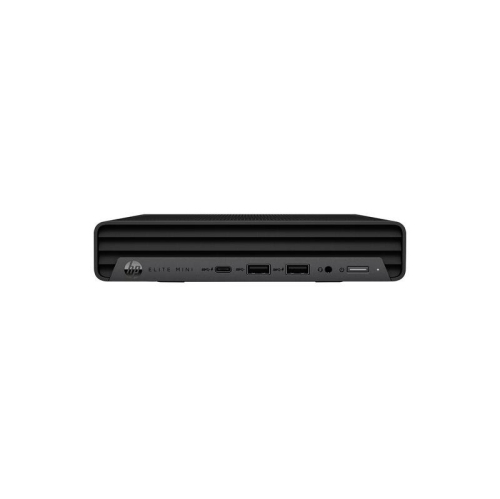
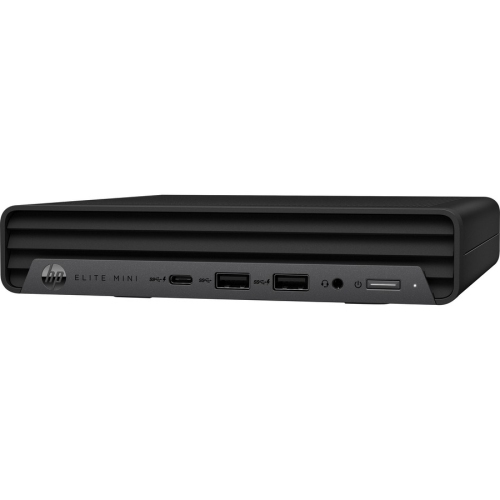
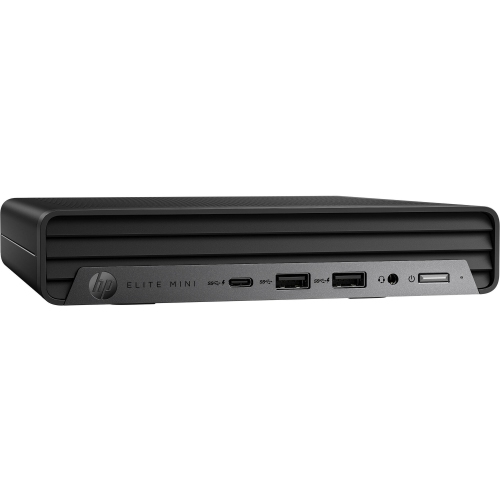
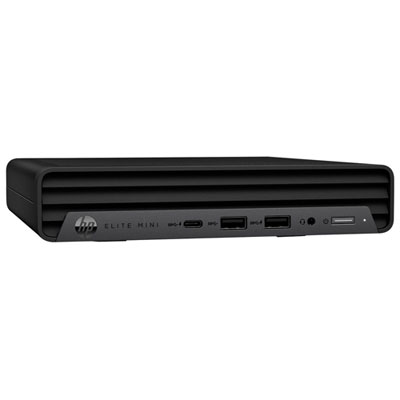
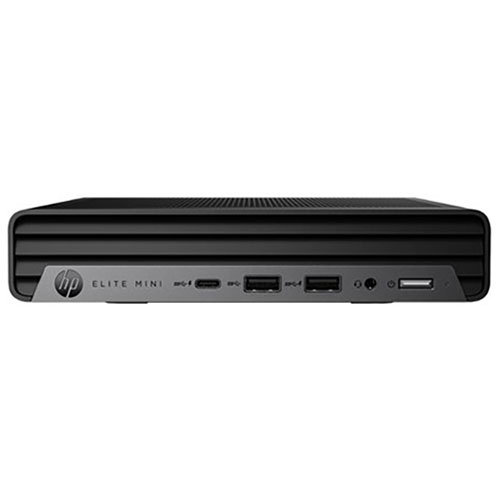
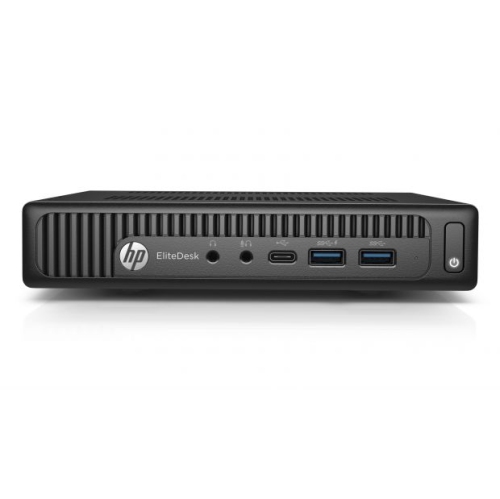
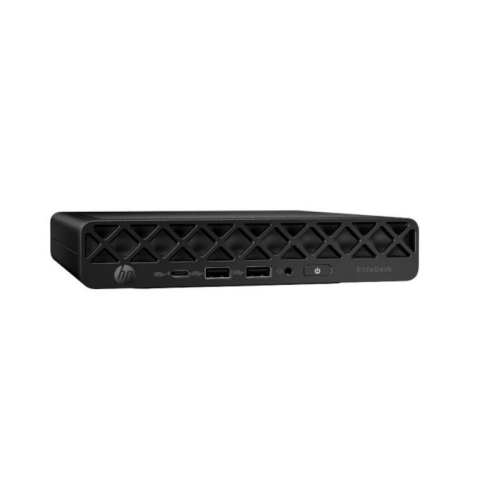
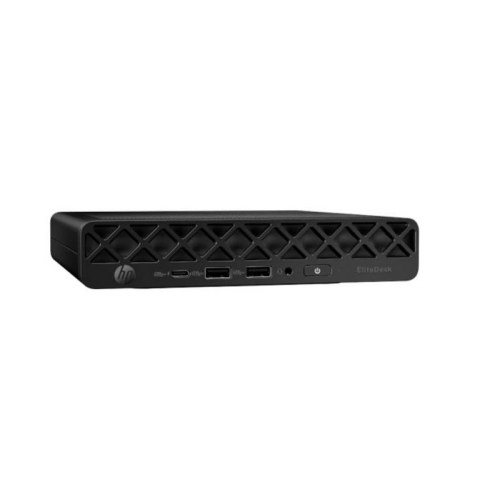
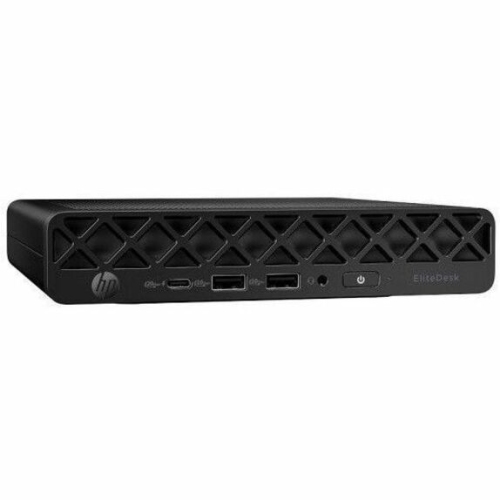
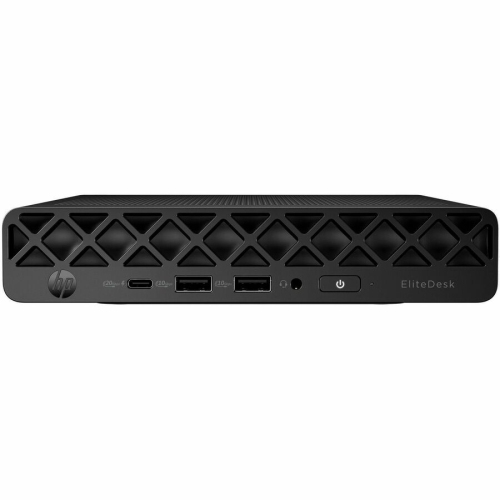
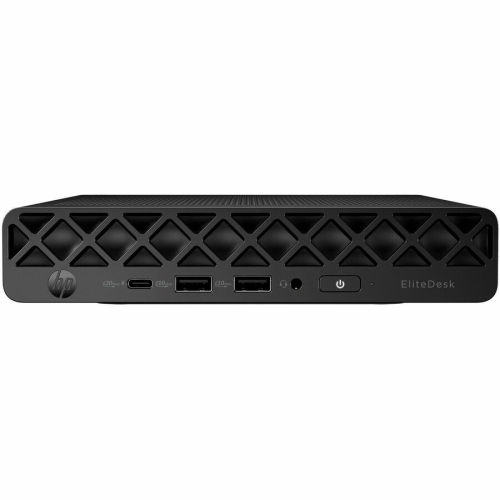
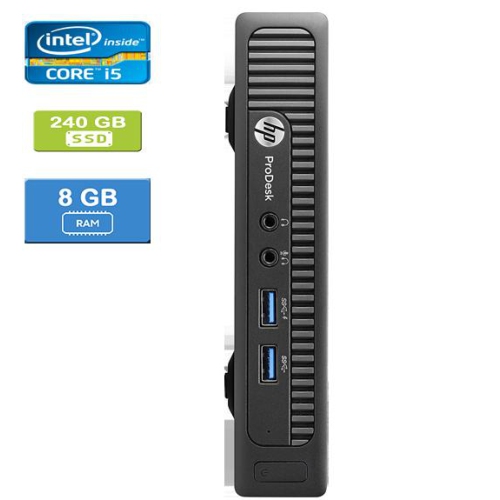
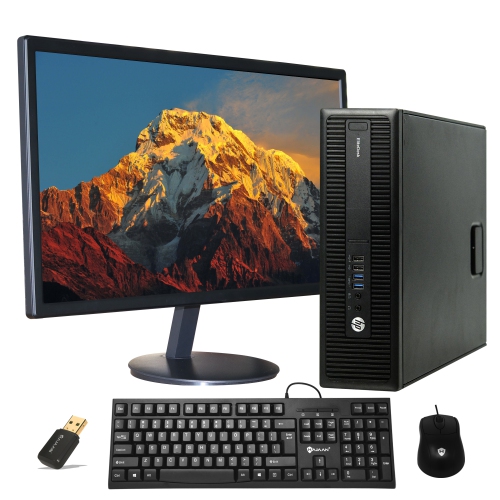
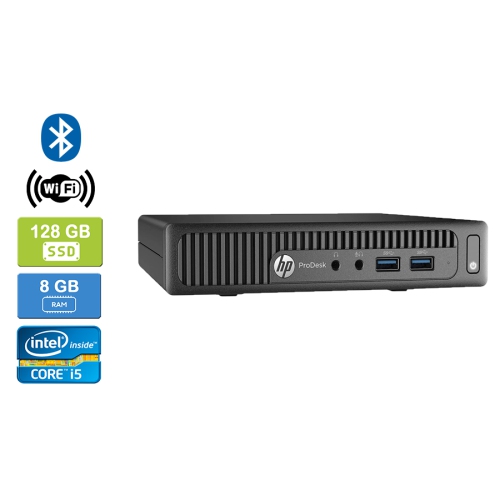
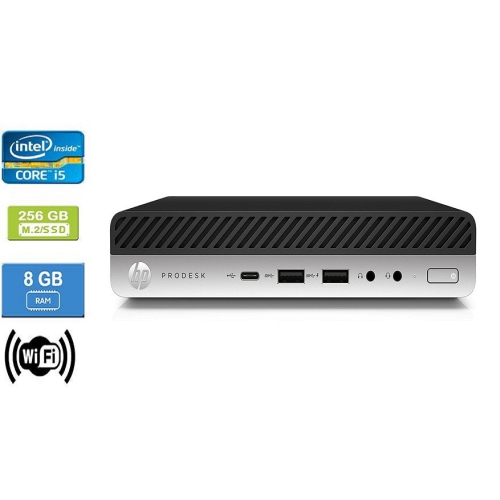
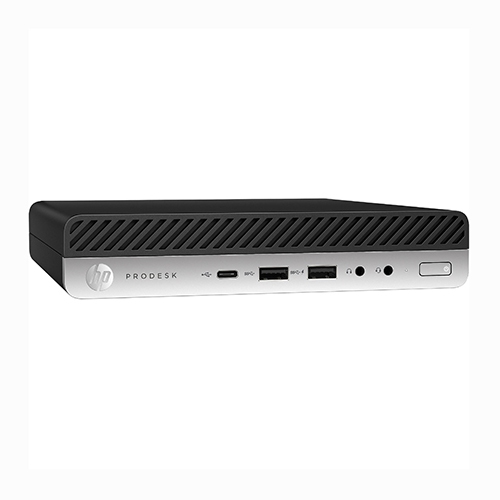
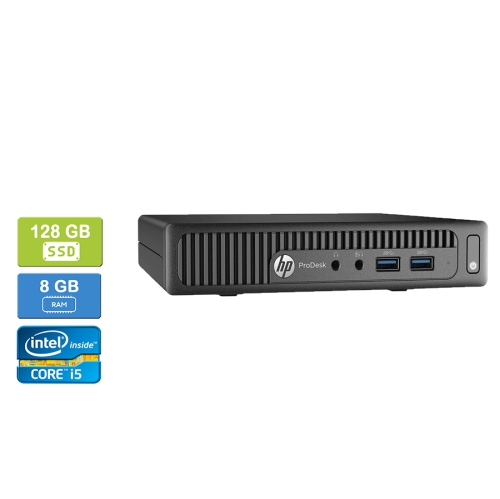
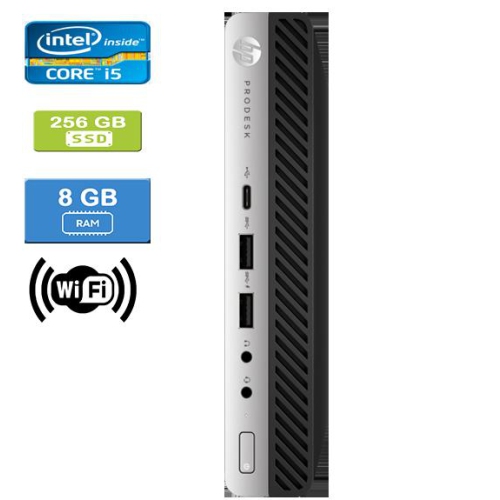
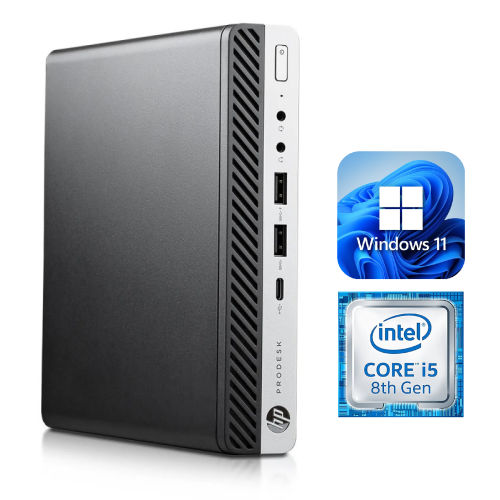
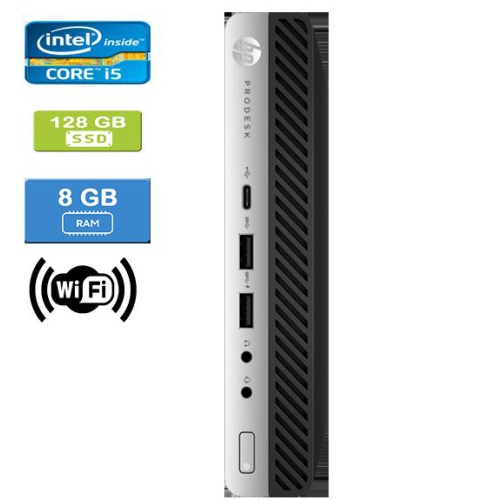
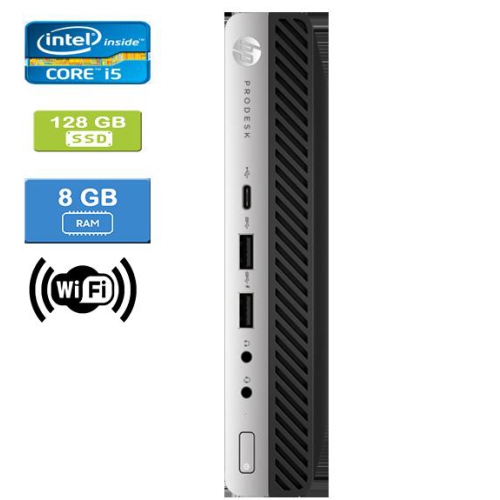
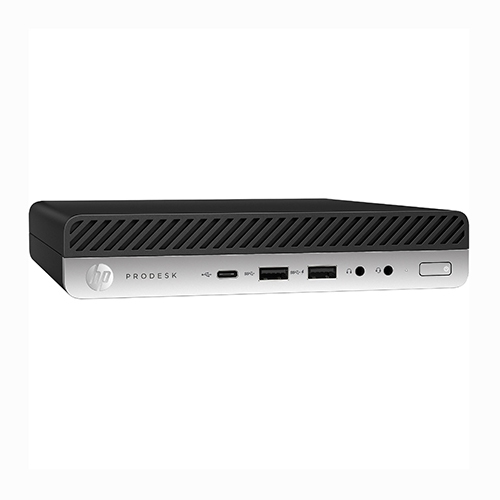
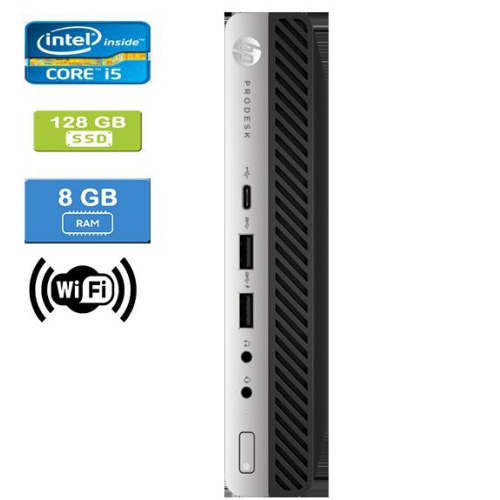
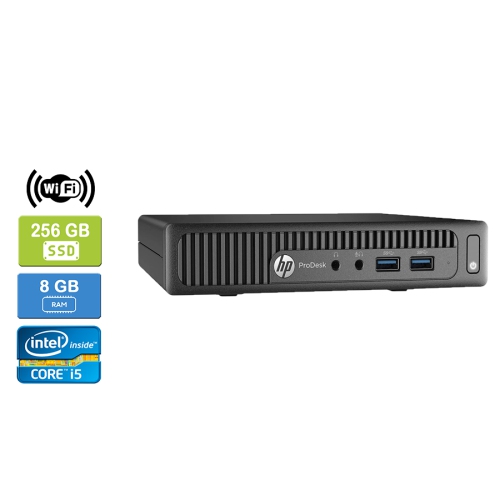
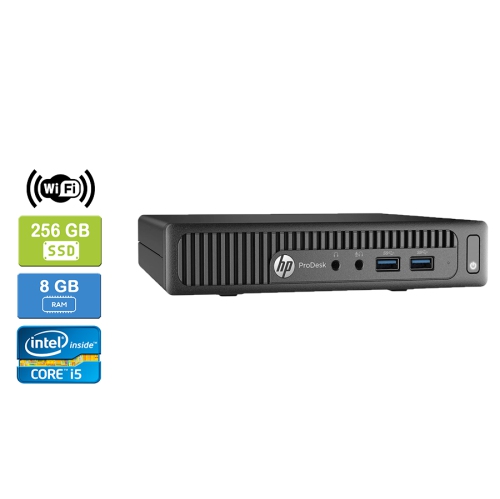
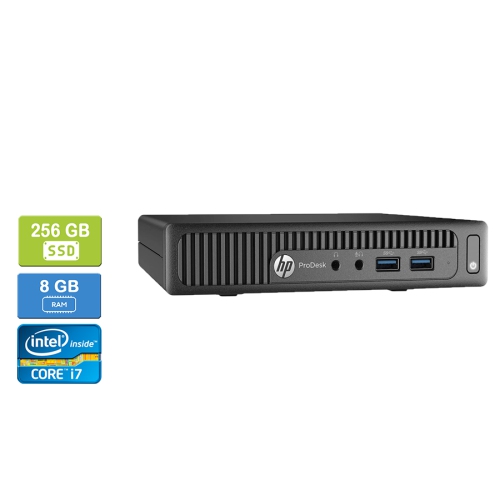
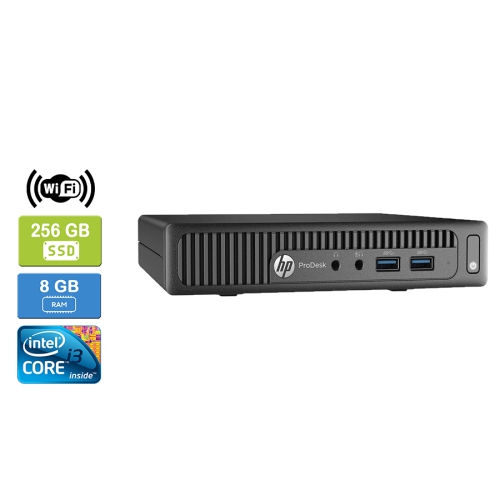
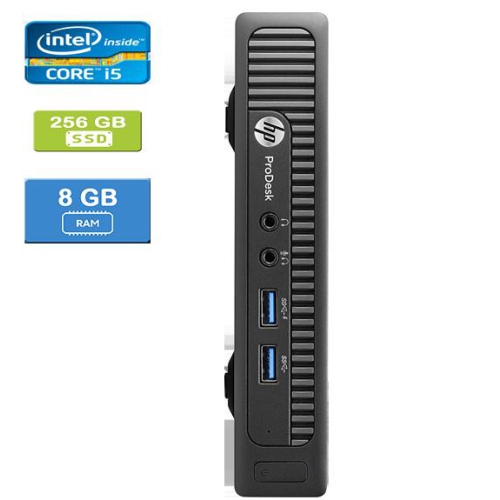
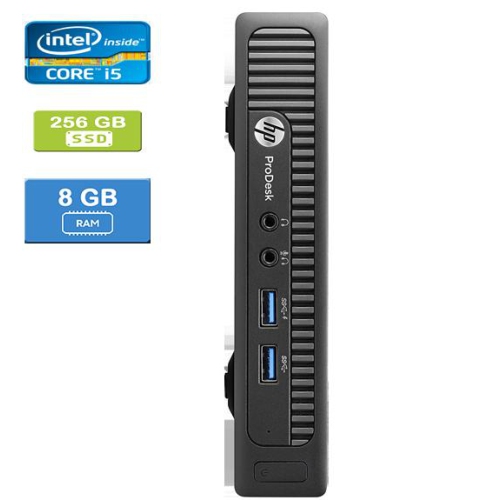
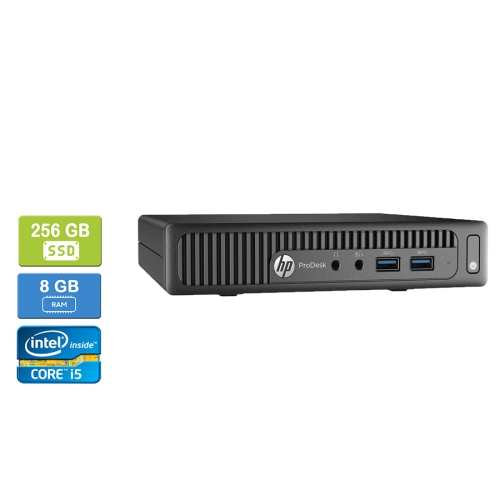
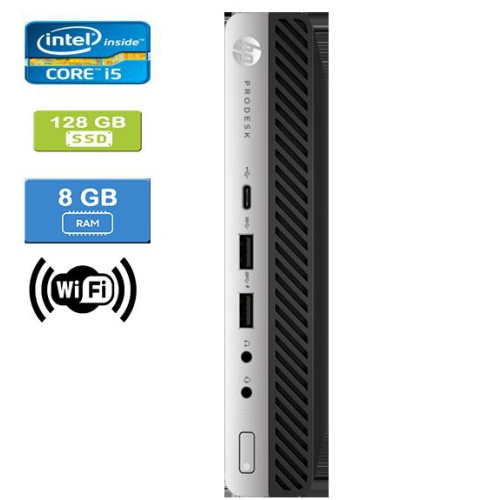
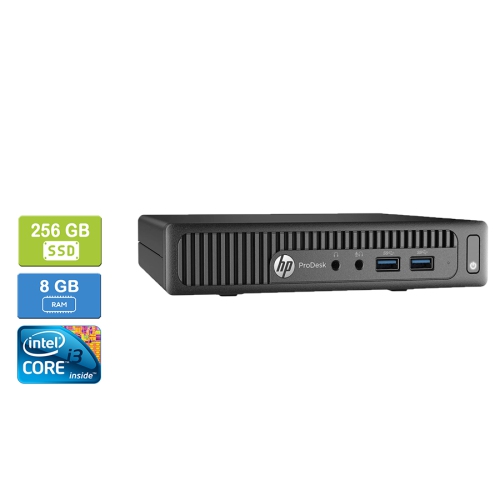
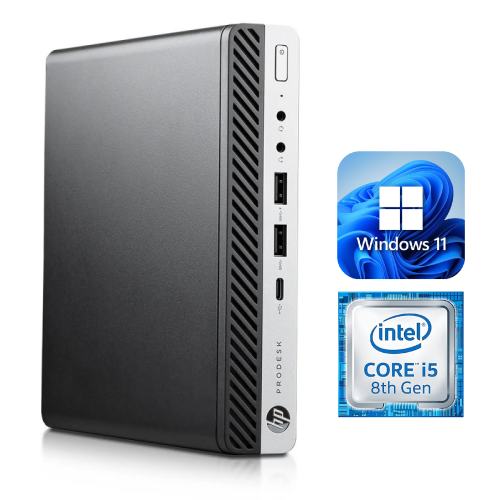
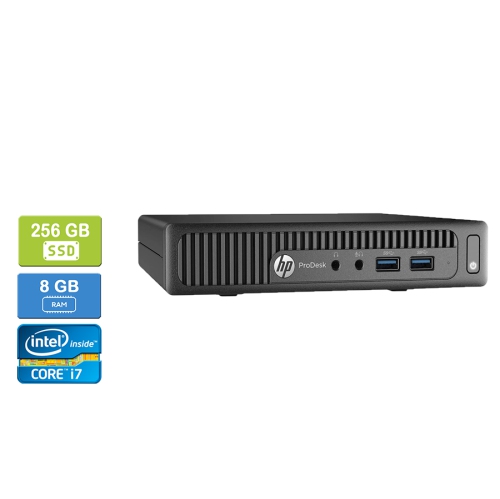
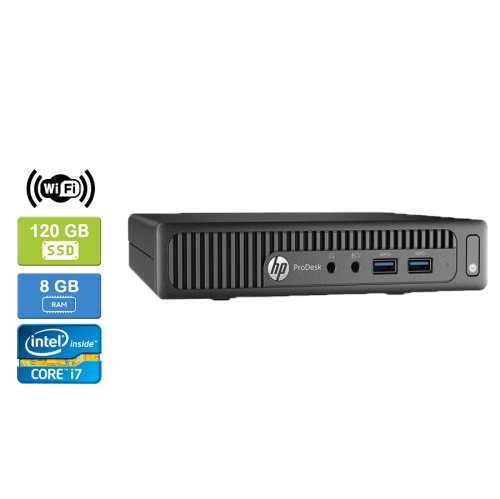
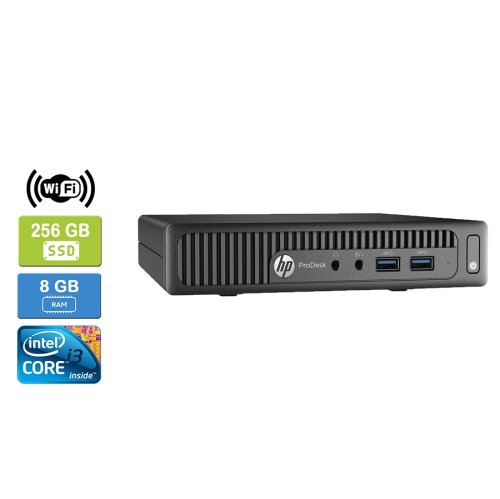
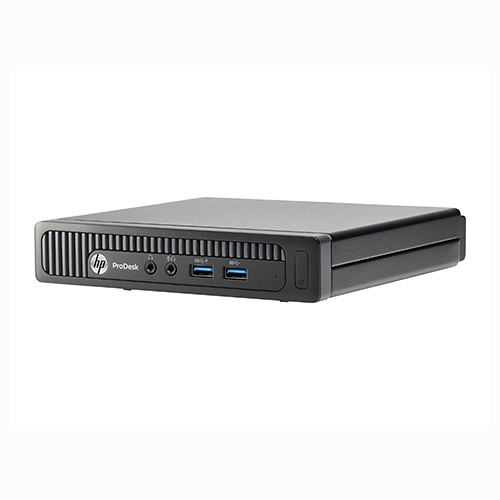
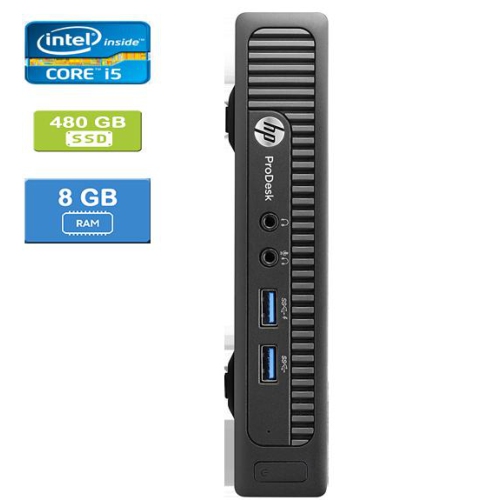
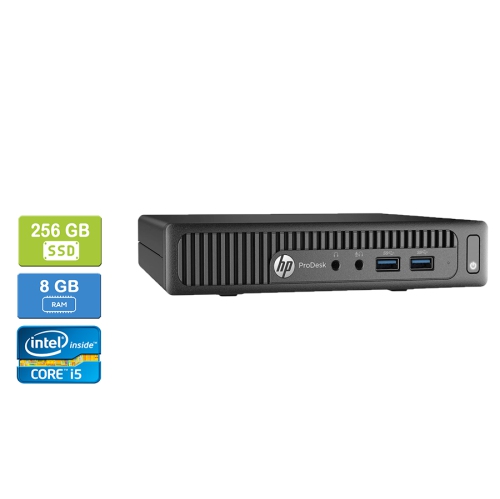
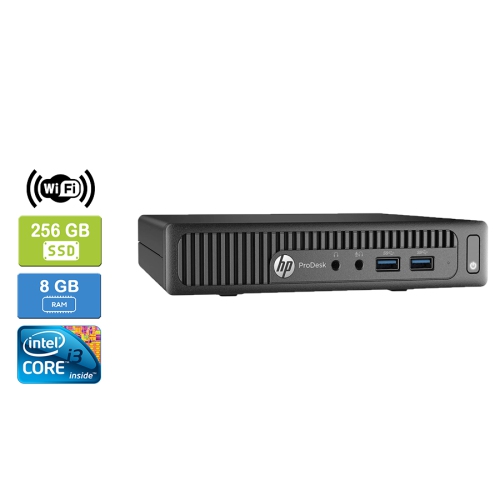
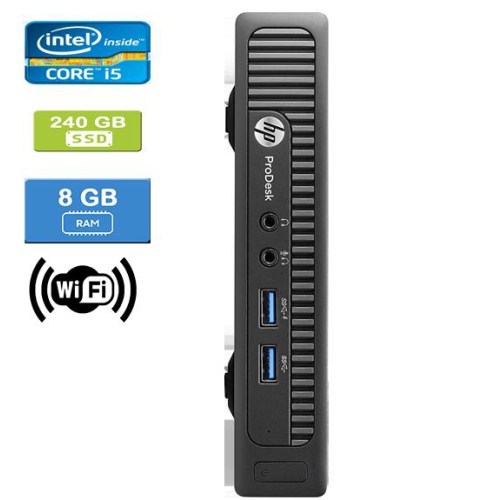
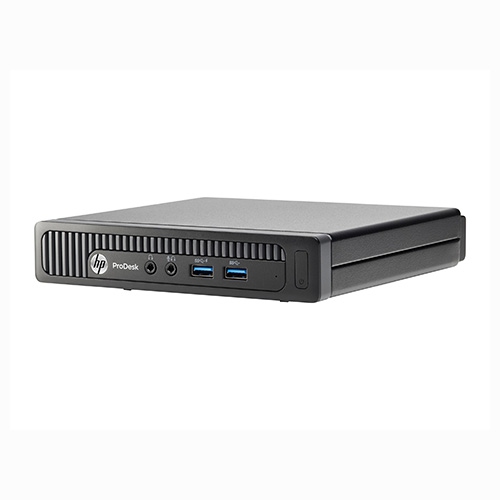
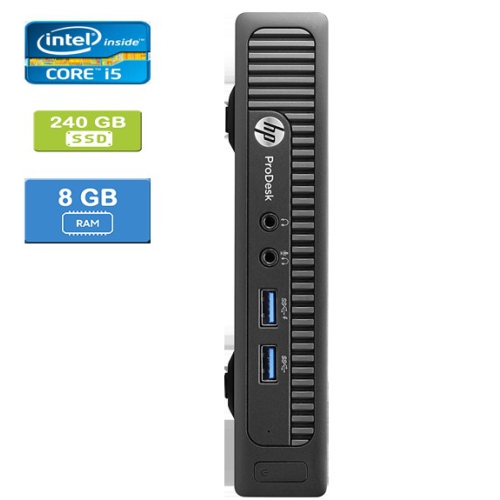
Everyday desktop productivity with more room on your desk
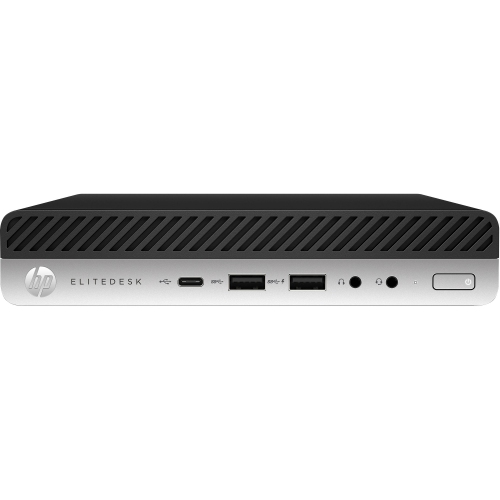
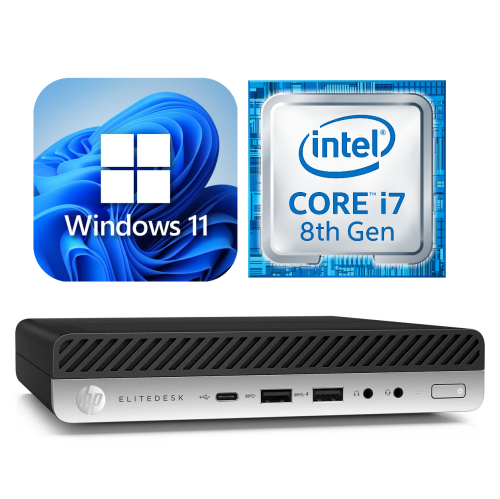
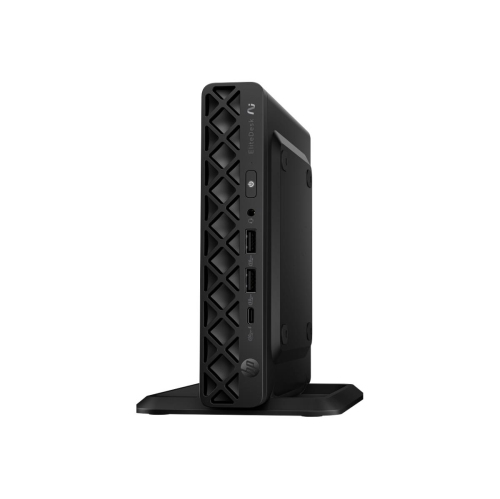
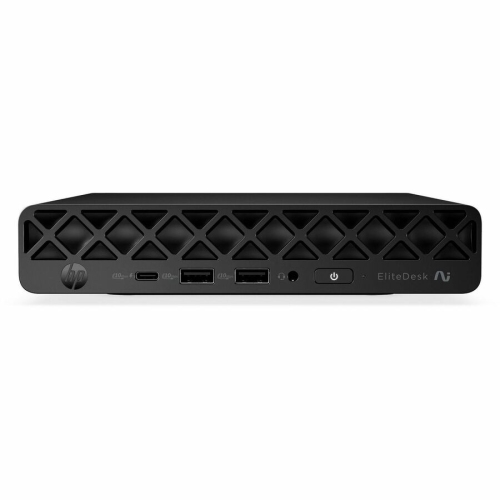
Business-class mini desktops bring the everyday capabilities of a desktop computer to a chassis small enough to sit beside a monitor, tuck beneath a desk, or attach to a compatible mounting bracket behind a display. Many computers in this category use an approximately one-litre enclosure, although exact dimensions and mounting requirements vary by generation and configuration. That compact footprint leaves more room for a notebook, drawing tablet, or paperwork without making a laptop the centre of the workspace. For a home office, reception counter, shared study area, or small business, the appeal is straightforward: a dedicated computer with practical connections and a discreet physical presence. These systems are particularly well suited to word processing, spreadsheets, browser-based applications, email, and video meetings when their specifications match the workload. Processor generation matters as much as the processor family name, since computers carrying similar badges can differ substantially in speed, graphics capabilities, and operating system support. Memory also shapes the daily experience. A configuration with 8GB of RAM can handle lighter tasks, while 16GB generally gives more breathing room for a meeting application, several documents, and numerous browser tabs running together. More demanding multitasking or virtual machines may benefit from additional memory, subject to the computer’s supported capacity. Solid-state storage helps applications open promptly and makes routine file access feel responsive; capacity determines how much room remains for software, documents, and local media. An NVMe solid-state drive can offer higher transfer speeds than a SATA drive, but compatibility depends on the internal connections. Most business mini desktops prioritize productivity rather than demanding gaming or professional 3D rendering, and integrated graphics should be assessed against the applications being used. For a student writing assignments, a remote worker managing reports, or a household needing a separate computer for administration, the right balance of processor, memory, and storage is usually more useful than a specification chosen for its name alone.
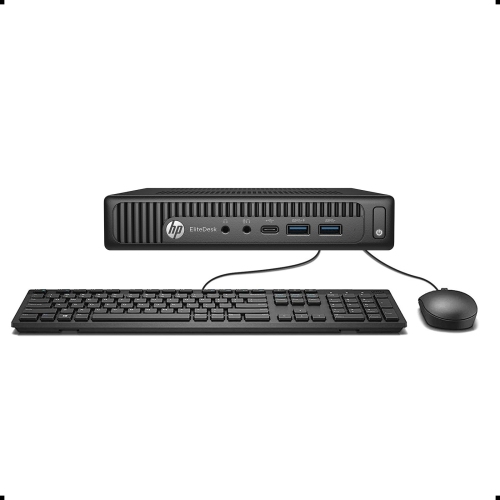
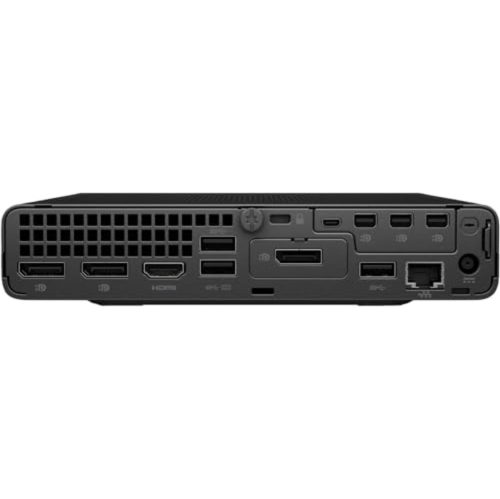
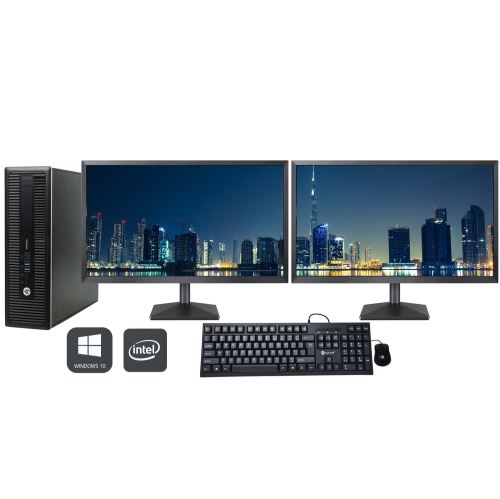
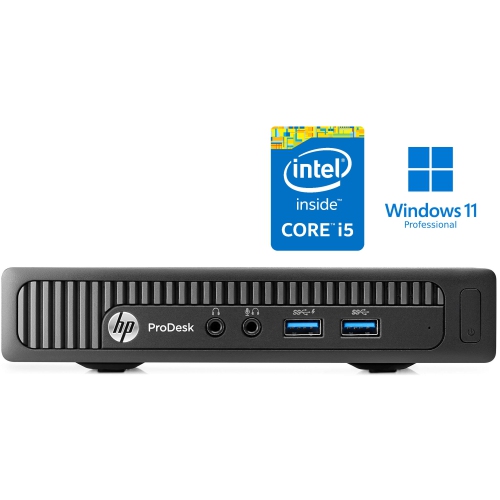
A mini desktop is also part of a larger setup, so its connections and physical fit deserve as much attention as its internal hardware. Unlike an all-in-one computer, it generally needs a separate monitor, keyboard, and mouse, along with a webcam and speakers or a headset when those functions are not built into the display. DisplayPort and HDMI connections are common across the broader category, but the number and type of outputs differ between configurations. Two monitors can make a busy desk easier to use, with a spreadsheet on one screen and supporting documents on the other, provided the computer supports the required display count, resolutions, and refresh rates. A USB-C socket does not automatically support video output or every docking feature, so the stated capabilities of each port matter. Front-facing USB connections are convenient for a headset receiver or removable drive, while rear connections can keep a keyboard, mouse, and printer cable out of the way. Wired Ethernet suits a permanent desk where a reliable network connection is important. Wi-Fi and Bluetooth are useful for flexible placement and wireless accessories, but neither should be assumed to be included, particularly with older or refurbished configurations. A behind-monitor installation can create a tidy workstation, though it requires a bracket compatible with both the computer and the display arrangement. The power adapter needs its own space, cables need enough slack, and ventilation openings must remain clear. On a narrow reception desk, even the position of the power button and frequently used ports can affect day-to-day convenience. Shoppers comparing related compact business desktop formats can also explore ProDesk 600 G3 Mini configurations, with attention to the same practical details: processor age, memory, storage, connections, and software support. Similar-looking enclosures do not necessarily provide identical performance or upgrade options, making the complete configuration more informative than the shape of the case.
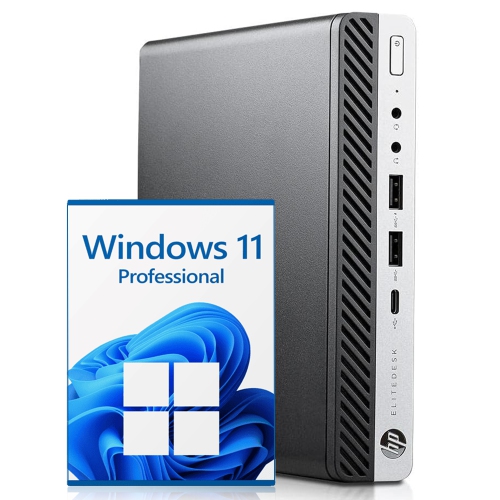
Construction, condition, and serviceability help determine how comfortably a compact desktop fits into long-term use. Business-oriented designs often combine a metal chassis with plastic exterior trim, providing a sturdy enclosure without the bulk of a full-size tower. Cosmetic wear on a refurbished computer may include scratches or scuffs, while its functional condition, included accessories, and warranty depend on the listing. Refurbished does not by itself establish the age of the components, the remaining life of a storage drive, or the scope of testing performed. Clear condition descriptions and warranty terms therefore matter, as do details about the included power adapter and installed operating system. A compatible, properly rated adapter is especially important when a computer uses an external power supply. Operating system compatibility should be checked against the exact hardware, rather than inferred from the software shown in a photograph; older processors may not meet the requirements of newer operating systems. Memory and storage can sometimes be upgraded, but the number of slots, supported memory type, maximum capacity, and space for an additional drive vary. A small enclosure also leaves less room for expansion cards and large internal components than a conventional tower. For hobbyists, that trade-off may be worthwhile in a compact home lab used for learning about networking, virtual machines, or media libraries, provided the processor capabilities, memory capacity, and network connections suit the intended software. For everyday office use, durability is supported by simple care: keeping vents unobstructed, removing exterior dust according to the manufacturer’s directions, and shutting down and unplugging the computer before cleaning. Fan noise varies with workload, dust buildup, and component configuration, so a compact case should not be taken as a promise of silent operation. Regular backups protect important files, while software updates and appropriate account security support dependable daily use. Paired with a comfortable monitor and suitable peripherals, a thoughtfully configured mini desktop can serve as a practical, unobtrusive computer for work, study, and routine household tasks.
A mini desktop is also part of a larger setup, so its connections and physical fit deserve as much attention as its internal hardware. Unlike an all-in-one computer, it generally needs a separate monitor, keyboard, and mouse, along with a webcam and speakers or a headset when those functions are not built into the display. DisplayPort and HDMI connections are common across the broader category, but the number and type of outputs differ between configurations. Two monitors can make a busy desk easier to use, with a spreadsheet on one screen and supporting documents on the other, provided the computer supports the required display count, resolutions, and refresh rates. A USB-C socket does not automatically support video output or every docking feature, so the stated capabilities of each port matter. Front-facing USB connections are convenient for a headset receiver or removable drive, while rear connections can keep a keyboard, mouse, and printer cable out of the way. Wired Ethernet suits a permanent desk where a reliable network connection is important. Wi-Fi and Bluetooth are useful for flexible placement and wireless accessories, but neither should be assumed to be included, particularly with older or refurbished configurations. A behind-monitor installation can create a tidy workstation, though it requires a bracket compatible with both the computer and the display arrangement. The power adapter needs its own space, cables need enough slack, and ventilation openings must remain clear. On a narrow reception desk, even the position of the power button and frequently used ports can affect day-to-day convenience. Shoppers comparing related compact business desktop formats can also explore ProDesk 600 G3 Mini configurations, with attention to the same practical details: processor age, memory, storage, connections, and software support. Similar-looking enclosures do not necessarily provide identical performance or upgrade options, making the complete configuration more informative than the shape of the case.
Construction, condition, and serviceability help determine how comfortably a compact desktop fits into long-term use. Business-oriented designs often combine a metal chassis with plastic exterior trim, providing a sturdy enclosure without the bulk of a full-size tower. Cosmetic wear on a refurbished computer may include scratches or scuffs, while its functional condition, included accessories, and warranty depend on the listing. Refurbished does not by itself establish the age of the components, the remaining life of a storage drive, or the scope of testing performed. Clear condition descriptions and warranty terms therefore matter, as do details about the included power adapter and installed operating system. A compatible, properly rated adapter is especially important when a computer uses an external power supply. Operating system compatibility should be checked against the exact hardware, rather than inferred from the software shown in a photograph; older processors may not meet the requirements of newer operating systems. Memory and storage can sometimes be upgraded, but the number of slots, supported memory type, maximum capacity, and space for an additional drive vary. A small enclosure also leaves less room for expansion cards and large internal components than a conventional tower. For hobbyists, that trade-off may be worthwhile in a compact home lab used for learning about networking, virtual machines, or media libraries, provided the processor capabilities, memory capacity, and network connections suit the intended software. For everyday office use, durability is supported by simple care: keeping vents unobstructed, removing exterior dust according to the manufacturer’s directions, and shutting down and unplugging the computer before cleaning. Fan noise varies with workload, dust buildup, and component configuration, so a compact case should not be taken as a promise of silent operation. Regular backups protect important files, while software updates and appropriate account security support dependable daily use. Paired with a comfortable monitor and suitable peripherals, a thoughtfully configured mini desktop can serve as a practical, unobtrusive computer for work, study, and routine household tasks.
Top selling and popular products
-
 Your price for this item is $1599
 -
 Your price for this item is $1299.99
 -
 Your price for this item is $1629.79
 -
 Your price for this item is $1459.79
 -
 Your price for this item is $929
 -
 Your price for this item is $2299.99
 -
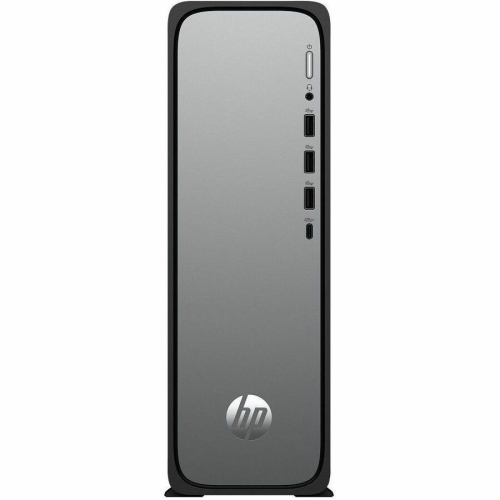 Your price for this item is $1076.55
 -
 Your price for this item is $1839
Discover more categories related to HP Elitedesk 800 Mini Desktops
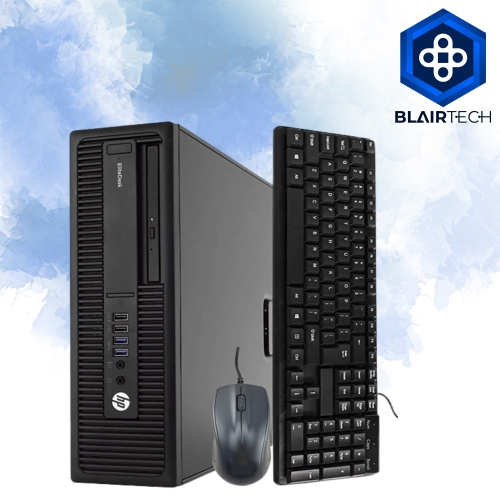
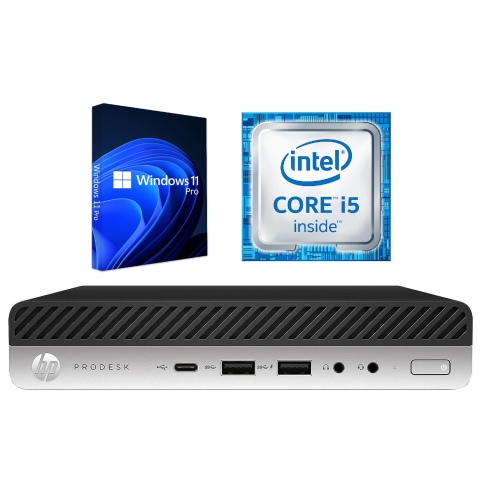
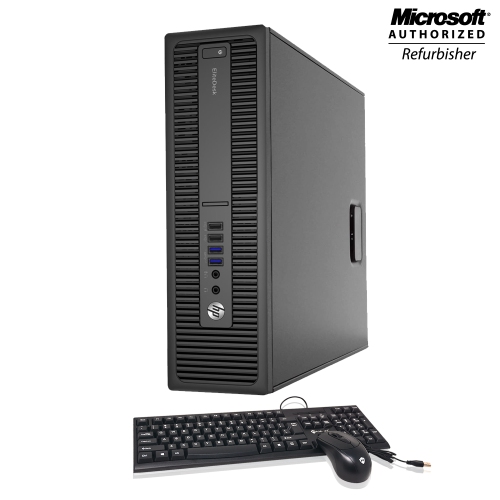
Top Collections:
Pokemon Centers, Kindle Devices, Best Budget Office Chairs, Canon G7X Cameras, Apple iPhones 16, Samsung Galaxy Phones, Refurbished Apple Laptops, Laptops for Students, iPhone 15 Apple, Budget Smartphones
Some products may be subject to Environmental Handling Fees
(EHF) depending on your province.
Learn more about EHFs.