HP Envy Keyboard And Mice
The HP Envy is a stylish, thin laptop that's great for people who want to be able to work on the go. It's also a good choice for people who want to be able to use their laptops in multiple ways, whether they're using them as a tablets or a laptops. If you're looking for a mouse and keyboard to go with your HP Envy, we've got you covered.
Sort

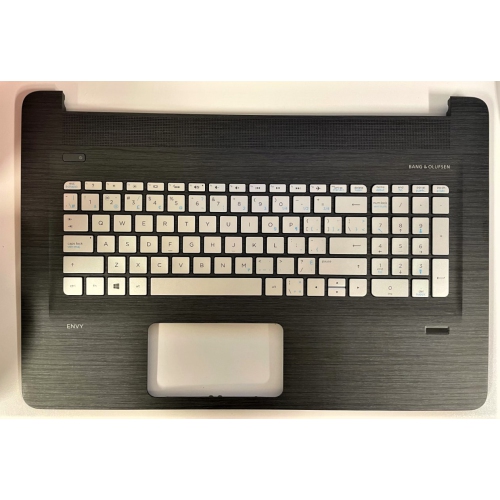
Comfort and connectivity for everyday computer use
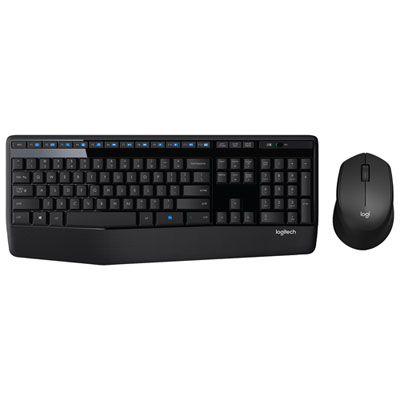
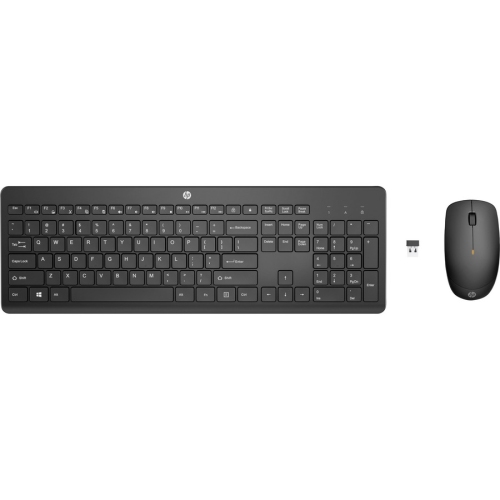
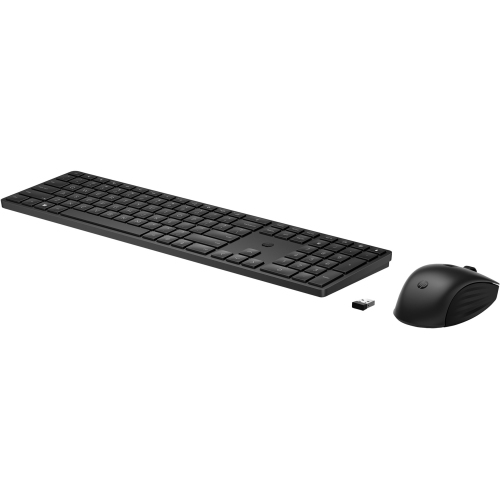
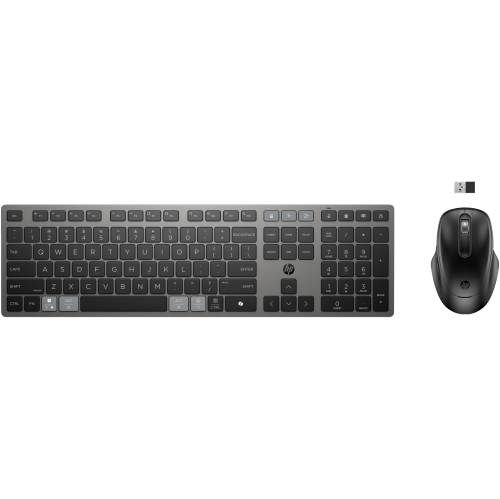
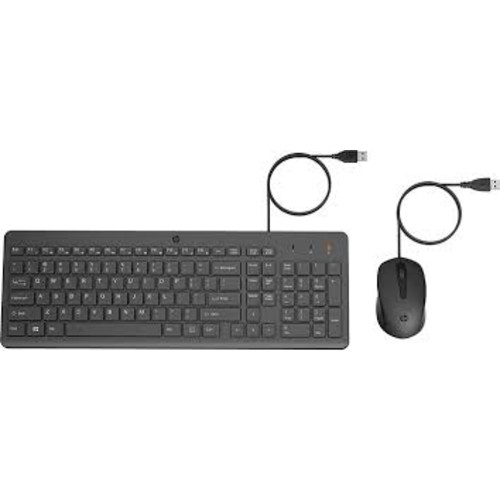
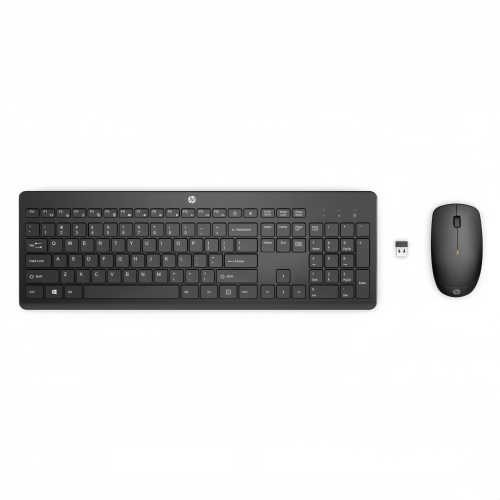
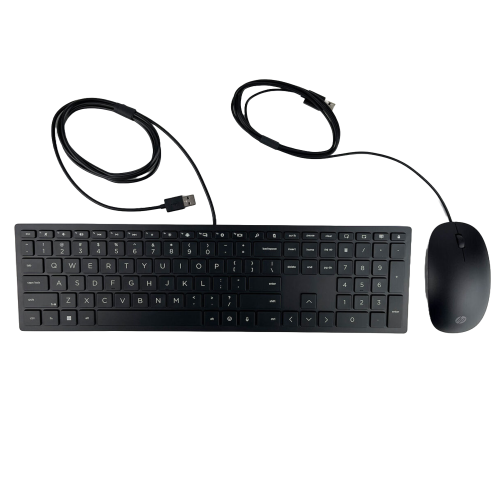
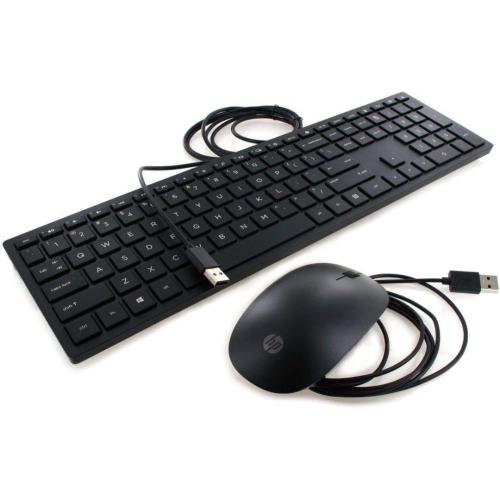
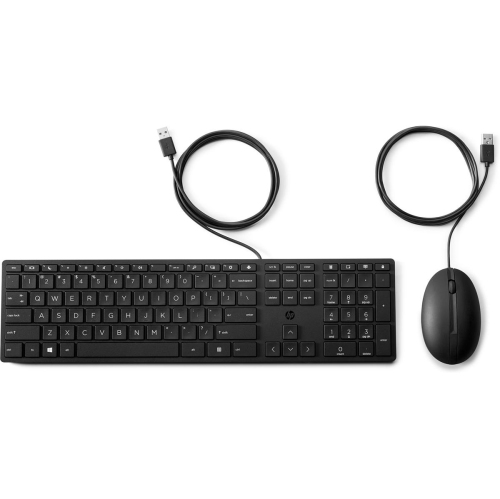
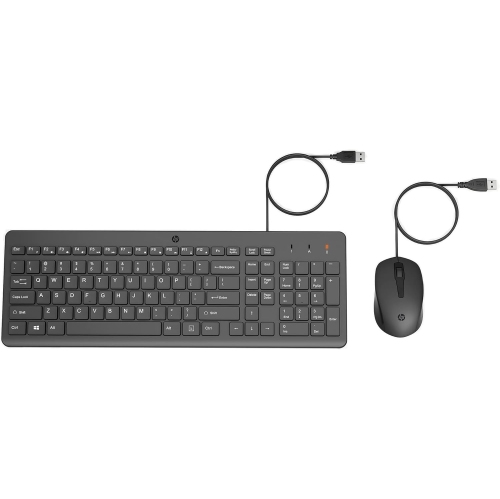
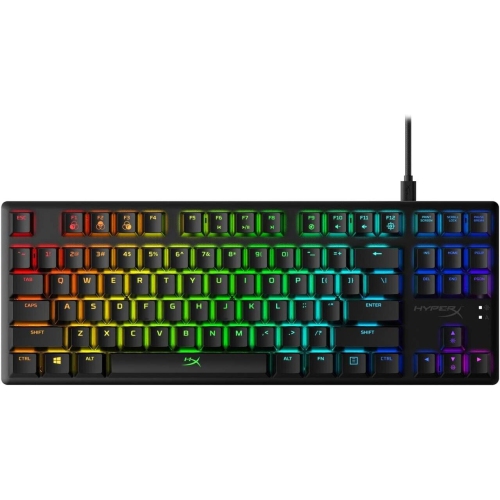
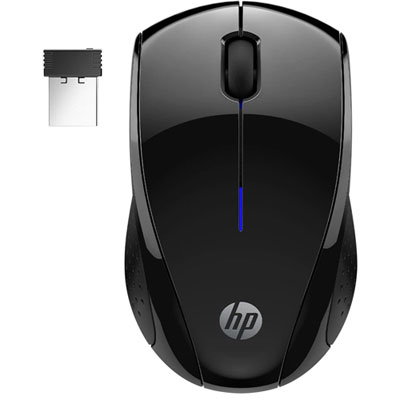
Finding the right HP Envy keyboard and mice setup can make everyday computing feel more natural, whether you are working at a desk, studying at home, managing family tasks, or enjoying entertainment after a busy day. A well-matched keyboard gives your hands a familiar place to rest and makes everything from writing messages to entering numbers feel more fluid, while a responsive mouse helps you move through documents, websites, photos, and creative projects with greater control. Some shoppers prefer the tidy appearance of a wireless arrangement, with fewer cables crossing the desk and more freedom to position the keyboard and mouse where they feel most comfortable. Others choose wired accessories for a straightforward connection, dependable performance, and the convenience of plugging in without managing batteries. When browsing options for an HP Envy computer, check the available ports and connection type first. Wireless models may use a compact USB receiver that plugs into an open USB-A port, with the keyboard and mouse connecting automatically after they are switched on. Bluetooth-enabled models can pair through the computer’s settings, which is useful when you want to keep a USB port available for storage, a headset, or another accessory. If you are building a complete workstation, the wider range of HP Envy Laptop Accessories can help you coordinate the rest of your setup around the way you use your computer.
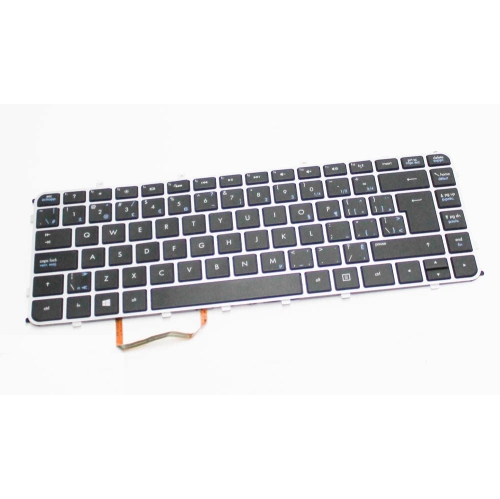
Keyboard layout is another important consideration, particularly if you spend long stretches typing or regularly work with figures. A full-size keyboard with a dedicated numeric keypad can be helpful for budgeting, spreadsheets, invoices, school assignments, and data entry, while a compact layout may leave more room for a mouse and suit smaller desks. Low-profile, chiclet-style keys offer a clean appearance and a shallow press that many people find comfortable for everyday typing. Look for clearly arranged shortcut keys if you frequently adjust volume, open commonly used functions, or move between work and entertainment. A mouse should feel balanced in your hand, with buttons that are easy to reach without forcing your fingers into an awkward position. Sensitivity, often expressed in DPI, affects how far the pointer moves across the screen in response to hand movement. A higher setting can help you travel across a large display with fewer motions, while a more moderate setting may feel steadier for detailed selections, photo adjustments, or careful navigation. Multi-surface tracking is useful for households where the mouse moves between a desk mat, a wooden table, or another smooth surface. Battery life also deserves attention. Rechargeable models can reduce the need for disposable batteries, while replaceable-battery designs can be ready again quickly when you have a spare set available. For wireless accessories, keep the receiver within a reasonable range and avoid placing it behind large metal objects or crowded hubs, as nearby obstructions can affect responsiveness.
HP Envy keyboard and mice can suit a broad range of users, from someone setting up a first home office to a family member replacing a tired keyboard and mouse that have seen years of daily use. They can also make a practical gift for a student preparing for a new term, a remote worker refreshing a desk, or a relative who wants an easier way to navigate a computer during the cooler months spent indoors. Before choosing, consider the recipient’s routine rather than focusing only on appearance. Someone who works with spreadsheets may value a full-size keyboard and dedicated number pad, while a person with limited desk space may appreciate a compact design and a mouse that can be stored easily. If the accessories will travel between rooms, wireless connectivity and a compact receiver can keep the setup easy to move. For a shared family computer, look for a layout that is familiar and simple to use, with clearly marked keys and a mouse that works reliably on common household surfaces. Once connected, allow the computer a moment to recognize the accessory, then check the keyboard language and pointer settings so everything behaves as expected. Keeping the receiver connected directly to the computer, rather than tucked behind a monitor or hidden inside a drawer, can also help maintain a stable connection. Whether you are replacing individual accessories or choosing a coordinated keyboard and mouse arrangement, the best fit is the one that complements your HP Envy computer, matches your available connections, and feels comfortable through the tasks you perform most often.
Keyboard layout is another important consideration, particularly if you spend long stretches typing or regularly work with figures. A full-size keyboard with a dedicated numeric keypad can be helpful for budgeting, spreadsheets, invoices, school assignments, and data entry, while a compact layout may leave more room for a mouse and suit smaller desks. Low-profile, chiclet-style keys offer a clean appearance and a shallow press that many people find comfortable for everyday typing. Look for clearly arranged shortcut keys if you frequently adjust volume, open commonly used functions, or move between work and entertainment. A mouse should feel balanced in your hand, with buttons that are easy to reach without forcing your fingers into an awkward position. Sensitivity, often expressed in DPI, affects how far the pointer moves across the screen in response to hand movement. A higher setting can help you travel across a large display with fewer motions, while a more moderate setting may feel steadier for detailed selections, photo adjustments, or careful navigation. Multi-surface tracking is useful for households where the mouse moves between a desk mat, a wooden table, or another smooth surface. Battery life also deserves attention. Rechargeable models can reduce the need for disposable batteries, while replaceable-battery designs can be ready again quickly when you have a spare set available. For wireless accessories, keep the receiver within a reasonable range and avoid placing it behind large metal objects or crowded hubs, as nearby obstructions can affect responsiveness.
HP Envy keyboard and mice can suit a broad range of users, from someone setting up a first home office to a family member replacing a tired keyboard and mouse that have seen years of daily use. They can also make a practical gift for a student preparing for a new term, a remote worker refreshing a desk, or a relative who wants an easier way to navigate a computer during the cooler months spent indoors. Before choosing, consider the recipient’s routine rather than focusing only on appearance. Someone who works with spreadsheets may value a full-size keyboard and dedicated number pad, while a person with limited desk space may appreciate a compact design and a mouse that can be stored easily. If the accessories will travel between rooms, wireless connectivity and a compact receiver can keep the setup easy to move. For a shared family computer, look for a layout that is familiar and simple to use, with clearly marked keys and a mouse that works reliably on common household surfaces. Once connected, allow the computer a moment to recognize the accessory, then check the keyboard language and pointer settings so everything behaves as expected. Keeping the receiver connected directly to the computer, rather than tucked behind a monitor or hidden inside a drawer, can also help maintain a stable connection. Whether you are replacing individual accessories or choosing a coordinated keyboard and mouse arrangement, the best fit is the one that complements your HP Envy computer, matches your available connections, and feels comfortable through the tasks you perform most often.
Top selling and popular products
-
 Your price for this item is $39.99
 -
 Your price for this item is $56.37
 -
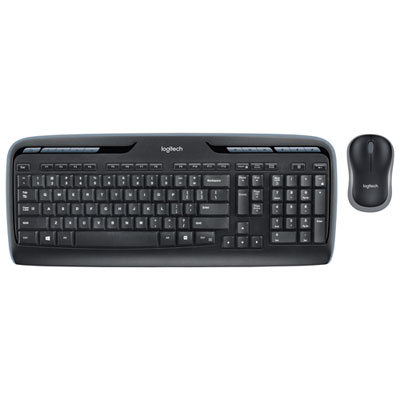 Your price for this item is $59.99
 -
 Your price for this item is $59.99
 -
 Your price for this item is $69.98
 -
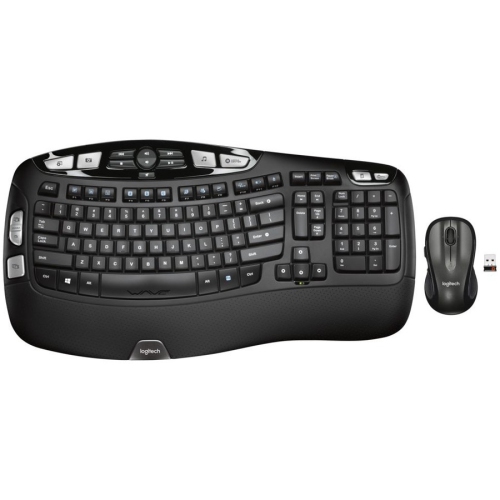 Your price for this item is $126.49
 -
 Your price for this item is $99.99
 -
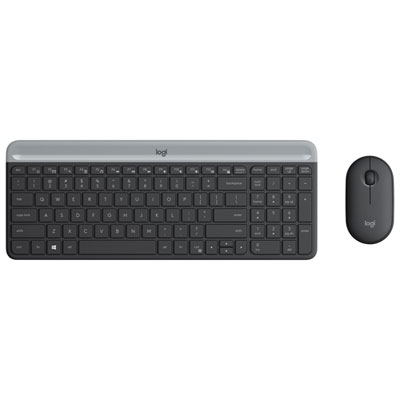 Your price for this item is $69.99
Discover more categories related to HP Envy Keyboard And Mice

Top Collections:
Pokemon Centers, Kindle Devices, Best Budget Office Chairs, Apple iPhones 16, Best Laptops for Writers, iPhone 15 Apple, Canon G7X Cameras, Refurbished Apple Laptops, Alarm Clock, Motorola Razr Phones
Some products may be subject to Environmental Handling Fees
(EHF) depending on your province.
Learn more about EHFs.