HP ProBook 450 G10
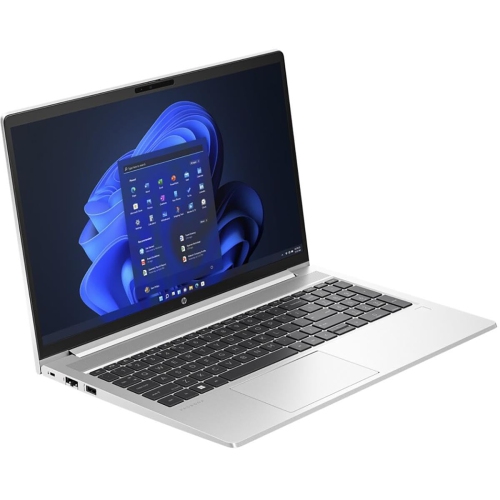
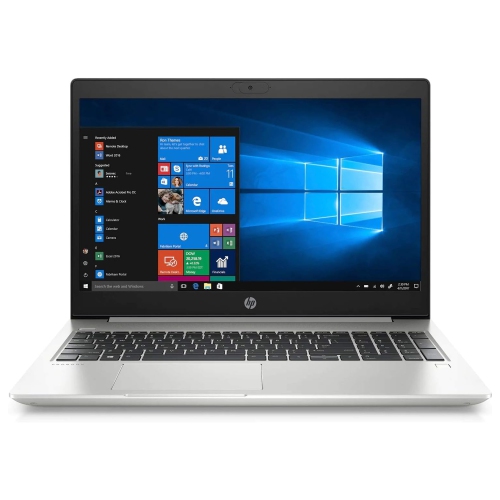
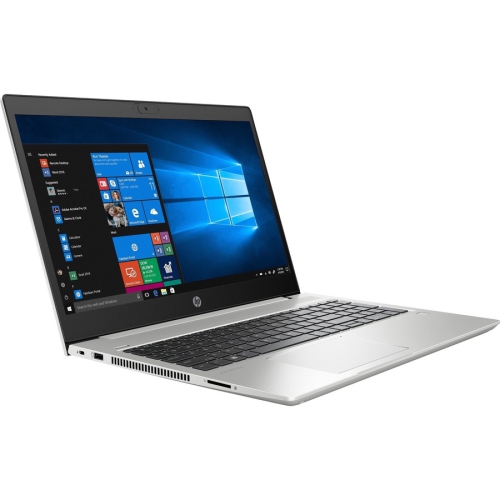
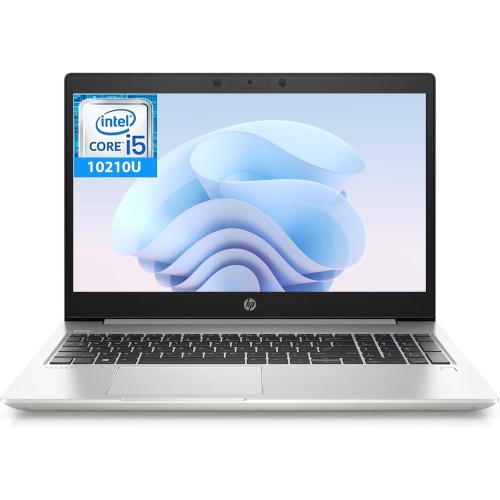
The HP ProBook 450 G10 offers a dependable solution for professionals and students seeking reliable performance and modern design. Whether you're working on important projects, attending virtual meetings, or managing daily tasks, the HP ProBook 450 G10 is designed to keep up with your busy lifestyle. Explore a range of configurations to find the perfect fit for your needs and experience productivity at its best.
Sort

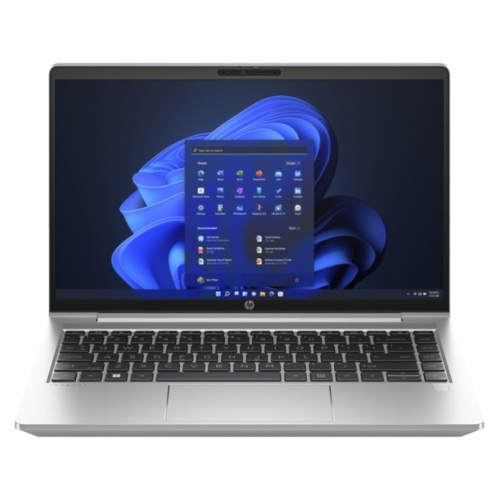
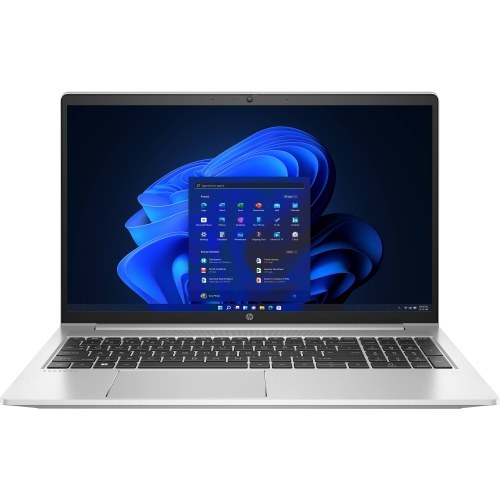
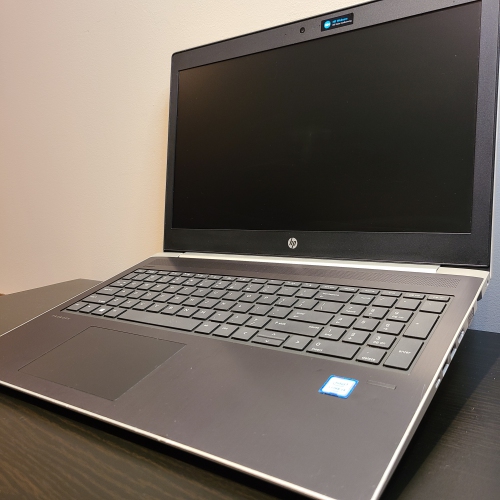
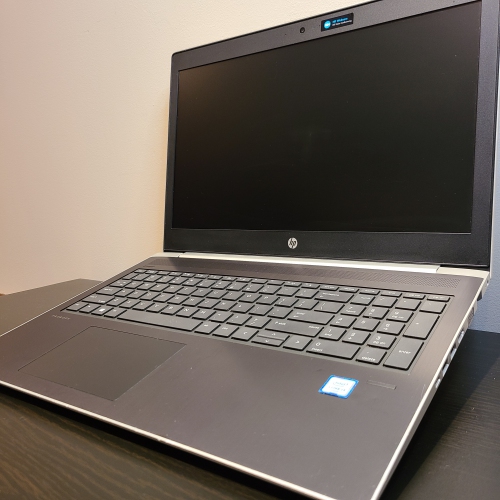
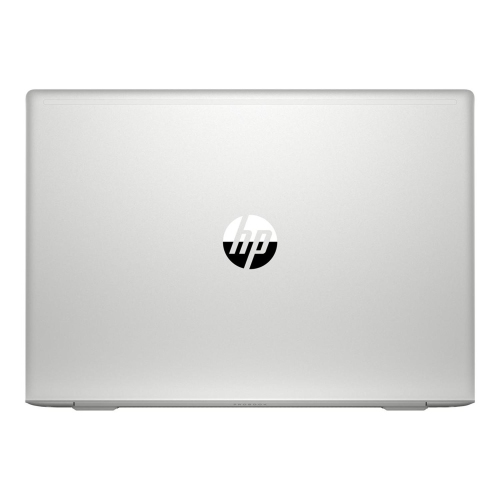
More screen space for work beyond the desk
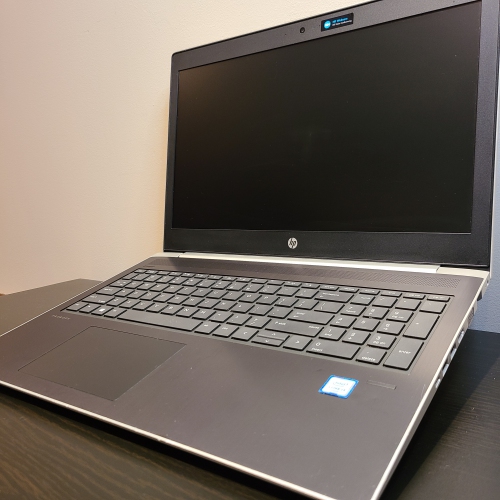
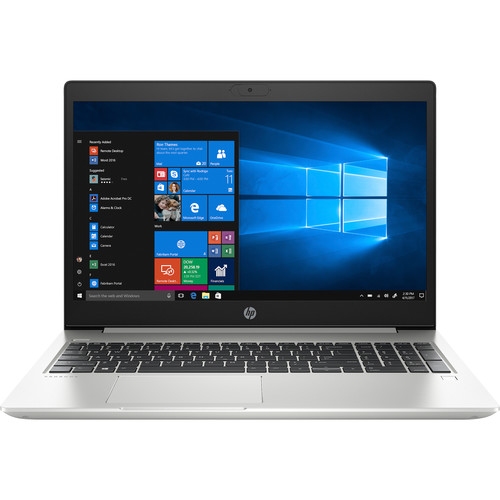
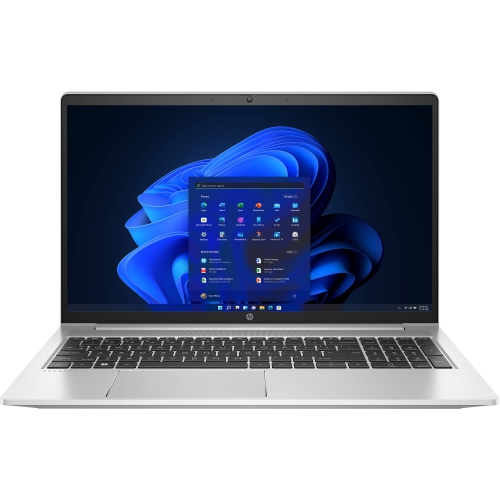
15.6-inch business laptops offer a practical balance of workspace, portability and everyday computing performance for office professionals, students, small-business owners and people who divide their working time between several locations. The screen provides room for a spreadsheet beside an email window, a document alongside research notes, or a video meeting with a presentation open in the background. That extra space can make a difference during tasks such as reconciling invoices, preparing coursework or reviewing a report without constantly switching between windows. A Full HD resolution of 1920 × 1080 pixels provides a useful level of detail for text and everyday visuals, while an IPS panel can help maintain a consistent image when the screen is viewed from an angle. An anti-glare finish reduces distracting reflections, although screen brightness, colour reproduction and viewing comfort still vary by configuration. Inside a business laptop, the processor, memory and storage work together to determine how smoothly applications respond. Configurations using 13th-generation processors can support familiar productivity workloads, but processor tier, cooling design and application requirements matter more than the generation number alone. DDR4 memory supports everyday multitasking, with capacities such as 16GB or 32GB providing room for several applications and browser tabs to remain open together. Designs with two memory slots may offer flexibility for later upgrades, subject to the laptop’s supported capacity and service requirements. An M.2 NVMe solid-state drive helps keep startup, application loading and file access responsive; a 1TB capacity also gives substantial room for documents, downloaded resources and project files. Integrated graphics are generally appropriate for office software, streaming and routine visual tasks. Dedicated graphics may be useful for compatible creative applications or more demanding visual workloads, though professional editing and design software can have additional requirements. The most suitable combination depends on whether the laptop will mainly handle correspondence and documents or spend its days running large spreadsheets, business applications and several connected displays.
The physical design of a business laptop matters just as much as its specifications during a full working day. A 15.6-inch chassis generally offers a more spacious keyboard layout than a smaller notebook, and configurations with a numeric keypad can be particularly convenient for bookkeeping, inventory entry and financial coursework. Key spacing, travel and palm-rest comfort influence the experience of typing lengthy reports, while an optional backlit keyboard can improve key visibility in rooms with subdued lighting. A responsive touchpad is useful away from a desk, although an external mouse may feel more comfortable for detailed spreadsheet work. Chassis materials and construction vary, so durability depends on the quality of the hinges, keyboard deck and casing rather than a metallic finish alone. A sleeve or padded compartment helps protect the exterior from scratches and keeps loose objects away from the screen during travel. Fit is best assessed using the laptop’s actual width, depth and thickness, since the screen’s diagonal measurement does not describe the full dimensions of the computer. At a desk, connection options determine how neatly the laptop fits into an existing setup. USB Type-A ports remain useful for many mice, keyboards and storage devices, while USB Type-C can support newer accessories and compatible docking stations. Charging and external-display support through USB Type-C depend on the capabilities of the individual port, cable and accessory. HDMI provides a familiar connection for a monitor or meeting-room display, and an Ethernet port can be valuable where a wired network is preferred. A combined headphone and microphone jack accommodates compatible wired headsets. Wireless features such as Wi-Fi 6E and Bluetooth 5.3 can support modern networks and accessories, but their benefits depend on compatible equipment and network conditions. For someone returning to the same workstation each day, a compatible dock can reduce the number of cables that need connecting, bringing a monitor, keyboard, mouse and other desk accessories together through a simpler connection.
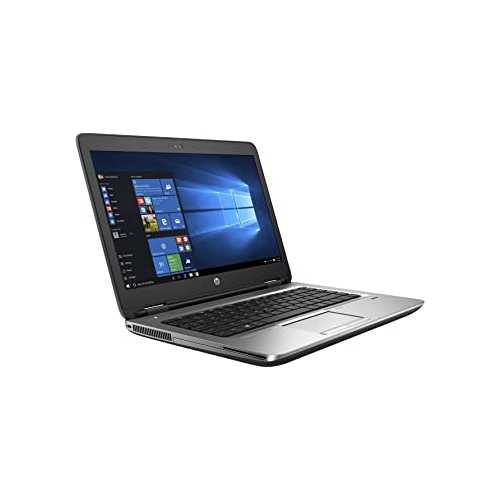
Business laptops also need to work comfortably beyond the main desk, whether that means taking notes in a classroom, presenting to a client or joining a meeting from a shared workspace. Battery runtime varies with display brightness, application load, wireless activity and connected accessories, so a light document-editing session and a day of video calls can produce very different results. The charger’s size and cable length affect how easily the laptop travels, and any replacement power adapter needs to meet the computer’s electrical and connector requirements. For video meetings, camera quality, microphone clarity and speaker performance deserve attention alongside processing power. Camera resolution alone does not determine image quality; room lighting and camera placement also affect how clearly a person appears on screen. Features such as a camera shutter, fingerprint reader or business-focused security tools vary by configuration and can add convenience or support workplace requirements. Operating-system edition and compatibility with an employer’s software are important for managed work setups, while students may need to confirm the requirements of course-specific applications. Related business laptop collections, including Hewlett Packard Probook 640 G2, offer another point of comparison for screen size, hardware generation and connection options. Day-to-day care helps preserve comfort and reliability: a soft, lint-free cloth is suitable for removing surface dust, while cleaning liquids should follow the manufacturer’s directions and never be sprayed directly onto the computer. Keeping ventilation openings clear and using the laptop on a firm surface allows its cooling system to function as intended. Carrying it closed in a protective compartment reduces strain on the display and hinges, and keeping drinks away from the keyboard avoids an easily preventable source of damage. Regular backups protect important files beyond the laptop itself. As a gift for a student, a new business owner or someone setting up a home office, a business laptop is most useful when its keyboard layout, screen size, software compatibility and connectivity match the recipient’s daily routine.
The physical design of a business laptop matters just as much as its specifications during a full working day. A 15.6-inch chassis generally offers a more spacious keyboard layout than a smaller notebook, and configurations with a numeric keypad can be particularly convenient for bookkeeping, inventory entry and financial coursework. Key spacing, travel and palm-rest comfort influence the experience of typing lengthy reports, while an optional backlit keyboard can improve key visibility in rooms with subdued lighting. A responsive touchpad is useful away from a desk, although an external mouse may feel more comfortable for detailed spreadsheet work. Chassis materials and construction vary, so durability depends on the quality of the hinges, keyboard deck and casing rather than a metallic finish alone. A sleeve or padded compartment helps protect the exterior from scratches and keeps loose objects away from the screen during travel. Fit is best assessed using the laptop’s actual width, depth and thickness, since the screen’s diagonal measurement does not describe the full dimensions of the computer. At a desk, connection options determine how neatly the laptop fits into an existing setup. USB Type-A ports remain useful for many mice, keyboards and storage devices, while USB Type-C can support newer accessories and compatible docking stations. Charging and external-display support through USB Type-C depend on the capabilities of the individual port, cable and accessory. HDMI provides a familiar connection for a monitor or meeting-room display, and an Ethernet port can be valuable where a wired network is preferred. A combined headphone and microphone jack accommodates compatible wired headsets. Wireless features such as Wi-Fi 6E and Bluetooth 5.3 can support modern networks and accessories, but their benefits depend on compatible equipment and network conditions. For someone returning to the same workstation each day, a compatible dock can reduce the number of cables that need connecting, bringing a monitor, keyboard, mouse and other desk accessories together through a simpler connection.
Business laptops also need to work comfortably beyond the main desk, whether that means taking notes in a classroom, presenting to a client or joining a meeting from a shared workspace. Battery runtime varies with display brightness, application load, wireless activity and connected accessories, so a light document-editing session and a day of video calls can produce very different results. The charger’s size and cable length affect how easily the laptop travels, and any replacement power adapter needs to meet the computer’s electrical and connector requirements. For video meetings, camera quality, microphone clarity and speaker performance deserve attention alongside processing power. Camera resolution alone does not determine image quality; room lighting and camera placement also affect how clearly a person appears on screen. Features such as a camera shutter, fingerprint reader or business-focused security tools vary by configuration and can add convenience or support workplace requirements. Operating-system edition and compatibility with an employer’s software are important for managed work setups, while students may need to confirm the requirements of course-specific applications. Related business laptop collections, including Hewlett Packard Probook 640 G2, offer another point of comparison for screen size, hardware generation and connection options. Day-to-day care helps preserve comfort and reliability: a soft, lint-free cloth is suitable for removing surface dust, while cleaning liquids should follow the manufacturer’s directions and never be sprayed directly onto the computer. Keeping ventilation openings clear and using the laptop on a firm surface allows its cooling system to function as intended. Carrying it closed in a protective compartment reduces strain on the display and hinges, and keeping drinks away from the keyboard avoids an easily preventable source of damage. Regular backups protect important files beyond the laptop itself. As a gift for a student, a new business owner or someone setting up a home office, a business laptop is most useful when its keyboard layout, screen size, software compatibility and connectivity match the recipient’s daily routine.
Top selling and popular products
-
 Your price for this item is $449
 -
 Your price for this item is $3099
 -
 Your price for this item is $664.05
 -
 Your price for this item is $599.68
 -
 Your price for this item is $259
 -
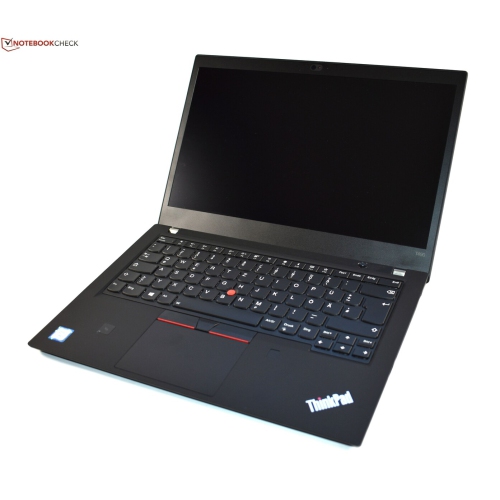 Your price for this item is $499.99
 -
 Your price for this item is $418.98
 -
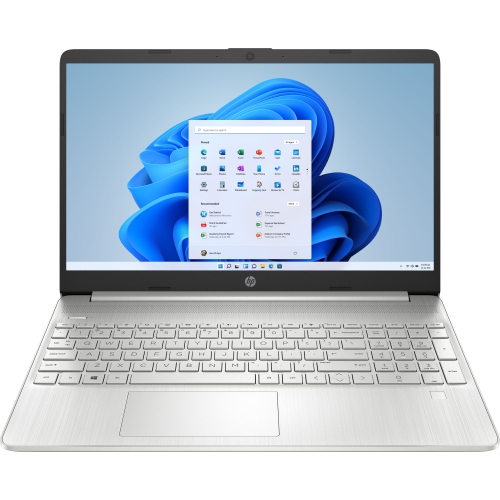 Your price for this item is $829
Discover more categories related to HP ProBook 450 G10
Top Collections:
Pokemon Centers, Best Cameras for Sports Photography, Kindle Devices, Samsung Galaxy Phones, Canon G7X Cameras, Pokémon 30th Celebration Cards, Refurbished Apple Laptops, iPhone 15 Apple, Laptops for Students, Budget Smartphones
Some products may be subject to Environmental Handling Fees
(EHF) depending on your province.
Learn more about EHFs.