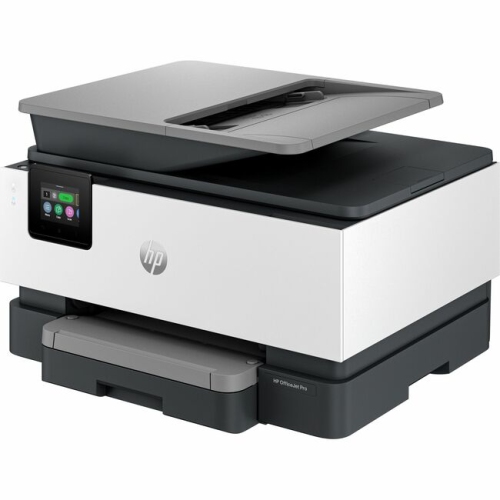
HP Wireless Laserjets
Discover the seamless blend of efficiency and convenience with HP Laserjet wireless printers, designed to elevate your printing experience. Perfect for both home and office environments, these printers offer high-speed performance and crisp, professional-quality prints. Say goodbye to tangled cords and hello to effortless connectivity, as you print from virtually anywhere using your smartphone or computer. Whether you're managing important documents or creating stunning visuals, wireless laser printers provide the reliability and versatility you need to keep up with your busy lifestyle. Explore a world of possibilities and enhance your productivity with the power of wireless printing technology.
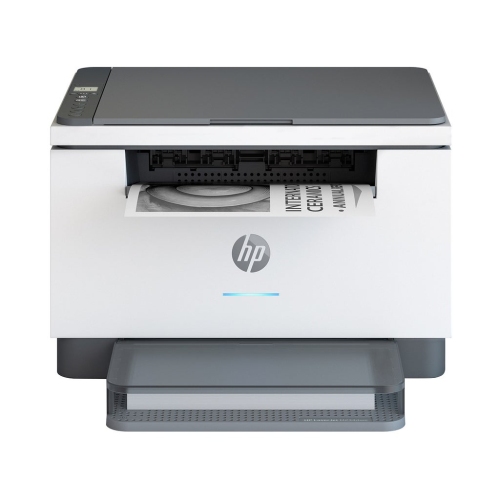
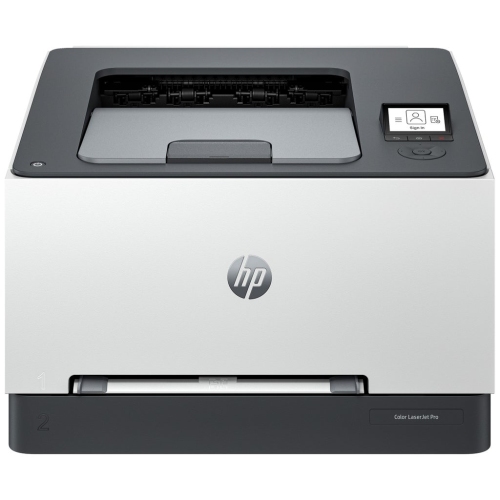
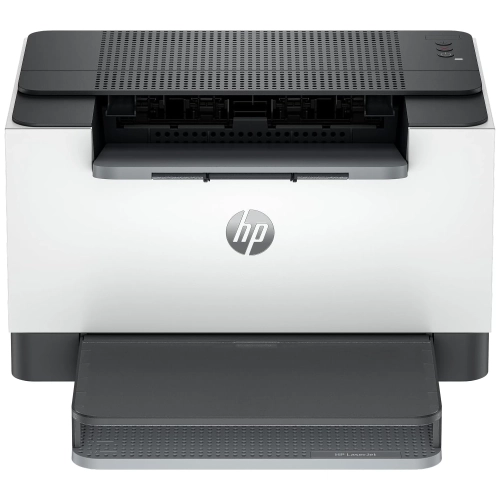
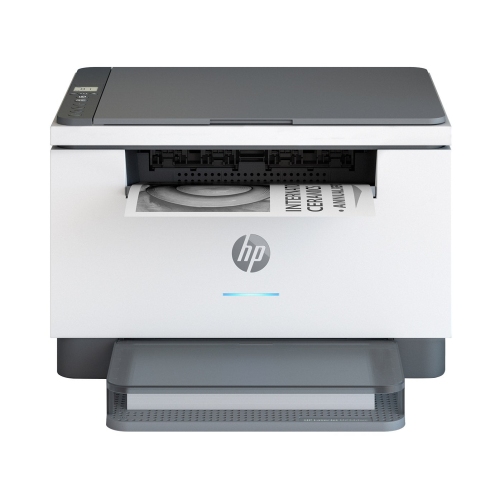
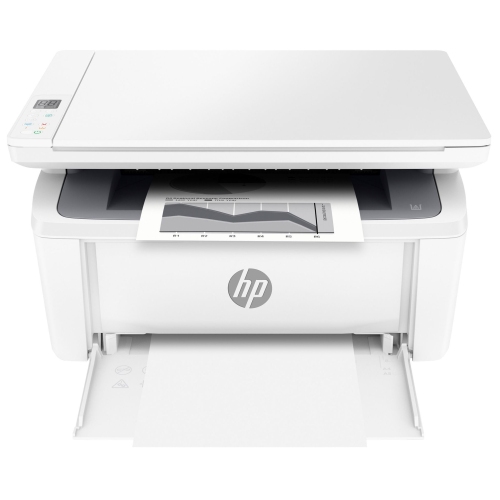
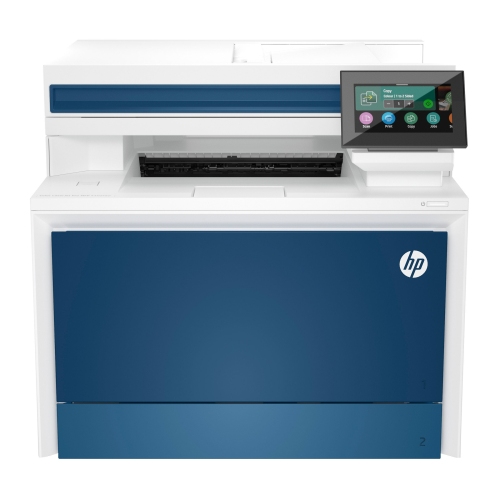
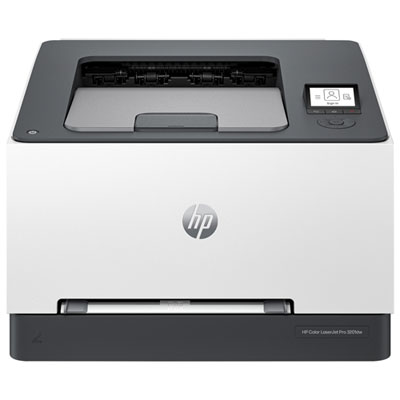
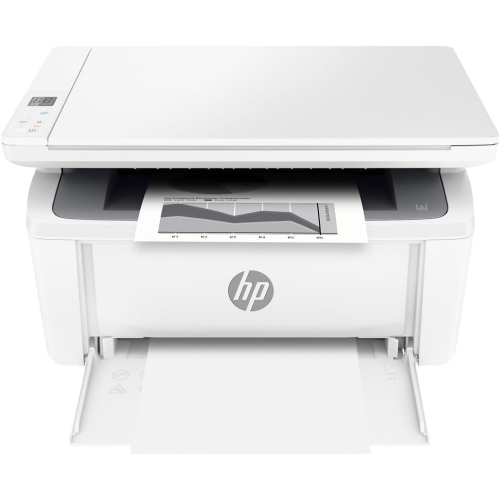
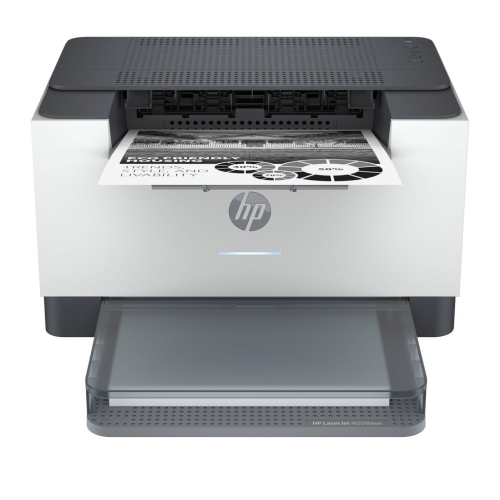
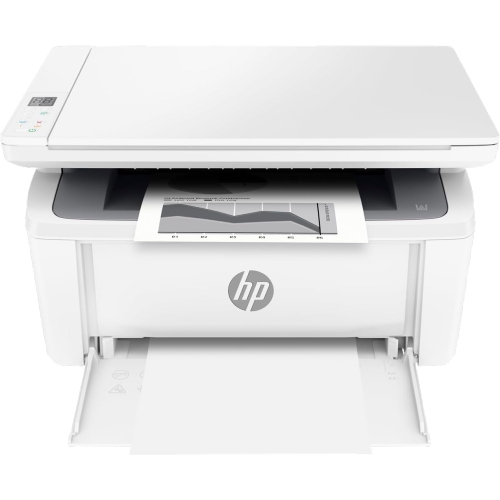
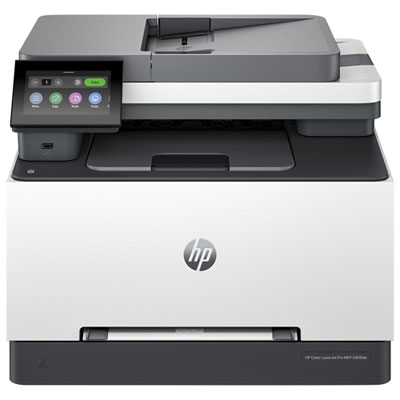
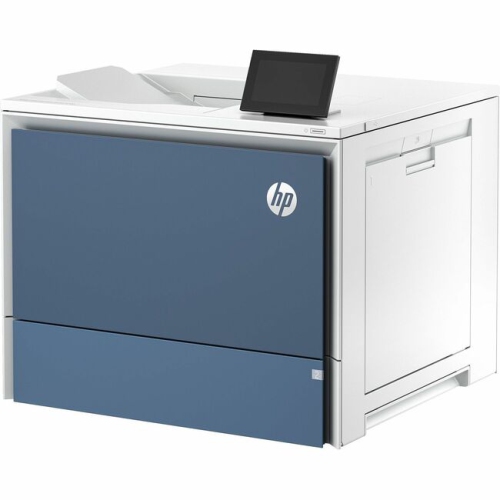
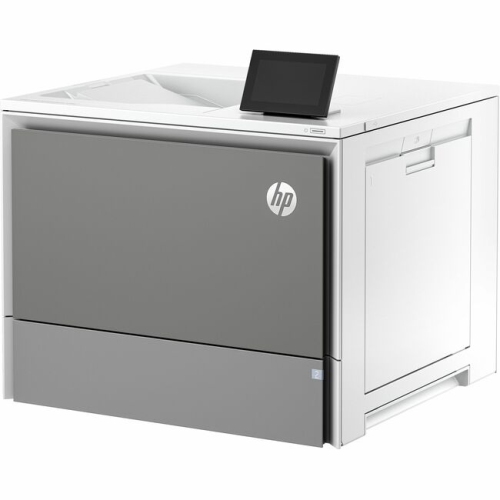
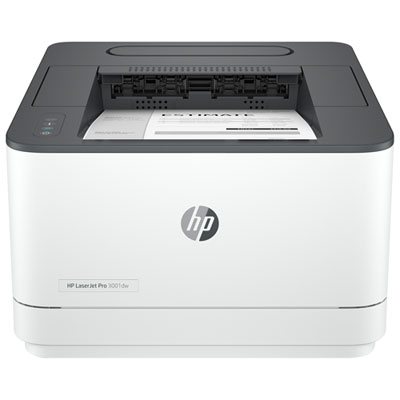
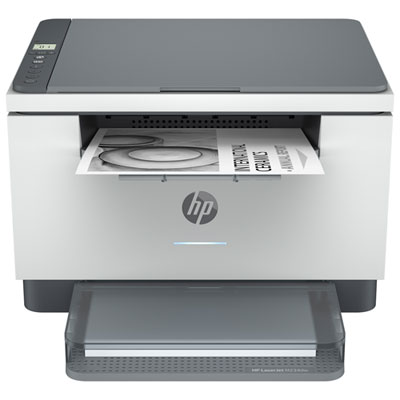
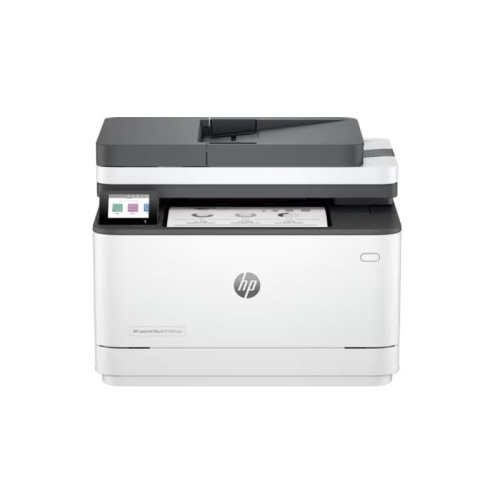
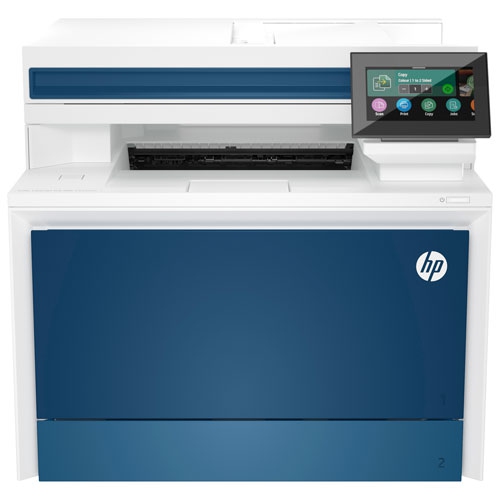
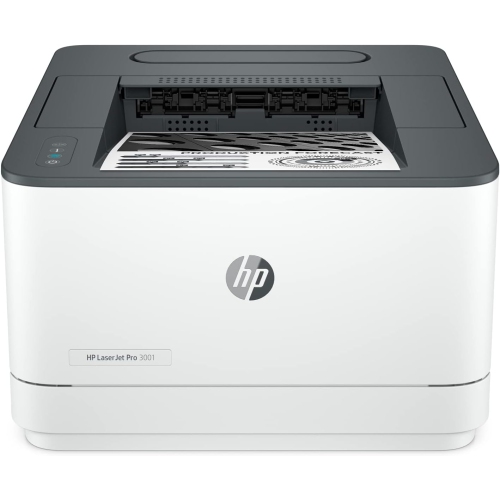
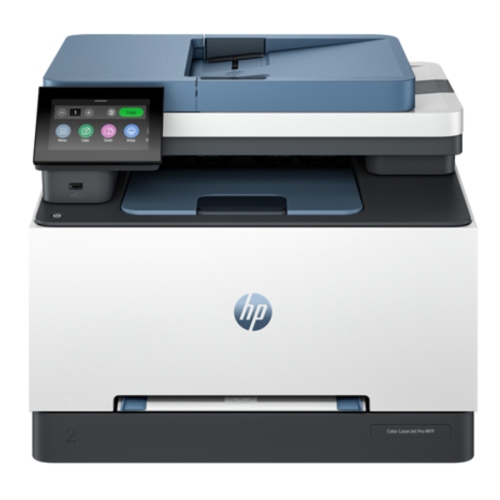
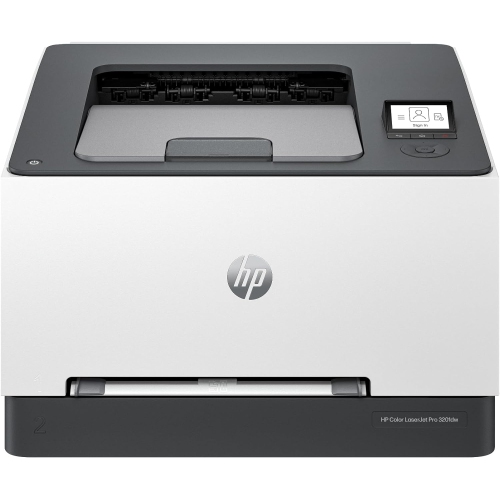
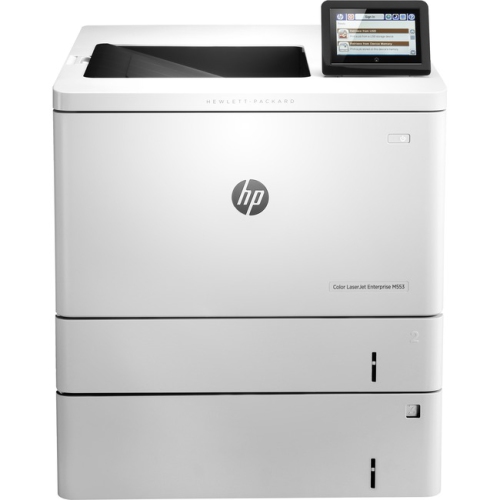
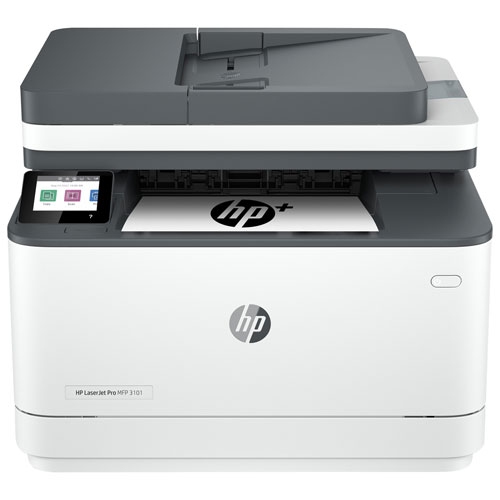
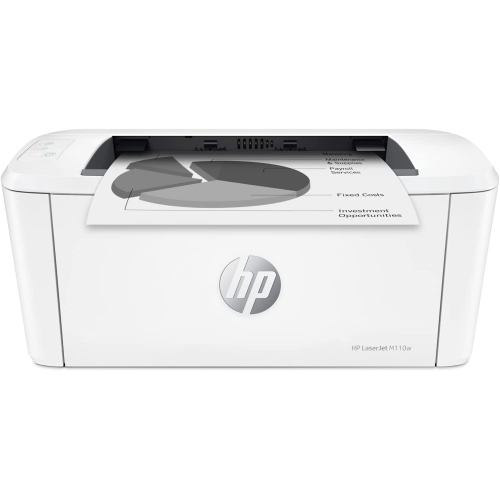

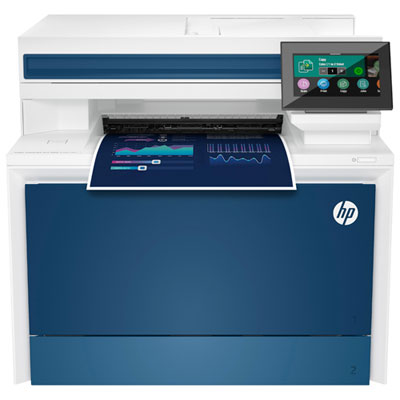
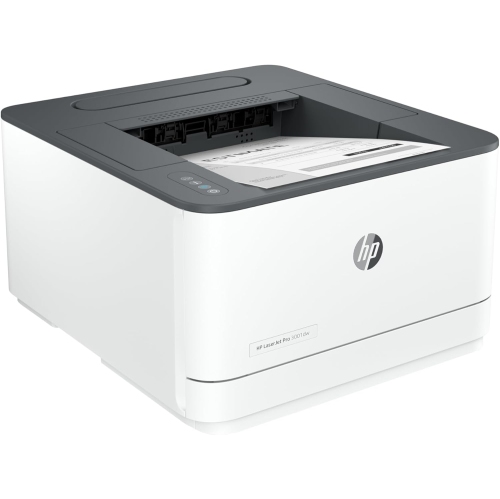
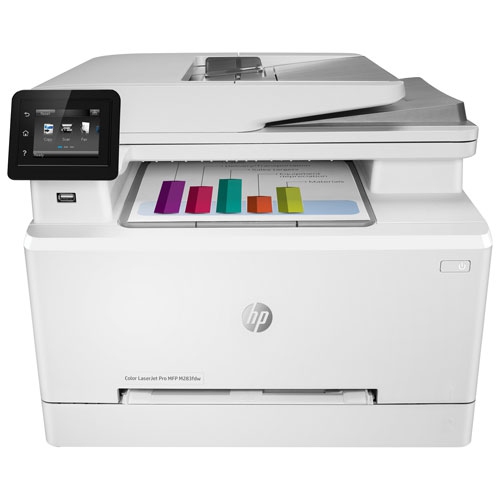
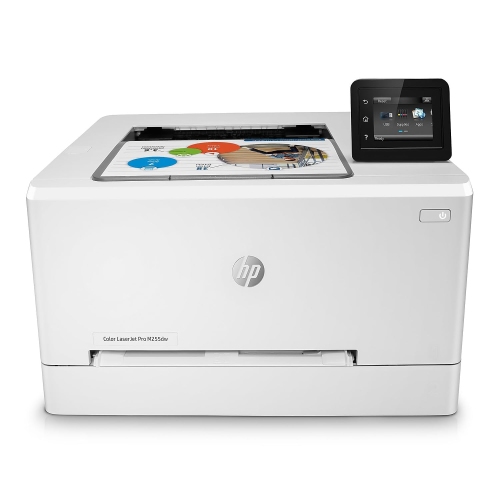
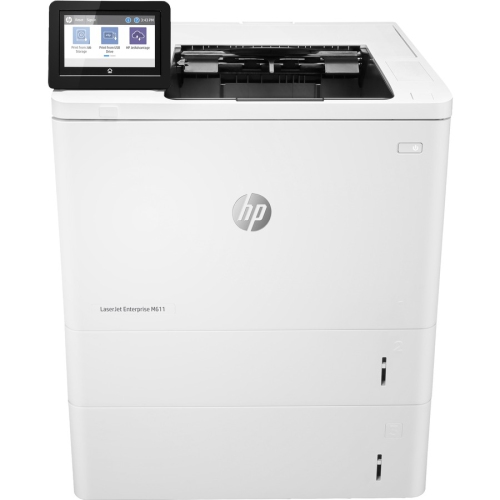
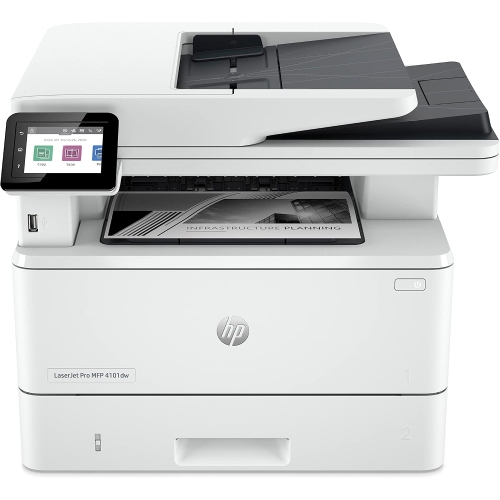
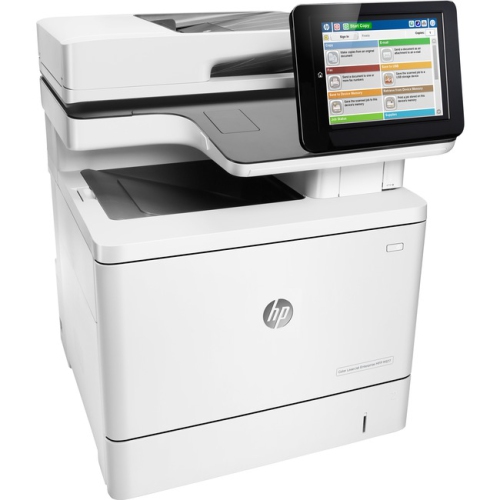
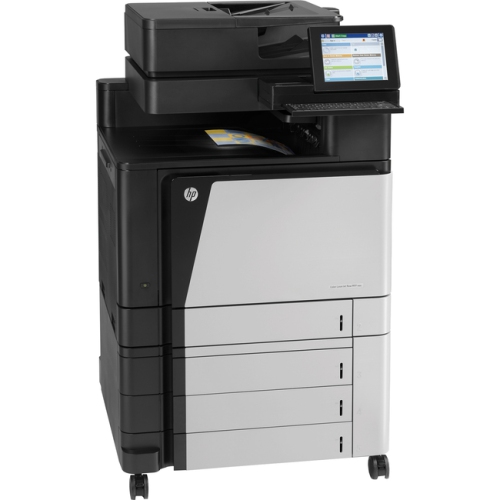
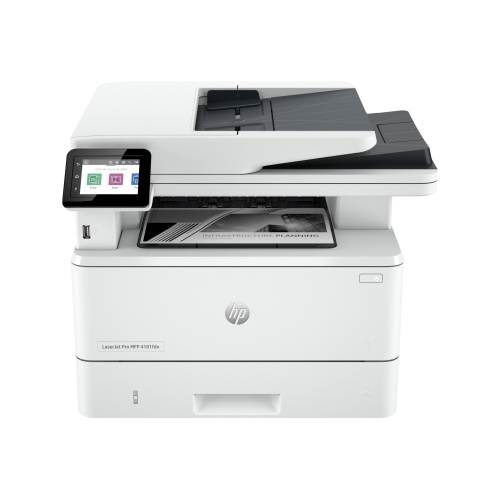
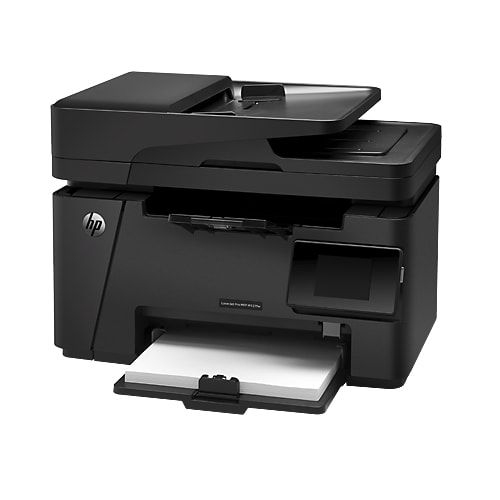
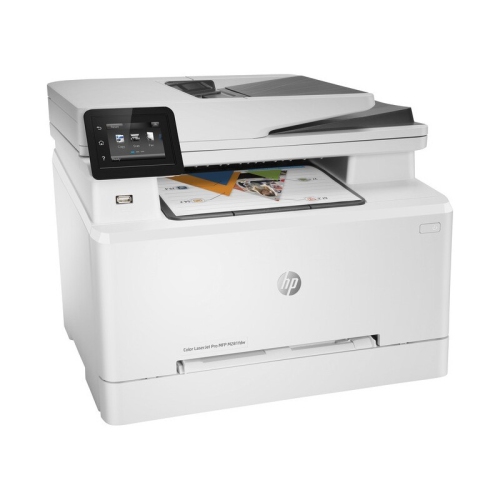
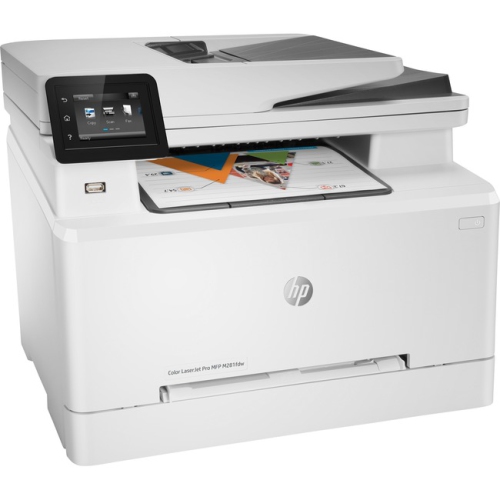
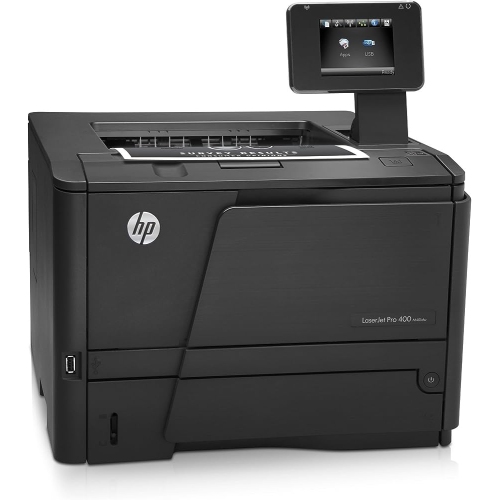
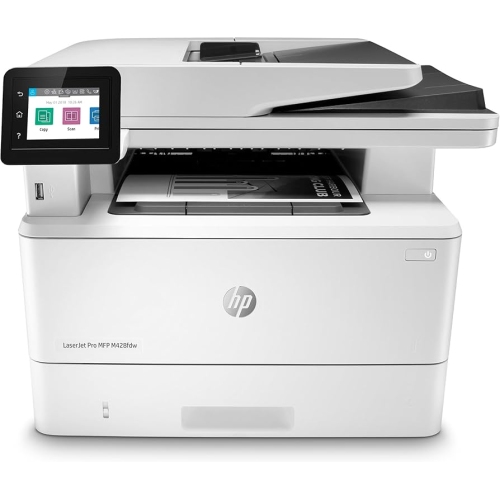
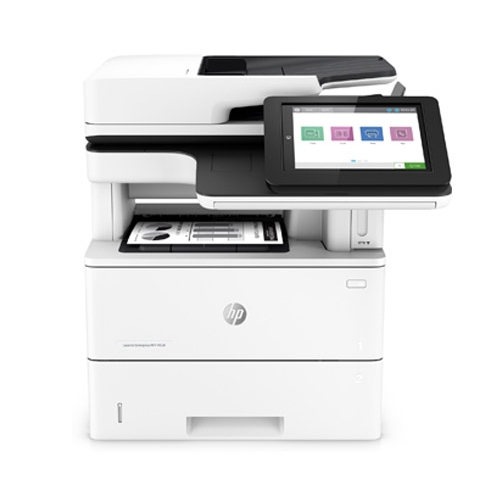
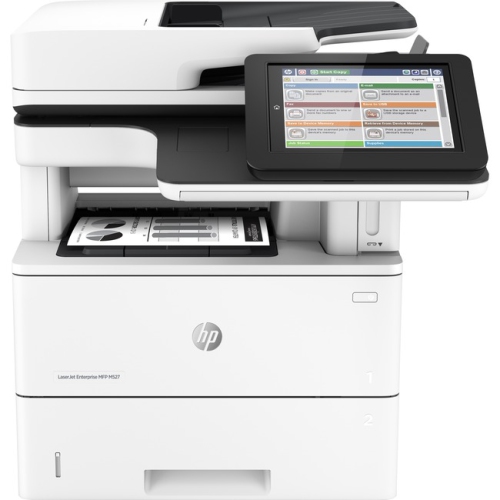

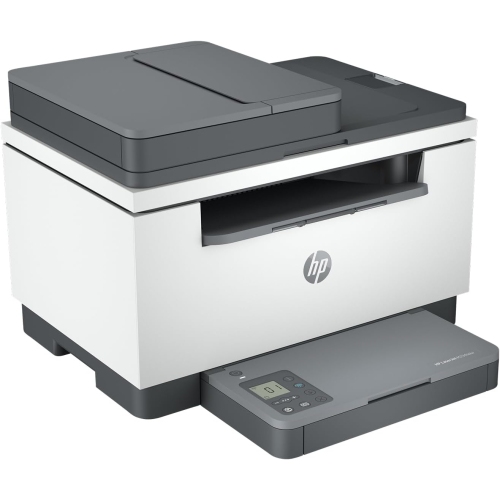
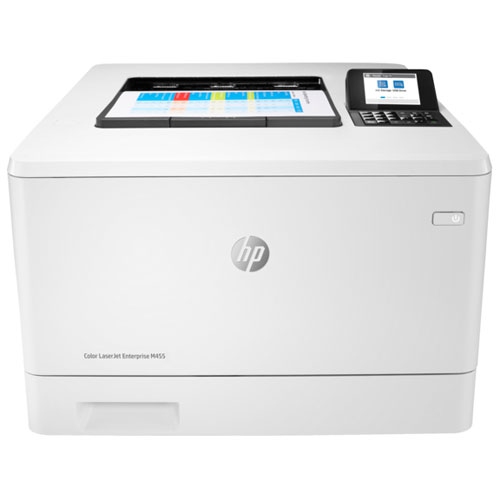
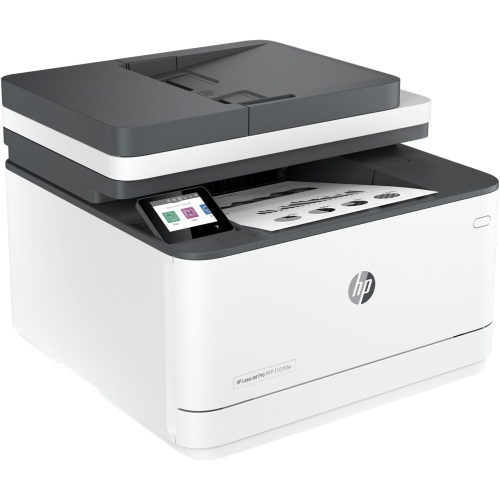
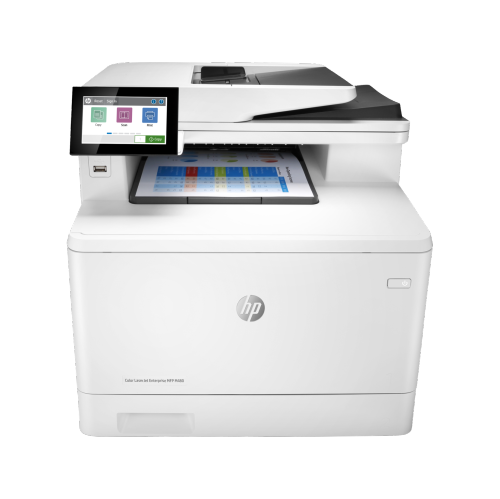
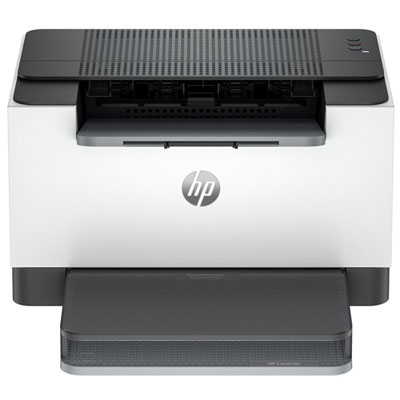
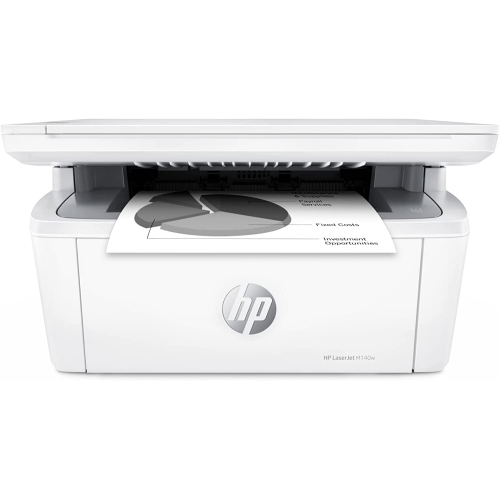
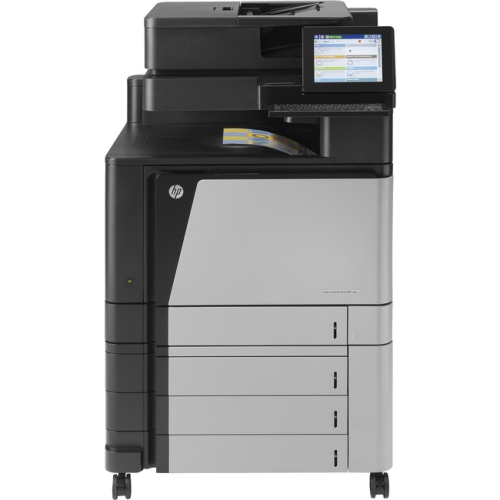
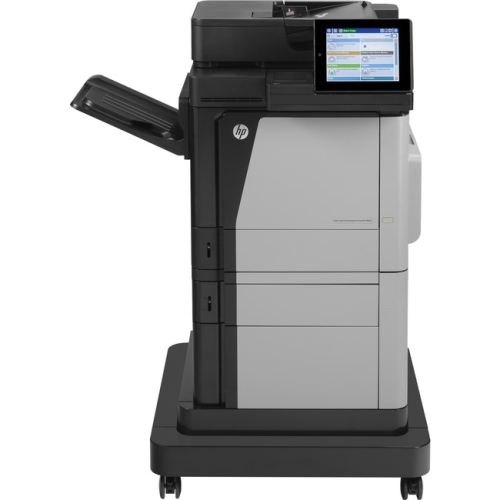
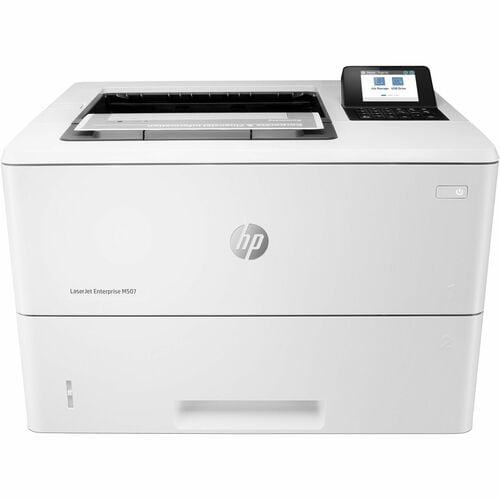
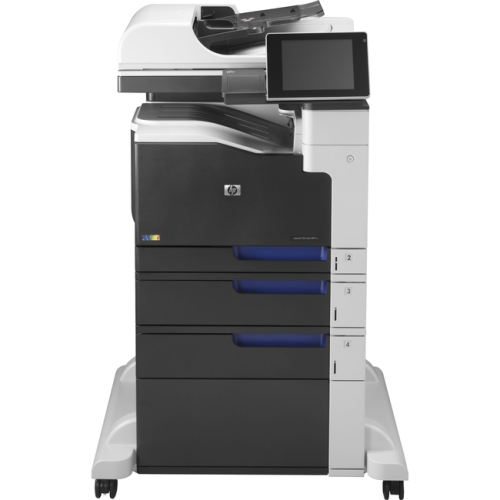
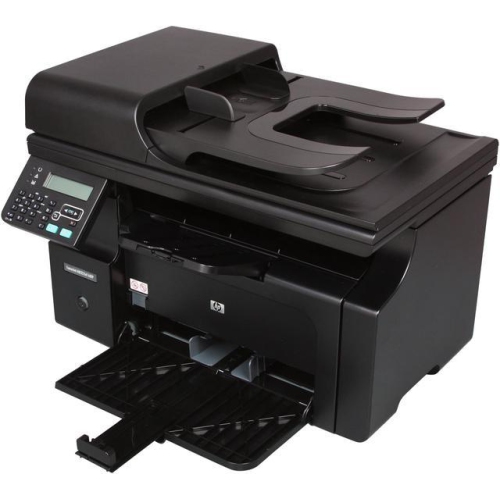
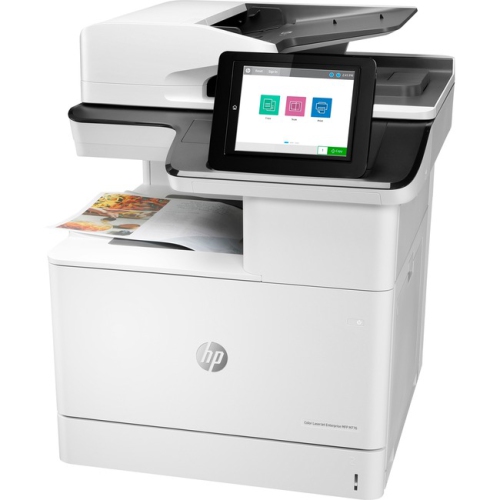
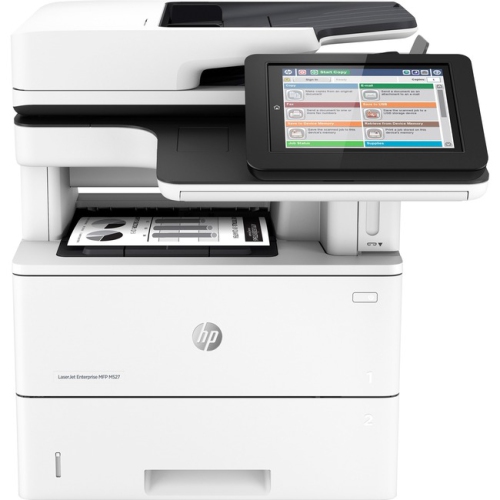
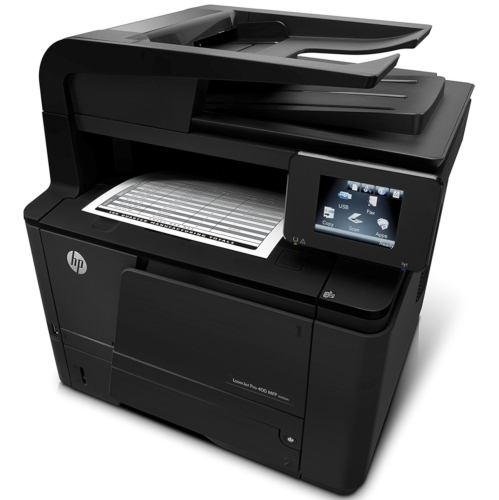
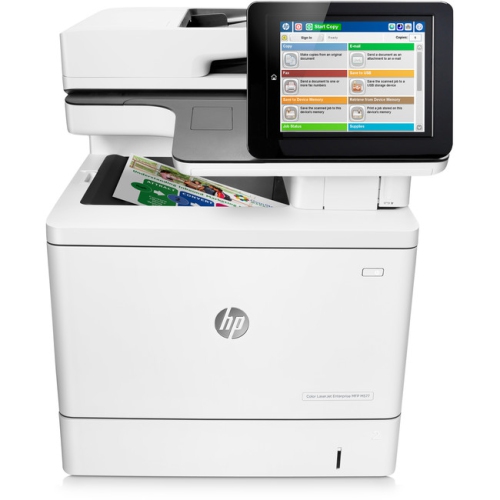
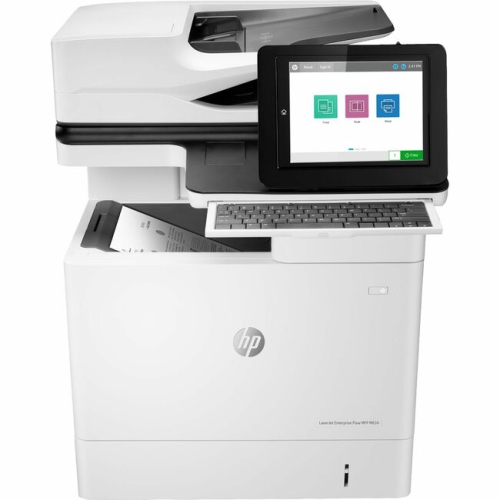
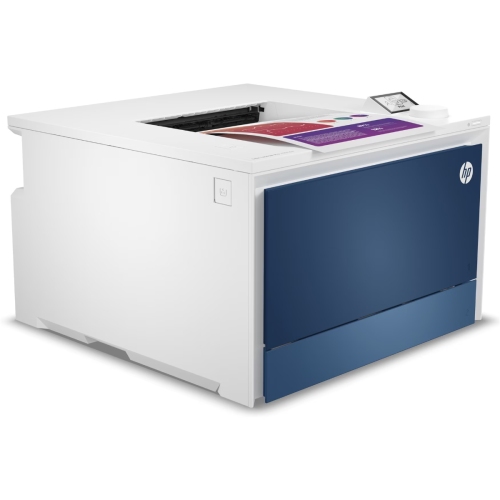
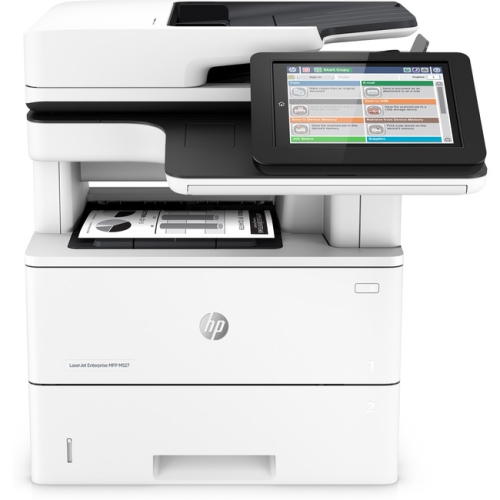
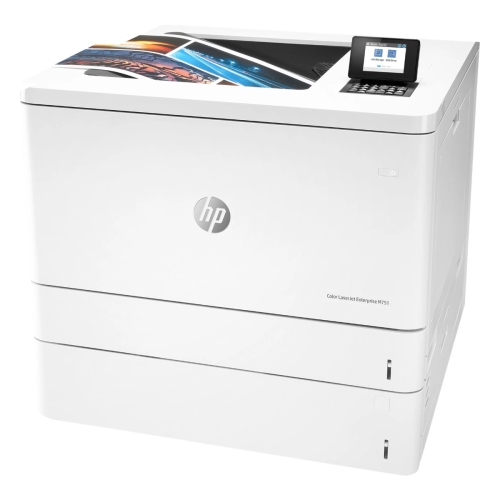
Crisp everyday documents without a cable to every computer
Wi-Fi connectivity allows a compatible laser printer to receive jobs from supported computers and mobile devices over a network, giving more flexibility in where it sits. Wireless does not mean cordless: the printer still needs a power connection and enough clearance for ventilation, paper loading, and access to its doors and trays. A position near the people who collect documents, but away from a crowded keyboard area, often works well. Reliable network coverage matters more than simply placing the printer out of sight; thick walls, distance from the router, and enclosed furniture can affect the connection. Supported Wi-Fi bands vary, and some printers use a 2.4 GHz connection rather than supporting every band offered by a newer router. Compatibility with the household or office network, computer operating systems, and preferred mobile printing method is therefore an important part of the fit. Depending on the printer, setup may use a touchscreen, desktop software, or a mobile app. Direct wireless printing may also be supported, allowing a compatible device to connect without joining the same router-based network, but this is a separate capability from standard Wi-Fi printing. In a shared workplace, wired Ethernet can be a useful additional connection where supported. Physical proportions deserve just as much attention as connectivity. The stated width and depth may describe the printer with its trays closed, while actual use requires extra space for loaded paper, extended output supports, and cartridge replacement. Those furnishing a narrow desk or a modest work nook may find Small Laserjet Printers relevant to their space. A sturdy, level surface helps support the machine and keeps paper handling consistent. Operating sound also affects placement, especially beside a video-call station or in a room shared with someone studying. During the cooler months, keeping the printer away from damp entryways and direct heat sources helps maintain suitable conditions for both the machine and its paper supply.
Day-to-day performance depends on more than the headline pages-per-minute figure. First-page output time matters when printing a single return label before leaving home, while sustained speed becomes more noticeable during a run of lengthy reports. Paper tray capacity influences how often someone needs to reload the machine, and an additional tray, where supported, can keep different paper sizes ready for distinct tasks. Letter-size documents are common in Canadian homes and offices, but legal-size sheets, envelopes, heavier paper, and labels require explicit support for the size, weight, and media type involved. Labels and specialty paper should be rated for laser printing because the printing process applies heat; unsuitable adhesive sheets or coated media can cause jams or damage. Smooth, dry paper stored flat tends to feed more reliably than curled sheets left exposed to moisture. Durable outer housings are commonly made from rigid plastic, with internal components designed to move and heat paper repeatedly, but long-term reliability still depends on appropriate use and routine care. The recommended monthly page volume is a more useful measure of a comfortable ongoing workload than the maximum duty cycle, which describes an upper operating limit rather than a regular target. Toner yield also varies with page coverage, so dense graphics and full-page designs can use more toner than short text documents. Some printers combine the toner and imaging drum in one cartridge, while others use separate components with different replacement intervals. Accessible cartridge compartments and straightforward paper paths make routine maintenance less disruptive. Dusting exterior surfaces with a soft cloth, keeping vents clear, and following the manufacturer’s cleaning directions help protect the finish and moving parts; internal areas should be handled only as directed, with the printer powered down and cooled when required. For shared use, supported security settings and software updates also deserve attention, particularly when documents contain personal or business information. With suitable capacity, compatible supplies, and a practical place to work, a wireless laser printer can handle everything from a few neatly printed forms to the steady paperwork of a busy small office.
Top selling and popular products
-
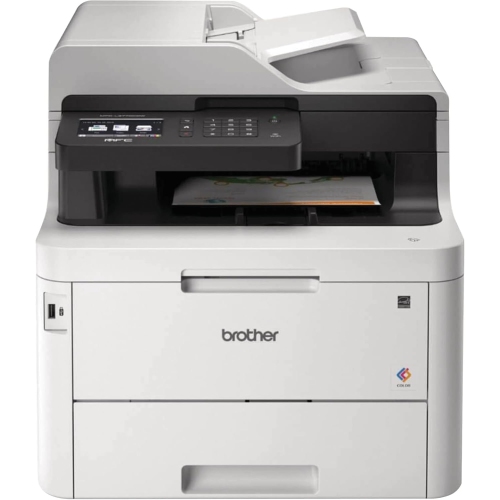 Your price for this item is $799
 -
 Your price for this item is $929.89
 -
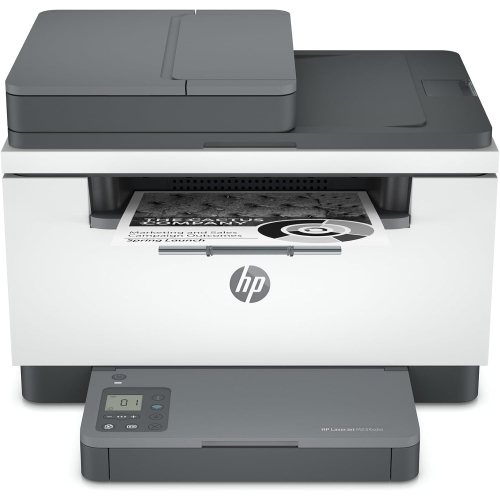 Your price for this item is $371.83
 -
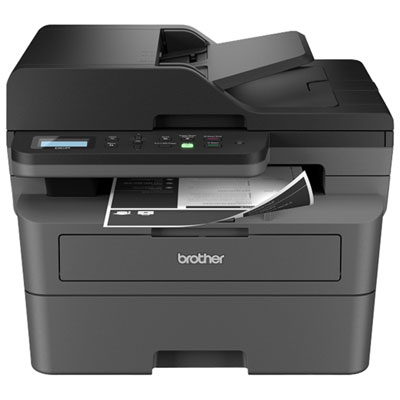 Your price for this item is $219.99
 -
 Your price for this item is $487.68
 -
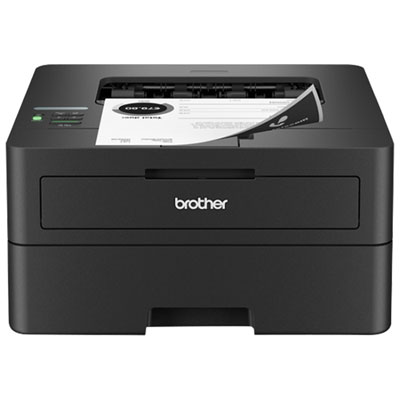 Your price for this item is $179.99
 -
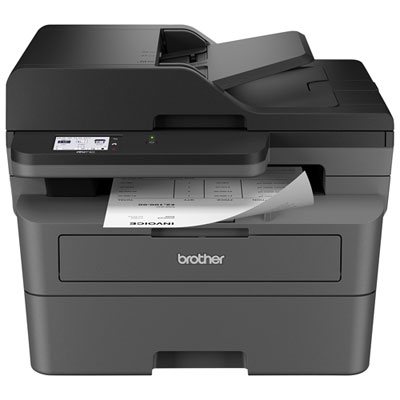 Your price for this item is $379.99
 -
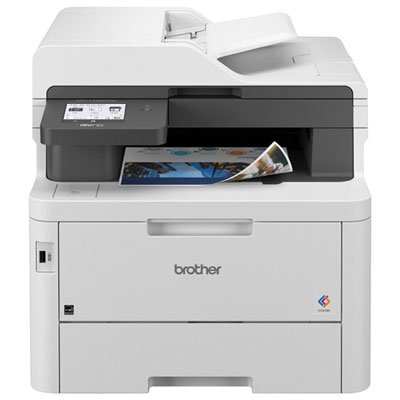 Your price for this item is $679.99