HP LaserJet Enterprise
Discover the power and reliability of HP LaserJet Enterprise printers, designed to meet the demands of busy offices and professional environments. With a focus on efficiency and performance, these printers are ideal for businesses seeking consistent results and streamlined workflows. Explore a range of models to find the perfect fit for your printing needs, all backed by innovative technology and trusted quality. Elevate your workspace with HP LaserJet Enterprise solutions available at Best Buy.
Sort
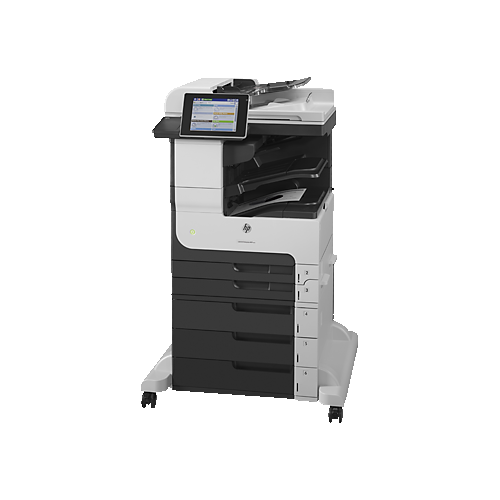
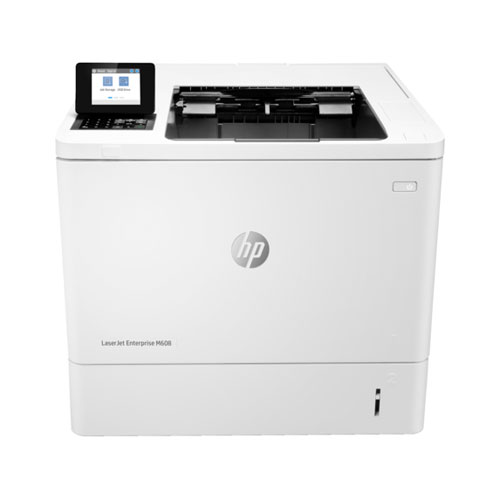
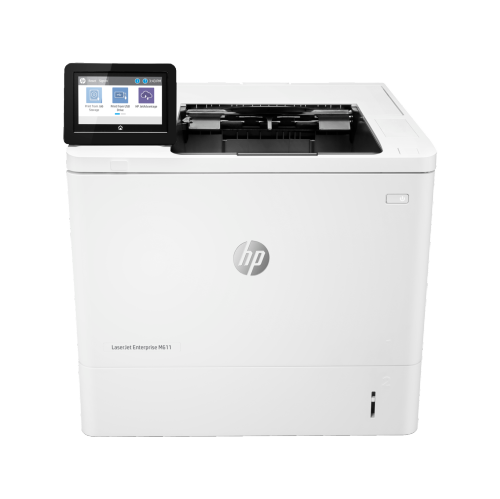
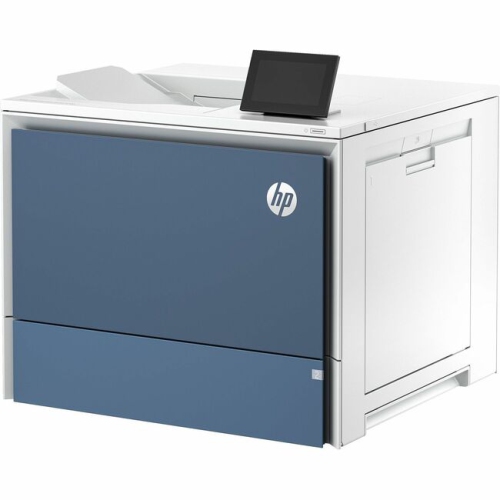
Shared office printing goes beyond pages per minute
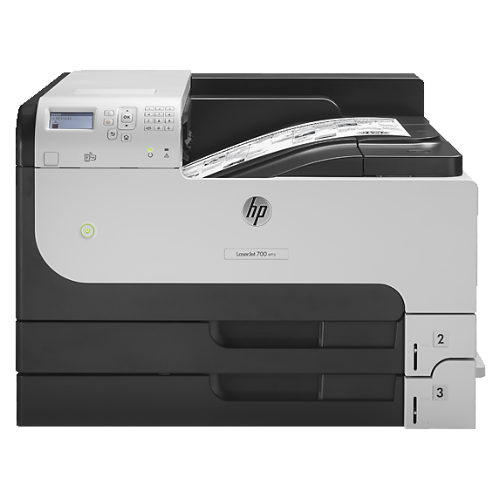
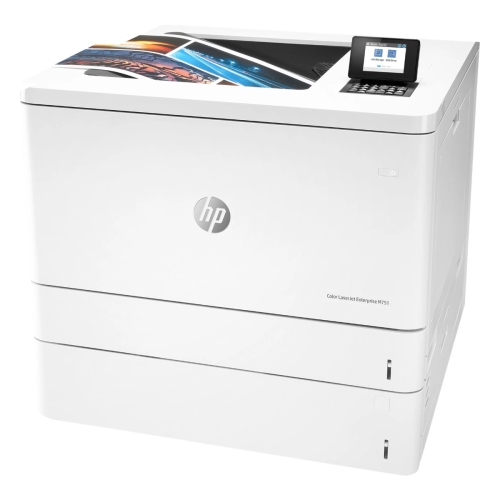
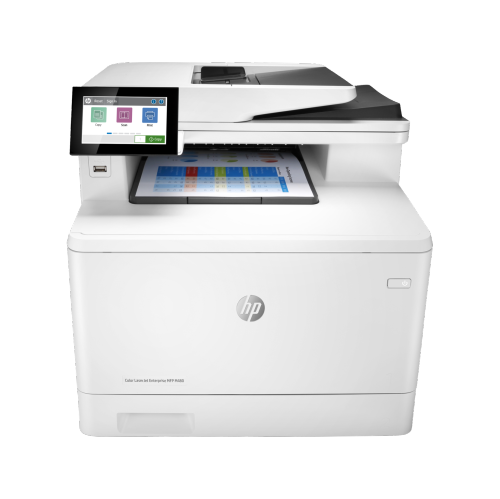
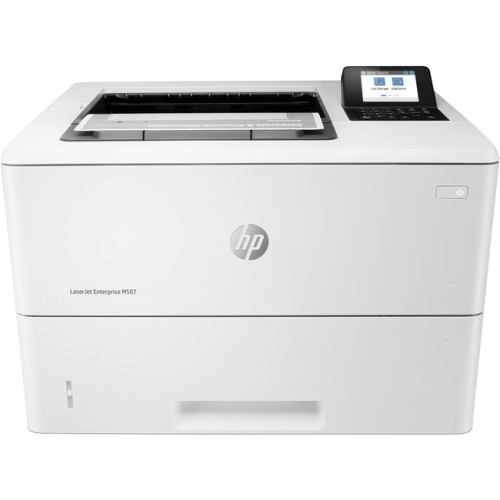
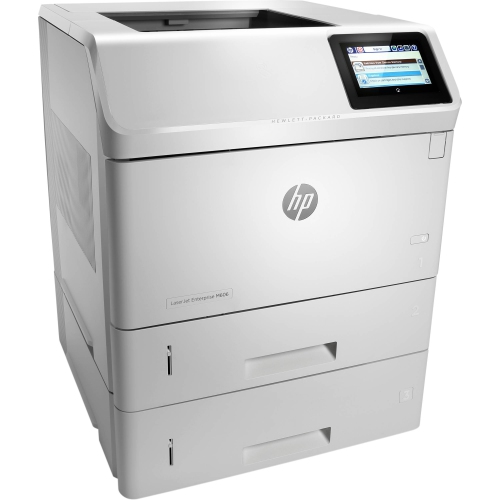
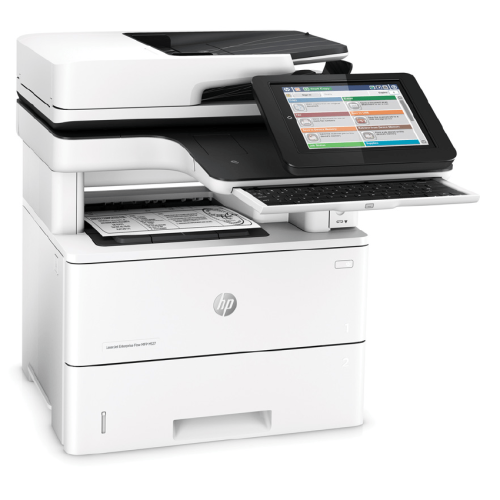
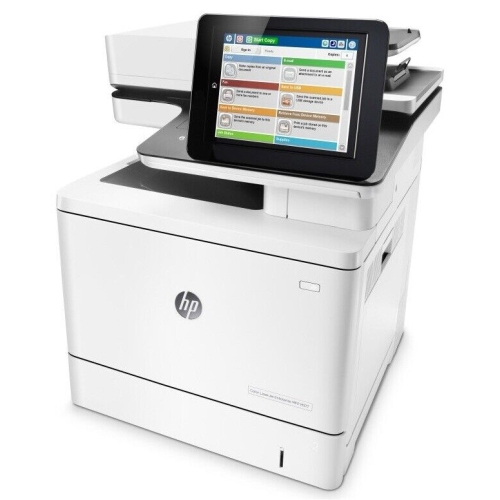
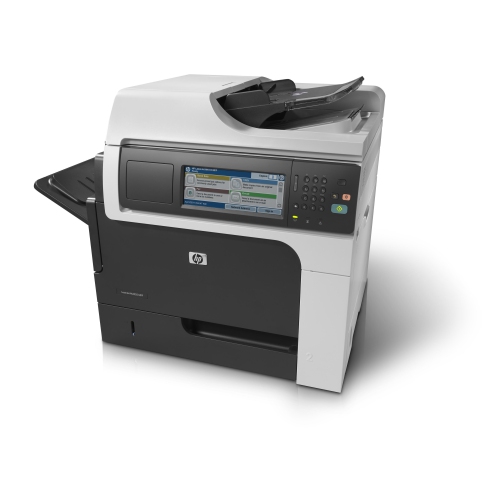
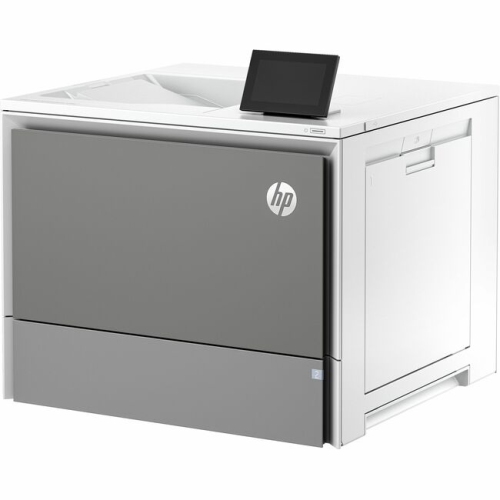
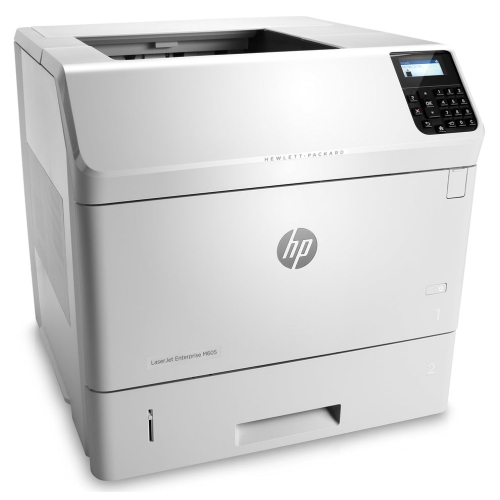
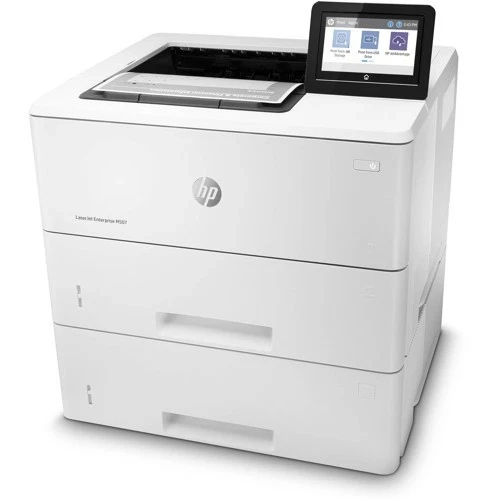
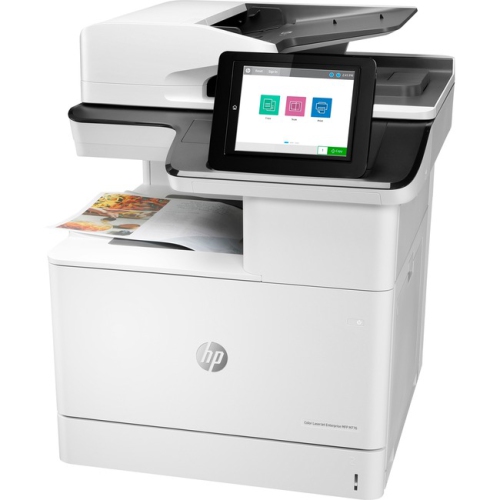
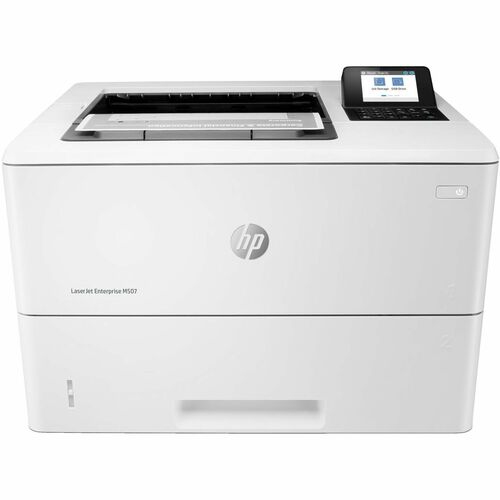
Enterprise laser printers are designed for shared business printing, with monochrome and colour options in both single-function and multifunction formats. Their role is to keep documents moving through offices where several people may need invoices, reports, contracts, forms, and presentation materials throughout the day. A monochrome printer suits work centred on clear black text, line drawings, and internal paperwork, while a colour printer adds flexibility for charts, branded documents, training materials, and client-facing handouts. Single-function designs concentrate on printing; multifunction designs bring printing, copying, and scanning together, with fax capabilities on some models. The most useful distinction is how closely a printer matches the work passing through it. A reception desk producing short documents has different needs from an accounting department printing lengthy statements or a busy administrative team preparing meeting packages. Print speed matters, but it is only part of that picture. First-page output time affects the experience of collecting a quick document, while automatic two-sided printing and larger paper trays can make longer jobs easier to manage. Published speeds may also differ between one-sided and two-sided output, so comparable measurements provide a clearer picture of performance. Monthly print volume is another important consideration. A recommended monthly page range describes the workload a printer is intended to handle regularly, whereas its maximum duty cycle represents a much higher limit rather than an everyday target. Matching routine output to the recommended range helps establish realistic expectations for maintenance and ongoing use. Paper capacity deserves similar attention: a small team with frequent, short print jobs may value straightforward access to the output tray, while a department running larger batches may benefit from additional input trays. Separate trays can also keep plain paper, letterhead, and other supported media ready without repeated changes. For shared workgroups, dependable document handling is often as valuable as headline speed, especially when different employees send jobs at the same time.
Print quality, paper compatibility, and physical fit shape how comfortably a business laser printer becomes part of a workspace. Laser printing uses toner and heat to produce finished pages, making it well suited to crisp text and precise lines on compatible office paper. Colour output can make a spreadsheet easier to interpret or give a proposal a more polished appearance, although photographic results depend on the printer, paper, and document settings. Paper intended for inkjet printing is not automatically suitable for a laser printer; supported weights, coatings, labels, and envelopes need to match the printer’s media specifications. Heat-compatible labels are particularly important because unsuitable adhesive materials can cause feeding problems or damage internal parts. Businesses that regularly print legal-size documents, heavier covers, or custom-size forms benefit from checking those capabilities before settling on a format. The printer’s footprint also extends beyond its cabinet dimensions. Front drawers need room to open, service doors need clearance, and output trays must remain accessible without blocking a walkway or neighbouring workstation. Larger multifunction units may need extra space above the scanner lid as well as a stable surface that can support their weight. In a smaller office, positioning can influence everyday comfort: a shared printer is easier to use when employees can collect pages and replace paper without interrupting someone seated beside it. Durable construction supports repeated use, but reliability also depends on ordinary care. Keeping paper flat and dry, loading trays within their marked limits, and setting the guides correctly can reduce misfeeds and skewed pages. Toner cartridges, imaging components, rollers, and fusers have different replacement arrangements across designs, so maintenance needs are not identical from one printer to another. Easy access to these parts can simplify routine servicing. A printer that handles the right paper, fits its location, and allows straightforward upkeep is better placed to support consistent office work over time.
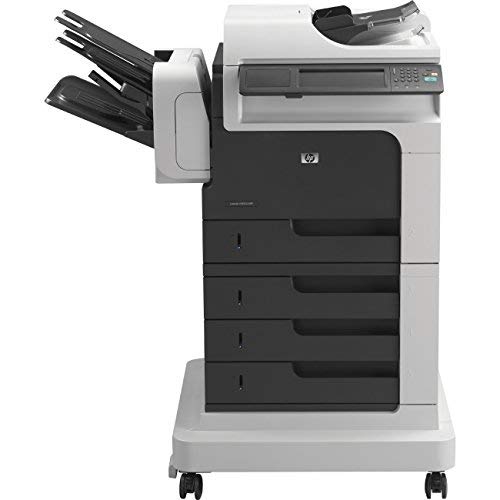
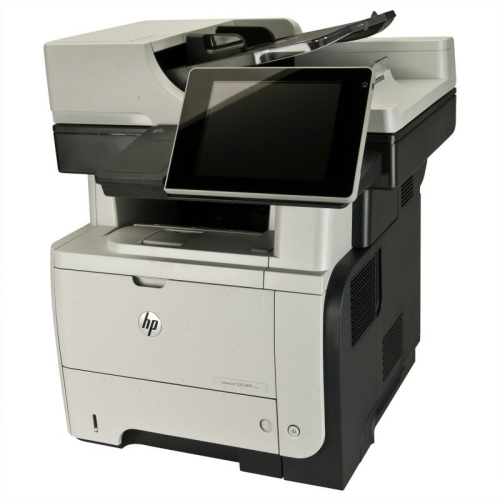
Multifunction capability becomes especially useful when paper documents need to move into digital workflows. An automatic document feeder can simplify scanning a stack of signed forms, while a flatbed scanner accommodates individual sheets and suitable bound materials that cannot pass through a feeder. Two-sided scanning, where supported, reduces manual handling for documents printed on both sides. Scan speed, feeder capacity, and supported destinations matter to teams processing intake forms, delivery records, or multi-page agreements. Searchable document formats and routing features may depend on included software, configuration, or additional services, so the complete workflow matters more than a single feature name. Connectivity is equally practical. Ethernet can provide a wired connection for a shared office printer, while Wi-Fi and mobile printing are available on selected designs. Compatibility with the computers, operating systems, and printing tools used across a business helps avoid unnecessary friction, particularly in offices with a mix of devices. For administrators, supported management tools can make it easier to configure settings, monitor supplies, and maintain consistent policies across several printers. Security features also deserve attention wherever printed documents contain personal, financial, or confidential business information. Depending on the model and setup, authentication, protected network communication, and held-print functions can help control access and reduce the chance of sensitive pages sitting unattended in an output tray. These capabilities work alongside sensible placement and routine software updates; they do not replace a business’s wider information-handling practices. A team printing employee records may value controlled document release, while a customer service desk may prioritize quick access to standard forms and uncomplicated scanning. For a related focus on monochrome business printing, explore HP LaserJet P3015. Across enterprise laser printing, the strongest fit comes from balancing document type, shared workload, paper handling, connectivity, and maintenance needs. That balance supports an orderly print area where routine tasks remain straightforward, whether the job is a single signed letter or a complete set of documents for a department meeting.
Print quality, paper compatibility, and physical fit shape how comfortably a business laser printer becomes part of a workspace. Laser printing uses toner and heat to produce finished pages, making it well suited to crisp text and precise lines on compatible office paper. Colour output can make a spreadsheet easier to interpret or give a proposal a more polished appearance, although photographic results depend on the printer, paper, and document settings. Paper intended for inkjet printing is not automatically suitable for a laser printer; supported weights, coatings, labels, and envelopes need to match the printer’s media specifications. Heat-compatible labels are particularly important because unsuitable adhesive materials can cause feeding problems or damage internal parts. Businesses that regularly print legal-size documents, heavier covers, or custom-size forms benefit from checking those capabilities before settling on a format. The printer’s footprint also extends beyond its cabinet dimensions. Front drawers need room to open, service doors need clearance, and output trays must remain accessible without blocking a walkway or neighbouring workstation. Larger multifunction units may need extra space above the scanner lid as well as a stable surface that can support their weight. In a smaller office, positioning can influence everyday comfort: a shared printer is easier to use when employees can collect pages and replace paper without interrupting someone seated beside it. Durable construction supports repeated use, but reliability also depends on ordinary care. Keeping paper flat and dry, loading trays within their marked limits, and setting the guides correctly can reduce misfeeds and skewed pages. Toner cartridges, imaging components, rollers, and fusers have different replacement arrangements across designs, so maintenance needs are not identical from one printer to another. Easy access to these parts can simplify routine servicing. A printer that handles the right paper, fits its location, and allows straightforward upkeep is better placed to support consistent office work over time.
Multifunction capability becomes especially useful when paper documents need to move into digital workflows. An automatic document feeder can simplify scanning a stack of signed forms, while a flatbed scanner accommodates individual sheets and suitable bound materials that cannot pass through a feeder. Two-sided scanning, where supported, reduces manual handling for documents printed on both sides. Scan speed, feeder capacity, and supported destinations matter to teams processing intake forms, delivery records, or multi-page agreements. Searchable document formats and routing features may depend on included software, configuration, or additional services, so the complete workflow matters more than a single feature name. Connectivity is equally practical. Ethernet can provide a wired connection for a shared office printer, while Wi-Fi and mobile printing are available on selected designs. Compatibility with the computers, operating systems, and printing tools used across a business helps avoid unnecessary friction, particularly in offices with a mix of devices. For administrators, supported management tools can make it easier to configure settings, monitor supplies, and maintain consistent policies across several printers. Security features also deserve attention wherever printed documents contain personal, financial, or confidential business information. Depending on the model and setup, authentication, protected network communication, and held-print functions can help control access and reduce the chance of sensitive pages sitting unattended in an output tray. These capabilities work alongside sensible placement and routine software updates; they do not replace a business’s wider information-handling practices. A team printing employee records may value controlled document release, while a customer service desk may prioritize quick access to standard forms and uncomplicated scanning. For a related focus on monochrome business printing, explore HP LaserJet P3015. Across enterprise laser printing, the strongest fit comes from balancing document type, shared workload, paper handling, connectivity, and maintenance needs. That balance supports an orderly print area where routine tasks remain straightforward, whether the job is a single signed letter or a complete set of documents for a department meeting.
Top selling and popular products
-
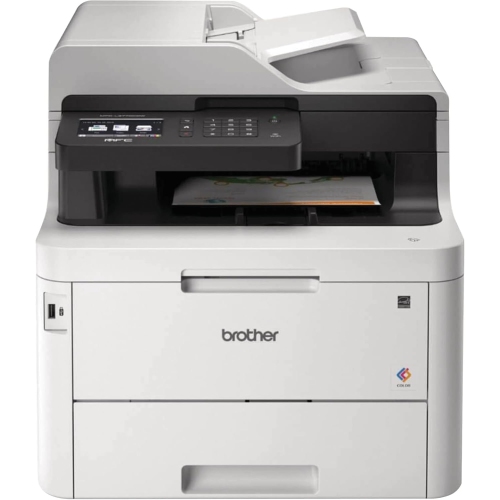 Your price for this item is $799
 -
 Your price for this item is $929.89
 -
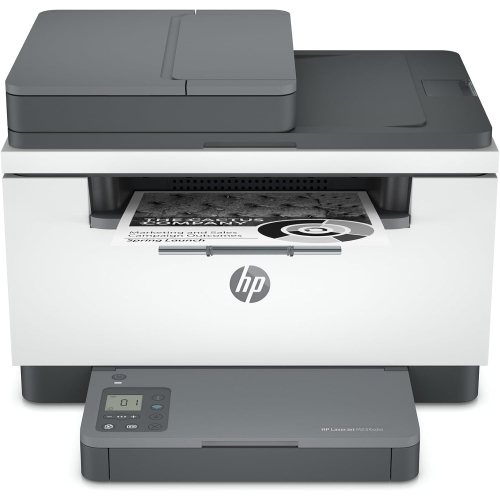 Your price for this item is $371.83
 -
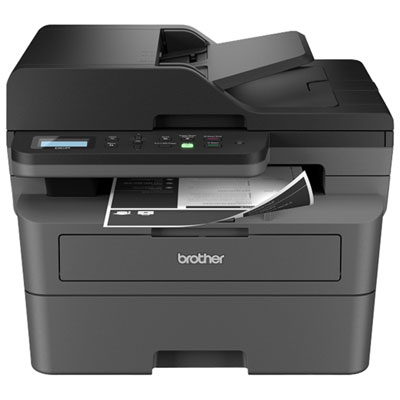 Your price for this item is $219.99
 -
 Your price for this item is $487.68
 -
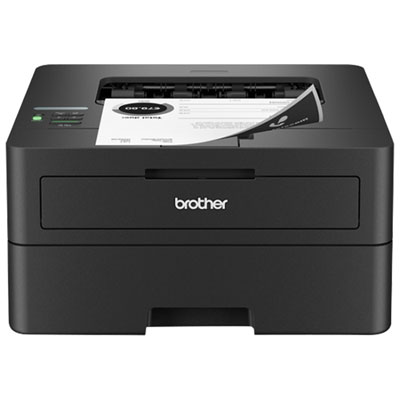 Your price for this item is $179.99
 -
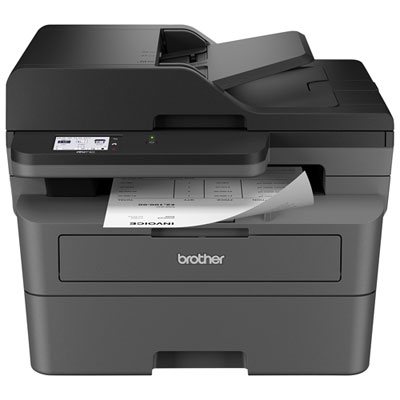 Your price for this item is $379.99
 -
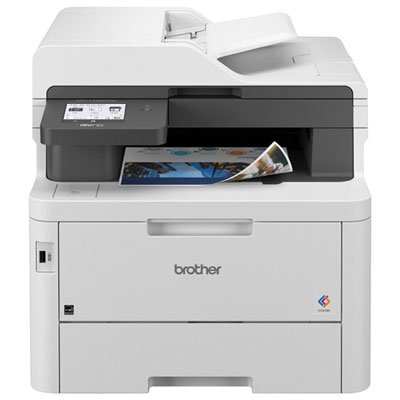 Your price for this item is $679.99
Discover more categories related to HP LaserJet Enterprise
Top Collections:
Pokemon Centers, Best Cameras for Sports Photography, Kindle Devices, Samsung Galaxy Phones, Canon G7X Cameras, Pokémon 30th Celebration Cards, Refurbished Apple Laptops, iPhone 15 Apple, Laptops for Students, Budget Smartphones
Some products may be subject to Environmental Handling Fees
(EHF) depending on your province.
Learn more about EHFs.