HP ZBook 15 G3
The HP ZBook 15 G3 is designed for those who need powerful performance and reliable mobility in one sleek package. Ideal for professionals, students, and creatives alike, the HP ZBook 15 G3 offers the flexibility to tackle demanding tasks whether you're at the office, in a classroom, or on the go. Explore a range of configurations and options to find the perfect fit for your workflow and productivity needs.
Sort
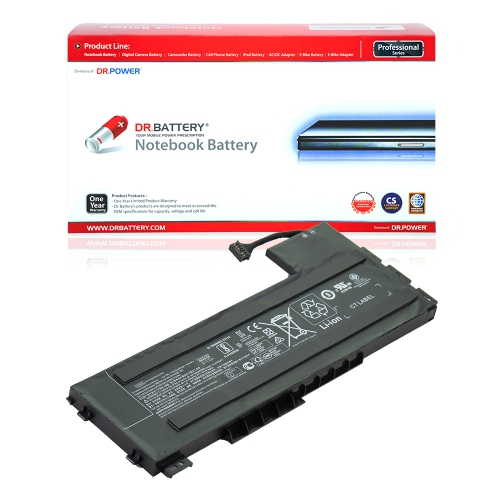
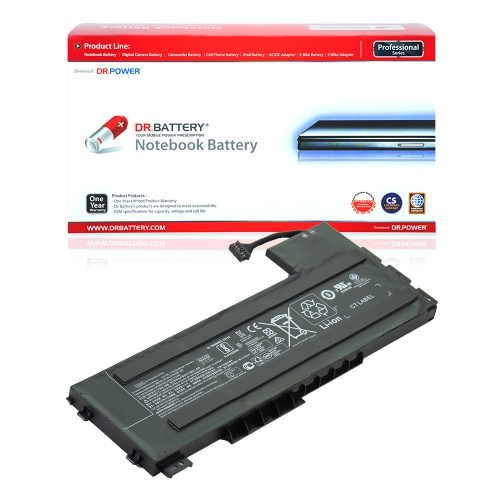
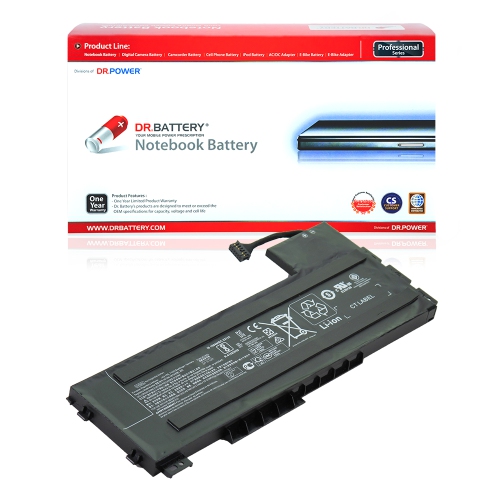
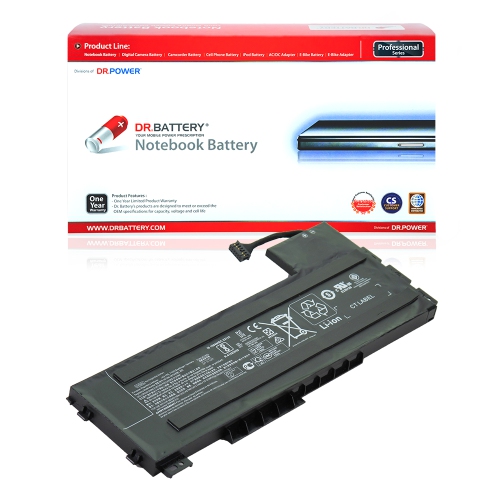
![DR. BATTERY Replacement for HP Zbook 15U G3 15U G3 V1H60Ut 15U G4 15U G4 1Rq41Es 800231-271 800513-001 Cs03Xl [11.4V / 47Wh]](https://multimedia.bbycastatic.ca/multimedia/products/500x500/152/15228/15228862.jpeg)
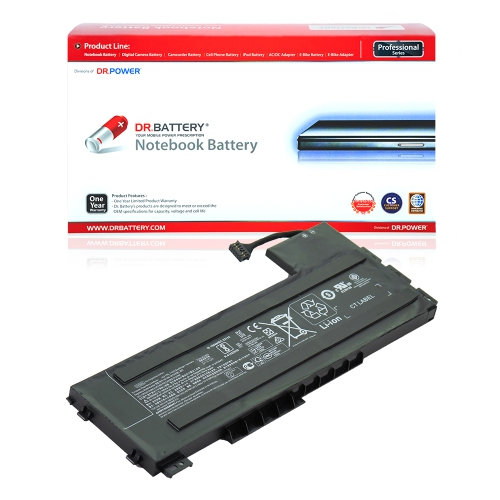
What older mobile workstations can handle today
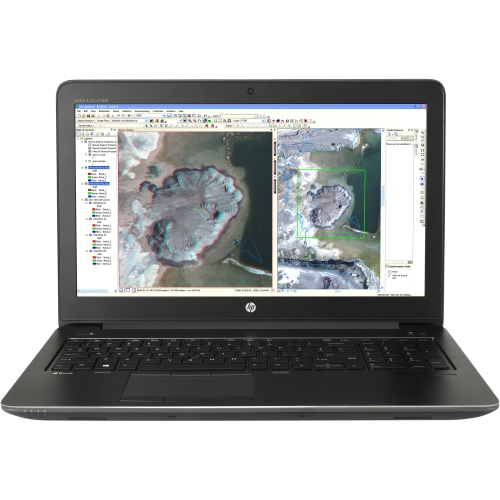
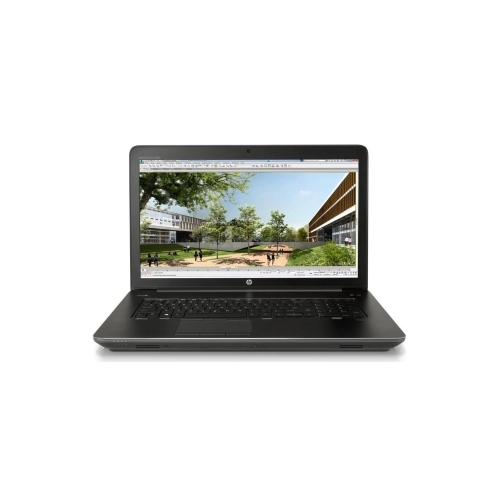
A 15.6-inch mobile workstation is a laptop designed for technical and creative work, including computer-aided design, 3D modelling, engineering applications and programming. Systems from the sixth-generation processor era often combine quad-core processors, dedicated professional graphics and DDR4 memory, although performance depends on the exact configuration. This type of computer suits people who need more than basic document editing but still want to move between a desk, a classroom and a client meeting. An engineering student might use one to revise a mechanical assembly, while a designer might keep reference drawings beside a modelling application. Professional graphics hardware can help with supported design software, but its benefits depend on the application, driver version and complexity of the project. A workstation label alone does not guarantee smooth performance with every modern program. Older machines may remain practical for programming, office tasks, coursework and less demanding design projects, while complex simulations, large assemblies and high-resolution video effects can exceed their capabilities. Processor speed, graphics memory, system memory and storage each influence a different part of that experience. More memory helps when several applications and large files are open together, whereas solid-state storage improves responsiveness when starting the computer, launching software and loading projects. Neither automatically compensates for an older processor or graphics chip. The display also deserves attention: a 15.6-inch panel provides room for drawing tools, spreadsheets and timelines, but resolution determines how much detail fits on screen. A higher-resolution panel can show finer detail, while text scaling affects the size of menus and controls. For photography, illustration and other colour-sensitive tasks, panel characteristics and calibration matter as much as screen size. These distinctions make the configuration more useful than a broad performance label when judging how a workstation will handle a particular workload. A typical day involving code, browser tabs and occasional drafting places different demands on a laptop than continuous rendering or detailed animation.
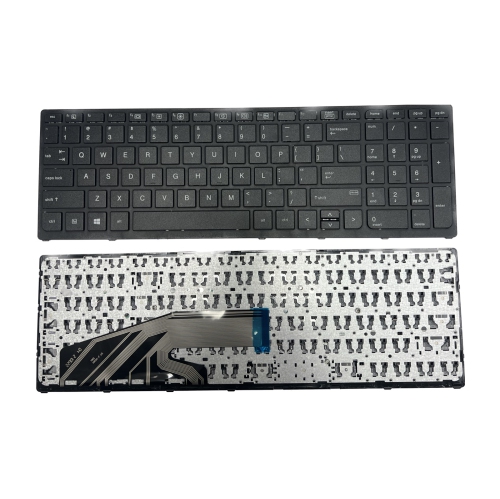
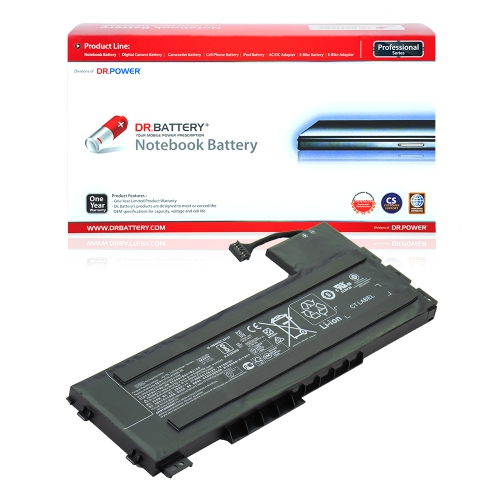
The physical character of a mobile workstation is also different from that of a thin, everyday laptop. Reinforced construction, substantial hinges and metal panels are common in this category, though materials and design vary. That sturdier build can suit regular movement between workspaces, but it usually brings extra weight and a larger power adapter. A padded laptop compartment needs enough room for the computer’s full width, depth and thickness, not just its advertised screen measurement. For someone carrying a machine across campus or between meeting rooms, the combined weight of the laptop, charger and accessories can be more important than the laptop’s weight alone. At a desk, keyboard comfort, palm-rest space and the position of frequently used ports shape daily use. A keyboard with a numeric keypad can be helpful for spreadsheets and technical data entry, while a responsive touchpad matters when there is no room for a mouse. With a refurbished workstation, cosmetic condition and functional condition are separate considerations. Light marks on a lid are different from a loose hinge, an unreliable charging socket or a display with bright spots. Refurbishment processes, condition grades and battery assessments can differ, so the stated condition and included accessories help establish what to expect. Battery capacity generally declines with age and use; original battery-life figures do not establish how long a particular machine will run today. Demanding graphics work can also shorten unplugged use considerably compared with typing or reading documents. Routine care supports dependable operation: ventilation openings need clear space, and a firm desk surface is better suited to sustained workloads than a cushion or blanket. Cleaning methods should follow the manufacturer’s care directions, with liquid kept away from openings and abrasive materials kept off the display. A fitted sleeve, careful cable handling and protection from knocks help preserve the screen, hinges and connectors. For a computer that travels regularly, these practical details matter alongside its technical specifications.
Connections, software support and upgrade compatibility round out the picture for an older workstation-class laptop. USB ports, wired networking and external-display outputs can make it easier to connect a mouse, drawing tablet, office network or larger monitor, but the exact ports and their capabilities vary by configuration. A connector’s shape does not establish every supported function, and docking compatibility depends on the laptop, dock and power requirements. At a fixed desk, an external monitor and keyboard can create a more comfortable arrangement for long drafting sessions or detailed spreadsheet work. Memory and storage upgrades may also extend a machine’s usefulness, provided the components match its supported specifications. The number of memory slots, maximum supported capacity, drive format and storage interface all affect compatibility; physically fitting a component is not always enough. Software requirements deserve equally close attention. Older hardware may run familiar applications well while falling outside the requirements of newer operating systems or recent professional software releases. Operating-system eligibility, security-update support, graphics drivers and application requirements all contribute to whether a machine is suitable for work, study or business use. Software licences and required accessories are separate considerations unless their inclusion is expressly stated. Regular backups are valuable for any computer holding project files, especially when a single folder contains drawings, code and weeks of revisions. For a student, hobbyist programmer or technically minded recipient, a workstation can be a thoughtful gift when its specifications match the software they actually use. Portability, battery expectations and course or workplace requirements are often more meaningful than an impressive specification in isolation. Related business-laptop browsing is also available on the Hewlett Packard Probook 640 G2 page. The distinction between general office productivity and workstation workloads helps keep comparisons practical: document editing, technical drawing and sustained rendering place very different demands on a computer. Matching those demands to the processor, graphics, memory, display and physical condition creates a clearer picture of how a laptop will fit into everyday use.
The physical character of a mobile workstation is also different from that of a thin, everyday laptop. Reinforced construction, substantial hinges and metal panels are common in this category, though materials and design vary. That sturdier build can suit regular movement between workspaces, but it usually brings extra weight and a larger power adapter. A padded laptop compartment needs enough room for the computer’s full width, depth and thickness, not just its advertised screen measurement. For someone carrying a machine across campus or between meeting rooms, the combined weight of the laptop, charger and accessories can be more important than the laptop’s weight alone. At a desk, keyboard comfort, palm-rest space and the position of frequently used ports shape daily use. A keyboard with a numeric keypad can be helpful for spreadsheets and technical data entry, while a responsive touchpad matters when there is no room for a mouse. With a refurbished workstation, cosmetic condition and functional condition are separate considerations. Light marks on a lid are different from a loose hinge, an unreliable charging socket or a display with bright spots. Refurbishment processes, condition grades and battery assessments can differ, so the stated condition and included accessories help establish what to expect. Battery capacity generally declines with age and use; original battery-life figures do not establish how long a particular machine will run today. Demanding graphics work can also shorten unplugged use considerably compared with typing or reading documents. Routine care supports dependable operation: ventilation openings need clear space, and a firm desk surface is better suited to sustained workloads than a cushion or blanket. Cleaning methods should follow the manufacturer’s care directions, with liquid kept away from openings and abrasive materials kept off the display. A fitted sleeve, careful cable handling and protection from knocks help preserve the screen, hinges and connectors. For a computer that travels regularly, these practical details matter alongside its technical specifications.
Connections, software support and upgrade compatibility round out the picture for an older workstation-class laptop. USB ports, wired networking and external-display outputs can make it easier to connect a mouse, drawing tablet, office network or larger monitor, but the exact ports and their capabilities vary by configuration. A connector’s shape does not establish every supported function, and docking compatibility depends on the laptop, dock and power requirements. At a fixed desk, an external monitor and keyboard can create a more comfortable arrangement for long drafting sessions or detailed spreadsheet work. Memory and storage upgrades may also extend a machine’s usefulness, provided the components match its supported specifications. The number of memory slots, maximum supported capacity, drive format and storage interface all affect compatibility; physically fitting a component is not always enough. Software requirements deserve equally close attention. Older hardware may run familiar applications well while falling outside the requirements of newer operating systems or recent professional software releases. Operating-system eligibility, security-update support, graphics drivers and application requirements all contribute to whether a machine is suitable for work, study or business use. Software licences and required accessories are separate considerations unless their inclusion is expressly stated. Regular backups are valuable for any computer holding project files, especially when a single folder contains drawings, code and weeks of revisions. For a student, hobbyist programmer or technically minded recipient, a workstation can be a thoughtful gift when its specifications match the software they actually use. Portability, battery expectations and course or workplace requirements are often more meaningful than an impressive specification in isolation. Related business-laptop browsing is also available on the Hewlett Packard Probook 640 G2 page. The distinction between general office productivity and workstation workloads helps keep comparisons practical: document editing, technical drawing and sustained rendering place very different demands on a computer. Matching those demands to the processor, graphics, memory, display and physical condition creates a clearer picture of how a laptop will fit into everyday use.
Top selling and popular products
-
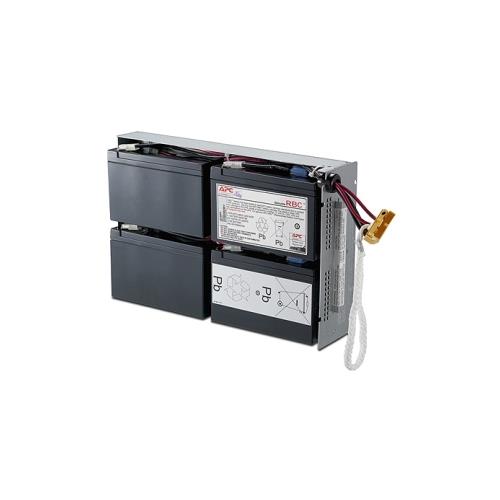 Your price for this item is $727.82
 -
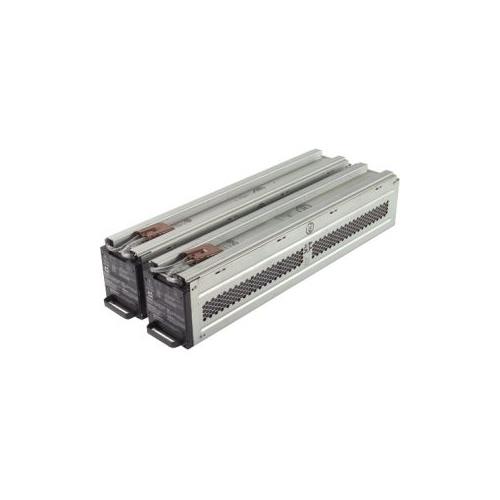 Your price for this item is $1116.68
 -
![DR. BATTERY Replacement for HP Probook 430 G6-5Pq40Ea G6-5Pq62Ea G6-5Pq75Ea L32407-541 L32407-Ac1 L32656-002 [11.55V / 40Wh]](https://multimedia.bbycastatic.ca/multimedia/products/500x500/154/15458/15458885.jpeg) Your price for this item is $69.99
Your price for this item is $69.99 -
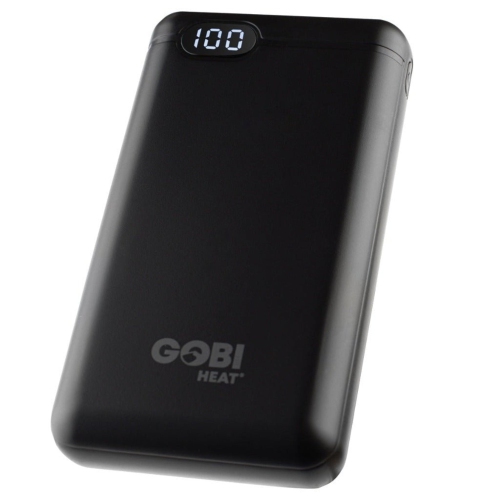 Your price for this item is $100
 -
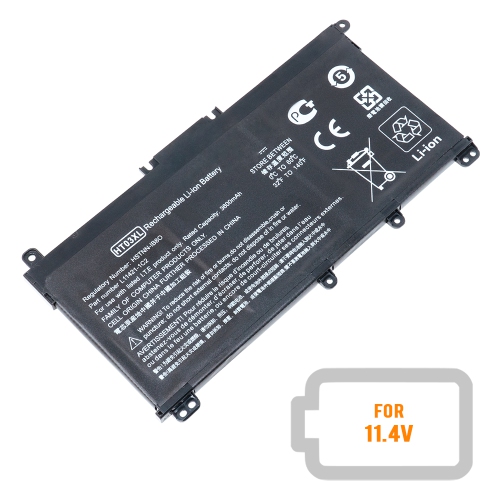 Your price for this item is $39.77
 -
 Your price for this item is $87.99
 -
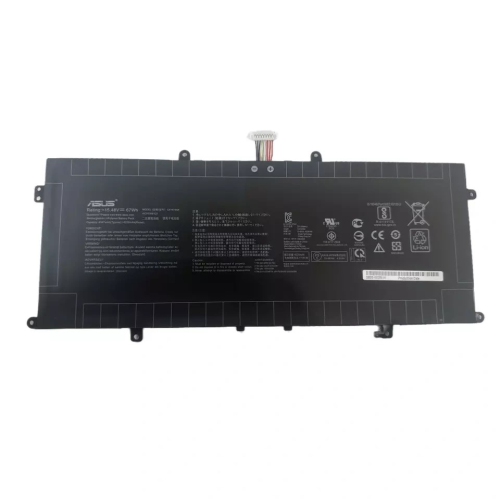 Your price for this item is $94.99
 -
 Your price for this item is $129
Discover more categories related to HP ZBook 15 G3
Top Collections:
Pokemon Centers, Best Cameras for Sports Photography, Kindle Devices, Samsung Galaxy Phones, Canon G7X Cameras, Pokémon 30th Celebration Cards, Refurbished Apple Laptops, iPhone 15 Apple, Laptops for Students, Budget Smartphones
Some products may be subject to Environmental Handling Fees
(EHF) depending on your province.
Learn more about EHFs.