Inkjet Printers With Mobile Printing Features
If you're looking for a printer that can keep up with your busy life, an inkjet printer with mobile printing features is the way to go. These machines can print wirelessly from your smartphone, tablet, or computer. They also have extra features that make them ideal for home offices and small businesses.
Sort

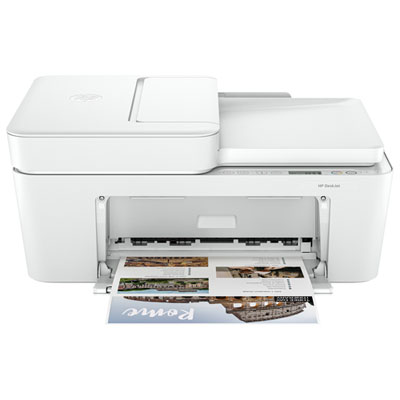
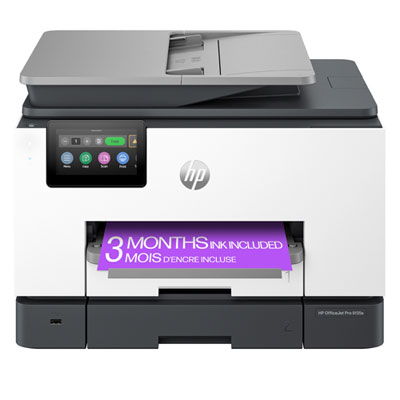
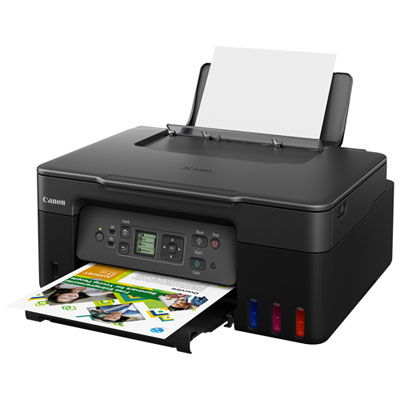
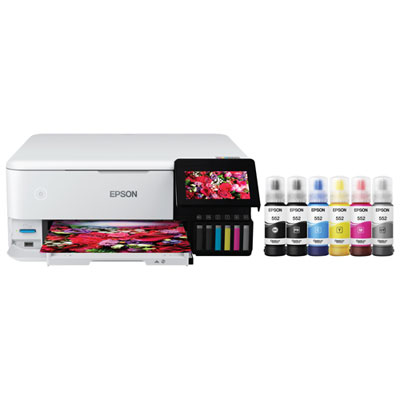
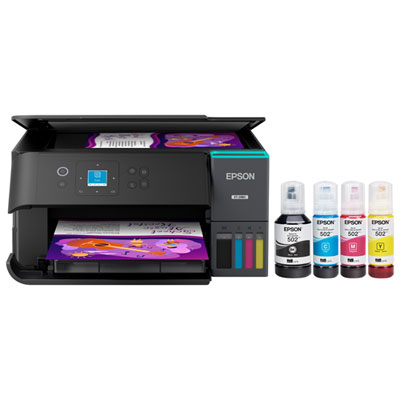
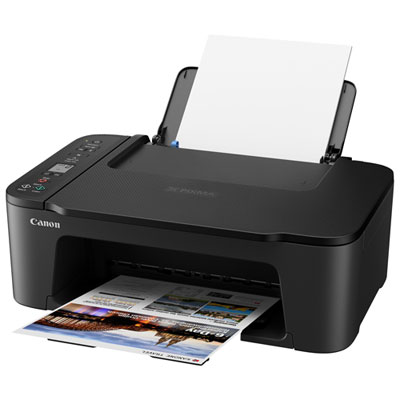
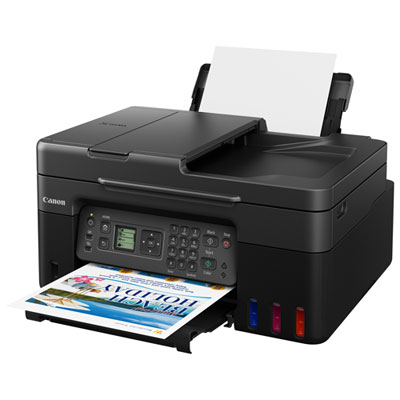
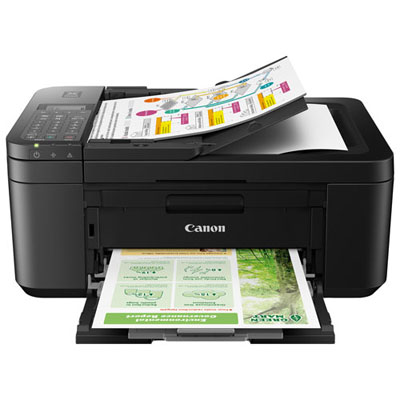
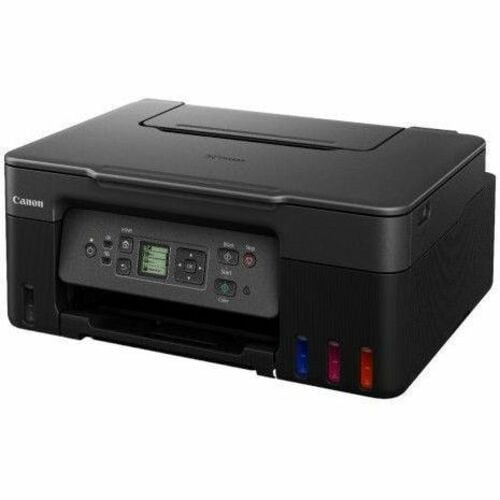
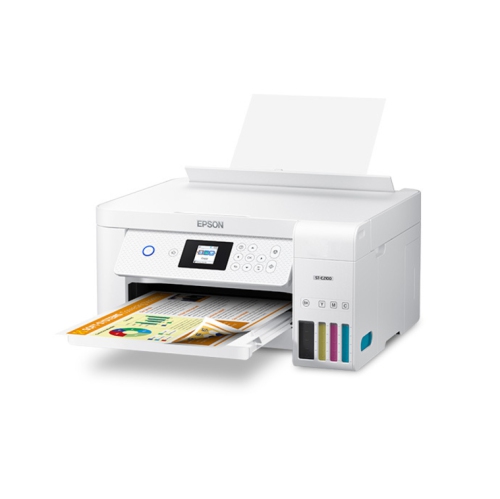
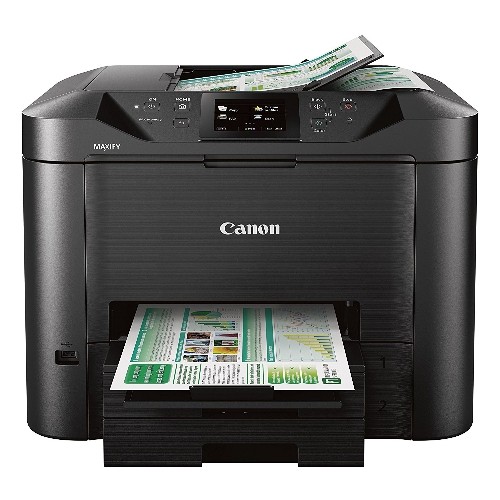
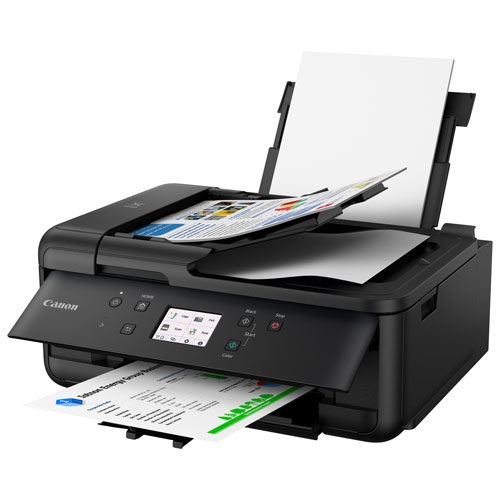
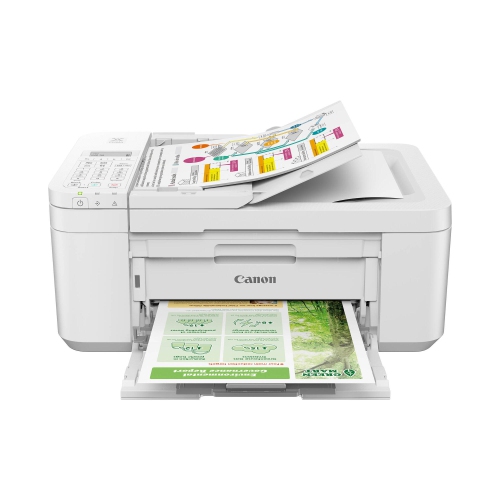
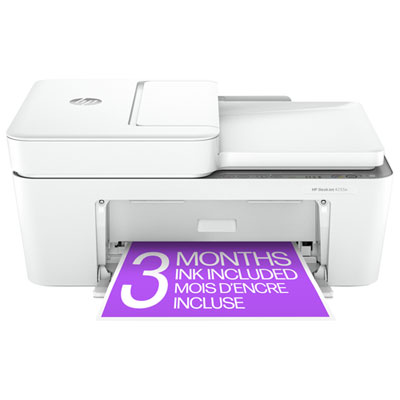
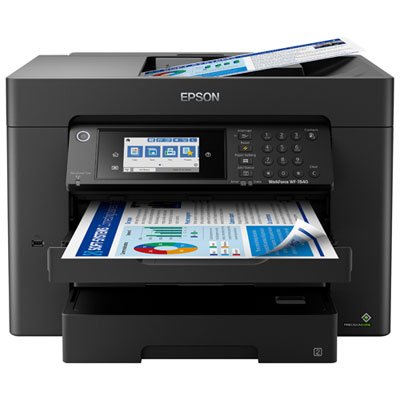
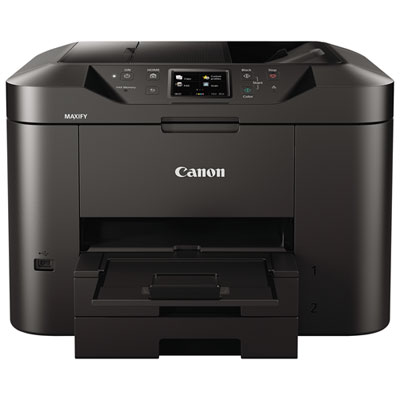
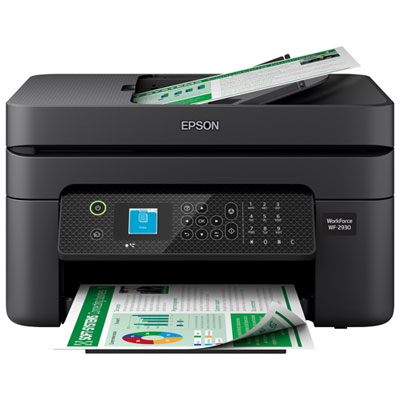
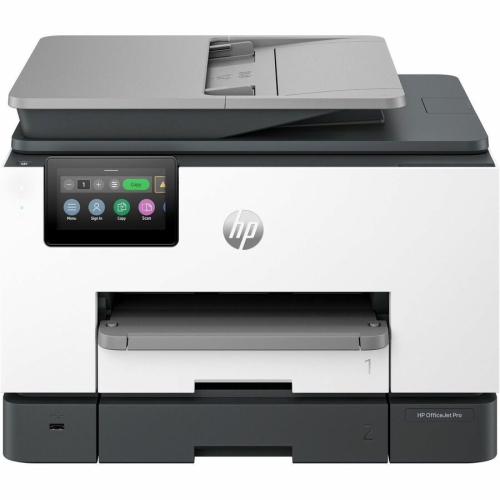
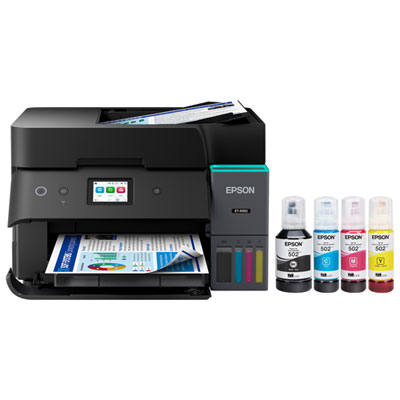
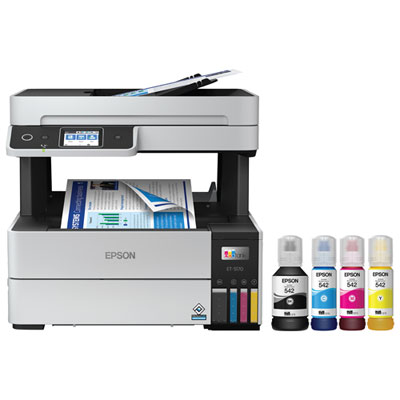
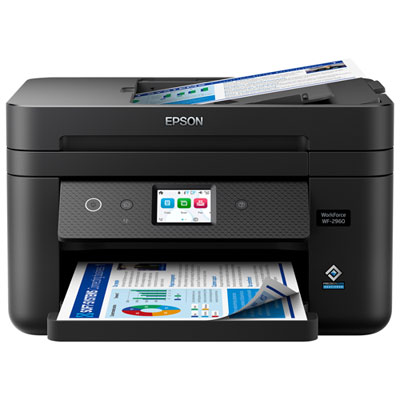

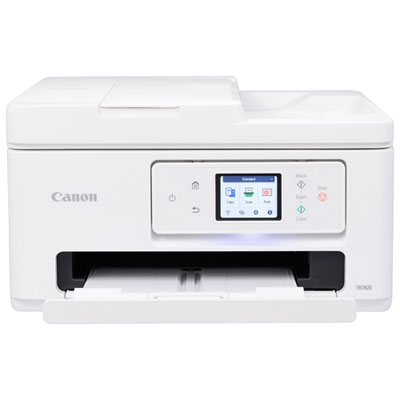
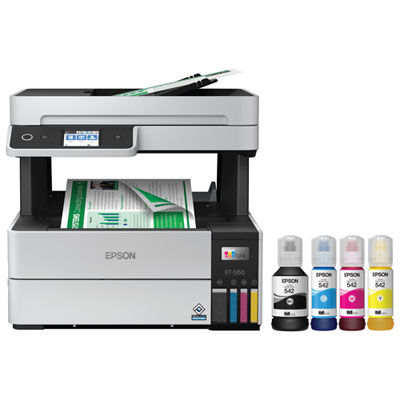


Mobile devices become practical printing stations beyond the desktop
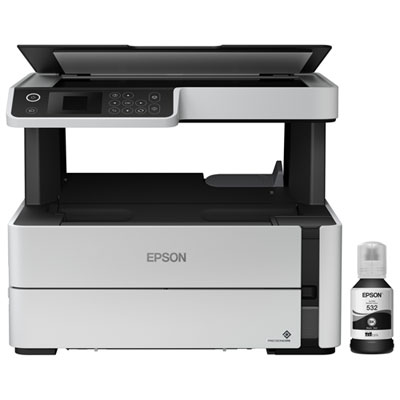
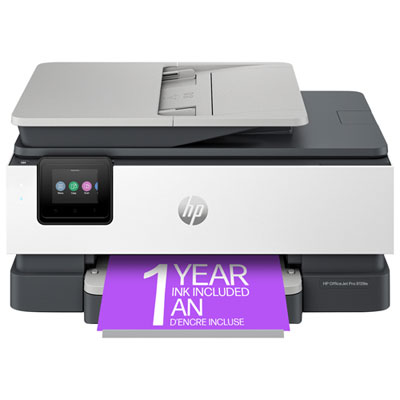
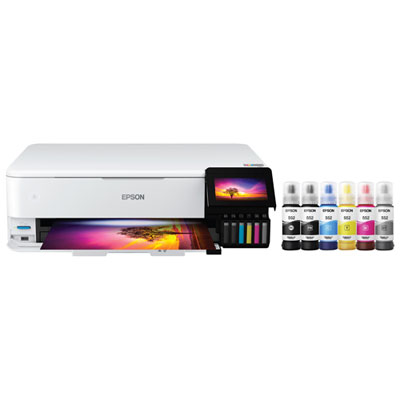
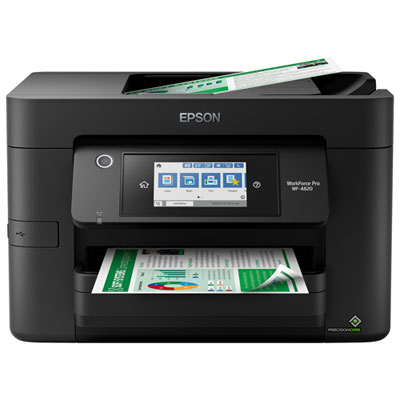
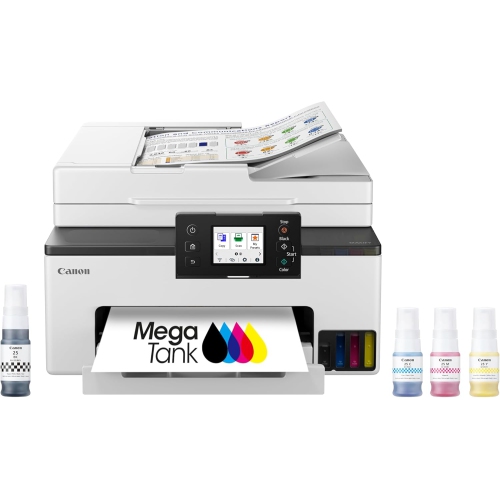
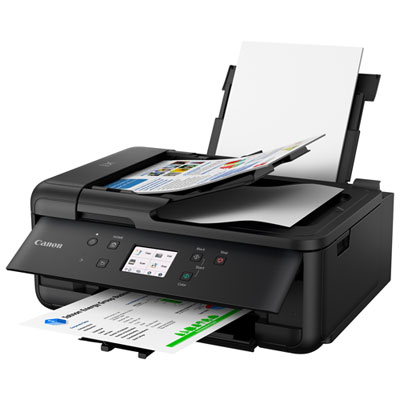
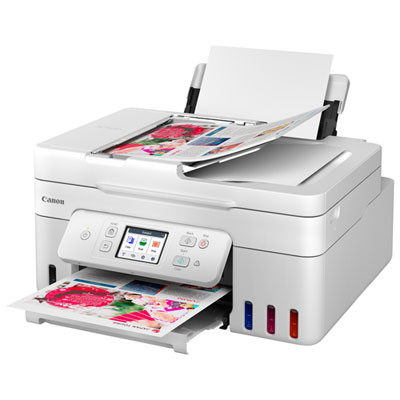
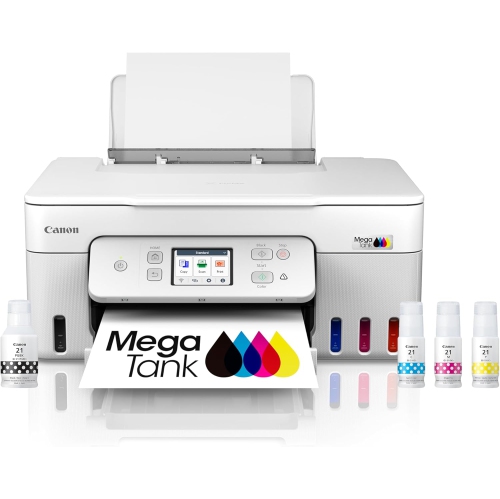
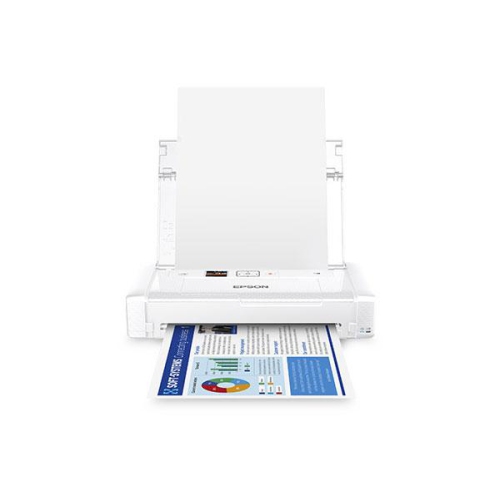
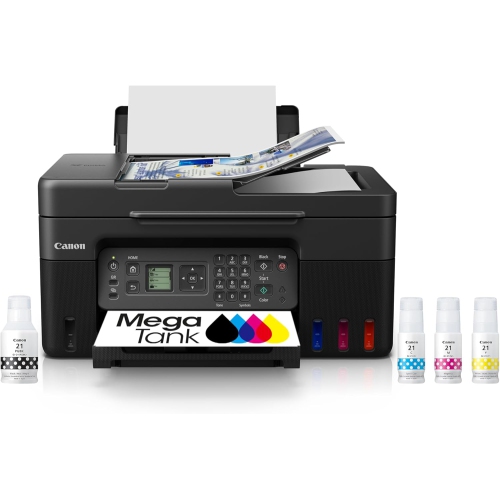
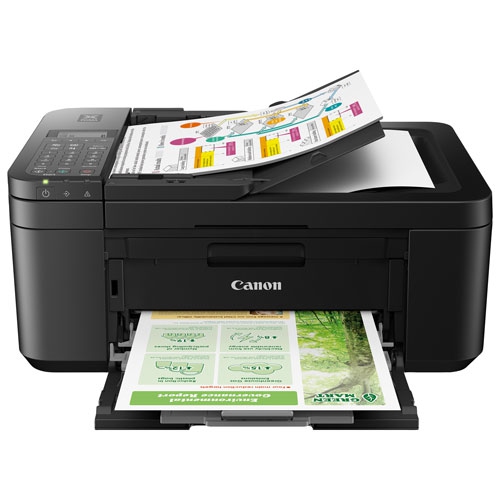
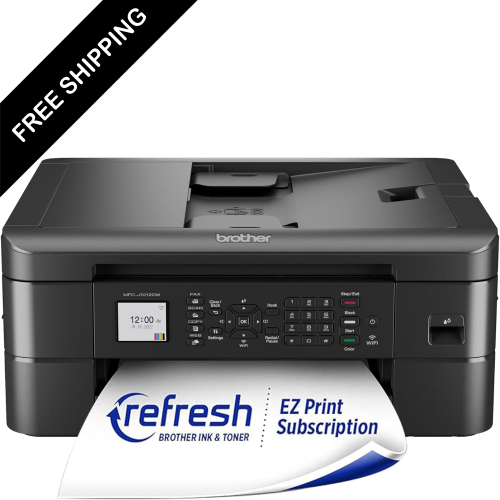
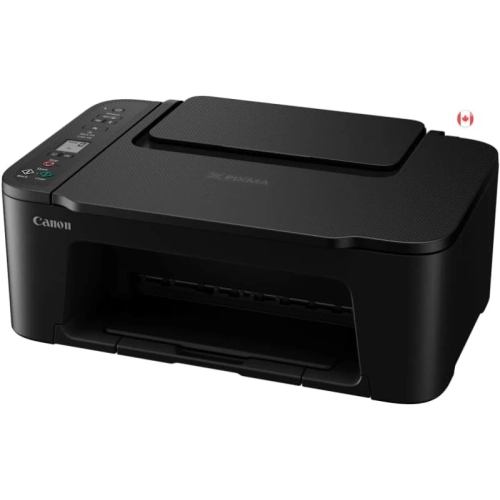
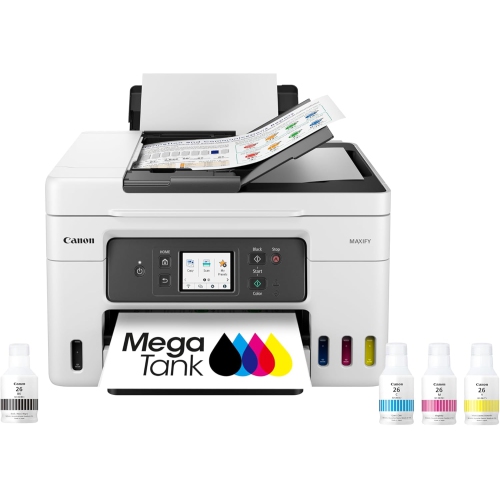
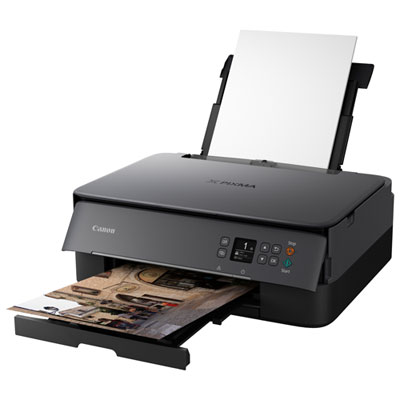
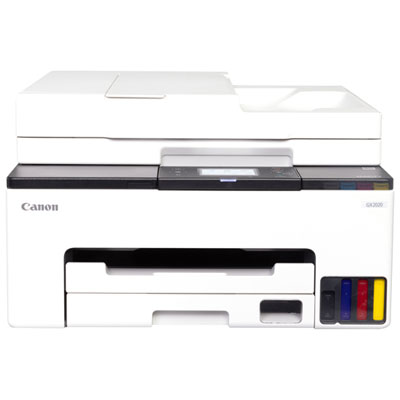
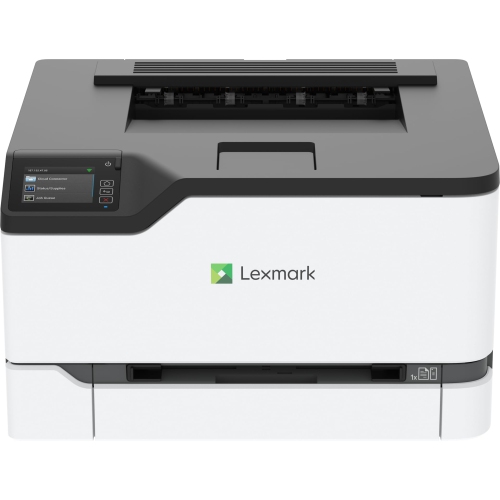
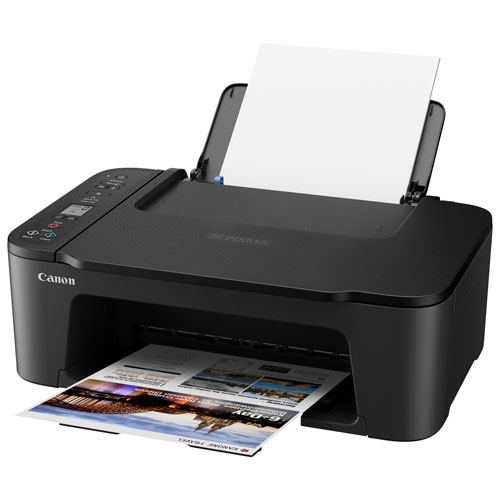
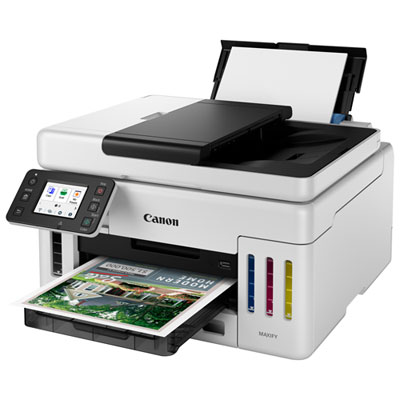
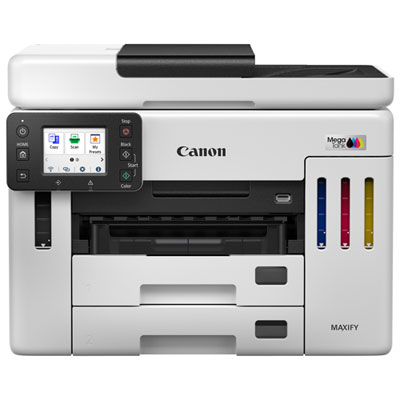
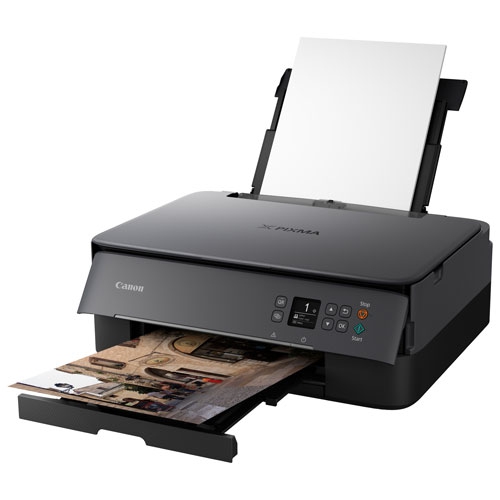
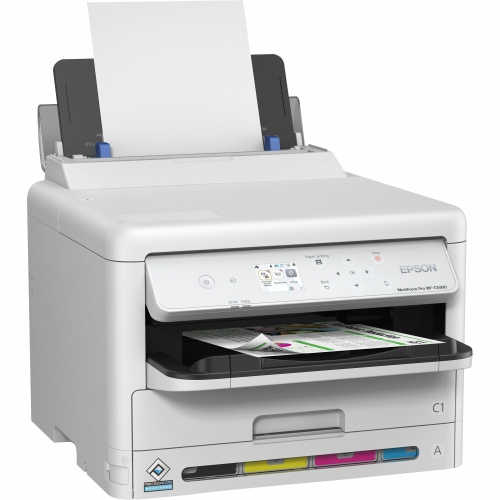
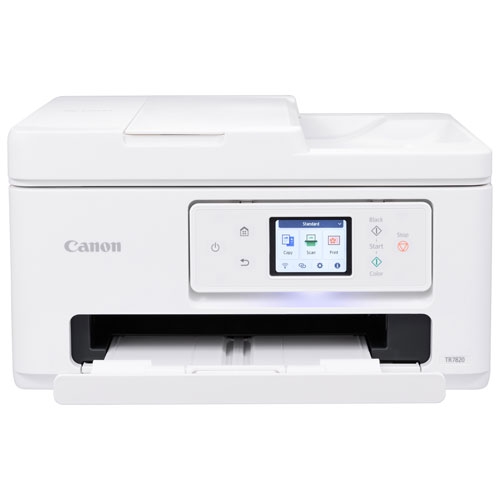
Inkjet printers with mobile printing features make it easier to turn a phone, tablet, or laptop into a practical printing station without relying on a traditional desktop setup. They are well suited to households, home offices, students, small businesses, and anyone who wants to print from more than one room. A mobile-enabled printer can handle everyday documents such as forms, shipping labels, recipes, school assignments, travel confirmations, and meeting notes, while many models also produce colour images, invitations, charts, and photographs. Instead of transferring a file to a computer first, you can often send it directly from a mobile device through a compatible printing app or built-in service. Apple AirPrint and Mopria Print Service are common options, while Wi-Fi Direct allows a phone or tablet to connect to the printer without using a regular router. This can be especially useful in a new apartment, a shared workspace, a classroom, or a cottage where the usual home network is unavailable. Before choosing a model, check that its mobile features work with the operating systems and devices used by everyone in your household. It is also worth considering the type of content you print most often. A compact black-and-colour inkjet can be a sensible choice for occasional documents and bright graphics, while a model with separate ink cartridges may offer more flexibility when one colour runs low. Print speed, paper capacity, maximum paper size, and the cost and availability of replacement ink all contribute to the day-to-day experience. If you expect to print several pages at a time, look for an automatic document feeder, which can help scan, copy, or print a stack of pages with less hands-on effort. A touchscreen or clear control panel can also make setup and maintenance more straightforward, particularly for users who prefer not to manage every task through a computer.
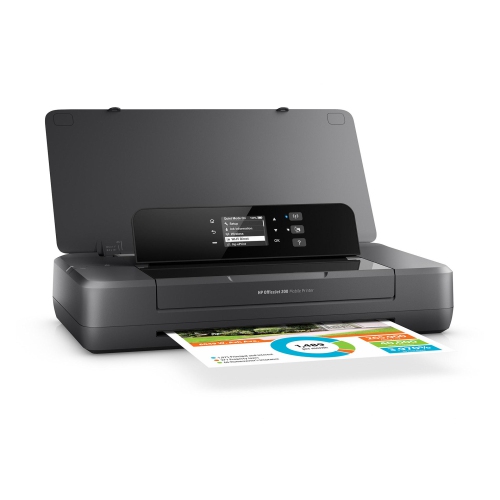
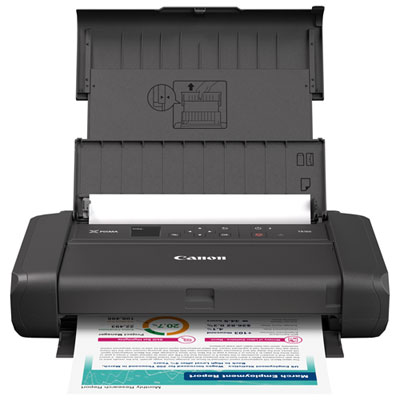
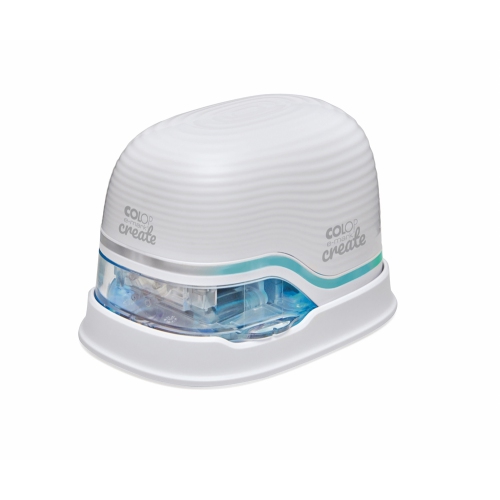
For people who print away from a permanent desk, a battery-powered portable inkjet printer offers an extra level of flexibility. These compact units are designed to fit into a work bag, carry-on, or storage drawer, making them useful for mobile professionals, real estate agents, teachers, students, tradespeople, and families travelling by car. A built-in rechargeable battery can let you print where a wall outlet is inconvenient, whether you are completing paperwork at a client’s location, preparing forms in a meeting room, or organizing documents during a move. Charging options vary, so review whether the printer uses a standard AC adapter, a USB cable, or both. Battery life can also depend on the number of pages printed, the amount of colour coverage, and whether wireless features remain active between jobs. Portable models often have a smaller paper tray and a more compact output area than full-size home printers, so they are best suited to moderate print runs rather than large batches. Some include scanning and copying functions, which can be valuable when you need to capture a signed page, duplicate an identification form, or send a paper document back to the office. Others focus primarily on printing and keep the design especially light. A built-in screen may make it easier to review settings, select a connection, or check ink and battery information without opening an app. As the weather cools and routines move indoors, mobile printing can also help with homework, household records, activity schedules, and documents needed for travel or appointments. These printers can make thoughtful gifts for post-secondary students moving into residence, family members setting up a home office, or anyone who regularly works between home and another location. For a gift, pay attention to the recipient’s phone type, preferred paper size, need for colour, and access to a wireless network rather than choosing based on compact size alone.
For a printer that will stay in one place, a standard wireless inkjet may provide a larger paper tray, faster output, and more room for scanning or copying while still allowing printing from mobile devices. Browsing Inkjet Printers With Wi-Fi Connectivity can be helpful when a rechargeable battery is not a priority and the printer will be used primarily at home or in an office. When comparing models, look at the complete connection process from setup to everyday use. A printer may support Wi-Fi, Wi-Fi Direct, Bluetooth, or a combination of these options, but the most convenient choice depends on how you plan to send files. Check whether the printer can be shared by multiple users, whether it supports the paper sizes you need, and whether its companion app offers useful controls for colour, double-sided printing, page range, and quality. Inkjet printers can be particularly versatile for families because one device may cover schoolwork, personal correspondence, craft projects, occasional photos, and administrative tasks. Keep paper stored flat and dry, use the recommended paper type for photographs or heavier projects, and print a small page periodically if the printer is used only occasionally. For regular work, features such as automatic two-sided printing can reduce paper handling and make longer documents easier to organize. A model with a scanner can also reduce clutter by helping you create digital copies of receipts, signed forms, and important records. Whether you need a lightweight printer for printing on the go or a full-size wireless unit for a busy household, the best fit comes from balancing mobile compatibility, battery needs, scanning functions, print volume, paper handling, and ongoing ink costs.
For people who print away from a permanent desk, a battery-powered portable inkjet printer offers an extra level of flexibility. These compact units are designed to fit into a work bag, carry-on, or storage drawer, making them useful for mobile professionals, real estate agents, teachers, students, tradespeople, and families travelling by car. A built-in rechargeable battery can let you print where a wall outlet is inconvenient, whether you are completing paperwork at a client’s location, preparing forms in a meeting room, or organizing documents during a move. Charging options vary, so review whether the printer uses a standard AC adapter, a USB cable, or both. Battery life can also depend on the number of pages printed, the amount of colour coverage, and whether wireless features remain active between jobs. Portable models often have a smaller paper tray and a more compact output area than full-size home printers, so they are best suited to moderate print runs rather than large batches. Some include scanning and copying functions, which can be valuable when you need to capture a signed page, duplicate an identification form, or send a paper document back to the office. Others focus primarily on printing and keep the design especially light. A built-in screen may make it easier to review settings, select a connection, or check ink and battery information without opening an app. As the weather cools and routines move indoors, mobile printing can also help with homework, household records, activity schedules, and documents needed for travel or appointments. These printers can make thoughtful gifts for post-secondary students moving into residence, family members setting up a home office, or anyone who regularly works between home and another location. For a gift, pay attention to the recipient’s phone type, preferred paper size, need for colour, and access to a wireless network rather than choosing based on compact size alone.
For a printer that will stay in one place, a standard wireless inkjet may provide a larger paper tray, faster output, and more room for scanning or copying while still allowing printing from mobile devices. Browsing Inkjet Printers With Wi-Fi Connectivity can be helpful when a rechargeable battery is not a priority and the printer will be used primarily at home or in an office. When comparing models, look at the complete connection process from setup to everyday use. A printer may support Wi-Fi, Wi-Fi Direct, Bluetooth, or a combination of these options, but the most convenient choice depends on how you plan to send files. Check whether the printer can be shared by multiple users, whether it supports the paper sizes you need, and whether its companion app offers useful controls for colour, double-sided printing, page range, and quality. Inkjet printers can be particularly versatile for families because one device may cover schoolwork, personal correspondence, craft projects, occasional photos, and administrative tasks. Keep paper stored flat and dry, use the recommended paper type for photographs or heavier projects, and print a small page periodically if the printer is used only occasionally. For regular work, features such as automatic two-sided printing can reduce paper handling and make longer documents easier to organize. A model with a scanner can also reduce clutter by helping you create digital copies of receipts, signed forms, and important records. Whether you need a lightweight printer for printing on the go or a full-size wireless unit for a busy household, the best fit comes from balancing mobile compatibility, battery needs, scanning functions, print volume, paper handling, and ongoing ink costs.
Top selling and popular products
-
 Your price for this item is $249.99
 -
 Your price for this item is $173.68
 -
 Your price for this item is $309.47
 -
 Your price for this item is $247.92
 -
 Your price for this item is $79.99
 -
 Your price for this item is $214.99
 -
 Your price for this item is $199.99
 -
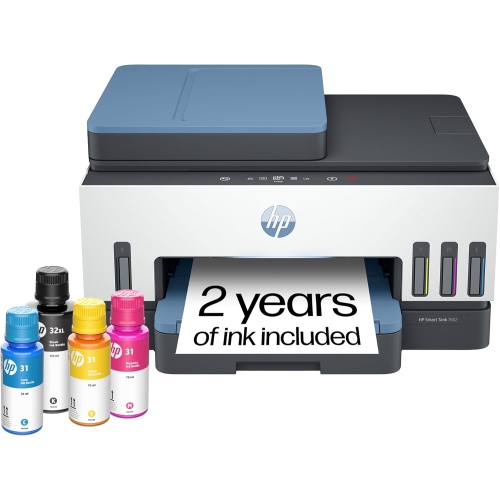 Your price for this item is $569.89
Discover more categories related to Inkjet Printers With Mobile Printing Features
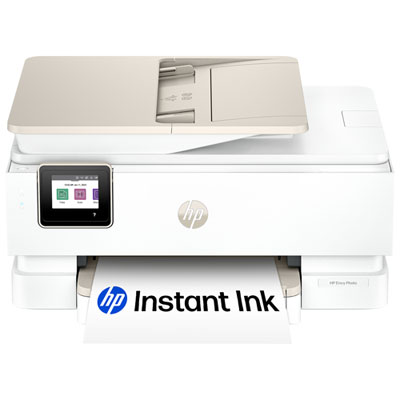
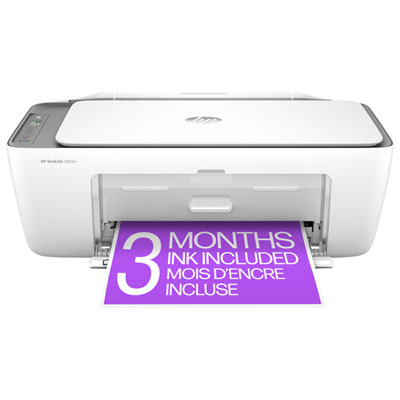
Top Collections:
Pokemon Centers, Kindle Devices, Best Budget Office Chairs, Apple iPhones 16, Best Laptops for Writers, iPhone 15 Apple, Canon G7X Cameras, Refurbished Apple Laptops, Alarm Clock, Motorola Razr Phones
Some products may be subject to Environmental Handling Fees
(EHF) depending on your province.
Learn more about EHFs.