Inventory Barcode Scanners
If you're looking to streamline your inventory management process, look no further than this wide selection of inventory barcode scanners. These powerful devices are designed to help businesses of all sizes efficiently track and manage their inventory with ease. Whether you're a small retail store or a large warehouse, these barcode scanners are equipped with advanced technology to ensure accurate and fast data capture.
Sort

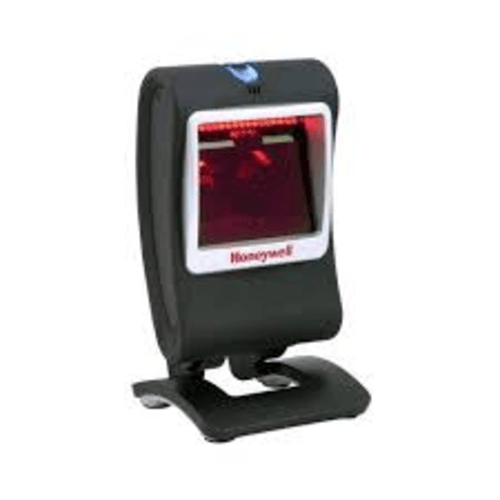
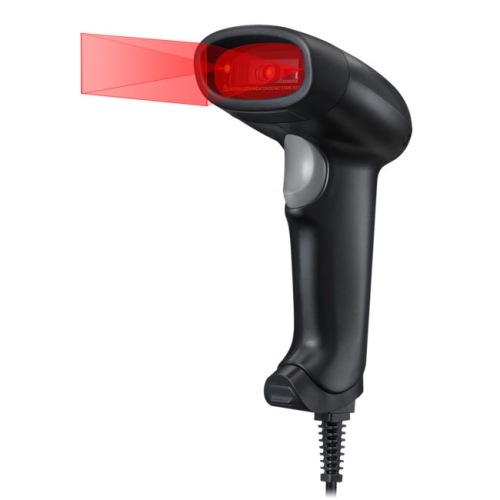
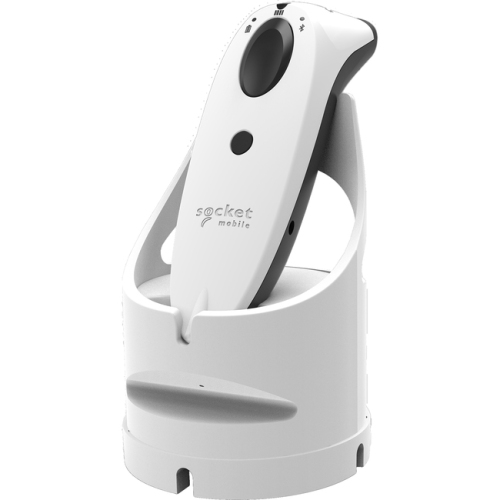
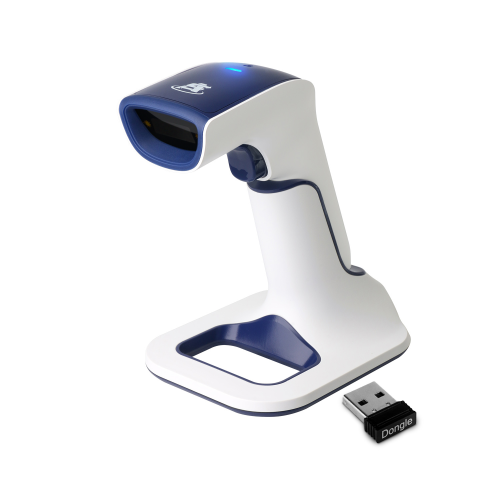
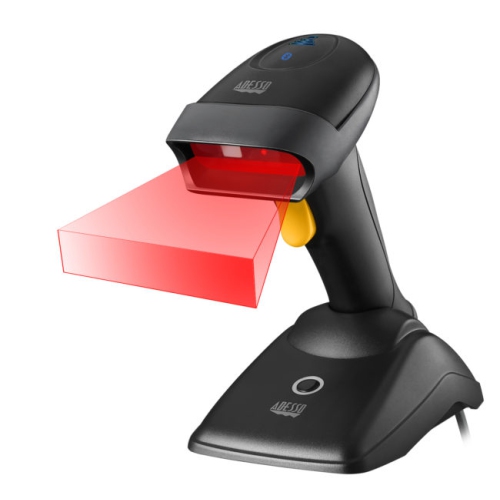
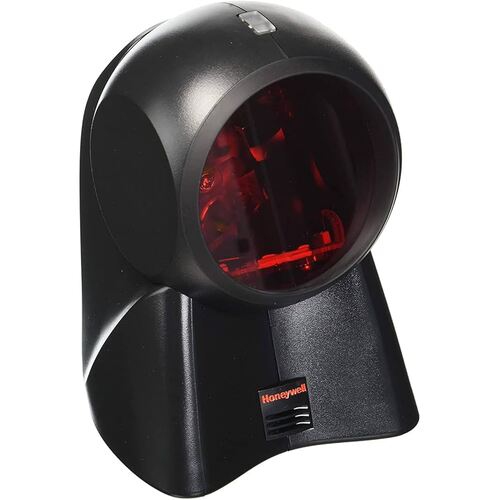
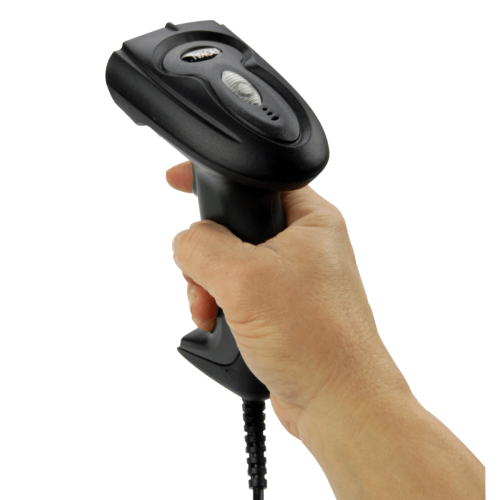
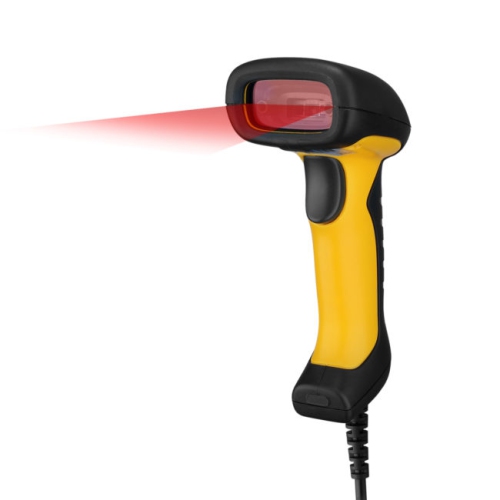

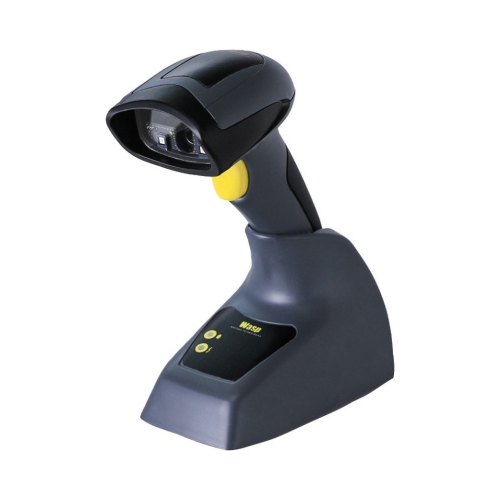
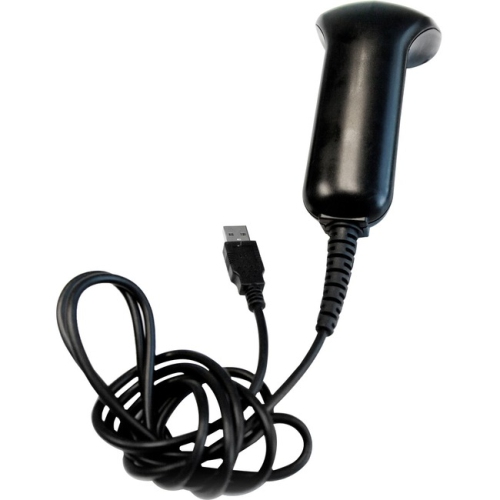
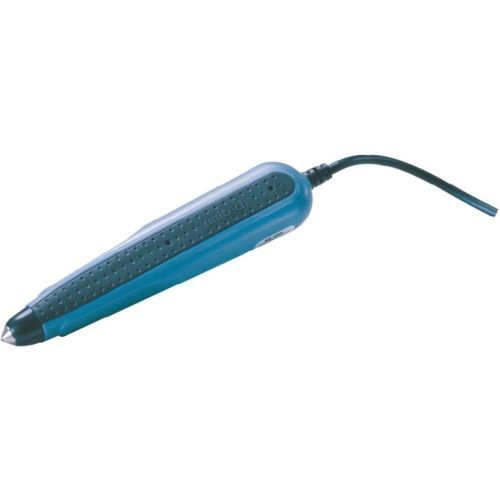
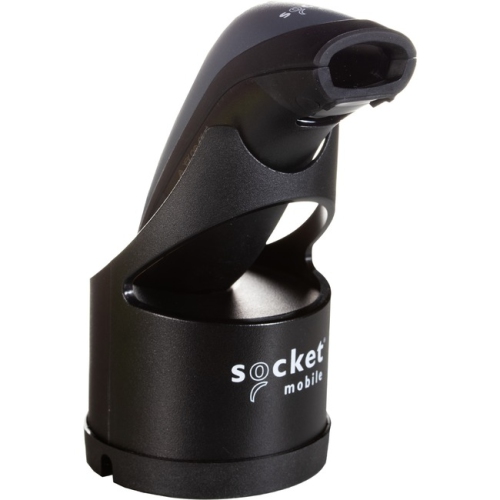
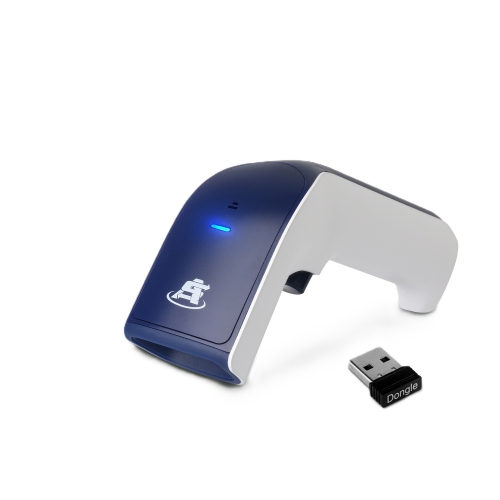
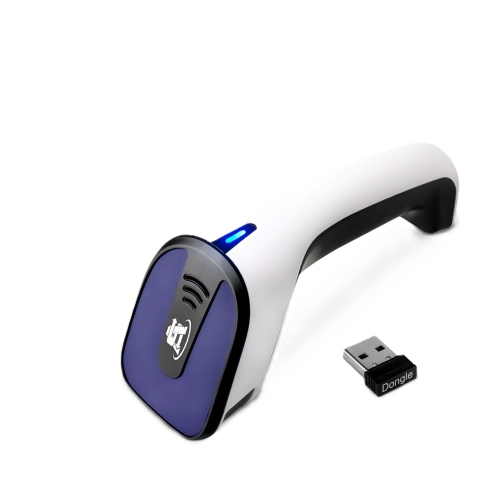
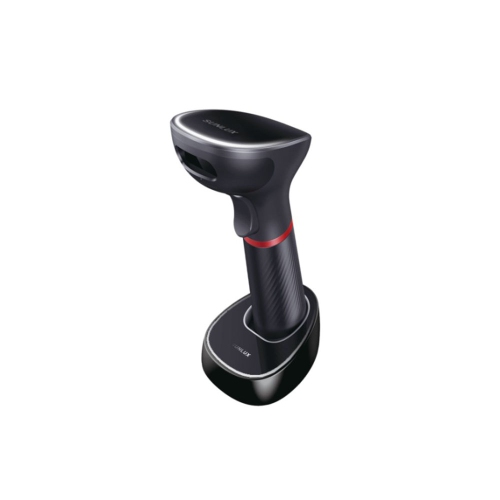
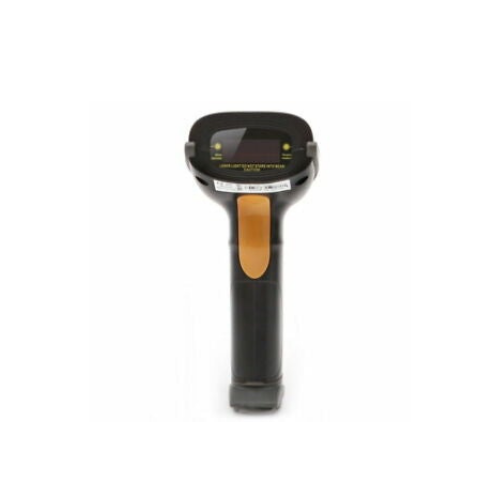
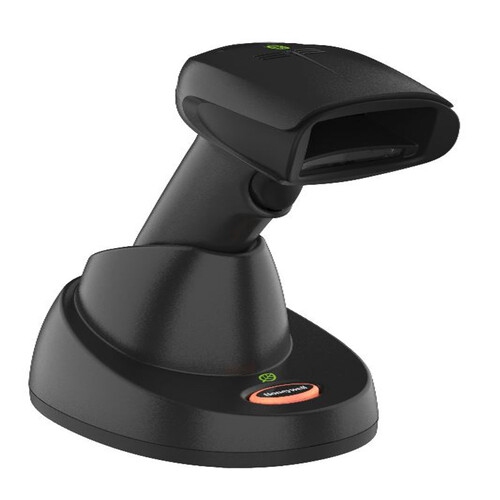
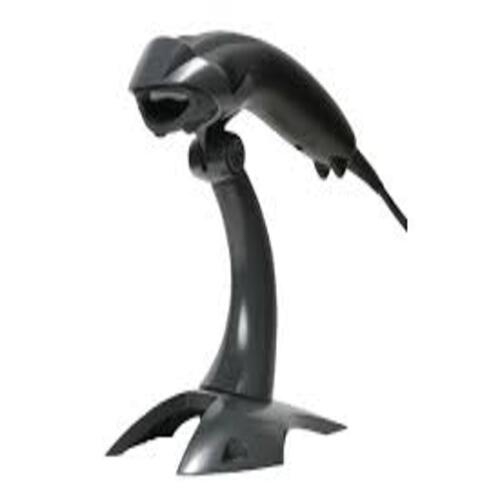
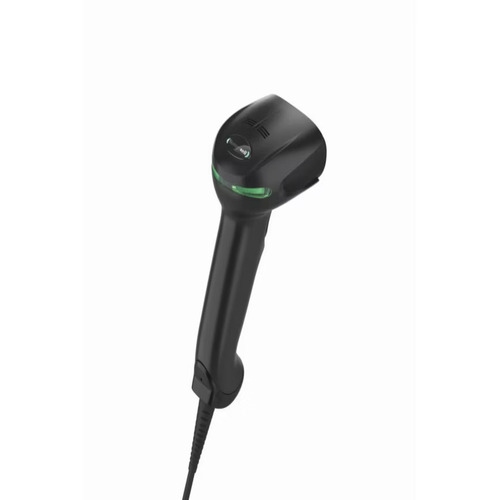
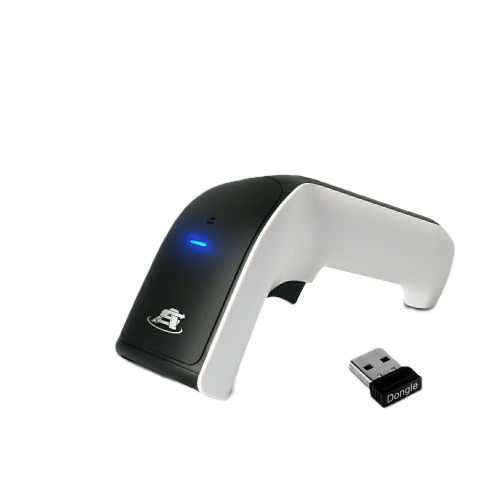
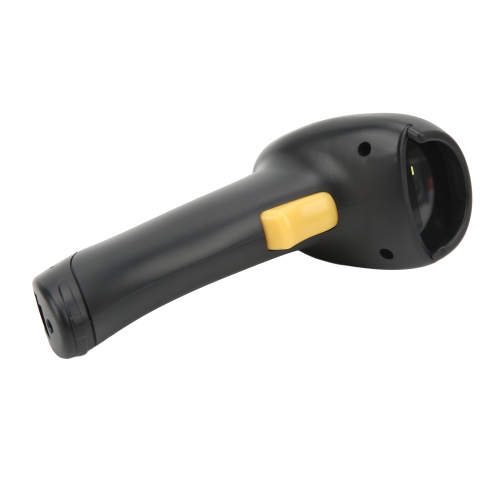
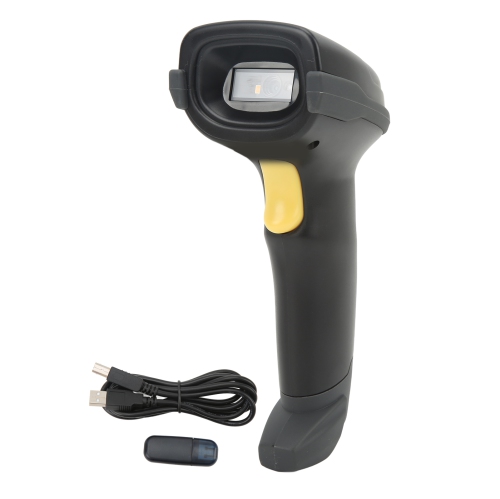
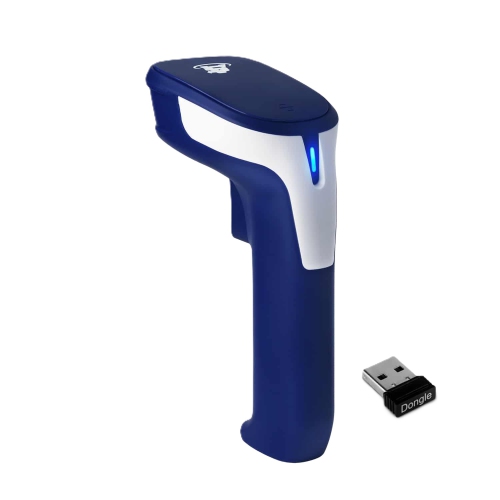
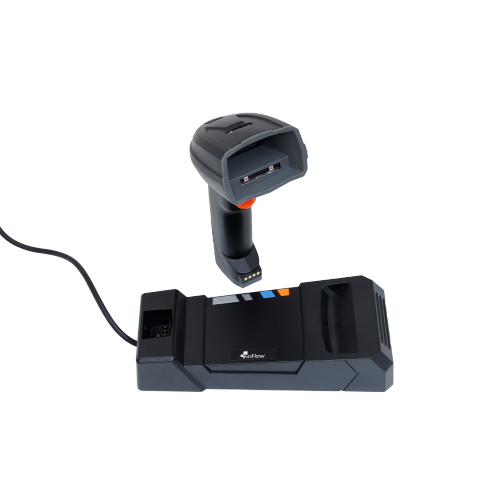
Faster stock updates with fewer manual entry errors
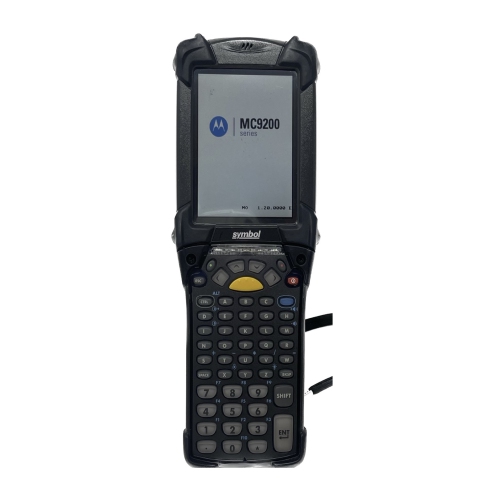
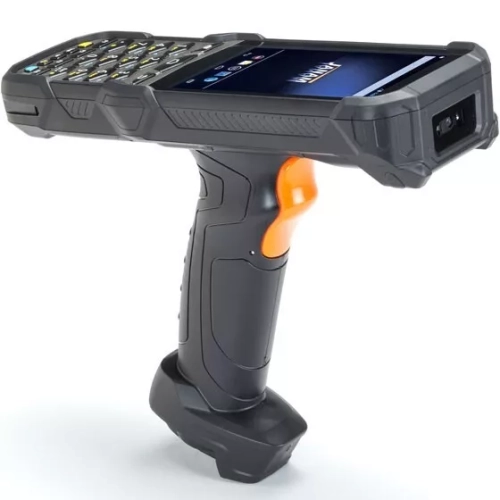
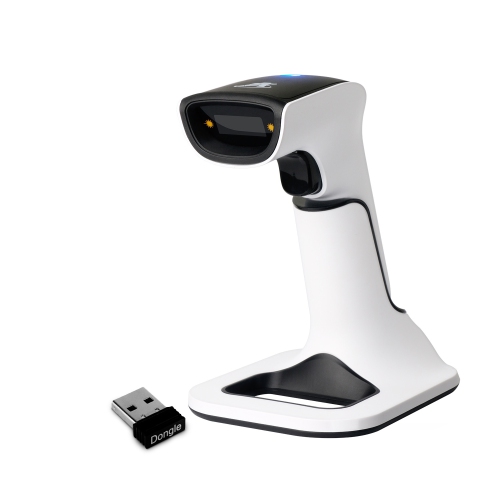
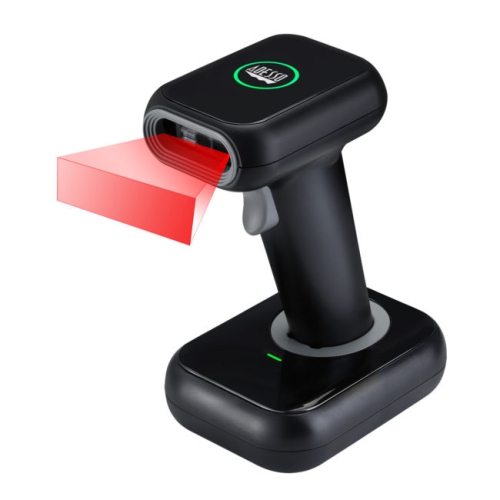
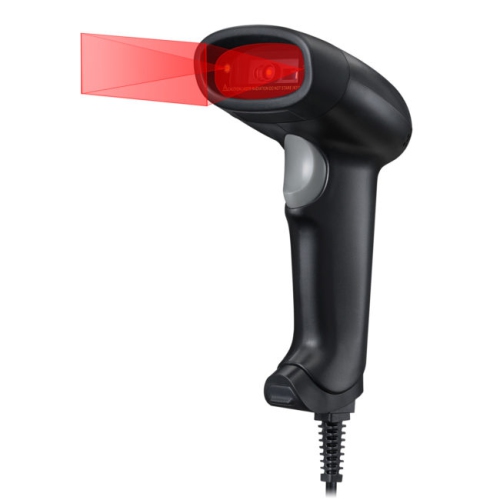
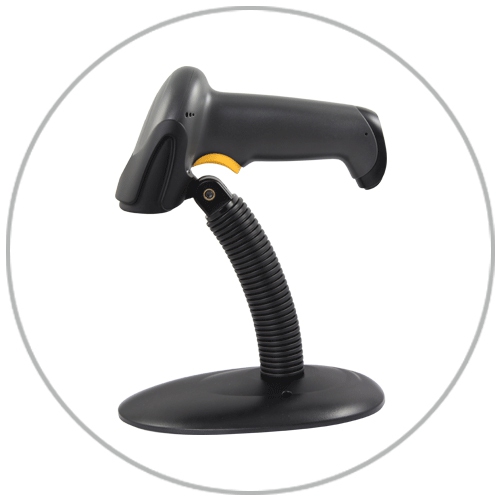
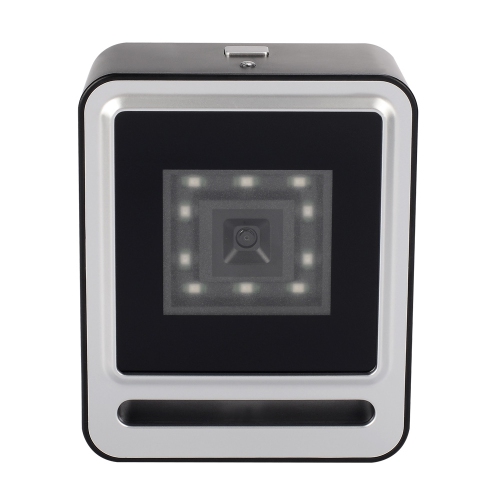
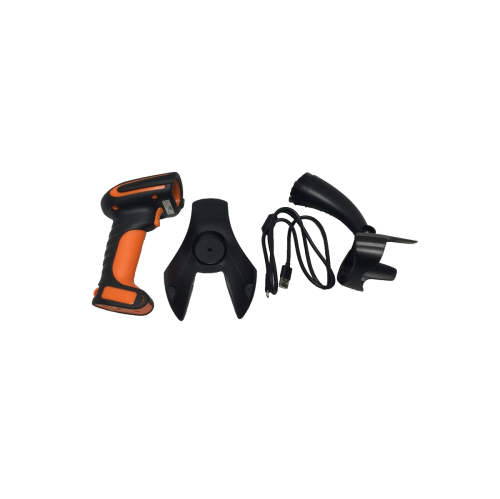
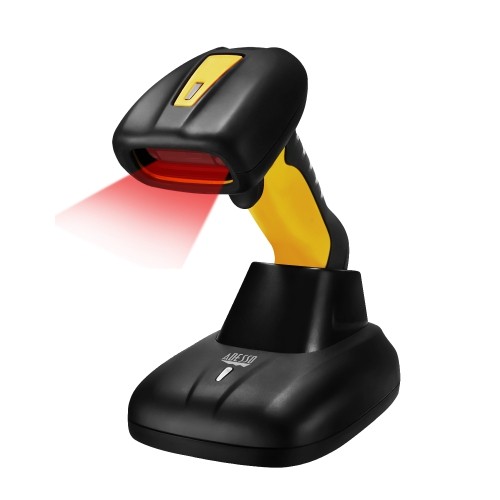
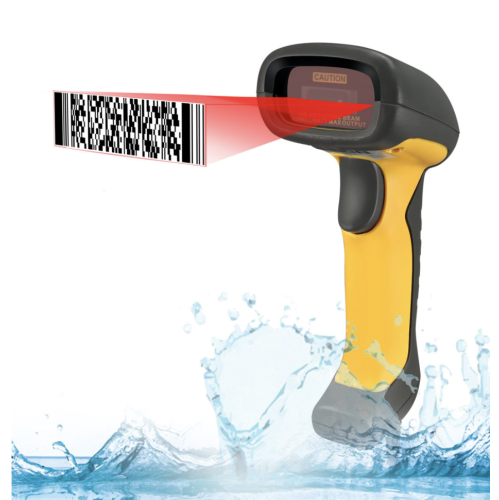
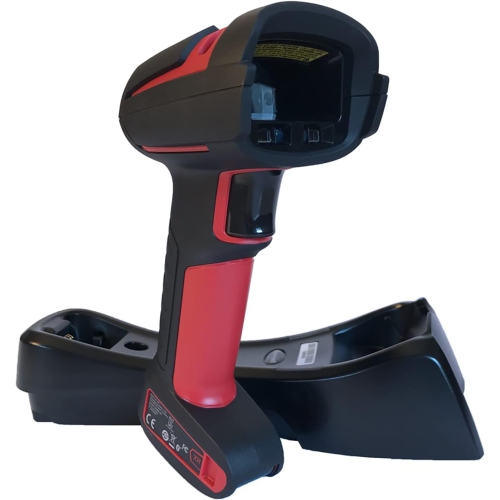
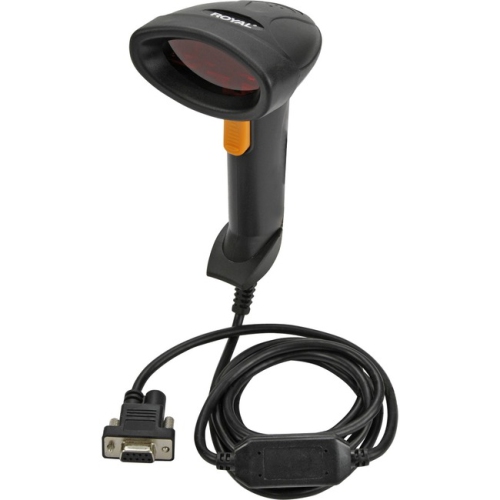
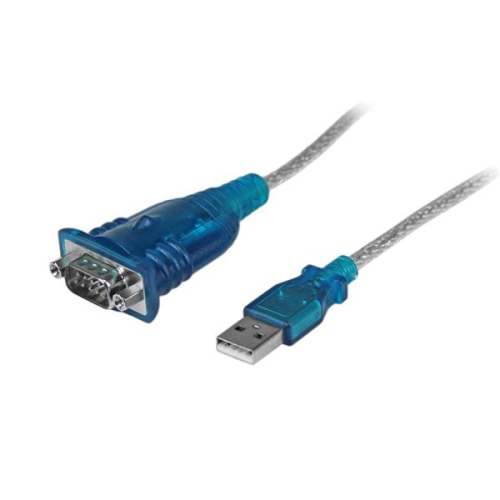
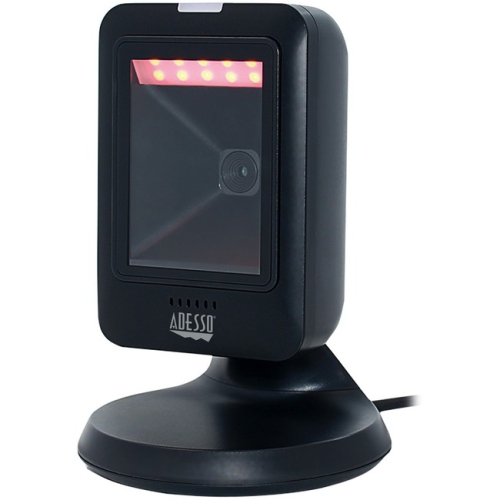
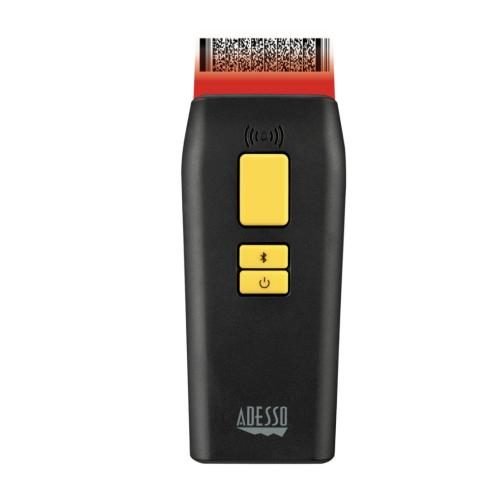
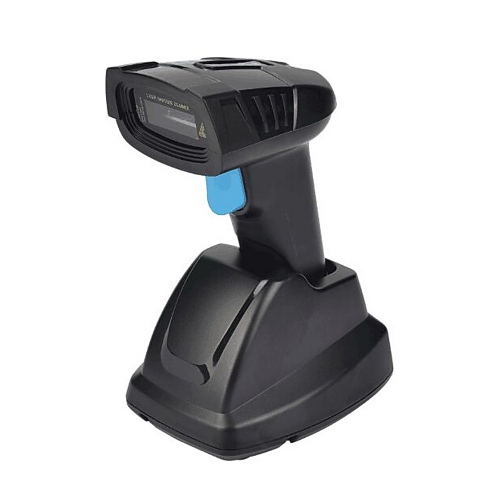
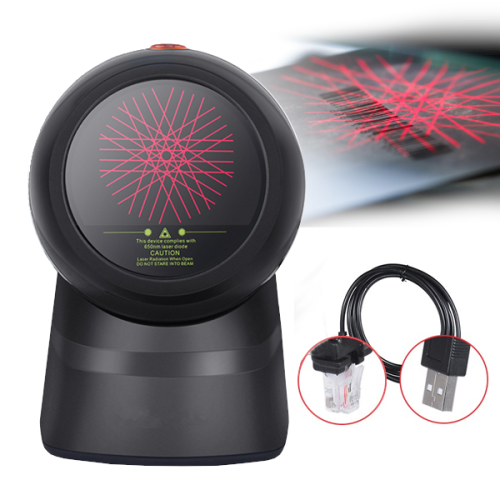
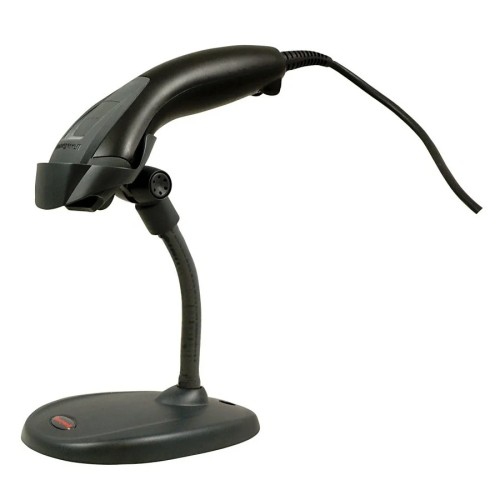
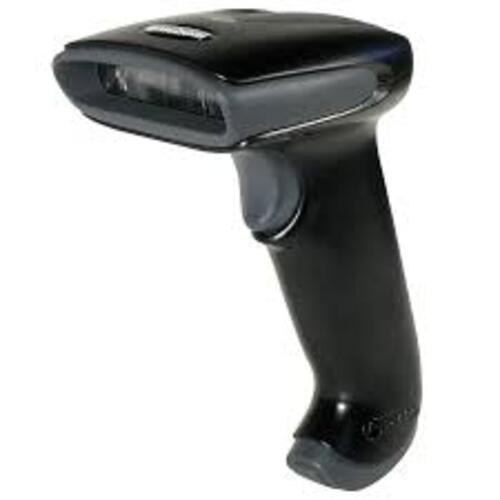
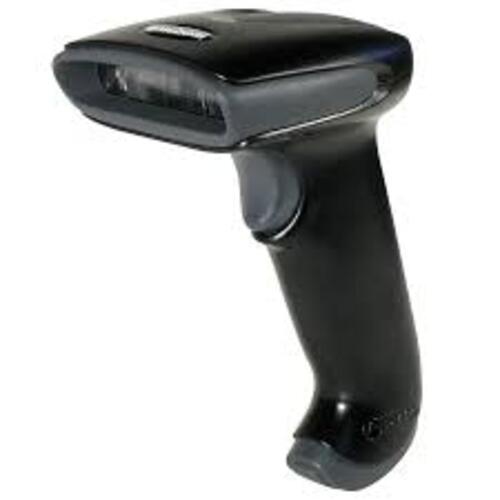
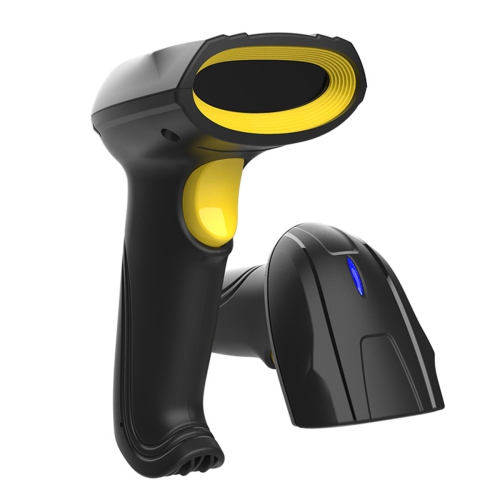
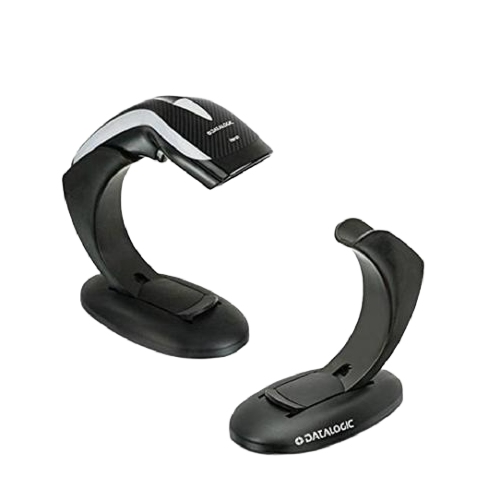
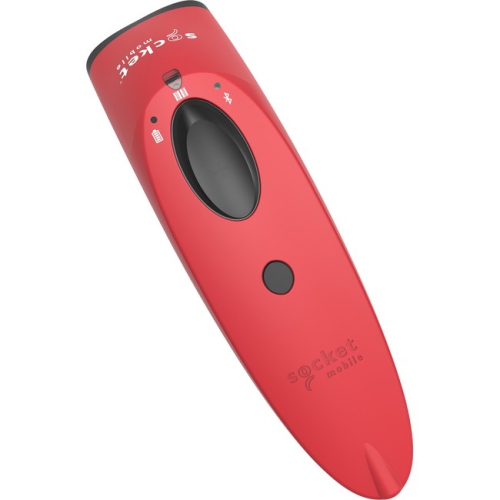
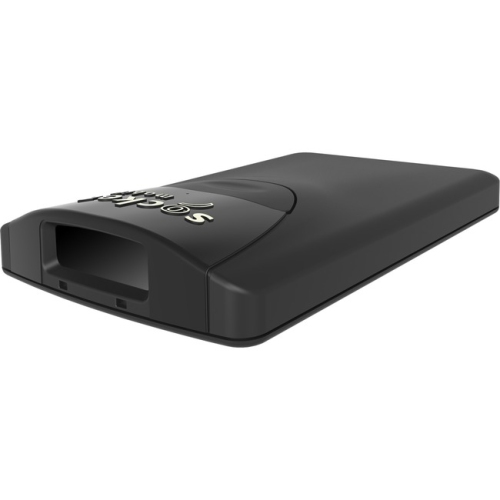
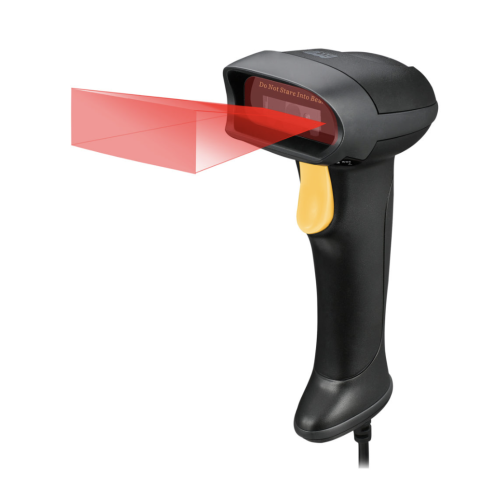
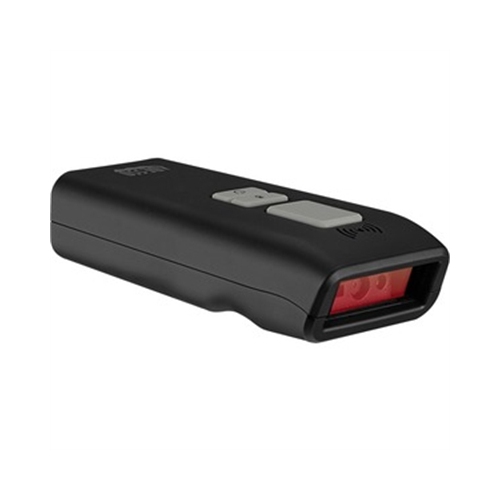
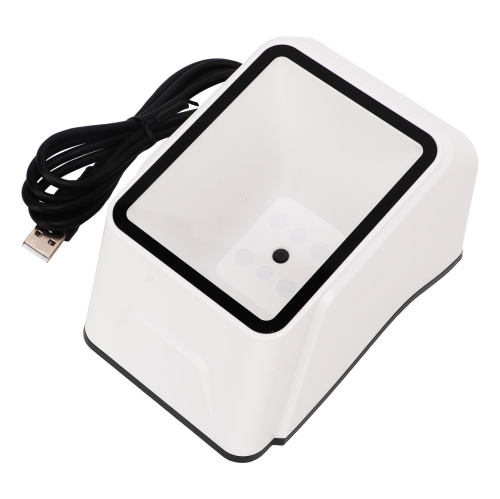
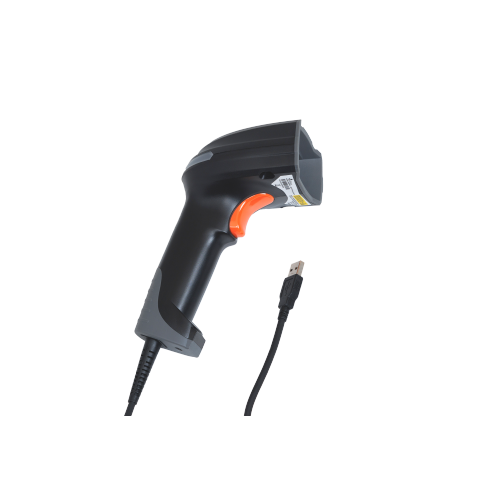
Inventory barcode scanners help turn stock handling into a faster, more consistent process by reading the codes printed on products, packaging, shelves, shipping labels, and documents. A scan can add an item to a stock record, confirm that the correct product is being picked, update quantities, or help process an incoming shipment without requiring staff to type long product numbers by hand. This can be especially useful in retail stores, stockrooms, warehouses, offices, libraries, schools, repair shops, and small businesses that need a clearer view of what is on hand. A dedicated scanner can also reduce mistakes that are easy to make during a busy receiving period, such as entering a similar-looking number incorrectly or overlooking a single digit. Basic handheld models are often connected to a computer through USB and work much like a keyboard: the scanned information appears in a spreadsheet, point-of-sale system, inventory program, or online store platform. Wireless models provide more freedom to move between shelves, cartons, and storage areas, while mobile computers with built-in scanners can display inventory software directly on the device. For businesses that already use checkout equipment, an option from the broader range of POS Barcode Scanners may also be useful when the same scanning workflow needs to work at a sales counter. The right choice depends on how much stock is handled, how far staff need to travel from a workstation, and whether scans need to update records immediately or can be uploaded later.
Barcode format is one of the first details to check. Traditional 1D scanners read the familiar striped UPC and EAN codes found on many retail products, making them a practical fit for straightforward product lookups and checkout tasks. A 2D imaging scanner reads those formats as well as QR codes, Data Matrix codes, and other square or stacked patterns. Many 2D models can also capture a barcode from a phone screen or read a code that is slightly faded, scratched, tightly spaced, or viewed at an angle. That flexibility can be valuable for receiving deliveries, managing returns, tracking parts, or working with labels created in-house. Wired scanners are well suited to a fixed packing table, service desk, or checkout station where the computer remains nearby and charging is not a concern. Bluetooth and wireless dongle models are more convenient when staff move around a stockroom or warehouse, although range, battery capacity, charging time, and the type of wireless connection should be considered together. Some devices offer a batch or inventory mode that stores a large number of scans in internal memory before transferring them to a computer. This can help in areas with limited wireless coverage or during a shelf count when the scanner is used away from the main workstation. Real-time scanning, on the other hand, sends each result straight to a connected system, which is helpful when several employees need to see stock changes as they happen. Checking whether a scanner supports the intended connection method, keyboard emulation, and operating system can prevent an inconvenient mismatch after purchase.
The working environment should guide the design and durability features you choose. A scanner used at a quiet office desk may only need a comfortable grip, a responsive trigger, and a stand for hands-free use. In a busy receiving area, a longer cable, a bright aiming pattern, a clear confirmation beep, and a housing designed to handle accidental drops can make daily work easier. For warehouses, workshops, and other demanding spaces, look for published drop-resistance information and an IP rating that indicates protection against dust or moisture. A sealed design can be easier to wipe down after handling cartons, while a rugged mobile computer may be preferable when the device is carried throughout a large facility. Ergonomics matter as well: a balanced handle, accessible controls, and a scan window that reads codes quickly can reduce strain when hundreds of items are processed in a shift. Before selecting a model, confirm that it works with the software used to manage stock, whether that is a spreadsheet, a retail platform, an online marketplace, shipping software, or a custom enterprise resource planning system. It is also worth checking whether the device can read the exact barcode types used by suppliers and whether configuration options are available for adding prefixes, suffixes, carriage returns, or other commands. For a small shop, studio, classroom, or home-based business, a simple plug-and-play scanner may provide all the needed functionality without adding complexity. Larger operations may benefit from multiple scanners, wireless mobility, batch storage, or touch-screen access to inventory records on the warehouse floor. Whether used to count seasonal stock as the weather warms, organize incoming cartons during the cooler months, or keep everyday product records accurate, an inventory barcode scanner can make routine stock work more orderly and dependable.
Barcode format is one of the first details to check. Traditional 1D scanners read the familiar striped UPC and EAN codes found on many retail products, making them a practical fit for straightforward product lookups and checkout tasks. A 2D imaging scanner reads those formats as well as QR codes, Data Matrix codes, and other square or stacked patterns. Many 2D models can also capture a barcode from a phone screen or read a code that is slightly faded, scratched, tightly spaced, or viewed at an angle. That flexibility can be valuable for receiving deliveries, managing returns, tracking parts, or working with labels created in-house. Wired scanners are well suited to a fixed packing table, service desk, or checkout station where the computer remains nearby and charging is not a concern. Bluetooth and wireless dongle models are more convenient when staff move around a stockroom or warehouse, although range, battery capacity, charging time, and the type of wireless connection should be considered together. Some devices offer a batch or inventory mode that stores a large number of scans in internal memory before transferring them to a computer. This can help in areas with limited wireless coverage or during a shelf count when the scanner is used away from the main workstation. Real-time scanning, on the other hand, sends each result straight to a connected system, which is helpful when several employees need to see stock changes as they happen. Checking whether a scanner supports the intended connection method, keyboard emulation, and operating system can prevent an inconvenient mismatch after purchase.
The working environment should guide the design and durability features you choose. A scanner used at a quiet office desk may only need a comfortable grip, a responsive trigger, and a stand for hands-free use. In a busy receiving area, a longer cable, a bright aiming pattern, a clear confirmation beep, and a housing designed to handle accidental drops can make daily work easier. For warehouses, workshops, and other demanding spaces, look for published drop-resistance information and an IP rating that indicates protection against dust or moisture. A sealed design can be easier to wipe down after handling cartons, while a rugged mobile computer may be preferable when the device is carried throughout a large facility. Ergonomics matter as well: a balanced handle, accessible controls, and a scan window that reads codes quickly can reduce strain when hundreds of items are processed in a shift. Before selecting a model, confirm that it works with the software used to manage stock, whether that is a spreadsheet, a retail platform, an online marketplace, shipping software, or a custom enterprise resource planning system. It is also worth checking whether the device can read the exact barcode types used by suppliers and whether configuration options are available for adding prefixes, suffixes, carriage returns, or other commands. For a small shop, studio, classroom, or home-based business, a simple plug-and-play scanner may provide all the needed functionality without adding complexity. Larger operations may benefit from multiple scanners, wireless mobility, batch storage, or touch-screen access to inventory records on the warehouse floor. Whether used to count seasonal stock as the weather warms, organize incoming cartons during the cooler months, or keep everyday product records accurate, an inventory barcode scanner can make routine stock work more orderly and dependable.
Top selling and popular products
-
 Your price for this item is $849.99
 -
 Your price for this item is $107.99
 -
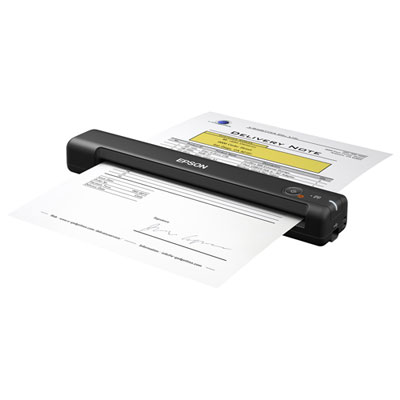 Your price for this item is $149.99
 -
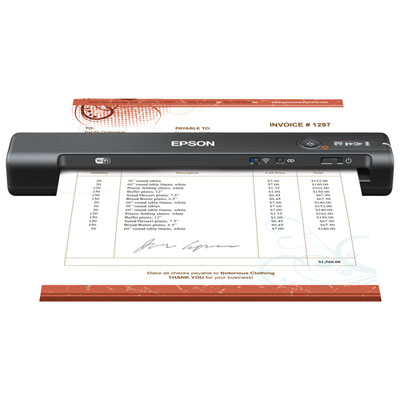 Your price for this item is $239.99
 -
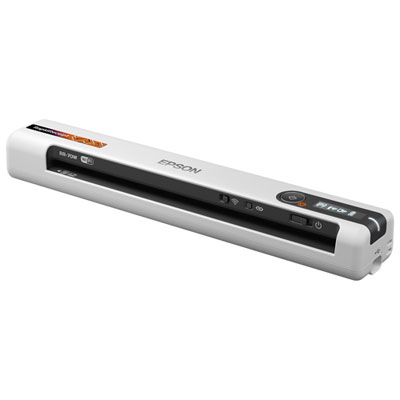 Your price for this item is $369.99
 -
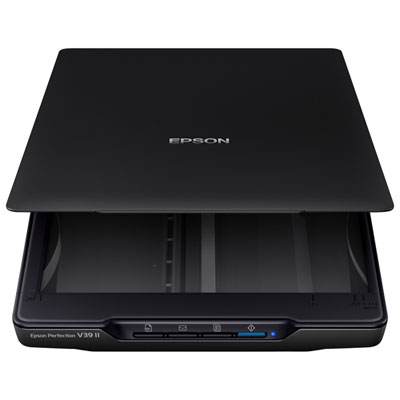 Your price for this item is $129.99
 -
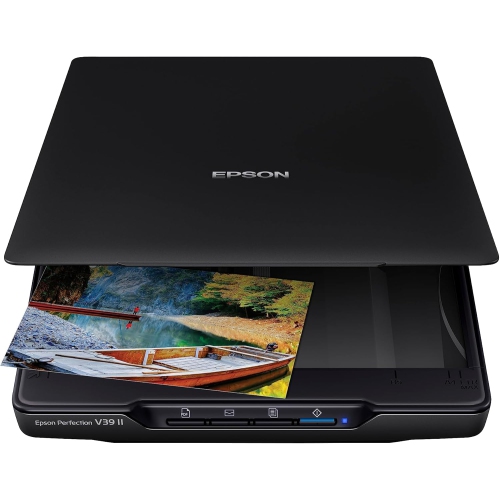 Your price for this item is $228.99
 -
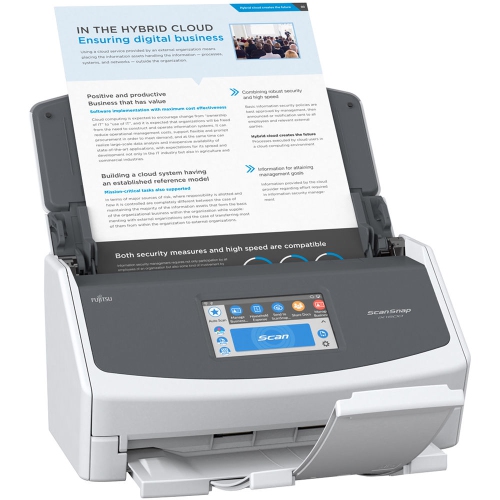 Your price for this item is $804
Discover more categories related to Inventory Barcode Scanners
Top Collections:
Pokemon Centers, Kindle Devices, Best Budget Office Chairs, Apple iPhones 16, Canon G7X Cameras, iPhone 15 Apple, Alarm Clock, Refurbished Apple Laptops, Flip Phones, Best Laptops for Writers
Some products may be subject to Environmental Handling Fees
(EHF) depending on your province.
Learn more about EHFs.