Security Routers
Security Routers offer an essential layer of protection for your home or business network, helping to safeguard your devices and data. Explore a wide selection of Security Routers designed to deliver reliable performance and peace of mind. Whether you're setting up a new network or enhancing an existing one, find the right solution to help keep your online activities secure. Shop Security Routers to support a safer and more dependable internet experience.
Sort



What your router protects and what it doesn’t
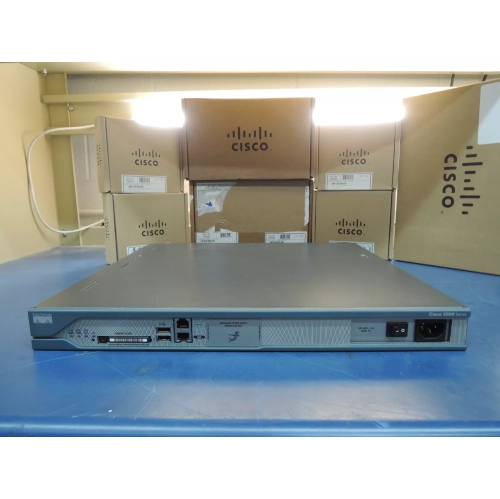
Security routers connect household or small business devices to the internet while providing controls for who can join the network and how traffic moves through it. Four features worth comparing are WPA3 encryption, a built-in firewall, VPN support and automatic firmware updates. Each does a different job. WPA3 protects the wireless connection between the router and compatible devices, while a built-in firewall typically blocks unsolicited incoming traffic unless a rule allows it. A VPN can provide an encrypted connection for remote access or route selected devices through a VPN service, depending on what the router supports. Firmware updates fix flaws in the router’s own software, and automatic installation can help keep those fixes from being put off. The manufacturer’s support period matters, too: an automatic update setting can only install fixes that are still being issued. For a household with newer phones and laptops alongside an older printer or thermostat, a WPA2/WPA3 transition mode may let those older devices stay connected while compatible devices use WPA3. A device connected through WPA2 does not gain WPA3 protection just because both modes are enabled. The router’s administrative settings deserve the same attention as the connection itself. A unique administrator password, separate from the Wi-Fi password, helps keep someone who’s been allowed onto the network from changing its settings. Clear controls make it easier to see which devices are connected, remove a device that’s no longer used and check whether updates installed successfully. A long feature list means less if those everyday settings are hard to find. Router protections also have limits: a firewall won’t prevent someone from entering a password on a fraudulent site, and it doesn’t replace updates on the laptops, phones and other devices connected to the network.
The most useful security controls often solve ordinary problems, such as giving a visitor internet access without sharing the password used by work laptops and family devices. A guest network with access to the main network blocked can let guests get online without reaching shared drives, printers or other local devices. A separate network for smart home devices can serve a similar purpose, although a phone may need to be on the same network as a speaker or display during setup or everyday use. At a small office, keeping visitor Wi-Fi separate from computers used for records and billing can make it simpler to offer internet access at reception. More advanced network separation can be useful when different groups need different levels of access, but it takes more setup than switching on a guest network. VPN support is another feature where the details make a difference. A router with a VPN server can let an authorized user securely reach a shared folder on the local network while away from the office. A router with a VPN client instead connects to an outside VPN service and may let the administrator choose which devices use that connection. Some routers support both roles; a reference to VPN passthrough alone usually means a device can make its own VPN connection through the router, not that the router can run one. VPN traffic can also run slower than ordinary traffic because the router has to handle encryption, so VPN performance matters more in an office that regularly moves large files than in a household that occasionally opens a document remotely. For someone setting up a first apartment or a shared home, a router can be a practical housewarming gift when it fits the internet service and the recipient has control over the network. Simple guest access and automatic updates may be more useful in that setting than advanced controls that nobody plans to manage.
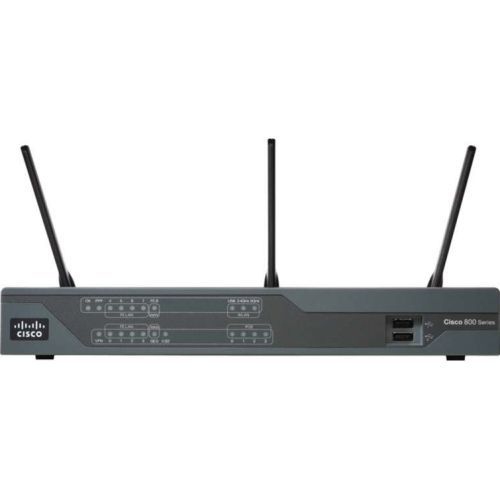
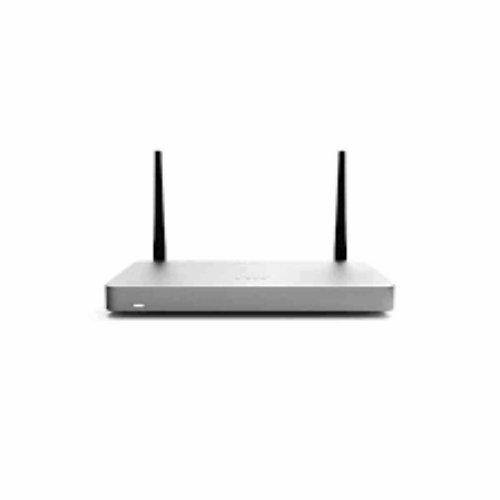
A security router still needs to fit the space, wired connections and internet service it will be used with. A router placed on an open shelf near the middle of a home will often provide better coverage than one tucked into a metal utility cabinet at one end. Thick walls, multiple floors and the location of the internet connection can all affect whether a video call stays clear at a desktop or drops out two rooms away. Where a single router cannot reach the whole space reliably, a compatible mesh setup or wired access point can extend coverage, but it’s worth checking whether features such as guest isolation work across the entire setup. For a broader look at wireless coverage and wired connectivity, see Web Routers. The connection to the internet provider deserves a check as well: a separate modem or fibre terminal may still be needed, and a combined modem and router supplied by the provider may need to be configured to work with a separate router. At a work surface with a desktop, printer or network storage drive, the number and speed of Ethernet ports can matter as much as the advertised Wi-Fi speed. Physical design matters in smaller spaces, too. Most routers have a rigid plastic housing, and some have external antennas that need extra clearance behind or above the unit. A stable shelf with room for cables and airflow is a better fit than a tight stack of electronics. Keep ventilation openings clear, wipe dust from the housing with a dry cloth and avoid bending cables sharply where they meet the ports. Those small choices help protect the hardware, while ongoing firmware support helps keep the router useful after the initial setup. For a shared home or small office, a router that covers the rooms people actually use, makes guest access easy to manage and receives regular security fixes can be a better fit than one chosen on wireless speed alone.
Top selling and popular products
-
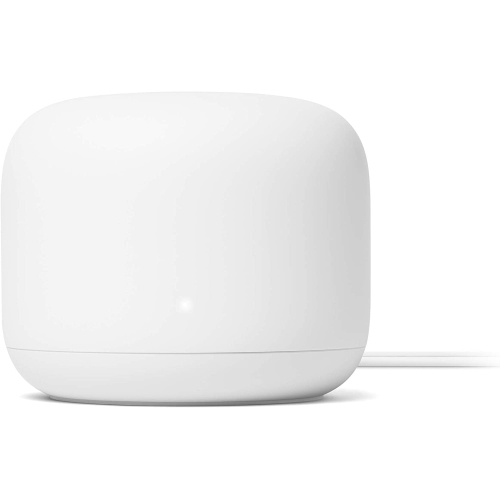 Your price for this item is $99.99
-
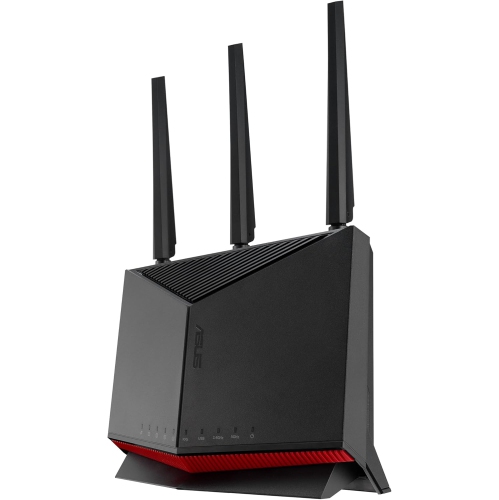 Your price for this item is $490.72
-
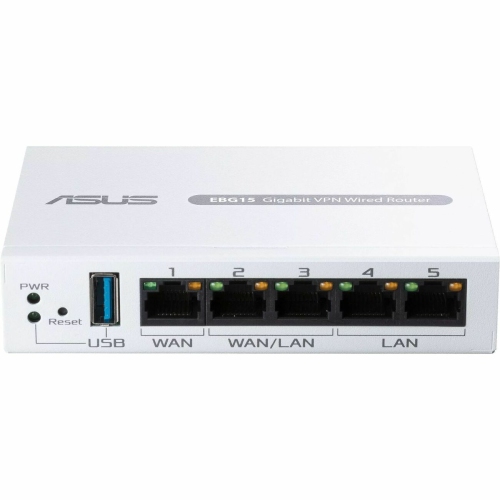 Your price for this item is $128.99
-
 Your price for this item is $629.99
-
 Your price for this item is $175.11
-
 Your price for this item is $79.75
-
 Your price for this item is $971.99
-
 Your price for this item is $292.68
Discover more categories related to Security Routers

Top Collections:
Best Black Friday Deals This Year, Best Black Friday Deals On Electronics, Kindle Devices, Pokemon Centers, Best Black Friday Deals On Apple Products, Best Cameras for Sports Photography, Dyson Airwrap, Pokémon 30th Celebration Cards, Apple iPhone 17 Pro, Canon G7X Cameras
Some products may be subject to Environmental Handling Fees
(EHF) depending on your province.
Learn more about EHFs.