iPad Accessories for Note Taking
Enhance your productivity and organization with iPad accessories for note taking. Whether you're a student, professional, or creative, the right tools can help you capture ideas, organize thoughts, and streamline your workflow. Discover a wide range of options designed to make digital note taking more comfortable and efficient, so you can focus on what matters most. Explore the collection of iPad accessories for note taking to find solutions that fit your style and needs.
Sort
Why stylus compatibility and writing feel matter
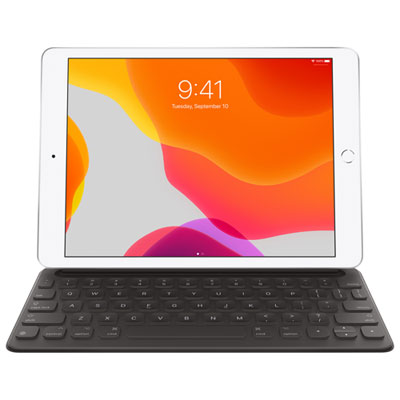
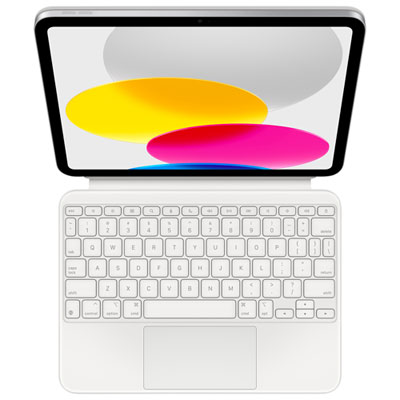
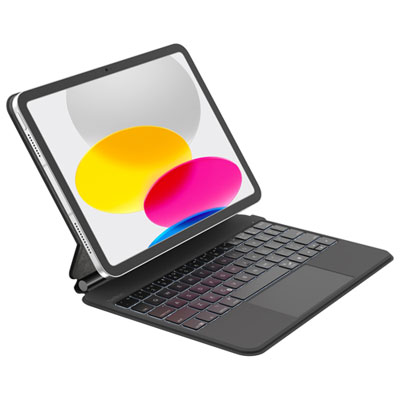
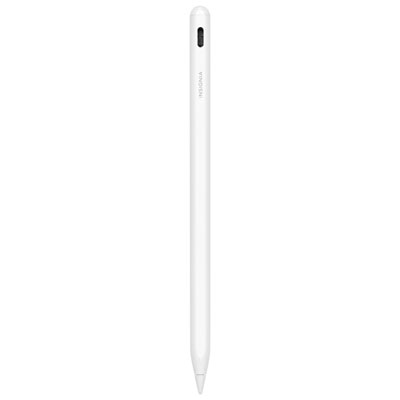
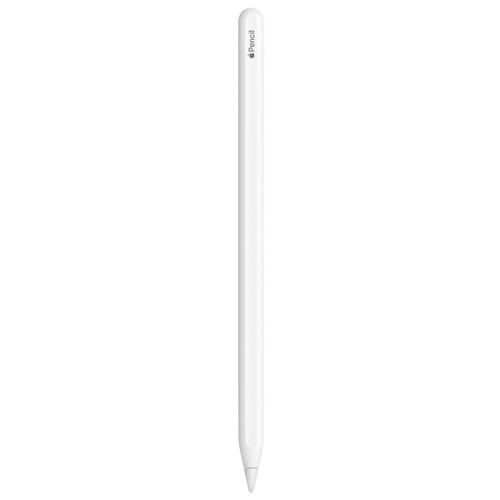
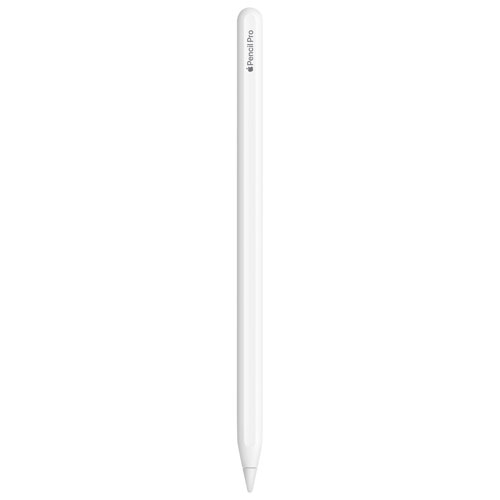
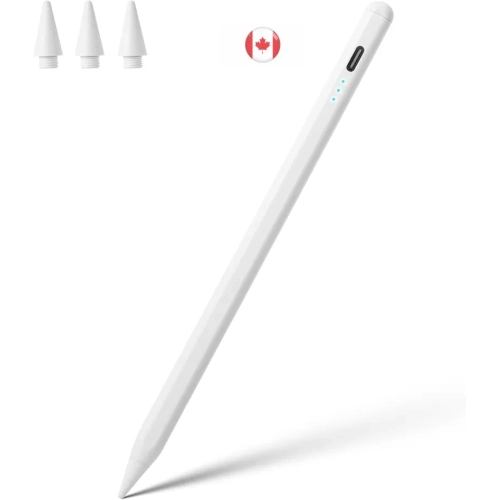
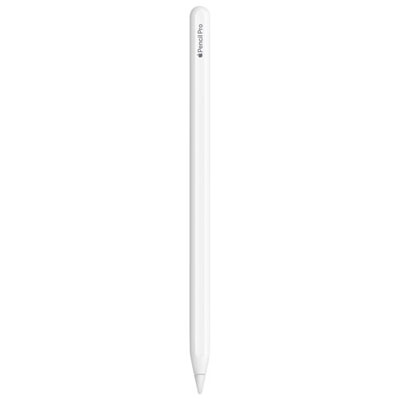
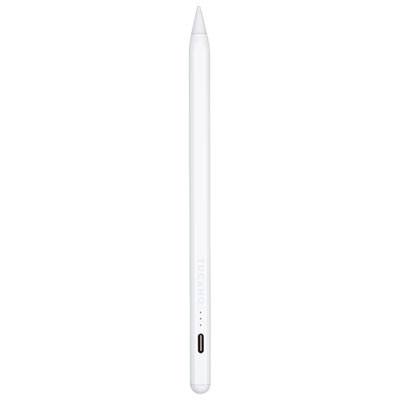
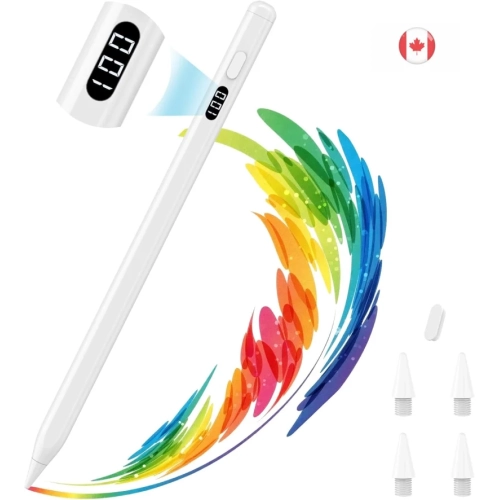
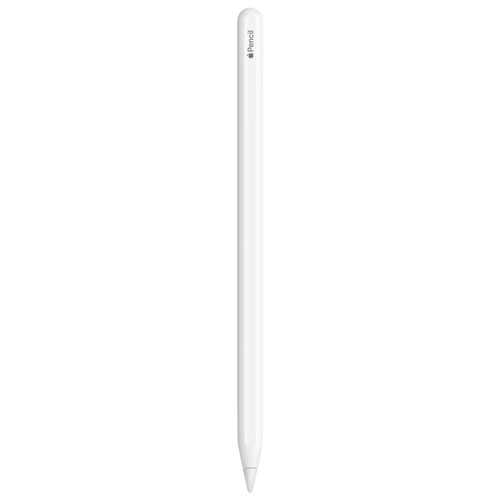
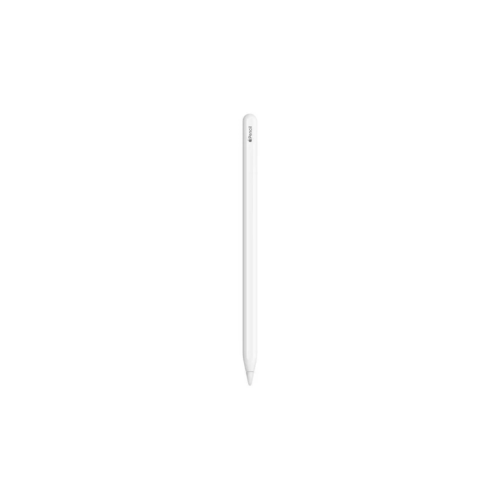
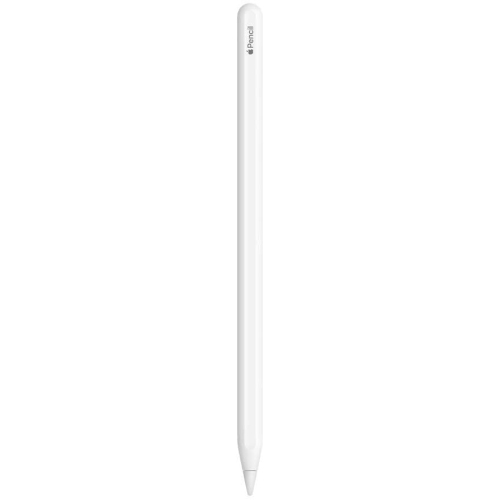
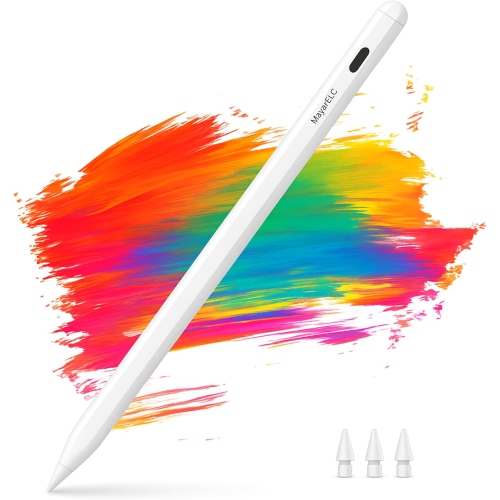
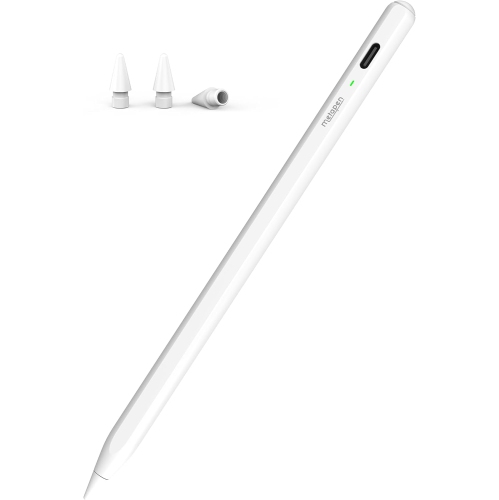
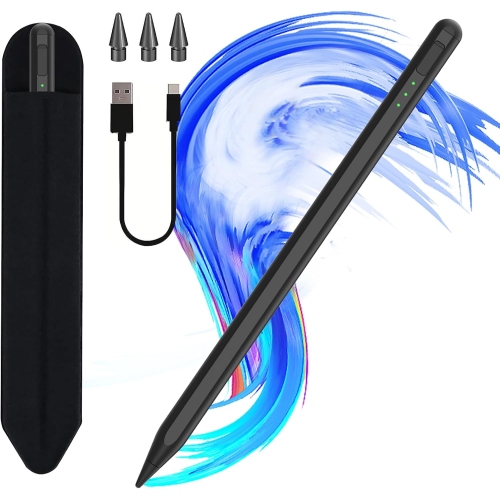
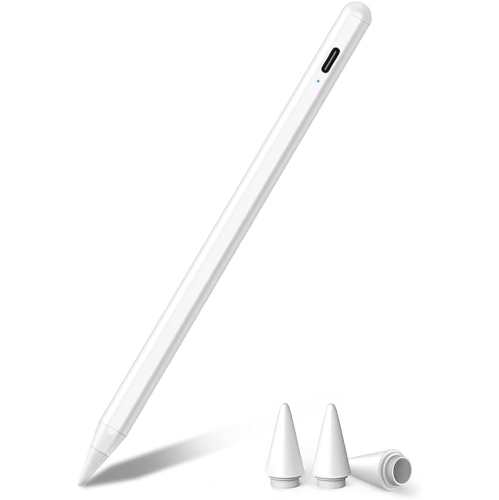
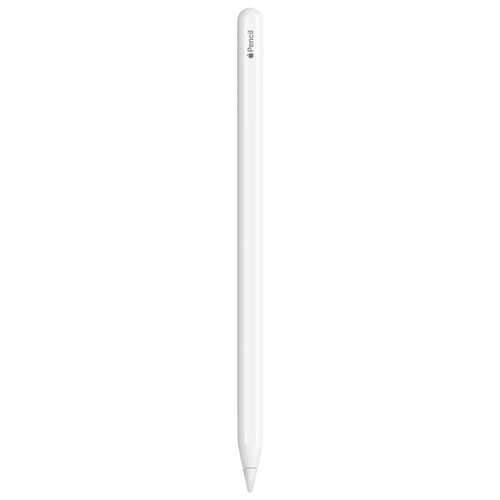
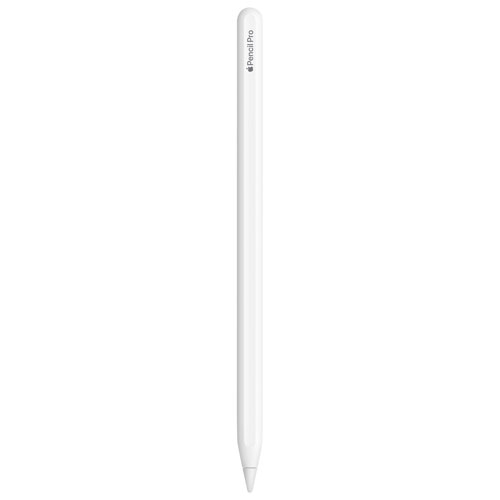
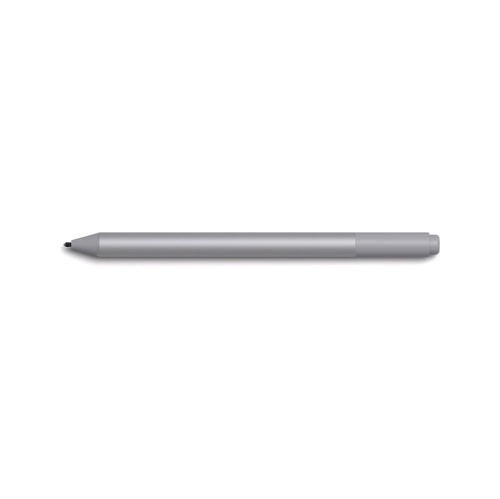
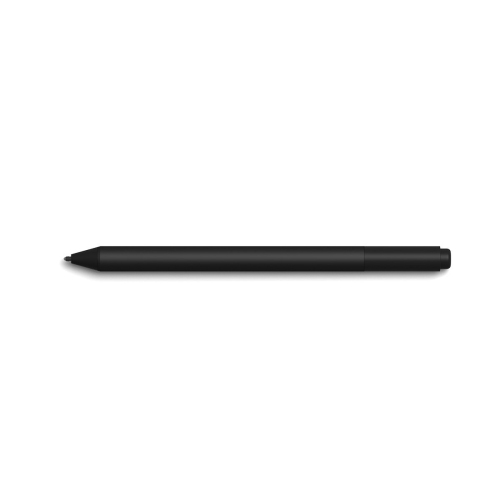
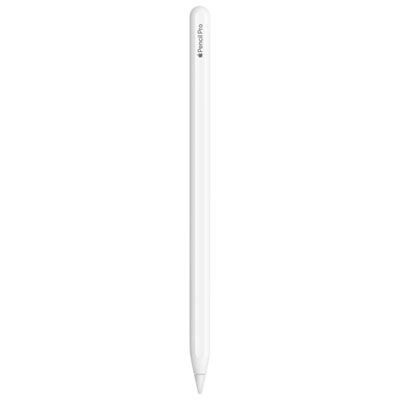
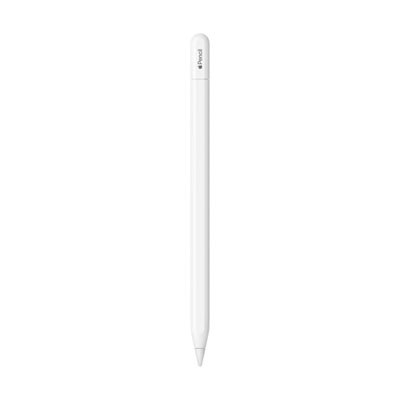
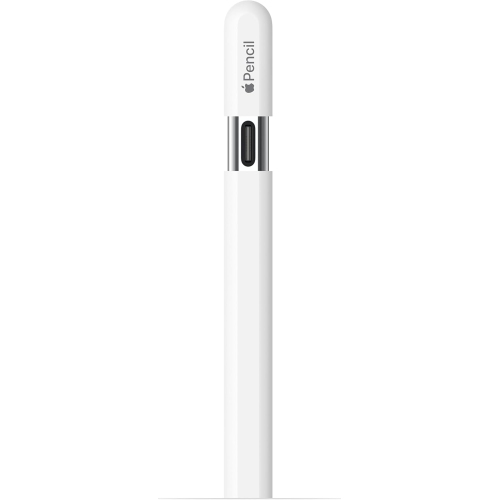
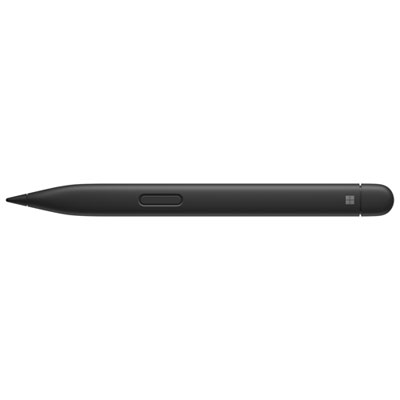
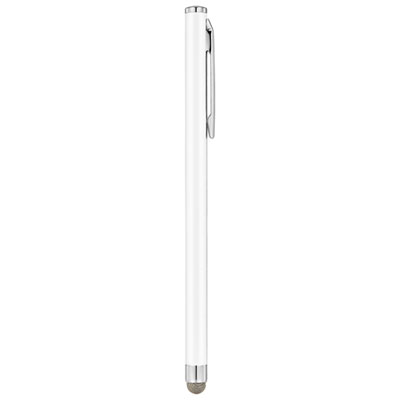
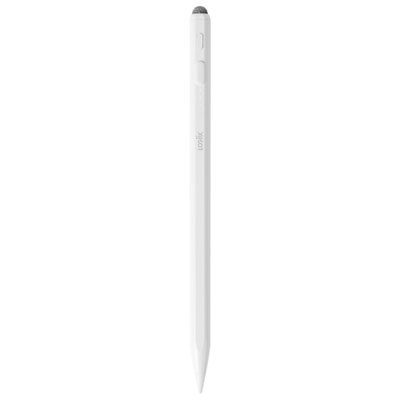
iPad accessories for note taking bring handwriting, typed text, diagrams, and document annotation into a setup that suits the way someone studies or works. A stylus, screen protector, supportive case, and keyboard each serve a different purpose: the stylus handles handwritten input, the protector changes the feel of the writing surface, the case supports and protects the tablet, and the keyboard makes longer passages easier to type. For a student following a fast-moving lecture, a responsive stylus can make it easier to capture a formula beside a slide without switching between paper and screen. For someone reviewing meeting notes, the same setup can support margin comments, quick sketches, and highlighted action points. Stylus compatibility is the starting point, since support varies by iPad model and generation, not just screen size. Charging methods, pairing requirements, and supported features also differ. Palm rejection, when supported by the stylus, tablet, and app, allows a hand to rest on the screen while writing rather than hovering above it. Tilt sensitivity can be useful for shading diagrams, while pressure sensitivity matters more for expressive strokes than for straightforward text. Neither feature should be assumed to work with every device or application. A fine tip can help with small lettering and closely spaced annotations, but accuracy also depends on the stylus, screen surface, and software. Barrel shape and weight affect how the pen feels through several pages of notes. Slim designs may suit someone who prefers a narrow pen, while a removable silicone grip adds width and a softer contact surface. Grips and sleeves need to fit securely without covering controls or interfering with magnetic attachment or charging. For frequent writers, compatible replacement tips are a practical consideration because a worn or damaged tip can change the feel of handwriting. A secure stylus holder also gives the pen a consistent place between classes, meetings, or study sessions.
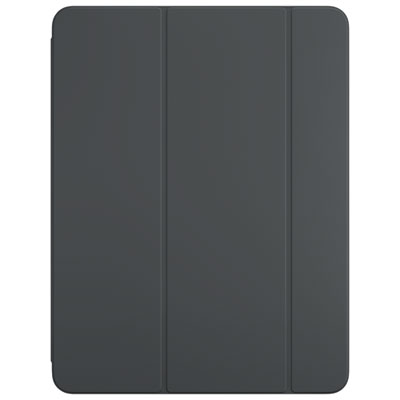
Screen protectors have a noticeable effect on daily note taking because they sit directly between the stylus tip and the display. Matte, paper-like finishes add texture, giving handwriting more resistance than bare glass and helping reduce visible reflections. That textured feel can appeal to someone forming small letters, drawing tables, or annotating a dense reading assignment. The trade-off is that some matte surfaces can soften the appearance of the display or introduce a faint grain, which may matter when the same tablet is used for detailed images or video. Smooth, clear protectors retain a more glass-like writing feel, with the level of clarity and protection depending on their material and construction. Tempered glass and flexible film options differ in thickness, edge coverage, and resistance to everyday marks. Correct fit matters around the front camera, sensors, and case edges, where an unsuitable protector may lift or interfere with the surrounding accessories. Dust trapped during installation can also leave distracting bumps beneath a writing surface. Textured protectors may wear stylus tips more quickly, so the protector and tip are best considered as a pair rather than separate additions. Cases and stands shape the writing experience just as directly. A low, stable angle suits handwritten notes at a desk, while a more upright position is useful for reading reference material or typing with a separate keyboard. A stand designed mainly for viewing may not remain steady under repeated pen strokes; a broad base, secure hinge, and non-slip contact points help support writing pressure. Folio covers offer a compact way to combine screen coverage with a folding support, while more structured cases can provide reinforced corners or a dedicated pen compartment. Exact device fit remains important for access to buttons, speakers, cameras, and charging ports. Added protection also adds bulk, which becomes noticeable when the tablet is carried alongside textbooks or held during a presentation. A fabric lining, smooth interior, and dependable closure can be useful details for a tablet that moves repeatedly between a desk and a bag.
A comfortable note-taking setup also leaves room for the work happening around the screen. A compact keyboard suits lecture summaries, research notes, and meeting minutes that mix long passages with occasional handwritten annotations. Keyboard cases keep the components together, while separate keyboards allow more flexibility in screen position and desk layout. Connection type, charging needs, keyboard layout, and shortcut support are worth considering, particularly when moving between handwriting and typing throughout the day. Some compact layouts omit keys or place them differently, which can affect familiar typing habits. A sleeve or organizer with separate spaces for the tablet, stylus, and charging cable helps prevent loose accessories from rubbing against the display or becoming buried at the bottom of a bag. Cable length matters too: a short cable keeps a small desk tidy, but may not reach a wall outlet beside a shared study table. For people whose notes include concept sketches, visual planning, or detailed diagrams, Ipad Drawing Accessories covers a closely related side of handwritten digital work. Across both uses, routine care helps maintain a consistent writing feel. A clean, soft, lint-free cloth removes surface dust, while cleaning methods should follow the tablet and accessory manufacturers’ directions. Liquid should not be sprayed directly onto the device, and abrasive cleaning materials can damage finishes or coatings. Stylus tips deserve an occasional check for loosening, uneven wear, or damage, especially after a drop or extended use on a textured surface. Cases benefit from having grit cleared from their interior before the tablet is refitted. As gifts, note-taking accessories can suit students, teachers, researchers, and people who prefer handwriting during meetings, provided the recipient’s exact iPad model and existing setup are known. The most useful combination is not necessarily the largest collection of add-ons, but one that fits the device, carries comfortably, and supports the recipient’s everyday writing habits.
Screen protectors have a noticeable effect on daily note taking because they sit directly between the stylus tip and the display. Matte, paper-like finishes add texture, giving handwriting more resistance than bare glass and helping reduce visible reflections. That textured feel can appeal to someone forming small letters, drawing tables, or annotating a dense reading assignment. The trade-off is that some matte surfaces can soften the appearance of the display or introduce a faint grain, which may matter when the same tablet is used for detailed images or video. Smooth, clear protectors retain a more glass-like writing feel, with the level of clarity and protection depending on their material and construction. Tempered glass and flexible film options differ in thickness, edge coverage, and resistance to everyday marks. Correct fit matters around the front camera, sensors, and case edges, where an unsuitable protector may lift or interfere with the surrounding accessories. Dust trapped during installation can also leave distracting bumps beneath a writing surface. Textured protectors may wear stylus tips more quickly, so the protector and tip are best considered as a pair rather than separate additions. Cases and stands shape the writing experience just as directly. A low, stable angle suits handwritten notes at a desk, while a more upright position is useful for reading reference material or typing with a separate keyboard. A stand designed mainly for viewing may not remain steady under repeated pen strokes; a broad base, secure hinge, and non-slip contact points help support writing pressure. Folio covers offer a compact way to combine screen coverage with a folding support, while more structured cases can provide reinforced corners or a dedicated pen compartment. Exact device fit remains important for access to buttons, speakers, cameras, and charging ports. Added protection also adds bulk, which becomes noticeable when the tablet is carried alongside textbooks or held during a presentation. A fabric lining, smooth interior, and dependable closure can be useful details for a tablet that moves repeatedly between a desk and a bag.
A comfortable note-taking setup also leaves room for the work happening around the screen. A compact keyboard suits lecture summaries, research notes, and meeting minutes that mix long passages with occasional handwritten annotations. Keyboard cases keep the components together, while separate keyboards allow more flexibility in screen position and desk layout. Connection type, charging needs, keyboard layout, and shortcut support are worth considering, particularly when moving between handwriting and typing throughout the day. Some compact layouts omit keys or place them differently, which can affect familiar typing habits. A sleeve or organizer with separate spaces for the tablet, stylus, and charging cable helps prevent loose accessories from rubbing against the display or becoming buried at the bottom of a bag. Cable length matters too: a short cable keeps a small desk tidy, but may not reach a wall outlet beside a shared study table. For people whose notes include concept sketches, visual planning, or detailed diagrams, Ipad Drawing Accessories covers a closely related side of handwritten digital work. Across both uses, routine care helps maintain a consistent writing feel. A clean, soft, lint-free cloth removes surface dust, while cleaning methods should follow the tablet and accessory manufacturers’ directions. Liquid should not be sprayed directly onto the device, and abrasive cleaning materials can damage finishes or coatings. Stylus tips deserve an occasional check for loosening, uneven wear, or damage, especially after a drop or extended use on a textured surface. Cases benefit from having grit cleared from their interior before the tablet is refitted. As gifts, note-taking accessories can suit students, teachers, researchers, and people who prefer handwriting during meetings, provided the recipient’s exact iPad model and existing setup are known. The most useful combination is not necessarily the largest collection of add-ons, but one that fits the device, carries comfortably, and supports the recipient’s everyday writing habits.
Top selling and popular products
-
 Your price for this item is $215.12
-
 Your price for this item is $116.99
-
 Your price for this item is $165.68
-
 Your price for this item is $139.99
-
 Your price for this item is $89.99
-
 Your price for this item is $94.99
-
 Your price for this item is $189.99
-
 Your price for this item is $9.99
Discover more categories related to iPad Accessories for Note Taking
Top Collections:
Best Black Friday Deals This Year, Best Black Friday Deals On Electronics, Kindle Devices, Pokemon Centers, Best Black Friday Deals On Apple Products, Best Cameras for Sports Photography, Dyson Airwrap, Pokémon 30th Celebration Cards, Apple iPhone 17 Pro, Canon G7X Cameras
Some products may be subject to Environmental Handling Fees
(EHF) depending on your province.
Learn more about EHFs.