Back To School iPad Accessories For Note-Taking
Find back-to-school iPad accessories for note-taking, from styluses for handwritten notes and diagrams to keyboards for typing during lectures. Look for cases and stands that support a comfortable writing or viewing angle, and check compatibility with your iPad model before choosing accessories for class.



FAQ
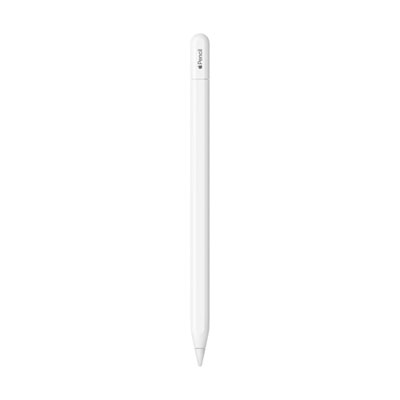
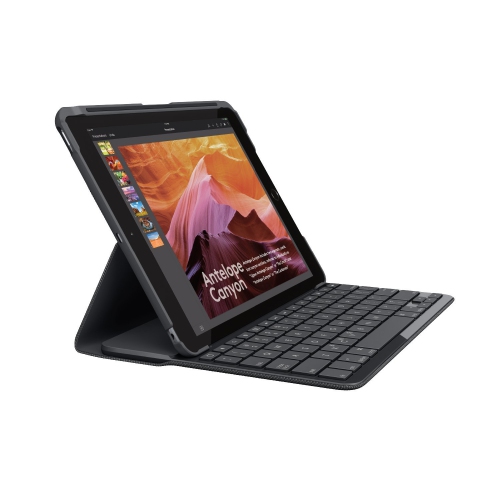
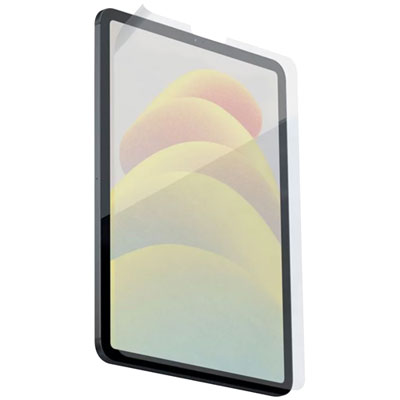
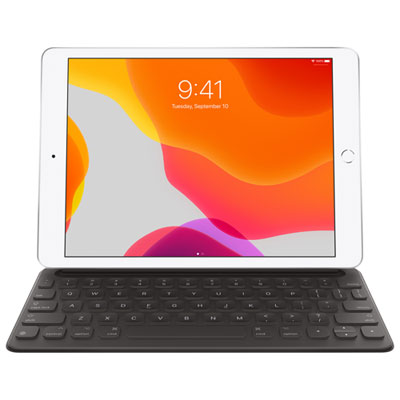
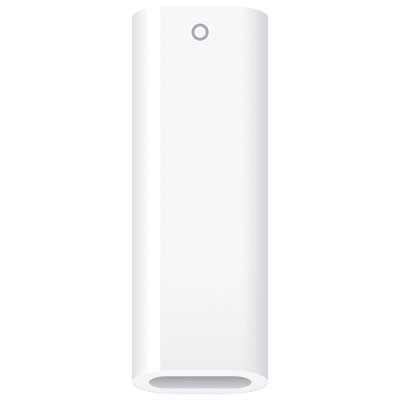
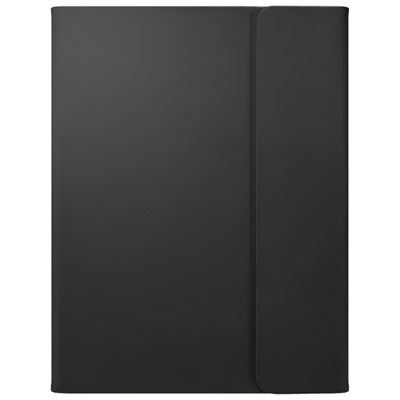
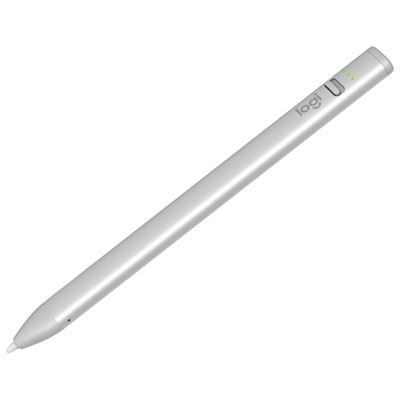
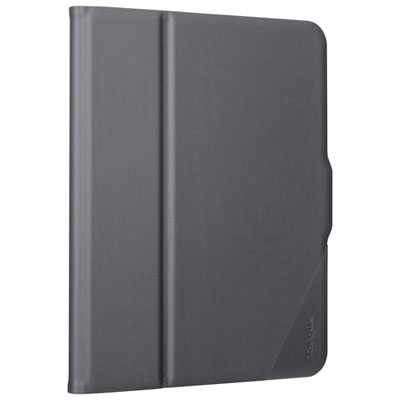
Common accessories include a compatible stylus for handwritten notes, a keyboard for typed notes, and a case or stand with adjustable viewing angles. A stylus holder and an accessory pouch can keep writing tools, charging cables, and adapters together between classes.
Find your iPad’s model name and model number under Settings > General > About, then compare them with the accessory’s compatibility list. For styluses and keyboards, check supported iPad generations, connection methods, and any iPadOS requirements.
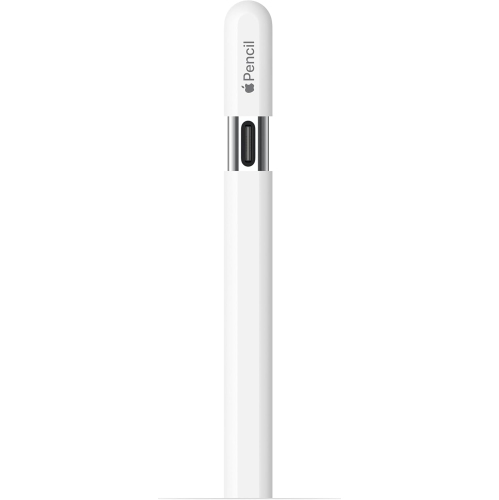
An active stylus uses powered electronics and may support features such as palm rejection, tilt input, or pressure sensitivity, depending on the stylus, iPad, and app. A passive capacitive stylus works like a fingertip on the touchscreen and generally does not require charging or pairing.
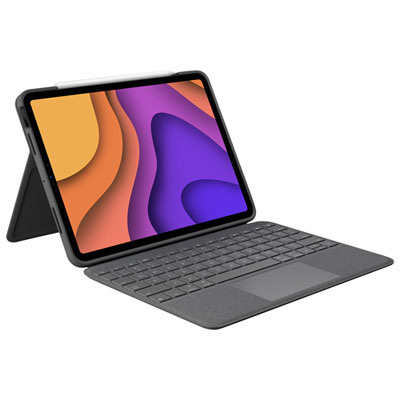
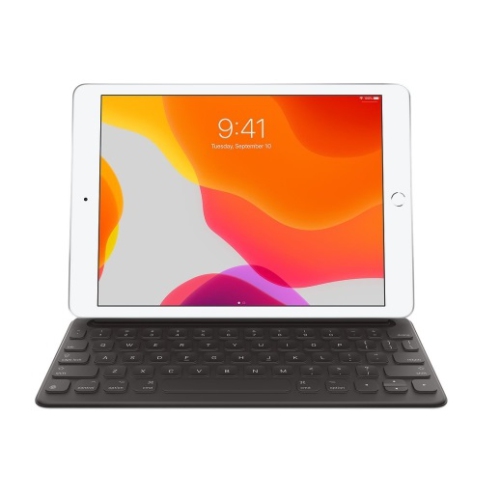
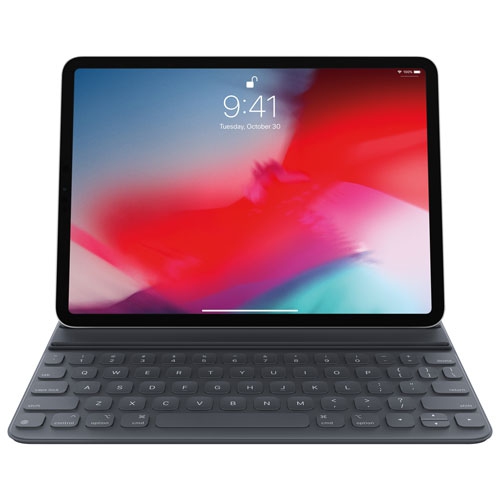
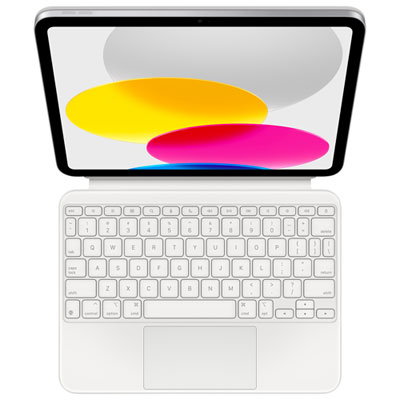
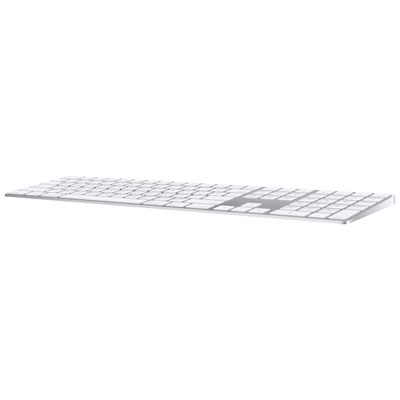
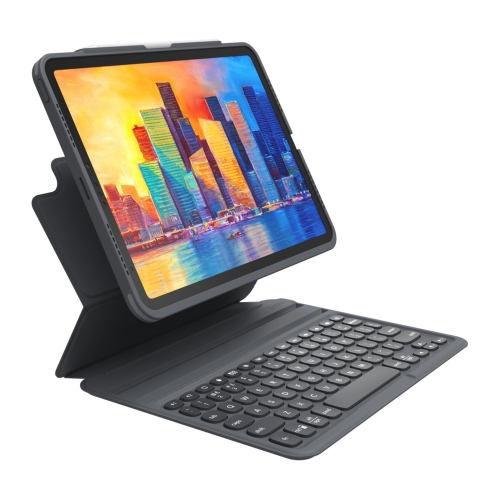
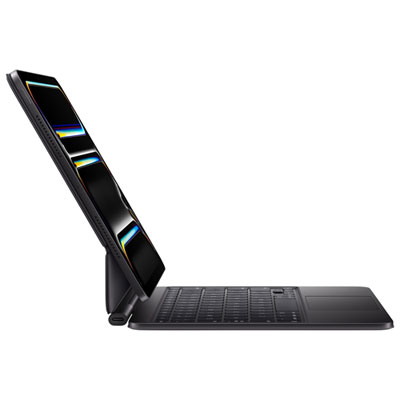
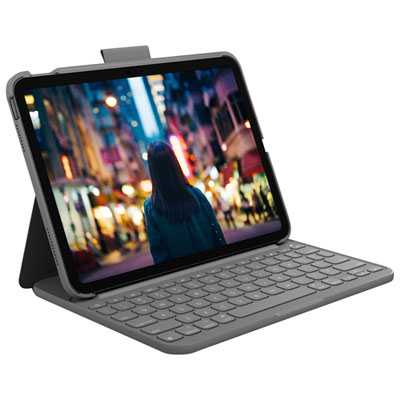
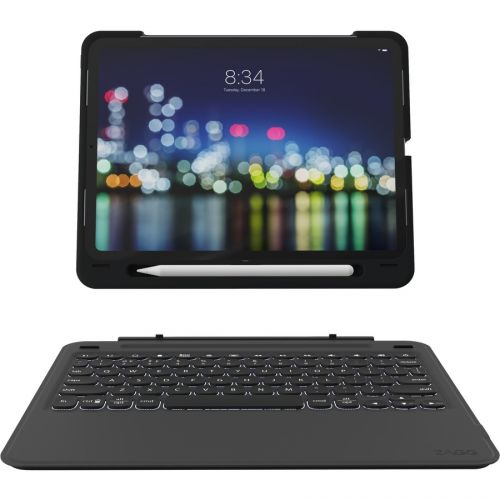
A keyboard case combines an iPad cover, a keyboard, and usually a built-in stand in one accessory. A separate keyboard lets you position the keyboard independently from the iPad, typically alongside a stand or folio. Depending on compatibility, keyboards may connect through Bluetooth, USB-C, or the iPad’s Smart Connector.
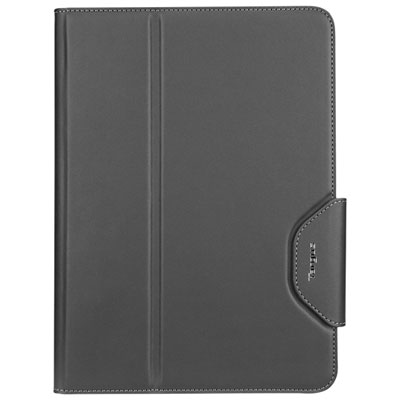
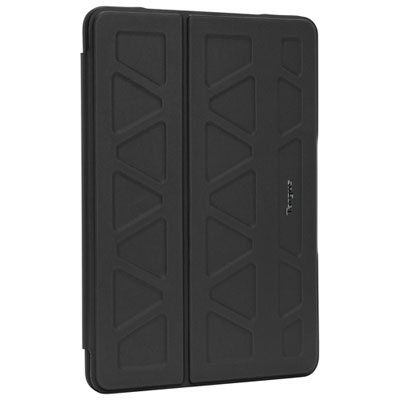
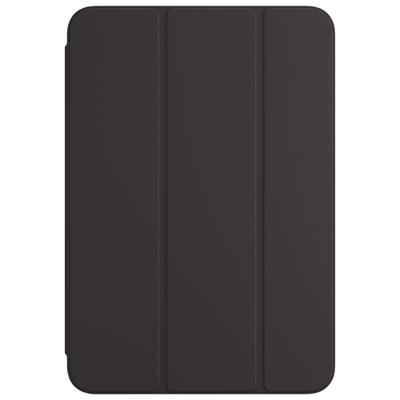
Cases may include a stylus slot, loop, or compartment, while accessory pouches often have sections for cables and adapters. Some cases also leave space for a compatible stylus to attach magnetically to the iPad. Magnetic attachment and wireless charging support vary, so check both features separately.
Top selling and popular products
Discover more categories related to Back To School iPad Accessories For Note-Taking
Some products may be subject to Environmental Handling Fees (EHF) depending on your province. Learn more about EHFs.