Ipad Drawing Accessories
Enhance your creativity and take your iPad drawing experience to the next level with our wide selection of accessories. Whether you're a professional artist or just starting out, these must-have tools will help you unlock the full potential of your iPad as a digital canvas. From stylus pens and drawing gloves to screen protectors and carrying cases, we have everything you need to make your artistic visions come to life.
Sort







![HLD Ipad 9Th Generation Case, Ipad 8Th/7Th Generation Case Ipad 10.2 Case, Ipad Air 3 Case [Pencil Holder] Kids Camo Case for Ipad 10.2" Shockproof](https://multimedia.bbycastatic.ca/multimedia/products/500x500/164/16471/16471772.jpeg)

The right accessories add comfort and control to drawing
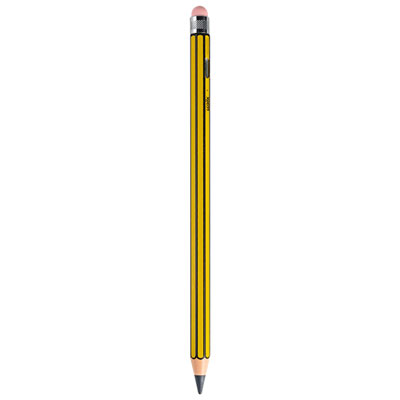
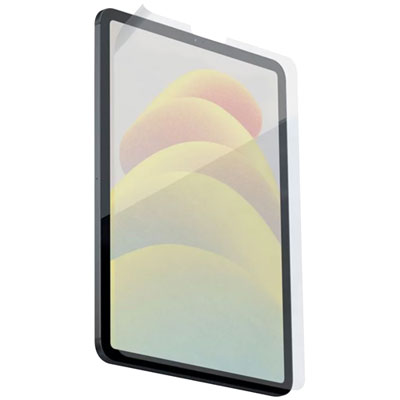
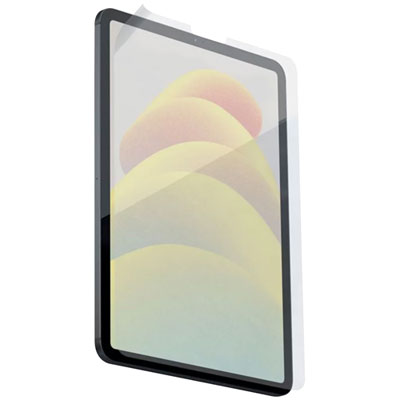
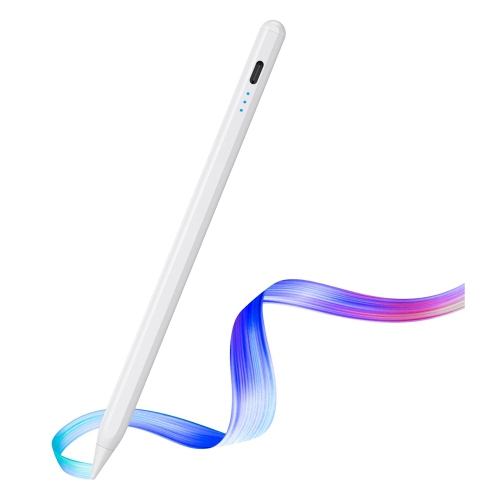
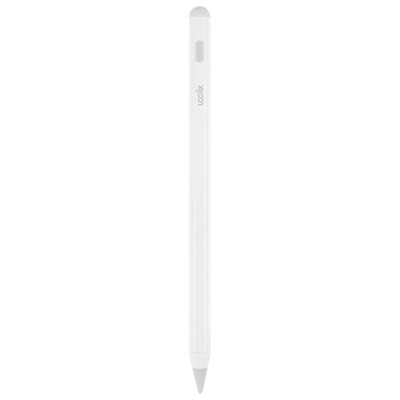
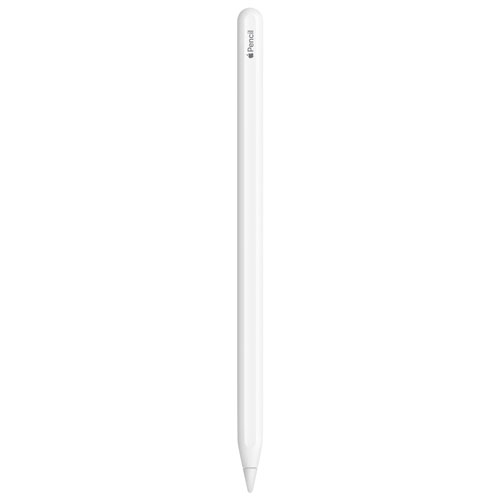
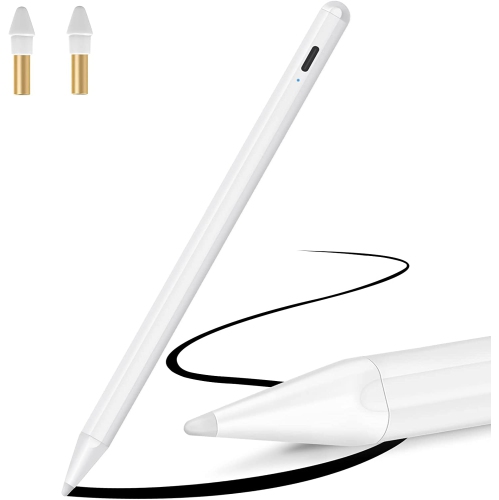
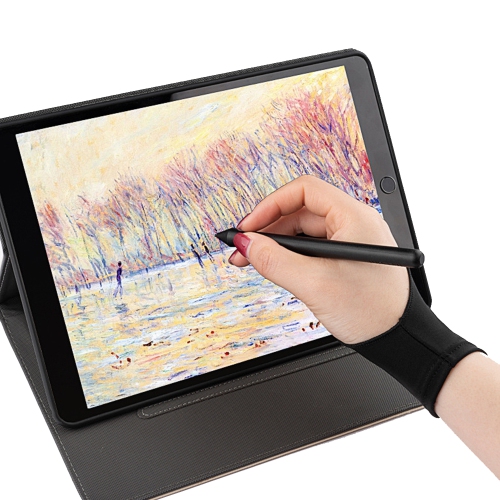
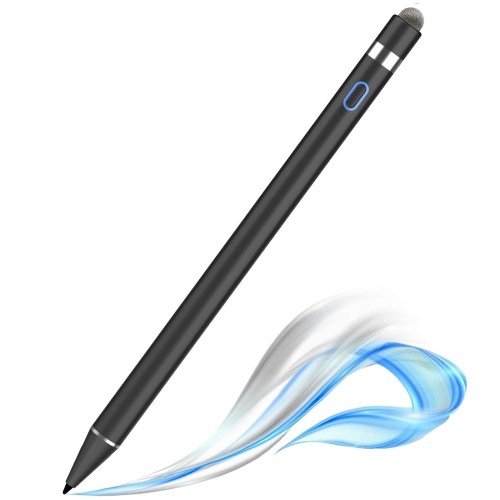
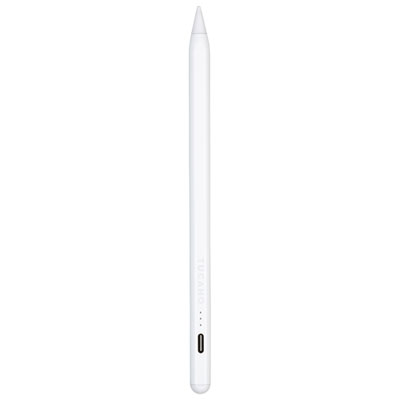
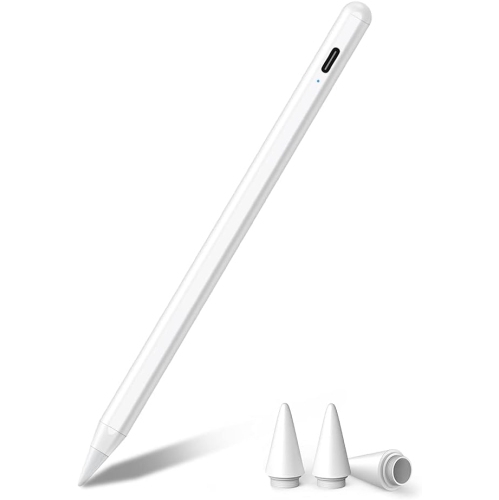
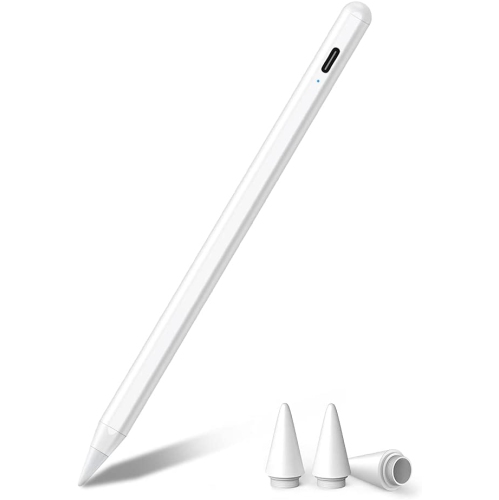
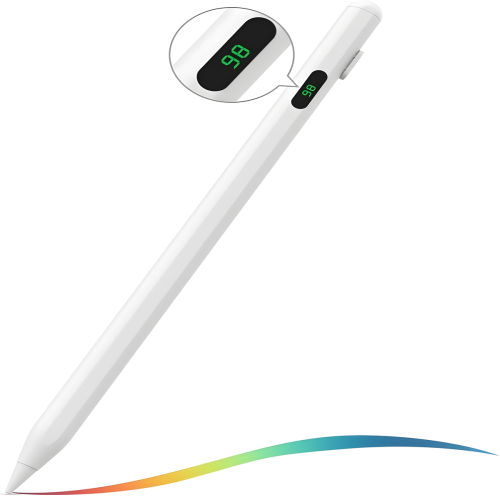
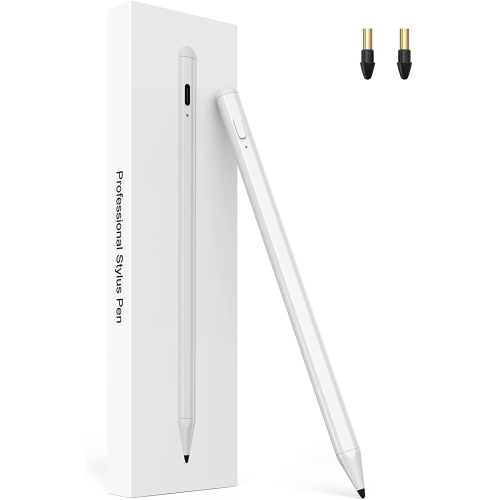
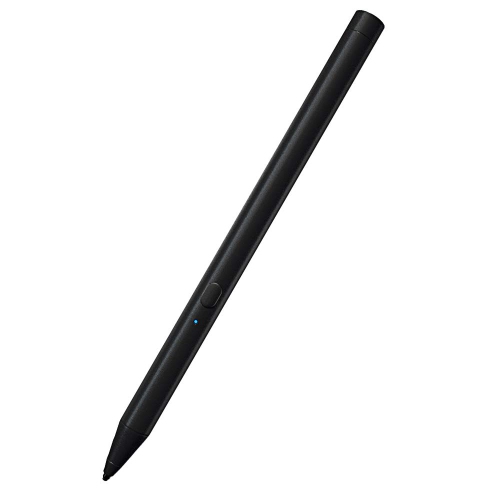
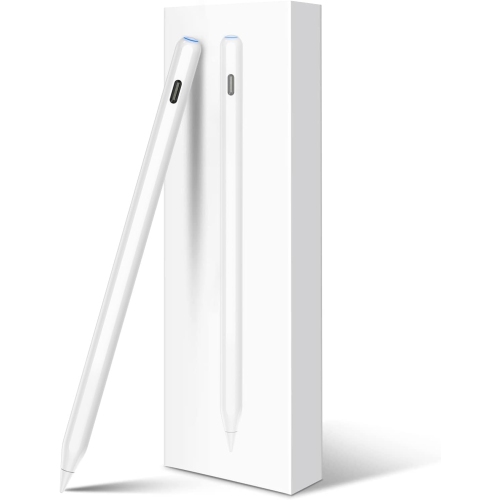
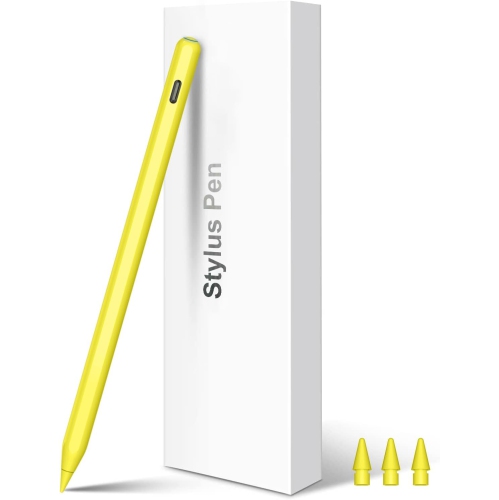
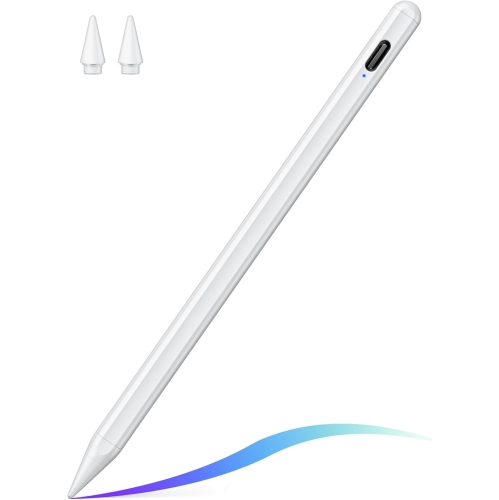
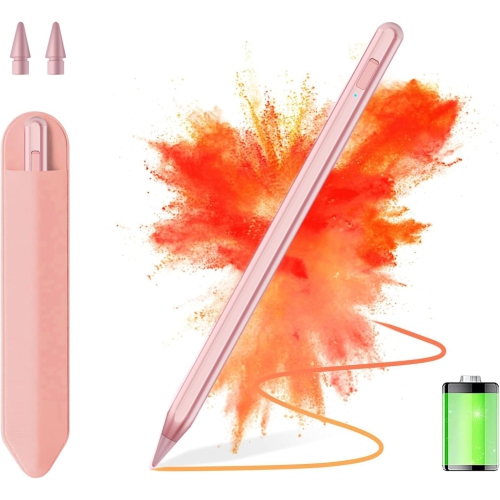
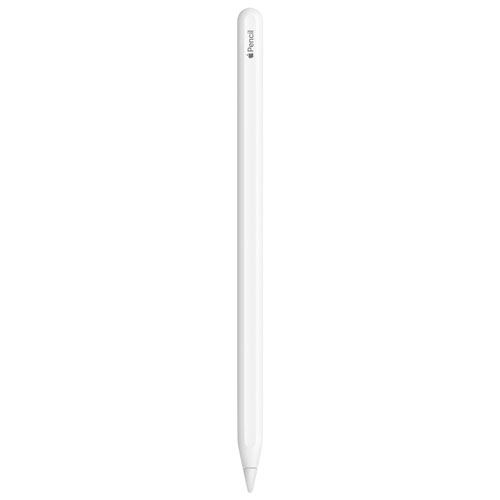
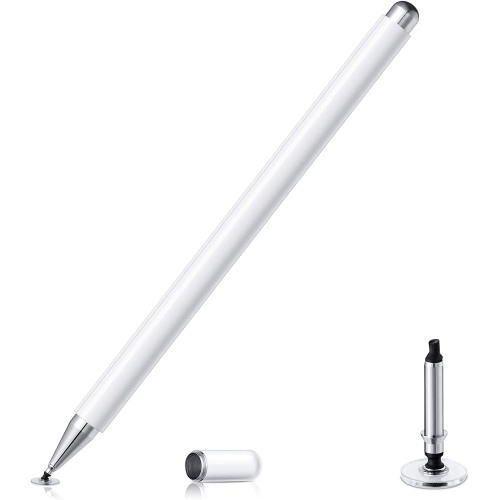
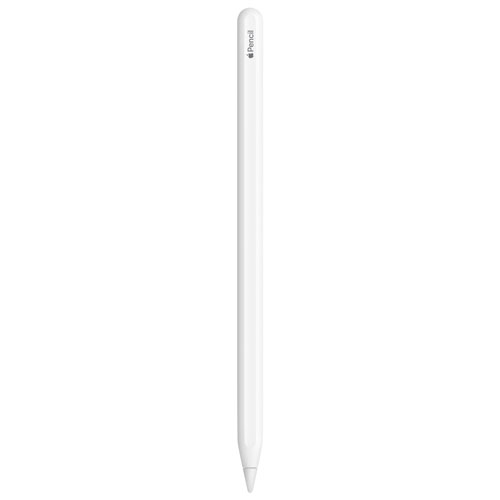
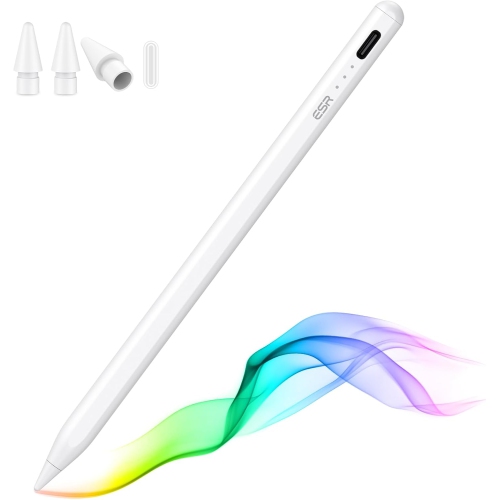
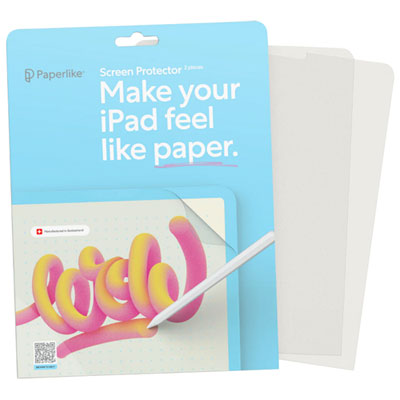
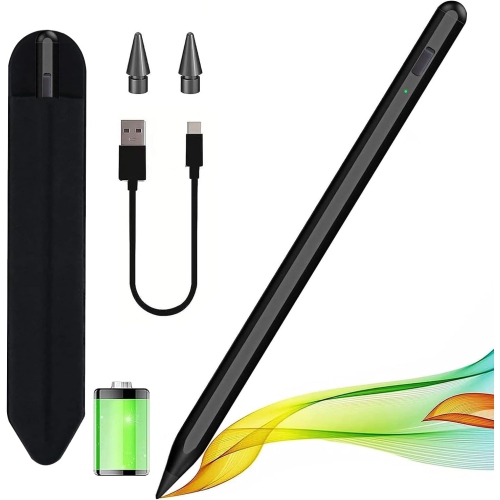
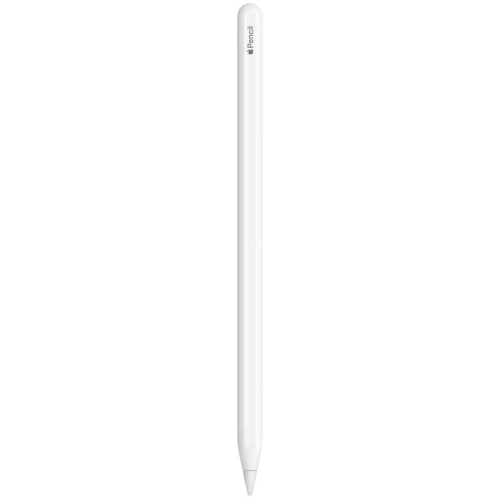
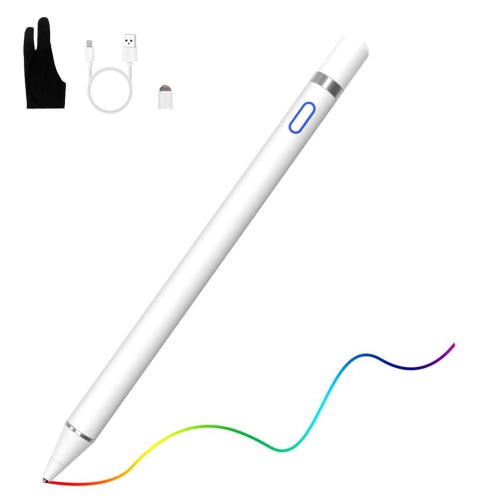
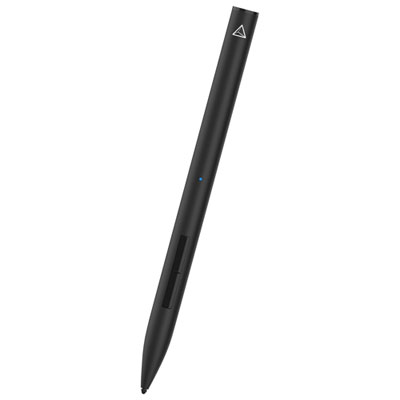
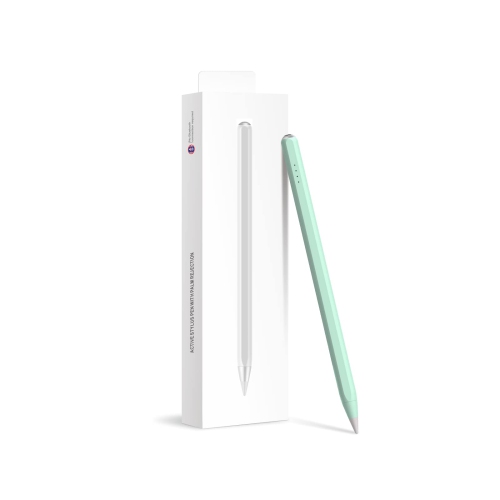
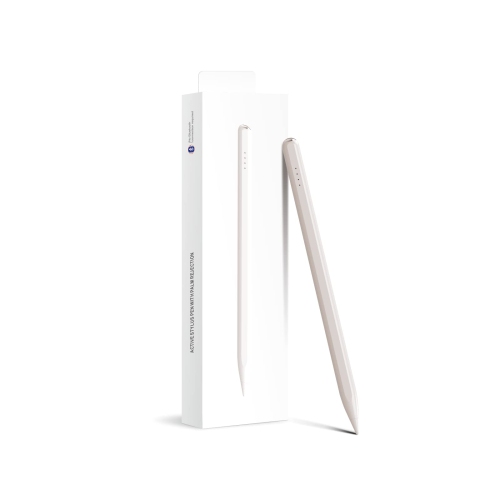
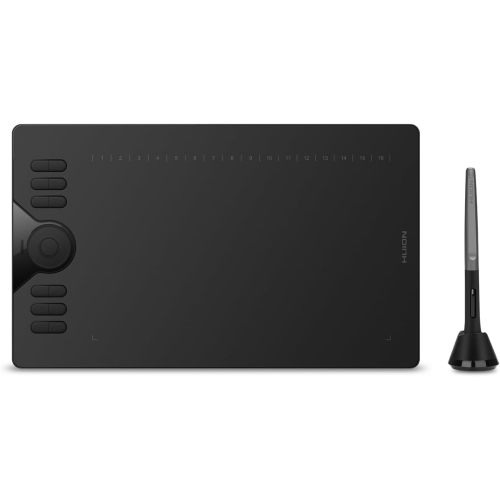
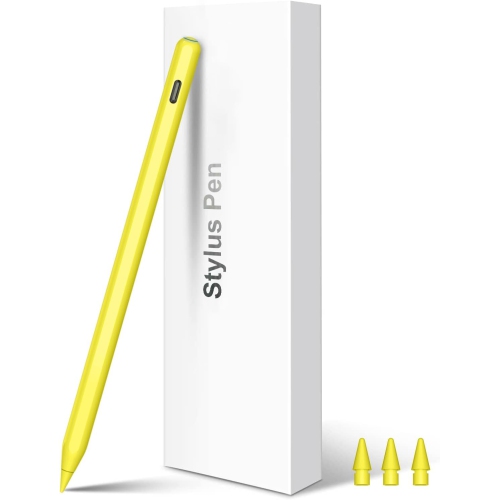
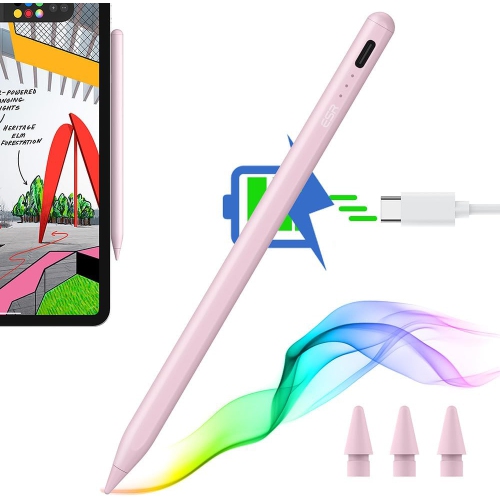
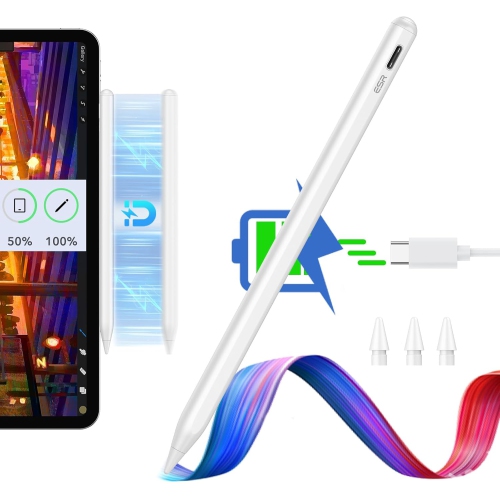
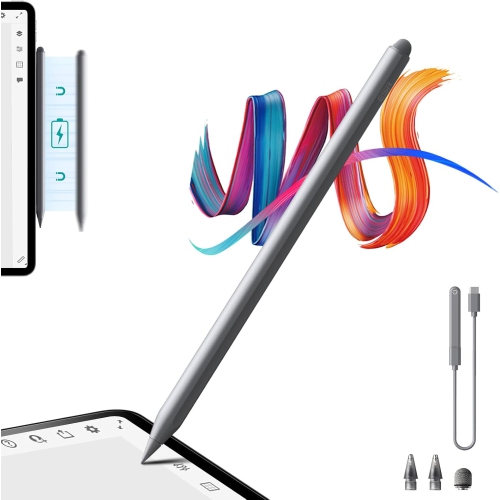
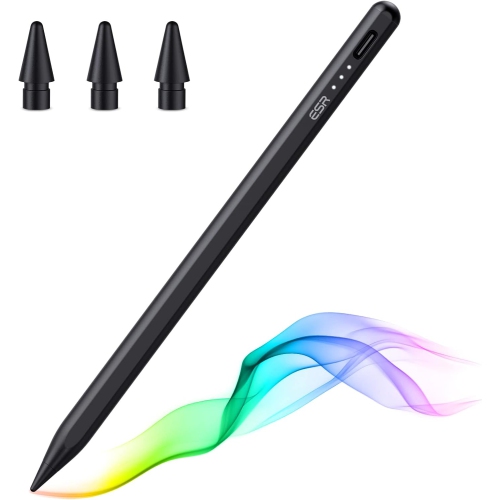
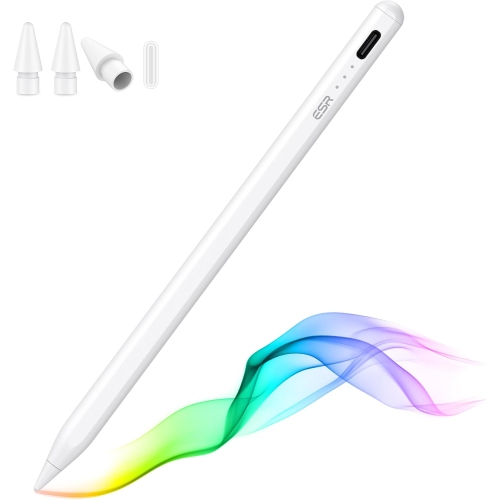
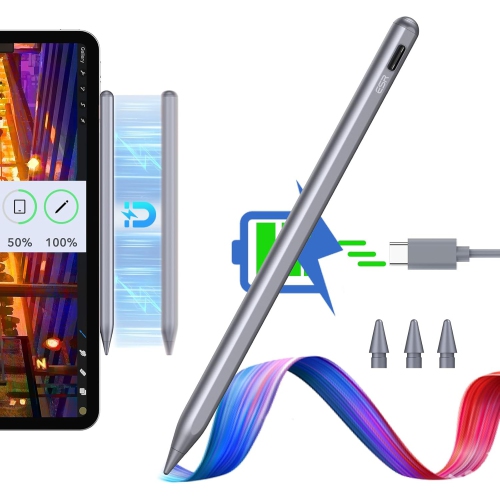
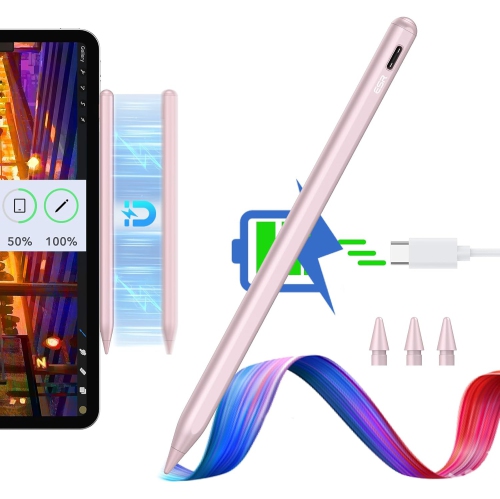
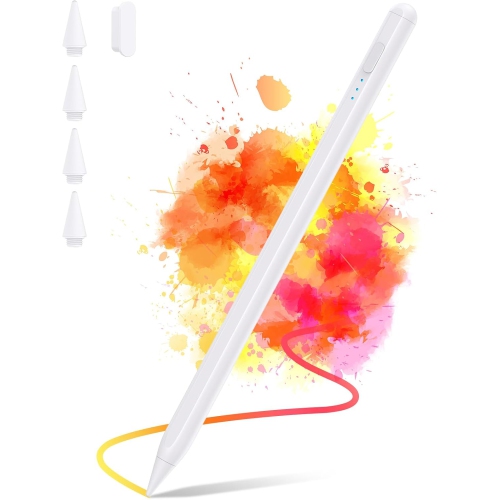
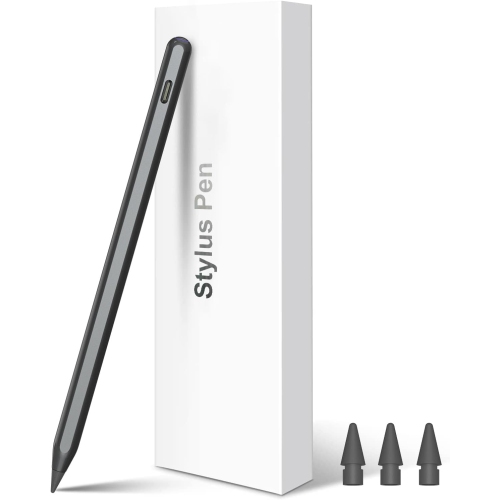
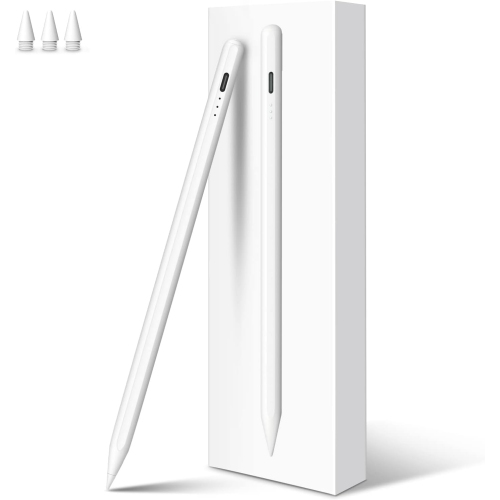
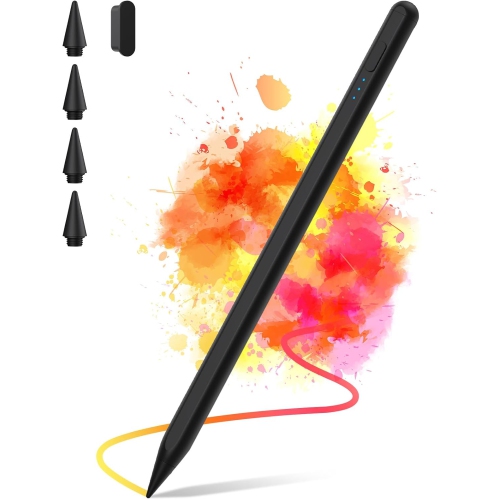
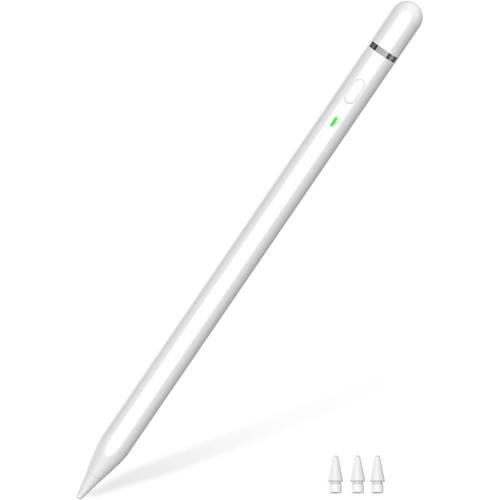
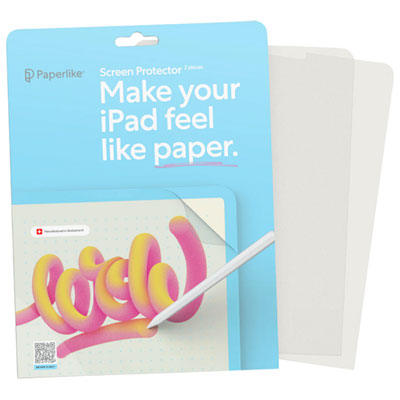
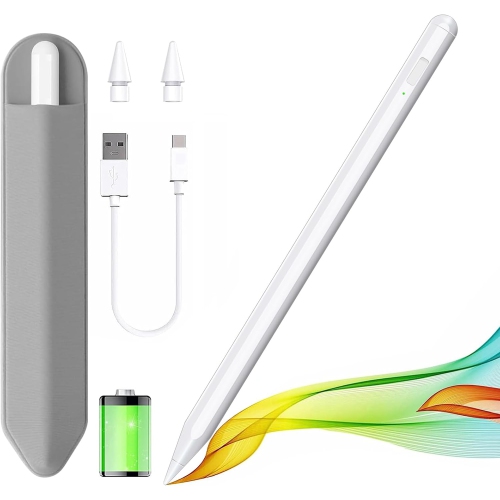
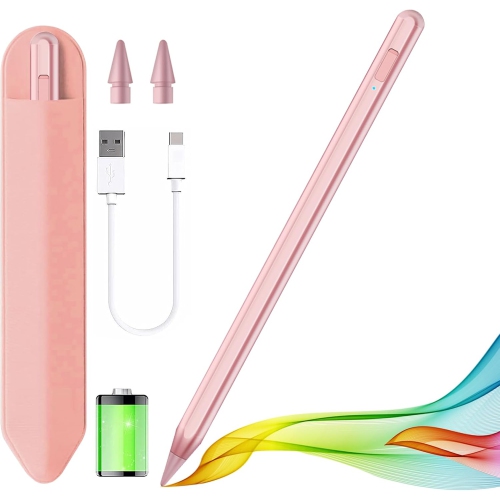
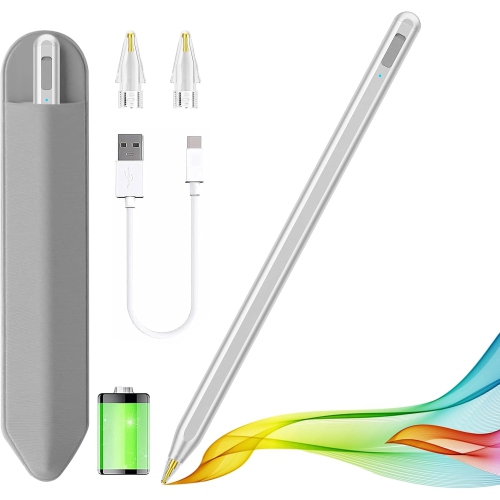
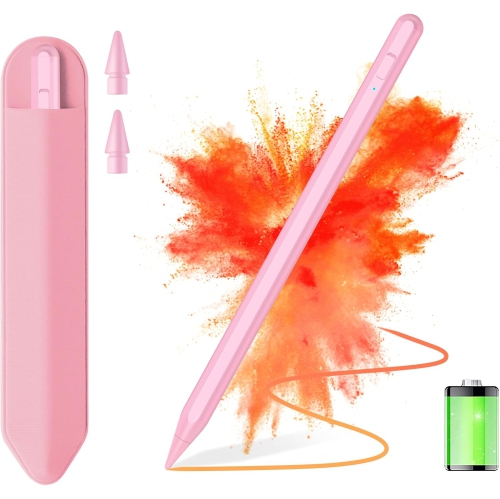
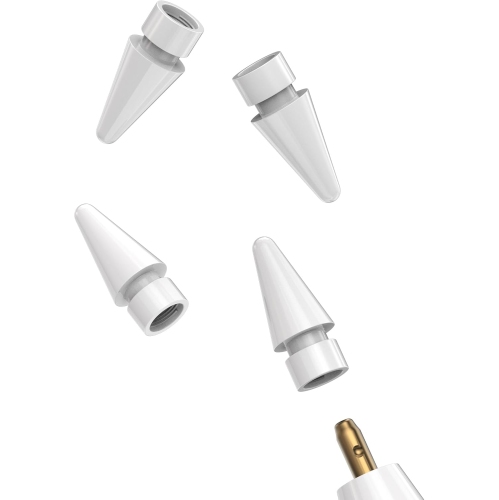
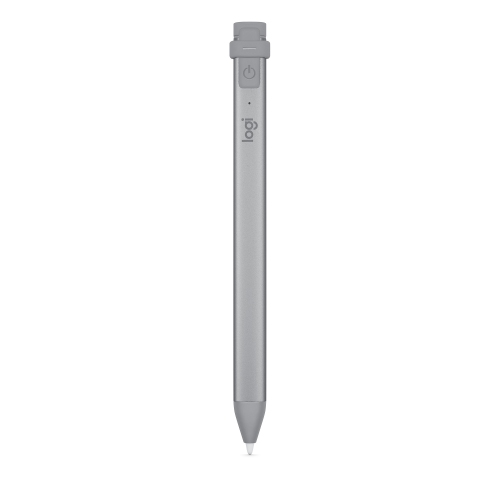
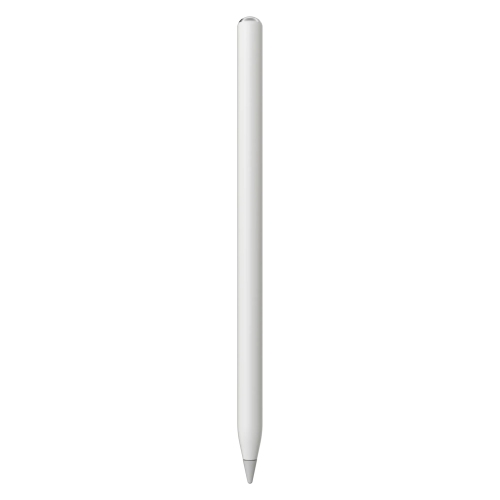
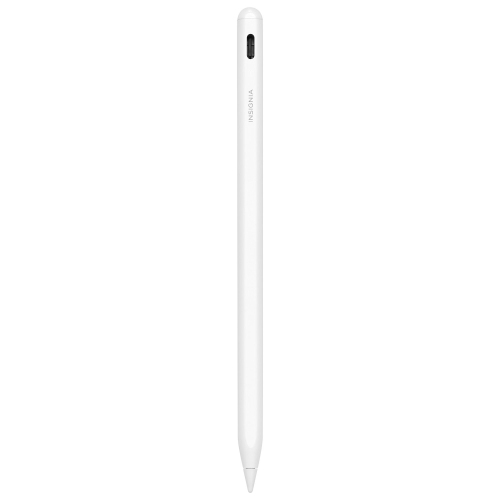
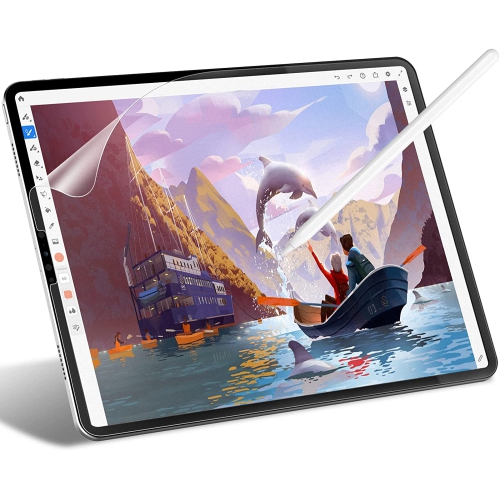
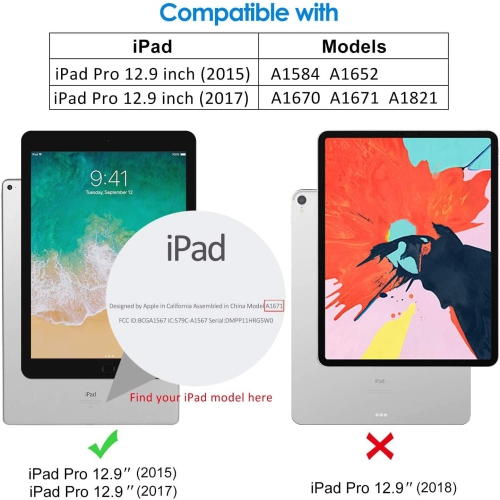
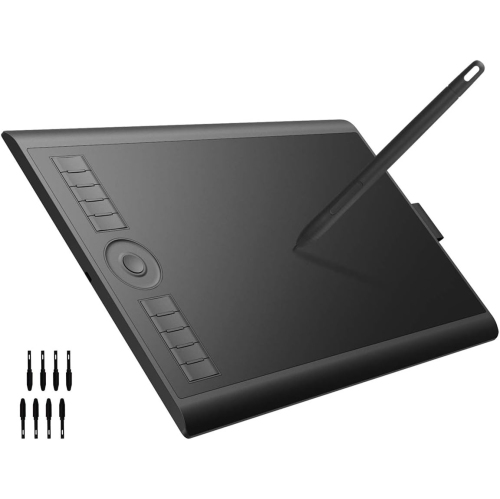
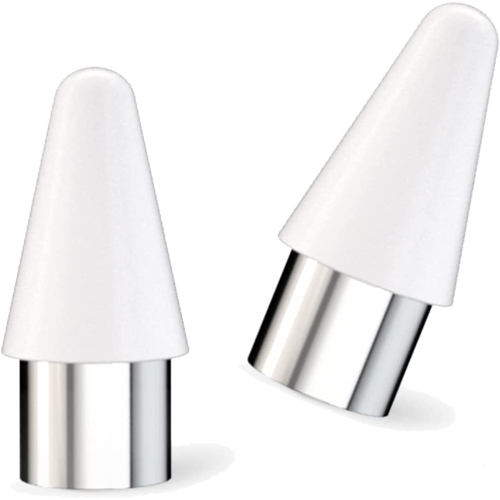
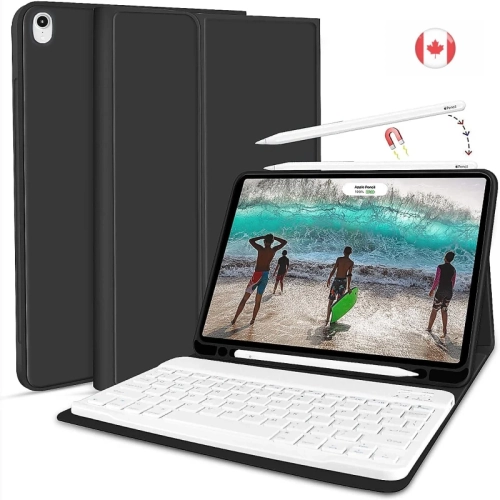
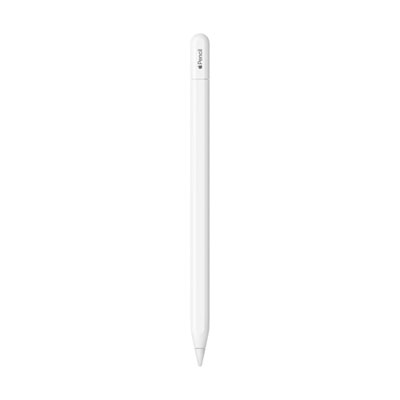
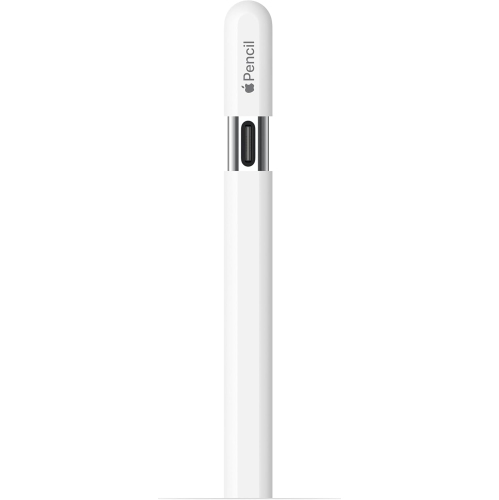
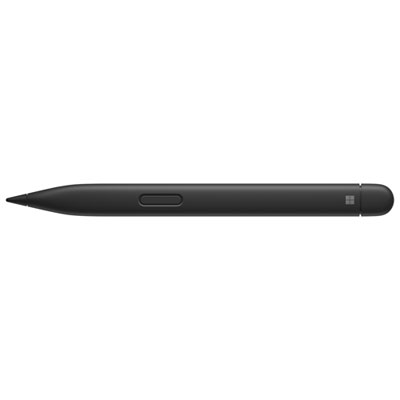
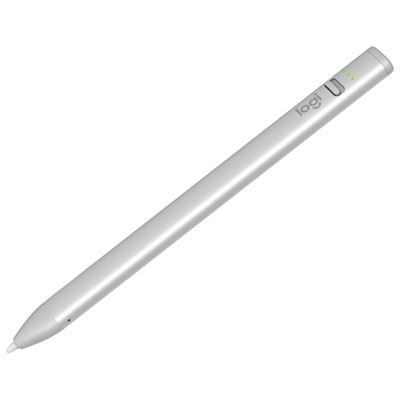
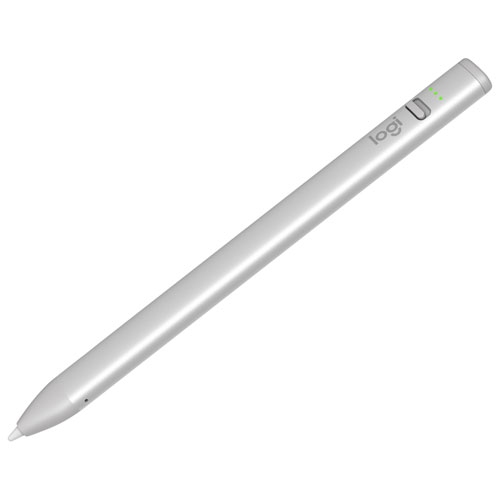
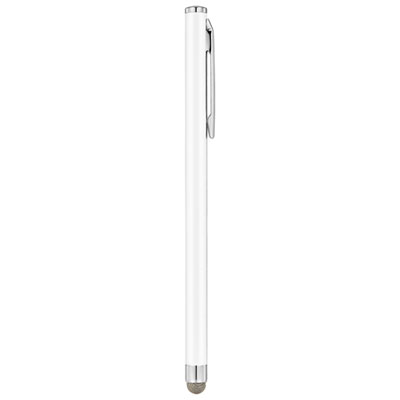
Drawing on an iPad can feel remarkably close to working with pencil and paper, but the right accessories make a noticeable difference in comfort, control, and convenience. A compatible active stylus is often the centre of a digital drawing setup, offering more accuracy than a fingertip and making it easier to create fine lines, broad strokes, shading, and detailed lettering. When choosing a stylus, check that it works with your iPad model and supports the features that matter to your style of work, such as pressure sensitivity, tilt recognition, palm rejection, low-latency response, or shortcut controls. Pressure sensitivity is especially useful for artists who vary line weight naturally, while tilt support can help with shading and calligraphy techniques. Some people prefer a lighter, straightforward stylus for note-taking, colouring, or casual sketching, while illustrators and design students may appreciate more advanced controls. Replacement nibs are also worth considering, particularly for anyone who draws every day or prefers a fine point for architectural sketches, comic panels, diagrams, and small details. Different nib materials and shapes can change the feel of each stroke, so a harder tip may suit crisp line work while a softer option can feel more forgiving during longer sessions. A matte screen protector can add subtle friction to the smooth glass surface, helping the stylus feel less slippery and giving strokes a more familiar, paper-like resistance. It can also reduce glare from nearby windows or overhead lighting, which is useful when drawing at a kitchen table, in a classroom, or beside a sunny studio window. Before purchasing, confirm the protector is sized for the exact iPad generation and screen dimensions, and consider whether it leaves the display clear enough for viewing colour and fine detail. A protector designed for drawing should still allow touch gestures, screen visibility, and stylus responsiveness to work comfortably together.
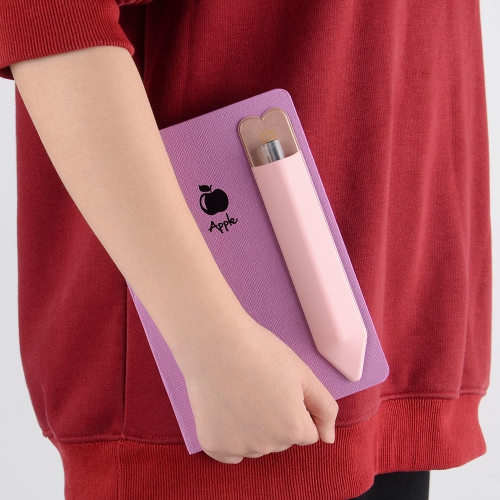
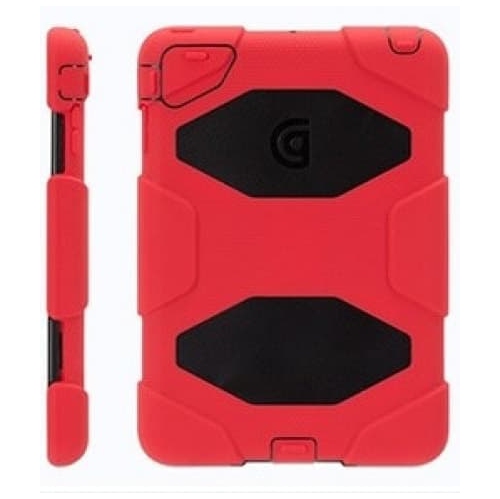
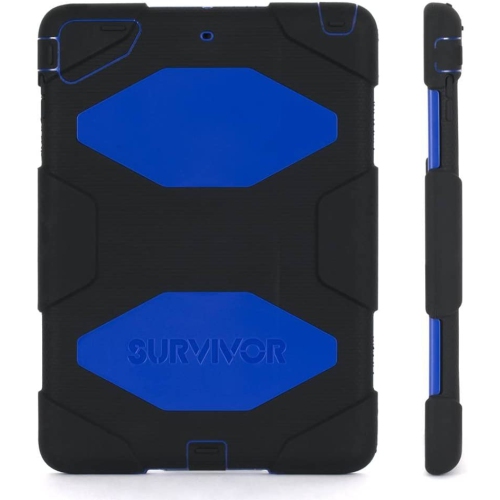
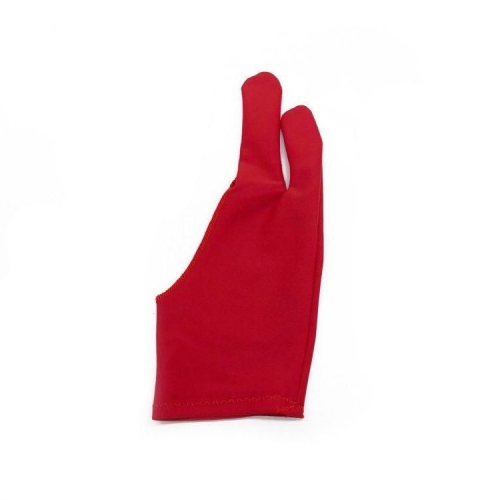
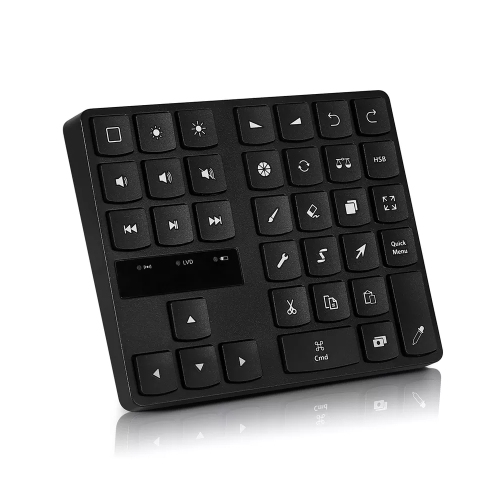
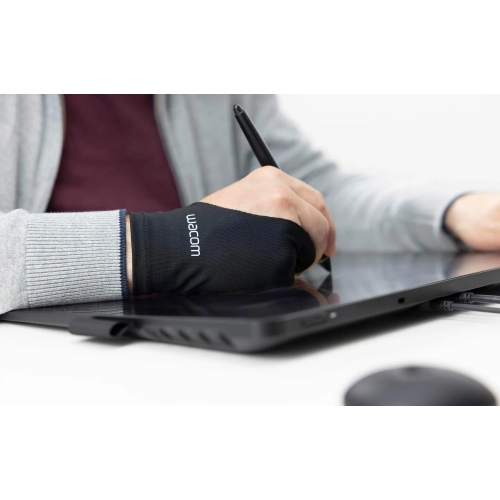
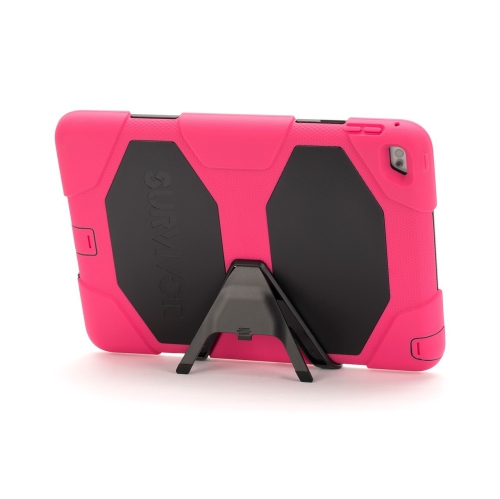
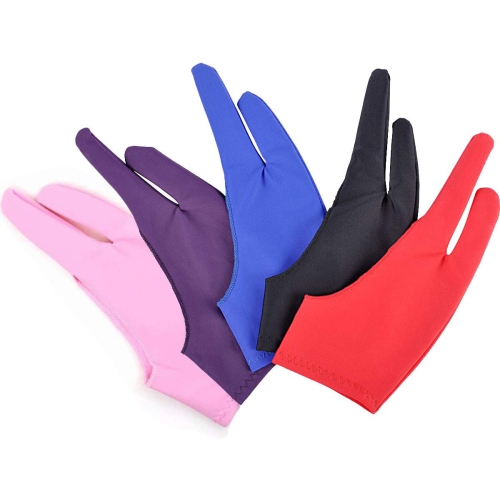
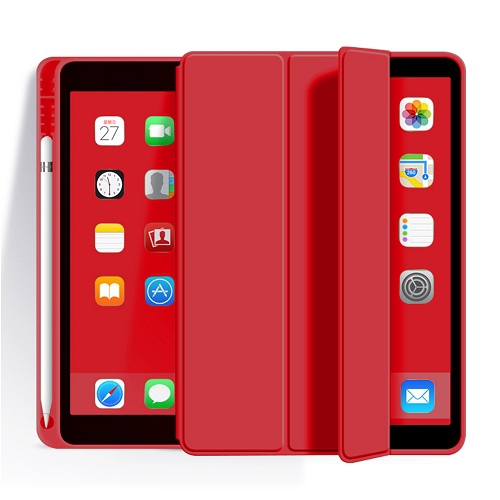
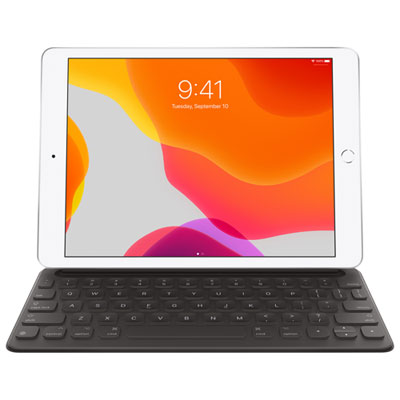
Comfort becomes increasingly important once a quick sketch turns into an afternoon of character design, landscape studies, or digital painting. An ergonomic pencil grip can make the stylus easier to hold and may help reduce pressure on the fingers during extended sessions, especially for artists who tend to grip tightly when concentrating. A two-finger drawing glove can help the hand glide across the display, reduce smudges from natural skin oils, and limit accidental touch input while working. These small additions can make a particularly thoughtful gift for a student, hobby artist, journal keeper, or creative professional building a portable workspace. A folding or adjustable stand is another practical choice because it can raise the screen and set it at a comfortable drafting angle, helping reduce the neck and shoulder strain that comes from working with the tablet flat on a desk. Look for a stand with a stable base, a secure viewing platform, and several angle options so it can support both drawing and reference viewing. A protective case or folio can complement a stand by helping shield the iPad during transport between home, school, a studio, or a café, while leaving access to charging ports and buttons. For artists who prefer keyboard shortcuts, a compact Bluetooth keyboard or programmable shortcut controller can place undo, redo, brush-size changes, and canvas navigation within easy reach. This can speed up repetitive tasks without interrupting the drawing hand, although compatibility, charging requirements, and app support should be checked before buying. Cable management accessories and a spare charging solution can also be helpful during long sessions, especially when a stylus or iPad needs to remain powered while reference images, tutorials, or music are open in the background. Whether the setup is intended for a beginner learning digital sketching, an experienced illustrator refining work during the cooler months, or a family member looking for a creative gift as routines shift indoors, the best combination depends on the iPad model, preferred drawing app, working posture, and level of detail. Browse iPads for Drawing to confirm device compatibility before selecting accessories, then build a setup that feels natural in the hand, stays comfortable through longer projects, and fits easily into everyday creative spaces.
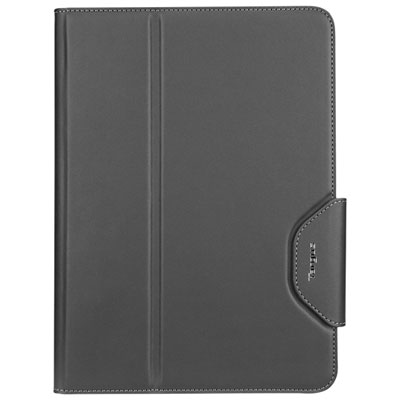
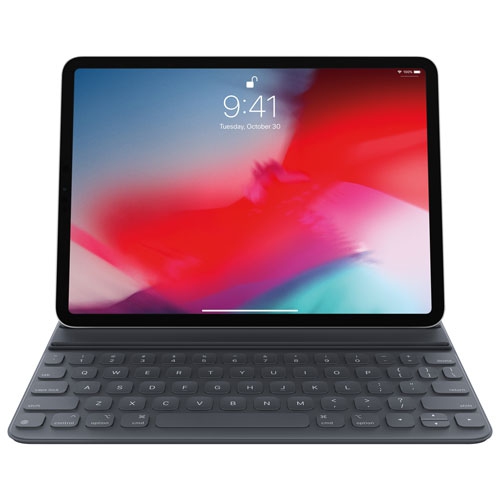
Comfort becomes increasingly important once a quick sketch turns into an afternoon of character design, landscape studies, or digital painting. An ergonomic pencil grip can make the stylus easier to hold and may help reduce pressure on the fingers during extended sessions, especially for artists who tend to grip tightly when concentrating. A two-finger drawing glove can help the hand glide across the display, reduce smudges from natural skin oils, and limit accidental touch input while working. These small additions can make a particularly thoughtful gift for a student, hobby artist, journal keeper, or creative professional building a portable workspace. A folding or adjustable stand is another practical choice because it can raise the screen and set it at a comfortable drafting angle, helping reduce the neck and shoulder strain that comes from working with the tablet flat on a desk. Look for a stand with a stable base, a secure viewing platform, and several angle options so it can support both drawing and reference viewing. A protective case or folio can complement a stand by helping shield the iPad during transport between home, school, a studio, or a café, while leaving access to charging ports and buttons. For artists who prefer keyboard shortcuts, a compact Bluetooth keyboard or programmable shortcut controller can place undo, redo, brush-size changes, and canvas navigation within easy reach. This can speed up repetitive tasks without interrupting the drawing hand, although compatibility, charging requirements, and app support should be checked before buying. Cable management accessories and a spare charging solution can also be helpful during long sessions, especially when a stylus or iPad needs to remain powered while reference images, tutorials, or music are open in the background. Whether the setup is intended for a beginner learning digital sketching, an experienced illustrator refining work during the cooler months, or a family member looking for a creative gift as routines shift indoors, the best combination depends on the iPad model, preferred drawing app, working posture, and level of detail. Browse iPads for Drawing to confirm device compatibility before selecting accessories, then build a setup that feels natural in the hand, stays comfortable through longer projects, and fits easily into everyday creative spaces.
Top selling and popular products
-
 Your price for this item is $168.68
 -
 Your price for this item is $148.98
 -
 Your price for this item is $93.98
 -
 Your price for this item is $94.99
 -
 Your price for this item is $189.99
 -
 Your price for this item is $88.97
 -
 Your price for this item is $118.51
 -
 Your price for this item is $9.99
Discover more categories related to Ipad Drawing Accessories
Top Collections:
Pokemon Centers, Kindle Devices, Best Budget Office Chairs, Apple iPhones 16, Best Laptops for Writers, iPhone 15 Apple, Canon G7X Cameras, Refurbished Apple Laptops, Alarm Clock, Motorola Razr Phones
Some products may be subject to Environmental Handling Fees
(EHF) depending on your province.
Learn more about EHFs.