iPad Air New
Discover the latest in portable technology with iPad Air New, designed to keep you connected, productive, and entertained wherever life takes you. Explore a range of sleek options perfect for work, school, creativity, and play. Whether you’re looking for a device to enhance your digital experience or searching for a versatile companion on the go, iPad Air New offers a fresh approach to everyday tasks. Find the ideal model that fits your needs and enjoy seamless performance every time you power up.
Sort
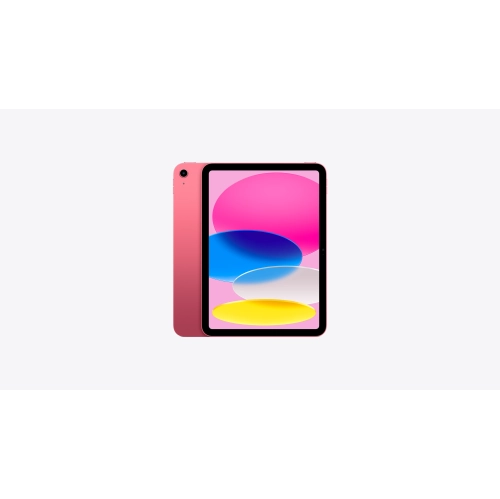
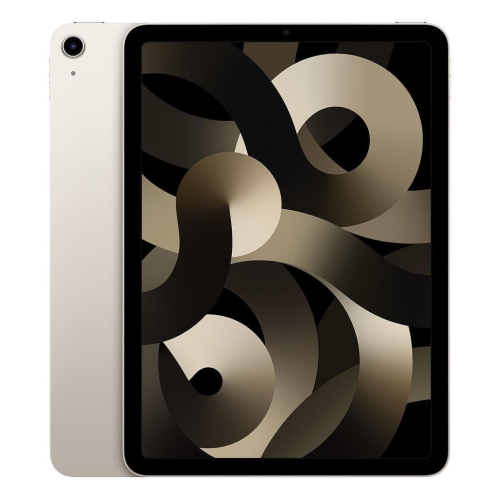

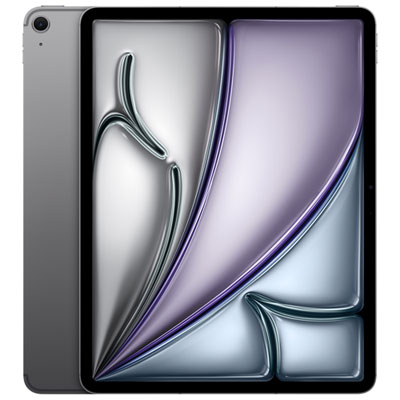


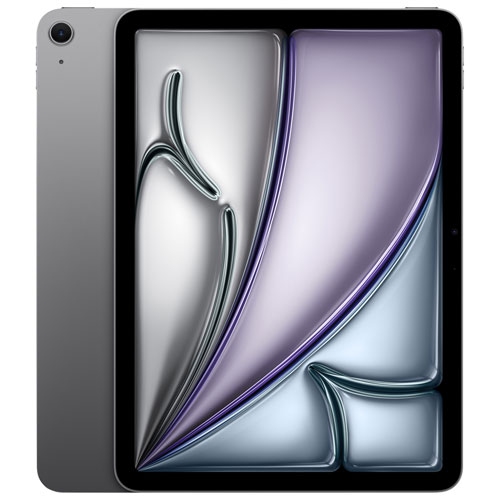
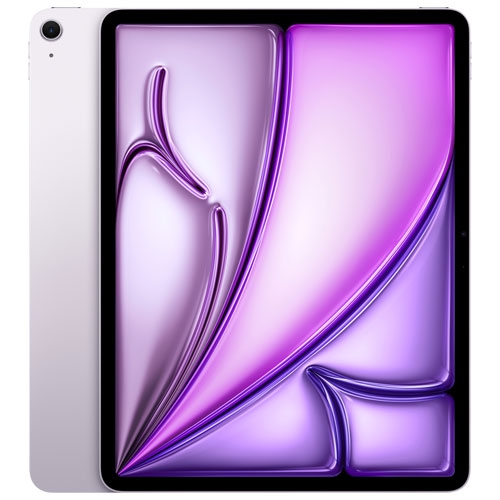

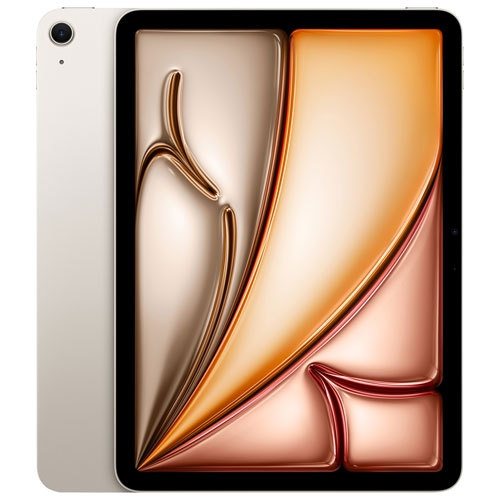


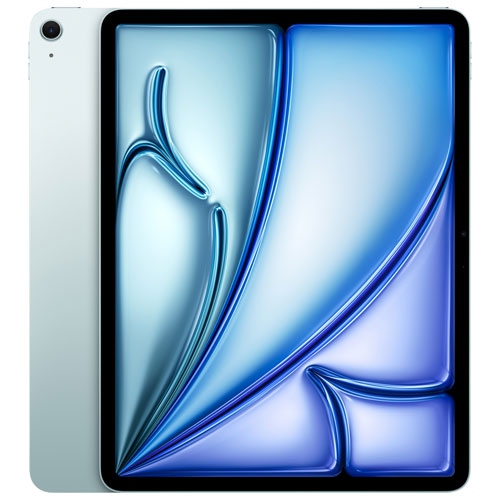


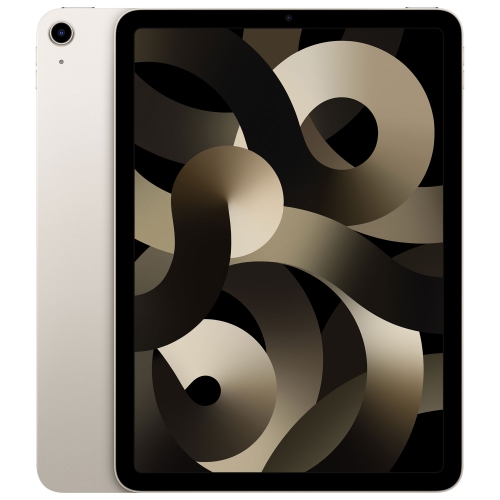


More screen space without the full-size laptop bulk
A new tablet brings a larger touch display to everyday activities without the bulk of a full-size laptop, creating a comfortable space for reading, streaming, handwritten notes, and creative work. Its appeal is often in the moments between longer tasks: reviewing a presentation on the train, sketching a room layout at the kitchen table, or joining a video call from a desk that also serves as a study space. A slim aluminum body feels sturdy in the hand, while the glass display provides a smooth surface for tapping, drawing, and moving between apps. Screen size influences both comfort and portability. A more compact format is easier to hold while reading and takes up less room in a shoulder bag; a larger display gives documents, illustrations, and side-by-side apps more breathing room. Display quality also matters beyond the diagonal measurement. Clear text makes lengthy articles easier to read, accurate colour is useful for photo editing, and a screen that handles reflections well can be more comfortable near a window or under bright office lighting. Performance depends on the processor, software, and demands of the task rather than appearance alone. Browsing, email, and video playback place different demands on a device than editing layered artwork, working with large presentations, or exporting video. For students, a tablet can keep lecture notes, course readings, and annotated documents together in one portable format. For people working across several locations, it can serve as a convenient companion for reviewing files and making changes away from a primary computer. It can also be a comfortable entertainment device for someone who prefers a larger screen than a phone. The most useful configuration is the one that fits those regular activities, including the apps involved and whether touch, handwriting, or a physical keyboard feels most natural.
Storage and connectivity shape how easily a tablet fits into a daily routine. For shoppers comparing iPad Air 128gb options, the central storage consideration is how much content needs to remain on the device. Notes, email, and streamed entertainment generally create different storage needs from downloaded films, extensive photo libraries, large games, or detailed drawing files. The stated capacity also includes space used by the operating system and installed software, leaving less room for personal content than the headline figure alone might suggest. Online storage can help keep documents accessible across devices, but it relies on account settings and a suitable internet connection. Someone who frequently works without reliable access may prefer to keep more files downloaded locally. Wi-Fi connectivity suits use at home, on campus, and in other places with a trusted network. Cellular-capable configurations can add flexibility for travel or working between locations, although mobile service requires a compatible plan and coverage. Connectivity also extends to accessories and displays. A USB-C port can support charging and connections to compatible peripherals, with the exact functions depending on the tablet and accessory specifications. Wireless headphones make listening convenient, while an external keyboard can make longer emails and written assignments more comfortable. For drawing or handwritten notes, stylus compatibility deserves particular attention because support can differ between generations, even when devices look similar. A keyboard case or fitted cover likewise needs to match the exact dimensions, camera placement, and connection points of the intended tablet. Video calls benefit from a stable stand and a camera position that works in landscape orientation. Battery life varies with screen brightness, network use, and workload, so a day spent reading documents will not necessarily resemble a day of gaming or video meetings. These practical differences help explain why two people can use similar-looking tablets in quite different ways.
Comfort, protection, and care have a lasting effect on the ownership experience. A thin tablet slips easily into a bag, but its glass screen and metal enclosure still benefit from protection against knocks, scratches, and pressure from other belongings. A fitted case with raised edges can help shield vulnerable surfaces, while a folio cover keeps the display covered between uses. The trade-off is added weight and thickness, which can be noticeable when holding the device for a long reading session. A stand that stays steady at several angles is useful for recipes on a counter, reference material beside a keyboard, or a film watched from a comfortable chair. For handwritten work, a lower angle often provides better wrist support than an upright position. Screen protectors can change the feel of writing and swiping, and their fit should leave cameras, sensors, and case edges unobstructed. Routine cleaning is straightforward: a soft, lint-free cloth removes fingerprints, and any cleaning product should be suitable for the display coating and used according to the device maker’s directions. Liquids should not be sprayed directly onto the screen or allowed into ports. Keeping charging connections free of debris and carrying the tablet in a dedicated sleeve can also reduce everyday wear. Software updates, a secure screen lock, and regular backups help protect personal information and preserve important work. Accessibility features such as adjustable text size, spoken content, captions, and alternative input methods can make a tablet more comfortable for a wider range of users. As a gift, this type of device can suit a student organizing coursework, a creative hobbyist exploring digital drawing, or a family member who enjoys reading and video calls. The recipient’s existing apps, preferred screen size, and compatible accessories matter more than choosing by appearance alone. For shared household use, account arrangements and privacy settings are worth considering, since tablets do not all offer the same options for separate users. A well-matched tablet feels less like an extra device and more like a convenient place for the activities its owner returns to every day.
Storage and connectivity shape how easily a tablet fits into a daily routine. For shoppers comparing iPad Air 128gb options, the central storage consideration is how much content needs to remain on the device. Notes, email, and streamed entertainment generally create different storage needs from downloaded films, extensive photo libraries, large games, or detailed drawing files. The stated capacity also includes space used by the operating system and installed software, leaving less room for personal content than the headline figure alone might suggest. Online storage can help keep documents accessible across devices, but it relies on account settings and a suitable internet connection. Someone who frequently works without reliable access may prefer to keep more files downloaded locally. Wi-Fi connectivity suits use at home, on campus, and in other places with a trusted network. Cellular-capable configurations can add flexibility for travel or working between locations, although mobile service requires a compatible plan and coverage. Connectivity also extends to accessories and displays. A USB-C port can support charging and connections to compatible peripherals, with the exact functions depending on the tablet and accessory specifications. Wireless headphones make listening convenient, while an external keyboard can make longer emails and written assignments more comfortable. For drawing or handwritten notes, stylus compatibility deserves particular attention because support can differ between generations, even when devices look similar. A keyboard case or fitted cover likewise needs to match the exact dimensions, camera placement, and connection points of the intended tablet. Video calls benefit from a stable stand and a camera position that works in landscape orientation. Battery life varies with screen brightness, network use, and workload, so a day spent reading documents will not necessarily resemble a day of gaming or video meetings. These practical differences help explain why two people can use similar-looking tablets in quite different ways.
Comfort, protection, and care have a lasting effect on the ownership experience. A thin tablet slips easily into a bag, but its glass screen and metal enclosure still benefit from protection against knocks, scratches, and pressure from other belongings. A fitted case with raised edges can help shield vulnerable surfaces, while a folio cover keeps the display covered between uses. The trade-off is added weight and thickness, which can be noticeable when holding the device for a long reading session. A stand that stays steady at several angles is useful for recipes on a counter, reference material beside a keyboard, or a film watched from a comfortable chair. For handwritten work, a lower angle often provides better wrist support than an upright position. Screen protectors can change the feel of writing and swiping, and their fit should leave cameras, sensors, and case edges unobstructed. Routine cleaning is straightforward: a soft, lint-free cloth removes fingerprints, and any cleaning product should be suitable for the display coating and used according to the device maker’s directions. Liquids should not be sprayed directly onto the screen or allowed into ports. Keeping charging connections free of debris and carrying the tablet in a dedicated sleeve can also reduce everyday wear. Software updates, a secure screen lock, and regular backups help protect personal information and preserve important work. Accessibility features such as adjustable text size, spoken content, captions, and alternative input methods can make a tablet more comfortable for a wider range of users. As a gift, this type of device can suit a student organizing coursework, a creative hobbyist exploring digital drawing, or a family member who enjoys reading and video calls. The recipient’s existing apps, preferred screen size, and compatible accessories matter more than choosing by appearance alone. For shared household use, account arrangements and privacy settings are worth considering, since tablets do not all offer the same options for separate users. A well-matched tablet feels less like an extra device and more like a convenient place for the activities its owner returns to every day.
Top selling and popular products
-
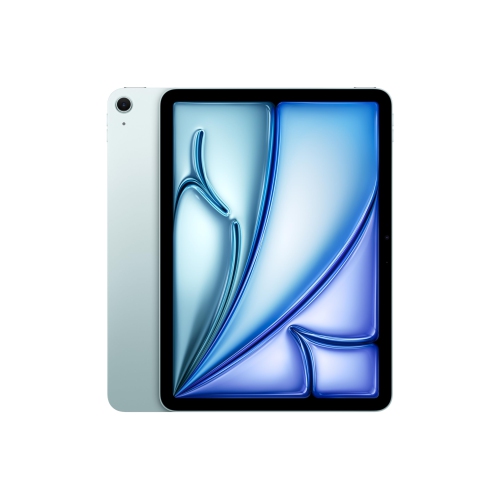 Your price for this item is $889.99
-
 Your price for this item is $949.97
-
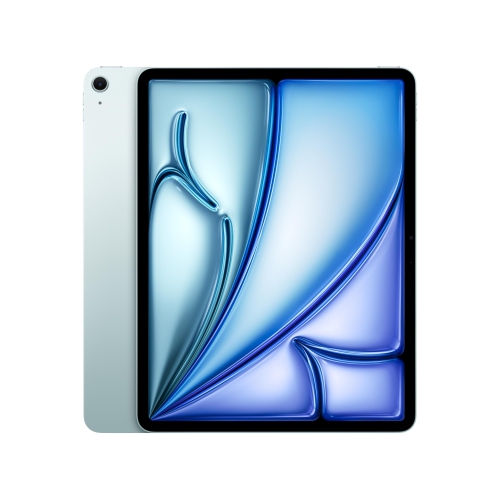 Your price for this item is $1549.99
-
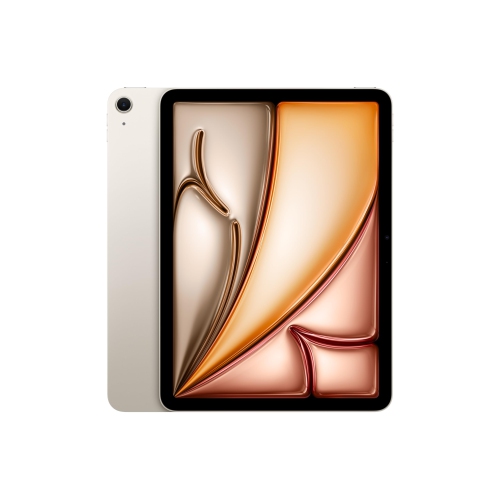 Your price for this item is $869.99
-
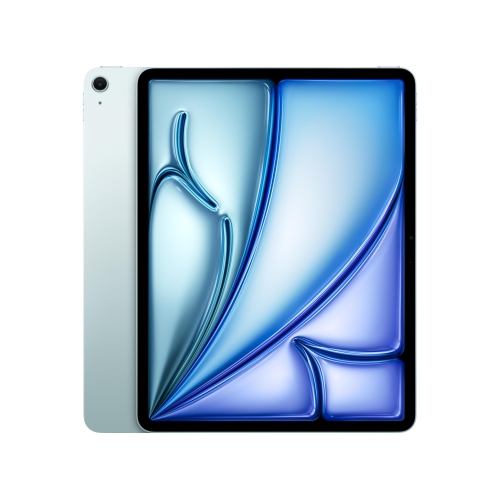 Your price for this item is $1195.99
-
 Your price for this item is $949.99
-
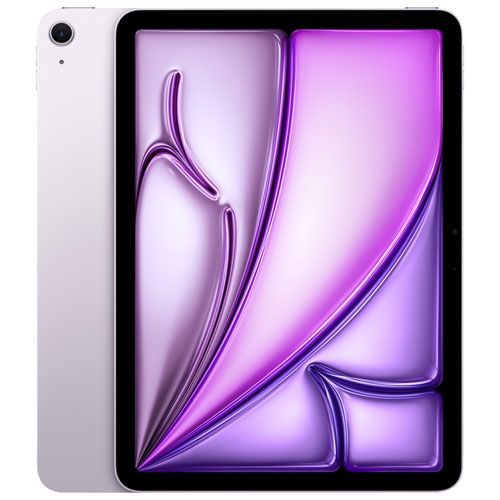 Your price for this item is $949.98
-
 Your price for this item is $979.99
Discover more categories related to iPad Air New


Top Collections:
Best Black Friday Deals This Year, Best Black Friday Deals On Electronics, Kindle Devices, Pokemon Centers, Best Black Friday Deals On Apple Products, Best Cameras for Sports Photography, Dyson Airwrap, Pokémon 30th Celebration Cards, Apple iPhone 17 Pro, Canon G7X Cameras
Some products may be subject to Environmental Handling Fees
(EHF) depending on your province.
Learn more about EHFs.