iPads for Drawing
Explore the possibilities of digital art with iPad for Drawing options designed to enhance your creative workflow. Whether you're a seasoned artist, student, or hobbyist, these tablets offer the flexibility and precision needed to bring your ideas to life. Find the perfect iPad for Drawing that suits your style and helps you sketch, paint, and design with confidence.
Sort
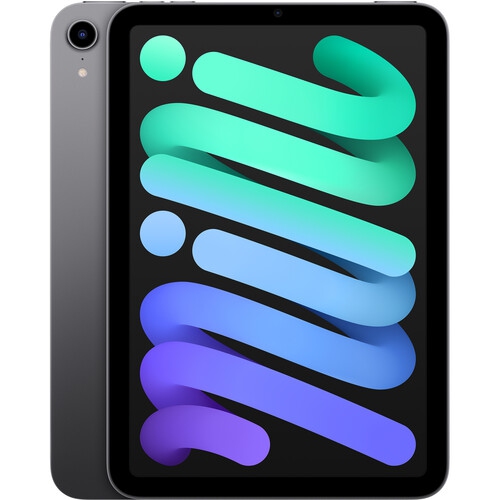
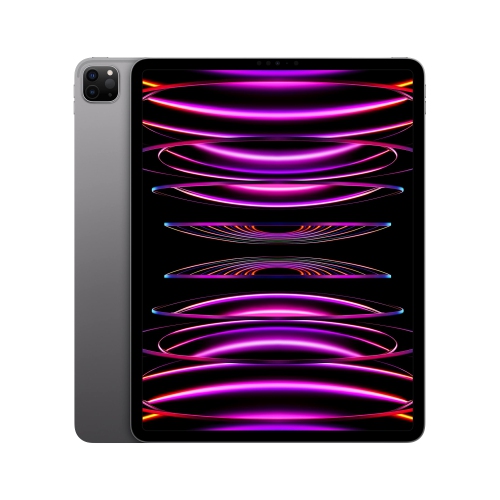
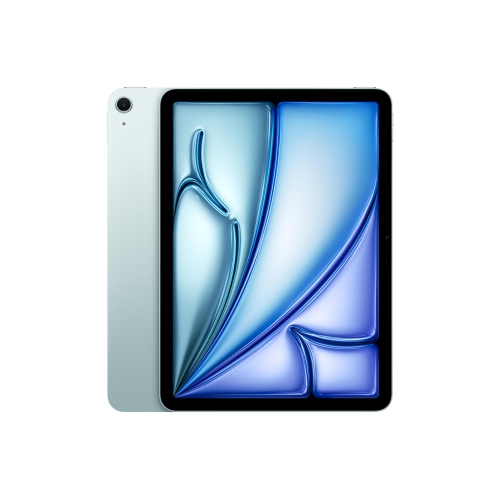
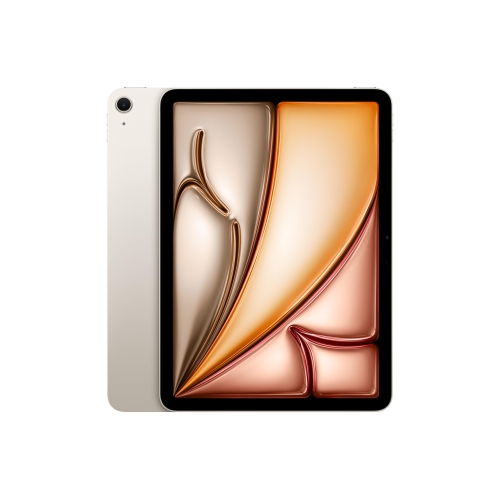
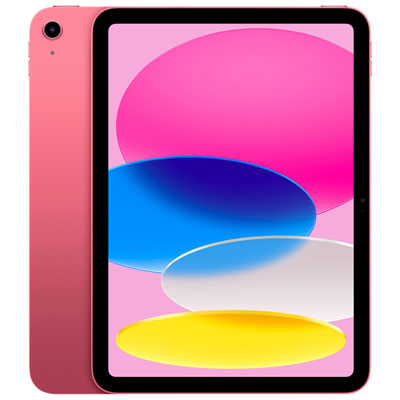
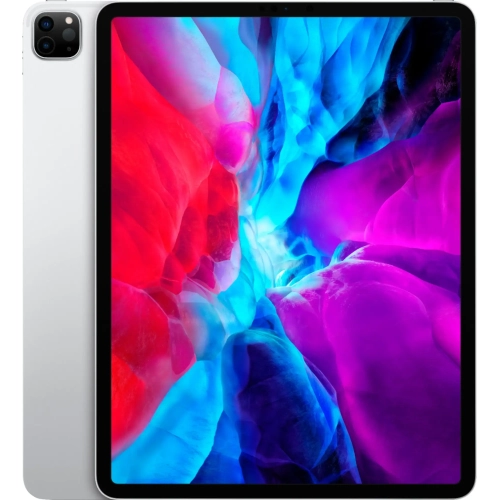
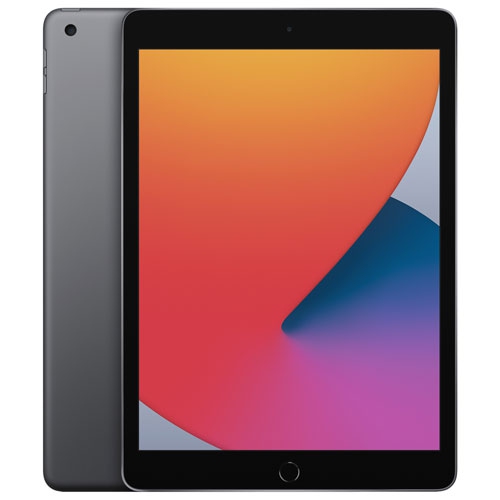
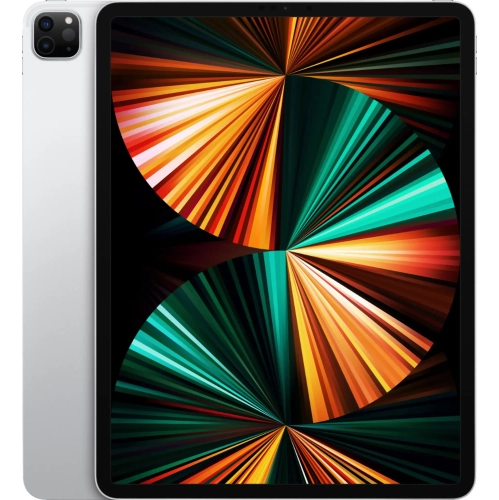
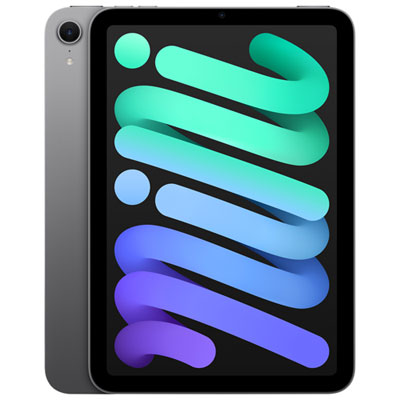
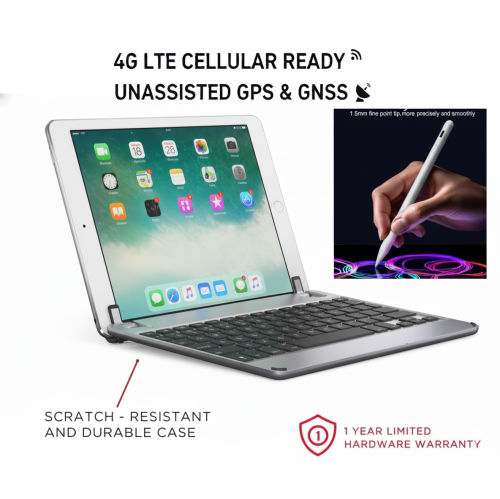
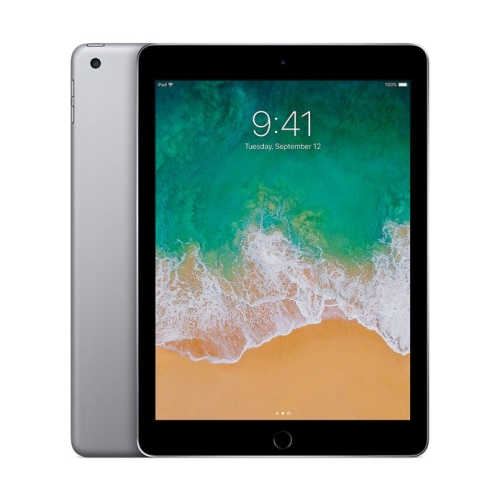


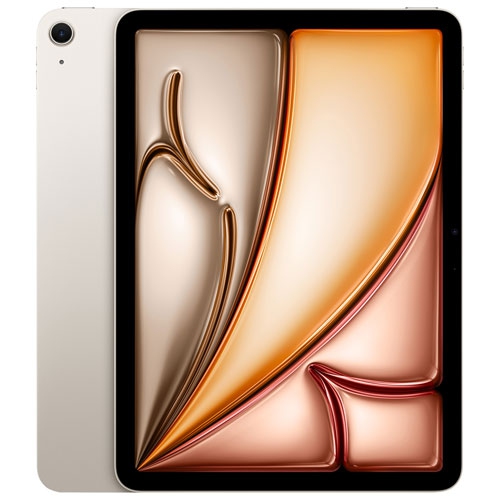
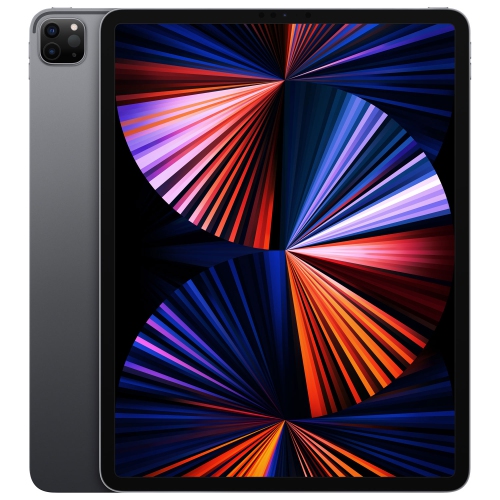
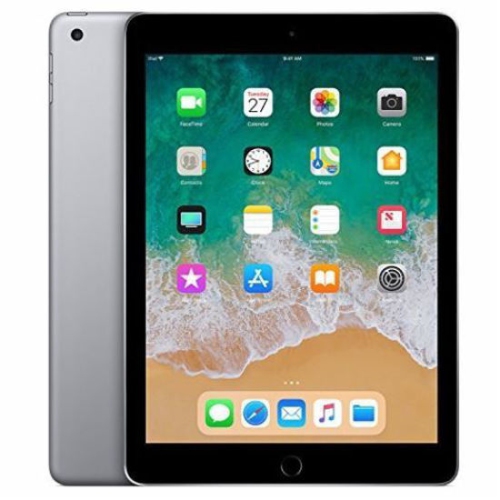
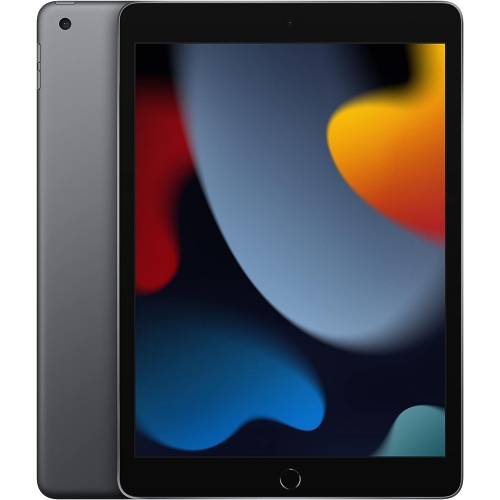
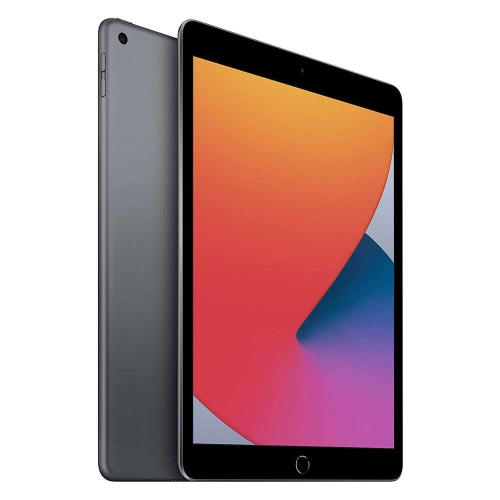
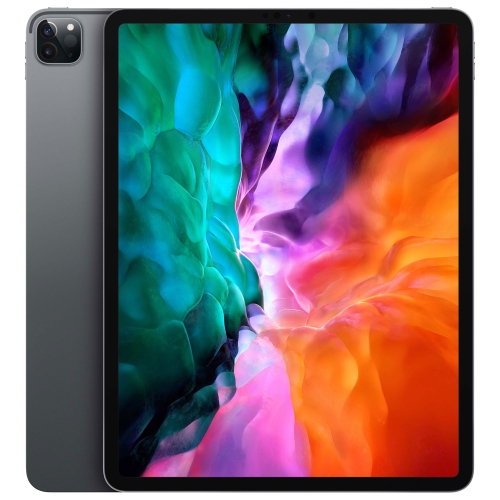
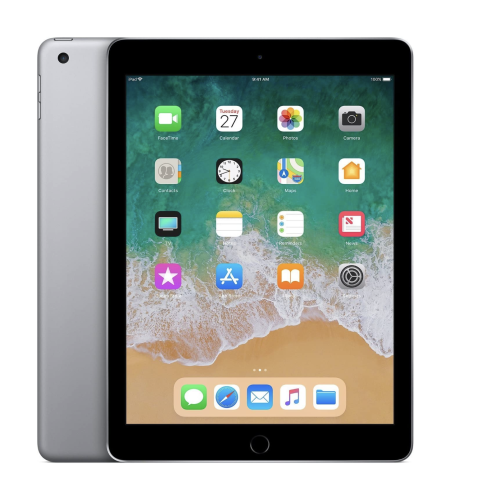
How iPads support artists from first sketches to portfolios
Exploring the world of digital art with an iPad opens up a realm of creative possibilities, whether you’re a professional illustrator, a student experimenting with design, or someone who simply enjoys sketching in your downtime. The iPad’s intuitive interface and responsive touch screen make it an ideal companion for artists of all levels, offering a natural drawing experience that closely mimics traditional mediums. Many users appreciate the ability to transition seamlessly between sketching, painting, and editing, all within a lightweight and portable device that’s easy to carry from the studio to the classroom or even outdoors as the first signs of spring encourage creative sessions in the park. For those who are just starting their artistic journey, an iPad can serve as an accessible gateway, allowing for experimentation with a variety of apps and brushes without the need for a full suite of physical art supplies. Meanwhile, seasoned professionals often turn to higher-performance models to handle complex projects and larger canvases, taking advantage of advanced features like pressure sensitivity and high refresh rates to achieve precise, nuanced results.
When considering an iPad for drawing, it’s important to think about how you plan to use it and what features will best support your creative workflow. Display size and resolution are key factors, especially for artists who work with detailed illustrations or need ample space for multitasking with reference images and palettes. Battery life and portability matter, too, particularly for those who like to sketch on the go or take their device to classes and workshops. Compatibility with styluses and other accessories is another aspect to keep in mind, as these tools can greatly enhance the drawing experience by offering a more natural grip and finer control. An iPad for drawing also makes a thoughtful gift for students studying art, design professionals, or anyone looking to explore their creativity—there’s something especially delightful about unwrapping a device that promises endless opportunities for self-expression. With spring break approaching, it’s the perfect time to encourage new hobbies or support ongoing artistic pursuits, whether you’re shopping for yourself or someone special. For those seeking a balance of value and performance, the iPad Air for Drawing page offers a curated selection tailored to a variety of needs and skill levels, making it easier to find the right fit for your creative goals.
The versatility of an iPad extends beyond drawing, as it can seamlessly integrate with other aspects of your digital life—editing photos, annotating documents, or even joining online art communities to share your work and gain inspiration from others. This adaptability makes it a smart investment for anyone who values both creativity and productivity. As the days grow longer and the weather warms up, many artists find renewed inspiration in the world around them, using their iPad to capture fleeting moments or develop new techniques. Whether you’re refining your portfolio, working on a passion project, or simply doodling for relaxation, an iPad designed for drawing can help bring your vision to life with clarity and ease. With thoughtful consideration of your needs and preferences, you can choose a model that supports your artistic ambitions and enhances every stage of your creative process.
When considering an iPad for drawing, it’s important to think about how you plan to use it and what features will best support your creative workflow. Display size and resolution are key factors, especially for artists who work with detailed illustrations or need ample space for multitasking with reference images and palettes. Battery life and portability matter, too, particularly for those who like to sketch on the go or take their device to classes and workshops. Compatibility with styluses and other accessories is another aspect to keep in mind, as these tools can greatly enhance the drawing experience by offering a more natural grip and finer control. An iPad for drawing also makes a thoughtful gift for students studying art, design professionals, or anyone looking to explore their creativity—there’s something especially delightful about unwrapping a device that promises endless opportunities for self-expression. With spring break approaching, it’s the perfect time to encourage new hobbies or support ongoing artistic pursuits, whether you’re shopping for yourself or someone special. For those seeking a balance of value and performance, the iPad Air for Drawing page offers a curated selection tailored to a variety of needs and skill levels, making it easier to find the right fit for your creative goals.
The versatility of an iPad extends beyond drawing, as it can seamlessly integrate with other aspects of your digital life—editing photos, annotating documents, or even joining online art communities to share your work and gain inspiration from others. This adaptability makes it a smart investment for anyone who values both creativity and productivity. As the days grow longer and the weather warms up, many artists find renewed inspiration in the world around them, using their iPad to capture fleeting moments or develop new techniques. Whether you’re refining your portfolio, working on a passion project, or simply doodling for relaxation, an iPad designed for drawing can help bring your vision to life with clarity and ease. With thoughtful consideration of your needs and preferences, you can choose a model that supports your artistic ambitions and enhances every stage of your creative process.
Top selling and popular products
-
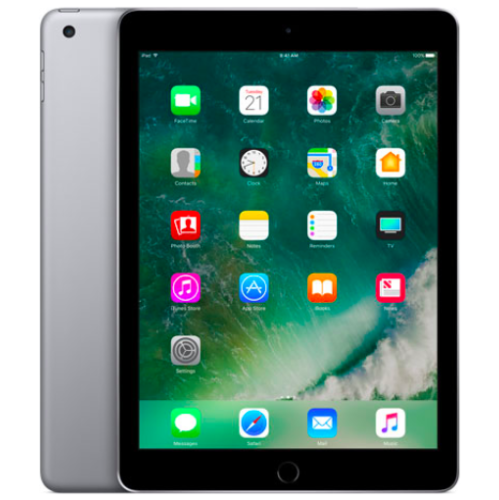 Your price for this item is $109.99
 -
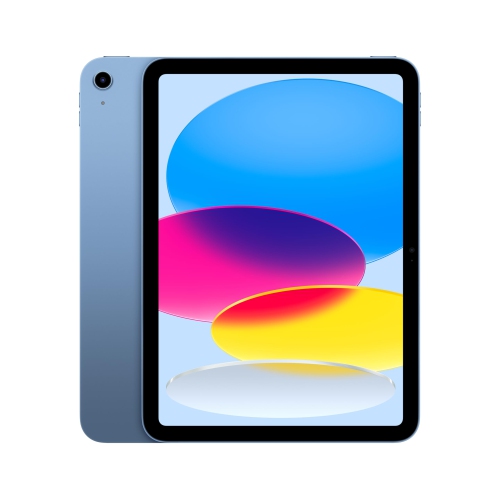 Your price for this item is $617.99
 -
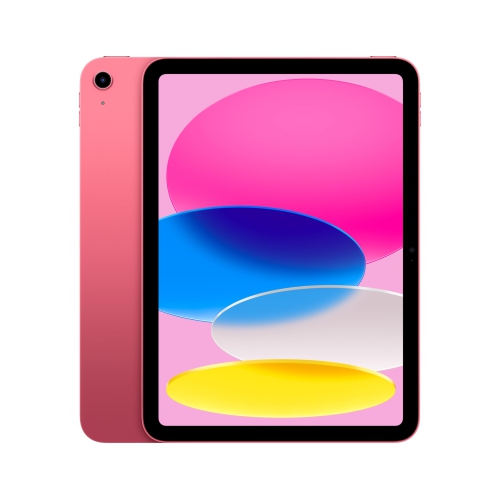 Your price for this item is $639.99
 -
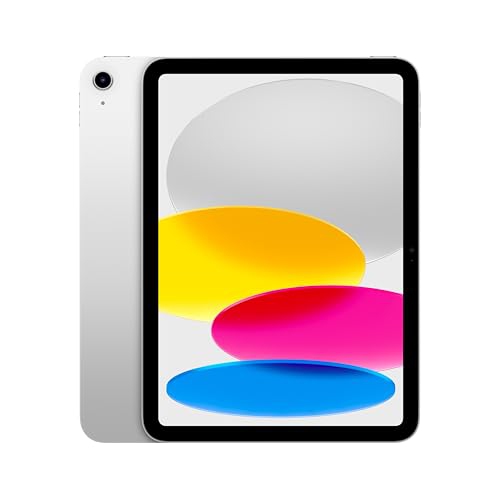 Your price for this item is $645.55
 -
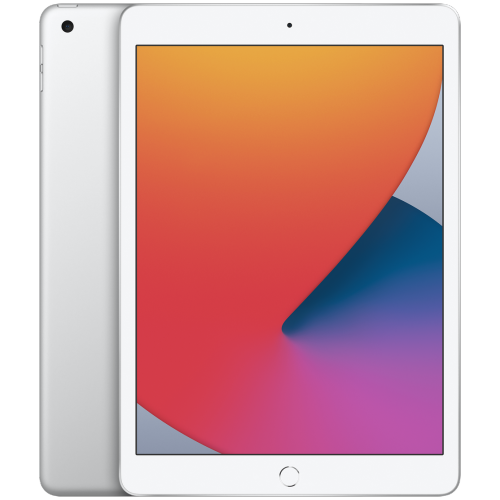 Your price for this item is $148.99
 -
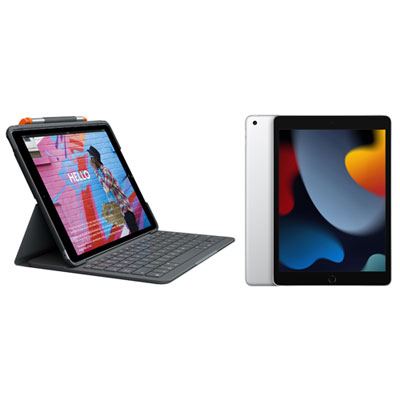 Your price for this item is $468.98
 -
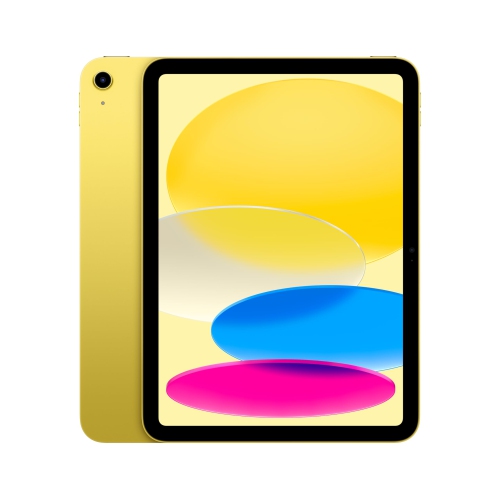 Your price for this item is $639.99
 -
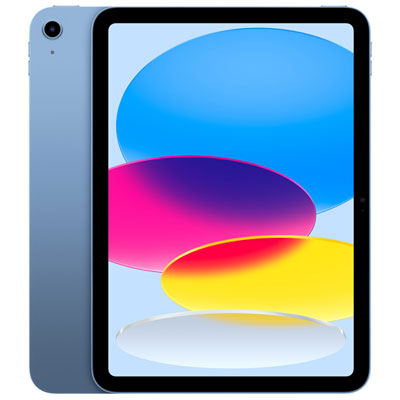 Your price for this item is $649.99
Discover more categories related to iPads for Drawing
Top Collections:
Pokemon Centers, Kindle Devices, Best Budget Office Chairs, Apple iPhones 16, Best Laptops for Writers, iPhone 15 Apple, Canon G7X Cameras, Refurbished Apple Laptops, Alarm Clock, Motorola Razr Phones
Some products may be subject to Environmental Handling Fees
(EHF) depending on your province.
Learn more about EHFs.