iPad Air for Drawing
Discover the perfect creative companion with the iPad Air for drawing, a versatile tool that caters to artists and designers seeking a seamless digital experience. Whether you're sketching your next masterpiece or refining intricate designs, the iPad Air offers a dynamic platform that brings your artistic visions to life. Its sleek design and intuitive interface make it an ideal choice for both professionals and hobbyists looking to enhance their creativity on the go. Explore how the iPad Air can transform your drawing process into a smooth, enjoyable journey of artistic expression.
Sort
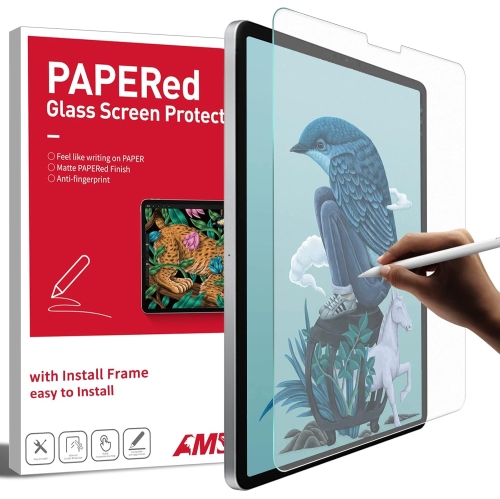
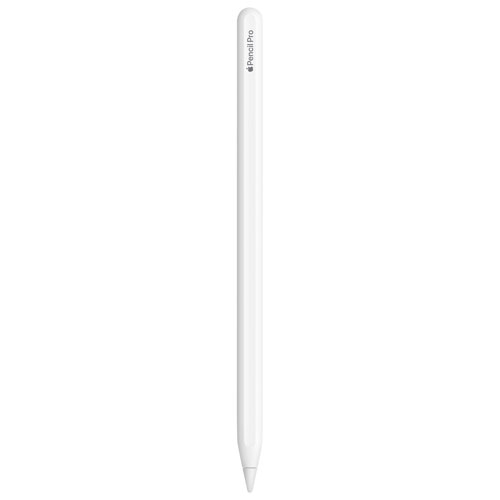
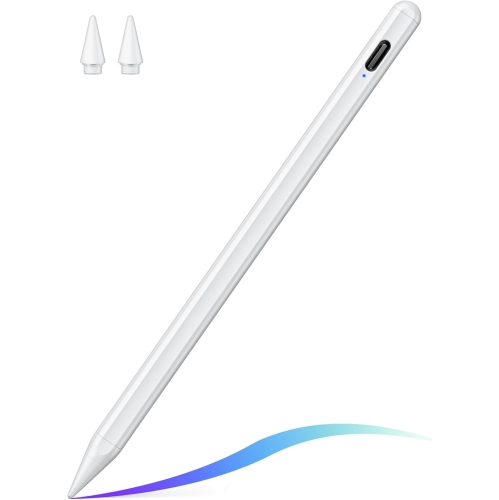
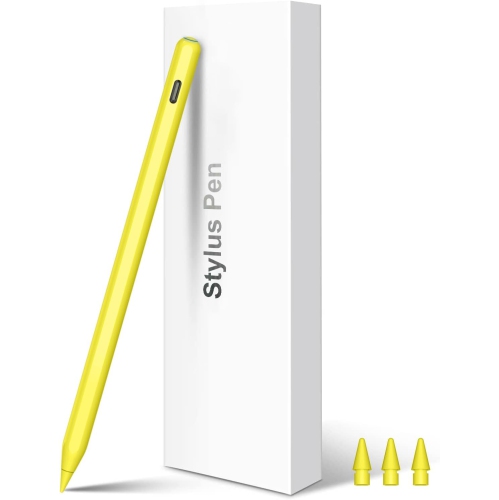
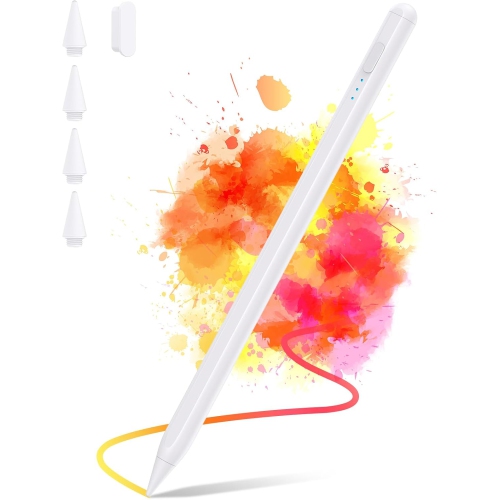
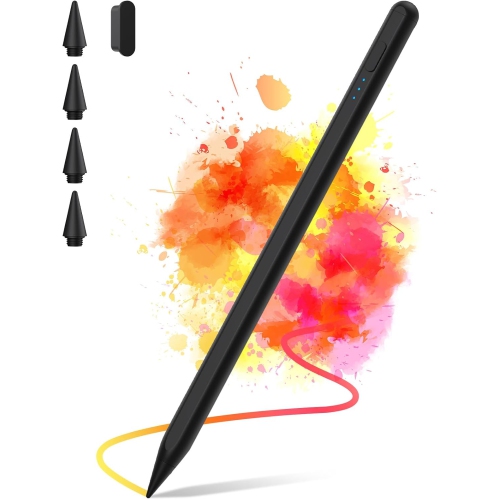
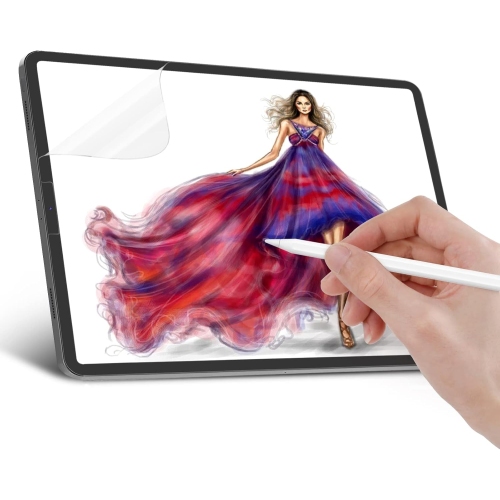
Powerful performance and natural control for digital artists
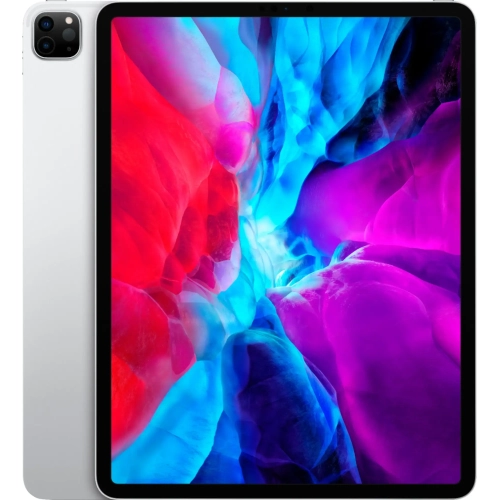
For artists, designers, students, and creative professionals, choosing an iPad Air for drawing can be a pivotal decision that shapes the way ideas are brought to life. The iPad Air stands out for its balance of power, portability, and display quality, making it a favourite among digital creators looking for a device that can keep up with their imagination. The vibrant, laminated display delivers colour accuracy and clarity, which is essential for sketching, painting, and detailed illustration work. Whether you’re capturing the subtle hues of a summer landscape or layering intricate details into a character design, the iPad Air’s responsive screen and support for advanced stylus features help ensure every line and shade feels natural and precise. The seamless integration with pressure-sensitive styluses allows for nuanced control, letting users vary line weight and shading with the same fluidity as traditional tools. This makes the iPad Air not only a practical choice for seasoned digital artists but also an accessible entry point for beginners eager to explore digital drawing for the first time.
Beyond the technical capabilities, the iPad Air’s lightweight build and long battery life make it easy to take creativity outdoors as the weather warms or to a cozy indoor space during the cooler months. It’s a popular gift for students heading back to school, aspiring illustrators, or anyone looking to enhance their creative workflow with a versatile device that supports both artistic pursuits and everyday productivity. Families often find the iPad Air to be a thoughtful present for teens with a budding interest in art, while professionals appreciate its ability to handle both complex design projects and routine tasks like note-taking or video calls. The flexibility to switch between creative apps, multitask, and connect to a variety of accessories means the iPad Air can adapt to different drawing styles and preferences, from quick sketches during a commute to detailed compositions at a studio desk. For those comparing options, taking a look at the Best iPads for Drawing can help narrow down the right fit for specific artistic needs and workflows.
As digital art continues to evolve, the iPad Air remains a reliable companion for creators who value both performance and convenience. Its compatibility with drawing apps and stylus accessories unlocks a world of creative possibilities, whether you’re experimenting with new techniques, collaborating on shared projects, or building a professional portfolio. The iPad Air’s blend of intuitive design, robust processing power, and high-quality display ensures that artists can focus on expressing their vision without technical limitations. This makes it an enduring choice for anyone passionate about drawing, from hobbyists enjoying leisurely sketch sessions to professionals preparing for fall art shows or design deadlines.
Beyond the technical capabilities, the iPad Air’s lightweight build and long battery life make it easy to take creativity outdoors as the weather warms or to a cozy indoor space during the cooler months. It’s a popular gift for students heading back to school, aspiring illustrators, or anyone looking to enhance their creative workflow with a versatile device that supports both artistic pursuits and everyday productivity. Families often find the iPad Air to be a thoughtful present for teens with a budding interest in art, while professionals appreciate its ability to handle both complex design projects and routine tasks like note-taking or video calls. The flexibility to switch between creative apps, multitask, and connect to a variety of accessories means the iPad Air can adapt to different drawing styles and preferences, from quick sketches during a commute to detailed compositions at a studio desk. For those comparing options, taking a look at the Best iPads for Drawing can help narrow down the right fit for specific artistic needs and workflows.
As digital art continues to evolve, the iPad Air remains a reliable companion for creators who value both performance and convenience. Its compatibility with drawing apps and stylus accessories unlocks a world of creative possibilities, whether you’re experimenting with new techniques, collaborating on shared projects, or building a professional portfolio. The iPad Air’s blend of intuitive design, robust processing power, and high-quality display ensures that artists can focus on expressing their vision without technical limitations. This makes it an enduring choice for anyone passionate about drawing, from hobbyists enjoying leisurely sketch sessions to professionals preparing for fall art shows or design deadlines.
Top selling and popular products
-
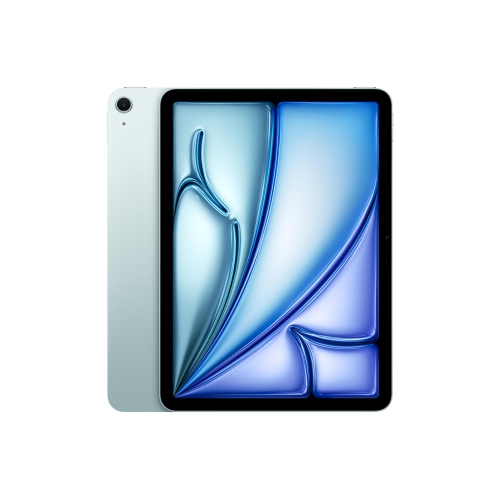 Your price for this item is $889.99
 -
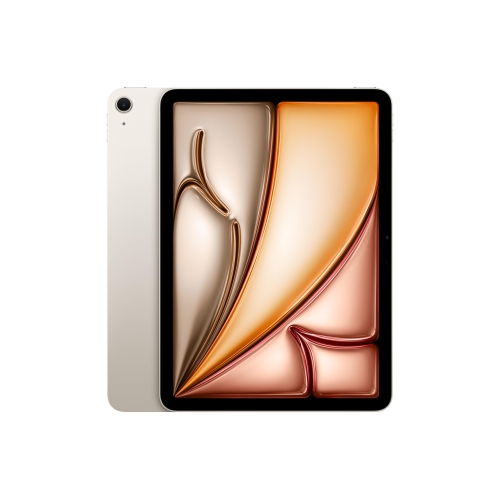 Your price for this item is $889.99
 -
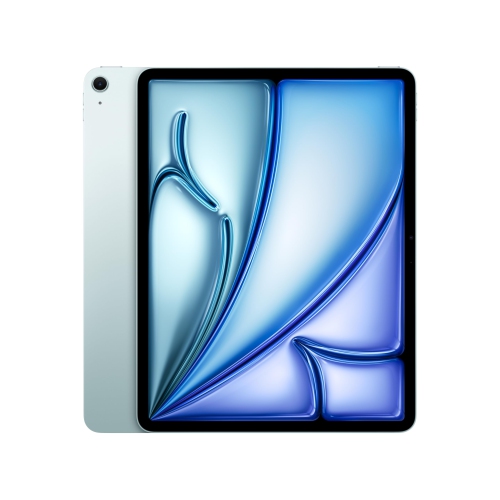 Your price for this item is $1549.99
 -
 Your price for this item is $999.99
 -
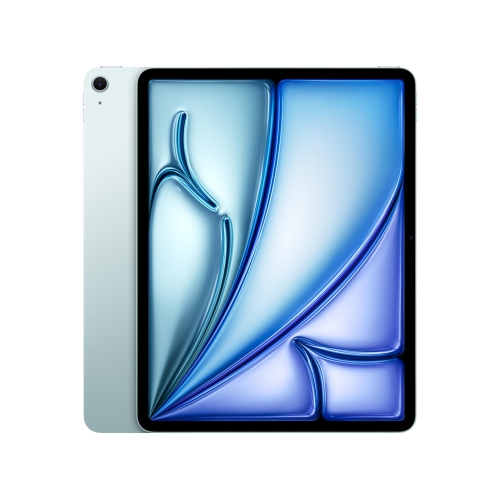 Your price for this item is $1159.99
 -
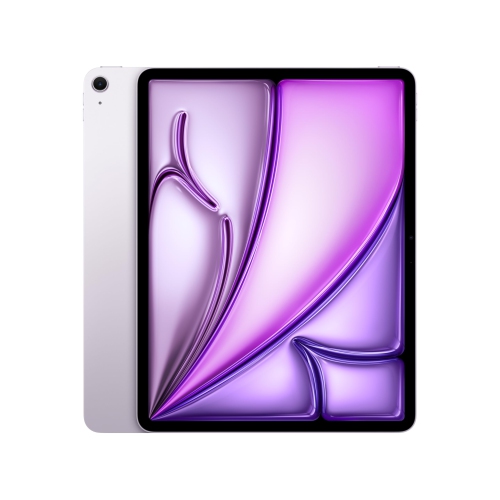 Your price for this item is $1459.95
 -
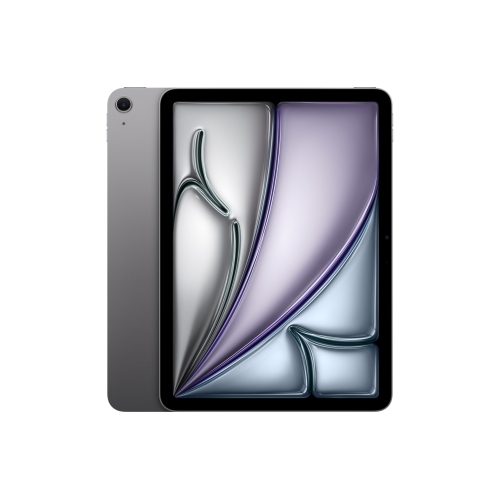 Your price for this item is $1099
 -
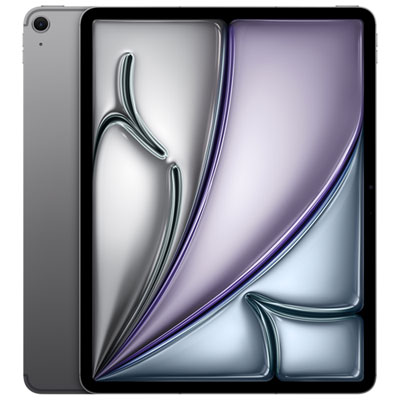 Your price for this item is $1299.99
Discover more categories related to iPad Air for Drawing
Top Collections:
Best Laptops for Video Editing, Pokemon Centers, Samsung Z Fold, Kindle Devices, Best Cell Phones Under $300, Best Laptop Computers for Students, iPhone 15 Apple, Best Cell Phones Under $500, Alarm Clock, Canon G7X Cameras
Some products may be subject to Environmental Handling Fees
(EHF) depending on your province.
Learn more about EHFs.