iPhone Wi-Fi Printers
Discover the convenience and flexibility of wireless printing with an iPhone WiFi Printer. Effortlessly print photos, documents, and more directly from your iPhone without the need for cables or complicated setups. Whether you're at home, in the office, or on the go, an iPhone WiFi Printer makes it easy to handle all your printing needs with just a few taps on your device. Explore a selection of options designed to deliver reliable performance and seamless connectivity, making everyday tasks simpler and more efficient.
Sort
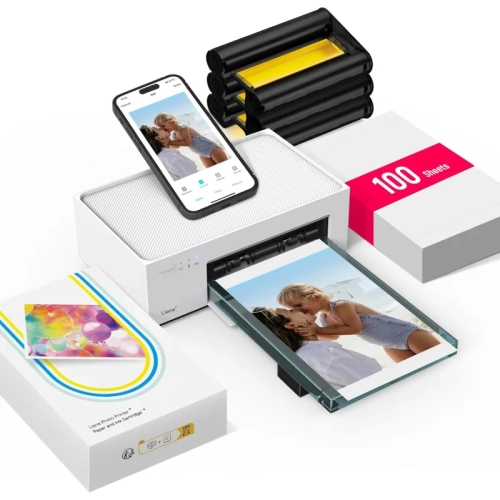
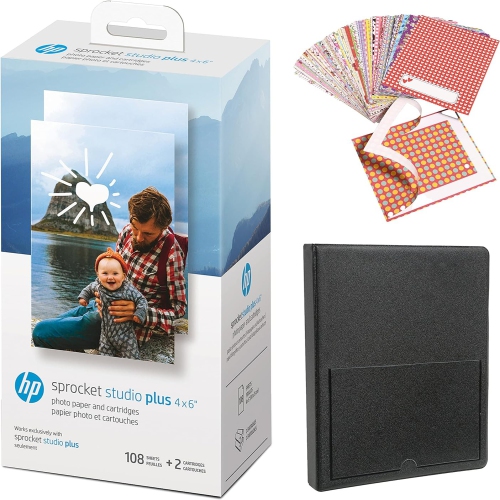
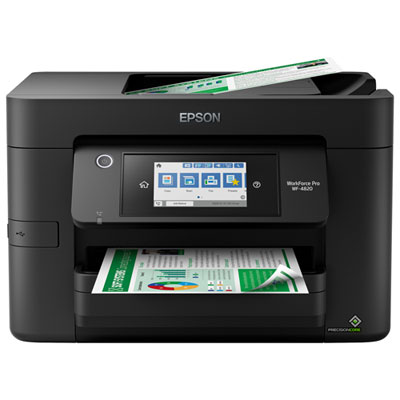
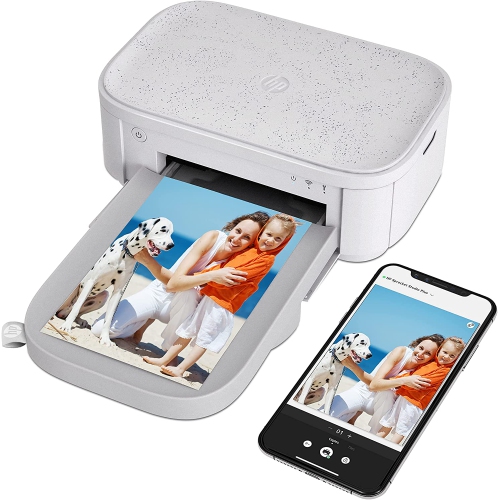
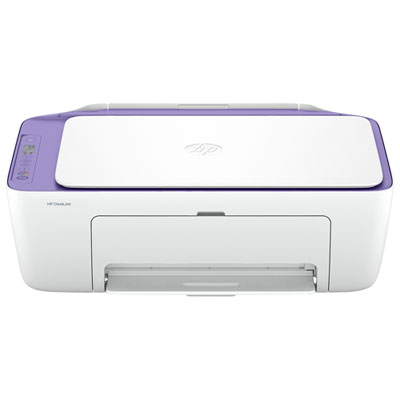
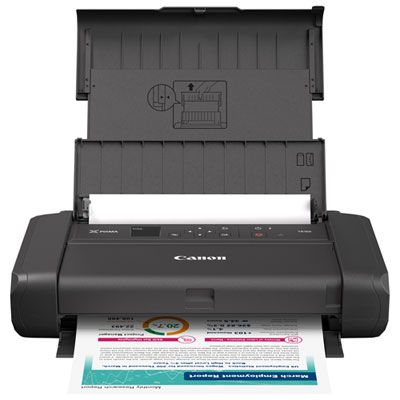
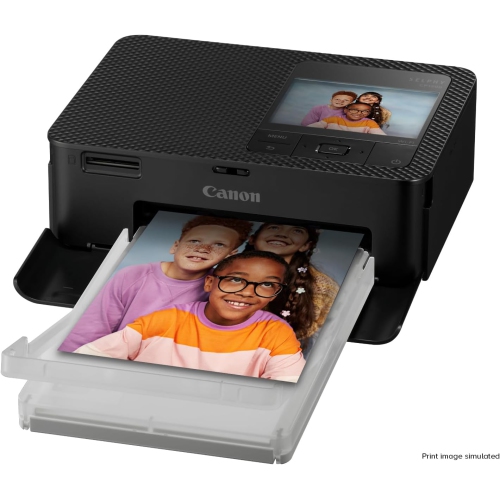
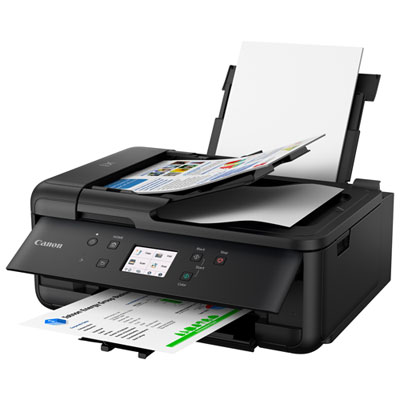
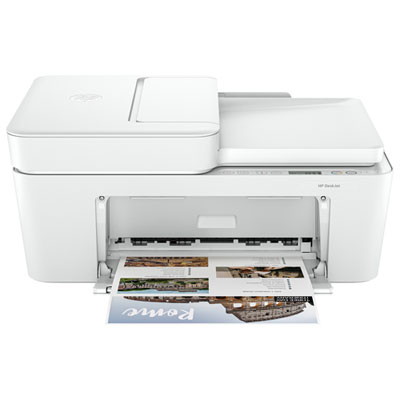

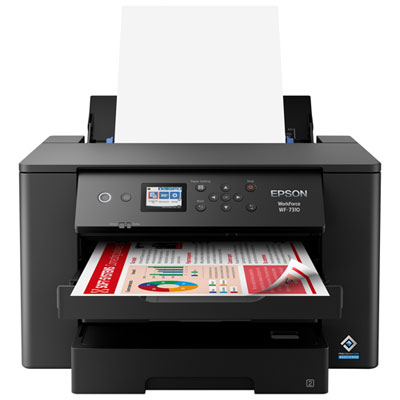
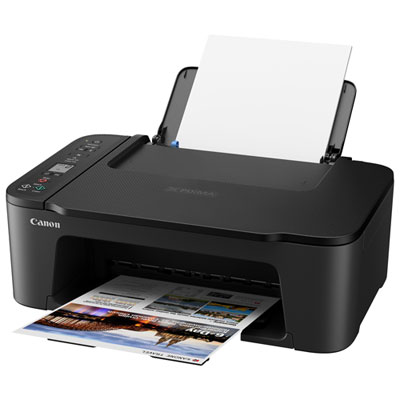
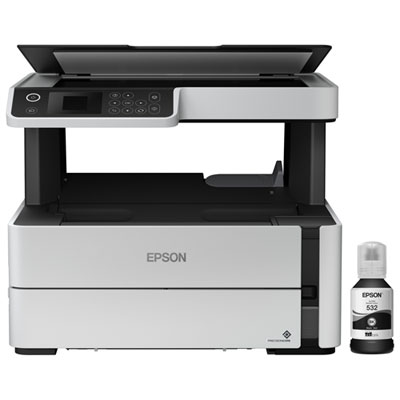
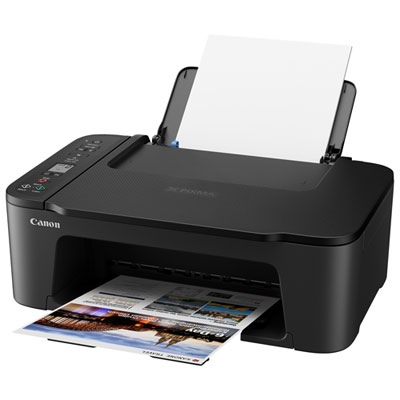
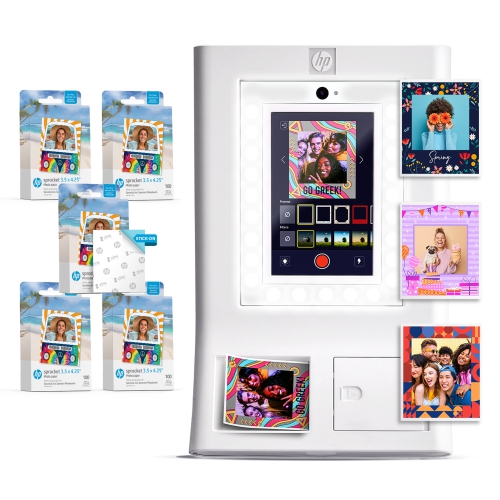
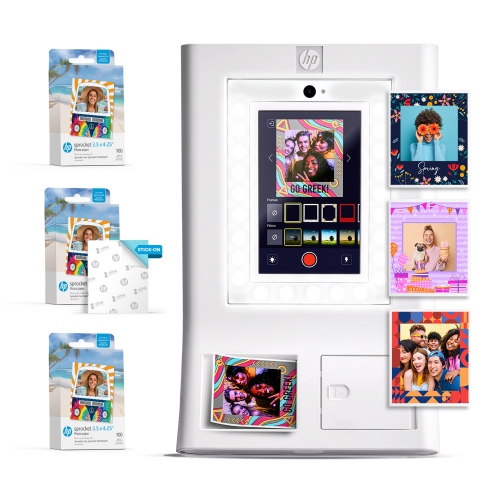
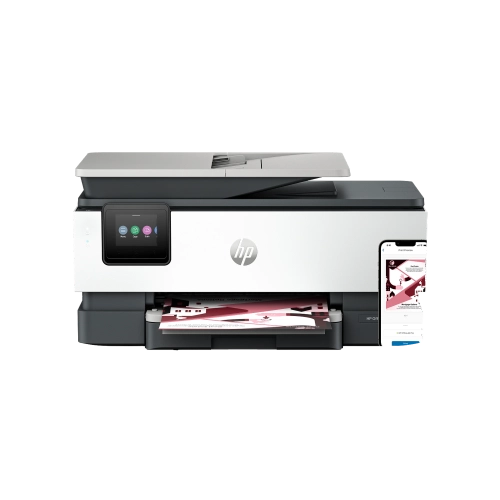
Why iPhone printing takes more than a Wi-Fi connection
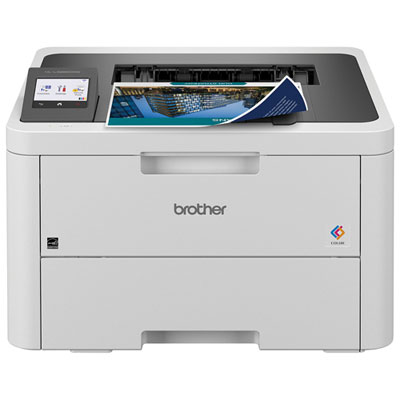
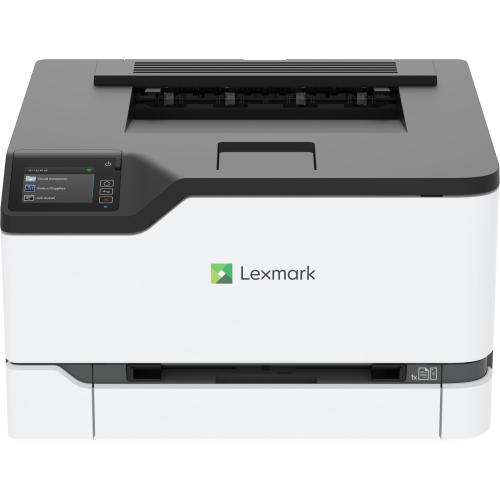
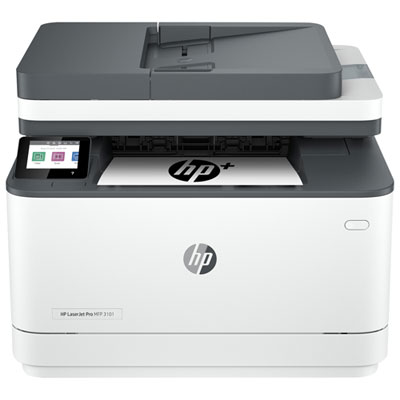
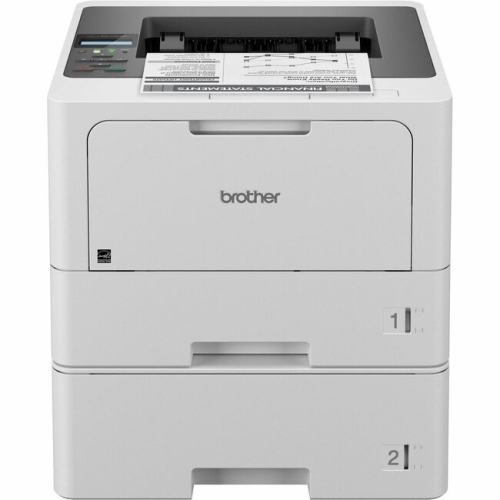
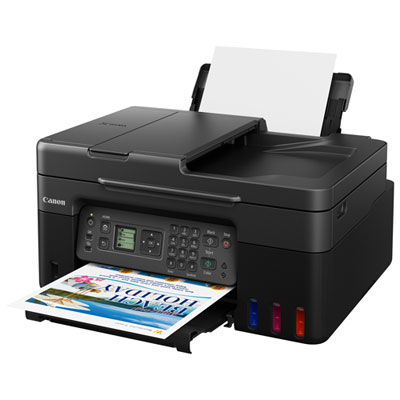
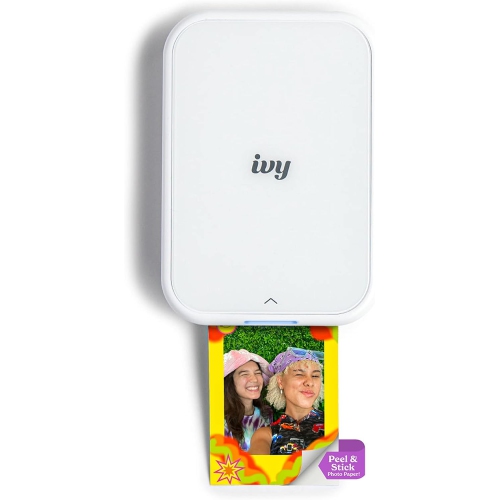
iPhone Wi-Fi printers make it possible to turn files on a phone into something that can be signed, shared, displayed, or tucked into a folder. A shipping label saved as a PDF, a school permission form received by email, and a favourite photo can all call for different printing capabilities, even when they start on the same screen. Wireless printing removes the need for a cable between the phone and printer, giving a household more flexibility about where the printer sits. Compatibility still matters: a Wi-Fi connection alone does not mean every printer supports printing directly from an iPhone. Models with AirPrint support can receive print jobs from compatible apps without routing them through a computer or installing a separate printer driver. The phone and printer generally need to be connected to the same local network, and guest-network settings can sometimes prevent them from finding each other. Some printers also support mobile printing through a companion app, which may provide access to scanning, ink or toner information, and additional print settings. Supported features vary by model, so the distinction between basic wireless connectivity and full mobile printing support is important. Network requirements can differ, too, with some printers using a 2.4 GHz connection and others supporting additional Wi-Fi bands. For a shared household, convenient printing means more than getting a single phone connected: clear controls, a readable display, and reliable access from several devices can make routine tasks less fiddly. The options within Printers Compatible With iPhone span different approaches to these everyday needs. A compact printer near a study area may suit occasional forms and assignments, while a more capable multifunction printer can serve as a central spot for printing, copying, and scanning. The best fit depends on what comes out of the paper tray as much as how the file reaches it.
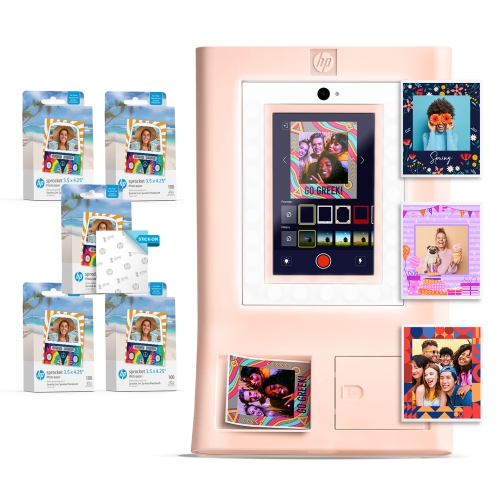
Print technology and paper handling shape the results, whether the job is a page of meeting notes or a photograph for a frame. Inkjet printers are often a versatile choice for households that print a mixture of text, colour graphics, and photos, although results depend on the ink system, paper, and selected settings. Laser printers are often well suited to text-heavy documents and repeated batches of forms, with monochrome models focused on black-and-white output and colour models adding flexibility for charts and presentations. Dedicated photo printers serve a different purpose, emphasizing image output and particular photo sizes rather than acting as a replacement for a general document printer. Paper compatibility deserves attention because ordinary office paper, glossy photo paper, envelopes, and adhesive label sheets are not interchangeable in every machine. Supported sizes, paper weights, and feed paths determine whether a printer can handle the materials used most often. A rear feed or multipurpose tray may be useful for occasional specialty sheets, while an enclosed main tray helps keep everyday paper tidy between jobs. Automatic two-sided printing can make multipage reports easier to handle and file, but it is a separate feature from two-sided scanning. On multifunction models, a flatbed scanner accommodates individual sheets and smaller originals, while an automatic document feeder is useful for stacks of suitable loose pages. Some feeders scan both sides automatically; others require pages to be turned manually. For someone who regularly returns signed paperwork from a phone, mobile scanning support can be as valuable as printing itself. Output speed matters most when several people send longer jobs in succession, whereas a household printing a few pages at a time may place more value on straightforward controls and clear text. Photo-focused use brings colour accuracy, borderless printing support, and the range of accepted paper finishes further into focus. Print previews also matter for phone-originated files: a webpage, screenshot, and properly sized PDF can produce quite different layouts on a full sheet.
Physical fit and ongoing care help determine how comfortably a wireless printer becomes part of a room. The stated dimensions usually describe the machine itself, not every bit of space it needs during use. Paper trays may extend forward, a rear feeder may need clearance behind the housing, and a scanner lid needs room to open above it. A printer that fits neatly on a shelf when closed may be awkward to use if paper loading or cartridge access is blocked. Stable placement on a desk, cabinet, or dedicated stand also helps keep trays aligned and leaves finished pages somewhere to land. Moulded plastic housings are common, while hinges, tray supports, and access panels are worth considering on a machine that will be opened frequently. A firm tray and accessible paper path can be particularly helpful in a shared workspace where several people handle supplies. Care requirements differ between technologies: inkjet printheads may need built-in cleaning cycles after periods without use, while laser printers have their own toner and maintenance needs. Manufacturer-specified cleaning procedures, suitable paper, and a soft cloth for exterior dust help protect the printer without introducing unsuitable liquids or abrasive materials. Replacement ink or toner compatibility, cartridge access, and the ease of resolving a paper jam are practical considerations throughout ownership. Printers with refillable ink tanks have different filling routines from cartridge-based models, so the preferred setup depends partly on who will maintain it. Students may value a compact footprint and dependable document printing; people working from home may benefit more from a document feeder, larger paper capacity, and convenient scanning. Families may need a balance of assignments, forms, and occasional photos. As a gift, a printer is most useful when it matches the recipient’s phone, network, available space, and usual tasks, with controls they will feel comfortable using. Those everyday details can matter more than a long list of features that rarely get used.
Top selling and popular products
-
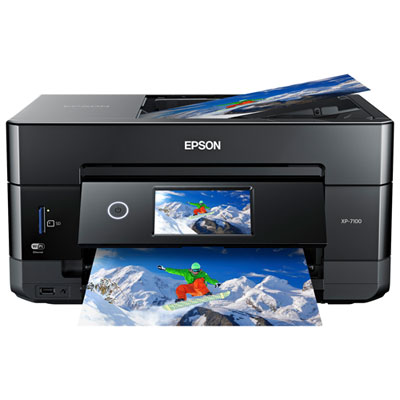 Your price for this item is $249.99
-
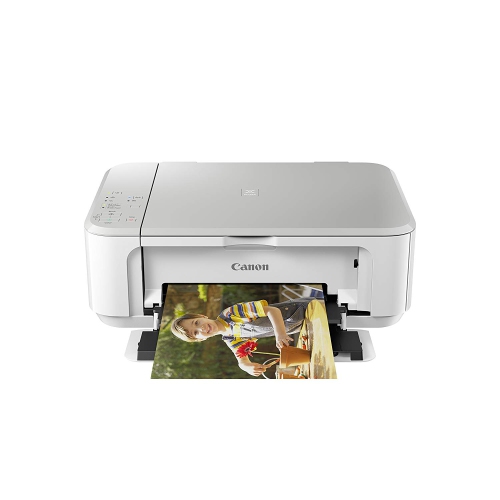 Your price for this item is $69.95
-
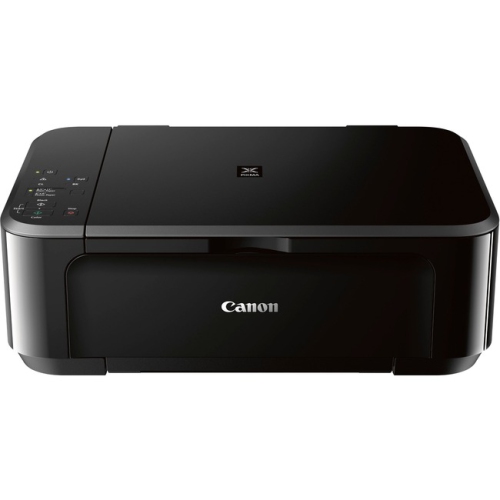 Your price for this item is $67.5
-
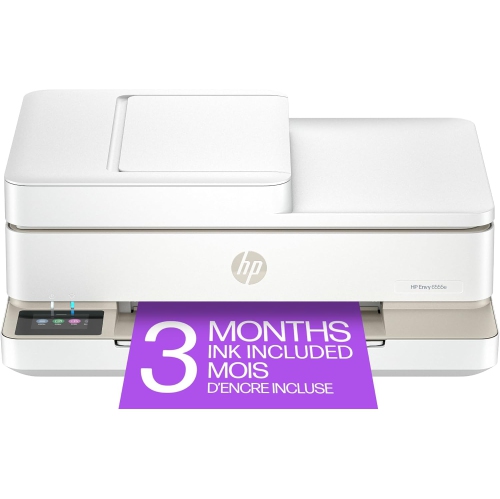 Your price for this item is $214.79
-
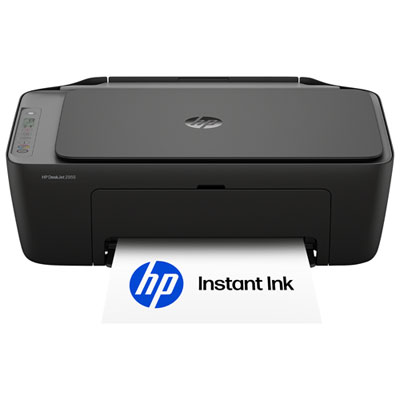 Your price for this item is $99.99
-
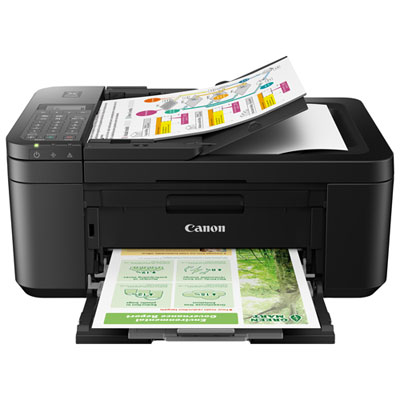 Your price for this item is $149.99
-
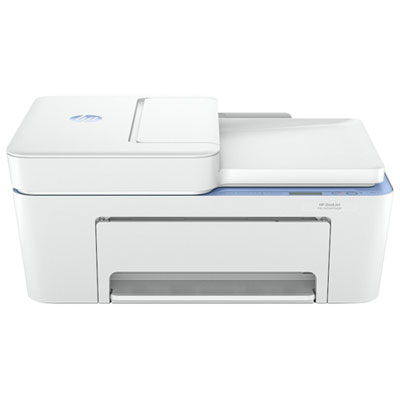 Your price for this item is $49.99
-
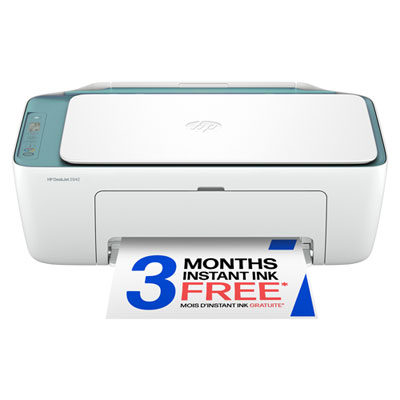 Your price for this item is $49.99
Discover more categories related to iPhone Wi-Fi Printers
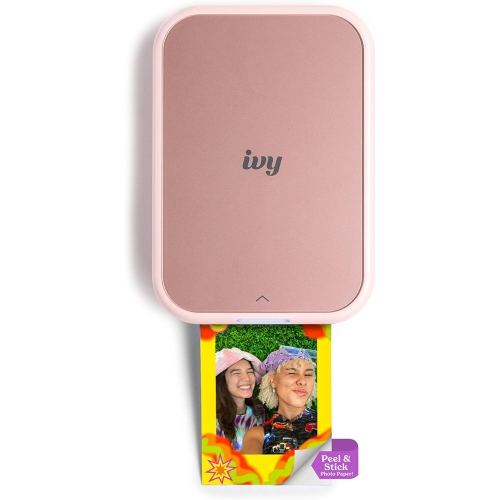
Top Collections:
Best Black Friday Deals This Year, Best Black Friday Deals On Electronics, Kindle Devices, Pokemon Centers, Best Black Friday Deals On Apple Products, Best Cameras for Sports Photography, Dyson Airwrap, Pokémon 30th Celebration Cards, Apple iPhone 17 Pro, Canon G7X Cameras
Some products may be subject to Environmental Handling Fees
(EHF) depending on your province.
Learn more about EHFs.