Server Rack Mounts
If you're looking to optimize your server organization and save valuable space in your data center, server rack mounts are a must-have solution. These versatile mounts allow you to securely install servers, networking equipment, and other hardware in a compact and efficient manner. With various sizes and configurations available, you can easily find the perfect rack mounts to suit your specific needs. Upgrade your server setup with these reliable and durable mounts for a more streamlined and organized IT infrastructure.
Sort

















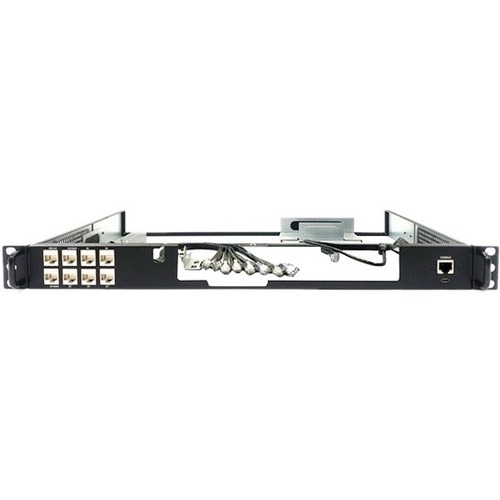
Reliable equipment support takes more than matching rack widths
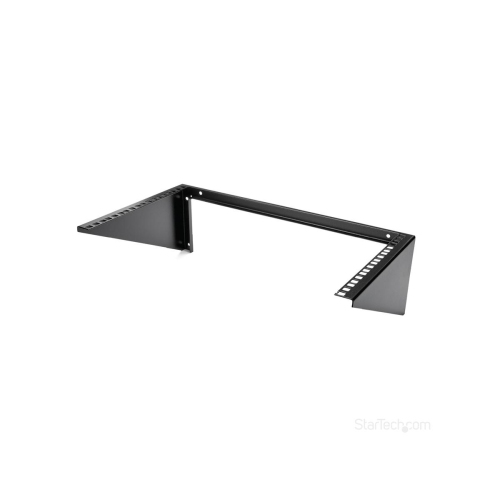
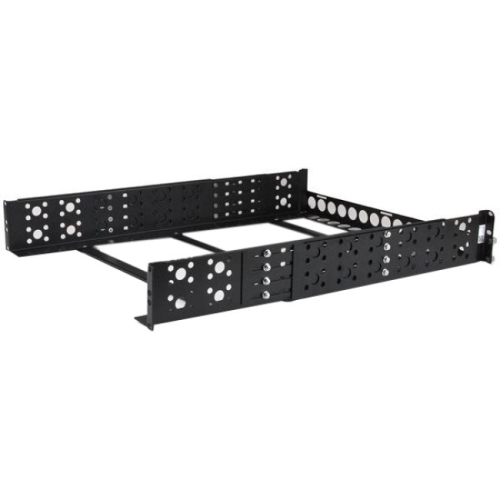
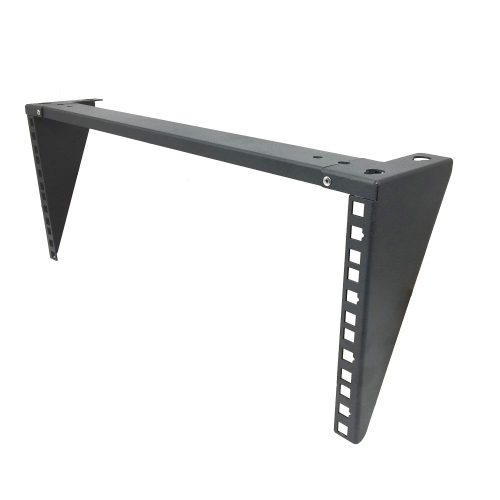
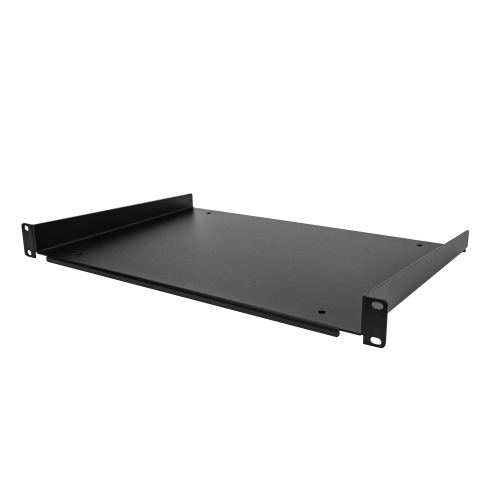
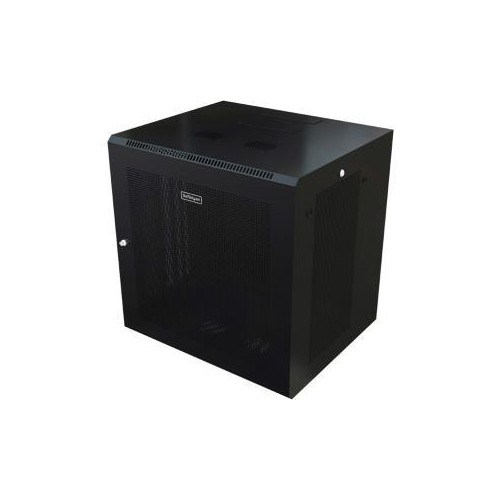
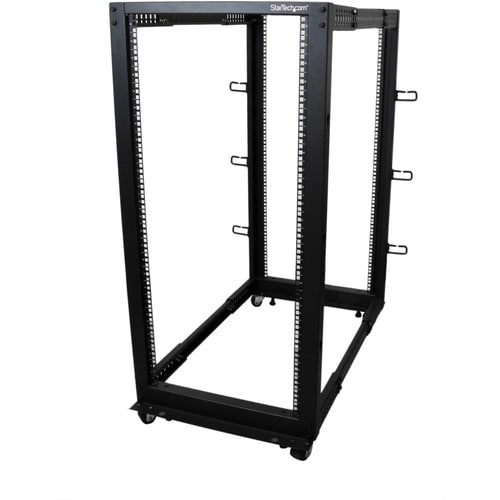
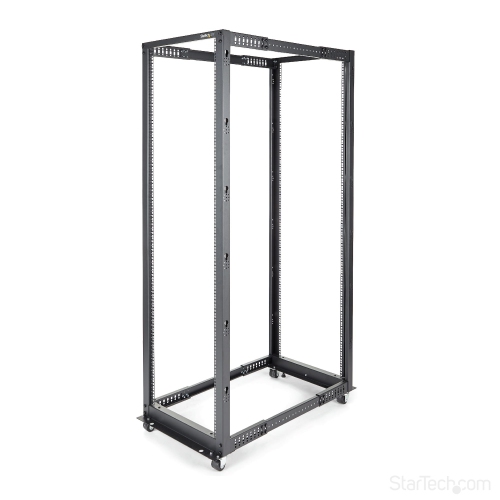
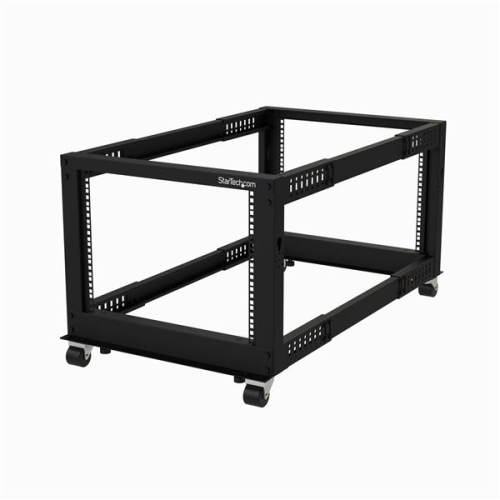
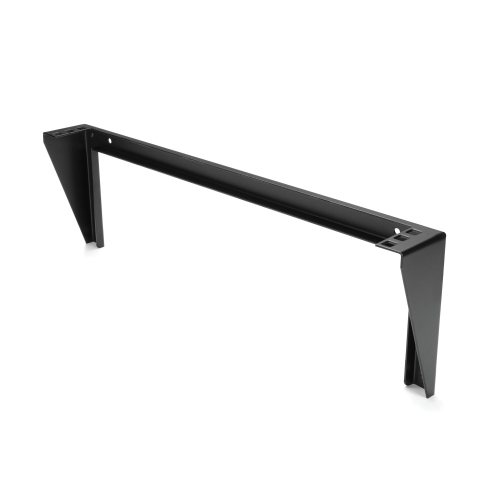
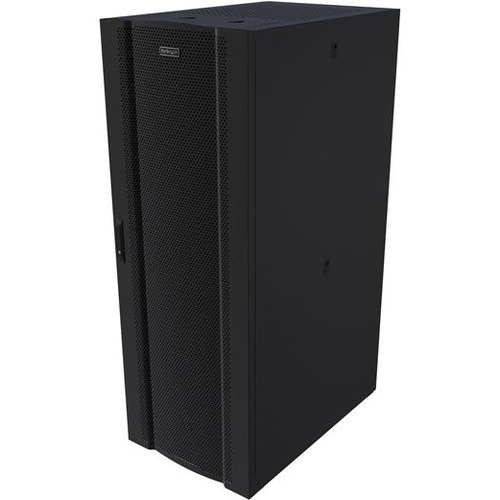
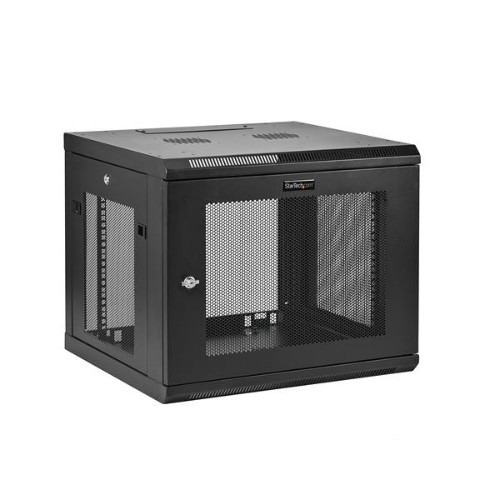
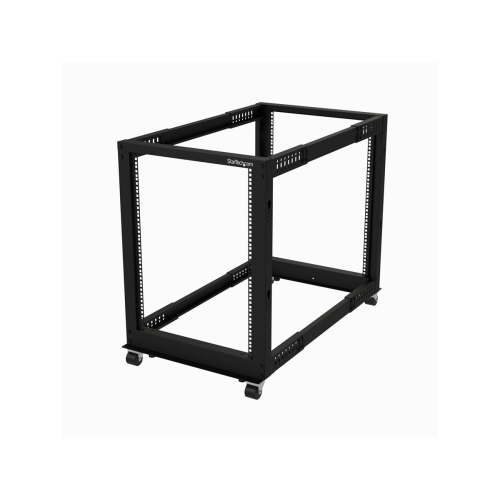
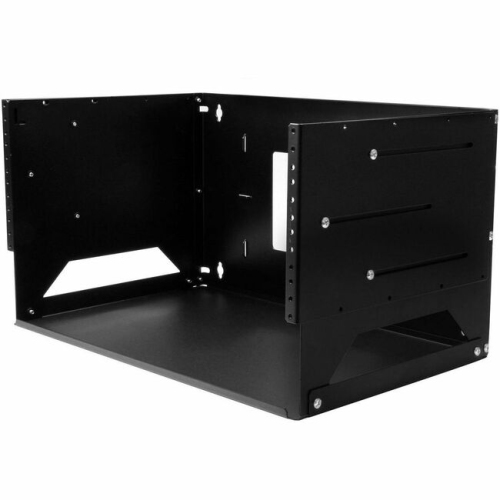
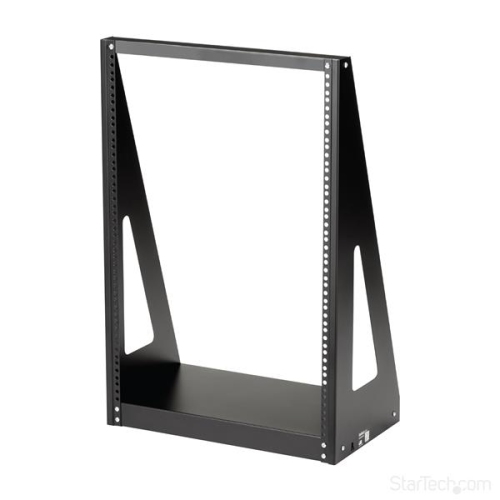
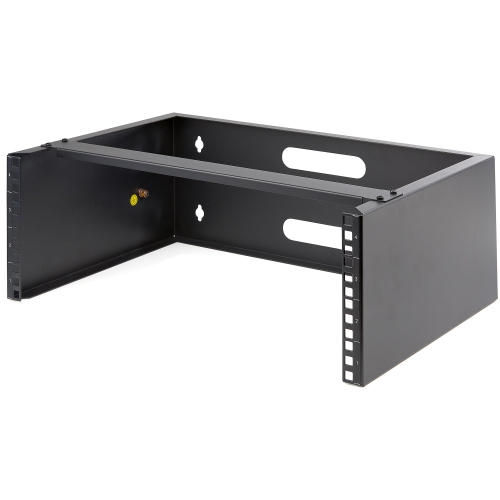
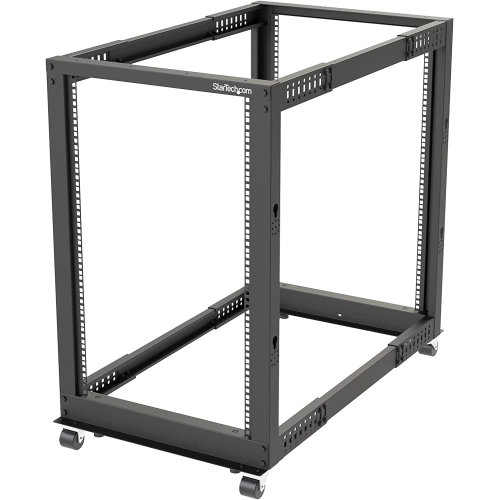
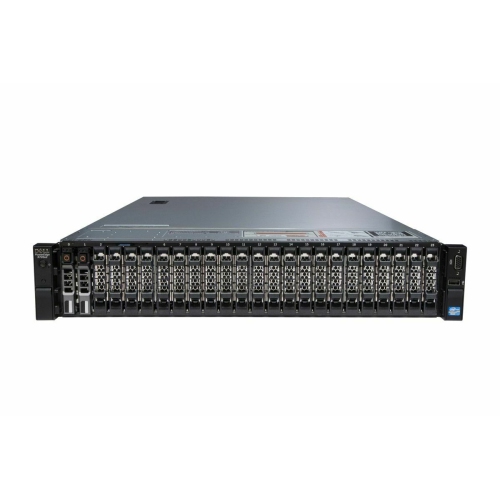
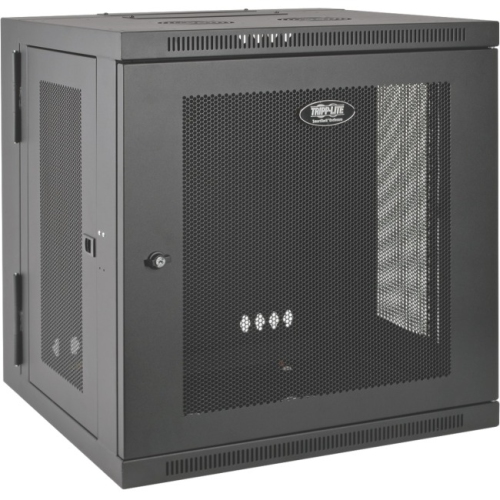
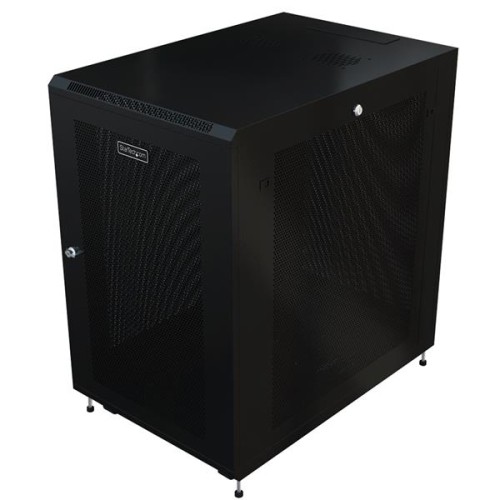
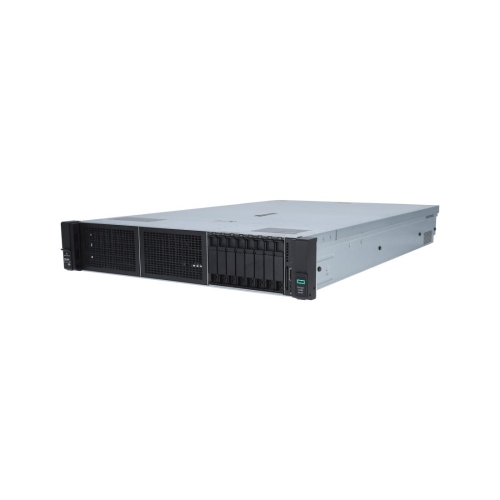
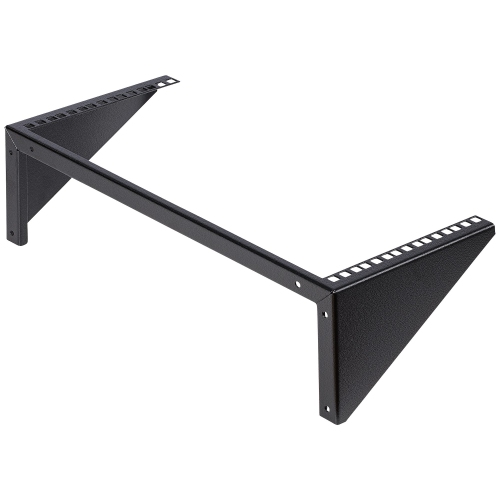
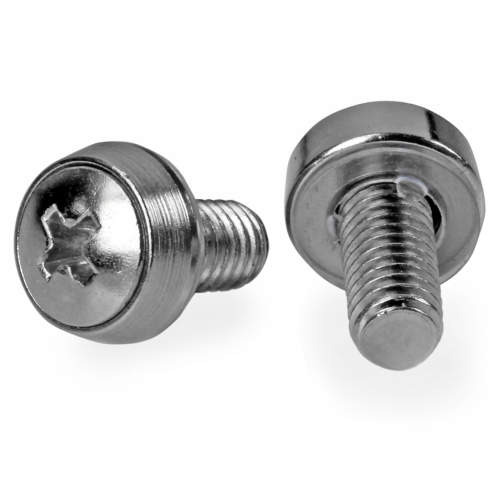
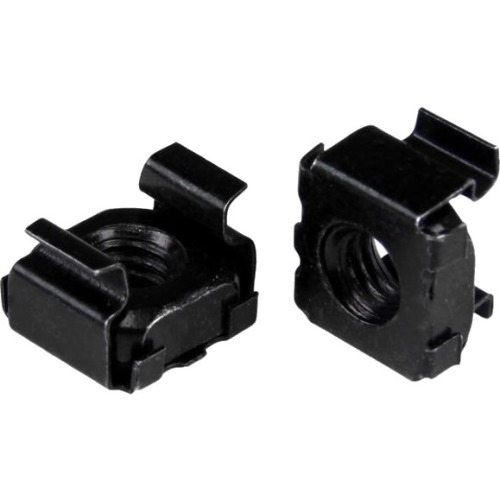
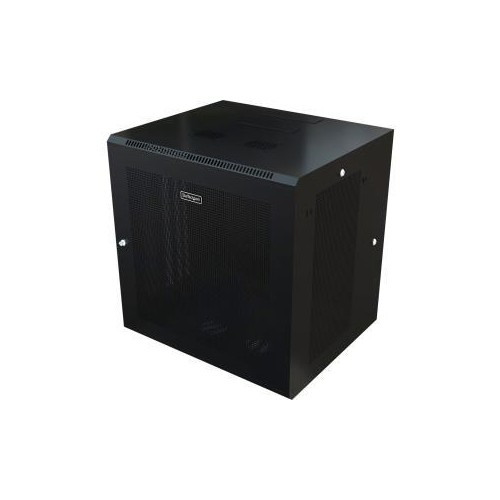
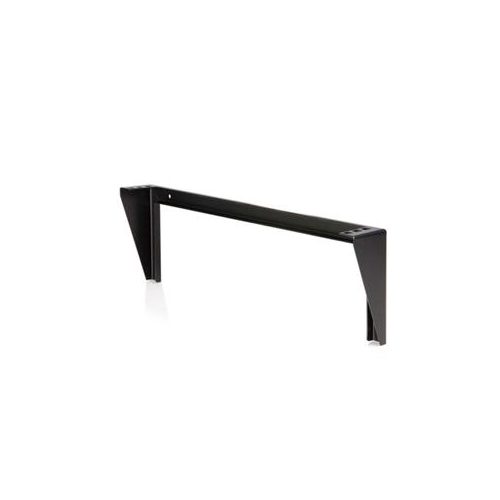
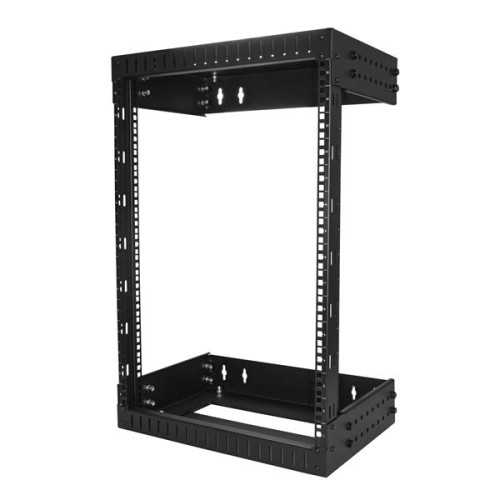
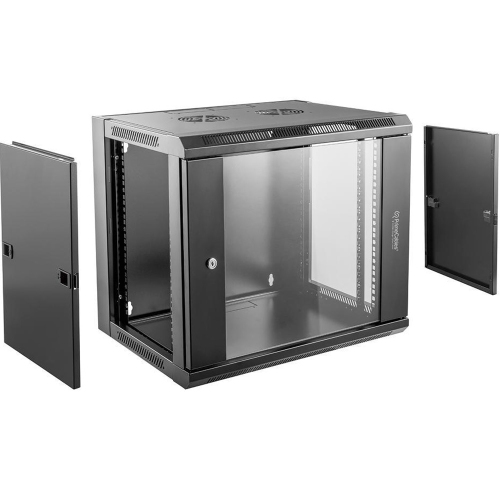
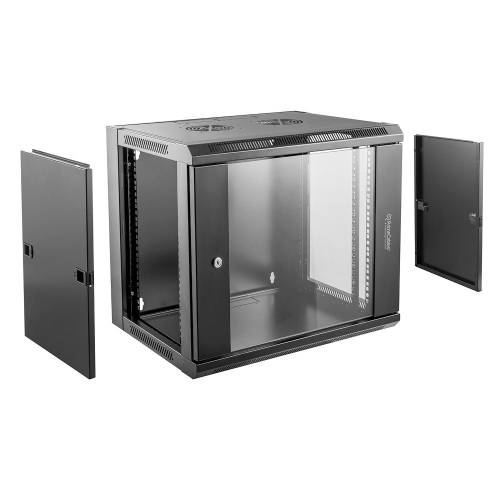
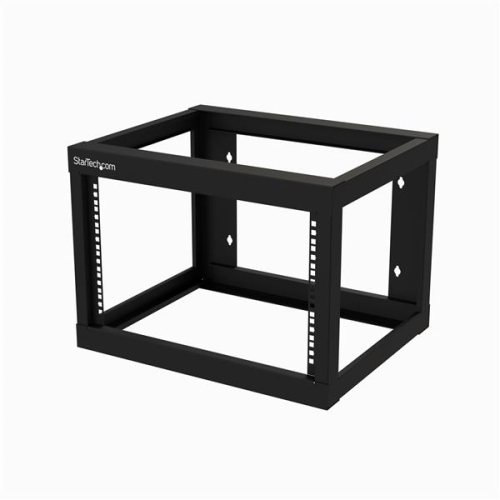
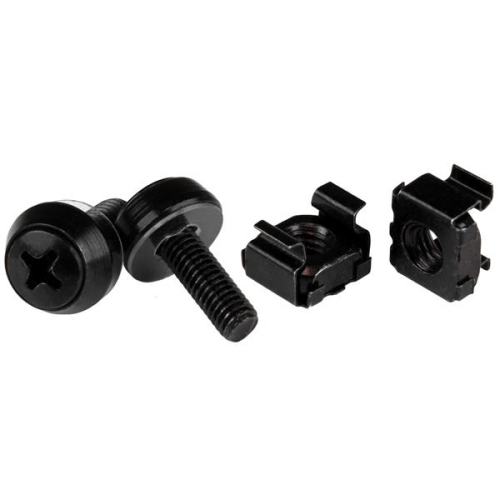
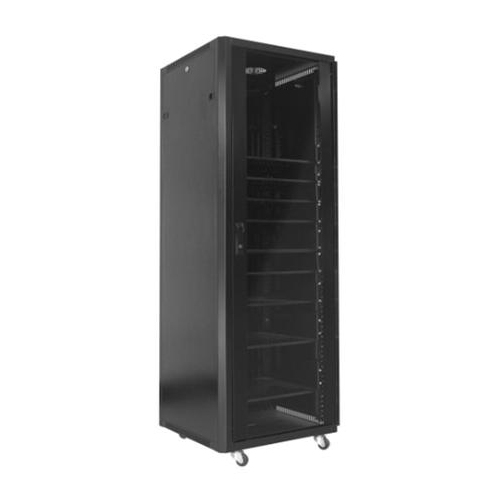
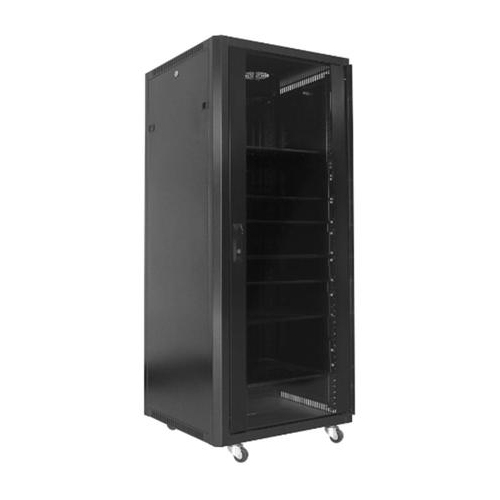
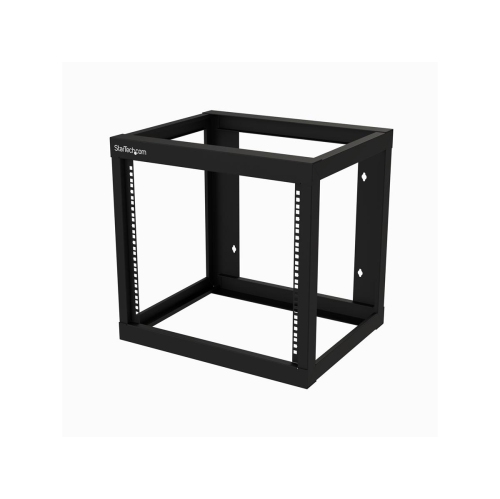
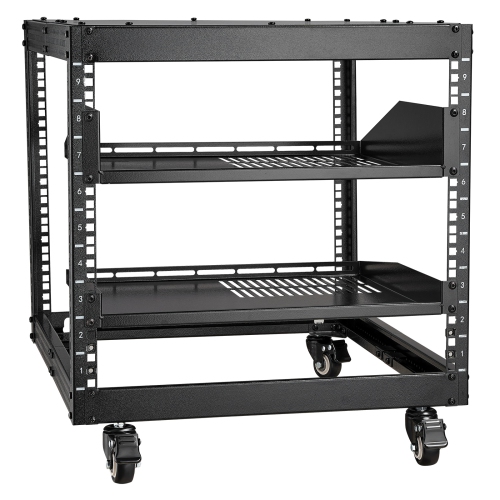
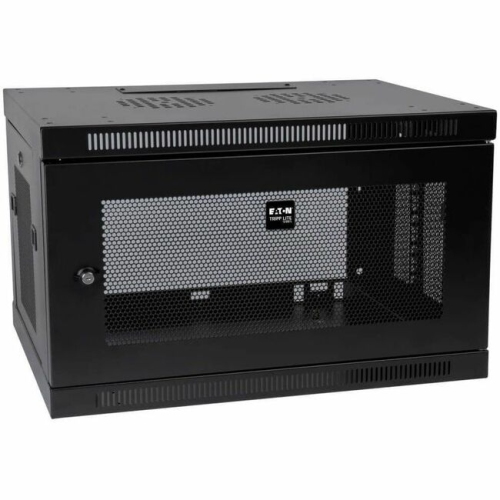
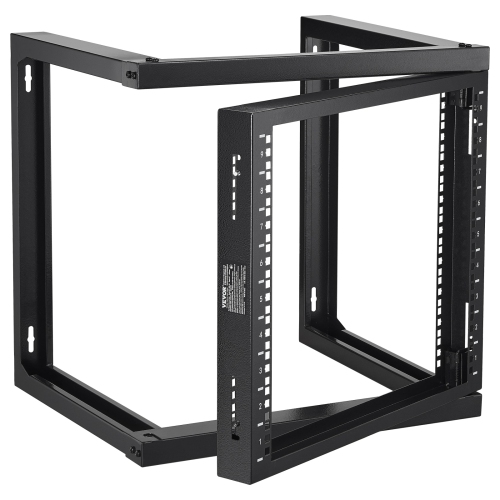
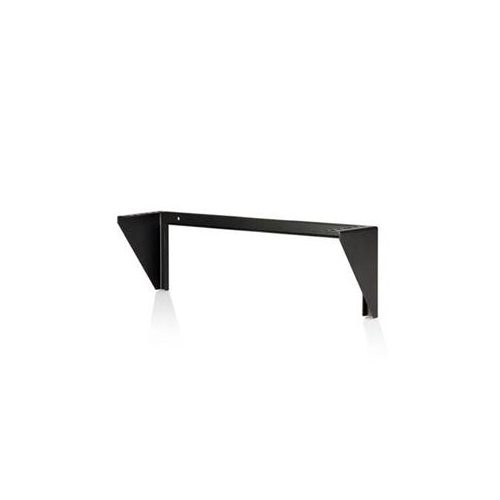
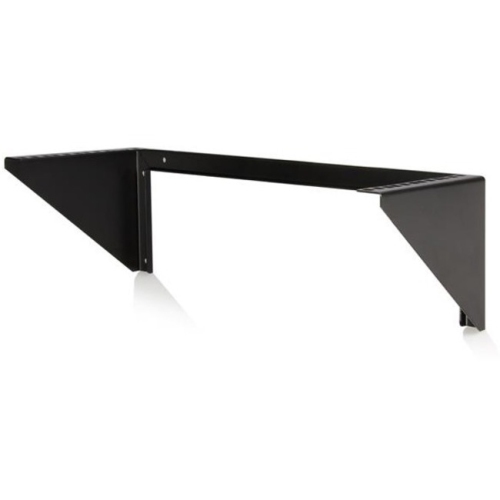
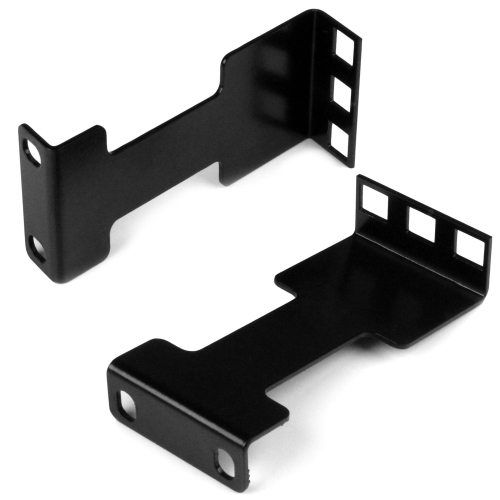
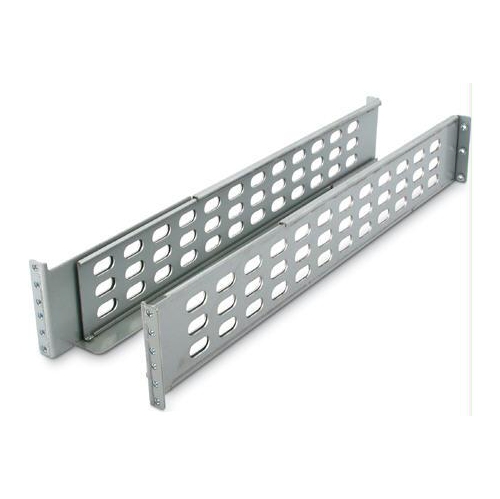
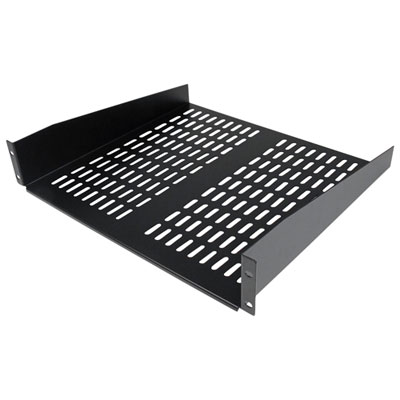
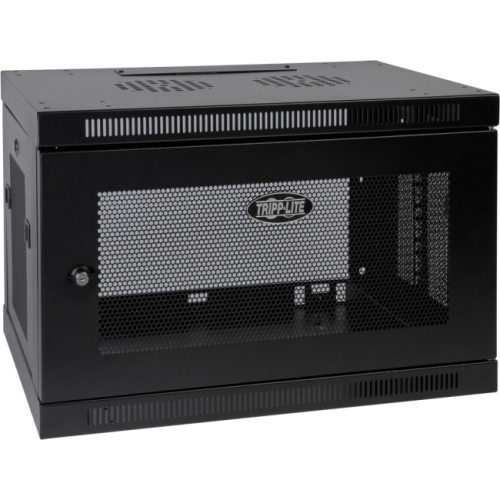
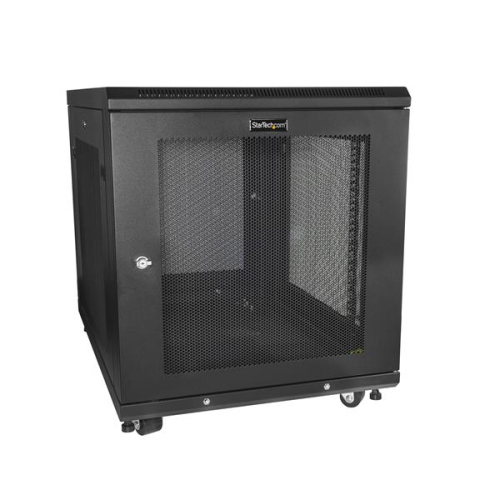
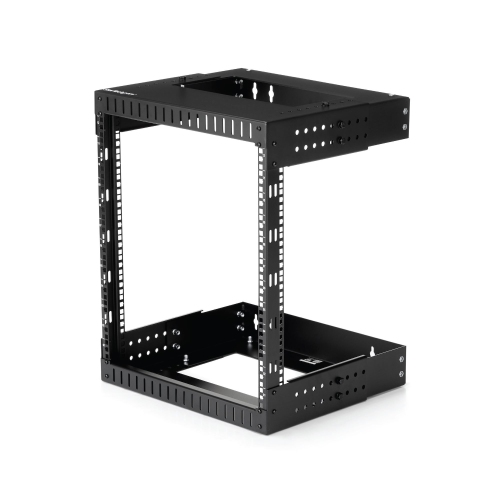
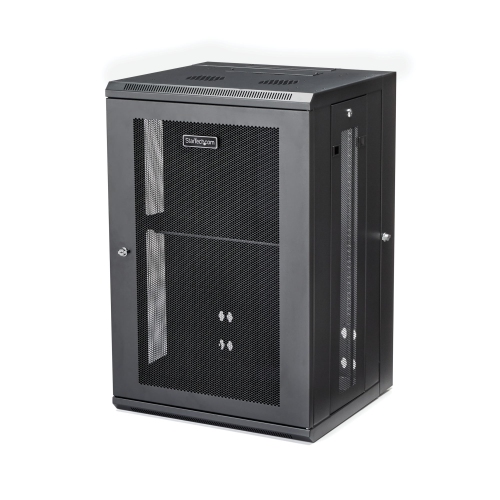
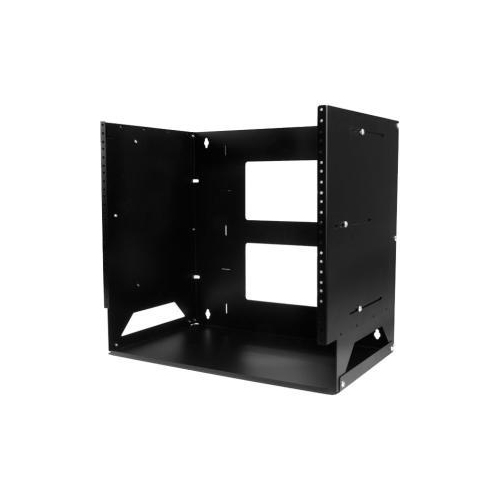
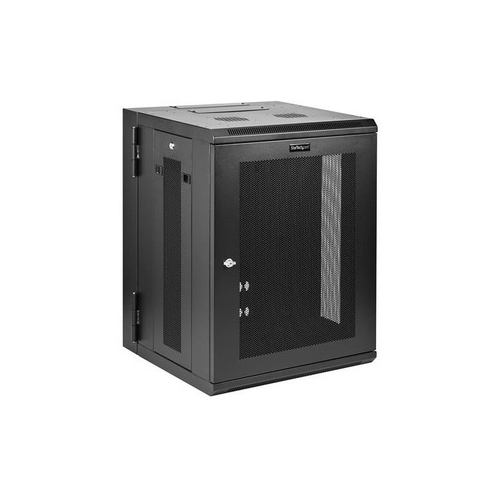
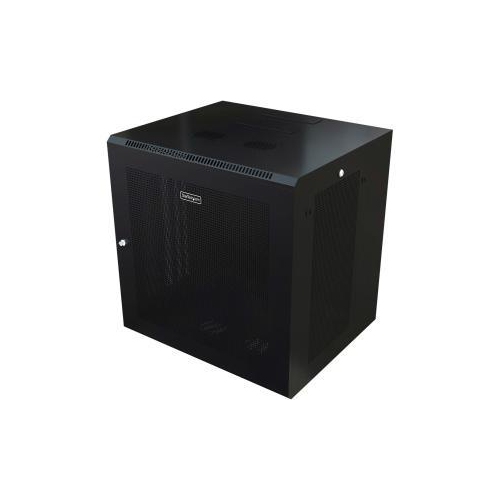
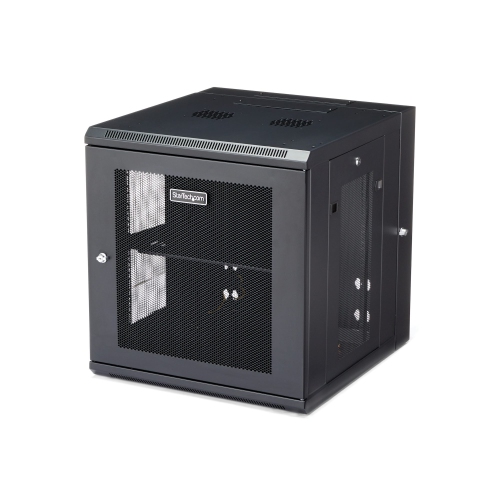
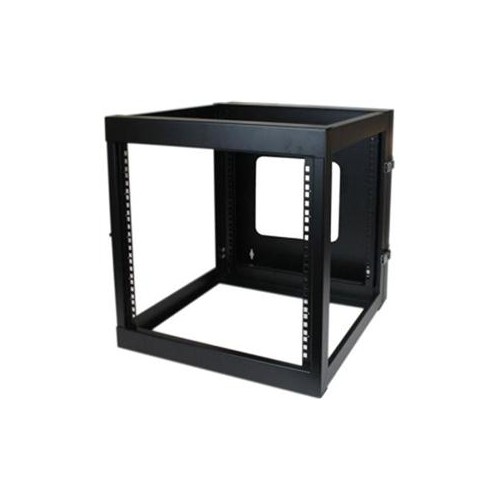
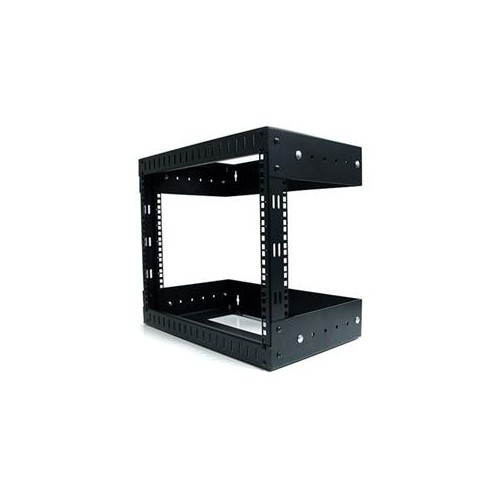
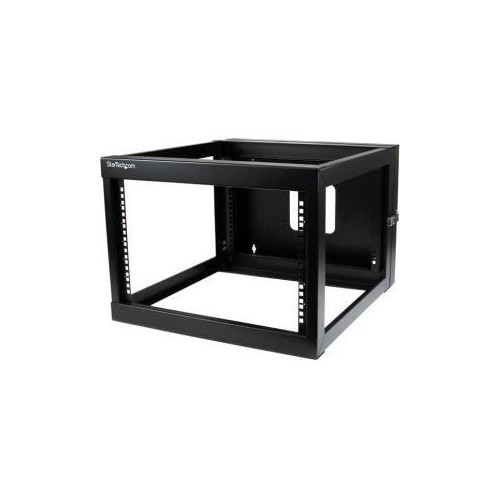
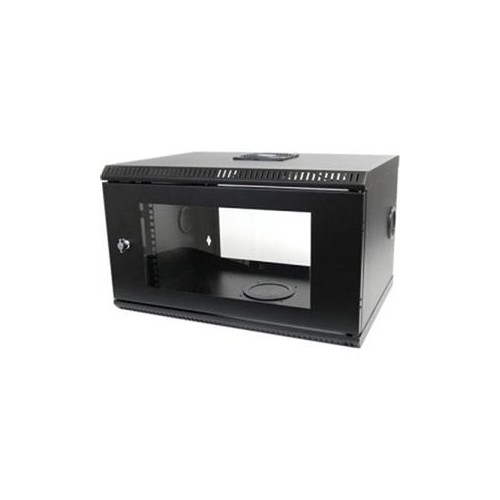
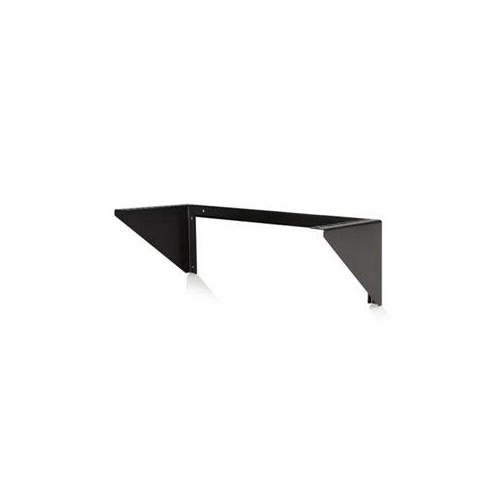
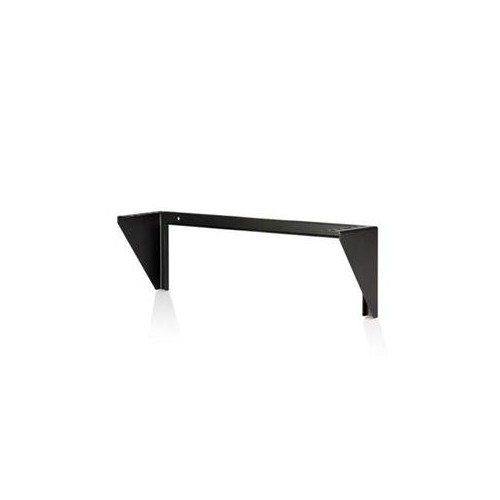
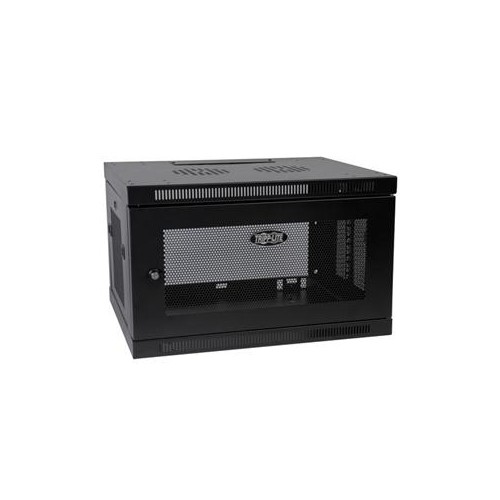
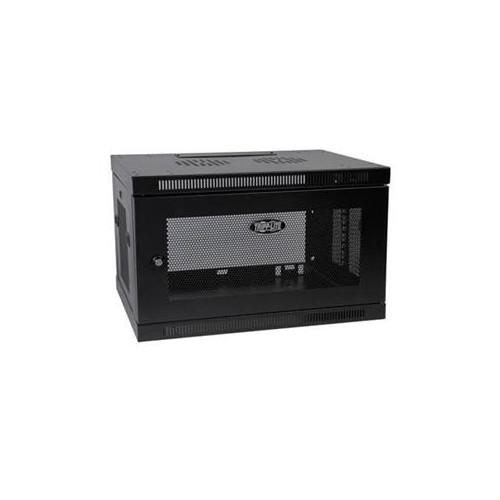
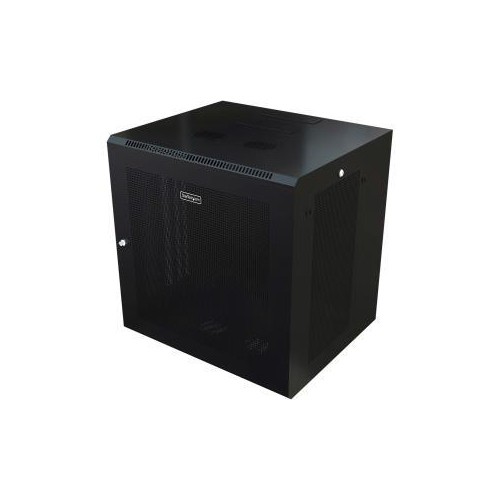
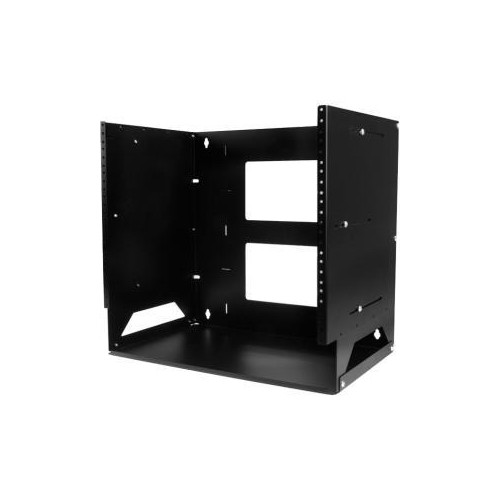
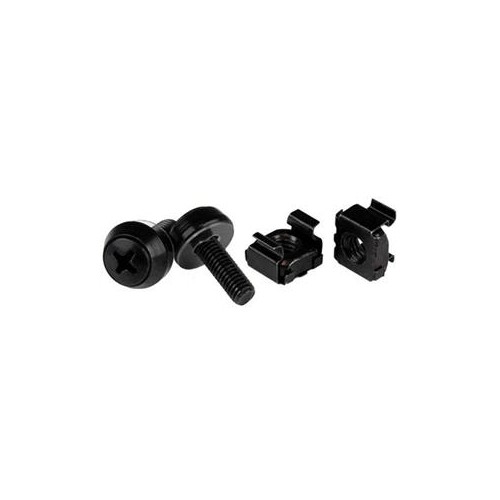
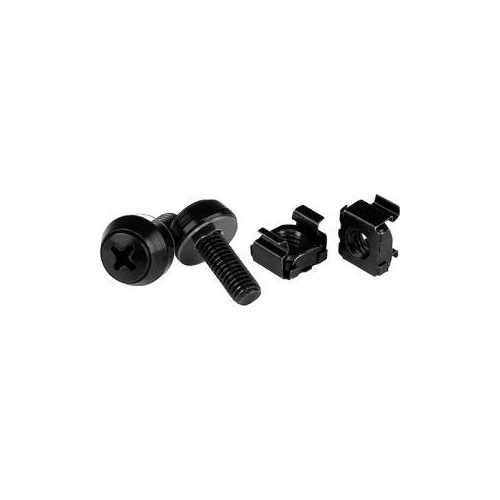
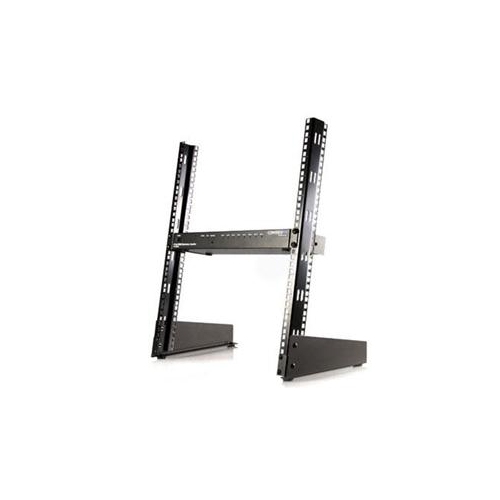
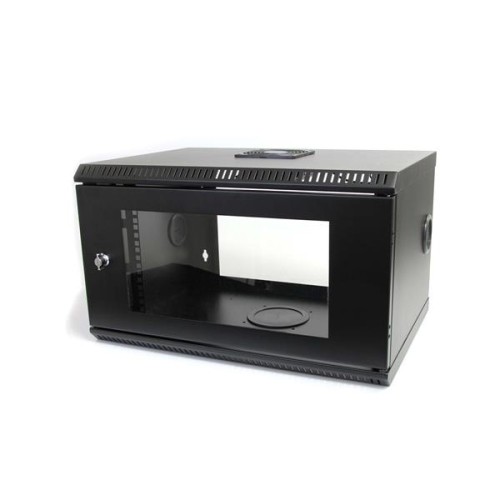
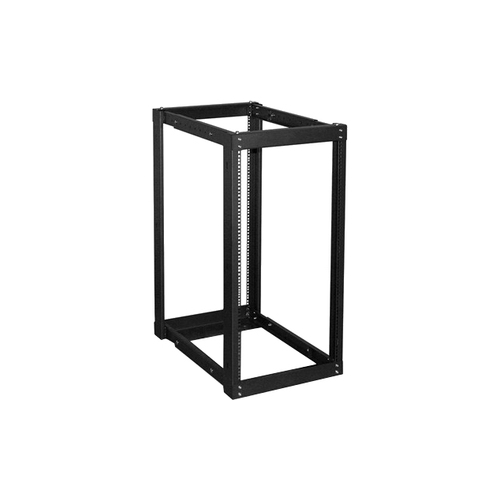
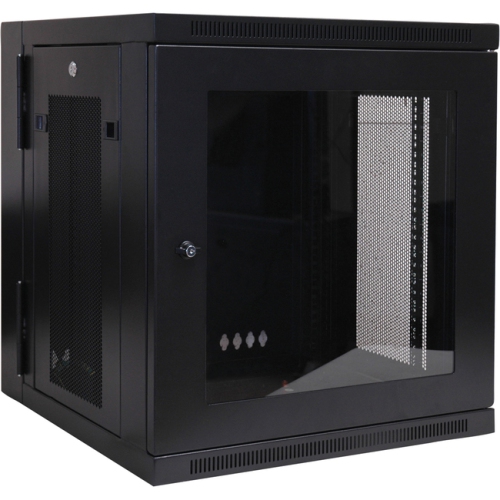
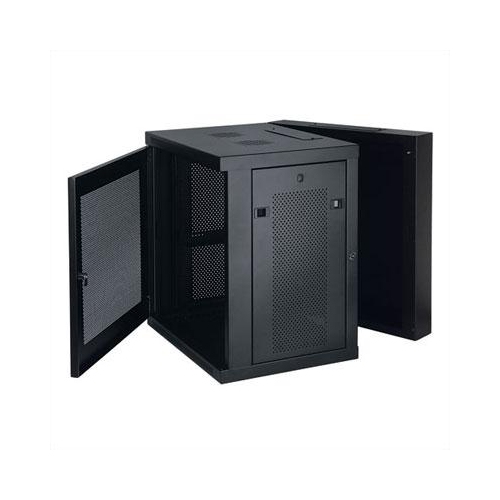
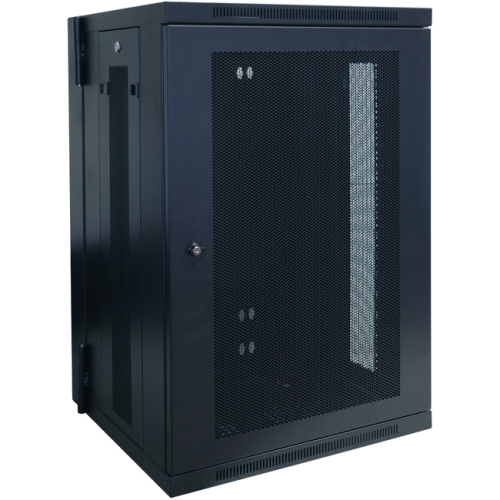
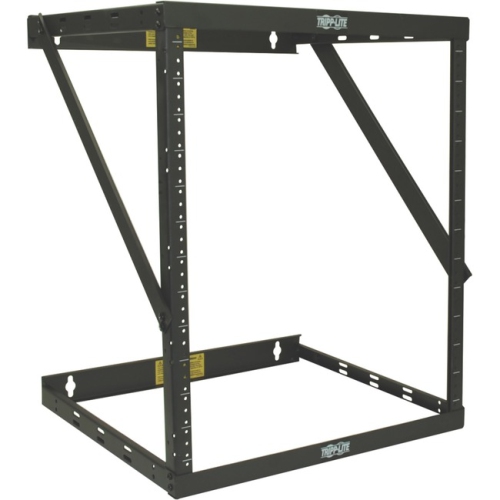
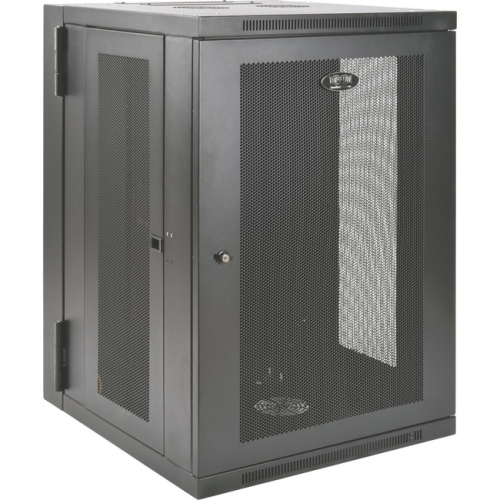
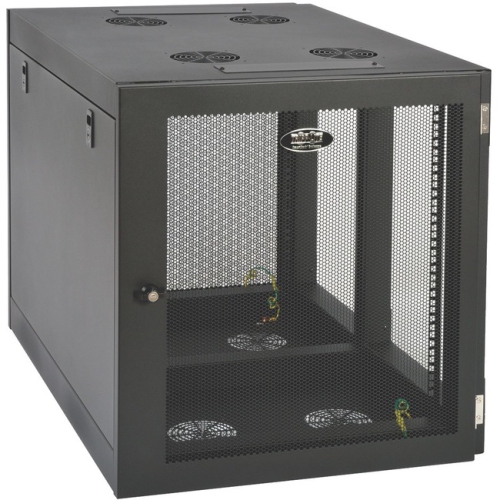
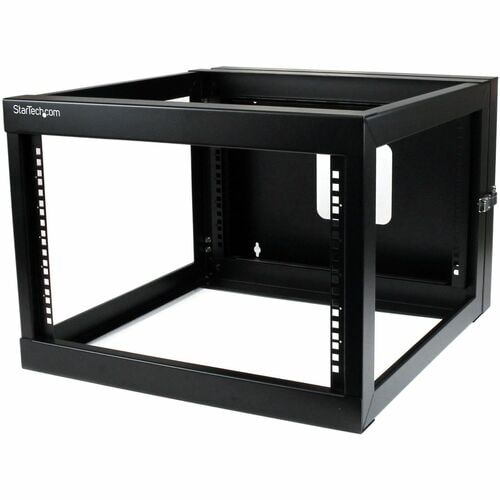
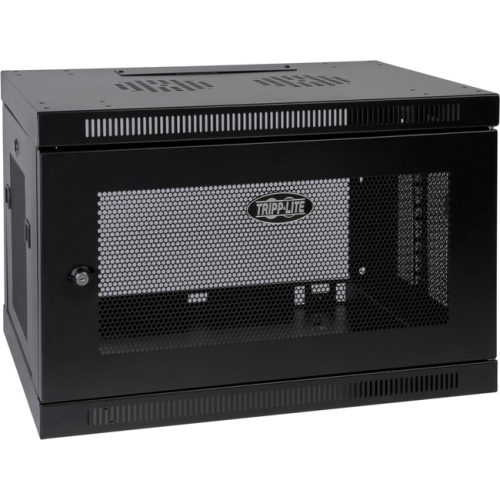
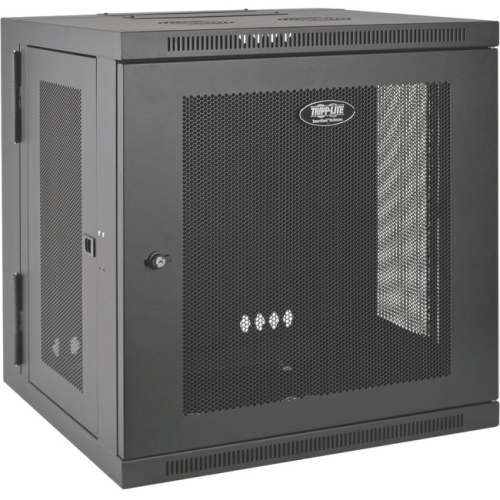
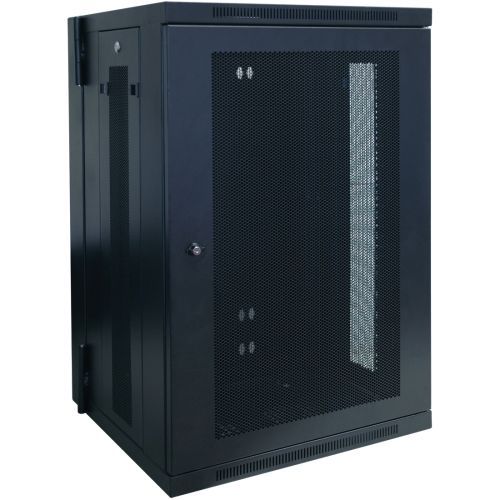
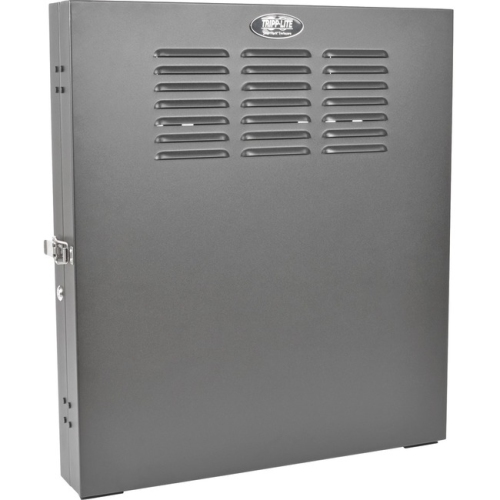
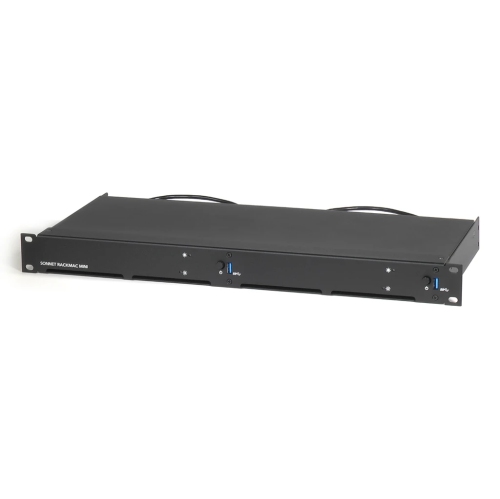
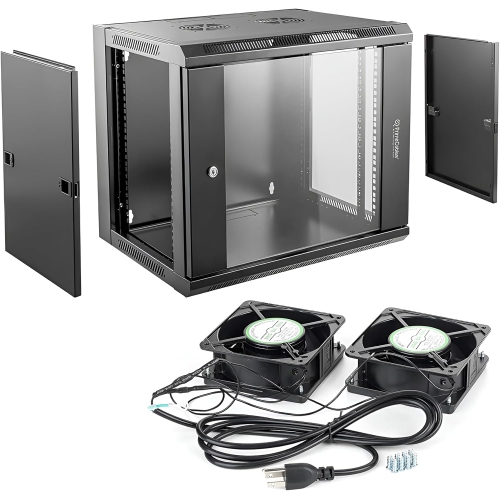
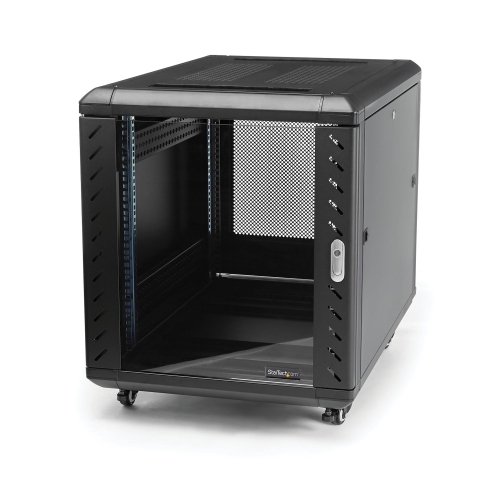
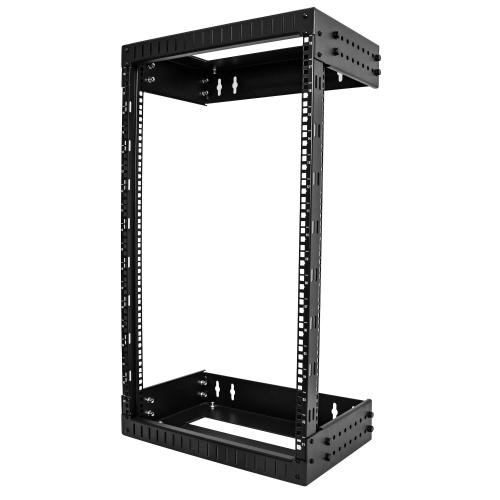
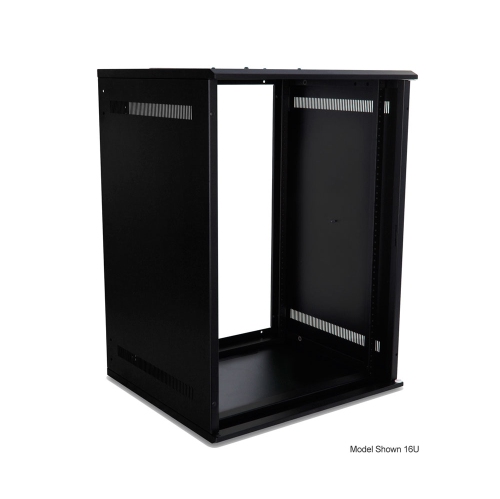
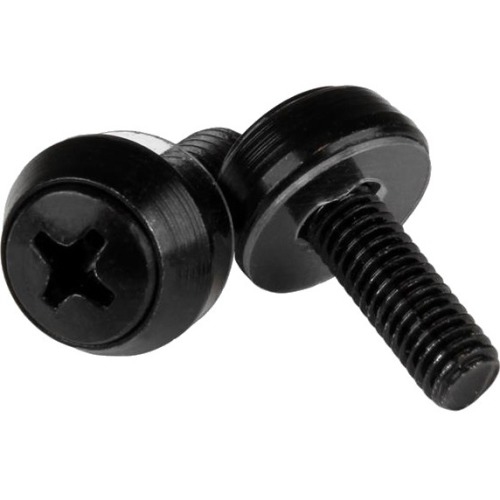
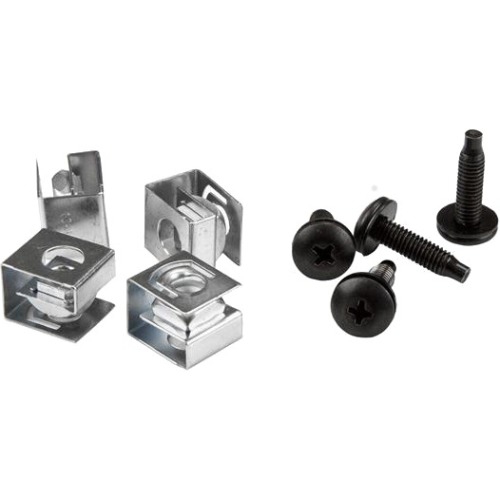
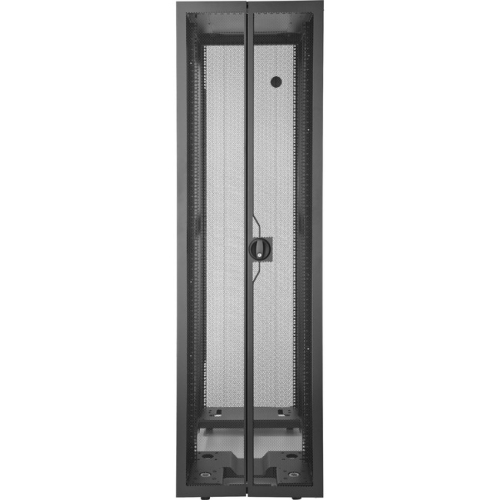
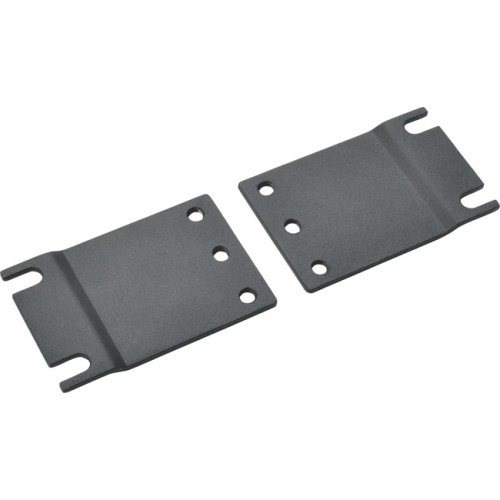
Server rack mounts provide a structured way to secure servers, network switches, patch panels, and other compatible equipment in a shared frame or cabinet. The term covers several types of mounting hardware, including equipment rails, support brackets, mounting ears, and shelves, as well as rack structures that attach to a wall or stand on the floor. Their purpose is to keep equipment supported, accessible, and organized rather than spread across desks or stacked on makeshift surfaces. A small office might use a wall-mounted network rack to bring its internet connection, Ethernet cabling, and switching equipment together in one accessible location. A home lab may need a deeper floor-standing rack to accommodate servers and storage, while a recording studio might use compatible rack hardware for audio processors alongside networking equipment. Across these applications, the 19-inch rack format is common, but that measurement describes the nominal equipment mounting width, not the overall width of the cabinet or the usable depth inside it. Equipment height is expressed in rack units, with one rack unit, or 1U, equal to 1.75 inches. A 2U chassis therefore occupies two units of vertical mounting space, although its exact physical height allows for installation clearance. Rack depth, mounting-hole style, and equipment weight are separate considerations that a shared width standard does not resolve. A compact switch and a full-depth server may both fit a 19-inch mounting format while requiring very different support. Square-hole racks commonly use cage nuts and matching screws, while tapped-hole racks require screws that match the rack’s thread specification. Round unthreaded holes may call for another fastening arrangement. Matching these details helps prevent loose connections, damaged threads, and installation delays. For IT staff, small-business owners, and home networking enthusiasts, suitable server rack mounting hardware makes the difference between equipment that simply fits into an opening and equipment that can be serviced reliably over time.
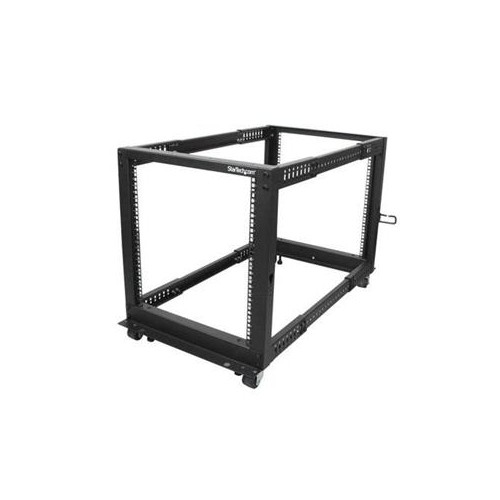
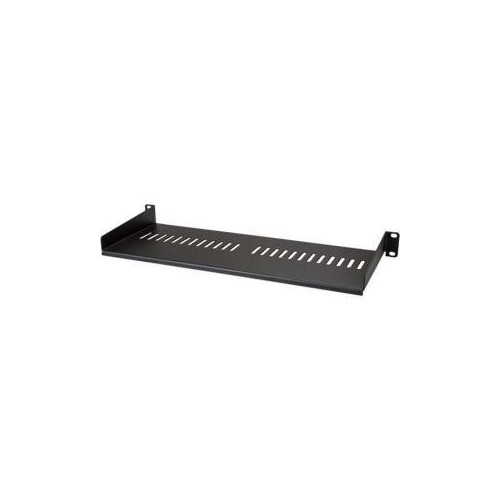
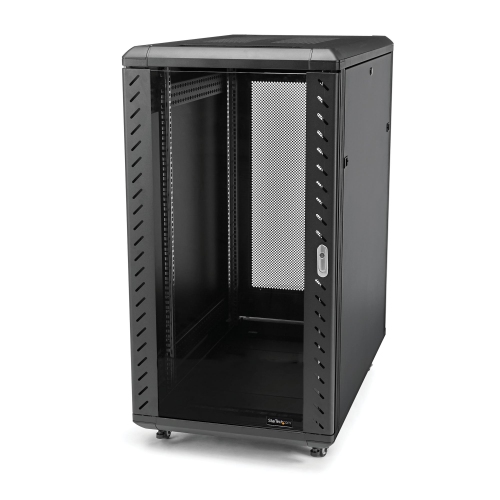
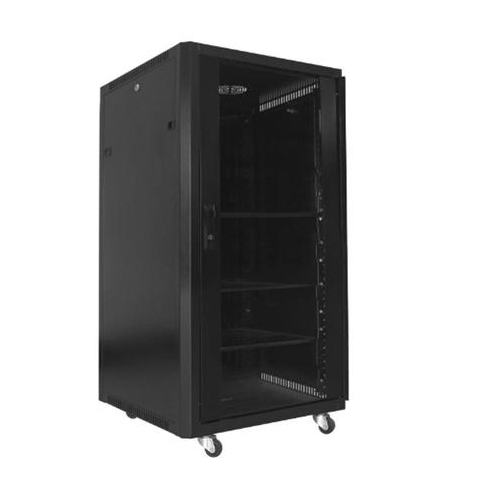
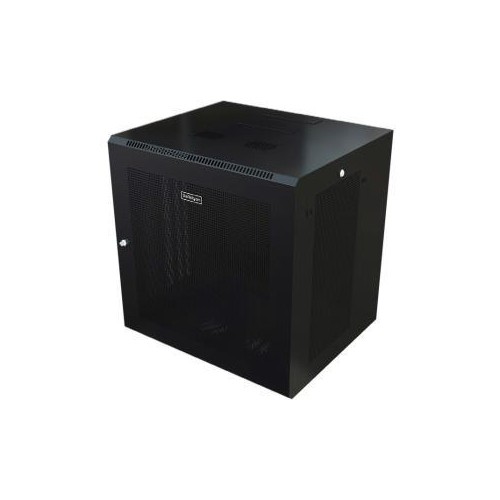
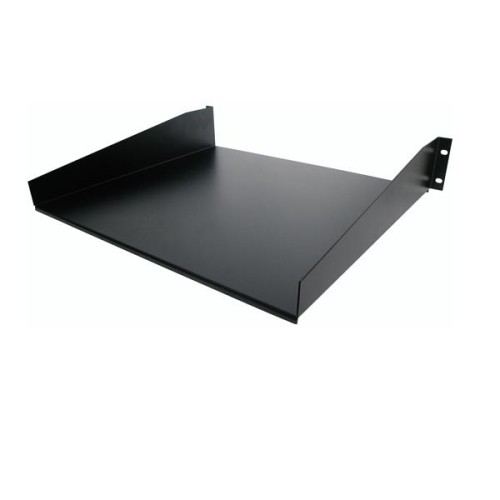
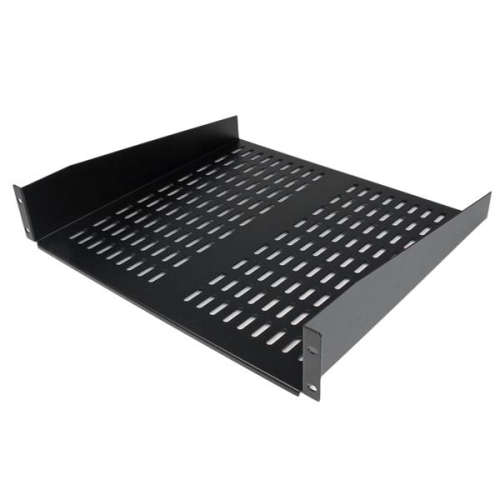
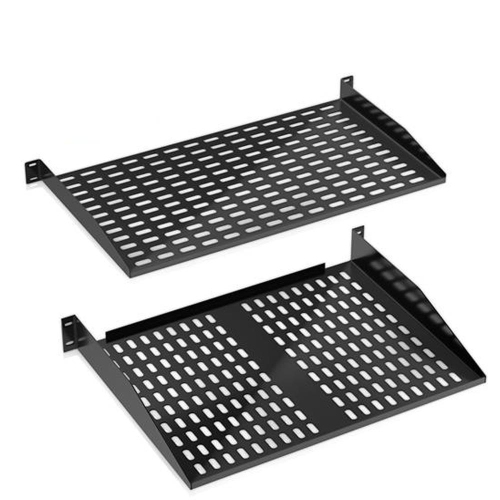
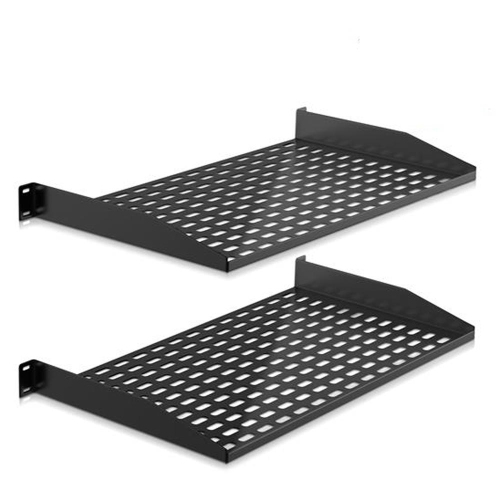
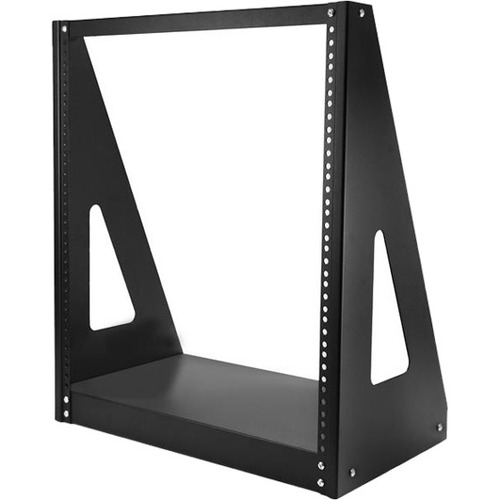
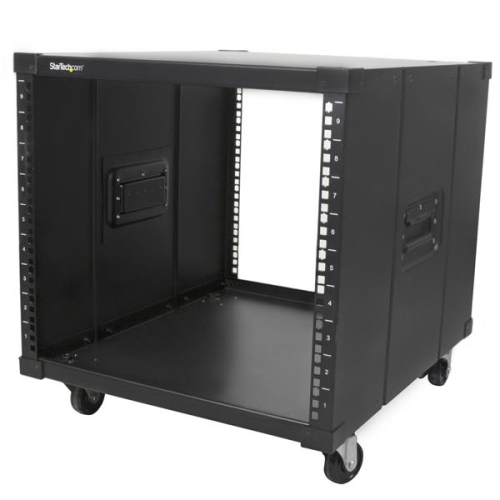
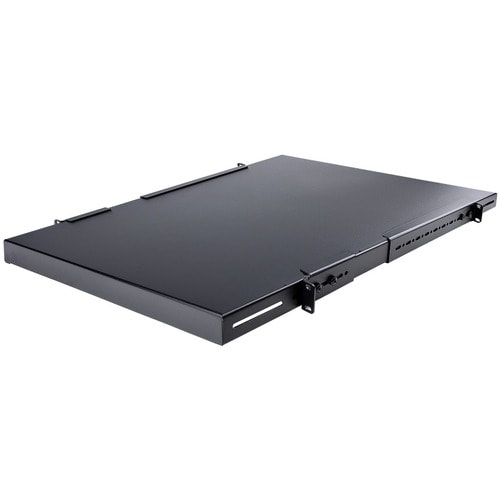
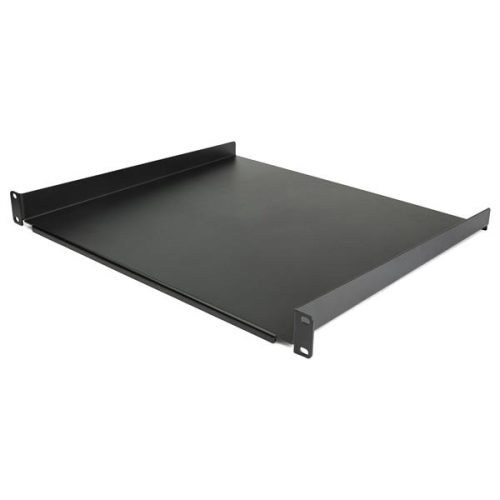
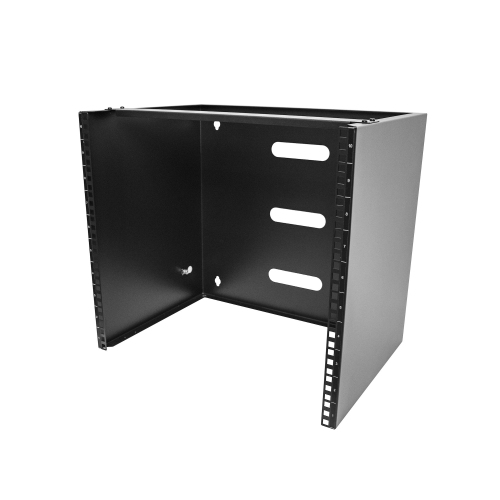
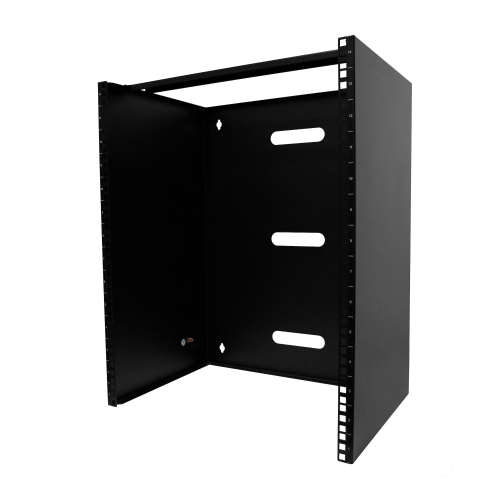
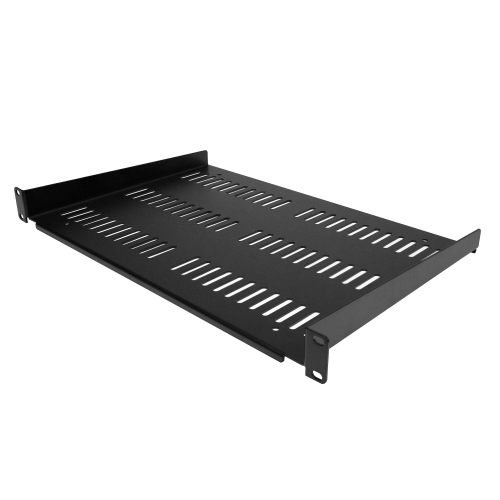
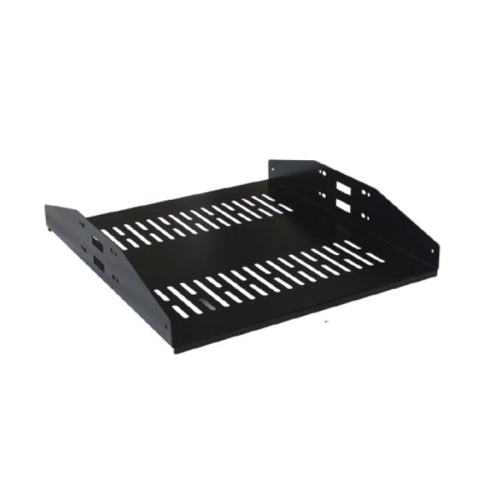
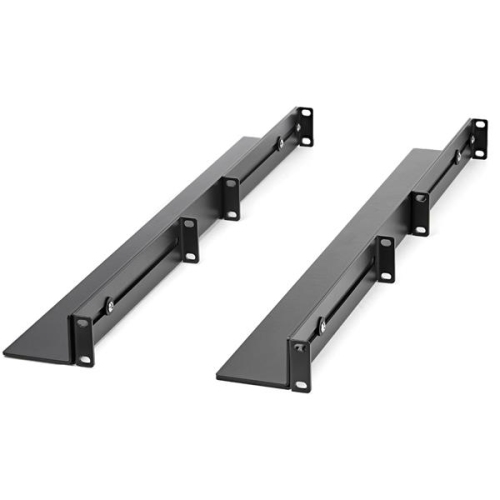
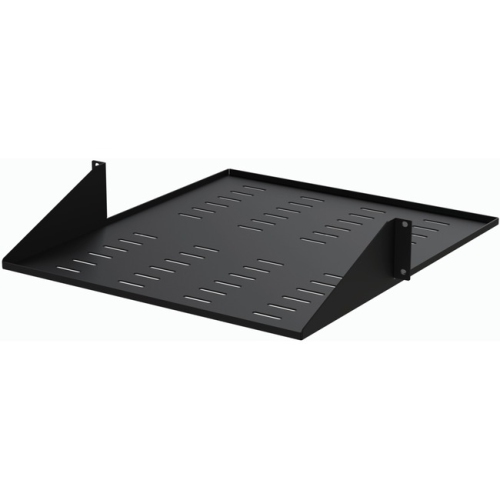
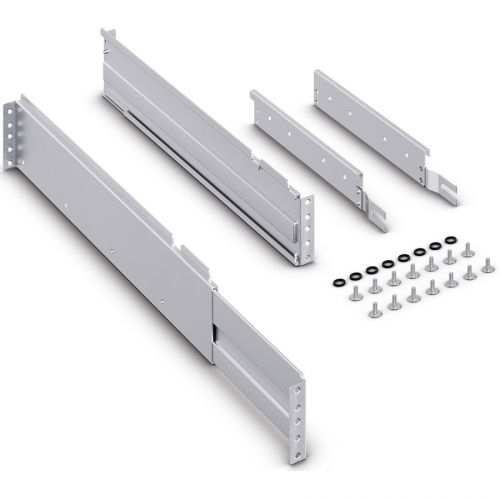
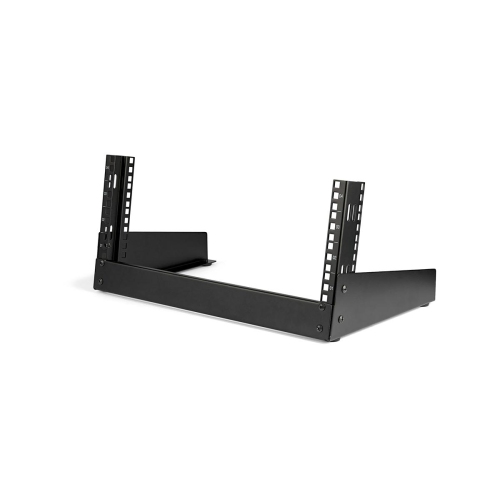
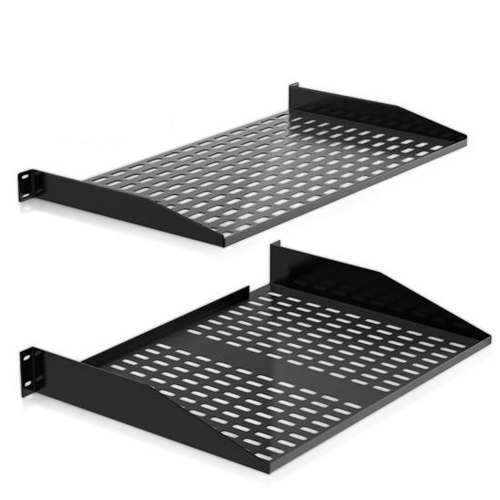
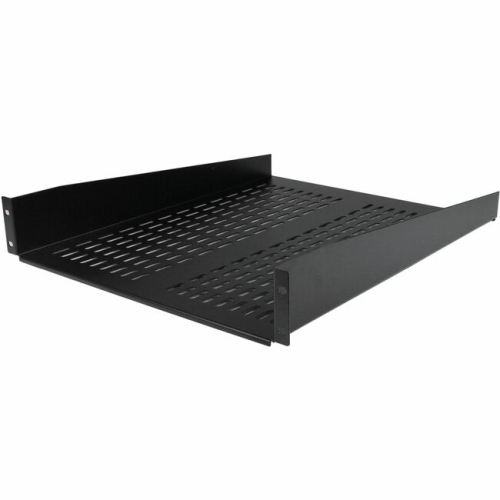
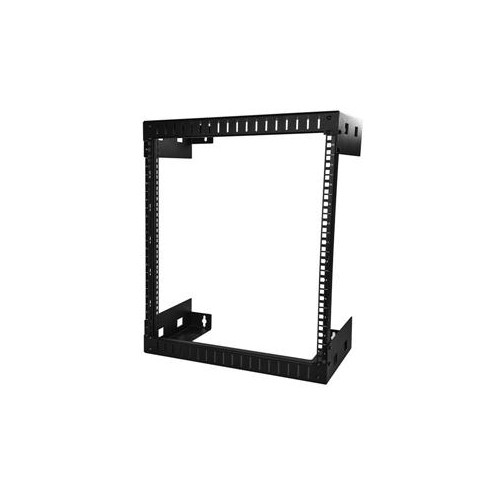
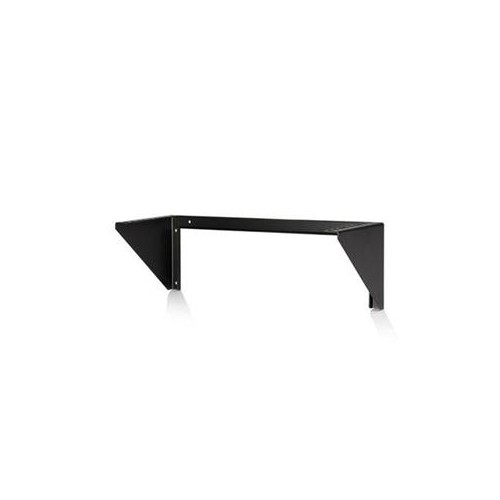
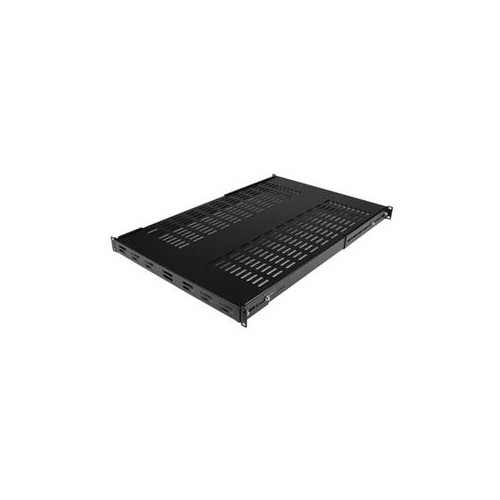
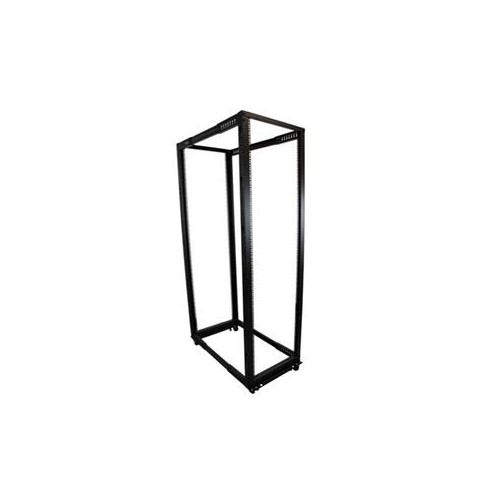
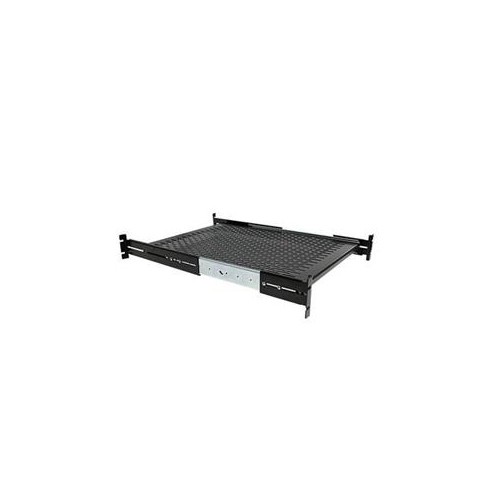
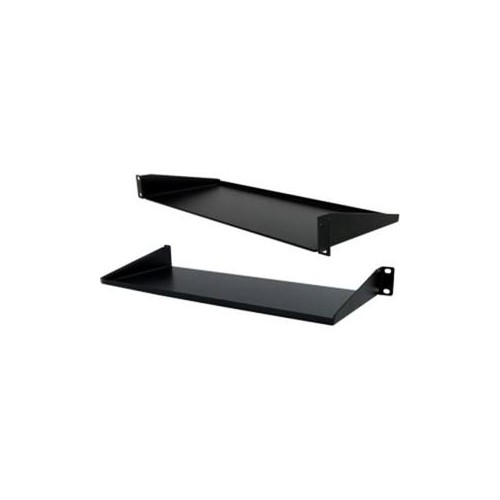
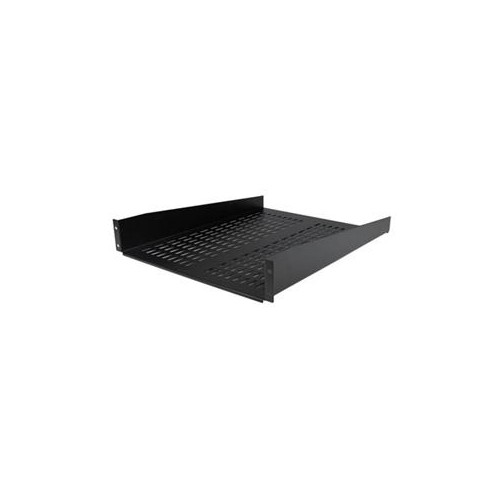
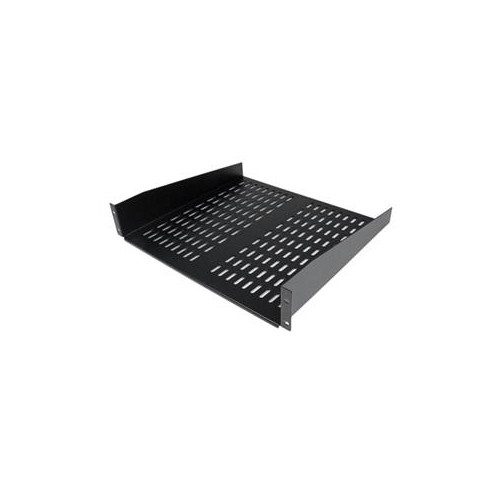
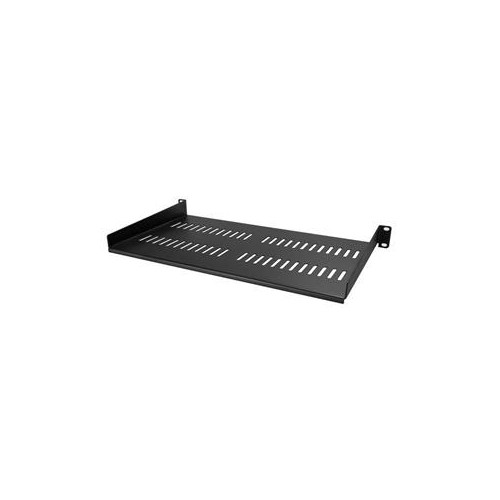
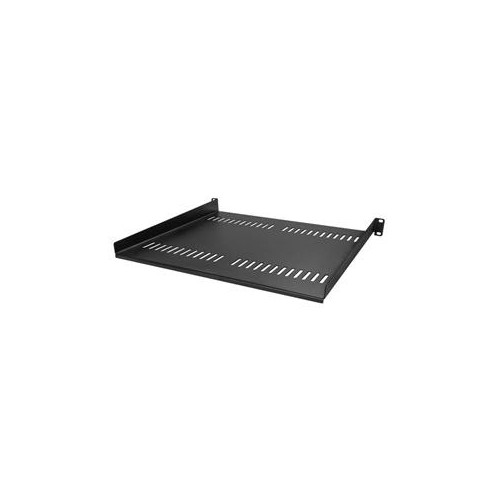
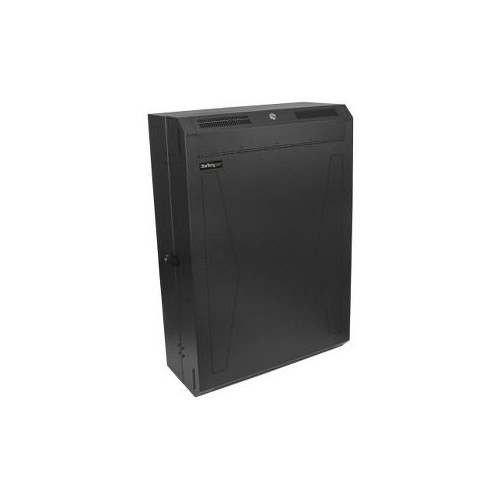
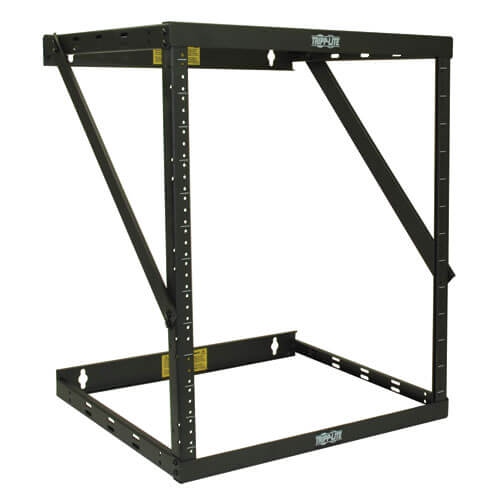
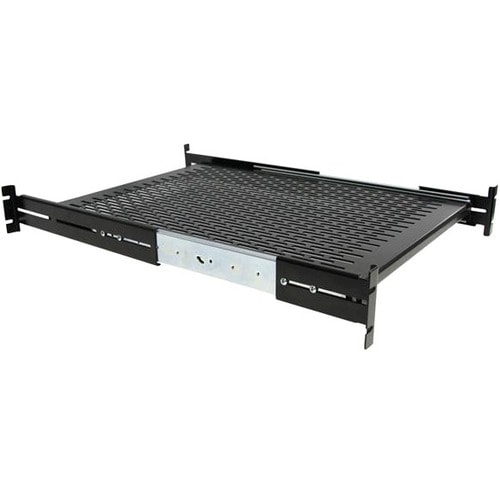
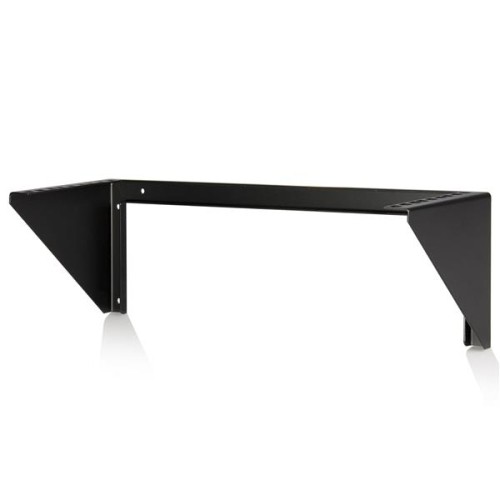
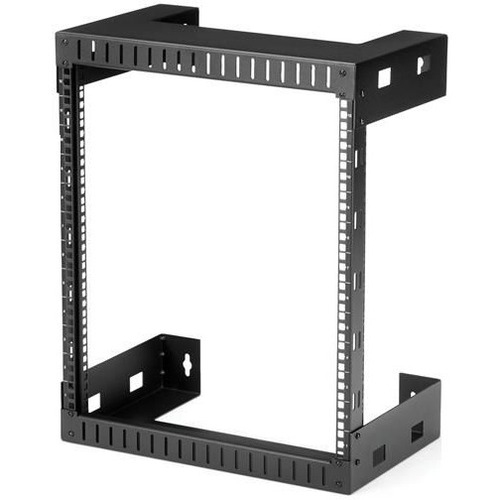
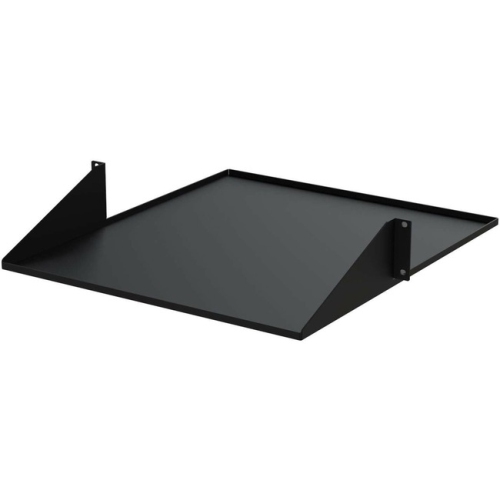
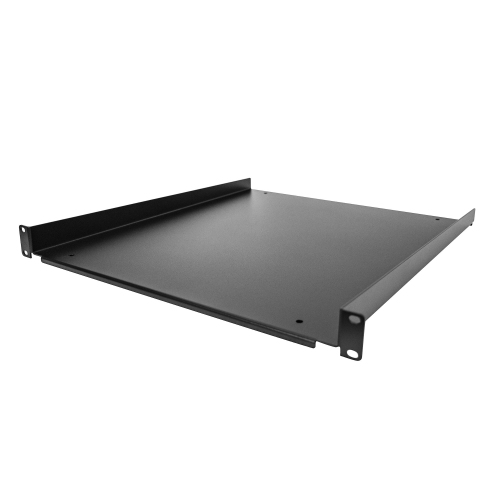
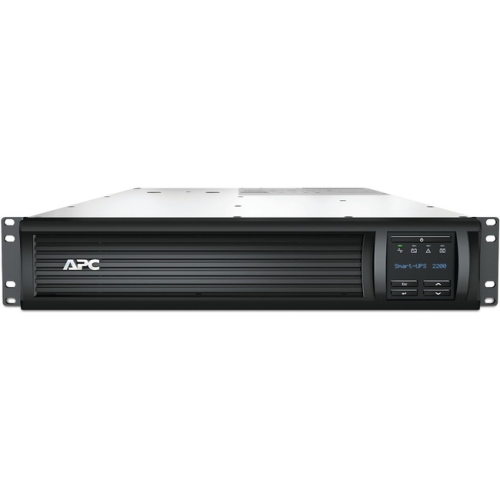
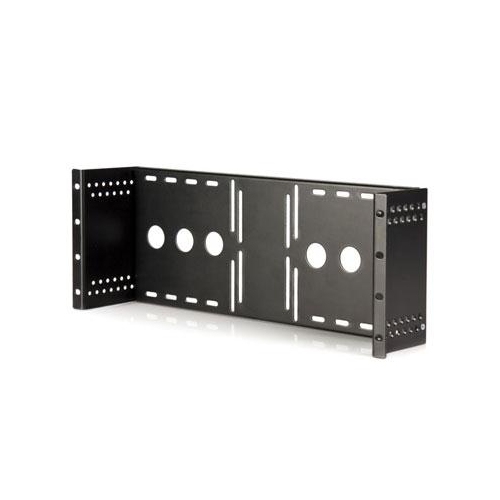
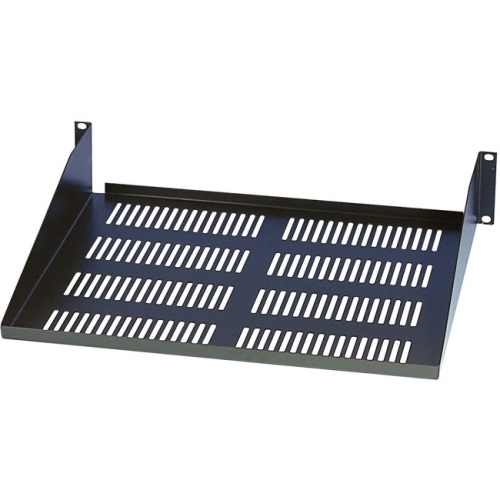
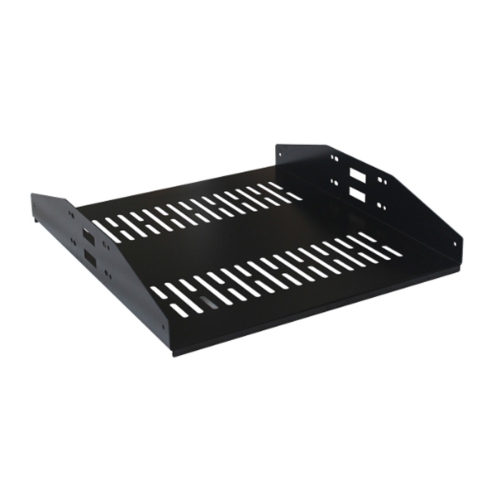
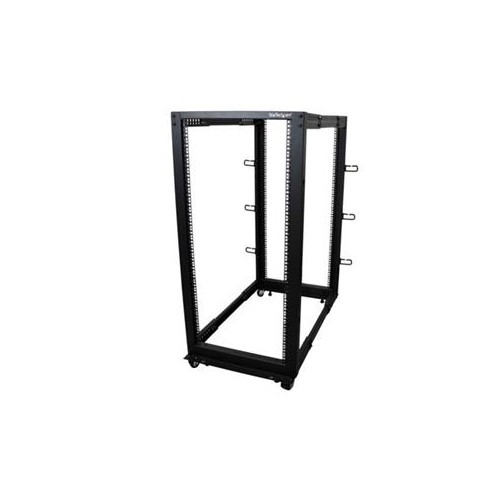
The main differences between server rack mounting options are how they carry weight and how much access they allow. Two-post racks support compatible equipment at a pair of vertical uprights and are often used for patch panels and networking hardware designed for that mounting arrangement. Four-post racks provide front and rear mounting points, making them suitable for many deeper or heavier devices when paired with the correct rails or shelves. Front mounting ears alone are not necessarily designed to support the full weight of a server; some chassis require additional support along their sides or underneath. Fixed rails hold equipment in position, while compatible sliding rails allow a chassis to move forward for servicing without being completely removed from its supports. Sliding systems need clearance in front of the rack, enough cable slack, and any stability provisions specified by the manufacturer. The term universal rails generally indicates compatibility with a range of dimensions or equipment types, not a guarantee that every chassis will fit. Adjustable depth, supported chassis width, load rating, and attachment method still matter. For devices without rack mounting ears, rack mount shelves provide a supporting surface for equipment such as compact routers, small computers, and external storage devices. Cantilever shelves attach at one end and suit loads within their stated limits, while four-post shelves distribute support between the front and rear uprights. Shelf depth should support the equipment appropriately without blocking rear connectors or interfering with cabinet doors. Wall-mounted racks can free up floor space, but their suitability depends on the combined weight of the rack and its contents, the wall construction, and the specified anchors and attachment points. Floor-standing racks offer another arrangement for larger installations, with stationary feet or compatible castors depending on the design. A rack’s total load rating does not replace the individual ratings of its shelves, rails, or wall fixings, and stationary and rolling load limits may differ. Those distinctions become especially important when an installation includes dense storage hardware or an uninterruptible power supply.
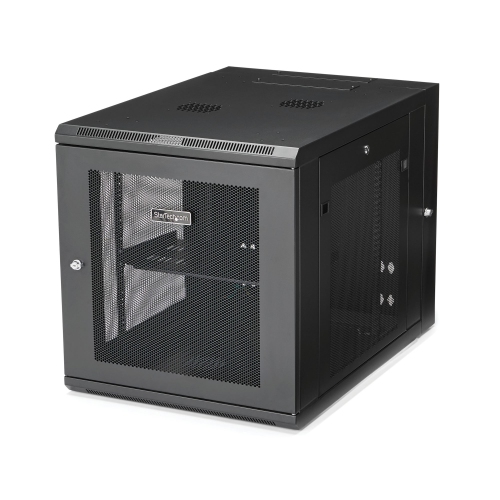
Materials and construction influence how server rack mounts handle repeated use, equipment changes, and everyday maintenance. Steel is common in racks, brackets, and shelves because it offers rigidity for supporting substantial loads, while some lighter-duty components use aluminum. Metal thickness, reinforcement, weld quality, and the mounting design matter alongside the material itself. Powder-coated or plated finishes help protect exposed surfaces from wear and corrosion, although scraped edges and damaged coatings still deserve attention during routine checks. Smooth edges and well-finished cable openings also reduce the chance of snagging a cable jacket when equipment is moved. In a working installation, thoughtful positioning can make maintenance much less awkward: a clearly labelled patch panel keeps connections easy to trace, and accessible mounting screws allow a failed device to be replaced without dismantling unrelated hardware. Heavy components generally belong low in a floor-standing rack to help maintain stability, subject to the rack and equipment manufacturers’ requirements. Open-frame racks offer convenient access to cabling, while enclosed cabinets can add lockable doors and side panels for controlled physical access. Either arrangement needs to preserve the airflow path specified for the installed equipment. Vent openings should remain unobstructed, and equipment with front-to-back cooling should not have its exhaust trapped by tightly packed cables. Where equipment calls for managed airflow, blanking panels can help limit recirculation through unused rack spaces; simply leaving random gaps is not a substitute for the specified cooling arrangement. Cable managers and compatible cable arms help keep power and data leads away from fans, sharp edges, and moving rails, with enough movement for servicing and appropriate bend radii. Care typically involves inspecting fasteners and supports, checking for shifting loads or cable strain, and removing dust according to the equipment manufacturer’s instructions. Liquids should not be sprayed directly onto installed electronics, and structural changes or equipment removal may require shutdown and assistance with lifting. Allowing room for future connections, rear cable bends, and access to power connections gives a rack practical value beyond its initial installation, whether it supports a modest office network or a growing collection of home lab equipment.
The main differences between server rack mounting options are how they carry weight and how much access they allow. Two-post racks support compatible equipment at a pair of vertical uprights and are often used for patch panels and networking hardware designed for that mounting arrangement. Four-post racks provide front and rear mounting points, making them suitable for many deeper or heavier devices when paired with the correct rails or shelves. Front mounting ears alone are not necessarily designed to support the full weight of a server; some chassis require additional support along their sides or underneath. Fixed rails hold equipment in position, while compatible sliding rails allow a chassis to move forward for servicing without being completely removed from its supports. Sliding systems need clearance in front of the rack, enough cable slack, and any stability provisions specified by the manufacturer. The term universal rails generally indicates compatibility with a range of dimensions or equipment types, not a guarantee that every chassis will fit. Adjustable depth, supported chassis width, load rating, and attachment method still matter. For devices without rack mounting ears, rack mount shelves provide a supporting surface for equipment such as compact routers, small computers, and external storage devices. Cantilever shelves attach at one end and suit loads within their stated limits, while four-post shelves distribute support between the front and rear uprights. Shelf depth should support the equipment appropriately without blocking rear connectors or interfering with cabinet doors. Wall-mounted racks can free up floor space, but their suitability depends on the combined weight of the rack and its contents, the wall construction, and the specified anchors and attachment points. Floor-standing racks offer another arrangement for larger installations, with stationary feet or compatible castors depending on the design. A rack’s total load rating does not replace the individual ratings of its shelves, rails, or wall fixings, and stationary and rolling load limits may differ. Those distinctions become especially important when an installation includes dense storage hardware or an uninterruptible power supply.
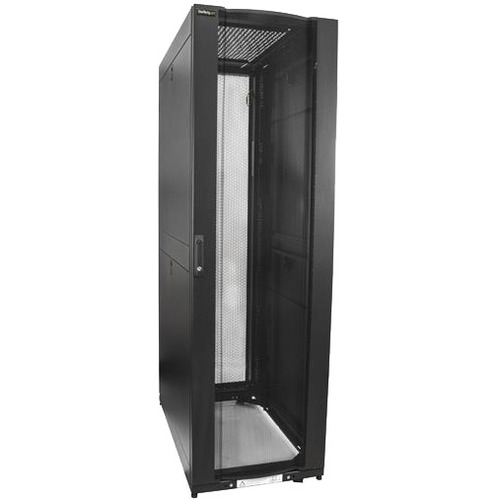
Materials and construction influence how server rack mounts handle repeated use, equipment changes, and everyday maintenance. Steel is common in racks, brackets, and shelves because it offers rigidity for supporting substantial loads, while some lighter-duty components use aluminum. Metal thickness, reinforcement, weld quality, and the mounting design matter alongside the material itself. Powder-coated or plated finishes help protect exposed surfaces from wear and corrosion, although scraped edges and damaged coatings still deserve attention during routine checks. Smooth edges and well-finished cable openings also reduce the chance of snagging a cable jacket when equipment is moved. In a working installation, thoughtful positioning can make maintenance much less awkward: a clearly labelled patch panel keeps connections easy to trace, and accessible mounting screws allow a failed device to be replaced without dismantling unrelated hardware. Heavy components generally belong low in a floor-standing rack to help maintain stability, subject to the rack and equipment manufacturers’ requirements. Open-frame racks offer convenient access to cabling, while enclosed cabinets can add lockable doors and side panels for controlled physical access. Either arrangement needs to preserve the airflow path specified for the installed equipment. Vent openings should remain unobstructed, and equipment with front-to-back cooling should not have its exhaust trapped by tightly packed cables. Where equipment calls for managed airflow, blanking panels can help limit recirculation through unused rack spaces; simply leaving random gaps is not a substitute for the specified cooling arrangement. Cable managers and compatible cable arms help keep power and data leads away from fans, sharp edges, and moving rails, with enough movement for servicing and appropriate bend radii. Care typically involves inspecting fasteners and supports, checking for shifting loads or cable strain, and removing dust according to the equipment manufacturer’s instructions. Liquids should not be sprayed directly onto installed electronics, and structural changes or equipment removal may require shutdown and assistance with lifting. Allowing room for future connections, rear cable bends, and access to power connections gives a rack practical value beyond its initial installation, whether it supports a modest office network or a growing collection of home lab equipment.
Top selling and popular products
-
 Your price for this item is $581.68
 -
 Your price for this item is $1303.99
 -
 Your price for this item is $867.99
 -
 Your price for this item is $748.99
 -
 Your price for this item is $250.68
 -
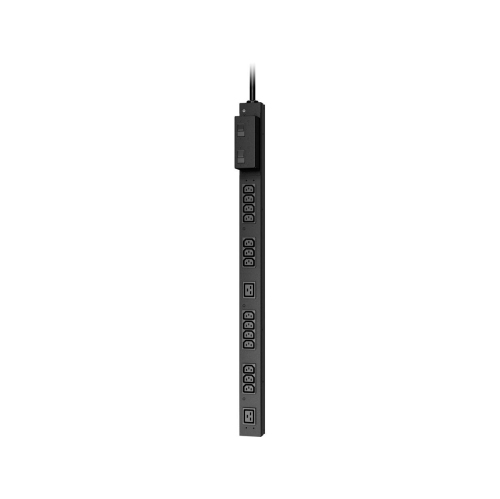 Your price for this item is $407.99
 -
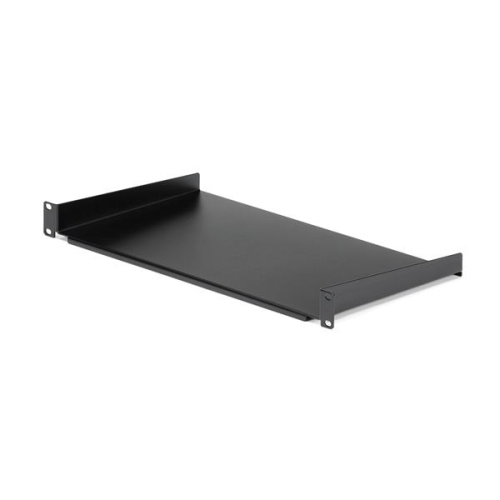 Your price for this item is $54.99
 -
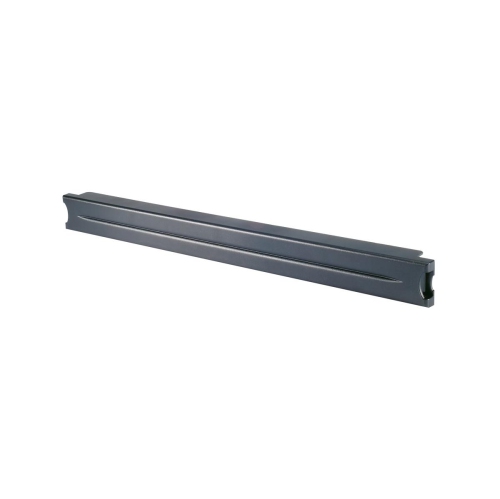 Your price for this item is $102.99
Discover more categories related to Server Rack Mounts
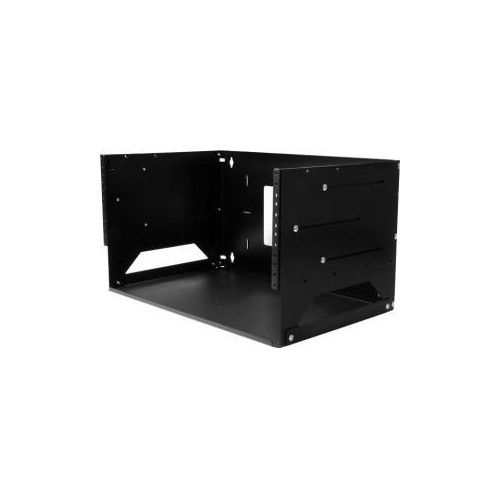
Top Collections:
Pokemon Centers, Kindle Devices, Best Budget Office Chairs, Apple iPhones 16, Best Laptops for Writers, iPhone 15 Apple, Canon G7X Cameras, Refurbished Apple Laptops, Alarm Clock, Motorola Razr Phones
Some products may be subject to Environmental Handling Fees
(EHF) depending on your province.
Learn more about EHFs.