Jabra Biz 2300 Headsets
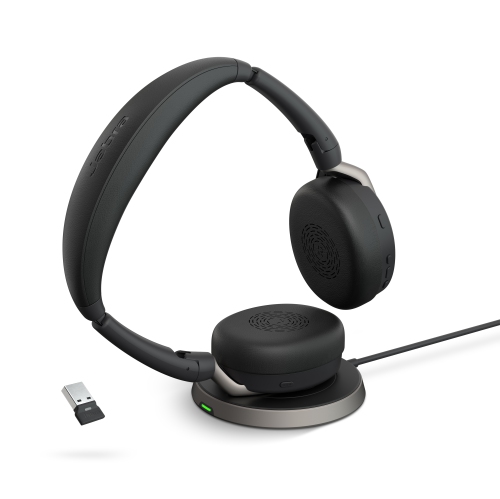
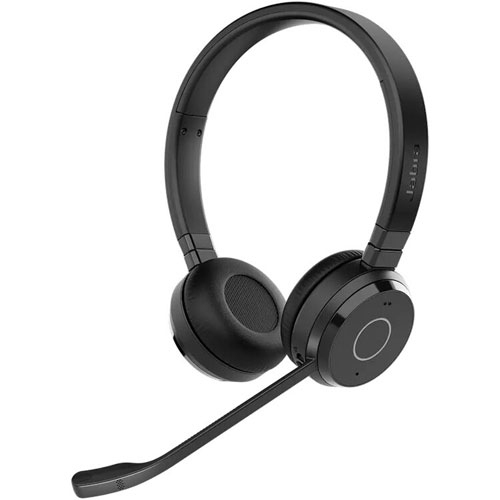
Experience clear communication and enhanced comfort with the Jabra Biz 2300 Headset. Designed for professional use, this headset is ideal for busy call centers, offices, or anyone needing reliable audio performance throughout the day. With its lightweight design and user-friendly setup, the Jabra Biz 2300 Headset helps you stay productive and focused during every conversation. Explore a range of options to find the perfect fit for your workspace needs.
Sort
What to consider for comfortable, clear all-day calling
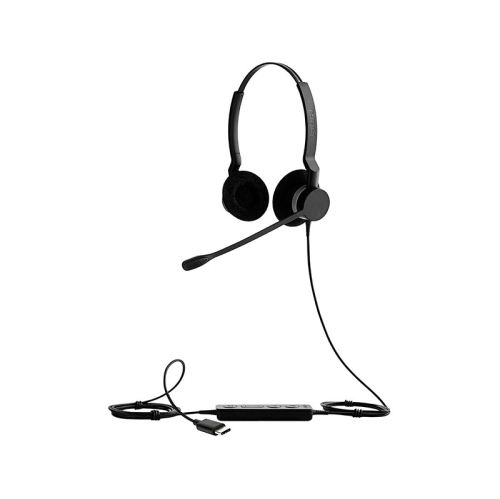
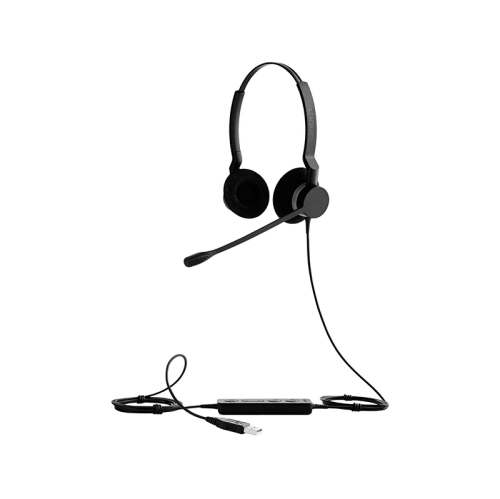
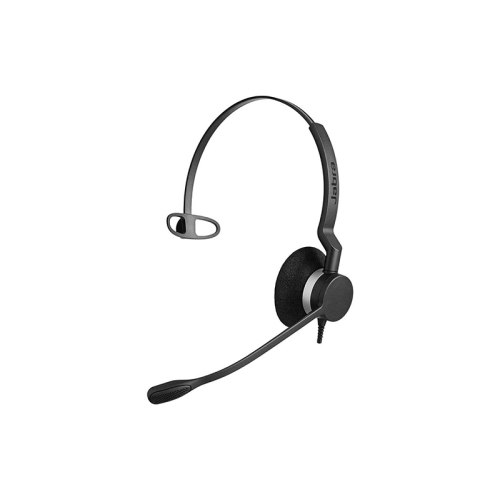
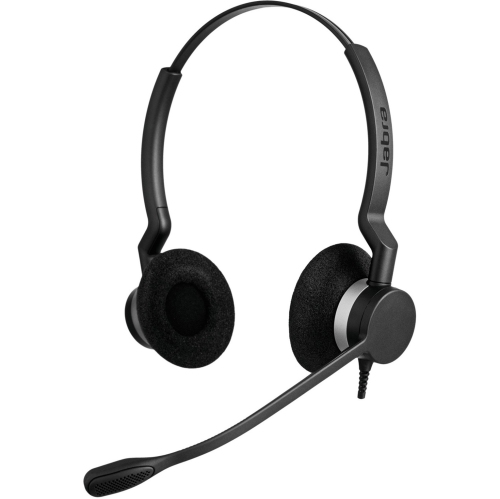
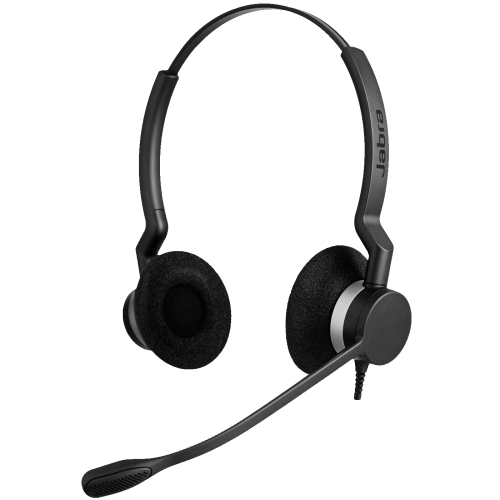
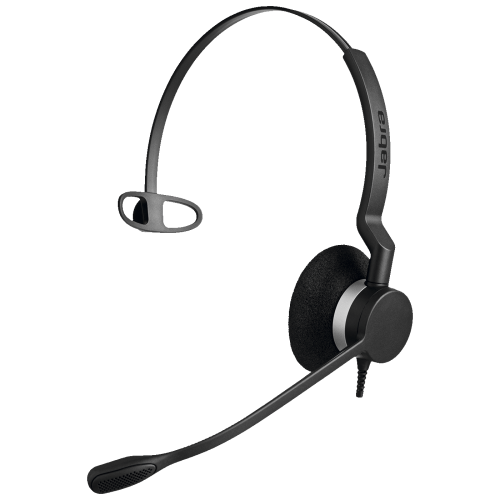
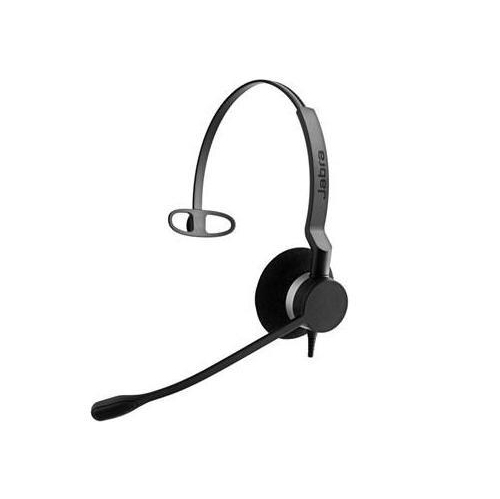
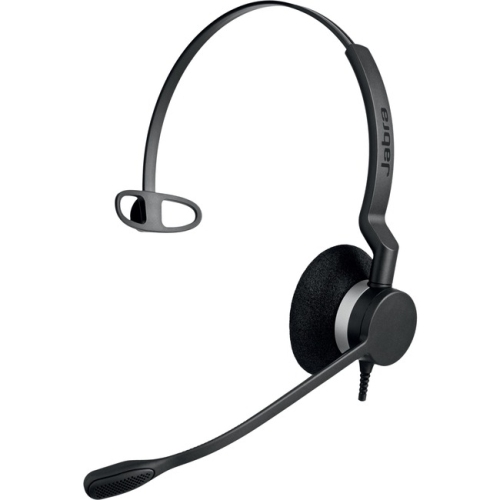
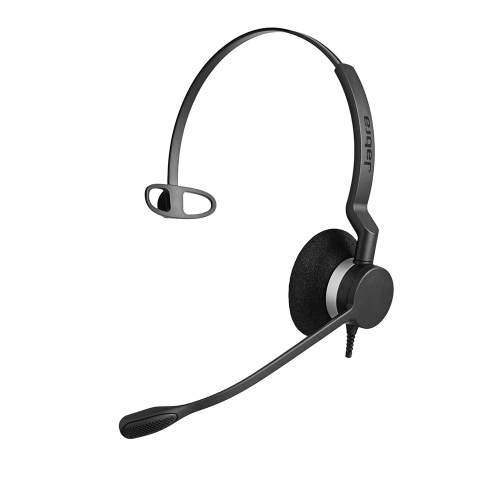
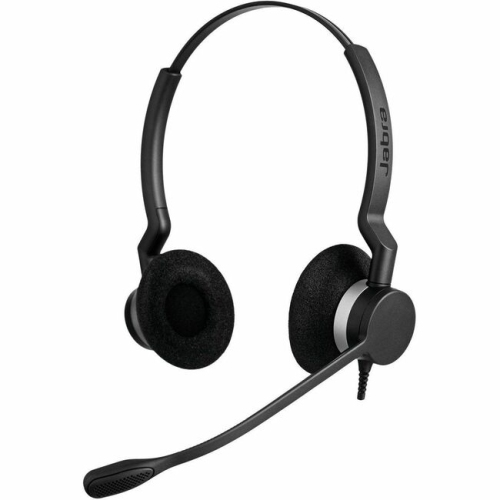
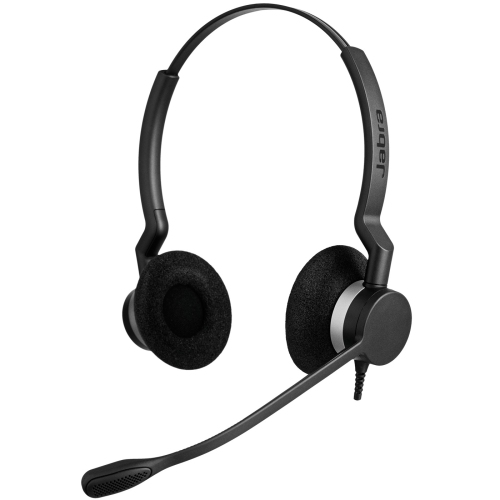
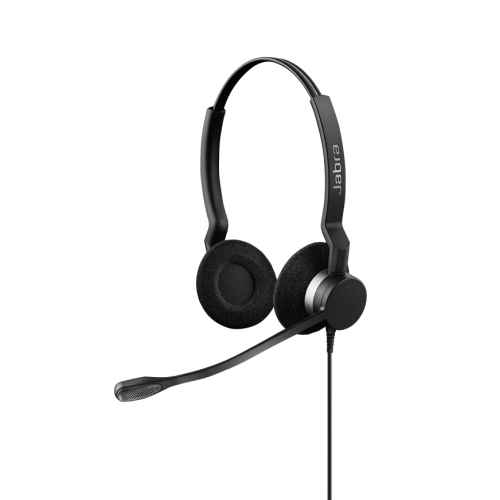
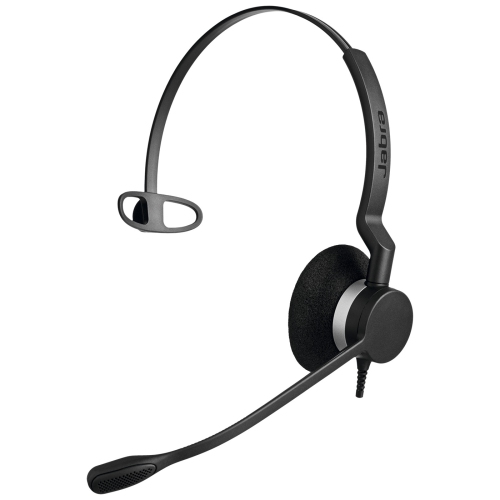
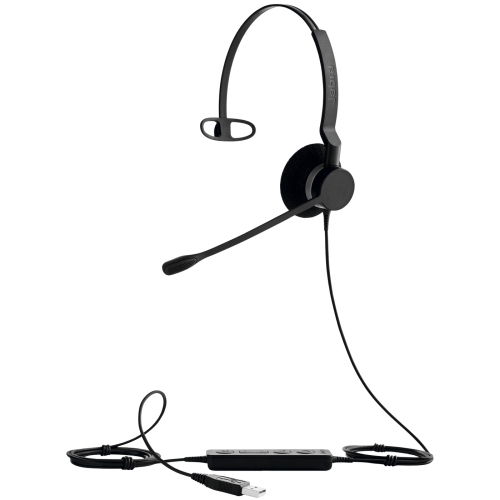
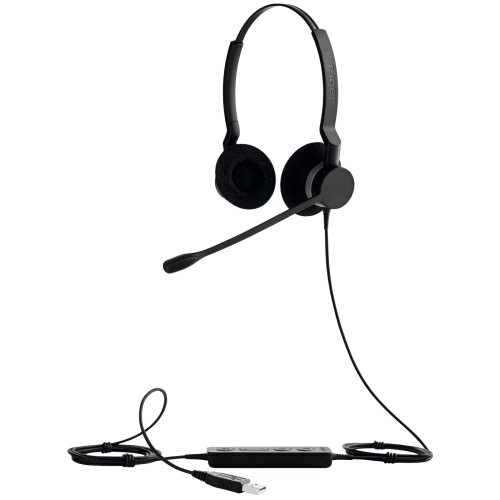
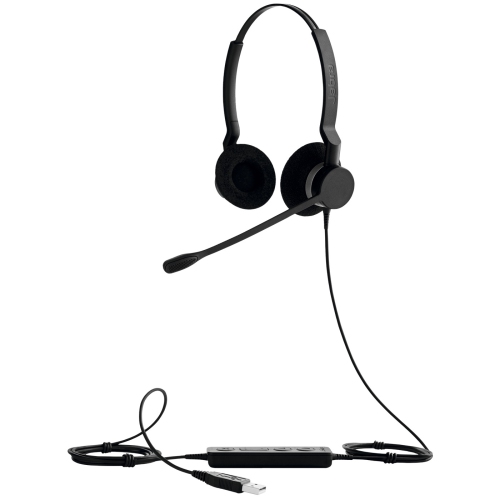
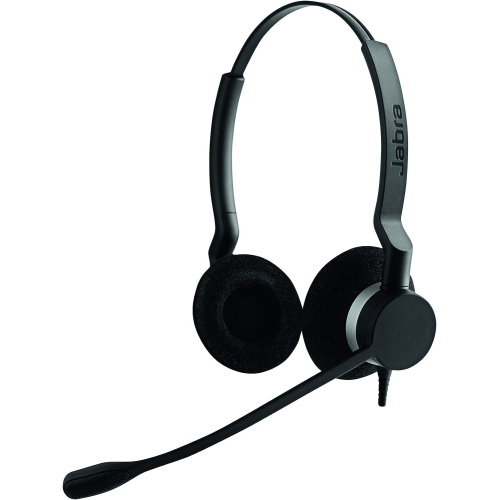
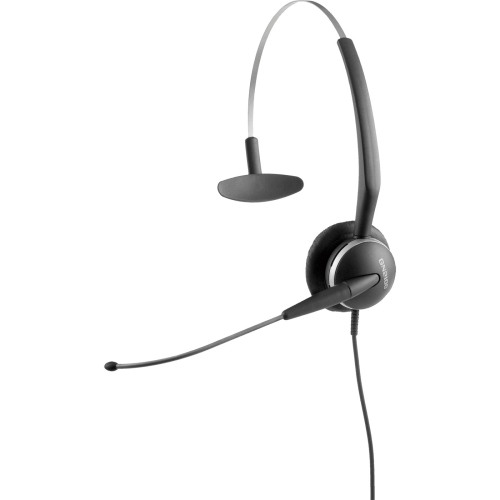
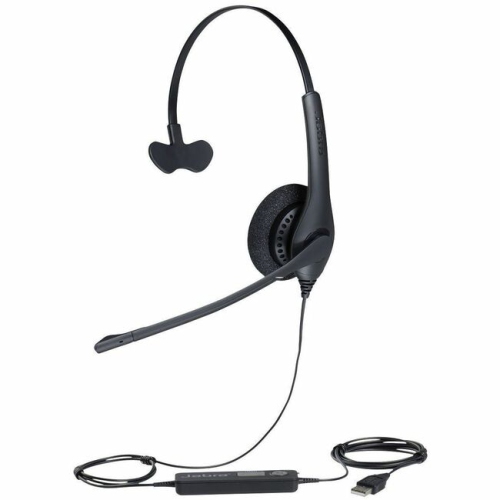
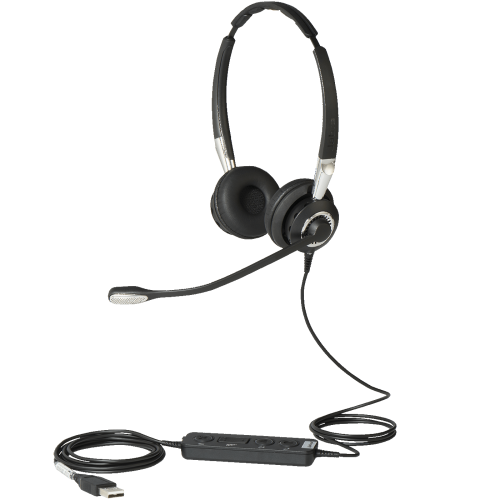
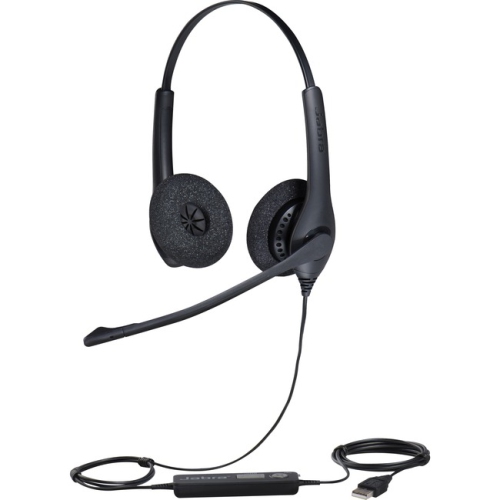
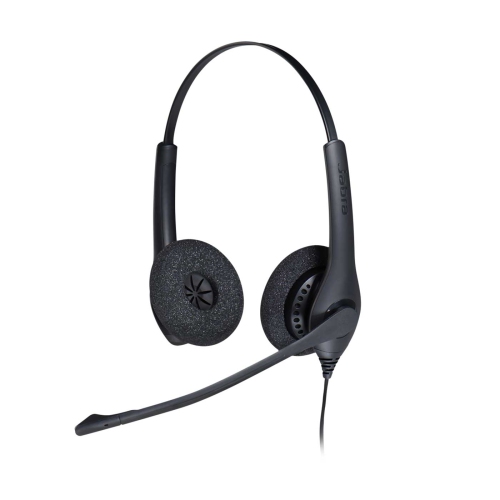
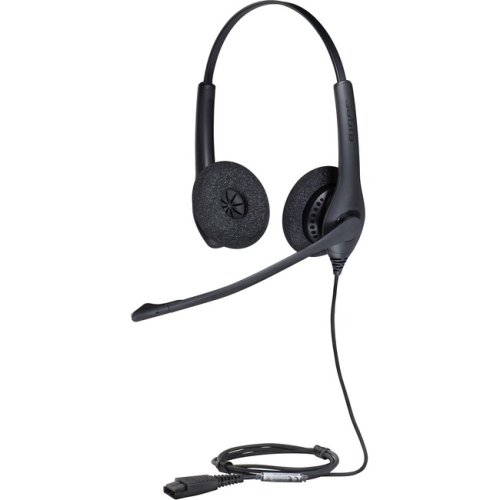
Professional corded headsets are designed for people who spend a substantial part of the day speaking with customers, colleagues, patients, clients, or suppliers. They are especially useful in contact centres, customer service departments, reception areas, sales offices, dispatch desks, and home workspaces where clear conversations and dependable hands-free communication matter. Unlike holding a phone between your shoulder and ear, a headset lets you keep both hands available for typing, checking account details, operating software, taking notes, or handling paperwork. A lightweight design can make a noticeable difference over a full shift; models in this category may weigh roughly 59 to 68 grams, helping reduce pressure around the head and neck during extended wear. Some feature a single-ear design that leaves one ear open for nearby conversation and office awareness, while a two-ear design can help the wearer stay focused when surrounding chatter becomes distracting. Choosing between mono and duo comes down to the rhythm of the workplace, the amount of privacy needed, and whether the wearer regularly needs to hear colleagues or announcements nearby. A mono headset can suit a reception desk or shared office, while a duo headset may be preferable for busy customer support teams, remote workers, and anyone who handles detailed conversations in a lively room.
Connection type is one of the most important details to check before purchasing. A USB-A or USB-C connection is a practical choice for a computer, laptop, or docking station, particularly when calls are managed through a softphone or unified communications platform. It can also make setup straightforward for a home office, where the headset may be plugged into a laptop at the beginning of the day and removed when work is finished. A Quick Disconnect connection is intended for compatible desk-phone systems and can be convenient in a contact centre where staff share workstations, switch devices, or need to step away without removing the entire cable. Compatibility should be confirmed with the desk phone, computer, operating system, and calling application before placing an order. Some professional models are certified for widely used collaboration services, but certification and controls can vary by version, so it is worth checking whether the headset supports the call-answer, mute, volume, and softphone functions your team relies on. A built-in call control unit can save time when adjusting volume or muting during a busy conversation, while an inline control may be easier to reach than controls located on the earcup. For a personal workstation, USB-C may offer a convenient fit with newer computers, whereas USB-A remains useful in offices with established desktop hardware. The right connection is less about choosing the newest option and more about matching the headset to the equipment already in use.
Microphone performance and physical durability are equally important for people who use a headset day after day. A noise-cancelling microphone can help focus the wearer’s voice and reduce common distractions such as nearby conversations, keyboard sounds, and breathing noise, making speech easier for callers to follow. This is helpful in open-plan offices, shared home spaces, and customer service areas where quiet conditions are not always possible. A microphone boom that rotates through a full 360 degrees allows the headset to be worn on either side and positioned comfortably for different users. Look for a boom that can be adjusted close to the mouth without blocking the wearer’s view, and consider whether the controls are easy to operate without interrupting a call. The cable also deserves attention in workplaces where headsets are moved, repositioned, or exposed to daily wear. Reinforced cords can offer added protection against tugs, chair wheels, and the general movement that comes with a busy desk. Comfortable ear cushions, a balanced headband, and gentle pressure are useful for long shifts, while a flexible design can make it easier for different members of a team to share a workstation. These headsets can be a thoughtful choice for someone starting a customer service role, setting up a home office, upgrading a reception desk, or outfitting a small business. For a different style of computer calling headset, browse Jabra Evolve2 30. Before buying, confirm the connection, wearing style, microphone requirements, and calling-platform compatibility, then consider where the headset will be stored between shifts so its cable and ear cushions stay protected. A well-matched professional headset can make routine calls feel more natural, keep hands free for important work, and support comfortable communication from the first call of the day through the final conversation.
Connection type is one of the most important details to check before purchasing. A USB-A or USB-C connection is a practical choice for a computer, laptop, or docking station, particularly when calls are managed through a softphone or unified communications platform. It can also make setup straightforward for a home office, where the headset may be plugged into a laptop at the beginning of the day and removed when work is finished. A Quick Disconnect connection is intended for compatible desk-phone systems and can be convenient in a contact centre where staff share workstations, switch devices, or need to step away without removing the entire cable. Compatibility should be confirmed with the desk phone, computer, operating system, and calling application before placing an order. Some professional models are certified for widely used collaboration services, but certification and controls can vary by version, so it is worth checking whether the headset supports the call-answer, mute, volume, and softphone functions your team relies on. A built-in call control unit can save time when adjusting volume or muting during a busy conversation, while an inline control may be easier to reach than controls located on the earcup. For a personal workstation, USB-C may offer a convenient fit with newer computers, whereas USB-A remains useful in offices with established desktop hardware. The right connection is less about choosing the newest option and more about matching the headset to the equipment already in use.
Microphone performance and physical durability are equally important for people who use a headset day after day. A noise-cancelling microphone can help focus the wearer’s voice and reduce common distractions such as nearby conversations, keyboard sounds, and breathing noise, making speech easier for callers to follow. This is helpful in open-plan offices, shared home spaces, and customer service areas where quiet conditions are not always possible. A microphone boom that rotates through a full 360 degrees allows the headset to be worn on either side and positioned comfortably for different users. Look for a boom that can be adjusted close to the mouth without blocking the wearer’s view, and consider whether the controls are easy to operate without interrupting a call. The cable also deserves attention in workplaces where headsets are moved, repositioned, or exposed to daily wear. Reinforced cords can offer added protection against tugs, chair wheels, and the general movement that comes with a busy desk. Comfortable ear cushions, a balanced headband, and gentle pressure are useful for long shifts, while a flexible design can make it easier for different members of a team to share a workstation. These headsets can be a thoughtful choice for someone starting a customer service role, setting up a home office, upgrading a reception desk, or outfitting a small business. For a different style of computer calling headset, browse Jabra Evolve2 30. Before buying, confirm the connection, wearing style, microphone requirements, and calling-platform compatibility, then consider where the headset will be stored between shifts so its cable and ear cushions stay protected. A well-matched professional headset can make routine calls feel more natural, keep hands free for important work, and support comfortable communication from the first call of the day through the final conversation.
Top selling and popular products
-
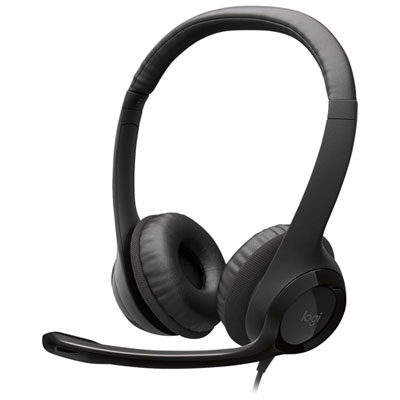 Your price for this item is $27.99
 -
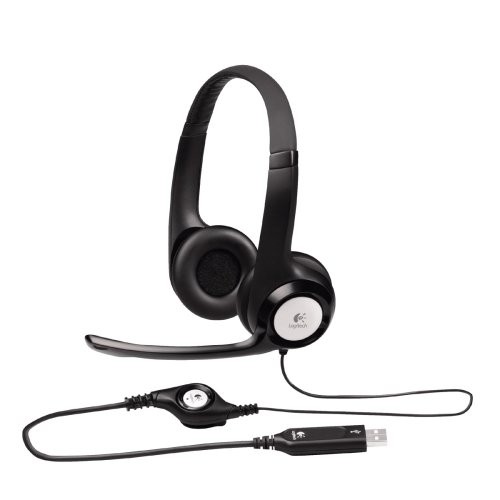 Your price for this item is $49
 -
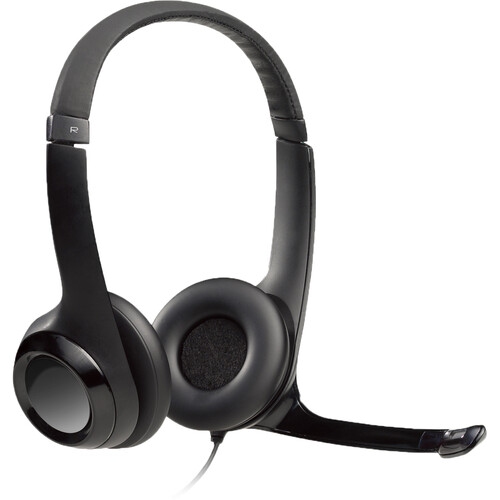 Your price for this item is $77.79
 -
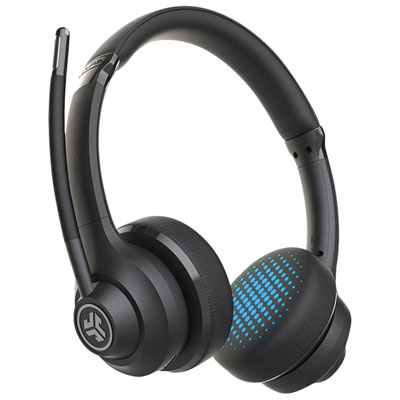 Your price for this item is $56.98
 -
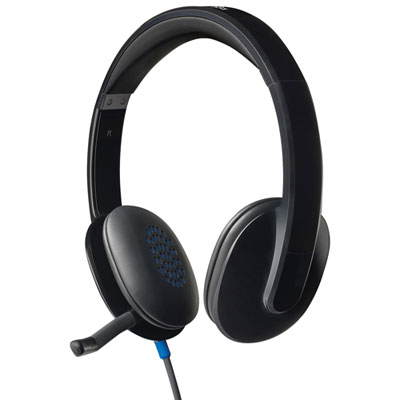 Your price for this item is $47.98
 -
 Your price for this item is $80.74
 -
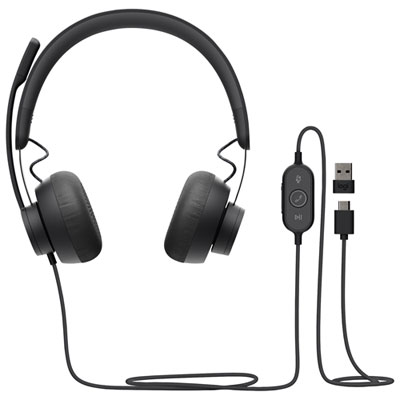 Your price for this item is $129.95
 -
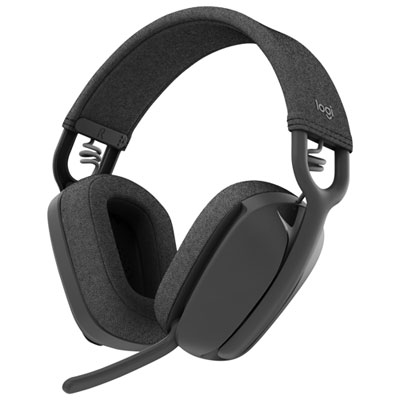 Your price for this item is $99.99
Discover more categories related to Jabra Biz 2300 Headsets
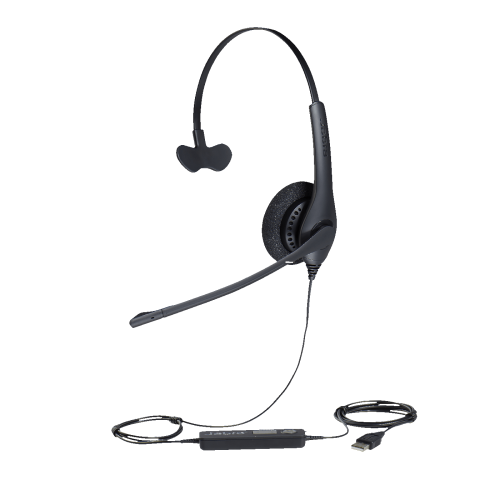

Top Collections:
Pokemon Centers, Best Cameras for Sports Photography, Kindle Devices, Samsung Galaxy Phones, Canon G7X Cameras, Pokémon 30th Celebration Cards, Refurbished Apple Laptops, iPhone 15 Apple, Laptops for Students, Budget Smartphones
Some products may be subject to Environmental Handling Fees
(EHF) depending on your province.
Learn more about EHFs.