Lacie Rugged USBs
Lacie Rugged USB drives provide a reliable solution for storing and transferring important files, photos, and videos. Designed to meet the demands of busy professionals and students alike, these portable drives make it easy to keep your data close at hand whether you're at home, in the office, or on the go. Explore a variety of storage capacities and options to find the Lacie Rugged USB that fits your needs, all backed by the quality and performance you expect.
Sort
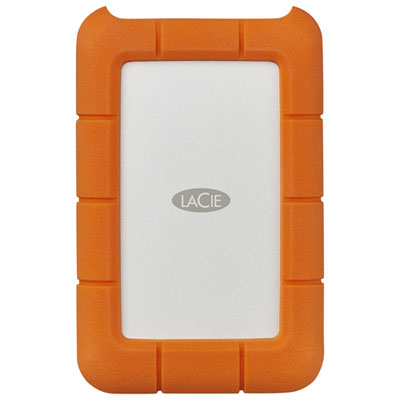
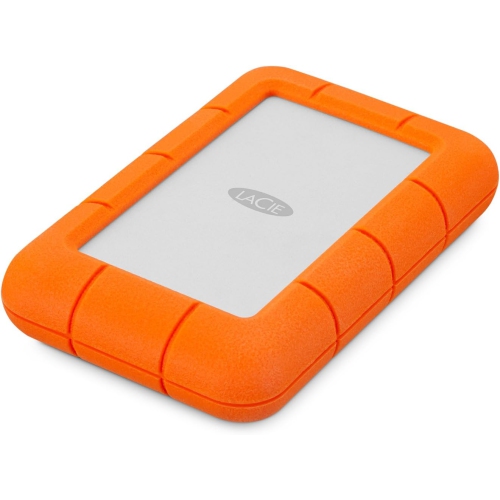
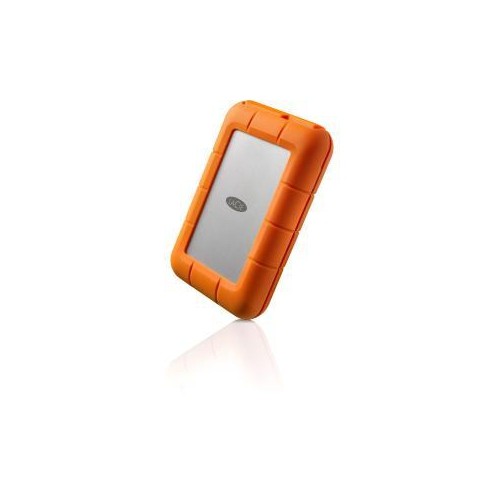
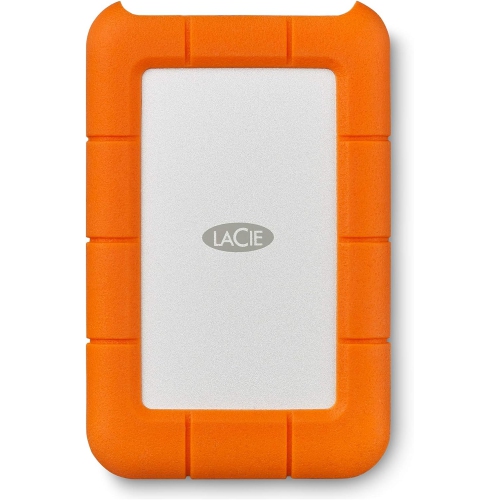

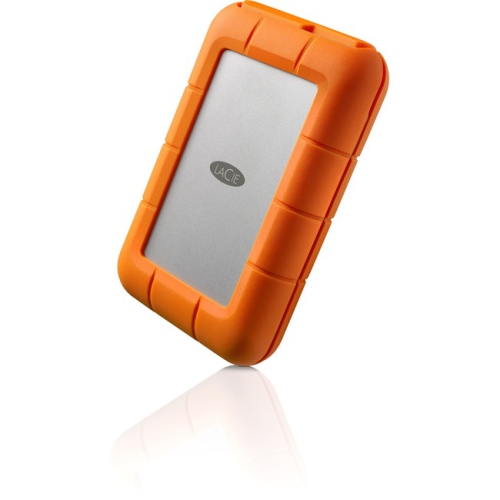
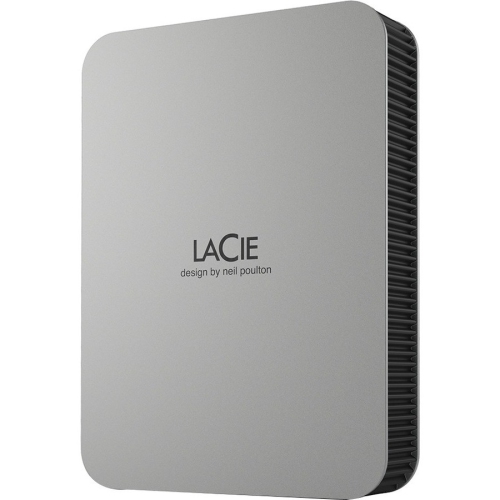
Portable storage built for projects beyond the desk
Rugged USB external drives provide portable storage for large files, with protective construction intended to help them handle the knocks and movement that come with working away from a desk. These are external storage devices rather than small USB flash drives, and hard drive versions use spinning disks inside an enclosure to hold documents, photographs, video footage and other digital files. Their appeal is straightforward: a substantial working library can travel alongside a laptop without taking up its internal storage. A photographer returning from a location shoot might use one to copy memory cards before sorting images, while a video editor might carry footage between a studio workstation and a computer at home. Students, designers and small-business owners can also use rugged portable storage for project folders, presentations and backup copies. The outer construction often combines a rigid housing with a shock-absorbing bumper, giving the drive a more substantial profile than an unprotected enclosure. That extra material can make a difference to how it fits in a laptop sleeve, camera bag divider or equipment case, so overall dimensions and weight matter alongside storage capacity. Many portable USB hard drives draw power through their data connection, reducing the number of separate accessories needed during a working day. Capacity is usually measured in terabytes, but the amount of useful space depends on the size and type of files being stored. A collection of office documents takes up far less room than high-resolution photographs, multitrack audio sessions or video footage. Space for upcoming projects, duplicate working files and exported versions can be just as important as the size of an existing library. For people who regularly move between locations, a rugged drive offers a practical balance of portable capacity, straightforward connectivity and a housing designed with frequent handling in mind. It is particularly useful when a reliable internet connection is not part of the workflow, since locally stored files remain accessible without downloading an entire project.
The USB connection determines how a rugged external drive fits into an existing setup, but connector shape and transfer speed are separate considerations. USB-C describes the small, reversible connector; it does not, by itself, guarantee a particular level of performance. A compatible cable, the computer’s USB capabilities and the drive’s own hardware all contribute to actual transfer speed. Computers with rectangular USB-A ports may also work with a USB-C drive when connected using an appropriate data cable, although cable compatibility and supported speeds need to match the devices involved. Many portable hard drives are well suited to backups, media libraries and moving completed projects, but their mechanical design places limits on how quickly they can read and write data. A single large video file may transfer differently from a folder containing thousands of small images, and simultaneous activity on the computer can affect the result. For workflows involving frequent editing directly from external storage, the distinction between hard disk storage and solid-state storage becomes especially relevant. Solid-state drives have no moving read/write mechanism and can offer faster access, provided the connection supports their performance. Related Lacie SSD Drives offer another storage category to consider when responsiveness and frequent file access are priorities. For rugged USB hard drives, dependable compatibility remains as important as speed. The file system determines which operating systems can read and write to the drive, and a drive prepared for one setup may need a different format for another. Reformatting can erase existing content, making a separate copy essential before any changes. Connections to tablets, phones or other devices also depend on supported storage formats, power requirements and the device’s ability to access external files. For confidential work, supported encryption or password protection can add a layer of access control, although those features should be checked individually rather than assumed from the rugged housing.
A protective exterior is useful, but rugged construction should always be understood through the stated protection ratings and the conditions attached to them. Drop resistance, crush resistance and resistance to dust or splashes describe different capabilities; none automatically means that a drive is waterproof or safe from every impact. A rating may apply only when the drive is disconnected, when a port cover is closed or under specified test conditions. Hard drives still contain moving components, so a stable surface is the best place for them while files are being read or written. Keeping the cable clear of chair arms, bag straps and the edge of a desk helps prevent an accidental tug from interrupting a transfer or pulling the drive onto the floor. For transport, a separate pocket or padded compartment keeps connectors away from loose keys and other hard objects. Routine care is generally simple: use a soft, dry cloth on the exterior, keep liquid away from ports and follow the manufacturer’s cleaning directions rather than applying household sprays. Allow file transfers to finish and use the operating system’s eject function before disconnecting. Cable strain, damaged connectors and repeated disconnections deserve attention even when the outer bumper still looks intact. Warranty coverage and any included data recovery service vary, and neither should be treated as a substitute for maintaining another copy of important files. A working project stored on only one portable drive remains a single copy, regardless of how sturdy the enclosure feels. Keeping an additional copy on separate storage helps protect against loss, accidental deletion and hardware failure. For gifting, rugged portable storage can be a thoughtful choice for a photography student, a travelling creative professional or someone managing a growing family photo collection. The most useful match is a drive whose capacity, connection, physical size and protection rating suit the recipient’s everyday work, with enough room to accommodate the files that matter to them.
Top selling and popular products
-
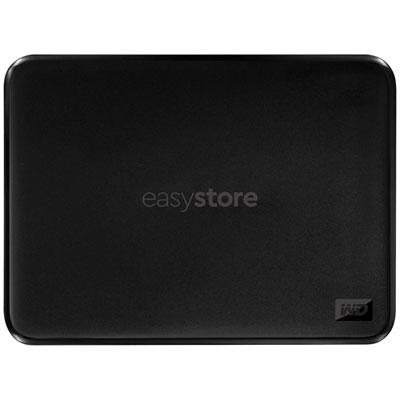 Your price for this item is $234.99
-
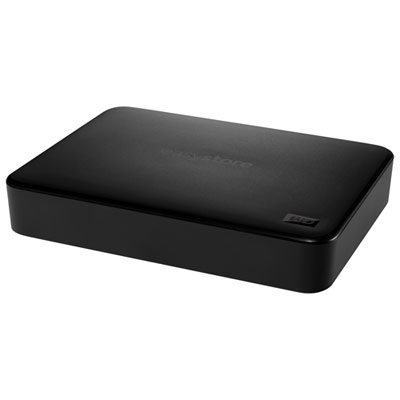 Your price for this item is $394.99
-
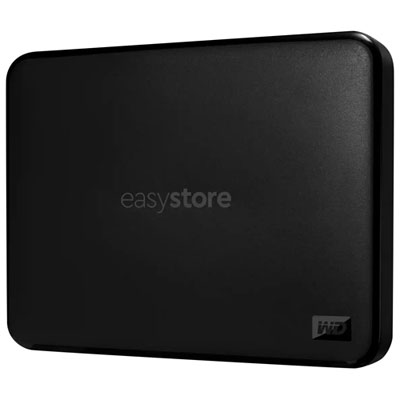 Your price for this item is $154.99
-
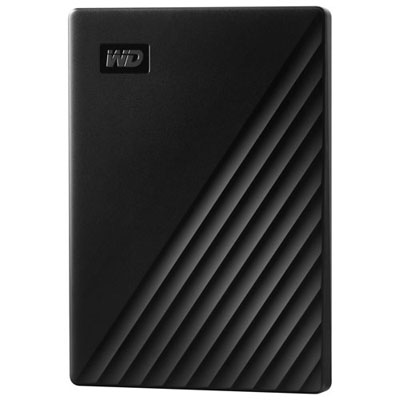 Your price for this item is $244.99
-
 Your price for this item is $539.68
-
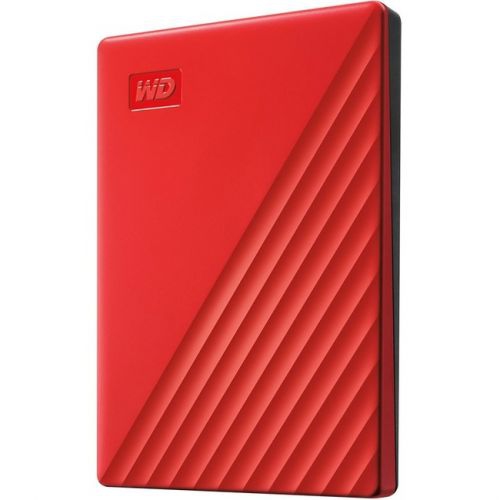 Your price for this item is $270.68
-
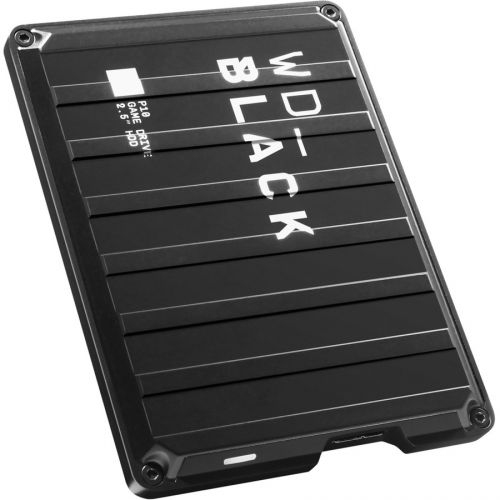 Your price for this item is $458.68
-
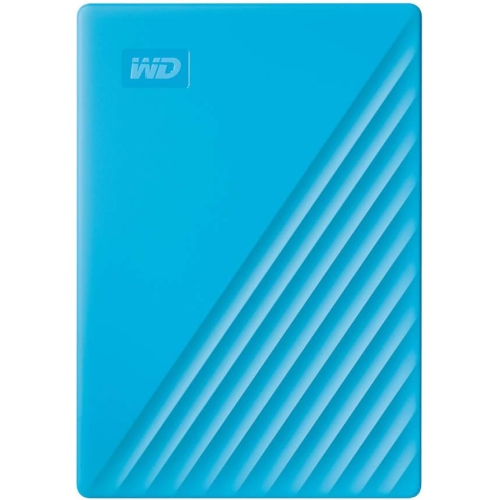 Your price for this item is $280.68
Discover more categories related to Lacie Rugged USBs
Top Collections:
Best Black Friday Deals This Year, Best Black Friday Deals On Electronics, Kindle Devices, Pokemon Centers, Best Black Friday Deals On Apple Products, Best Cameras for Sports Photography, Dyson Airwrap, Pokémon 30th Celebration Cards, Apple iPhone 17 Pro, Canon G7X Cameras
Some products may be subject to Environmental Handling Fees
(EHF) depending on your province.
Learn more about EHFs.