Lacie Rugged
Lacie Rugged drives offer reliable storage solutions designed to keep your important files secure wherever you go. With their distinctive design and trusted performance, these drives are a top choice for professionals and everyday users alike. Explore the Lacie Rugged collection to find the perfect option for backing up photos, videos, documents, and more, whether you're at home, in the office, or on the move. Discover how Lacie Rugged can support your workflow and help you stay organized with ease.
Sort
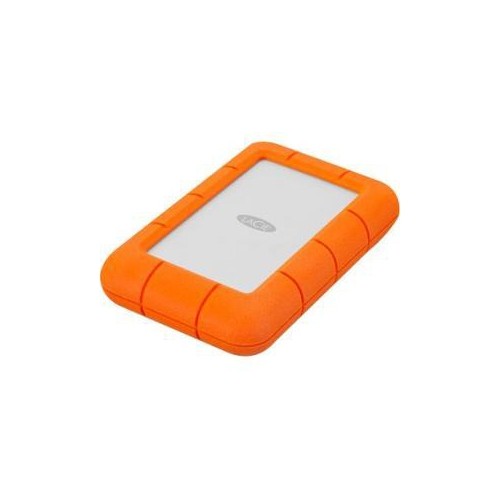
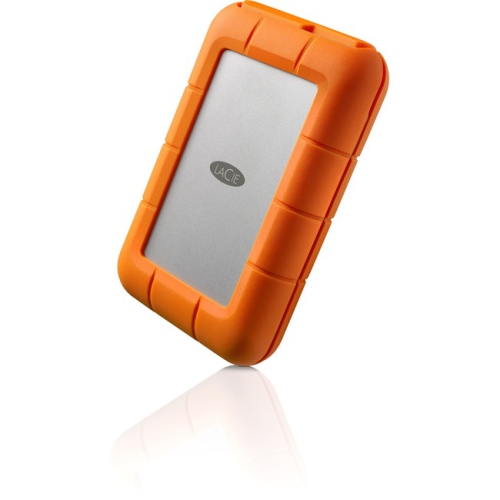

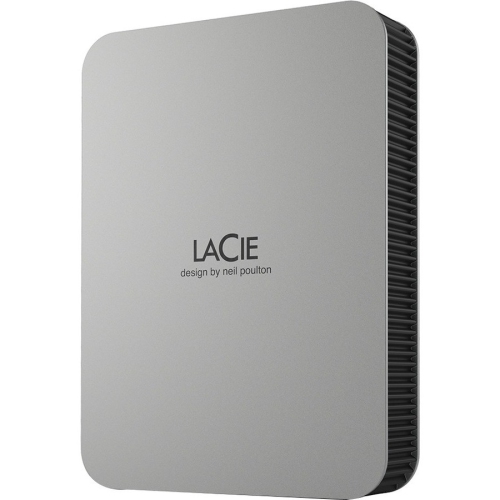
There’s more to rugged storage than tough looks
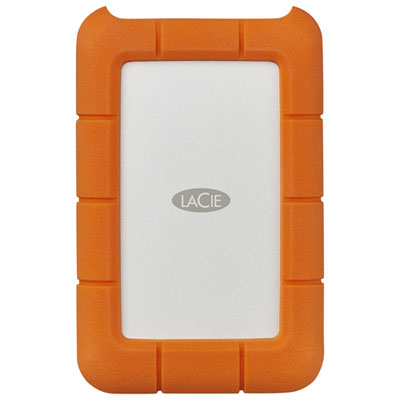
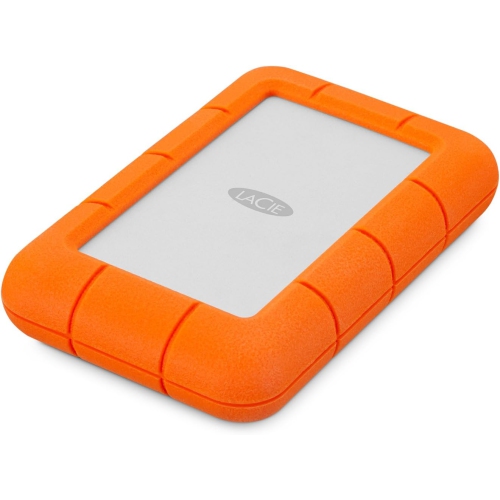
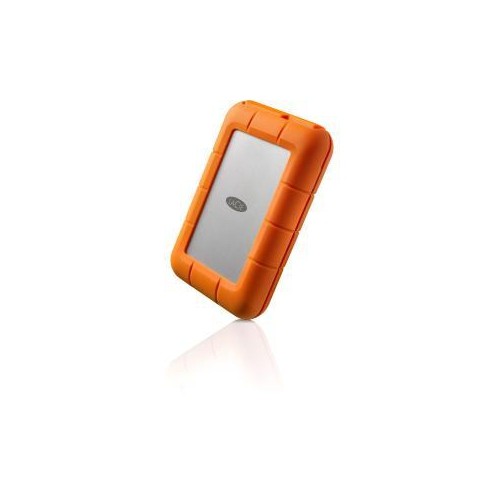
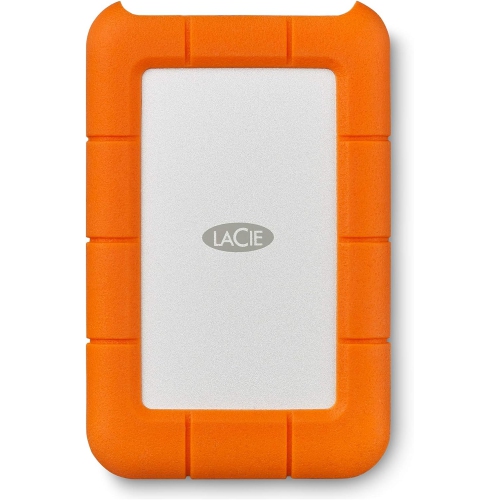
Rugged external drives are portable storage devices built to give files a more protected home when moving between desks, studios, classrooms, and locations. The category includes both external hard disk drives (HDDs), which store data on spinning magnetic platters, and solid-state drives (SSDs), which use flash memory without moving mechanical parts. A distinctive orange rubber bumper is a familiar feature of this style of storage, providing a cushioned outer edge that can help absorb everyday knocks. Depending on the design, protective materials may include rubber, plastic, and metal, each contributing differently to grip, structure, weight, and heat dissipation. That added protection suits a drive carried in a camera bag or laptop sleeve, but rugged construction does not mean every drive is waterproof, crushproof, or safe to drop. Resistance to drops, dust, and water varies by model and should be understood through its stated ratings and testing conditions. Covers, cables, and port closures can also affect how that protection works. For everyday backups, photo libraries, music collections, and large document folders, an HDD can provide generous storage capacity in a portable enclosure. An SSD is particularly useful for frequent transfers, work that involves accessing many files, and tasks where responsiveness matters, such as editing high-resolution photos or working with video footage. Its lack of moving parts also makes it less vulnerable to mechanical damage from movement, although its enclosure and connector still need care. Capacity is another practical distinction: a collection of office documents takes far less room than several video projects with original footage, audio, graphics, and exported versions. Space for the next project matters as much as space for the files already on a computer. A drive used to transport selected work has different demands from one holding a growing media library or regular computer backups, so intended use helps put capacity, portability, and performance into perspective.
The connection between a portable drive and its host device shapes the experience as much as the storage inside. A USB-C connector describes the plug, not a guaranteed transfer speed, and similar-looking ports can support different capabilities. Actual performance depends on the drive, the computer’s port, the cable, and the work being done. A fast SSD connected through a slower adapter cannot deliver its full potential, while copying thousands of small files often takes longer than moving a single large file of the same total size. Thunderbolt and USB support should be checked against the stated requirements rather than assumed from the connector’s appearance. These distinctions become noticeable in concrete situations: a videographer transferring footage before leaving a shoot, a designer opening a folder of large image files, or a student moving a term’s worth of project assets between computers. Directly editing files on an external drive can be convenient, provided its sustained performance meets the application’s needs and the connection remains secure. File format also matters when sharing storage. Some formats work well across Windows and macOS, while others are intended primarily for one platform or particular backup software. Reformatting normally erases existing contents, making a separate copy essential before changing the setup. Use with tablets, phones, cameras, or game consoles depends on device support, power requirements, file format, and any limits imposed by the device itself. Physical fit deserves equal attention. A compact enclosure should sit comfortably beside a laptop without pulling on its cable, and a padded bag pocket should leave room for the connector rather than bending it sharply. Short cables keep a desktop tidy but may not reach comfortably around a monitor or docking station. The related Lacie Portable Hard Drives collection offers another way to explore portable storage with these everyday connection and carrying needs in mind.
Protective construction is most useful when paired with sensible handling and a dependable backup routine. A rugged drive can accompany a photographer from a shoot to an editing desk, hold presentation files for someone travelling between offices, or give a student space for creative coursework without filling a laptop’s internal storage. It can also make a practical gift for a filmmaker, musician, designer, or family member whose photo collection keeps growing, especially when the recipient’s computer connections and storage needs are known. For work away from a desk, a secure carrying pocket helps keep the drive separate from loose keys and other objects that could damage its connector. At a workstation, placing it on a stable surface reduces accidental cable pulls; an operating HDD should not be moved or jolted during a transfer. Cleaning generally calls for a soft, dry cloth, with liquids kept away from ports and harsh cleaners avoided unless the manufacturer specifically permits them. A removable bumper should only be taken off if the care instructions allow it, since protective parts may be integral to the drive’s tested design. Ejecting the drive through the operating system before disconnecting helps prevent interrupted writes, and keeping the cable undamaged supports a reliable connection. Even a strongly protected enclosure cannot prevent every failure, accidental deletion, or loss. Important files benefit from multiple independent copies, with at least one stored separately from the drive that travels. After a photo session, for example, retaining the memory cards until footage has been copied and checked in more than one place offers better protection than relying on a single portable device. Encryption, where supported, can help protect sensitive files if a drive goes missing, but passwords and any required recovery information need secure storage of their own. Rugged portable storage is at its most useful when its capacity, connection, construction, and handling habits all suit the files it carries.
Top selling and popular products
-
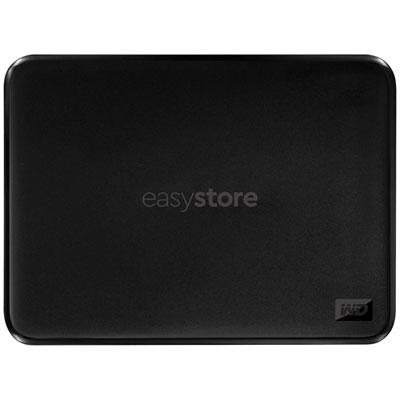 Your price for this item is $234.99
-
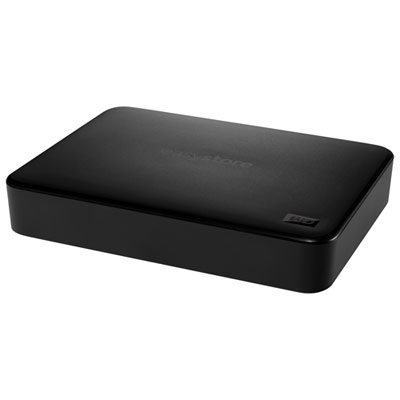 Your price for this item is $394.99
-
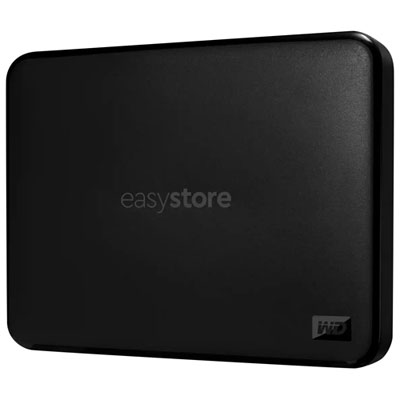 Your price for this item is $154.99
-
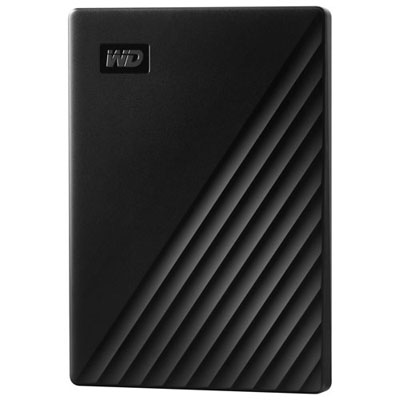 Your price for this item is $244.99
-
 Your price for this item is $539.68
-
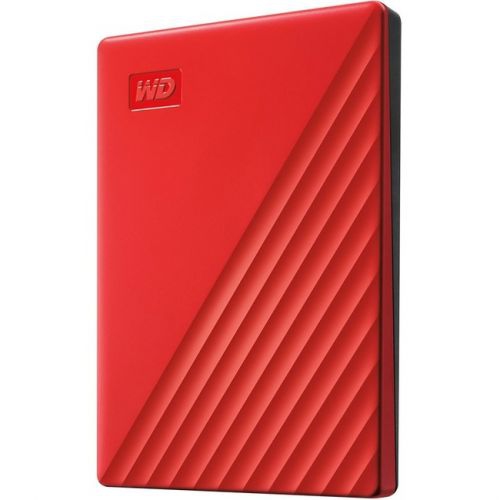 Your price for this item is $270.68
-
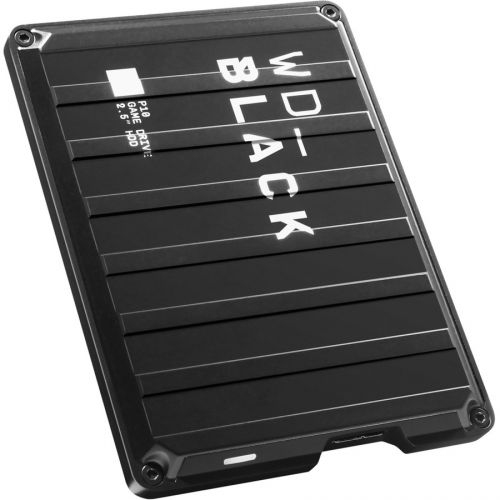 Your price for this item is $458.68
-
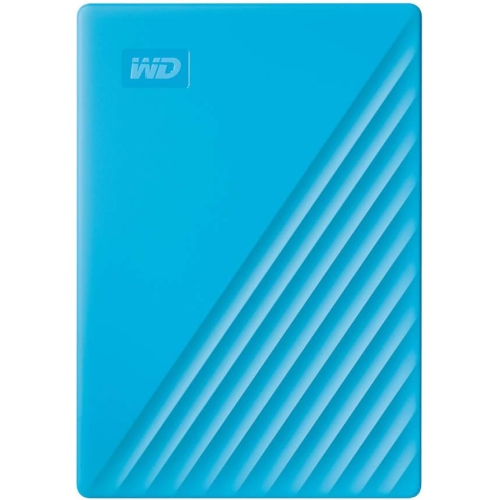 Your price for this item is $280.68
Discover more categories related to Lacie Rugged
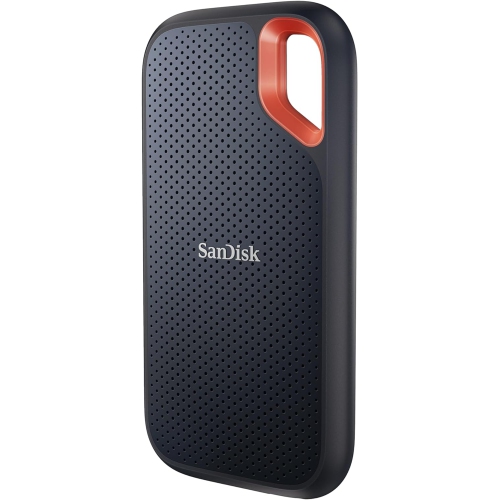
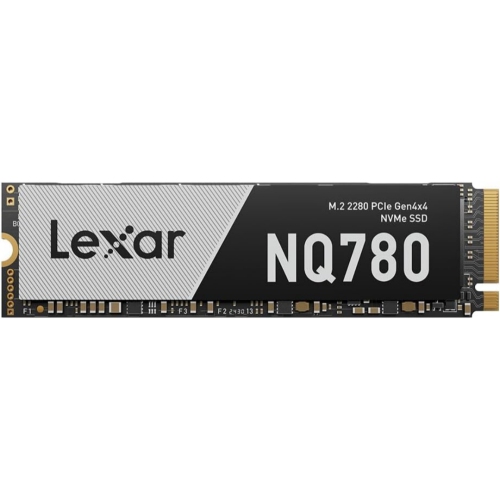
Top Collections:
Best Black Friday Deals This Year, Best Black Friday Deals On Electronics, Kindle Devices, Pokemon Centers, Best Black Friday Deals On Apple Products, Best Cameras for Sports Photography, Dyson Airwrap, Pokémon 30th Celebration Cards, Apple iPhone 17 Pro, Canon G7X Cameras
Some products may be subject to Environmental Handling Fees
(EHF) depending on your province.
Learn more about EHFs.