Laptop Monitor Connectors
Looking for a reliable way to connect your laptop to an external monitor? Look no further than the Laptop Monitor Connector. This essential accessory allows you to easily extend your laptop's display onto a larger screen, enhancing your productivity and providing a more immersive viewing experience. Whether you're working on complex projects, gaming, or simply enjoying your favorite movies and shows, the Laptop Monitor Connector ensures seamless connectivity and crystal-clear visuals. With its versatile compatibility and user-friendly design, this connector is a must-have for anyone looking to maximize their laptop's potential.
Sort
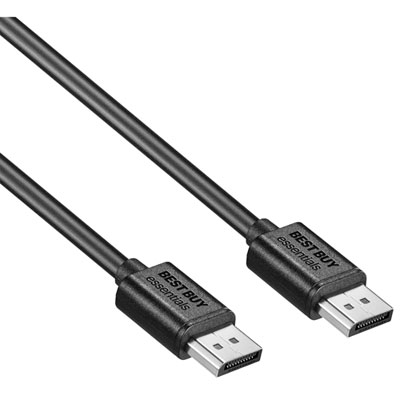
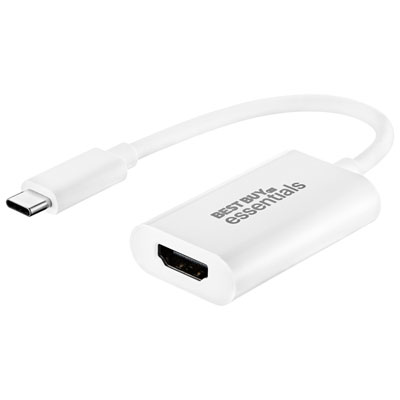

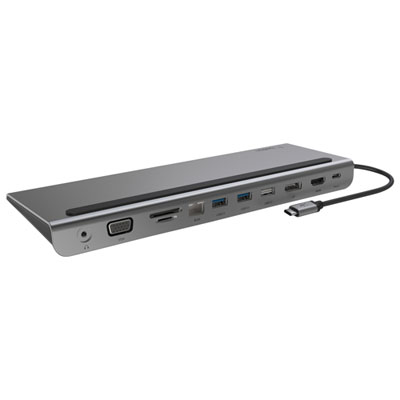

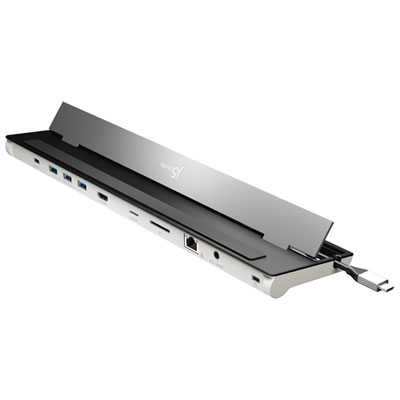
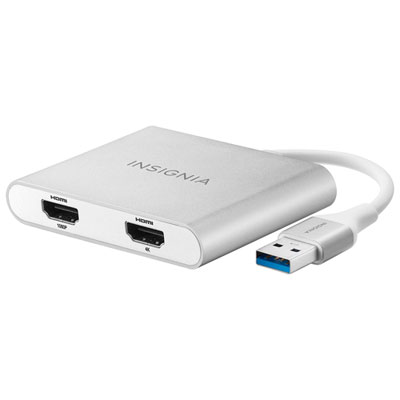

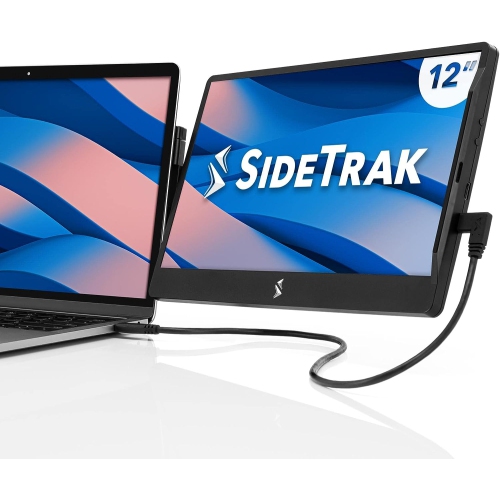
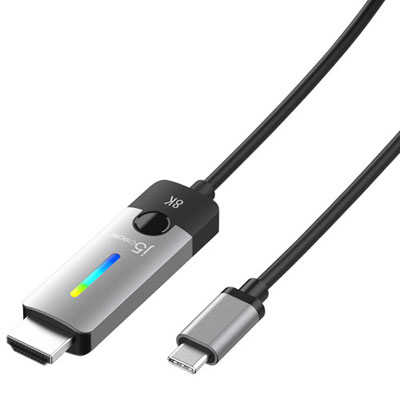

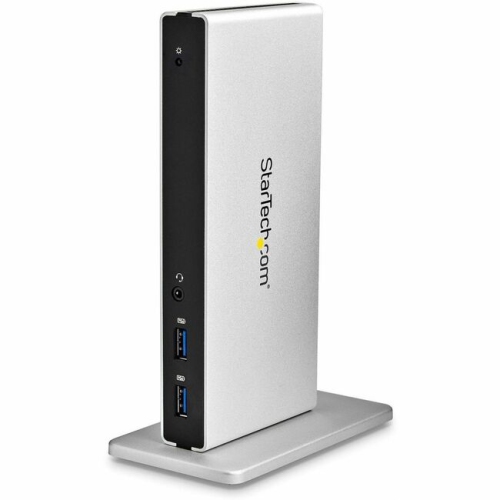


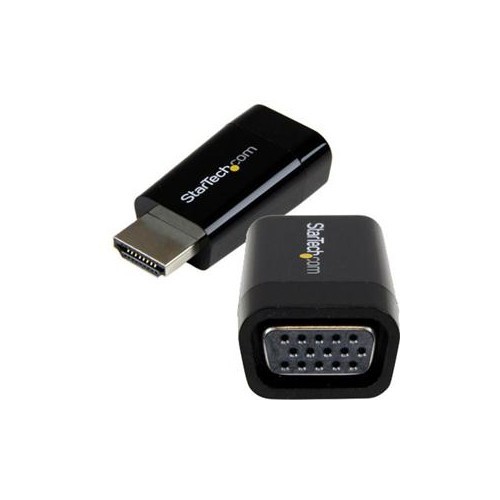
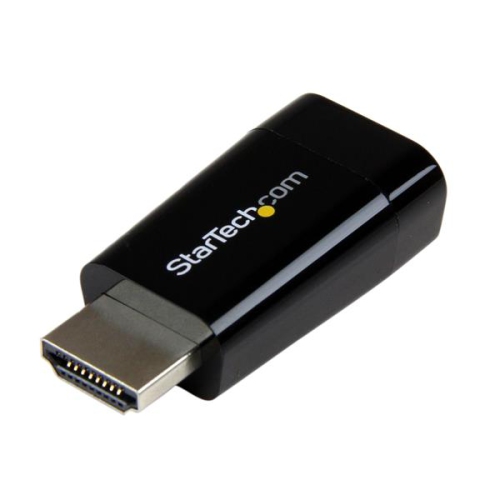
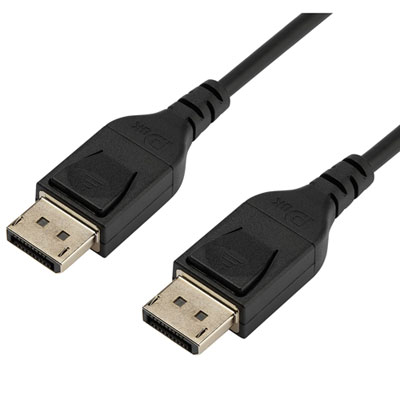
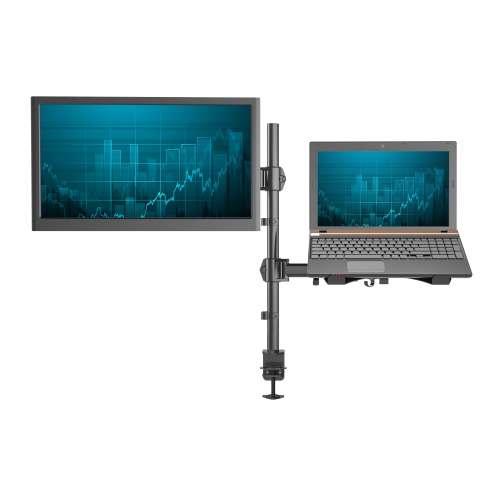

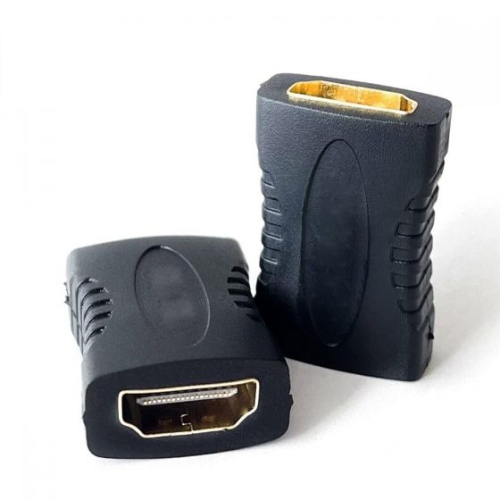
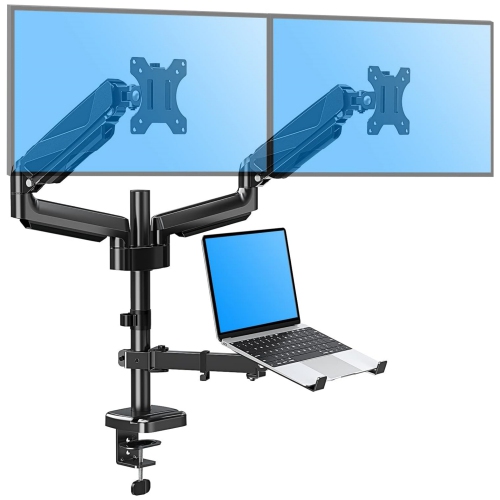
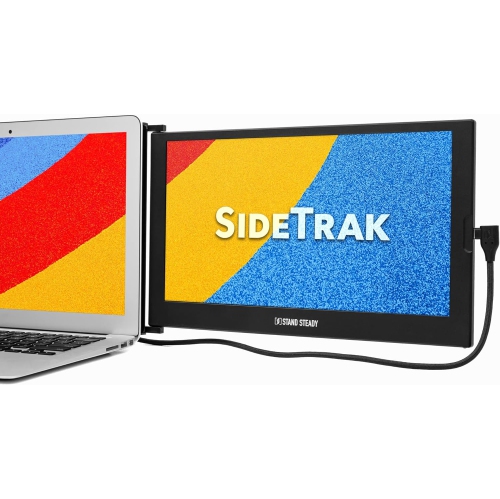
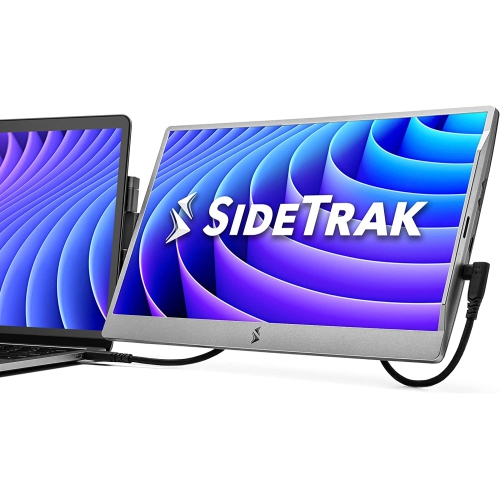



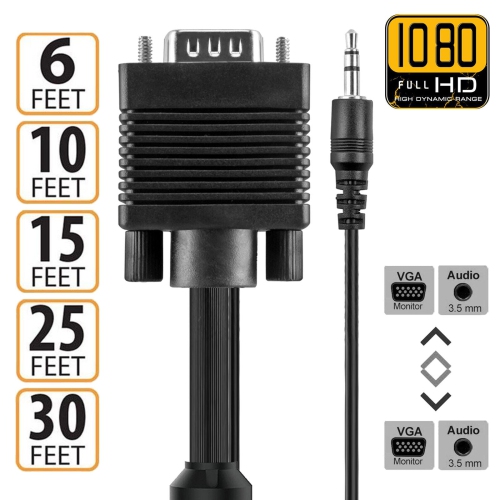
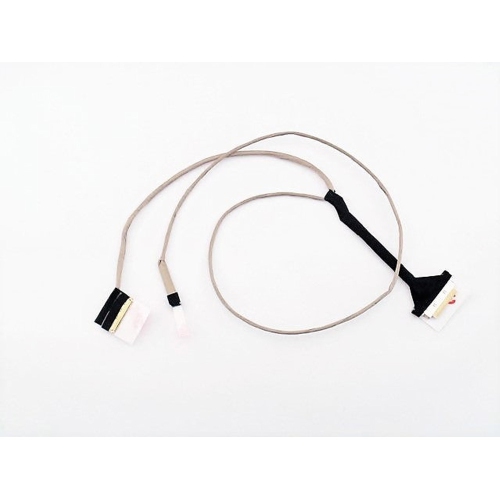
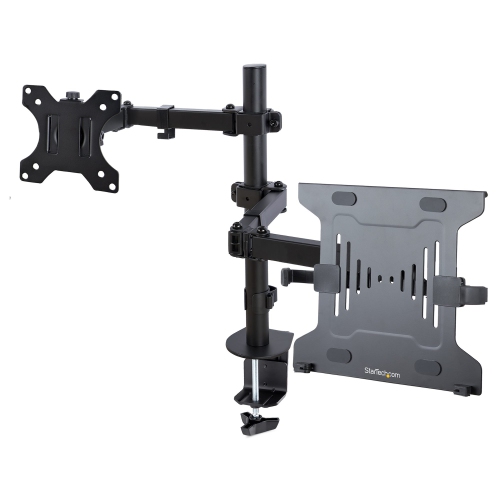
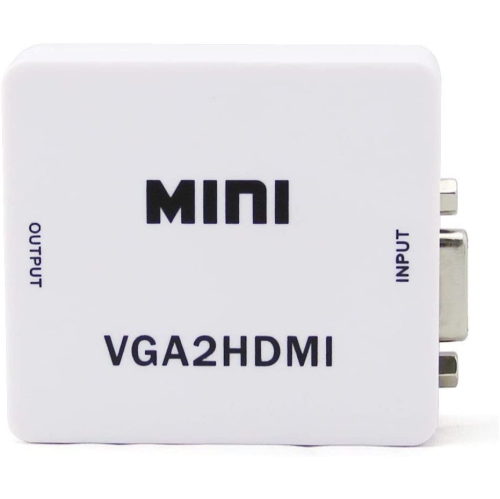


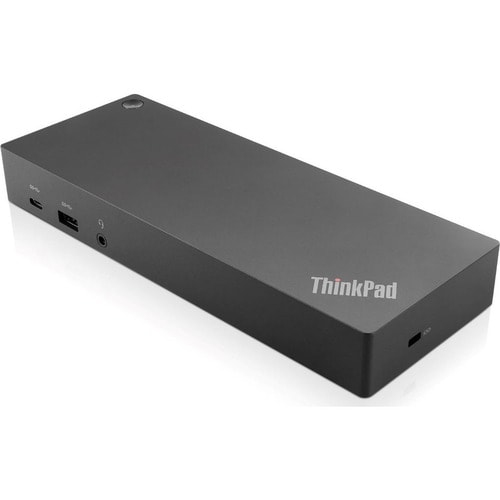

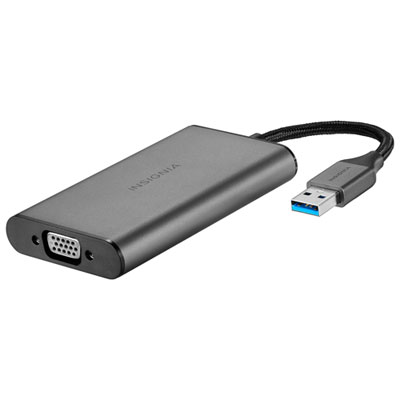
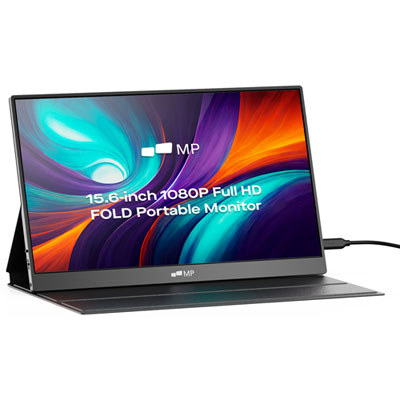
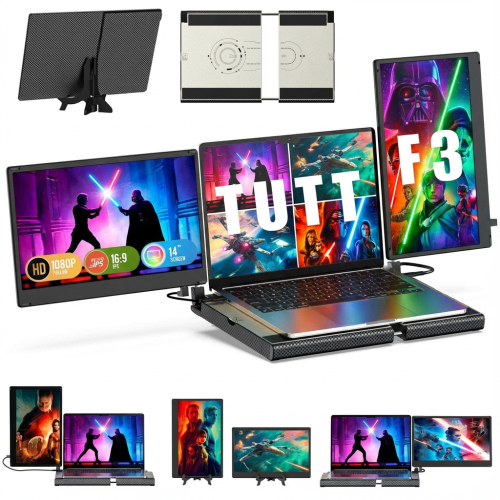
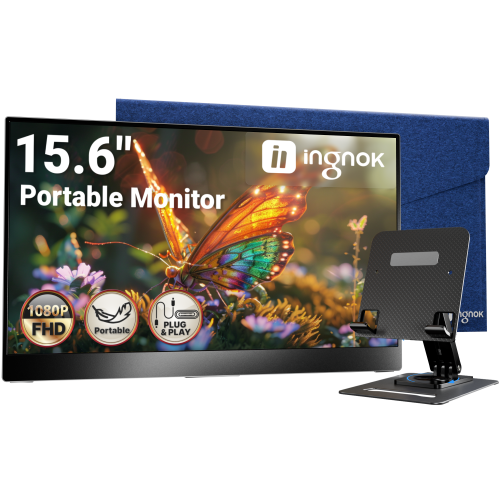
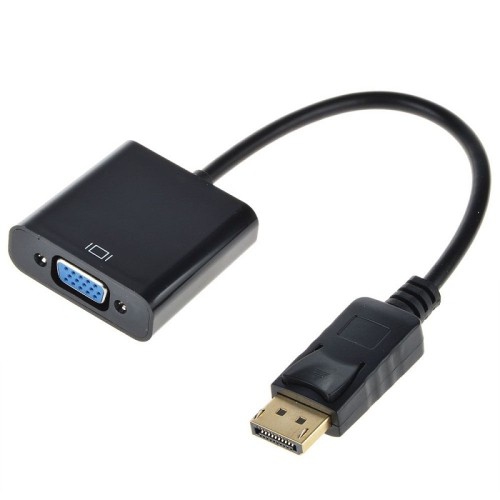
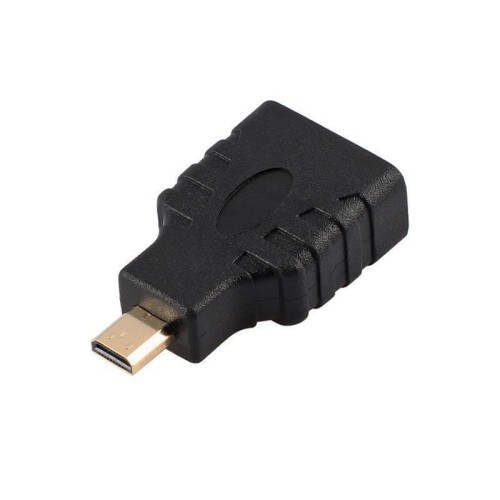
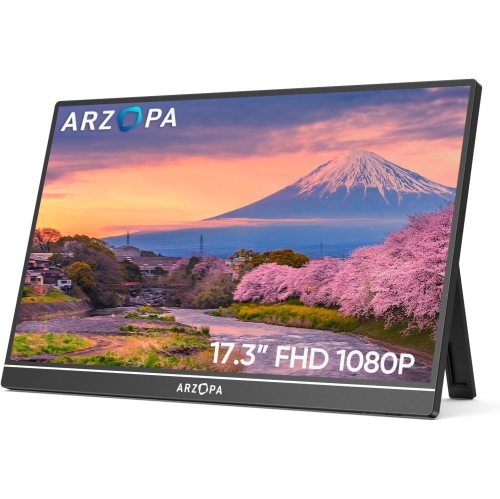


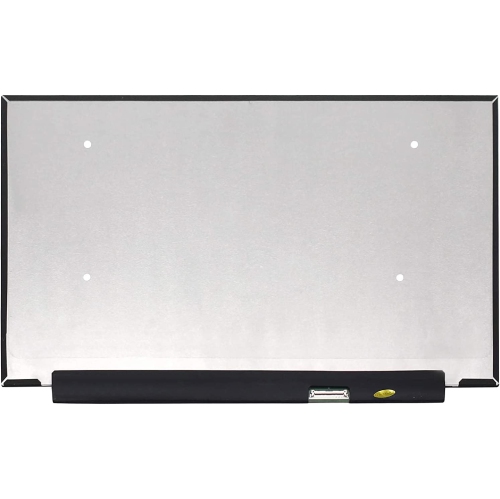
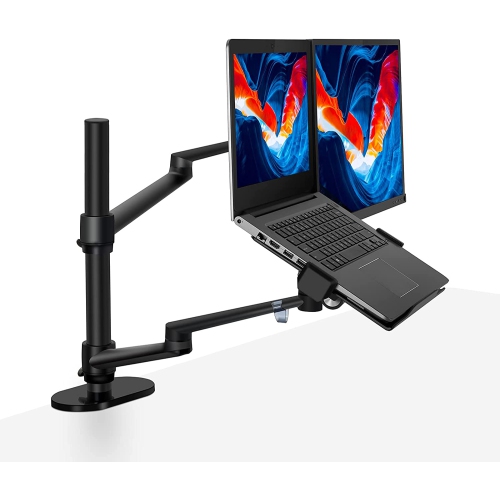
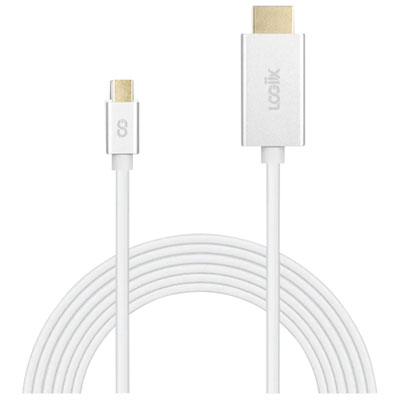
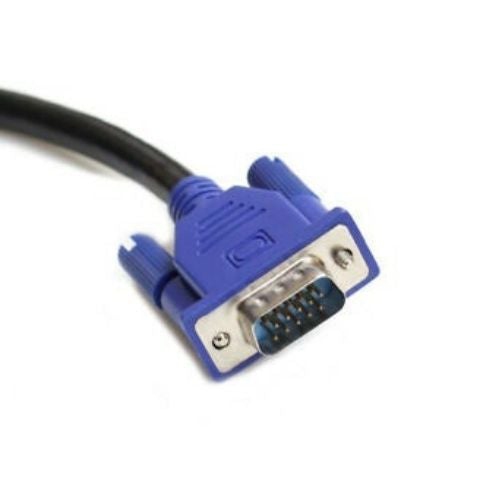
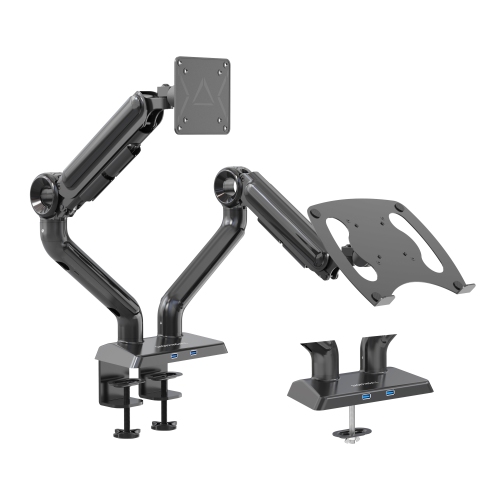
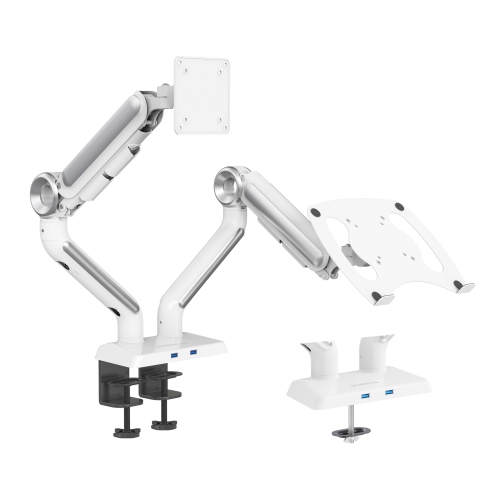
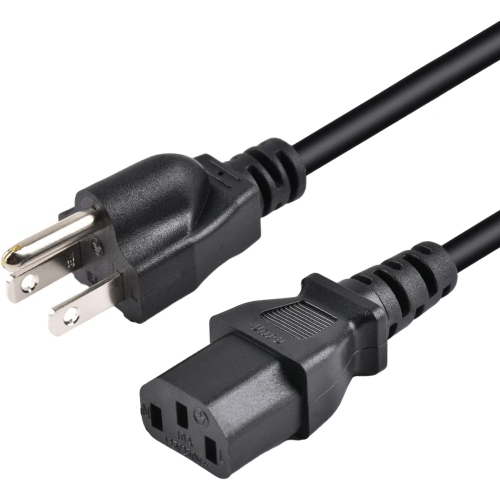
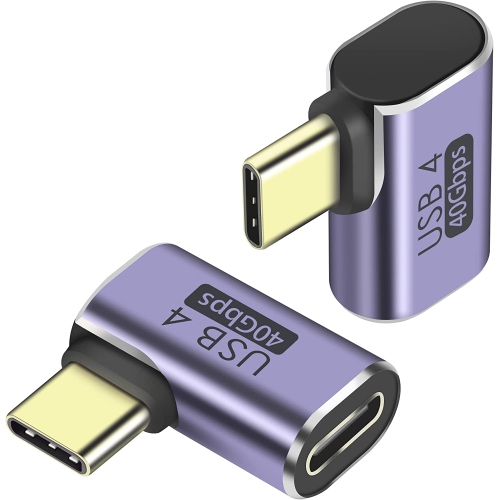
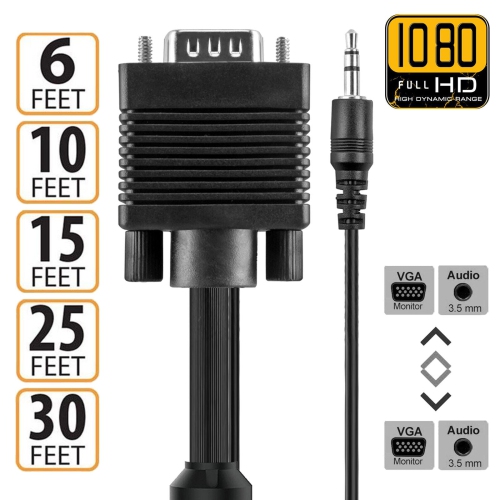
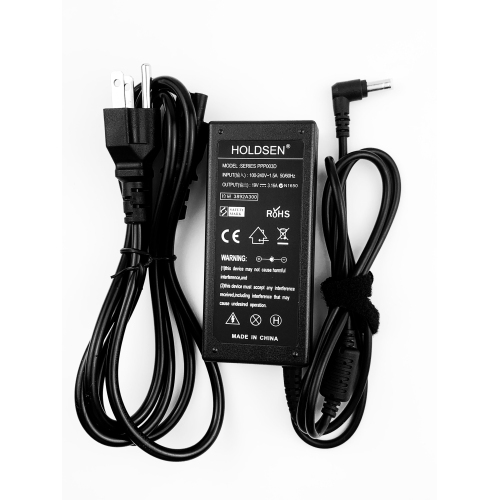
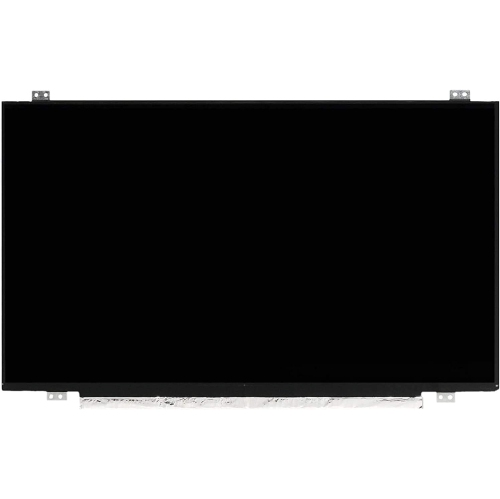
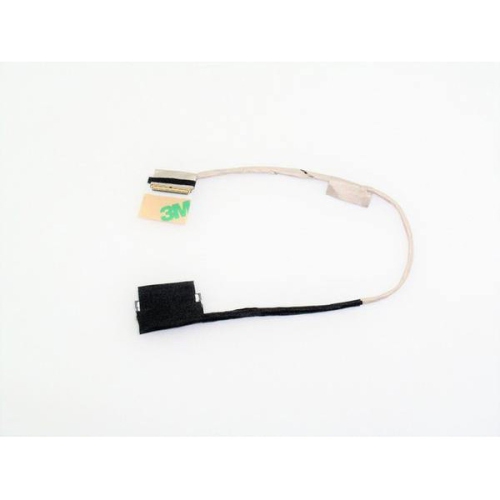

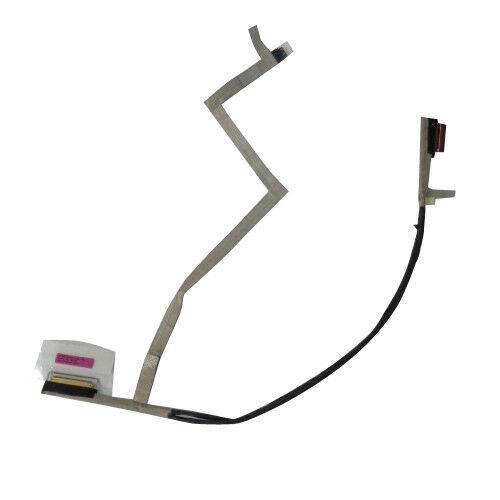
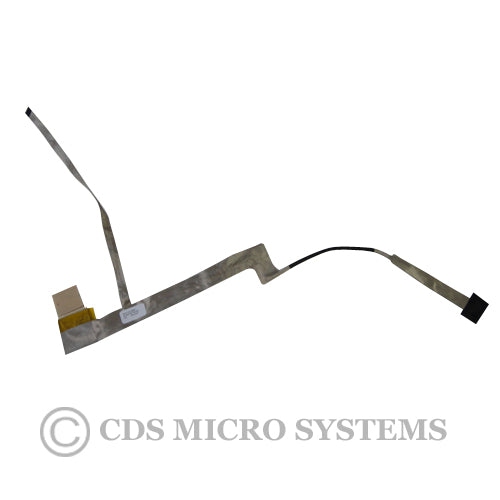
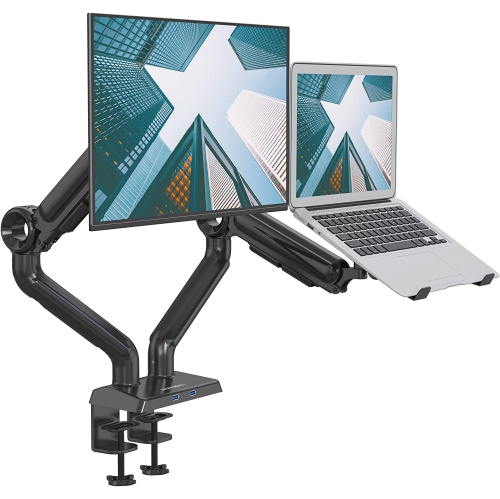
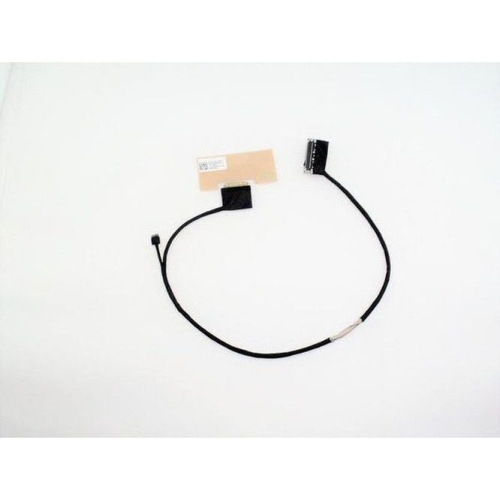
Compatibility and handling details for laptop display repairs
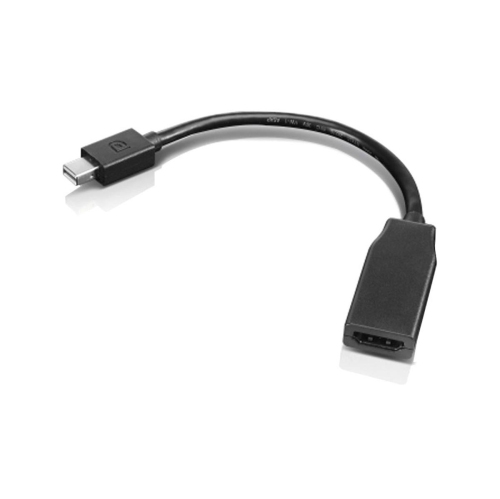
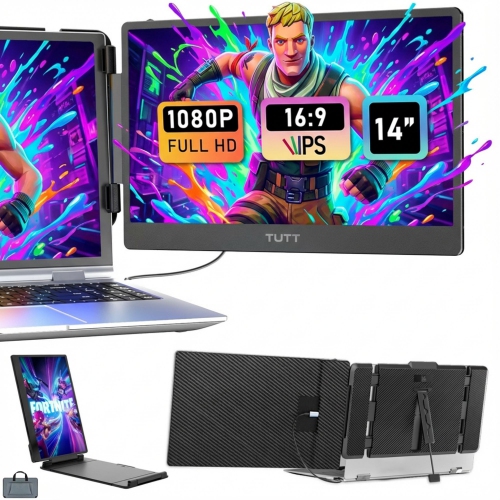
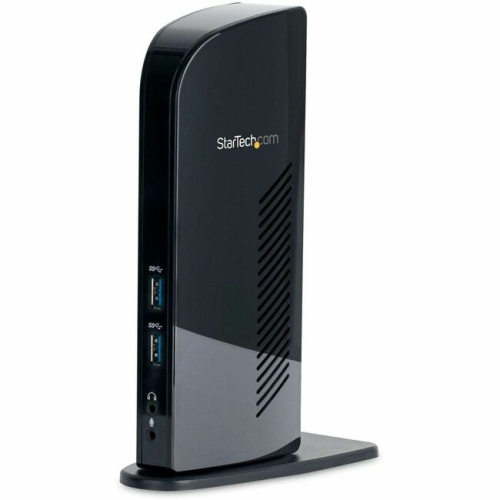
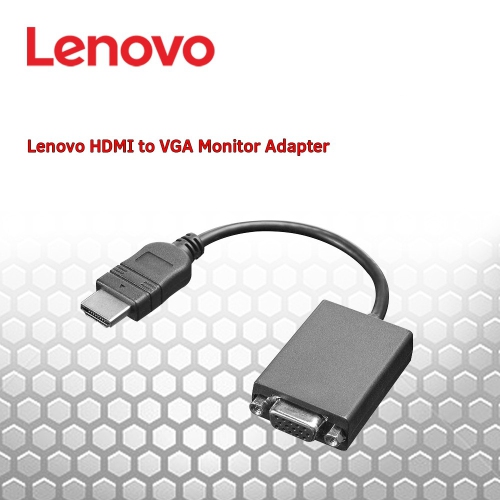
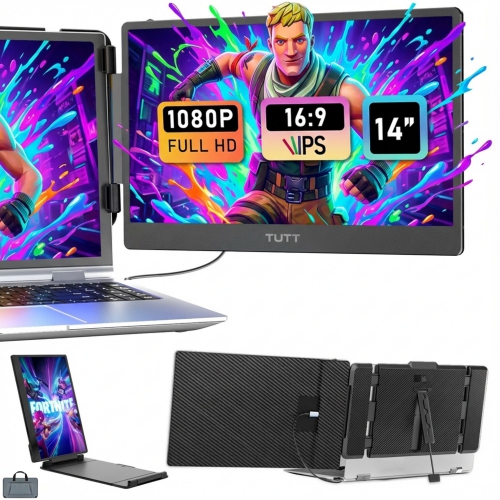
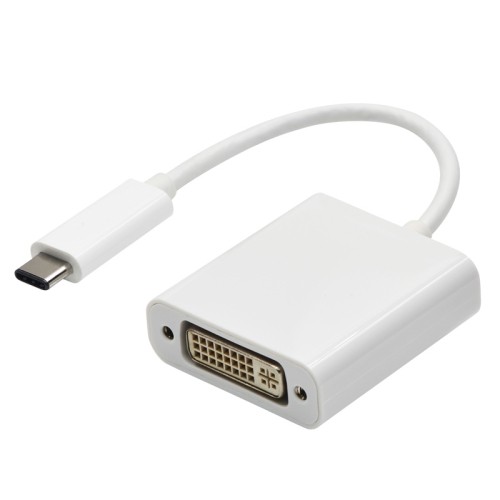
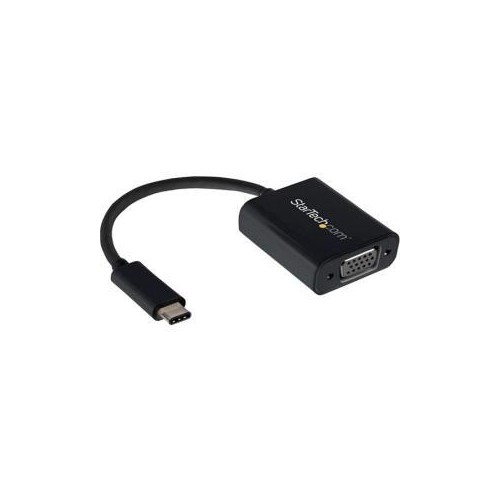
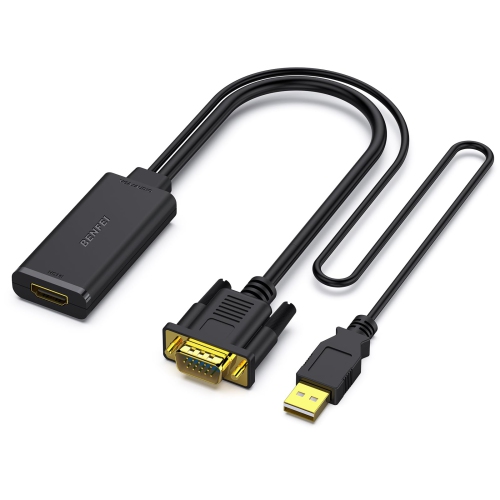
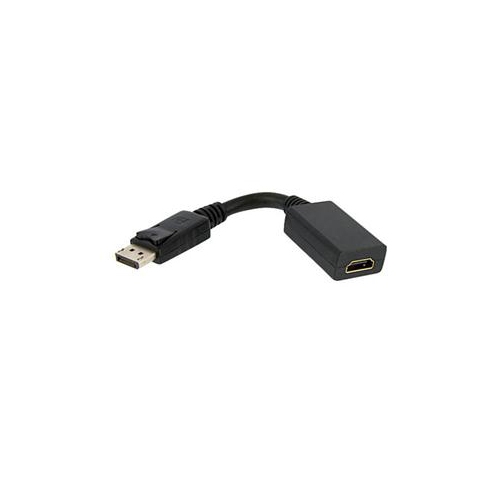
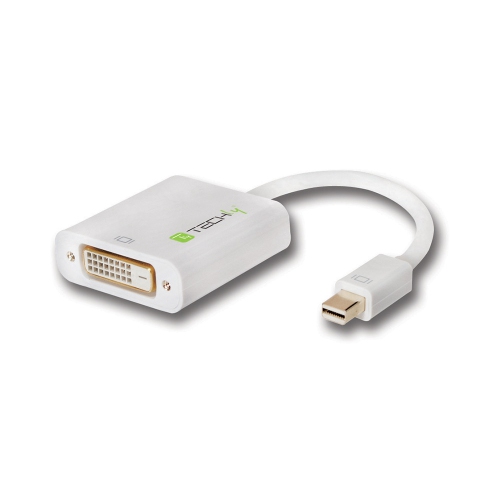
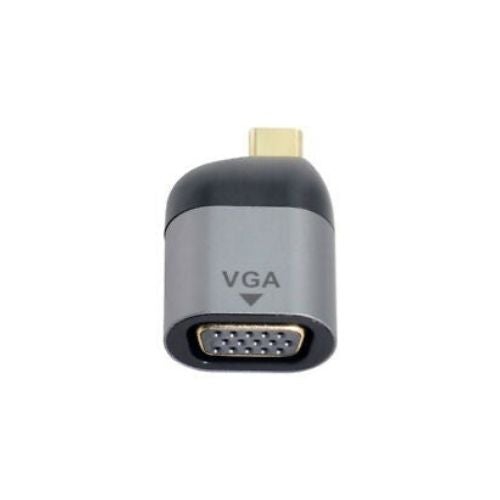
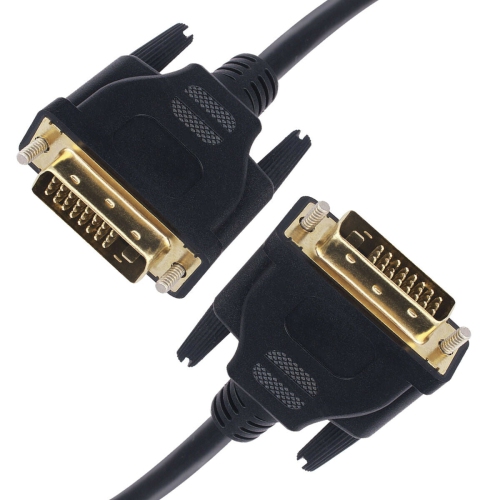
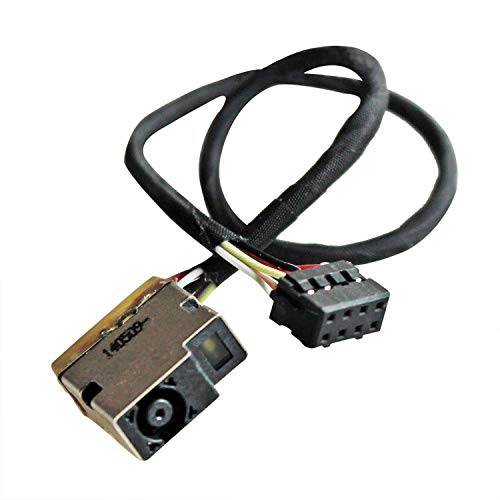
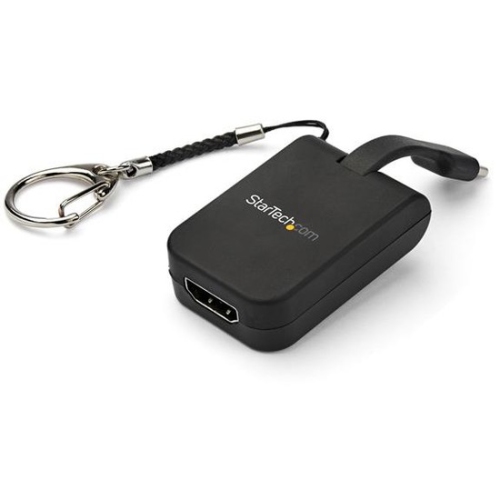
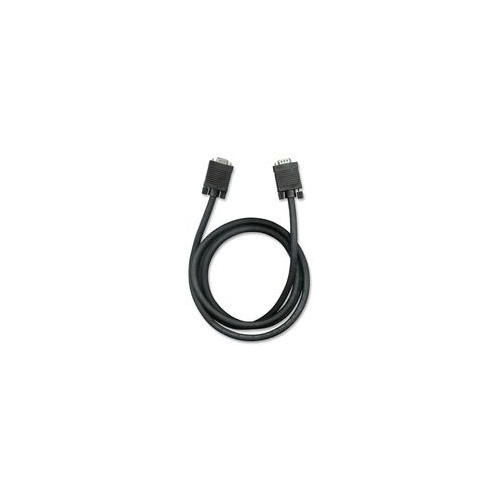
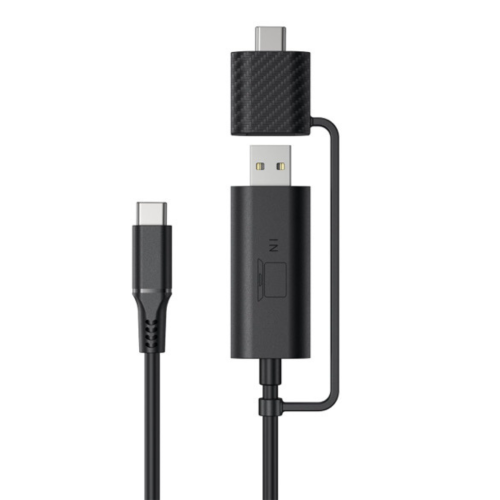
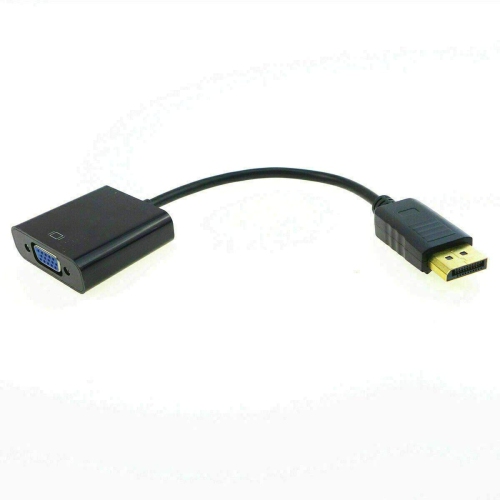
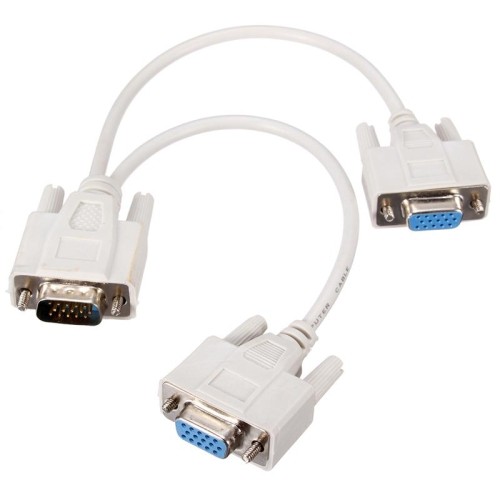
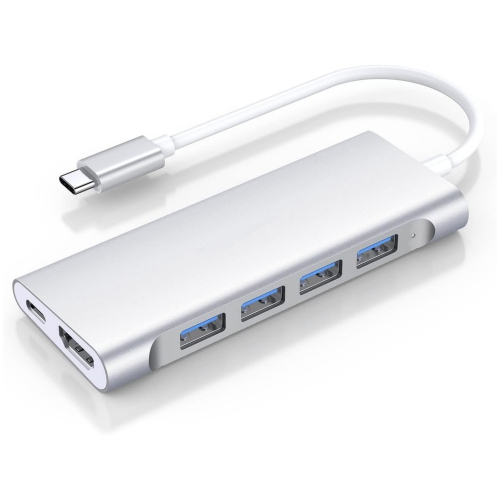
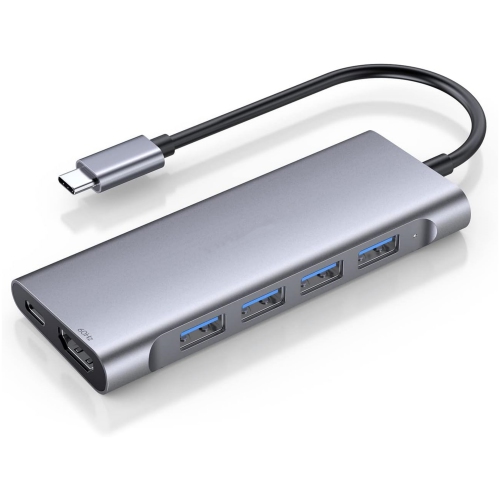
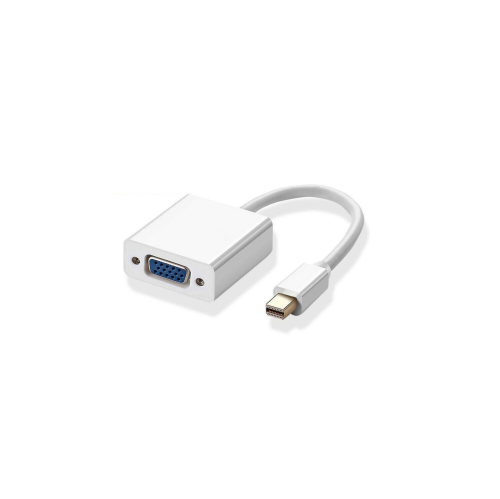
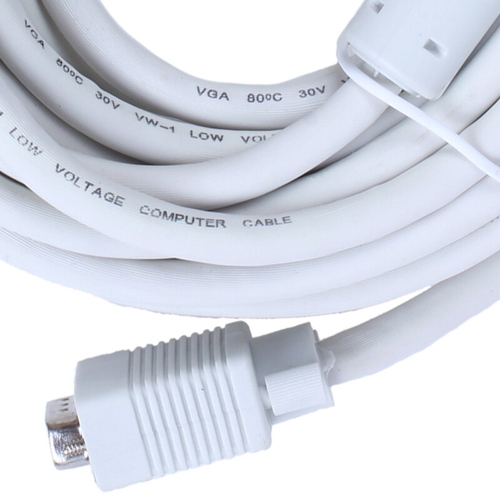
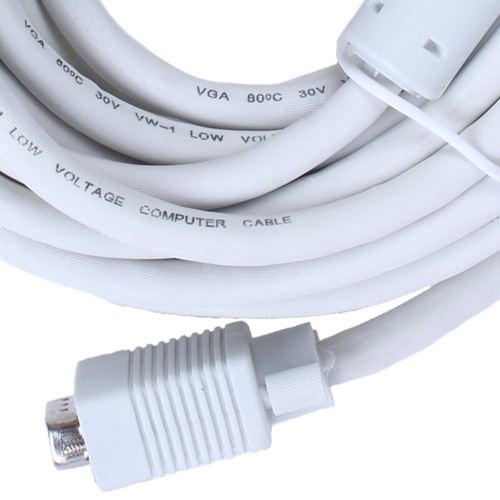
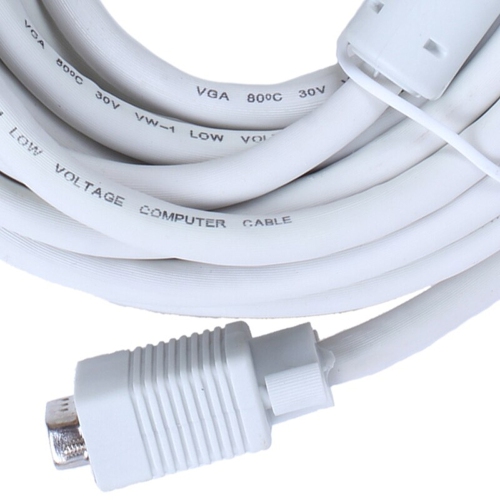
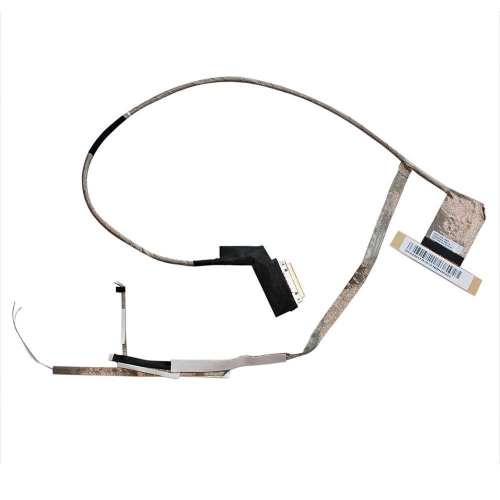
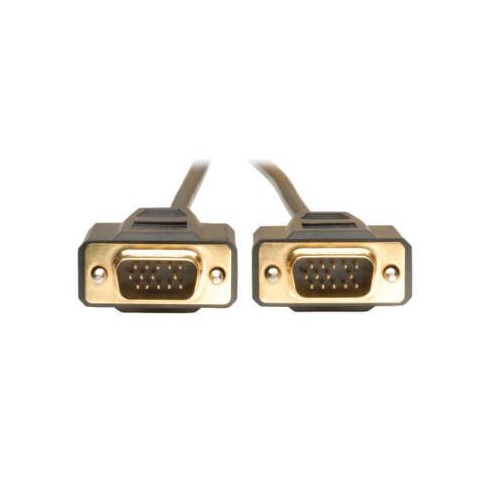
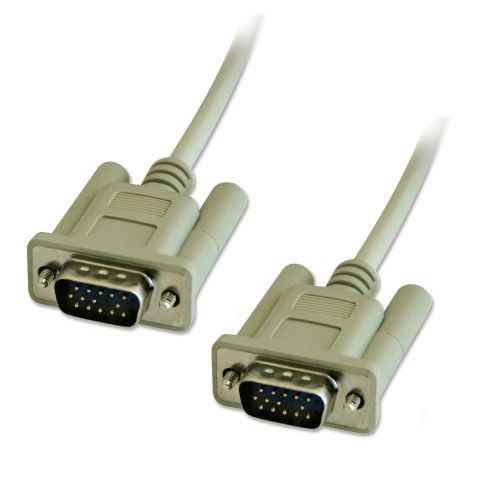
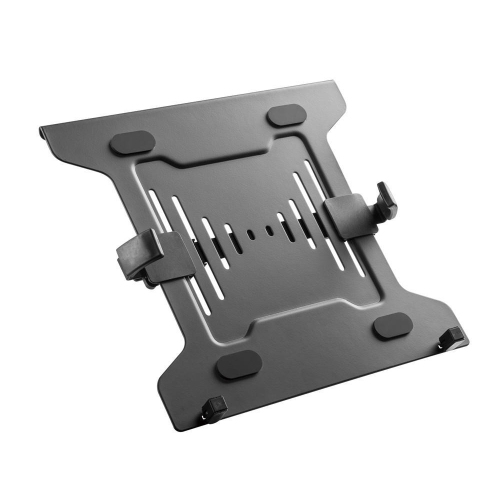
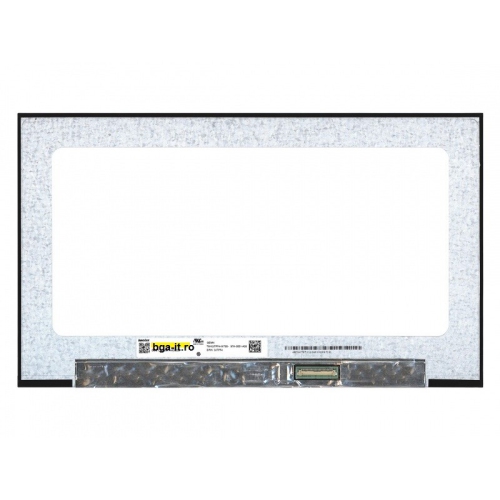
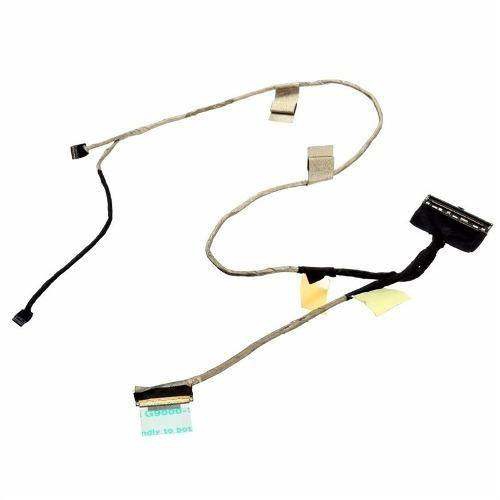
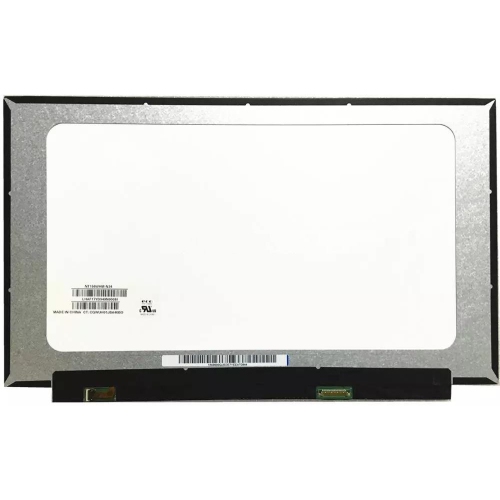
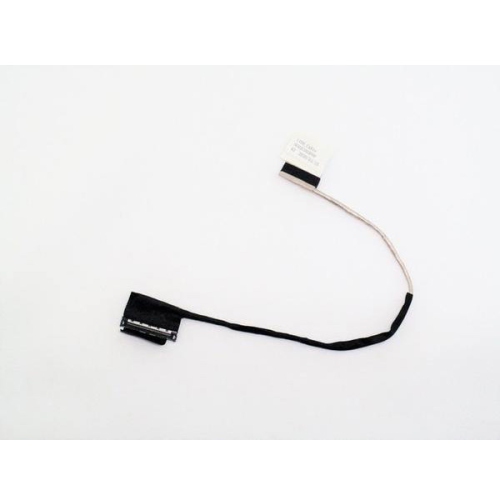
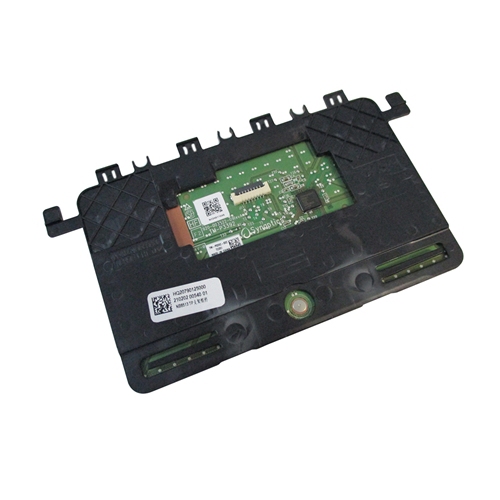
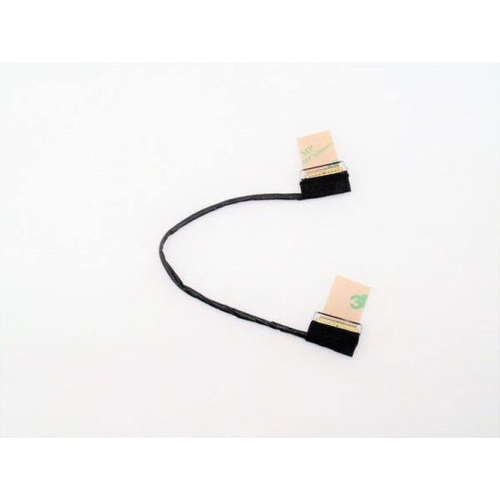
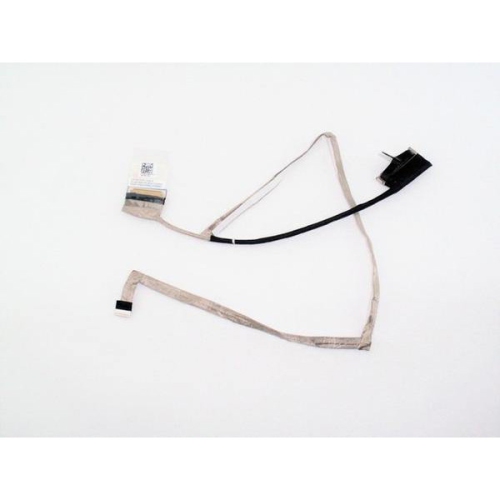
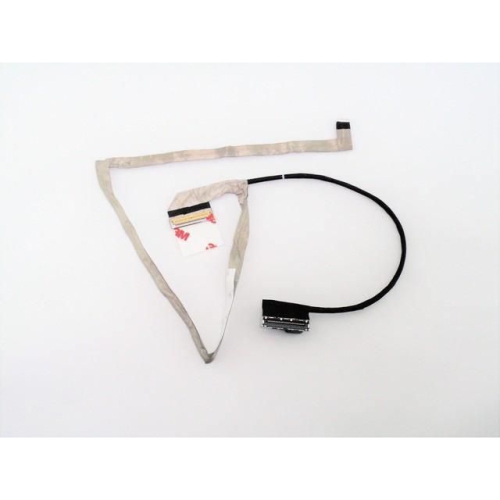
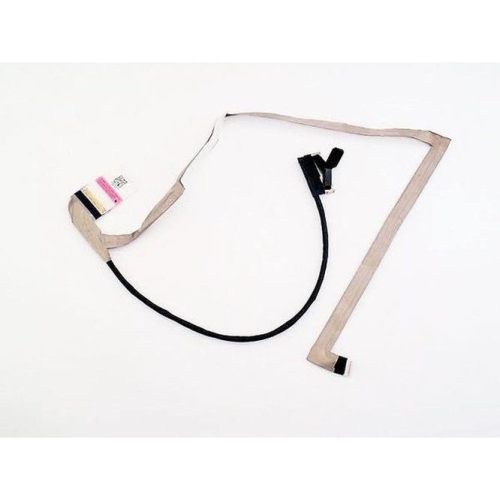
Laptop monitor connectors are small but essential components that link a laptop’s display panel to its motherboard, carrying the image signal needed for text, photos, video, and everyday applications to appear on screen. When a display becomes dim, develops lines, flickers as the lid moves, or stops showing an image altogether, the connector or its attached ribbon cable may be part of the problem. The right replacement depends on the laptop’s exact model, screen type, resolution, refresh rate, touch capability, and the connector already installed inside the computer. Common modern standards include 30-pin and 40-pin eDP, or Embedded DisplayPort, connectors. A 30-pin eDP connection is often found in standard-resolution laptop displays, while a 40-pin eDP connection may support higher resolutions, faster refresh rates, backlighting features, or touch functionality. Older laptops may use LVDS, or Low-Voltage Differential Signaling, instead of eDP. LVDS connections can look similar at a glance, but they are not automatically interchangeable with eDP components, even when the plug appears to fit. Connector position, cable length, pin arrangement, socket orientation, and the display panel’s electrical requirements all matter. Before choosing from a product listing, compare the part number printed on the original cable or connector with the replacement details, and confirm compatibility through the laptop manufacturer’s service information or a qualified repair professional. Images are useful for checking shape and latch style, but they should support—not replace—model-specific compatibility checks. For a broader selection of replacement parts and related accessories, explore Laptop Display Cables.
These components can be useful for laptop owners restoring a dependable computer, repair technicians working through a busy service bench, IT teams maintaining shared devices, or students and hobbyists learning how portable computers are assembled. They can also make a practical gift for someone who enjoys refurbishing older laptops, keeping family devices running, or building a small collection of spare repair parts. A display connector may be used when replacing a cracked panel, upgrading to a compatible display, repairing a cable that has worn from years of opening and closing the lid, or correcting an intermittent image caused by a loose connection. The cable route is important because a replacement that is too short may place strain on the hinge area, while one that is too long may fold awkwardly inside the display assembly. Some cables include adhesive sections or retaining tabs to help keep them in place, and many connectors use a small metal latch, plastic locking flap, or securing tape. Matching these details can make installation smoother and help prevent movement-related faults after the repair. It is also worth checking whether the laptop uses a touch display, webcam module, microphone, backlight circuit, or other functions that share the display assembly, since a similar-looking connector may carry different signals. Keeping the original part nearby while comparing dimensions, markings, and connector orientation can be helpful, especially when a laptop has been released in several configurations. For people working from a home office, classroom, workshop, or shared family space, a reliable display connection can restore clear documents, comfortable video calls, and a more usable screen without replacing the entire computer.
Internal laptop display connectors require careful handling because the socket and ribbon cable are delicate. Before opening a laptop, shut it down completely, unplug the charger, remove external accessories, and disconnect the internal battery when the device design allows it. Residual power can create a risk of shorting components, so consult the manufacturer’s service instructions and use appropriate anti-static precautions. Never pull on the ribbon cable itself. Release the locking mechanism first, then hold the connector evenly and slide it straight out of the socket. During reassembly, align the contacts carefully and press the plug fully into place before securing the latch, tape, or retaining bracket. A connector that is partly inserted may produce a blank screen, intermittent lines, unusual colours, or an image that disappears when the lid moves. Avoid sharp folds and keep the cable clear of hinges, screws, fans, and other moving or heated parts. If the laptop’s battery cannot be safely disconnected, the connector is damaged, or the repair involves a bonded display assembly, professional service is the safer choice. Taking a few minutes to record the original cable path and photograph the connection before removal can make it easier to return everything to its proper position. With accurate model information and careful handling, laptop monitor connectors can help extend the useful life of a familiar computer through the cooler months and beyond.
These components can be useful for laptop owners restoring a dependable computer, repair technicians working through a busy service bench, IT teams maintaining shared devices, or students and hobbyists learning how portable computers are assembled. They can also make a practical gift for someone who enjoys refurbishing older laptops, keeping family devices running, or building a small collection of spare repair parts. A display connector may be used when replacing a cracked panel, upgrading to a compatible display, repairing a cable that has worn from years of opening and closing the lid, or correcting an intermittent image caused by a loose connection. The cable route is important because a replacement that is too short may place strain on the hinge area, while one that is too long may fold awkwardly inside the display assembly. Some cables include adhesive sections or retaining tabs to help keep them in place, and many connectors use a small metal latch, plastic locking flap, or securing tape. Matching these details can make installation smoother and help prevent movement-related faults after the repair. It is also worth checking whether the laptop uses a touch display, webcam module, microphone, backlight circuit, or other functions that share the display assembly, since a similar-looking connector may carry different signals. Keeping the original part nearby while comparing dimensions, markings, and connector orientation can be helpful, especially when a laptop has been released in several configurations. For people working from a home office, classroom, workshop, or shared family space, a reliable display connection can restore clear documents, comfortable video calls, and a more usable screen without replacing the entire computer.
Internal laptop display connectors require careful handling because the socket and ribbon cable are delicate. Before opening a laptop, shut it down completely, unplug the charger, remove external accessories, and disconnect the internal battery when the device design allows it. Residual power can create a risk of shorting components, so consult the manufacturer’s service instructions and use appropriate anti-static precautions. Never pull on the ribbon cable itself. Release the locking mechanism first, then hold the connector evenly and slide it straight out of the socket. During reassembly, align the contacts carefully and press the plug fully into place before securing the latch, tape, or retaining bracket. A connector that is partly inserted may produce a blank screen, intermittent lines, unusual colours, or an image that disappears when the lid moves. Avoid sharp folds and keep the cable clear of hinges, screws, fans, and other moving or heated parts. If the laptop’s battery cannot be safely disconnected, the connector is damaged, or the repair involves a bonded display assembly, professional service is the safer choice. Taking a few minutes to record the original cable path and photograph the connection before removal can make it easier to return everything to its proper position. With accurate model information and careful handling, laptop monitor connectors can help extend the useful life of a familiar computer through the cooler months and beyond.
Top selling and popular products
-
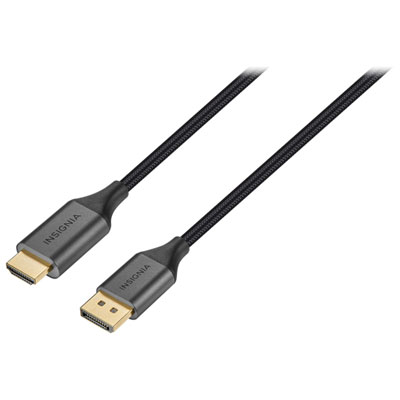 Your price for this item is $39.95
 -
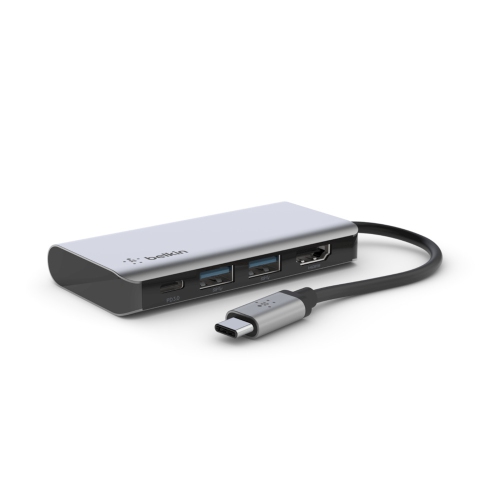 Your price for this item is $62.99
 -
 Your price for this item is $29.95
 -
 Your price for this item is $14.99
 -
 Your price for this item is $29.99
 -
 Your price for this item is $39.99
 -
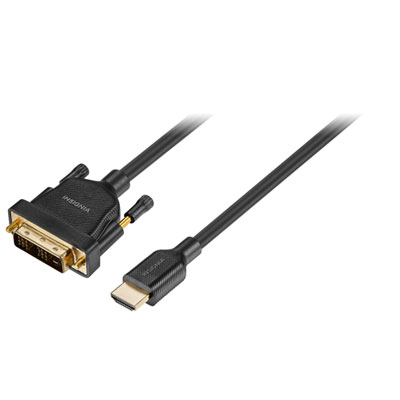 Your price for this item is $29.99
 -
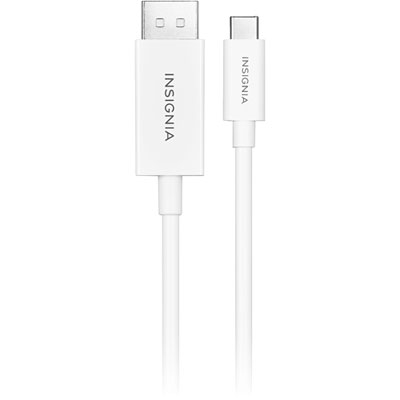 Your price for this item is $24.97
Discover more categories related to Laptop Monitor Connectors
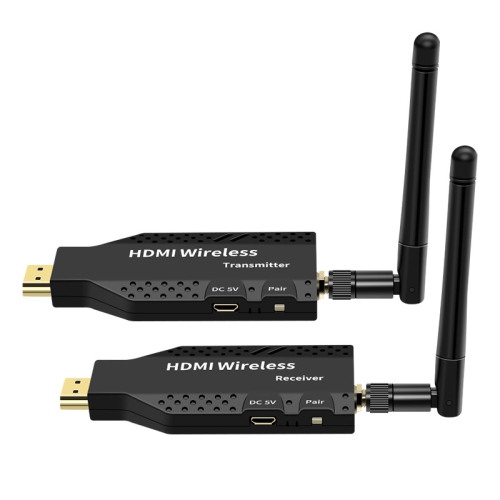

Top Collections:
Pokemon Centers, Kindle Devices, Best Budget Office Chairs, Apple iPhones 16, Best Laptops for Writers, iPhone 15 Apple, Canon G7X Cameras, Refurbished Apple Laptops, Alarm Clock, Motorola Razr Phones
Some products may be subject to Environmental Handling Fees
(EHF) depending on your province.
Learn more about EHFs.