Laptop Table Stands
Our collection of laptop table stands provides the perfect combination of comfort and functionality. Whether you're working from home, streaming your favorite shows, or simply browsing the web, these versatile stands offer adjustable heights, ergonomic designs, and sturdy construction to meet your needs. Say goodbye to uncomfortable neck strains and awkward typing angles - elevate your laptop setup with our range of table stands designed to optimize your workspace and productivity.
Sort

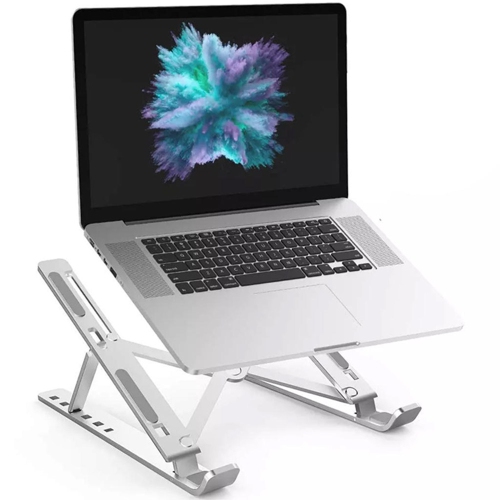
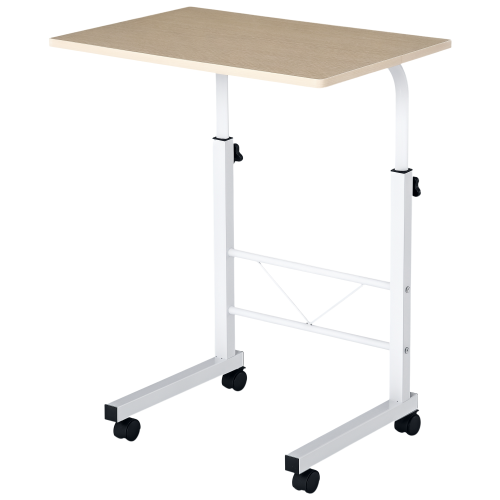

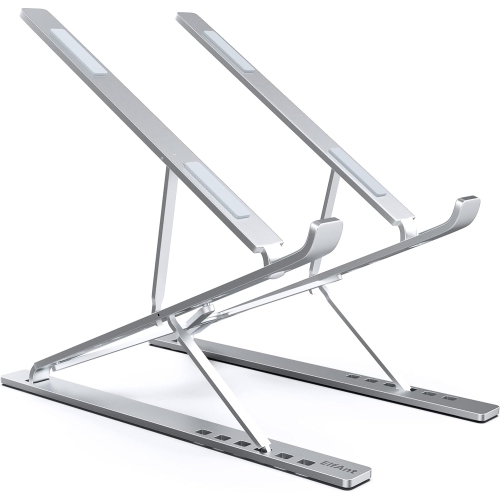
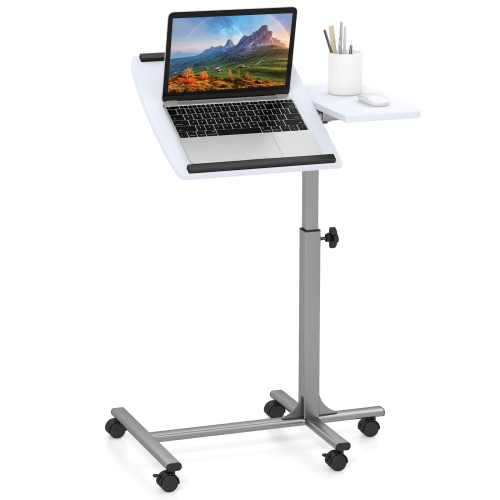
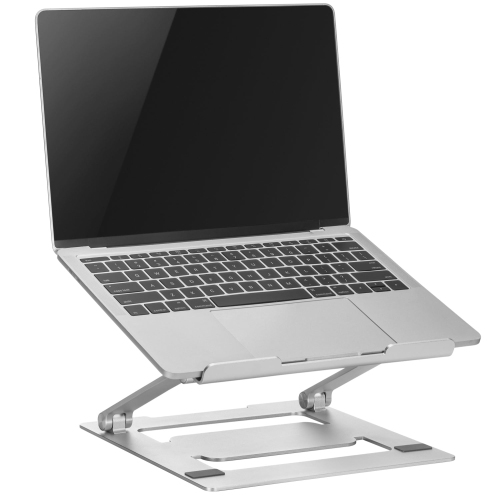
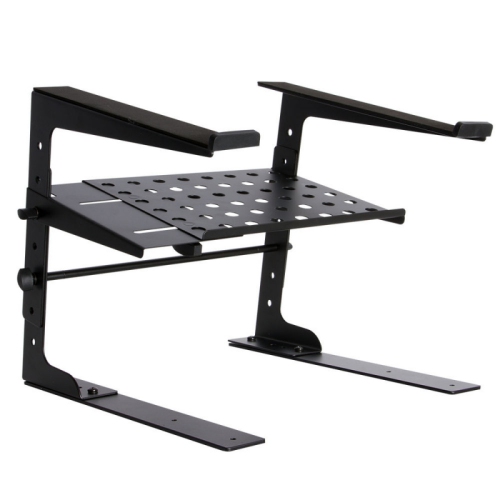
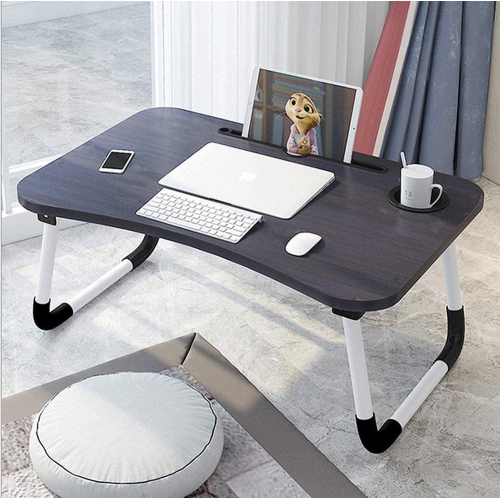

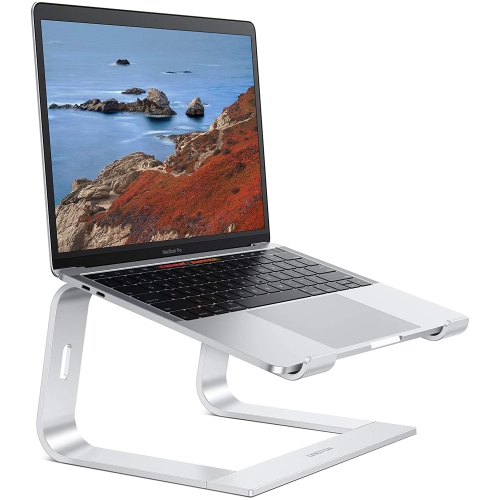
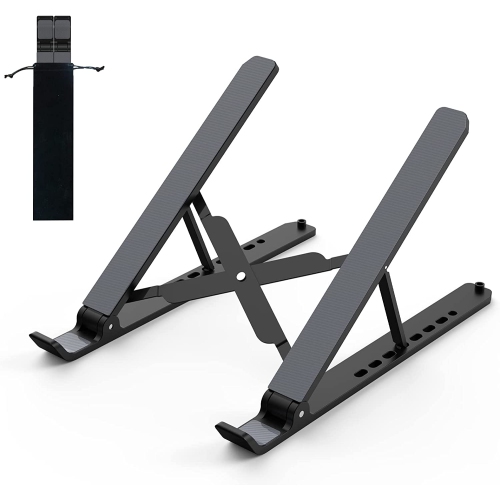
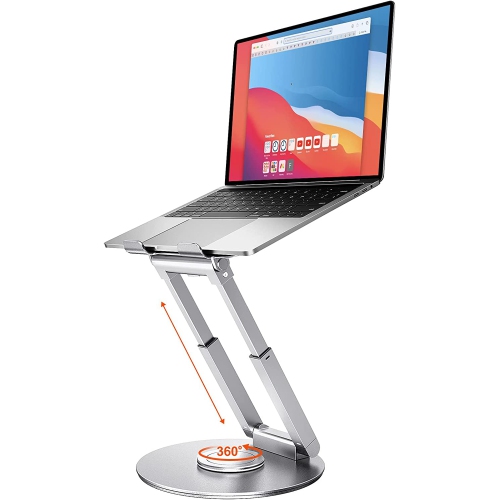
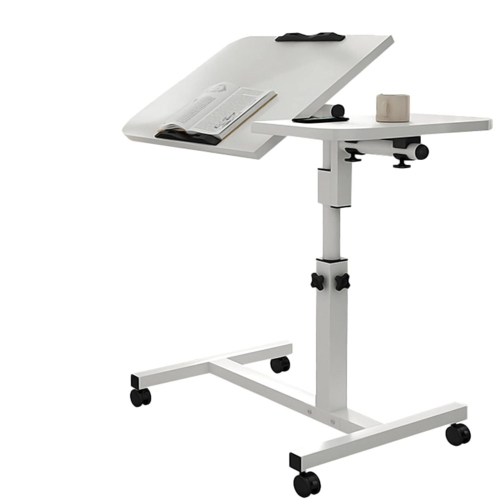
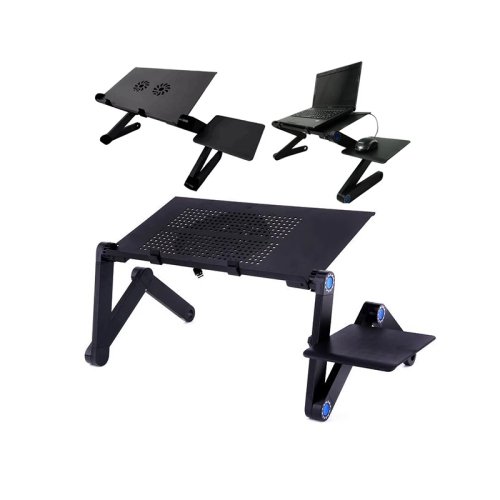
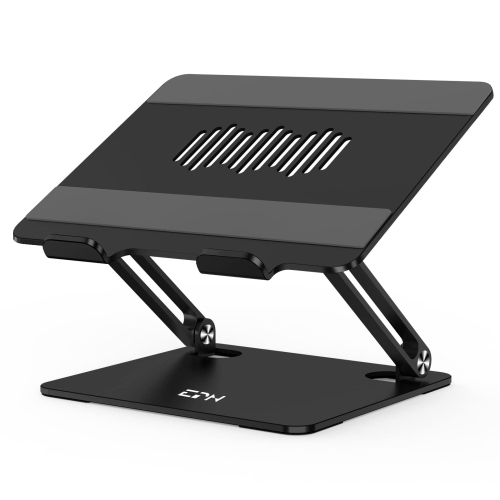

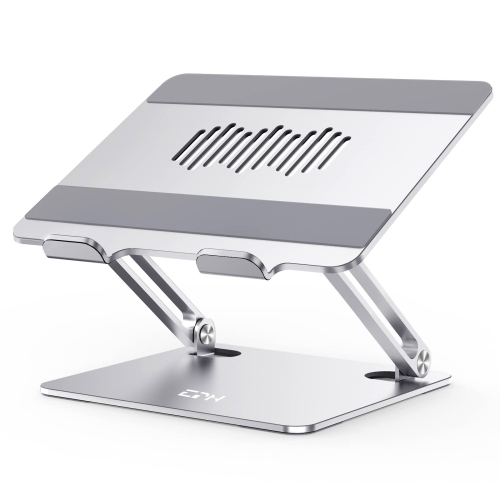
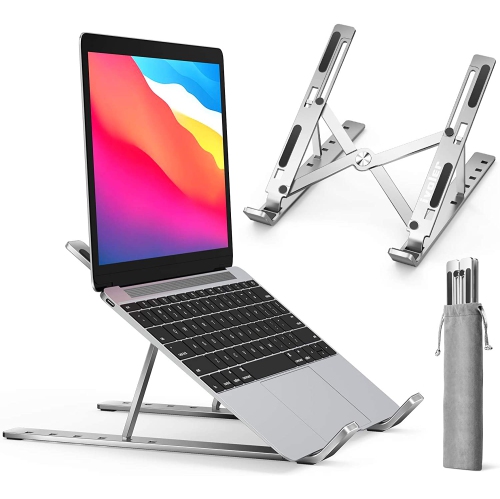
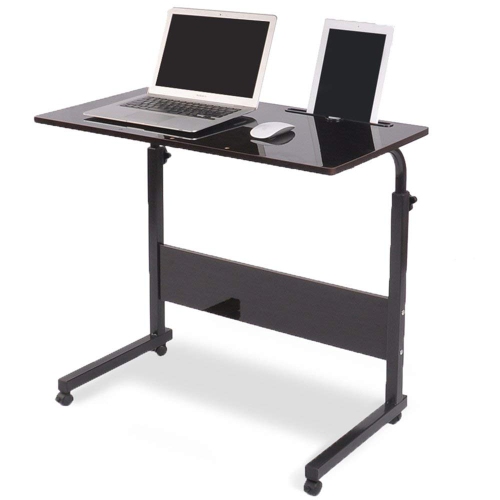
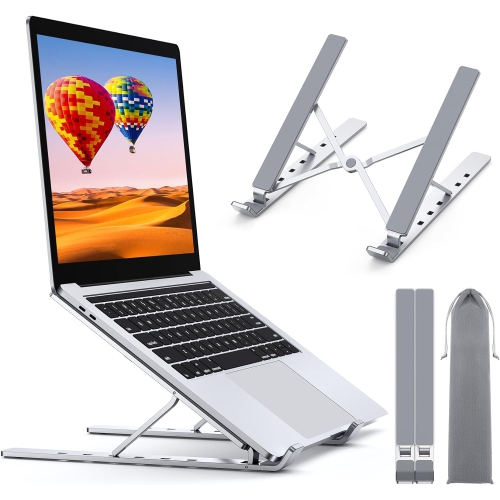
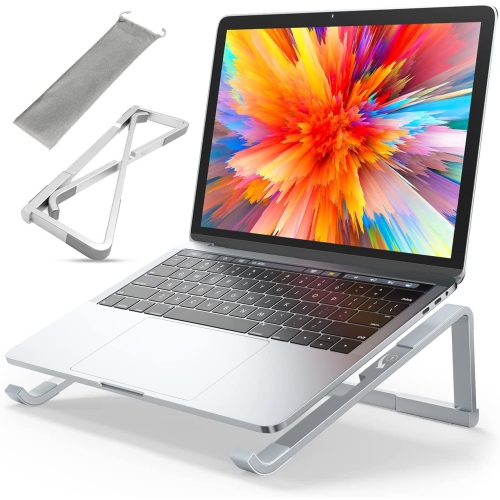
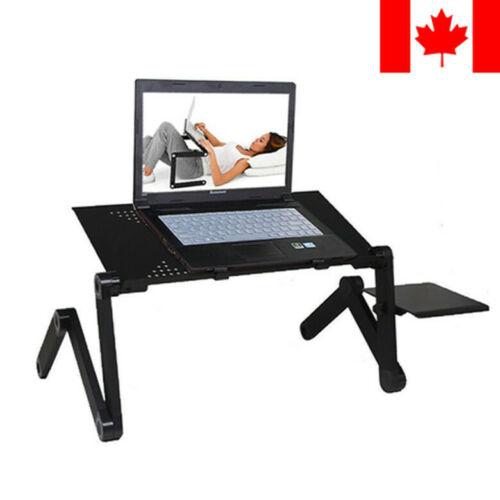
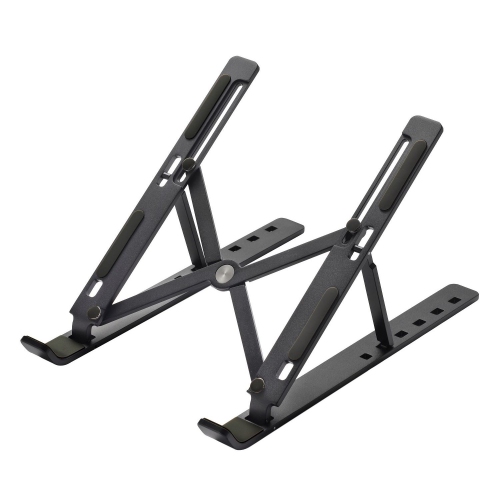
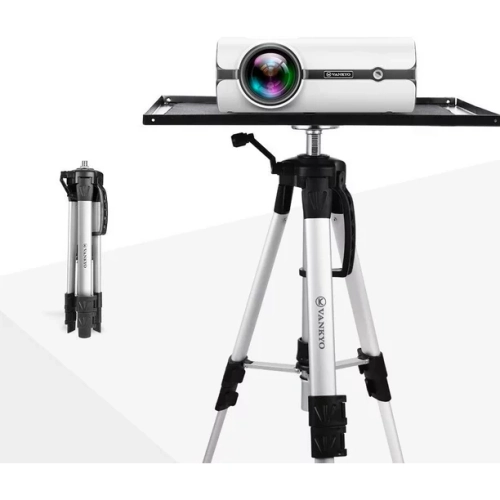
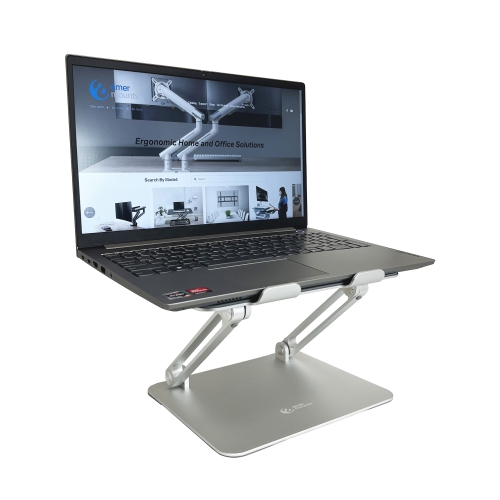
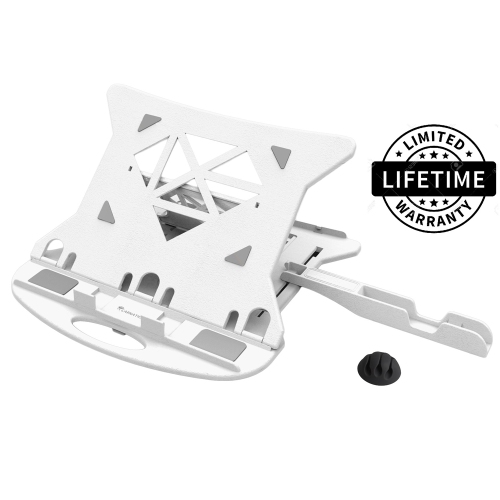
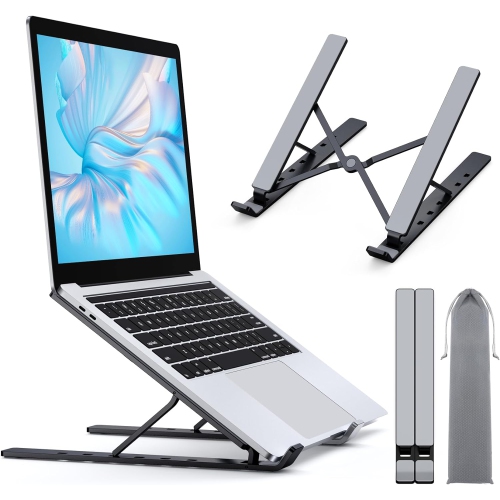
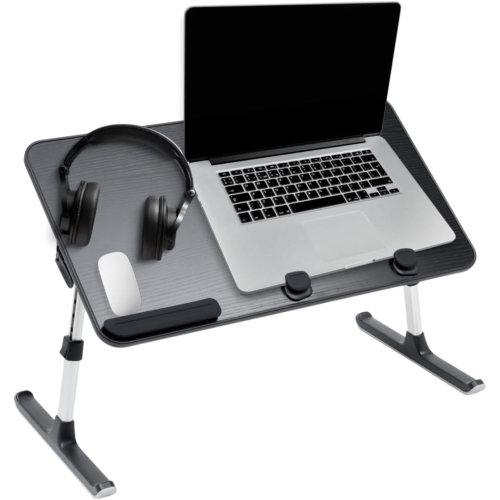
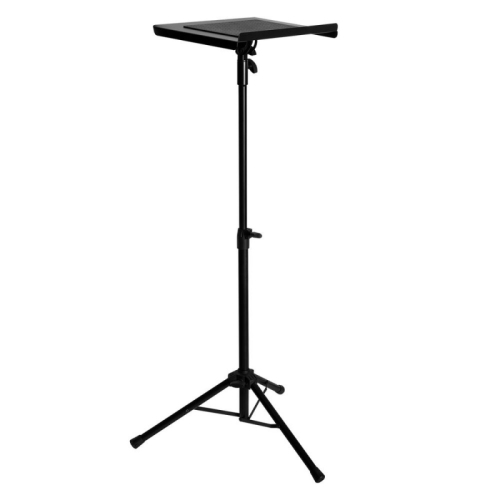
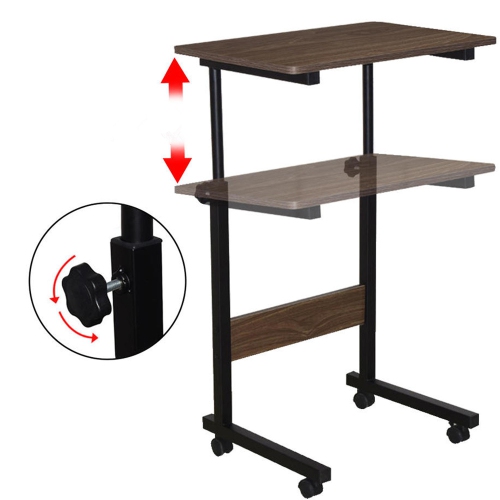
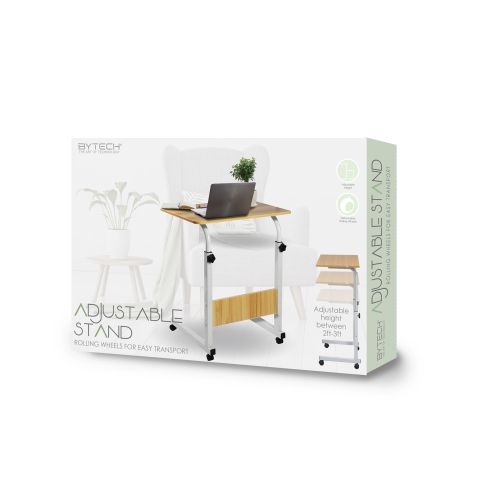
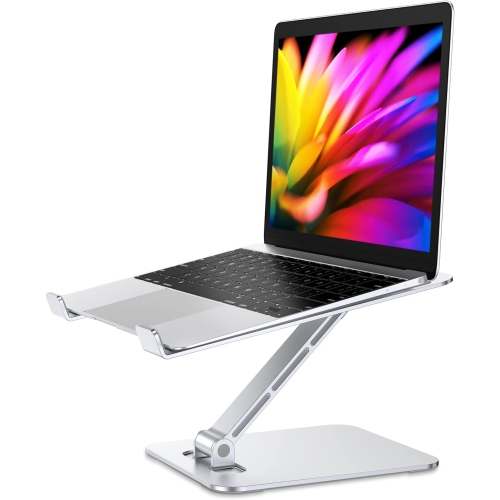
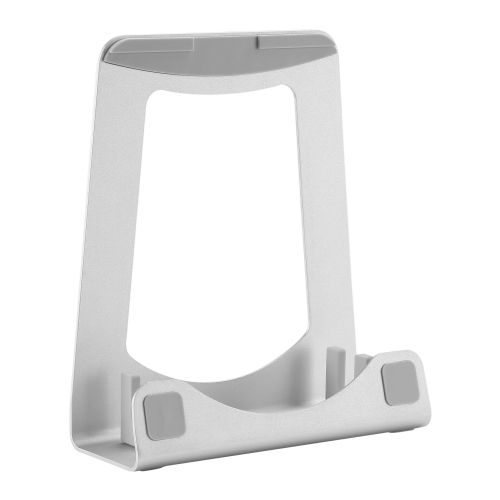
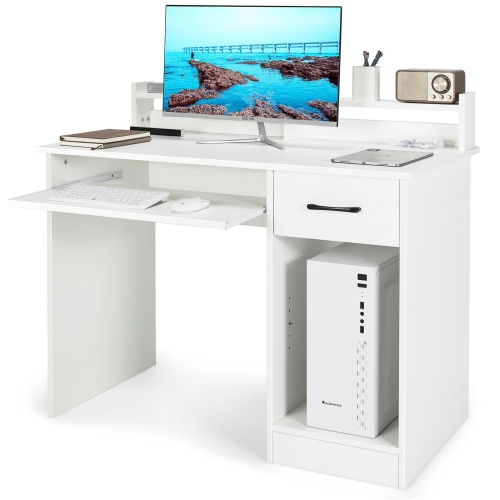
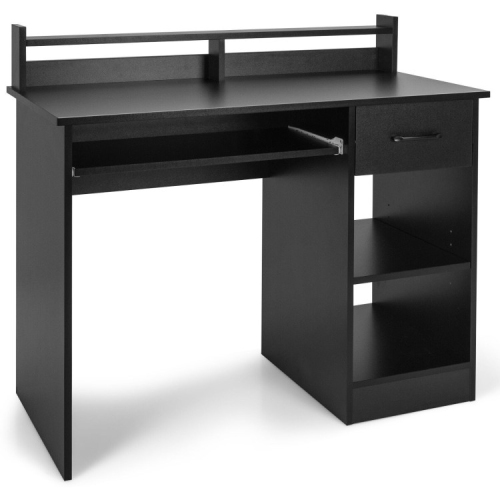
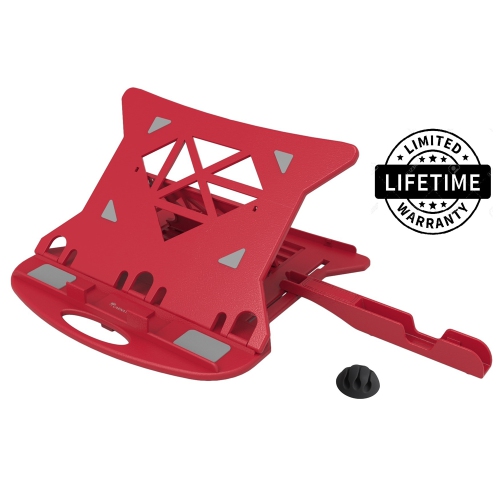
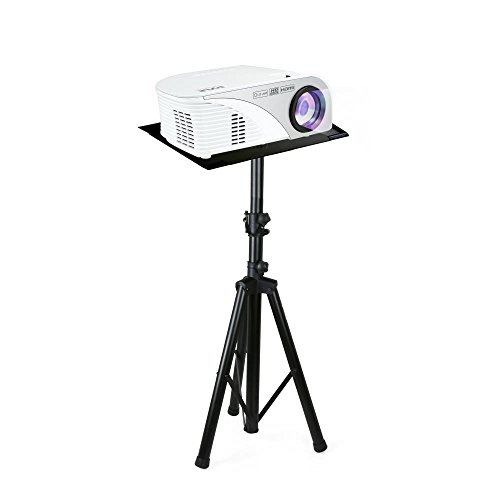
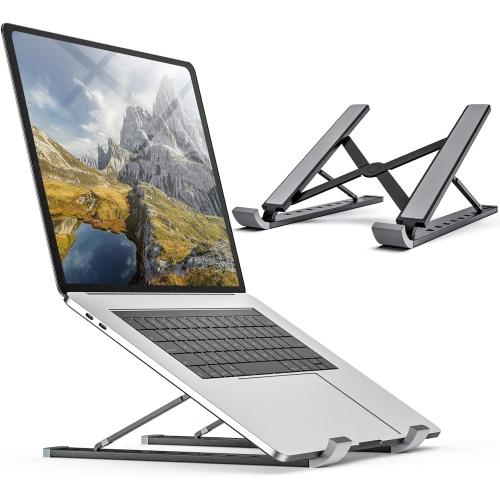
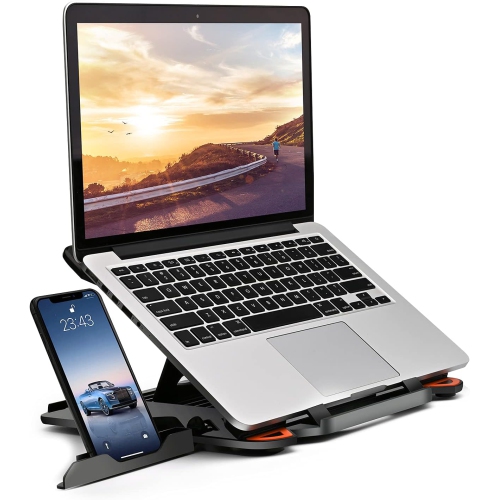
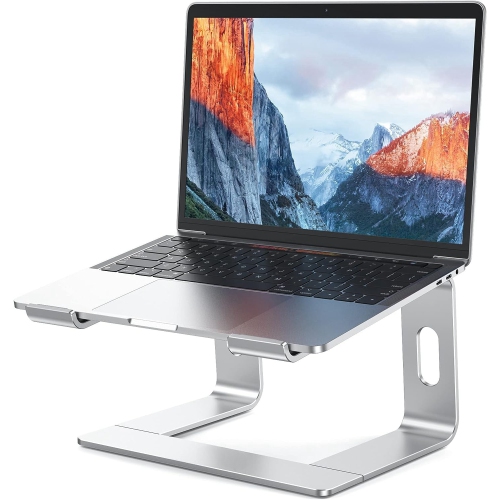
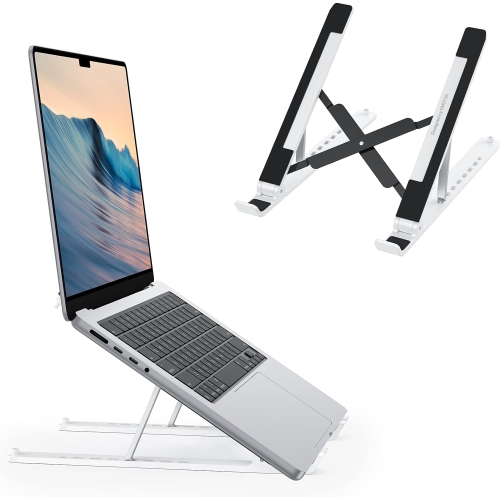
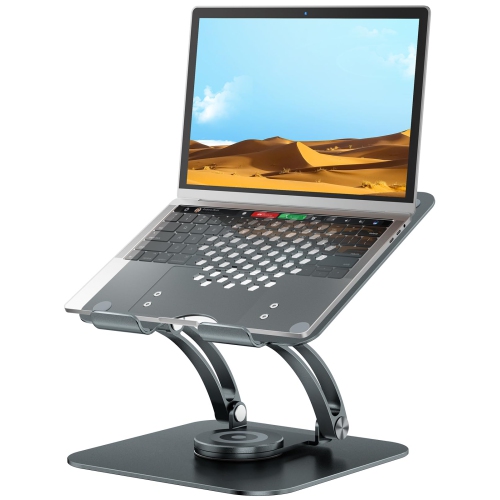
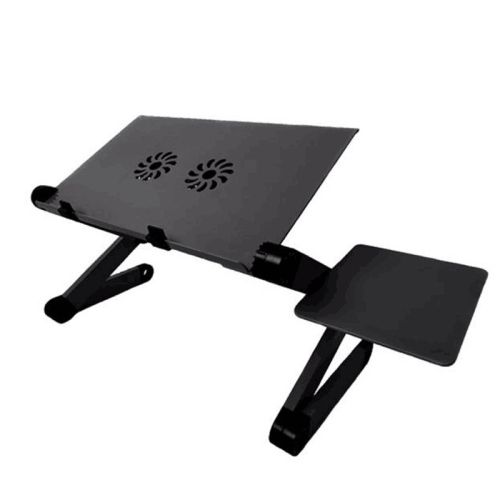

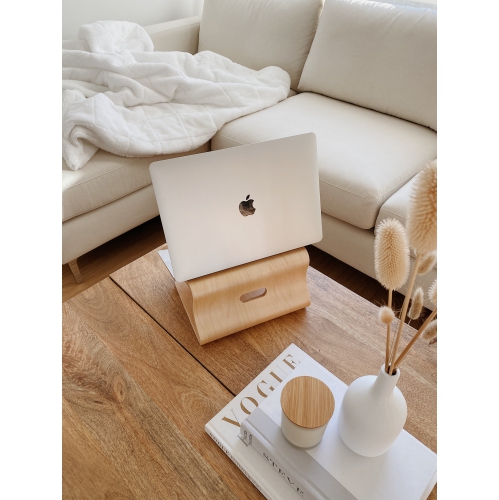
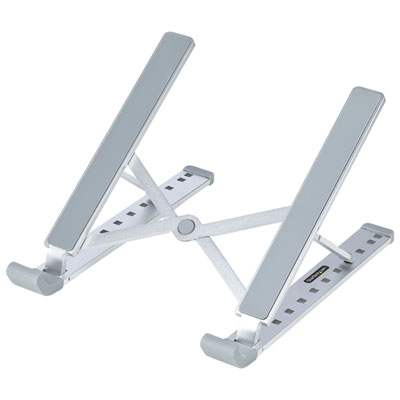
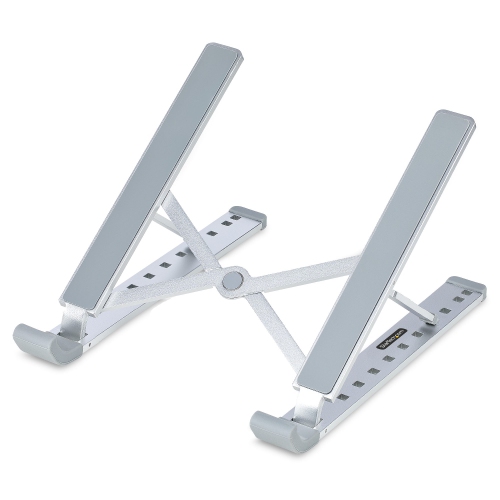
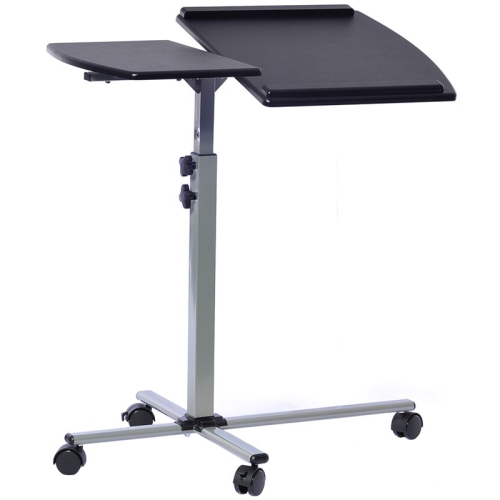
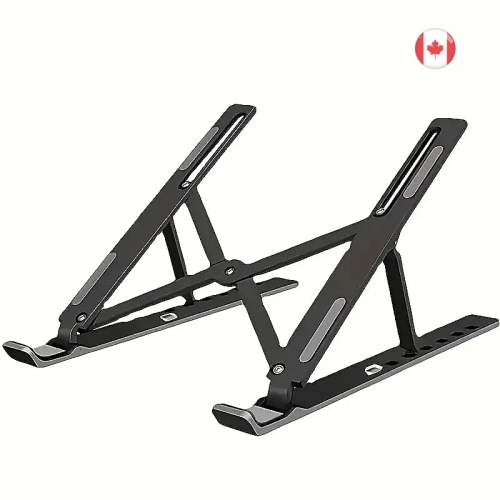
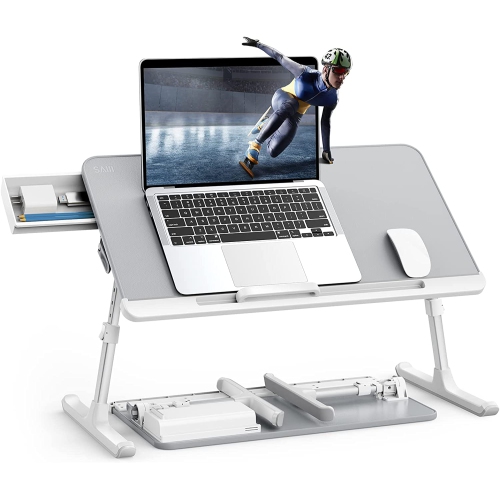

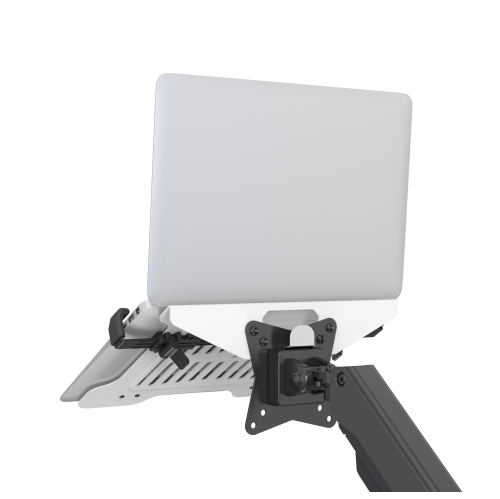
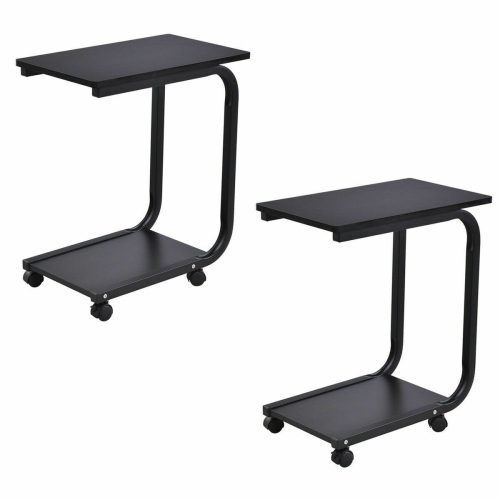
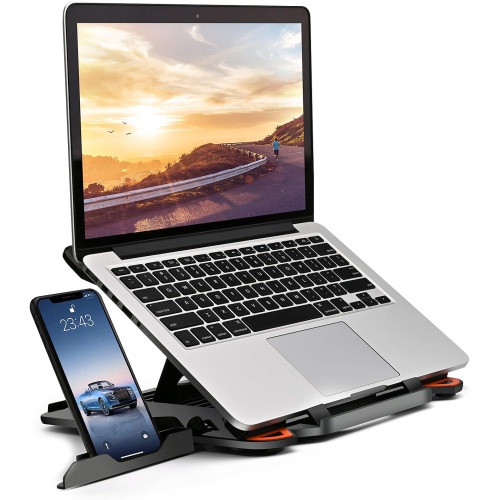
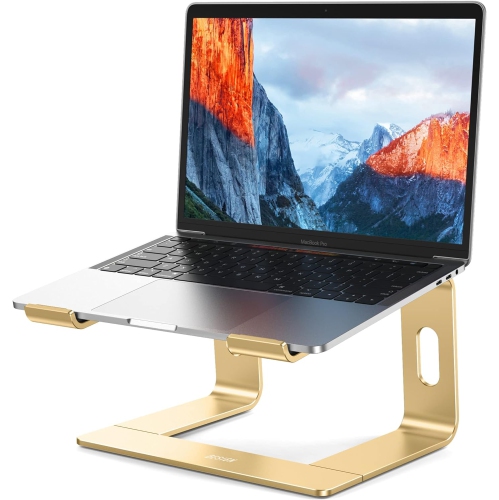
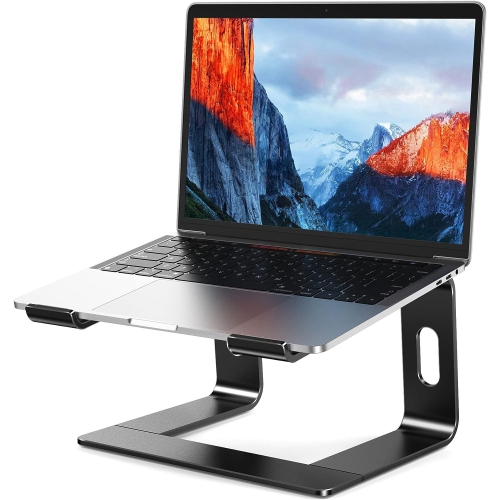
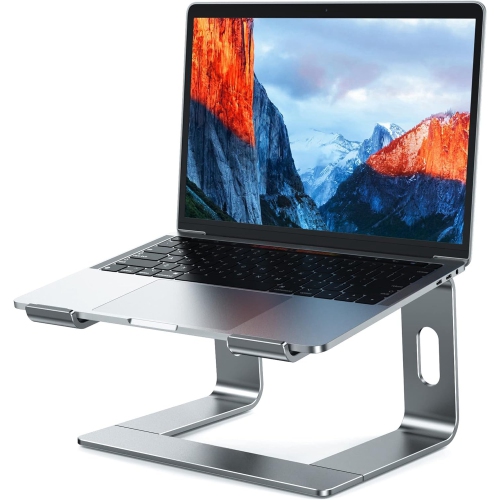
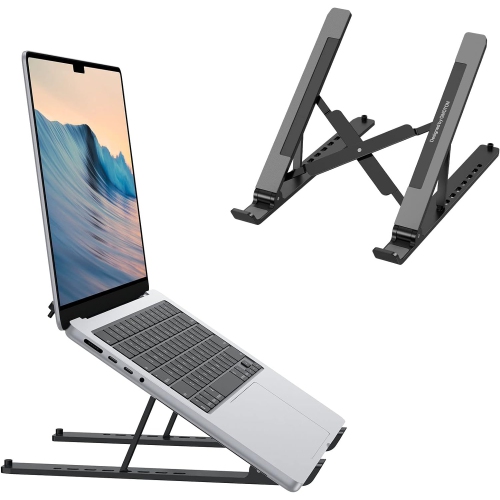
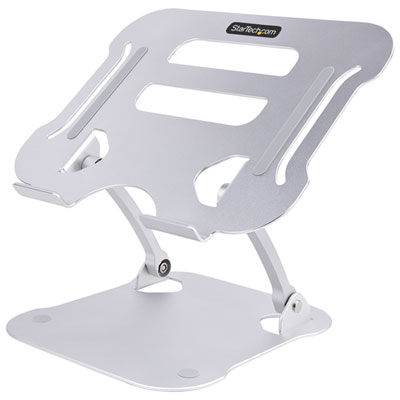

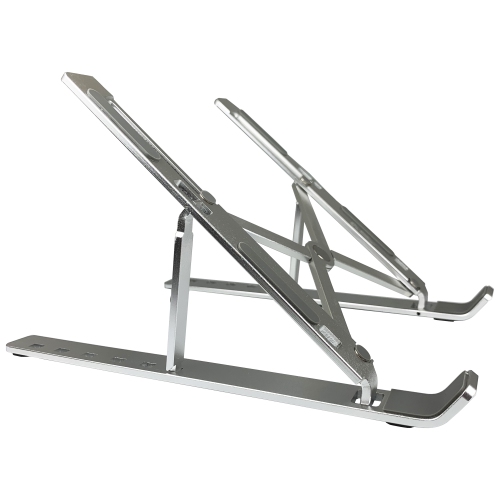
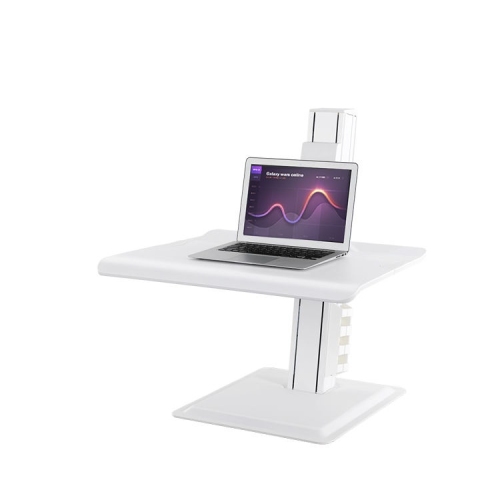
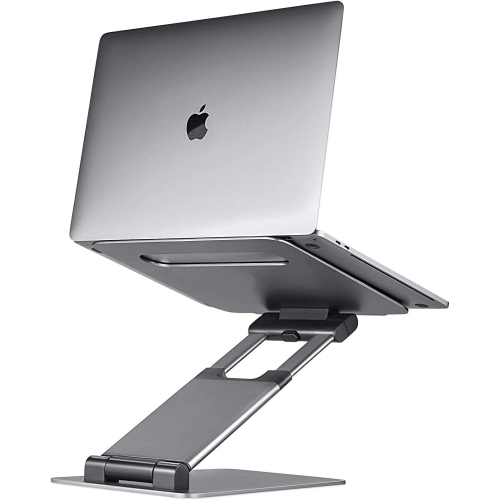
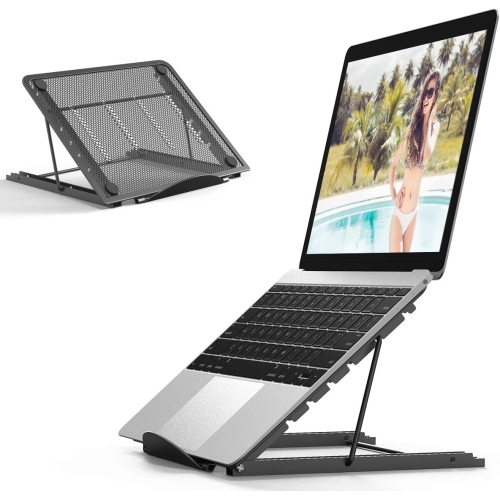
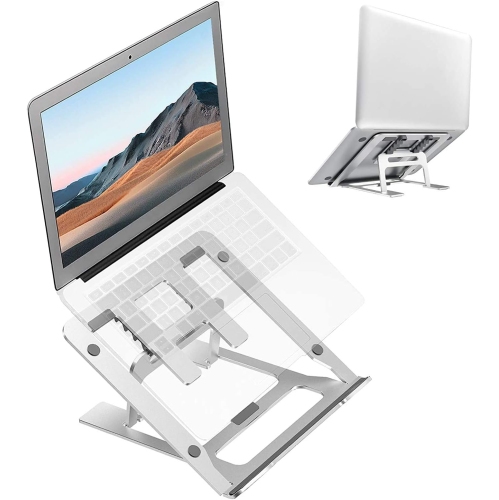
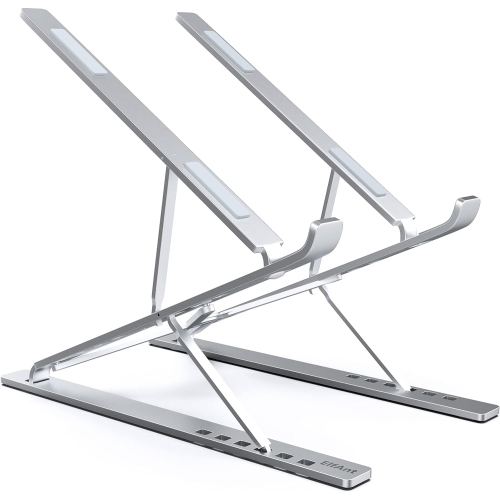

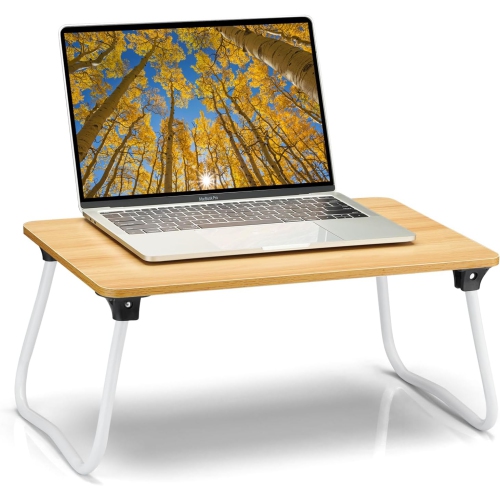
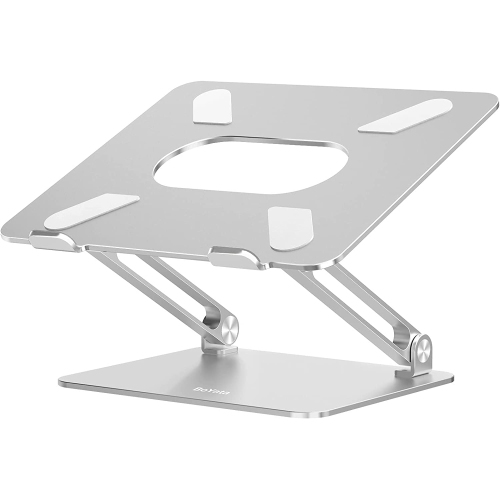
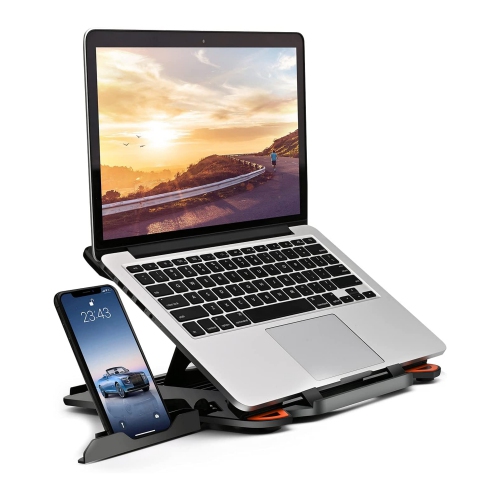
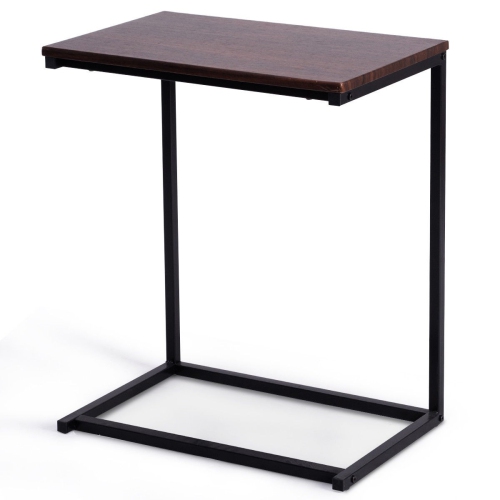

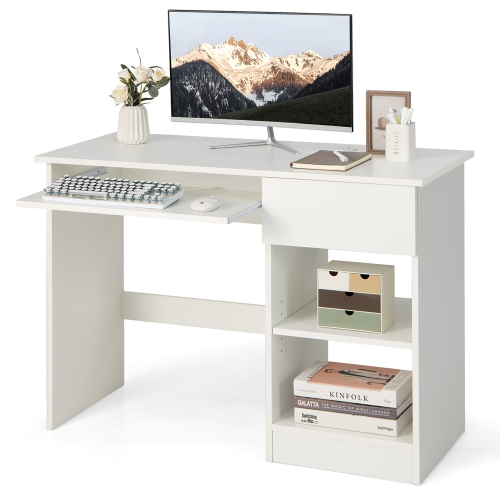
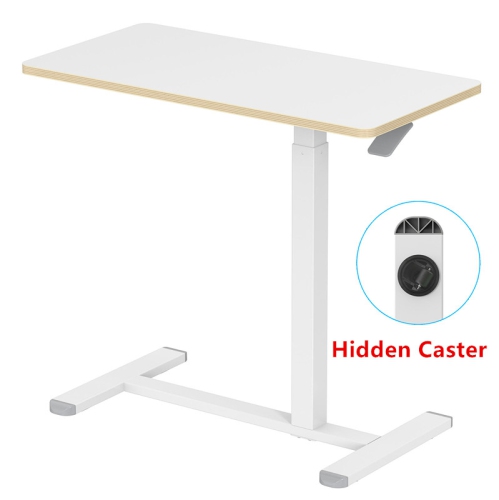
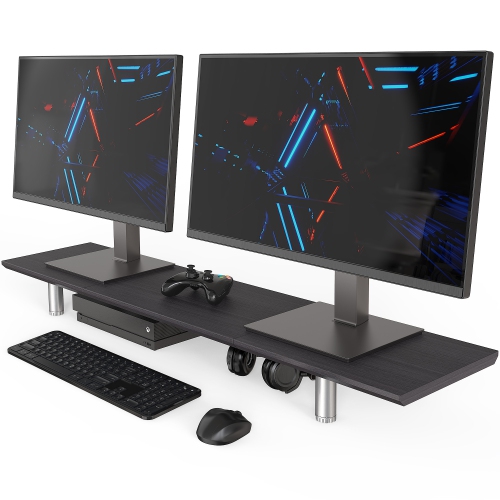
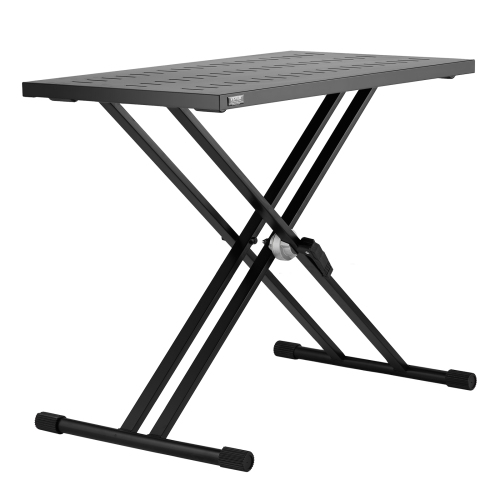
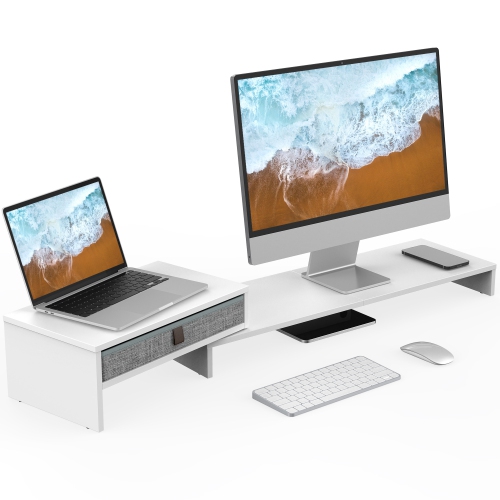
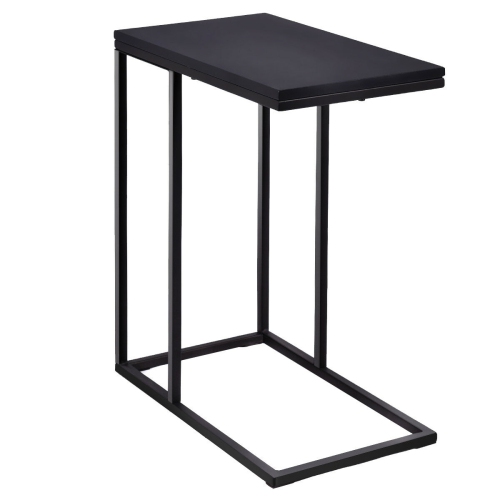
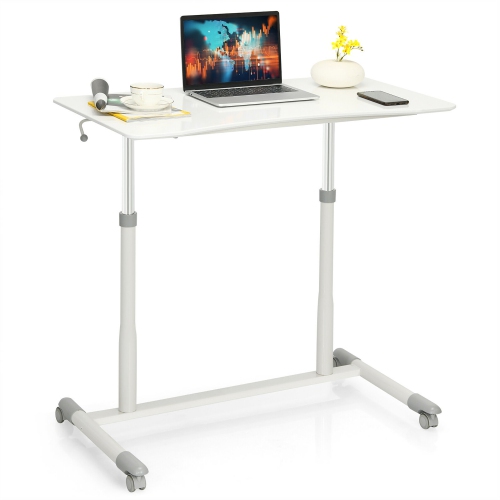
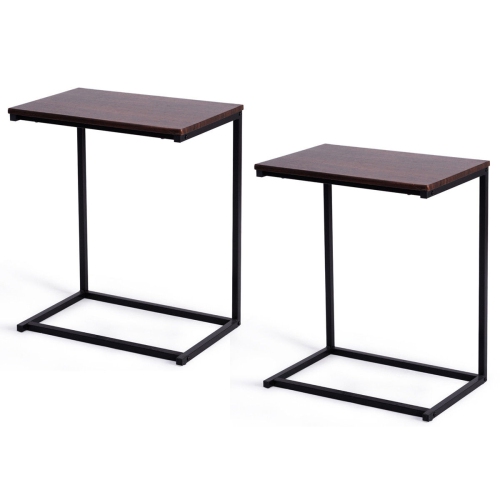
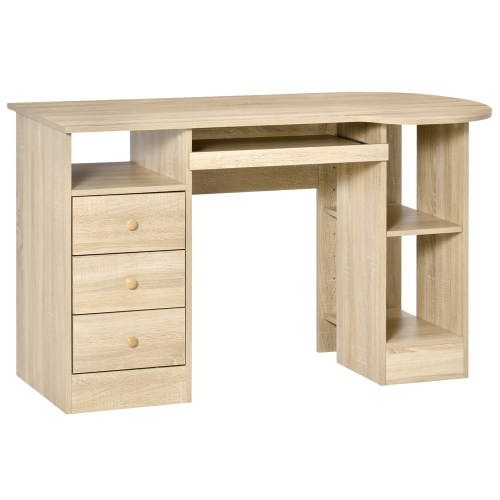
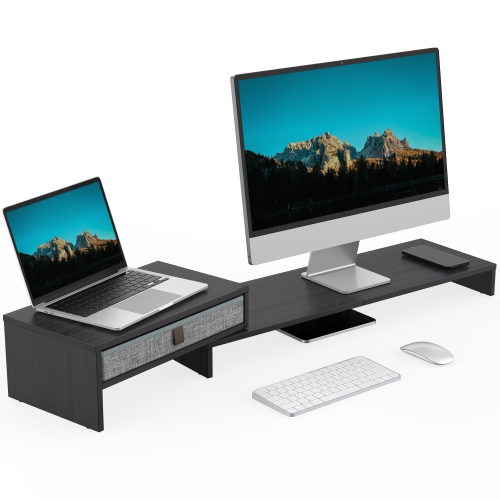
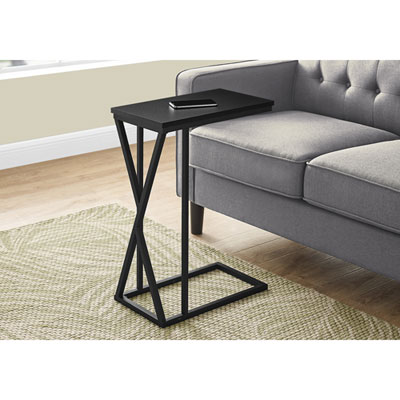
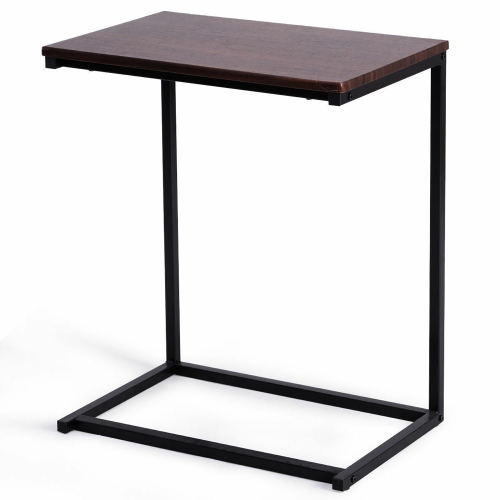
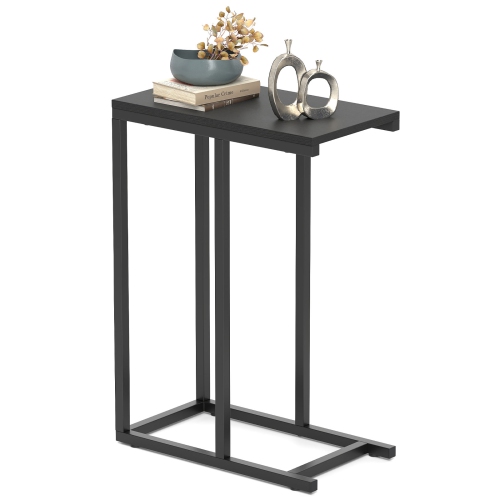
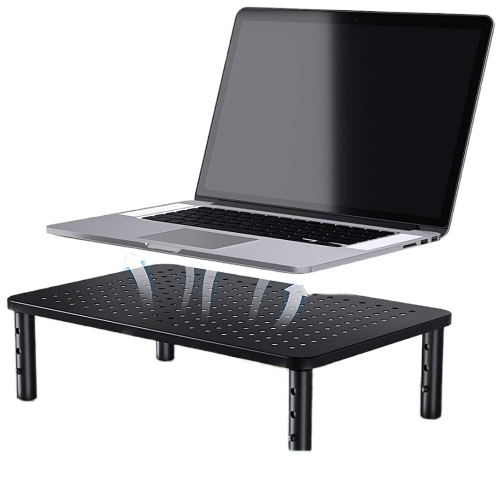
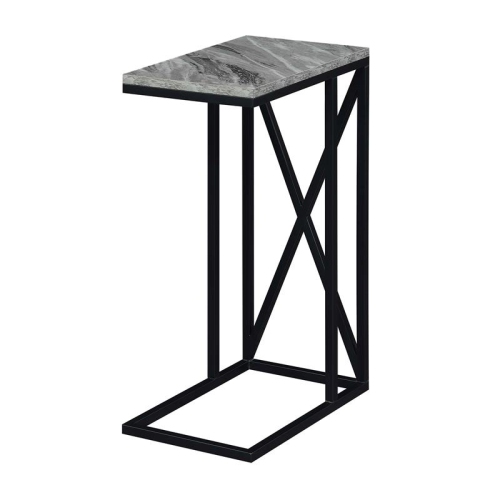
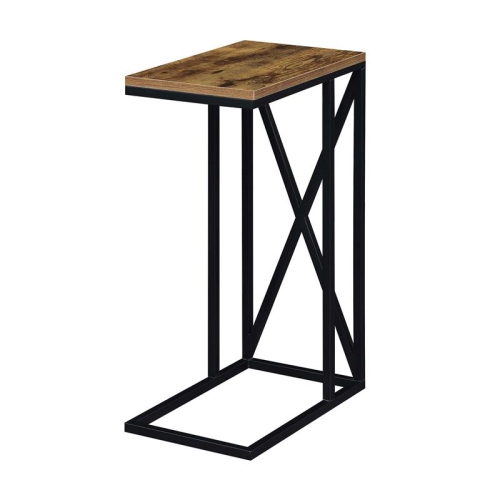
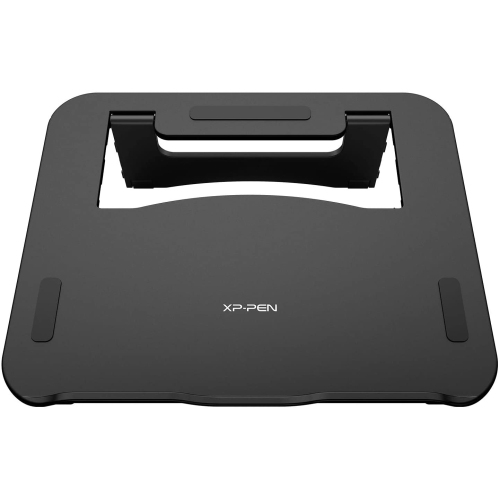
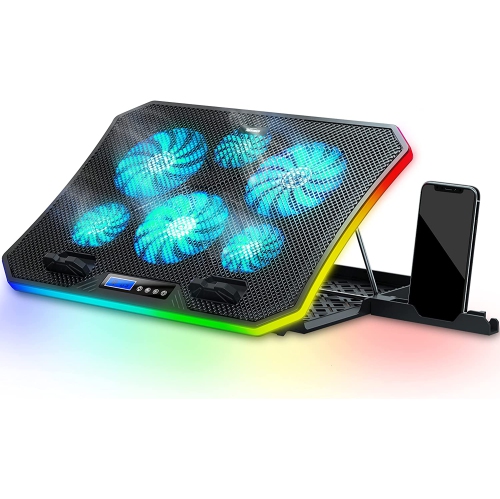
Room for laptop work without a full-sized desk
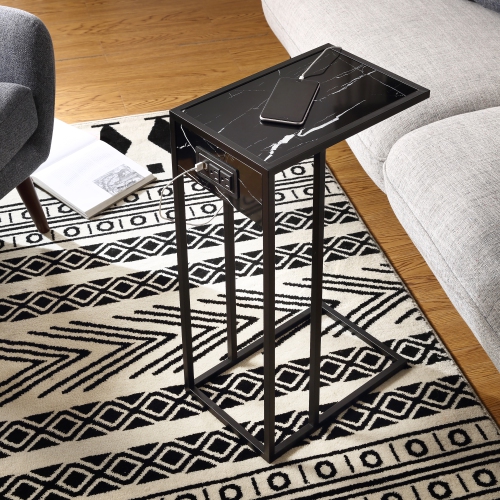
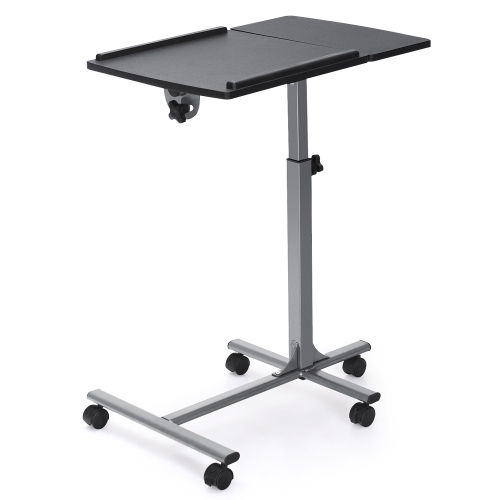
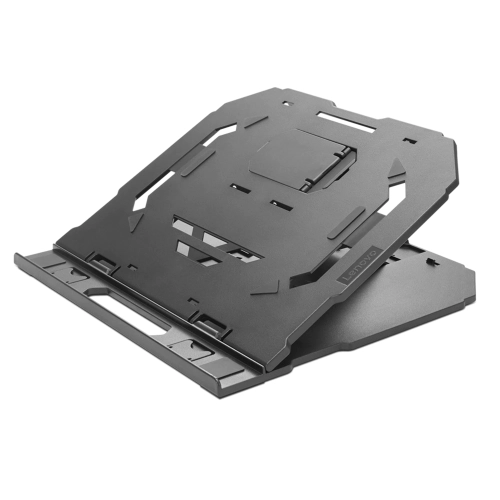
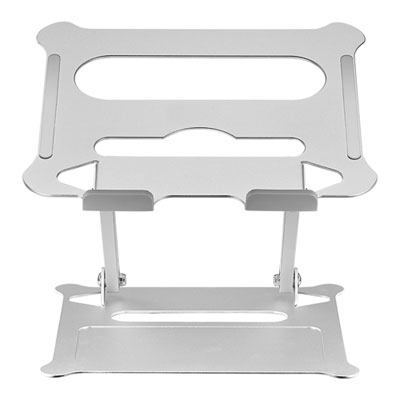
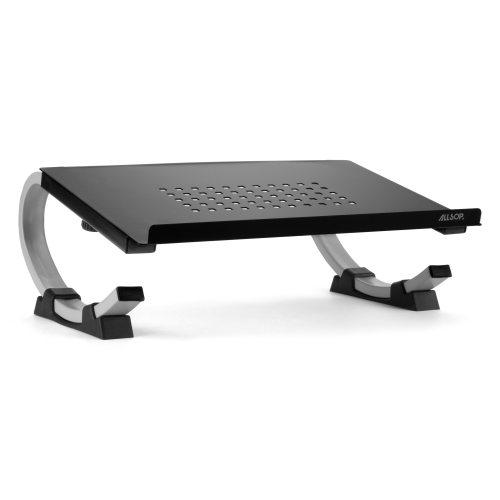
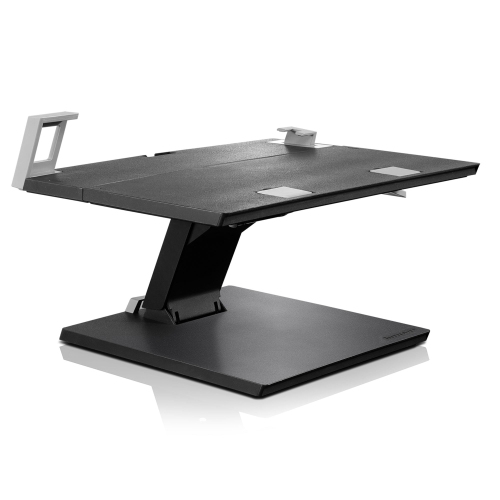
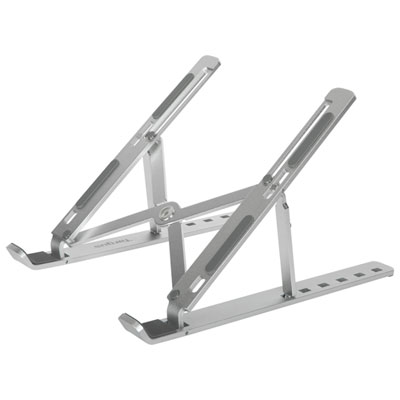
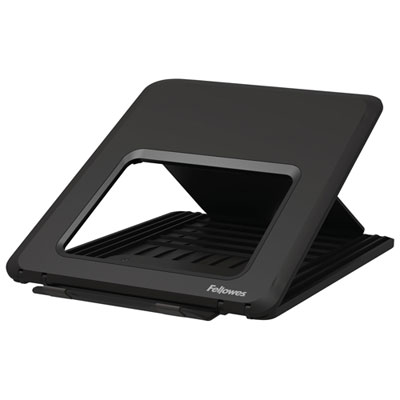
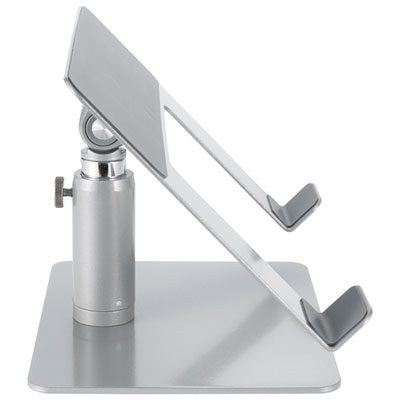
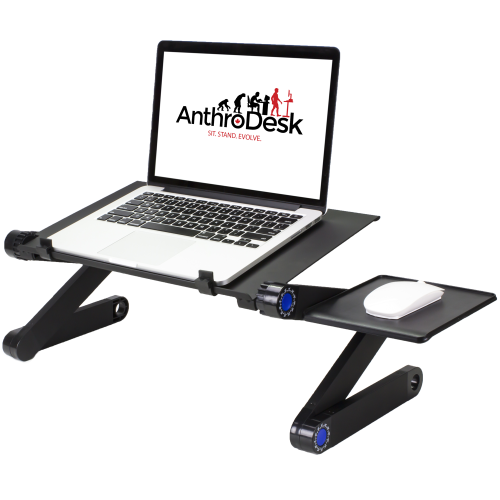
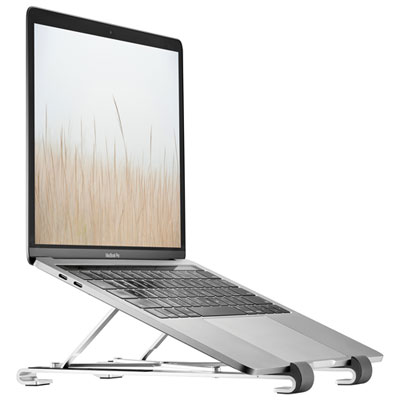
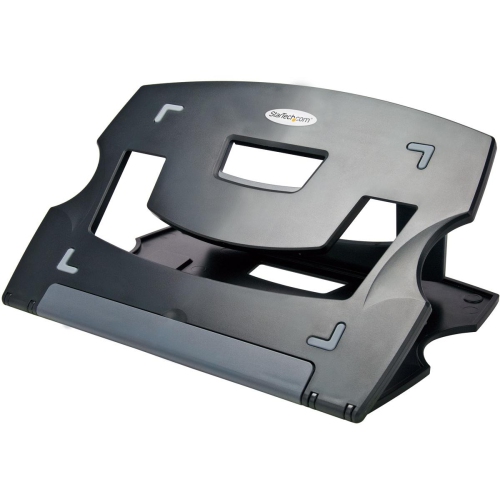
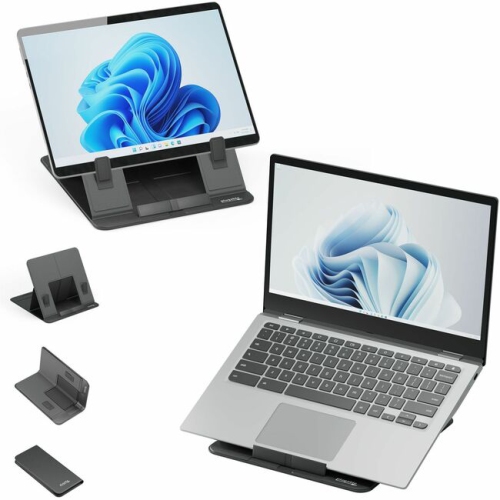
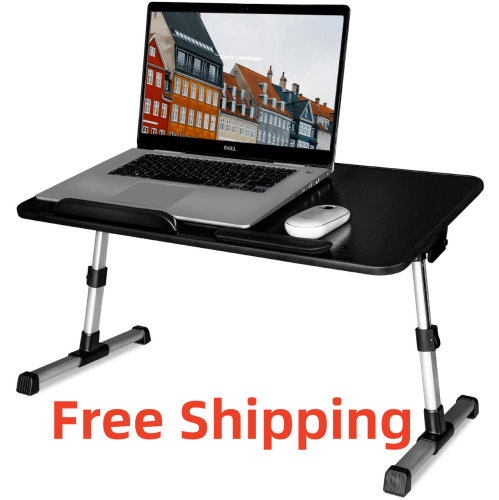
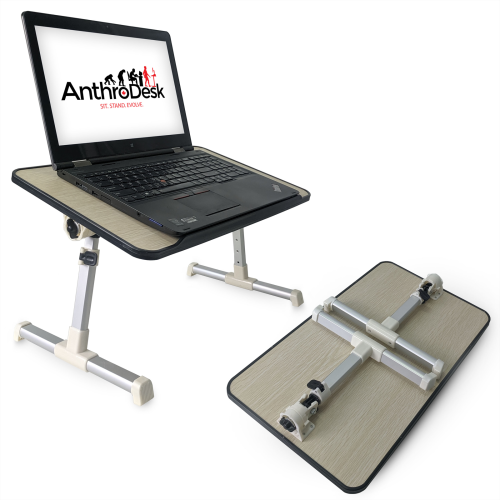
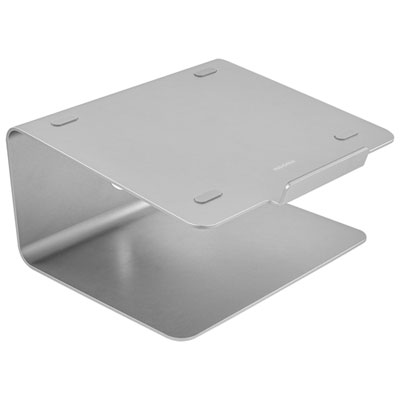
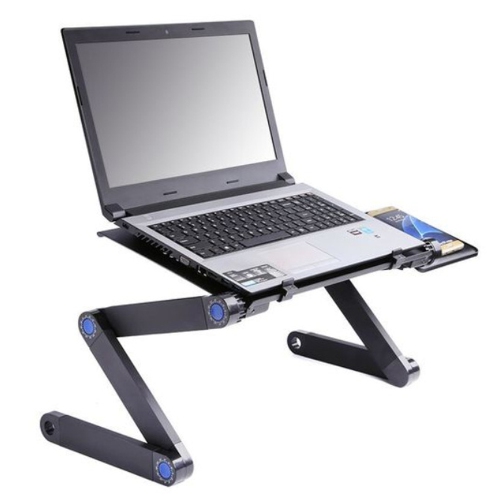
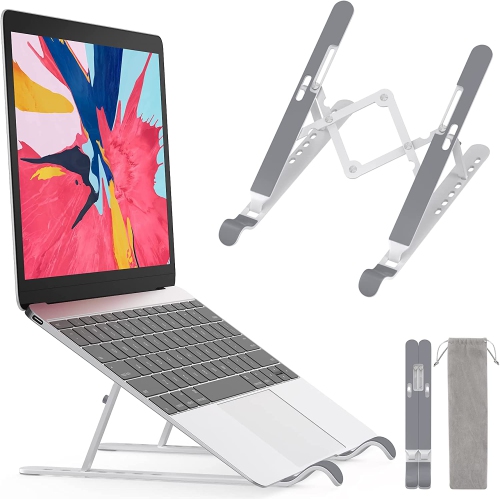
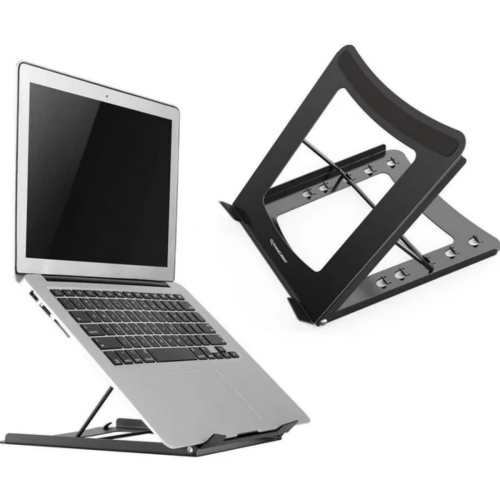
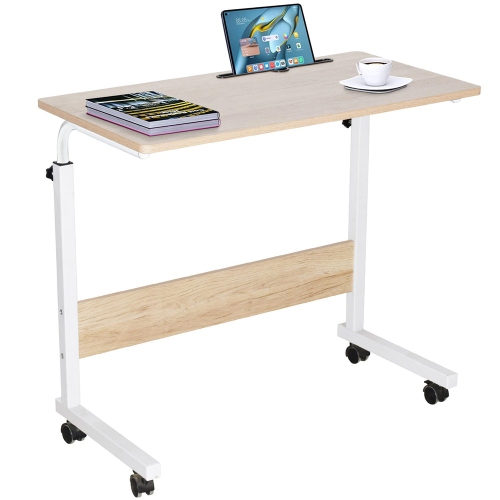
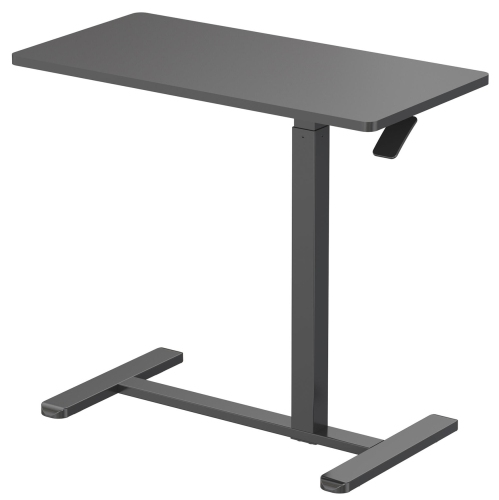
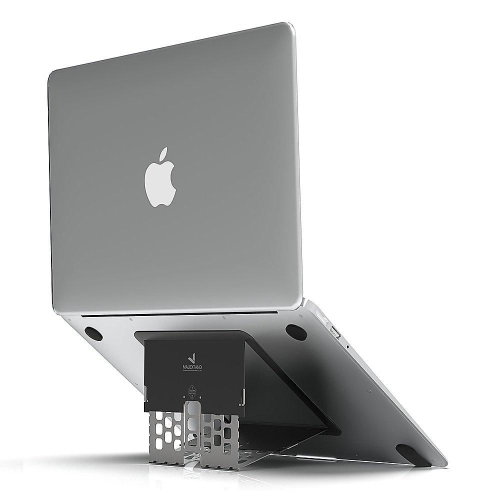
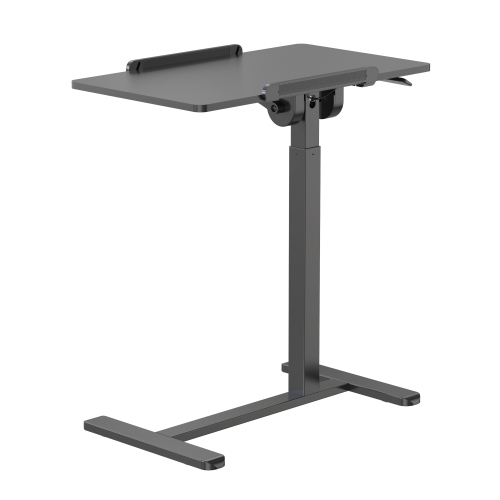
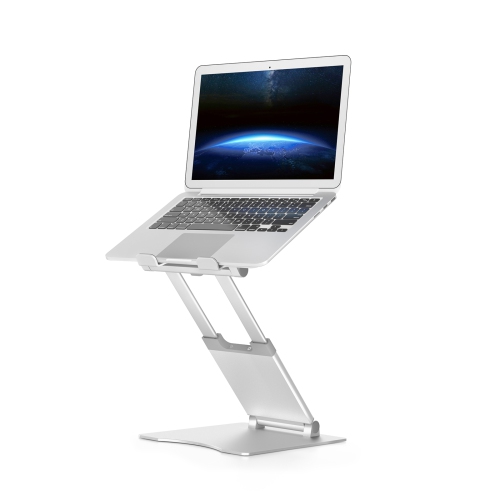
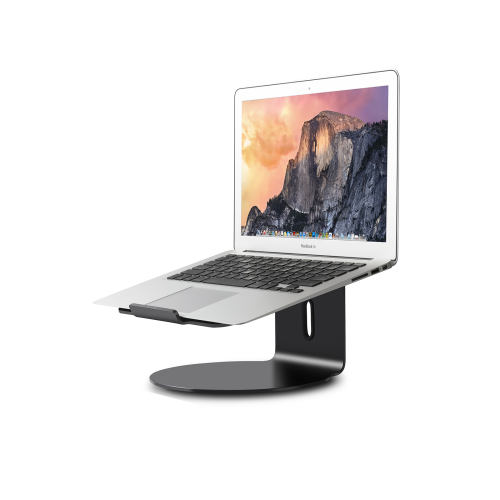
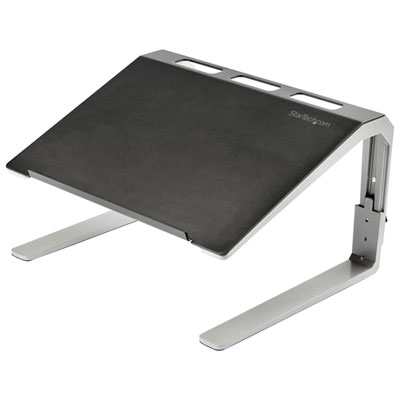
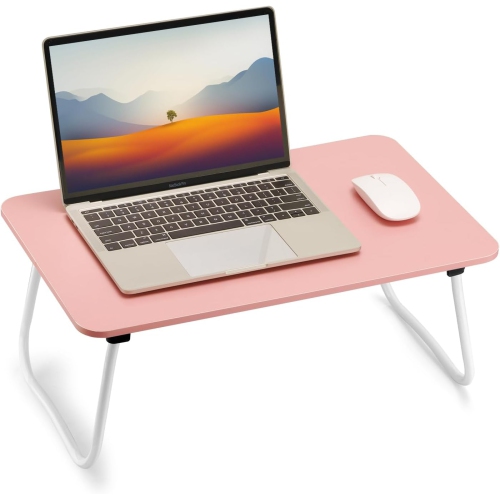
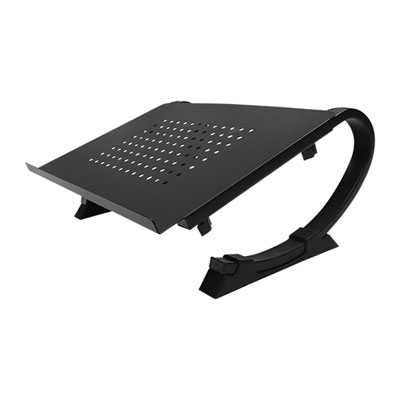
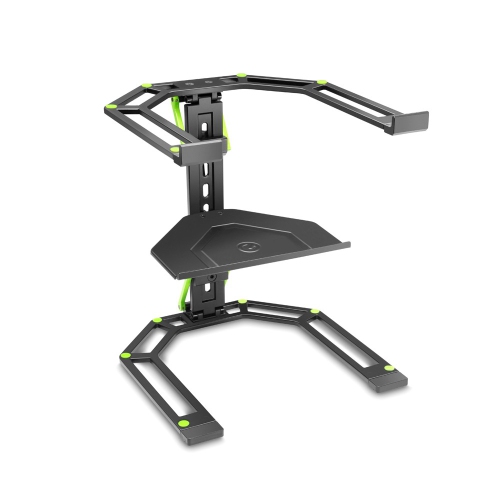
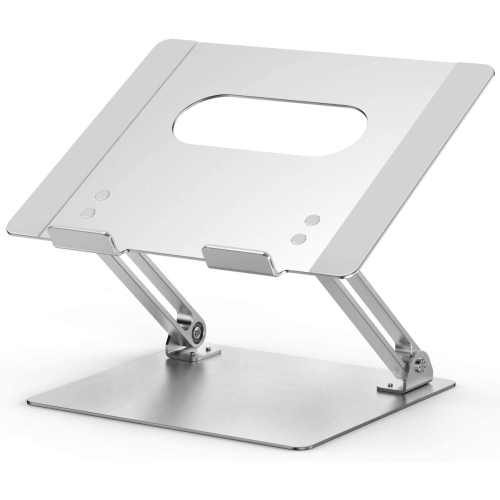
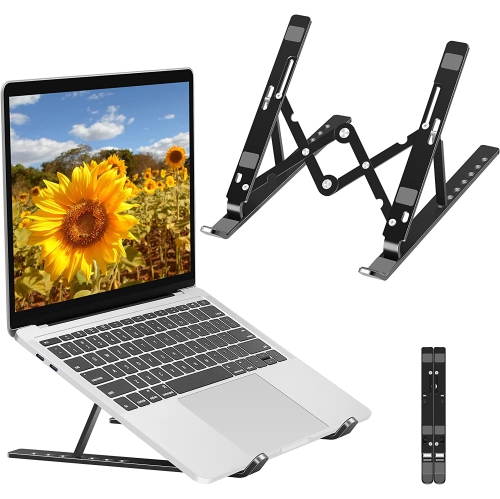
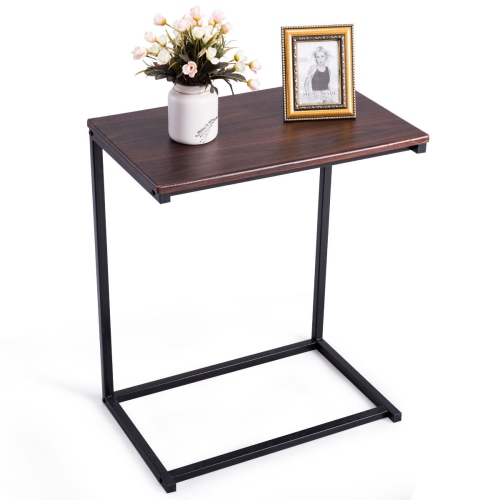
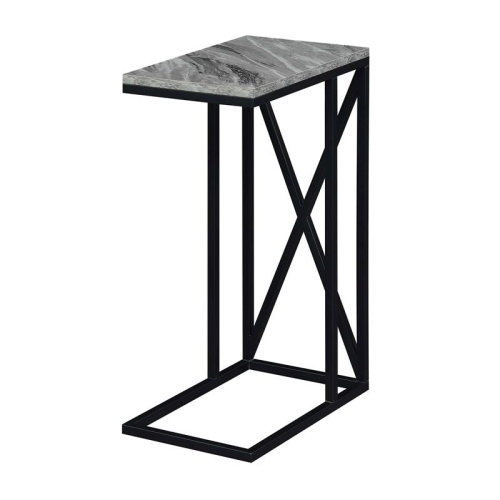
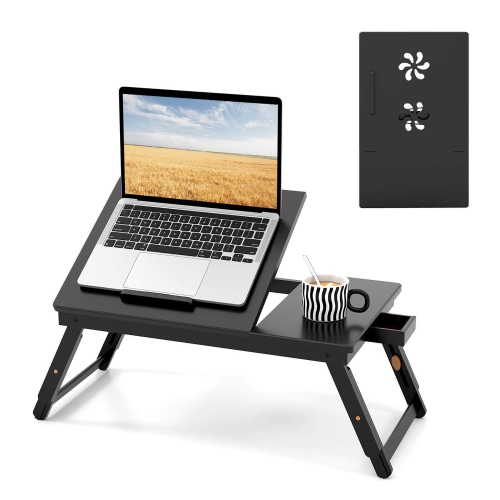
Laptop table stands provide a dedicated surface for a computer without requiring a full-sized desk, making them useful for everything from a study session beside the sofa to a video call in a spare room. The category includes folding laptop trays, cushioned lap desks, freestanding sofa-side tables, and height-adjustable floor stands. Each supports a different way of working: a lap desk rests directly across the thighs, a folding tray uses short legs to raise its surface above the lap, and a floor-standing model carries the computer’s weight independently of the seat. A compact riser, by contrast, usually sits on an existing desk or table rather than replacing one. These distinctions matter in smaller homes, shared living spaces, and rooms that serve several purposes throughout the day. A student may need a folding surface that slips beside a bookcase after an assignment, while someone working from home may prefer a stand that stays beside an armchair for reviewing documents between meetings. C-shaped frames can bring the tabletop closer by extending the base beneath suitable furniture, although the clearance under the sofa or chair determines whether that arrangement will fit. Other floor models use a wider base or castors to move between work areas. Related Laptop Tables offer another way to explore compact work surfaces for rooms where a permanent workstation would take up too much space. Beyond computer work, a level tabletop can hold a notebook, a book, or a small craft project, provided the load stays within the stated capacity. During the cooler months, a stand beside a comfortable chair can keep a laptop off a blanket while leaving space for reading or watching a film. The most suitable format depends on where it will sit, how often it will move, and whether it needs to support brief tasks or a longer stretch of typing.
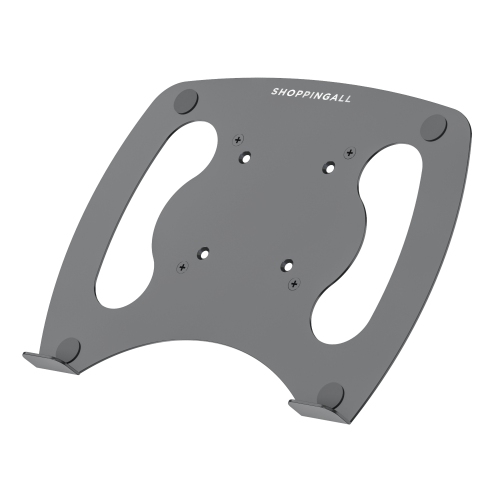
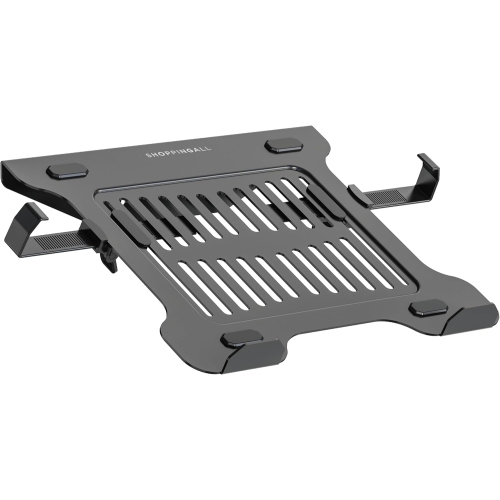
Fit involves more than matching a laptop’s advertised screen size to a stand. A 15-inch or 17-inch measurement describes the screen diagonally, not the width and depth of the computer’s outer case, so the usable tabletop dimensions are the more helpful comparison. A surface that fits the laptop alone may leave little room for a mouse, charging connector, or handwritten notes. Raised edges, corner supports, and retaining lips also occupy space, and their position can affect where wrists rest during typing. On tilting surfaces, a retaining lip helps limit sliding, while non-slip contact pads can help keep the computer in place without covering its ventilation openings. Height and angle adjustments offer flexibility, but they serve different purposes. Raising the screen can make viewing more comfortable; a gentle tilt changes the keyboard position. For longer sessions, lifting a laptop screen closer to eye level generally works best with a separate keyboard and mouse, since the built-in keyboard rises along with the display. A tabletop kept closer to elbow height may be more practical when typing directly on the laptop, with shoulders relaxed and feet supported. Some stands adjust only within a seated range, so an adjustable design is not necessarily suitable for standing work. Around a sofa or bed, legroom, cushion height, and the distance between the seat and tabletop shape how comfortably the surface can be reached. Folding tray legs need enough space to sit securely without pressing against the user, while floor stands need a stable base that does not obstruct a natural foot position. A heavily padded bed or uneven cushion can make a tray less steady than a firm surface. For wheeled designs, locking castors help hold the stand in position during use, though they do not make it safe to lean on. Cables need enough slack for height changes without trailing across a walkway, and a stand should remain balanced with the laptop positioned as intended.
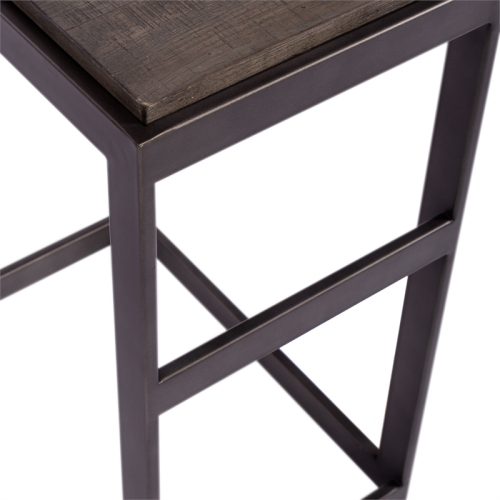
Materials and construction influence how a laptop table stand feels in daily use, how easily it moves, and how it holds up to repeated adjustments. Metal frames can provide a firm structure with relatively slim supports, while aluminium is often used where lower carrying weight is important. Steel designs may be heavier, which matters when a stand is regularly moved upstairs or tucked away. Wood, bamboo, and wood-look composite tops can blend with living-room furniture, though their finishes and exposed edges may need protection from moisture. Plastic surfaces are often easy to wipe down, but their heat tolerance and load capacity depend on the design. Tempered glass offers a smooth surface, while its weight and edges call for careful handling. Across materials, secure joints, properly engaged folding locks, and adjustment knobs that hold their position contribute to a steadier workspace. A broad tabletop is useful only when its supporting frame can carry the intended load, including accessories. Daily care is generally straightforward: crumbs and dust can be removed with a soft cloth, and spills should be wiped up promptly using a cleaning method suited to the finish. Cushioned lap desks may have removable covers or spot-clean-only padding, making care instructions worth checking before cleaning. Ventilation slots should stay clear, and fabric should not bunch around the laptop’s air intake or exhaust. Folding legs and moving joints also need clear space so that fingers, charging leads, and upholstery do not get caught during setup. For households that put work away at the end of the day, folded thickness and an easy-to-grip frame can matter as much as tabletop size. A laptop table stand can also be a thoughtful gift for a student, a frequent video caller, or someone furnishing a first apartment, especially when its dimensions suit both their computer and their favourite place to sit. Practical details such as reachable controls, rounded edges, and space for everyday accessories help turn a compact stand into a comfortable part of a familiar room.
Fit involves more than matching a laptop’s advertised screen size to a stand. A 15-inch or 17-inch measurement describes the screen diagonally, not the width and depth of the computer’s outer case, so the usable tabletop dimensions are the more helpful comparison. A surface that fits the laptop alone may leave little room for a mouse, charging connector, or handwritten notes. Raised edges, corner supports, and retaining lips also occupy space, and their position can affect where wrists rest during typing. On tilting surfaces, a retaining lip helps limit sliding, while non-slip contact pads can help keep the computer in place without covering its ventilation openings. Height and angle adjustments offer flexibility, but they serve different purposes. Raising the screen can make viewing more comfortable; a gentle tilt changes the keyboard position. For longer sessions, lifting a laptop screen closer to eye level generally works best with a separate keyboard and mouse, since the built-in keyboard rises along with the display. A tabletop kept closer to elbow height may be more practical when typing directly on the laptop, with shoulders relaxed and feet supported. Some stands adjust only within a seated range, so an adjustable design is not necessarily suitable for standing work. Around a sofa or bed, legroom, cushion height, and the distance between the seat and tabletop shape how comfortably the surface can be reached. Folding tray legs need enough space to sit securely without pressing against the user, while floor stands need a stable base that does not obstruct a natural foot position. A heavily padded bed or uneven cushion can make a tray less steady than a firm surface. For wheeled designs, locking castors help hold the stand in position during use, though they do not make it safe to lean on. Cables need enough slack for height changes without trailing across a walkway, and a stand should remain balanced with the laptop positioned as intended.
Materials and construction influence how a laptop table stand feels in daily use, how easily it moves, and how it holds up to repeated adjustments. Metal frames can provide a firm structure with relatively slim supports, while aluminium is often used where lower carrying weight is important. Steel designs may be heavier, which matters when a stand is regularly moved upstairs or tucked away. Wood, bamboo, and wood-look composite tops can blend with living-room furniture, though their finishes and exposed edges may need protection from moisture. Plastic surfaces are often easy to wipe down, but their heat tolerance and load capacity depend on the design. Tempered glass offers a smooth surface, while its weight and edges call for careful handling. Across materials, secure joints, properly engaged folding locks, and adjustment knobs that hold their position contribute to a steadier workspace. A broad tabletop is useful only when its supporting frame can carry the intended load, including accessories. Daily care is generally straightforward: crumbs and dust can be removed with a soft cloth, and spills should be wiped up promptly using a cleaning method suited to the finish. Cushioned lap desks may have removable covers or spot-clean-only padding, making care instructions worth checking before cleaning. Ventilation slots should stay clear, and fabric should not bunch around the laptop’s air intake or exhaust. Folding legs and moving joints also need clear space so that fingers, charging leads, and upholstery do not get caught during setup. For households that put work away at the end of the day, folded thickness and an easy-to-grip frame can matter as much as tabletop size. A laptop table stand can also be a thoughtful gift for a student, a frequent video caller, or someone furnishing a first apartment, especially when its dimensions suit both their computer and their favourite place to sit. Practical details such as reachable controls, rounded edges, and space for everyday accessories help turn a compact stand into a comfortable part of a familiar room.
Top selling and popular products
-
 Your price for this item is $149.99
 -
 Your price for this item is $69.99
 -
 Your price for this item is $35
 -
 Your price for this item is $59.99
 -
 Your price for this item is $179.99
 -
 Your price for this item is $209.99
 -
 Your price for this item is $89.99
 -
 Your price for this item is $154.99
Discover more categories related to Laptop Table Stands
Top Collections:
Pokemon Centers, Kindle Devices, Best Budget Office Chairs, Apple iPhones 16, Best Laptops for Writers, iPhone 15 Apple, Canon G7X Cameras, Refurbished Apple Laptops, Alarm Clock, Motorola Razr Phones
Some products may be subject to Environmental Handling Fees
(EHF) depending on your province.
Learn more about EHFs.