Laptops for Web Designers
Laptops for Web Designers offer the performance and flexibility needed to bring creative visions to life. Whether you’re building responsive websites, editing graphics, or managing multiple design tools, the right laptop makes all the difference. Explore a wide selection of models designed to handle demanding design tasks, streamline your workflow, and keep your projects moving forward. Find the perfect balance of speed, display quality, and portability with Laptops for Web Designers that help turn inspiration into reality.
Sort










Why colour accuracy and multitasking matter in web design
Laptops for web designers benefit from colour-accurate displays, responsive multi-core processors, and enough memory to run design tools, code editors, and browser tests together. That combination supports the everyday rhythm of web design: adjusting a page layout, checking a prototype, editing an image, and reviewing the result at several screen sizes without constantly closing applications. Freelancers, agency designers, students, and in-house creative teams may share these needs, even when their projects look quite different. Someone building straightforward business websites may spend most of the day in a browser and a visual design application, while a designer creating animated landing pages may also work with video, motion graphics, and large image files. The screen is especially important because small differences in colour, contrast, and sharpness can affect decisions about everything from a pale background to the weight of a navigation label. Broad coverage of the sRGB colour space is useful for web work, while good factory calibration or support for display calibration can help make colour decisions more consistent. Colour gamut describes the range of colours a screen can show; it does not, on its own, guarantee accuracy. A higher-resolution display can make typography and fine interface details easier to inspect, although comfortable scaling matters just as much as the pixel count. A 14-inch laptop offers a practical balance of workspace and portability, while a 15-inch or 16-inch display provides more room for panels, page previews, and side-by-side windows. Screen finish also shapes the experience: matte surfaces can reduce distracting reflections, while glossy displays may appear more vivid but reflect nearby windows and lights. Wide viewing angles help when reviewing a layout with a colleague seated beside the screen. Designers whose projects extend into illustration, branding, or image-heavy campaigns may also find relevant options among Laptops for Graphic Designers, where display quality and creative performance serve closely related needs.
Performance requirements depend less on a single application than on everything running alongside it. A typical working session might include a large design file, a code editor, a local development server, a video call, and several browser windows containing reference material and test pages. For this kind of multitasking, 16 GB of RAM is a useful starting point, while 32 GB provides more headroom for complex files, heavier development tasks, or frequent work across multiple creative applications. Memory that cannot be upgraded makes the initial configuration particularly important for a laptop intended to serve through several years of projects. Processor performance affects how quickly the system responds to edits, builds a site, processes assets, and handles background tasks. Strong single-core performance helps with interactive work, while additional capable cores can benefit parallel tasks and some export operations. Sustained performance matters too: a thin laptop that responds quickly to brief tasks may behave differently during a long export or a demanding development build. Integrated graphics are often sufficient for interface design, coding, and ordinary image editing. Dedicated graphics become more relevant when the workload includes substantial motion design, 3D content, or applications that make effective use of graphics acceleration. Solid-state storage helps applications launch and project files open promptly. A 512 GB drive can suit a workflow built around lighter files and shared storage, while 1 TB offers more local room for image libraries, video assets, project versions, and development tools. Storage capacity is separate from backup protection, so important client work still benefits from a reliable backup routine. Operating system compatibility deserves equal attention, particularly when a course, employer, or client workflow depends on certain applications, extensions, or development tools. Designers testing across different browsers and devices also need a practical way to check those experiences; a laptop screen alone cannot represent every visitor’s setup. These details make a balanced configuration more useful than a powerful specification that leaves another part of the workflow constrained.
Everyday comfort and construction influence how well a laptop fits into web design work after the specifications have been compared. A keyboard with clear feedback and a sensible layout can make long stretches of coding or writing interface text less tiring, while an accurate trackpad helps with selections, scrolling, and gestures when a separate mouse is not nearby. A touchscreen or pen-compatible display may be useful for sketching concepts and annotating feedback, but neither is essential for most web design tasks. For someone moving between classes, client meetings, and a shared workspace, weight and charger size become part of the daily experience. Battery life also varies with screen brightness, video calls, and processing demands, so light browsing estimates may not reflect a full design session. Rigid construction, a stable hinge, and a well-fitted lid can help a laptop withstand regular handling, whether its casing uses metal, reinforced plastic, or a combination of materials. A padded sleeve adds protection inside a bag, and keeping drinks away from the keyboard reduces an avoidable risk during desk work. Clear ventilation openings and a clean, soft cloth for routine exterior care help keep the machine comfortable to use; screen cleaning should follow the manufacturer’s directions rather than relying on household cleaners. Connections matter when the laptop becomes the centre of a desk setup. External display support, suitable USB ports, and a compatible docking connection can make room for a larger monitor, keyboard, pointing device, and storage without repeated cable swapping. Not every USB-C port supports the same charging, data, or display functions, so those capabilities need to match the intended accessories. Reliable Wi-Fi is valuable for shared files, online collaboration, and remote reviews, while a good webcam and clear microphone support client conversations. For a student beginning a design programme or a creative professional receiving a laptop as a gift, compatibility with their established tools and preferred working style is more meaningful than appearance alone. The strongest fit is a laptop that keeps layouts readable, applications responsive, and everyday work comfortable wherever projects take shape.
Performance requirements depend less on a single application than on everything running alongside it. A typical working session might include a large design file, a code editor, a local development server, a video call, and several browser windows containing reference material and test pages. For this kind of multitasking, 16 GB of RAM is a useful starting point, while 32 GB provides more headroom for complex files, heavier development tasks, or frequent work across multiple creative applications. Memory that cannot be upgraded makes the initial configuration particularly important for a laptop intended to serve through several years of projects. Processor performance affects how quickly the system responds to edits, builds a site, processes assets, and handles background tasks. Strong single-core performance helps with interactive work, while additional capable cores can benefit parallel tasks and some export operations. Sustained performance matters too: a thin laptop that responds quickly to brief tasks may behave differently during a long export or a demanding development build. Integrated graphics are often sufficient for interface design, coding, and ordinary image editing. Dedicated graphics become more relevant when the workload includes substantial motion design, 3D content, or applications that make effective use of graphics acceleration. Solid-state storage helps applications launch and project files open promptly. A 512 GB drive can suit a workflow built around lighter files and shared storage, while 1 TB offers more local room for image libraries, video assets, project versions, and development tools. Storage capacity is separate from backup protection, so important client work still benefits from a reliable backup routine. Operating system compatibility deserves equal attention, particularly when a course, employer, or client workflow depends on certain applications, extensions, or development tools. Designers testing across different browsers and devices also need a practical way to check those experiences; a laptop screen alone cannot represent every visitor’s setup. These details make a balanced configuration more useful than a powerful specification that leaves another part of the workflow constrained.
Everyday comfort and construction influence how well a laptop fits into web design work after the specifications have been compared. A keyboard with clear feedback and a sensible layout can make long stretches of coding or writing interface text less tiring, while an accurate trackpad helps with selections, scrolling, and gestures when a separate mouse is not nearby. A touchscreen or pen-compatible display may be useful for sketching concepts and annotating feedback, but neither is essential for most web design tasks. For someone moving between classes, client meetings, and a shared workspace, weight and charger size become part of the daily experience. Battery life also varies with screen brightness, video calls, and processing demands, so light browsing estimates may not reflect a full design session. Rigid construction, a stable hinge, and a well-fitted lid can help a laptop withstand regular handling, whether its casing uses metal, reinforced plastic, or a combination of materials. A padded sleeve adds protection inside a bag, and keeping drinks away from the keyboard reduces an avoidable risk during desk work. Clear ventilation openings and a clean, soft cloth for routine exterior care help keep the machine comfortable to use; screen cleaning should follow the manufacturer’s directions rather than relying on household cleaners. Connections matter when the laptop becomes the centre of a desk setup. External display support, suitable USB ports, and a compatible docking connection can make room for a larger monitor, keyboard, pointing device, and storage without repeated cable swapping. Not every USB-C port supports the same charging, data, or display functions, so those capabilities need to match the intended accessories. Reliable Wi-Fi is valuable for shared files, online collaboration, and remote reviews, while a good webcam and clear microphone support client conversations. For a student beginning a design programme or a creative professional receiving a laptop as a gift, compatibility with their established tools and preferred working style is more meaningful than appearance alone. The strongest fit is a laptop that keeps layouts readable, applications responsive, and everyday work comfortable wherever projects take shape.
Top selling and popular products
-
 Your price for this item is $449
-
 Your price for this item is $3099
-
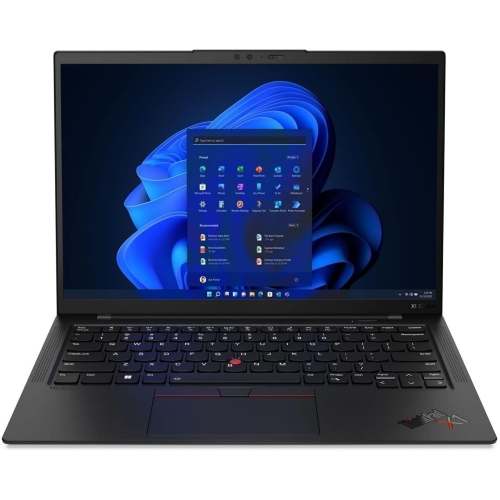 Your price for this item is $429.99
-
 Your price for this item is $1800.68
-
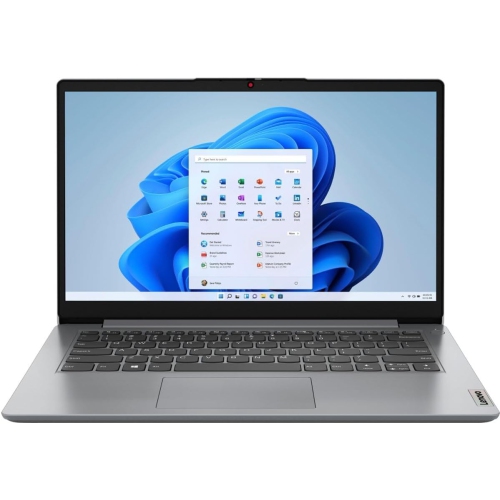 Your price for this item is $664.05
-
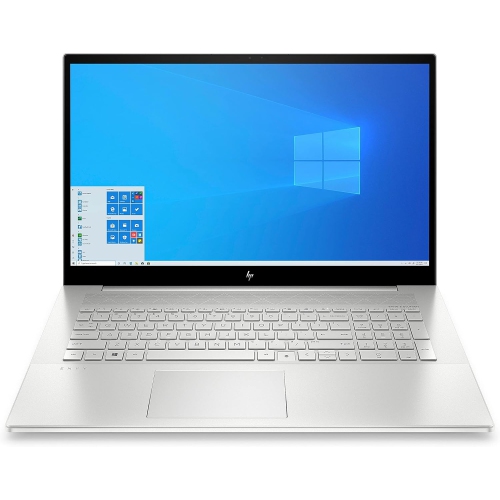 Your price for this item is $869.99
-
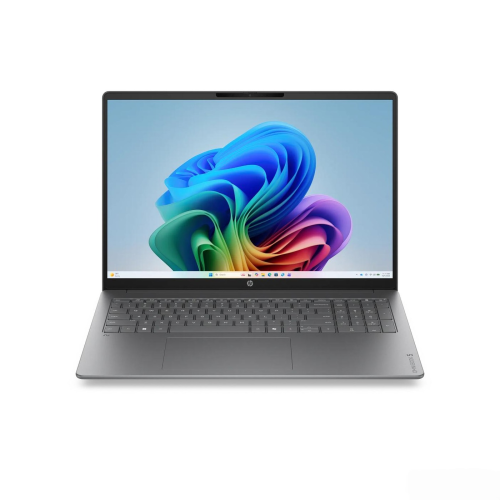 Your price for this item is $2960.48
-
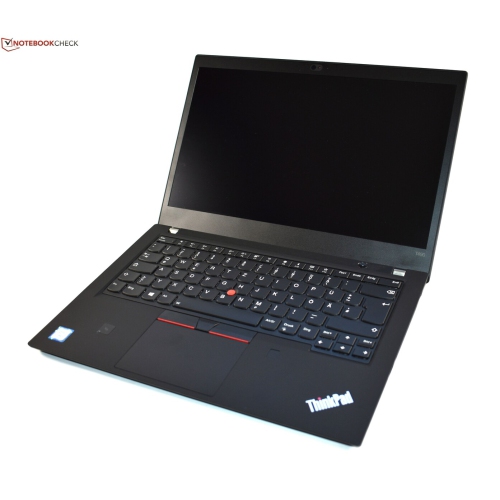 Your price for this item is $479.68
Discover more categories related to Laptops for Web Designers
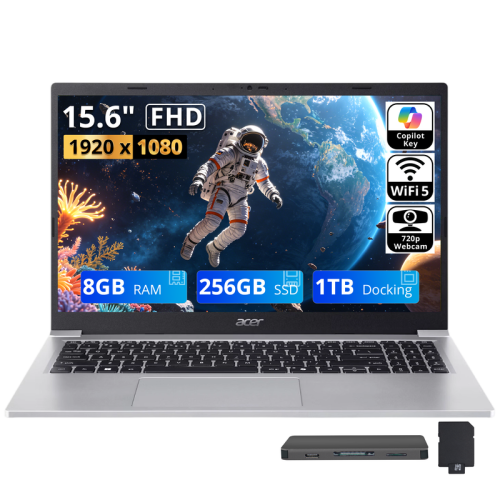
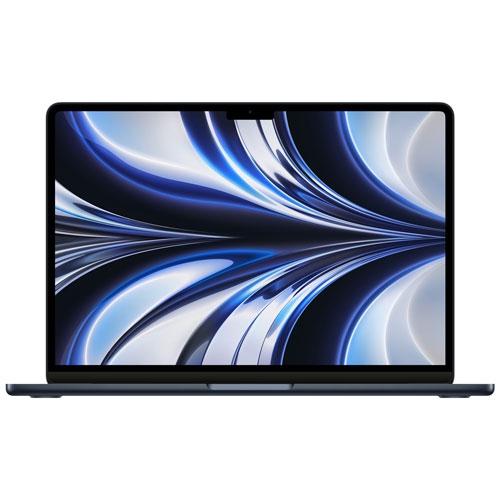
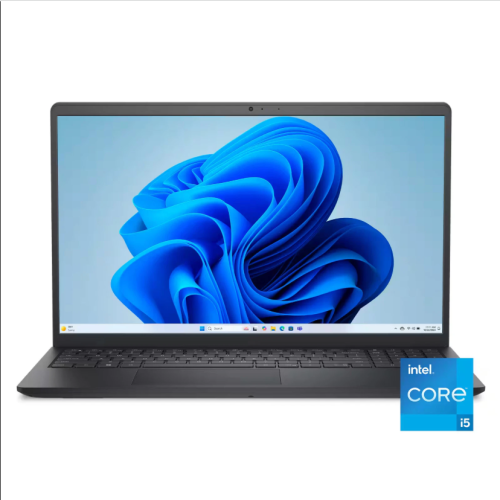
Top Collections:
Pokemon Centers, Pokémon 30th Celebration Cards, Best Budget Office Chairs, Kindle Devices, Best Cameras for Sports Photography, Canon G7X Cameras, Best Black Friday Deals On Electronics, Best Laptops for Writers, iPhone 15 Apple, Jackery Power Stations
Some products may be subject to Environmental Handling Fees
(EHF) depending on your province.
Learn more about EHFs.