Laptops With 1080P Webcams
Laptops With 1080P Webcams are designed to deliver crisp, clear video quality for all your virtual meetings, streaming sessions, and online collaborations. Whether you're working from home, attending virtual classes, or connecting with friends and family, these laptops provide an enhanced video experience that keeps you looking your best. Explore a wide range of options to find the perfect combination of performance, style, and advanced webcam technology to suit your needs.
Sort
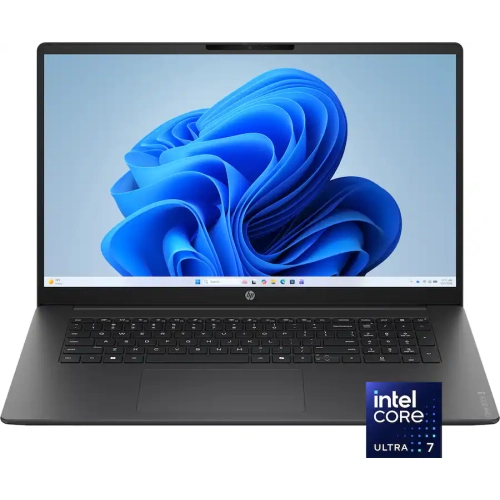
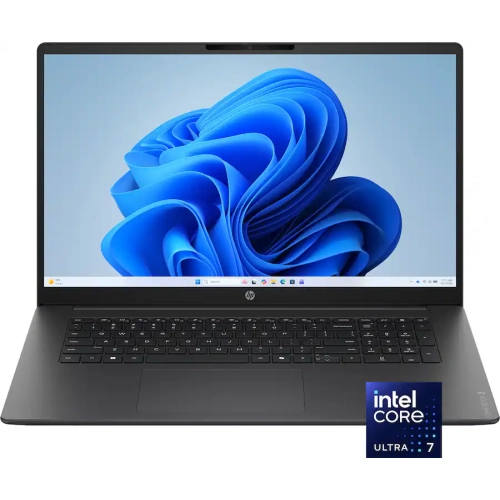
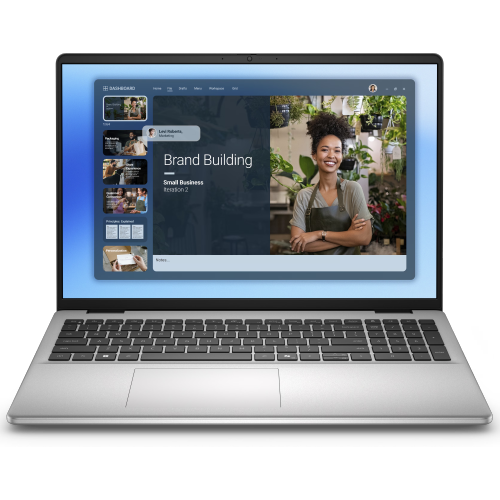
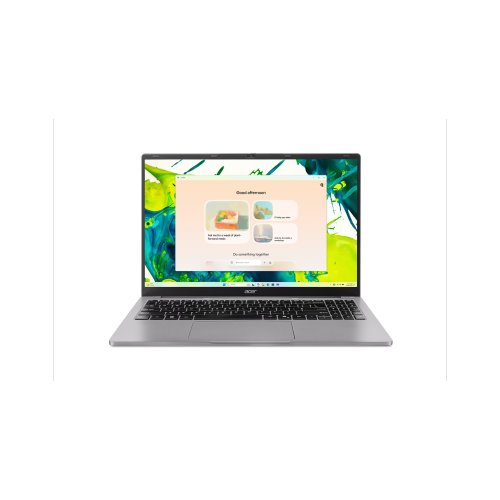


Why clearer video calls depend on more than resolution
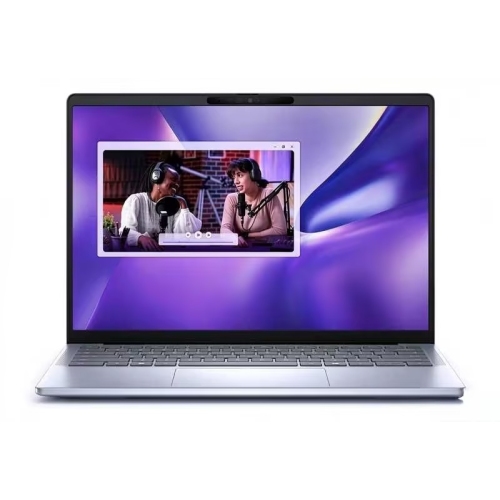
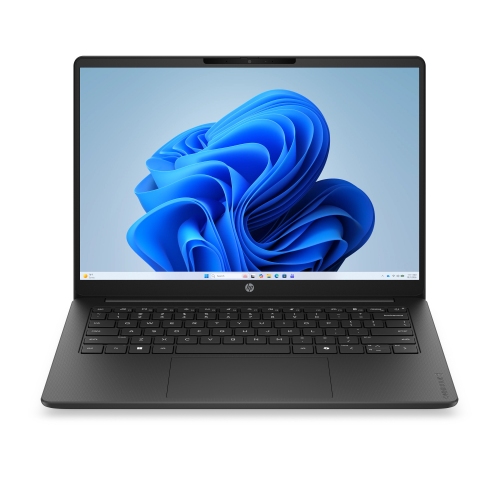
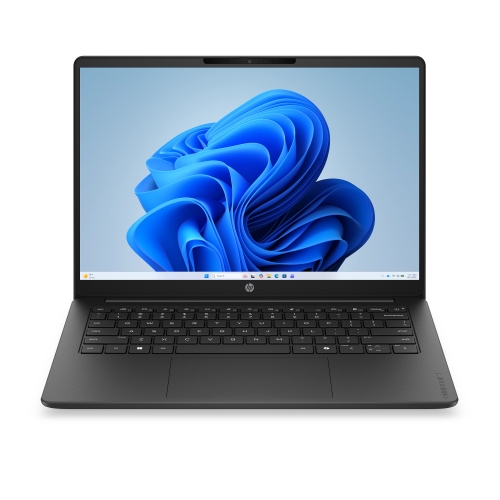
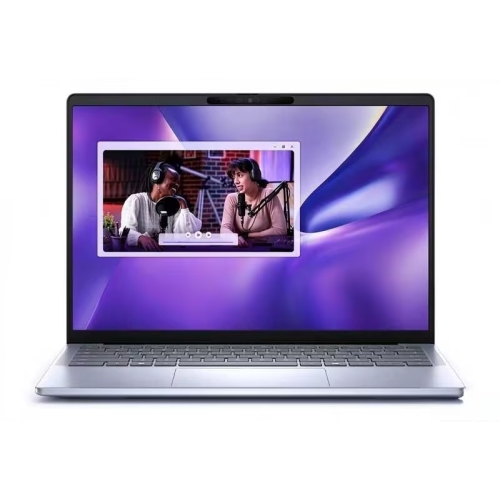
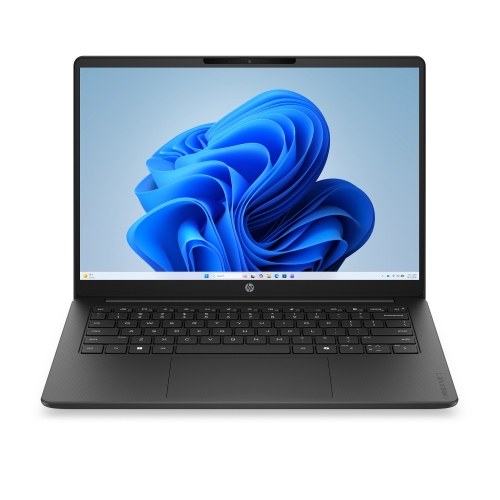
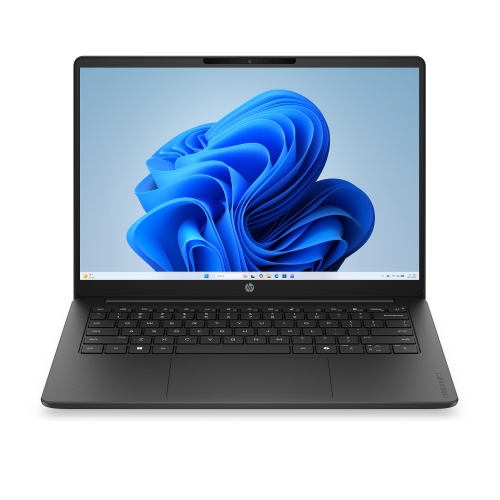
Laptops with 1080p webcams bring Full HD video capture into the same device used for work, study, and everyday computing. A 1080p webcam captures images at 1920 × 1080 pixels, offering more image detail than a 720p camera when lighting, processing, and connection quality are comparable. That extra detail can help facial expressions look more defined during a job interview, make conversations with distant relatives feel more personal, and give presentations a more polished appearance. An integrated camera also keeps the setup straightforward: open the screen, join the meeting, and adjust the display so the lens sits near eye level. Webcam resolution is separate from screen resolution, so a laptop with a Full HD camera does not necessarily have a Full HD display; each specification describes a different part of the device. Resolution alone also does not determine how good the picture looks. Sensor quality, lens design, image processing, and the amount of light reaching the camera all influence sharpness, colour, and noise. A desk facing a window or a softly lit room will generally produce a clearer image than a seat with a bright window directly behind it. Video-call software may reduce the transmitted resolution to suit connection speeds or meeting settings, meaning a 1080p camera will not deliver Full HD video in every call. Frame rate matters as well: a camera rated for 1080p at 30 frames per second is generally suitable for conversation, while supported capture settings vary between laptops and applications. Field of view affects framing, with a wider view showing more of the room and a narrower view keeping attention on the person speaking. Automatic exposure and white balance can help maintain a consistent picture, though their effectiveness differs between designs. For people who move between a home desk, a shared office, and a study space, these details can matter as much as the resolution printed in the specifications.
The rest of the laptop shapes how comfortably that camera fits into a daily routine. Someone attending online lectures may need to keep a video call, course materials, and a document open together, while a remote employee might switch between spreadsheets, a browser, and screen sharing throughout the day. A capable processor and sufficient memory help support those overlapping tasks; the webcam specification by itself says little about overall performance. Storage capacity matters for saved recordings, presentations, photos, and larger applications, while an SSD helps keep startup and file access responsive. A dedicated graphics processor may be relevant for demanding creative work or gaming, but it is not a requirement simply to use a 1080p webcam. Display size involves a different balance. Laptops with 13-inch or 14-inch screens can be easier to carry between locations, whereas 15-inch and 16-inch screens provide more room for meeting participants alongside notes or shared content. Screen brightness and glare also affect comfort when reading documents for long stretches. A stable hinge makes it easier to maintain the right camera angle, and a convertible laptop can offer flexible screen positioning without giving up a built-in keyboard for typing. Sound deserves equal attention: clear microphones, useful speaker volume, and optional noise-reduction features can make a conversation easier to follow. A headset remains helpful in a shared room, particularly when privacy or background noise is a concern. Connectivity influences the setup, too. Reliable Wi-Fi supports video calls, while compatible ports can accommodate a wired network adapter, an external monitor, or a headset. USB-C charging and display output are convenient where supported, but the connector shape alone does not confirm those capabilities. Battery-life estimates also need context because video meetings use the camera, microphones, screen, and network connection together. For long sessions away from an outlet, the laptop’s weight, charger size, and battery performance during comparable tasks are more useful than a runtime figure viewed in isolation.
Physical design and everyday handling help distinguish a laptop that simply meets the camera requirement from one that feels right over time. Aluminum and magnesium-alloy chassis can provide a rigid feel, while well-constructed plastic housings can also suit regular travel and home use; material alone is not a guarantee of durability. Hinge stability, keyboard comfort, trackpad responsiveness, and the fit of the screen within the chassis all contribute to the experience. A laptop that fits securely in a padded bag is easier to carry without pressure against the display, and leaving space around ventilation openings helps it operate as intended on a desk or work surface. Keeping the webcam lens free of fingerprints can make a noticeable difference to image clarity. A clean, dry microfibre cloth, used according to the manufacturer’s care instructions, is generally preferable to household cleaners or spraying liquid near the camera. Privacy features vary: some laptops include a physical camera shutter, while others provide a camera-disable control or software permissions. These controls serve different purposes, so a visible shutter should not be assumed to mute the microphone as well. Facial sign-in is another separate feature; it may require a compatible infrared camera and supported software rather than an ordinary 1080p webcam. For students, frequent travellers, home-based professionals, and people who regularly connect with family, these practical distinctions help match the device to its intended use. As a gift, a laptop with a Full HD webcam is most useful when its operating system, keyboard layout, screen size, and application compatibility suit the recipient’s routine. The broader Laptops With Webcam category provides a starting point for comparing integrated-camera designs, while a 1080p webcam offers a defined resolution for those prioritizing video communication. The strongest fit brings that camera together with comfortable controls, dependable connectivity, and enough computing capability for everything happening before, during, and after the call.
The rest of the laptop shapes how comfortably that camera fits into a daily routine. Someone attending online lectures may need to keep a video call, course materials, and a document open together, while a remote employee might switch between spreadsheets, a browser, and screen sharing throughout the day. A capable processor and sufficient memory help support those overlapping tasks; the webcam specification by itself says little about overall performance. Storage capacity matters for saved recordings, presentations, photos, and larger applications, while an SSD helps keep startup and file access responsive. A dedicated graphics processor may be relevant for demanding creative work or gaming, but it is not a requirement simply to use a 1080p webcam. Display size involves a different balance. Laptops with 13-inch or 14-inch screens can be easier to carry between locations, whereas 15-inch and 16-inch screens provide more room for meeting participants alongside notes or shared content. Screen brightness and glare also affect comfort when reading documents for long stretches. A stable hinge makes it easier to maintain the right camera angle, and a convertible laptop can offer flexible screen positioning without giving up a built-in keyboard for typing. Sound deserves equal attention: clear microphones, useful speaker volume, and optional noise-reduction features can make a conversation easier to follow. A headset remains helpful in a shared room, particularly when privacy or background noise is a concern. Connectivity influences the setup, too. Reliable Wi-Fi supports video calls, while compatible ports can accommodate a wired network adapter, an external monitor, or a headset. USB-C charging and display output are convenient where supported, but the connector shape alone does not confirm those capabilities. Battery-life estimates also need context because video meetings use the camera, microphones, screen, and network connection together. For long sessions away from an outlet, the laptop’s weight, charger size, and battery performance during comparable tasks are more useful than a runtime figure viewed in isolation.
Physical design and everyday handling help distinguish a laptop that simply meets the camera requirement from one that feels right over time. Aluminum and magnesium-alloy chassis can provide a rigid feel, while well-constructed plastic housings can also suit regular travel and home use; material alone is not a guarantee of durability. Hinge stability, keyboard comfort, trackpad responsiveness, and the fit of the screen within the chassis all contribute to the experience. A laptop that fits securely in a padded bag is easier to carry without pressure against the display, and leaving space around ventilation openings helps it operate as intended on a desk or work surface. Keeping the webcam lens free of fingerprints can make a noticeable difference to image clarity. A clean, dry microfibre cloth, used according to the manufacturer’s care instructions, is generally preferable to household cleaners or spraying liquid near the camera. Privacy features vary: some laptops include a physical camera shutter, while others provide a camera-disable control or software permissions. These controls serve different purposes, so a visible shutter should not be assumed to mute the microphone as well. Facial sign-in is another separate feature; it may require a compatible infrared camera and supported software rather than an ordinary 1080p webcam. For students, frequent travellers, home-based professionals, and people who regularly connect with family, these practical distinctions help match the device to its intended use. As a gift, a laptop with a Full HD webcam is most useful when its operating system, keyboard layout, screen size, and application compatibility suit the recipient’s routine. The broader Laptops With Webcam category provides a starting point for comparing integrated-camera designs, while a 1080p webcam offers a defined resolution for those prioritizing video communication. The strongest fit brings that camera together with comfortable controls, dependable connectivity, and enough computing capability for everything happening before, during, and after the call.
Top selling and popular products
-
 Your price for this item is $449
-
 Your price for this item is $3099
-
 Your price for this item is $1800.68
-
 Your price for this item is $664.05
-
 Your price for this item is $869.99
-
 Your price for this item is $2960.48
-
 Your price for this item is $499.68
-
 Your price for this item is $1951.79
Discover more categories related to Laptops With 1080P Webcams


Top Collections:
Best Black Friday Deals This Year, Best Black Friday Deals On Electronics, Kindle Devices, Pokemon Centers, Best Black Friday Deals On Apple Products, Best Cameras for Sports Photography, Dyson Airwrap, Pokémon 30th Celebration Cards, Apple iPhone 17 Pro, Canon G7X Cameras
Some products may be subject to Environmental Handling Fees
(EHF) depending on your province.
Learn more about EHFs.