Laptops With Memory Card Slots
Laptops With Memory Card Slots offer added convenience for transferring photos, videos, and other files directly from your camera or mobile device. Whether you’re a student, professional, or creative enthusiast, having a built-in memory card slot can streamline your workflow and make file management easier. Explore a wide selection of Laptops With Memory Card Slots to find the perfect fit for your everyday computing needs.
Sort
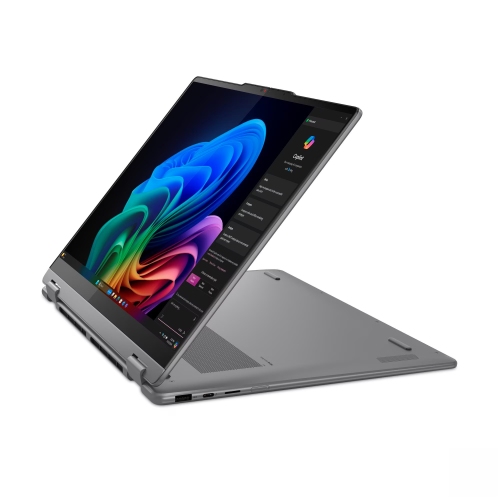
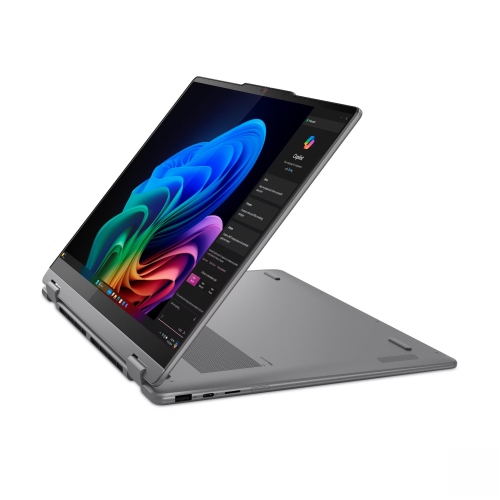
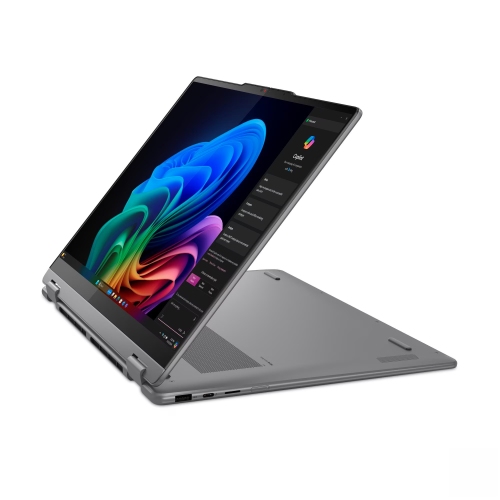
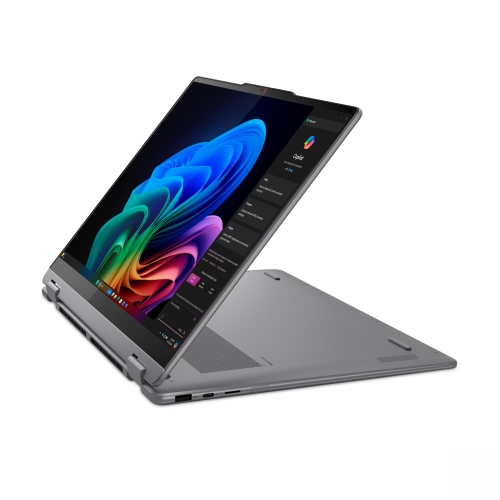
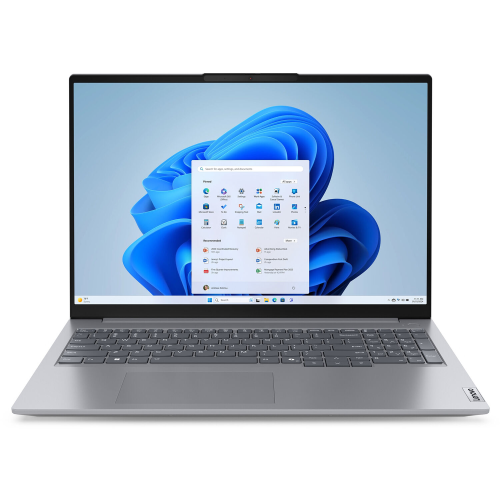
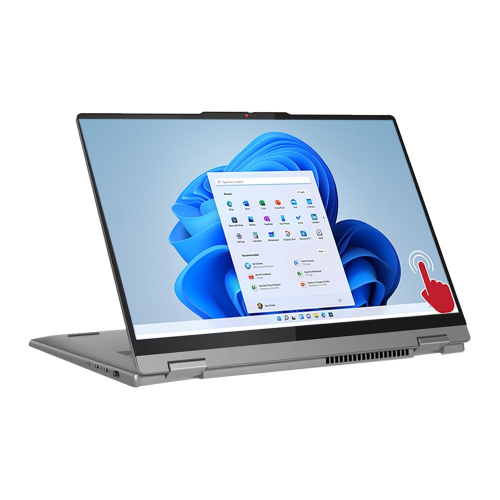
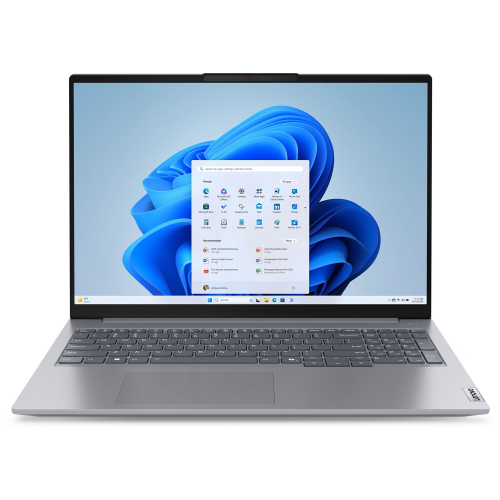
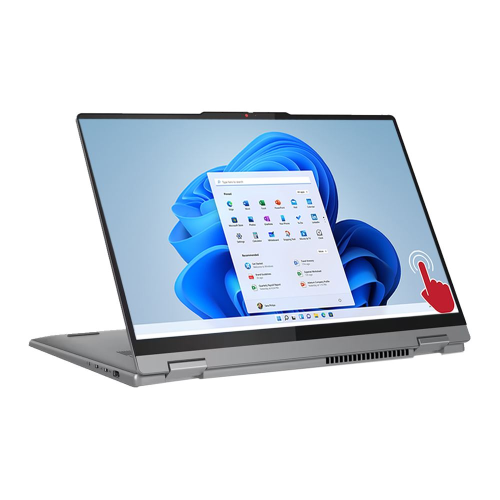
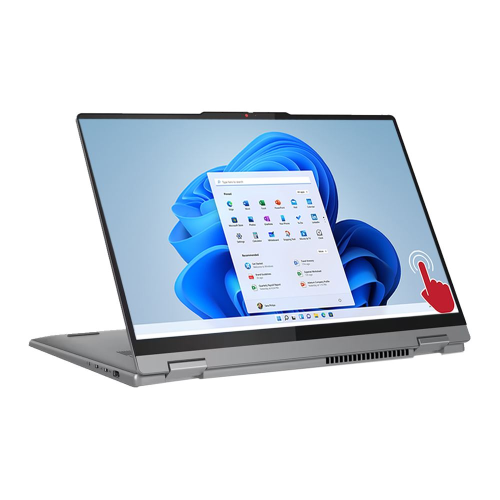
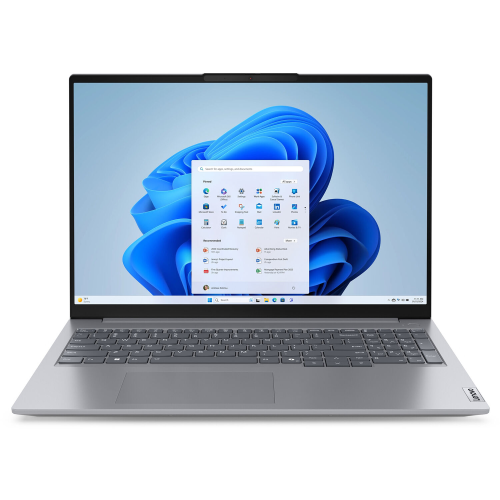
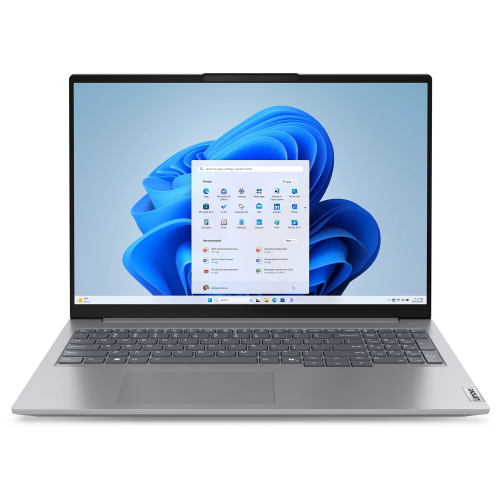
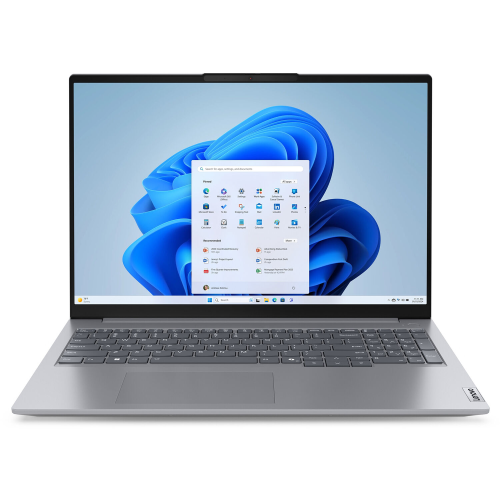
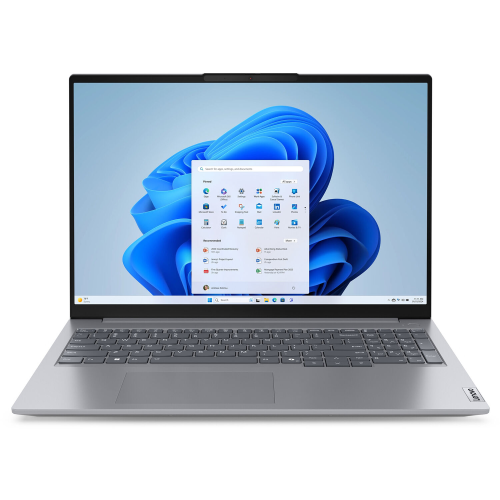
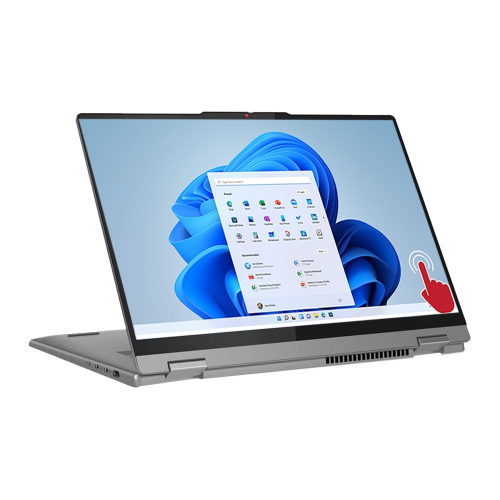
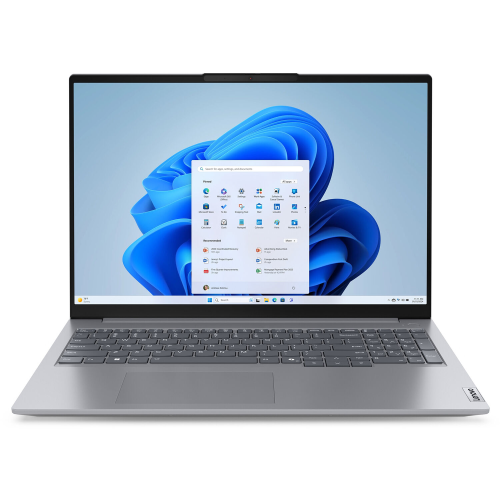
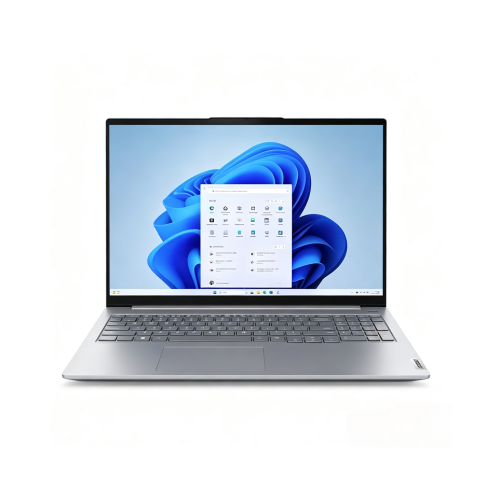
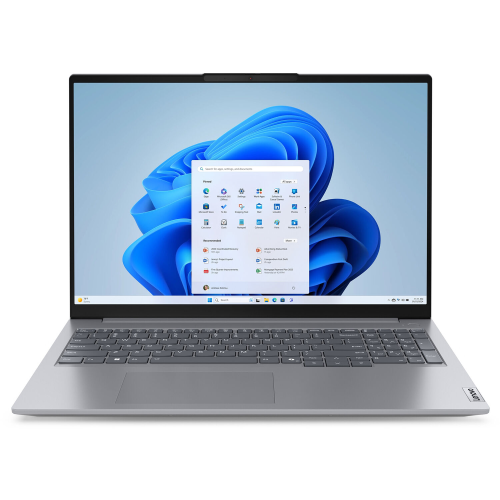
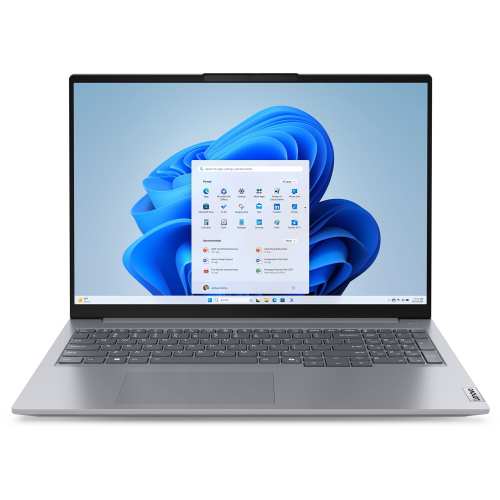
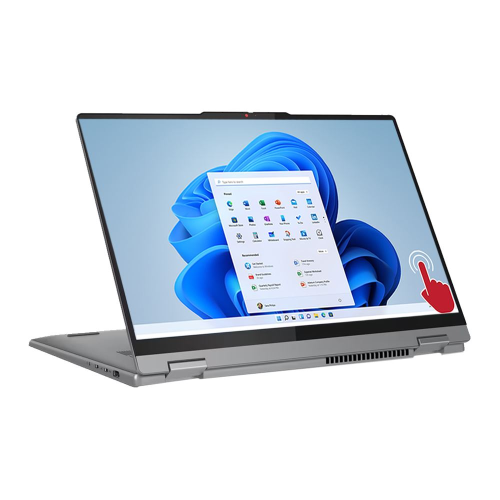
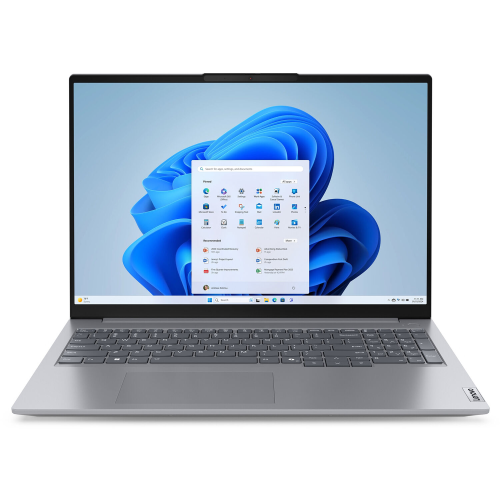
Camera card transfers without a separate USB reader
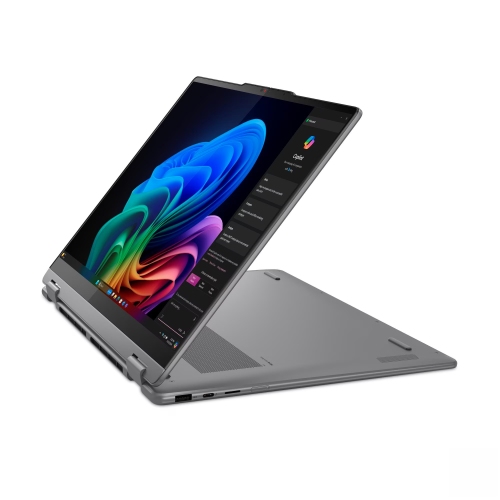
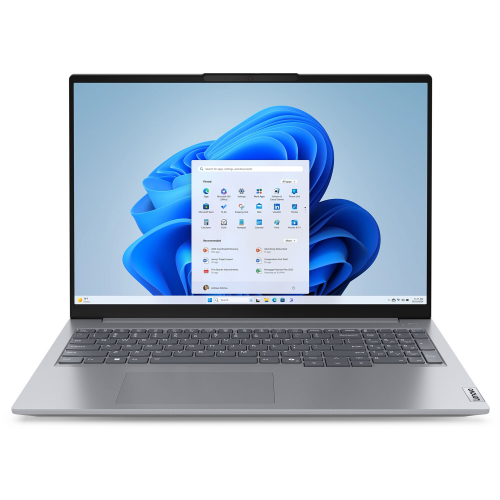
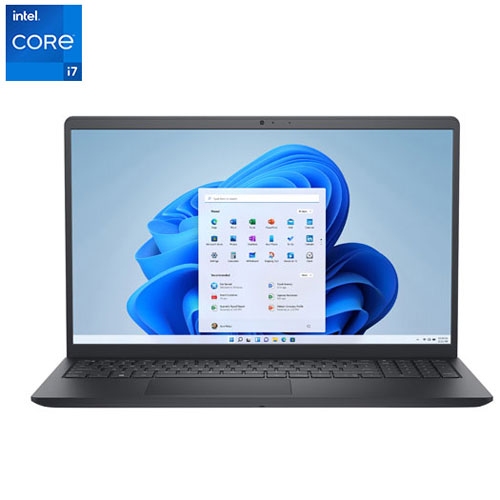
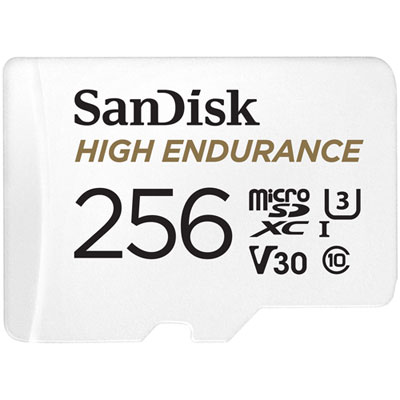
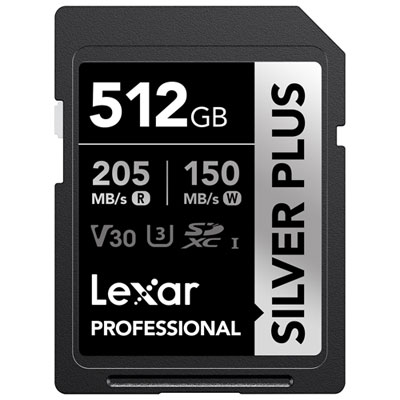
Laptops with memory card slots have built-in readers that transfer files from compatible SD or microSD cards without a separate USB card reader. This feature is useful for photography, video projects, school assignments, and everyday file sharing, particularly when the original files are stored on a camera or another recording device. A photographer returning from a portrait session can move images directly onto the laptop, while a student can import footage for a presentation without connecting the camera itself. The type of slot matters: a full-size SD slot accepts full-size cards, while a microSD slot is designed for the smaller format commonly used in action cameras and compact devices. A microSD card may also work in a full-size SD slot with a suitable SD adapter, provided the reader supports the card’s standard and capacity. A full-size SD card cannot fit into a microSD slot. Compatible Laptop Micro SD Cards can make moving files between devices convenient, but matching the card to both devices remains important. SD, SDHC, and SDXC describe different card standards, and support for one does not automatically mean support for every other standard or capacity. The laptop’s specifications identify the supported formats more reliably than the slot’s appearance alone. A memory card reader is also different from a RAM expansion slot: inserting a card does not increase the working memory used to run applications. Instead, it provides access to removable storage for documents, images, recordings, and other compatible files. For people who regularly handle camera cards, an integrated reader keeps the transfer process straightforward and leaves a USB port free for a mouse, external drive, or another accessory. It also means one less small adapter to remember when packing a laptop bag for a class, client meeting, or family visit. That convenience is most noticeable when card transfers are part of an established routine rather than an occasional task.
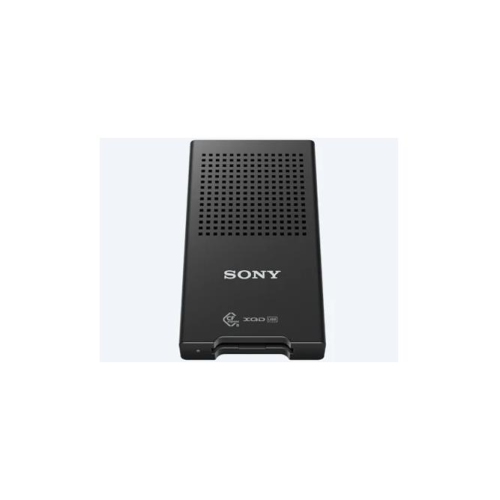
The usefulness of a built-in reader depends on more than whether a card fits. Transfer speed is limited by the combination of the card, the reader’s interface, and the laptop’s storage, so a high-speed card cannot make a slower reader operate beyond its capabilities. UHS-I and UHS-II support can be relevant when moving large batches of high-resolution photographs or lengthy video clips, although the exact reader specifications need to be checked rather than assumed. A compatible UHS-II card can generally operate in a UHS-I reader, but at the lower supported speed. For occasional document transfers, the difference may be less noticeable than it is for someone importing hundreds of RAW photographs. The rest of the laptop should suit what happens after the files arrive. Photo editing benefits from a capable processor, sufficient RAM, and a display with suitable colour accuracy, while video work may also call for stronger graphics performance and more internal storage. A sharp screen makes small details easier to inspect, but resolution alone does not establish colour accuracy. An internal solid-state drive provides a practical workspace for active projects; the memory card can remain the source rather than becoming the only place those projects are stored. Keeping another copy on a separate drive or suitable cloud service helps protect important work if a card is misplaced or damaged. Built-in readers are convenient, but memory cards are not a substitute for a backup routine. Some cameras use formats such as CFexpress that do not fit an SD or microSD slot, so those workflows still require an appropriate reader. Operating-system support, file-system compatibility, and the software needed to open the files also affect the experience. For a household sharing photographs or a student collecting media for coursework, straightforward compatibility may matter most. For a creator importing large files every day, reader performance and the laptop’s editing capabilities deserve equal attention.
Physical design shapes how comfortably a laptop with a memory card slot fits into daily use. A compact laptop is easier to carry between lectures or appointments, while a larger display offers more room for timelines, image previews, spreadsheets, and side-by-side windows. Screen size should be considered alongside weight, keyboard comfort, trackpad space, and the dimensions of the bag or desk where the laptop will spend time. Port placement can make a difference: a card reader tucked beside several closely spaced connections may be less convenient when bulky accessories are attached. Some slots hold a card almost flush with the chassis, while others leave part of it exposed. An exposed card can catch on a sleeve or bag lining, so removing it before transport is sensible unless the laptop’s design and instructions support leaving it inserted. Aluminum and plastic chassis each appear in everyday laptops, and dependable hinges, a firm keyboard deck, and careful handling are more useful indicators of practical durability than material alone. A padded sleeve helps protect the computer during travel, and cards are easier to keep track of in a small protective case than loose in a pocket. Clean, dry hands and gentle insertion help protect the contacts and reader; a card should never need to be forced into place. Using the operating system’s eject function before removal, particularly after writing files, helps reduce the risk of interrupted transfers and corrupted data. Battery life, charging connections, Wi-Fi capability, and access to other ports remain important even when the card reader is the feature that first draws attention. These laptops can suit photography enthusiasts, students working with recorded material, teachers preparing classroom resources, and families organizing personal pictures. As a gift, a laptop with an integrated reader is most useful when its slot matches the recipient’s existing cards and its processing power suits their usual tasks. The strongest fit combines convenient file access with a comfortable computer for everything that follows, from sorting a folder of snapshots to finishing a detailed creative project.
Top selling and popular products
-
 Your price for this item is $449
-
 Your price for this item is $3099
-
 Your price for this item is $1800.68
-
 Your price for this item is $664.05
-
 Your price for this item is $869.99
-
 Your price for this item is $2960.48
-
 Your price for this item is $499.68
-
 Your price for this item is $1951.79
Discover more categories related to Laptops With Memory Card Slots
Top Collections:
Best Black Friday Deals This Year, Best Black Friday Deals On Electronics, Kindle Devices, Pokemon Centers, Best Black Friday Deals On Apple Products, Best Cameras for Sports Photography, Dyson Airwrap, Pokémon 30th Celebration Cards, Apple iPhone 17 Pro, Canon G7X Cameras
Some products may be subject to Environmental Handling Fees
(EHF) depending on your province.
Learn more about EHFs.