Laptop Micro SD Cards
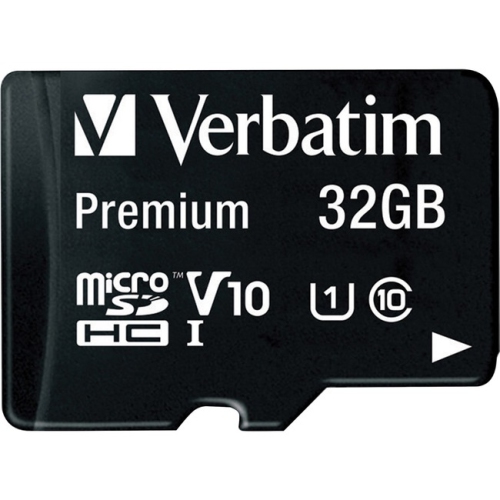
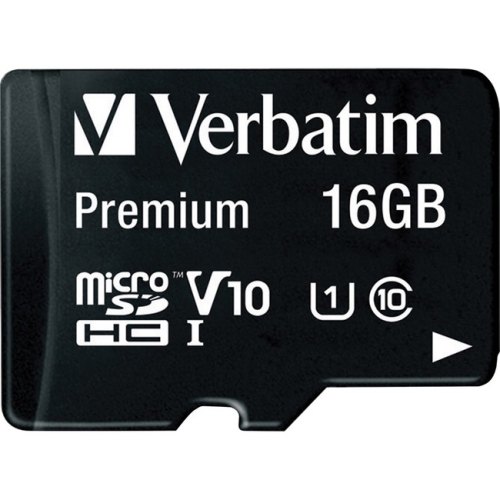
If you're looking for a way to expand the storage space on your laptop, consider adding a Micro SD Card. These cards are small, portable, and easy to install that can be used to store photos, videos, and other files. Here are some of the best options available on the market today.
Sort
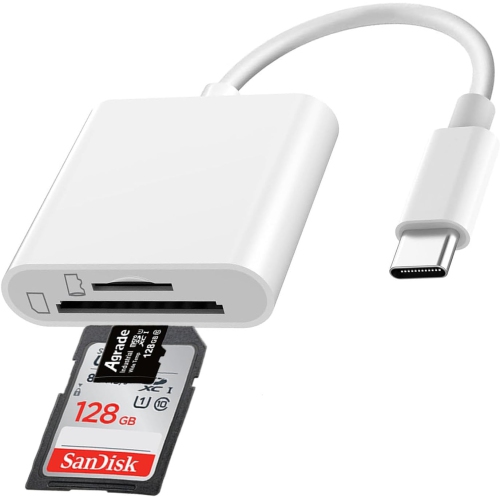
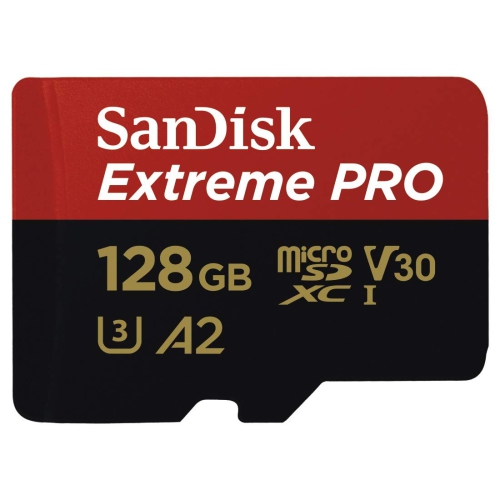
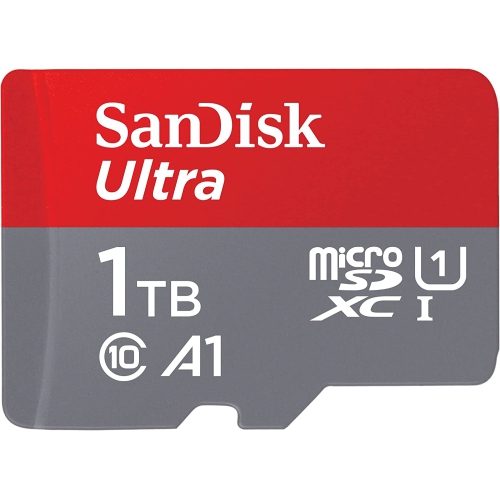
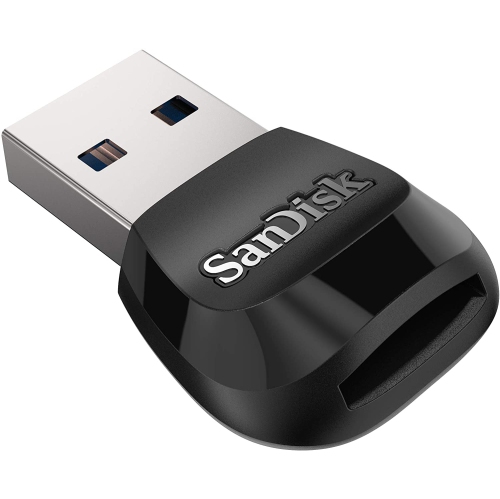
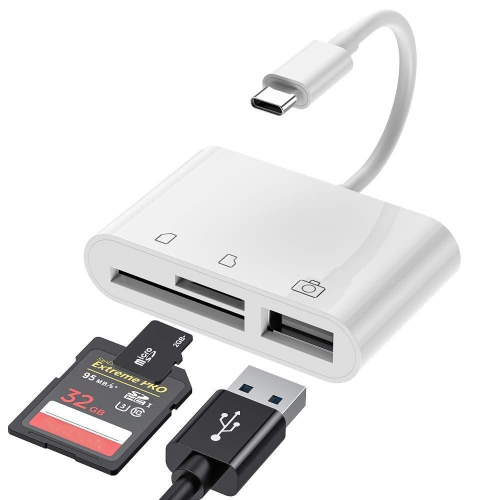
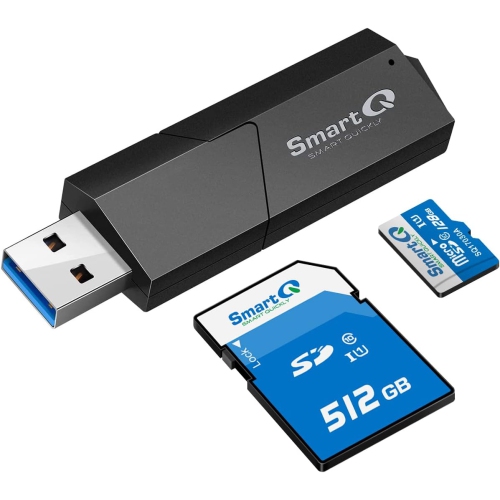
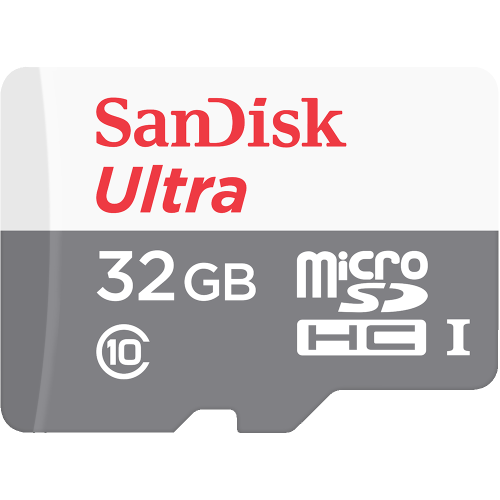
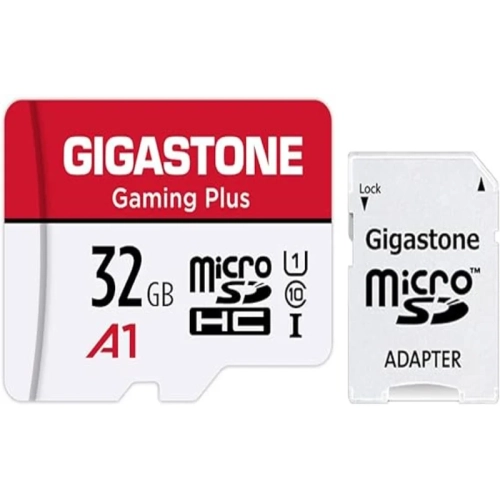
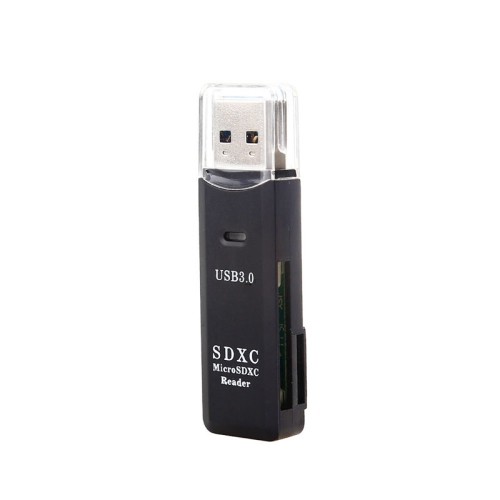
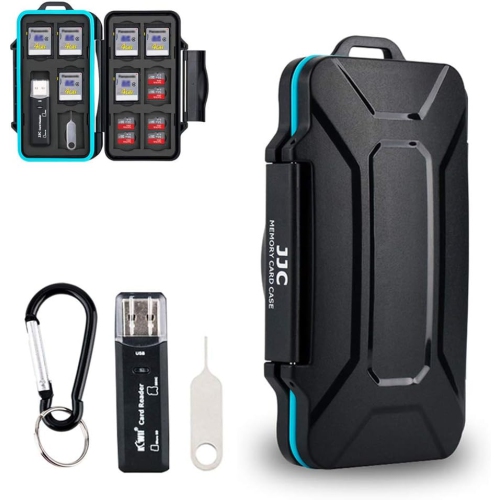
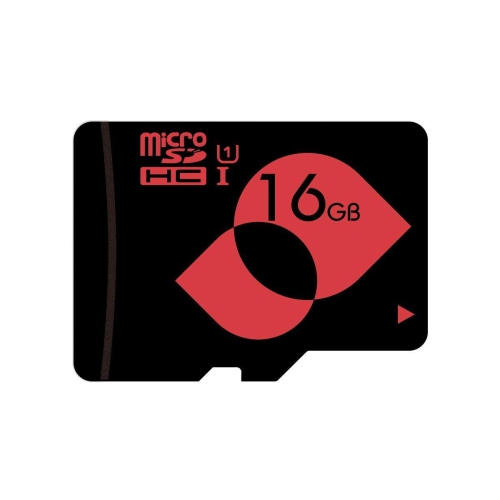
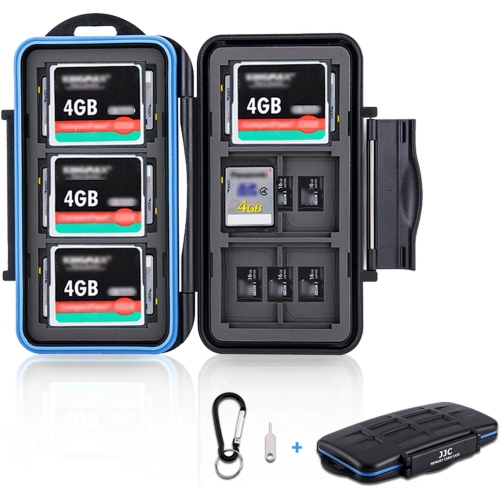
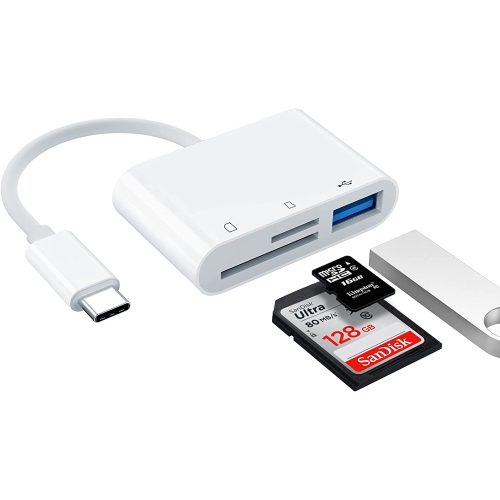
![NIERBO Sd Card Reader [USB2.0 / Type C/micro USB / 3-In-1] Card Reader Otg USB Sd USB Type C Memory Card Reader - Compatible w Micro Sd, Micro Sdhc](https://multimedia.bbycastatic.ca/multimedia/products/500x500/178/17853/17853328.jpeg)
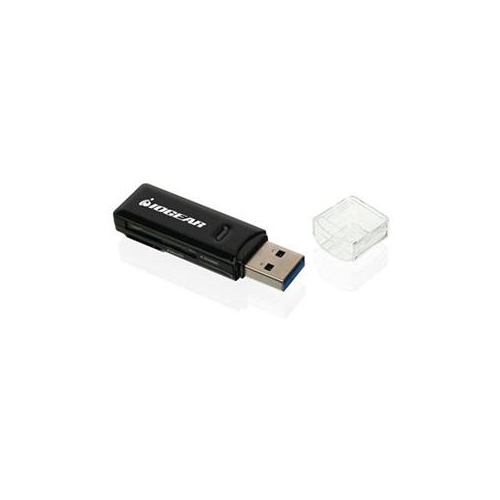
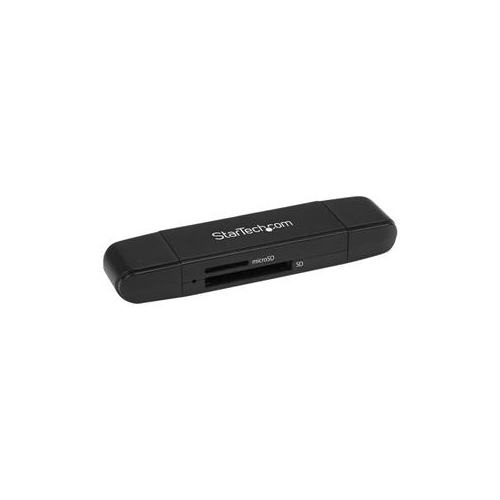
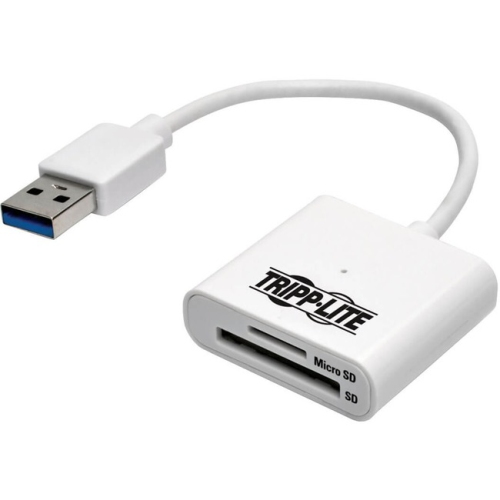
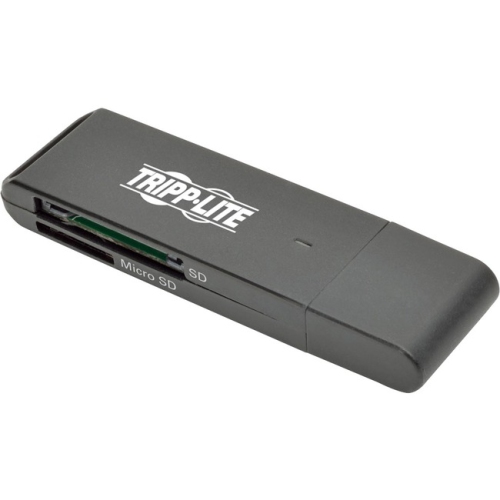

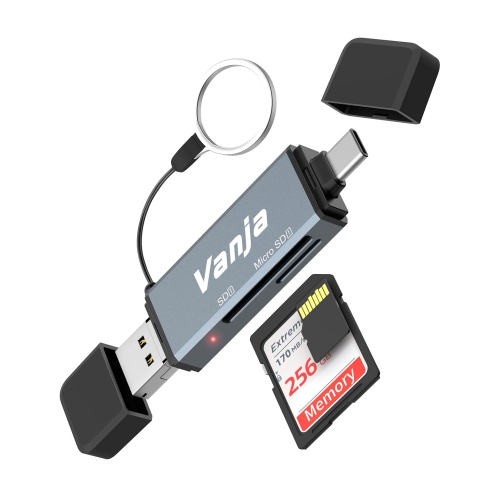
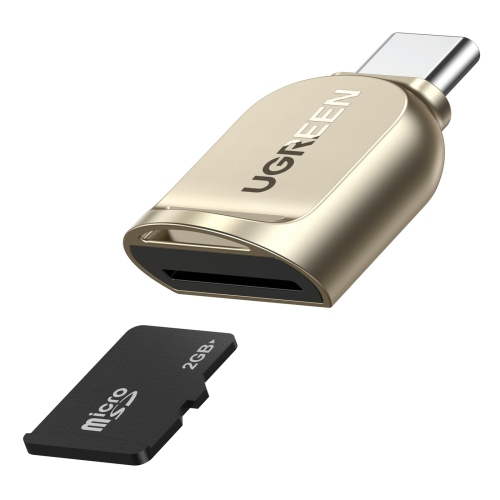

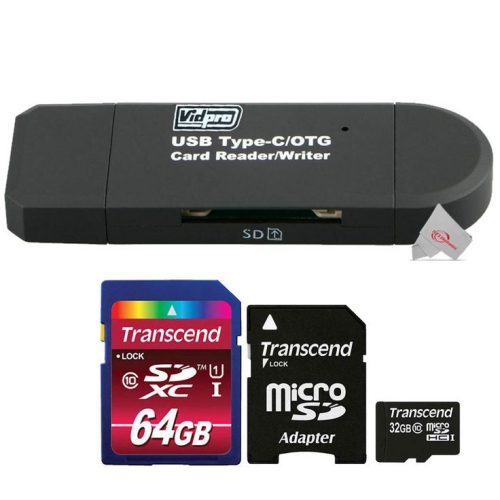
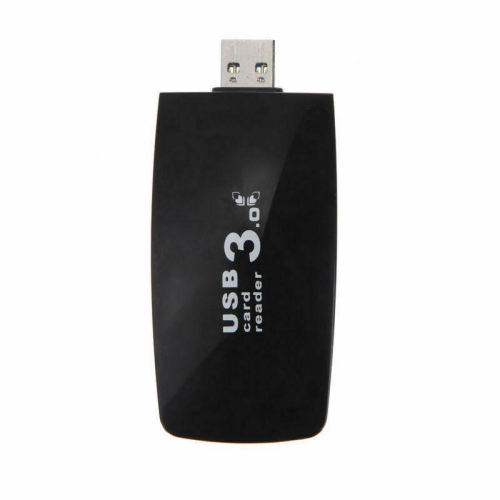

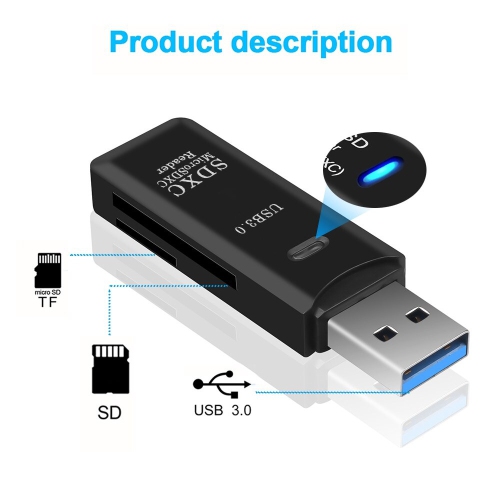
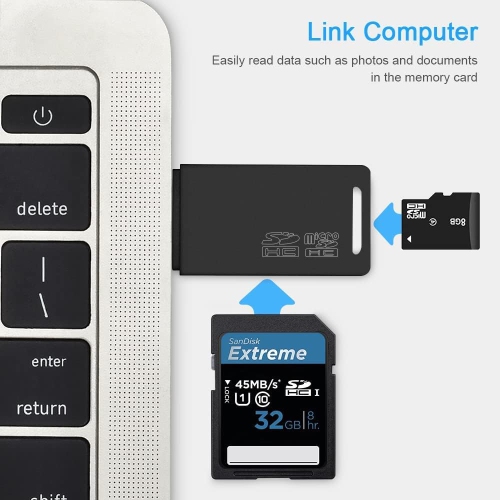
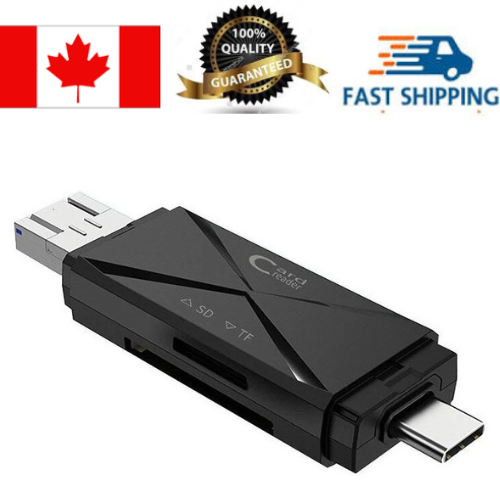
![DOLAER USB C to Sd/microsd Card Reader, Dual Slot USB Type C[Thunderbolt 3] Otg Sd/tf Memory Card Adapter for Macbook Pro, Macbook, Macbook Air/ipad Pro](https://multimedia.bbycastatic.ca/multimedia/products/500x500/165/16580/16580448.jpeg)
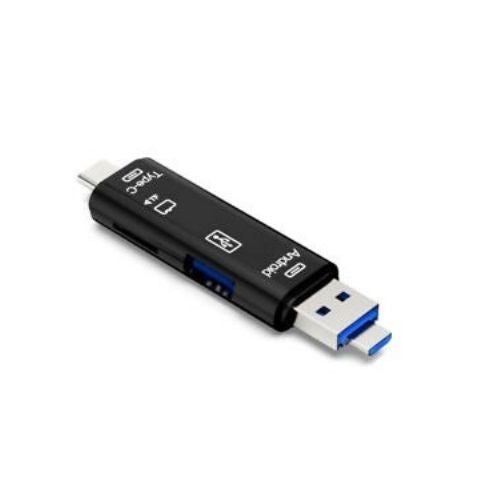
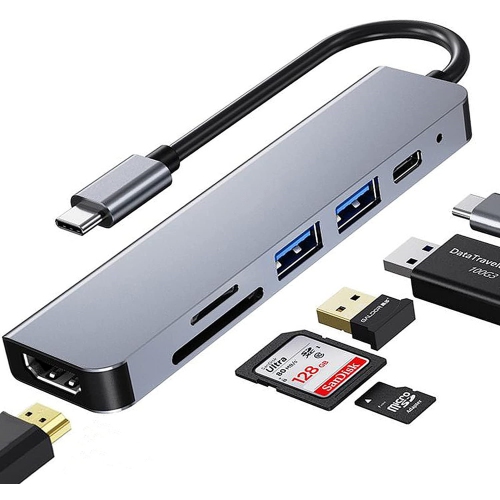
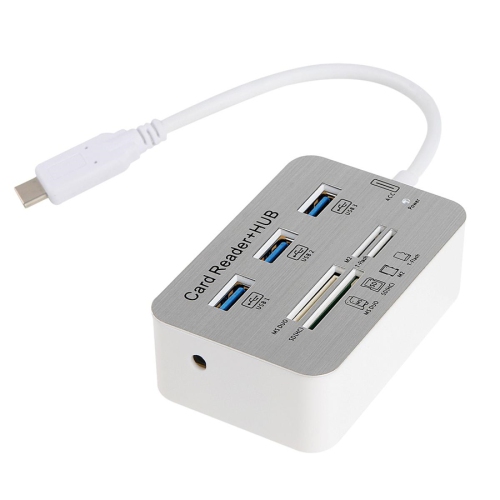
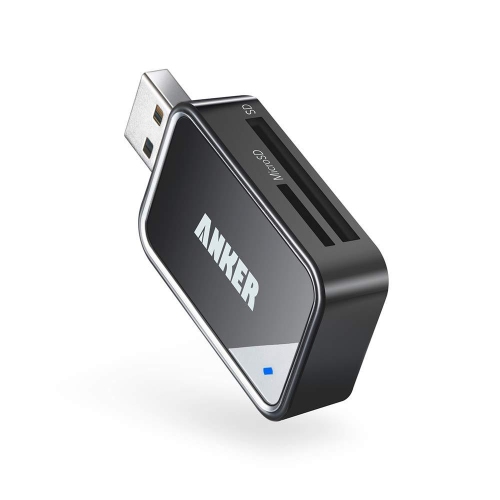
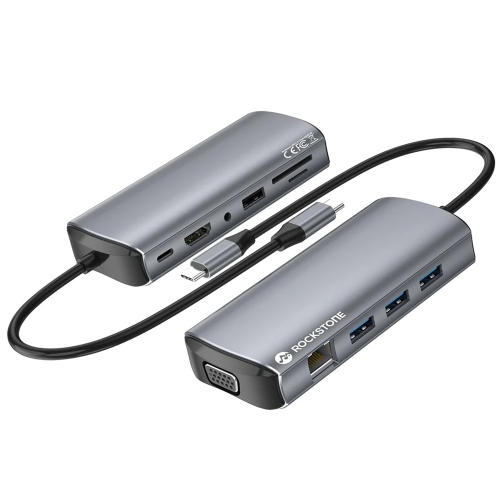

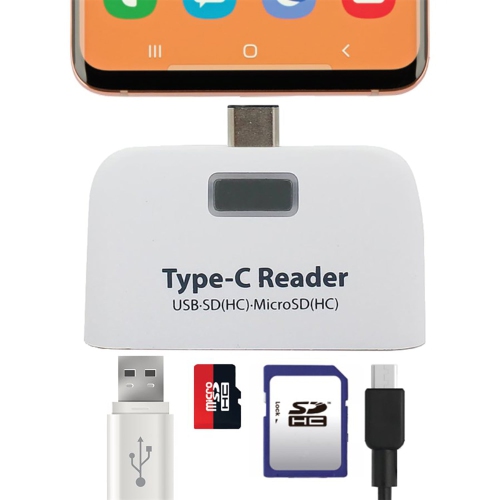
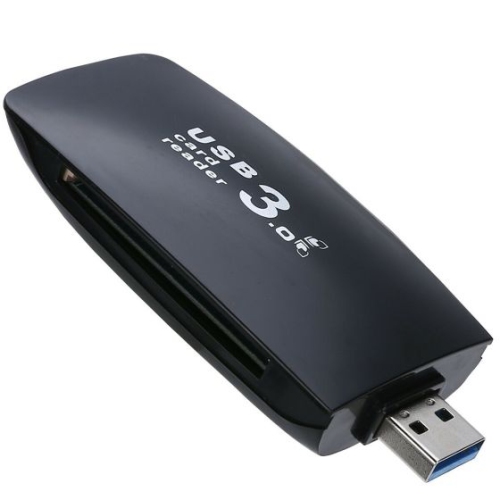
Flexible storage that travels easily between devices
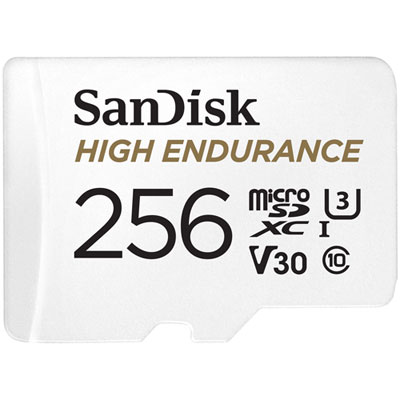
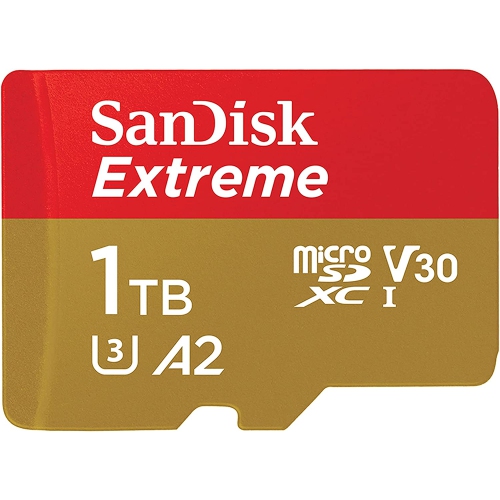
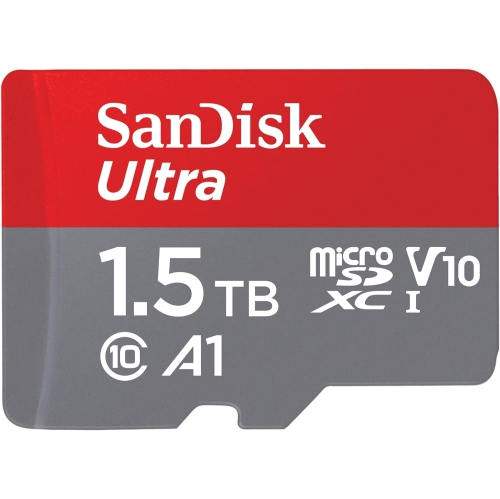
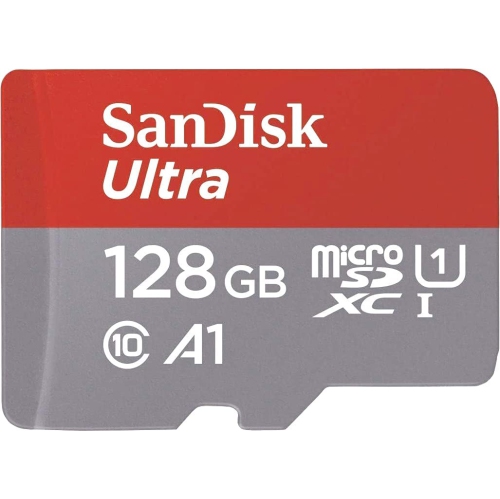
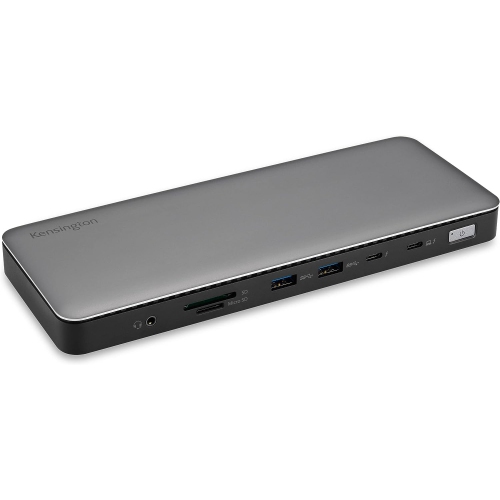
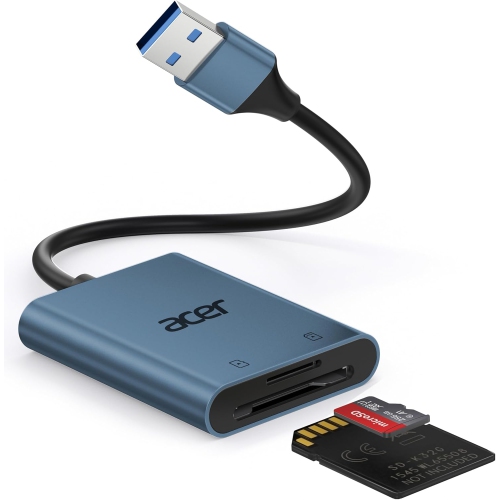
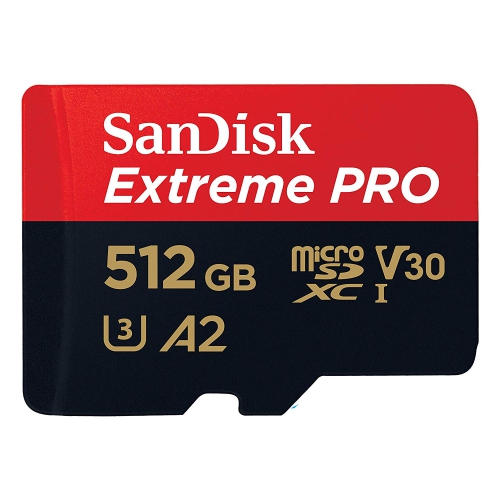
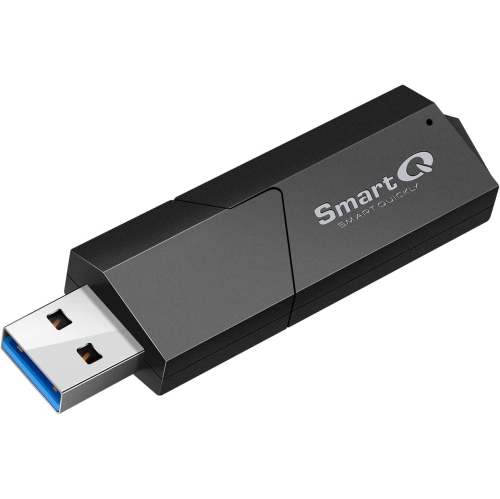
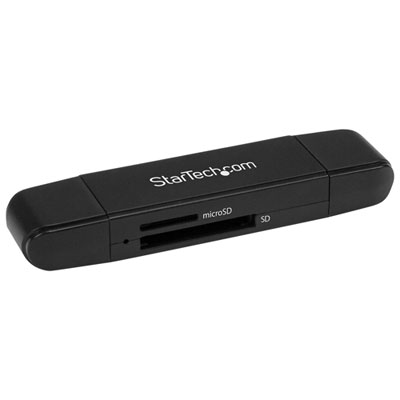
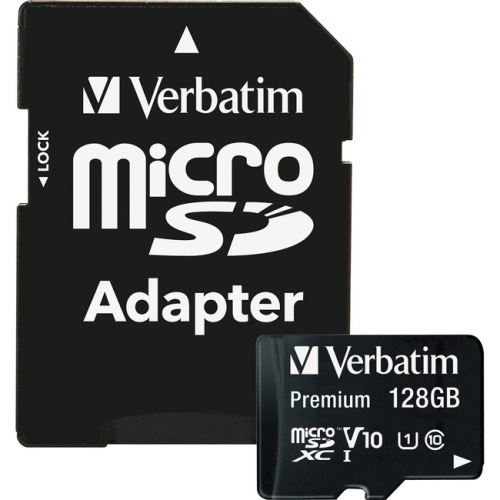
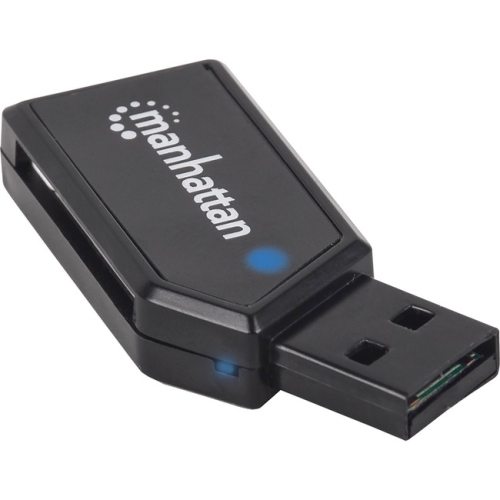
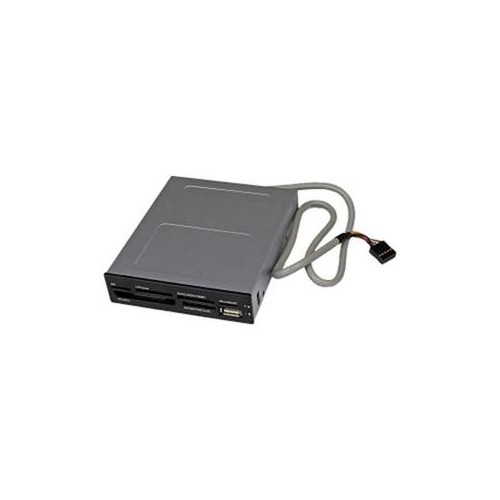
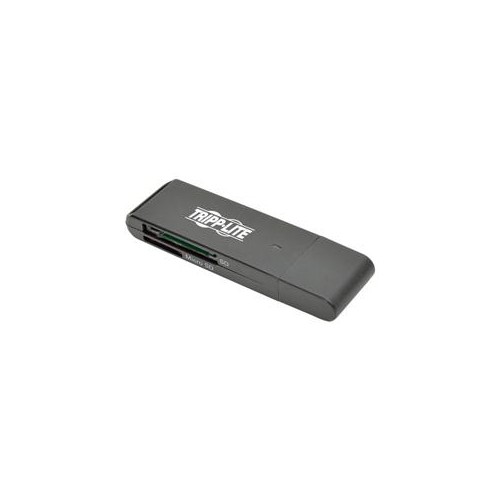
When it comes to maximizing the storage capabilities of your laptop, micro SD cards offer an incredibly flexible and portable solution. Whether you are a student preparing for a busy exam season, a professional working remotely as the weather warms, or a traveller looking to keep your digital life organized during summer adventures, having a reliable memory card for laptop use can make all the difference. Micro SD cards are especially valued for their compact size, making them easy to carry in a laptop bag or even a wallet, and their versatility across devices. Many laptops feature built-in SD or micro SD card slots, but even if your device lacks a dedicated port, USB adapters and card readers make it simple to add or transfer storage. This means you can quickly back up important documents, expand your photo library, or move large video files between devices without hassle. For those working on creative projects, such as editing photos or videos on the go, a high-capacity, high-speed laptop SD card ensures smooth file transfers and keeps your workflow efficient.
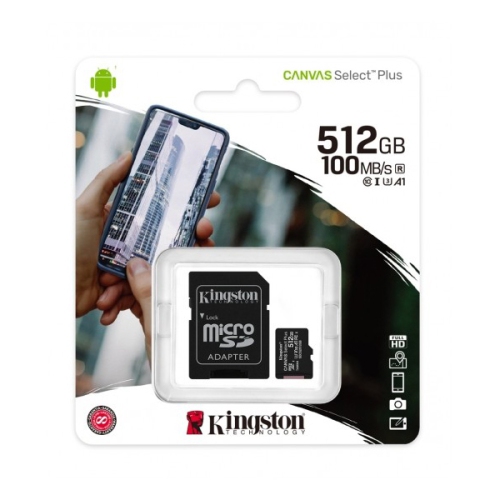
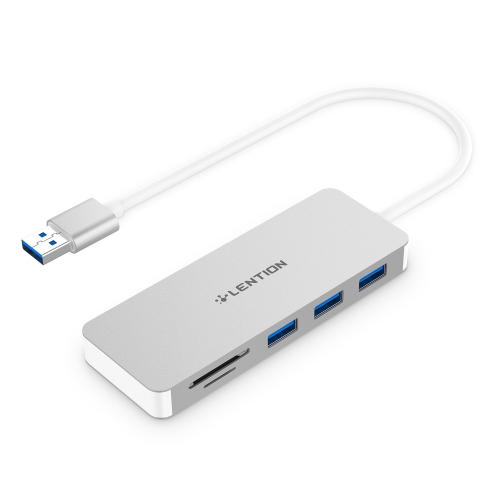
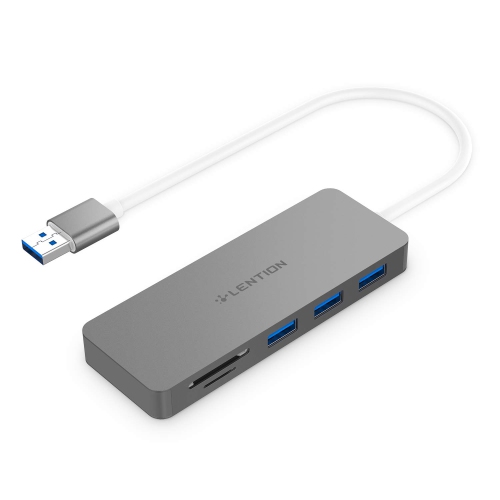
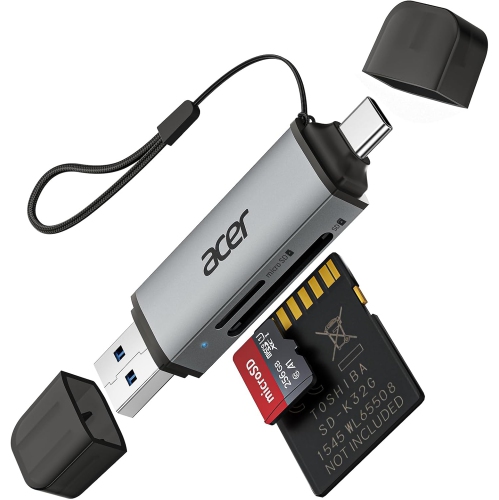
When selecting the right SD card for laptop use, there are a few key considerations to keep in mind. Capacity is one of the most important factors—options typically range from 64GB for everyday file storage to 512GB or more for those with extensive media collections. Speed class ratings, such as Class 10 or UHS-I, impact how quickly data can be read from or written to the card, which is particularly important for users handling large files or streaming high-resolution content directly from the card. Compatibility is also essential; most micro SD cards come with a standard SD adapter, allowing them to fit into larger SD card slots, while USB-C or USB-A card readers are available for newer laptops. Formatting your SD card to exFAT is recommended for optimal compatibility with both Windows and macOS systems. It’s also worth noting that while micro SD cards are excellent for expanding storage and transferring files, they may not match the speed of internal SSDs for running demanding applications. However, for storing photos, videos, presentations, and backups, they are a dependable and cost-effective choice. If you ever encounter issues with your SD card laptop setup, simple troubleshooting steps like trying a different USB port or checking that the adapter is not locked can often resolve the problem.
Micro SD cards make thoughtful gifts for students heading into a new semester, photographers capturing summer landscapes, or anyone who values having extra space for memories and important files. They’re also a practical addition for those upgrading their tech setup ahead of travel or new work projects. If you’re browsing for the best buy SD card options or want to explore the full range of laptop SD card choices, you can find a wide assortment by visiting the Micro SD Cards page. With so many capacities and speed classes available, it’s easy to find the perfect SD card for laptop use, whether you’re expanding your storage for the season or preparing for the next big project.
When selecting the right SD card for laptop use, there are a few key considerations to keep in mind. Capacity is one of the most important factors—options typically range from 64GB for everyday file storage to 512GB or more for those with extensive media collections. Speed class ratings, such as Class 10 or UHS-I, impact how quickly data can be read from or written to the card, which is particularly important for users handling large files or streaming high-resolution content directly from the card. Compatibility is also essential; most micro SD cards come with a standard SD adapter, allowing them to fit into larger SD card slots, while USB-C or USB-A card readers are available for newer laptops. Formatting your SD card to exFAT is recommended for optimal compatibility with both Windows and macOS systems. It’s also worth noting that while micro SD cards are excellent for expanding storage and transferring files, they may not match the speed of internal SSDs for running demanding applications. However, for storing photos, videos, presentations, and backups, they are a dependable and cost-effective choice. If you ever encounter issues with your SD card laptop setup, simple troubleshooting steps like trying a different USB port or checking that the adapter is not locked can often resolve the problem.
Micro SD cards make thoughtful gifts for students heading into a new semester, photographers capturing summer landscapes, or anyone who values having extra space for memories and important files. They’re also a practical addition for those upgrading their tech setup ahead of travel or new work projects. If you’re browsing for the best buy SD card options or want to explore the full range of laptop SD card choices, you can find a wide assortment by visiting the Micro SD Cards page. With so many capacities and speed classes available, it’s easy to find the perfect SD card for laptop use, whether you’re expanding your storage for the season or preparing for the next big project.
Top selling and popular products
-
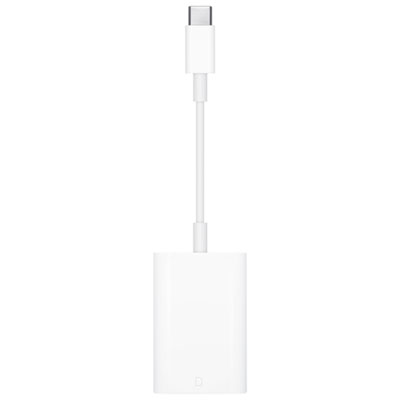 Your price for this item is $49
 -
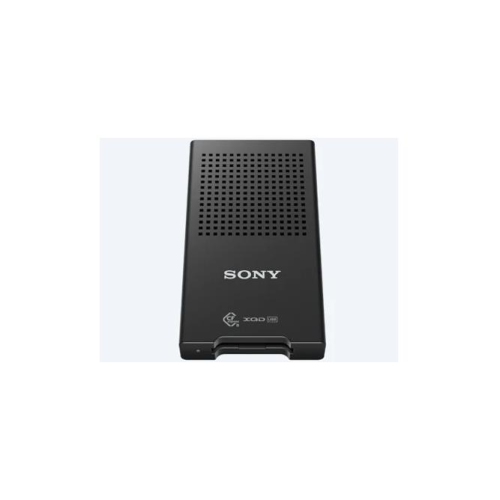 Your price for this item is $179.99
 -
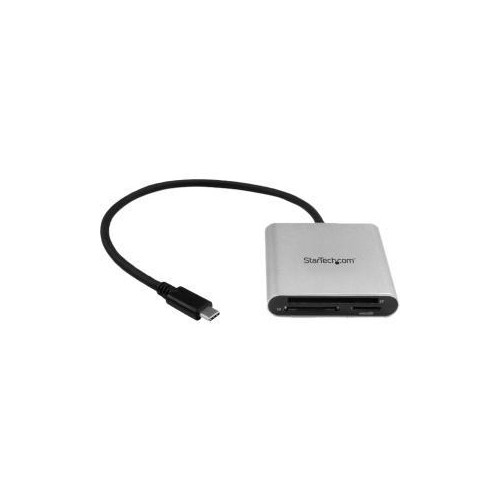 Your price for this item is $51.68
 -
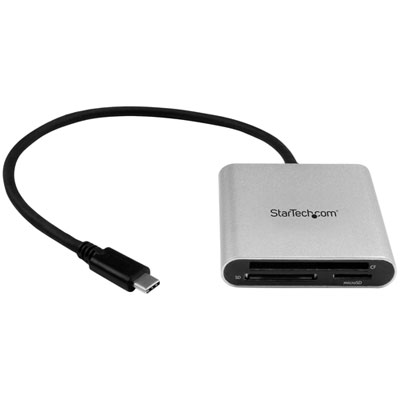 Your price for this item is $57.99
 -
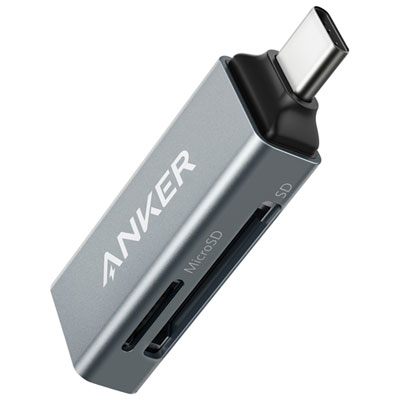 Your price for this item is $19.99
 -
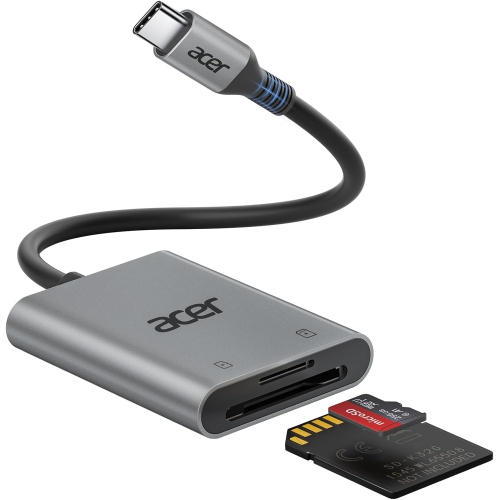 Your price for this item is $13.99
 -
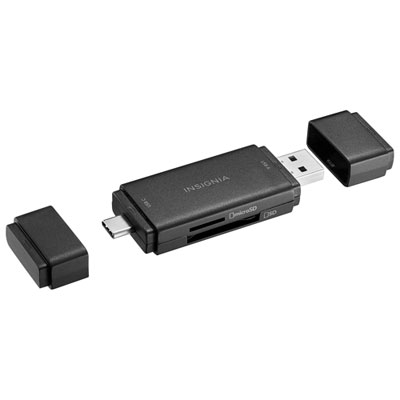 Your price for this item is $15.99
 -
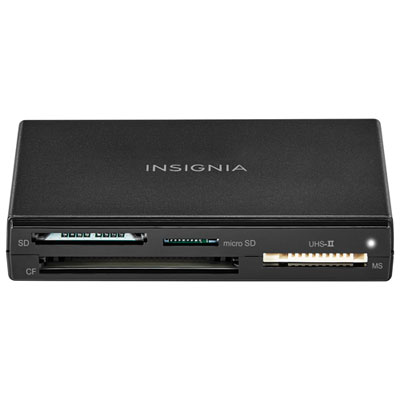 Your price for this item is $21.99
Discover more categories related to Laptop Micro SD Cards
Top Collections:
Pokemon Centers, Kindle Devices, Best Budget Office Chairs, Apple iPhones 16, Best Laptops for Writers, iPhone 15 Apple, Canon G7X Cameras, Refurbished Apple Laptops, Alarm Clock, Motorola Razr Phones
Some products may be subject to Environmental Handling Fees
(EHF) depending on your province.
Learn more about EHFs.