Laptops With Smart Card Readers
Laptops With Smart Card Readers offer a convenient solution for users who require secure access and authentication in their daily computing tasks. These laptops are designed to support a variety of professional and personal needs, making them ideal for business environments, educational settings, and anyone seeking enhanced security options. Explore a wide selection of Laptops With Smart Card Readers to find the right fit for your work or home office setup.
Sort
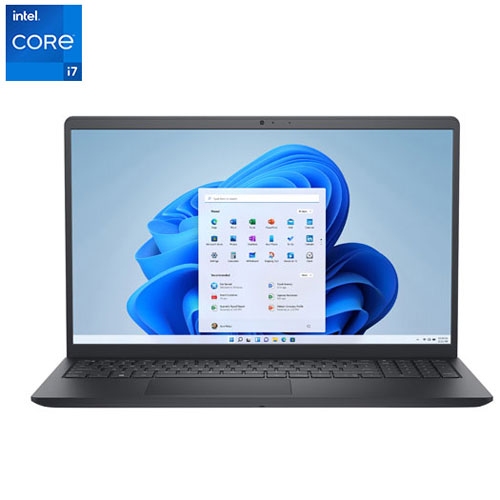
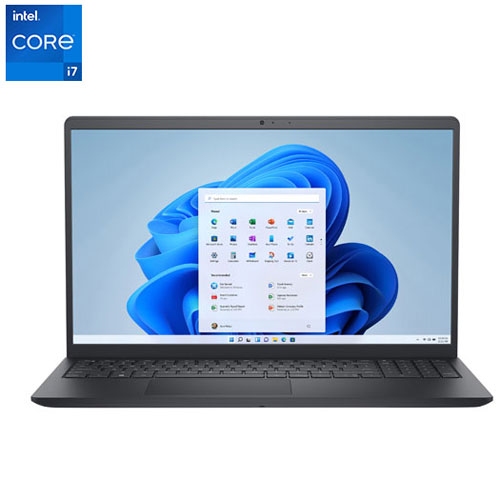
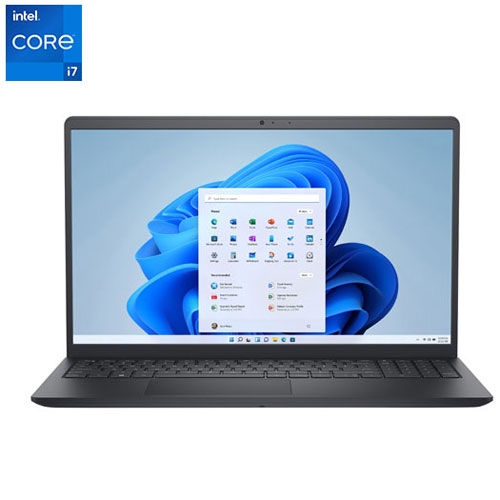
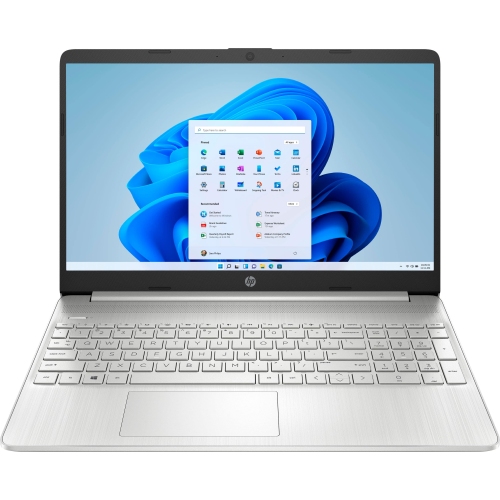
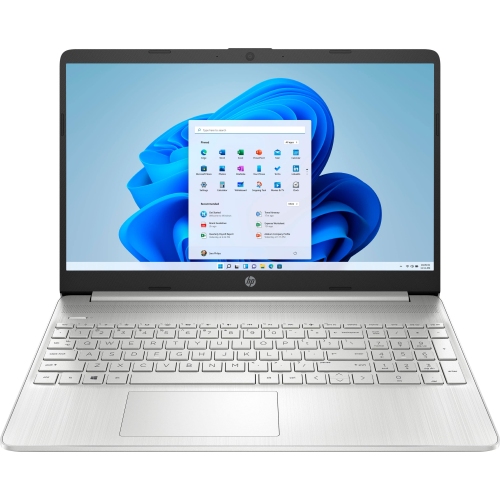
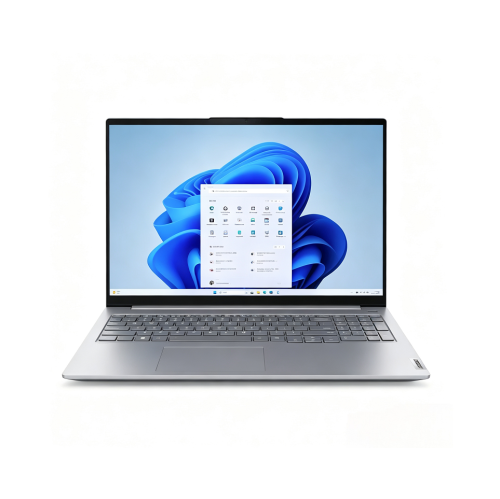
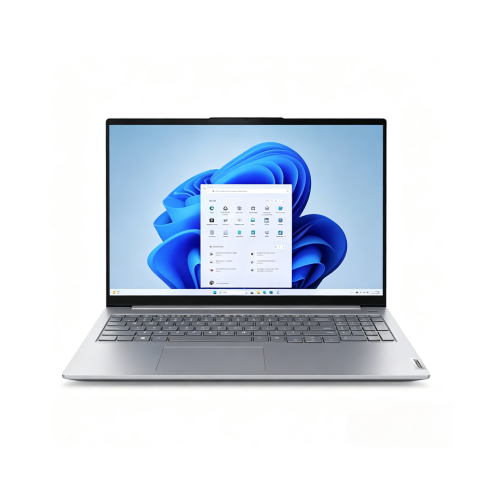
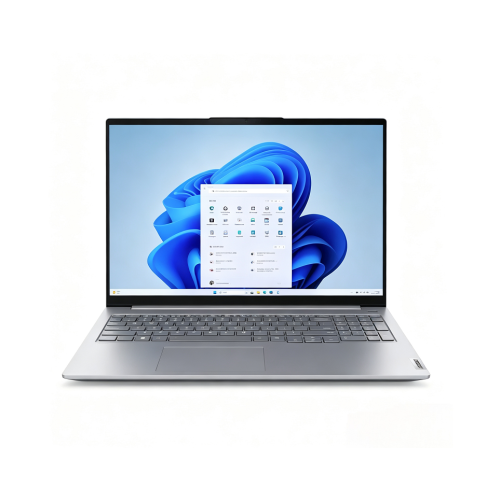
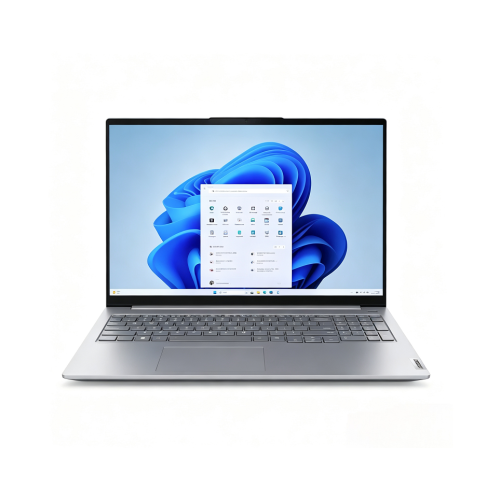
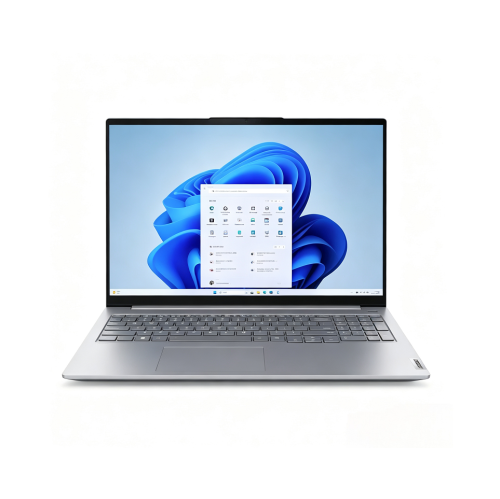
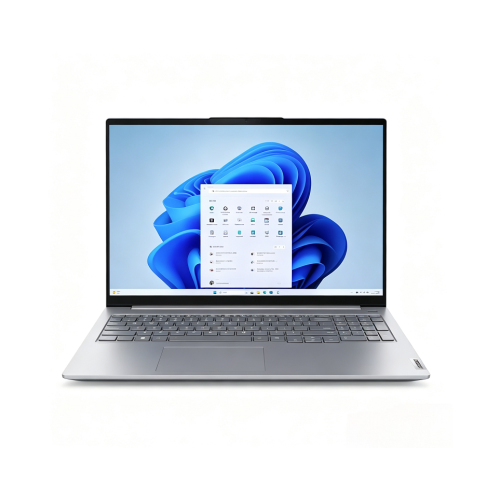
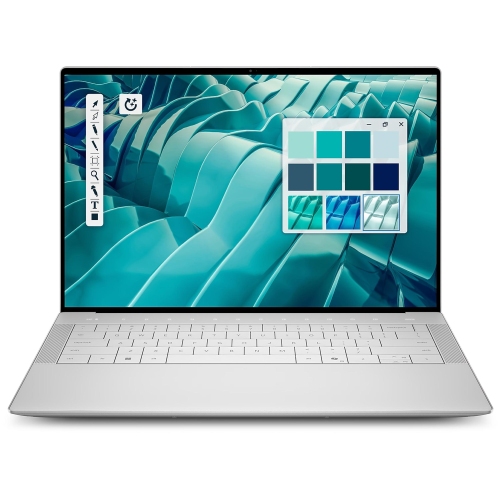
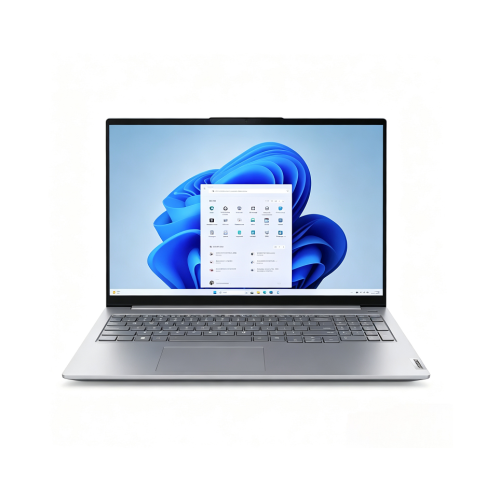
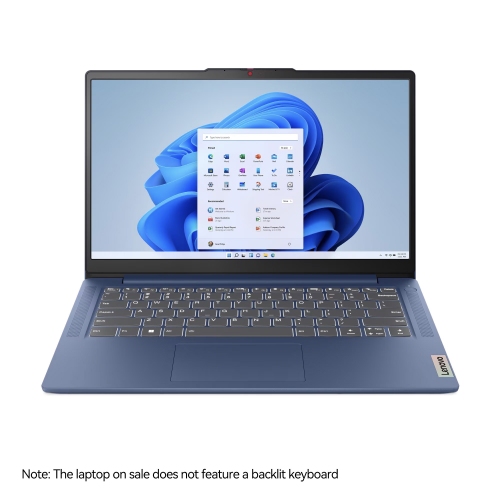
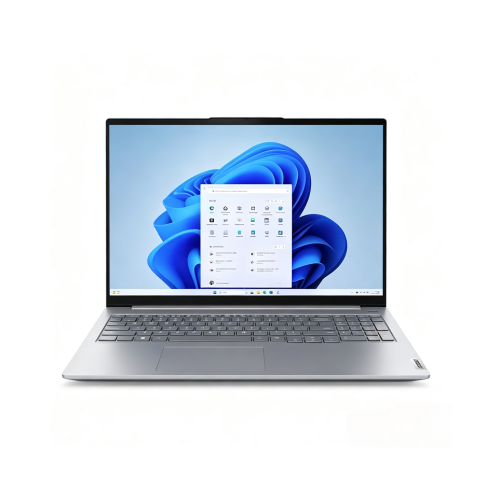
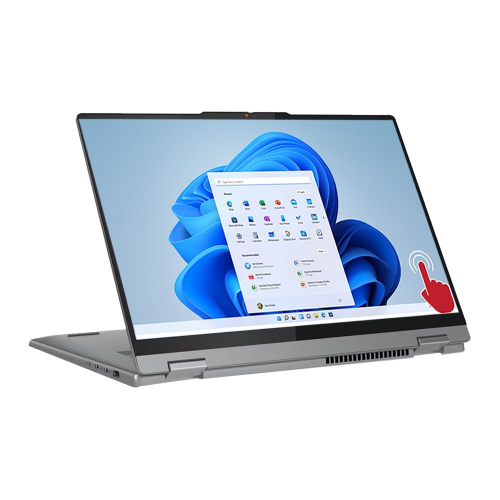
Workplace sign-in depends on more than the reader
Laptops with smart card readers bring credential-based sign-in into a portable computer, making them useful for workplaces where a password alone does not meet access requirements. A built-in smart card reader is a hardware interface that communicates with the chip on a compatible card. With the appropriate software and configuration, it can support identity verification, access to protected applications, and certificate-based tasks such as digitally signing documents or encrypting email. In a typical card-and-PIN setup, the user presents something physical—the issued card—and enters a private code. This helps distinguish smart card authentication from signing in with a password alone. These readers are not the same as SD or microSD memory card slots, which transfer files from storage cards rather than authenticate a person. A laptop described simply as having a “card reader” therefore does not necessarily have the security hardware a workplace requires. Smart card laptops are often relevant to government employees, contractors, healthcare administrators, financial professionals, and others whose organizations issue credentials for controlled access. Some workplaces use Common Access Card (CAC) or Personal Identity Verification (PIV) credentials, but compatibility depends on the reader, operating system, required software, and issuing organization’s policies. A reader’s presence does not automatically make a computer approved for a particular network. Built-in readers generally accept a card through a slot in the laptop’s chassis, keeping the connection close at hand without a separate reader on the desk. Contactless card support is a different feature and should not be assumed from the presence of that slot. For someone moving between an office desk, a meeting room, and an authorized remote workspace, an integrated reader can simplify the daily routine: open the laptop, insert the issued card, and complete the required sign-in process. The practical benefit is having the necessary authentication interface within the computer itself, while access permissions remain governed by the organization.
The rest of the laptop matters just as much as the reader, particularly when the computer will serve as a full-time work machine. Email, browser-based applications, document editing, video meetings, and large spreadsheets place different demands on processing power and memory. Enough memory for several active applications can make the difference between a smooth meeting with reference documents open and a session interrupted by constant reloading. Solid-state storage supports responsive file access, while the capacity needed depends on whether work stays mostly in approved online systems or includes substantial local files. Display size and resolution affect how comfortably text, forms, and detailed tables fit on screen. A smaller laptop may suit frequent travel between sites, while a larger display can provide more space for side-by-side documents. Screen finish, brightness, keyboard feel, and touchpad accuracy also shape the experience of spending hours at the computer. For mobile use, weight and battery life need to be considered together with the power adapter and any accessories carried in the same bag. Metal chassis panels can contribute rigidity, while well-designed polymer housings can balance weight and everyday practicality; material alone does not establish how durable a laptop will be. Hinge construction, port placement, and any documented durability testing provide further context. The smart card slot’s position is particularly relevant on a crowded desk, where a dock cable, mouse, or adjacent equipment could obstruct an inserted card. A card that remains partly exposed also needs clearance when the laptop is moved. Connectivity helps complete the working setup: suitable USB ports, display connections, docking support, and Wi-Fi capabilities can make transitions between shared desks and meeting spaces easier. For fixed workstations, support for a wired network connection may also matter. These details help a laptop fit the actual working day rather than simply satisfy a single hardware requirement.
Compatibility is the defining consideration for a laptop with a smart card reader. The reader’s supported card standards, available drivers, and required middleware—the software that connects the card to applications—need to match the organization’s systems. A physically compatible card may still require certificates, trusted certificate authorities, or managed settings before it can be used successfully. Support for a contact-card standard such as ISO/IEC 7816 can be relevant, but that specification alone does not establish complete compatibility with every credential or service. Workplace requirements may also extend to operating system editions, device management, firmware settings, and approved authentication methods. These details are especially important for remote access, where the reader is only one part of a connection that may also depend on a configured network client and employer-issued permissions. An integrated reader keeps the setup compact, whereas an external USB reader adds a separate component and occupies a port; neither arrangement bypasses those software and policy requirements. Other security features can complement smart card use without replacing it. Storage encryption helps protect data on a lost device when properly configured, while biometric sign-in can provide a convenient way to unlock a compatible computer. Related options such as Fingerprint Reader Laptops support a different sign-in method, but a fingerprint reader is not a substitute where an issued smart card is mandatory. Day-to-day care is straightforward: keep the reader opening clear of debris, avoid forcing a card into the slot, and protect any exposed card from bending or knocks. A soft, dry cloth is suitable for routine exterior cleaning, with deeper cleaning handled according to the laptop maker’s directions. Cards and PINs should remain personal, and a missing credential needs to be reported through the issuing organization’s process. Removing the card may lock a managed laptop if that behaviour has been configured, but it is not universal. Together, compatible authentication hardware, suitable computing performance, and a design that fits the workspace make these laptops practical tools for credential-dependent work.
Top selling and popular products
-
 Your price for this item is $449
-
 Your price for this item is $3099
-
 Your price for this item is $1800.68
-
 Your price for this item is $664.05
-
 Your price for this item is $869.99
-
 Your price for this item is $2960.48
-
 Your price for this item is $499.68
-
 Your price for this item is $1951.79
Discover more categories related to Laptops With Smart Card Readers
Top Collections:
Best Black Friday Deals This Year, Best Black Friday Deals On Electronics, Kindle Devices, Pokemon Centers, Best Black Friday Deals On Apple Products, Best Cameras for Sports Photography, Dyson Airwrap, Pokémon 30th Celebration Cards, Apple iPhone 17 Pro, Canon G7X Cameras
Some products may be subject to Environmental Handling Fees
(EHF) depending on your province.
Learn more about EHFs.