Large Capacity Hard Drives
Looking to expand your digital storage capabilities? Look no further! Our collection of large-capacity hard drives is the perfect solution for those seeking ample space to store their files, documents, photos, and more. Whether you're a professional photographer in need of a reliable backup system or a gamer looking to install and play your favorite games without worrying about limited space, our selection of large-capacity hard drives has got you covered. With various storage options available, you can easily find the perfect match for your needs. Say goodbye to running out of space and hello to seamless storage with our range of large-capacity hard drives.
Sort

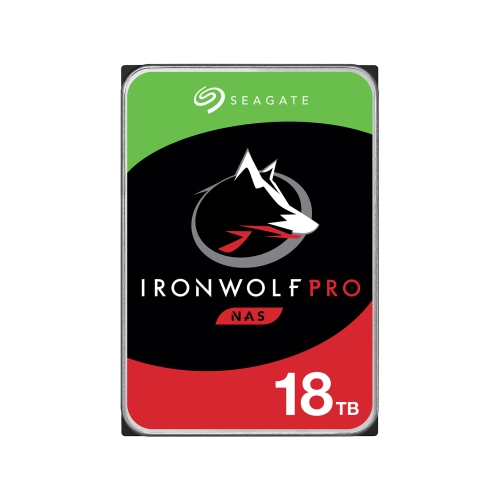
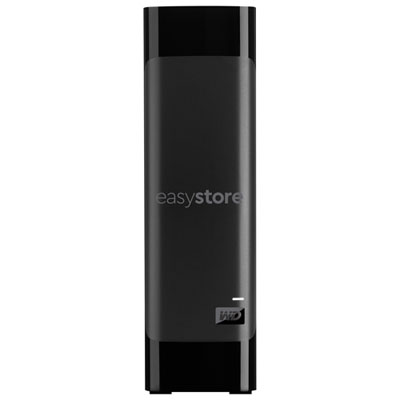
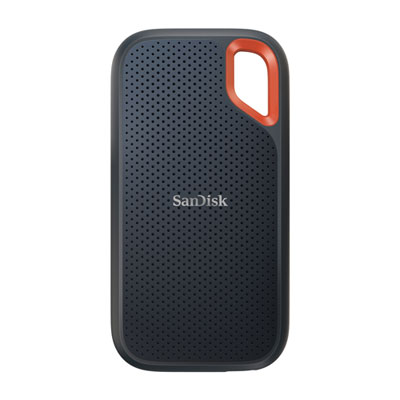
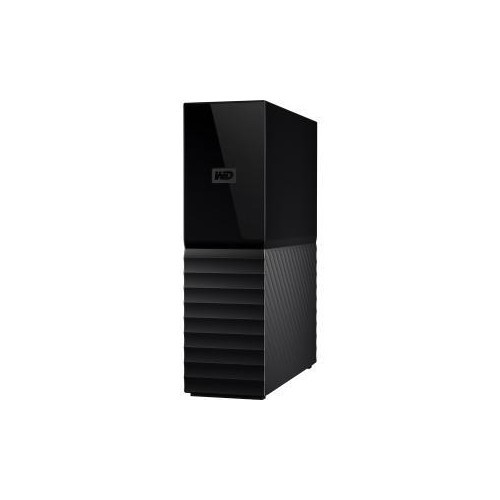
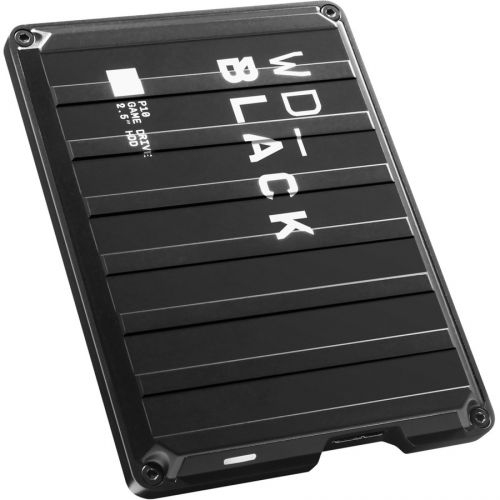
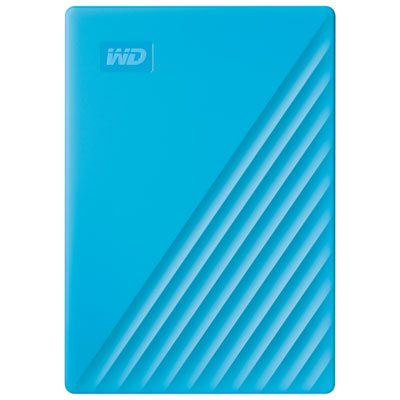
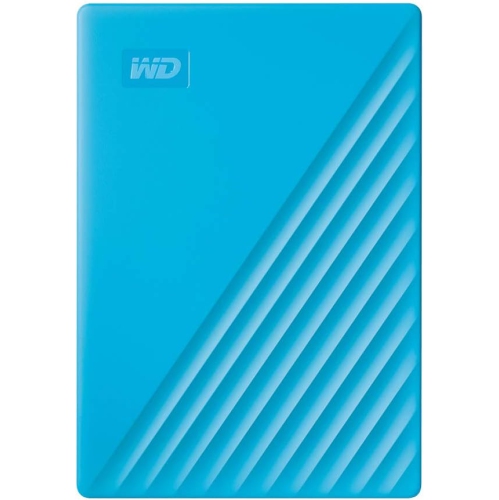
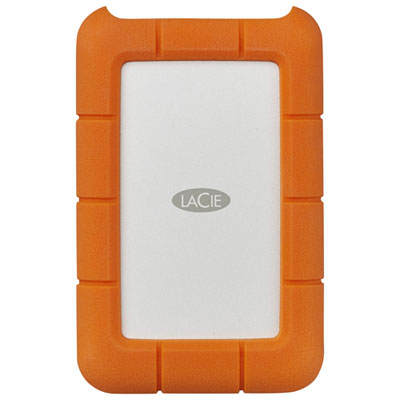
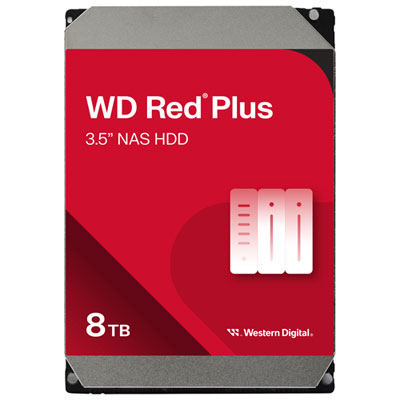
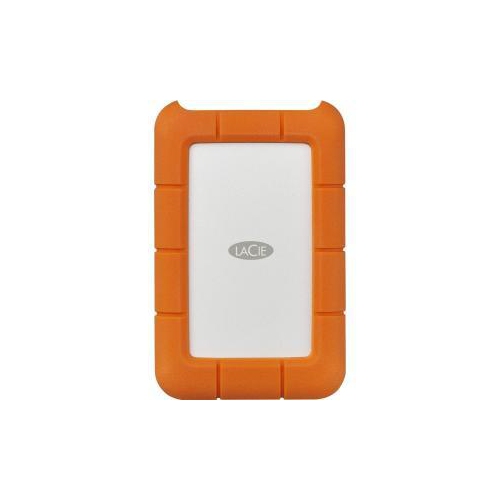

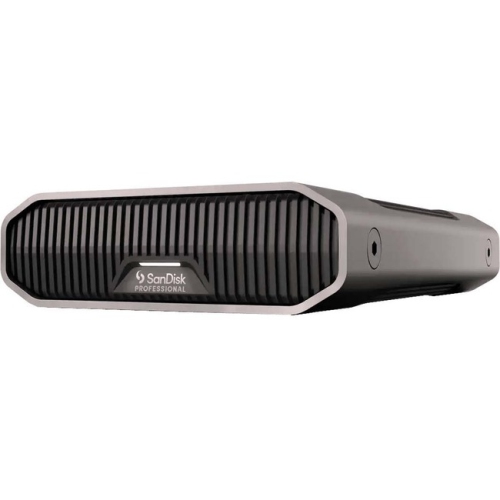
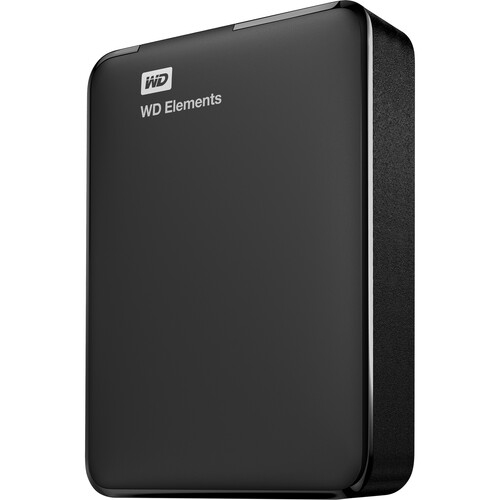
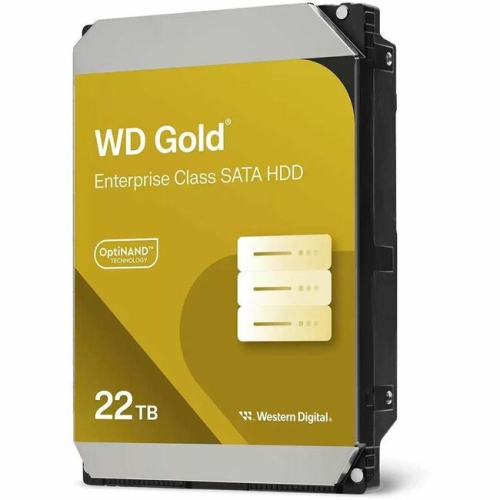
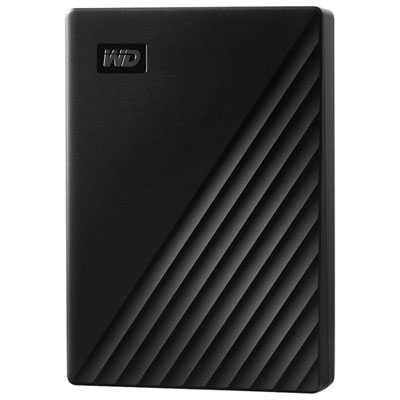
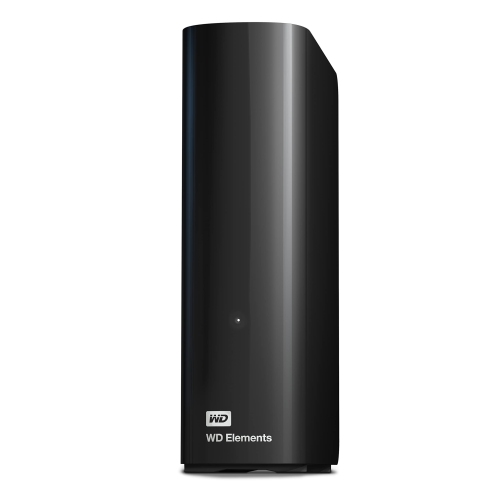

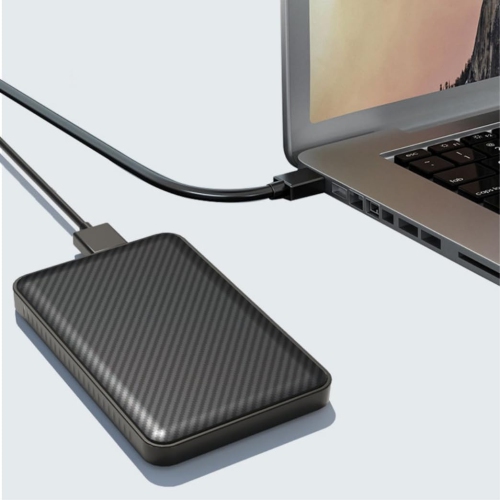
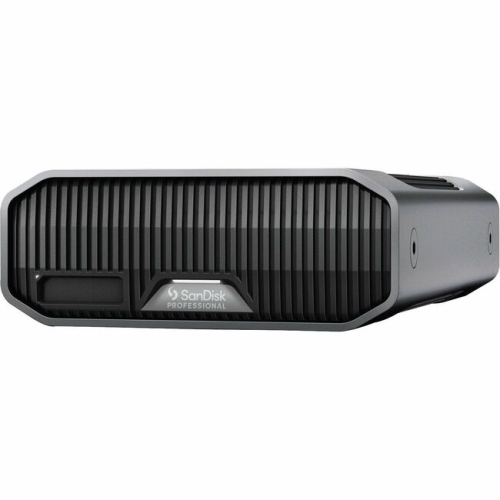
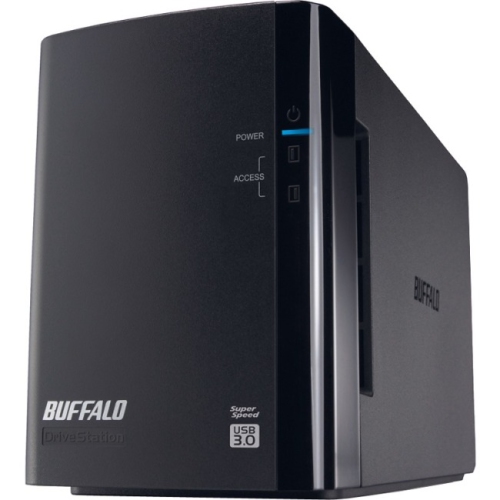
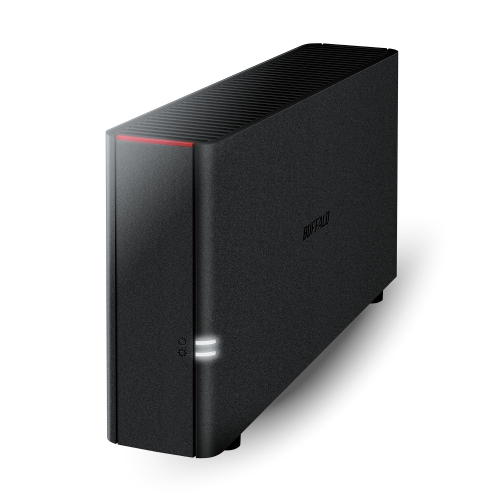

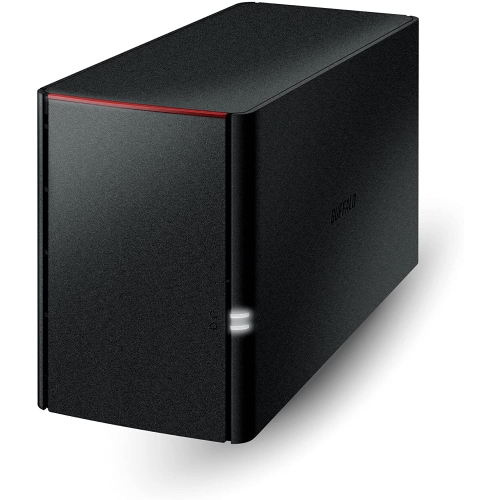
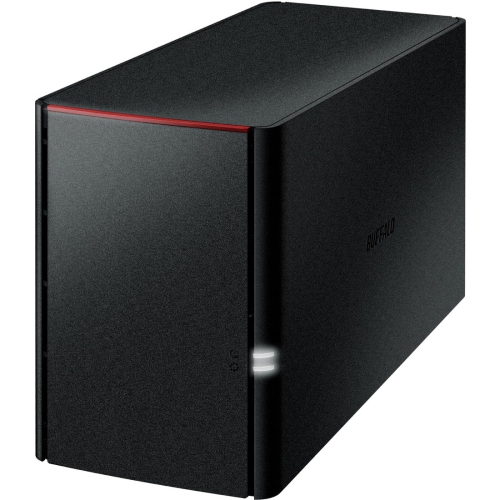
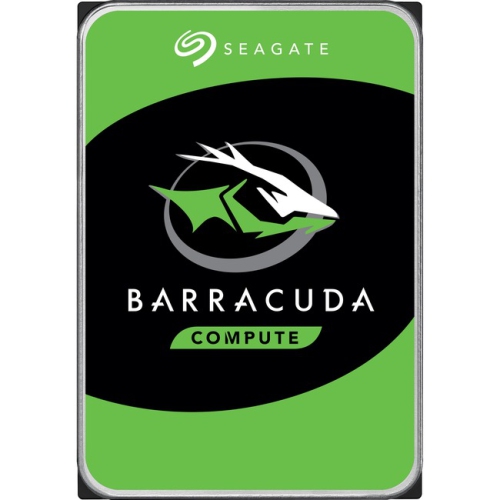
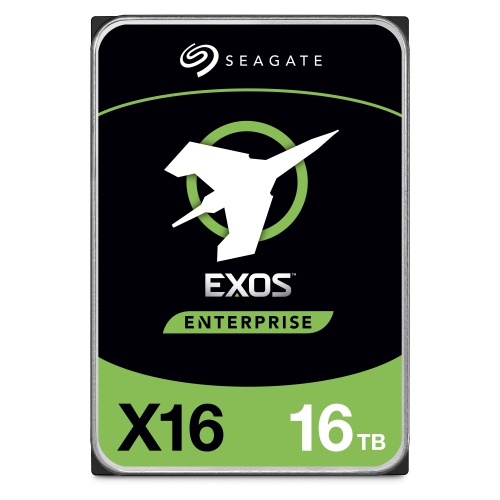
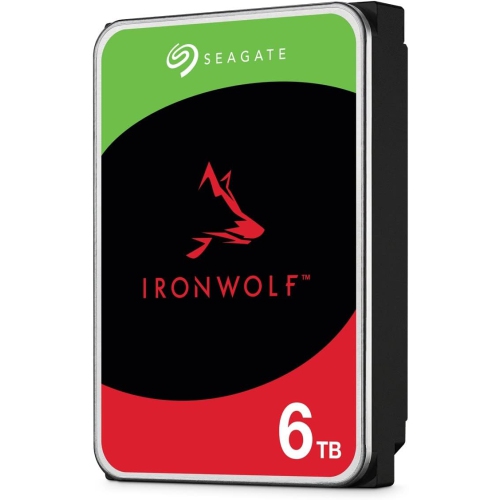
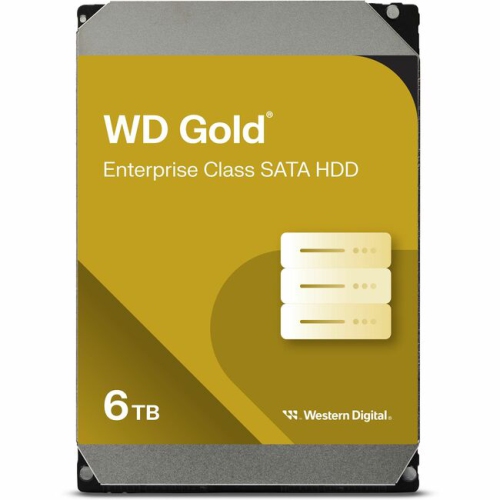
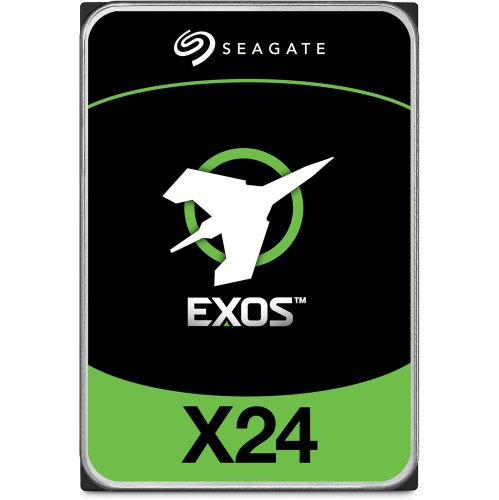
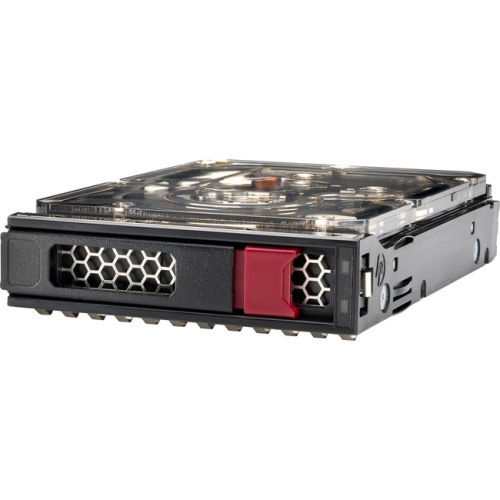
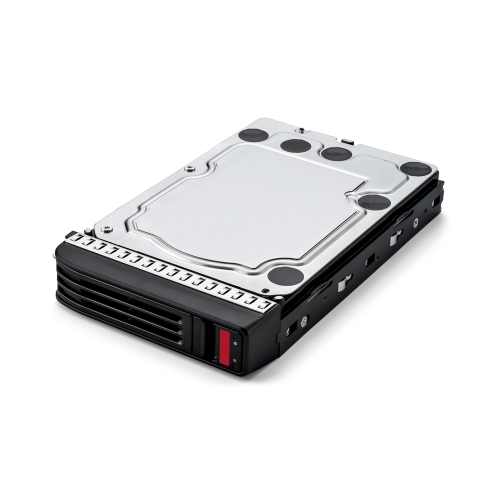
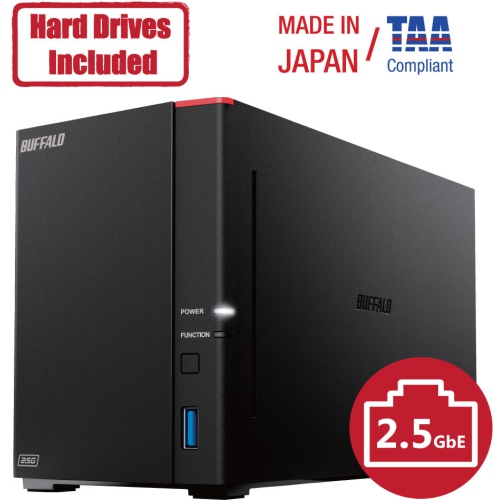
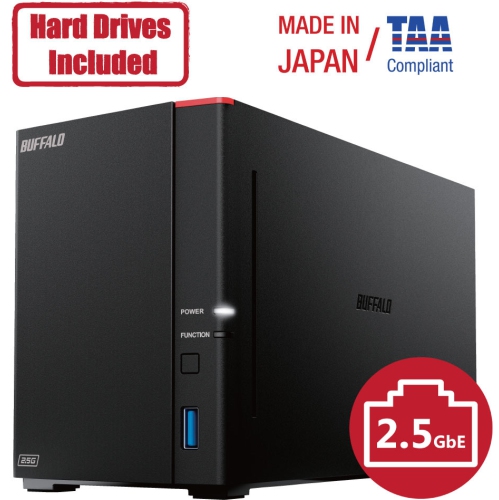

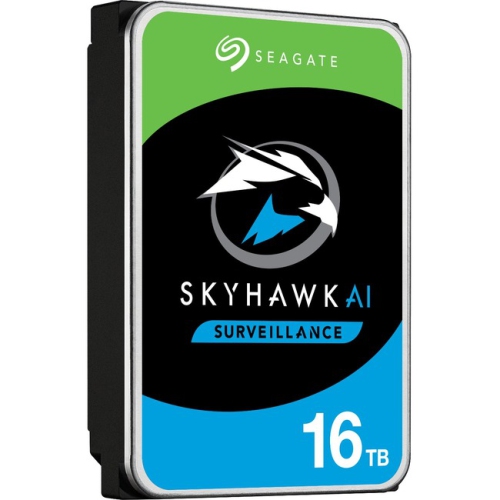
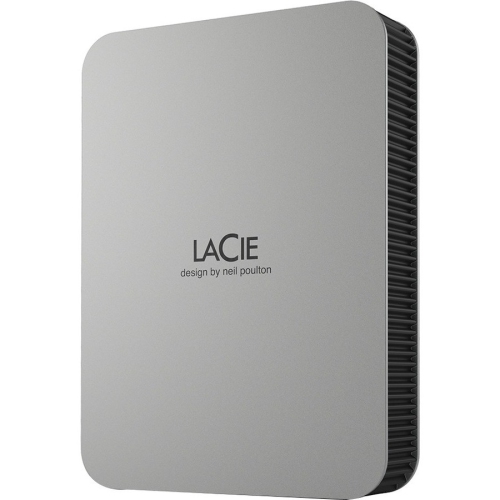
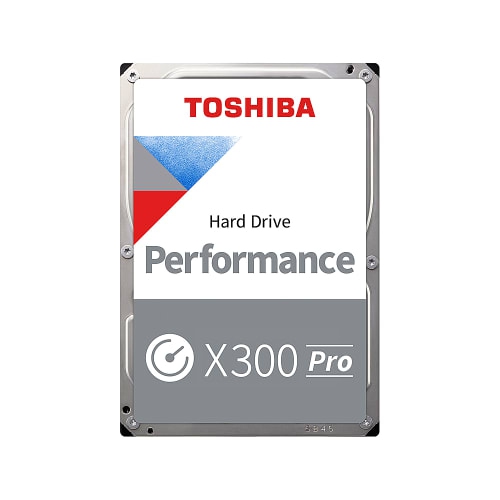

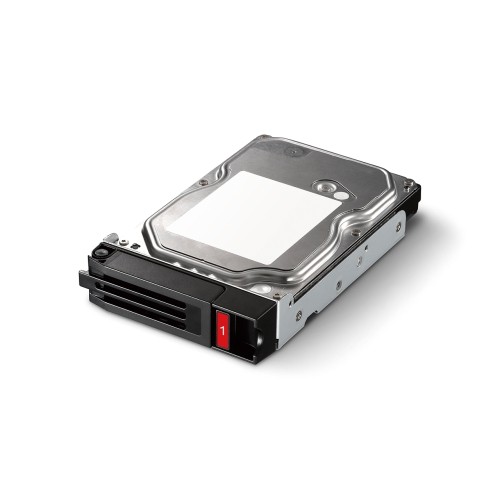
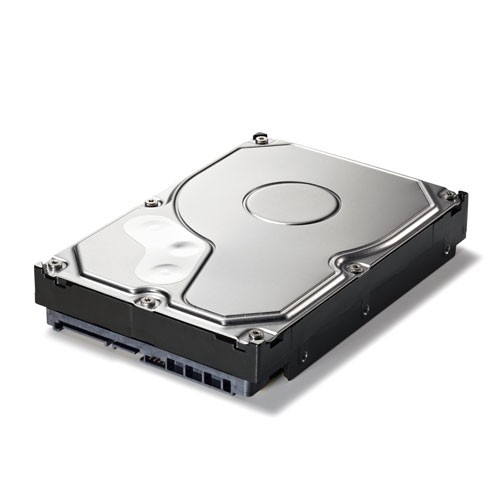
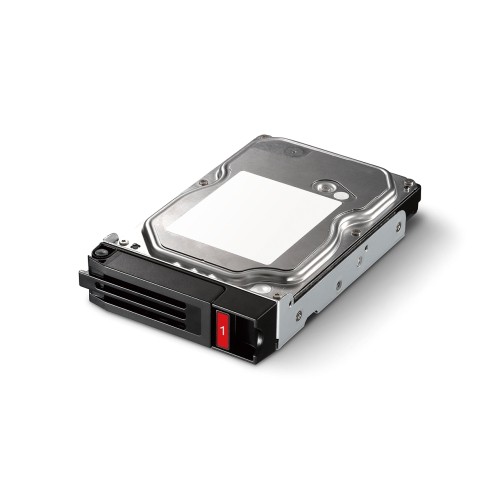
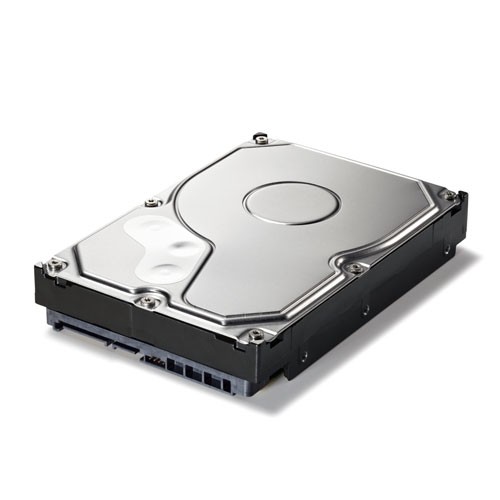
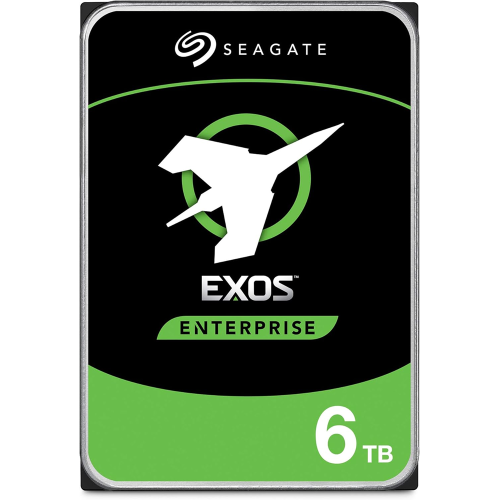
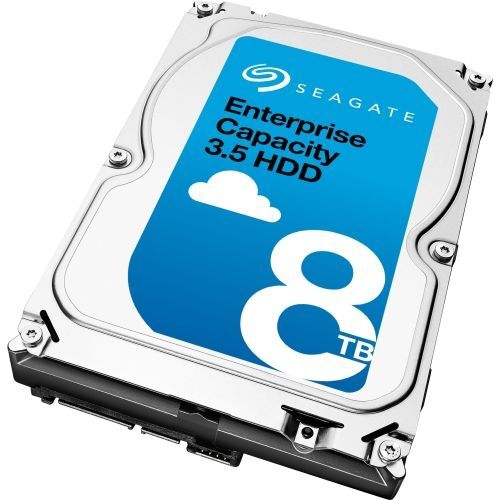
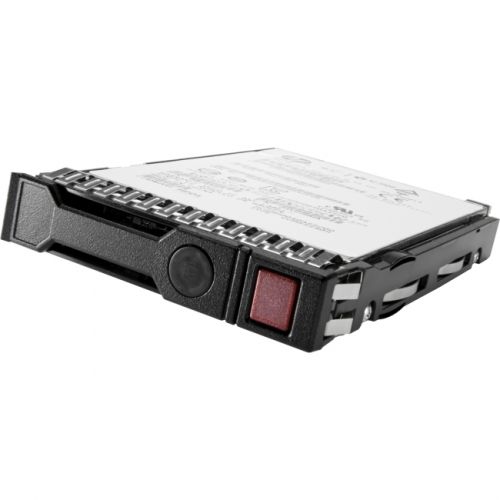
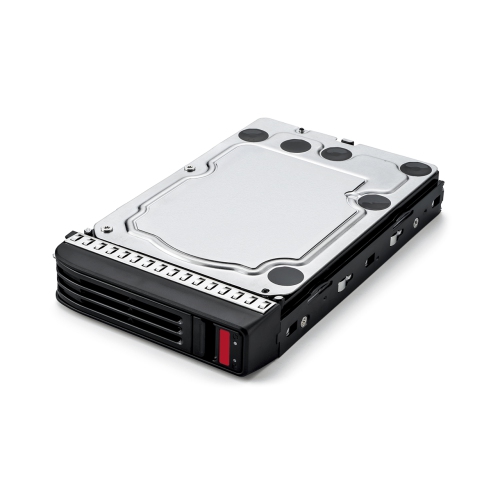
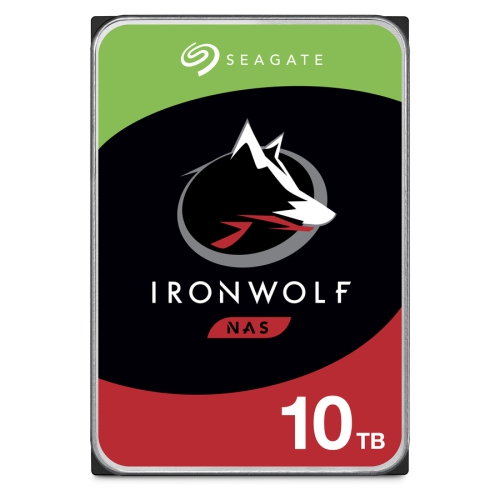
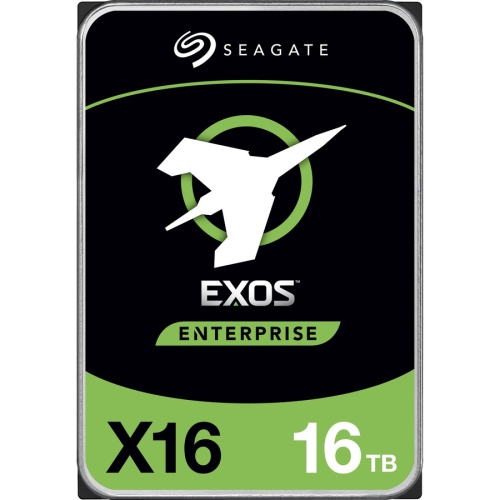
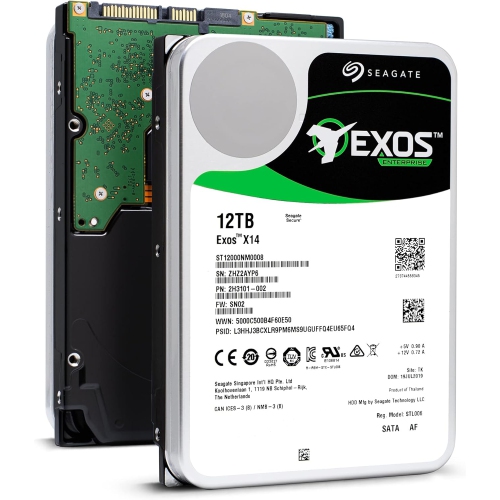
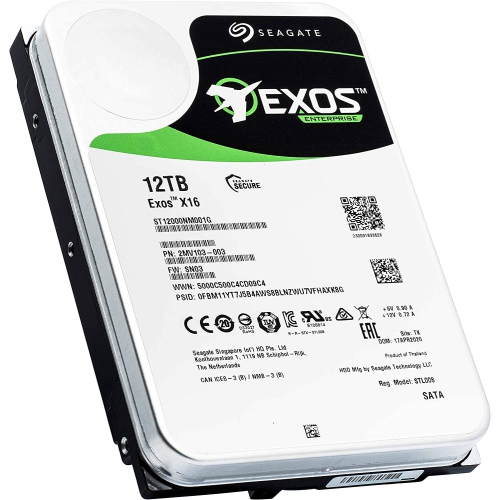
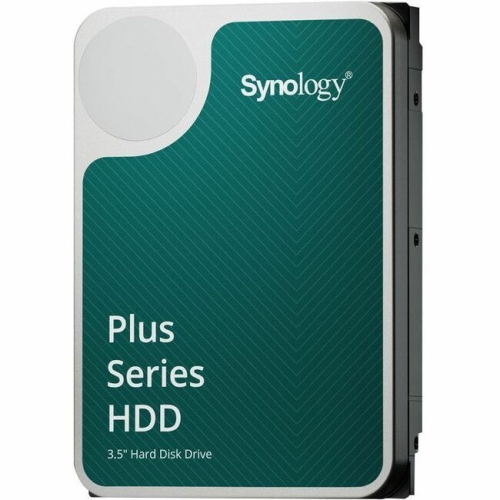
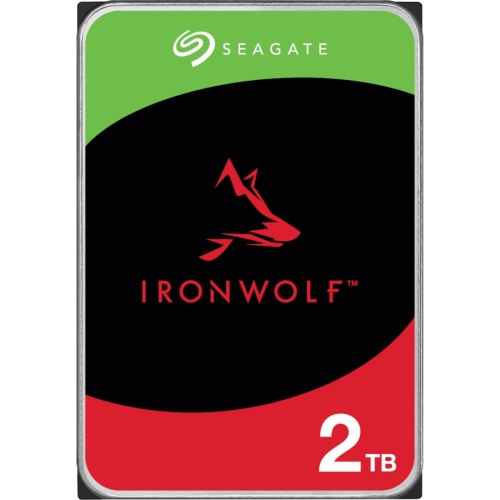
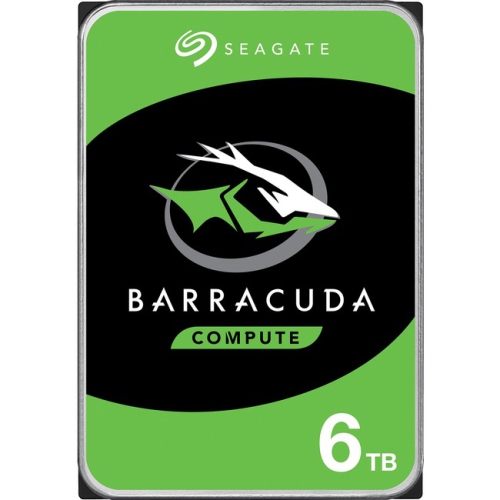
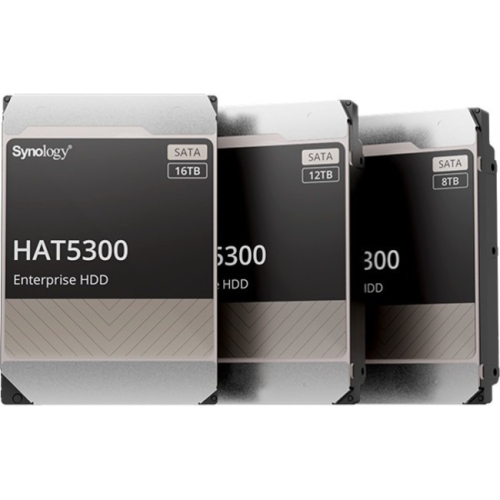

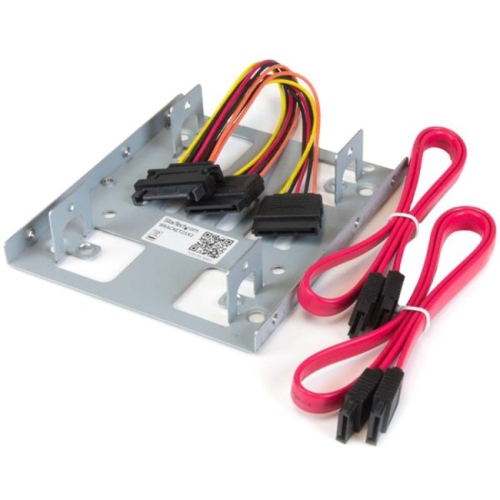
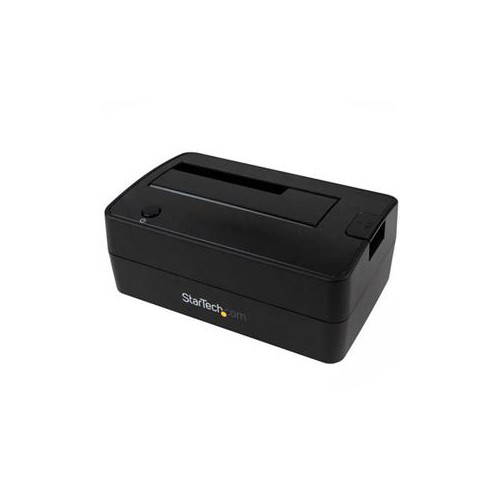
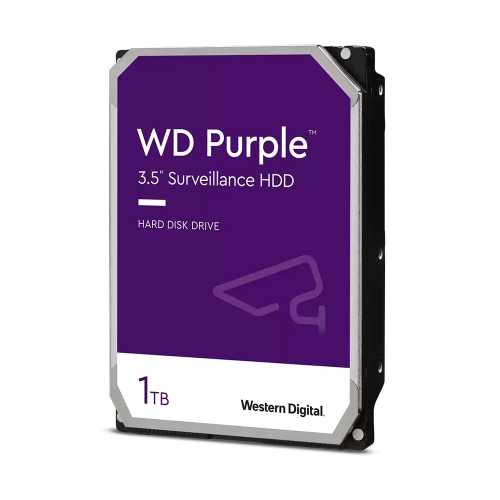

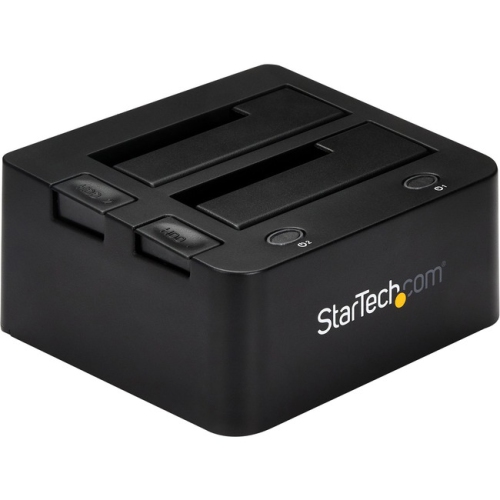

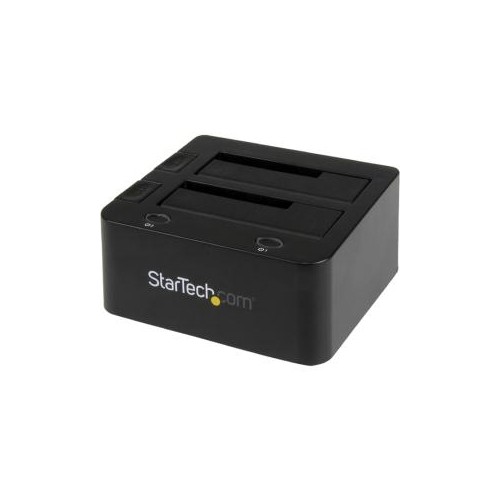
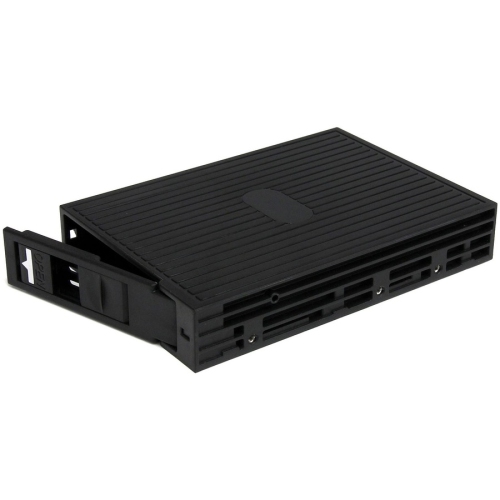
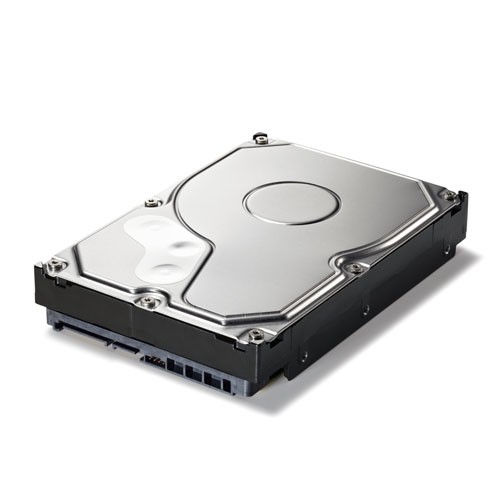
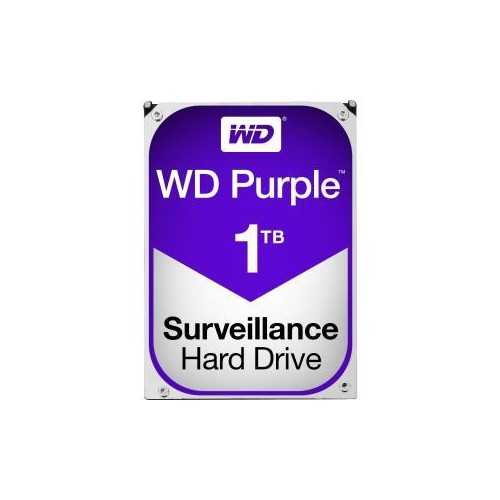
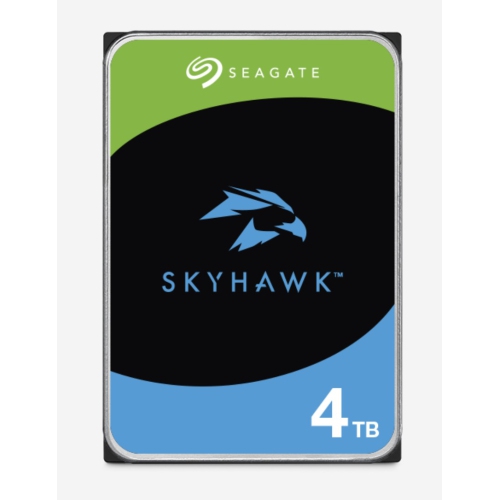
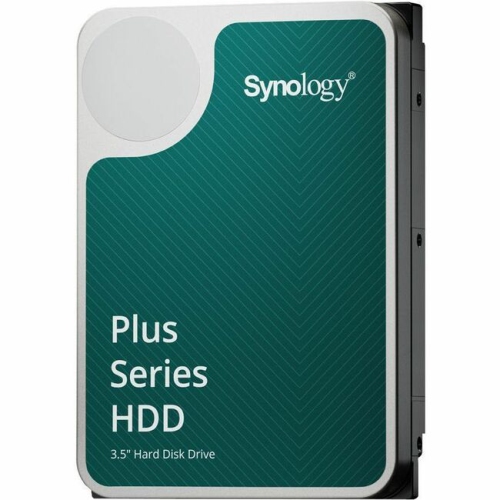
More room for growing libraries and dependable backups
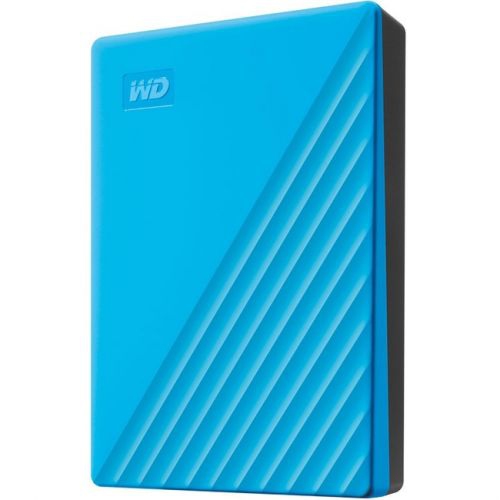
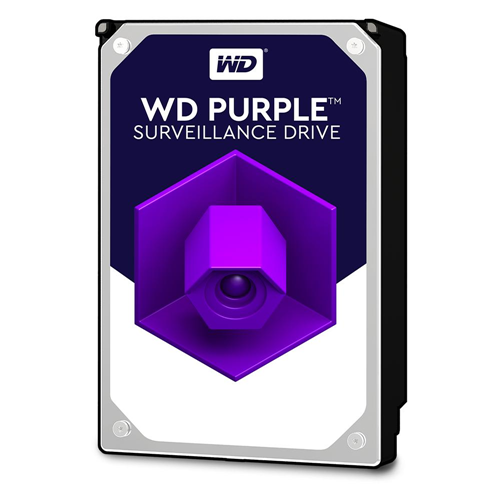
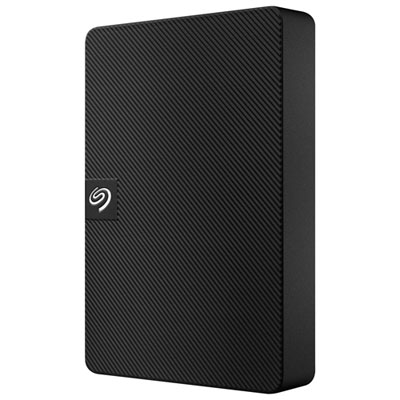
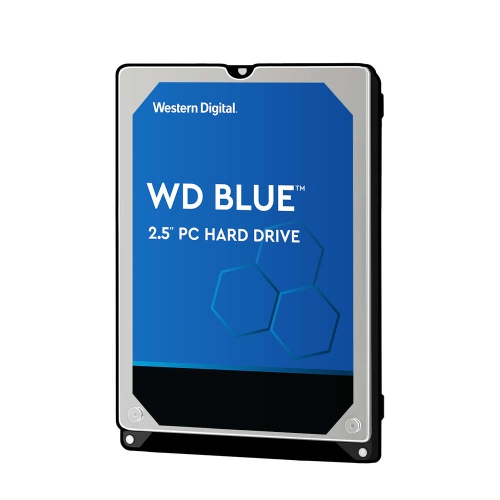
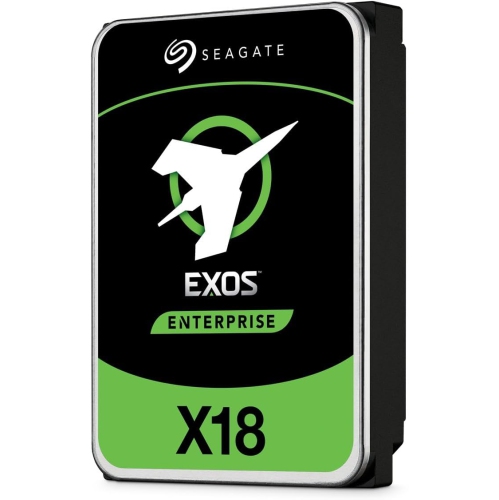
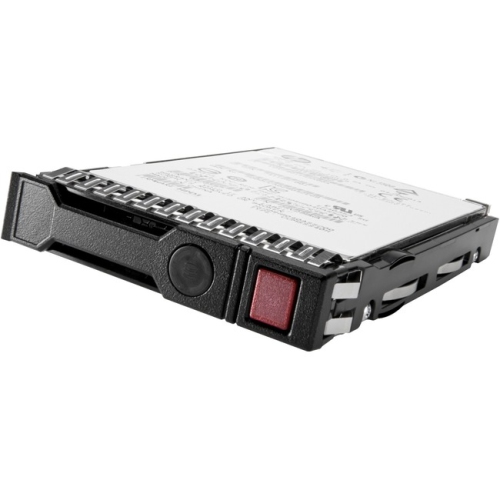
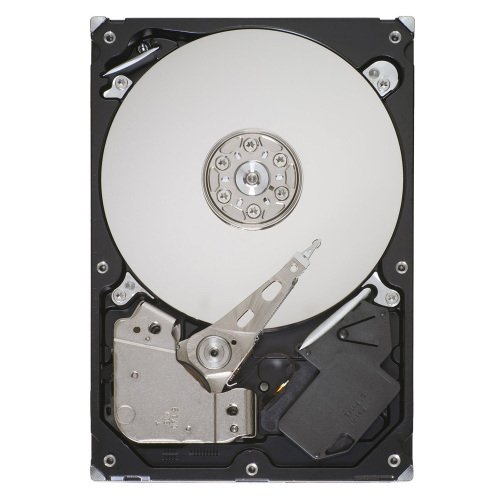
Large capacity hard drives give you room to store the files that tend to accumulate quietly over time: high-resolution photos, 4K and 8K video, music libraries, game installations, business documents, security camera recordings and full computer backups. With capacities commonly ranging from 12TB to 24TB and beyond, these drives can be a practical choice when smaller storage devices have become a constant juggling act. A photographer returning from a long trip may want one location for thousands of RAW images, while a family might use a high-capacity drive to preserve years of phone photos and home videos in one organized archive. They can also suit video editors, content creators, home offices, PC builders and anyone who works with large files on a regular basis. For a gift, a large hard drive can be thoughtful for a student studying media production, a relative who enjoys photography or a gamer with a growing digital library, particularly when the recipient has been relying on nearly full storage. Browse Large Hard Drives to compare storage options suited to everyday desktop use, backup routines and more demanding multi-drive systems.
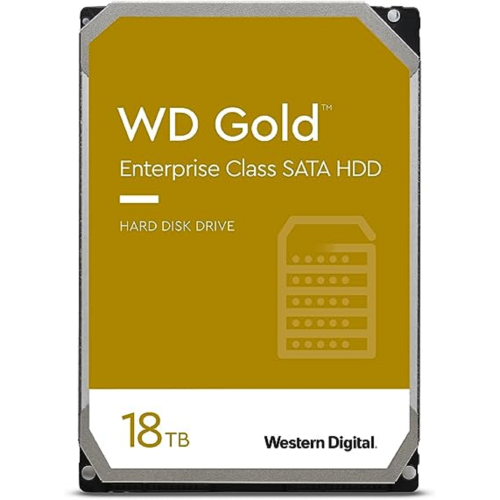
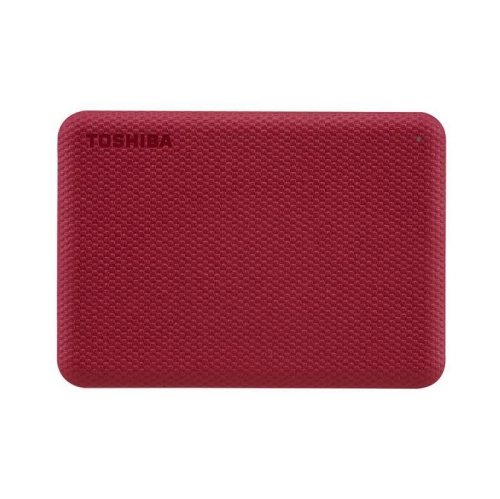
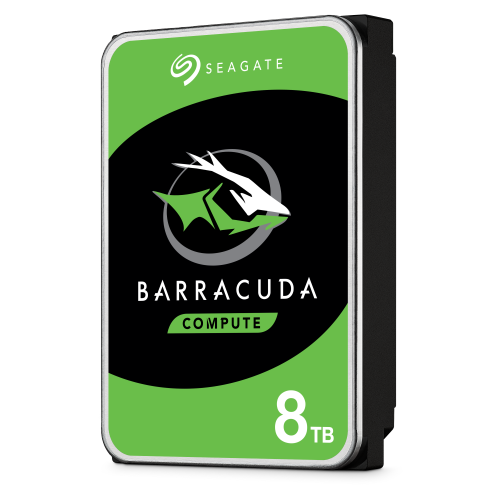
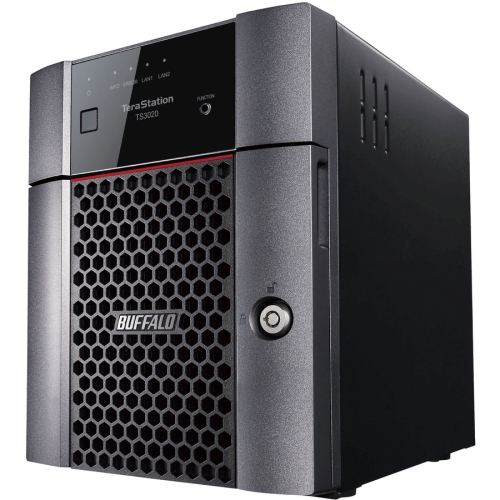
The right capacity depends on the size of your current library, the type of files you create and how much room you want for future growth. A 12TB drive can provide substantial space for personal archives and regular backups, while 16TB, 18TB, 20TB and 24TB options may be better suited to extensive video collections, professional projects, shared household storage or a network attached storage (NAS) enclosure. It is useful to estimate the space you need today, then leave additional headroom rather than filling a drive to its limit soon after purchase. Remember that the usable capacity shown by your computer may be slightly lower than the advertised capacity because operating systems measure storage differently and reserve some space for formatting and system information. Also consider how the drive will connect. Internal SATA hard drives are designed for compatible desktop PCs and NAS enclosures, whereas external hard drives typically connect through USB and can be moved between compatible computers with less installation work. Check the available ports, enclosure size, operating system support and power requirements before ordering. An external model may be convenient for a simple backup routine, while internal drives can be a better fit for a desktop upgrade or a multi-bay enclosure designed to keep several drives working together.
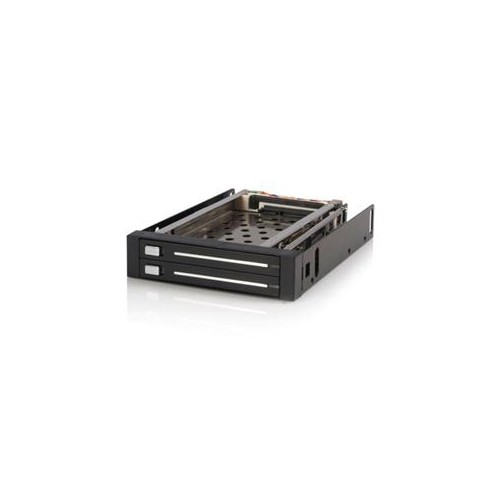
Performance specifications matter just as much as capacity when a drive will handle frequent transfers. Many high-capacity NAS and enterprise-class hard drives operate at 7200 RPM, which can provide quicker file access and sustained transfers than slower models, although speed can also affect noise, vibration and power requirements. For a drive that will spend most of its time archiving documents or playing stored media, capacity and reliability may matter more than peak performance. For video editing, large project files, surveillance recordings or a busy shared storage setup, look closely at workload ratings, cache size, transfer speeds and the manufacturer’s intended use. Conventional Magnetic Recording (CMR) is often preferred for RAID arrays and continuous write workloads because it handles repeated writing more consistently than Shingled Magnetic Recording (SMR), which can be less suitable for demanding multi-drive environments. NAS-oriented drives may include features such as rotational vibration sensors and firmware tuned for continuous operation, while enterprise models are built for heavier workloads and higher uptime expectations. A RAID array can help maintain access if a drive fails, but RAID is not a substitute for a separate backup, since accidental deletion, file corruption, theft or damage can affect every connected drive. For important files, consider keeping more than one copy, including a backup stored separately from the main computer or NAS. Before setting everything up, check compatibility with your enclosure or motherboard, confirm the drive’s intended workload, and think about placement in a well-ventilated area where vibration and heat can be managed. With the right combination of capacity, connection type and operating specifications, a large hard drive can make everyday storage feel less like a series of compromises and more like a dependable digital filing cabinet.
The right capacity depends on the size of your current library, the type of files you create and how much room you want for future growth. A 12TB drive can provide substantial space for personal archives and regular backups, while 16TB, 18TB, 20TB and 24TB options may be better suited to extensive video collections, professional projects, shared household storage or a network attached storage (NAS) enclosure. It is useful to estimate the space you need today, then leave additional headroom rather than filling a drive to its limit soon after purchase. Remember that the usable capacity shown by your computer may be slightly lower than the advertised capacity because operating systems measure storage differently and reserve some space for formatting and system information. Also consider how the drive will connect. Internal SATA hard drives are designed for compatible desktop PCs and NAS enclosures, whereas external hard drives typically connect through USB and can be moved between compatible computers with less installation work. Check the available ports, enclosure size, operating system support and power requirements before ordering. An external model may be convenient for a simple backup routine, while internal drives can be a better fit for a desktop upgrade or a multi-bay enclosure designed to keep several drives working together.
Performance specifications matter just as much as capacity when a drive will handle frequent transfers. Many high-capacity NAS and enterprise-class hard drives operate at 7200 RPM, which can provide quicker file access and sustained transfers than slower models, although speed can also affect noise, vibration and power requirements. For a drive that will spend most of its time archiving documents or playing stored media, capacity and reliability may matter more than peak performance. For video editing, large project files, surveillance recordings or a busy shared storage setup, look closely at workload ratings, cache size, transfer speeds and the manufacturer’s intended use. Conventional Magnetic Recording (CMR) is often preferred for RAID arrays and continuous write workloads because it handles repeated writing more consistently than Shingled Magnetic Recording (SMR), which can be less suitable for demanding multi-drive environments. NAS-oriented drives may include features such as rotational vibration sensors and firmware tuned for continuous operation, while enterprise models are built for heavier workloads and higher uptime expectations. A RAID array can help maintain access if a drive fails, but RAID is not a substitute for a separate backup, since accidental deletion, file corruption, theft or damage can affect every connected drive. For important files, consider keeping more than one copy, including a backup stored separately from the main computer or NAS. Before setting everything up, check compatibility with your enclosure or motherboard, confirm the drive’s intended workload, and think about placement in a well-ventilated area where vibration and heat can be managed. With the right combination of capacity, connection type and operating specifications, a large hard drive can make everyday storage feel less like a series of compromises and more like a dependable digital filing cabinet.
Top selling and popular products
-
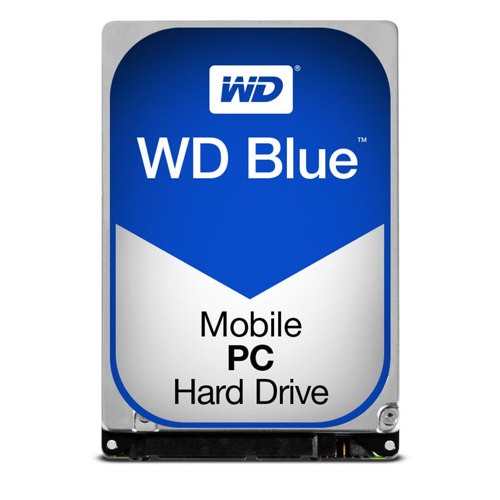 Your price for this item is $248.68
 -
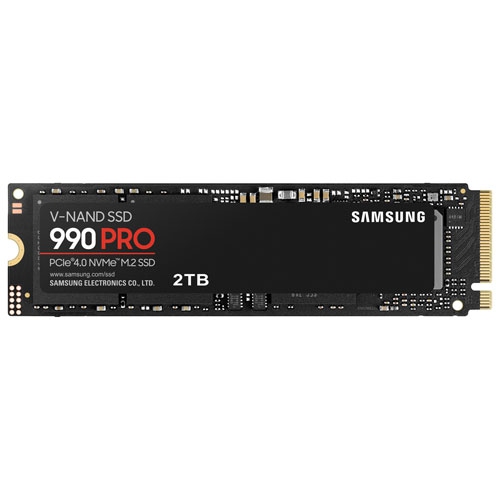 Your price for this item is $679.99
 -
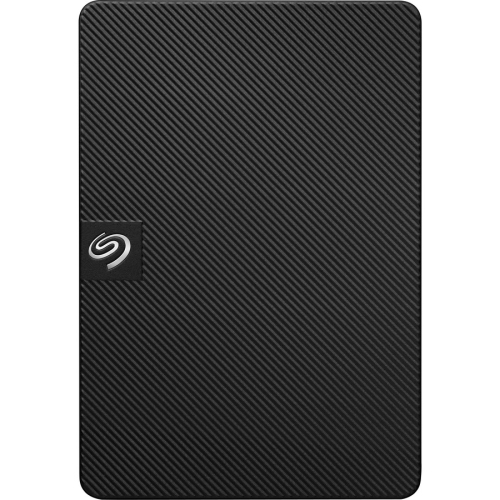 Your price for this item is $164.47
 -
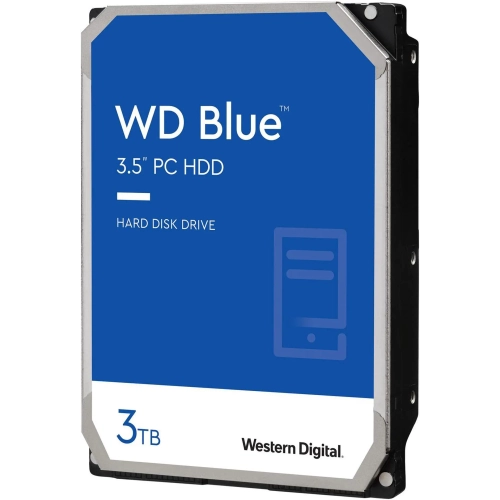 Your price for this item is $259.99
 -
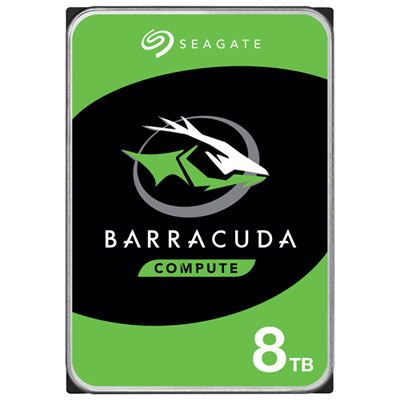 Your price for this item is $389.99
 -
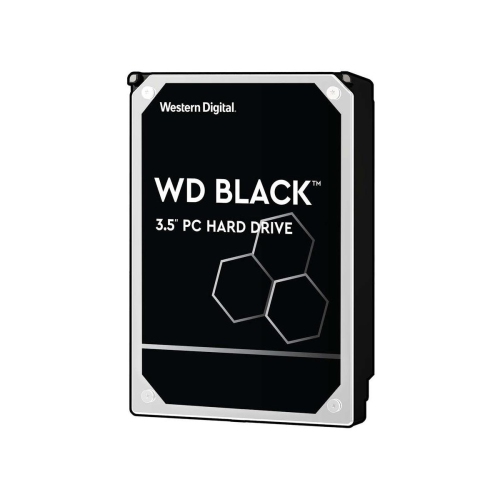 Your price for this item is $399.99
 -
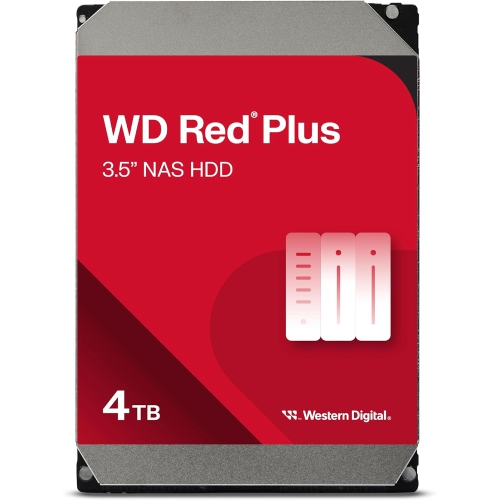 Your price for this item is $379.99
 -
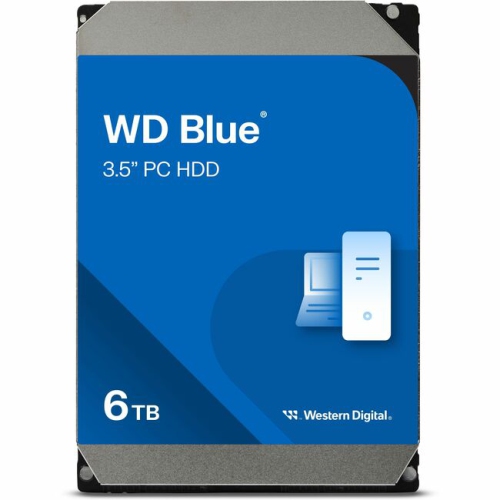 Your price for this item is $389.99
Discover more categories related to Large Capacity Hard Drives
Top Collections:
Pokemon Centers, Kindle Devices, Best Budget Office Chairs, Apple iPhones 16, Best Laptops for Writers, iPhone 15 Apple, Canon G7X Cameras, Refurbished Apple Laptops, Alarm Clock, Motorola Razr Phones
Some products may be subject to Environmental Handling Fees
(EHF) depending on your province.
Learn more about EHFs.